Customer Ratings & Reviews
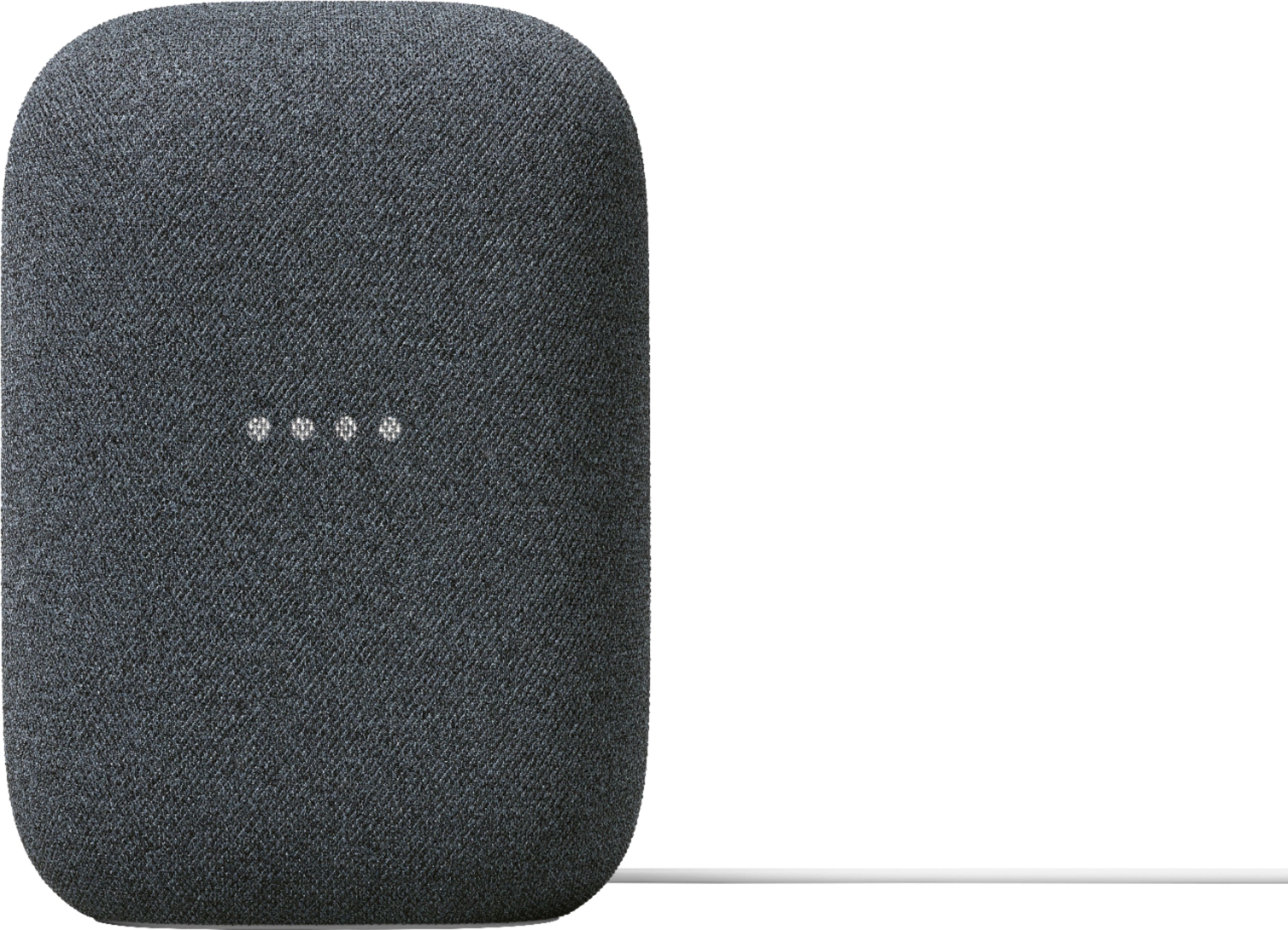
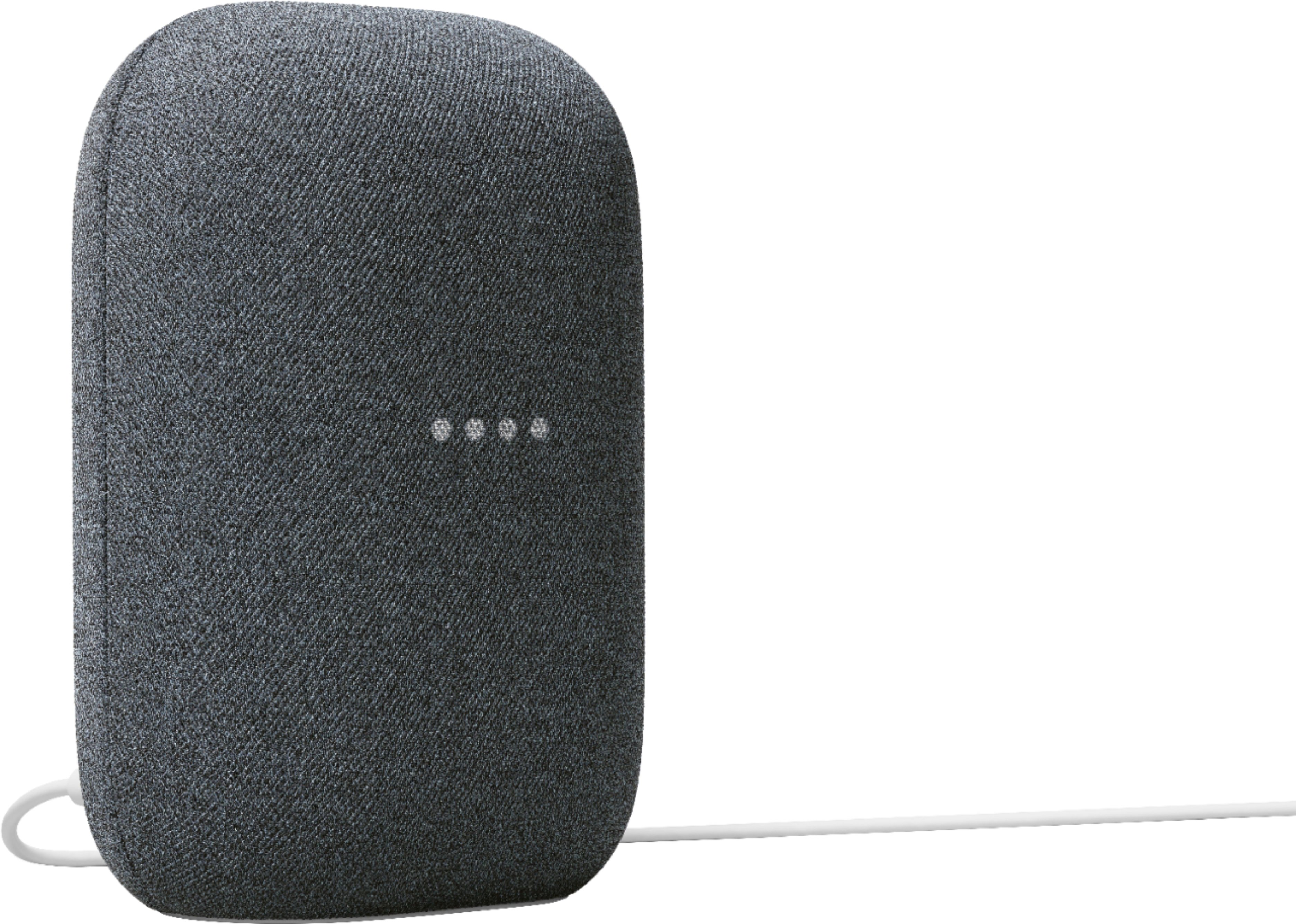
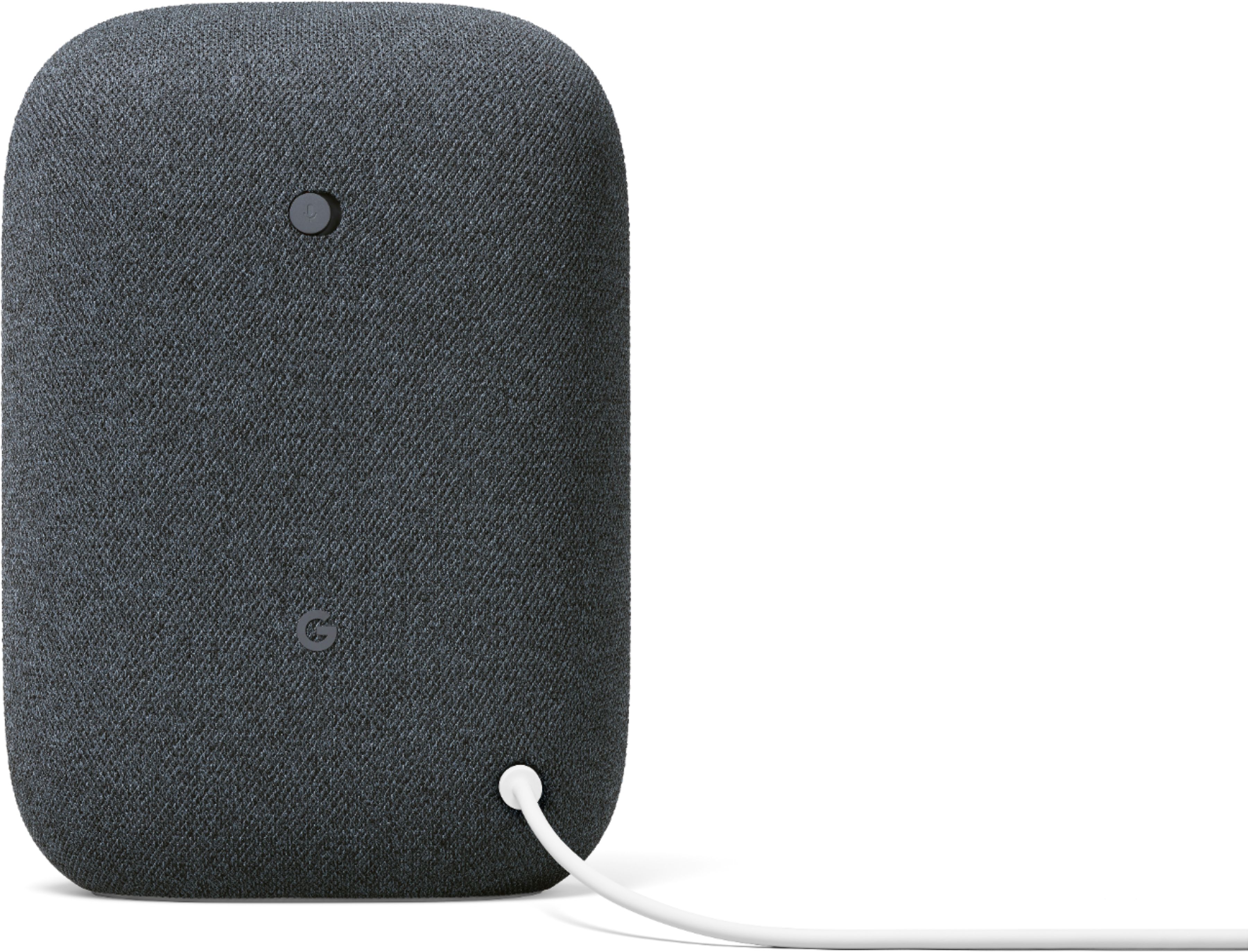
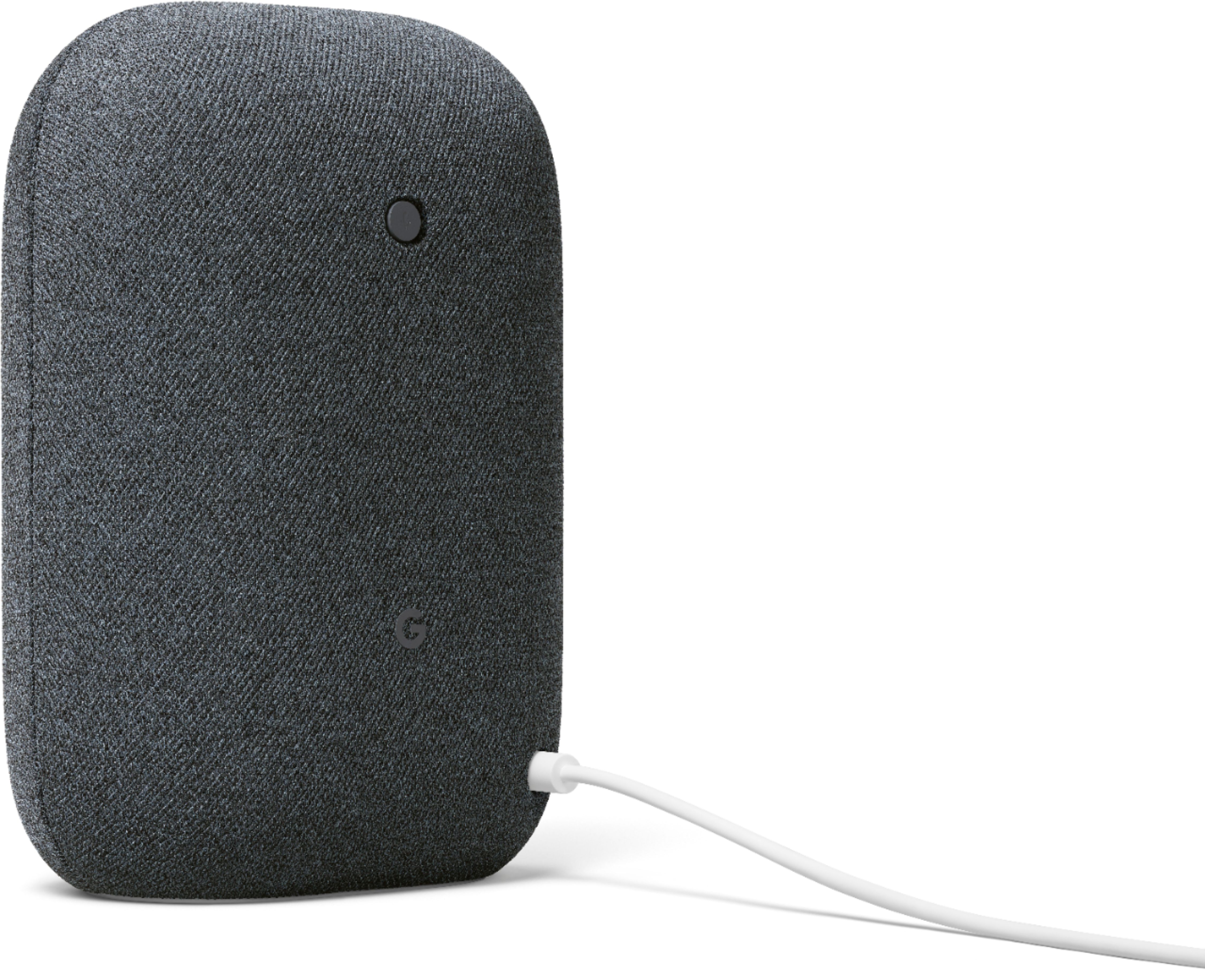
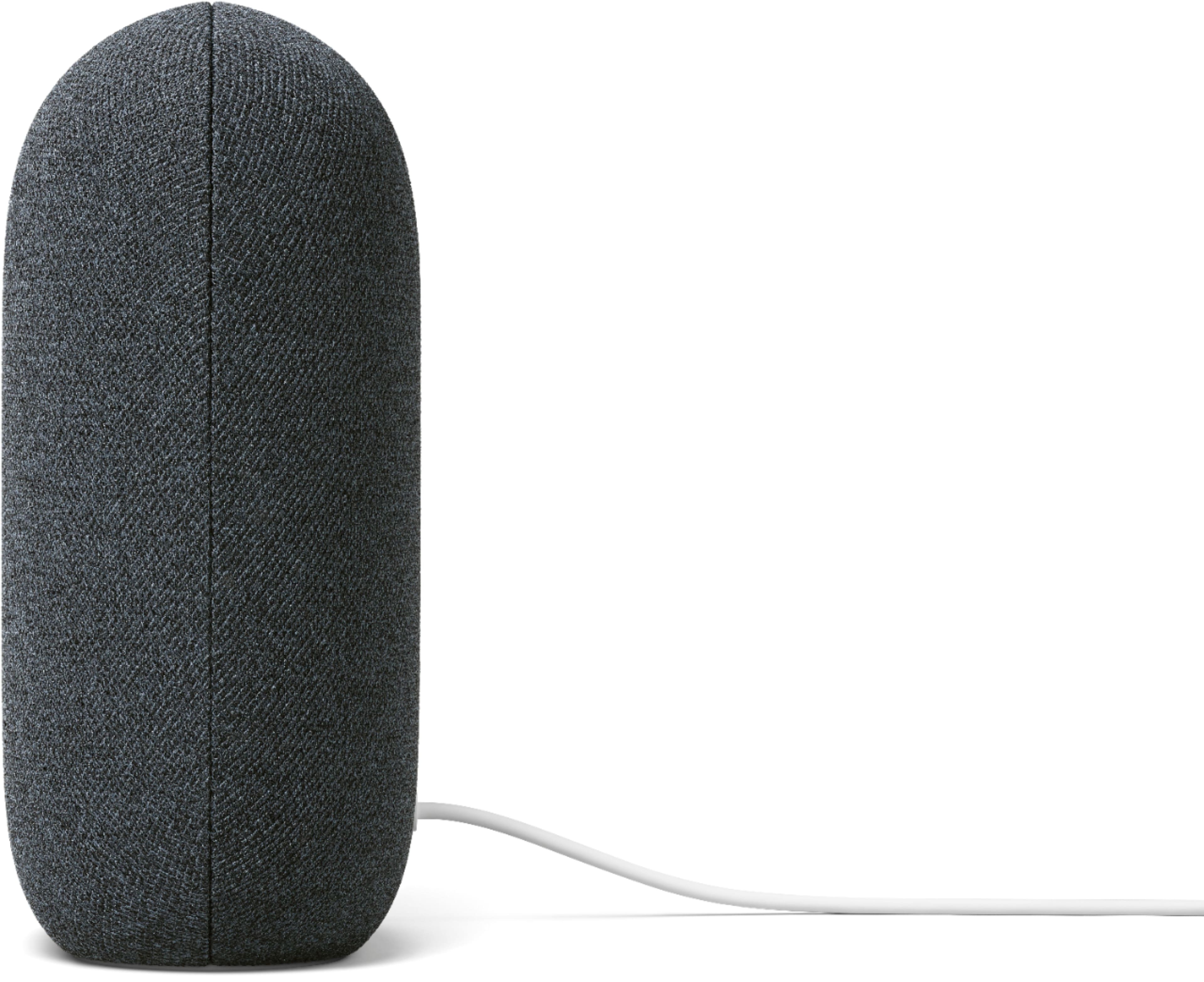




- Model:
- GA01586-US
- SKU:
- 11618438
Rating by feature
- Value
Rating 4.6 out of 5 stars
- Quality
Rating 4.7 out of 5 stars
- Ease of Use
Rating 4.7 out of 5 stars
- Pros mentioned:Sound quality
Speakertaculous
||Posted . Owned for 1 month when reviewed.This reviewer received promo considerations or sweepstakes entry for writing a review.Great quality and great sound. Love having them in my whole house. They work amazingly!!
I would recommend this to a friend - Pros mentioned:Sound quality
The Awesome Google Nest
||Posted . Owned for 3 weeks when reviewed.This reviewer received promo considerations or sweepstakes entry for writing a review.Great speaker as advertised. Can't wait to get another one. I'm looking forward to future updates to Assistant Asa well as new devices.
I would recommend this to a friend - Pros mentioned:Sound quality
Sounds great
||Posted . Owned for 4 months when reviewed.This reviewer received promo considerations or sweepstakes entry for writing a review.Great value at $75. It sounds good and I have no issues with the speaker itself besides “Hey Google” sometimes not responding.
I would recommend this to a friend - Pros mentioned:Ease of use
Good
||Posted . Owned for 1 month when reviewed.This reviewer received promo considerations or sweepstakes entry for writing a review.Good little product that functions well with fairly easy setup.
I would recommend this to a friend - Pros mentioned:Sound quality
Great sound
||Posted . Owned for 2 weeks when reviewed.This reviewer received promo considerations or sweepstakes entry for writing a review.Powerful speaker with great sound quality. Sale price made this an amazing buy. However, would not have purchased for regular price.
I would recommend this to a friend - Pros mentioned:Sound quality
Better quality Soui
||Posted . Owned for 1 month when reviewed.This reviewer received promo considerations or sweepstakes entry for writing a review.Works as promised. The sound quality is better than previous versions.
I would recommend this to a friend - Pros mentioned:Sound quality
Spiker
||Posted . Owned for 9 months when reviewed.This reviewer received promo considerations or sweepstakes entry for writing a review.Yes it's good Tom for movies and music and talk text messages
I would recommend this to a friend - Pros mentioned:Sound quality
Speakerific
||Posted . Owned for 1 month when reviewed.This reviewer received promo considerations or sweepstakes entry for writing a review.Great quality and great sound. Love having them in my whole house. They work amazingly
I would recommend this to a friend - Pros mentioned:Sound quality
Nice sound
||Posted . Owned for 1 month when reviewed.This reviewer received promo considerations or sweepstakes entry for writing a review.Love these pair of speakers patiently waiting on that chromecast update to run tv audio through them to use as stereo speakers without bluetooth
I would recommend this to a friend - Pros mentioned:Sound quality
Highly recommend
||Posted . Owned for 3 weeks when reviewed.This reviewer received promo considerations or sweepstakes entry for writing a review.Superb sound coming from this speaker. We have a few of them around the house and sound is very filling (nice bass response).
I would recommend this to a friend - Pros mentioned:Sound quality
Google Speaker
||Posted . Owned for 11 months when reviewed.This reviewer received promo considerations or sweepstakes entry for writing a review.Love the looks of these speakers but it has it's quarks. Sometimes Google will just start saying something. Speaker quality is very good
I would recommend this to a friendBrand response from Nest Support
Posted .Hi Funkerpoke, we appreciate you for sharing your feedback on Nest Hub (2nd gen). We’re glad that you love the looks, and we’re sorry to learn it sometimes starts saying something.
Google Assistant might activate even if you don't say “Hey Google” or “Ok Google” when it detects something that sounds similar. Also, it might not activate when you say “Hey Google” or “Ok Google,” particularly in a noisy environment. Retraining your Nest Audio, to better recognize your voice, and adjusting the Hotword sensitivity may be helpful with the issue. You may follow the steps on these help articles:
- Check which devices are using Voice Match: https://support.google.com/googlenest/answer/7588195
- Adjust how sensitive Google Assistant is to “Hey Google: https://support.google.com/assistant/answer/9712065
For any help needed, our dedicated team is always ready to provide you with services and assistance here: https://support.google.com/googlenest/gethelp
- Pros mentioned:Sound quality
Not Bad
||Posted . Owned for 1 month when reviewed.This reviewer received promo considerations or sweepstakes entry for writing a review.Great speaker for a decent price. One speaker maces out on sound pretty easy but they work well paired together.
I would recommend this to a friend - Pros mentioned:Sound quality
Great Sound Quality!
||Posted . Owned for 1 month when reviewed.This reviewer received promo considerations or sweepstakes entry for writing a review.I'm really impressed with the sound of this speaker. Nice rich tones and good volume.
I would recommend this to a friend - Pros mentioned:Sound quality
Good upgrade
||Posted . Owned for 1 month when reviewed.This reviewer received promo considerations or sweepstakes entry for writing a review.I definitely like having these upgraded units versus previous generations. Much better Fuller sound with deeper base
I would recommend this to a friend - Pros mentioned:Sound quality
Great sound quality for music
||Posted . Owned for 3 weeks when reviewed.This reviewer received promo considerations or sweepstakes entry for writing a review.Love the full sound quality. Was a little concerned that bass would not come through fully in such a small design, but that wasn't the case.
I would recommend this to a friend - Pros mentioned:Sound quality
Adding a smart assistant to the home.
||Posted . Owned for 3 weeks when reviewed.This reviewer received promo considerations or sweepstakes entry for writing a review.Nice to have the Google Nest Audio. Took some time setting up and adjusting to using it. Great sound during the holidays for playing must when working in the kitchen. Overall, very happy with it.
I would recommend this to a friend - Pros mentioned:Sound quality
Bigger is better
||Posted . Owned for 1 month when reviewed.This reviewer received promo considerations or sweepstakes entry for writing a review.You know I had the mini for a lot of years but I’m glad I got this bigger one feels nice good to hear with the sound.
I would recommend this to a friend - Pros mentioned:Size
Great sound quality
||Posted . Owned for 3 weeks when reviewed.This reviewer received promo considerations or sweepstakes entry for writing a review.One the many great products that Google / Nest makes. This speaker is much more compact then the original ones, but is still plenty loud enough.
I would recommend this to a friend - Pros mentioned:Sound quality
Good but not perfect
||Posted . Owned for 1 month when reviewed.This reviewer received promo considerations or sweepstakes entry for writing a review.Great sound quality, but the software still needs some work, sometimes I have to ask multiple times and sometimes it won’t respond to commands such as volume down.
I would recommend this to a friendBrand response from Nest Support
Posted .Hi Chad479, thanks for sharing your experience. We regret to hear that the Nest Audio isn’t responding with voice commands as expected.
If you haven’t yet, you can try doing the following:
Retrain Voice Match
- On your phone or tablet, open the Google Home app.
- At the top right, tap your Profile picture or initial and then Assistant settings and then Voice Match.
- Tap Teach your Assistant your voice again and then Retrain.
Change Nest Audio's hotword sensitivity
- Open your Google Home app.
- Select your Nest Audio.
- At the top right, tap the Settings (Gear) icon.
- Then tap Audio.
- Then tap "Hey Google" sensitivity and adjust the slider to make your Nest Audio more responsive to the hotword.
If the issue still persists, we suggest reaching out to our support team so that we can take a look at the issue and help improve your experience. You can contact us here: https://support.google.com/googlenest/gethelp
- Pros mentioned:Sound quality
Could be louder
||Posted . Owned for 1 week when reviewed.This reviewer received promo considerations or sweepstakes entry for writing a review.Works great with Google and all. It looks nice. Good quality. But it doesn't put out the sound i would expect from something this size.
I would recommend this to a friendBrand response from Nest Support
Posted .Hi Thedadchamp, we appreciate you for posting your review. We're sorry to hear that your experience with the audio quality didn't meet your expectations. Your Nest Audio is 75% louder than the original Google Home, and has 50% stronger bass which is measured from 40-160 Hz at max volume. Nest Audio should adapt to your environment and whatever you’re listening to making music sound better. If you need further assistance in enhancing your overall experience with Nest Audio, please don't hesitate to contact us on our Google Help page here: https://support.google.com/googlenest/gethelp