Customer Ratings & Reviews
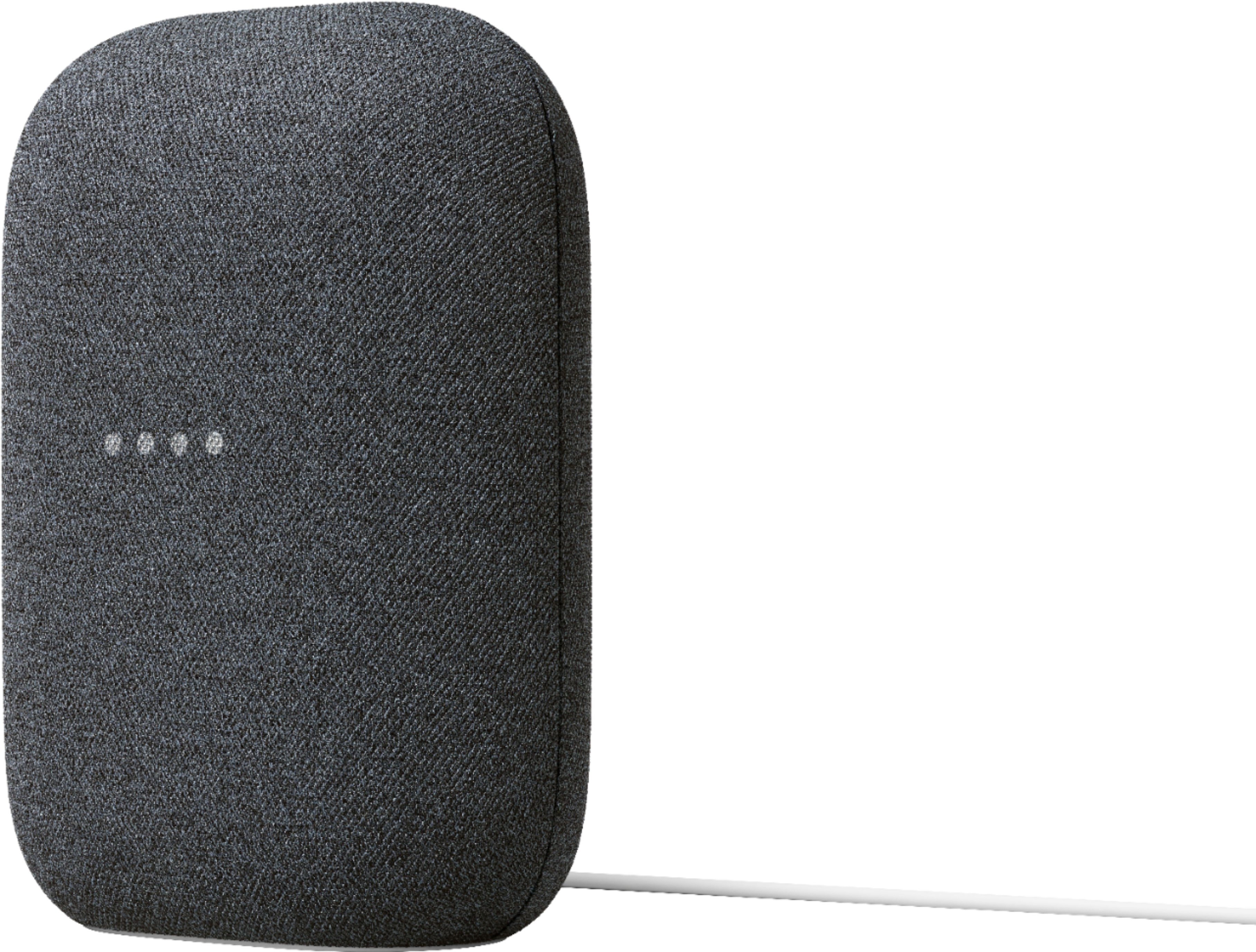
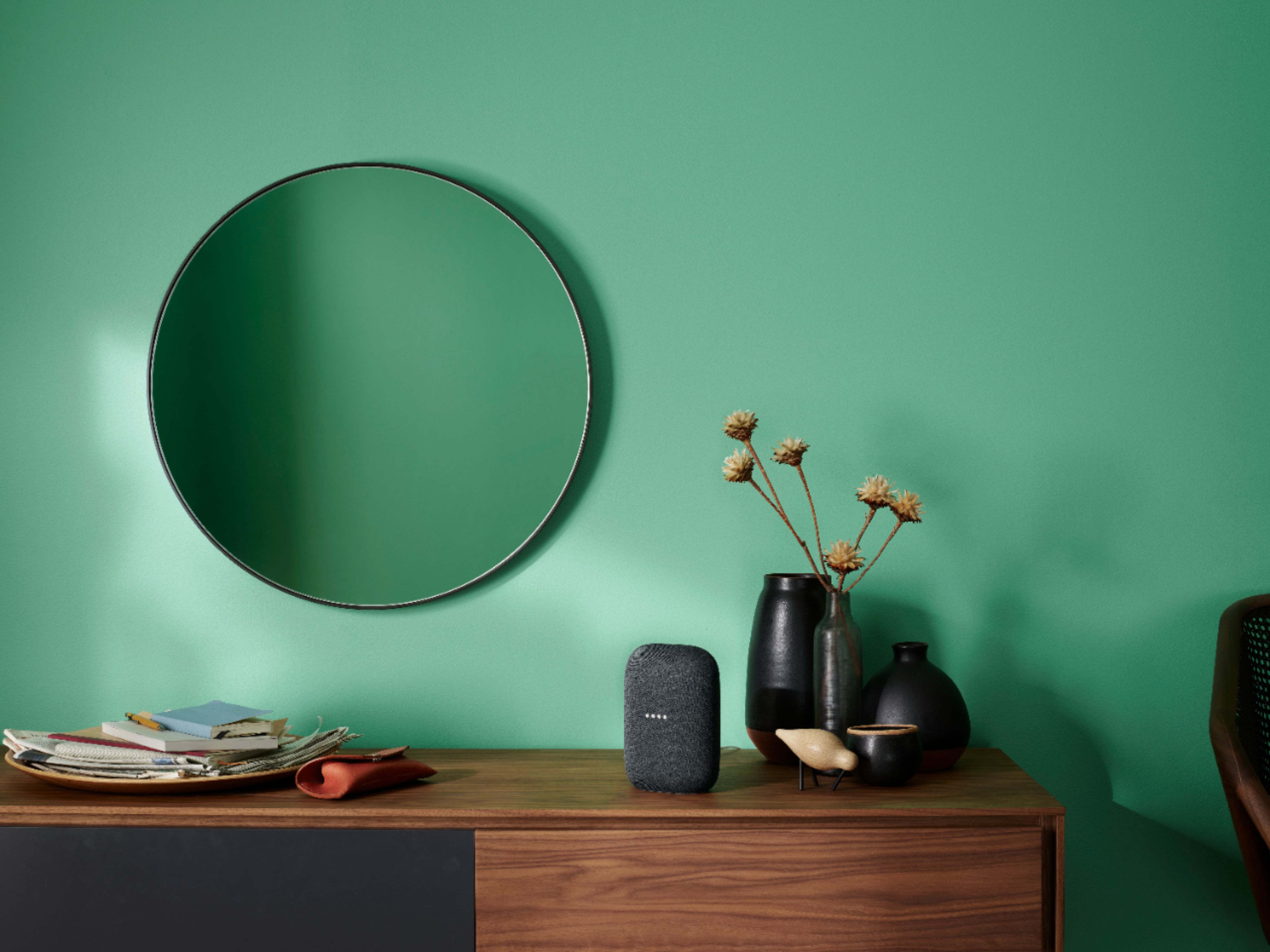
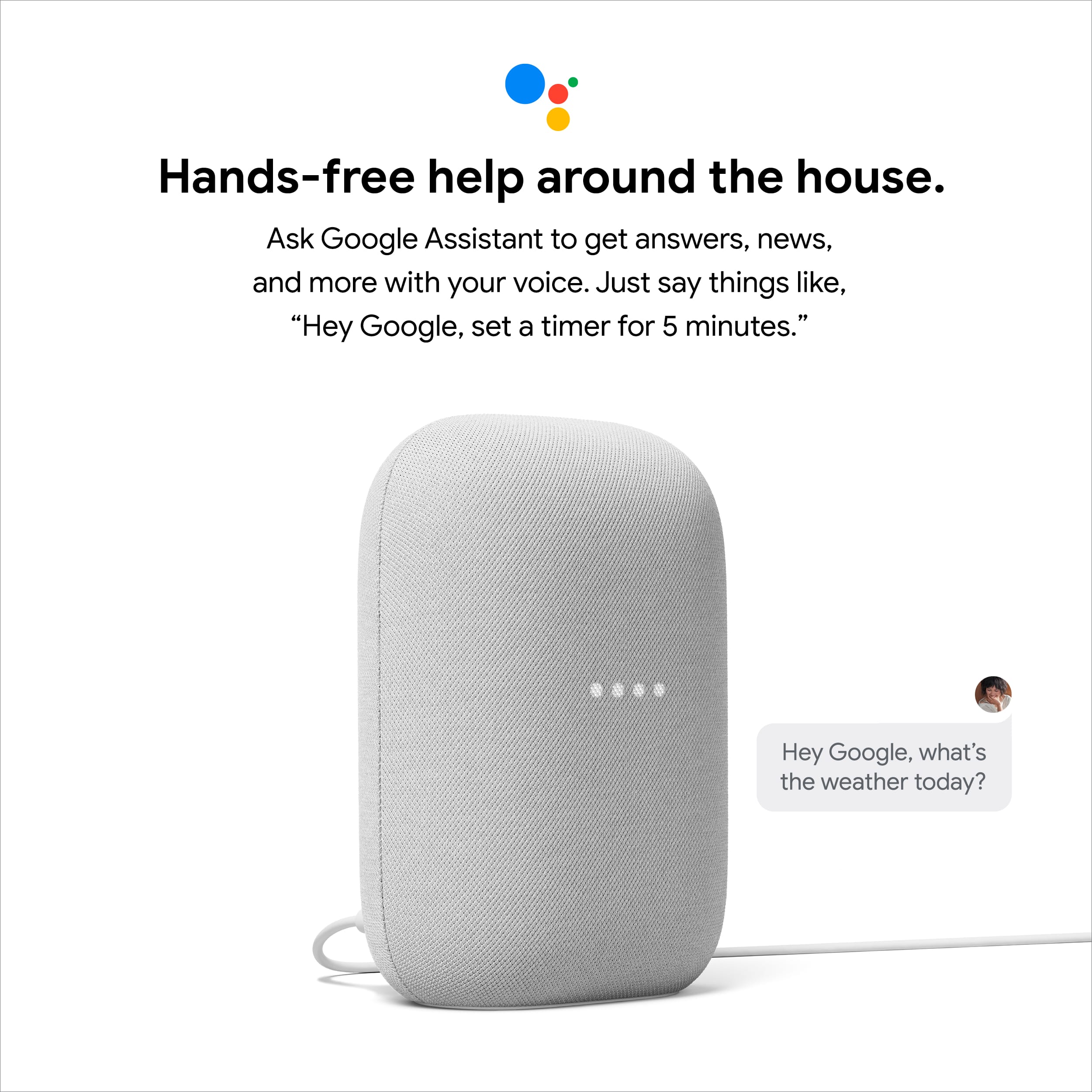
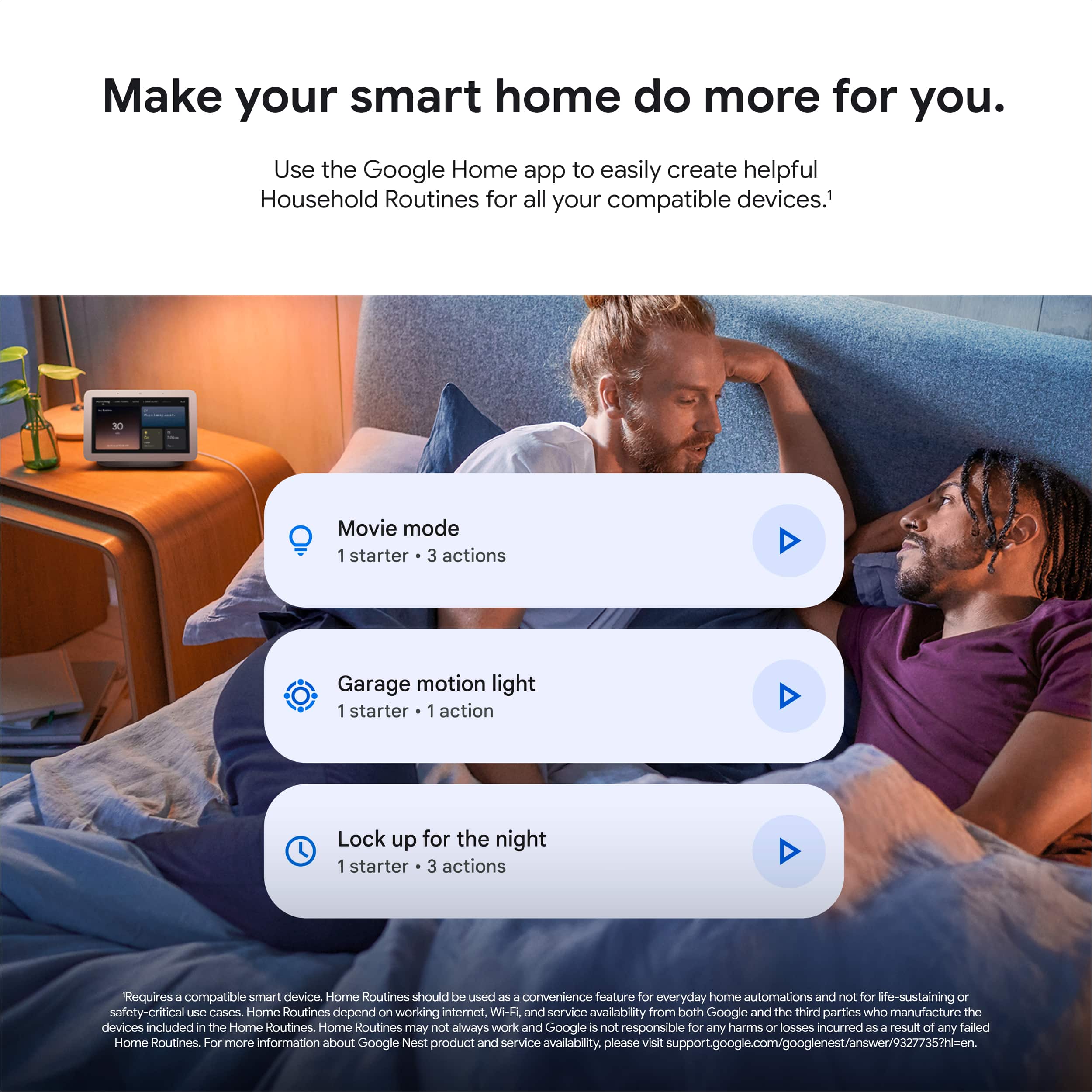



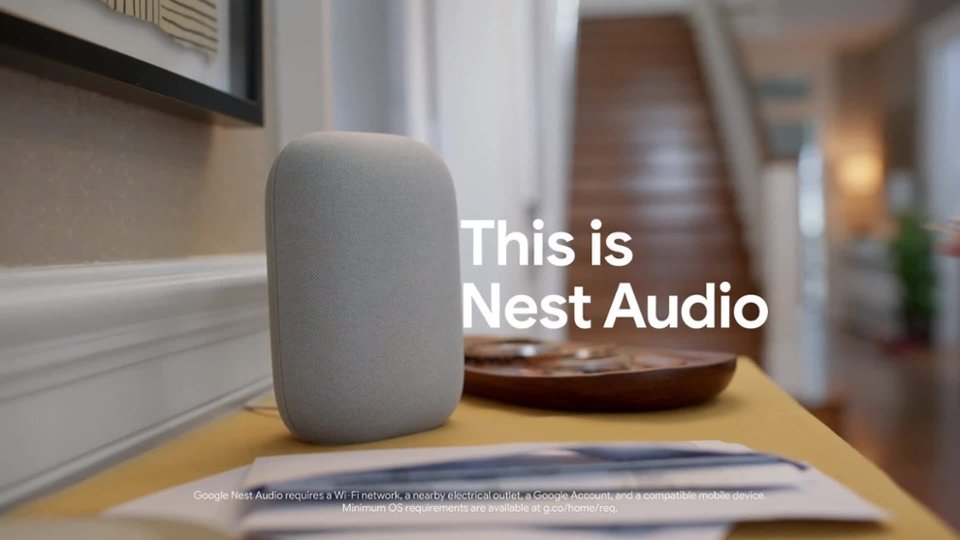

- Model:
- GA01586-US
- SKU:
- 11618438
Rating by feature
- Value
Rating 4.6 out of 5 stars
- Quality
Rating 4.7 out of 5 stars
- Ease of Use
Rating 4.7 out of 5 stars
- Pros mentioned:Ease of use
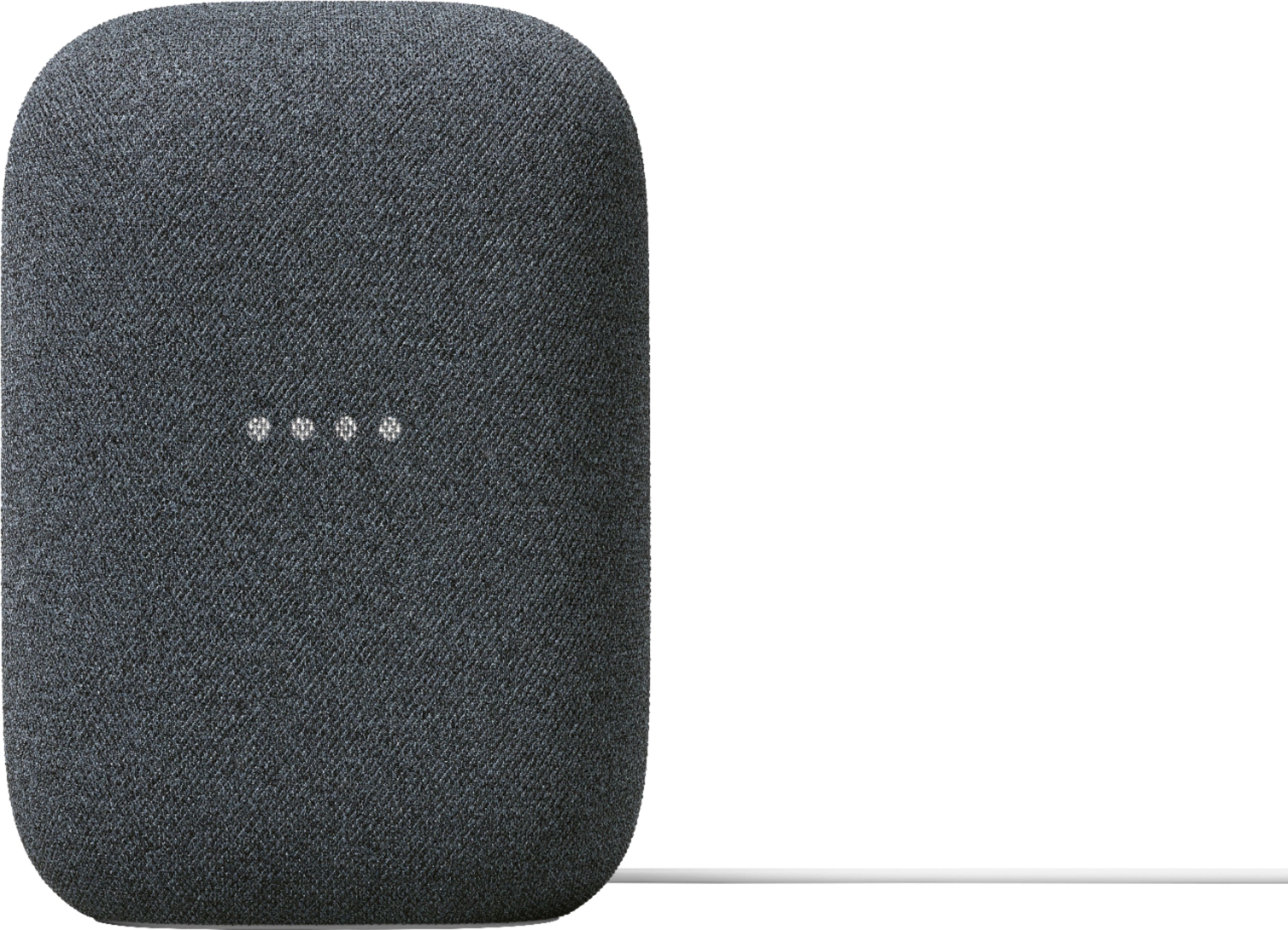
Google nest speaker
||Posted . Owned for 2 weeks when reviewed.This reviewer received promo considerations or sweepstakes entry for writing a review.easy to set up and use. multiple uses and handy from music playing and other activities
I would recommend this to a friend - Pros mentioned:Sound quality
Love the speaker
||Posted . Owned for 4 months when reviewed.This reviewer received promo considerations or sweepstakes entry for writing a review.I love my speaker! The bass is phenomenal and I plan to purchase more in the future.
I would recommend this to a friend - Pros mentioned:Ease of use
Good products
||Posted . Owned for 1 month when reviewed.This reviewer received promo considerations or sweepstakes entry for writing a review.It was easy to set up and use. Good for seniors who are technically challenged because the can use voice commands
I would recommend this to a friend - Pros mentioned:Sound quality
Great sound
||Posted .This reviewer received promo considerations or sweepstakes entry for writing a review.This has been perfect in our bedroom for sleeping and waking up.
I would recommend this to a friend - Pros mentioned:Sound quality
Excellent sound
||Posted . Owned for 2 weeks when reviewed.This reviewer received promo considerations or sweepstakes entry for writing a review.Love all of my googles and this one is just as nice as the previous. Great bass
I would recommend this to a friend - Pros mentioned:Sound quality
Worth it
||Posted . Owned for 1 month when reviewed.This reviewer received promo considerations or sweepstakes entry for writing a review.Nice sound, Easy to use once you set it up. Love it.
I would recommend this to a friend - Pros mentioned:Sound quality
Google audio
||Posted . Owned for 1 week when reviewed.This reviewer received promo considerations or sweepstakes entry for writing a review.The base alone is Dope. Love it. Will always recommend
I would recommend this to a friend - Pros mentioned:Ease of use
Good Smart Speaker - Easy to Use
||Posted . Owned for 1.5 years when reviewed.This reviewer received promo considerations or sweepstakes entry for writing a review.Good speaker, easy to operate, and performs well. Amazon Echo sounds better though.
I would recommend this to a friendBrand response from Nest Support
Posted .Hi ManuelA, thanks for sharing your feedback with us. We're sorry to hear that the sound quality of Nest Audio Speaker fell short of meeting your expectations. We understand that each person will have their own unique preference when it comes to sound quality and volume level. If you're willing to try, and to improve your audio experience, we recommend adjusting the treble and bass settings by following the steps below:
- Make sure your mobile device or tablet is connected to the same Wi-Fi or linked to the same account as your Nest Audio.
- Open the Google Home app.
- Tap the device you want to adjust > and then Settings > and then Audio and then Equalizer.
- Adjust Bass and Treble level.
For further guidance with any questions you may be having. We'll definitely do our best to provide you a better experience by reaching out to our support team here: https://support.google.com/googlenest/gethelp
- Pros mentioned:Sound quality
Smart Speaker
||Posted . Owned for 1 month when reviewed.This reviewer received promo considerations or sweepstakes entry for writing a review.This is a nice upgrade for my google speaker. The music comes through much better and the speaker picks up my voice commands easier.
I would recommend this to a friend - Pros mentioned:Sound quality
Nest audio great product
||Posted . Owned for less than 1 week when reviewed.This reviewer received promo considerations or sweepstakes entry for writing a review.Great addition to our google home. Amazing sound and bass. Going to purchase one more for the den.
I would recommend this to a friend - Pros mentioned:Sound quality
Big sound from a little speaker
||Posted . Owned for 2 weeks when reviewed.This reviewer received promo considerations or sweepstakes entry for writing a review.So much sound from this little speaker. Sound quality is great for what it is.
I would recommend this to a friend - Pros mentioned:Sound quality
Google speakers
||Posted . Owned for 5 months when reviewed.This reviewer received promo considerations or sweepstakes entry for writing a review.Great speakers and good quality sound definitely would recommend.
I would recommend this to a friend - Pros mentioned:Design, Sound quality
Definitely recommend it
||Posted . Owned for 3 weeks when reviewed.This reviewer received promo considerations or sweepstakes entry for writing a review.I really liked it, I'm still getting used to it and it is still getting used to me, I haven enjoyed it as much but for me it is loud, it works really well and its cute, mine is mint color, my friends Also liked it and my family went to get one yesterday because they loved mine.
I would recommend this to a friend - Pros mentioned:Sound quality
Google
||Posted . Owned for 1 month when reviewed.This reviewer received promo considerations or sweepstakes entry for writing a review.Good sound, i bought gor myself but my younger daughter uses it alot.love it
I would recommend this to a friend - Pros mentioned:Sound quality
Google Nest
||Posted . Owned for less than 1 week when reviewed.This reviewer received promo considerations or sweepstakes entry for writing a review.Needed a speaker to play music, and complemented my existing google home. Happy with it.
I would recommend this to a friend - Pros mentioned:Connectivity
Great speaker
||Posted . Owned for 2 weeks when reviewed.This reviewer received promo considerations or sweepstakes entry for writing a review.This item works great in our house. Pairing it was easy and it works with other devices
I would recommend this to a friend - Pros mentioned:Sound quality
Good with a minor issue
||Posted . Owned for 3 weeks when reviewed.This reviewer received promo considerations or sweepstakes entry for writing a review.Loud and clear. My only issue is that when music is being played loudly from it, it has trouble catching your voice.
I would recommend this to a friendBrand response from Nest Support
Posted .Hi XequalsJ, thanks for taking the time to share your feedback about the Nest Audio, and we’re sorry to hear that it has trouble catching your voice commands when playing loud music.
Google Assistant might not respond properly when you say “Hey Google” or “Ok Google,” particularly in a noisy environment. After you ask your Google Assistant to play media, you can control the volume using commands. You can set the volume to a specific level (1–10) or percent (1–100%). So you may need to lower the volume down before saying another voice command. Adjusting how sensitive Google Assistant responds to the hotword “Hey Google'' may also be helpful:
- Open the Google Home app.
- At the bottom, tap Home.
- Select your Nest Mini or the device you want to adjust.
- At the top right, tap Device settings > “Hey Google” sensitivity.
- If you don’t find “Hey Google sensitivity,” first tap Audio.
- Choose how sensitive you want Google Assistant to be when it responds to you.
- To change this setting on another device, tap Adjust more devices.
We have our dedicated team always available to help and provide you a better experience, and you’ll find us ready anytime here: https://support.google.com/googlenest/gethelp
- Pros mentioned:Sound quality
Awesome!
||Posted . Owned for 3 weeks when reviewed.This reviewer received promo considerations or sweepstakes entry for writing a review.This is actually a pretty good quality item. The sound is amazing in the living room.
I would recommend this to a friend - Pros mentioned:Sound quality
Great sound quality
||Posted . Owned for 1 week when reviewed.This reviewer received promo considerations or sweepstakes entry for writing a review.Easy to set up great sound for a smart speaker. I look forward to purchasing more
I would recommend this to a friend easy way to listen to music
||Posted .This reviewer received promo considerations or sweepstakes entry for writing a review.love it. So simple to set up and use. Will probably add the tv to it.
I would recommend this to a friend