Customer Ratings & Reviews
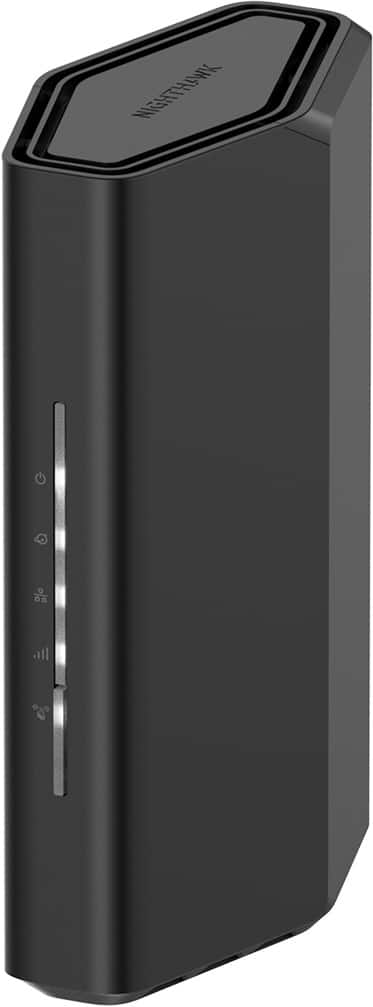
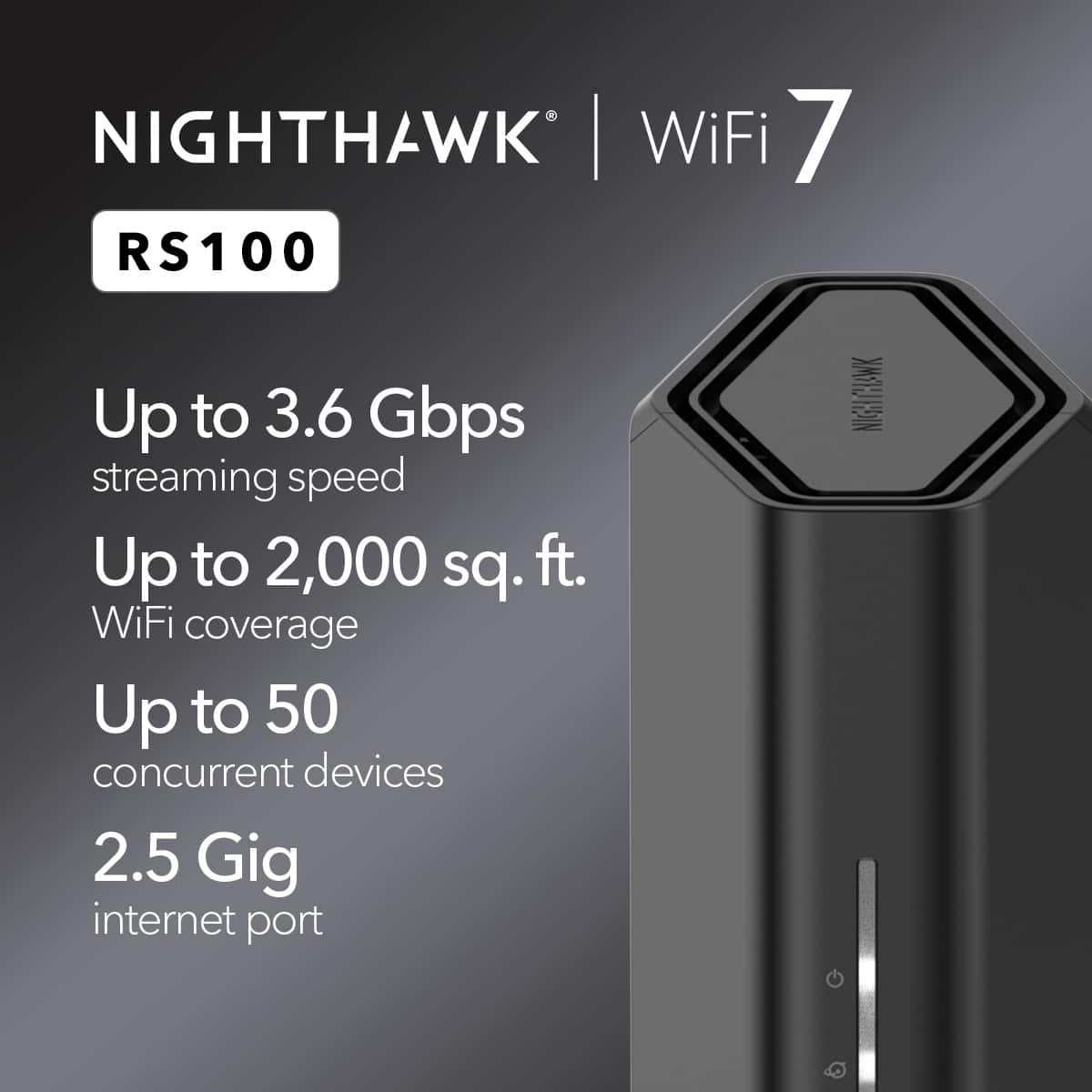

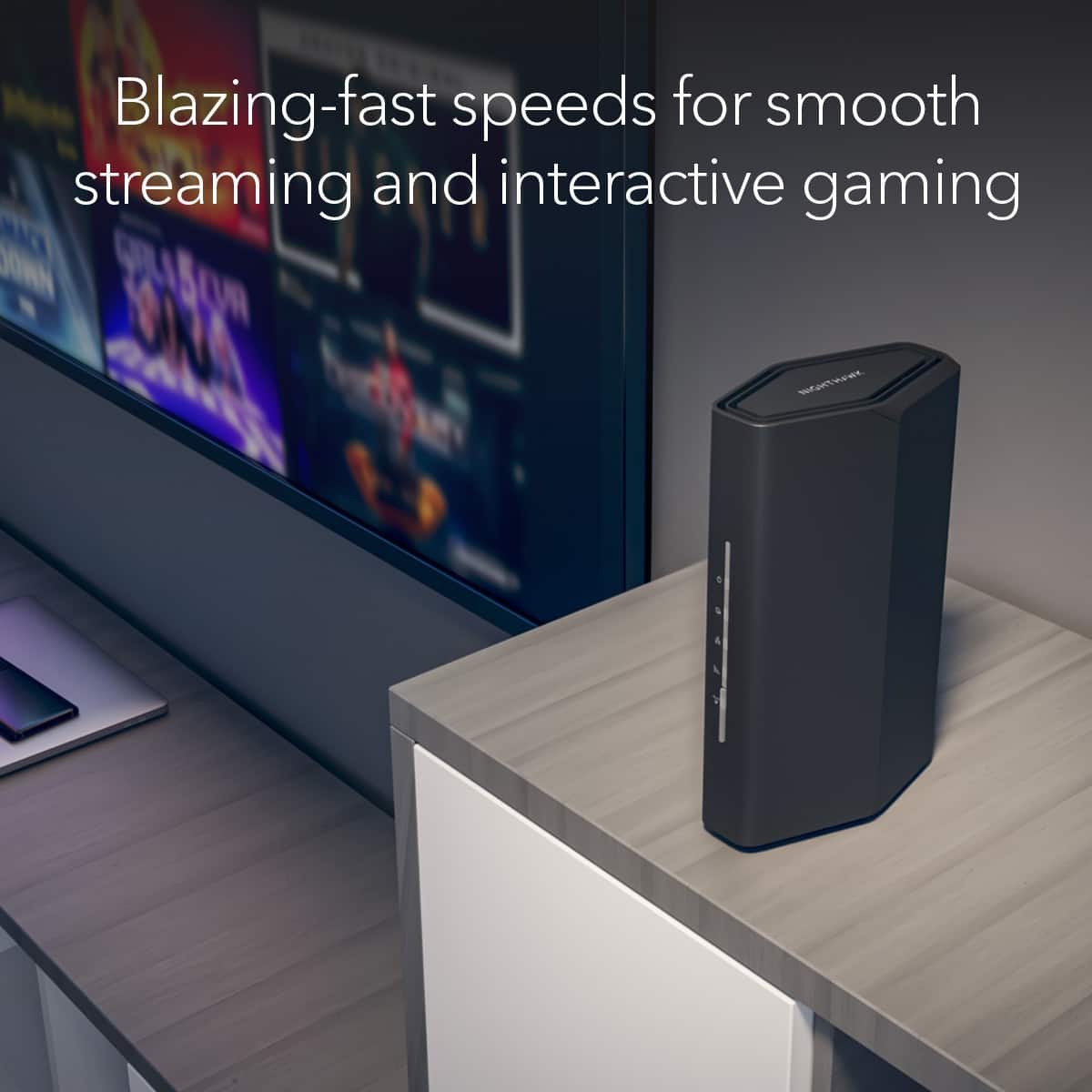
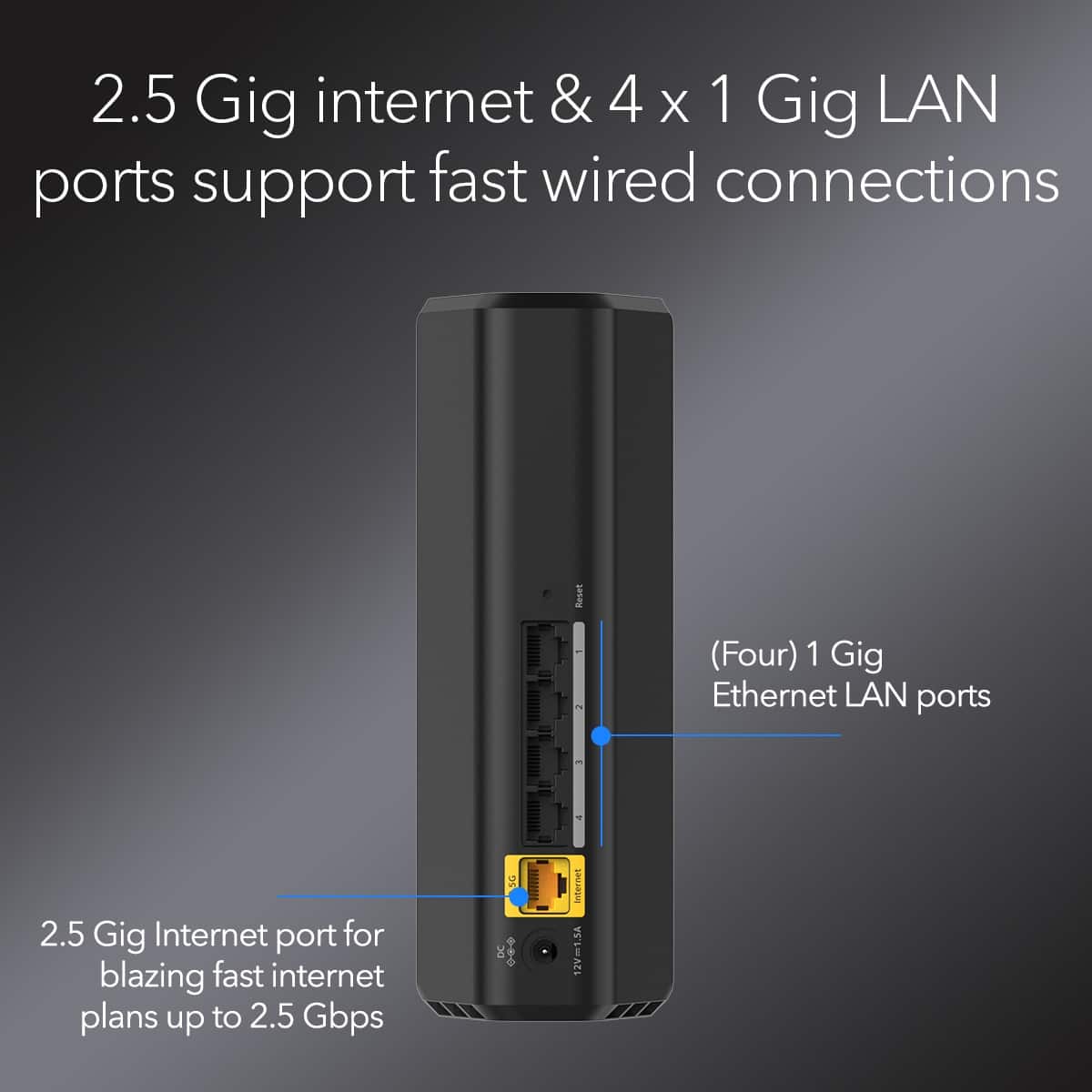
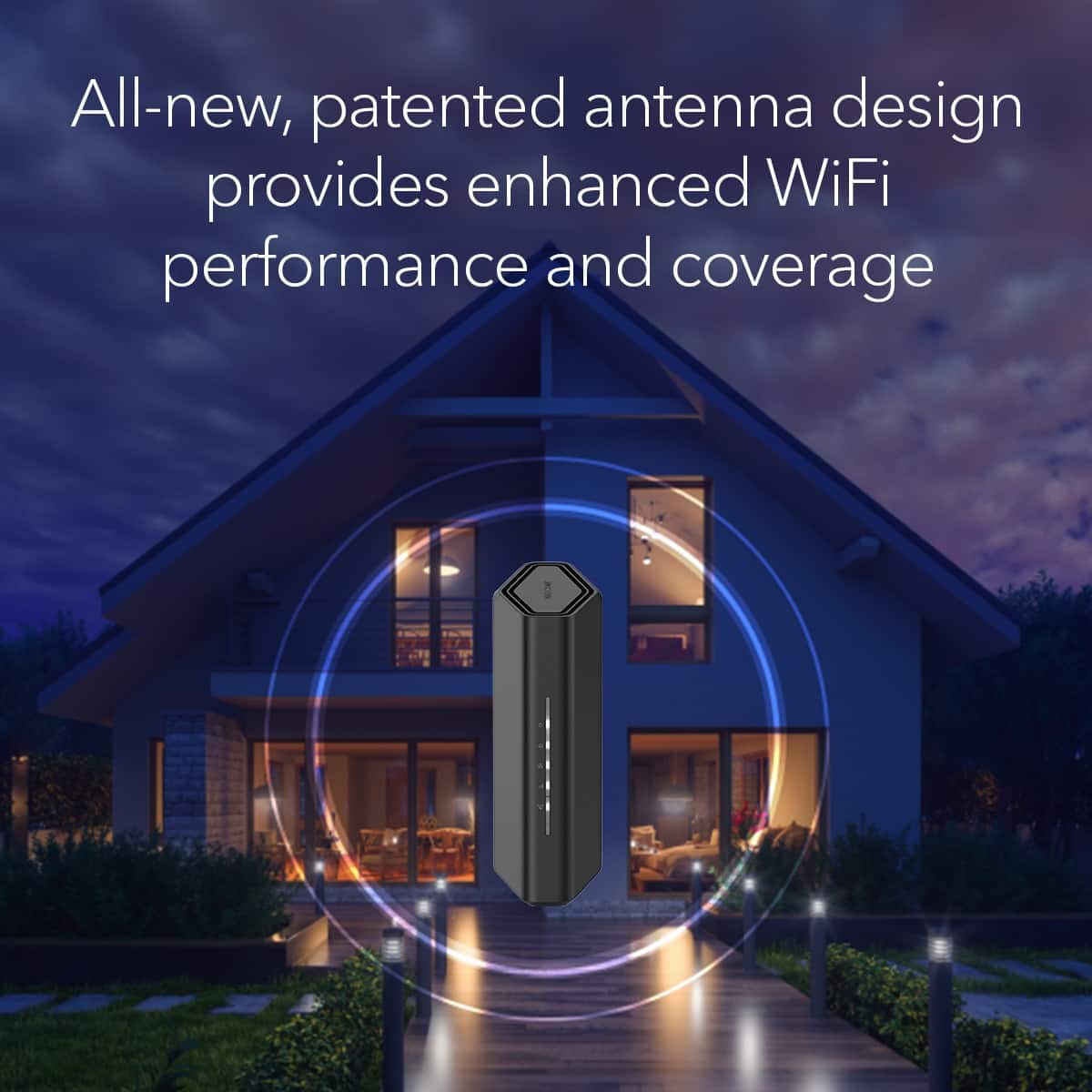

- Model:
- RS100-100NAS
- |
- SKU:
- 11524943
Customer reviews
Rating 4.6 out of 5 stars with 332 reviews
(332 customer reviews)Rating by feature
- Setup4.5
Rating 4.5 out of 5 stars
- Range4.6
Rating 4.6 out of 5 stars
- Signal Strength4.7
Rating 4.7 out of 5 stars
- Pros mentioned:Overall performance
Rated 4 out of 5 stars
Nice Upgrade - Setup Can Be A Bit Tedious
||Posted . Owned for less than 1 week when reviewed.This reviewer received promo considerations or sweepstakes entry for writing a review.Nice performance upgrade from my previous Nighthawk (AC1900). Extremely light weight. I thought the Nighthawk app was a little clunky, but we got through it. Personally, I found it easier to bypass the app and use the routerlogin.net setup. One downside - because of how light this model is, the weight of the 6 cables (power, network from router, and 4 other network cables to various devices) I plugged into it makes it unstable. The cables tend to pull on the unit and make it want to tip over
This review is from NETGEAR - Nighthawk BE3600 Dual-Band Wi-Fi 7 Router - Black
I would recommend this to a friend - Pros mentioned:Coverage, Speed
Rated 5 out of 5 stars
Router upgrade
||Posted . Owned for 3 weeks when reviewed.This reviewer received promo considerations or sweepstakes entry for writing a review.I had my Linksys EA 6700 for about 10 years so it was time. This Nighthawk gives me much better speeds and coverage. So far so good.
This review is from NETGEAR - Nighthawk BE3600 Dual-Band Wi-Fi 7 Router - Black
I would recommend this to a friend - Pros mentioned:Overall performance
Rated 5 out of 5 stars
Netgear, Nighthawk
Posted .This reviewer received promo considerations or sweepstakes entry for writing a review.Great product, I just tried it out and so far no problem.
This review is from NETGEAR - Nighthawk BE3600 Dual-Band Wi-Fi 7 Router - Black
I would recommend this to a friend - Pros mentioned:SpeedCons mentioned:Setup process
Rated 4 out of 5 stars
Difficult set up, excellent performance thereafter
||Posted . Owned for 1 month when reviewed.This reviewer received promo considerations or sweepstakes entry for writing a review.The set up process is nothing short of terribly frustrating. That said, once it's set up, it definitely delivers the goods - speed and distance are both exceptional.
This review is from NETGEAR - Nighthawk BE3600 Dual-Band Wi-Fi 7 Router - Black
I would recommend this to a friend - Pros mentioned:Signal strength, Speed
Rated 5 out of 5 stars
Nighthawk
||Posted . Owned for 3 weeks when reviewed.This reviewer received promo considerations or sweepstakes entry for writing a review.Easy setup. Fast internet both upload and download. Increased upload speed by almost 10x over older nighthawk. Provides adequate signal strength to reach basement corner from opposite end of 42' first floor location. Eliminated need for signal extender.
This review is from NETGEAR - Nighthawk BE3600 Dual-Band Wi-Fi 7 Router - Black
I would recommend this to a friend - Pros mentioned:Connectivity, Overall performance
Rated 5 out of 5 stars
Great purchase
||Posted . Owned for 3 weeks when reviewed.This reviewer received promo considerations or sweepstakes entry for writing a review.Works great for us! We were experiencing continued buffering and dropped connections. This has corrected those issues.
This review is from NETGEAR - Nighthawk BE3600 Dual-Band Wi-Fi 7 Router - Black
I would recommend this to a friend - Pros mentioned:Speed
Rated 5 out of 5 stars
Great router, great price.
||Posted . Owned for less than 1 week when reviewed.This reviewer received promo considerations or sweepstakes entry for writing a review.This router is faster then the one my isp provided. It’s easy to use, fast, and highly secure. The netgear armor is hands down my favorite feature of this router. I highly recommend this router for the performance and ease of use not to mention the level of security that comes with it.
This review is from NETGEAR - Nighthawk BE3600 Dual-Band Wi-Fi 7 Router - Black
I would recommend this to a friend - Cons mentioned:Setup process
Rated 5 out of 5 stars
disappointed
||Posted . Owned for 1 month when reviewed.This reviewer received promo considerations or sweepstakes entry for writing a review.all though I'v used Netgear through out the years, I had trouble with this one using the app to set it up. end results talk to support for 1 1/2 hrs to get it up and running. He told me to ck if I could get on the internet and sitting in front of my laptop I got on and said thanks. Tried to get the tv and no luck. Frustration set in at that time and and I put the old one back so I could get back on line. Lesson when you can't get on line. ck what network your on, may be it wasn't the router and the difficulty I had with the set up, was me in the end but still hard to set up with the app. To be fair I needed support 2 times with the router I have now . Apps that are buggy will drive you crazy,also Googles ai gave me a generic answer, close but !!!
This review is from NETGEAR - Nighthawk BE3600 Dual-Band Wi-Fi 7 Router - Black
I would recommend this to a friend - Pros mentioned:Coverage, Speed
Rated 5 out of 5 stars
Great coverage, great speed, easy setup.
||Posted . Owned for 3 weeks when reviewed.This reviewer received promo considerations or sweepstakes entry for writing a review.Great buy! Stellar coverage and speeds for the price point, combined it with a nighthawk range extender to cover the whole house in speeds comparable to what I get from a hardline. Set up was also easy peasy. Works flawlessly with my spectrum internet
This review is from NETGEAR - Nighthawk BE3600 Dual-Band Wi-Fi 7 Router - Black
I would recommend this to a friend - Pros mentioned:Overall performance
Rated 5 out of 5 stars
Just buy it!
||Posted . Owned for 5 months when reviewed.This reviewer received promo considerations or sweepstakes entry for writing a review.Great product. Extremely easy to set up. I was up and running in no time and it works flawlessly throughout my whole house. I'd buy it again. And Best buy is always just easy and I love that. Couldn't ask for more which doesn't happen very often these days.
This review is from NETGEAR - Nighthawk BE3600 Dual-Band Wi-Fi 7 Router - Black
I would recommend this to a friend - Pros mentioned:Overall performance
Rated 5 out of 5 stars
Super-duper!
||Posted . Owned for less than 1 week when reviewed.This reviewer received promo considerations or sweepstakes entry for writing a review.Title: Super-duper! Description: It's only been a few days, but now that I have the bugs worked out elsewhere, I'm cruz'n along at lightning speed! I had my old Netgear wifi for 16 years, and just upgraded (only to discover the reason for the issues had nothing to do with the Netgear equipment). Help Agents are very helpful and patient for this non-techie gal also.
This review is from NETGEAR - Nighthawk BE3600 Dual-Band Wi-Fi 7 Router - Black
I would recommend this to a friend - Pros mentioned:Coverage, Speed
Rated 5 out of 5 stars
Great speed and coverage
||Posted . Owned for less than 1 week when reviewed.This reviewer received promo considerations or sweepstakes entry for writing a review.Great speed and coverage in my two story home. No problem with the whole family over and running tv’s.
This review is from NETGEAR - Nighthawk BE3600 Dual-Band Wi-Fi 7 Router - Black
I would recommend this to a friend - Pros mentioned:Overall performanceCons mentioned:Setup process
Rated 5 out of 5 stars
my review
||Posted . Owned for 1 week when reviewed.This reviewer received promo considerations or sweepstakes entry for writing a review.After buying this and taking it home, I had to call netgear to walk me through setting it up. Once it was up and running it was great. Faster than my old one, Takes up less space.
This review is from NETGEAR - Nighthawk BE3600 Dual-Band Wi-Fi 7 Router - Black
I would recommend this to a friend - Pros mentioned:Connectivity
Rated 5 out of 5 stars
Great Wifi an Modium
||Posted .This reviewer received promo considerations or sweepstakes entry for writing a review.Bought this because Optimium cable keeps going up, had their equipment to hook to their cable for 3 years, so I could pay more or buy my own. This is excellent! Called Optimium, they connected me right up, Netgear had to call me back and help me reset their password, needed a capital letter & a %$?, they reset my password for for me! great product, company, an people they employee
This review is from NETGEAR - Nighthawk BE3600 Dual-Band Wi-Fi 7 Router - Black
I would recommend this to a friend - Pros mentioned:Connectivity
Rated 5 out of 5 stars
Easy to install and super compatible
||Posted . Owned for less than 1 week when reviewed.This reviewer received promo considerations or sweepstakes entry for writing a review.Description: Very easy to install, compact and sleek and the speed the very good. Easily covers 1950 sq ft.
This review is from NETGEAR - Nighthawk BE3600 Dual-Band Wi-Fi 7 Router - Black
I would recommend this to a friend - Pros mentioned:Overall performanceCons mentioned:Setup process
Rated 4 out of 5 stars
So far so good
||Posted .This reviewer received promo considerations or sweepstakes entry for writing a review.Was a little frustrating to setup due to another unit I have in office. But once up & running it has been impressive.
This review is from NETGEAR - Nighthawk BE3600 Dual-Band Wi-Fi 7 Router - Black
I would recommend this to a friend - Pros mentioned:Overall performance
Rated 5 out of 5 stars
Great Router
||Posted . Owned for less than 1 week when reviewed.This reviewer received promo considerations or sweepstakes entry for writing a review.The setup was quick and easy, and the router has so far satisfied all my Wi-Fi needs! The workers were also extremely helpful with their explanations and recommendations.
This review is from NETGEAR - Nighthawk BE3600 Dual-Band Wi-Fi 7 Router - Black
I would recommend this to a friend Rated 5 out of 5 stars
Pretty dang good
||Posted .This reviewer received promo considerations or sweepstakes entry for writing a review.Description: For it's price point, it's an excellent WiFi 7 router. I was already about to purchase it, but this particular model went on a black Friday special as well. As with most people, Internet service was starting to charge for equipment rental and as I like to keep monthly expenses down, I decided to get my own equipment again. Setup is easy and straightforward. I only had one big issue that wasn't on the router per se. I spent around 5 hours on the phone and off trying to get service going through my new modem and router and determined the modem was just fine and wasn't the issue. The router just wouldn't connect to the Internet, wired or wireless. At first I could connect to the router through my cellphone. But shortly after, it would glitch out trying to load the router settings/setup page. I knew it was in the settings and I needed to change an address around, but couldn't access that. I told my ISP to turn back on the old modem/router(theirs) while I figured a solution. I plugged the old back in and wired the Netgear into it. Within seconds, the app notified me that it changed the address to match the providers service. Then it started to update the firmware. After giving it a bit, I reconnected it and everything was working. My ISP is Optimum by the way My advice to anyone else is to just plug it into your current service if you can and let it update and possibly alter any settings it needs to automatically so you don't need to have a goose chase like I did.
This review is from NETGEAR - Nighthawk BE3600 Dual-Band Wi-Fi 7 Router - Black
I would recommend this to a friend- Pros mentioned:Overall performance
Rated 5 out of 5 stars
Great Buy
||Posted . Owned for less than 1 week when reviewed.This reviewer received promo considerations or sweepstakes entry for writing a review.I moved and needed to provide my own router. When I couldn't find my old Netgear, I decided to buy a new one. And I know... old tech doesn't keep up. But I'm glad I got this new router with WiFi 6, it's so much faster than the WiFi 5 that my other provider came with. I use it with my roommate in a 1,200 sq ft apartment. We both can stream movies or work from home with no latency issues. I think it's a great choice for the price.
This review is from NETGEAR - Nighthawk BE3600 Dual-Band Wi-Fi 7 Router - Black
I would recommend this to a friend - Pros mentioned:Connectivity, Overall performance
Rated 5 out of 5 stars
Netgear
||Posted . Owned for 3 weeks when reviewed.This reviewer received promo considerations or sweepstakes entry for writing a review.It works awesome. Connects all my devices and scans them for protection.
This review is from NETGEAR - Nighthawk BE3600 Dual-Band Wi-Fi 7 Router - Black
I would recommend this to a friend
People also viewed
- $199.99$199.99The price was $229.99
- $149.99$149.99The price was $192.99
- $279.99$279.99The price was $299.99
- $178.99$178.99The price was $199.99
- $88.99$88.99The price was $99.99
- $139.99$139.99The price was $229.99
- $182.99$182.99The price was $199.99
- $159.99$159.99The price was $179.99
- $99.00$99.00The price was $138.99
- $449.99$449.99The price was $499.99
- $199.99$199.99The price was $249.99
- $219.99$219.99The price was $299.99