Customer Ratings & Reviews
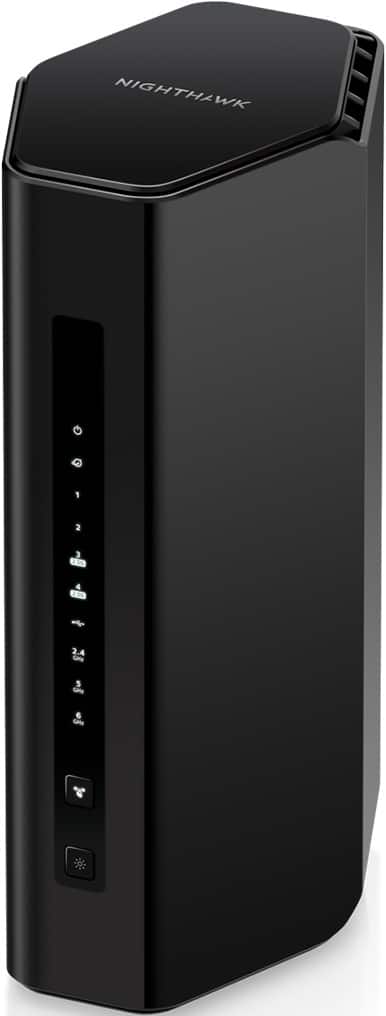
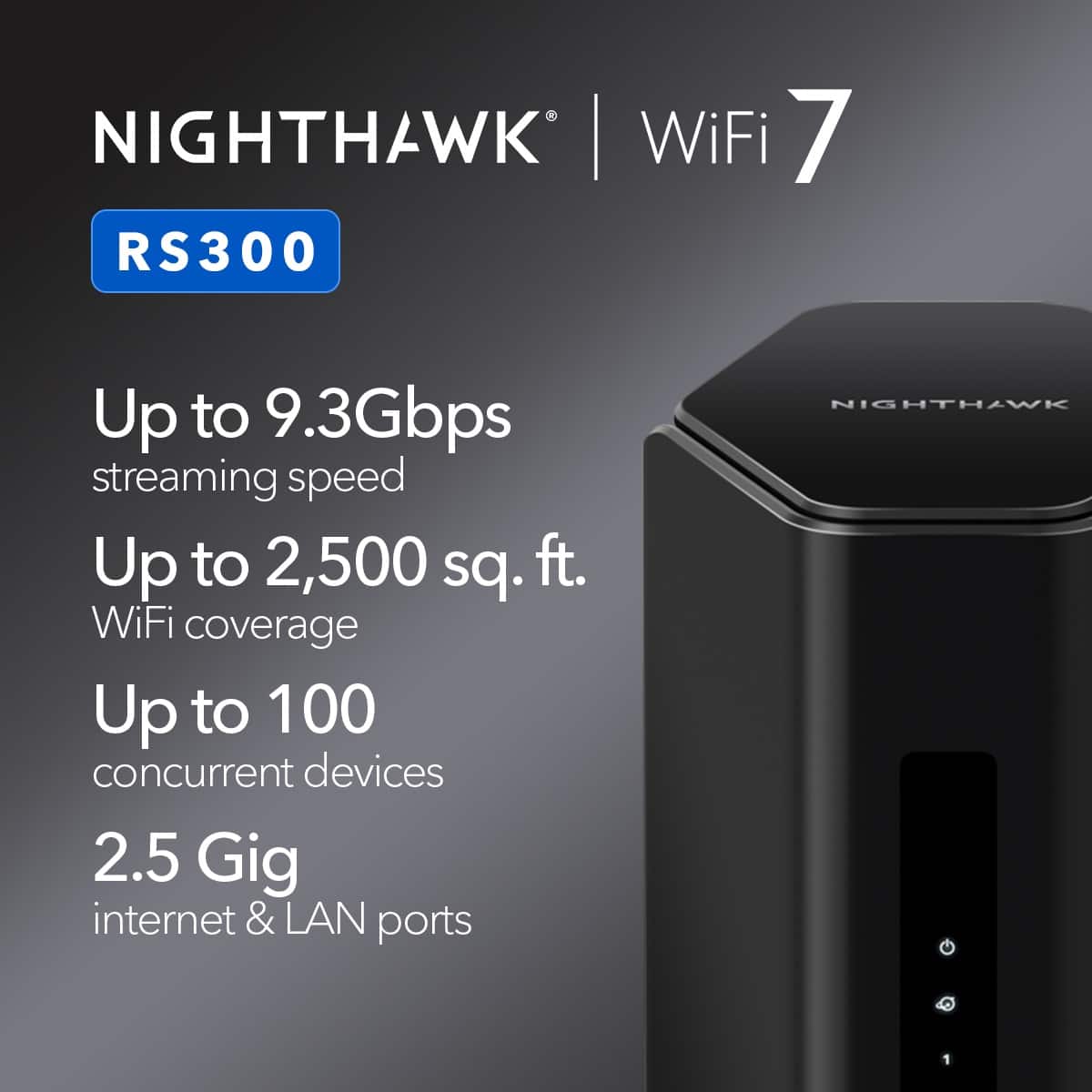

- Model:
- RS300-100NAS
- SKU:
- 12507785
Rating by feature
- Setup
Rating 4.7 out of 5 stars
- Range
Rating 4.8 out of 5 stars
- Signal Strength
Rating 4.8 out of 5 stars

A well needed upgrade
|Posted . Owned for less than 1 week when reviewed.This reviewer received promo considerations or sweepstakes entry for writing a review.A replacement/upgrade from an older model. From all the devices that I had connected and the fact that the other model was over 8 years old, was getting spotty. Now with this upgrade along with a new Modem, not only are all the devices working seamlessly but the speed is OUTSTANDING. For myself and what I have needed this for, would highly recommend.
I would recommend this to a friendGreat little router for an apartment
||Posted .This reviewer received promo considerations or sweepstakes entry for writing a review.A great router for apartment sized homes. Works with Mac, Linux, and Windows. Works on all 2.4 ghz, 5 ghz, and 6 ghz bands. I verified that can connect to my LG TV (5 ghz), Sonos soundbar (2.4 ghz), old laptop (2.4 ghz), new laptop (6 ghz). I can stream video at 4K and play online games without any hiccups. The band steering feature works well. Band steering lets the router seamlessly switch from the 5 or 6 ghz band (close range) to the 2.4 ghz band (far range). The default router that my ISP gave me was terrible and could not do band steering. It would "get stuck" on a poor band and your device would lag forever. Setup was quite easy. Just make sure to restart the router if it doesn't connect to your ISP on the first try. Be patient and let the power drain completely. Comes with a Cat-5e flat cable (2m length). The router does not get hot and looks minimalistic. Keeps the wife/girlfriend happy.
I would recommend this to a friendDoes the job
||Posted . Owned for 1 month when reviewed.This reviewer received promo considerations or sweepstakes entry for writing a review.Does everything its supposed to . Rewches all rhe way from the front door ro my back yard no issues
I would recommend this to a friendBlazing Speeds, Seamless Setup
||Posted . Owned for less than 1 week when reviewed.This reviewer received promo considerations or sweepstakes entry for writing a review.Title: Blazing Speeds, Seamless Setup Description: The Netgear Nighthawk RS300 is everything I hoped for — and more. Setup was a breeze, and within minutes, my home was blanketed in fast, stable Wi-Fi. Streaming football and basketball is now flawless, even in 4K. No buffering, no lag — just smooth, uninterrupted game day action. This router is built for the future. With Wi-Fi 6E support, it’s ready for multi-gig speeds and dense device environments. I’m currently on a 250 Mbps plan, but it’s comforting to know the RS300 can easily handle a 1 Gbps upgrade when I’m ready.
I would recommend this to a friendGreat product
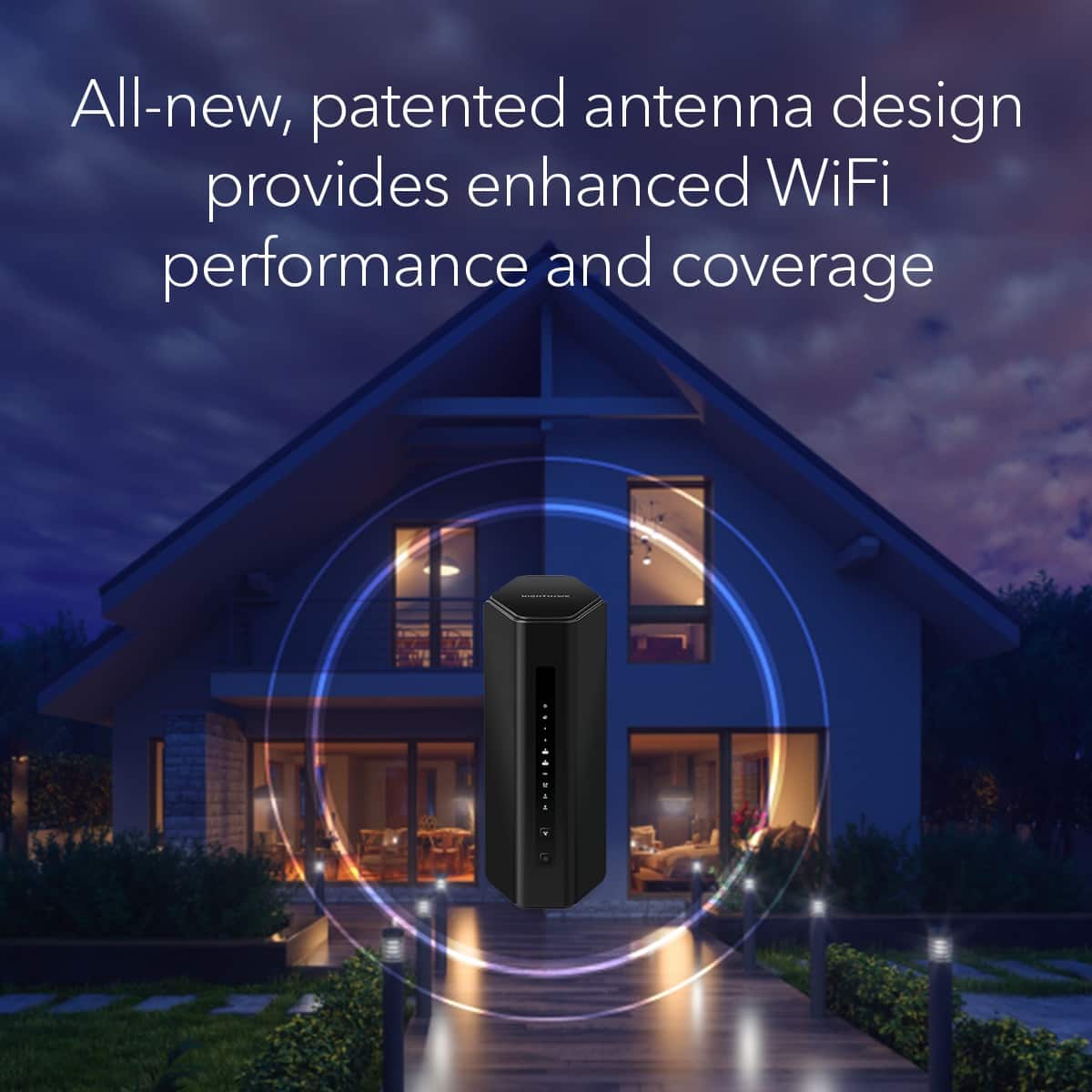
||Posted . Owned for 1 month when reviewed.This reviewer received promo considerations or sweepstakes entry for writing a review.Wi-Fi 7, wow!! I moved this router from the office to the hall in the middle of my home!! My home is 2600 sqft. Not one dead spot in the house! Also get very good signal out on the deck. Best router I ever had!
I would recommend this to a friendNetgear BE9300 Router
||Posted . Owned for 2 weeks when reviewed.This reviewer received promo considerations or sweepstakes entry for writing a review.This Netgear BE9300 tri-band router has so far been pretty good. The 6.0ghz frequency band is EXTREMELY FAST if you are relatively near the router - (I pay for 800Mbps and I was able to hit 850 to 950Mbps on the 6.0 band within approximately 20 feet from the router). The range of the 2.4 and 5.0 are both pretty good - I'm around 70 feet away and the connection is solid. The speed is slower - ranges from 250Mbsps up to around as much as 500Mbps on the 5.0ghz band.
I would recommend this to a friendNighthawk BE9300 - Great Value!
||Posted .This reviewer received promo considerations or sweepstakes entry for writing a review.Title: Nighthawk BE9300 Great Router Description: I haven't set up a new router for at least 5 years, and let me tell you, this Nighthawk was a breeze to configure. And the internet speed getting to my laptops (2) & TVs (4) was much better than previous Netgear router, which was over 5 years old. I'm definitely impressed with this new Nighthawk... it's giving me a full 500mbps over WiFi, whereas before I was only getting about 300mbps max.
I would recommend this to a friendWorks great with few issues
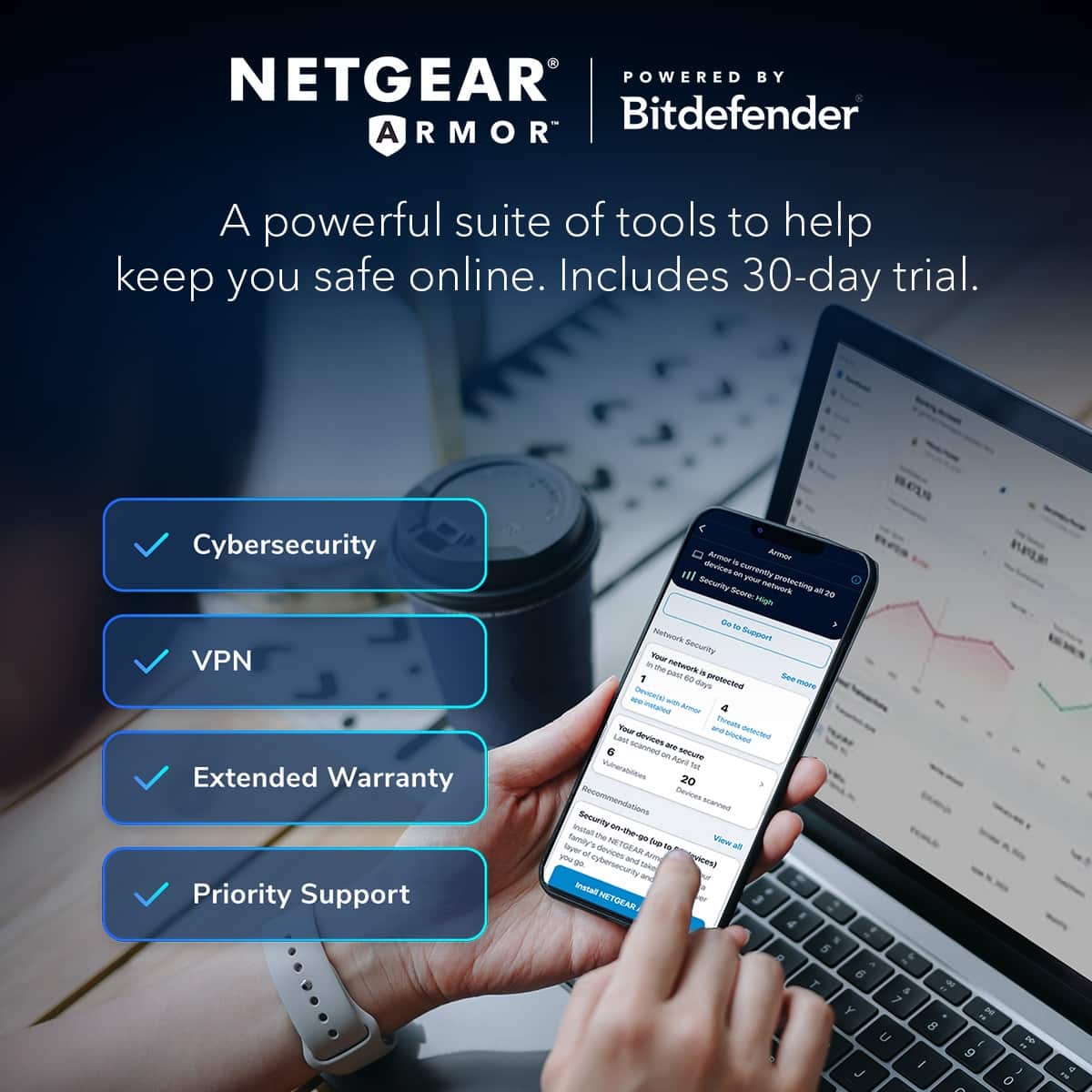
||Posted .This reviewer received promo considerations or sweepstakes entry for writing a review.The product works well and is lightning fast for everyday use. I did run into a couple issues after setting it up however. First the provided Ethernet cable did not work with my ISP's modem leading to a process of trial and error before resorting to using a lower tier cable. Secondly, the router and app came default with Netgear's "Armor" feature that acts as sort of firewall that blocks certain connections frequently which led to complete loss of WiFi connectivity for a few minutes. I ended up disabling the feature altogether and haven't had disconnections issues since. Overall the Nighthawk router works very well and is quite fast compared to their older products. The app makes managing the router simple and user-friendly.
I would recommend this to a friendAwesome Wifi 7 Router for the Price.
||Posted . Owned for 1 week when reviewed.This reviewer received promo considerations or sweepstakes entry for writing a review.Title: Awesome Wifi 7 Router Description: I always purchased NetGear for my modem and routers. This RS300 is the best so far. It's working, and the way I can create profiles for adults and kids. This gives me the choice to stop the kids' devices at night and manage them accordingly.
I would recommend this to a friendRouter upgrade!
||Posted . Owned for 1 month when reviewed.This reviewer received promo considerations or sweepstakes entry for writing a review.Decided to upgrade from an older NETGEAR router I’ve had since 2017. Setup was an easy process and was up and running in no time. Noticed an immediate improvement in speeds and also range of WiFi. NETGEAR is the standard.
I would recommend this to a friendWorth a look
||Posted .This reviewer received promo considerations or sweepstakes entry for writing a review.Easy to register and set up. Handles gigabit speeds well
I would recommend this to a friendNetgear wifi 7 router BE9300
||Posted . Owned for 1 month when reviewed.This reviewer received promo considerations or sweepstakes entry for writing a review.Bought this to replace my old Netgear nighthawk router and so far its been a noticeable improvement the setup is a bit troublesome as they recommend you use the mobile app for setup the app walks you through the setup some steps take long just need to be patient but once its up and running it works great.
I would recommend this to a friendNETGEAR Nighthawk BE9300 rules!
||Posted . Owned for 1 month when reviewed.This reviewer received promo considerations or sweepstakes entry for writing a review.Fast setup, and works great!! Good speed and security.
I would recommend this to a friendGreat Router
||Posted . Owned for 3 weeks when reviewed.This reviewer received promo considerations or sweepstakes entry for writing a review.Replaced an old Nighthawk with this one and quite happy with the added performance and range it provides. The weak signals I had in my basement and 1 of the 2nd floor bedrooms are no longer an issue. Bonus is the ease in using the Nighthawk app to be up and running quickly as it was a hot swap because my last one (was 10 years old) died mid day.
I would recommend this to a friendTalk about security
||Posted . Owned for 2 weeks when reviewed.This reviewer received promo considerations or sweepstakes entry for writing a review.Holy hamburgers! It totally works but the level of security on this bad boy. You have to set up a profile and login through netgear. It has been working like a dream and now no dropped signals and less interruptions. Works with spectrum and worth the buy.
I would recommend this to a friendGreat, Easy Router
||Posted .This reviewer received promo considerations or sweepstakes entry for writing a review.This is a Great Router. I bought it to extend my Wi-Fi, and it worked very well. I also used the app to set it up, and even though I still used my Xfinity Modem, all I had to do was connect the Router to the Modem via Ethernet, follow the app instructions, and it was up and running amazingly fastl
I would recommend this to a friendNightHawk Router
||Posted . Owned for 3 weeks when reviewed.This reviewer received promo considerations or sweepstakes entry for writing a review.This router is amazing! Great signal, Fast, easy to use, great for gaming and a ton of devices. Highly recommend it.
I would recommend this to a friendGreat upgrade
||Posted . Owned for 2 weeks when reviewed.This reviewer received promo considerations or sweepstakes entry for writing a review.For my 1200 sq ft home, this reaches every inch. Old router needed rebooting once a week and this is a solid upgrade to the infrastructure.
I would recommend this to a friendGreat product. Good Value
||Posted . Owned for less than 1 week when reviewed.This reviewer received promo considerations or sweepstakes entry for writing a review.Purchased at Best Buy taking advantage of sale price. Installation was very straightforward and simple. Very easy to change SSID to previous network name using the app. The only glitch was needing to reconnect all of my devices after the system was up and running (password needed to be reentered). Performance after the install is noticeably improved in both speed and range.
I would recommend this to a friendInstallation
||Posted . Owned for less than 1 week when reviewed.This reviewer received promo considerations or sweepstakes entry for writing a review.Title: Installation Description: I replaced my old Netgear WNDR4300 as it was no longer supported. Getting the Nighthawk 7 up and running and connected to my new W11 Dell computer was seamless. Connecting to my existing HP printer was NOT so easy. I still haven't been able to connect to my just retired W11 Dell computer. I see from online comments that others have had similar issues. I understand that not everything can be backwardly compatible but the install software should identify the nature of the problem and not just leave the poor dumb user up in the air.
I would recommend this to a friend