Customer Ratings & Reviews
 to log in or create an account.
2. Enter the 25-digit Product Key found in your confirmation email.
3. Enter your Payment Method to activate your subscription.*
4. Click Next and follow the on-screen instructions for instant download!
*A payment method must be saved in your account to activate and use your protection; you won't be charged for the annual auto-renewal until the prepaid term ends. If you do not wish to renew, you can cancel in your account at any time.](https://pisces.bbystatic.com/image2/BestBuy_US/images/products/48ea0c42-9756-4b54-8af5-5de6a5af0bf1.jpg)
- Model:
- SYT940800V018
- SKU:
- 6420877
Rating by feature
- Value
Rating 4.7 out of 5 stars
- Quality
Rating 4.5 out of 5 stars
- Ease of Use
Rating 4.5 out of 5 stars
Customers are saying
Customers are pleased with the 360 for Gamers software, highlighting its ease of use, VPN, and strong protection features. Many appreciate its antivirus capabilities and the fact that it doesn't impede system performance. Additional benefits include dark web monitoring, a password manager, cloud backup, and parental controls.
This summary was generated by AI based on customer reviews.
Norton for gamers
||Posted . Owned for 2 weeks when reviewed.This reviewer received promo considerations or sweepstakes entry for writing a review.So far so good. Easy and quick to install. Blocks unwanted opening of sites. Easy access to show you the protection you're getting. To me it works better than the competition.
I would recommend this to a friendGreat Buy
||Posted . Owned for 3 weeks when reviewed.This reviewer received promo considerations or sweepstakes entry for writing a review.I had some malware and it was able to quarantine and remove all issues. Customer service wanted to charge me $200. Got this on sale.
I would recommend this to a friendGreat for newer laptops
||Posted . Owned for 1 month when reviewed.This reviewer received promo considerations or sweepstakes entry for writing a review.It works great for my computer, but didn't work for my wife's computer which is slower and older. I love the features.
I would recommend this to a friend- Pros mentioned:System performance, Vpn

All the protection you need and much more
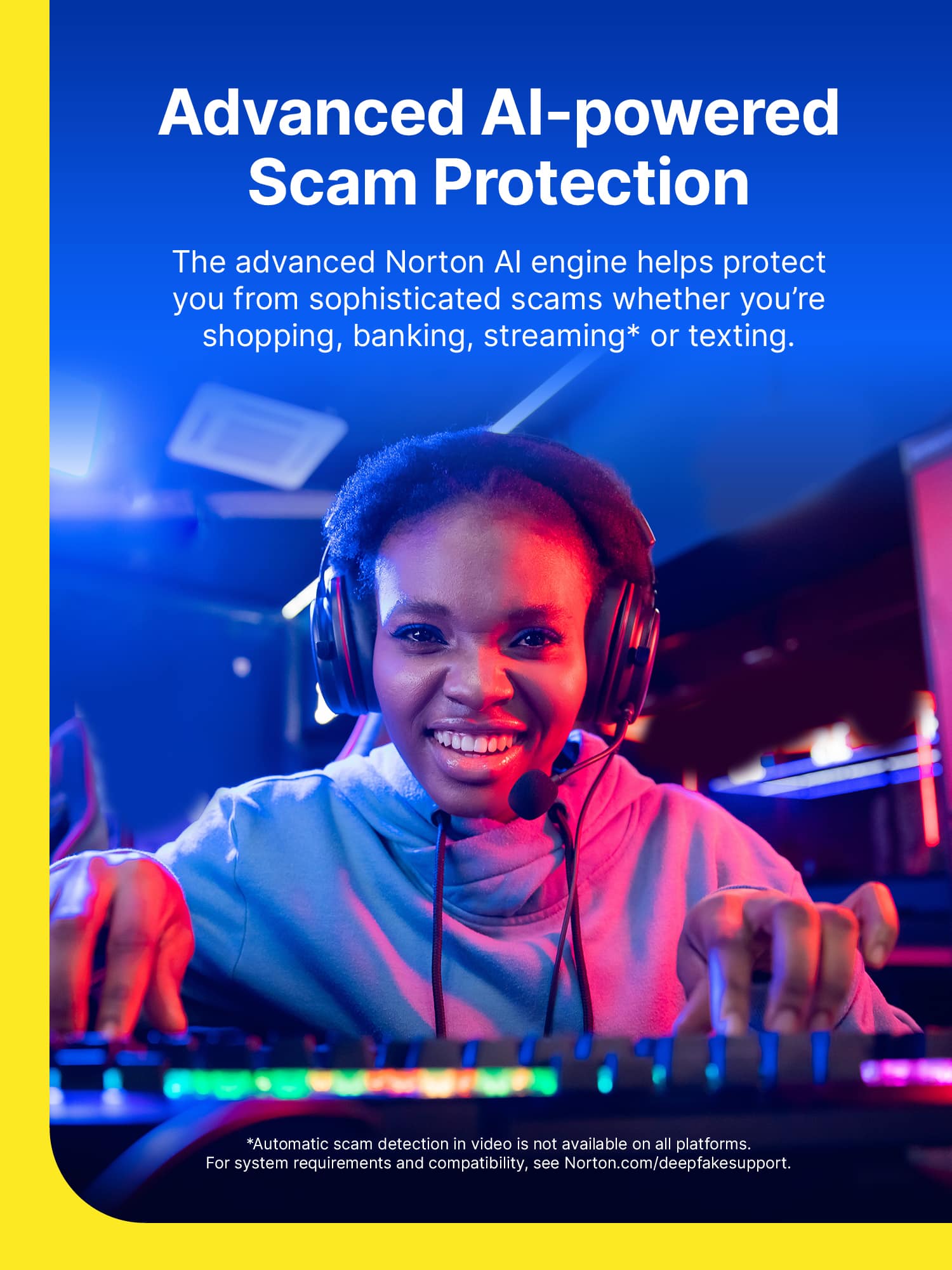
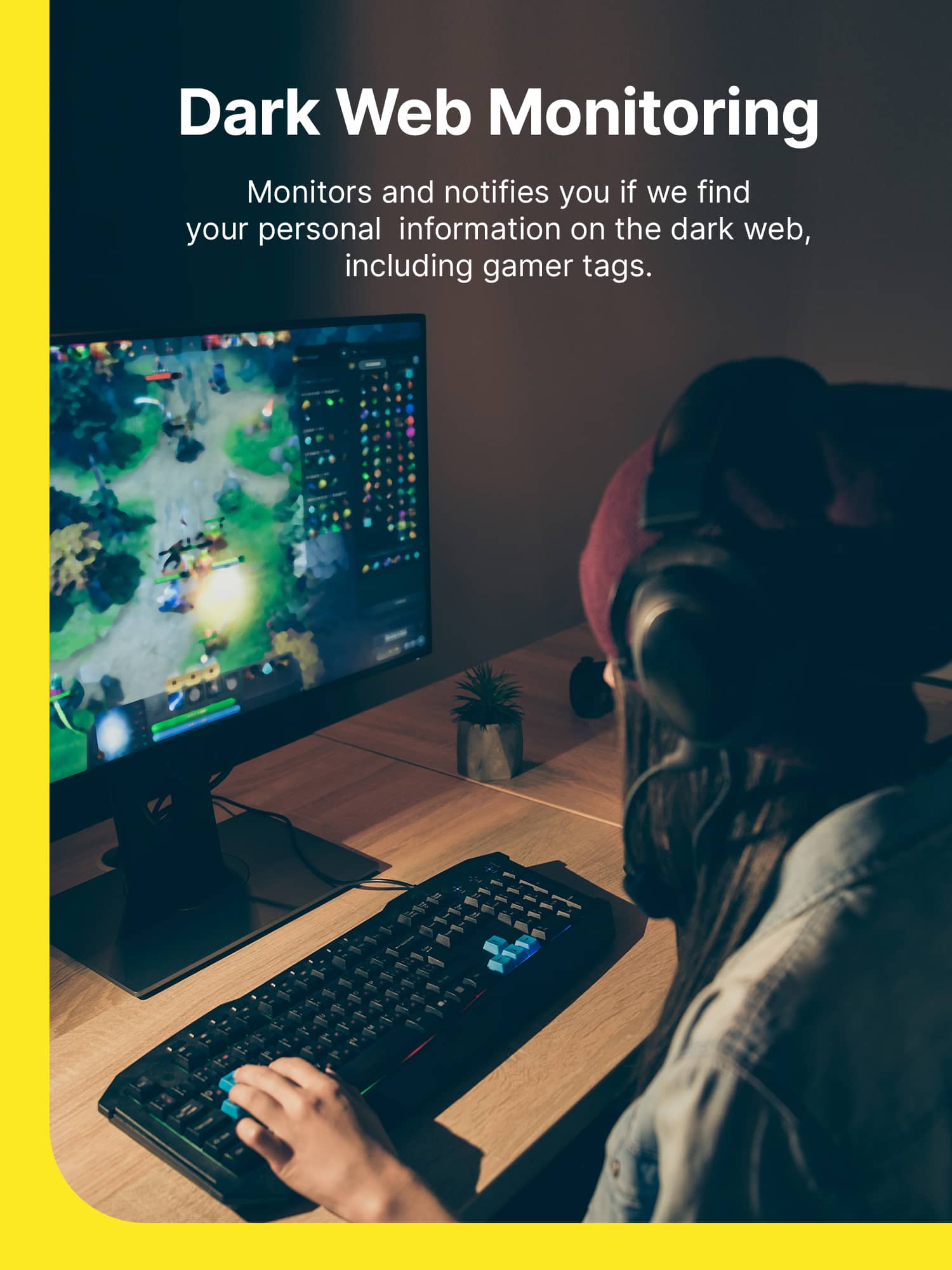
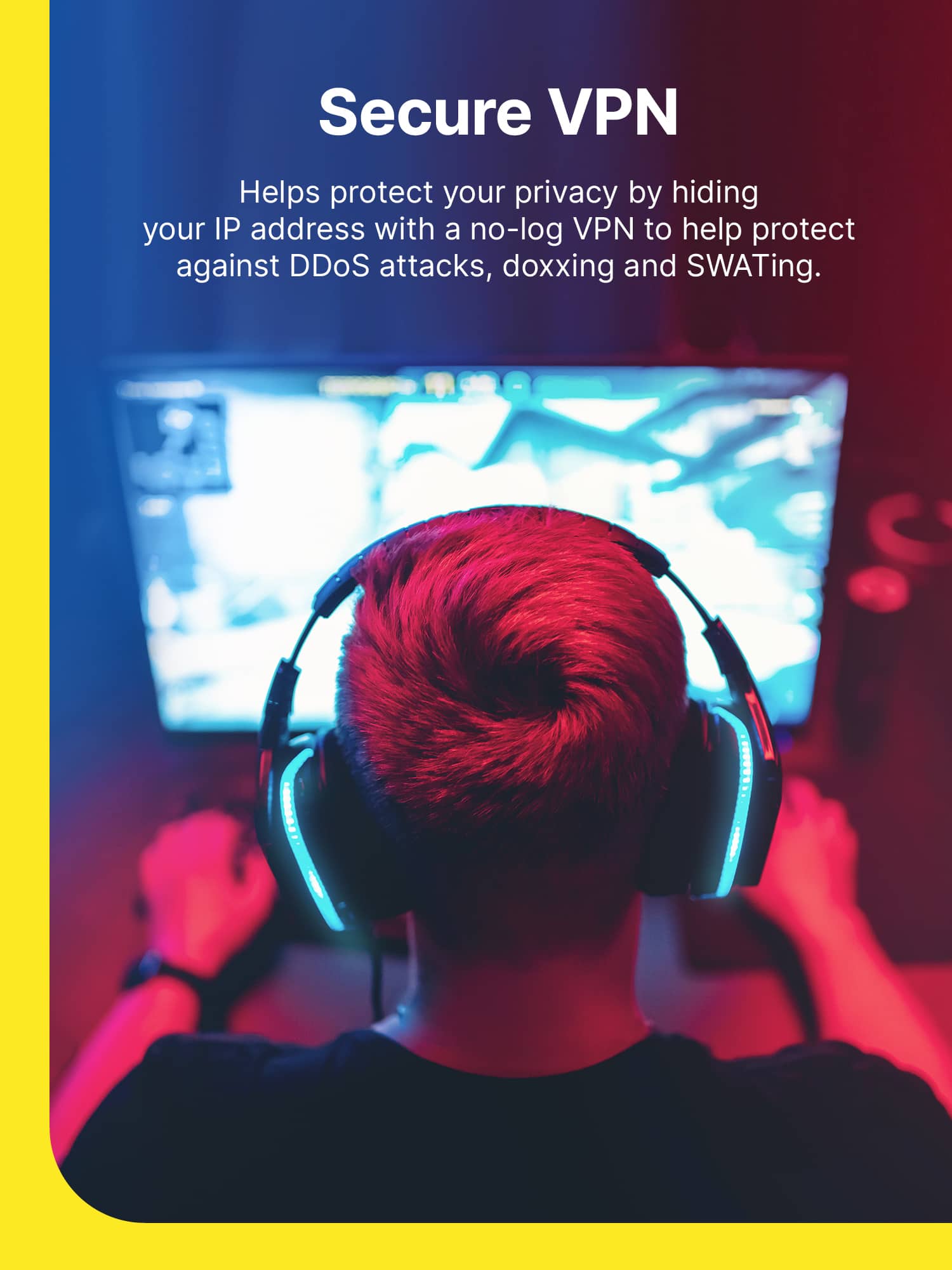
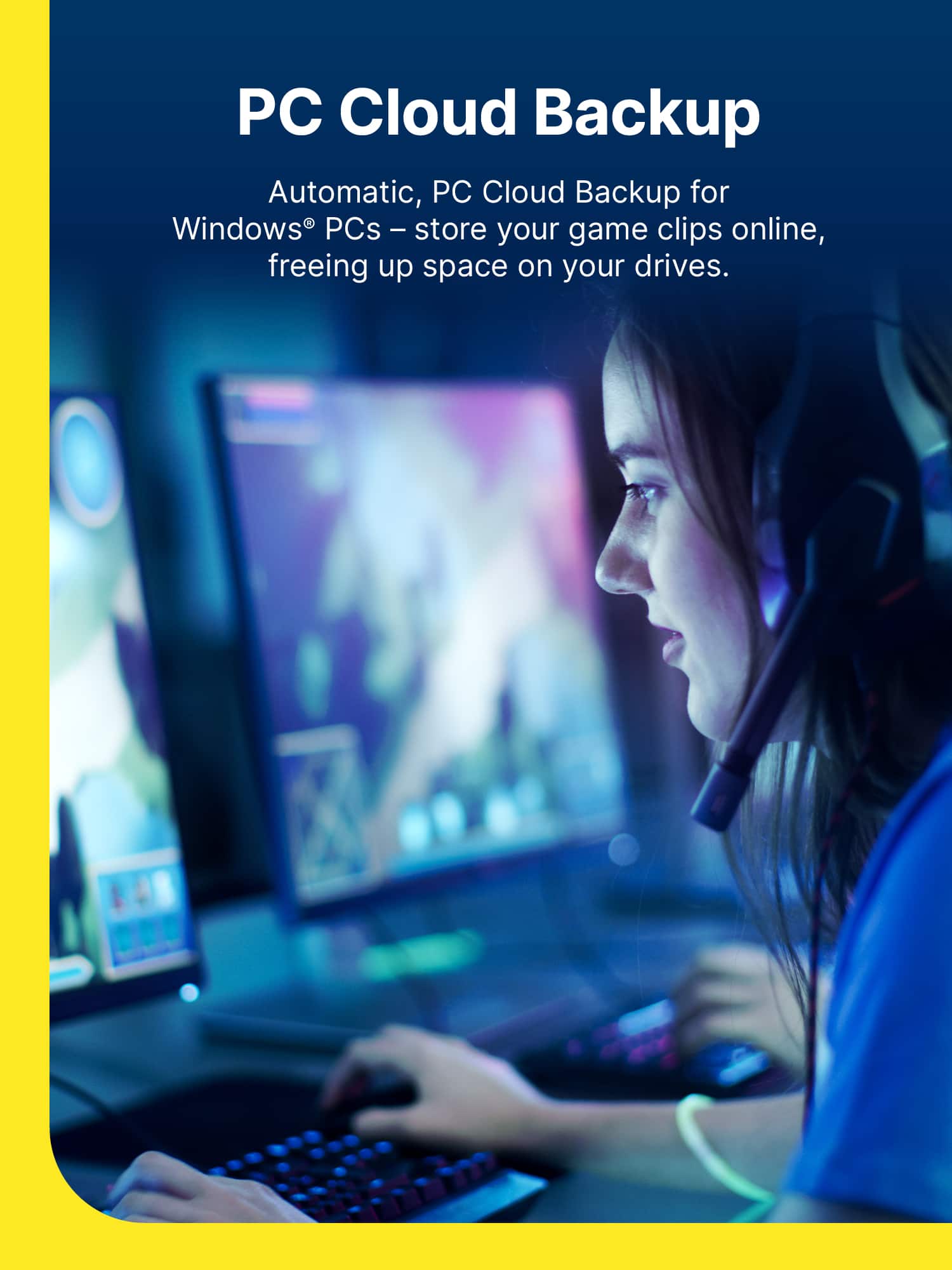
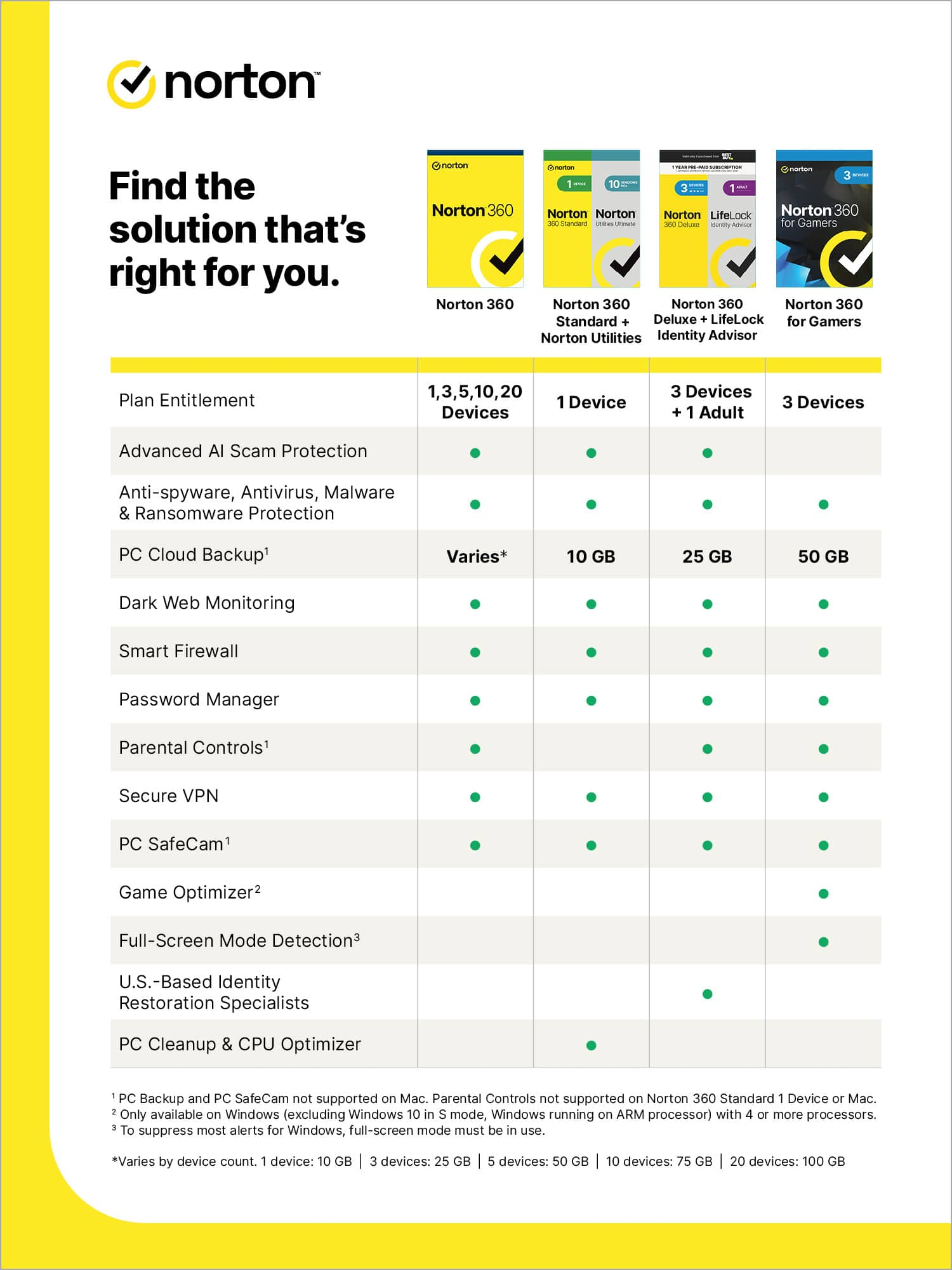
|Posted .This reviewer received promo considerations or sweepstakes entry for writing a review.This product gives you the peace of mind when using your expensive gaming laptop and desktops to connect to the net. I can’t stress how important it is to protect your gaming computer and how vulnerable this kind of computer to the ever growing challenge of online life. Because gaming computers are more powerful than typical ordinary computer, you may not even notice when a malware is inhabiting your device as you will not feel any sort of performance degradation. While default protection by Windows Defender is better than nothing, third party protection from reputable provider generally gives you better security and features. I installed this product on my Zephyrus gaming laptop and it works well. This product gives you the right to install it in maximum 3 devices: PC, Mac, Android, and iOS device. A typical user case scenario would be to install this in your gaming PC/ laptop, mobile phone and tablet, which makes the subscription really a good deal. Mobile phones and tablets are much more vulnerable than PCs. When using an anti virus or internet security product in your gaming PC, one thing that you should be aware of is how that product affects the performance of your PC. I do not notice any slowing down or performance degradation so I do not bother to run benchmark tests. Not only that this product protects your computer from virus, malware and internet intrusion, this product has tons of other useful features such as password manager, cloud backup (50GB) and secure VPN. As part of its secure internet solution, this product can protect you from phishings and keep your online life safe and healthy protecting you from unsafe websites. There’s also a feature to protect your online banking data and darkweb monitoring, which will give you an alert if your account or data are being compromised on the dark web. For gamers who share PC or device with their children, there’s the parental controls feature that helps you to monitor and manage the online activities of your child. All of these features are very useful if you don’t already have these services for your PC/ device. Of course when you game you may want to have as little background tasking as possible and you also want to get the best possible connection to the game server hence you don’t really want to use the secure VPN feature when gaming, unless latency is not a big issue for you. I also like the simplicity of the program, it has a simple layout where it displays all of its major features that you can access it easily. Overall, a very good offering and value from Norton.
I would recommend this to a friend Norton antivirus
||Posted . Owned for 2 weeks when reviewed.This reviewer received promo considerations or sweepstakes entry for writing a review.removed other antivirus apps and made my PC way faster once installed this one. so far great service, great VPN service as well.
I would recommend this to a friendBest Security for the price
||Posted . Owned for 1 month when reviewed.This reviewer received promo considerations or sweepstakes entry for writing a review.Love it. Got it a great price. Gives one peace of mind that ones hardware is secure from any outside threats.
I would recommend this to a friendDoes not let you install games through battle.net
Posted .This reviewer received promo considerations or sweepstakes entry for writing a review.I have been going crazy for WEEKS trying to find the problem which was not letting me playing Call Of Duty through battle.net, I literally tried everything on all internet forums and nothing worked for me until I uninstalled Norton 360 from my PC. I really do not recommend it.
No, I would not recommend this to a friendBrand response from Norton & LifeLock Product Expert
Posted .Thanks for taking the time to provide us with your feedback. We're sorry to hear you are facing these issues. We would like to look into this further. Could you please send us a message to our official social support channel on Facebook at https://m.me/norton or on Twitter at https://twitter.com/messages/Nortonsupport
Alternatively if you prefer, you can connect with our team via chat & phone here www.norton.com/support. Thank you.
Excellent affordable product!
||Posted . Owned for 1 month when reviewed.This reviewer received promo considerations or sweepstakes entry for writing a review.Would give this product a complete 5 star rating. It is excellent in every way except having to wait, scroll and select the secure internet browser. Not for one needed information quickly.
I would recommend this to a friendNorton 360 Gamers
||Posted . Owned for 6 months when reviewed.This reviewer received promo considerations or sweepstakes entry for writing a review.Norton I have been using since they started selling products, the 360 for gamers is beyond fast and accurate
I would recommend this to a friendSale
||Posted . Owned for 2 months when reviewed.This reviewer received promo considerations or sweepstakes entry for writing a review.Would only buy on sale, dont pay full price, there will always be a sale coming.
I would recommend this to a friendDecent, works well. Come a long way.
||Posted . Owned for 1 month when reviewed.This reviewer received promo considerations or sweepstakes entry for writing a review.Seems like a great product. Doesn't use too much memory in the background and they've just added an Ethereum mining option, so you can mine for crypto when your computer is idle.
I would recommend this to a friendbest for gamers
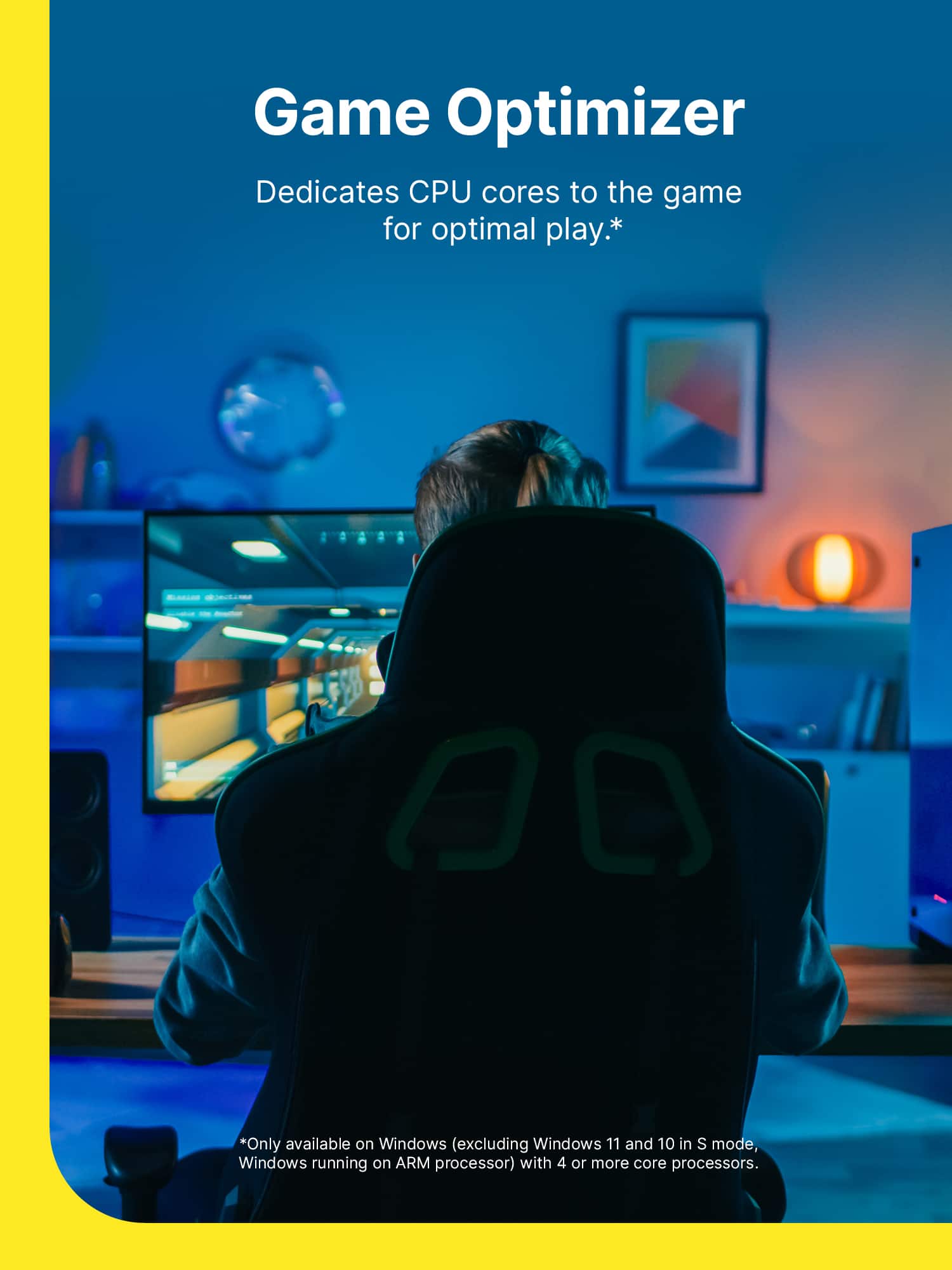
||Posted . Owned for 6 months when reviewed.This reviewer received promo considerations or sweepstakes entry for writing a review.no problem runing on my system with lots of good features such as game optimization, back up, and lately got software updates checker which is a nice security feature to have!
I would recommend this to a friendHighly Suggest Getting This
||Posted . Owned for 2 months when reviewed.This reviewer received promo considerations or sweepstakes entry for writing a review.I have been using Norton Security for many years to keep my computers safe, and I finally made the switch over to the "Gamer" version, and I absolutely love the extra features for people who spend more time online!
I would recommend this to a friendNorton 360
||Posted . Owned for 3 weeks when reviewed.This reviewer received promo considerations or sweepstakes entry for writing a review.Norton has always been reliable, I am currently a member of them and will continue to use it!
I would recommend this to a friendGreat AV for Gaming PCs
||Posted . Owned for 2 weeks when reviewed.This reviewer received promo considerations or sweepstakes entry for writing a review.I've used this software for many years now. It is one of my favorite antivirus software. It works great on my gaming PCs and doesn't seem to slow anything down including my games.
I would recommend this to a friendGreat computer software
||Posted . Owned for 3 weeks when reviewed.This reviewer received promo considerations or sweepstakes entry for writing a review.Great product. Love scanning all my computers to make sure nothing is wrong with them.
I would recommend this to a friend- Pros mentioned:Antivirus, Vpn
Comprehensive but often cumbersome
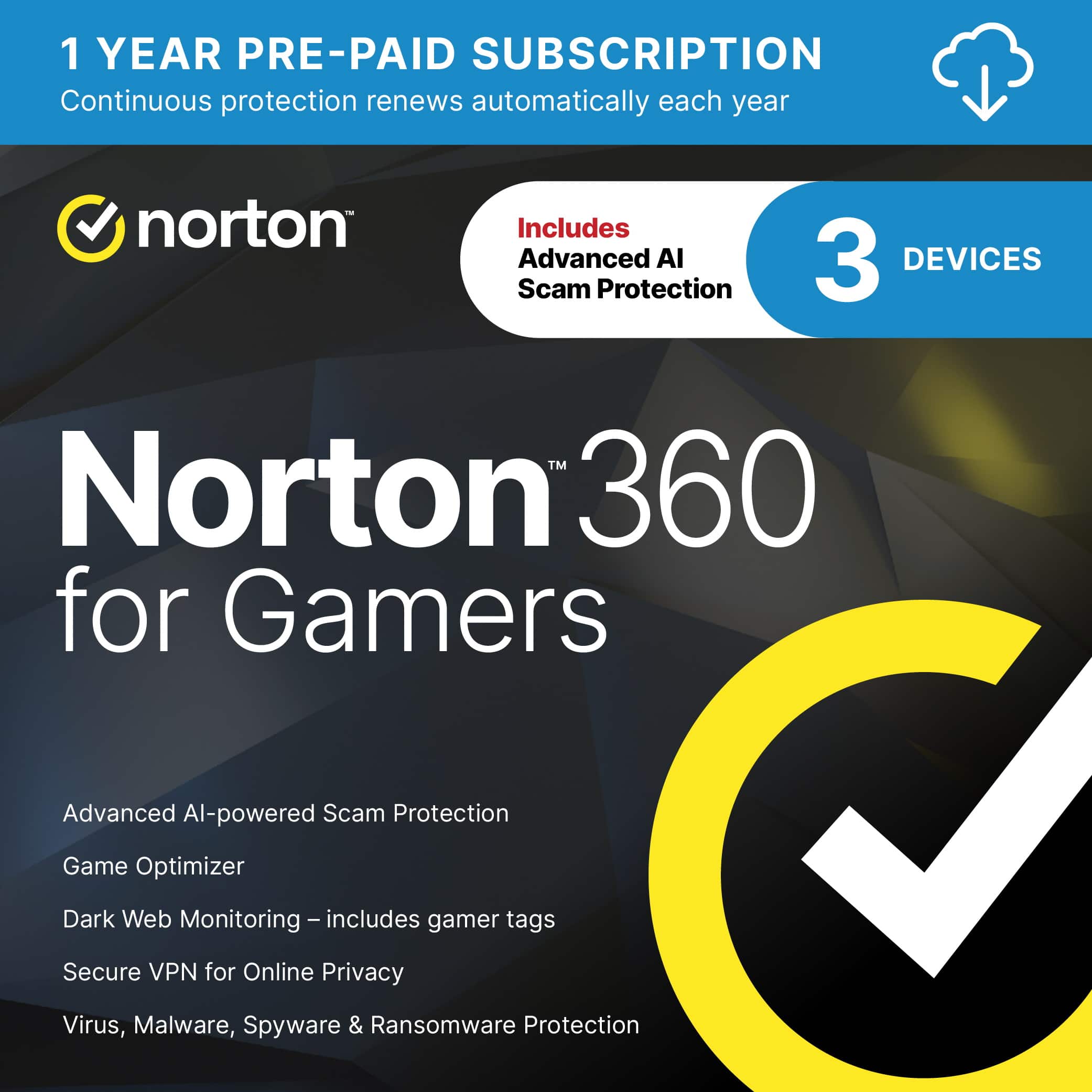
|Posted .This reviewer received promo considerations or sweepstakes entry for writing a review.Norton 360 Gamer's edition gives you plenty of peace of mind when it comes to using the Internet -- but not without inflicting a good bit of pain. On the upside, this modestly priced software suite (for up to three devices) pretty much covers the waterfront when it comes to security. Antivirus, check. Phishing and ransomware protection, check. Parental controls, check. Password vault, check. VPN, for extra privacy when browsing, check. It even monitors the dark web to make sure none of your most important personal information, including your gamer tag (that's the Gamer edition part) is floating around there. There are also tools for optimizing your system, making sure your firewall settings are up to snuff and even backing up key files in the cloud. (Up to 50GB with this package) That all sounds great, until you actually download Norton 360 and get down to the nitty gritty. That's when it becomes clear none of this going to happen without a lot of work on your part, and perhaps some sacrifice when comes to your daily computer routines. Installation, for example, is slow and sometimes unpleasant experience. Starting with Norton's demand that you sign up for automatic annual renewal, and fork over credit card information, before it will even load. You can turn auto-renew off once you are up and running but that left a bad taste in my mouth. Worse, my compuer kept throwing up error messages during installation, presumably because Norton 360 was messing with Window's built in security. I just dismissed them and it seemed to load fine in the end. But it was still disconcerting. In the end, installation was a slow, cumbersome process, in part because this package appears to be a collection of bits and pieces that were cobbled together over the years instead of one designed from the ground up as a unified smoothly integrated piece security software. Almost every option you choose forces you to log on to the Norton Web site again. And if you are using VPN, it forces you to repeatedly go though the maddeningly frustrating "I am not a robot" game (pick all photos that have a bus, bicycle, etc). Since if you are using VPN, it assumes you are robot, I guess. Also be aware that like many internet security packages, Norton 360 is very heavy handed in pretty much everything it does, taking over major aspects of everyday computing in the name of security. Consider the password vault, a tool that is already built into many Internet browsers. If you opt for Norton's, however, it turns off the easy, seamless password vault and replaces with one where you have to enter all your passwords again manually. Ugh. No thanks. (There is some debate about whether browser based password managers are safe so Norton provides an alternative if you are worried about that) Safe search is the same deal. You prefer Google for searching? Too bad. Norton Safe Search turns that off and replaces it with Yahoo! search (which probably paid them for the privilege. ) Who the heck wants to use Yahoo! search? Not me. Again, Norton may be safer but most browsers provide similar protection if you know how to use the settings. Pretty much every aspect of Norton 360 works like that. Many extra steps to do something that was easy and automatic before. Lots of sign-ins for everything. Lots of manual input of information. Lots of waiting around while the software finally gets around to responding. That's fine I guess, for computer users who are pretty clueless about security, or who maybe have kids doing stuff they should not be doing, and are happy to turn everything over to one piece of software. In the end, it requires a lot of work to set up and a lot of trust in the long run. In order to protect you or monitor things like credit cards, bank account and personal information like your mother's maiden name, and driver's license number, you have to provide it all to Norton. Along with all your passwords. Hence, they become the mother lode of personal information about you, so you better hope they never have a data breach. Norton 360's presence also takes a toll on PC performance. This is less of an issue than it once was since most PCs have plenty of horsepower to deal with things like anti-virus running in background. But you still will notice some slowdowns in some situations. VPN takes the biggest toll at least in terms of Internet speed. Mine dropped more than 50 percent in some cases. Not a big deal in terms of web browsing because so little data required but it might affect your streaming performance, depending on how fast your Internet speed is to begin with. Also be aware some services and web sites do not play well with VPN. My stock trading platform refused to function at all on VPN. Logging on to banks and other secure sites will likely bring up "I dont recognize you" dialogue since your real IP address is blocked. These web sites will need to send you a code every time you log on. (Two-factor identification on every logon) Yes, VPN protects your privacy but not without some pain. Fortunately, Norton provides a quick toggle to shut it down if it becomes a problem. In fact, it is always off by default and must be manually turned on each time you restart your computer. The bottom line here is that Norton 360 Gamers Edition is a capable all-in-one internet security software suite. It will do the job for those who want all that protection in one package and do not want to think about it again until the next renewal date. But experienced, tech savvy computers may find it too cumbersome and look for other solutions.
No, I would not recommend this to a friend Best Antivirus Norton 360
||Posted . Owned for 2 months when reviewed.This reviewer received promo considerations or sweepstakes entry for writing a review.Great Antivirus package that I have ever purchased. Loved the new features.
I would recommend this to a friendGot teens Get this
||Posted . Owned for 3 weeks when reviewed.This reviewer received promo considerations or sweepstakes entry for writing a review.Got this for my teens who are both gamers. So far so good a lot less freezing and pop ups. For the price and devices I can use it on definitely worth it
I would recommend this to a friendGreat for gamers
||Posted . Owned for 5 months when reviewed.This reviewer received promo considerations or sweepstakes entry for writing a review.This product is great for games like defragmentation to your hard drive and could be used for mining crypto.
I would recommend this to a friend