Customer Ratings & Reviews
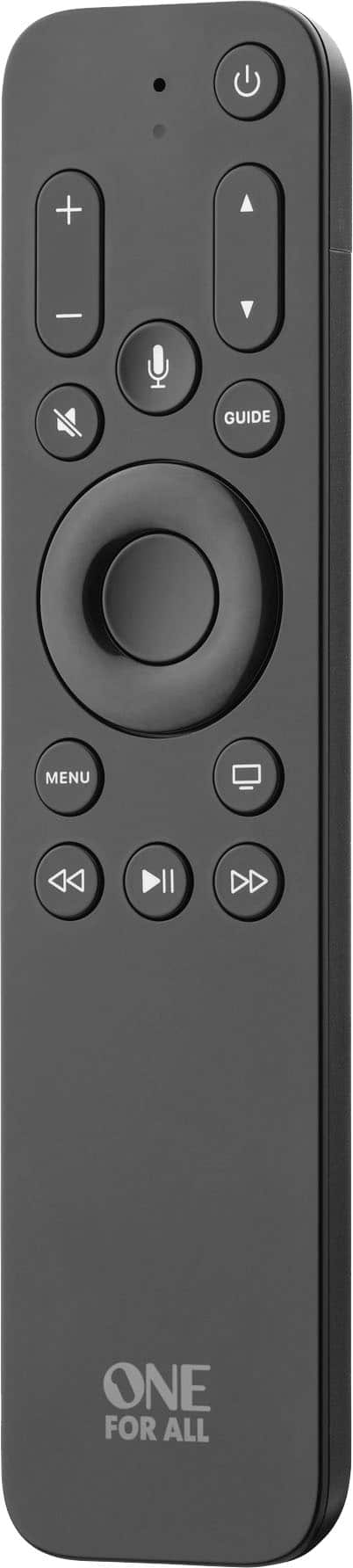

- Model:
- URC1110
- SKU:
- 10736237
Rating by feature
- Value
Rating 4.5 out of 5 stars
- Quality
Rating 4.6 out of 5 stars
- Ease of Use
Rating 4.5 out of 5 stars

Ideal for some, but not for me
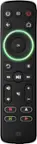
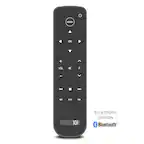
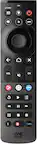
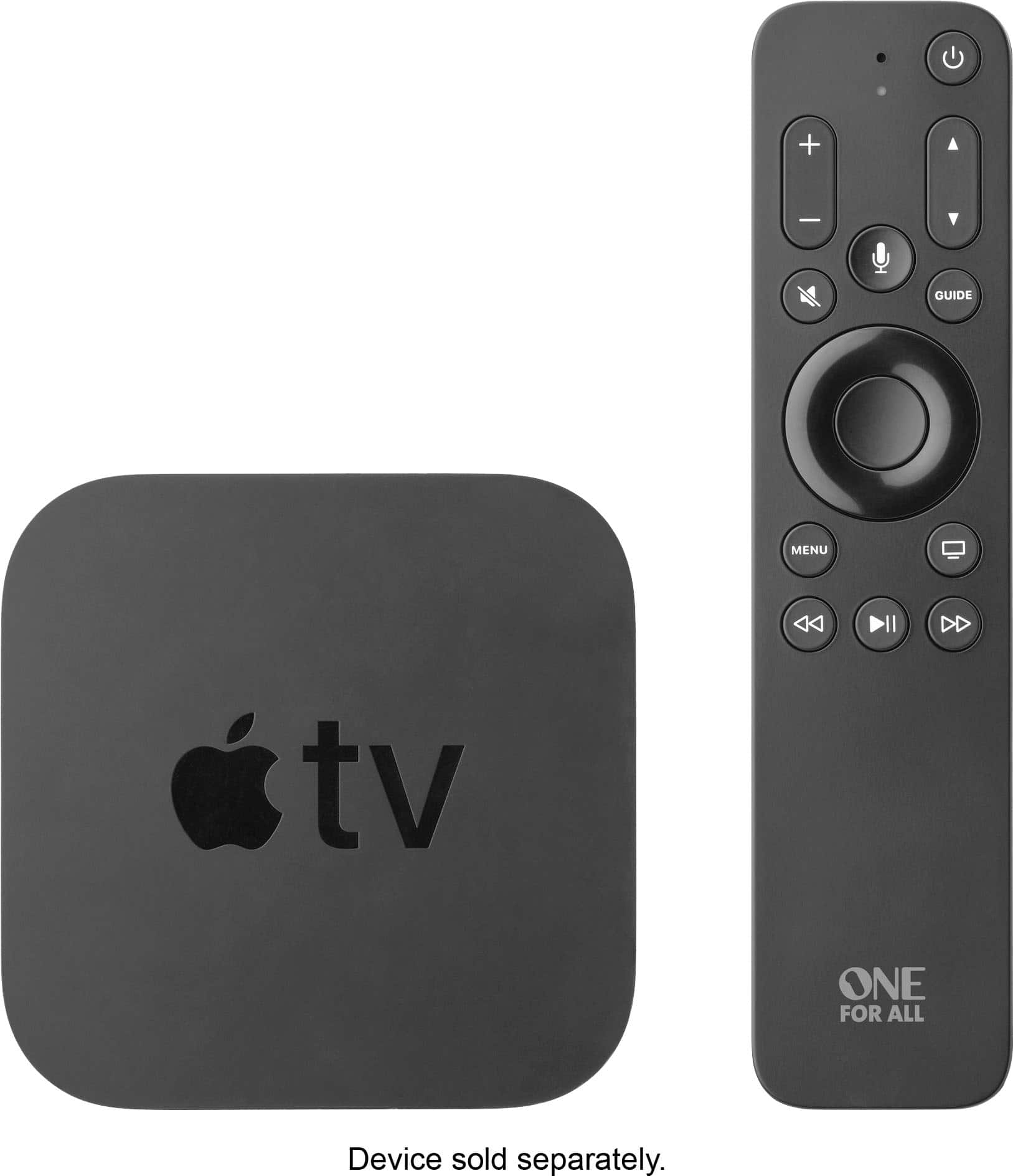
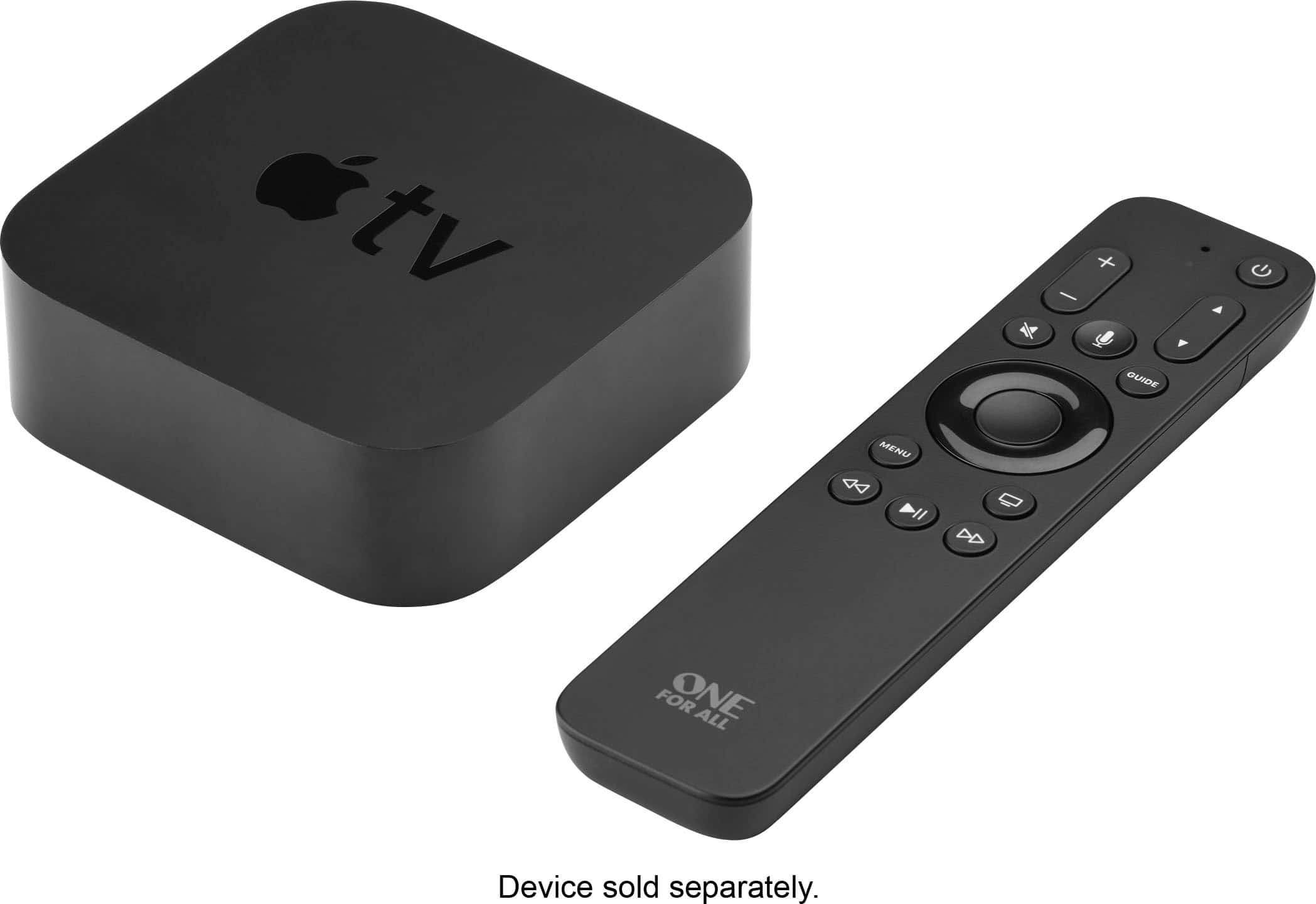
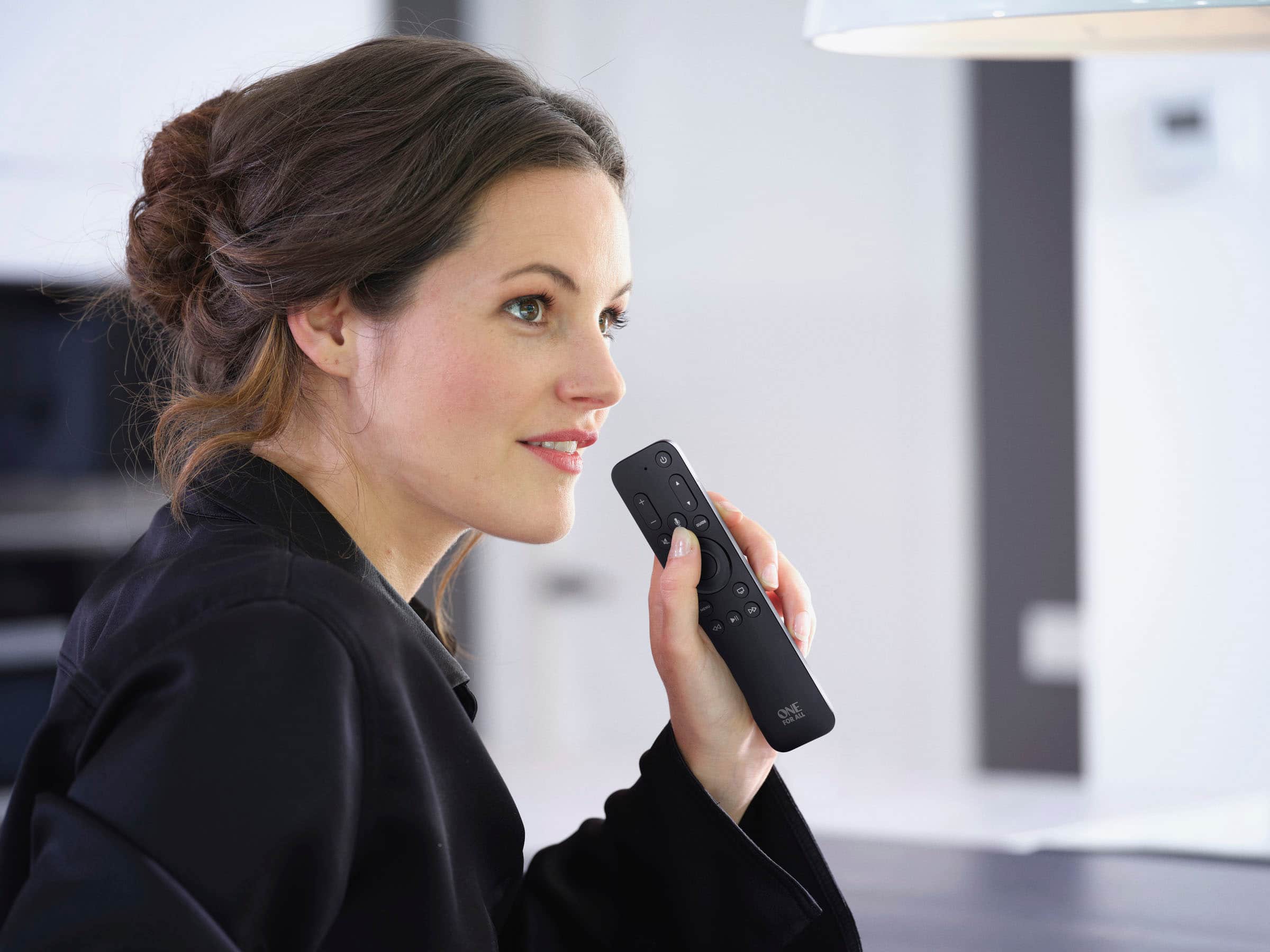
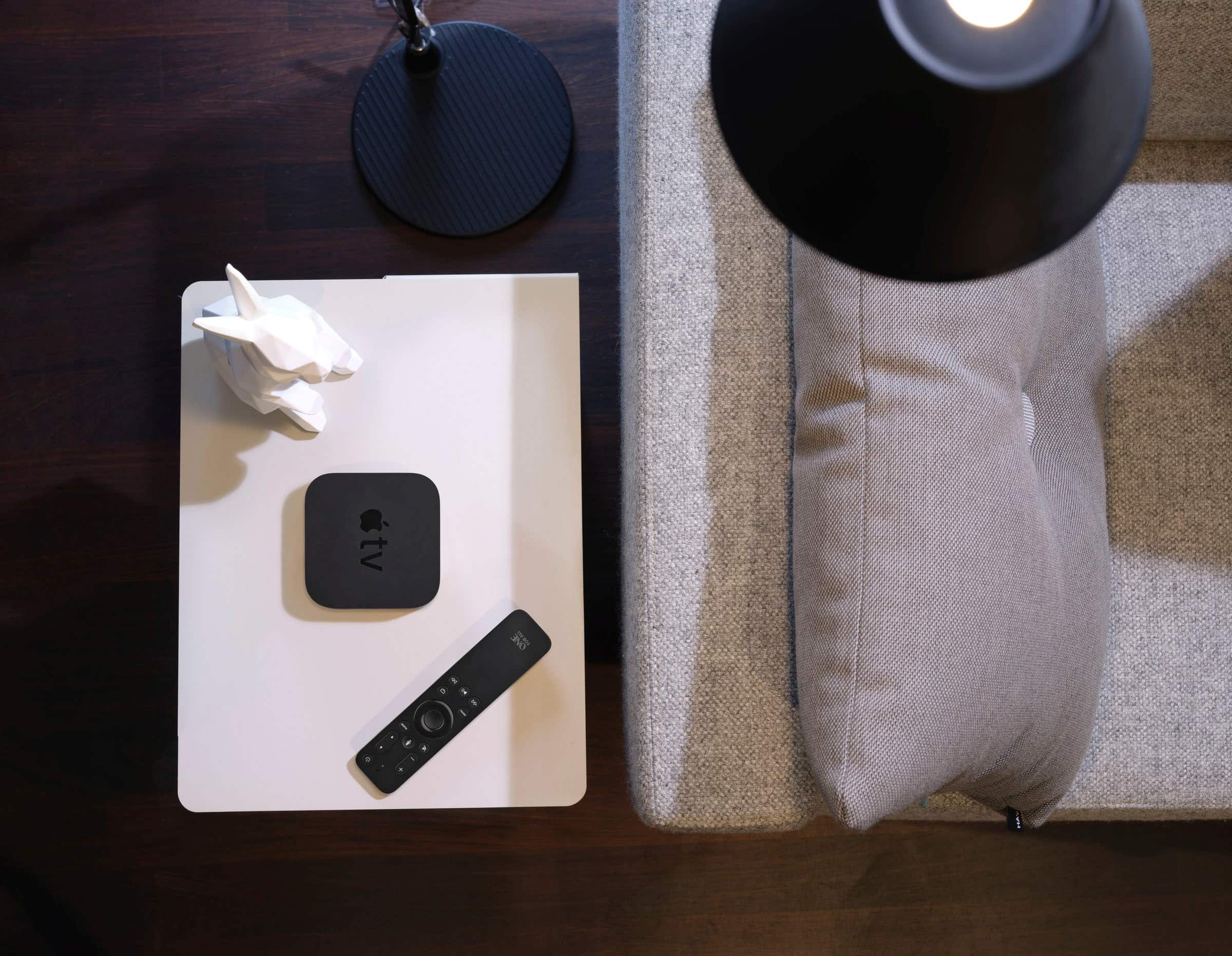
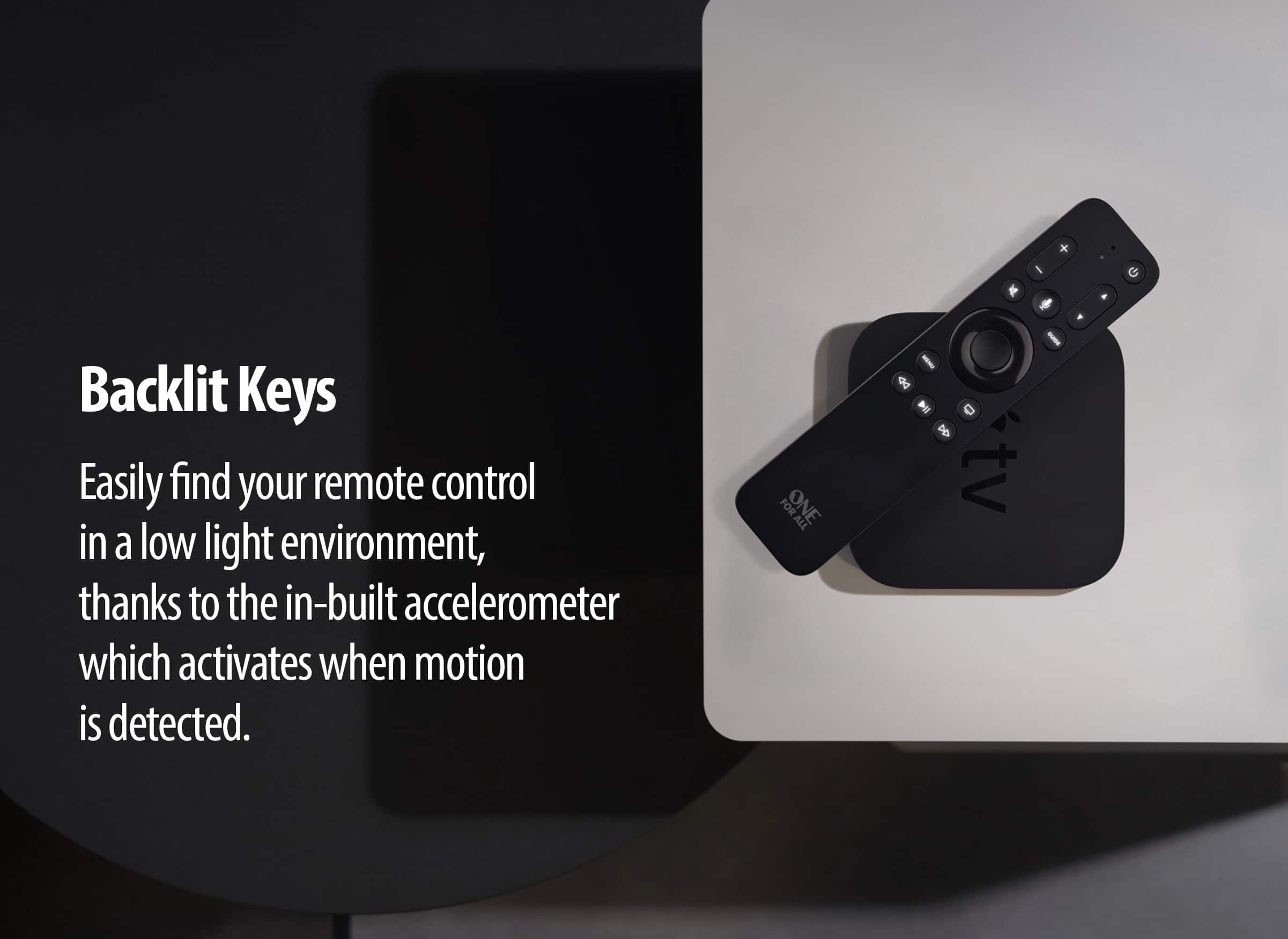
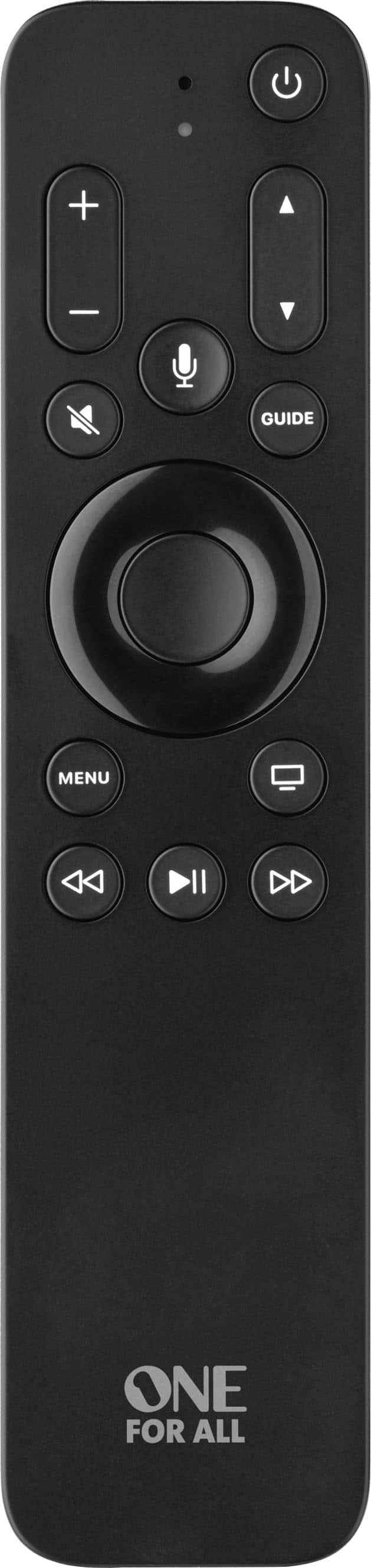
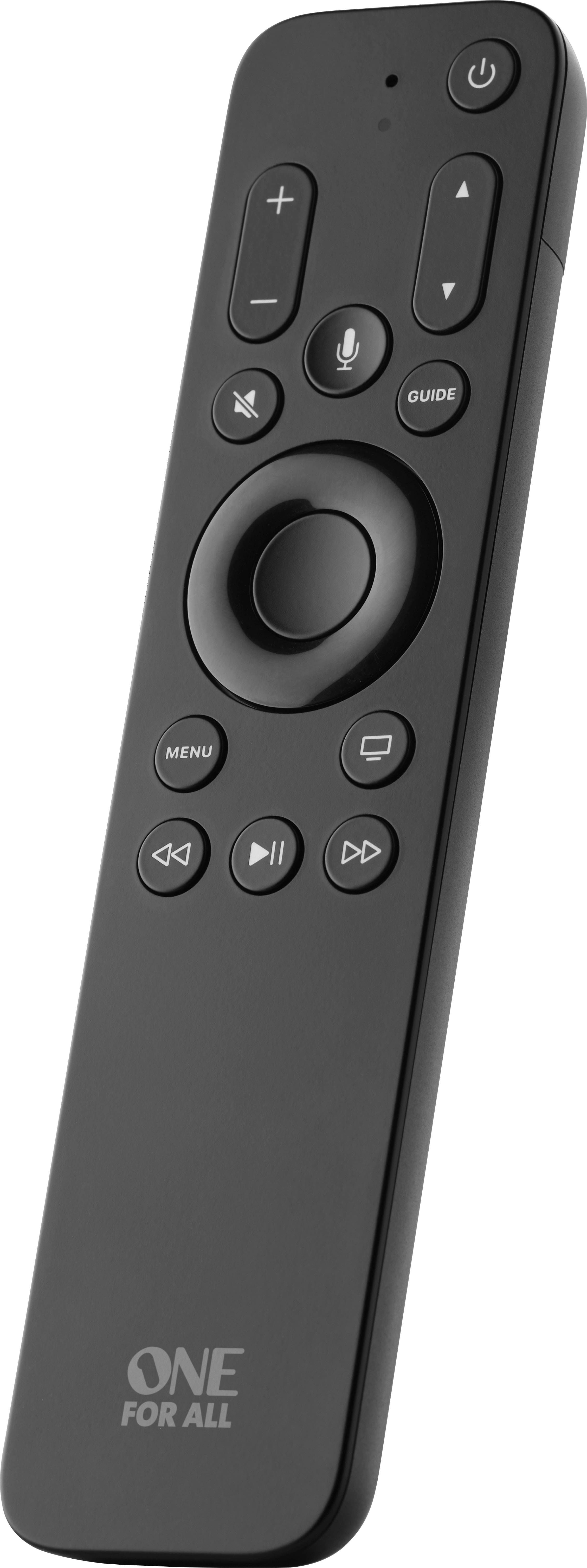
|Posted .This reviewer received promo considerations or sweepstakes entry for writing a review.I received this item thinking that my Apple remote was not working correctly and was looking for a replacement. Set up was easy enough as you just install 2 AAA batteries and hold it near your Apple TV box. Basic functions seem to work well but that was where the honeymoon was "over". For the longest time, I have had issues with my Apple TV and not just the recent generation that I have now, but the previous one as well. It seems to "forget" that it can control my volume as well as turn everything on and off (LG TV and a Denon Surround system). Sometimes it works, others times it does not so I can only comment on what I got to work as this is also listed as being able to control your TV as well, which it did not do for my LG TV. Browsing the manual was no help as it consisted of 2 pages or so. As far as controlling the Apple TV, it did what its primary function is with no issues. Lets get to some pros and cons Pros: - The keypad lights up which is a definate plus! -The guide button does take me to the Spectrum TV app inside Apple TV (how it knows to pick that, I have no idea but it was neat) Cons: -Batteries. As I mentioned, this remote requires 2 AAA batteries. I guess that can be a pro and a con but for me, I would prefer a sealed unit with rechargeable batteries - Having to use your own batteries, also makes this controller much larger then the official one. I would estimate about 1 1/2 times the size in general, and close to twice the width -It is not a "snappy" as the official remote. There appeared to be a little latency between pressing a button and having it register. I am not sure if this is an issue with the remote or the Apple TV itself but the official remote does not have this. -While it does feature a dedicated Siri button, I had issues with that as well. When I asked a basic question like" What is the current temperature", it struggled to pick up my words, and at times injected its own. "Current weather" turned into "Call weather" or " call call current weather" (I have zero idea where the word call came from as I sitting at my homepage with nothing playing and no background noises). Official remote works great -While it does feature a ring you can press, it lacks the scrubbing functionality of the original Apple remote For others it may work flawlessly with their setups, but for me, I just could not get it to. Given the price point is the same as the Apple one, I would just go with the official. If you need lights on your controller or have a habit of losing the Apple one because of its smaller size, then this might be right for you!
I would recommend this to a friendNot a good replacement AppleTV remote
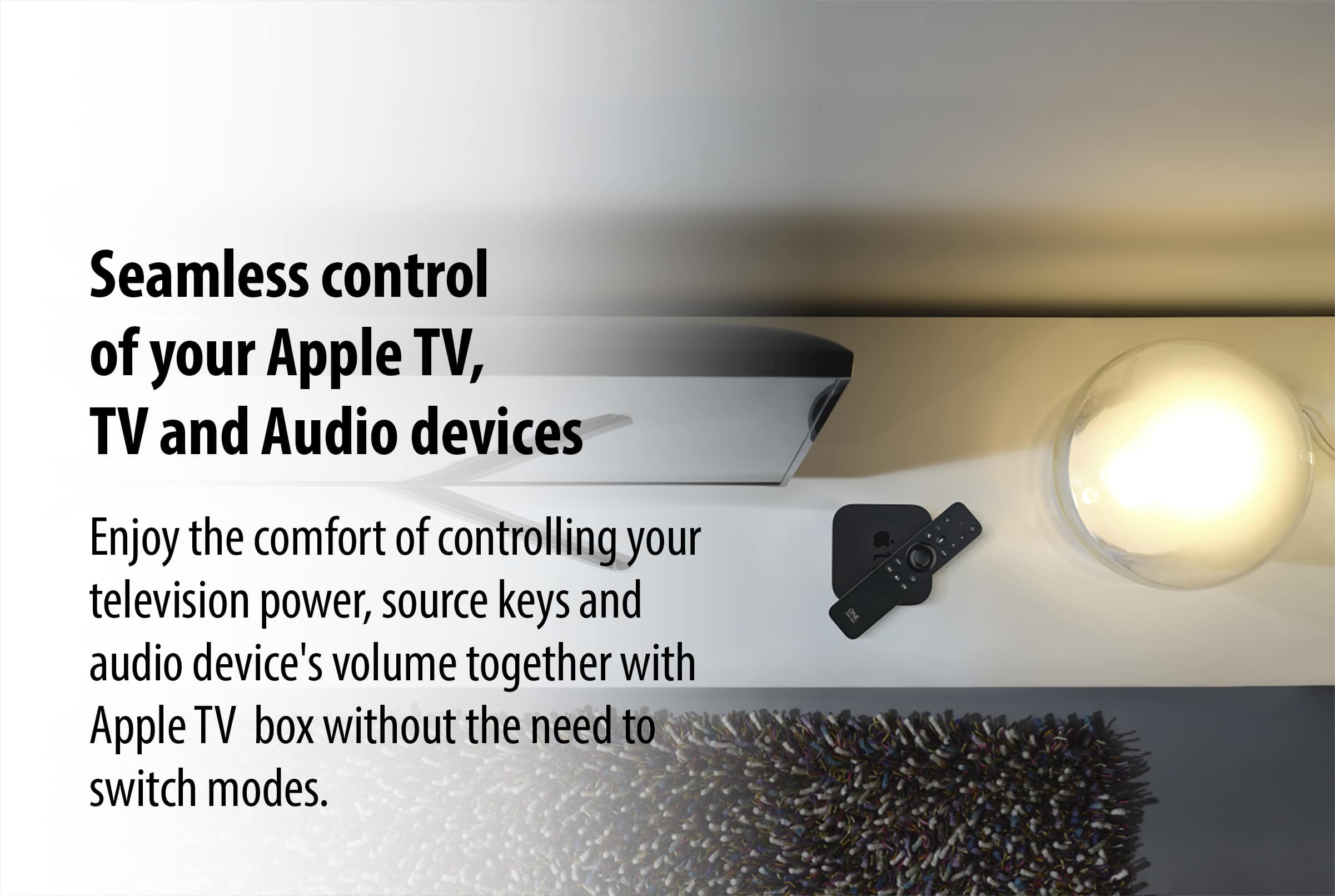
|Posted .This reviewer received promo considerations or sweepstakes entry for writing a review.I was really excited about this remote, I use my AppleTV most of the time but I also watch broadcast/over the air TV (antenna), so I have to use my TV remote to change channels. The website says this controls 3 devices, so I was under the impression I could turn on my TV and use the channel/Page up and down buttons on the remote for it. Boy was I wrong! More on that later. It is extremely easy to pair the remote with the AppleTV – it pairs like a real AppleTV remote, which just requires you to push a button in front of it (like a few inches away) and you’re up and running! Of course, that’s IF you have 2 AAA batteries, which isn’t mentioned on the website, or on the box of the remote. It *is* in the included manual in small print, as step 2, which is frustrating, because 1) AppleTV remotes are rechargeable and 2) Not everyone has stock of batteries lying around! The next incredibly frustrating thing is that you lose a main feature of the AppleTV remote – which is swiping! The center of the AppleTV remote is both a button and allows swiping up/down/left/right – which is useful when browsing menus or skipping ahead/rewinding, you don’t have to press a button. This replacement remote the center button is JUST a button (that requires more pressure than original remote), so if you’re going to be casually scrolling in the AppleTV menus, you’re going to be pressing buttons A LOT, and you know what happens when you spend 30+ mins pressing buttons? Your fingers hurt! I tend to spend 30-90 mins adding stuff to the watch list (in AppleTV and in individual apps), so if you have sensitive fingers, this is NOT for you. Now let’s get to *3 device support* Does it also control your TV and sound(bar)? Yes, but not because the controller is paired to them, but because the AppleTV is controlling it. If you’re using the AppleTV, the OneForAll will control the volume, but if you turned on your TV and put it on an OTA station, you cannot use the channel/page up or down buttons, nor will the volume work – because the AppleTV isn’t on to control it! I was hoping to use my TV independently, but I’ll still need to use the TV remote and not the OneForAll. If you wanted a universal to remote to control the functions of the TV / Soundbar without the AppleTV being used – this remote is NOT for you. They should disclose that the remote will only turn the TV on and off, and volume up/down/mute ONLY when using AppleTV, because currently it seems to imply it can control TV independently, which is not the case. Finally, let’s talk about the value. It appears that the price of the remote is the same price as the AppleTV remote – but as I’ve already described, you lose crucial features and require batteries that are not included! Why would you spend the same amount of money to lose features instead of gaining any? There is only 1 feature you gain on this remote – the backlit buttons. I’ll admit that’s the only nice thing about this remote, but definitely not worth replacing my current remote, because I don’t want to keep buying batteries or hurting my fingers using it. Pros: Immediately pairs to AppleTV Controls TV/Soundbar as long as the AppleTV is on and in use Cons: Buttons are harder to press which will cause fatigue faster The center button isn’t a swipe button and you’ll need to push buttons constantly Priced the same as original with less features Remote larger than original, I assume to accommodate the wasteful batteries
No, I would not recommend this to a friendtotal garbage
Posted .This reviewer received promo considerations or sweepstakes entry for writing a review.won't pair...won't do anything... followed instructions...checked batteries with another remote and they are good. WISH Best Buy had the REAL remote I could have purchased. I'll just check this, and the time it takes to drive back and return this worthless 60.00 remote back, up to experience...
No, I would not recommend this to a friendBrand response from One For All
Posted .Dear BestBuy customer, thank you for your review of our URC 1110. We are very sorry to hear that you were not able to pair it to your Apple TV. We would like to make it up to you and find a solution so you can finally enjoy your TV again. Please, contact our support any time via this link https://www.oneforall.com/en-us/webform or via Facebook messenger. Best regards, Your One For All team.