Customer Ratings & Reviews

- Model:
- LAP980800F136
- |
- SKU:
- 6261267
Customer reviews
Rating 3.7 out of 5 stars with 824 reviews
(824 customer reviews)Rating by feature
- Value3.8
Rating 3.8 out of 5 stars
- Quality4.2
Rating 4.2 out of 5 stars
- Ease of Use3.6
Rating 3.6 out of 5 stars
Customers are saying
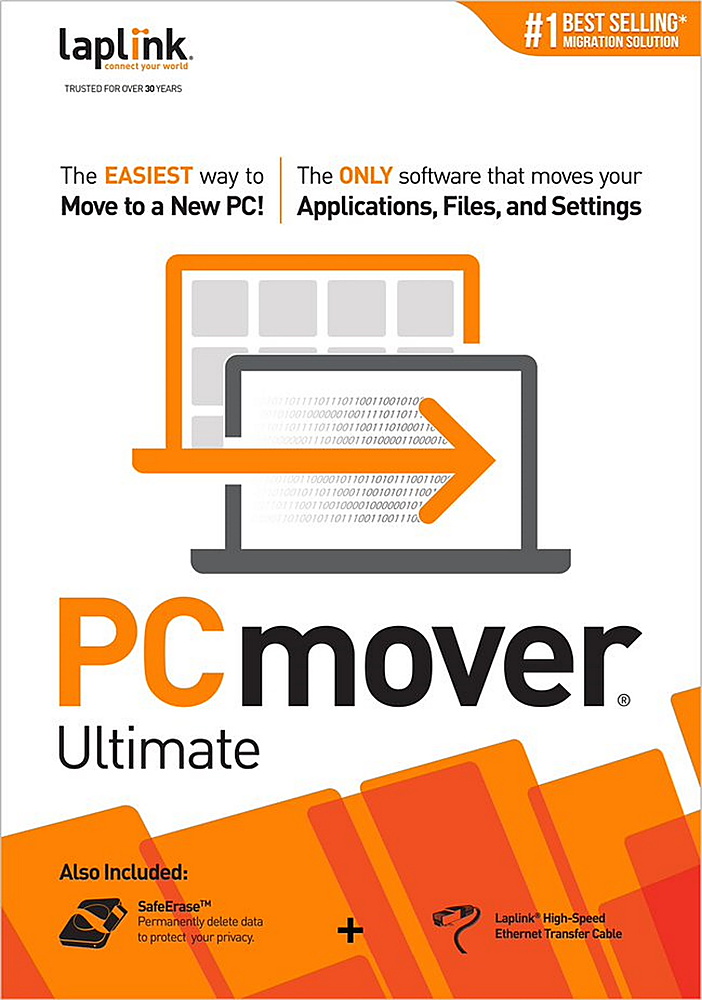
Customers are positive about the ease of use and data transfer capabilities of PCmover Ultimate. Many users found the software convenient and reported successful transfer of their data. However, some customers reported issues with compatibility and unclear instructions. Additionally, a few users experienced problems establishing an ethernet connection.
This summary was generated by AI based on customer reviews.
Rated 4 out of 5 stars
Did the job
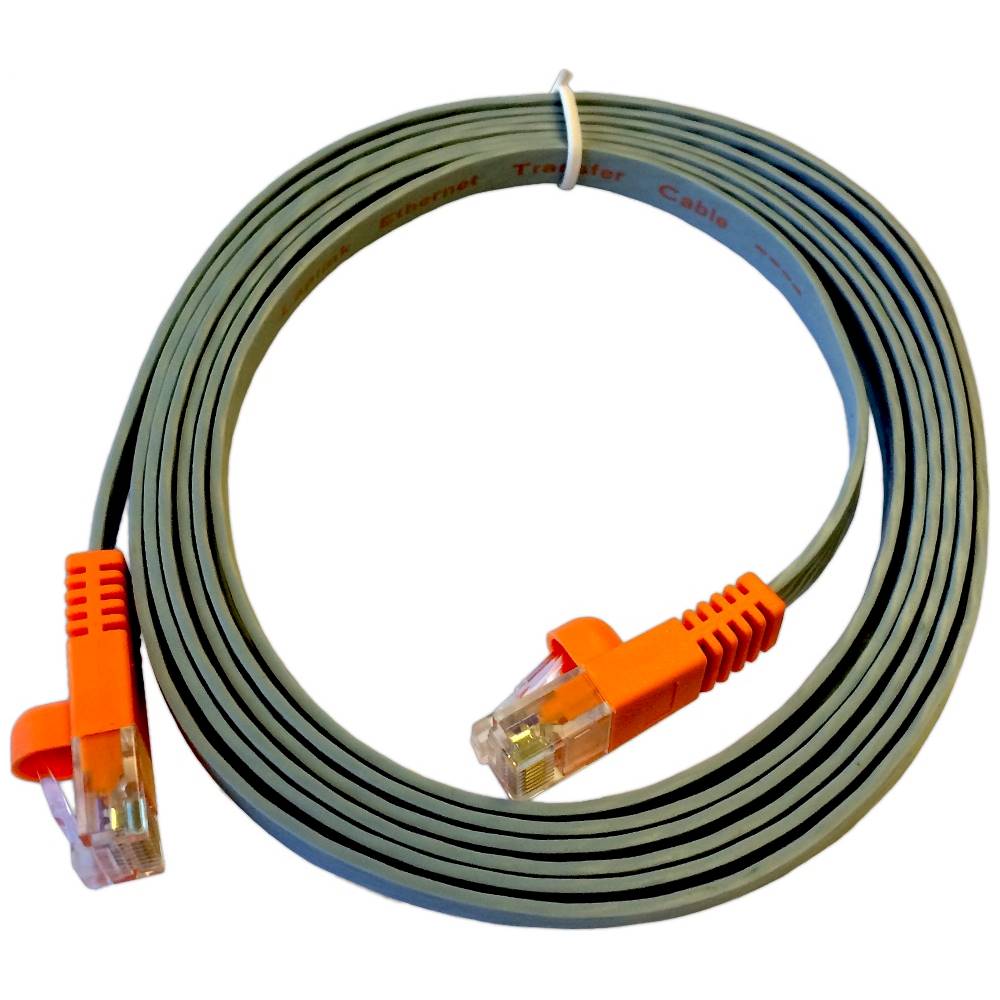
||Posted .This reviewer received promo considerations or sweepstakes entry for writing a review.It's a 'one trick pony', but what a trick it does. Used it to transfer from Windows 7 to Windows 10. The interface was not real intuitive but it does a decent job of guiding a person through the steps. Performed the transfer using a direct connection between computers, (via the supplied cable). Speed of operations seemed limited more by the computer hard drive than anything else. Total time needed will vary depending on products installed as well as number of photos, documents, videos, etc. Count on multiple hours. Full price is a bit much for a one time usage, but competitive with other products out there. Cannot comment on customer support since I did not need to contact them. Other reviews indicate it's less than stellar. As is standard these days, there is virtually no documentation with the product and it does require an online update before using.
I would recommend this to a friend- Pros mentioned:Data transfer, Ease of use
Rated 5 out of 5 stars
Easy Complete File and Program Transfer
||Posted .This reviewer received promo considerations or sweepstakes entry for writing a review.Software worked very well for transferring files to my new computer. Easy to use, recommend watching the install video and reading instructions before stating the transfer process.
I would recommend this to a friend - Pros mentioned:Data transfer
Rated 1 out of 5 stars
Does Not Transfer All Apps
||Posted .This reviewer received promo considerations or sweepstakes entry for writing a review.The published description made me believe I would be able to transfer ALL apps like Corel Draw from my old computer to my new computer. That is false. There were other apps such as Microsoft Office that would not transfer either. If you have an external drive, you can transfer music, photos and other files.
No, I would not recommend this to a friend - Pros mentioned:Speed
Rated 5 out of 5 stars
PC mover review
||Posted .This reviewer received promo considerations or sweepstakes entry for writing a review.Very easy to transfer programs, pics, and file folders from old PC to new one. Highly recommend!
I would recommend this to a friend - Pros mentioned:Ease of use
Rated 5 out of 5 stars
did the job
||Posted . Owned for 2 months when reviewed.This reviewer received promo considerations or sweepstakes entry for writing a review.it worked and very easy to use without any problems
I would recommend this to a friend - Pros mentioned:Data transfer
Rated 4 out of 5 stars
Easy to use for changing out system!
||Posted .This reviewer received promo considerations or sweepstakes entry for writing a review.I have used this product in the past and will use it in the future. 99% of the programs, files, etc. will be moved to the new PC. The only thing I wish it had was unlimited use. The only other PC mover I have used was Aloha Bob, which was a great product, but I can't find it!
I would recommend this to a friend - Pros mentioned:Data transfer
Rated 4 out of 5 stars
Works as expected
||Posted . Owned for 1 month when reviewed.This reviewer received promo considerations or sweepstakes entry for writing a review.My new laptop didn't have a jack to receive the cable so I had to transfer files over wifi. It took a long time but it reliably transferred all the files I selected and all the programs work great. It was worth buying and worth the wait.
I would recommend this to a friend - Pros mentioned:Data transfer
Rated 4 out of 5 stars
Good if you need it
||Posted . Owned for 1 month when reviewed.This reviewer received promo considerations or sweepstakes entry for writing a review.Good product but probably not necessary since so much of my computer software transfer was done automatically,
I would recommend this to a friend - Pros mentioned:Data transfer, Ease of use
Rated 5 out of 5 stars
Worked Very Well
||Posted .This reviewer received promo considerations or sweepstakes entry for writing a review.Having read mixed reviews I was nervous about my file transfer but my fears were unfounded. The instructions were clear and I followed them to the letter. My files were transferred without a hitch and I am very satisfied!
I would recommend this to a friend - Pros mentioned:Data transfer
Rated 4 out of 5 stars
PCmover - partial mover
||Posted .This reviewer received promo considerations or sweepstakes entry for writing a review.It did save some time moving files but some programs it only moved the desktop short cuts and not the actual program. Slightly overhyped on what it actually moves.
I would recommend this to a friend - Pros mentioned:Data transfer
Rated 5 out of 5 stars
Great product - my believe it's recommendations
||Posted .This reviewer received promo considerations or sweepstakes entry for writing a review.I've used this software before (earlier versions) and it works like a charm. One caveat - make sure any conflicting software on the "new" PC is deleted and that you believe the recommendations. I would have saved myself several days of troubleshooting if I'd noticed a newer version of Office on the new PC and hadn't overwritten the recommendations against transferring the older version.
I would recommend this to a friend - Pros mentioned:Overall performance
Rated 5 out of 5 stars
PC Mover Ultimate Saves Time
||Posted . Owned for 1 month when reviewed.This reviewer received promo considerations or sweepstakes entry for writing a review.I purchased the PC Mover Ultimate program to transfer computer files and programs from an older to a newly purchased computer. It worked nearly flawlessly. I only had to fine-tune two programs. To make the two programs work, I had to add activation codes. PC Mover Ultimate is worth the (already low) purchase price based on the effort and time I saved using this program.
I would recommend this to a friend - Pros mentioned:Overall performance
Rated 5 out of 5 stars
PC mover
||Posted . Owned for 1 month when reviewed.This reviewer received promo considerations or sweepstakes entry for writing a review.Worked as advertised. Would recomend this to anyone buying a new computer or laptop.
I would recommend this to a friend - Pros mentioned:Data transfer
Rated 5 out of 5 stars
Despite reviews, glad i bought it.
||Posted .This reviewer received promo considerations or sweepstakes entry for writing a review.After checking reviews on this site and others, I was hesitant to purchase this item. But I was in a hurry to get something done so I took a chance. So glad I did. Installation was simple ( I purchased the box edition with CD and transfer cable ). After reading instructions I was extremely apprehensive because it warned me that the target PC had to have the same or newer OS. I was transferring from a win 10 computer TO a Win 7 machine. But too late now. Started the program and walked away. Next morning I went to the Win 7 and everything had transferred with no errors, including bookmarks and passwords from Chrome. So while it definitely is hit or miss, if you get it for the right price it's worth a try.
I would recommend this to a friend - Pros mentioned:Ease of use
Rated 5 out of 5 stars
Get this if you are upgrading to a new PC
||Posted . Owned for 3 weeks when reviewed.This reviewer received promo considerations or sweepstakes entry for writing a review.The must have software for transferring your files to a new computer. So easy to use. Worked great the first time for my rathewr large computer file system.
I would recommend this to a friend - Pros mentioned:Ease of use, Price
Rated 5 out of 5 stars
Great Transfer Software!
||Posted .This reviewer received promo considerations or sweepstakes entry for writing a review.You will find this software easy to use and extremely helpful! It does all the hard work for you. Reasonably priced! Great software for transferring everything from old PC to new PC no matter what the version of software.
I would recommend this to a friend - Pros mentioned:Data transfer
Rated 5 out of 5 stars
Great for moving apps.
||Posted . Owned for 1 week when reviewed.This reviewer received promo considerations or sweepstakes entry for writing a review.Great application to move your apps from old to new computer. Went from WIN 10 to WIN 11 and most apps transferred. I left out one important app but the help number from LinkedIn helped me resolve that issue. It will not/did not move my old emails. Found a work-around.
I would recommend this to a friend - Pros mentioned:Overall performance
Rated 5 out of 5 stars
Worked surprisingly well
||Posted .This reviewer received promo considerations or sweepstakes entry for writing a review.Worked better than similar products that I have used in the past
I would recommend this to a friend - Pros mentioned:Data transfer
Rated 4 out of 5 stars
Virtual machine to PC laptop
||Posted . Owned for 1 month when reviewed.This reviewer received promo considerations or sweepstakes entry for writing a review.PC Mover Ultimate did exactly what it was supposed to do. I transfered PC data from a PC virtual machine on my MacBook Pro to an HP laptop. everything went fine. Didn't need to re-install anything.
I would recommend this to a friend - Cons mentioned:Compatibility
Rated 3 out of 5 stars
Failed without customer service help
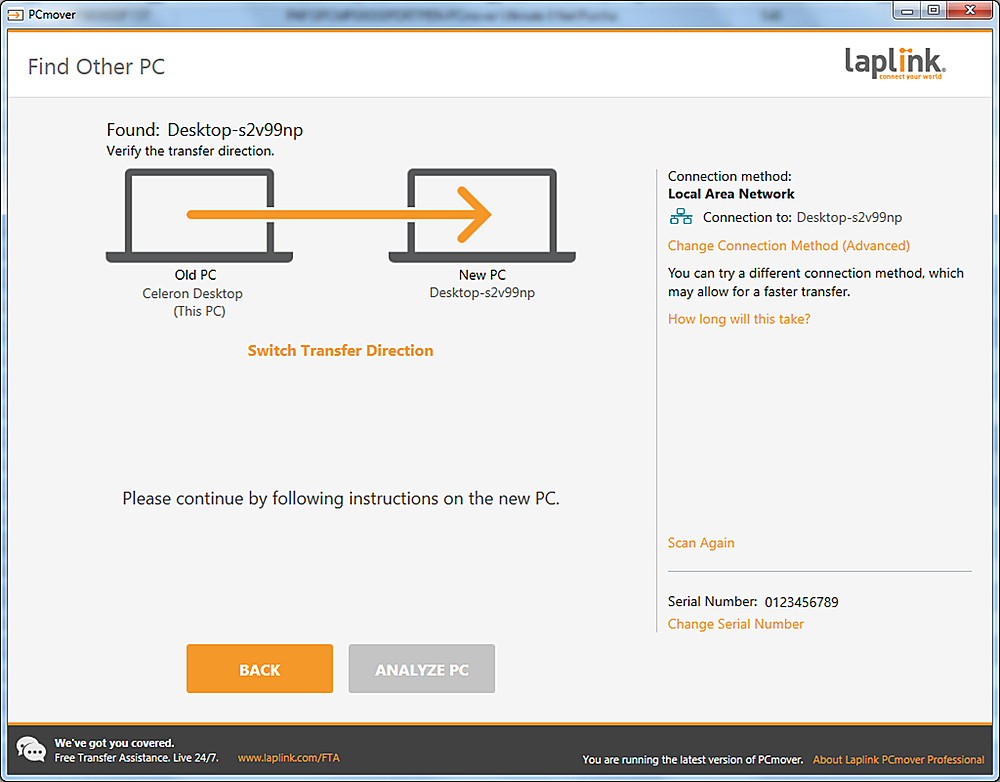
||Posted .This reviewer received promo considerations or sweepstakes entry for writing a review.It did not work out of the box. The new computer could not find the old computer. I called their customer service and they guided me through the process.. They took over my computer and configured everything so the transfer took place during the night.
I would recommend this to a friend