Customer Ratings & Reviews

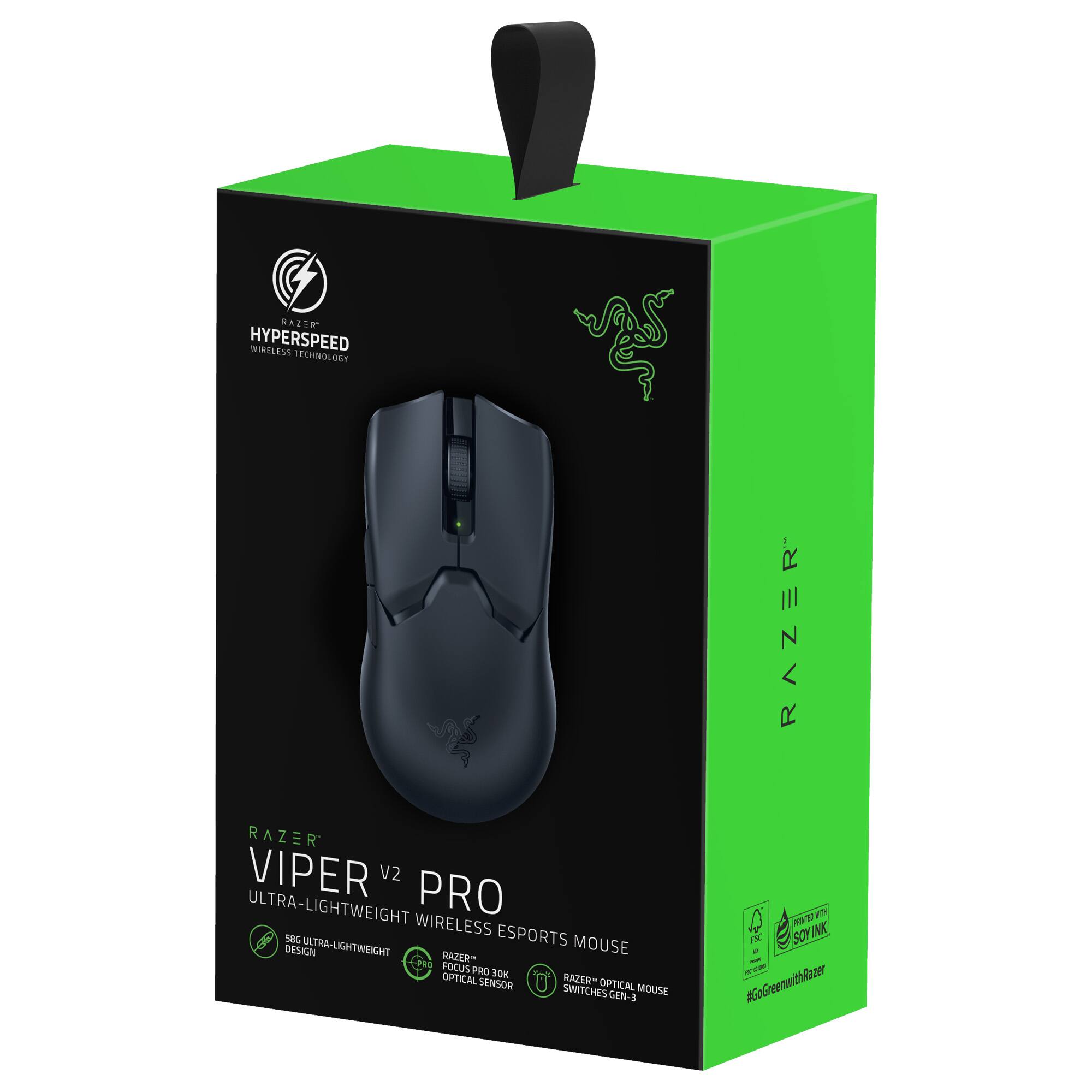
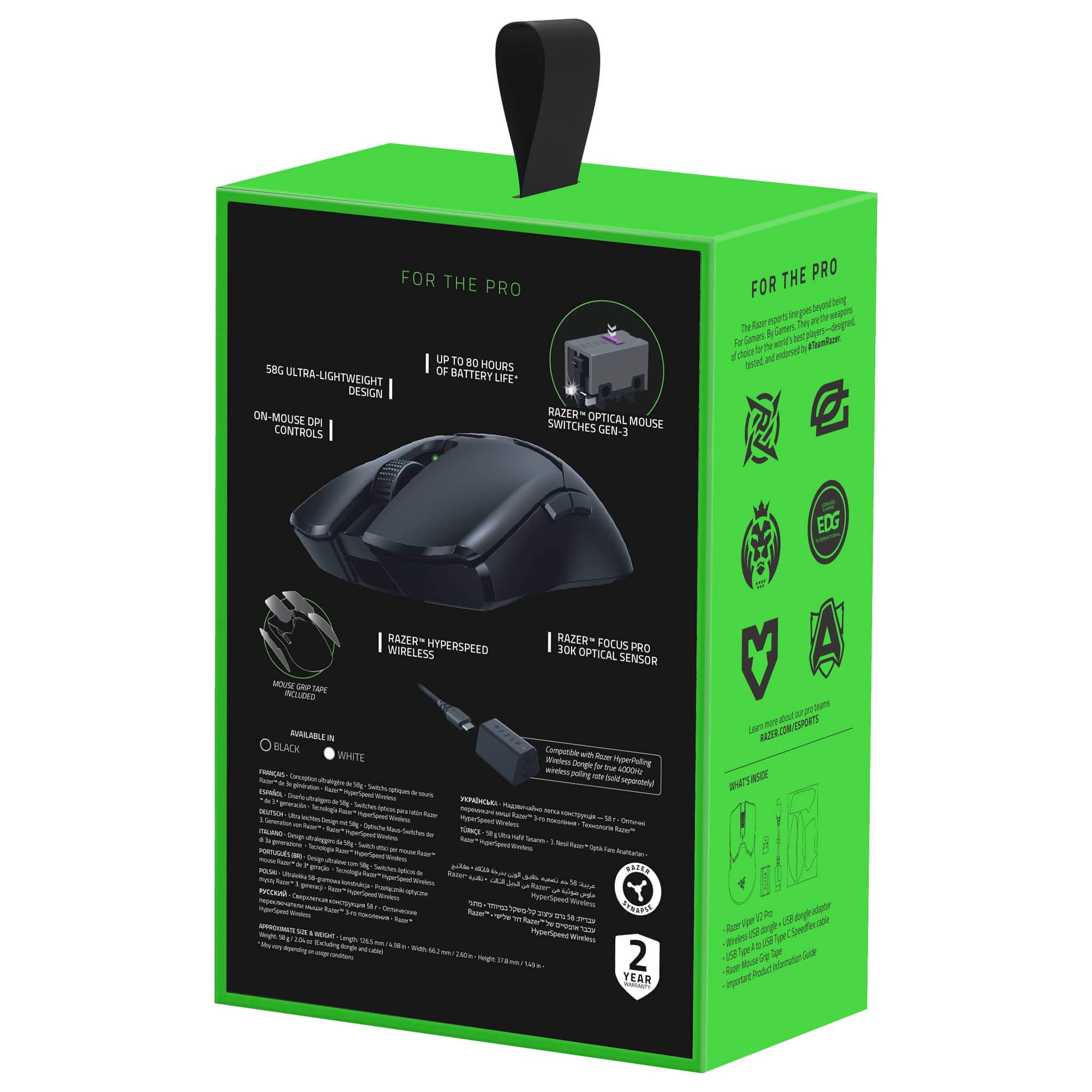


- Model:
- RZ01-04390100-R3U1
- SKU:
- 12205030
Rating by feature
- Value
Rating 4.3 out of 5 stars
- Quality
Rating 4.6 out of 5 stars
- Ease of Use
Rating 4.7 out of 5 stars
What I’ve been waiting for.
||Posted .This reviewer received promo considerations or sweepstakes entry for writing a review.I mained the viper ultimate for quite a while. It’s the shape that i like the best as it gives your fingers a groove to stick to for consistent grip. For reference I’ve used the following mice for considerable time: viper ultimate, go pro super light, finalmouse starlight 12, While I’ve been using the Logitech since it came out I’ve been waiting for a lighter version of the ultimate. The clicks are really crisp, improved over the ultimate. The side buttons protrude a little more and feel much more tactile than superlight. The wheel is recessed which helps me avoid accidental presses. The mouse also comes with grip tape. I put it on to give it a shot and am liking it on mouse 1 and 2. This review and it’s rating don’t reflect price. It’s up to you to care or not care about that. I will update in a couple of weeks. Oh and for the record i felt like i was in total control. Great mouse. Fps players will like it.
I would recommend this to a friendAbsolutely one of the best in its class.
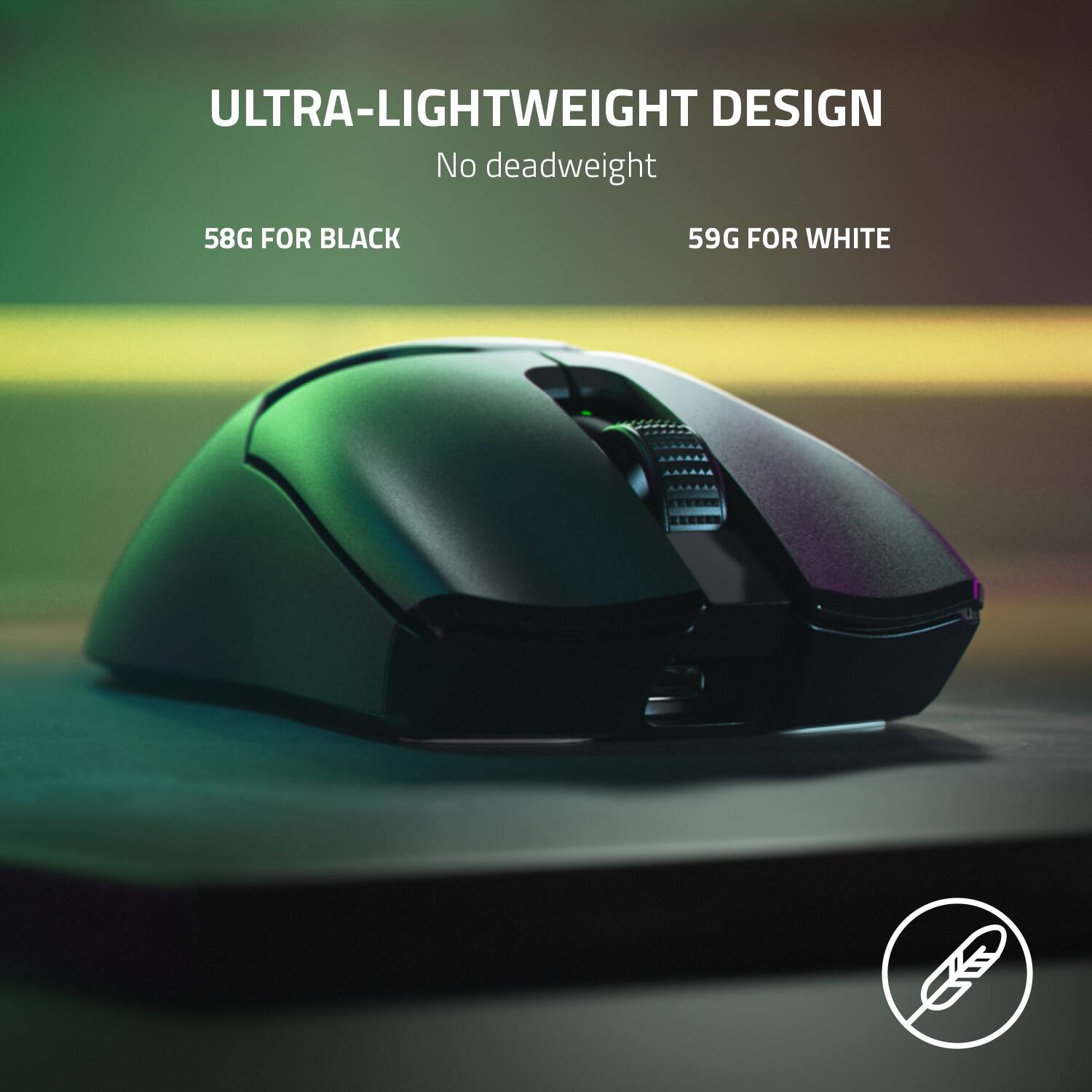
||Posted . Owned for less than 1 week when reviewed.This reviewer received promo considerations or sweepstakes entry for writing a review.TL;DR: If you're looking for a competitive, FPS-focused, lightweight mouse and can afford the current pricing, the Viper V2 Pro is definitely one of the best options on the market. Full Review: I purchased this mouse day one upon announcement after having previously owned a Razer Viper Ultimate. I enjoyed the shape of the mouse, but at the time, the market had several other options that overshadowed the Viper Ultimate. I was excited that Razer was breathing new life in a well known mouse with this release, and for myself personally, I feel the Viper V2 Pro gives that extra edge the Viper Ultimate was lacking for competitive gaming—especially in the current, aggressive market for lightweight mice. I'm going to mainly touch on the largest and most noticeable differences when compared to the Viper Ultimate as the Viper V2 Pro excels at providing the best performance possible at the expense of extra features. The lighter weight may not seem like that much of a concern for some, but once you adjust to the lower weight of the Viper V2 Pro, the Viper Ultimate feels bloated by comparison. The diet plan Razer put this mouse on drops the weight from 74 grams to a mere 58 grams without holes in the shell—the same weight as a tennis ball. The rubber side grips found on the Viper Ultimate were removed for a more texturized surface that works well with dry and sweaty hands alike; though, stick-on grips for the sides and buttons are included if they are something you prefer. I would not recommend this though, since on my copy, I noticed the grips left some residue when I removed them. The switches have been vastly improved over the previous generation. The click feel is similar to Kailh 8.0s, if not a little firmer. Razer has mentioned they are taking special care in binning the switches to ensure that only the best switches are used in the Viper V2 Pro, and this claim definitely feels legitimate. I could mention other aspects such as the sensor, charging port, and battery life; and while these all have changed and improved, I don't feel they require entire sections dedicated to a comparison. The changes are negligible at best and do not stand out in my personal everyday use. The biggest concern that I've seen mentioned regarding this product is the price, especially as it is losing features such as RGB and the charging dock. Granted, those features were wonderful commodities on the Viper Ultimate (when they worked); however, I believe it needs to be clarified that this mouse should not be considered a direct upgrade to the Viper Ultimate, but contrarily appeals to a different audience altogether. For those who believe that the features provided on the Viper Ultimate are necessities, I wouldn't recommend the Viper V2 Pro. This mouse is better described as a more hardcore, competitive FPS-focused peripheral instead of a casual gaming mouse. While I personally wish the mouse cost less, if you can afford the price ($150 at the time this review was written), the Viper V2 Pro is definitely one of the best options on the market and very to beat.
I would recommend this to a friendThe best Viper yet!
Posted .This reviewer received promo considerations or sweepstakes entry for writing a review.Ive used the Viper 8K and Viper Ultimate, and this easily beats both. The mouse is super lightweight and more importantly very well balanced. It performs great, has good buttons, and I havent had any QC issues on my current unit. If you're a fan of the Viper shape this could easily be an "endgame" mouse. Highly recoomend!
I would recommend this to a friend
Impossibly Light
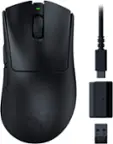
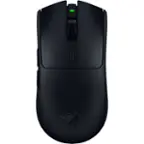
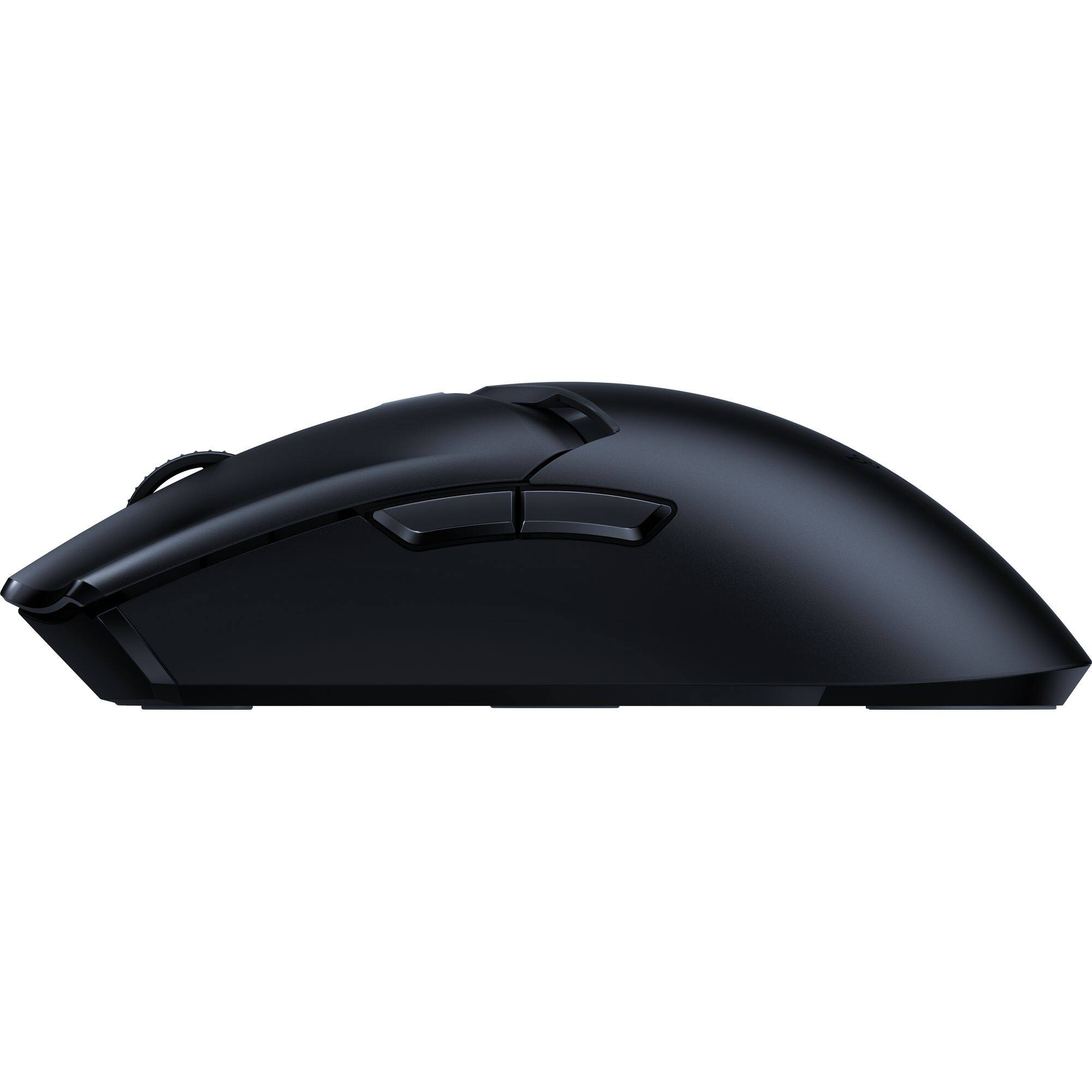
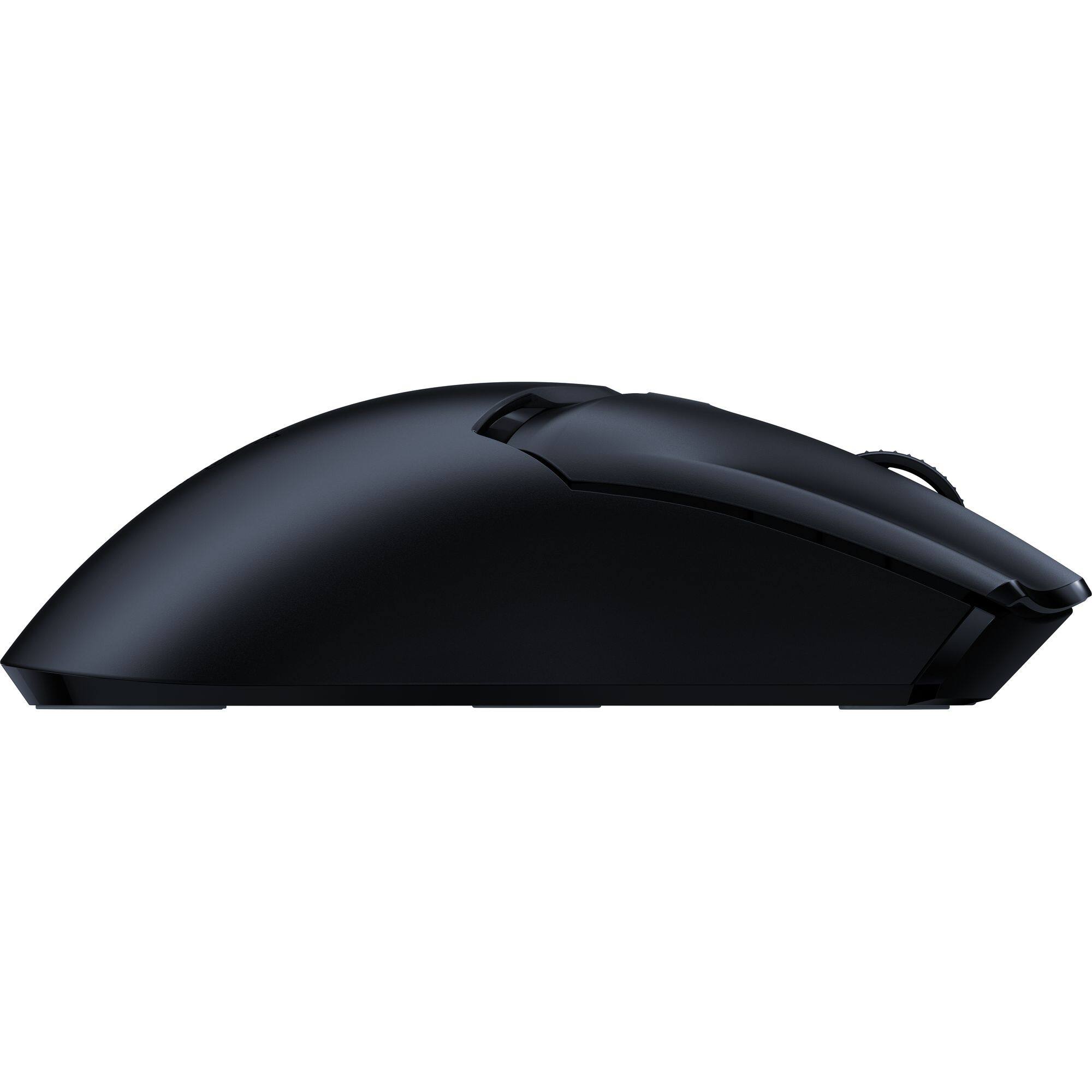
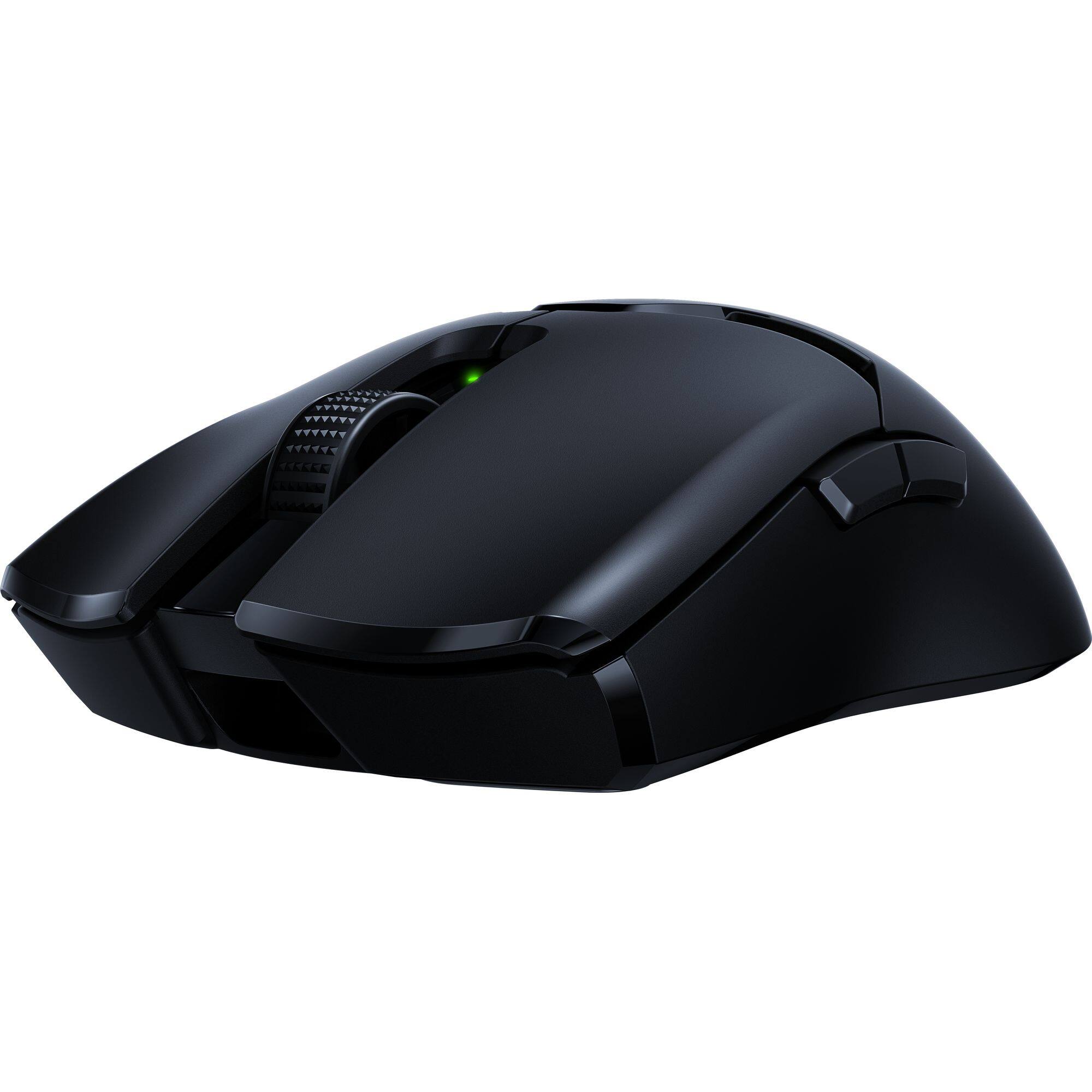
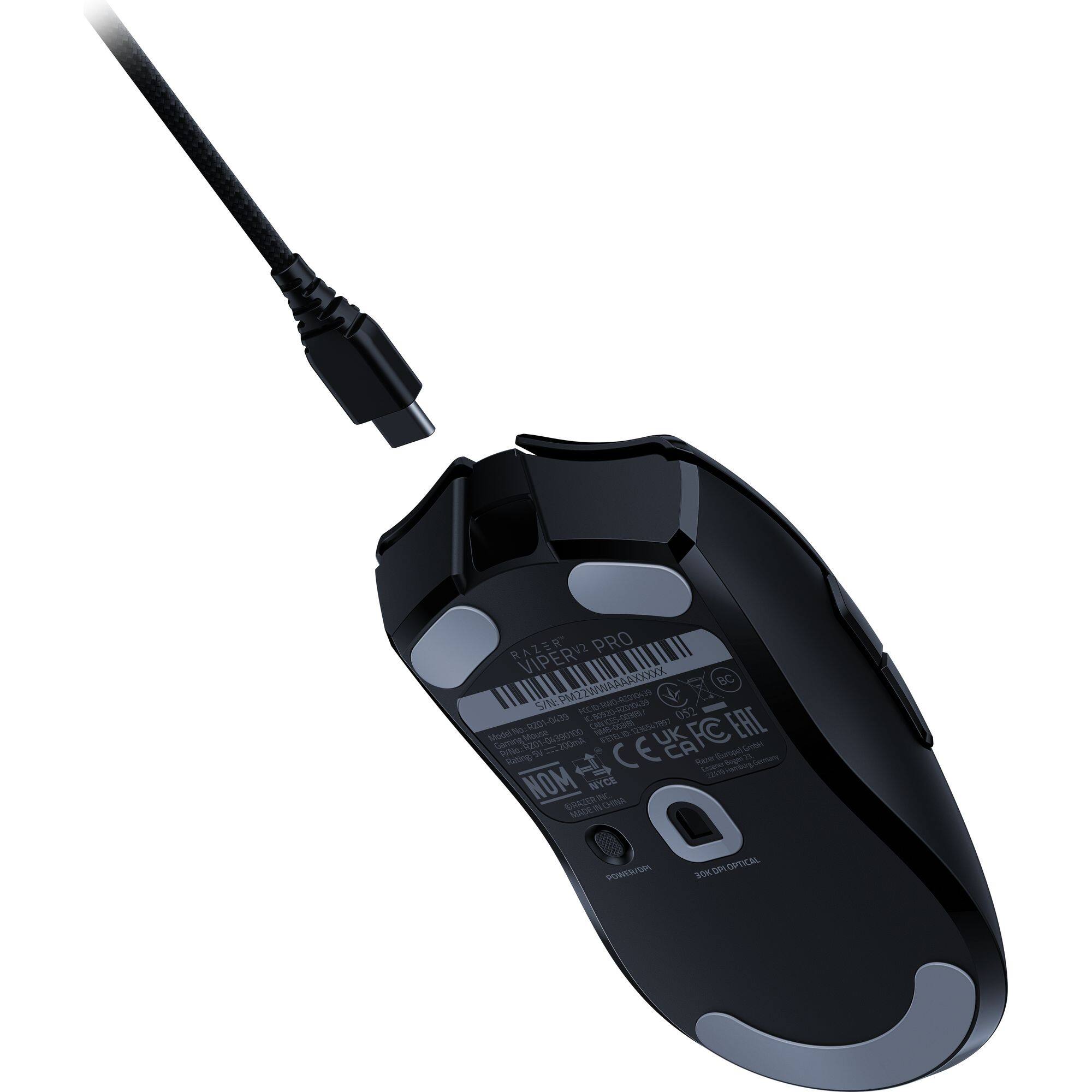
|Posted .This reviewer received promo considerations or sweepstakes entry for writing a review.Pros Feels impossibly light Textured finished improves grip Included grip pads can be added without much weight Solid feel of scroll wheel Includes ultralight cord USB-C Buttons have a distinct activation point Cons Included cord is only USB-A Install keeps nagging to install extra software No easy way to display battery level DPI settings don’t overlay game when changed DPI button on bottom of mouse Design and Setup The Razer Viper Pro V2, while not having the exact same name, seems to be the next evolution to the Viper Ultimate mouse. The dock is gone, the weight is down, but battery life is up. The design is also targeted at right-handed gamers as there are only side buttons on the left. The switches have been updated to improve tactile response, the glide pads have been redesigned and the size increased. It can be used wireless or wired with the included Speedflex cable. While the mouse is USB-C, the cable is only USB-C on the mouse side. The computer side unfortunately still uses standard USB-A. It would have been nice if Razer fully switched to USB-C and instead provided an adapter if need USB-A. The Viper V2 Pro feels impossibly light. Everyone who picked it up though it was fake it felt so light. It reminds you of how store display mice are so light because they are empty, except this is a working mouse that even has a battery. While it feels light, it doesn’t feel flimsy. The shell feels strong and has a slightly rough texture. You can install optional stick on textured pads but the surface is plenty grippy on its own. Setup is straightforward, but it does nag you. The moment you either plug in the mouse or dongle the system starts downloading drivers. During the install process, you have the option to install other options beyond Synapse, such as Chroma or Cortex. This is where Razer keeps pushing their extra software. The installer offers you the option to install Cortex and provide an explanation of what it does when you selecting items to install. If you don’t select Cortex, it then brings up a full page description of why you should install it. If you still decide not to install it, then it just keeps putting it as an optional item to install when checking for updates. After that, when you start Synapse it prompts for an account but offers to use it as guest. This would be good but then shortly afterword they provide an add trying to get you to sign up for an account. The marketing goes further afterwards because every time you restart your computer, Razer Synapse pops up a screen to show you it’s starting. While it isn’t much of a surprise for Razer to do this, it would be nice if they toned things down. The Viper Pro V2 focuses on minimalism and gaming first, so it would be great if Razer did the same with the software. Beyond setup, options are simplified down to the most essential. You can remap the mouse buttons, change sensor and polling speed, set up your HyperShift button, and calibrate your mouse surface. Usage and Performance The Viper V2 Pro is effortless to make rapid movements. Precise flick shots are effortless and precise. You can flick your wrist and barely notice any more weight than your own hand. The larger glide pads also help with no problems with tilting or digging into the mousepad even during quick moves. While the glide pads help the mouse slide easily, the textured surface allows for a solid grip of the mouse. If you prefer even more grip, you can install the included stickers that add more texture to the sides and left and right mouse buttons. That said, while there is enough texture to support a claw grip you might find your hand getting tired if you prefer palm support as the design is very low profile. Overall, tracking is precise with no noticeable issues even proving to be accurate on random surfaces. There is also a surface calibration option but there never seemed to be a need to run it. While previous generations received complaints of mushiness, these buttons felt very distinct requiring medium pressure to activate. Activation is distinct and you can both hear and feel it. It’s worth noting that there no ramp up or down in pressure on activation if you prefer that extra feedback. Regardless of whether you game wired or wireless, there is no discernable difference in response time between the two. While there is no difference in response, there is a difference in feel. Even though the Speedflex cable is extremely light and glides nicely over most surfaces, you can still feel the weight difference. The good thing is unless you just wanted to use it wired, battery life is long enough where should wear out before the battery does. In approximately two hours of playing random games battery level dropped less than 5%. This might be why Razer decided to not include any sort of battery level indicator easily accessible. With a single LED, the mouse itself has no way to show battery level and the Synapse software doesn’t have an option to show battery level in the tray. The only place it seems to show battery percentage is if you open Synapse. If there any complaints about the design, it would be how you change sensitivity. The choice to pair the sensitivity selection button with the power button on bottom seems a bit odd. Button allows mapping to a single sensitivity and doesn’t seem to allow cycling through options, so mapping doesn’t seem to be a good workaround. Sometimes switching DPI rate mid game is handy for more purposes than sniping. Maybe this is because Razer doesn’t see this as something gamers do because changing DPI settings mid game provides no feedback. You can change it via the bottom button and it does work, but there is not status update showing the currently sensitivity that overlays the game like some older designs. Overall, this is a bit of an edge use case and not a dealbreaker, but still worth noting. Final Thoughts Ultralight gaming mice at first thought don’t seem to make a difference, but if you have never tried one you don’t know what you are missing. Particularly if you play fast paced games, such as FPS, it almost feels like a requirement once you try it. The Ultralight gaming options have really been evolving the past few years and the Razer Viper V2 Pro feels like a worthy upgrade. If you have a previous generation Razer Ultralight, or are in the market for an Ultralight, the Viper V2 Pro is worth a serious look as long as you can ignore some of the branding push.
I would recommend this to a friendTop Performer in its Class
||Posted . Owned for 4 months when reviewed.This reviewer received promo considerations or sweepstakes entry for writing a review.This is one of the best mice in its class in terms weight, ergonomics, performance, and battery life. This isn't really a drawback, but it would have been nice to have a more elegant charging solution than simply the cable method, as featured on some of Razer's other mice, though it is a big plus that the cable connection is USB-C.
I would recommend this to a friendBetter than Logitech
||Posted . Owned for less than 1 week when reviewed.This reviewer received promo considerations or sweepstakes entry for writing a review.Hmmm. So I’m constantly trying out the latest and greatest mice and couldn’t find anything better than the Logitech G Pro x superlight…Until now. I play competitive Apex Legends(solo que to Masters rank, 20 kill badge, 4k damage badge, 10/10/10, etc.) If you want the best performance…don’t complain about the price. Those that do complain about the price forget that the Logitech g pro x superlight was $150 at launch and unavailable. In fact, you had to pay MORE than msrp if you wanted to get one. So stop crying about the price. Anyways…The Razer Viper V2 Pro has a better sensor, better shape, lighter weight, better coating, USB-C, faster click latency and better skates. You don’t even have to keep the razer software running in the background anymore. Yep! You just set your settings/profile and close the app! Your settings are saved to the mouse. My ONLY con is RAZER stop listening to reviewers who prefer a heavier click! A lighter left&right mouse click actuation is ALWAYS better. Imagine having a light 50g mouse but then having to press down hard on Kailh GM 8.0 switches in order to actuate the buttons… like what? It’s counter intuitive and that’s why I sold my Finalmouse Starlight-12… We care about PERFORMANCE, not how the clicks “feel”. We want to be able to spam the clicks quickly! We want our tracking to be effortless because we’re holding down a light click and not dragging the mouse with a heavy one. These reviewers don’t even play games competitively! Boardzy, Techne, Badseed Tech, RandomFrankP are all CASUAL gamers. Listen to your ESPORTS players who actually matter and win tournaments. After all it’s an ESPORTS gaming mouse right? I don’t see CASUAL gaming mouse written anywhere on the box. *sigh* rant over. In conclusion, this is the best wireless esports, competitive fps mouse out right now. If they made a Razer Viper Pro mini wireless with lighter actuation mouse 1 and 2 it would be my endgame. Please and thank you a Razer :)
I would recommend this to a friendVery nice.
Posted .This reviewer received promo considerations or sweepstakes entry for writing a review.Pretty good overall there are some stuff that could be improved like the scroll wheel but the sensor is very responsive and I think it’s a great competitor for the g pro x super-light also a improvement to the viper pro.
I would recommend this to a friendRazer Viper V2 Pro Lightweight Wireless
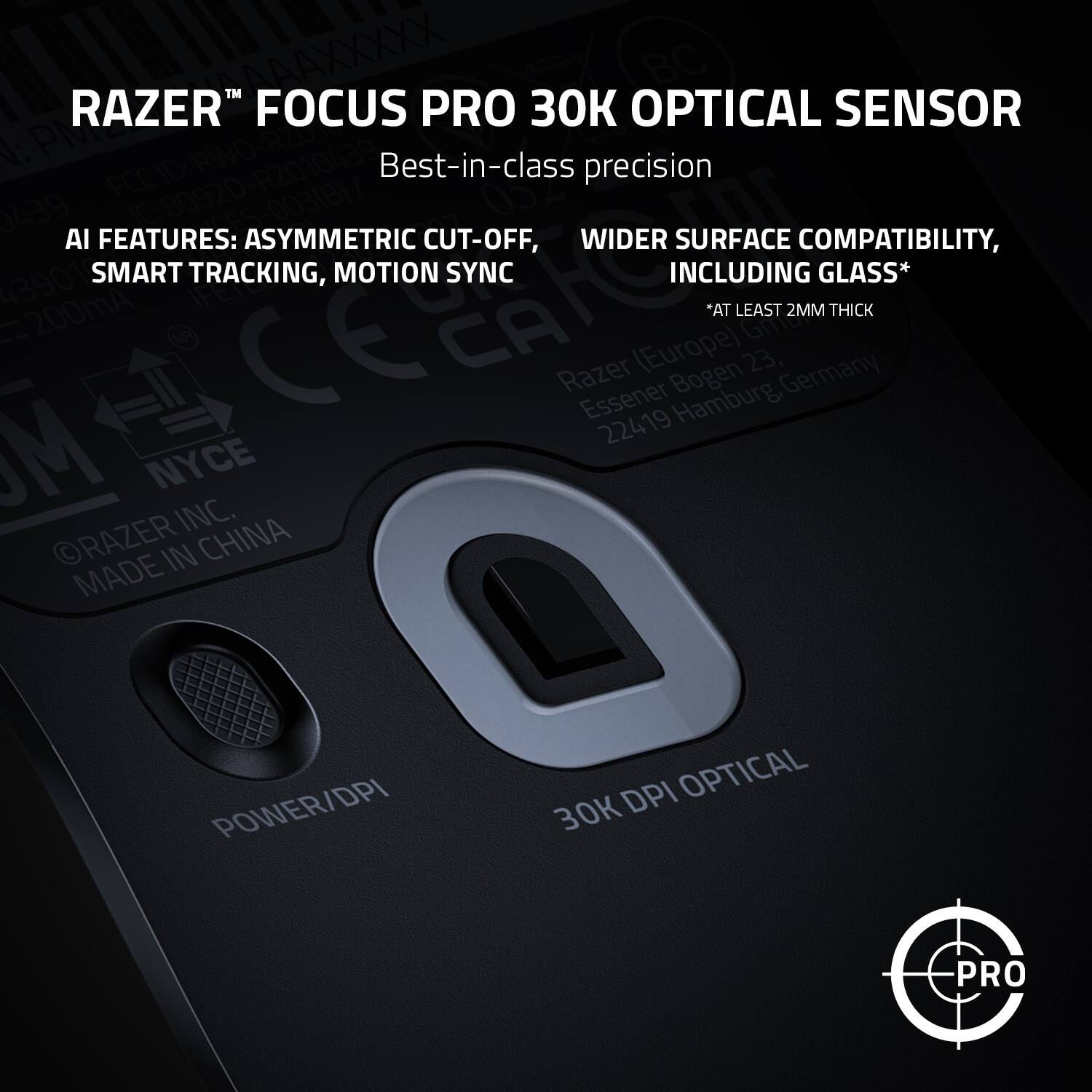
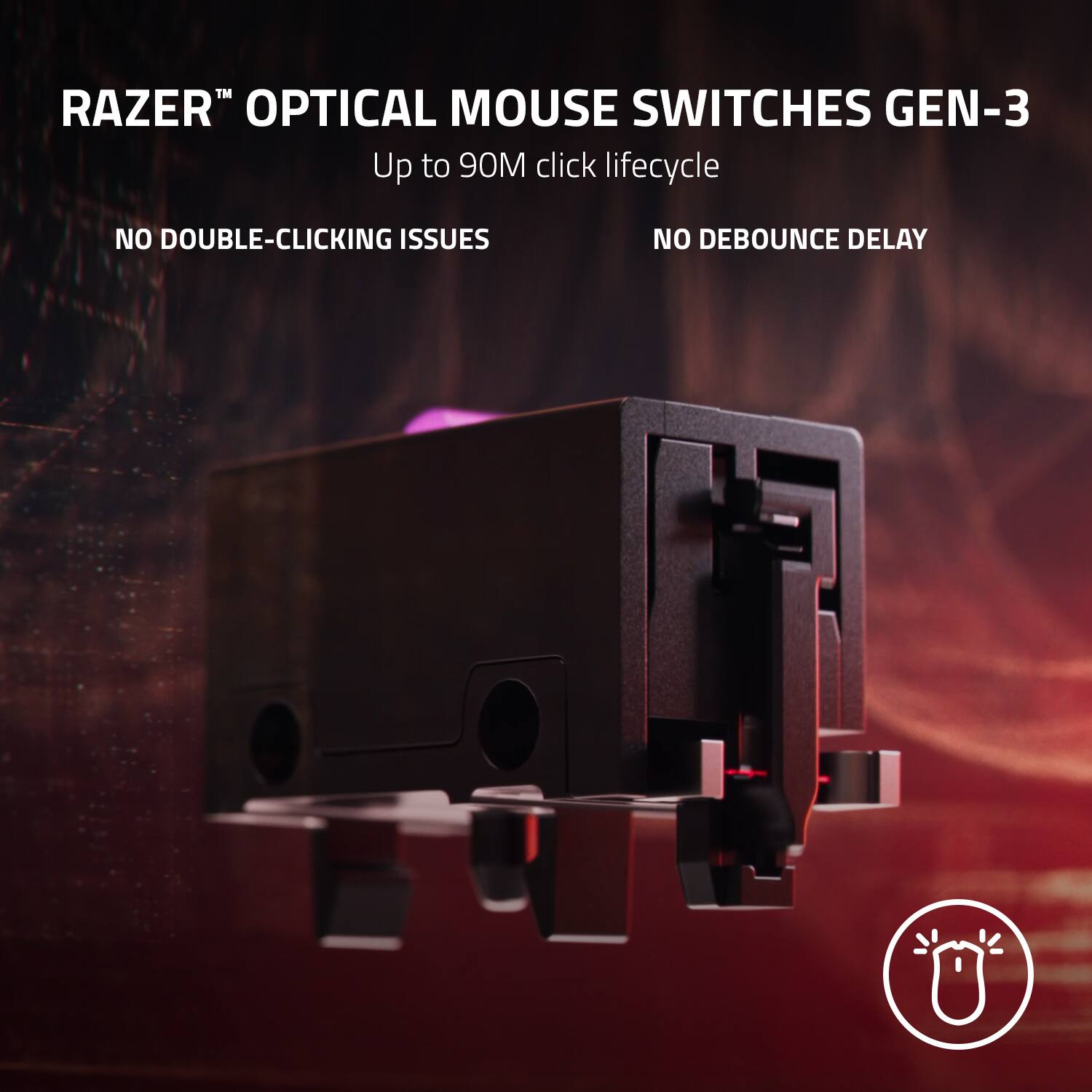
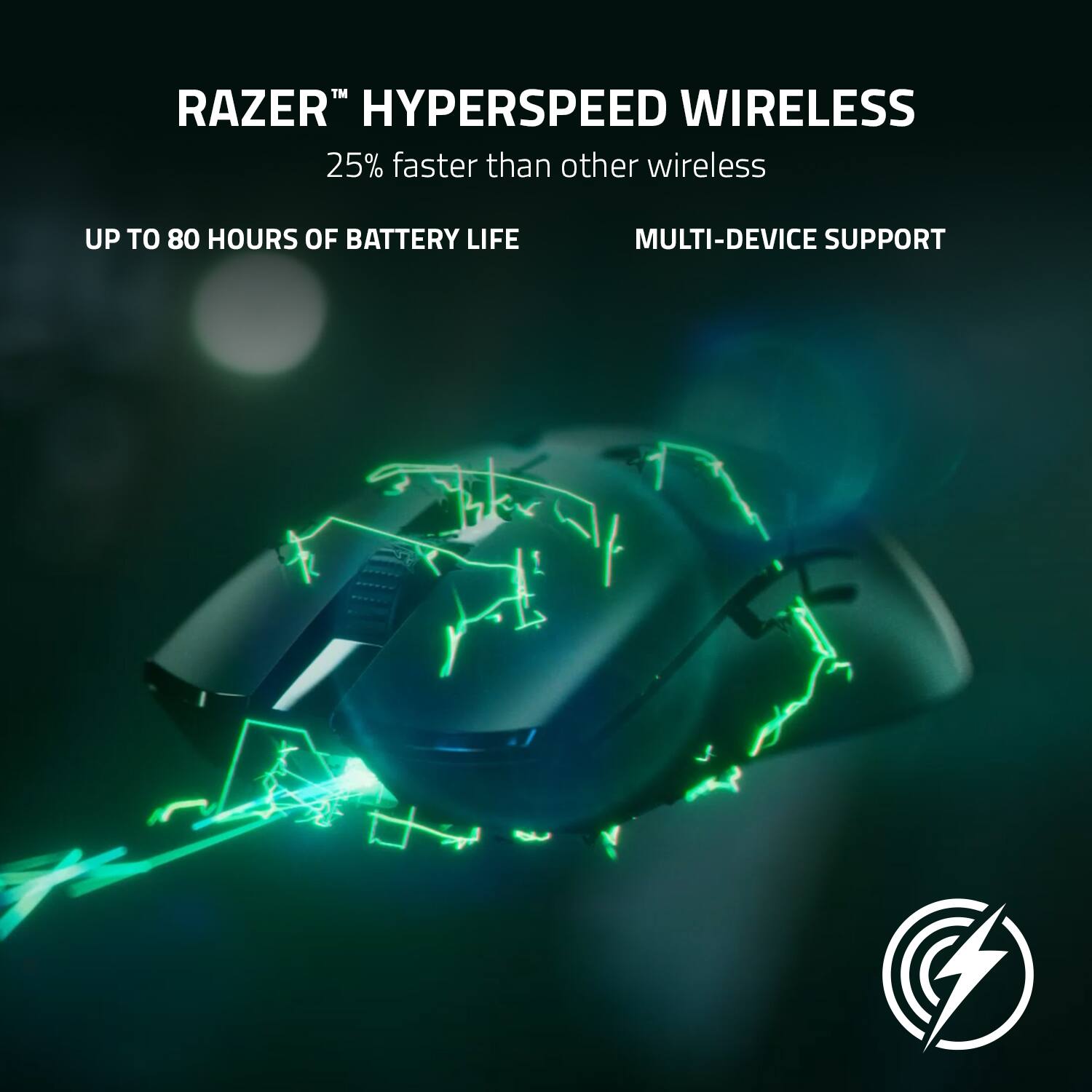
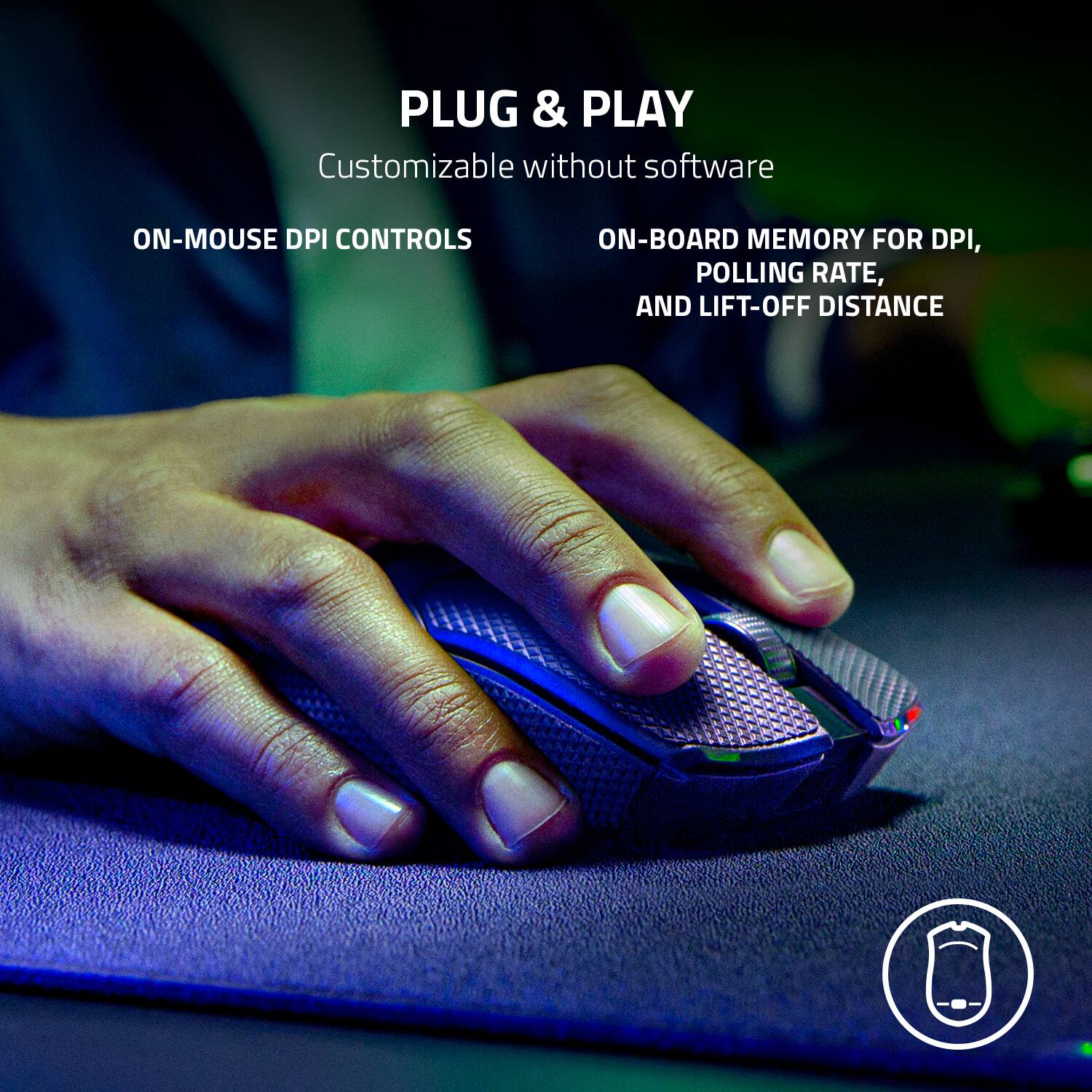
||Posted . Owned for 1.5 years when reviewed.This reviewer received promo considerations or sweepstakes entry for writing a review.The Razer Viper V2 Pro is a dream come true for competitive gamers seeking a lightweight, high-performance wireless gaming mouse. With a sleek white finish and cutting-edge technology, it delivers on all fronts. Here's a detailed review: Design and Build Quality The Viper V2 Pro stands out with its minimalist, ambidextrous design. The white finish is clean and stylish, though it may require more frequent cleaning to maintain its pristine look. Weighing just 58 grams, it’s incredibly lightweight without sacrificing durability. The textured surface ensures a secure grip, even during intense gaming sessions. Performance Equipped with Razer’s Focus Pro 30K Optical Sensor, this mouse delivers precise tracking with a staggering 30,000 DPI. Whether you’re making micro-adjustments in FPS games or need lightning-fast flicks, the performance is flawless. The ultra-responsive Gen-3 Optical Mouse Switches eliminate double-click issues and ensure a crisp, tactile click. Wireless Connectivity The HyperSpeed Wireless Technology offers a lag-free experience comparable to wired mice. It pairs seamlessly, and there’s no noticeable delay even in high-stakes competitive play. For added versatility, it supports wired connections via USB-C when charging. Battery Life The 80-hour battery life is impressive, lasting several days of heavy use. Charging is quick and efficient, and the mouse comes with a lightweight Speedflex cable that doesn’t hinder movement when plugged in. Ergonomics and Customization While the Viper V2 Pro is designed for both left- and right-handed users, it lacks side buttons on the right, making it less ideal for left-handed players. Customization options via Razer Synapse are robust, allowing you to adjust DPI settings, reassign buttons, and create macros. The onboard memory stores your profiles, so you can game on the go. Durability Razer has focused on longevity with durable materials and switches rated for up to 90 million clicks. It feels solid despite its featherweight design, ensuring it can withstand intense gaming use. Price The Viper V2 Pro is positioned as a premium product, and the price reflects that. For casual gamers, it may be overkill, but for esports players and enthusiasts, the performance and reliability justify the cost. Final Thoughts The Razer Viper V2 Pro Lightweight Wireless Gaming Mouse is a top-tier choice for gamers who prioritize speed, precision, and comfort. Its lightweight build, exceptional sensor, and long battery life make it a standout in its category. While it’s a bit pricey, it’s an investment that serious gamers will appreciate. Rating: ★★★★★ (4.5/5) Pros: Lightweight design, exceptional performance, long battery life, lag-free wireless connectivity Cons: Premium price, fewer side buttons for left-handed users
I would recommend this to a friendRazer Viper V2 Pro Ultimate Review
||Posted . Owned for 1 month when reviewed.This reviewer received promo considerations or sweepstakes entry for writing a review.Pros: Pretty good mouse, great for FPS game and also free hand rotating, feel very comfortable using it. Works great with any environment due to its flexibility (Bluetooth). Fit for both big and small hand. Really good battery, I left my mouse unattended sometimes and it can use up to 1 week. Cons: Few people says it not suitable for them. But I think you should try it for yourself, who knows.
I would recommend this to a friendThe Razer Viper V2 Pro is an AMAZING Mouse
||Posted . Owned for 2 weeks when reviewed.This reviewer received promo considerations or sweepstakes entry for writing a review.This mouse is amazing! I really loved my old Logitech G502 Hero wired mouse, but I wanted to upgrade and I was really skeptical about 1) going wireless and 2) going with Razer [I use their keyboards though]. However, I am blown away with the performance of this mouse. It's super lightweight [which is a big change from the G502 Hero] and I can even notice how much more responsive it is. It was really easy to connect and I am proponent of Razer's software. The only con I can think of, if you're into this, is there is NO RGB lighting or anything that lights up. So, if you're into cool RGB lights, this aesthetically might not be the mouse for you. In conclusion, if you're looking for a high-performing mouse for gaming, and don't care about RGB lighting, this is 100% the mouse for you.
I would recommend this to a friendbest gaming mouse
||Posted . Owned for 1 week when reviewed.This reviewer received promo considerations or sweepstakes entry for writing a review.Amazing mouse. Perfect shape for a fingertip grip and very comfortable. I would recommend this over the G pro super light if you have a fingertip grip or claw grip. The sensor is great as expected, no skipping whatsoever and registers my flicks in game well. Battery is also ridiculous
I would recommend this to a friendPros and Cons of the Viper V2 Pro Gaming Mouse
||Posted . Owned for 1 week when reviewed.This reviewer received promo considerations or sweepstakes entry for writing a review.The Viper V2 Pro gaming mouse offers several advantages, including its lightweight design, high-performance optical sensor with up to 26,000 DPI, customizable buttons, and excellent wireless connectivity with low latency, making it ideal for competitive gaming. However, some potential drawbacks include its relatively high price point compared to other mice, a minor learning curve for users accustomed to different brands or models, and potentially limited battery life under certain usage conditions, which might require more frequent charging during intense gaming sessions.
I would recommend this to a friendVery great
||Posted .This reviewer received promo considerations or sweepstakes entry for writing a review.I really like the Razer Viper V2 Pro because it’s super lightweight and easy to control. The sensor feels fast and smooth, and it works great for gaming. The battery lasts a long time too. My only downside is that it feels a little plain and doesn’t have side grips. Overall, it’s a really solid mouse.
I would recommend this to a friendBetter than the gpro X superlight
||Posted . Owned for less than 1 week when reviewed.This reviewer received promo considerations or sweepstakes entry for writing a review.This is my new main. This is a very lightweight mouse and it has a safe shape. The built quality is better than the last gen it come with a optional grip tape if you need more grip. The glide was very smooth with the upgraded Mouse sensor that is the best in the market rn it really beat the other brand.
I would recommend this to a friendMy Opinion After 3 Months with the Razer Viper V2
||Posted . Owned for 1 year when reviewed.This reviewer received promo considerations or sweepstakes entry for writing a review.After six months of using the Razer Viper V2 Pro, I can confidently say this mouse is a beast for competitive gaming. Its lightweight design, precision, and battery life make it a top-tier choice if you want a high-performance wireless experience.
No, I would not recommend this to a friendThe only review a beginner needs to read on the V2
||Posted . Owned for 2 weeks when reviewed.This reviewer received promo considerations or sweepstakes entry for writing a review.Stepping into the world of gaming as a beginner can be daunting, but with the Razer Viper V2 mouse by my side, I've found newfound confidence and excitement in every match. Precision at My Fingertips: From the moment I first gripped the Viper V2, I could feel the difference. Its 20K DPI optical sensor and Razer Optical Mouse Switches respond to my every move with unparalleled accuracy. Whether I'm lining up the perfect headshot or making split-second decisions in intense firefights, the Viper V2 ensures that my aim is true and my reactions are lightning-fast. Swift and Agile Movements: The lightweight design of the Viper V2 feels like an extension of my hand, allowing me to navigate the virtual battlefield with unmatched speed and agility. With its drag-free cord and low-friction PTFE feet, I can execute flick shots and precise maneuvers with ease, leaving my opponents in awe of my swift movements. Comfort for Endless Battles: Despite its high-performance capabilities, the Viper V2 never sacrifices comfort. Its ambidextrous design fits perfectly in my hand, and the textured side grips provide added stability during intense gaming sessions. Even after hours of play, I remain comfortable and focused, ready to tackle any challenge that comes my way. A Confidence-Boosting Companion: With the Viper V2 in hand, I no longer doubt my abilities on the battlefield. Instead, I approach each match with newfound confidence, knowing that my equipment is up to the task. Every victory feels sweeter, and every defeat becomes an opportunity to learn and improve. Conclusion: My journey with the Razer Viper V2 mouse has been nothing short of transformative. From hesitant beginner to confident competitor, this mouse has been my trusted companion every step of the way. With its precision, speed, and comfort, the Viper V2 has not only elevated my gaming experience but also reignited my passion for gaming. As I continue to hone my skills and take on new challenges, I know that the Viper V2 will be by my side, ready to help me reach new heights of gaming greatness
I would recommend this to a friendlight weught.
||Posted . Owned for 1 month when reviewed.This reviewer received promo considerations or sweepstakes entry for writing a review.Light weight mouse paired with glass slides makes FPS games headshot looks so snappy. I would recommend this; charging is not a hassle. mine last for 4 days and charge it overnight when I am not on my PC. it does come with a grip sticker, I put it on my Right click and side grips for better accuracy and control. overall, I would buy again perfect fit for my hand and needs.
I would recommend this to a friendNoice
||Posted . Owned for 1 week when reviewed.This reviewer received promo considerations or sweepstakes entry for writing a review.The Razer Viper V2 Pro offers a remarkable blend of ultra-lightweight design and top-tier performance, making it a standout choice for serious gamers. Its precision and responsiveness are unmatched, thanks to the cutting-edge optical switches and sensor. Despite its minimalistic approach, it doesn't skimp on durability or battery life, ensuring long-lasting, reliable gameplay. Ideal for those who prioritize speed and accuracy in a sleek package.
I would recommend this to a friendGreat mouse, but very overpriced.
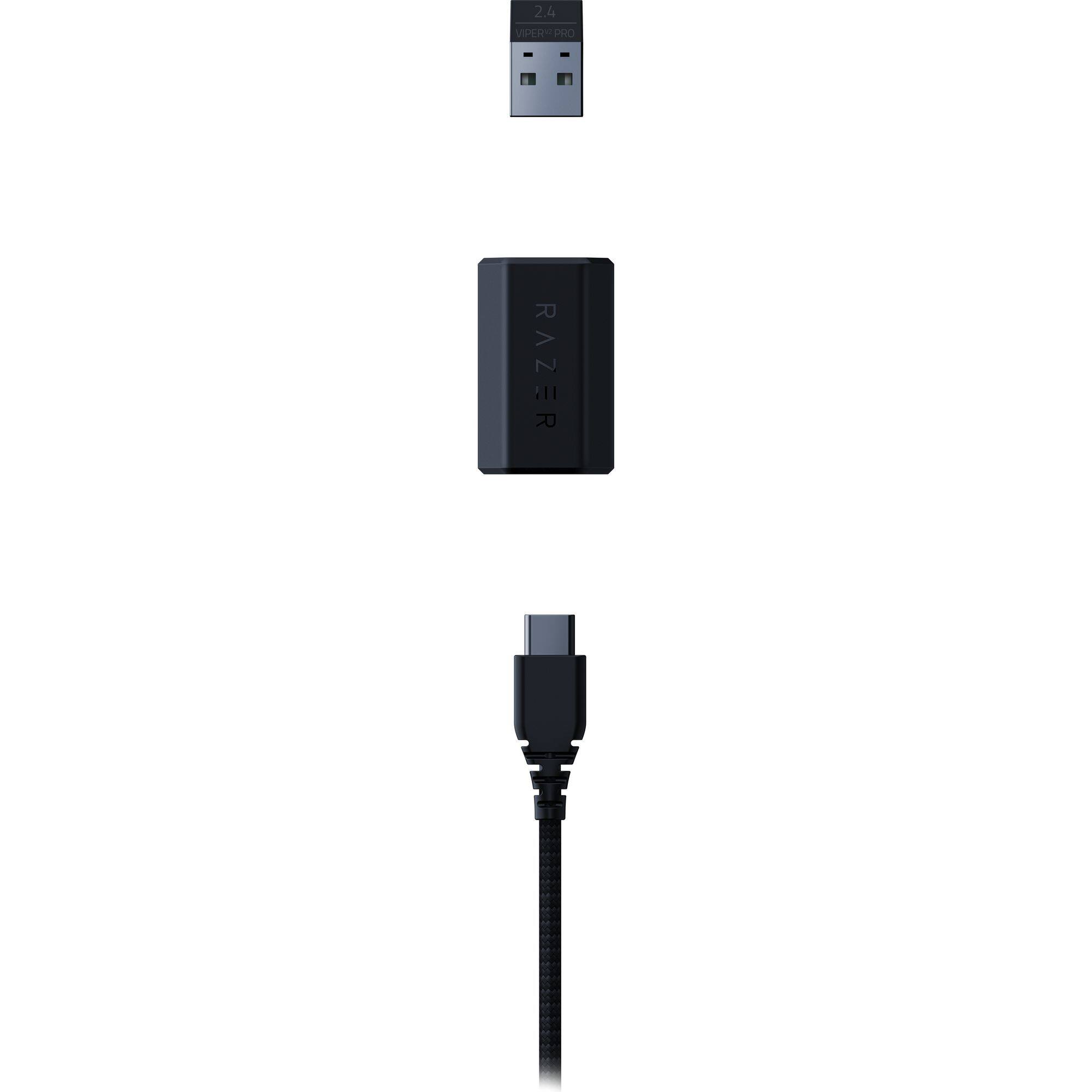
||Posted . Owned for 3 months when reviewed.This reviewer received promo considerations or sweepstakes entry for writing a review.This mouse is too expensive considering the hyperspeed wireless dongle needs to be purchased separately. The dongle allows the max polling rate of 4000 Hz, but right now can only be purchased on Razer's website... which is also on a wait list at the time of writing. The default 1000Hz polling rate is fine for now. Just not enough value for the price you pay for this mouse. Build quality is really good. The lightest mouse I own right now. I've used for possibly one hundred hours at this point, and it shows no signs of creaking or structural issues. However, if you have big hands and you prefer a palm grip, this mouse IS NOT for you. Battery life is pretty awesome too.
No, I would not recommend this to a friendComparing to Razer Viper Ultimate V1
||Posted . Owned for 1 week when reviewed.This reviewer received promo considerations or sweepstakes entry for writing a review.Overall: I'm not going to go into compared to other mice, because chances are you are upgrading from the V1. The mouse is a huge improvement to gaming, but there are some caveats that only time will tell. While I dislike the rough feel on the sides and the rubber stickers it comes with, everything else screams that they truly did improve this and not like an incremental way like people say. This reminds me of when Nvidia released the 1080 Ti. To this day, the improvements on that GPU still makes that GPU relevant today (if you take out Ray tracing factor). That's how this mouse feels upgrading from Viper Ultimate V1 to the V2 Pro. Key takeaway is everyone is right, there is some QC (quality control) issues when it comes to the first batch or so. Make sure that the mouse feels like it's supposed to or just return and exchange it, or wait until the future batches to upgrade. Honestly, there is a difference between the 2. Originally I couldn't tell but after used the V2 Pro and then going back to the old V1, you can tell all the changes some subtle add up to an upgrade worth upgrading to. PROS: +Clicks are much more responsive, I think if I remember watching correctly they have 0.7 +Clicks are not mushy ish like the V1 +Scroll wheel seems more easy to move, less resistance compared to V1 +The accuracy on the sensor actually does feel better (surprisingly it's noticeable). This is great for FPS gamers who play competitively and this reason alone is enough to upgrade if you are still sporting the V1. +The new mouse glides better than the old one +Not sure how to describe this, but the V2 Pro feels less resistant and more "aerodynamic" than the V1 ultimate. This could be because a combination of weight loss and teflon feet improvement. CONS: -Someone has to say this. The sides aren't rubber like the V1 but more like the left and right click buttons ish. The reason why I put ish is it feels like the material is stronger. However, this doesn't mean that the plastic won't "smooth" out. Only time can tell -No dock, I loved the dock but I understand why they got rid of it (for weight reduction) -No RGB. While I did love the Razer RGB glow, I understand why they got rid of it (for weight reduction and when you use it nobody is really seeing it glow). NEUTRAL: +/-The rubber stickers they provide are way more traction than the V1 ultimate. Having no stickers feels more like the original but I also don't like the plastic matte rough feel either. However, this can be remedied by third party so this isn't really a con.
I would recommend this to a friend