Customer Ratings & Reviews


- Model:
- 8AC1PZ-0EN0
- SKU:
- 10560220
Rating by feature
- Video Quality
Rating 4.7 out of 5 stars
- Mobile App
Rating 4.8 out of 5 stars
- Sound Quality
Rating 4.7 out of 5 stars
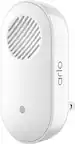
Chime booster
||Posted . Owned for 3 weeks when reviewed.This reviewer received promo considerations or sweepstakes entry for writing a review.The chime really worked for me to extend our WiFi so ring camera would work out to pole barn
I would recommend this to a friendGood
||Posted . Owned for 2 weeks when reviewed.This reviewer received promo considerations or sweepstakes entry for writing a review.Works good. Really good addition tonmy ring setup.
I would recommend this to a friendEffective
||Posted . Owned for 3 weeks when reviewed.This reviewer received promo considerations or sweepstakes entry for writing a review.Excellent product, i recommended for you house or office
I would recommend this to a friendlove the chimes
||Posted . Owned for 1 month when reviewed.This reviewer received promo considerations or sweepstakes entry for writing a review.several different chimes and i like that i can change the motion chime and for the doorbell ring chime.
I would recommend this to a friendChime
||Posted . Owned for 4 months when reviewed.This reviewer received promo considerations or sweepstakes entry for writing a review.The Chime allowed my ring to easily connect to the internet. Now my Ring is working my efficiently.
I would recommend this to a friendRing Purchase
||Posted . Owned for 1 month when reviewed.This reviewer received promo considerations or sweepstakes entry for writing a review.Easy to install and works without any problems. Ring is definitely worth the money
I would recommend this to a friendRing Chime Pro
||Posted . Owned for 6 months when reviewed.This reviewer received promo considerations or sweepstakes entry for writing a review.Love my ring products and the quality of the products
I would recommend this to a friendMediocre service
||Posted . Owned for 1 month when reviewed.This reviewer received promo considerations or sweepstakes entry for writing a review.Not as strong as a reach as I had hoped, so it frequently loses the network signal. I don’t know whether installing a second Chime Pro would help this issue.
I would recommend this to a friendDecent
||Posted . Owned for less than 1 week when reviewed.This reviewer received promo considerations or sweepstakes entry for writing a review.They're just throwing the term "pro" on anything. It does what it's supposed to do I guess. Volume isn't loud at all, I can imagine what the regular version sounds like. Taking apart the doorbell to get the QR code etc to link the device wasn't fun either. Be great to add your own tones as well.
No, I would not recommend this to a friendBrand response from Ring
Posted .Hi Jadet.
Thank you for taking the time to share your experience with us. We understand the importance of a seamless setup process so that you can begin using your Ring Chime Pro right away. The features and technology provided by the Ring Chime Pro are incredibly valuable and help provide you with peace of mind about your home security. We can definitely provide you with more information regarding the volume and setup concerns mentioned in your review.
We are always looking for ways to better our neighbor experience, and your feedback is an invaluable part of this process. As you can imagine, we frequently receive new feature requests for our lineup of products. Having the ability to add your own tones would indeed improve the overall functionality of the device. Rest assured, we do take our customers’ feedback seriously and implement good ideas where we can.
To adjust the volume on your Ring Chime Pro, please follow these steps:
Tap on the menu (☰).
Tap Devices.
Select your Chime.
Tap Audio Settings.
Tap Chime Tones.
Adjust the volume sliders under Rings and Motion.
We have included the steps here to link your Ring Chime Pro to your Ring device:
Tap the menu (☰) in the Ring app.
Tap Devices.
Tap the Ring device you want to connect to the "Chime Pro."
Tap the "Linked Chimes" tile. Choose from the settings on the "Linked Chimes" screen to set your ring and/or motion notifications.
Now your Ring device is linked to Chime Pro.
If any additional information is needed regarding your Ring Chime Pro, please reach out to our community. Ring Community is our first peer-to-peer community forum, giving our customers the ability to help one another and share their feedback and experiences directly with Ring.
Thank you,
Melissa from Ring.
Chime
||Posted . Owned for 1 month when reviewed.This reviewer received promo considerations or sweepstakes entry for writing a review.I had put off purchasing and now I’m so glad I have it.
I would recommend this to a friendMy Ring
||Posted . Owned for 3 weeks when reviewed.This reviewer received promo considerations or sweepstakes entry for writing a review.My Ring Doorbell/ Chine is a perfect fit for me & gives me a piece of mind!
I would recommend this to a friendRing chime pro
||Posted . Owned for 3 weeks when reviewed.This reviewer received promo considerations or sweepstakes entry for writing a review.This product solved my internet problem. I'm very satisfied with my purchase.
I would recommend this to a friendMust buy!
||Posted . Owned for 3 months when reviewed.This reviewer received promo considerations or sweepstakes entry for writing a review.Works great and a good addition to add for your ring doorbell!
I would recommend this to a friendModern Country
||Posted . Owned for 1 month when reviewed.This reviewer received promo considerations or sweepstakes entry for writing a review.Works as described, better than expected in the country.
I would recommend this to a friendMy ring
||Posted . Owned for 1 month when reviewed.This reviewer received promo considerations or sweepstakes entry for writing a review.I purchased this product for various reasons and it is getting the job done
I would recommend this to a friendGreat addition to ring
||Posted . Owned for 1 month when reviewed.This reviewer received promo considerations or sweepstakes entry for writing a review.I put one on my bedroom, so I can hear someone ring when I am in my room. Custom ringtone is a plus.
I would recommend this to a friendAwesome
||Posted . Owned for 2 weeks when reviewed.This reviewer received promo considerations or sweepstakes entry for writing a review.Great addition, to a great product. Especially when the house isn’t wired, one can use remotely
I would recommend this to a friendBeats the first generation chime all to pieces
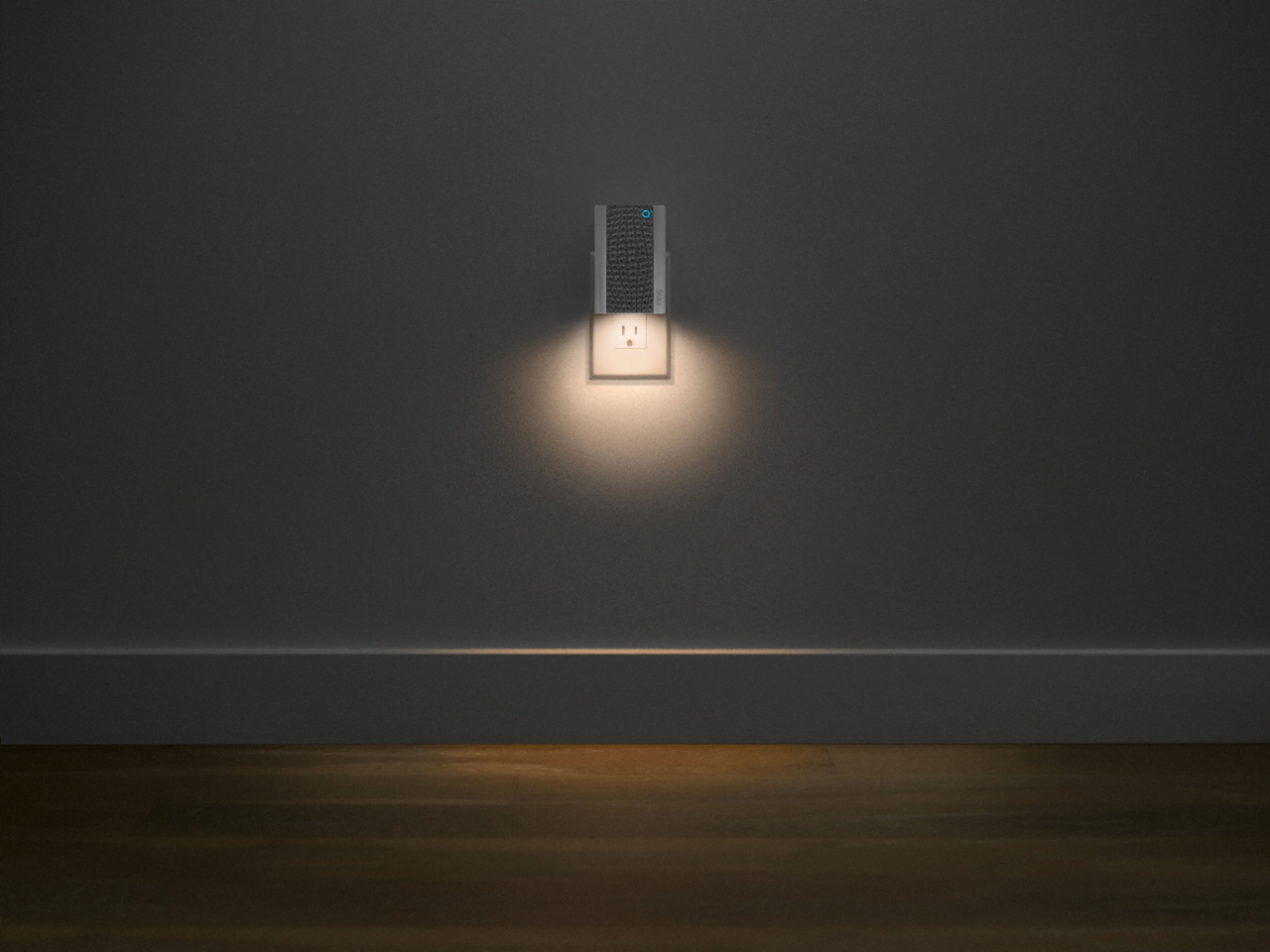
||Posted . Owned for 2 months when reviewed.This reviewer received promo considerations or sweepstakes entry for writing a review.Easy to install. Like the night light feature. Like the melody choices. Overall a winner
I would recommend this to a friendGreat!
||Posted . Owned for less than 1 week when reviewed.This reviewer received promo considerations or sweepstakes entry for writing a review.Great option for Ring users to extend their Wi-Fi throughout the house.
I would recommend this to a friendRing door compliment
||Posted . Owned for 3 weeks when reviewed.This reviewer received promo considerations or sweepstakes entry for writing a review.Great compliment to Ring Pro when it won’t connect to your home door bell for whatever reason
I would recommend this to a friend