Customer Ratings & Reviews
- Model:
- B0B6GJBKRK
- SKU:
- 11470658
Rating by feature
- Value
Rating 4.8 out of 5 stars
- Quality
Rating 4.8 out of 5 stars
- Ease of Use
Rating 4.8 out of 5 stars
Great camera
||Posted . Owned for 1 month when reviewed.This reviewer received promo considerations or sweepstakes entry for writing a review.Great camera for the price. Very easy set up, best part no batteries.
I would recommend this to a friendSecurity camera
||Posted . Owned for 6 months when reviewed.This reviewer received promo considerations or sweepstakes entry for writing a review.Security at the homefront is a priority. Keeping an eye on things.
I would recommend this to a friendIt’s a ring!
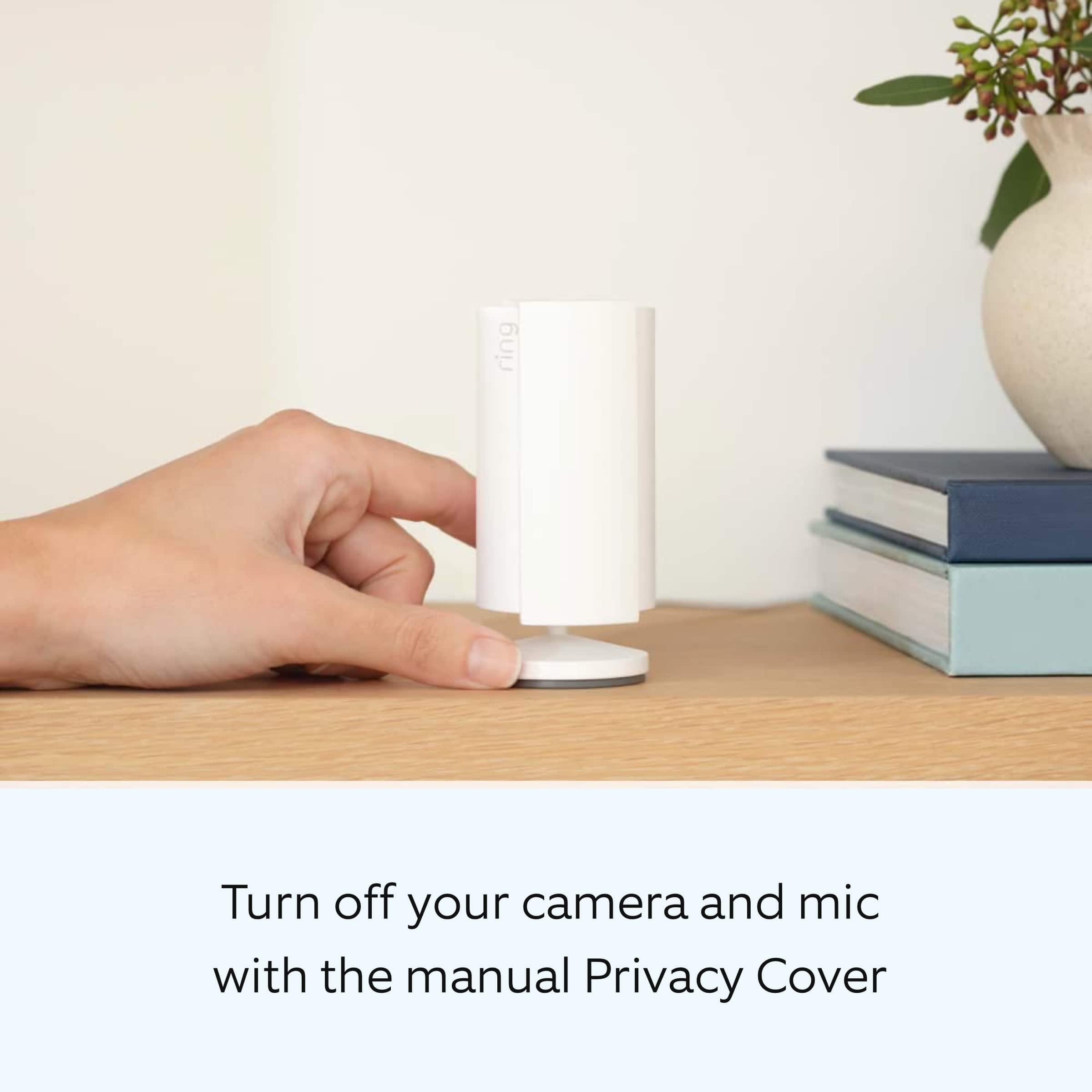
||Posted . Owned for 1 month when reviewed.This reviewer received promo considerations or sweepstakes entry for writing a review.Can’t say enough about ring cameras. I like the privacy shield since I’ll be using them at home.
I would recommend this to a friendQuality
||Posted . Owned for 1 month when reviewed.This reviewer received promo considerations or sweepstakes entry for writing a review.Excellent, I like the quality and security of Ring
I would recommend this to a friendRing indoor camera
||Posted . Owned for 2 months when reviewed.This reviewer received promo considerations or sweepstakes entry for writing a review.I technically cant really give a review bc i cant get it connected to my internet. For some reason it wont except my internet password yet everything else i connect will
No, I would not recommend this to a friendBrand response from Ring
Posted .Hi Josie.
Thank you for taking the time to share your experience with us. We understand the importance of a seamless setup process so that you can begin using your Ring Indoor Cam (2nd Gen.) right away. The features and technology provided by the Ring Indoor Cam (2nd Gen.) are incredibly valuable and help provide you with peace of mind about your home security. We are eager to provide you with a solution for the connection concern mentioned in your review.
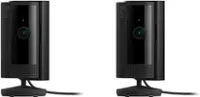
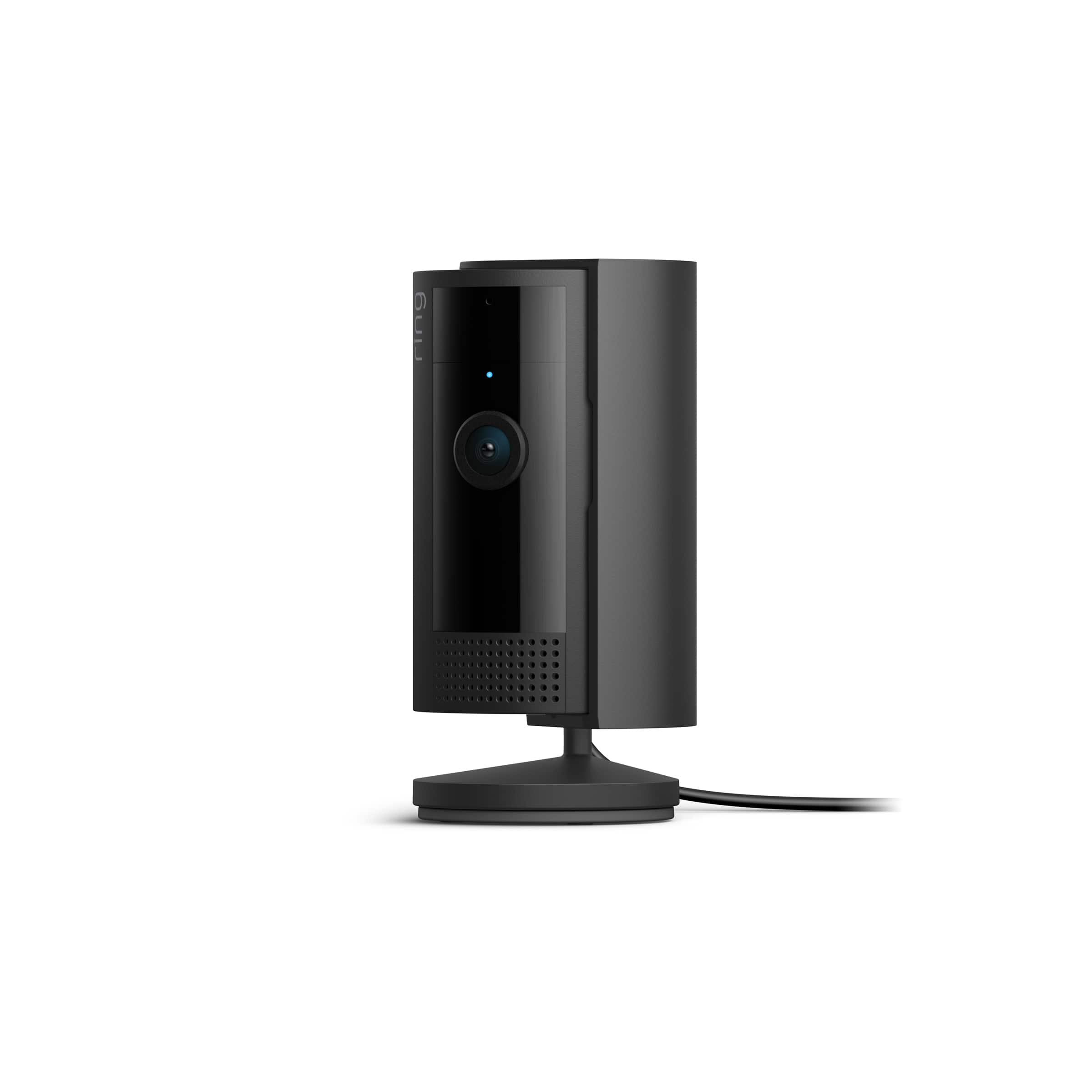
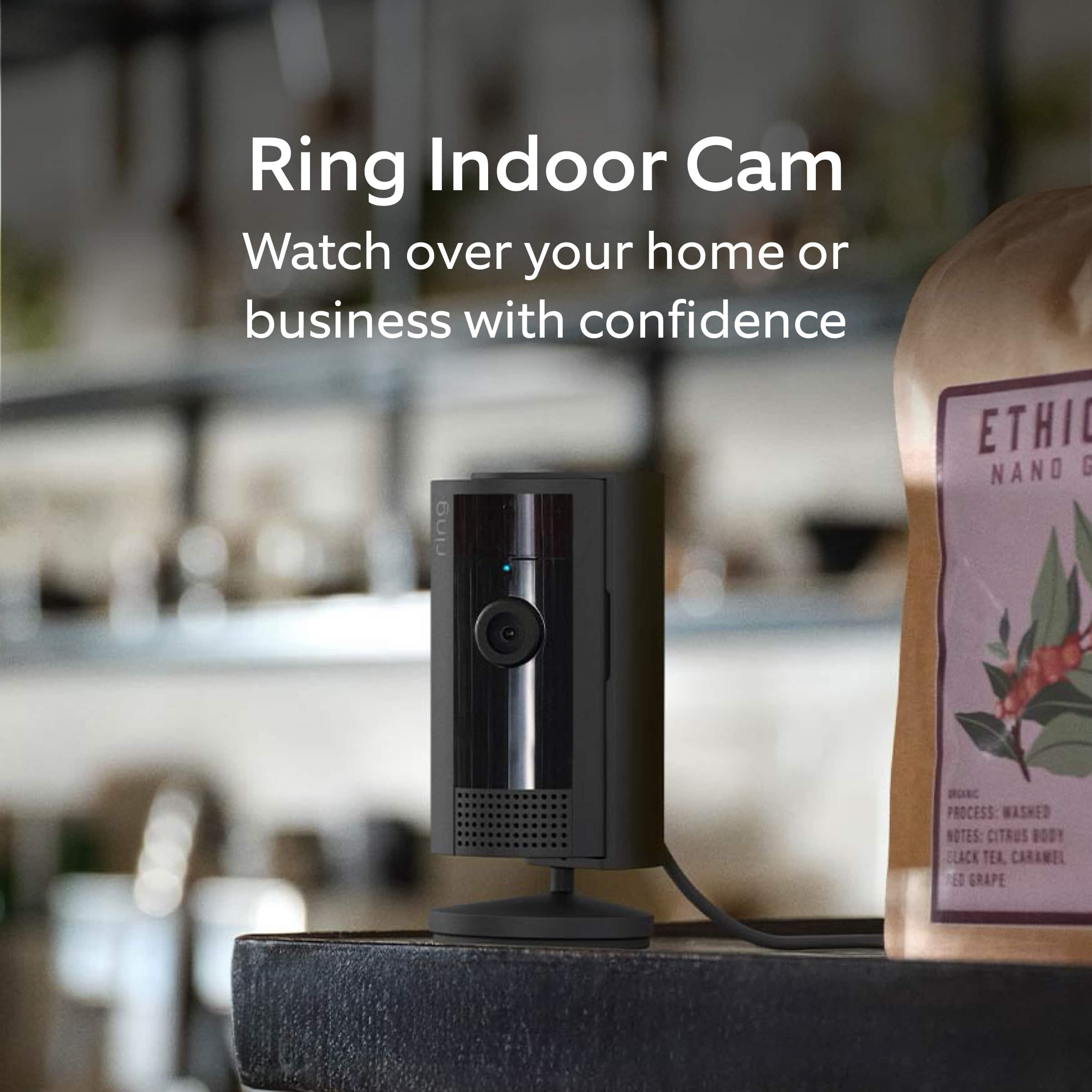
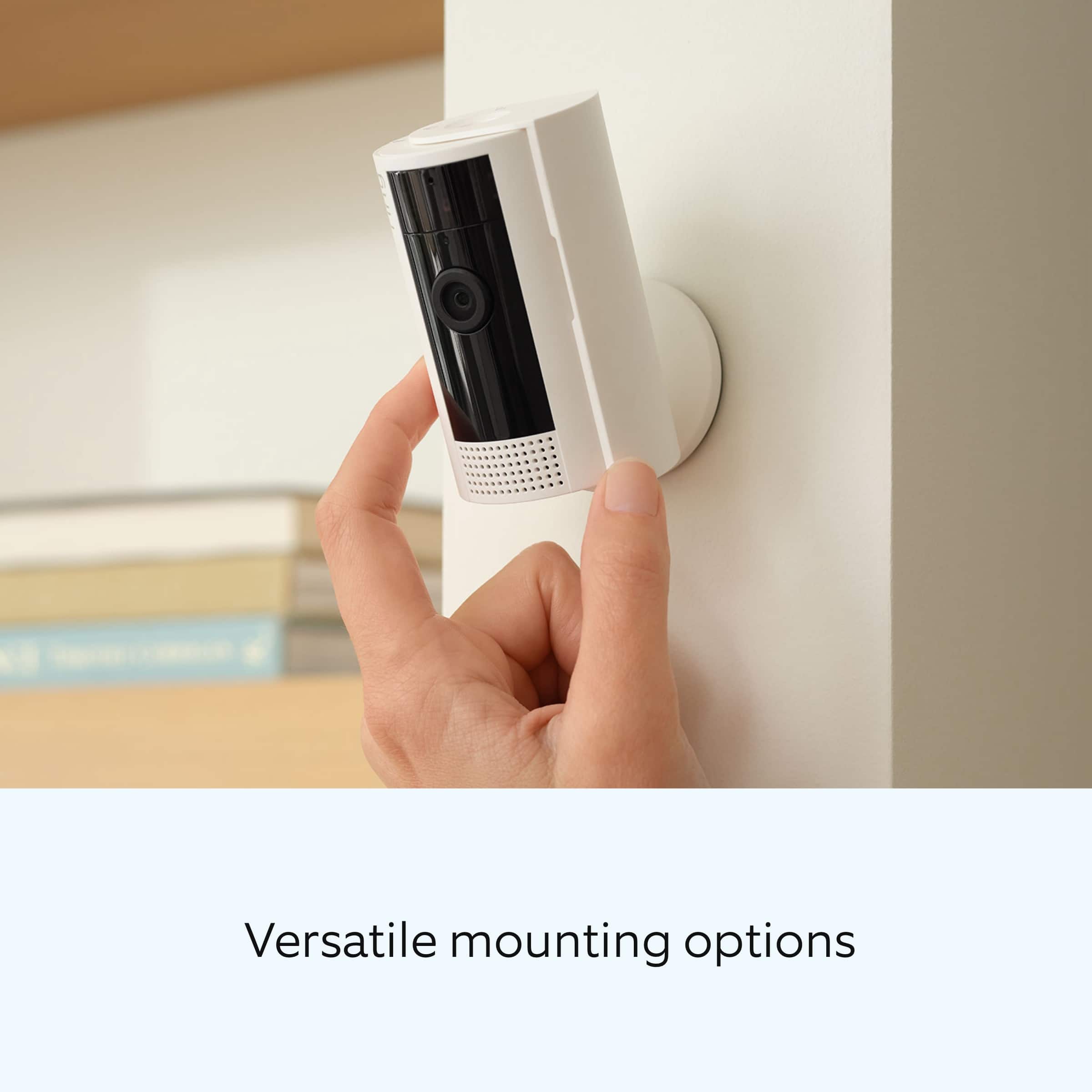
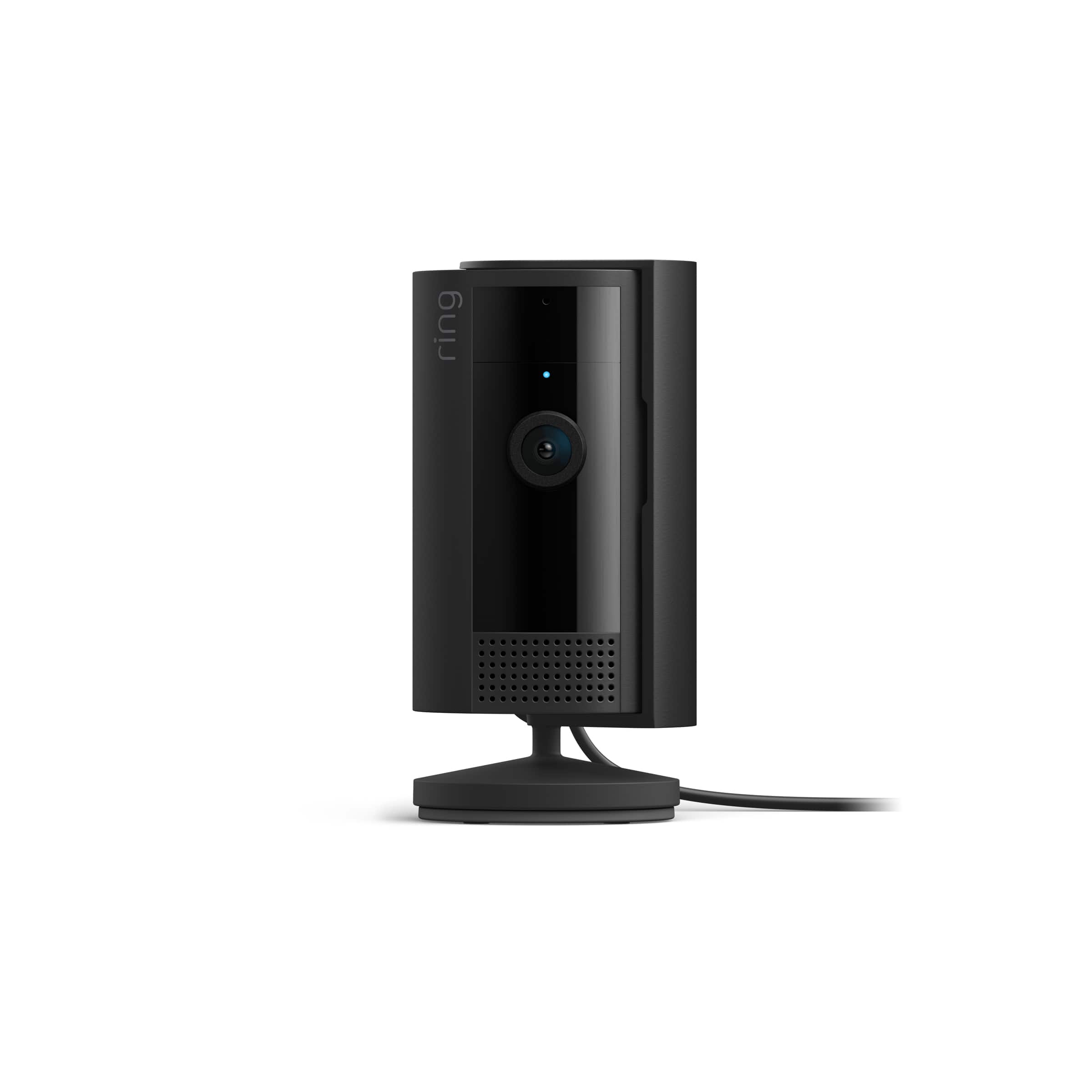
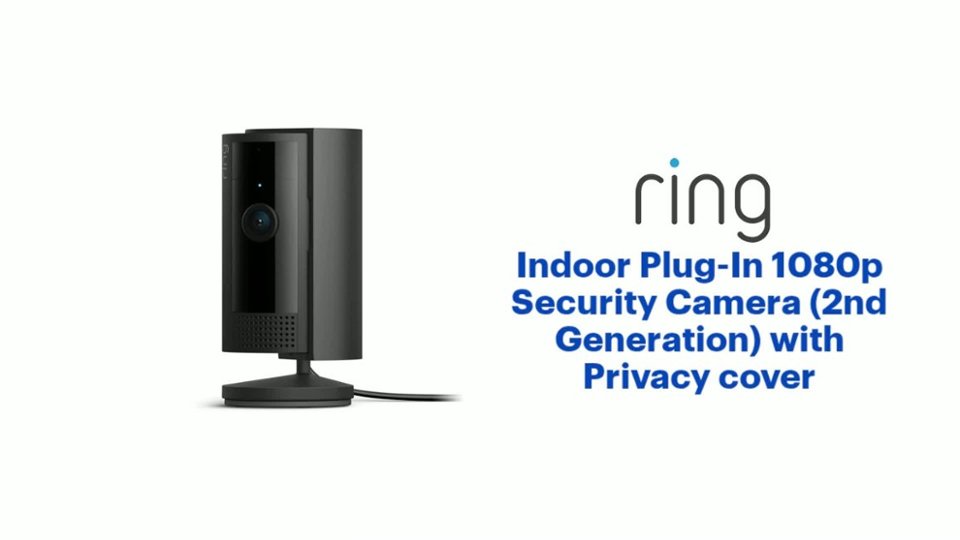
It sounds like the device is not performing as expected. Indoor Cam (2nd Gen.) is a small, lightweight security camera with flexible mounting options specifically designed to be used indoors. Indoor Cam features 1080p HD video recording, two-way audio with noise cancellation, a wide viewing angle, a built in siren, and a removable privacy cover. A tone will sound when the cover is secured and active. It is also compatible with connected Echo devices.
The Ring Indoor Cam (2nd Gen.) is designed to work with your home's wifi network and is compatible with b/g/n wifi networks operating on 2.4 GHz frequencies. If you're receiving a 'Setup did not complete' message and cannot finish setup, it could be due to one of these common causes of setup failures:
* Your Ring device is too far from your wifi router. Ideally, your router should be within 20 feet of your Ring device.
* There's a possible problem with your internet connection.
* There's a possible issue related to your wifi modem or router.
Make sure your wifi router is off the floor.
Walls, floors, and furniture can interfere or weaken your router’s wireless signal. Choose an elevated, central, open location.
Make sure you're entering the correct password. Passwords are case sensitive and do not include spaces. Your network password can often be found on the bottom or side of your router.
Wifi passwords are case and special character (such as *,@,$, or #) sensitive. Double check letter capitalization and placement.
If you haven't changed your wifi password since your router was installed, it may be on a sticker on the underside of your router.
Connect other devices to your wifi network using your last remembered password to verify it is still correct.
If you have multiple networks or a wifi extender, confirm you are connecting to the correct one.
Make sure to connect to the 2G (2.4 GHz) network, not 5G (5 GHz). All Ring devices can connect to 2.4 GHz, while only select Ring devices have Dual-Band Wifi to be able to connect to either.
If you’re still having issues, try holding down the reset button on top of the camera for 20 seconds. Before you reset your device, make sure to download any videos in your account.
We invite you to reach out to our Community if any additional information is needed regarding your Ring Indoor Cam (2nd Gen.). The Ring Community is our first peer-to-peer community forum, giving our customers the ability to help one another by sharing their feedback and experiences with each other.
Thank you,
Melissa from Ring.
Ring camera
||Posted . Owned for 1 week when reviewed.This reviewer received promo considerations or sweepstakes entry for writing a review.This was one of the smartest buyers I’ve ever made DeLeeuw day great price great purchase only at Best Buy 
I would recommend this to a friendgood quality with high definition and easy setup
||Posted . Owned for 3 months when reviewed.This reviewer received promo considerations or sweepstakes entry for writing a review.It is a goto product if you look for indoor camera. Simple design with cover that protect the provacy
I would recommend this to a friendSmall camera
||Posted . Owned for 3 weeks when reviewed.This reviewer received promo considerations or sweepstakes entry for writing a review.Fairly small camera wish there isnsome weight on the bottom as it can be a little flimsy
I would recommend this to a friendLove The Ring Indoor Camera
||Posted . Owned for 3 weeks when reviewed.This reviewer received promo considerations or sweepstakes entry for writing a review.Easy to use, it’s safety for every household. We loved the product so much. Recommended!
I would recommend this to a friendIndoor camera
||Posted . Owned for 1 month when reviewed.This reviewer received promo considerations or sweepstakes entry for writing a review.Got these for security in my house. Also to keep a eye on my girlfriends mom who has fallen a couple times.
I would recommend this to a friendSecurity
||Posted . Owned for 3 weeks when reviewed.This reviewer received promo considerations or sweepstakes entry for writing a review.Overall a good value for the price and peace of mind.
I would recommend this to a friendVery good
||Posted . Owned for 1 month when reviewed.This reviewer received promo considerations or sweepstakes entry for writing a review.Very small yet wide coverage, clear streaming. Recommended
I would recommend this to a friendGreat value
||Posted . Owned for 3 weeks when reviewed.This reviewer received promo considerations or sweepstakes entry for writing a review.These cameras are better quality than I expected for the cost. For the cost, I feelnit is a good value.
I would recommend this to a friendCamera
||Posted . Owned for 1 month when reviewed.This reviewer received promo considerations or sweepstakes entry for writing a review.Adds security within the household. Better than a security button around my neck.
I would recommend this to a friendGreat value
||Posted . Owned for 1 month when reviewed.This reviewer received promo considerations or sweepstakes entry for writing a review.They have become more convenient with the privacy door so you can close it off if you have a bunch of ppl over
I would recommend this to a friendGreat value for price
||Posted . Owned for 1 month when reviewed.This reviewer received promo considerations or sweepstakes entry for writing a review.For $35 it does exactly what it needs to do and I like the wide field of view.
I would recommend this to a friendRing camera
||Posted . Owned for 1 year when reviewed.This reviewer received promo considerations or sweepstakes entry for writing a review.Camera works great but still lack the live view of more than 10 mins . Not the best for baby monitoring use.
I would recommend this to a friendRing camera
||Posted . Owned for 3 weeks when reviewed.This reviewer received promo considerations or sweepstakes entry for writing a review.Love it. I placed it inside on my windowsill facing outside to the driveway. It works perfect.
I would recommend this to a friendSecurity Guard
||Posted . Owned for 1 month when reviewed.This reviewer received promo considerations or sweepstakes entry for writing a review.Excellent product to be in control of your house even when you are far away
I would recommend this to a friendIndoor plug-in camera ring
||Posted . Owned for 2 months when reviewed.This reviewer received promo considerations or sweepstakes entry for writing a review.A great way to monitor. What’s going on in your home when you’re not there.
I would recommend this to a friend