Customer Ratings & Reviews
- Model:
- B0B6GJBKRK
- SKU:
- 11470658
Rating by feature
- Value
Rating 4.8 out of 5 stars
- Quality
Rating 4.8 out of 5 stars
- Ease of Use
Rating 4.8 out of 5 stars
Mid product
Posted .This reviewer received promo considerations or sweepstakes entry for writing a review.The program required to use this product was a little overpriced for what you are really getting; the ring app requires a subscription and the camera doesn't load the footage
No, I would not recommend this to a friendBrand response from Ring
Posted .Hi HaydenD.
Thank you for taking the time to share your experience with us. At Ring, we want to ensure that you have the best possible experience with our products. Your peace of mind and security are extremely important to us. The features and technology provided by the Ring Indoor Cam (2nd Gen.) are incredibly valuable and help provide you with peace of mind about your home security. Rest assured, we hear you and are here to offer you some help.
It sounds like you are concerned with the need for the Ring Home Plan subscription. The Ring Home Plan provides valuable capabilities, such as accessing paid features and the ability to save, download, and review footage captured by your Ring device. Without a Ring Home Plan, you can still view real-time video for Ring doorbells and cameras and answer doorbell notifications when they happen, but you don’t get video recordings of those events.
If any additional information is needed regarding your Ring Indoor Cam (2nd Gen.) or Ring Home Plans, please reach out to our community. Ring Community is our first peer-to-peer community forum, giving our customers the ability to help one another and share their feedback and experiences directly with Ring.
Thank you,
Miyuki from Ring.
Good buy
Posted .This reviewer received promo considerations or sweepstakes entry for writing a review.Works well. Easy to navigate. I would purchase anorher one.
I would recommend this to a friendGood home security
Posted .This reviewer received promo considerations or sweepstakes entry for writing a review.Works well for what it is, no complaints..........
I would recommend this to a friendTerrific
Posted .This reviewer received promo considerations or sweepstakes entry for writing a review.They was the best invention I made, good to have around your home, making sure everyone is safe
I would recommend this to a friendSecurity made simple
Posted .This reviewer received promo considerations or sweepstakes entry for writing a review.Installation was a breeze for an amateur like myself. Setup was even smoother. 5/5 recommend
I would recommend this to a friendExcellent product
Posted .This reviewer received promo considerations or sweepstakes entry for writing a review.This is fantastic. I strongly recommend it. I do not have any regrets. It works excellently
I would recommend this to a friendI want to win
Posted .This reviewer received promo considerations or sweepstakes entry for writing a review.They products i get from best buy are the best wish i could use my card on file online but idk how
I would recommend this to a friendLimited horizontal vision
Posted .This reviewer received promo considerations or sweepstakes entry for writing a review.It does not have a 180° line of vision. That is my only complaint. The picture is clear, the alerts good, just difficult to monitor my 102 year old mom in her apartment.
I would recommend this to a friendBrand response from Ring
Posted .Hi BarbaraW.
Thank you for taking the time to share your experience with us. We understand the importance of having all relevant product information prior to purchasing. The features and technology provided by the Ring Indoor Cam (2nd Gen.) are incredibly valuable and help provide you with peace of mind about your home security. We can definitely provide you with more information regarding the concern mentioned in your review.
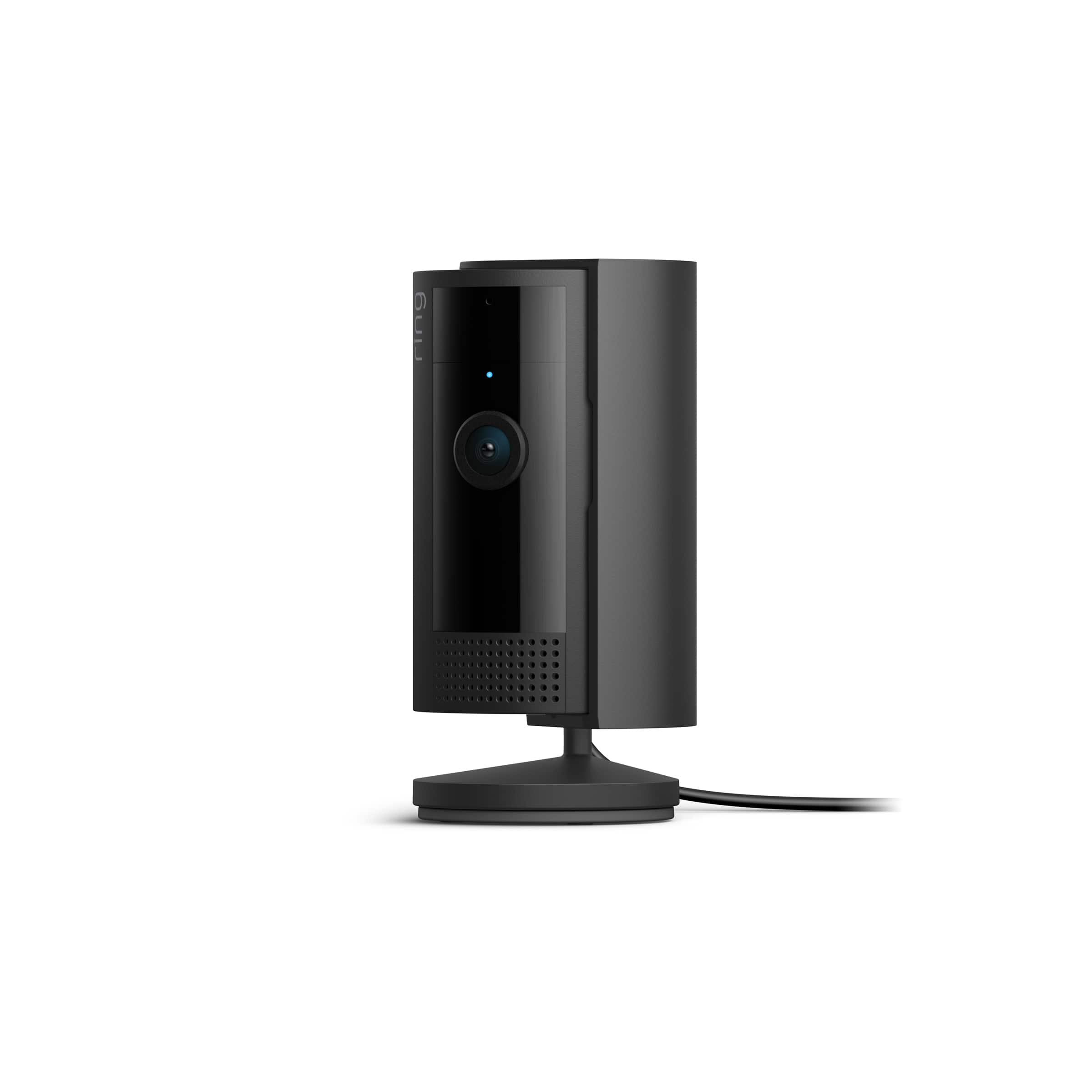
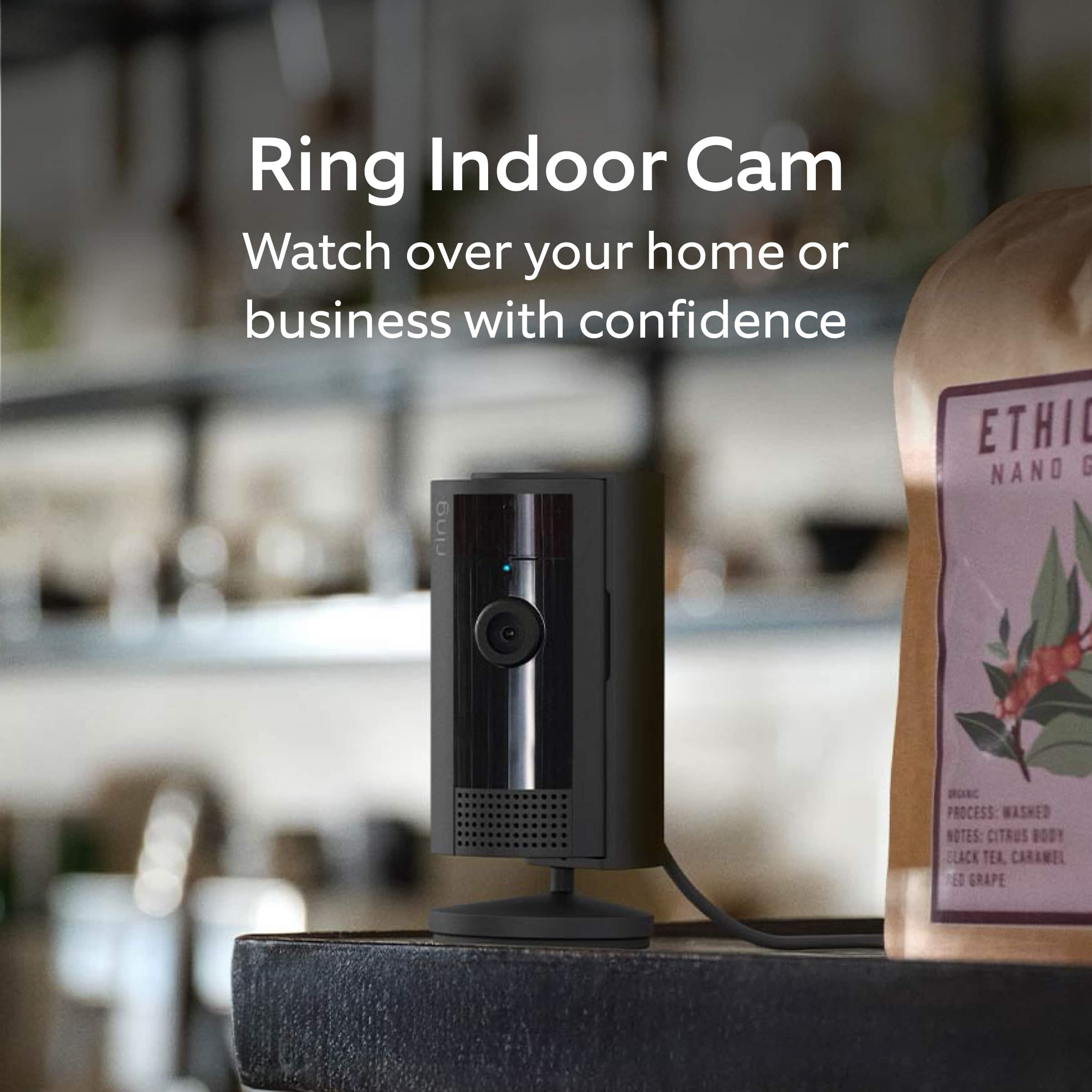
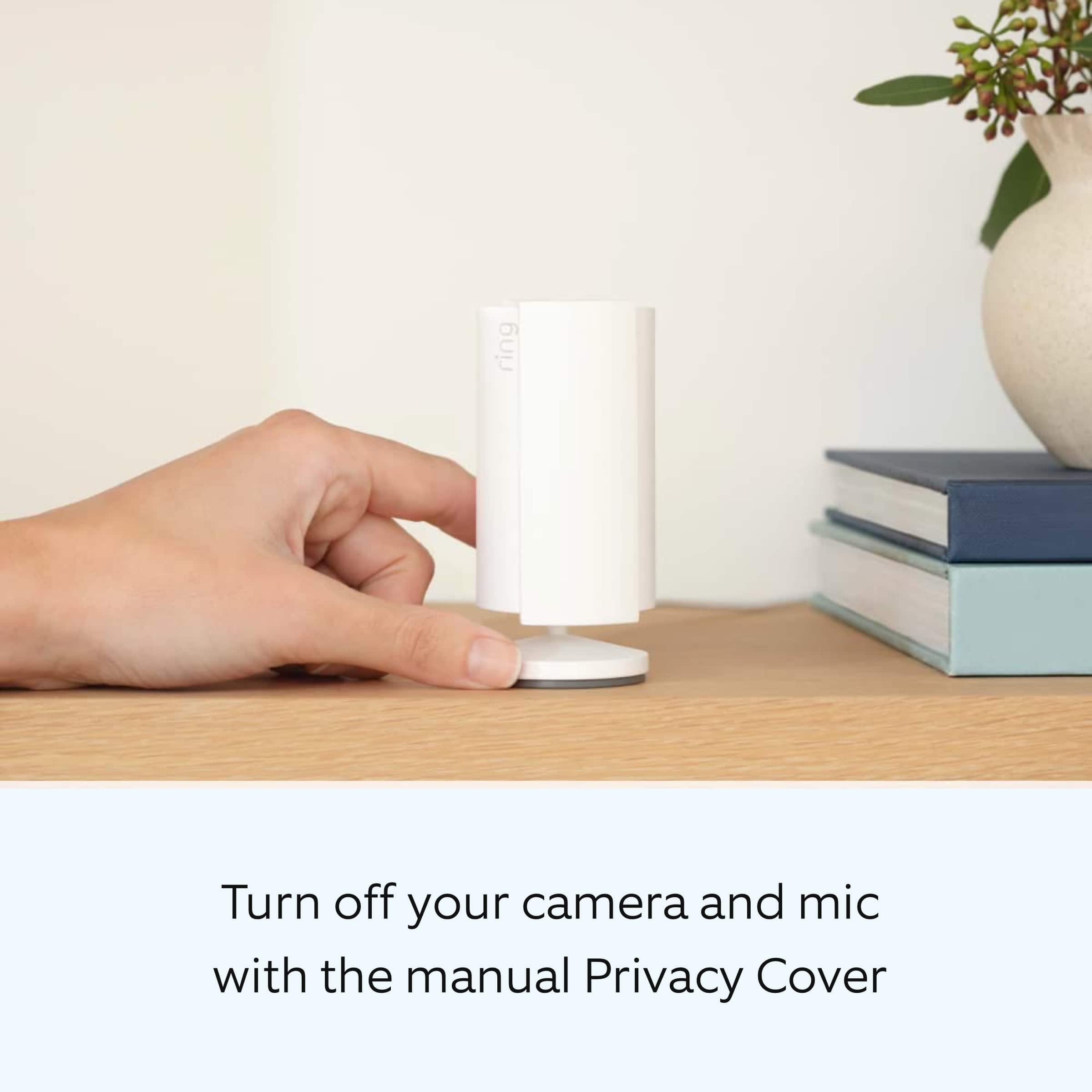
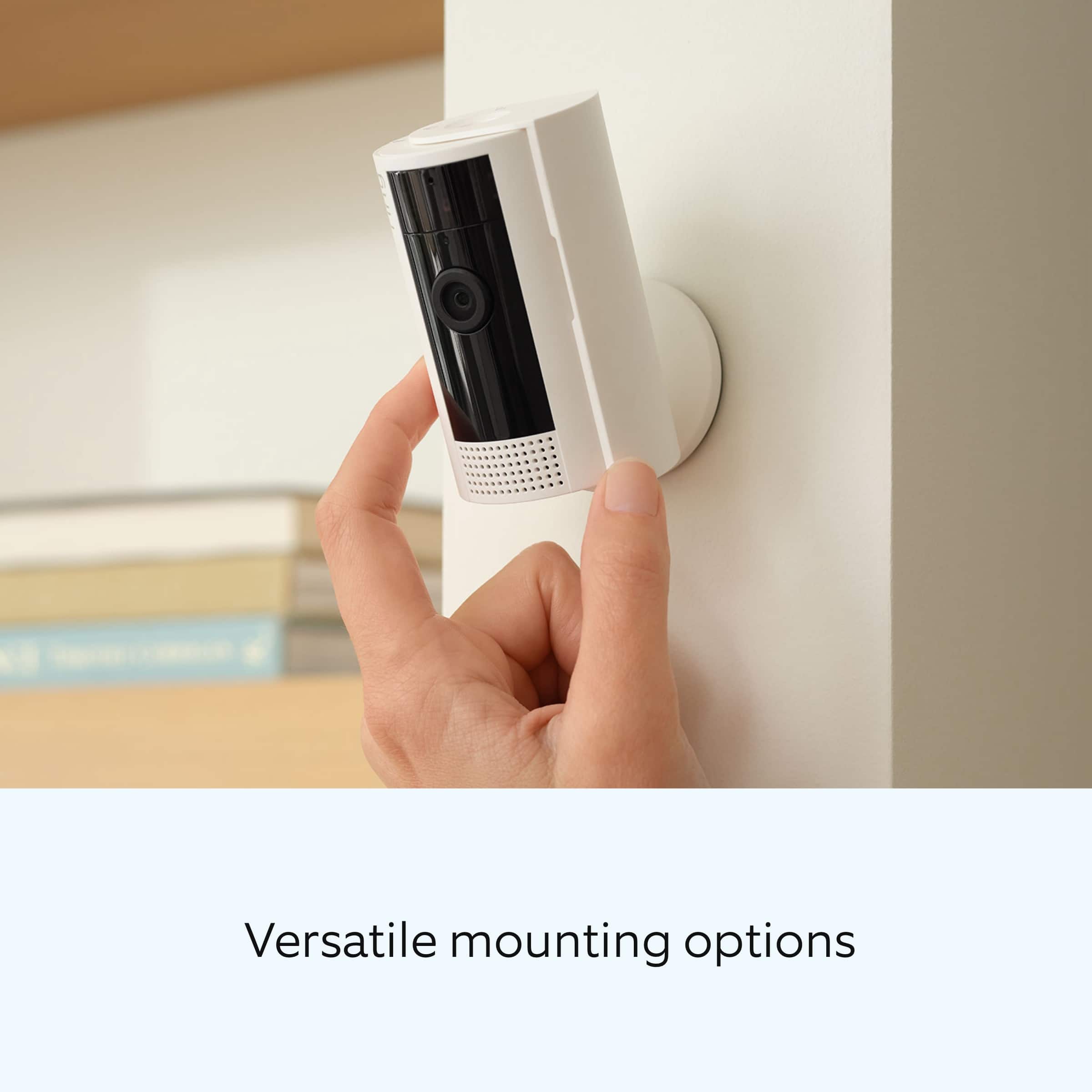
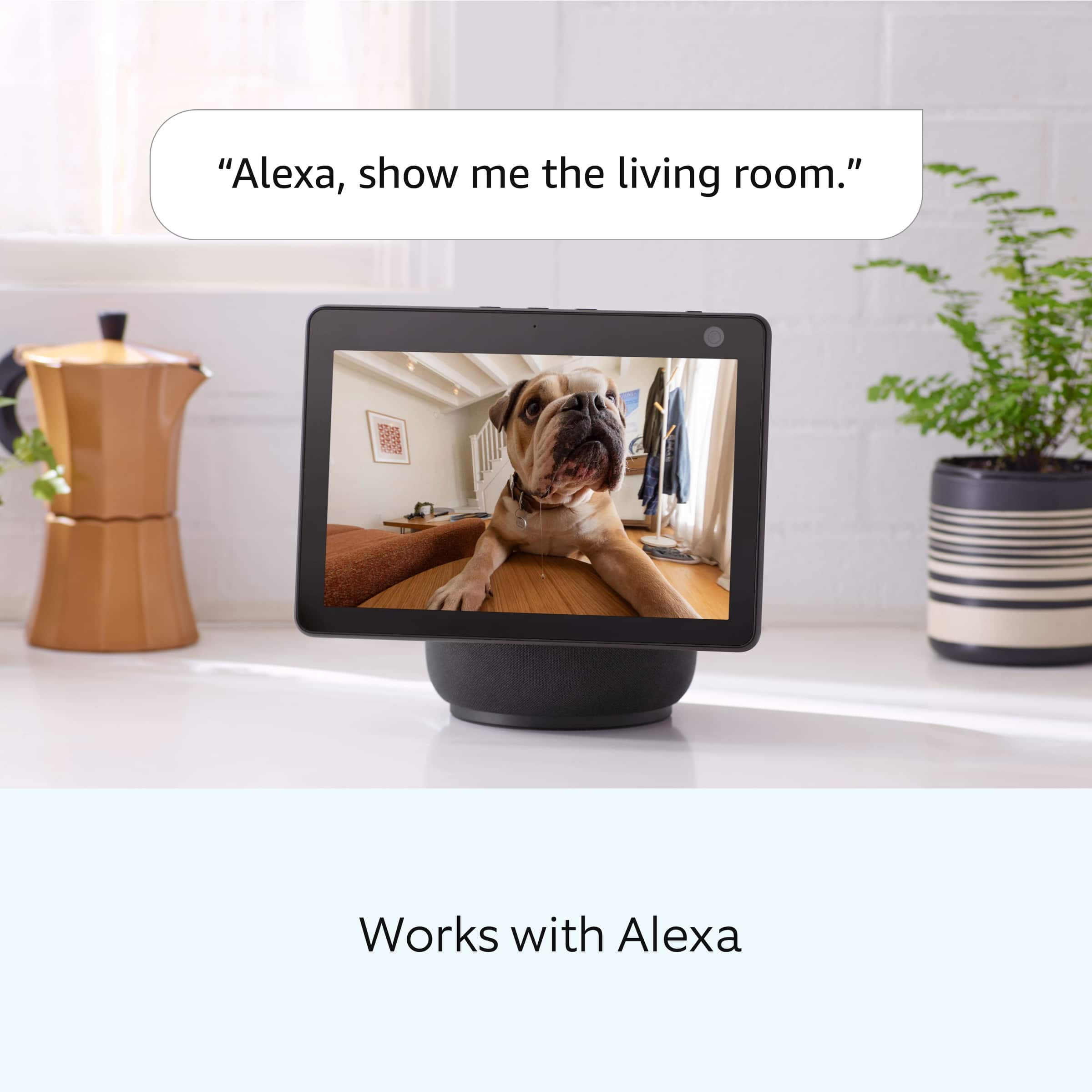
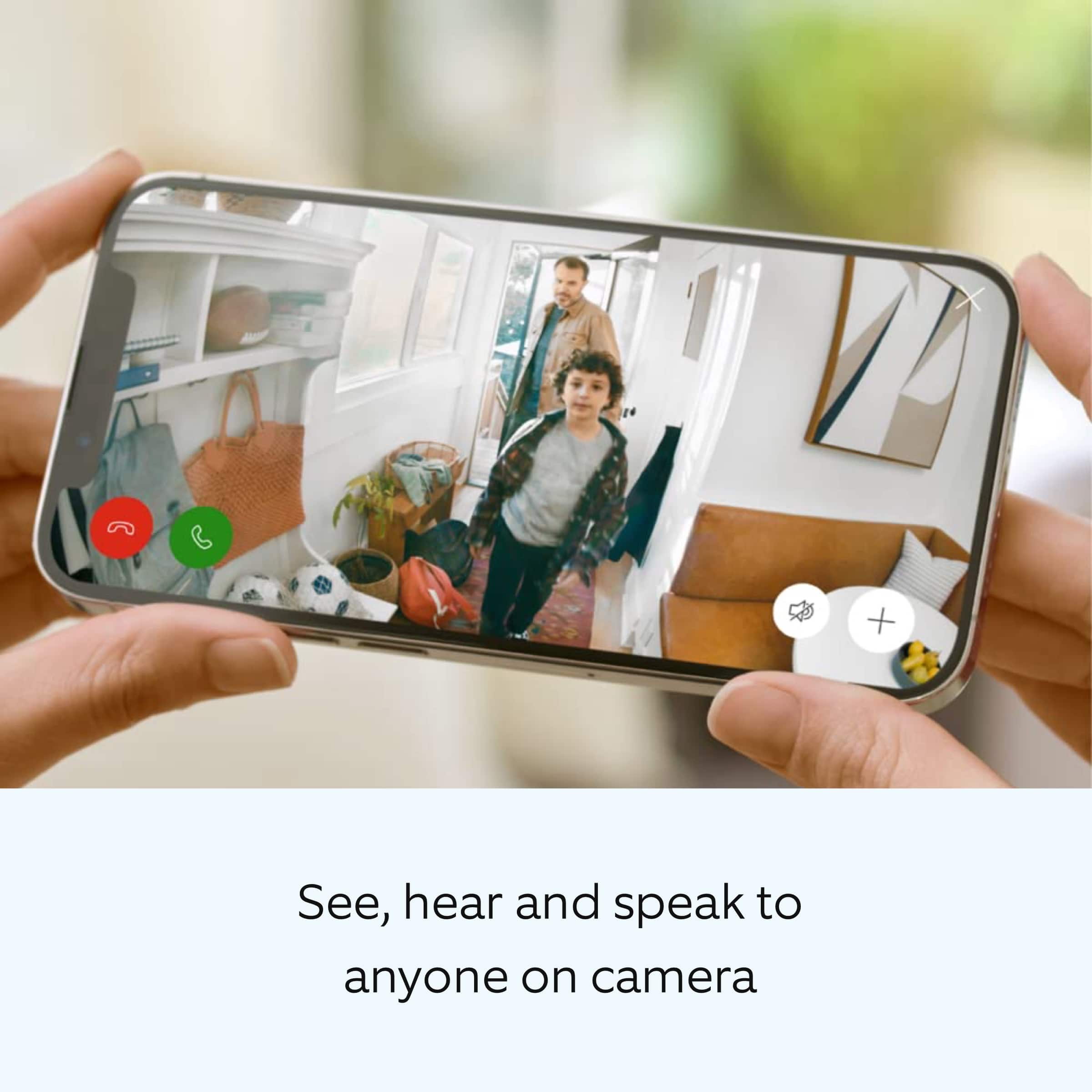
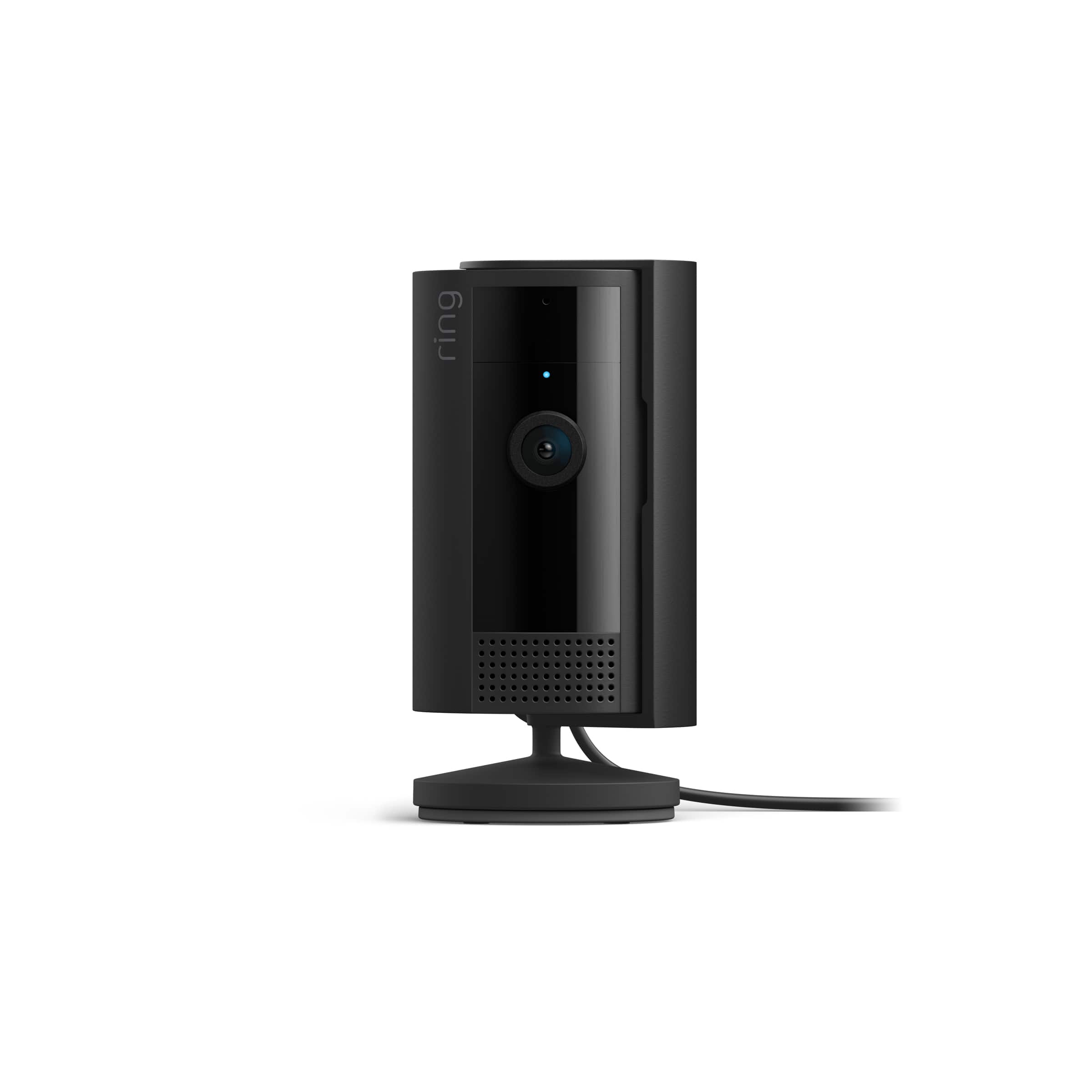
It sounds like the device is not performing as expected. Indoor Cam (2nd Gen.) is a small, lightweight security camera with flexible mounting options specifically designed to be used indoors. Indoor Cam features 1080p HD video recording, two-way audio with noise cancellation, a wide viewing angle, and built in siren. It is also compatible with connected Echo devices. Indoor Cam (2nd Gen) features an enhanced mounting design, a power cable/adapter, and an included removable Privacy Cover. A tone will sound when the cover is secured and active.
The field of view for the Ring Indoor Cam (2nd Gen.) is 143 degrees diagonal, 115 degrees horizontal, 59 degrees vertical. Ring Indoor Cam can be mounted anywhere indoors on its own stand or can be mounted to a wall or ceiling.
We invite you to reach out to our Community if any additional information is needed regarding your question. The Ring Community is our first peer-to-peer community forum, giving our customers the ability to help one another by sharing their feedback and experiences with each other.
Thank you,
Melissa from Ring.
Nice camera
Posted .This reviewer received promo considerations or sweepstakes entry for writing a review.This device is an excellent camera to go along with your ring setup just like the ring doorbell you can set your perimeters notifications and works great with the Alexa Dot
I would recommend this to a friendBrand response from Ring
Posted .Hi AlfredoF.
Thank you for taking the time to share your experience with us. We are pleased to read that you are enjoying your new Ring Indoor Cam (2nd Gen.) and that the features included are meeting your expectations. At Ring, we believe in keeping people close to what’s important. That is why we are driven to create products that help you protect what matters most at home and empower you to connect with your visitors from wherever you are. Together, we’ll make neighborhoods safer!
Ring Community was launched to help deliver the most current news and educational information to our neighbors. This online forum is divided into four categories: Product Boards, Ring Updates, Tips and Tricks, and a Moderators’ Corner. The Product Boards are where you can begin new topics with your questions or feedback; there is also a search option that helps you find topics that have already been posted by other neighbors. We invite you to visit our community today.
Thank you,
Melissa from Ring.
Satified customer
Posted .This reviewer received promo considerations or sweepstakes entry for writing a review.Quick delivery, Super set up. Just follow the instructions and you are good to go
I would recommend this to a friendRing is excellent
Posted .This reviewer received promo considerations or sweepstakes entry for writing a review.Very satisfied with this product!!highly recommend it.
I would recommend this to a friendGreat little camera
Posted .This reviewer received promo considerations or sweepstakes entry for writing a review.This is our second camera. Love the shutter. Would buy again
I would recommend this to a friendCamera
Posted .This reviewer received promo considerations or sweepstakes entry for writing a review.Works great mesh well with my ring door alarm.. no issues or problems
I would recommend this to a friendIt is the same as the 1gen
Posted .This reviewer received promo considerations or sweepstakes entry for writing a review.If you have the 1gen it is the same so do not replace your 1gen
I would recommend this to a friendBrand response from Ring
Posted .Hi Amari.
Thank you for sharing your feedback with us.
We understand the importance of having all relevant product information prior to purchasing. The features and technology provided by the Ring Indoor Cam (2nd Gen) are incredibly valuable and help provide you with peace of mind about your home security. We would love to provide you with more information regarding the concern mentioned in your review.
The newest Indoor Cam (2nd Gen) features an enhanced mounting design, a power cable/adapter, and a removable privacy cover. The removable privacy cover keeps the picture private by turning off audio and video with a simple swivel. Atone will sound when the cover is secured and active.
A privacy kit for the Indoor Cam (1st Gen) is sold separately.
Ring Community was launched to help deliver the most current news and educational information to our neighbors. This online forum is divided into four categories: Product Boards, Ring Updates, Tips + Tricks, and a Moderators’ Corner. The Product Boards are where you can begin new topics with your questions or feedback; there is also a search option that helps you find topics that have already been posted by other neighbors.
All the best,
Nicole from Ring.
Do your research!
Posted .This reviewer received promo considerations or sweepstakes entry for writing a review.It is not advertised by ring that the indoor security cameras are only compatible with certain Wi-Fi networks. The camera I purchased could not find my Wi-Fi network, and after a VERY lengthy conversation with customer support I learned that not a single indoor camera supports 5ghz (only supports 2ghz or 2.4 ghz). I have multiple ring products, and bought this camera since I already pay for the app and love the other products. Disappointed that this is not advertised and the only proposed solution was to change my Wi-Fi network.
No, I would not recommend this to a friendBrand response from Ring
Posted .Hi Lauren,
Thank you for taking the time to share your experience with us. At Ring, we understand it is essential to have your Ring Floodlight Cam Wired Plus online and working properly so you can keep your home secure. The features and technology provided by the Ring Floodlight Cam Wired Plus are incredibly valuable and help provide you with peace of mind about your home security. We can definitely provide you with more information regarding the concern mentioned in your review.
It sounds like your device is not performing to your expectations. Indoor Cam features 1080p HD video recording, two-way audio with noise cancellation, a wide viewing angle, and built in siren. It is also compatible with connected Echo devices. Ring Indoor Cam (2nd Gen.) is compatible with b/g/n wifi networks operating on 2.4 GHz frequencies.
Indoor Cam (2nd Gen) features an enhanced mounting design, a power cable/adapter, and an included removable privacy cover. A tone will sound when the cover is secured and active.
To reconnect a Ring video doorbell or security camera to your wifi network:
Open the Ring app.
Tap the menu (≡).
Tap "Devices" and select the doorbell or camera you'd like to reconnect to wifi.
Tap the "Device Health" tile.
Under "Network," tap "Change Network" and follow the prompts in the app.
Allow some time for your device to fully reconnect to the network, then check your wifi signal strength in "Device Health" to confirm it has successfully reconnected.
If any additional information is needed regarding your Ring Floodlight Cam Wired Plus, please reach out to our Community. Ring Community is our first peer-to-peer community forum, giving our customers the ability to help one another and share their feedback and experiences directly with Ring.
Sincerely,
Melissa from Ring.
Ring indoor security camera
Posted .This reviewer received promo considerations or sweepstakes entry for writing a review.After the trial period for the Ring camera it removed the function to easily switch it on and off remotely. Evidently if you don’t sign up for their monthly service they make it difficult to to operate.
No, I would not recommend this to a friendBrand response from Ring
Posted .Hi Skip22.
Thank you for taking the time to share your experience with us. We understand the importance of having events recorded on your Ring Indoor Cam (2nd Gen.). The features and technology provided by the Ring Indoor Cam (2nd Gen.) are incredibly valuable and help provide you with peace of mind about your home security. We can definitely provide you with more information about the concern that you mentioned in your review.
While subscribed to one of our Ring Protect Plans, you will have access to videos of every motion and live view event. Without this service, you will still receive real-time video alerts on your smartphone and have access to the live view feature.
If any additional information is needed regarding your Ring Indoor Cam (2nd Gen.), please reach out to our community. Ring Community is our first peer-to-peer community forum, giving our customers the ability to help one another and share their feedback and experiences directly with Ring.
Thank you,
Melissa from Ring.
NOT WIRELESS
Posted .This reviewer received promo considerations or sweepstakes entry for writing a review.Cannot use without charging each day, it’s not wireless
No, I would not recommend this to a friendBrand response from Ring
Posted .Hi Reddy.
Thank you for taking the time to share your feedback with us.
We understand the importance of having all relevant product information prior to purchasing. The features and technology provided by the Ring Indoor Cam (2nd Generation) are incredibly valuable and help provide you with peace of mind about your home security. We can definitely provide you with more information regarding the concern mentioned in your review.
It sounds like there was some confusion surrounding how the Ring Indoor Cam (2nd Generation) is powered. The Ring Indoor Cam (2nd Generation) is powered using plug-in power with a 7W USB-A power adapter. The Ring Indoor Cam (2nd Generation) includes an adjustable camera mount and can plug in wherever there's a power outlet, making it easy to find the perfect view up high or down low.
Ring does offer battery-powered devices as well. We invite you to visit our support center to compare the different security camera options so you can find the best device to fit your needs.
Ring Community was launched to help deliver the most current news and educational information to our neighbors. This online forum is divided into four categories: Product Boards, Ring Updates, Tips + Tricks, and a Moderators’ Corner. The Product Boards are where you can begin new topics with your questions or feedback; there is also a search option that helps you find topics that have already been posted by other neighbors.
All the best,
Nicole from Ring.
Great video, horrible Wifi connection issue.
Posted .This reviewer received promo considerations or sweepstakes entry for writing a review.Camera worked for approximately 3 days then stopped connecting toWifi. Returned it for another one thinking maybe it was just a 1 time thing. Second camera did the same exact thing. Going to return it too. Connects to wifi upto 95% then says "can't connect to wifi"
No, I would not recommend this to a friendBrand response from Ring
Posted .Hi CouchPirate35.
Thank you for sharing this feedback with us.
At Ring, we understand it is essential to have your Ring Indoor Cam online and working properly so you can keep your home secure. Having a solid connection ensures you do not miss any activity around your home. We are here to provide you with some information to resolve the connectivity issue you mentioned in your review.
It sounds like your device is receiving a poor wifi signal. A poor wifi signal can cause connectivity with your Ring device to be unreliable. Check the Device Health section of your Ring application to ensure the device’s RSSI is within an acceptable range. The recommended range for optimal performance is 0 to -60 for the RSSI.
Walls, floors, furniture, and appliances all block and weaken wifi signals. To improve performance, try the following suggestions:
If your wifi router is inside a cabinet, closet, or hidden behind or under furniture, move it out into the open—at least six inches from any wall.
Move your wifi router to a room that is closer to your Ring devices, if possible.
Add a Ring Chime Pro or a mesh networking system to extend your wifi network's range.
Learn about the Ring Chime Pro wifi extender.
Ring Community was launched to help deliver the most current news and educational information to our neighbors. This online forum is divided into four categories: Product Boards, Ring Updates, Tips + Tricks, and a Moderators’ Corner. The Product Boards are where you can begin new topics with your questions or feedback; there is also a search option that helps you find topics that have already been posted by other neighbors.
All the best,
Nicole from Ring.