Customer Ratings & Reviews
- Model:
- B0CG2VS5FD
- SKU:
- 11911768
Rating by feature
- Value
Rating 4.8 out of 5 stars
- Quality
Rating 4.8 out of 5 stars
- Ease of Use
Rating 4.9 out of 5 stars

Another excellent ring product
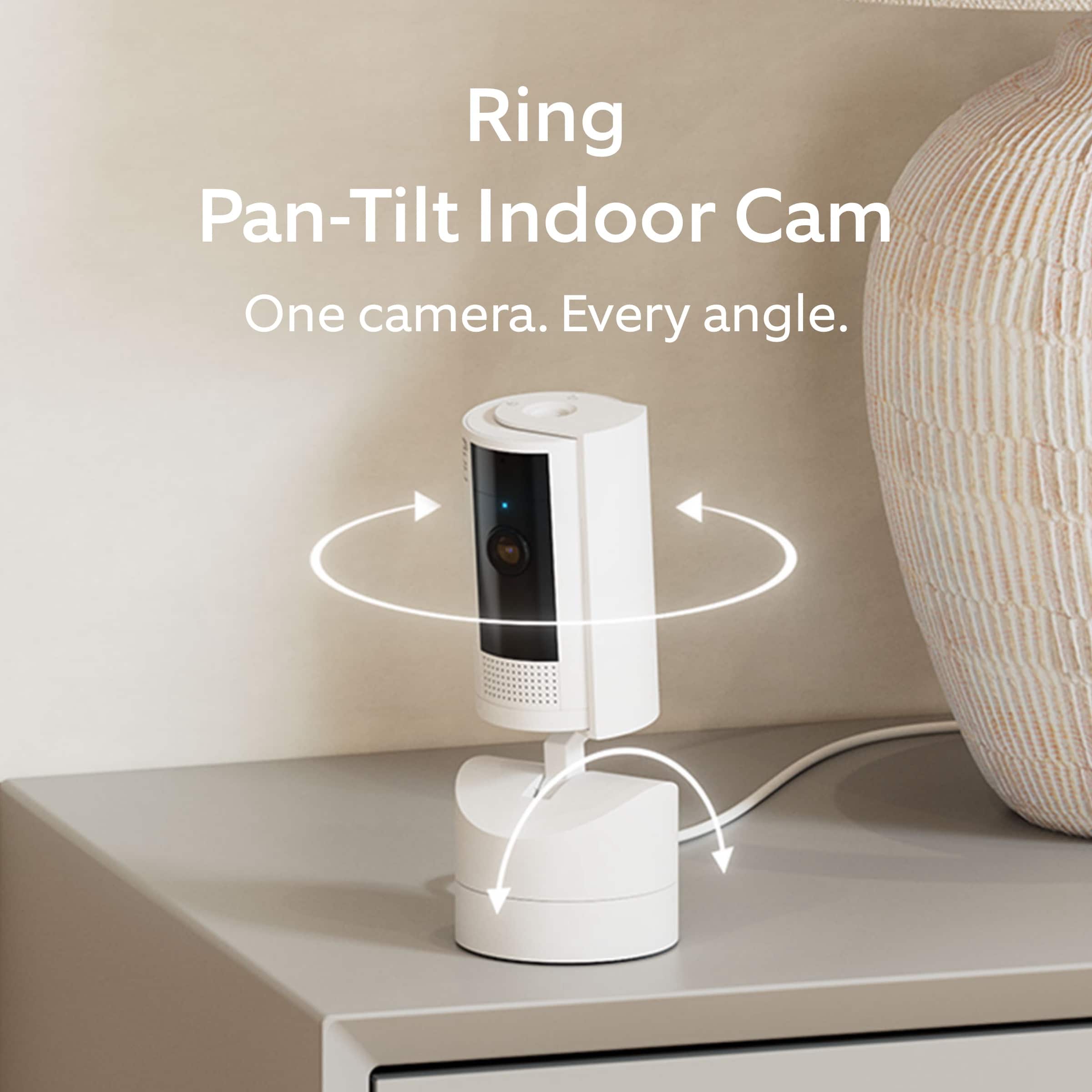
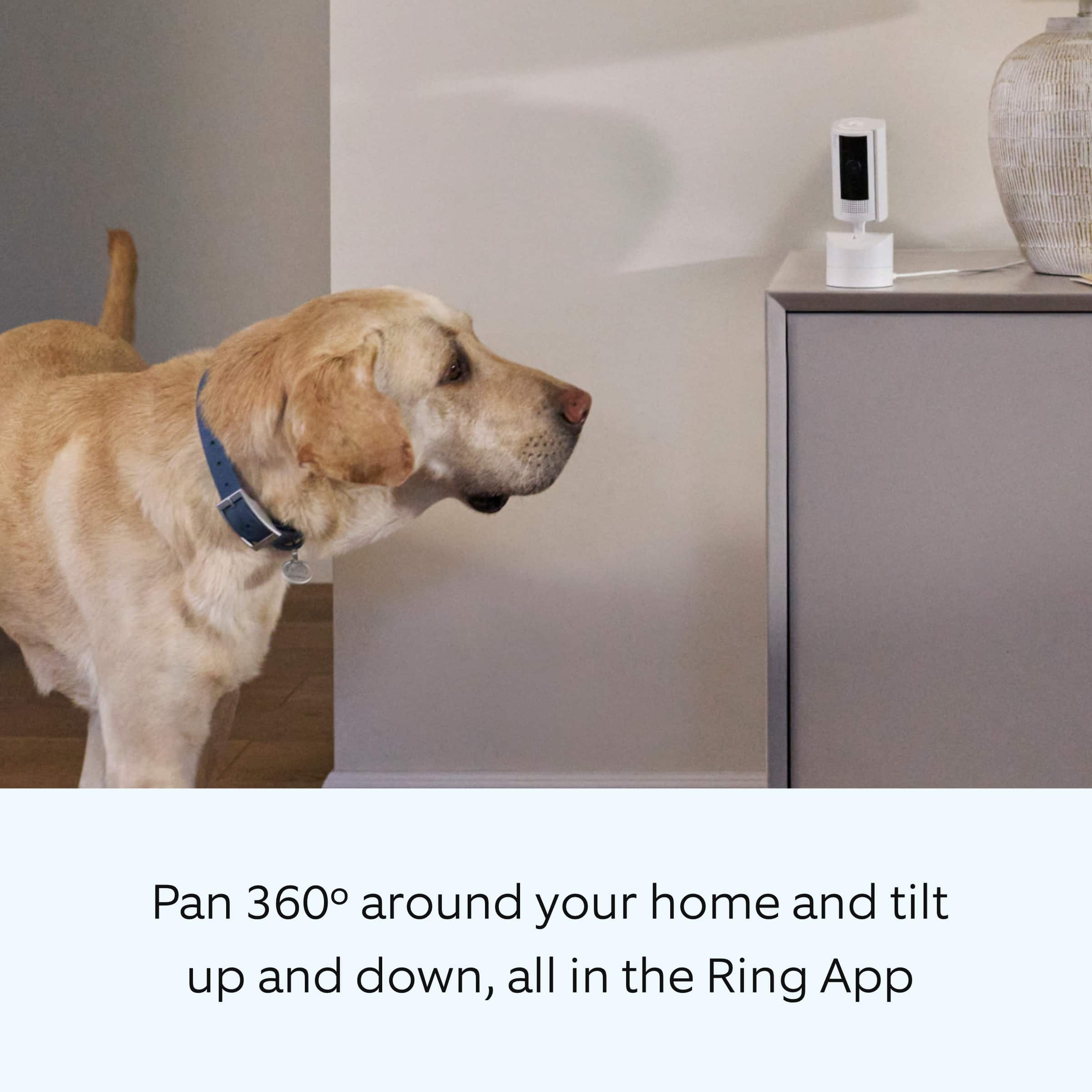
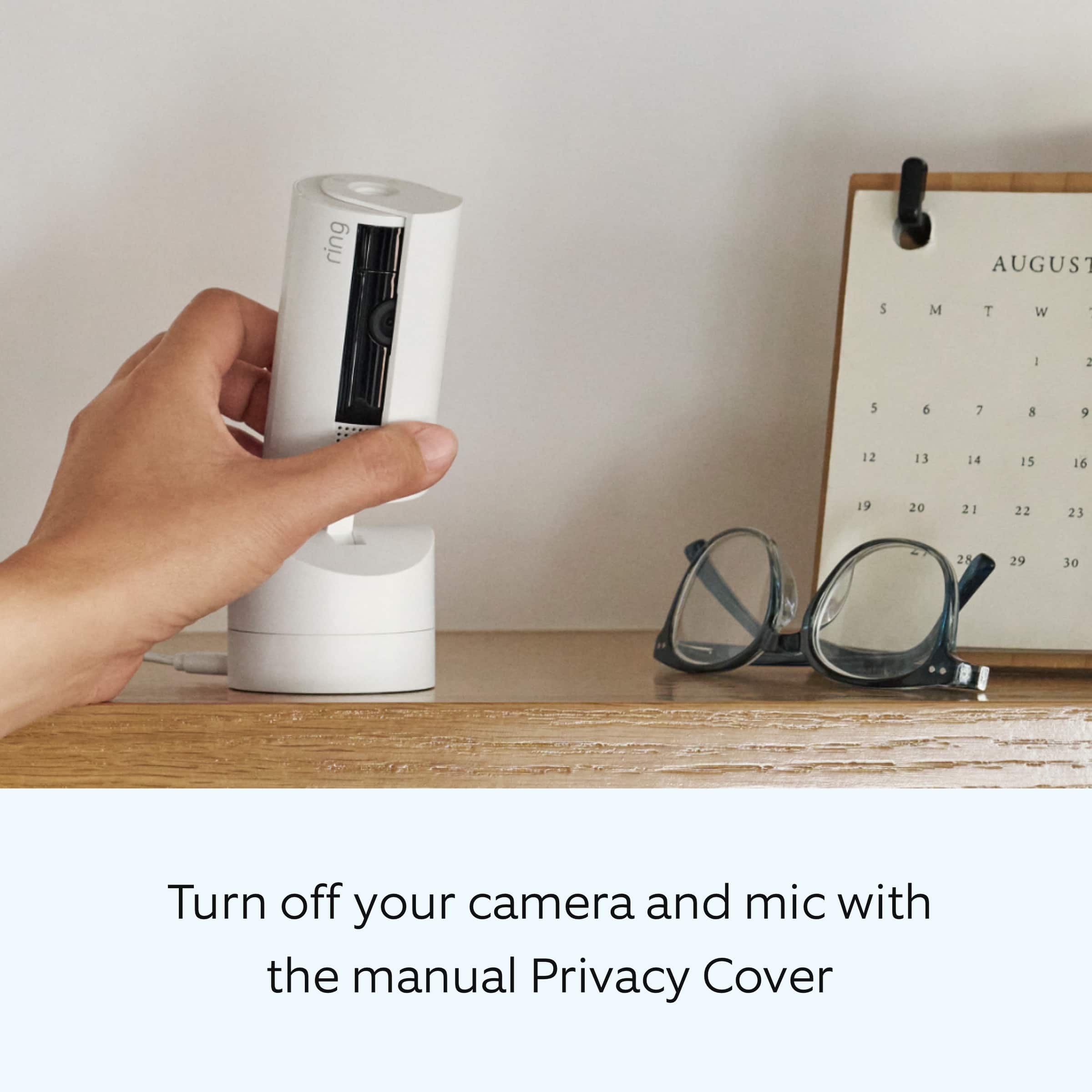
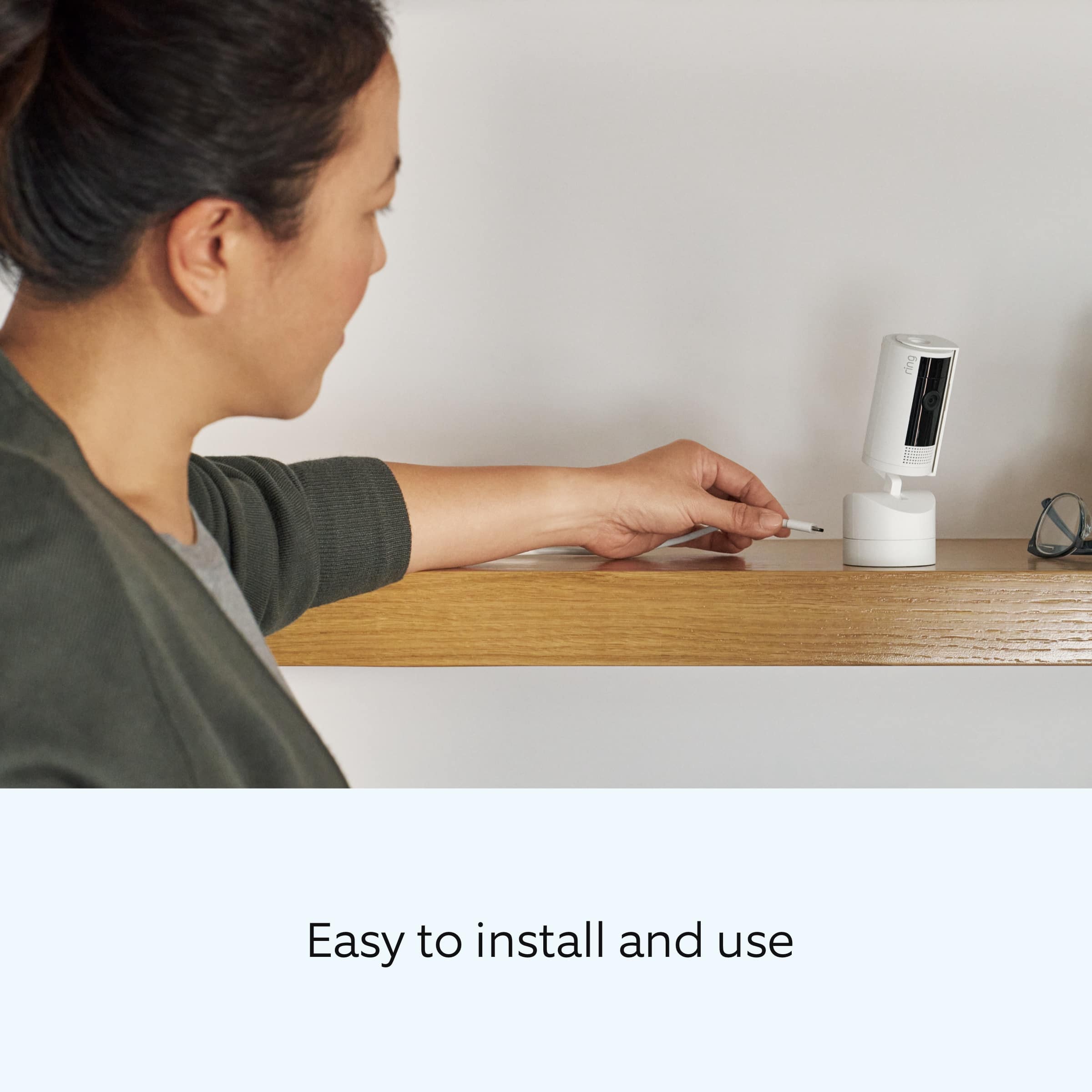
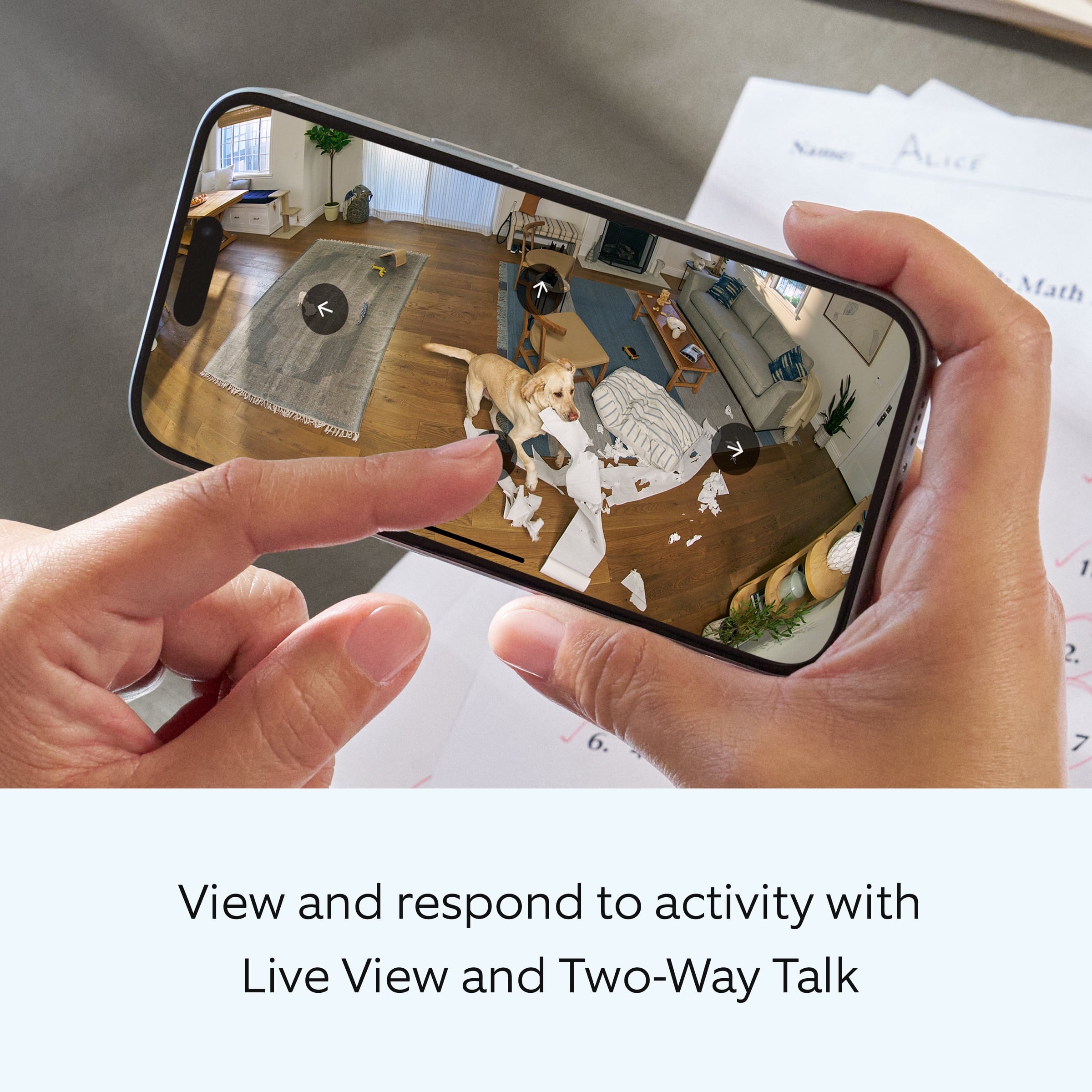
|Posted .This reviewer received promo considerations or sweepstakes entry for writing a review.I have about 5 indoor cams that were older models and while they have been great and fit my needs, they were due for upgrades. I am glad I was able to pick up this pan tilt indoor camera. The biggest update is the video quality. Not sure if it is 1080p or something higher. I thought my older cams were 1080p but this blows it out the water. Video quality is great both day and night. Can actually make out faces of people. Older cams if you tried to zoom in it became pixelated. I'm sure if you have older Ring cams you know what I am talking about. The other added feature which I like is the actual pan and tilt function. There always seems to be one spot the camera does not cover when it's setup where you say "shoot I wish it covered just a little bit more space". But this is perfect because you can move it and see wherever you want. Full 360 degree coverage. This won't help you in the moment if you are trying to actually record a wider field of view, but you can click into the live view and pan around wherever you want. Setup was super easy and if you have other Ring cameras or devices you know what to expect. Go into the Ring app, click "add device", scan the QR code on the device itself or on the card in the box, and go through setup instructions. It will need a quick 1-2 minute update out of the box like I have noticed every other Ring product does. Only real "cons" I have for this device are that if you are in the live view and panning and tilting a bunch quickly, the video on the edges can be a bit jittery until it settles in place. Probably to be expected but still worth mentioning. It also can be loud while moving. loud to the point where it makes my dogs come out and look up at the camera because it's making a strange sound. Again once you settle on a place the sound stops. The other big con which I'm not sure if it's just user error is the actual privacy cover on the camera. It's nice that it's there but as far as I can tell it can only be turned to cover the camera manually, and not from the app. If I have the camera installed up high say on top of a kitchen cabinet or a tall shelving unit in my living room, how am I supposed to reach it each time to activate the privacy cover? Do I have to climb every time? Seems like there should be an easier way to activate it from the app. But perhaps it's not there because if the camera were to get hacked, then the hacker could just turn off your privacy shield. Overall another good product from Ring. Recommended.
I would recommend this to a friendpanzer
||Posted . Owned for 1 month when reviewed.This reviewer received promo considerations or sweepstakes entry for writing a review.I ordered it for the out side and they sent me indoor cam
No, I would not recommend this to a friendBrand response from Ring
Posted .Hi MarkS.
Thank you for taking the time to share your experience with us. We understand the importance of having all relevant product information prior to purchasing. The features and technology provided by the Ring Pan-Tilt Indoor Cam are incredibly valuable and help provide you with peace of mind about your home security. We can definitely provide you with more information regarding the concern mentioned in your review.
We want to clarify that the Ring Pan-Tilt Indoor Cam is designed specifically for indoor use, as indicated in the product name and description. If you're looking for an outdoor camera, we invite you to visit our support center to compare the different security camera options so you can find the best device to fit your needs.
Ring Community was launched to help deliver the most current news and educational information to our neighbors. This online forum is divided into four categories: Product Boards, Ring Updates, Tips and Tricks, and a Moderators’ Corner. The Product Boards are where you can begin new topics with your questions or feedback; there is also a search option that helps you find topics that have already been posted by other neighbors. We invite you to visit our Ring Community today.
All the best,
Miyuki from Ring.
Terrible
||Posted .This reviewer received promo considerations or sweepstakes entry for writing a review.To be honest when speaking on the mic it makes this horrible static noise and you can’t hear anything
No, I would not recommend this to a friendBrand response from Ring
Posted .Hi MichelleR.
Thank you for taking the time to share your experience with us. We understand how important it is for your Ring Pan-Tilt Indoor Cam to record clear and concise videos so that you can effectively monitor your home. The features and technology provided by the Ring Pan-Tilt Indoor Cam are incredibly valuable and help provide you with peace of mind about your home security. We want to ensure that your device is working as intended by providing you with solutions to resolve the concern you mentioned in your review.
It sounds like the device is not performing as expected in regards to audio. We are happy to share some tips with you to help you troubleshoot why your Ring device may be experiencing warped sound or no audio. Make sure the external volume is up on your mobile device (on the device where you're viewing your Ring videos or "Live View"). If your phone or tablet has poor service or internet, it could be affecting "Live View" or your video downloads. Try turning Bluetooth off, then open "Live View" or view a recorded Ring video.
Poor wifi can often cause Ring device issues, including capturing audio. We recommend following these steps in the Ring app: Tap the top menu (☰), then Devices. Choose your Ring Pan-Tilt Indoor Cam. Tap "Device Health." Under the "Network" section, you'll see your device's "Signal Strength." If your "Signal Strength" (RSSI) is amber or red, your Ring device likely has a poor connection to your location's wifi. Try moving your wifi router closer to your Ring device. Open "Live View" in the Ring app and see if your Ring device's microphone is enabled. Open the Ring app. Tap the top menu (☰), then "Devices." Choose your Ring Pan-Tilt Indoor Cam. Tap the "Live View" button. Check to make sure the microphone icon is enabled. You can also press the green phone icon. If you have a Ring Home subscription, you can view the recording to see what the audio sounds like.
Check your audio privacy settings You may have your audio settings turned off for privacy reasons. Open the Ring app. Tap the top menu (☰), then "Devices." Choose your Ring device. Tap the "Device Settings" tile. Tap "Privacy Settings." Make sure "Audio Streaming" and "Recording" is enabled. Reboot your device by following these steps: Open the Ring app. Tap the top menu (☰), then "Devices." Choose your Ring device. Tap the "Device Settings" tile. Tap "Device Health." Scroll down and tap "Reboot This Device." Wait a few minutes for your device to reboot.
We invite you to reach out to our community if any additional information is needed regarding your Ring Pan-Tilt Indoor Cam. The Ring Community is our first peer-to-peer community forum, giving our customers the ability to help one another by sharing their feedback and experiences with each other.
Thank you,
Miyuki from Ring.
Ring pan tilt
||Posted . Owned for 5 months when reviewed.This reviewer received promo considerations or sweepstakes entry for writing a review.stopped working after five months. i reset in restarted it and it wouldn't connect
No, I would not recommend this to a friendBrand response from Ring
Posted .Hi UsvaldoC.
Thank you for taking the time to share your experience with us. We understand how important it is for your Ring v to function consistently and reliably, so you are alerted to any wanted or unwanted activity in or around your home. The features and technology provided by the Ring Pan-Tilt Indoor Cam are incredibly valuable and help provide you with peace of mind about your home security. We are eager to address the issue you raised in your review and provide you with a resolution today.
It sounds like your Ring Pan-Tilt Indoor Cam may be experiencing a connectivity issue. This could be related to several possible reasons including: 1. The device may have fallen offline and is unable to reconnect to your WiFi network 2. There might be WiFi network or equipment incompatibility issues 3. The device might be unable to see any networks during setup 4. There could be an issue with the AP mode not broadcasting.
We recommend reaching out to our Ring Customer Support team. They are available 24/7 at: 1-800-656-1918. We also invite you to reach out to our community. The Ring Community is our first peer-to-peer community forum, giving our customers the ability to help one another by sharing their feedback and experiences with each other.
Thank you,
Miyuki from Ring.
Great Indoor Security Camera!
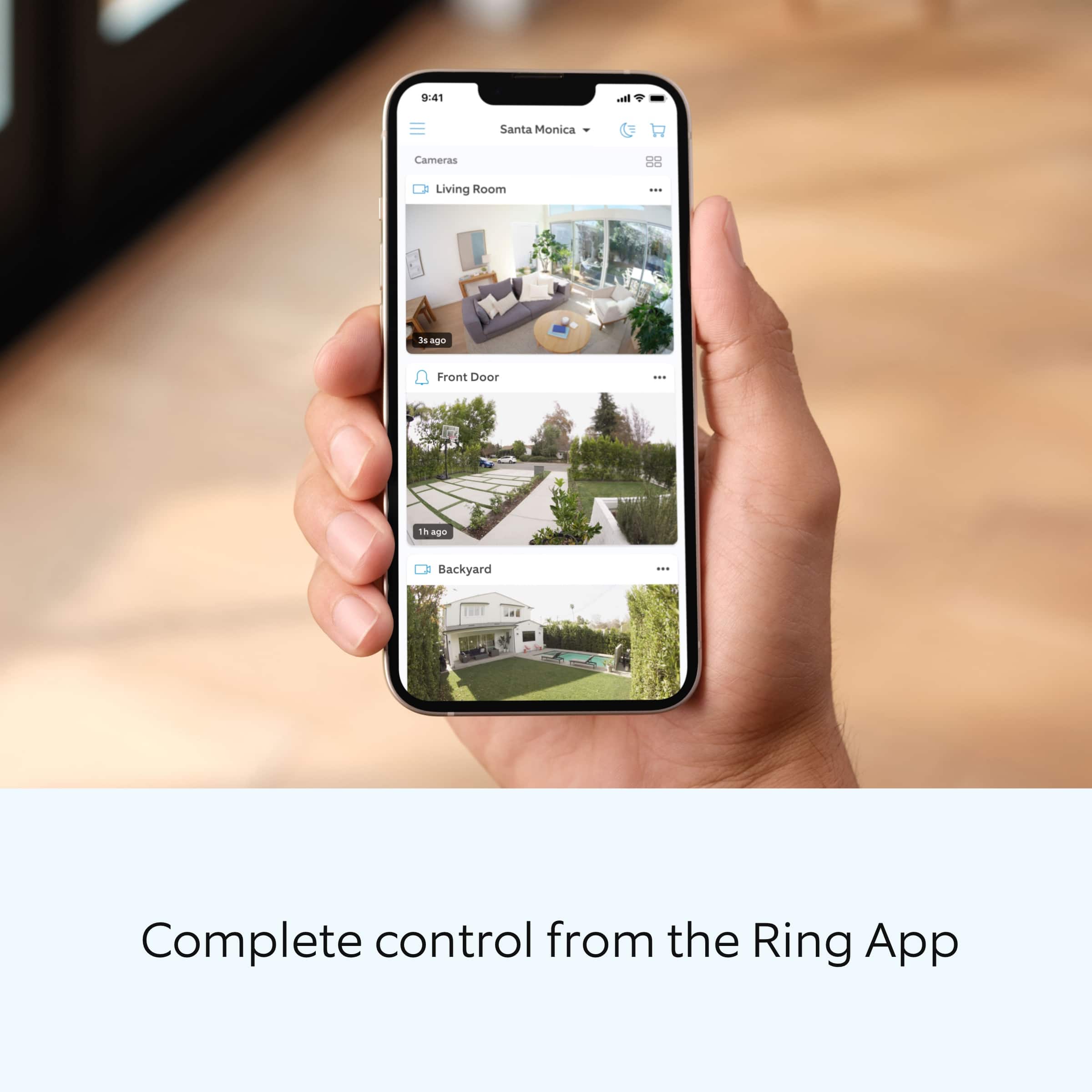
|Posted .This reviewer received promo considerations or sweepstakes entry for writing a review.The Ring Pan-Tilt Indoor Security Cam is a great indoor security camera. While it can be used for any indoor security cam needs, I am primarily using mine as a pet cam, and it works great for that purpose too. I have set it up and tested it and have the following observations: - The cam was easy and quick to set up. Just download the Ring App, plug in the cam and scan the QR code and the app walks you through the various settings and set up options. - The 360 degree horizontal pan coverage and the up and down tilt make it very convenient to see any area in the room in which it is set up. This will make it easy to look for pets that may not be moving when looking at the live view. - There is a privacy cover you can slide over the camera to turn off the camera and mic. - The cam will record up to 120 seconds of video when motion is detected and stored for viewing later. - There is a live view which allows you to see the room in real time from your phone or laptop, rotate the camera to see various areas in your room and use the mic to talk to anyone or pets in the room and hear audio in the room for two-way communication. This will come in handy if I want to communicate with my pets. - The cam provides HD video for a nice, clear picture. It also has color night vision. - The device can sit on a counter, desktop or bookshelf, or it also comes with hardware necessary to mount it on a wall or ceiling. - You can set up the alerts to notify you if a person is detected in the frame, or set it up to notify you of any motion it picks up. Notifications will go to your phone in real-time. The Ring Pan-Tilt Indoor Security Cam is a well-designed device that will provide you all the controls and features you need for an indoor security cam or pet cam. I recommend it!
I would recommend this to a friendAnother Amazing Ring Product, Worth Every Penny!!
|Posted .This reviewer received promo considerations or sweepstakes entry for writing a review.I recently moved to the Ring ecosystem and now I see why everyone raves about it. I was extremely excited to get this camera for my basement as I have a large game room and this provides the necessary camera coverage to see (and protect) everything. This device packs some serious functionality, the Pan/Tilt is remarkably smooth, like there’s zero lag from phone to camera movement. Resolution is crisp, night vision is excellent and the privacy cover is a nice option! Just slide it over when you need it and slide it back when you’re done. It only takes 7 seconds to fully rotate the camera 360° and about 4 seconds to fully tilt. I think that’s a great response time if the situation arises and you need to move your camera fast. Two way talk is such a nice feature and being able to customize your alerts is a huge win. My camera mainly watches my high dollar items and being able to have alerts when people walk by those (not just entering the room) makes a huge difference. Setup is a breeze (as it always is with Amazon/Ring devices), just plug and play! Actually I think the software install took longer than setting it up in the app! Just like the title says, Worth Every Penny!!
I would recommend this to a friendGood Cam for Indoor Use While Away
|Posted .This reviewer received promo considerations or sweepstakes entry for writing a review.Received this Ring Cam a week ago. I already have 7 various Ring Cams and Doorbell outside my house and in basement and garage. Figured this would be and nice easy addition to activate to watch the dog while away for a few hours. Super easy to setup in-app just like all my other Ring cams. Promptly automatically updated the firmware and good to go. Settings all the same as the other Ring cams and detection settings and alerts super easy to set as well. Being able to remotely change the view with the pan and tilt is very nice (I have it set in my kitchen initially and can move the view to pretty much anywhere I want). Only criticism is that it looks a little odd. Basically just an indoor-cam that they slapped a tilt and rotate motor onto the bottom which adds over 50% height. Just asthetics, but not as elegant as I think it could be compared to my pan and tilt Wyze Cam. That aside, I may get a second one of these Ring cams.
I would recommend this to a friendGreat to keep an eye on elderly family!
Posted .This reviewer received promo considerations or sweepstakes entry for writing a review.Works really well, easy to set up and image is clear. Worth every penny
I would recommend this to a friendExcellent Pan and Tile Ring Security Camera
|Posted .This reviewer received promo considerations or sweepstakes entry for writing a review.The Ring Pan-Tilt Cam worked great (significant picture improvement over our old Arlo Q) and was "easy" to set up once I found a Wi-Fi Network it was compatible with. When I set it up initially, it failed to offer a picture when connected to either the Chime Pro Network or an Eero Max 7 Network (it reported a good signal in device health on both networks). Sometime after I tried, I noticed the Eero had an update so it may be something they have or need to fix. Still, I got it working with my Cable Company's Wi-Fi 6E Gateway and it was up and running quick and easy once I did that. Setting the home position was easy, much better than the old way of moving the camera by hand, and now we can also move it from the app in live view. Motion detection worked well, and right away picked up any person in range of the camera's view. We positioned ours in a Window, as we had more interest watching outside for security than watching ourselves in the house. When setting this up, we used Two-Sided tape (thick, from as-seen-on-tv store) to hold it in place in the window. This was important because when the device powered on (such as after a power outage) it moves around and if it is not secured, it could move and fall. It also came with a mounting kit, but where we placed it we didn't want to drill any holes. This is our 5th Ring Camera (we purchased three ourselves previously and received the other two for review purposes from Best Buy). Overall, everyone in the house is a big fan of the Ring cameras, including this one, both because of the picture quality and the ease of use of the app (you can quickly scroll through video with a swipe, and alerts come up right away). I would recommend this and any Ring camera for people interested in home video security, with a note that unless you're on a fiber type connection, you may have limited upload bandwidth over cable (limited number of cameras recording at once). Pros Easy set up Great Picture Quality Pan and Tilt – Easy to use and excellent feature The App is outstanding quality Cons Had issues on some Wi-Fi networks, but it may have been the router’s fault
I would recommend this to a friendThe eagle eye
Posted .This reviewer received promo considerations or sweepstakes entry for writing a review.Great camera ! Very easy setup! Nice features! Now i can keep an eye on my dogs while im at work!
I would recommend this to a friendNeeds more features
|Posted .This reviewer received promo considerations or sweepstakes entry for writing a review.The thing missing from the ring home camera arsenal was a pan and tilt camera. And this does just that, pan and tilts. This camera is able to rotate 360 degrees, and is wired via a usb-c cable (no battery option). The video quality is 1080P which, and the two way talking capability is great for communicating with whoever is in your home. What this pan and tilt camera does NOT do is automatically detect and follow motion. Meaning, if I am walking past the pant and tilt camera, it will not follow my motion the same way that alternative cameras in this space can do. If you are invested in the Ring ecosystem, this pan and tilt will still fill a void but it won’t be ground breaking. I will say the various mounting options allow you to mount the camera to the ceiling or to the wall and get 360 coverage from that vantage point, provided that you are ok with manually monitoring your area. In the space of indoor security cameras I expect everything I previously mentioned to be a part of the package. I also expect there to be a feature that allows effortless motion tracking with no input from the user, other than initial set up.
I would recommend this to a friendDid not connect to WiFi in building
||Posted . Owned for 3 weeks when reviewed.This reviewer received promo considerations or sweepstakes entry for writing a review.Did not connect to the WiFi in the Tampa Element Building that is secure and shared by all residents. Yet it works fine in my previous house where I had my own WiFi.
No, I would not recommend this to a friendBrand response from Ring
Posted .Hi Jenny.
Thank you for taking the time to share your experience with us. We understand the importance of a seamless setup process so that you can begin using your Ring Pan-Tilt Indoor Cam right away. The features and technology provided by the Ring Pan-Tilt Indoor Cam are incredibly valuable and help provide you with peace of mind about your home security. We can definitely provide you with more information regarding the connection concern mentioned in your review.
It sounds like the device is not performing as expected. The Ring Pan-Tilt Indoor Cam is designed to work with your home's wifi network and is compatible with b/g/n wifi networks operating on 2.4 GHz frequencies. If you're receiving a 'Setup did not complete' message and cannot finish setup, it could be due to one of these common causes of setup failures:
* Your Ring device is too far from your wifi router. Ideally, your router should be within 20 feet of your Ring device.
* There's a possible problem with your internet connection.
* There's a possible issue related to your wifi modem or router.
Make sure your wifi router is off the floor.
Walls, floors, and furniture can interfere or weaken your router’s wireless signal. Choose an elevated, central, open location.
Make sure you're entering the correct password. Passwords are case sensitive and do not include spaces. Your network password can often be found on the bottom or side of your router.
Wifi passwords are case and special character (such as *,@,$, or #) sensitive. Double check letter capitalization and placement.
If you haven't changed your wifi password since your router was installed, it may be on a sticker on the underside of your router.
Connect other devices to your wifi network using your last remembered password to verify it is still correct.
If you have multiple networks or a wifi extender, confirm you are connecting to the correct one.
Make sure to connect to the 2.4 GHz network, not 5 GHz. All Ring devices can connect to 2.4 GHz, while only select Ring devices have Dual-Band Wifi to be able to connect to either.
If you’re still having issues, try holding down the reset button on top of the camera for 20 seconds. Before you reset your device, make sure to download any videos in your account.
If you are attempting to connect to a community wifi network, you may need to reach out to your internet service provider to manually add the MAC ID of the Ring device to allow it to connect to your wifi.
We invite you to reach out to our community if any additional information is needed regarding your Ring Pan-Tilt Indoor Cam. The Ring Community is our first peer-to-peer community forum, giving our customers the ability to help one another by sharing their feedback and experiences with each other.
Thank you,
Amilia from Ring.
Doesn't quite hit the mark...
|Posted .This reviewer received promo considerations or sweepstakes entry for writing a review.Let me start off by saying I already own a ring door cam as well as a ring stick up cam, so I was super excited to try this one out... until I received and opened it. Setup is super easy if you already have a ring account, a few clicks and you're good to go. My problems with this camera start with it being corded. Some might like that feature as you never have to charge the battery. I however hate that it's corded. I wanted to mount this on a wall, because I know we would get the best coverage doing that. Unfortunately, because of it being corded I would've had to look at the stupid cord 24/7. And to me that's an eyesore. The 2nd issue I have with this cam is the privacy cover. You'd think that it would be automatic and not manual. You literally have to walk up and physically move the cover. So of course you cannot undo that on the app either, you'll have to go and switch it back. The third issue I have with this cam is that the pan/tilt is also not automated, and is also MANUAL. So if someone were to walk past the cam it will not follow the movement. You would have to get the notification, open the app to live view, and then use the arrows to have the camera follow along. Kinda useless if I always have to be watching and manually move it myself. All in all this camera is decent. The picture is great & it doesn't miss anything as far as catching movements. I am just disappointed with the performance of the added options. But at this price point I should've known better than to expect something that "fancy" or advanced.
I would recommend this to a friendBrand response from Ring
Posted .Hi Dawntastic1.
Thank you for taking the time to share your experience with us. We understand the importance of having all relevant product information prior to purchasing. The features and technology provided by the Ring Pan-Tilt Indoor Cam are incredibly valuable and help provide you with peace of mind about your home security. We can definitely provide you with more information regarding the concerns mentioned in your review.
The Ring Pan-Tilt Indoor Cam is a plug-in device. We suggest that you purchase the Ring Stick Up Cam or Stick Up Cam Pro if you are looking for a camera that has wireless capabilities. Your feedback as it is important to us, as we use it to improve our neighbor's experiences.
Ring Community was launched to help deliver the most current news and educational information to our neighbors. This online forum is divided into four categories: Product Boards, Ring Updates, Tips + Tricks, and a Moderators’ Corner. The Product Boards are where you can begin new topics with your questions or feedback; there is also a search option which helps you find topics that were already posted by other neighbors. We invite you to visit our community today!
Thank you,
Melissa from Ring.
Great pan/tilt--major upgrade from gen 1
|Posted .This reviewer received promo considerations or sweepstakes entry for writing a review.This gen 2 pan/tilt camera is a major upgrade from its predecessor. This camera has the pan and tilt functions built in directly with no additional mount or equipment needed for the pan/tilt functions which is a major improvement over the previous option which required a separate pan/tilt base/motor that took over the battery compartment. The downside to this model is that it is only available wired so you are somewhat limited in your mounting locations. Upon power up the camera automatically calibrates to its home position. During setup in the app you can customize the home positions. Mounting hardware is easy to set up and all you need is a drill and screwdriver for permanent mount. It would be nice if you could adjust the pan/tilt without being in live view, but this isn't a big deal. The camera will automatically recalibrate after power failure and the privacy shield is a nice touch if you have it mounted somewhere that you might not want constant video recording. The microphone is quite sensitive and does pick up conversations in other parts of the house. Just a caveat to those who may be concerned about in home cameras. Motion sensitivity can be quite high so adjust as needed. We got this camera to monitor our cats food/water intake and the motion sensor is sensitive enough to pick up the bubbling on the water fountain when set to high. Image quality is fantastic. Love this camera!
I would recommend this to a friend- Pros mentioned:Design quality
Ring - Pan-Tilt Indoor Security Cam with 360° Hori
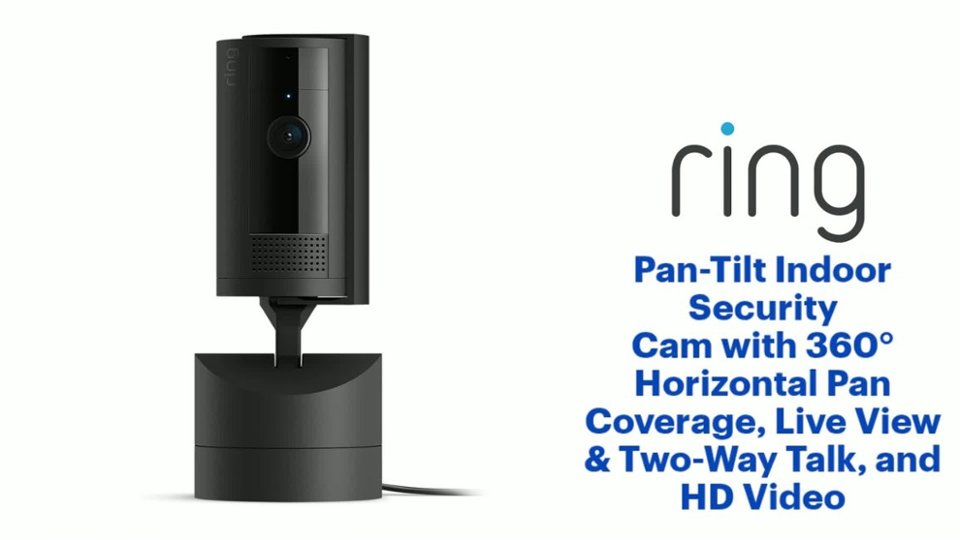
Posted .This reviewer received promo considerations or sweepstakes entry for writing a review.In my experience, Ring - Pan-Tilt Indoor Security Cam with 360° Horizontal Pan Coverage, Live View & Two-Way Talk, and HD Video - White is an excellent design and manufactured using high quality materials. The $39.99 price to value proposition is very compelling. In my experience, this is a great indoor camera. In my experience, Ring is consistent in bringing awesome designs that are well executed in form and functionality, utility and performance.
I would recommend this to a friend All Seeing Ring Cam
|Posted .This reviewer received promo considerations or sweepstakes entry for writing a review.The Ring - Pan-Tilt Indoor Cam with 360° Horizontal Pan Coverage is basically like the other ring cameras, but has been enhanced a hundred times!. Setup was just like any discovery on the Ring App. But where the standard Ring cameras stops, the Ring - Pan-Tilt Indoor Cam with 360° Horizontal Pan Coverage takes over scanning the horizon from left to right with 360 degree views. And in actuality, it overlaps more than 360 degrees view from full lock to full lock. It can look up and and look down as it revolves on it's base. Functionality, you control the view from the Ring App in live view. Honestly, this is one of the best security cameras to come from Ring. You could use one camera to view the the whole room. It has motion sensor and two way talk, as with the other ring cameras. If you have to say that there is drawback, you can't view 360 degrees the whole time. It so nice to have the ability to pan and tilt, the room. When I upgrade/update my other Ring cameras, I will definitely upgrading to the Ring - Pan-Tilt Indoor Cam with 360° Horizontal Pan Coverage! I highly recommend it!
I would recommend this to a friendPan/Tilt for Ring finally!
|Posted .This reviewer received promo considerations or sweepstakes entry for writing a review.TL;DR - This is a great indoor camera if you're in the Ring ecosystem. The pan/tilt feature works well and Ring's app and ecosystem deliver good value for the casual user. The only downside is the microphone and speaker are not omnidirectional; it doesn't do very well at picking up sounds that the camera is not facing. It's also unfortunate that Ring couldn't include 5Ghz Wifi in this new camera. After using this camera for about a week, I'm mostly satified with this latest camera in Ring's ecosystem. The camera itself is about the same size as Ring's basic indoor and stick-up cameras and the resolution is approximately the same. The camera connects using a 10-foot USB A to C power cord to a relatively small 10W AC adapter. The camera can pan/rotate a full 360 degrees and tilts approximately 160 degress (?). It moves/turns relatively quick. It includes motion detection the same as all of Ring's other cameras do, but unfortunately, the camera doesn't take advantage of the pan/tilt capability to track the motion/person moving across the room. The night vision feature works well, and it includes a "color" night vision feature. The two biggest downsides are the camera is reliant completely on cloud connectivity; there is no ability for local storage to a microSD card, and the camera can only connect to 2.4 Ghz wifi, and Ring recommends minimum bandwidth of 2 Mbps. Overall, this is easily the best choice from the Ring ecosystem for an indoor camera option. Hopefully a future version, perhaps as a pro model, will correct the two minor deficiencies for local storage and wifi compatibility.
I would recommend this to a friendBrand response from Ring
Posted .Hi Raiders.
Thank you for taking the time to share your Ring experience with us and other consumers. We believe in keeping people close to what’s important. That is why we are driven to create products that help you protect what matters most at home and empower you to connect with your visitors from wherever you are. Together, we’ll make neighborhoods safer!
Thank you for taking the time to share your feedback with us. We are always looking for ways to improve our neighbor's experience, and your feedback is an invaluable part of this process.
Ring Community was launched to help deliver the most current news and educational information to our neighbors. This online forum is divided into four categories: Product Boards, Ring Updates, Tips + Tricks, and a Moderators’ Corner. The Product Boards are where you can begin new topics with your questions or feedback; there is also a search option which helps you find topics that were already posted by other neighbors. We invite you to visit our community today!
Thank you,
Melissa from Ring.
SHOULD HAVE ORDERED FRIM AMAZON
||Posted .This reviewer received promo considerations or sweepstakes entry for writing a review.1 star because Best Buy lied about shipping. I should have ordered from Amazon
No, I would not recommend this to a friendBrand response from Ring
Posted .Hi Kaanul.
Thank you for taking the time to share your experience with us. We understand the importance of a seamless ordering, setup, and installation process, as this allows you to start using your Ring Pan-Tilt Indoor Cam right away. The features and technology provided by the Ring Pan-Tilt Indoor Cam are incredibly valuable and help provide you with peace of mind about your home security. Please know that we take your peace of mind seriously, and we are here to assist in finding you a resolution.
In this particular case, we'd suggest you reach out to Best Buy's customer service: 1-888-237-8289 or https://www.bestbuy.com/services/triage/home. We are confident that they will be able to provide you with a resolution to this concern.
Ring Community was launched to help deliver the most current news and educational information to our neighbors. This online forum is divided into four categories: Product Boards, Ring Updates, Tips + Tricks, and a Moderators’ Corner. The Product Boards are where you can begin new topics with your questions or feedback; there is also a search option that helps you find topics that have already been posted by other neighbors. We invite you to visit our site at https://community.ring.com/ today.
Thank you,
Melissa from Ring.
Hacked
||Posted . Owned for 2 months when reviewed.This reviewer received promo considerations or sweepstakes entry for writing a review.I hate that whybamni havked it makes no sense to me.
No, I would not recommend this to a friendDecent Camera
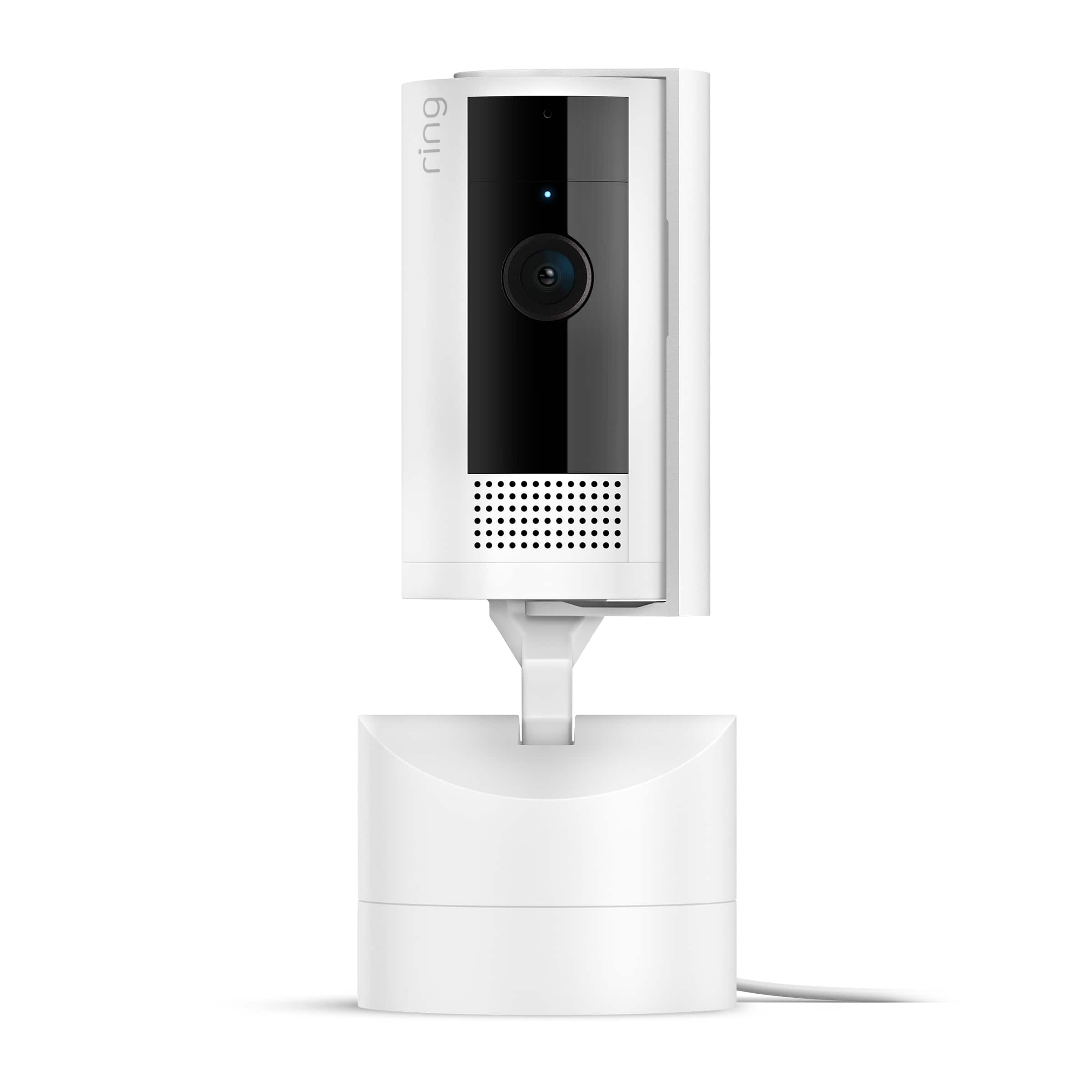
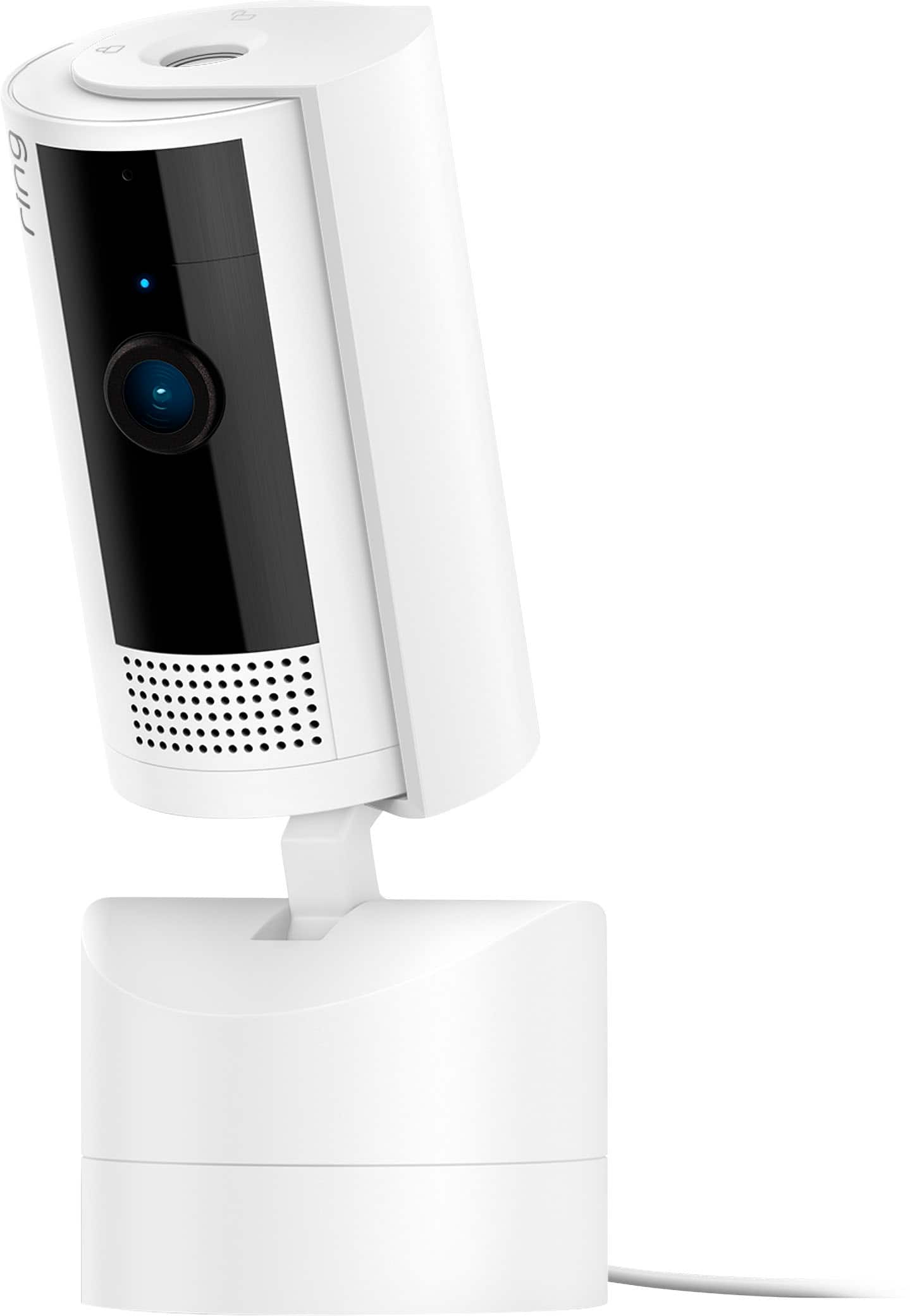
|Posted .This reviewer received promo considerations or sweepstakes entry for writing a review.Ring Pan and Tilt Camera. On first sight its is like a smaller Ring stick up camera sitting on a base. It has a swivel cover so you can cover the camera for privacy- a nice touch. The base is weighted so the camera is stable. It requires a USB C adaptor which is supplied, and also a mounting base. The mounting base allows the camera to be wall mounted, and it sits on the mount like a shelf. Set up was easy as I already have the Ring app and another Ring device. For storage, there is no SD card and will cost you $30 a year or $3 a month. I think there are multiple plans for multiple devices but you cannot set up in the app and muts login in through a computer. Once set up, the camera and pan and tilt worked well. The resolution and picture quality was an improvement over my Ring door bell. Low or night was decent althought there was room for improvement. Operation of the pan and tilt was good but the tall camera, did look a bit awkward as it tilted, but it never did fall over! The process of panning and tilting was a bit slow but it may have been the connection. I do wish it had a SD card slot so it could save locally. All in all, this is a decent camera for my purpose. It is sitting in a up stairs window allowing me to see the side of the house.
I would recommend this to a friend