Customer Ratings & Reviews

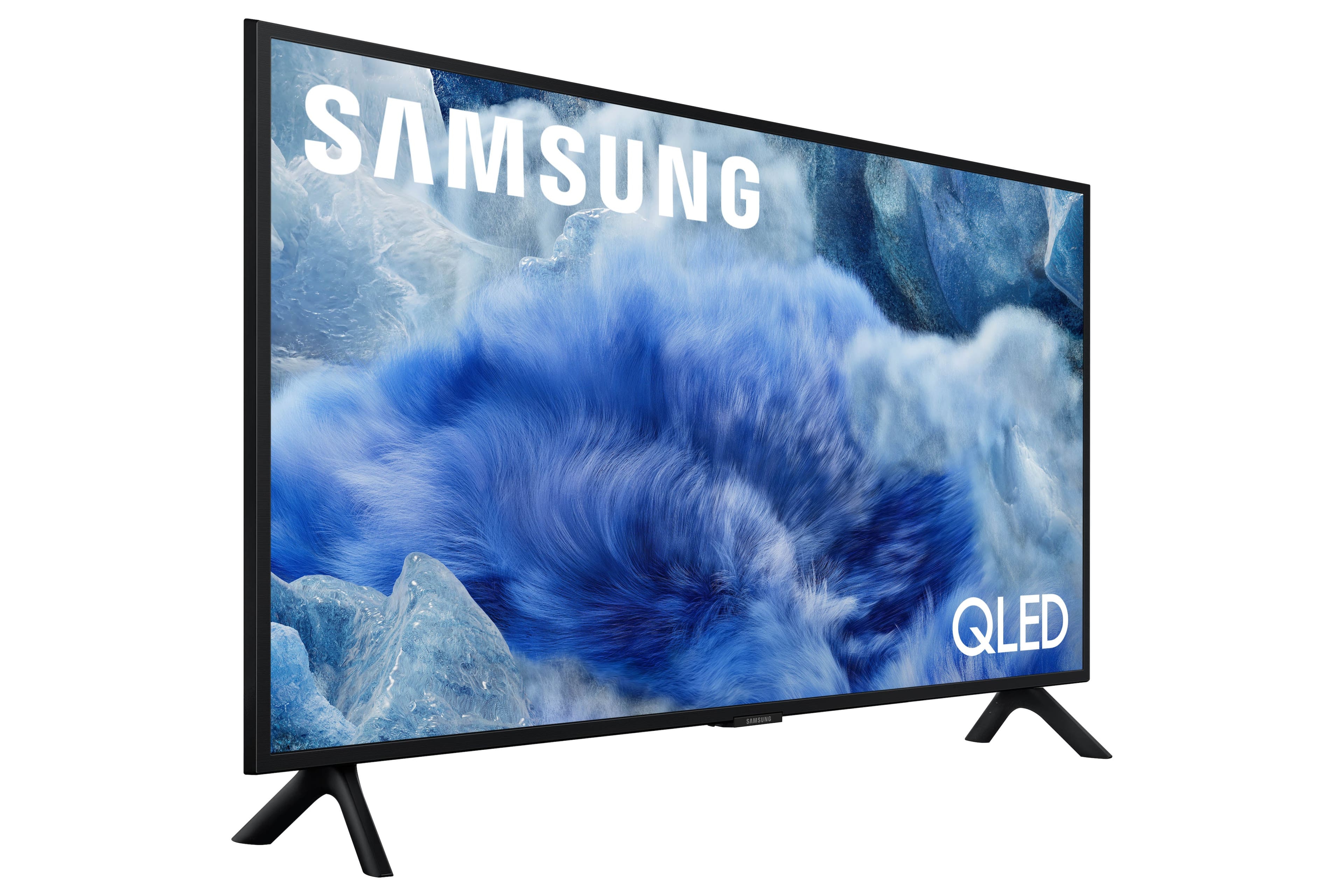
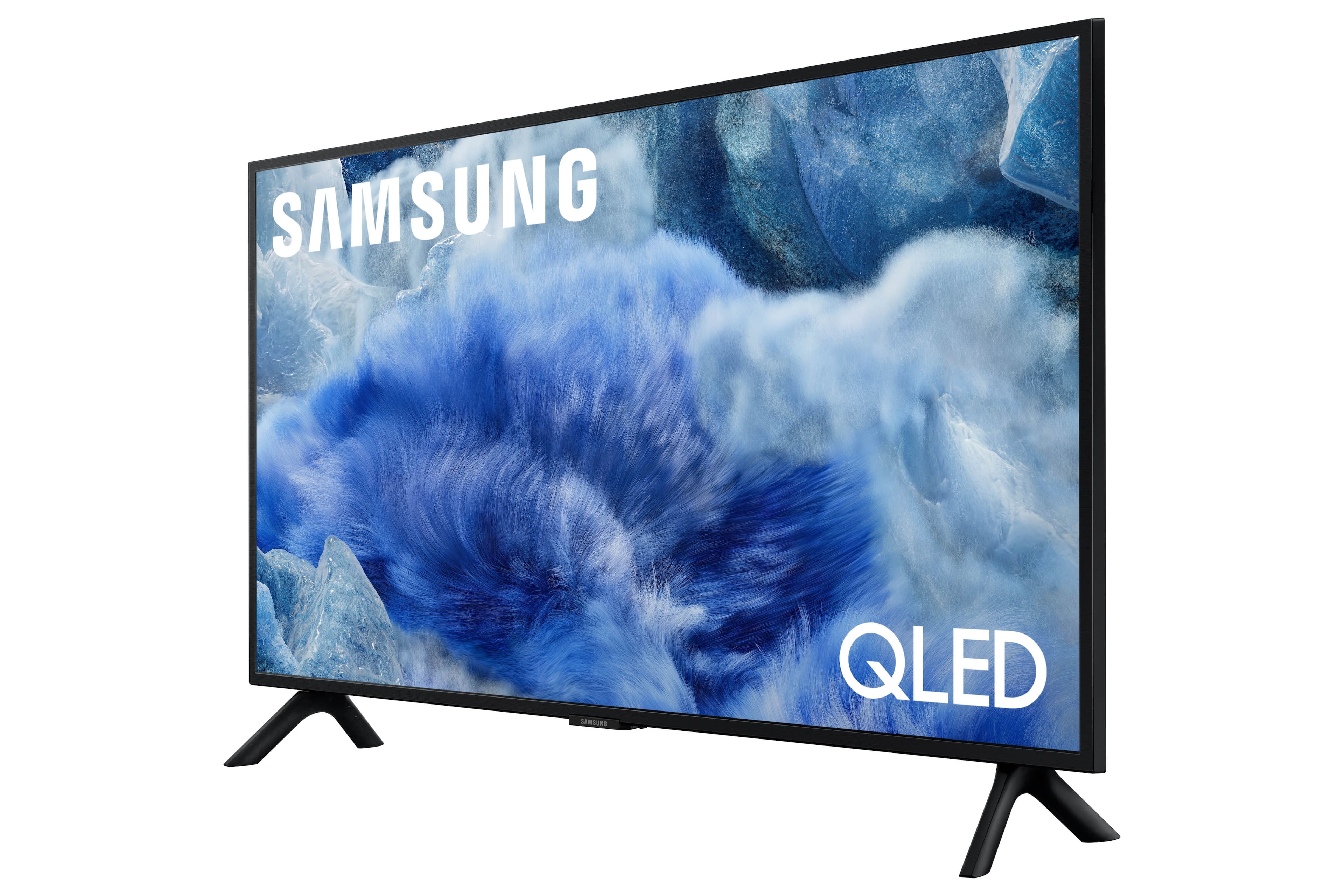
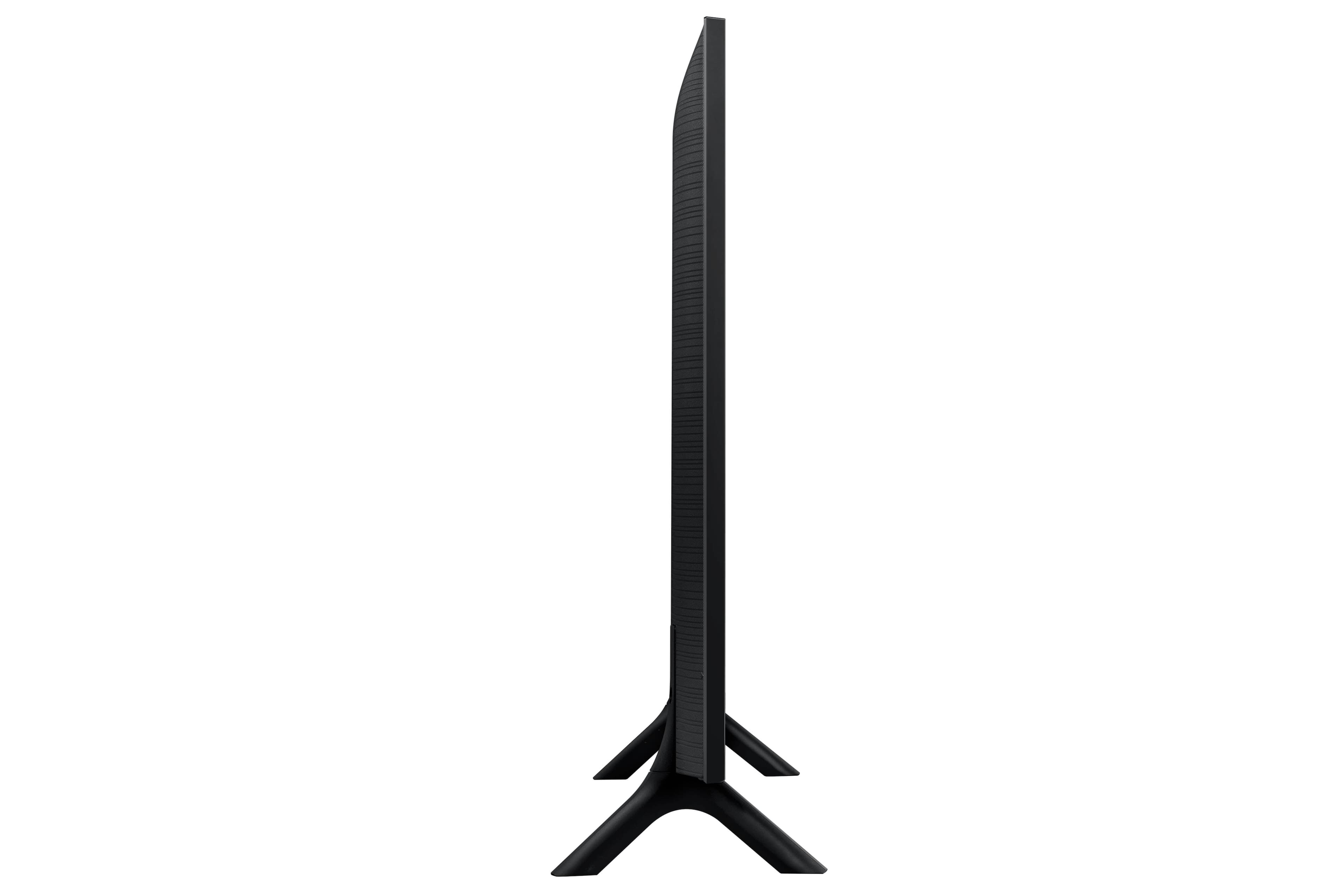

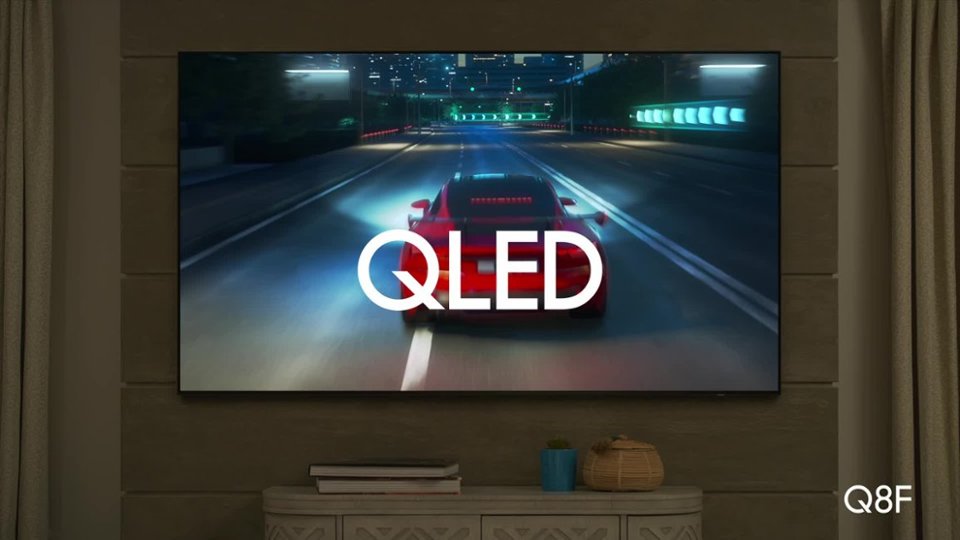
 100% Color Volume 100% Color Volume with Quantum Dot Over a billion colors that don't fade, even in the brightest scenes *QLED televisions can produce 100% Volume in the DCI-PS colorspace, the format most cinema screens and HDR movies for television.](https://pisces.bbystatic.com/image2/BestBuy_US/images/products/684f880e-f8dd-4c6c-91d9-5f55b1534a3c.jpg)







- Model:
- QN32Q8FAAFXZA
- SKU:
- 10187671
Rating by feature
- Picture Quality
Rating 4.8 out of 5 stars
- Sound Quality
Rating 4.6 out of 5 stars
- Brightness
Rating 4.8 out of 5 stars
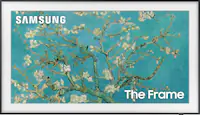
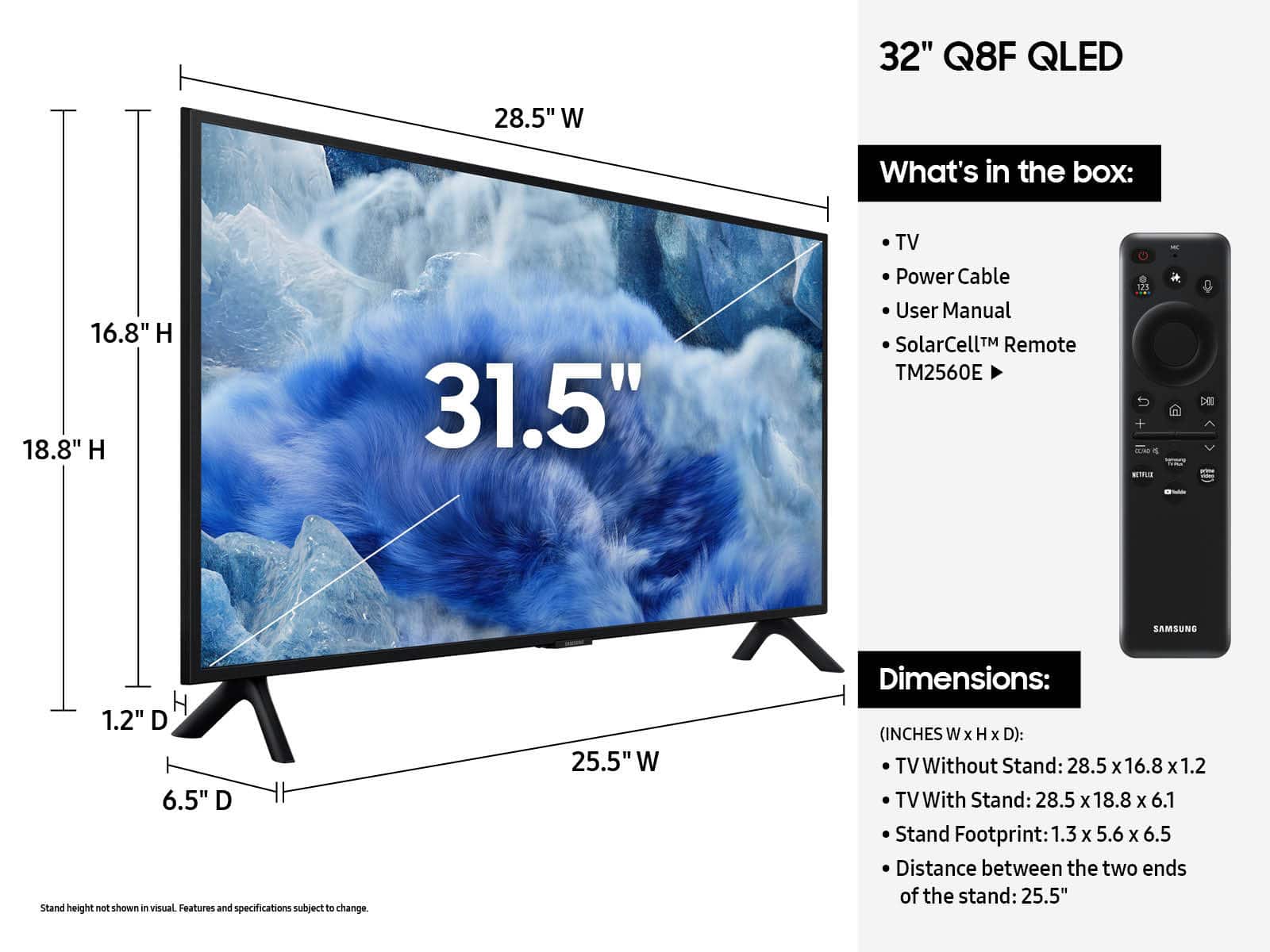
The Q8F 32"
||Posted . Owned for 2 weeks when reviewed.This reviewer received promo considerations or sweepstakes entry for writing a review.It's working well and easy to set up. Good Picture. The only draw back is the very poor remote control. The remote is not backlit and controls are difficult to navigate.
No, I would not recommend this to a friendDecent TV But Picture Not Worth the Higher Price
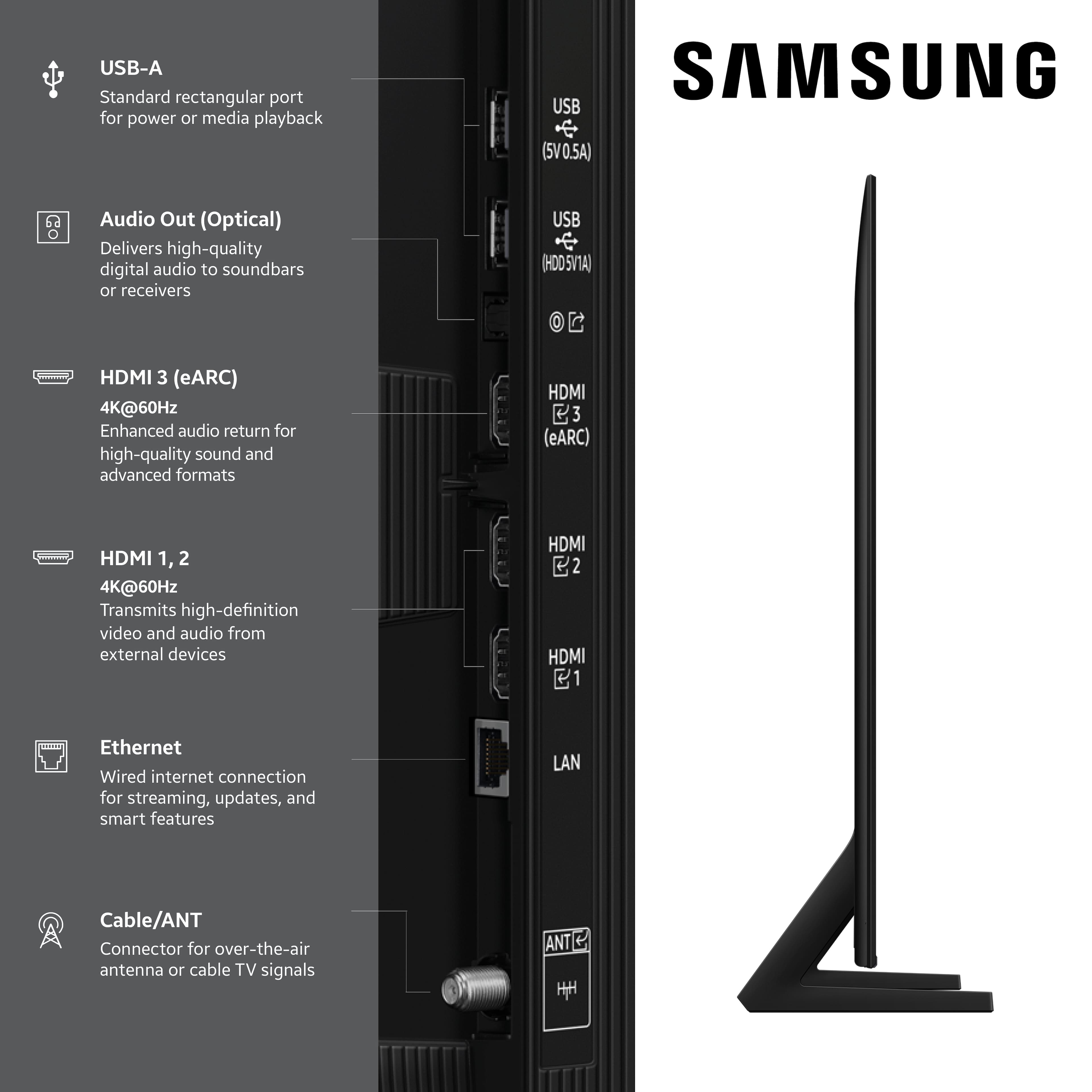
||Posted .This reviewer received promo considerations or sweepstakes entry for writing a review.Picture is good if you are directly in front of the TV. At wide and even modest viewing angles the color gets washed out somewhat. The remote is menu-driven and basic. The sound is not that good; normally you need to turn the volume way up depending on the type of program you are watching. There are 3 HDMI (2 of them for video) and 2 USB inputs, along with a LAN and antenna input; if you have older equipment that uses separate 3-wire sound and video inputs, I am not sure how you would connect those. The User Guide that comes with the TV is basic, and the detailed on-line User Guide is very long and not based on a particular model. There is not even a good schematic of the TV input/output connections.
No, I would not recommend this to a friendBrand response from Samsung
Posted .puddingtogo,
Thank you for sharing your feedback on the Samsung 32" Q8F TV. This model features Mega Contrast, which enhances the difference between light and dark areas on screen to deliver vibrant picture quality when viewed head-on.
If you're noticing limited visibility from off to the side, it may help to know that step-up models with Dual LED offer better color and contrast consistency across wider angles. Beginning with our QN70F Neo QLED Series, Wide Viewing Angle technology further enhances off-angle viewing. For even more advanced performance, the S85F OLED and QN900F Neo QLED 8K Series feature Ultra Viewing Angle, which maintains detailed picture quality from nearly any seat.
If the overall volume seems low, there are several settings and features you can adjust to improve your sound experience:
Volume Features to Check:
• Auto Volume: Automatically balances volume when switching channels or inputs. Go to: Settings > All Settings > Sound > Expert Settings > Auto Volume
• Sound Modes: Choose from preset sound profiles to better suit your preferences: Settings > All Settings > Sound > Sound Mode
Also Check:
• External Devices: If you're using a cable box, streaming device, Blu-ray player, or game console, make sure the volume on those devices isn’t turned down. Also verify that all cables are properly connected and try reseating them.
• Software Update: Make sure your TV is running the latest firmware for the best audio performance: Settings > Support > Software Update > Update Now
To help you get the most from your TV, you can download the full e-Manual and more by visiting Samsung’s website then navigating to: Support > Manual & Software > TVs & Home Theater. From there, you can search for and select your Q8F TV model to view or download the available guides.
The e-Manual and Remote Control Guide are also conveniently built into your TV: Settings > Support > Tips and User Guides
If you need additional help, please contact Samsung Support at 1-800-SAMSUNG, 8AM – 12AM EST, 7 days a week. LiveChat agents are also available through the ‘Support’ link on our website.
~ Samsung Specialist
Very satisfied
||Posted . Owned for 2 weeks when reviewed.This reviewer received promo considerations or sweepstakes entry for writing a review.Very happy with this model. The remote is great, the interface very responsive, and the picture is wonderful. The screen size is perfect in my bedroom mounted on the wall.
I would recommend this to a friendGreat picture with poor sound and a goofy interfac
||Posted .This reviewer received promo considerations or sweepstakes entry for writing a review.This Samsung tv with "Qled" is first rate with a super clear, vivid picture. It's not quite as good as the much more expensive, larger Sony Bravia Oled, but it's a tiny fraction of the cost. It's a bargain for what you get. The downside as other reviews mention is the flat treble sound. Some buy a sound bar to improve it. I didn't bother because it is in a home gym where ghe sound really isn't a factor. I would also like to see a simpler user interface. Too many clicks to navigate. Plus alot of junk that I'll never watch. And amongst all of that, there is no PBS! This was obviously programmed by a gen z kid.
I would recommend this to a friendA Must Buy TV
||Posted . Owned for 3 weeks when reviewed.This reviewer received promo considerations or sweepstakes entry for writing a review.This is a great TV! The setup was easy. The picture is awesome. The navigation and toggling between channels and apps are really fast.
I would recommend this to a friendWorks great
||Posted . Owned for 1 month when reviewed.This reviewer received promo considerations or sweepstakes entry for writing a review.Love my Samsung 32” OLED 4k tv. I bought it because I needed a smart tv small enough to fit on one of my dressers in my bedroom. It not only fits perfectly but also love that it streams all my subscriptions beautifully as I no longer have cable. Another nice feature is the many live tv options. With this tv I do not miss cable.
I would recommend this to a friendUpgrade
||Posted . Owned for 1 month when reviewed.This reviewer received promo considerations or sweepstakes entry for writing a review.Set up was straight-forward. Picture was an upgrade from 720 Roku TCL tv. Default start is Samsung channels, which can be changed. Narrow bezel was nice. Mounted under kitchen cabinets, which fits under standard 18 inch.
I would recommend this to a friendGood buy - great quality.
||Posted .This reviewer received promo considerations or sweepstakes entry for writing a review.Easy start to everything but cable. Which I still don’t have working. Lovely size, quality SmartTV.
I would recommend this to a friendA nice small TV...
||Posted . Owned for 3 weeks when reviewed.This reviewer received promo considerations or sweepstakes entry for writing a review.If you are looking for a small TV, this is a good option. This Samsung TV has good picture quality, sound can be better. I will recommend if you need a TV but don't have much free space. A plus is the remote control doesn't need batteries, you can charged with a C-port cable or by light, which is cool.
I would recommend this to a friendPleased with purchase!
||Posted . Owned for 2 weeks when reviewed.This reviewer received promo considerations or sweepstakes entry for writing a review.Very pleased with purchase! Great picture! Fairly easy setup. $Black Friday purchase.
I would recommend this to a friendVisio TV works great!
||Posted .This reviewer received promo considerations or sweepstakes entry for writing a review.Sound quality is great! Easier setup than previous models. Highly recommend.
I would recommend this to a friendGreat TV, Great picture quality and good sound.
||Posted . Owned for 2 weeks when reviewed.This reviewer received promo considerations or sweepstakes entry for writing a review.Purchased this tv for our RV. It is more than we need. The picture quality is superior to less expensive TVs. What I like about it the most besides the picture quality, is the smart view, I can mirror the screen on my phone to the TV without having wifi setup on the tv. So I can watch Netflix or anyother streaming service i can get on my phone.
I would recommend this to a friendHappy TV!
||Posted . Owned for 1 week when reviewed.This reviewer received promo considerations or sweepstakes entry for writing a review.Picture quality is great. My old TV was 18 years old. Not too smart! New TV is sleek, much lighter, and has good sound quality. Its been great for the US Open.
I would recommend this to a friendGood TV as a whole.
||Posted . Owned for 1 month when reviewed.This reviewer received promo considerations or sweepstakes entry for writing a review.Really good picture and easy to set up, with good sound too!
I would recommend this to a friendGreat
||Posted .This reviewer received promo considerations or sweepstakes entry for writing a review.Great TV, my only complaint is the price. It’s very expensive compared to other TVs of its caliber on the market.
I would recommend this to a friendPerfect fit for the location.
||Posted . Owned for 2 weeks when reviewed.This reviewer received promo considerations or sweepstakes entry for writing a review.Beautiful picture! Pleased with the product. So don't you delay, go out and purchase one right away, okay?
I would recommend this to a friendPerfect for what I wanted it for!!
||Posted . Owned for 2 weeks when reviewed.This reviewer received promo considerations or sweepstakes entry for writing a review.I needed a new TV for my kitchen...Well, I found the perfect one!! As a matter of fact, I can make the argument that out of the six other TVs in my house this one is the best picture and audio of them all. And I think for what I paid it makes it the best value by far of all the rest!! Side note: This maybe my second review in my lifetime. Whatever that's worth.
I would recommend this to a friendAn excellent TV
||Posted . Owned for 3 weeks when reviewed.This reviewer received promo considerations or sweepstakes entry for writing a review.Very pleased with this TV. It has exceptionally vivid colors and the clarity is amazing.
I would recommend this to a friendSamsung 32 inch QLed Smart TV
||Posted . Owned for 3 weeks when reviewed.This reviewer received promo considerations or sweepstakes entry for writing a review.I love my new TV,the picture,sound brightness,vast improvement of my old 20 inch TV I had for 10 yrs. It sits perfectly on my TV console. I can see clearly now a tennis match, hockey game, or other sports programs. I don;t watch much TV but when I do I'm very happy
I would recommend this to a friendSave your money
||Posted .This reviewer received promo considerations or sweepstakes entry for writing a review.Sharp picture, sound is better than expected. Easy to set up. Menu is not intuitive. Response time is slow. Simple and frequently used options like the sleep timer are buried 4 menus deep. Remote is a bit janky and cheap feeling. Disappointed overall, not worth the cost in my opinion.
No, I would not recommend this to a friendBrand response from Samsung
Posted .SamuelT,
We appreciate you sharing your user experience. To help you get the most from your TV, you can download the full e-Manual and more by visiting Samsung’s website then navigating to: Support > Manual & Software > TVs & Home Theater. From there, you can search for and select your Q8F TV model to view or download the available guides.
The e-Manual and Remote Control Guide are also conveniently built into your TV: Settings > Support > Tips and User Guides
If you need additional help, please contact Samsung Support at 1-800-SAMSUNG, 8AM – 12AM EST, 7 days a week. LiveChat agents are also available through the ‘Support’ link on our website.
~ Samsung Specialist