Customer Ratings & Reviews



- Model:
- UN43RU7100FXZA
- SKU:
- 6323703
Rating by feature
- Picture Quality
Rating 4.4 out of 5 stars
- Sound Quality
Rating 4.1 out of 5 stars
- Brightness
Rating 4.3 out of 5 stars
Customers are saying
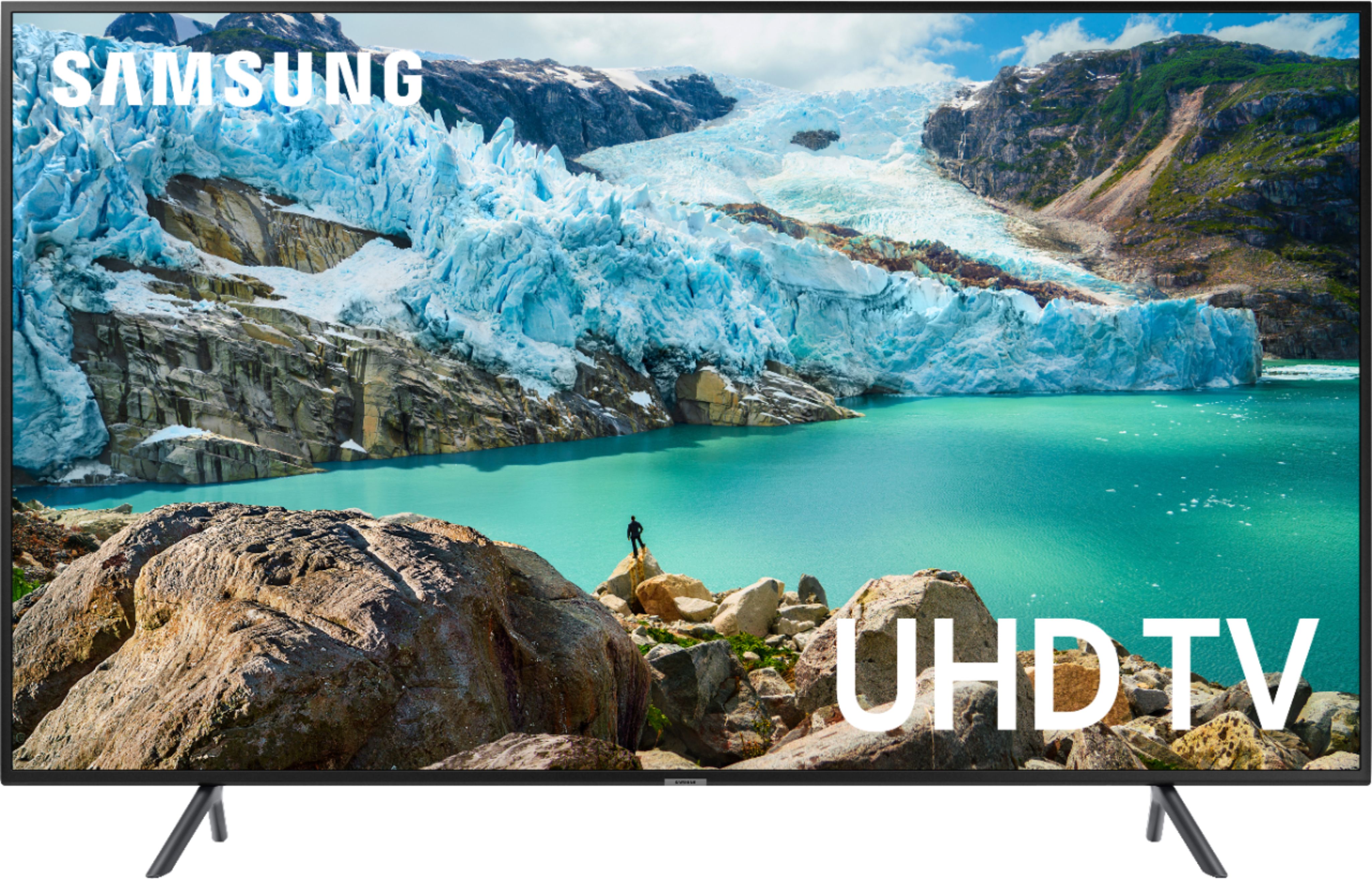
Customers are impressed with the picture quality, easy setup, price, and size of the 43" Class - LED - 7 Series - 2160p - Smart - 4K UHD TV with HDR. They describe the picture quality as excellent and appreciate the user-friendly setup process. Many customers also highlight the great value for the price and find the size to be perfect for a bedroom.
This summary was generated by AI based on customer reviews.
- Pros mentioned:Ease of use, Picture quality
Get this tv!
Posted .This reviewer received promo considerations or sweepstakes entry for writing a review.Awesome tv! Had it for years and never missed a beat. Easy to use and picture quality is awesome for gaming.
I would recommend this to a friend Broken.
||Posted . Owned for 3 weeks when reviewed.This reviewer received promo considerations or sweepstakes entry for writing a review.It never saw the light of day. Broke in the box and Best Buy would not replace or return. A waste of $1500.
No, I would not recommend this to a friendNot a good buy
||Posted . Owned for 2 weeks when reviewed.This reviewer received promo considerations or sweepstakes entry for writing a review.Picture quality was low. May be just that piece but frustrating experience.
No, I would not recommend this to a frienddon't have products yet
||Posted . Owned for 3 weeks when reviewed.This reviewer received promo considerations or sweepstakes entry for writing a review.Have not received purchase yet. Have had to reschedule delivery twice due to tv stands not being in stock. Can't review until have the products.
No, I would not recommend this to a friendPoor picture
||Posted . Owned for 3 weeks when reviewed.This reviewer received promo considerations or sweepstakes entry for writing a review.Grainy picture, motion is way off, color is dull, adjusted picture settings everyway and still not happy, dont think im buying any more samsung products
No, I would not recommend this to a friendThis tv was sold to me with issues!
||Posted . Owned for 4 months when reviewed.This reviewer received promo considerations or sweepstakes entry for writing a review.I tried setting it up and the remote doesn’t connect! I’ll see if Samsung wants to send me a new one
No, I would not recommend this to a friendBad internet connection
||Posted . Owned for 2 weeks when reviewed.This reviewer received promo considerations or sweepstakes entry for writing a review.It was not picking up wi-fi signals and needed to be rebooted everytime it was turned on..returned it twice
No, I would not recommend this to a friendBrand response from Samsung
Posted .Mehreen,
I am very sorry for the WiFi connection concern. Please know that Samsung is aware of the issue and will be releasing a firmware update soon as a remedy.
Meanwhile, we recommend that you reboot your TV as a temporary fix.
Please unplug the TV’s power cord and re-plug it in, or press the power button on the remote, holding it for 5+ seconds to restart the TV.
For further assistance, please contact Samsung TV Support:
1) Phone: 1-800-SAMSUNG (ask for TVs) Available 8AM - 12AM EST (Mon-Fri) / 9AM - 11PM EST (Sat-Sun)
2) LiveChat or Email: https://www.samsung.com/us/support/#contact_us_for_support
3) Facebook Messenger: https://www.facebook.com/samsungsupport
4) Twitter: https://twitter.com/SamsungSupport
Again, my apologies for the inconvenience. Thank you for your patience and for choosing Samsung.
- Samsung Ambassador
Disappointed
||Posted . Owned for 10 months when reviewed.This reviewer received promo considerations or sweepstakes entry for writing a review.Less than 1 year old and the screen display developed dark vertical bars and is now practically unwatchable!
No, I would not recommend this to a friendScreen went black in less the 2,5 years
||Posted . Owned for more than 2 years when reviewed.This reviewer received promo considerations or sweepstakes entry for writing a review.The TV screen went black after just two years of ownership.
No, I would not recommend this to a friendTv
||Posted . Owned for more than 2 years when reviewed.This reviewer received promo considerations or sweepstakes entry for writing a review.It does the job, I suppose. I run out of storage on this tv all the time.
I would recommend this to a friendDon't buy it
||Posted . Owned for 8 months when reviewed.This reviewer received promo considerations or sweepstakes entry for writing a review.Don't but broke down a year later thankfully I got the qeek squad replacement plan
No, I would not recommend this to a friendWiFi connection is poor
||Posted . Owned for 3 weeks when reviewed.This reviewer received promo considerations or sweepstakes entry for writing a review.Won’t stay connected to Internet. Samsung and Best Buy failed miserably to help resolve issue
No, I would not recommend this to a friendBrand response from Samsung
Posted .Ratchet,
We apologize for the inconveniences you have had with your WiFi connection.
Samsung is aware of the issue and has been working on a solution. Once it is available, a firmware update will be released to remedy this issue.
Meanwhile, we recommend to reboot your TV as a temporary fix.
Please unplug TV’s power cord and re-plug in, or press power button on the remote, hold power button 5+ sec to restart the TV.
If the WiFi connection issue persists, please contact Samsung TV Support for assistance:
1) Phone: 1-800-SAMSUNG (ask for TVs) Available 8AM - 12AM EST (Mon-Fri) / 9AM - 11PM EST (Sat-Sun)
2) LiveChat or Email: https://www.samsung.com/us/support/#contact_us_for_support
3) Facebook Messenger: https://www.facebook.com/samsungsupport
4) Twitter: https://twitter.com/SamsungSupport
Thank you for your patience and for choosing Samsung.
- Samsung Ambassador
PROB WITH SOUND
||Posted . Owned for 7 months when reviewed.This reviewer received promo considerations or sweepstakes entry for writing a review.Warning don't go through the trouble the sound quality is horrific!!!
No, I would not recommend this to a friendNO
||Posted . Owned for 3 weeks when reviewed.This reviewer received promo considerations or sweepstakes entry for writing a review.It wasn't a good TV for me. The clarity was not good.
No, I would not recommend this to a friendBrand response from Samsung
Posted .Rena,
I am sorry that you are not happy with your RU7100 TV.
Please know that the RU7 offers several preset picture modes for easily optimizing your viewing experience:
1) Dynamic: Makes the picture brighter and clearer in bright viewing environments.
2) Standard: Is the default mode suitable for general viewing environments.
3) Natural: Reduces eye strain for a comfortable viewing experience.
4) Movie: Is suitable for watching TV or movies in a dark room.
You may also wish to try configuring advanced picture settings. Instructions can be found on Page 96-99 of our e-manual: http://downloadcenter.samsung.com/content/UM/201907/20190701114654234/MUSATSCR-3.0.8_EM_MUSE_USA_ENG-US.pdf
Our customer support representatives are more than happy to assist you with finer adjustments. Simply phone us at 1-800-SAMSUNG (ask for TVs).
You can also contact Samsung via LiveChat or email. Please copy-paste this link into your browser: http://www.samsung.com/us/support/contact
We are likewise reachable by Facebook Messenger at: https://www.facebook.com/samsungsupport
Or Find us on Twitter at: https://twitter.com/SamsungSupport
- Samsung Ambassador
Ugg
||Posted . Owned for 1 month when reviewed.This reviewer received promo considerations or sweepstakes entry for writing a review.This tv lasted 2.5 months. We have a Sharp tv still running strong for 12 years
No, I would not recommend this to a friend- Pros mentioned:Picture quality
Not as advertised
Posted .This reviewer received promo considerations or sweepstakes entry for writing a review.First the good. This TV has Samsung's usual very good picture quality and viewing angle. Setup is relatively straight forward, though having to enter one's email address/Samsung account login and password via the on-screen keyboard is a pain. Hopefully, you will only need to do it one time at setup. The included apps are OK, and the app store has many more. Wireless is now dual band (2.4 and 5 GHz) which, for me, eliminated a cable. So far, so good. Now the reasons for the two stars (and I'm trying to be generous here, because my initial inclination was one star!). Their web site's stated specs as well as their customer support state that this is bluetooth compatible. If you are only interested in bluetooth headphones or speakers, those work. Keyboard, mouse, gamepad? No way to connect. Went back to the store and one of the sales people and I looked at a 65" RU7100 and it had the same issue. Manual says that on the Input Device Manager page there is an entry for Bluetooth Device List, but there is no such entry - either on my 43" or on the 65" in the store. I believe that the specs for the RU7100 are in error (and a pretty serious one if you ask me, since customer support is mostly going off of the stated specs and the manuals). Spent about three hours total on-line and on the phone with Samsung customer support trying to get them to understand that the page they insisted I needed to go to did not exist. Their conclusion was that my keyboard was incompatible. I kept telling them that there was no way to determine that since I couldn't even get to the point where I attempted to pair the device. The last person I talked to admitted that the specs and the manual might be wrong; the clue for her was that the remote listed in the manual (Samsung's Smart Remote) is completely different from the non-smart remote the TV comes with (their Universal Remote), which indicated to her that there was no bluetooth connectivity except for speakers/headphones. Also tried connecting my iPad and iPhone to the TV according to the manual and the on-screen Connection Guide, and that failed as well. When Samsung's Smart View app showed a TV that was on my network (about half the time), it displayed a UN55JS7000. I don't own a 55" TV nor anything close to that model. Another problem - before purchase I talked to several Samsung reps on the phone and asked about the availability of Comcast's Xfinity Stream app and was told be all that the app was most definitely available. This TV is for an addition to the house and I wanted to have as few rewiring issues as possible, so WiFi and streaming were a definite plus in my decision process. Again, they were all wrong. Comcast couldn't definitively say that it was not available (the RU7100 is a 2019 model series), but the fact that it was not in the app store was an indication that Comcast hadn't as yet released it for this mode, though I was told that getting the app out to as many Smart TV's as possible is a priority for them. Bottom line, it's possible that many of these problems can/will be eliminated via a future firmware update, but I'm ready to take that chance, And I have no way of knowing how many other features that are advertised for this TV (and for the RU7100 series) just do not work as advertised, if they exist at all. If you want to compromise on features, there are less expensive ways to go, even within Samsung's lineup.
No, I would not recommend this to a friendBrand response from Samsung
Posted .Hi Paul,
Thank you for bringing your concerns to our attention.
The RU7100 TV comes with our OneRemote that automatically detects and controls all compatible connected devices and content. This model also can connect to Bluetooth audio devices.
To connect to an external Bluetooth keyboard or mouse, please insert a wireless USB HID-compliant transmitter into the TV’s USB port to enable your mouse or keyboard to connect to and work with the TV. This model supports HID-compliant (Human Interface Device) USB mouse/keyboard, so make sure you have an HID USB adapter.
I’m sorry you could not connect your iPad or iPhone to the TV. You can enjoy the full-screen mirroring function by using the Samsung SmartThings app, available to download from the iOS app store.
For Apple TV services, please know the TV has the Apple TV app.
In addition, please know that Xfinity Stream is available on the RU7100. If you are not able to find the app, please try resetting the TV. For further assistance, please contact Samsung Support.
1) Phone: 1-800-SAMSUNG (ask for TVs) Available 8AM - 12AM EST (Mon-Fri) / 9AM - 11PM EST (Sat-Sun)
2) LiveChat or Email: https://www.samsung.com/us/support/#contact_us_for_support
3) Facebook Messenger: https://www.facebook.com/samsungsupport
4) Twitter: https://twitter.com/SamsungSupport
To optimize your product experience, we encourage you to register your new Samsung TV at: https://www.samsung.com/us/support/register/
The registration helps you gain access to easy warranty support, convenient opt-in to special promos and offers, faster troubleshooting and service, and quick notification of system updates.
Again, thank you for taking the time to share your thoughts on this product. Your invaluable feedback helps us continuously deliver better products and service.
- Samsung Ambassador
Bad
||Posted . Owned for 1 month when reviewed.This reviewer received promo considerations or sweepstakes entry for writing a review.I don't like it Wifi system no good Operating System is not user friendly
No, I would not recommend this to a friendBrand response from Samsung
Posted .Nieem,
I am very sorry that you are having some Wi-Fi connection issues.
Samsung is aware of the issue and have been working on a solution. Once it is available, a firmware update will be released to remedy this issue.
Meanwhile, we recommend to reboot your TV as a temporary fix.
Please unplug TV’s power cord and re-plug in, or press power button on the remote, hold power button 5+ sec to restart the TV.
If the WiFi connection issue persists, please contact Samsung TV Support for assistance:
1) Phone: 1-800-SAMSUNG (ask for TVs) Available 8AM - 12AM EST (Mon-Fri) / 9AM - 11PM EST (Sat-Sun)
2) LiveChat or Email: https://www.samsung.com/us/support/#contact_us_for_support
3) Facebook Messenger: https://www.facebook.com/samsungsupport
4) Twitter: https://twitter.com/SamsungSupport
Have you registered your new Samsung TV with us? If not, we invite you to do so at: https://www.samsung.com/us/support/register/, and gain access to easy warranty support, convenient opt-in to special promos & offers, faster troubleshooting & service, and quick notification of system updates.
-Samsung Ambassador
Not what I expected from Samsung
||Posted . Owned for 1 month when reviewed.This reviewer received promo considerations or sweepstakes entry for writing a review.Not what I expected. 4k is not what I expected on this tv.
No, I would not recommend this to a friend- Pros mentioned:Picture quality
Nice TV.
Posted .This reviewer received promo considerations or sweepstakes entry for writing a review.TV has worked well but year 3 it suddenly would not turn on. Checked the normal procedures and even changed remotes but to no avail. Outside of that it seemed to have a good picture and streamed fine. Im sure to fix even with GEEK Squad the cost will be like buying a new one.
I would recommend this to a friend - Pros mentioned:Picture quality
Great tv
Posted .This reviewer received promo considerations or sweepstakes entry for writing a review.Great tv for the price. We have had this for a few yrs now and its still great.
I would recommend this to a friend