Customer Ratings & Reviews
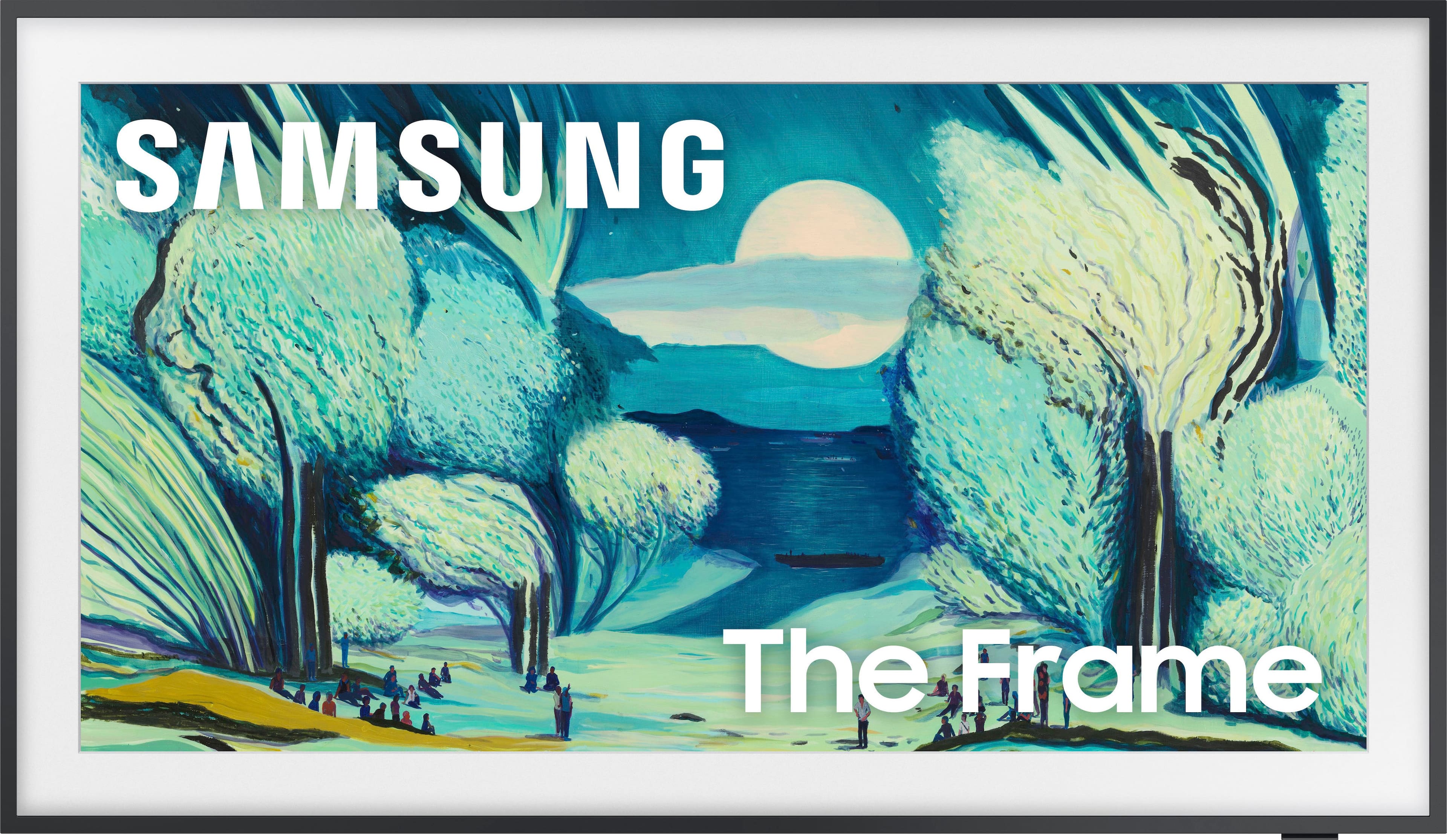
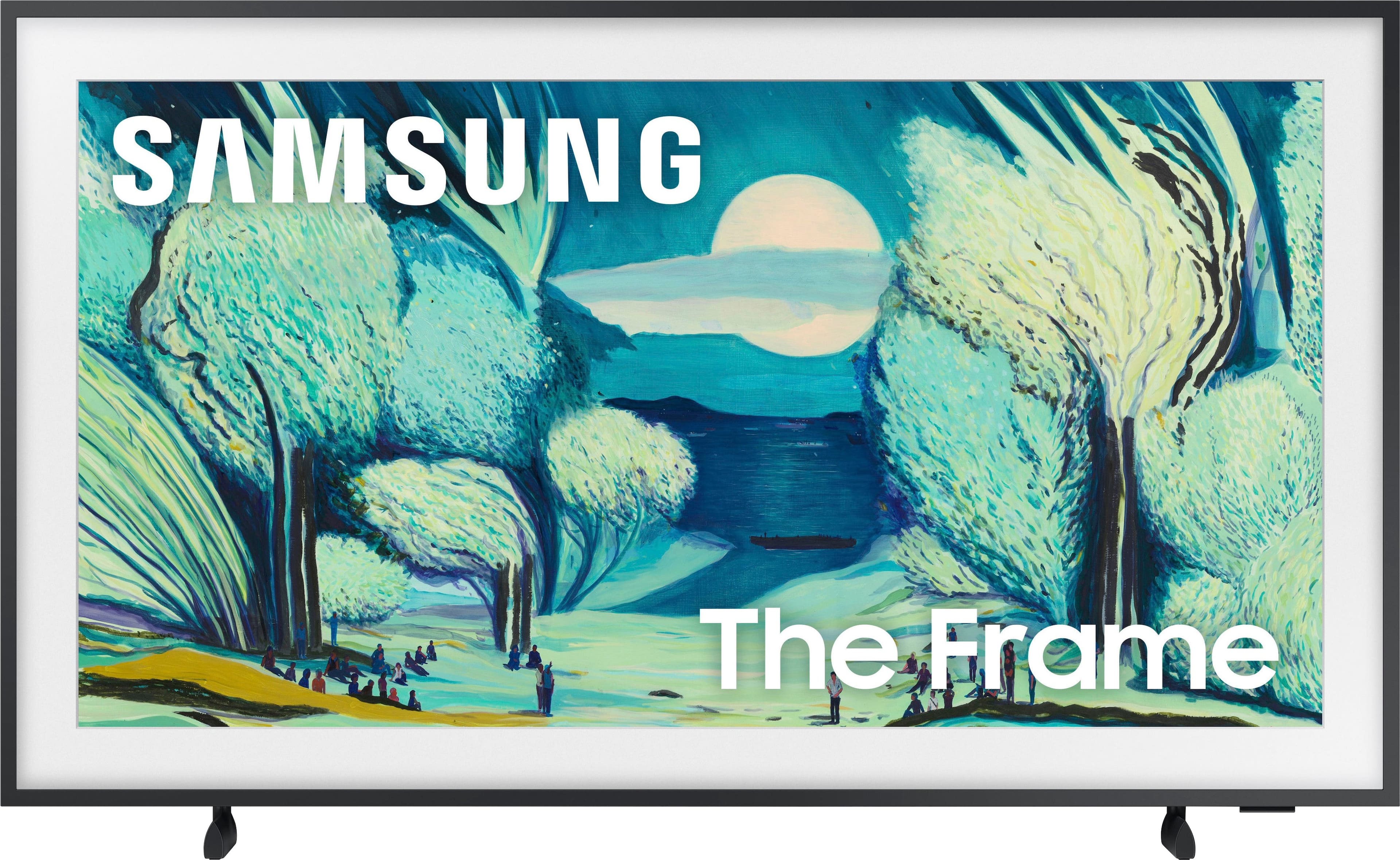
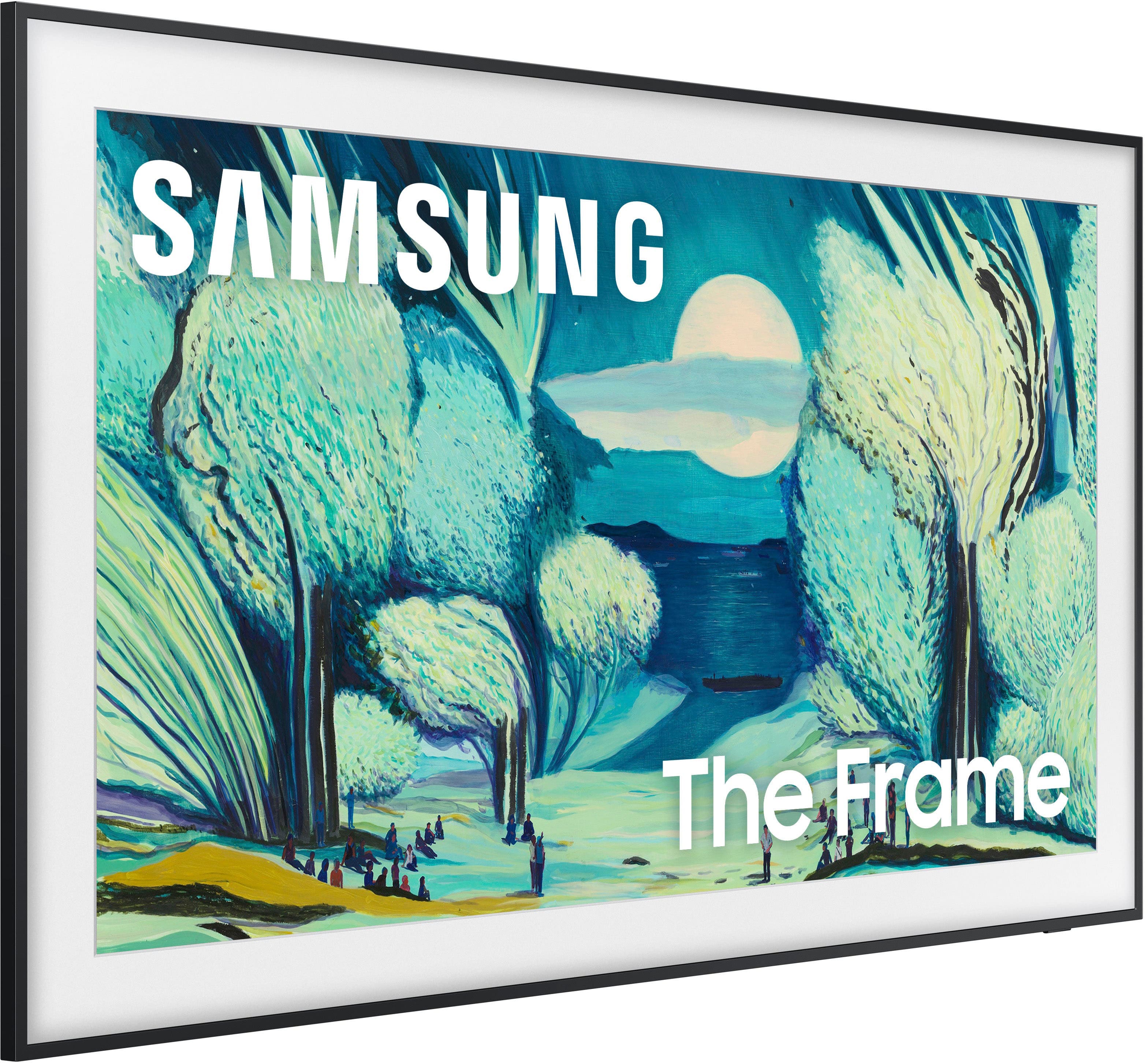
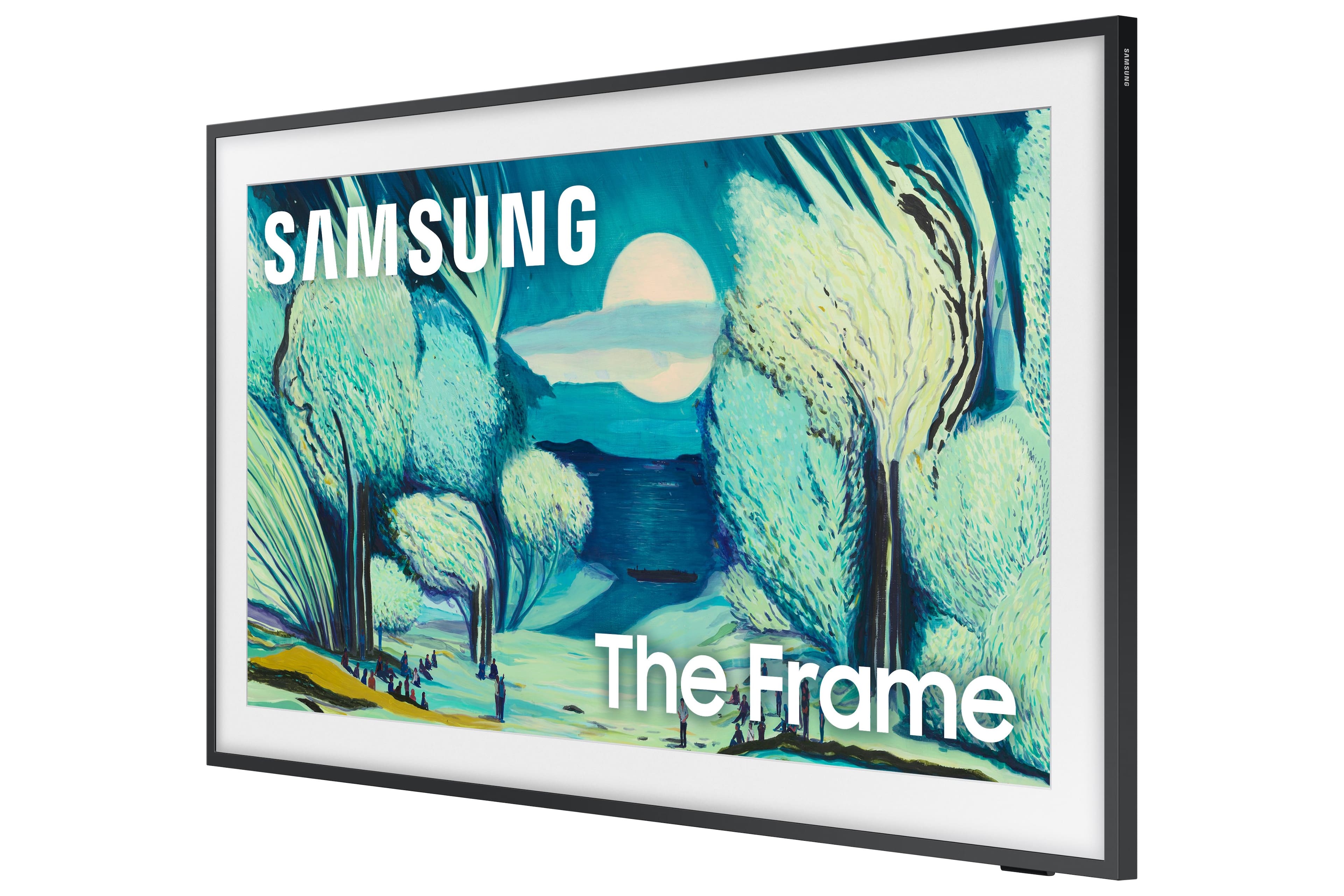
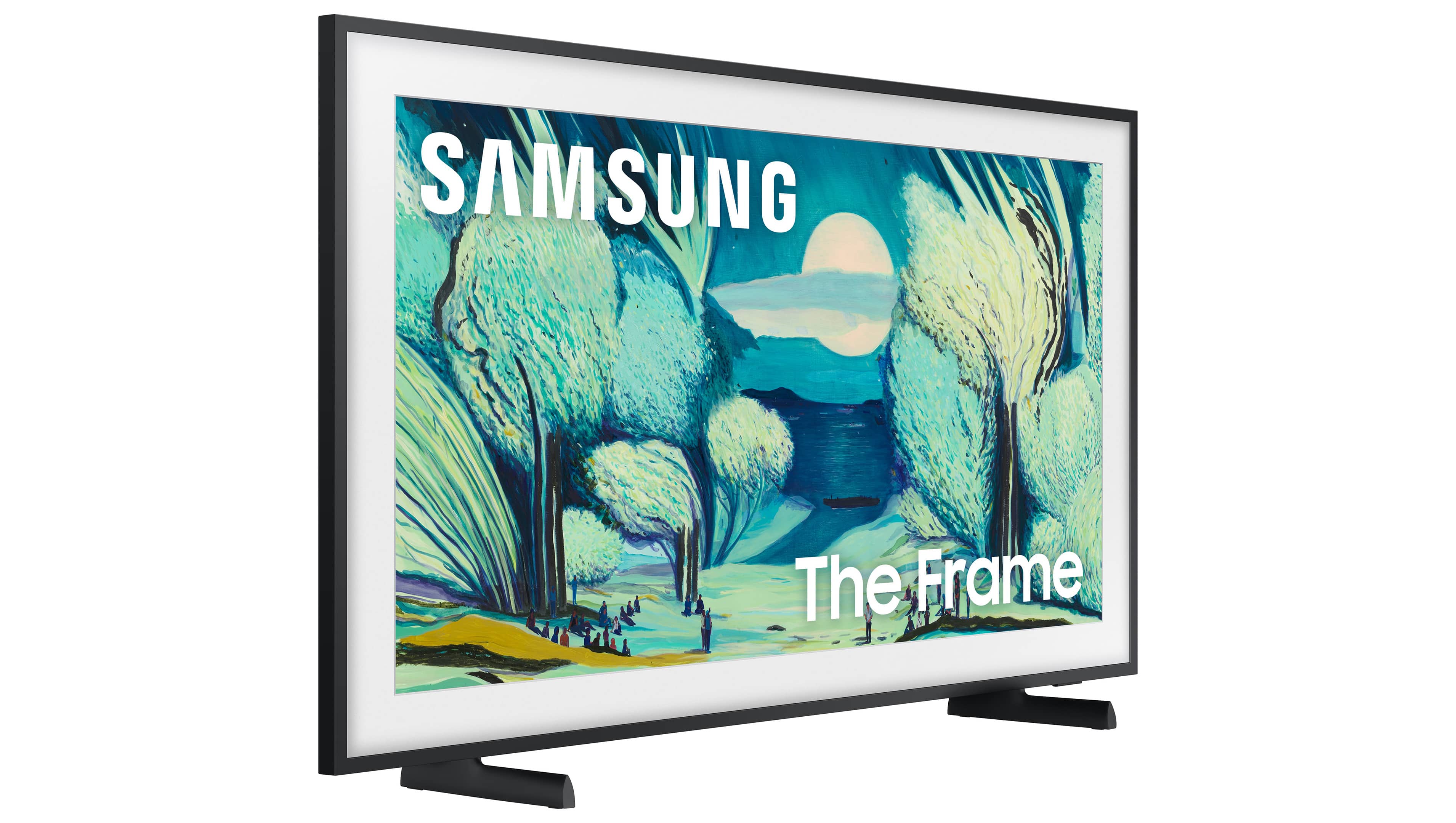
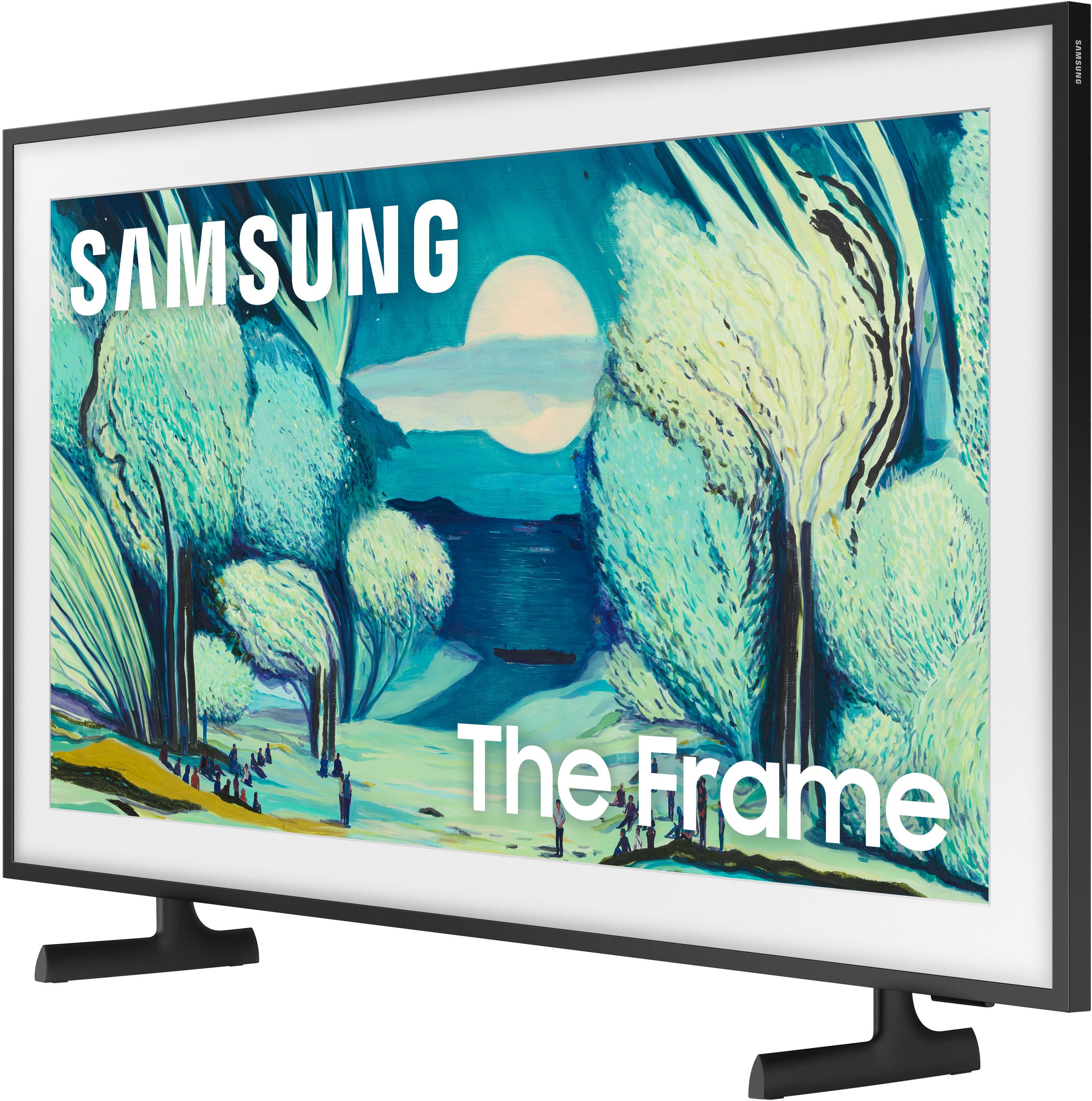







- Model:
- QN43LS03FAFXZA
- SKU:
- 10211546
Rating by feature
- Picture Quality
Rating 4.6 out of 5 stars
- Sound Quality
Rating 4.4 out of 5 stars
- Brightness
Rating 4.7 out of 5 stars
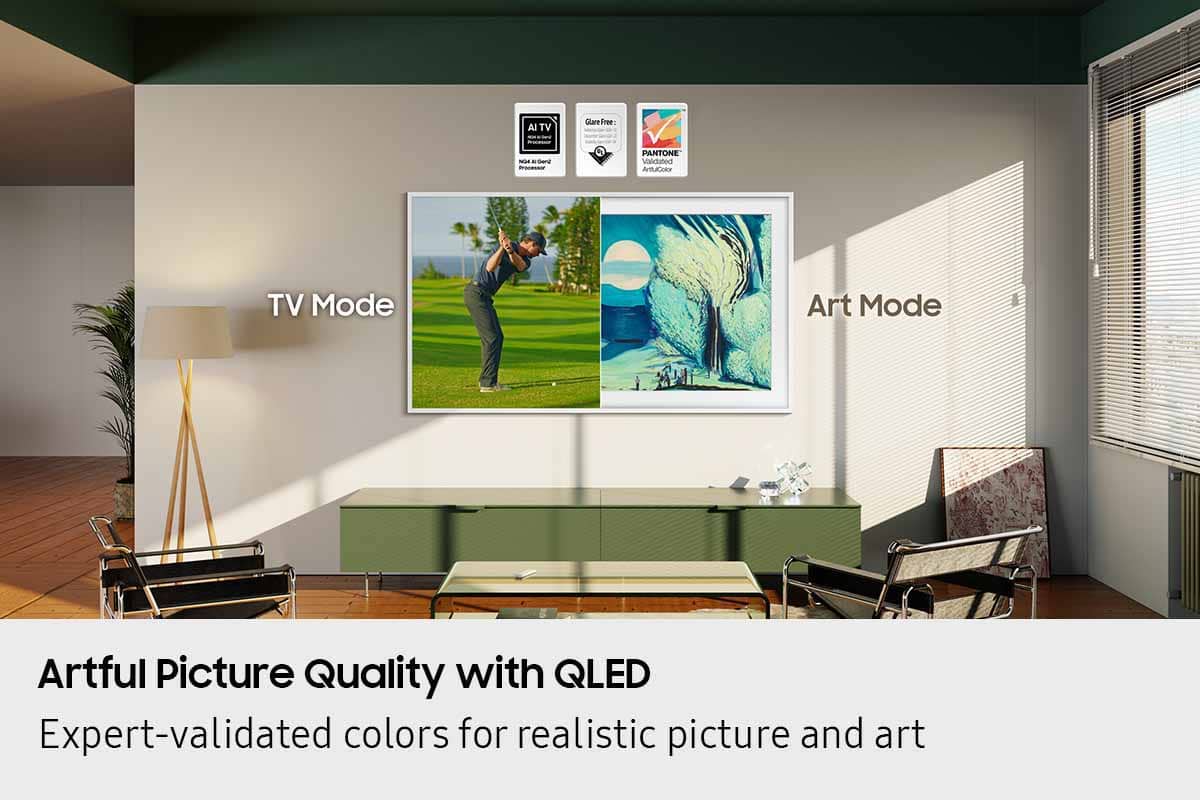
Good TV, less reflection, nice art
||Posted .This reviewer received promo considerations or sweepstakes entry for writing a review.It’s a really nice TV. A bit pricey but worth it. Samsung Art is really cool. Works well with reflection.
I would recommend this to a friendChic, aesthetic and functional
||Posted . Owned for 1 week when reviewed.This reviewer received promo considerations or sweepstakes entry for writing a review.The frame does not disappoint with style and function!
I would recommend this to a friendNice Tv
||Posted .This reviewer received promo considerations or sweepstakes entry for writing a review.Nice tv well fitted in my living room really looks like a mirror
I would recommend this to a friendGreat service and tv
||Posted .This reviewer received promo considerations or sweepstakes entry for writing a review.Great Tv, great service from Best Buy when purchasing
I would recommend this to a friendNice little tv. Art looks nice
||Posted .This reviewer received promo considerations or sweepstakes entry for writing a review.Tv works well, but the frame is a bit cheap. If you want to upgrade it costs a lot. Art looks nice but doesn't fool anyone - it's almost too bright at times
I would recommend this to a friendLove this TV in our mixed use room
||Posted . Owned for 2 months when reviewed.This reviewer received promo considerations or sweepstakes entry for writing a review.It looks beautiful and has a stunning, bright picture. I enjoy the smaller size for a sitting room, it looks great!
I would recommend this to a friendFrame TV
||Posted . Owned for 1 month when reviewed.This reviewer received promo considerations or sweepstakes entry for writing a review.This tv perfectly fits my needs. I love that when not in use I can chose seasonal or beautiful pictures that present a picture on my wall vs. a black screen.
I would recommend this to a friendhigh quality tv
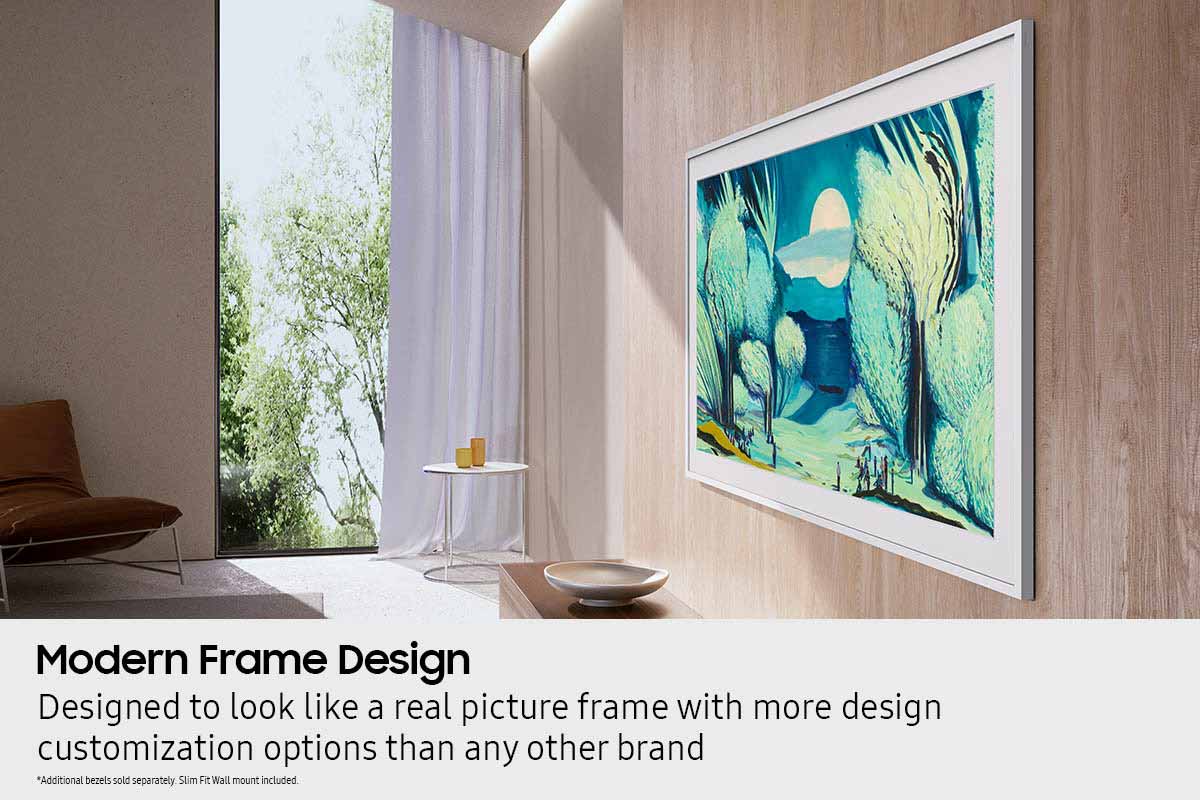
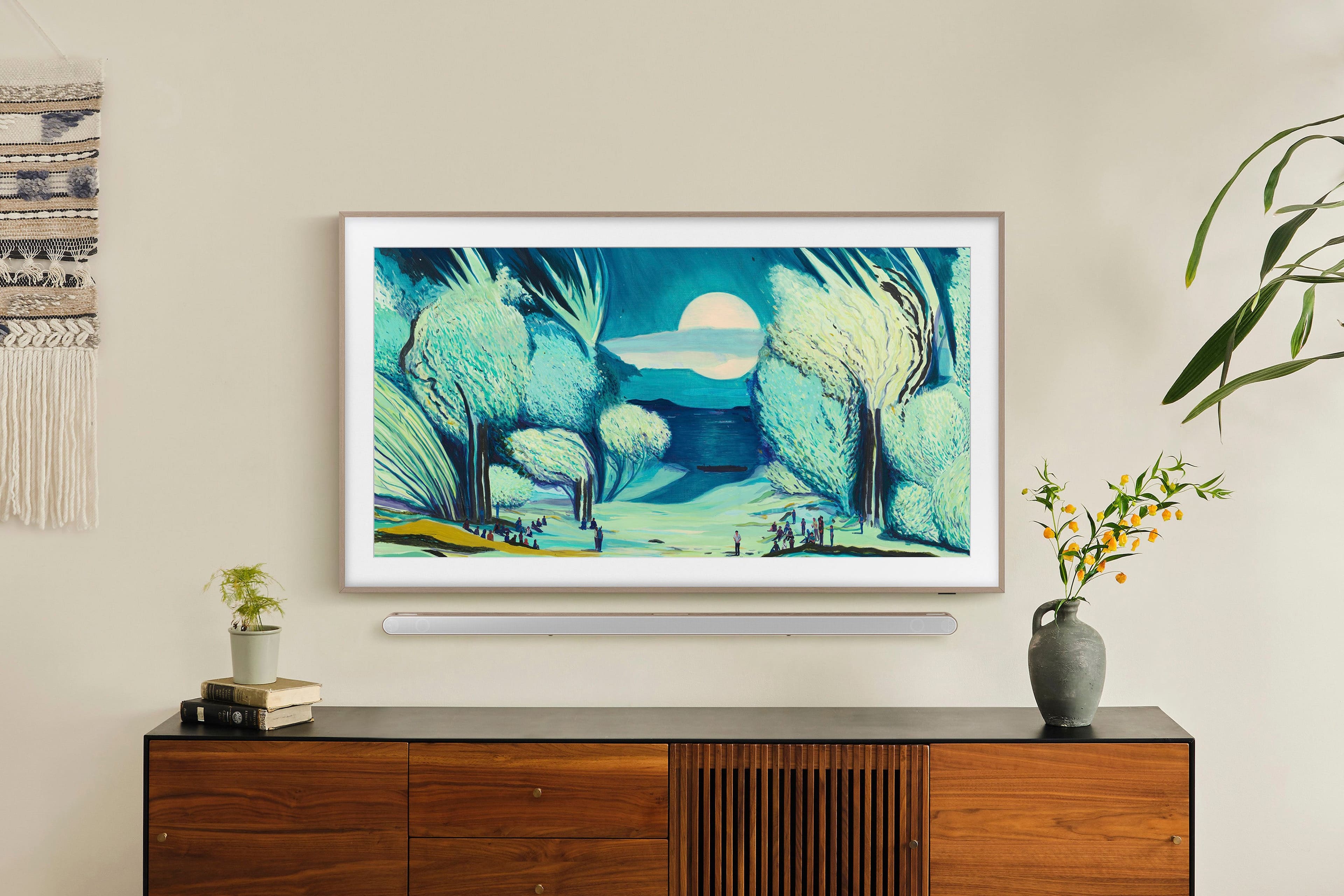
||Posted . Owned for 1 week when reviewed.This reviewer received promo considerations or sweepstakes entry for writing a review.I like that this literally looks like a frame. You can also display art and pictures.
I would recommend this to a friendBetter than the 55 inch model
||Posted .This reviewer received promo considerations or sweepstakes entry for writing a review.Purchased 2 Frame models - this 43 inch model and another 55 inch model. The smaller TV is doing well, but the larger one has developed dead pixels and Best Buy was unable/unwilling to assist.
I would recommend this to a friendYou could do much better.
||Posted .This reviewer received promo considerations or sweepstakes entry for writing a review.Product is fine. Installation instructions or horribly deficient.
I would recommend this to a friendMovie poster
||Posted . Owned for 2 weeks when reviewed.This reviewer received promo considerations or sweepstakes entry for writing a review.This thing is amazing works as advertised. My friends love it and don’t think it’s a tv when they see it .
I would recommend this to a friendWorks Well
||Posted . Owned for 1 month when reviewed.This reviewer received promo considerations or sweepstakes entry for writing a review.Beautiful! Looks great on wall - plays great too! Happy I went for the larger size.
I would recommend this to a friendgreat
||Posted .This reviewer received promo considerations or sweepstakes entry for writing a review.great...............................................................................
I would recommend this to a friend43 " TV
||Posted .This reviewer received promo considerations or sweepstakes entry for writing a review.great picture best TV I have ever bought, was not in store but received it next day very easy to set up
I would recommend this to a friendreview
||Posted .This reviewer received promo considerations or sweepstakes entry for writing a review.little hard to install but grate product over all. I love it and picture quality .
I would recommend this to a friendAwesome
||Posted .This reviewer received promo considerations or sweepstakes entry for writing a review.Awesome quality and picture. Very happy with the product.
I would recommend this to a friendLove it
||Posted .This reviewer received promo considerations or sweepstakes entry for writing a review.Love it. Perfect for my needs. Highly recommend!
I would recommend this to a friendSamsung Frame TV (43") QLED
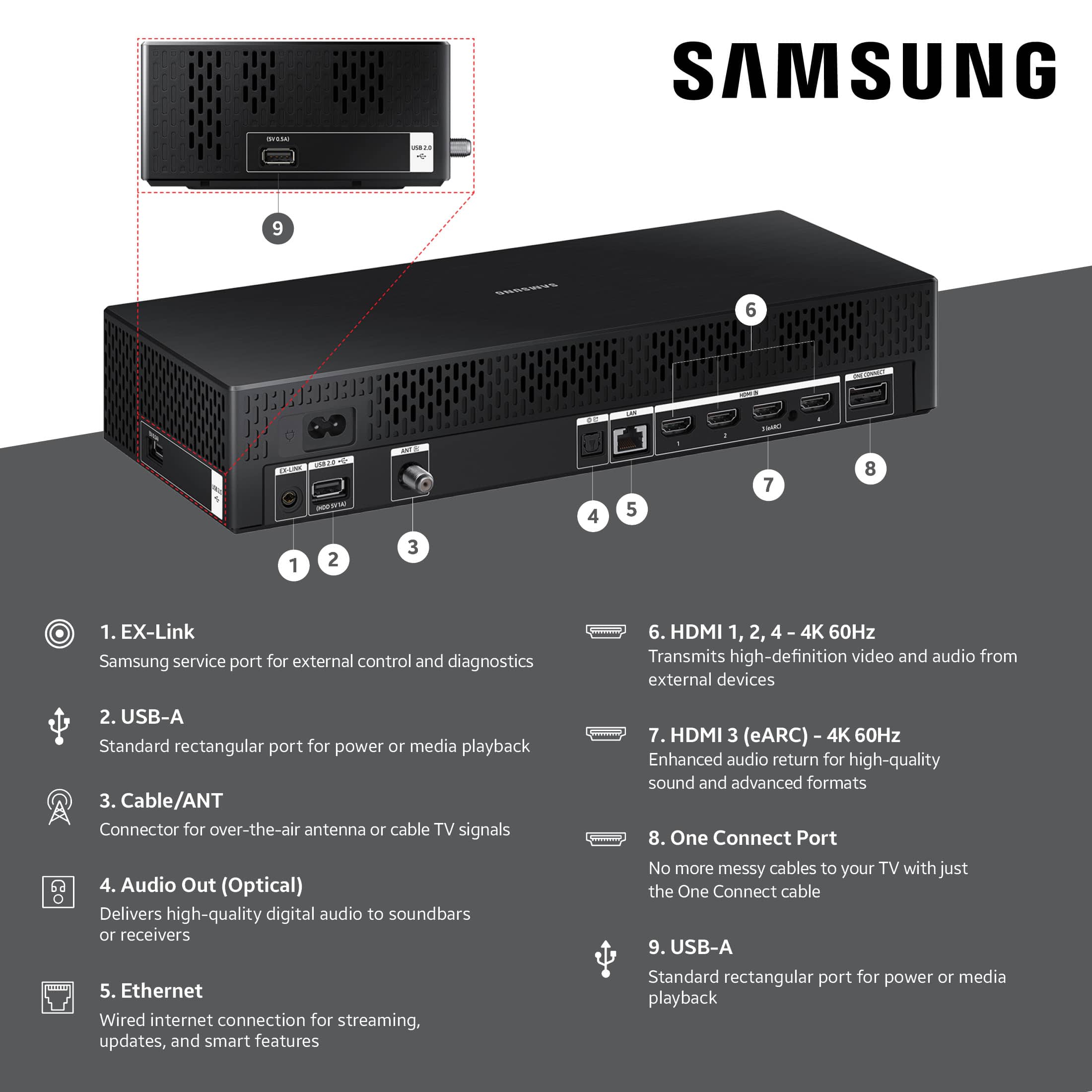
||Posted .This reviewer received promo considerations or sweepstakes entry for writing a review.The picture quality of the Samsung Frame TV is phenomenal, but that's the only good thing i can say about this misleadingly advertised piece of modern technology. The mounting process is excruciating because of the wall mounts, yes, two pieces, which are spaced in a way that you won't be able to tap into wall studs all the way around. Instead, you get to rely on drywall anchors. Next up is the Connect Box feature, which is the guts if the television. This device is super finicky and you'll receive power errors for no discernable reason, especially when trying to connect to a Nintendo Switch. It will take a dozen restarts to get the television to play nice with a Nintendo Switch or any other gaming system. Finally, we come to the Art feature, which is the flipping reason for buying the television. You'll find out quickly AFTER BUYING THE TV that you now have to pay for a subscription to access artwork to display on the television. Once you select either the $4.99/month or the $49/year package, Samsung grabs your debit/credit card number and establishes an account YOU CANNOT ACCESS even though you've paid for it and you can't cancel it. In fact, the television keeps asking me to purchase a subscription while the Samsung Smart Things app shows you have an account. The solutions from Samsung include a 5 minute power down and power up followed by a factory reset where you get to start everything over again AND IT STILL DOESN'T WORK!!! Beware of the overwhelmingly positive reviews on here. If you don't believe me, check out YouTube reviews confirming my debacle of a journey with this technological nightmare! Keep in mind, my review is not against Best Buy. My issue rests with Samsung. This product sucks.
No, I would not recommend this to a friendBrand response from Samsung
Posted .SageJohnson,
We appreciate your review of Samsung’s Frame TV. So we can better understand the issues you’re experiencing and provide you with troubleshooting assistance, please reach out to Samsung Customer Support at 1-800-SAMSUNG, available daily from 8AM - 12AM EST. You can also chat with a LiveChat agent by clicking the ‘Support’ link on our website for:
• Live Chat
• Manuals, Software, & Warranty Info
• Creating a Service ticket
~ Samsung Specialist
Great Product
||Posted .This reviewer received promo considerations or sweepstakes entry for writing a review.Very happy with this product. We bought 2 of them and have them on a picture wall. Great artwork and nice ability to have extra tvs!
I would recommend this to a friendPoor picture quality, locks up, stops often
||Posted . Owned for 2 weeks when reviewed.This reviewer received promo considerations or sweepstakes entry for writing a review.Was so hopeful for the versatility of this frame in my bedroom, but it has done nothing but disappoint. Just when I think we’re connected it goes dark or loses connection. No clear way to physically reset and it blurs out a lot of options without explanation.
No, I would not recommend this to a friendBrand response from Samsung
Posted .JacobRomelhardt,
We appreciate your feedback regarding your Frame TV’s performance. If you're experiencing connectivity issues or lag in general response time, please try the following steps:
1. Check for firmware updates – Keeping your TV up to date can resolve many performance issues: Home > left directional key > Settings > Support > Software Update > Update Now
2. Run Device Care – This tool checks system memory, frees up cached data, and closes background apps that could be slowing things down: Home > left directional key > Settings > Support > Device Care > Start Device Care
3. Cold boot your TV – With the TV powered on, press and hold the Power button on your remote for 5+ seconds until the TV restarts. This helps refresh the system.
Additionally, the brightness fluctuations may be related to energy-saving features, AI-powered optimizations, or dynamic picture settings that automatically adjust screen brightness based on content and viewing environment.
Please try disabling the following features: Settings > All Settings > General & Privacy > Power and Energy Saving > Brightness Optimization, Energy Saving Solution, and Motion Lighting
If these are already off, check if Contrast Enhancer is enabled, which can also cause brightness to shift depending on scene changes: Settings > All Settings > Picture > Expert Settings > Contrast Enhancer
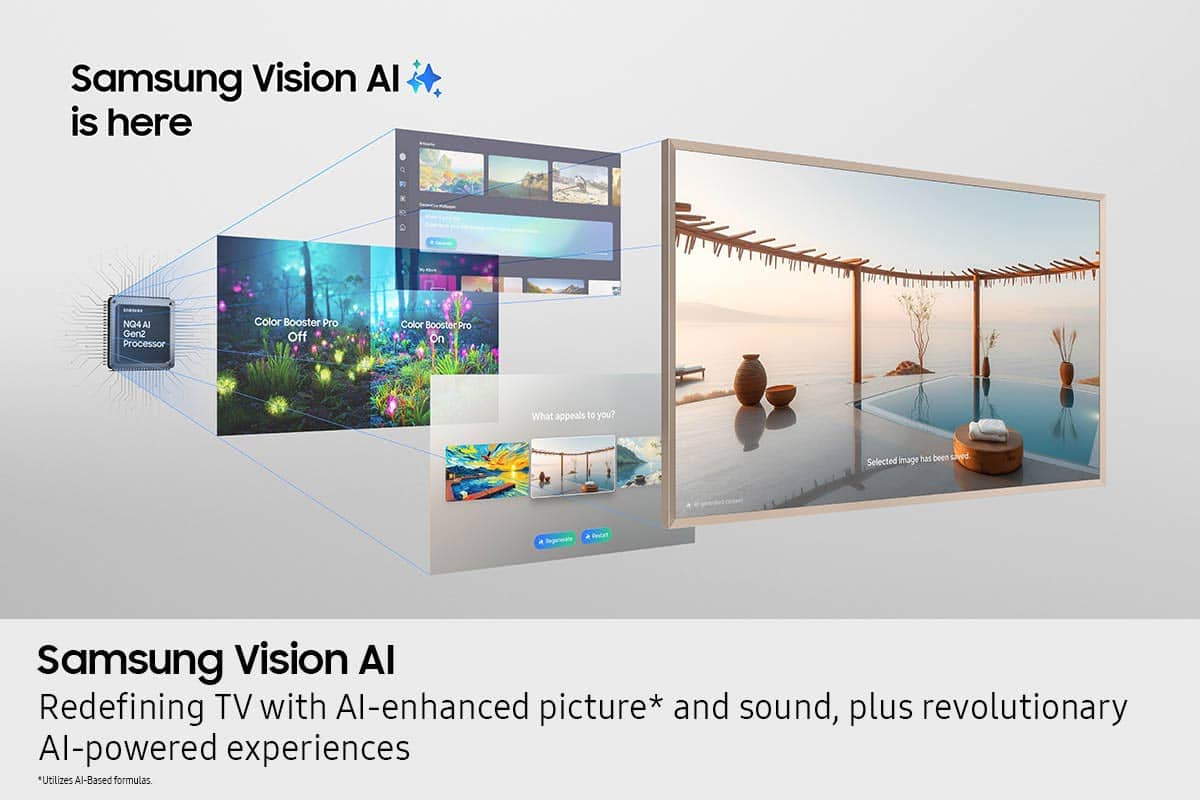
Samsung’s newer TVs also include AI-powered features designed to adapt picture settings automatically. While many viewers enjoy this enhancement, others prefer more manual control. To adjust these features, go to: Settings > All Settings > Advanced Features > AI Mode Settings
We hope these steps help. If you continue to experience issues, please don’t hesitate to contact Samsung Customer Support at 1-800-SAMSUNG (8AM – 12AM EST, 7 days a week). LiveChat is also available via the ‘Support’ link on our website.
~ Samsung Specialist