Customer Ratings & Reviews
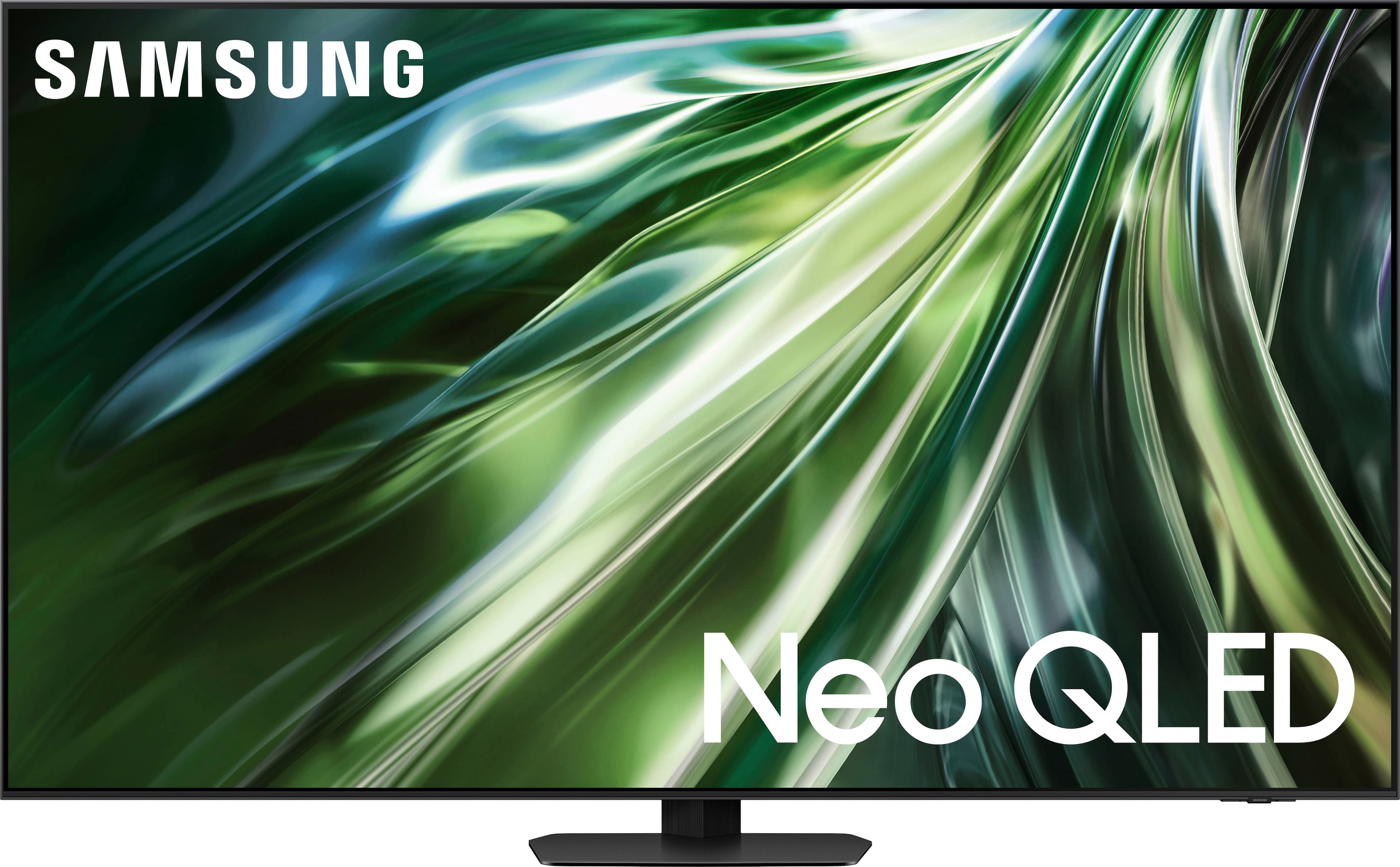

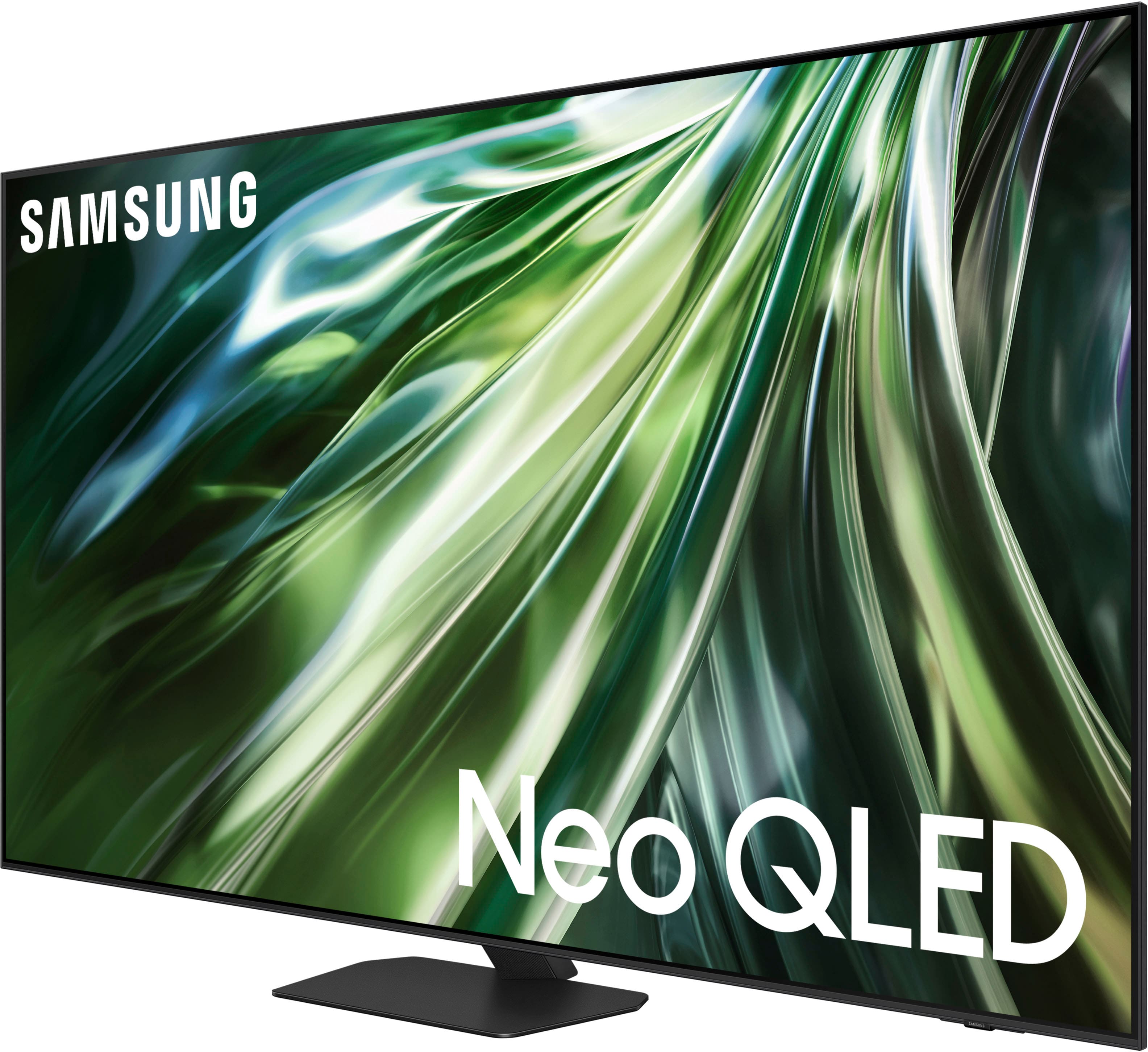









- Model:
- QN43QN90DAFXZA
- SKU:
- 6576432
Rating by feature
- Picture Quality
Rating 4.7 out of 5 stars
- Sound Quality
Rating 4.5 out of 5 stars
- Brightness
Rating 4.8 out of 5 stars
Customers are saying
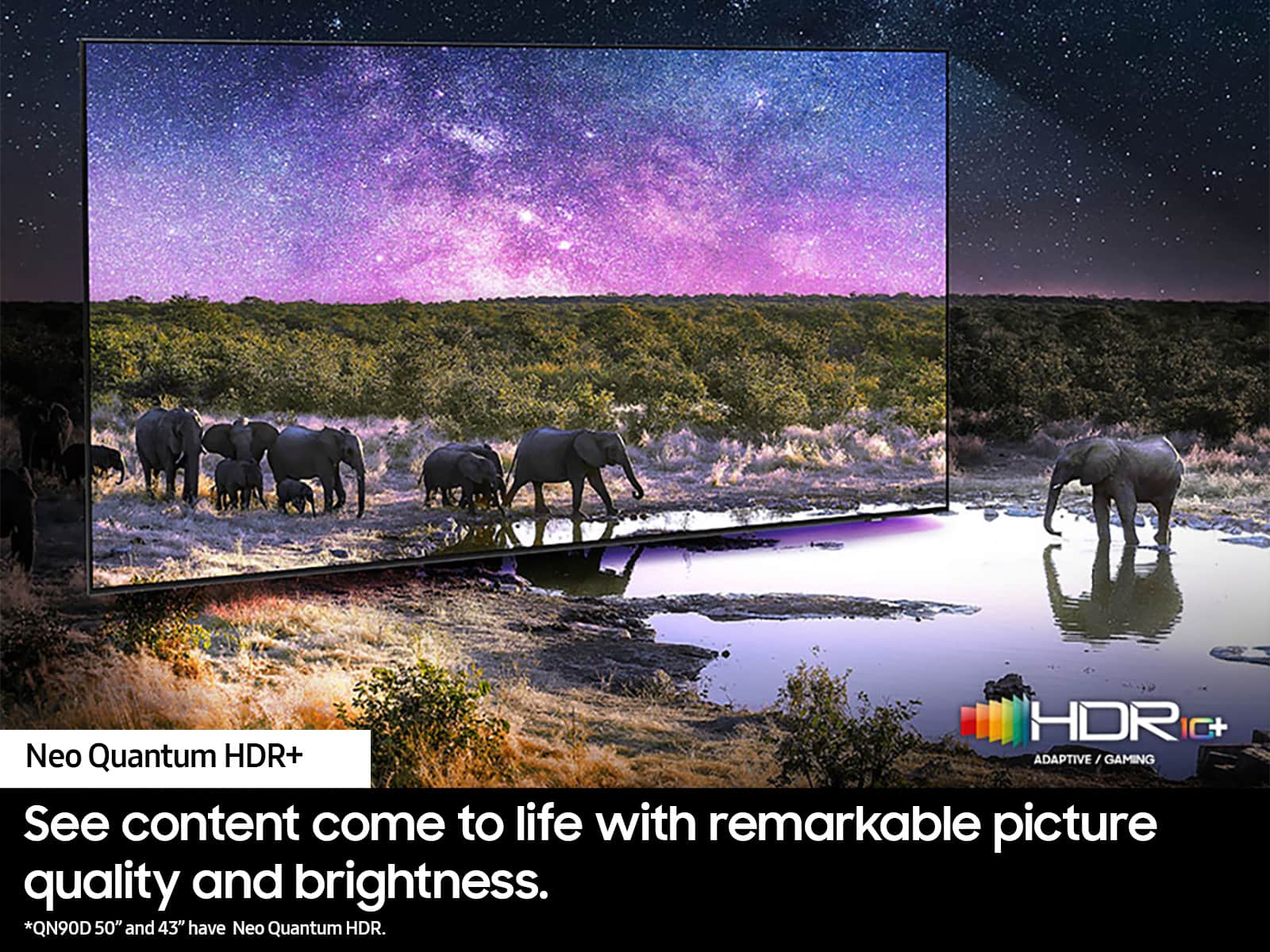
Customers commend the 43” Class QN90D Series Neo QLED 4K Mini LED Smart Tizen TV (2024) for its amazing picture quality and excellent brightness. The HDR is also noted to be super clear and crisp. However, some customers have mentioned that the viewing angle is limited, requiring a direct view to avoid glare.
This summary was generated by AI based on customer reviews.
- Pros mentioned:Picture quality
Superb Picture
||Posted . Owned for 3 weeks when reviewed.This reviewer received promo considerations or sweepstakes entry for writing a review.We bought this for our outdoor porch and couldn’t be happier!!! Superb picture and sound.
I would recommend this to a friend - Pros mentioned:Picture quality
Great picture
||Posted . Owned for 1 month when reviewed.This reviewer received promo considerations or sweepstakes entry for writing a review.Great picture & great installation by Geek Squad tech
I would recommend this to a friend - Pros mentioned:Brightness
NeoQled
||Posted . Owned for 3 weeks when reviewed.This reviewer received promo considerations or sweepstakes entry for writing a review.This product is perfect for our very sunny living room space.
I would recommend this to a friend - Pros mentioned:Picture quality
Great choice
||Posted . Owned for 1 month when reviewed.This reviewer received promo considerations or sweepstakes entry for writing a review.We are very happy with the color and clarity of the picture.
I would recommend this to a friend My Samsung
||Posted . Owned for 1 month when reviewed.This reviewer received promo considerations or sweepstakes entry for writing a review.great TV service was great...easy to install...I going back for a 55"...
I would recommend this to a friend- Pros mentioned:Picture quality
New TV 2024
||Posted . Owned for 3 weeks when reviewed.This reviewer received promo considerations or sweepstakes entry for writing a review.We love our new TV! The picture is absolutely perfect!
I would recommend this to a friend - Pros mentioned:Picture quality
Exceptional
||Posted . Owned for 1 month when reviewed.This reviewer received promo considerations or sweepstakes entry for writing a review.Extremley good picture quality service was great as to the install
I would recommend this to a friend - Pros mentioned:Picture quality
Samsung NEO television
||Posted . Owned for 3 weeks when reviewed.This reviewer received promo considerations or sweepstakes entry for writing a review.I wanted a 43 inch TV that showed a beautiful picture. This TV did not disappoint.
I would recommend this to a friend Quality Customer Services
||Posted . Owned for 4 months when reviewed.This reviewer received promo considerations or sweepstakes entry for writing a review.I enjoy the products I’ve purchased from Best Buy, the service they afford me, and the opportunity to pay monthly payments without being charged an interest!
I would recommend this to a friend- Pros mentioned:Picture quality
Returned-Unable to use! No Remote!!!
||Posted . Owned for 3 weeks when reviewed.This reviewer received promo considerations or sweepstakes entry for writing a review.We purchased an "Excellent" Open Box unit. As soon as it arrived we opened it. The TV itself looked perfect. HOWEVER, there was no remote! Within 20 minutes of delivery I was on the phone, then online with Best Buy concerning the remote. Long story short, it had to be returned as they could not send me a remote nor could a Geek Squad person from the local store (5 miles away) come and pair it. Nor would they send a replacement and pick up the return at that time. Not very customer friendly in my book. It took about 7-8 days to get the money back in our account too. Far cry from others that put it back asap. So, the whole thing was sent back to Best Buy. Someone plastered the box with "Inspected" stickers, but obviously they did a terrible job inspecting. We have not bought another unit. My Rating is on BEST BUY Service, not the unit itself!! I still want one, primarily due to its clarity in bright rooms!
I would recommend this to a friendBrand response from Samsung
Posted .BeefFarmer,
It’s unfortunate to hear of the issues that have caused you to return your TV. Your experience is very important to us and will be shared with our product team.
Should you ever decide to give Samsung TVs another try and have questions or need help with settings, setup, or features, please know we’re here to help. Call us at 1-800-SAMSUNG, 8AM - 12AM EST, 7 days a week.
LiveChat with an agent as well as manuals, software, and warranty info can be found at the ‘Support’ link on our Samsung website.
~ Samsung Specialist
Samsung is not what it used to be.
||Posted .This reviewer received promo considerations or sweepstakes entry for writing a review.Initially thought this was a good tv, but it quickly disappointed. The TV wouldn't turn on. Basically the internal electronics needed to be replaced, which was completed under warrenty. The picture quality is no longer the same. Also consistently run into issues with certain apps not loading currectly unless the modem is rebooted. Very disappointed in this Samsung.
No, I would not recommend this to a friendDo not buy this product.
||Posted .This reviewer received promo considerations or sweepstakes entry for writing a review.Without any doubt this TV is the worst one I have ever putchased. Expensive with a very poor picture and apps that simply stop working requiring disconnecting power to get them to start working again.
No, I would not recommend this to a friendColor not good in condo.
||Posted . Owned for 2 months when reviewed.This reviewer received promo considerations or sweepstakes entry for writing a review.The screen was too big for the condo. However, I also found that the color washed out when viewing at an angle. Quite washed out. I couldn't fix it via the complex color adjustments. Returned.
No, I would not recommend this to a friendBrand response from Samsung
Posted .GeorgeH,
I’m sorry to hear the picture quality of Samsung’s QN90D TV did not meet your expectations. Your feedback is appreciated and will be shared with our internal teams.
Please know we’re always here to help, and we could have assisted in providing image adjustments to resolve any issues you were experiencing.
Should you ever decide to give Samsung TVs another try and have questions or need help with settings, setup, or features, please know we’re here to help. Call us at 1-800-SAMSUNG, 8AM - 12AM EST, 7 days a week.
LiveChat with an agent as well as manuals, software, and warranty info can be found at the ‘Support’ link on our Samsung website.
~ Samsung Specialist
Too bright
||Posted . Owned for 2 months when reviewed.This reviewer received promo considerations or sweepstakes entry for writing a review.Overly bright in a small room, has to turn down to 17 out of 50 for brightness. Movies didn’t look good.
No, I would not recommend this to a friendBrand response from Samsung
Posted .KlipschFlexus100,
Thank you for sharing your thoughts on the QN90D TV’s image quality. If you’re uncomfortable with the default brightness settings, you can customize the brightness level between 0 – 50 to your preference. Go to Home > Menu > Settings > All Settings > Picture > Expert Settings > Brightness.
You can also try different Picture Modes to see which best fits your needs. Go to Menu > Settings > All Settings > Picture > Picture Mode for the below choices:
1. Standard: Is the default mode suitable for general viewing environments
2. Dynamic: Makes the picture brighter and clearer in bright viewing environments
3. Eco: Provided to save energy
4. Movie: Suitable for watching TV or movies in a dark room
5. Filmmaker Mode: Provides source content just as the creators intended. If the image is defined as Filmmaker Mode, it’ll automatically switch to Filmmaker Mode while watching.
Intelligent Mode also enables the TV to recognize and analyze the surroundings, noise, content, and your usage patterns to provide the best viewing experience. You can enable Intelligent Mode by going to Menu > Settings > All Settings > General & Privacy > Intelligent Mode Settings > Intelligent Mode. Adaptive Picture, which is among the options, optimizes brightness and provides the best picture quality in real time, based on the lighting condition and the content you're viewing.
I hope you can use these adjustment recommendations to set the image to your liking. If you would like further assistance with settings, features, or functions, please reach out to Samsung Customer Support at 1-800-SAMSUNG, 8AM - 12AM EST, 7 days a week. Our LiveChat agents are also available by clicking on the ‘Support’ link on our website.
~ Samsung Specialist
Disappointed…
||Posted .This reviewer received promo considerations or sweepstakes entry for writing a review.Honestly very sad with the QC that Samsung has now I’ve gone through 3 of these tvs all with the same issues.. burnt pixels and backlight issues galore always seem to be in the same place, across all three panels. A very sad occurrence from what I can gather from threads on the internet. I have this same tv but the QN90C and have had zero issues with it. Get your game together.
No, I would not recommend this to a friendBrand response from Samsung
Posted .TechGuy,
It’s unfortunate to hear of your experience with Samsung’s QN90D TV. Samsung is committed to providing the best possible product experience, quality, and value. We back this Samsung TV with a 1-year limited manufacturer's warranty, including authorized repair for manufacturer defect, if purchased brand-new directly from an authorized seller. You can enter your model number to review the full warranty details here: https://www.samsung.com/us/support/legal/LGL10000312/#standard-limited-warranty
Please give us the opportunity to assist you by contacting Samsung Customer Support at 1-800-SAMSUNG, 8AM - 12AM EST, 7 days a week. Our LiveChat agents are also available by clicking on the ‘Support’ link on our website.
~ Samsung Specialist
Dead
||Posted . Owned for 1 month when reviewed.This reviewer received promo considerations or sweepstakes entry for writing a review.Wiithin 2 months it failed. One night it just wouldnt turn on. Wasnt my main tv, just one to watch before bed or game briefly apart from my gaming setup. I looked up ways to hard restart it and none worked (different outlets, disconnecting cables, usung a different plug... from my samsung soundbar, holding the tv power buttong > 1min while unplugged and then 10 sec. plus after plugging back in). No signs of it having a fault. Just.... dead
No, I would not recommend this to a friendBrand response from Samsung
Posted .GoldenB,
It’s unfortunate to hear of your experience with Samsung’s QN90D TV. Samsung is committed to providing the best possible product experience, quality, and value. We back this Samsung TV with a 1-year limited manufacturer's warranty, including authorized repair for manufacturer defect, if purchased brand-new directly from an authorized seller. You can enter your model number to review the full warranty details here: https://www.samsung.com/us/support/legal/LGL10000312/#standard-limited-warranty
Please give us the opportunity to assist you by contacting Samsung Customer Support at 1-800-SAMSUNG, 8AM - 12AM EST, 7 days a week. Our LiveChat agents are also available by clicking on the ‘Support’ link on our website.
~ Samsung Specialist
Waste of money... black dots in display
||Posted .This reviewer received promo considerations or sweepstakes entry for writing a review.For the price this TV does not hold up over time. 2 black dots have developed in the display. Small for now but annoying and not what i expected from Samsung. I believe older tvs are built sturdier as I have a Samsung 50in thats almost 10 years old, been abused by small children and still works like a charm with no display issues. Long story short, I'm done investing in high end tvs.
No, I would not recommend this to a friendBrand response from Samsung
Posted .Hi Julian,
We appreciate your feedback regarding the screen abnormalities you’re seeing on your QN90D TV. Please run a Picture Test to determine if the problem is caused by the TV. Picture Test displays a high-definition picture you can examine for flaws or faults. Go to Settings > Support > Device Care > Self Diagnosis > Picture Test.
If this occurs on all sources and the picture test, this may require service. For help with setting up a service appointment, please contact Samsung Support at 1-800-SAMSUNG, 8AM - 12AM EST, 7 days a week. Our LiveChat agents are also available by clicking on the ‘Support’ link on our website.
~ Samsung Advisor
Geek Squad Failure
||Posted . Owned for less than 1 week when reviewed.This reviewer received promo considerations or sweepstakes entry for writing a review.This rating and review reflects upon BestBuy and not the tv itself. Purchased an open box "Excellent" condition, what i received was a scratch up, damaged tv. It was packed so poorly by the Geek Squad that i cracked the scratched and cracked the glass surface of the screen.
No, I would not recommend this to a friendBrand response from Samsung
Posted .misterbim,
Please know you are leaving a review and 1-star rating for the QN90D TV, but we are sorry to hear of your Best Buy experience, nonetheless. We recommend contacting Best Buy directly for assistance. We hope your issue is resolved in a timely manner.
Should you have questions or concerns on usage or setup of your TV once your issue has been resolved, please call us at 1-800-SAMSUNG, 8AM - 12AM EST, 7 days a week. Our LiveChat agents are also available by clicking on the ‘Support’ link on our website.
~ Samsung Specialist
Mehh.. I dont like. Overpriced.
Posted .This reviewer received promo considerations or sweepstakes entry for writing a review.I don't like the TV. In my case, it was too bright for me. The QLED picture brighness was too intense (disclaimer: I sat about 8 feet away from the TV ) and it caused an eye sore and a headache for me and my sons, after watching the TV for 10 minutes. The TV does not provide a quick and easy way to adjust / dim it using the 'Samsung TV OS' user interface. The TV setup UI as too cumbersome and overwhelming too me. It also forced 1080p signal upscale to 4K by default, causing a weird frame rate change on your show. Cinematic picture becomes like 'soap opera' picture when this happens. The 'eye sore' and 'headache' made me return the TV.
No, I would not recommend this to a friendBrand response from Samsung
Posted .Hi ZeeMan,
It's unfortunate to hear of the issues that caused you to return the QN90D. If given the chance, we could've assisted in Expert Settings to fine-tune the brightness to your liking, as well as with Quick Settings that are available to navigate quickly between settings, sources, and more.
Should you ever decide to give Samsung TVs another try and have questions or need help with settings, setup, or features, please know we’re here to help. Call us at 1-800-SAMSUNG, 8AM - 12AM EST, 7 days a week.
LiveChat with an agent as well as manuals, software, and warranty info can be found at the ‘Support’ link on our Samsung website.
~ Samsung Specialist
- Pros mentioned:Picture quality
ultra clear TV
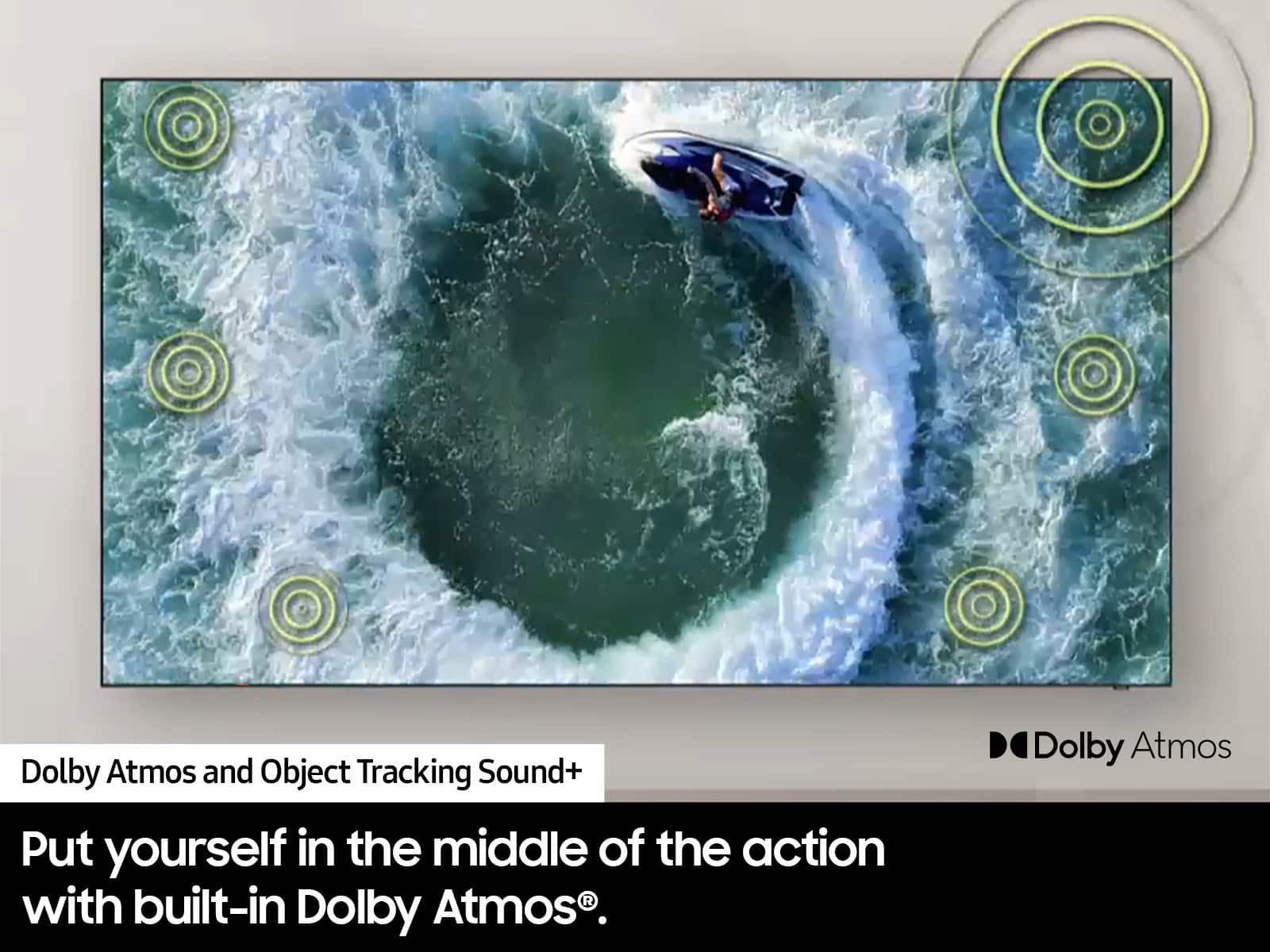
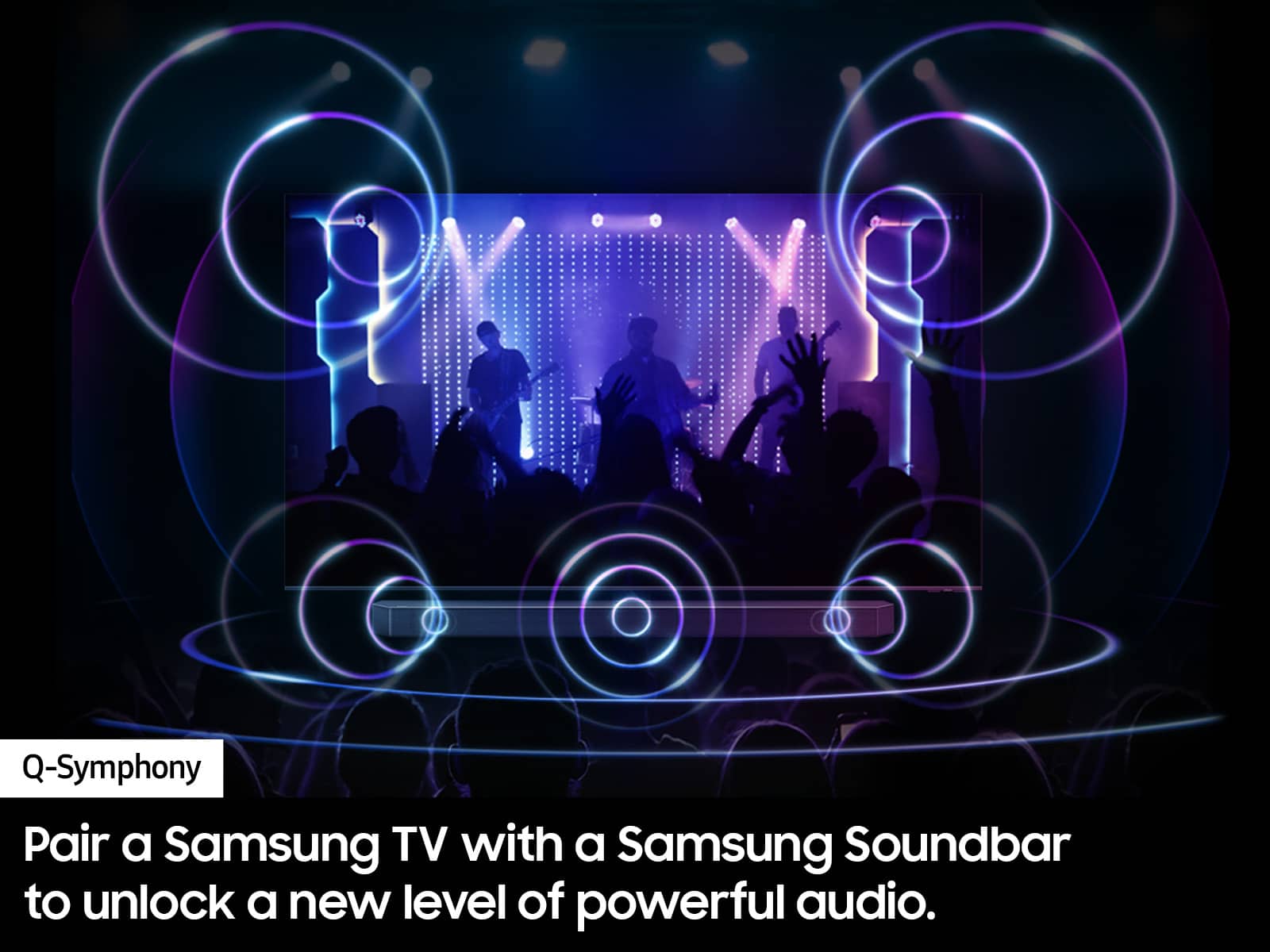
Posted .This reviewer received promo considerations or sweepstakes entry for writing a review.simply outstanding but best to buy an additional speaker unit for max effect, I did and really feels surround sound
I would recommend this to a friend