Customer Ratings & Reviews
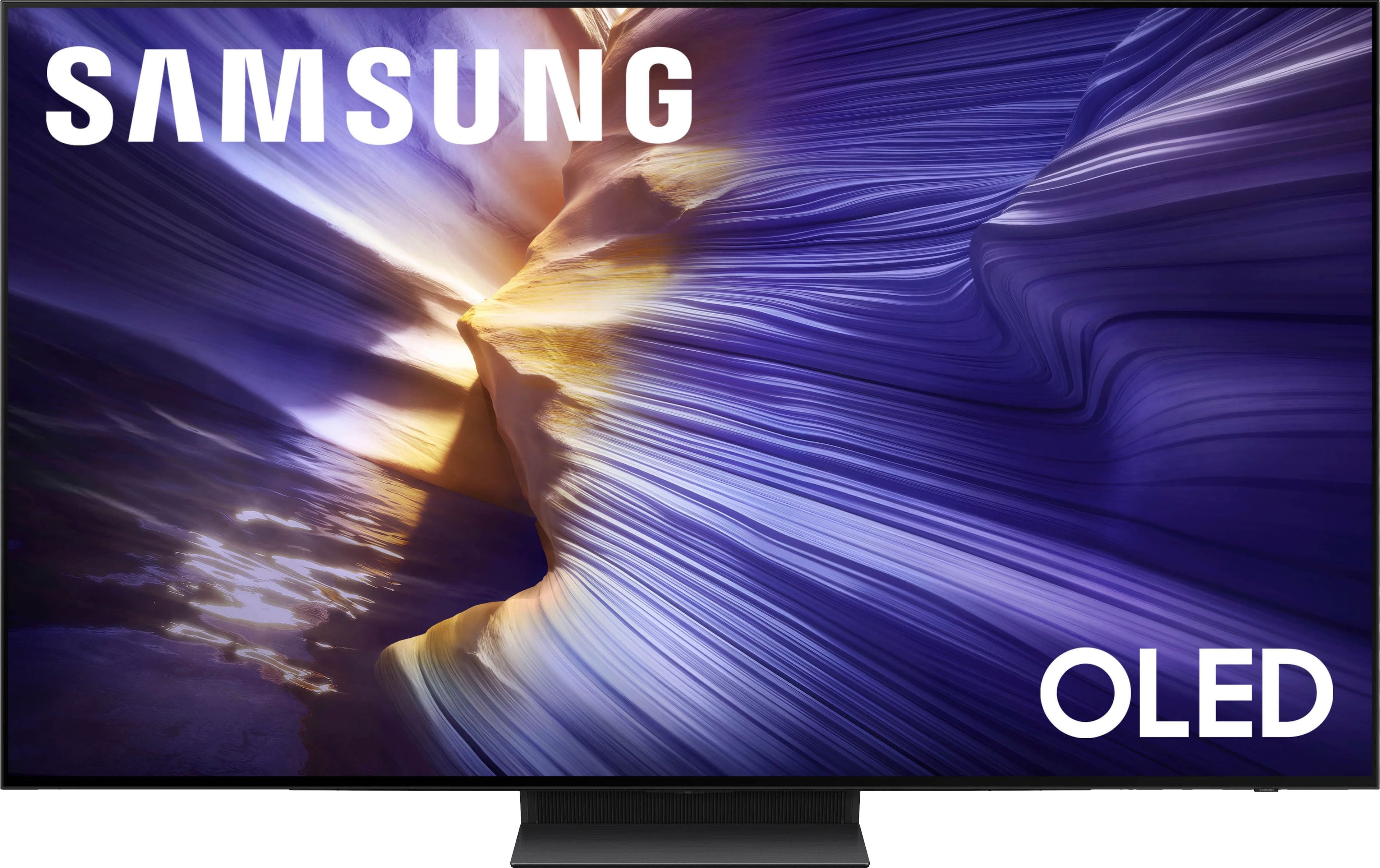
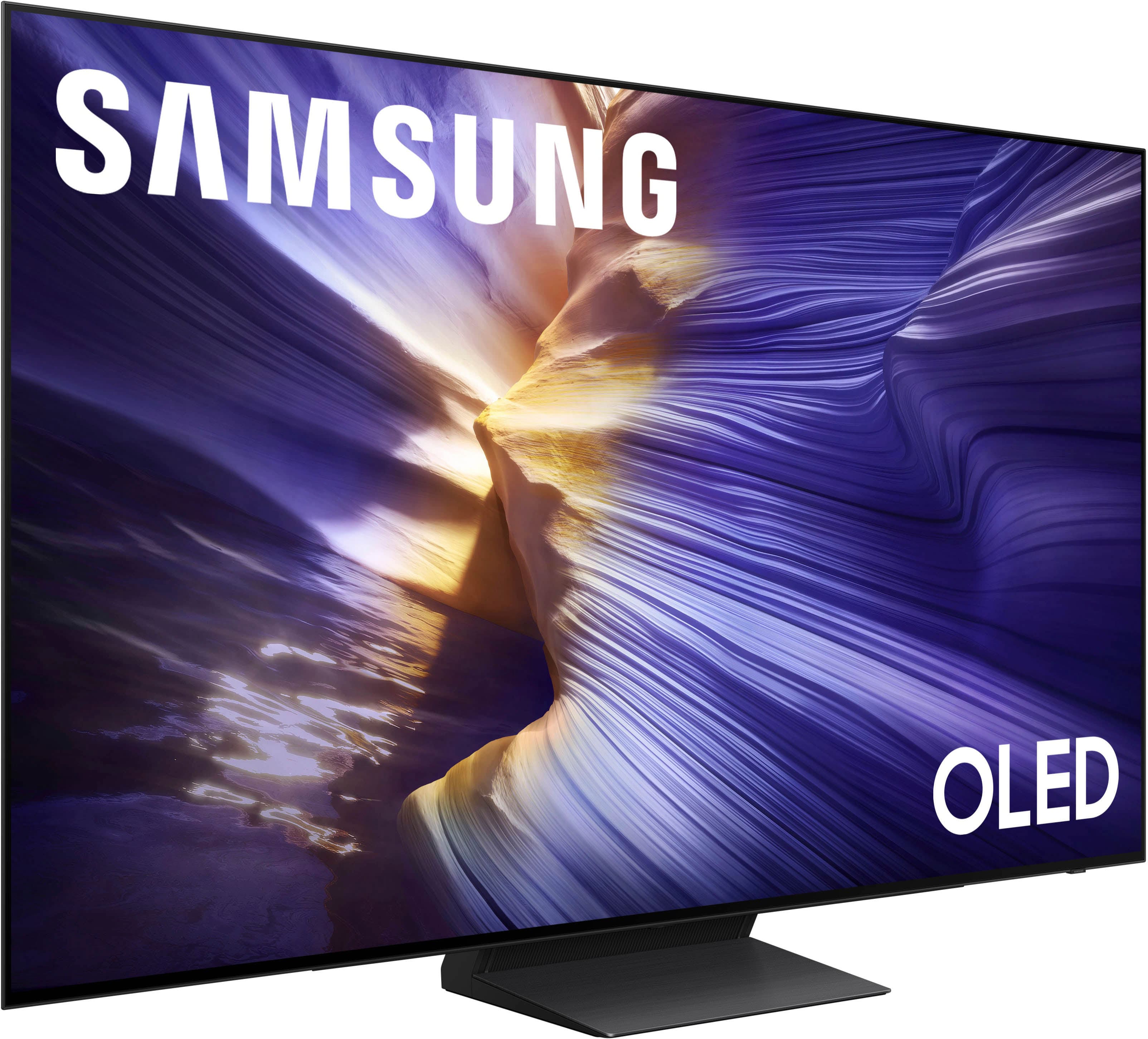
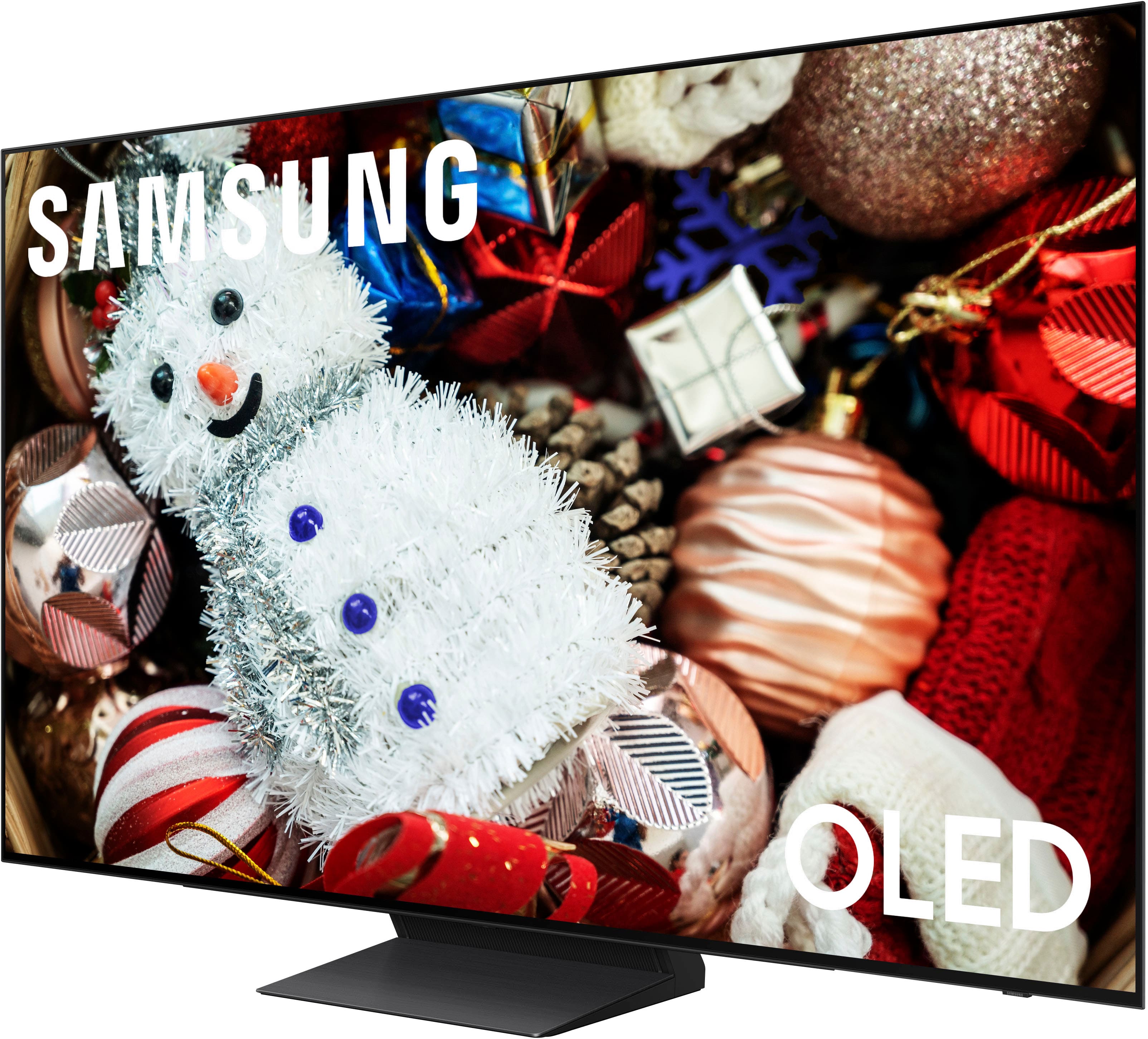
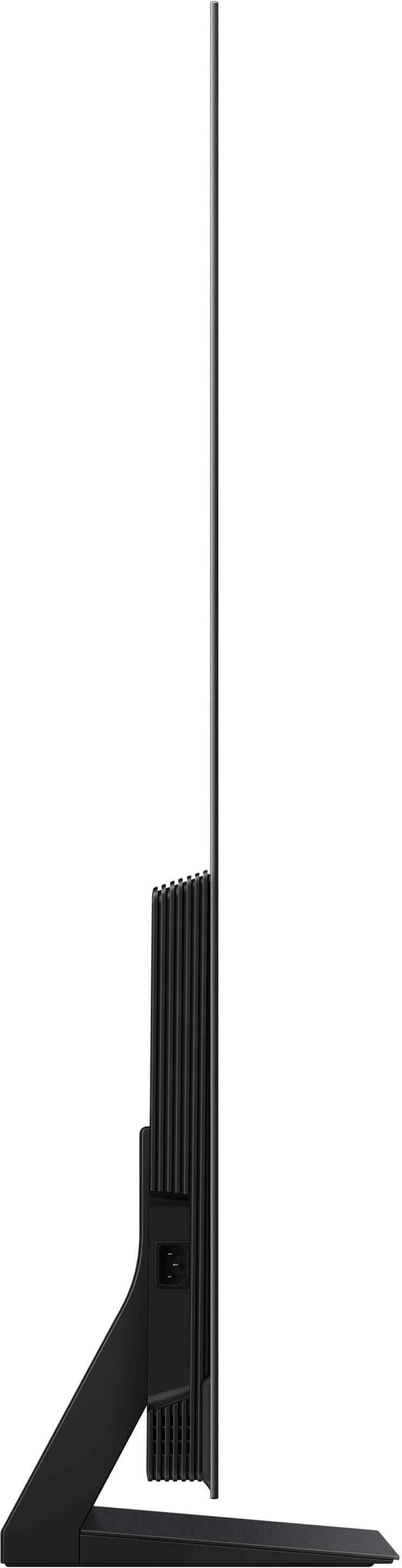








- Model:
- QN55S90FAFXZA
- SKU:
- 10187579
Rating by feature
- Picture Quality
Rating 4.9 out of 5 stars
- Sound Quality
Rating 4.7 out of 5 stars
- Brightness
Rating 4.9 out of 5 stars
Customers are saying
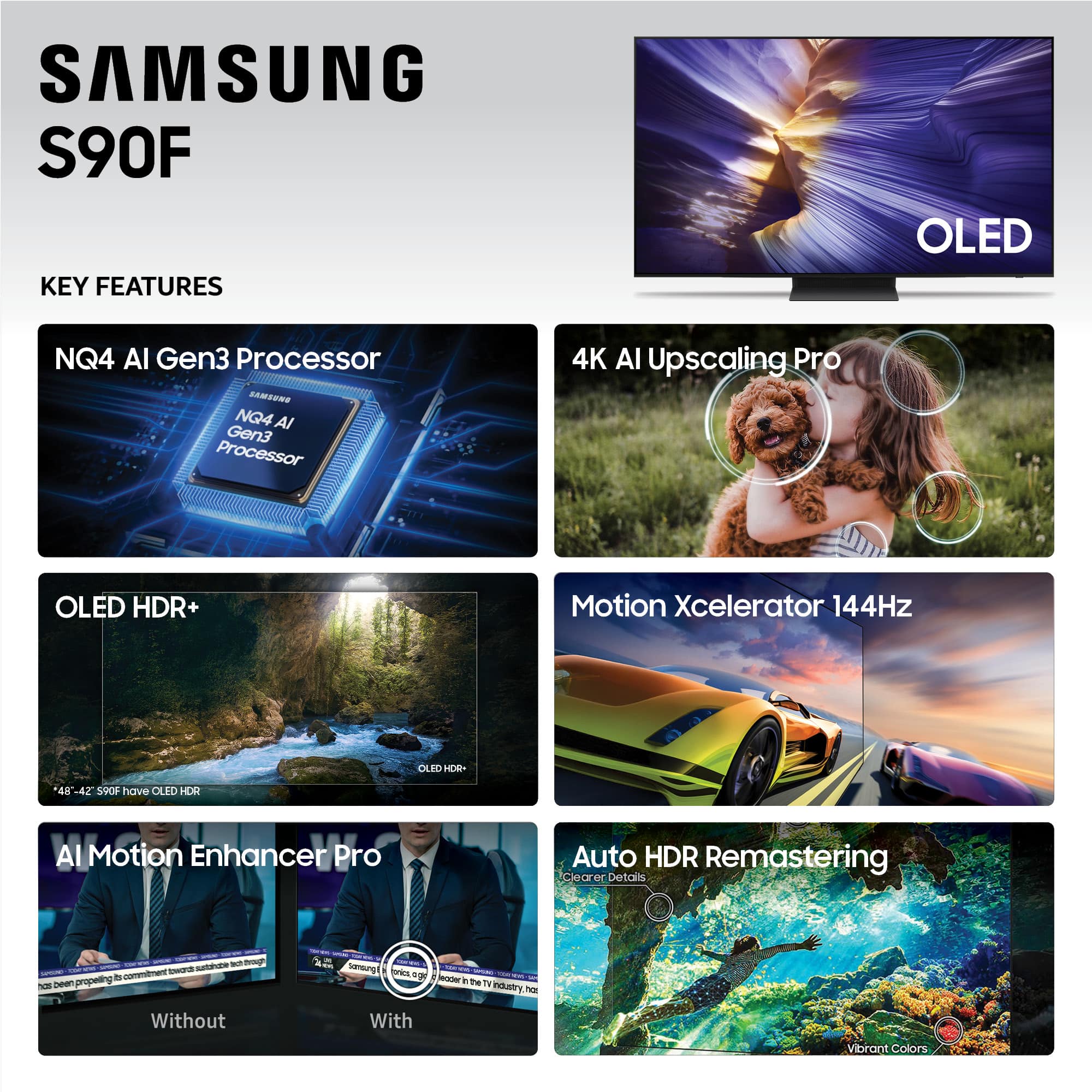
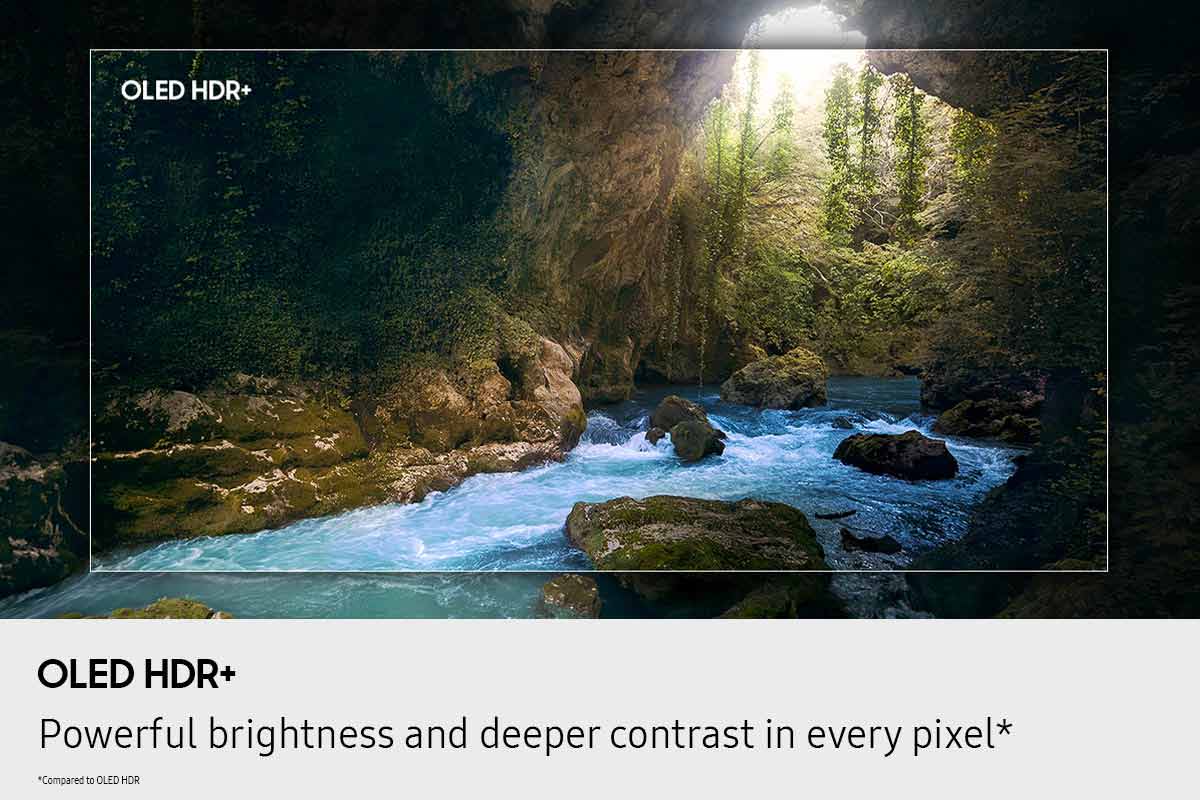
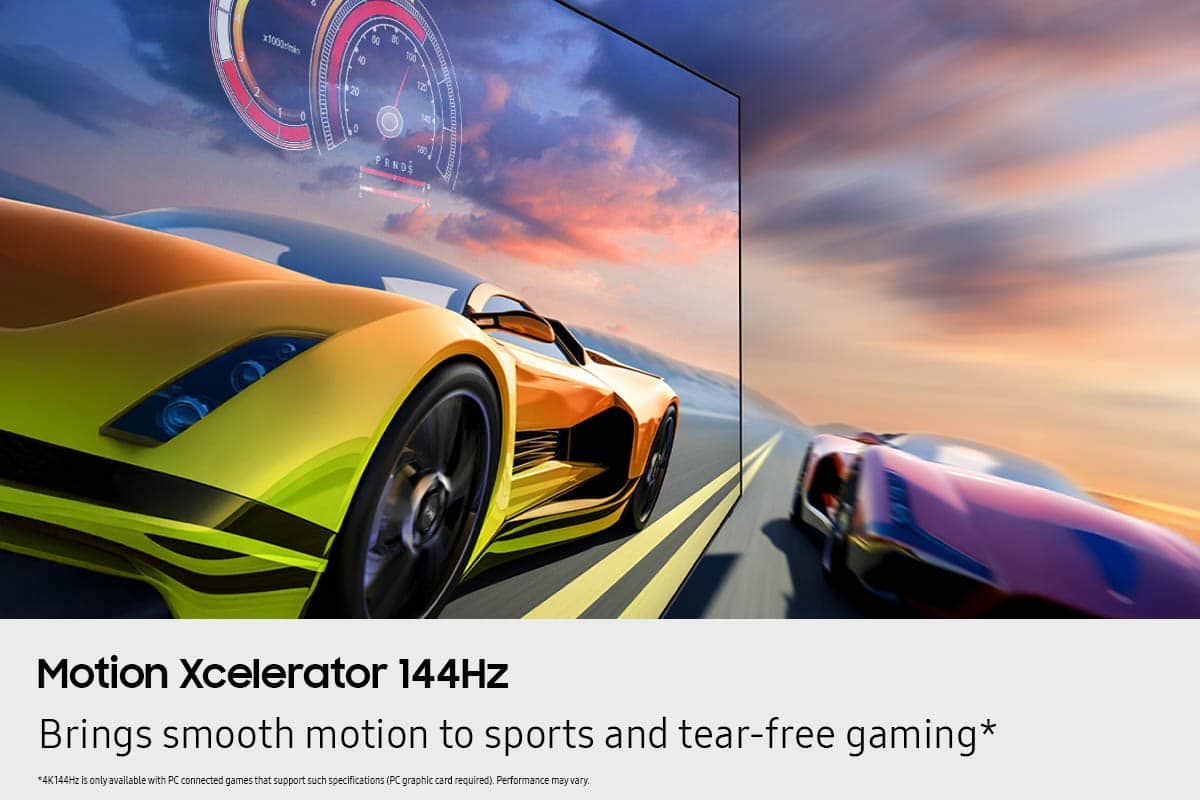
Customers find value in the 55” Class S90F Series OLED 4K UHD SamsungVision AI Smart Tizen TV (2025)'s picture quality and OLED quality. Customers also appreciate the TV's brightness and ease of use. Some customers find the design appealing and the motion handling smooth, especially for gaming.
This summary was generated by AI based on customer reviews.
- Pros mentioned:Picture quality
Breath taking
||Posted .This reviewer received promo considerations or sweepstakes entry for writing a review.Cannot beat the picture displayed on this Samsung OLED
I would recommend this to a friend - Pros mentioned:Picture quality
Customer
||Posted . Owned for 1 month when reviewed.This reviewer received promo considerations or sweepstakes entry for writing a review.My old TV was a Samsung and it was a very good product. The new TV has an exceptional picture and is hopefully as good as the last one.
I would recommend this to a friend - Pros mentioned:Picture quality
Great TV
||Posted . Owned for 3 weeks when reviewed.This reviewer received promo considerations or sweepstakes entry for writing a review.Samsung knocked it out of the park with this TV, picture and sound are great.
I would recommend this to a friend Samsung TV Review
||Posted . Owned for 2 weeks when reviewed.This reviewer received promo considerations or sweepstakes entry for writing a review.The only thing I don’t like is the volume fluctuations between ads and also from live to streaming.
I would recommend this to a friend- Pros mentioned:Picture quality
Completely satisfied
||Posted . Owned for 3 weeks when reviewed.This reviewer received promo considerations or sweepstakes entry for writing a review.Love the picture and sound from the tv Easy to use the remote
I would recommend this to a friend - Pros mentioned:Picture quality
Amazing
||Posted .This reviewer received promo considerations or sweepstakes entry for writing a review.The quality of the tv is outstanding, the colors are vivid and mesmerizing. I wasn’t expecting to fall in love with this tv, I have spent so much time in my office due to this tv.
I would recommend this to a friend - Pros mentioned:Picture quality
Excellent TV
||Posted . Owned for 1 month when reviewed.This reviewer received promo considerations or sweepstakes entry for writing a review.Excellent TV for the money, OLED are more expensive than the crystal or UHD TV but the picture is much better
I would recommend this to a friend - Pros mentioned:Picture quality
Mr. DP
||Posted . Owned for 2 weeks when reviewed.This reviewer received promo considerations or sweepstakes entry for writing a review.Great picture quality, the apps streaming apps are pre loaded
I would recommend this to a friend - Pros mentioned:Picture quality
My great updated television!
||Posted . Owned for 1 week when reviewed.This reviewer received promo considerations or sweepstakes entry for writing a review.great television after my older one quit working. Best Buy is so great to offer delivery and set-up for us. They even set it up in our home on a Sunday. What more could a person ask for?
I would recommend this to a friend - Pros mentioned:Picture quality
Great picture
||Posted .This reviewer received promo considerations or sweepstakes entry for writing a review.Love the picture on this Samsung. It is amazing and so crystal clear
I would recommend this to a friend - Pros mentioned:Picture quality
Good buy
||Posted .This reviewer received promo considerations or sweepstakes entry for writing a review.Great picture. Lots of customization options. Speed is pretty good. Happy for sure
I would recommend this to a friend - Pros mentioned:Picture quality
Samsung 55" Class S90F Series OLED 4K TV
||Posted .This reviewer received promo considerations or sweepstakes entry for writing a review.Excellent picture and sound. Smart remote awkward to use so I will be purchasing a Samsung Standard Remote which should be easier for me to use when accessing TV channels.
I would recommend this to a friend - Pros mentioned:Picture quality
Samsung S90 52”
||Posted . Owned for 3 weeks when reviewed.This reviewer received promo considerations or sweepstakes entry for writing a review.Great picture from anywhere in the room Sound quality was better than expected.
I would recommend this to a friend - Pros mentioned:Picture quality
Amazing
||Posted . Owned for 1 month when reviewed.This reviewer received promo considerations or sweepstakes entry for writing a review.Lovely imagen. It fits great. Amazing quality. My wife love it
I would recommend this to a friend - Pros mentioned:Picture quality
Samsung OLED 55”
||Posted . Owned for 3 weeks when reviewed.This reviewer received promo considerations or sweepstakes entry for writing a review.Excellent quality! Sharp color focus with zero distortion.
I would recommend this to a friend - Pros mentioned:Picture quality
Samsung by far the best picture.
||Posted .This reviewer received promo considerations or sweepstakes entry for writing a review.TV is beautiful. Love the picture and bright colors. Have a problem with the sound, though. Will be sitting here watching a game and the sound gets ridiculously loud. Think it’s a defect and wil be switching it out for a new one.
I would recommend this to a friendBrand response from Samsung
Posted .AprilL,
Thank you for sharing your experience with volume fluctuations on your TV. Here are a few steps that may help resolve the issue:
1. Turn off the Sound Sensor: Use the button located beneath the Samsung logo on the bottom of the TV. With the TV powered on, press the button to the left to turn the sensor on or to the right to turn it off.
2. Disable AI Sound Features: Some AI functions automatically analyze and adjust sound, which may cause volume to fluctuate. To disable these: Settings > All Settings > Advanced Features > AI Mode Settings > AI Mode. You can turn off all AI functions at once or toggle each setting individually.
3. Check for Firmware Updates: Keeping your TV up to date may improve audio performance: Settings > Support > Software Update > Update Now
If the issue continues after these steps, please contact Samsung Support for further assistance at 1-800-SAMSUNG, 8AM – 12AM EST, 7 days a week. LiveChat and additional support resources are also available through the Support link on our website.
~ Samsung Specialist
- Pros mentioned:Picture quality
Samsung qled tv
||Posted .This reviewer received promo considerations or sweepstakes entry for writing a review.Excellent vibrant color and clarity. There is nothing more that needs to be said .
I would recommend this to a friend - Pros mentioned:Picture quality
Go get one!!
||Posted . Owned for 2 weeks when reviewed.This reviewer received promo considerations or sweepstakes entry for writing a review.Absolutely love it!! Great picture and great sound for a tv!! Its fits prefect in our bedroom.
I would recommend this to a friend - Pros mentioned:Picture quality
Samsung tv
||Posted . Owned for 2 weeks when reviewed.This reviewer received promo considerations or sweepstakes entry for writing a review.I love all aspects of this tv. I would definitely recommend.
I would recommend this to a friend - Pros mentioned:Picture quality
Samsung-55" Class S90F Series OLED
||Posted .This reviewer received promo considerations or sweepstakes entry for writing a review.great tv & picture quality/always buy Samsung-has never let us down. Pass tv lasted 20 years!
I would recommend this to a friend