Customer Ratings & Reviews
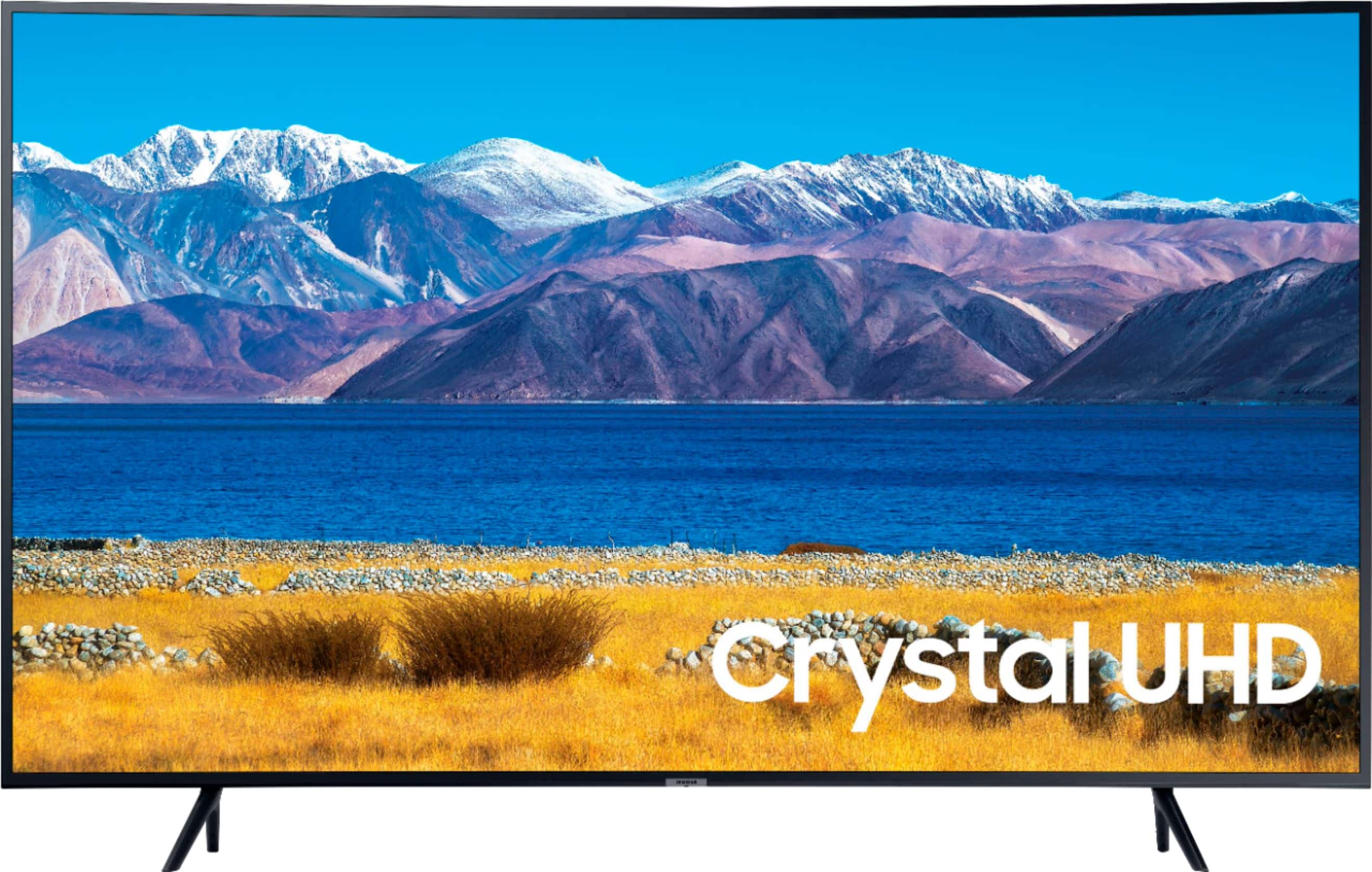
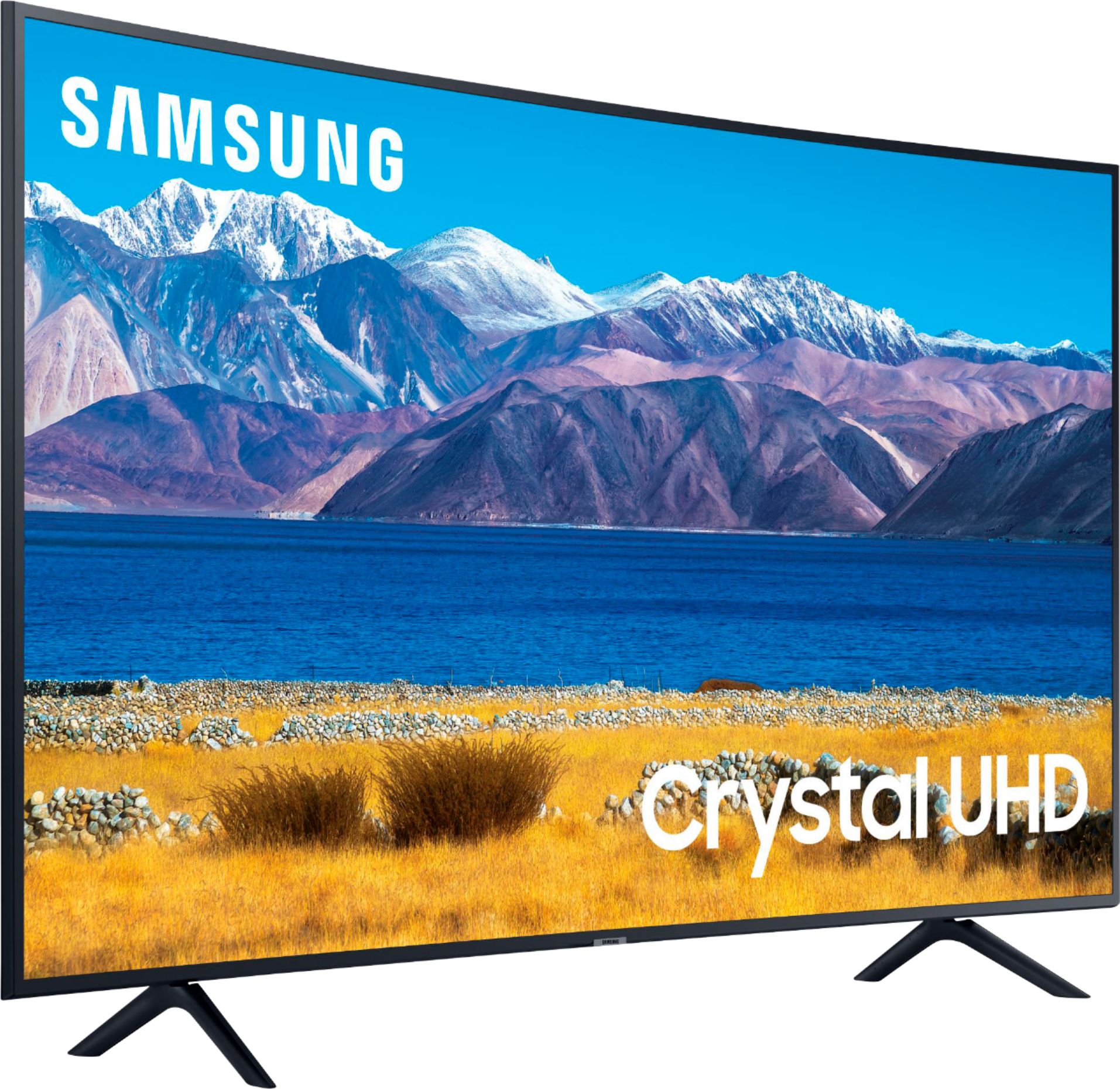



- Model:
- UN55TU8300FXZA
- |
- SKU:
- 6424751
Customer reviews
Rating 4.7 out of 5 stars with 542 reviews
(542 customer reviews)Rating by feature
- Picture Quality4.8
Rating 4.8 out of 5 stars
- Sound Quality4.5
Rating 4.5 out of 5 stars
- Brightness4.7
Rating 4.7 out of 5 stars
Customers are saying
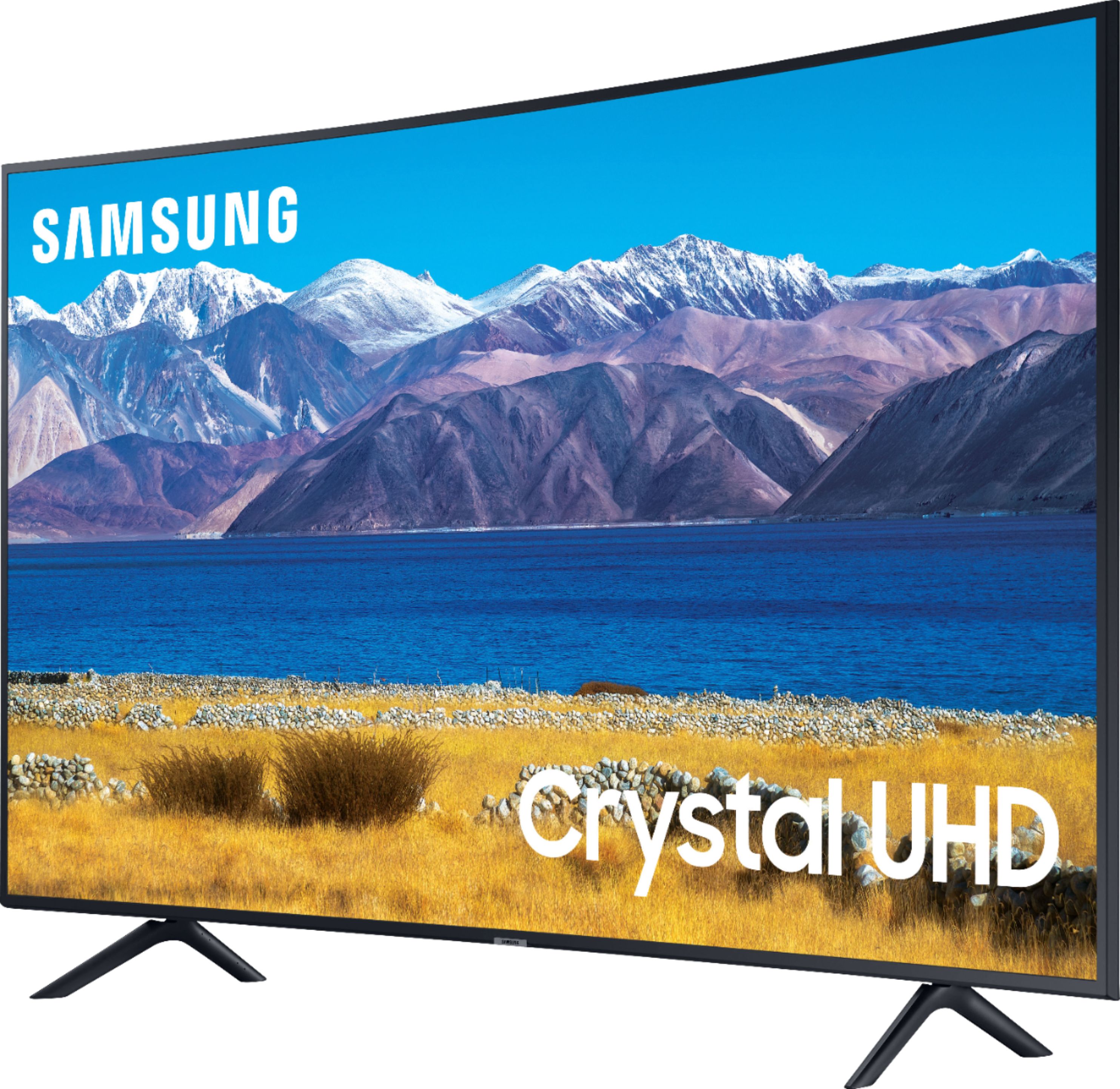
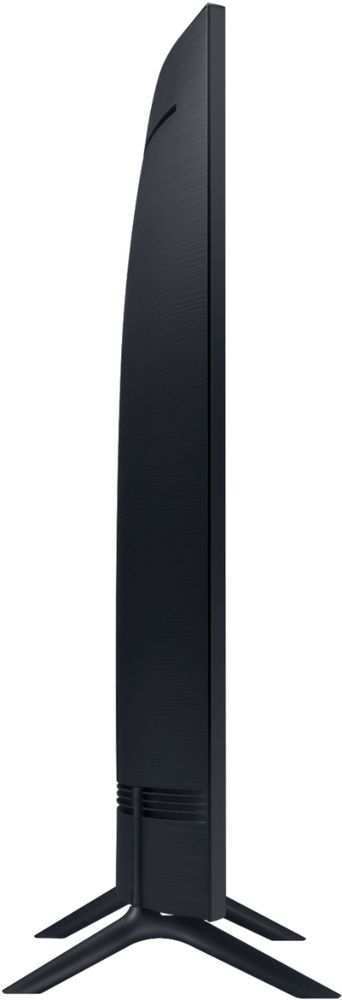
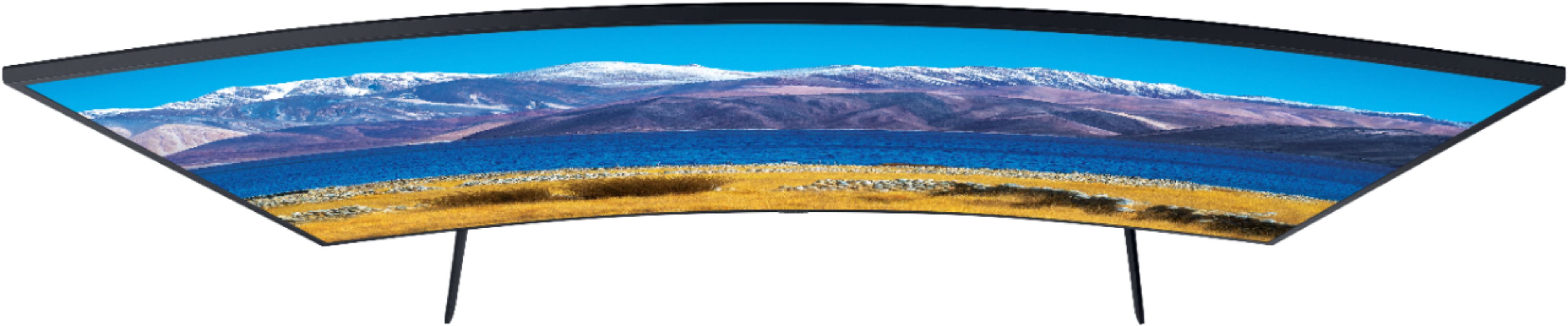
Customers enjoy the phenomenal picture quality and the curved screen of the 55" Class TU8300 Curved LED 4K UHD Smart Tizen TV (2020). Many found the TV easy to use and set up, while some had minor issues with the remote control's intuitiveness. The price point also received positive feedback. A few customers noted concerns about glare and refresh rate in certain viewing conditions.
This summary was generated by AI based on customer reviews.
- Pros mentioned:Curved screen, Picture quality
Rated 5 out of 5 stars
Awesome
||Posted . Owned for 2 weeks when reviewed.This reviewer received promo considerations or sweepstakes entry for writing a review.I wasn’t really looking for a curved TV, I just wanted something that had excellent reviews and was within budget, and this fit the bill. Easy setup and menu/settings navigation, lots of extras (ex. It offered to pair the TV remote to my Blu-Ray player so it can now control both), awesome picture and sound, and fits perfectly in my space. Had great reviews, but after 2-3 weeks, I’m even happier with this TV than I expected to be. Note: the curve isn’t extreme; it’s just enough to give you a better vantage from the sides. Also the mounting area on the back isn’t 100% flush as I expected. Made choosing the proper bolts a little tricky, but ultimately got it up without incident.
I would recommend this to a friend - Pros mentioned:Curved screen, Ease of use, Picture quality
Rated 5 out of 5 stars
Nice TV For the Price
||Posted . Owned for 3 weeks when reviewed.This reviewer received promo considerations or sweepstakes entry for writing a review.Really love the picture quality, subtle curve and ease of setup. Perfect size for my loft space. I have a ROKU sound bar and use that for audio instead of the built in speakers. They're not bad but the ROKU just adds to the whole experience. Picture quality is great, along with SMART tv options, too.
I would recommend this to a friend - Pros mentioned:Curved screen, Picture quality
Rated 5 out of 5 stars
So good, I bought it Twice.
||Posted . Owned for 4 months when reviewed.This reviewer received promo considerations or sweepstakes entry for writing a review.How does that saying go, you loved it so much you buy it twice. Well, that is the case here, I bought on before and had it in the livingroom, when the Spare Room TV went out, I knew what to do, buy another one put it in the living room, move the former one to .y bedroom and move my old TV to the Spare Bedroom to replace the one that went out... So much better in both Livingroom and Master Bedroom... Amazing Picture, love the Curve Screen to get less problems seeing with seats that are at tight angles...
I would recommend this to a friend - Pros mentioned:Curved screen, Ease of use, Picture quality
Rated 5 out of 5 stars
Perfect selection
||Posted . Owned for 1 month when reviewed.This reviewer received promo considerations or sweepstakes entry for writing a review.Easy to use. Picture is clear. I am overall completely satisfied with this product. The “curved” tv offers a satisfactory viewing experience in addition to a unique decoration
I would recommend this to a friend - Pros mentioned:Curved screen, Picture quality
Rated 5 out of 5 stars
Movie theater quality picture
||Posted . Owned for 3 weeks when reviewed.This reviewer received promo considerations or sweepstakes entry for writing a review.Love this TV...Super easy to set up compared to other sets....and has a crisp, bright picture. The sound isn't muffled in anyway unlike an older Samsung we still have. You don't have to turn the volume way up to hear it. I love the curved screen too. Can't say a bad thing about it
I would recommend this to a friend - Pros mentioned:Curved screen, Picture quality
Rated 5 out of 5 stars
Amazing curved tv
||Posted . Owned for 2 weeks when reviewed.This reviewer received promo considerations or sweepstakes entry for writing a review.Tv is amazing I’ve never had a curved tv it connects to WiFi and works amazingly and super clear 10/10 from me and you can talk to the tv with the remote that’s kinda cool to me
I would recommend this to a friend - Pros mentioned:Color, Picture quality
Rated 5 out of 5 stars
My tv
||Posted . Owned for 7 months when reviewed.This reviewer received promo considerations or sweepstakes entry for writing a review.I love my tv, the color etc is absolutely fabulous. Easy to add attachments to!
I would recommend this to a friend - Pros mentioned:Picture quality
Rated 5 out of 5 stars
Best buy from Best Buy!!
||Posted . Owned for 3 weeks when reviewed.This reviewer received promo considerations or sweepstakes entry for writing a review.This is an awesome tv! The graphic quality and clarity is spectacular. The sound is incredible also. Best tv I’ve ever purchased! I’ve bought generic, Roku, LG, Vizio, Sony, Toshiba, Phillips, you name it. This is BY FAR the best quality, clarity, and sound.
I would recommend this to a friend - Pros mentioned:Curved screen, Picture quality
Rated 5 out of 5 stars
Good choice
||Posted .This reviewer received promo considerations or sweepstakes entry for writing a review.The TV is good and the quality is acceptable for the price. The curve is also bringing and enjoying Experian
I would recommend this to a friend - Pros mentioned:Picture quality
Rated 5 out of 5 stars
Unplanned Purchase
||Posted . Owned for less than 1 week when reviewed.This reviewer received promo considerations or sweepstakes entry for writing a review.I purchased this model to replace a Samsung curved 55 inch model that I purchased in 2015. Unfortunately I was careless with handling it and cracked the screen. I purchase this item just a couple hours later. Glad it was on hand at the Best Buy near me. So far the quality is what I'm used to.
I would recommend this to a friend - Pros mentioned:Picture quality
Rated 4 out of 5 stars
Nice pictures, no good speakers
||Posted . Owned for 1 week when reviewed.This reviewer received promo considerations or sweepstakes entry for writing a review.I’m happy with the picture quality. I’m really disappointed by the speakers. The base sounds like a thorn drum. For the money, Samsung could have put a little better sound system. Because of a bad speakers of the tv. I’m using my boss speakers thru a WiFi which is handy. Aside for the speakers, I’m happy for now. And will see ho long this happiness lasts.
I would recommend this to a friend - Pros mentioned:Picture quality
Rated 5 out of 5 stars
Samsung Curved 55"
||Posted . Owned for 3 weeks when reviewed.This reviewer received promo considerations or sweepstakes entry for writing a review.Functions are slightly different from my Samsung 55 inch flat screen and it has a slower response time by remote as well. Sound has not gone out on it like it did frequently on the flat screen which is a plus. Sound improved with sound bar. Would buy another in the future.
I would recommend this to a friend - Pros mentioned:Picture quality
Rated 5 out of 5 stars
Best Affordable TV Gives Bang For Your Buck
||Posted . Owned for 4 months when reviewed.This reviewer received promo considerations or sweepstakes entry for writing a review.The Tv Is Amazing i have upgraded from the older model from 2015 and im loving this newer model looks way more clearer than the older model and much more sharper with vibrant beautiful looking colors i highly recommend this tv if its in your budget to get this very affordable tv thats just perfect for gaming and movies
I would recommend this to a friend - Pros mentioned:Curved screen, Picture quality
Rated 5 out of 5 stars
Samsung Curve the best
||Posted . Owned for 3 months when reviewed.This reviewer received promo considerations or sweepstakes entry for writing a review.Sharp beautiful picture! I love the Samsung Curve!
I would recommend this to a friend - Pros mentioned:Ease of use
Rated 5 out of 5 stars
Nice TV
||Posted . Owned for 3 weeks when reviewed.This reviewer received promo considerations or sweepstakes entry for writing a review.We splurged and it is overall a very nice TV. We were very excited about it and my only complaint is when the colors of the show are dark and then it switches to normal/bright colors it kind of is washed out for a second and is like extra white and then readjusts. The built-in tv apps are very easy to use though and its very user friendly. I had set up the phone app but don't use it.
I would recommend this to a friend - Pros mentioned:Picture quality
Rated 5 out of 5 stars
Great for price
||Posted . Owned for 4 months when reviewed.This reviewer received promo considerations or sweepstakes entry for writing a review.I don’t know why people don’t like curved TVs but this tv makes my home office look like a real boss’s office. The remote is kinda small and annoying to use but the picture quality is great and tv works perfectly
I would recommend this to a friend - Pros mentioned:Picture quality
Rated 5 out of 5 stars
Great Value!
||Posted . Owned for 1.5 years when reviewed.This reviewer received promo considerations or sweepstakes entry for writing a review.Outstanding, especially at the price! My previous Samsung was in the $1500 range for a 48”, and this one blows it away.
I would recommend this to a friend - Pros mentioned:Curved screen, Picture quality
Rated 4 out of 5 stars
55” curve
||Posted . Owned for 3 weeks when reviewed.This reviewer received promo considerations or sweepstakes entry for writing a review.I love the picture quality. The curve gives it allot of depth.
I would recommend this to a friend - Pros mentioned:Picture quality
Rated 5 out of 5 stars
Samsung Curve 8 Series 55inch
||Posted . Owned for 3 weeks when reviewed.This reviewer received promo considerations or sweepstakes entry for writing a review.Well i loved it while it lasted.... literally because it inly took my bipolar boyfriend (1week 2days) to break my screen. So it was a waste of my money and time paying for it even though i deserve to be able to buy me nice things... just not that big i guess! The TV though was Friggin AMAZING I Loved It♥️
I would recommend this to a friend - Pros mentioned:Color, Picture quality
Rated 5 out of 5 stars
Excellent Television
||Posted . Owned for 1 month when reviewed.This reviewer received promo considerations or sweepstakes entry for writing a review.I can not say enough good things about this TV. The Samsung 55” curved TV is excellent. The picture is clear and crisp. The color is vibrant and it was easy for my husband and I to set up. I would not hesitate to purchase another. The curved screen is great for cutting the glare. We are extremely pleased with our purchase.
I would recommend this to a friend