Customer Ratings & Reviews
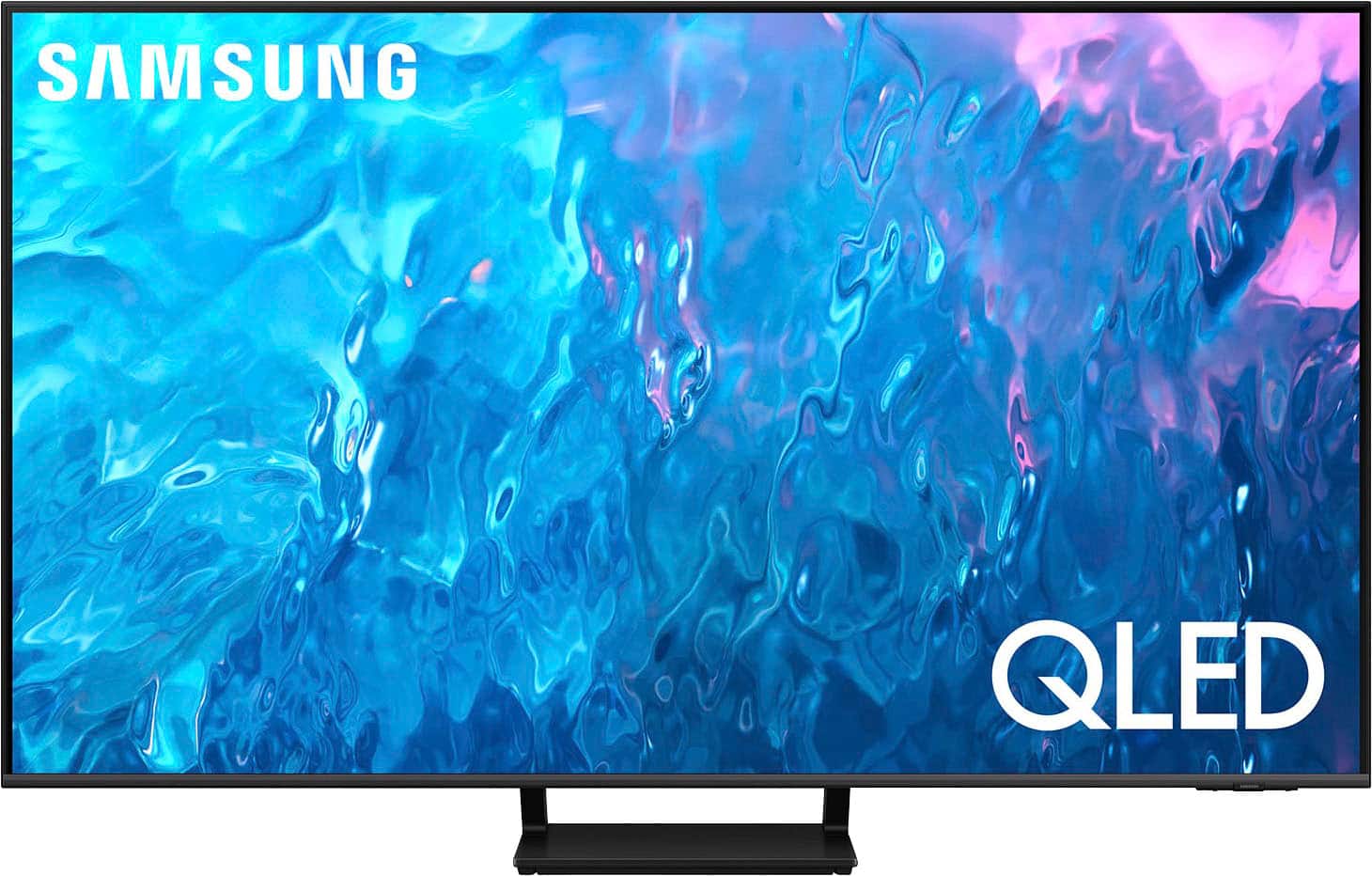
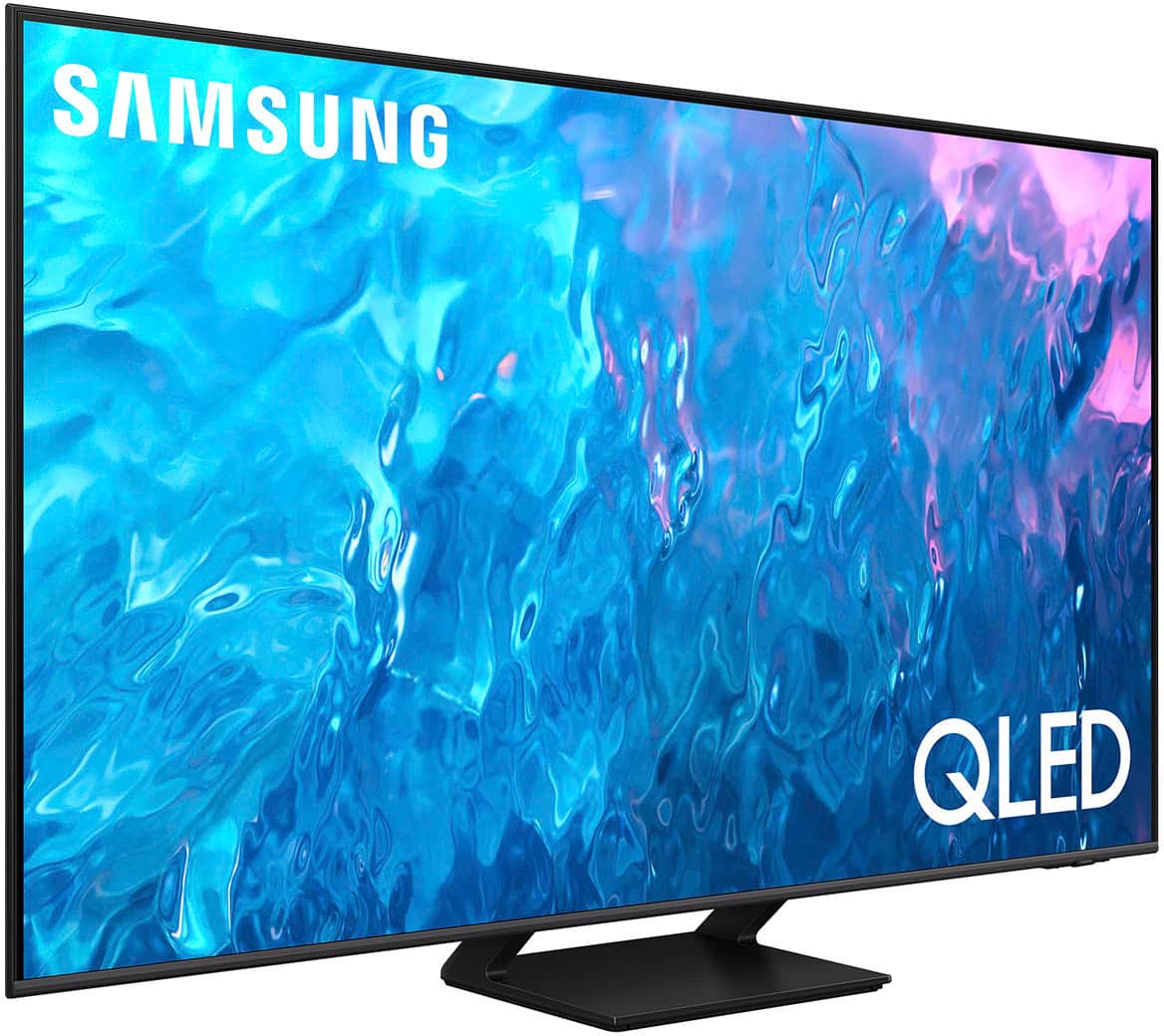
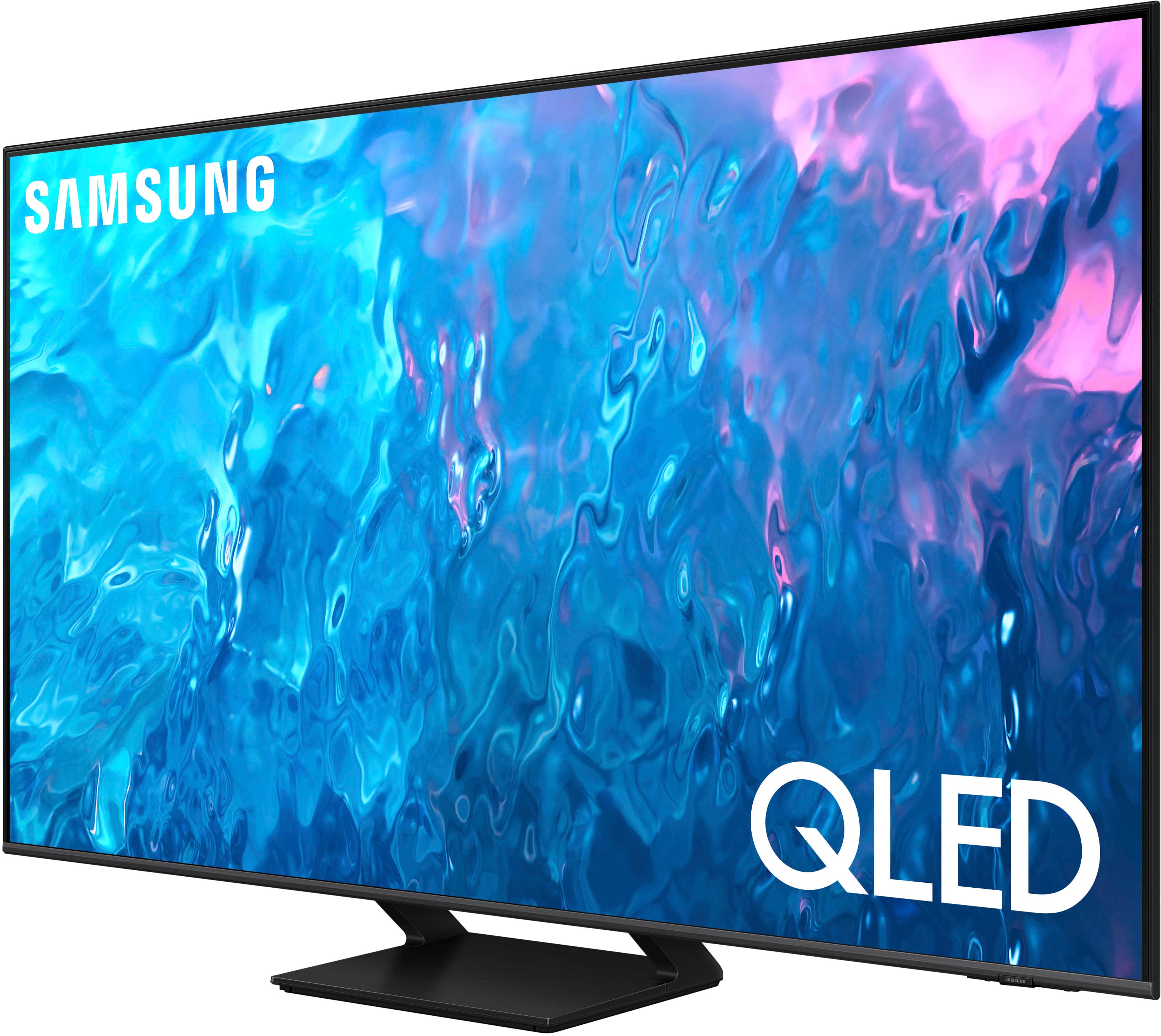
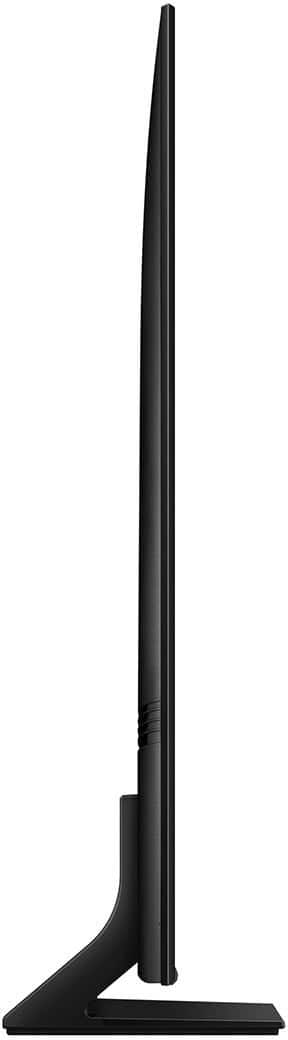
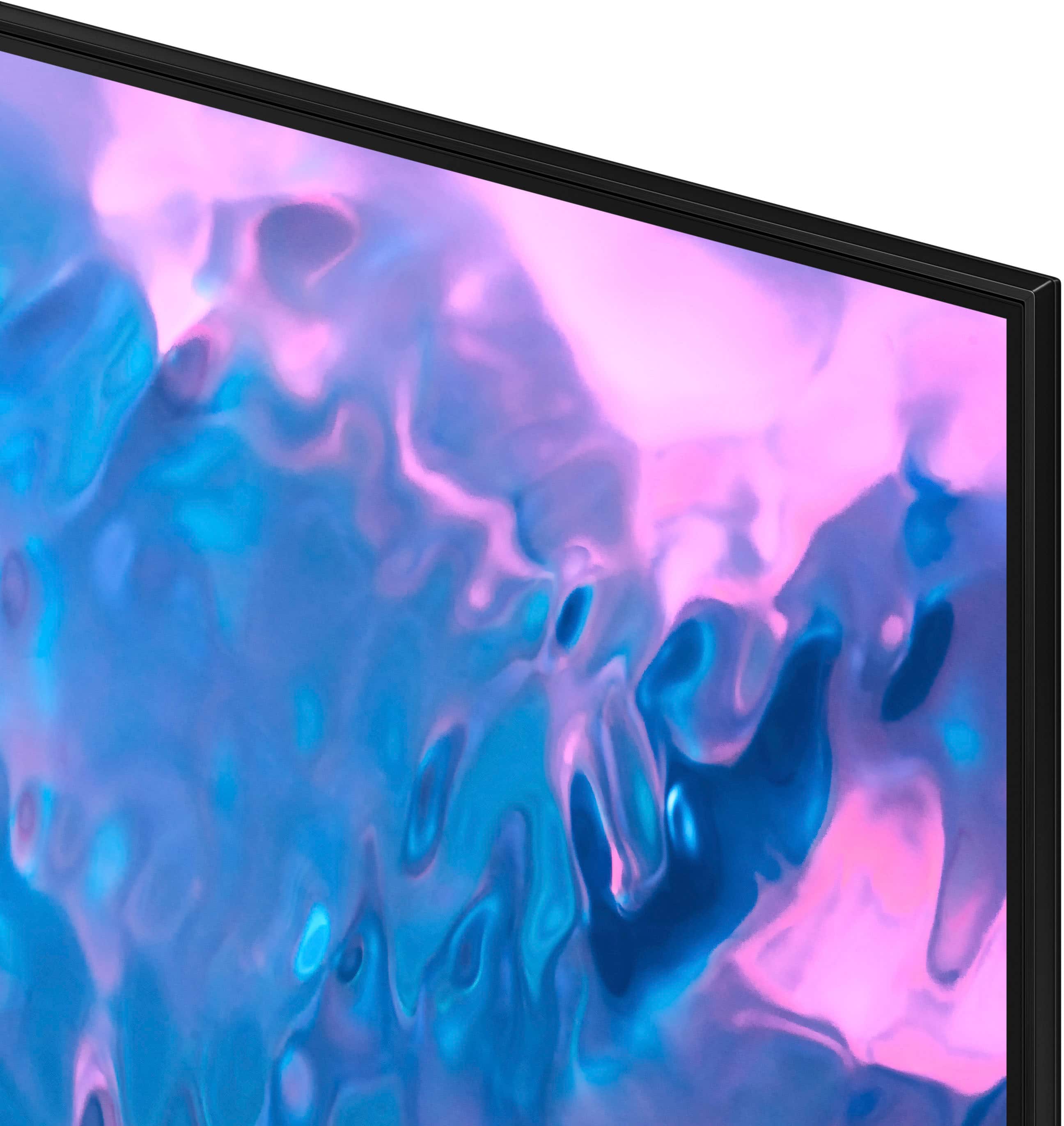




- Model:
- QN65Q70CAFXZA
- SKU:
- 6537337
Rating by feature
- Picture Quality
Rating 4.8 out of 5 stars
- Sound Quality
Rating 4.4 out of 5 stars
- Brightness
Rating 4.7 out of 5 stars
Customers are saying
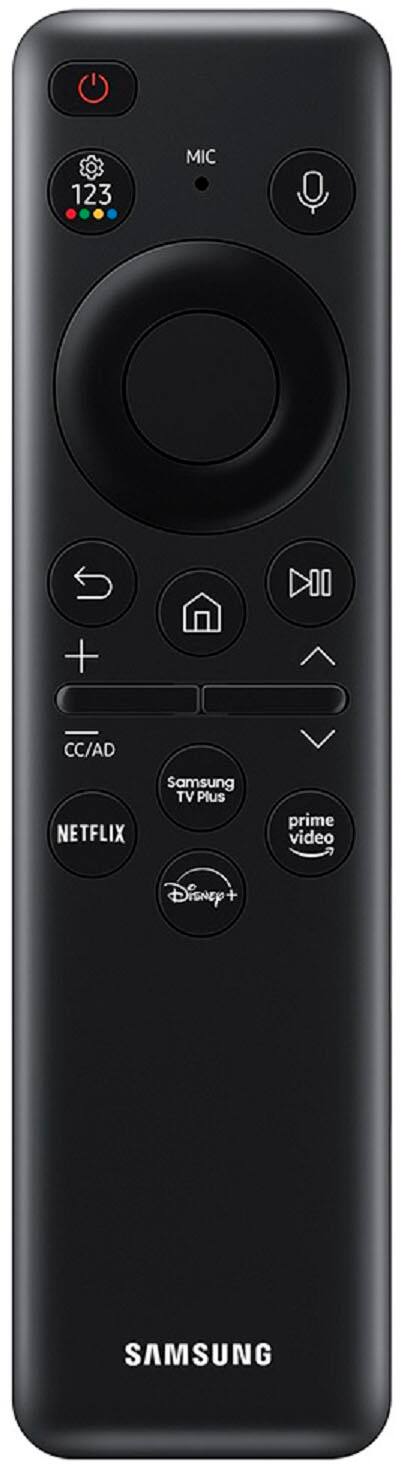
Customers often highlight the excellent picture quality, crisp colors, and ease of use of the 65" Class Q70C QLED 4K UHD Smart Tizen TV (2023). Many appreciate the user-friendly interface and the innovative solar-powered remote control. Positive feedback also mentions the TV's value for its price. The refresh rate is another frequently praised feature, particularly for gaming.
This summary was generated by AI based on customer reviews.
- Pros mentioned:Color, Picture quality, Refresh rate
Great TV.
||Posted . Owned for less than 1 week when reviewed.This reviewer received promo considerations or sweepstakes entry for writing a review.Great TV for its price. The 3* are for buying experience. I had an "excellent open-box" TV, but at the store we found out that the stand is missing. As the description says, it can not be missing parts in "excellent open box" condition. I was in two different best-buy stores, and nobody can't provide me the missing part. Overall I lost 3 hours and first 3 days I was not able to use the TV. Don't get me wrong: best-buy store consultants were extremely kind and professional, and they helped me a lot - thank you! My complaints are addressed to the Geek-Squad department who prepared the item. And that's not a coincidence: the similar open box tv had missing the part too. TV Pros: -Price for 65' QLED - 120 hz - game changer. I don't see any reason to buy a gaming monitor, if you have 120 hz on your tv. - Picture quality. Bright and clear picture with low noise. New movie experience guaranteed. - Brightness. Enough for any apparent. - HDR TV Cons: - Average sound quality. (All modern tv speakers are not great - you should buy a soundbar for good sound) - White spots in some black scenes. Annoying but no big deal. - It's not easy to get your movie playing from usb-flash. Samsung has a lot of codec and audio resriction.
I would recommend this to a friendBrand response from Samsung
Posted .SergeyP,
We appreciate your thoughts on the picture quality of Samsung’s Q70C TV. If the image you’re seeing isn’t to your liking, there are several picture settings you may want to adjust.
Go to Home > left direction button > Settings > All Settings > Picture > Picture Mode
...and select the mode that best fits your usage:
1. Standard: Is the default mode suitable for general viewing environments
2. Dynamic: Makes the picture brighter and clearer in bright viewing environments
3. Eco: Provided to save energy
4. Movie: Suitable for watching TV or movies in a dark room
5. Filmmaker Mode: Provides source content just as the creators intended. If the image is defined as Filmmaker Mode, it’ll automatically switch to Filmmaker Mode while watching.
You can also fine-tune your picture with expert settings such as brightness, contrast, sharpness and more (All Settings > Picture > Expert Settings).
There are also several sound settings you can adjust to suit your personal sound preferences.
Change the Sound Mode by going to: Settings > All Settings > Sound > Sound Mode
You can also customize sound by going to: Settings > All Settings > Sound > Expert Settings
To assist you with possible sound settings adjustments for a better audio experience, or choosing a Samsung Soundbar to complement your viewing enjoyment, please reach out to us at 1-800-SAMSUNG, 8AM - 12AM EST, 7 days a week. Or visit us on the Samsung website and click on the ‘Support’ link for:
• LiveChat
• Manuals, Software, & Warranty Info
~ Samsung Specialist
- Pros mentioned:Ease of use, Picture quality
Great size Samsung for a good buck.
||Posted . Owned for 1 week when reviewed.This reviewer received promo considerations or sweepstakes entry for writing a review.Very nice sized tv for a affordable price. Thin and light weight easy to install and get set up. Paired off with a nice soundbar and youll have a great theatrical set up.
I would recommend this to a friend - Pros mentioned:Color
Great TV for a decent price
||Posted . Owned for 3 weeks when reviewed.This reviewer received promo considerations or sweepstakes entry for writing a review.I got this to replace an older Samsung, a k8000 or something. but so far im pretty happy. The colors are really good. It looks really good with the series x! Haven’t really noticed and frame rate issues. But overall I’m happy. The os is night and day difference from what I came from. It’s quick and responsive. The remote is solar powered so I don’t have to mess around with batteries. I have 2 big windows facing the screen but I don’t have a lot of issues with too much screen glare. I’m happy with it for the price I paid.
I would recommend this to a friend - Pros mentioned:Picture quality
CHRISTMAS PRESENT TO ME!
||Posted . Owned for 1 week when reviewed.This reviewer received promo considerations or sweepstakes entry for writing a review.Sharp, clear picture, easy set up prompts and installed quickly on my Rocketfish mount from 55" TV. Like the remote that takes you quickly to Netflix, Prime, and voice control. Still learning all the features, but enjoying my new TV!
I would recommend this to a friend - Pros mentioned:Picture quality
Great TV!
||Posted . Owned for 3 weeks when reviewed.This reviewer received promo considerations or sweepstakes entry for writing a review.Excellent picture quality - both with movies and gaming. I’ve owned Samsung TVs before and the remote control that comes with this one is much better than previous ones. The Tizen operating system works very well and is easy to use. TV also works great with my Samsung soundbar.
I would recommend this to a friend - Pros mentioned:Ease of use, Picture quality
Great Purchase!!
||Posted . Owned for less than 1 week when reviewed.This reviewer received promo considerations or sweepstakes entry for writing a review.Everything about this TV is amazing!! This picture is fantastic and navigating through the apps with ease. I will say that it won't hold up to a hair brush being thrown from a three year old. Thats right 16 days if owning this TV our son broke it right in the middle of the screen.
I would recommend this to a friend - Pros mentioned:Ease of use, Picture quality
Love my new tv
||Posted . Owned for 1 month when reviewed.This reviewer received promo considerations or sweepstakes entry for writing a review.Absolutely love this tv it is/was worth every penny of my money i just love the picture and the light weight design is super sturdy and putting it up and setting it up was super easy. Love it
I would recommend this to a friend - Pros mentioned:Color
Great TV and Great Best Buy service.
||Posted . Owned for 1 month when reviewed.This reviewer received promo considerations or sweepstakes entry for writing a review.I bought this TV to replace a 60 inch that had a bad case of blue wash. Since quality 60 inch TVs are hard to find I went with the 65 inch TV. I had Best Buy deliver the television to my house. The delivery was on time on the date and time promised. The clarity and colors of this TV has shown me what I was missing by not going with the QLED technology, In my bright living room, this TV never struggles with brightness or color washout. The included apps and the ability to add non-Samsung apps are a no-hassle way to access all content without any add on devices. Plays nicely with my Vizio soundbar as well. I am well pleased with the television and the service. I will continue to shop at Best Buy.
I would recommend this to a friend - Pros mentioned:Ease of use, Picture quality
Great 65" Samsung TV
||Posted . Owned for 1 month when reviewed.This reviewer received promo considerations or sweepstakes entry for writing a review.Great smart TV, beautiful picture, already loaded with many aps. We only had to add a few. Easy set up and when paired with our Samsung sound bar, it works better. We have had it a little over a month and are still learning it's great features.
I would recommend this to a friend - Pros mentioned:Ease of use, Picture quality
Fits perfectly
||Posted . Owned for 3 weeks when reviewed.This reviewer received promo considerations or sweepstakes entry for writing a review.This tv has an excellent picture and the center stand is perfect for the placement above the fireplace with a recessed wall. Easy to use interface for apps. Very happy with this tv
I would recommend this to a friend - Pros mentioned:Picture quality, Tv quality
Great TV!
||Posted . Owned for 1 month when reviewed.This reviewer received promo considerations or sweepstakes entry for writing a review.I’ve had several samsung tvs over the years and this is my favorite so far! The picture is amazing and the kids love the xbox on demand feature. I’m still shocked by how thin the tv is.
I would recommend this to a friend - Pros mentioned:Tv quality
65” Samsung TV.
||Posted . Owned for 2 weeks when reviewed.This reviewer received promo considerations or sweepstakes entry for writing a review.Best TV. EASY TO The salesman was great. He made the purchase of a Smart TV easy for this 80 year old couple. He told us all the necessary information about the Samsung TV to help us realize that we will enjoy this upgrade. The delivery men were also very helpful. Even though we did not paid for setup, they took the time to tell us the easiest way to unbox this big TV. By the way, this Samsung TV is great. Easy to install and has a step by step manual to follow.
I would recommend this to a friend - Pros mentioned:Picture quality
Samsung Q70C
||Posted . Owned for 6 months when reviewed.This reviewer received promo considerations or sweepstakes entry for writing a review.Overall a great tv. Easy set up was up and running in 8 mins. Pic quality is awesome love it Only thing could be improved is the sound quality. The remote is nice with the solar panel and easy to recharge
I would recommend this to a friend - Pros mentioned:Ease of use, Picture quality
AMAZING
||Posted . Owned for 3 weeks when reviewed.This reviewer received promo considerations or sweepstakes entry for writing a review.Amazing tv, perfect picture, easy set up, very easy to automate. And I love the center stand design instead of it being on both ends of the tv.
I would recommend this to a friend - Pros mentioned:Tv quality
Great tv
||Posted . Owned for 1 week when reviewed.This reviewer received promo considerations or sweepstakes entry for writing a review.Great tv its thinner than my last samsung series 7 i love this tv already n i like the fact i dont have to buy batteries for the remote
I would recommend this to a friend - Pros mentioned:Picture quality
System issue?
||Posted . Owned for 3 months when reviewed.This reviewer received promo considerations or sweepstakes entry for writing a review.Screen is clear and pictures are definitely an upgrade. It's very very bright, almost blinding at times. Also glad we bought a Bose sound bar at the same time because you can't hear too well. My biggest issue, does anyone else constantly have to unplug and replug for apps to work? Once a week it seems that an error occurs and Netflix or any other app can not load. The only trick it says is to unplug the TV and plug it back in... Very annoying
No, I would not recommend this to a friendBrand response from Samsung
Posted .WhitneyR,
I’m sorry to hear of the issues you’re experiencing with apps. To ensure your TV is fully optimized, please make sure you’ve got the latest firmware updates installed. You can check this by going to: Home > Menu > Settings > Support > Software Update > Update Now
You may also want to further optimize performance with the self-diagnostic tool, which checks memory, frees up unused cached memory, and closes background apps. Go to: Home > Menu > Settings > Support > Device Care > Start Device Care
If you need more help, Samsung is here for you. Please call us at 1-800-SAMSUNG, 8AM - 12AM EST, 7 days a week. Our LiveChat agents are also available by clicking on the ‘Support’ link on our website.
~ Samsung Specialist
- Pros mentioned:Ease of use, Picture quality
Great Purchase
||Posted . Owned for 1 month when reviewed.This reviewer received promo considerations or sweepstakes entry for writing a review.Love this Tv. Picture is amazing, sound quality is great. Easy to set up, and Remote is simple tonuse.
I would recommend this to a friend - Pros mentioned:Ease of use, Picture quality
Mikep
||Posted . Owned for 1 week when reviewed.This reviewer received promo considerations or sweepstakes entry for writing a review.Great tv. Fantastic colors and easy to setup. Very happy with my purchase
I would recommend this to a friend - Pros mentioned:Color, Picture quality
Great light but weird sound
||Posted . Owned for 2 weeks when reviewed.This reviewer received promo considerations or sweepstakes entry for writing a review.Very bright and great picture. The sound seems a little off because we have to turn it up so high. Considering buying a sound bar because of that
I would recommend this to a friend - Pros mentioned:Ease of use, Picture quality
Great gaming television
||Posted . Owned for 2 months when reviewed.This reviewer received promo considerations or sweepstakes entry for writing a review.Very good product tv is wonderful easy to setup and was cost efficient would definitely recommend it.
I would recommend this to a friend