Customer Ratings & Reviews








- Model:
- QN65QN85AAFXZA
- SKU:
- 6452319
Rating by feature
- Picture Quality
Rating 4.8 out of 5 stars
- Sound Quality
Rating 4.4 out of 5 stars
- Brightness
Rating 4.8 out of 5 stars
Customers are saying
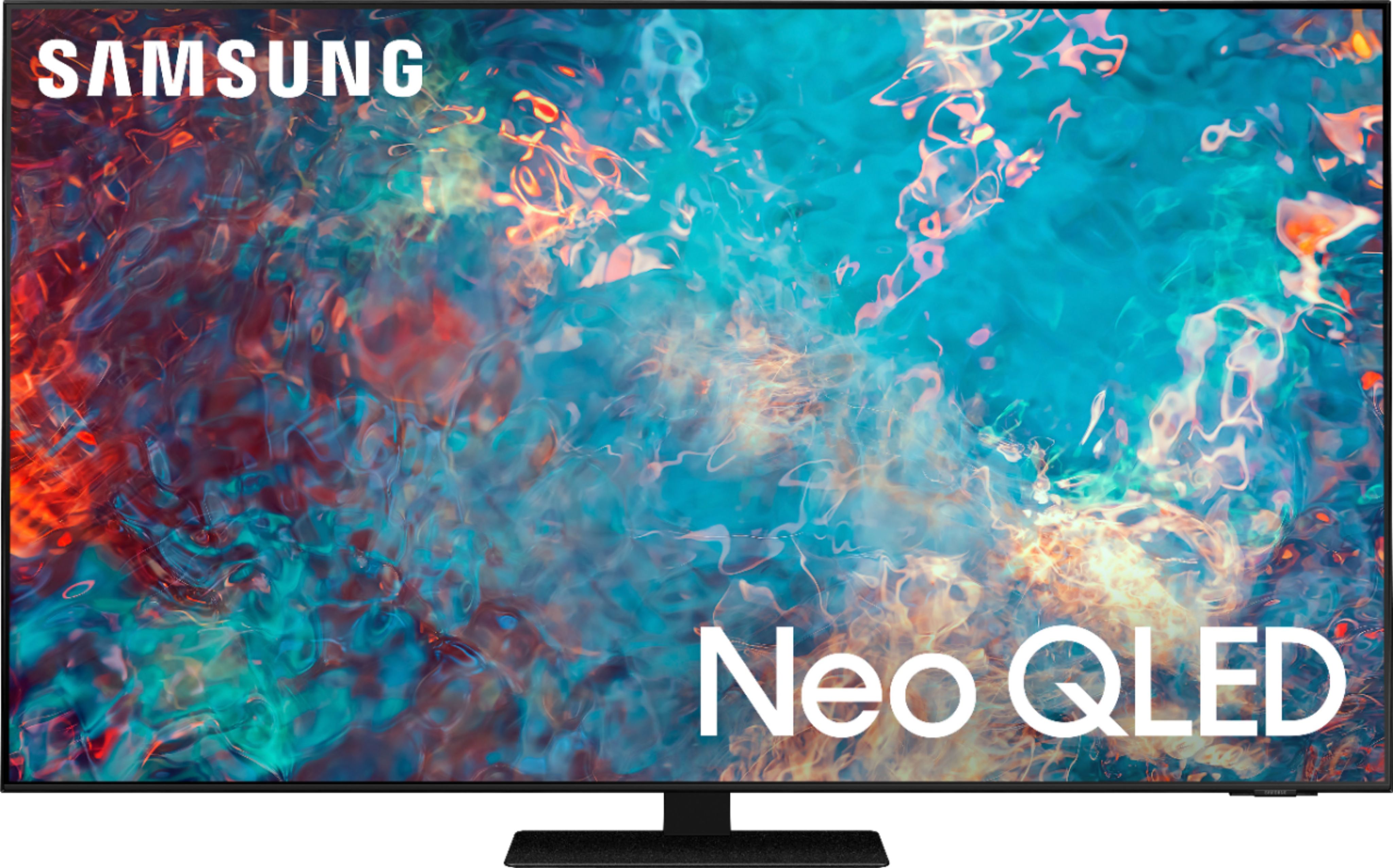
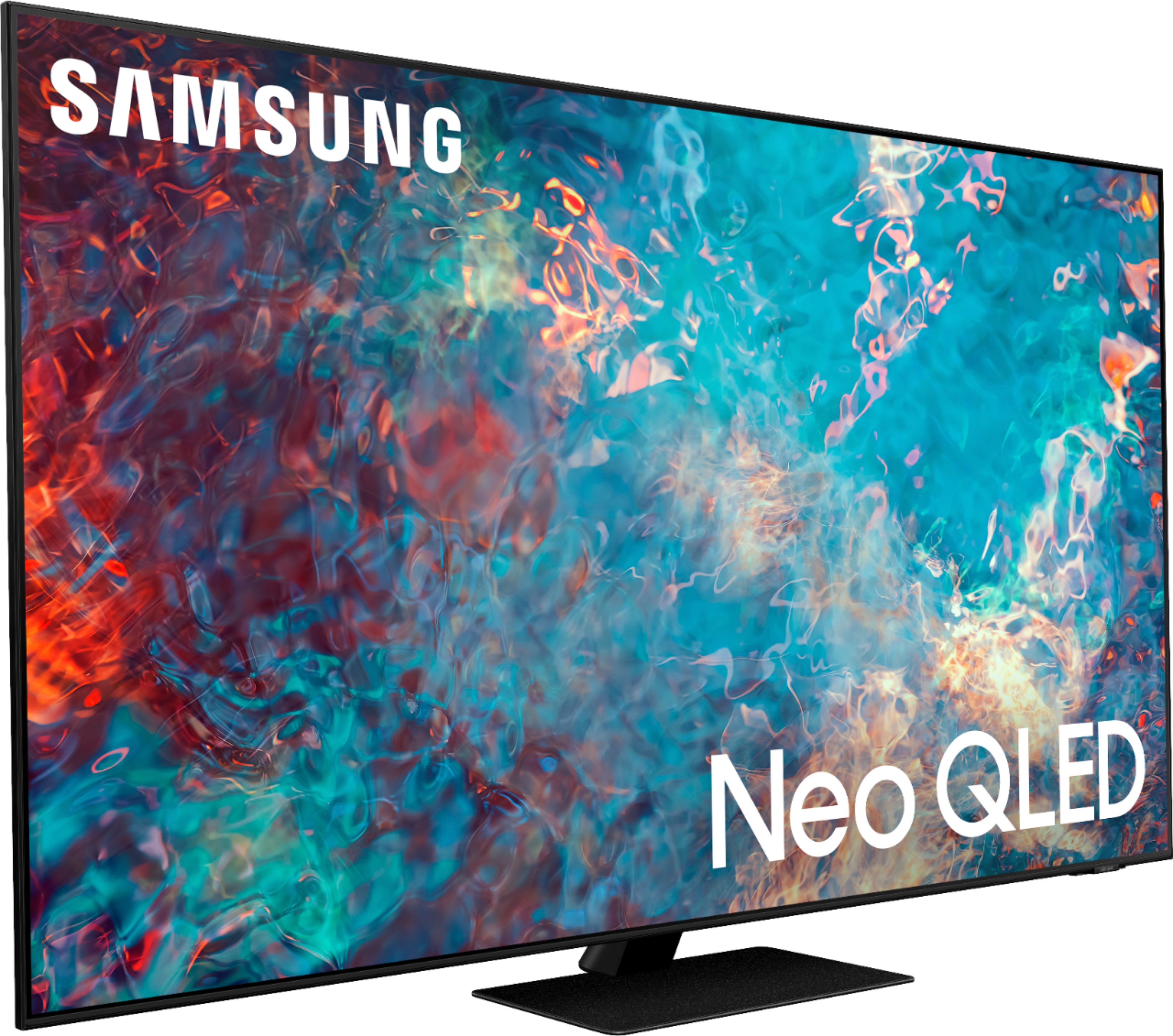
Customers appreciate the 65" Class QN85A Series Neo QLED 4K UHD Smart Tizen TV for its exceptional picture quality, vibrant colors, and user-friendly setup. Many users rave about the stunning visuals and clarity of the TV, making it an excellent choice for movie enthusiasts and gamers alike. While some users have concerns about the remote control's simplicity and the TV's handling of dark scenes, the overall positive feedback highlights the TV's strengths in delivering an immersive viewing experience.
This summary was generated by AI based on customer reviews.
- Pros mentioned:Picture quality
Worth every penny
Posted .This reviewer received promo considerations or sweepstakes entry for writing a review.Great TV, awesome picture and clarity, picture is so clear and crisp.
I would recommend this to a friend - Pros mentioned:ColorCons mentioned:Blooming
New TV for a PS5
||Posted . Owned for 1 month when reviewed.This reviewer received promo considerations or sweepstakes entry for writing a review.Was looking for a new TV to upgrade along with my PS5 and this TV certainly delivers. Amazing color and great performance with the games I’ve played so far (Borderlands 3 and Spider-Man Miles Morales). My only complaint is there is some visible blooming which I’ve noticed more so with video games with a bright object on a black background. Otherwise picture is excellent. Highly recommend
I would recommend this to a friendBrand response from Samsung
Posted .NewTVforPS5,
Thank you for purchasing the Samsung QN85A TV and for sharing details of your image quality. Quantum Matrix Technology is powered by exclusive Mini LED designed technology engineered to give you hyper-focused brightness and dimming in all the right areas. To optimize your picture quality, please be sure your firmware is up to date with version 1560.5 which includes picture quality updates. You can check this by going to: Settings > Support > Software Update.
If this firmware version is not yet available on your TV, you can download the update on a USB drive and manually update your TV:
1. On Samsung's website (upper right corner), go to: Support > Manuals & Software > Find your TV model.
2. Download the update and extract it to the root of a USB thumb drive. (Do not put it in any folders on the thumb drive.)
3. Connect the USB thumb drive to a USB port on your TV.
4. Navigate to Settings > Support > Software Update, select Update Now, and then select Yes.
5. Follow the on-screen instructions to install the updated software.
Should you need further assistance with image quality adjustments, please give us the opportunity to assist you. You can call us at 1-800-SAMSUNG (ask for TVs), available 8AM -12AM EST M-F (9AM – 6PM EST Sat). Or text HELP to 62913.
For additional support resources, visit us on the Samsung website and click on the ‘Support’ link in the upper right corner of the homepage for:
1) More ‘Contact Us’ options – LiveChat, Facebook, Twitter, Samsung Community, Samsung Members app
2) Manuals & Software
3) Warranty Info
4) Product Registration: For access to easy warranty support, convenient opt-in to special promos and offers, faster troubleshooting and service, and quick notification of system updates.
~ Samsung Specialist
- Pros mentioned:Color, Picture quality
Good Quality Samsung TV and Sound Bar
||Posted . Owned for 3 weeks when reviewed.This reviewer received promo considerations or sweepstakes entry for writing a review.TV is very bright and easy to set up. Sound bar was simple to connect and provides good sound throughout the room. Connecting sound bar to TV, selecting type of sound desired, and fine tuning frequency preferences were also easy. Pleased with purchase.
I would recommend this to a friend - Pros mentioned:Color, Picture quality
Another amazing TV from Samsung!
||Posted . Owned for 1 month when reviewed.This reviewer received promo considerations or sweepstakes entry for writing a review.Amazing color and brightness. When watching 4k content the picture is nothing short of perfect. The smart picture and sound is great when toggling between sports, TV shows, and movies. The TV is also solid and very sturdy construction.
I would recommend this to a friend - Pros mentioned:Color, Picture quality
Buckeye1
||Posted . Owned for 1 month when reviewed.This reviewer received promo considerations or sweepstakes entry for writing a review.I bought a Samsung t v my first ever. So far I have to say this is the best picture on a t v that I ever had. My wife and I have been enjoying it very much so far. The color is excellent and the picture is sharp.
I would recommend this to a friend - Pros mentioned:Color, Picture quality
Great Samsung QLED TV
||Posted . Owned for 1 month when reviewed.This reviewer received promo considerations or sweepstakes entry for writing a review.Outstanding and vibrant picture! The colors and quality of the picture are amazing. I have been buying Samsung TVs for years and continue to be impressed by each new model I purchase and this one didn't disappoint.
I would recommend this to a friend - Pros mentioned:Color, Picture quality
Very Nice Colors
||Posted . Owned for 1 month when reviewed.This reviewer received promo considerations or sweepstakes entry for writing a review.Very nice picture and colors are bright and vivid. Very nice tv overall. We purchased this tv to replace a Samsung plasma tv. Programs such as sporting events seem to play better on the old plasma tv than they do on this new one. High speed action seems to stutter on the new tv when they were nice and smooth on the older plasma tv
I would recommend this to a friendBrand response from Samsung
Posted .SHF969,
Thank you for choosing the Samsung QN85A TV and for sharing your feedback regarding your picture when watching fast motion. For optimal motion image performance, you may want to adjust the picture clarity setting by going to: Settings > Picture > Expert Settings > Picture Clarity Settings
- Off: Picture Clarity Settings will always be off
- Auto: Picture Clarity Settings will automatically activate and deactivate based on the type of program being watched
- Custom: Allows custom adjustments and settings to be used. By selecting the Custom option, you can access these advanced settings for Judder Reduction, LED Clear Motion, and Noise Reduction.
Should you need further assistance with features or other product usage, please reach out to Samsung Support at 1-800-SAMSUNG (ask for TVs), available 8AM - 12AM EST, 7 days a week.
For additional support resources, visit us on the Samsung website and click on the ‘Support’ link in the upper right corner of the homepage for:
1) Chat with Us/Product Help: To begin a chat or find solutions, choose ‘TVs & Home Theater’ and select your model & topic.
2) Register a Product: For access to easy warranty support, convenient opt-in to special promos and offers, faster troubleshooting and service, and quick notification of system updates.
3) Manuals & Software
4) Warranty Info
5) Contact Us
~ Samsung Specialist
- Pros mentioned:Picture qualityCons mentioned:Glare
65" QN85A 2021 MODEL
||Posted . Owned for 1 month when reviewed.This reviewer received promo considerations or sweepstakes entry for writing a review.This TV is the best one I have had so far. Only con is the glare from light. I wonder if the QN90A is any better in this area. I would recommend this TV to anyone who wants a good affordable TV.
I would recommend this to a friend - Pros mentioned:Picture quality
Very pleased five weeks after purchase.
||Posted . Owned for 3 weeks when reviewed.This reviewer received promo considerations or sweepstakes entry for writing a review.Great tv! This is my second Samsung tv in five years & wanted to stay with this brand based on previous experience. I had only planned on spending about half as much on this tv; however, each time I looked at each series of Samsung televisions, each higher level had a noticeably better picture quality and this one was the best. I stopped & looked at more than one Best Buy store & asked opinions of the salespeople. Although the OLED tv’s had great picture quality, the NEO QLED had brighter screens & the colors popped. Five weeks after purchase, I am still excited every time I turn on this tv & see the quality; glad I stepped up. The delivery by Best Buy went exactly as the salesperson described.
I would recommend this to a friend - Pros mentioned:Picture quality
Pay more. Get more. Worth It
||Posted . Owned for 4 months when reviewed.This reviewer received promo considerations or sweepstakes entry for writing a review.This TV has been great over the last 4 months. It replaced a cheap insignia fire TV that was on the wall less than 6 months. I mainly got this from past history with Samsung picture quality, and glare reduction. With the lighting in our room it is hard to control glare and this TV does as good of a job as I have found. View angles are good from any area in our room, and the interface is easy to use even with a Firestick or Roku, there are ways to have it turn on right into your preferred OS or straight to an antenna or cable box. It's also very easy to switch between the options. Overall this TV is worth the premium you will pay for it. Ease of use and super high quality picture with great glare reduction are all standard on this TV.
I would recommend this to a friend - Pros mentioned:Picture quality
Replacement TV
||Posted . Owned for 1 month when reviewed.This reviewer received promo considerations or sweepstakes entry for writing a review.Replaced Samsung curved with 3D and 4k which was getting darker and a little out of focus. Had best buy 5 year warranty, which still had a month to go. Geek squad came down and was not able to get parts to repair, instead gave us the credit back for the full price plus tax that we paid . Used that to get a great replacement. This tv has a little better picture but no 3D or curve . We did have a great picture on old one. It took a little while to fine tune picture we are very happy. Thanks Best Buy .
I would recommend this to a friend - Pros mentioned:Remote control
Bought for anti-glare
||Posted . Owned for 2 weeks when reviewed.This reviewer received promo considerations or sweepstakes entry for writing a review.We purchased this TV because our living room has ample natural light. If we wanted to watch during the day we needed a TV with the best glare protection. According to all the reviews on YouTube, this TV had the best anti-glare. Well, I have to say there is now way of getting past all the glare but this TV does a pretty good job. The software of these newer samsung tv's is really good too. UI and navigation is great. The new remotes are solar powered too. Great unit overall. I would maybe upgrade to the QN90 though, since this unit has been out for awhile. I wish that the TV department recommended otherwise.
I would recommend this to a friendBrand response from Samsung
Posted .Hi ffffff,
Thank you for your review of the QN85A Neo QLED TV and for sharing your feedback regarding screen glare. Please know that your TV is engineered with Anti-Reflection Technology designed to minimize ambient light reflections. We understand that light conditions of each room environment are different. For optimal glare control, we recommend repositioning the TV to minimize incident light falling on the screen or consulting a professional installer.
Should you ever have questions or need help, please call us at 1-800-SAMSUNG (ask for TVs), available 8AM - 12AM EST, 7 days a week.
For additional support resources, visit us on the Samsung website and click on the ‘Support’ link in the upper right corner of the homepage for:
1) Chat with Us/Product Help: To begin a chat or find solutions, choose ‘TVs & Home Theater’ and select your model & topic.
2) Register a Product: For access to easy warranty support, convenient opt-in to special promos and offers, faster troubleshooting and service, and quick notification of system updates.
3) Manuals & Software
4) Warranty Info
5) Contact Us
~ Samsung Specialist
- Pros mentioned:Ease of use, Picture quality
Easy Peasy
||Posted . Owned for 1 month when reviewed.This reviewer received promo considerations or sweepstakes entry for writing a review.Beautiful picture and bright colors. Easy to setup, basically it does everything after you turn it on. as long as you've got your internet up and running. So far there's no problems. Very pleased with the TV.
I would recommend this to a friend - Pros mentioned:Picture quality
Great TV but I Got Unlucky
||Posted . Owned for less than 1 week when reviewed.This reviewer received promo considerations or sweepstakes entry for writing a review.This is not a technical review of the product. Just someone who is excited to upgrade his 2014 Samsung, non-flagship, TV. Overall, I was really happy with the TV. It had stunning colors in a small bright room. I had it mounted on the wall along with the Samsung speakers and it was a delight. All the 4K HDR shows I streamed through Netflix, Disney+, etc looked striking and the audio quality I got from the Q-symphony enabled sound bar is quite satisfying. At around ~$1100, it's such a significant upgrade from my last TV that I absolutely fell in love with it. Unfortunately, the TV I got had a defective backlight panel and I had to return it for a full refund as it was covered under the manufacturer's warranty. Such a shame for such a good TV and I'm willing to give Samsung the benefit of the double that I just got a bad unit. It happens. If you can snag this TV at around $1100 or lower, I highly recommend it!
I would recommend this to a friend - Pros mentioned:Ease of use, Picture quality
Great tv.
||Posted . Owned for 3 weeks when reviewed.This reviewer received promo considerations or sweepstakes entry for writing a review.Outstanding picture, ease of use, price, etc. you can’t go wrong with this tv. I replaced a year old LG or whatever brand. Spend the extra few and you’ll be much happier.
I would recommend this to a friend - Pros mentioned:Picture qualityCons mentioned:Glare
A high quality TV worth the price (at sale).
||Posted . Owned for 1 month when reviewed.This reviewer received promo considerations or sweepstakes entry for writing a review.Great picture and sound but had I not bought it on sale I would probably say it is a tad over priced. The software is basically what is on all the other Samsung TV's with the exception of Alexa app. I feel like the brightness of the TV was reduced to combat the issues faced in previous models.
I would recommend this to a friend - Pros mentioned:Picture quality
So, so TV; nothing is perfect
||Posted . Owned for 3 weeks when reviewed.This reviewer received promo considerations or sweepstakes entry for writing a review.To start; the TV needed an easy 20-25 hours of continuous operation before it fully broke-in to optimum 4K HD clarity. Not a big deal if only Samsung put this requirement in their literature. Drives you nuts fiddling with settings to get the picture to look good with poor results. Excellent TV for mainstream on air programming released in the last 5 to 8 years. It doesn’t convert older programming very well to 4K. I have a 10 year old Samsung, without 4K conversion; the old programs look a lot better through this ancient TV. Netflix in 4K is spectacular. The built-in WiFi receiver sometimes falls down upon itself, glitches with error messages, have to go into settings and clean out the DirectTV streaming app cache; then it connects to my WiFi router. I have 300 MB’s of internet speed; plenty of juice. The sound leveling function doesn’t work all that well. Going from channel to channel or commercials the volume changes considerably. If the TV lasts 10 years, equal to my old and still excellent condition Samsung; I’ll be happy.
I would recommend this to a friendBrand response from Samsung
Posted .ChannelMan,
Thank you for purchasing Samsung's QN85A TV and sharing your thoughts regarding the image quality. The TV will upscale as best as possible any content sent to it. The closer your content is to 4K, the better the image will look on the screen.
Here are some tips to help improve the picture clarity:
1) HDMI cables are recommended for optimal HD viewing.
2) If you have an analog cable box or satellite box, upgrade to a digital cable box or satellite box.
3) Change the output resolution of your devices, such as digital broadcast receiver, IPTV, and set-top box to UHD or HD.
4) You can further adjust your sharpness, brightness, contrast, color, and more by going to Settings > Picture > Expert Settings
5) Choose a Picture Mode by going to Settings > Picture > Picture Mode and choose from Dynamic, Standard, Natural, Movie, or Filmmaker Mode.
To address inconsistent sound volume, you may want to enable Auto Volume which automatically adjusts the sound to a certain level when changing channels or switching to another external input. Go to: Settings > Sound > Expert Settings > Auto Volume = On
You may also want to perform a Sound Test under Support > Self Diagnosis > Start Sound Test
Additionally, you may also want to go through these steps to check your network connection:
1) Make sure that no items that can generate electromagnetic interferences are placed between the TV and the wireless/wired access point.
2) Check if the access point is turned on. If it is on, turn it off, wait 1 or 2 minutes, and then turn it on. Enter the correct password if required.
3) If the wireless connection fails, connect the TV to the access point via a LAN cable. If the TV can connect to the Internet normally via the wired connection, there might be a problem with the access point. In this case, try using a different access point.
4) Perform a network test to check if there is a network problem. Press the Home button on your remote. Navigate to Settings > Support > Device Care > Self Diagnosis> Smart Hub Connection Test
5) Try a cold reboot of your TV by pressing and holding the power button for 5+ seconds until the TV turns off and on again.
I hope these tips help. Should you ever have questions or need help, please call us at 1-800-SAMSUNG (ask for TVs), available 8AM - 12AM EST, 7 days a week.
For additional support resources, visit us on the Samsung website and click on the ‘Support’ link in the upper right corner of the homepage for:
1) Chat with Us/Product Help: To begin a chat or find solutions, choose ‘TVs & Home Theater’ and select your model & topic.
2) Register a Product: For access to easy warranty support, convenient opt-in to special promos and offers, faster troubleshooting and service, and quick notification of system updates.
3) Manuals & Software
4) Warranty Info
5) Contact Us
~ Samsung Specialist
- Pros mentioned:Color
Amazing TV
||Posted . Owned for 1 week when reviewed.This reviewer received promo considerations or sweepstakes entry for writing a review.I bought this TV to replace a Samsung Curve TV I've had for several years. All I can say is that I am blown away by this TV. I watch a lot of sports, movies, and also play video games quite a bit and it truly is an all around perfect TV for whatever you are watching and playing. The colors are bright, the blacks are true blacks. I cannot say enough about this TV and the amazing picture I get across all platforms. I highly recommend this TV to anyone looking to purchase a new TV.
I would recommend this to a friend - Pros mentioned:Picture quality
Good picture quality
||Posted . Owned for 1.5 years when reviewed.This reviewer received promo considerations or sweepstakes entry for writing a review.Picture quality is amazing, but I’ve had a few issues in the past year and half of owning it and already had the main board replaced. Now I’m having issues with local dimming zones. Hoping to get that fixed soon.
No, I would not recommend this to a friend - Pros mentioned:Ease of use, Picture quality
TV set up
||Posted . Owned for 1 month when reviewed.This reviewer received promo considerations or sweepstakes entry for writing a review.Beautiful large picture on my new TV. It was very easy to set up. The instructions on the box and inside were very clear and easy to follow.
I would recommend this to a friend