Customer Ratings & Reviews
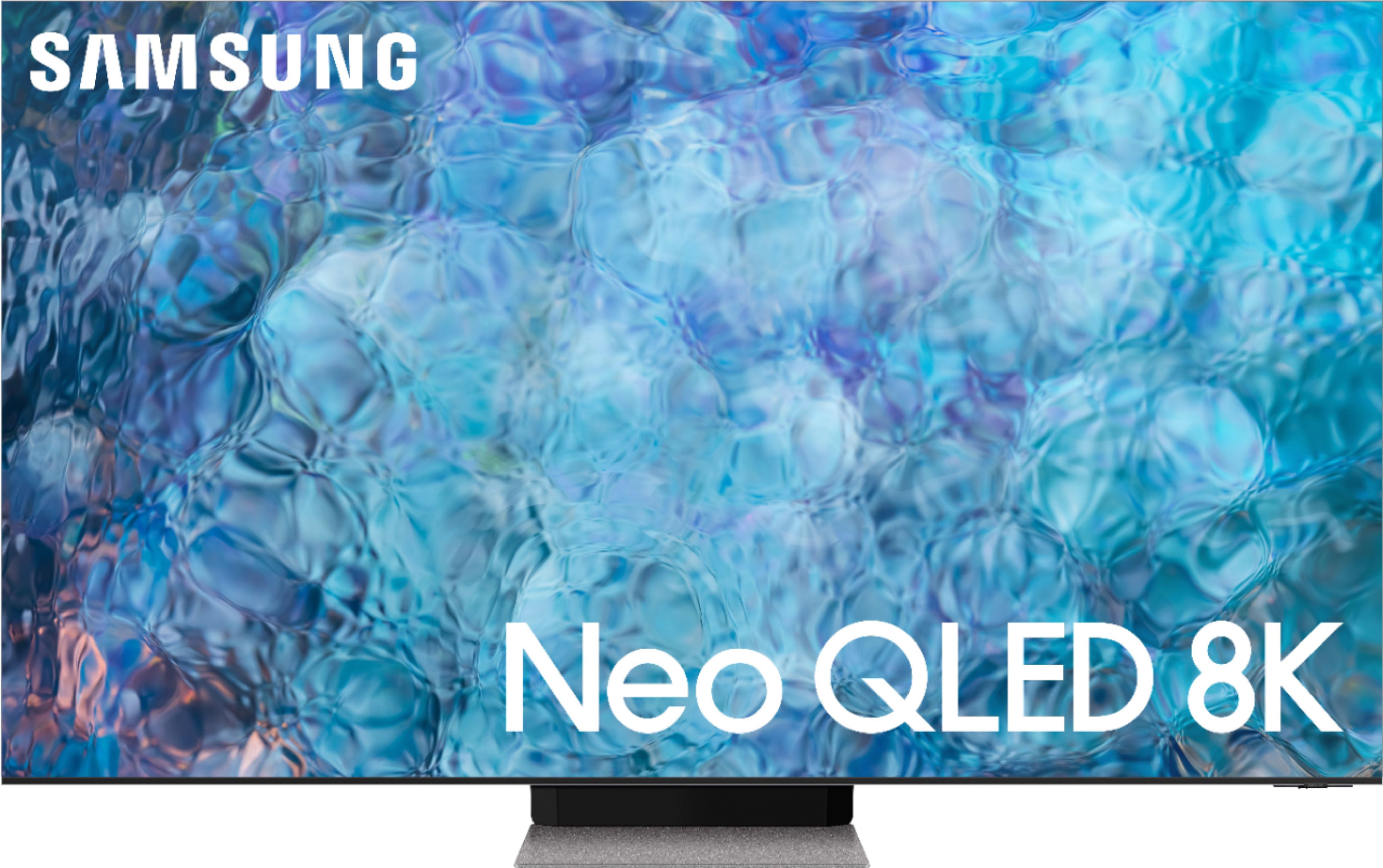
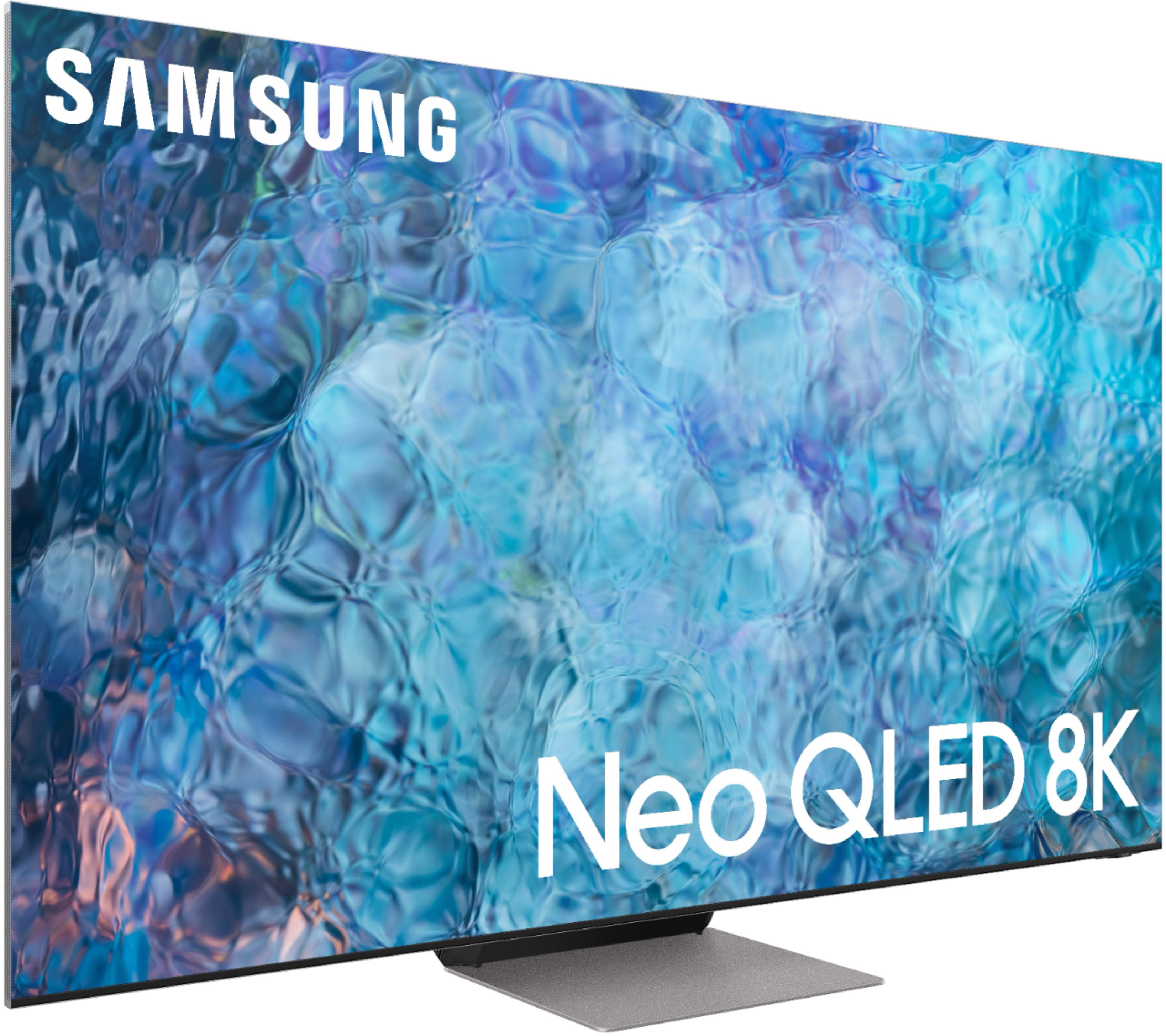











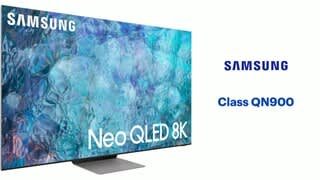
- Model:
- QN65QN900AFXZA
- SKU:
- 6451475
Rating by feature
- Picture Quality
Rating 4.4 out of 5 stars
- Sound Quality
Rating 4.3 out of 5 stars
- Brightness
Rating 4.7 out of 5 stars
Customers are saying
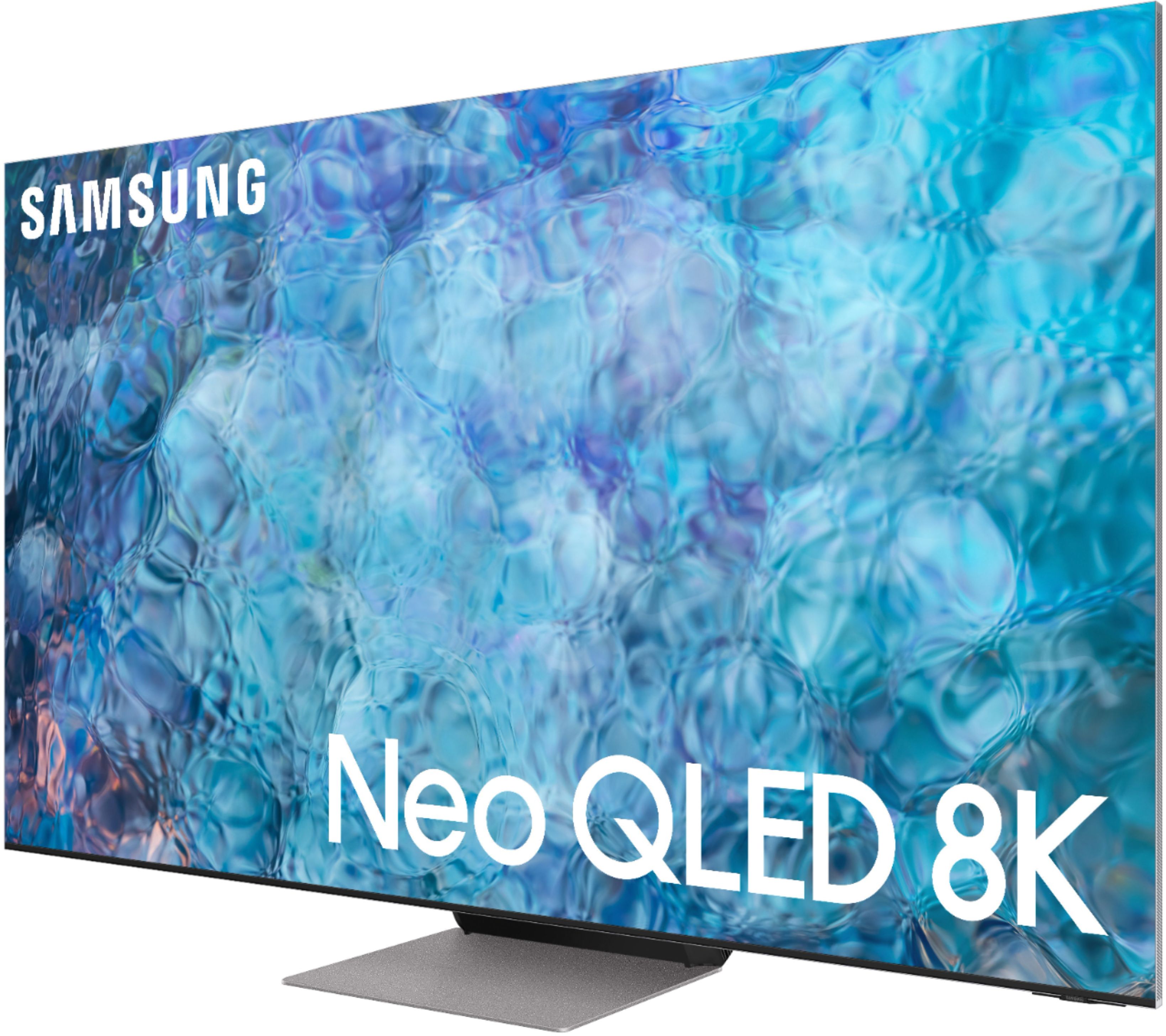
Customers highly value the 65" Class QN900A Series Neo QLED 8K UHD Smart Tizen TV for its exceptional picture quality, with many praising its amazing sound and clarity. The upscaling capabilities are also well-received, with users noticing a significant improvement in the quality of lower resolution content. Additionally, the TV's vibrant colors and ease of use have impressed customers, making it a popular choice for gaming and entertainment.
This summary was generated by AI based on customer reviews.
Excellent purchase and install
||Posted . Owned for 1 month when reviewed.This reviewer received promo considerations or sweepstakes entry for writing a review.Very professional service and perfect installation. After installing he explained everything to my satisfaction.
I would recommend this to a friendqn900a
||Posted . Owned for 1 week when reviewed.This reviewer received promo considerations or sweepstakes entry for writing a review.Excited for this tv with an awesome deal. It stated Open box excellent. But when i got this it says fair condition. Best buy in rancho. Drove 1 hour to get there. Picked up the tv and it had no box no plugs whatsover. And no remote. So i went back inside and ask for the connections and they gave me the wrong one connect box. Poor customer services.
No, I would not recommend this to a friendLove this tv!
||Posted . Owned for less than 1 week when reviewed.This reviewer received promo considerations or sweepstakes entry for writing a review.I love it I had bought the bigger one for my living room so I got one for my room.
I would recommend this to a friendSamsung Smart tv
||Posted . Owned for 1 month when reviewed.This reviewer received promo considerations or sweepstakes entry for writing a review.Great Smart TV Loaded with Features Learning about more features every day
I would recommend this to a friendNot worth the money unless you’re gaming
||Posted . Owned for 2 months when reviewed.This reviewer received promo considerations or sweepstakes entry for writing a review.Sorry to say this Samsung disappointed us from day 1 the picture quality was not what I expected my LG G1 blows it away
No, I would not recommend this to a friendBrand response from Samsung
Posted .TonyB,
Thank you for your review of the QN900A Neo QLED 8K TV. Neo QLED uses advanced AI to analyze your content and bring you hyper focused brightness and dimming in all the right areas.
You can choose from different Picture Modes to suit your preferences. Go to Home > Settings > Picture > Picture Mode to choose from (Standard, Natural, Movie, Dynamic, & Filmmaker Mode. If the image is defined as Filmmaker Mode, it will automatically switch to Filmmaker Mode while watching.)
Intelligent Mode enables the TV to recognize and analyze the surroundings, noise, content, and your usage patterns to provide the best viewing experience. You can enable Intelligent Mode by going to Home > Settings > General > Intelligent Mode Settings. Adaptive Picture, which is among the options, optimizes brightness and provides the best picture quality in real time, based on the lighting condition and your content.
To ensure that your TV’s picture is optimized, be sure that you are always running the latest firmware update. You can check this by going to Settings > Support > Software Update or you can enable Auto Update for convenience.
If you would like further assistance with settings adjustments or have any questions, please contact Samsung Customer Support at 1-800-SAMSUNG (ask for TVs), available 8AM - 12AM EST, 7 days a week.
For additional support resources, visit us on the Samsung website and click on the ‘Support’ link in the upper right corner of the homepage for:
1) Chat with Us/Product Help: To begin a chat or find solutions, choose ‘TVs & Home Theater’ and select your model & topic.
2) Register a Product: For access to easy warranty support, convenient opt-in to special promos and offers, faster troubleshooting and service, and quick notification of system updates.
3) Manuals & Software
4) Warranty Info
5) Contact Us
~ Samsung Specialist
Tv Samsung
||Posted . Owned for 1 week when reviewed.This reviewer received promo considerations or sweepstakes entry for writing a review.Wonderful tv. Great screen. And features. Would reopen
I would recommend this to a friend4k
||Posted . Owned for 1 month when reviewed.This reviewer received promo considerations or sweepstakes entry for writing a review.Amazing quality gaming has never been so realistic
I would recommend this to a friendOk
||Posted . Owned for 2 weeks when reviewed.This reviewer received promo considerations or sweepstakes entry for writing a review.Not yet ready for 8k programming or any movies to look at
No, I would not recommend this to a friendBrand response from Samsung
Posted .Hi International,
Thank you for your purchase and review of the 2021 QN900A Neo QLED 8K TV. Please know that while most 8K content is captured using cinema-grade 8K HDR cameras, most of this content is finished in 4K resolution, which is currently the highest resolution available in newer Blu-rays or DVDs.
The amount of 8K content available continues to expand – content platforms such as YouTube and Vimeo feature a great deal of 8K content, mostly focused on nature and travel. This is quite similar to the way that 4K content was introduced to the market.
Although your movies and shows may be in 4K resolution, please rest assured as your QN900A features Samsung’s Neo Quantum Processor 8K with AI-powered multi-layered neural networks to brilliantly upscale and enhance lower resolution images to 8K, regardless of the source. Every frame has 33 million pixels that provide an incredible sense of depth and clarity.
To provide you with the best viewing experience, we recommend connecting external devices (like a Blu-ray Player) with HDMI cables, as this type of connection offers the best picture. Although all content resolutions will upscale, 4K content will provide the best picture quality. The TV will upscale as best as possible any content sent to it.
Should you ever have questions or need help, please call us at 1-800-SAMSUNG (ask for TVs), available 8AM - 12AM EST, 7 days a week.
For additional support resources, visit us on the Samsung website and click on the ‘Support’ link in the upper right corner of the homepage for:
1) Chat with Us/Product Help: To begin a chat or find solutions, choose ‘TVs & Home Theater’ and select your model & topic.
2) Register a Product: For access to easy warranty support, convenient opt-in to special promos and offers, faster troubleshooting and service, and quick notification of system updates.
3) Manuals & Software
4) Warranty Info
5) Contact Us
~ Samsung Specialist
Compatible an Xbox one so I return it TV was great
||Posted . Owned for 2 weeks when reviewed.This reviewer received promo considerations or sweepstakes entry for writing a review.I bought this for gaming but it’s not Compatible for Xbox TV was great but I don’t know what’s the software issue Best Buy Associate says it’s not compatible game so then I return it
I would recommend this to a friendDONT BUY ANY SAMSUNG 8K!!
||Posted . Owned for less than 1 week when reviewed.This reviewer received promo considerations or sweepstakes entry for writing a review.samsung now gets there panels from china and has the worst Quality control on there screens, brightness and contrast was low for a VA panel, colors looked somewhat washed out compared to the qn90a, game motion plus literally made icons wiggle in the screen it was strange, and the banding in the screen is horrendous, seems qn90a is king of LEDs for 2021 but it’s QUICKLY being replaced next year as this was worst year i’ve ever seen for tvs
No, I would not recommend this to a friendBrand response from Samsung
Posted .Hi codyallen113,
Thank you for sharing your thoughts on Samsung's QN900A Neo QLED 8K TV. Quantum Matrix Technology is powered by exclusive Mini LED designed technology engineered to give you hyper-focused brightness and dimming in all the right areas. To optimize your picture quality, please be sure your firmware is up to date with version 1805.4 which includes picture quality updates. You can check this by going to: Settings > Support > Software Update.
If the picture you are seeing is not to your liking after performing necessary firmware updates, please know there are several picture settings you may want to try adjusting.
You can select the Picture Mode that provides the best viewing experience. Go to Home > Settings > Picture > Picture Mode
1) Standard: Is the default mode suitable for general viewing environments.
2) Natural: Reduces eye strain for a comfortable viewing experience.
3) Movie: Is suitable for watching TV or movies in a dark room.
4) Dynamic: Makes the picture brighter and clearer in bright viewing environments.
5) Filmmaker Mode: You can watch the source content (e.g., movie) as it is. If the image is defined as Filmmaker Mode, it will automatically switch to Filmmaker Mode while watching.
You can also go to: Settings > Picture > Expert Settings > to manually fine tune your image.
To provide you with the best image quality, the QN900A also features Expert Calibration when the Picture Mode is set to Movie (Home > Settings > Picture > Picture Mode > Movie). This will provide you with an accurate picture with professional-grade picture calibration that delivers true color.
If you find Game Motion Plus causes unwanted artifacts or causes blur when playing some FPS games, try toggling this setting to Off. You can disable this feature within the Game Bar when in Game Mode. You can also adjust blur and judder settings by going to Settings > General > External Device Manager > Game Mode Settings > Game Motion Plus Settings. Please keep in mind when you increase the values for Blur Reduction and Judder Reduction in Game Motion Plus Settings, the input lag will increase.
I hope these tips help! Should you ever have questions or need help, please call us at 1-800-SAMSUNG (ask for TVs), available 8AM - 12AM EST, 7 days a week.
For additional support resources, visit us on the Samsung website and click on the ‘Support’ link in the upper right corner of the homepage for:
1) Contact Us: For additional Chat & Text options, choose ‘TVs & Home Theater’ and select your model & topic.
2) Manuals, Software, & Warranty Info
Thank you for choosing Samsung, we hope to hear from you!
~ Samsung Specialist
- Pros mentioned:Picture quality, Remote, Upscaling
Wow! Such a beautiful tv
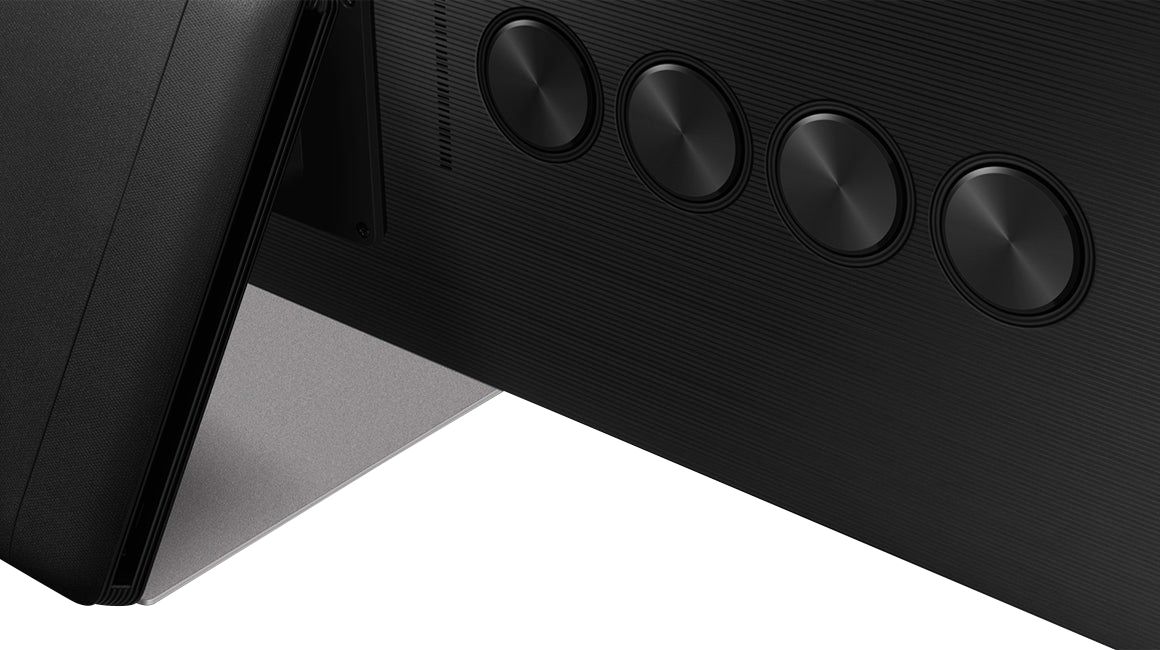
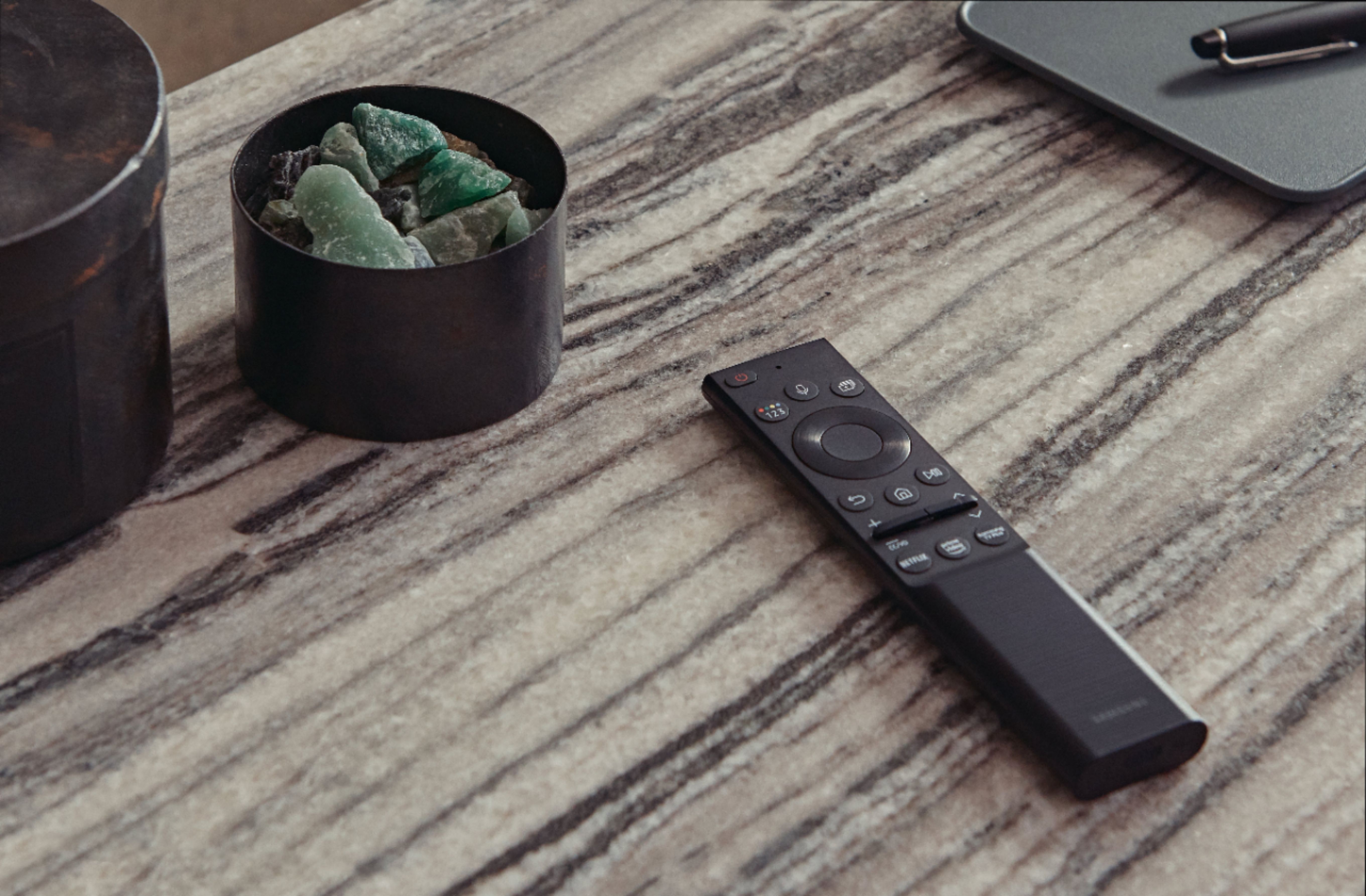
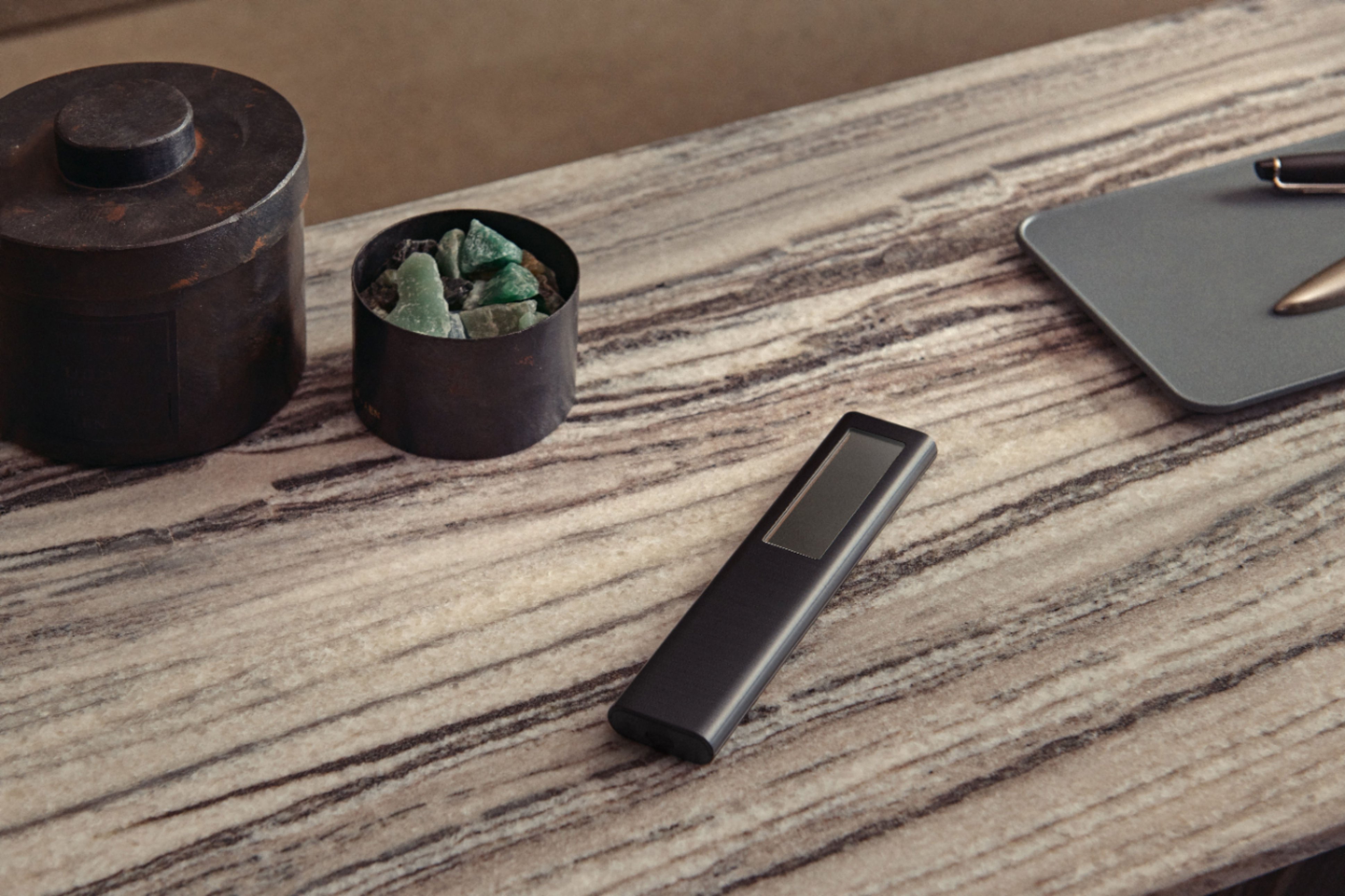
Posted .This reviewer received promo considerations or sweepstakes entry for writing a review.WOW! This tv is a beast and certainly earns its top model name and price! From the way this is boxed to the remote and stand quality you can see why this is the king of Samsung TVs. Although there really is no 8K content out currently the picture is beautiful and the upscaling for gaming and even regular cable is incredible. I have typically NOT been a fan of Samsung televisions as the brightness is usually over the top and takes away from the realistic picture. While this model is extremely bright, that can be turned down and after messing with some settings this is the most realistic picture I’ve gotten from a television. I can’t think of one thing that’s not good about the picture. Motion is also incredible. There’s pretty much no jumping or jitter as words go across the screen or when watching hockey or baseball. Very smooth and crisp. All 4 HDMI inputs are HDMI 2.1 which is a nice touch for the new generation game consoles and they look absolutely AMAZING on this tv. I’m not huge into using the smart functions on TVs since I use different streaming devices but just doing a quick browsing and messing around with the software it seems pretty smooth and fast as well. To go back to what I said in the beginning about the remote and stand. First: the remote having a solar panel on the back for charging is very premium and a nice touch. You still get a usb c port on the bottom in case you want to fast charge it but you can feel and see that this remote is for the top tv. It functions well and gives you all the basic functions you need in a remote as well as a few streaming app buttons on the bottom. The stand is heavy and you can tell it’s made out of strong materials and is very sturdy as the tv doesn’t wobble at all while attached to it. Overall I can’t really find one thing negative to say about this tv. Samsung really stepped up there game and it’s always a great when flipping this baby on and running some games on it.
I would recommend this to a friendBrand response from Samsung
Posted .Philliesfan94:
Thank you for your purchase and review of the 2021 QN900A Neo QLED 8K TV. I am glad that you are enjoying its spectacular image quality.
Distinguished by our Quantum Matrix Technology Pro, you are enjoying a brilliantly intense, hyper-focused picture powered by tiny light cells using exclusive Mini LED designed technology.
If you wish to adjust the default brightness settings, you can customize the brightness level between 0 – 50 to your preference. Go to Home > Settings > Picture > Expert Settings > Brightness.
If you have any questions about features, settings, etc., Samsung Customer Support is here to help. You can reach us at 1-800-SAMSUNG (ask for TVs), available 8AM -12AM EST, 7 days a week. Or text HELP to 62913.
For additional support resources, visit us on the Samsung website and click on the ‘Support’ link in the upper right corner of the homepage for:
1) More ‘Contact Us’ options – LiveChat, Facebook, Twitter, Samsung Community, Samsung Members app
2) Manuals & Software
3) Warranty Info
4) Product Registration: For access to easy warranty support, convenient opt-in to special promos and offers, faster troubleshooting and service, and quick notification of system updates.
~ Samsung Solutions
DO NOT BUY.
||Posted . Owned for 11 months when reviewed.This reviewer received promo considerations or sweepstakes entry for writing a review.We purchased this TV in Dec. 21 When it was delivered the screen was cracked. Waited until Feb for replacement. The replacement developed an red line in screen in Oct. GeekSquad replaced the back of the TV in Oct. Now the TV screen has a green spot on the screen. DO NOT BUY! Samsung has no quality control over this product.
No, I would not recommend this to a friendDisappointed and Frustrated!
||Posted .This reviewer received promo considerations or sweepstakes entry for writing a review.I drove all the way to queens to pick this tv up on Friday and was of course stuck in traffic for hours, as there was no delivery option, to find out today them hat it’s broken!!! I had the Geek squad team come to install it and they were surprised to see this. SUPER disappointed!!!!
No, I would not recommend this to a friendMehhhhh
||Posted . Owned for 3 months when reviewed.This reviewer received promo considerations or sweepstakes entry for writing a review.Pixel burnt out twice. Pain in the butt to replace. Switched to Sony Bravia. You should too
No, I would not recommend this to a friendBrand response from Samsung
Posted .Zestril,
Thank you for your review of the Samsung QN900A TV and for sharing the issues that have caused you to return your unit. Your experience is very important to us and will be shared with our product team.
Should you ever decide to give Samsung TVs another try and have questions or need assistance with settings, setup, or features, please know we are always here to help. Call us at 1-800-SAMSUNG (ask for TVs), available 8AM - 12AM EST, 7 days a week.
For additional support resources, visit us on the Samsung website and click on the ‘Support’ link in the upper right corner of the homepage for:
1) Chat with Us/Product Help: To begin a chat or find solutions, choose ‘TVs & Home Theater’ and select your model & topic.
2) Manuals, Software, & Warranty Info
We hope to regain you as a customer in the future.
~ Samsung Specialist
- Pros mentioned:Picture quality, Remote
Great television!
Posted .This reviewer received promo considerations or sweepstakes entry for writing a review.I was a little intimidated when I got home to see the size of the box this came in! However, the unboxing of it was not difficult and explained clearly on the box itself. See pics. I felt the instructions for assembling the stand were a little difficult to understand, but my 15yo son and I figured it out. Once the TV was in place and all hooked up (super easy step), we were blown away with the picture quality. You can actually see the pores on people's faces and the dirt in their fingernails. I quickly accessed our streaming apps, Netflix, Prime and You Tube TV. I initially had trouble playing previously recorder show in the You Tube TV app, but after doing a hard reset of the television, it is now flawless too. The all in one remote was very easy to set up. I love the solar charging feature of the remote. I haven't tried using the voice activated feature yet. One small complaint here, in the instructions for the remote it states, no USB-C charger included. I would think for a $4,999 MSP television, Samsung could include a less than $10 charging cable. But it did come charged out of the box, so maybe with the solar charging, we won't need to recharge it again with the cable.
I would recommend this to a friendBrand response from Samsung
Posted .redbirdnkc:
Thank you for purchasing the new 2021 QN900A Neo QLED 4K Smart TV and for your review. I am happy to hear that setup was simple and you are enjoying the picture brought to you by our Quantum Matrix Technology Pro giving you unimaginable details in the deepest blacks to the brightest whites with 1.5X more lighting zones than normal Quantum Matrix Technology. The powerful evolution of Samsung Neo QLED 8K comes with a backlight dimming technology that controls our proprietary Quantum Mini LEDs with intense precision.
Should you ever have questions or need help, you can reach us at 1-800-SAMSUNG (ask for TVs), available 8AM -12AM EST, 7 days a week. Or text HELP to 62913.
For additional support resources, visit us on the Samsung website and click on the ‘Support’ link in the upper right corner of the homepage for:
1) More ‘Contact Us’ options – LiveChat, Facebook, Twitter, Samsung Community, Samsung Members app
2) Manuals & Software
3) Warranty Info
4) Product Registration: For access to easy warranty support, convenient opt-in to special promos and offers, faster troubleshooting and service, and quick notification of system updates.
~ Samsung Solutions
- Pros mentioned:8k, Picture quality, Upscaling
Perfection achieved!
Posted .This reviewer received promo considerations or sweepstakes entry for writing a review.Unreal 3 dimensional quality! Tv comes loaded with so many apps. It really is smart. Pair it up with a Samsung soundbar for Q Symphony and it’s heaven on earth. You buy it and you’re future proof for 8K. In the meantime it upscales everything else to perfection!
I would recommend this to a friend - Pros mentioned:Picture quality
Mel4567
Posted .This reviewer received promo considerations or sweepstakes entry for writing a review.Phenomenal TV! It is well designed, lightweight, has a crisp and clear picture and sound, and has tons of great features. This is great for any room too, whether it be your bedroom or living room- this TV has it all ! I would very highly recommend picking one up and trying it out. This is one TV that doesn't disappoint! Absolutely one of the best TVs I have ever owned.
I would recommend this to a friendBrand response from Samsung
Posted .Mel0787:
Thank you for your purchase and review of the 2021 QN900A Neo QLED 8K TV. Great to hear that everything from the design, picture, sound, and features are making this such a phenomenal experience for you.
Samsung Customer Support is here to help if you need assistance or have questions regarding features, functions, setup and more. You can reach us at 1-800-SAMSUNG (ask for TVs), available 8AM -12AM EST, 7 days a week. Or text HELP to 62913.
For additional support resources, visit us on the Samsung website and click on the ‘Support’ link in the upper right corner of the homepage for:
1) More ‘Contact Us’ options – LiveChat, Facebook, Twitter, Samsung Community, Samsung Members app
2) Manuals & Software
3) Warranty Info
4) Product Registration: For access to easy warranty support, convenient opt-in to special promos and offers, faster troubleshooting and service, and quick notification of system updates.
~ Samsung Solutions
- Pros mentioned:Picture quality
Box Connecter issues
Posted .This reviewer received promo considerations or sweepstakes entry for writing a review.I love the tv. It’s great. Picture is the best on fios cable. But this is my second one and I returned the first one cause the connecter box didn’t connect the picture from hdmi and the second one I got cable works but my ps5 doesn’t. If they fix the connecter boxes. Tv will be amazing
No, I would not recommend this to a friendBrand response from Samsung
Posted .Aldo,
Thank you for choosing Samsung's QN900A TV and for sharing the connectivity issues you are experiencing with your PlayStation 5. Here are a few additional troubleshooting steps you can try:
1) Please make sure your TV and console are both running the latest firmware versions.
2) Connect your console to HDMI port number 4.
3) Turn on Input Signal Plus. Press Home and navigate to Settings> General > External Device Manager > Input Signal Plus and turn it on for HDMI 4.
Please be sure your firmware is up to date with version 1805.4 which includes input device performance updates. You can check this by going to: Settings > Support > Software Update.
I hope this helps. Should you need further assistance, please reach out to Samsung Customer Support at 1-800-SAMSUNG (ask for TVs), available 8AM - 12AM EST, 7 days a week.
For additional support resources, visit us on the Samsung website and click on the ‘Support’ link in the upper right corner of the homepage for:
1) Contact Us: For additional Chat & Text options, choose ‘TVs & Home Theater’ and select your model & topic.
2) Manuals & Software
3) Warranty Info
4) Register a Product: For access to easy warranty support, convenient opt-in to special promos and offers, faster troubleshooting and service, and quick notification of system updates.
~ Samsung Specialist