Customer Ratings & Reviews
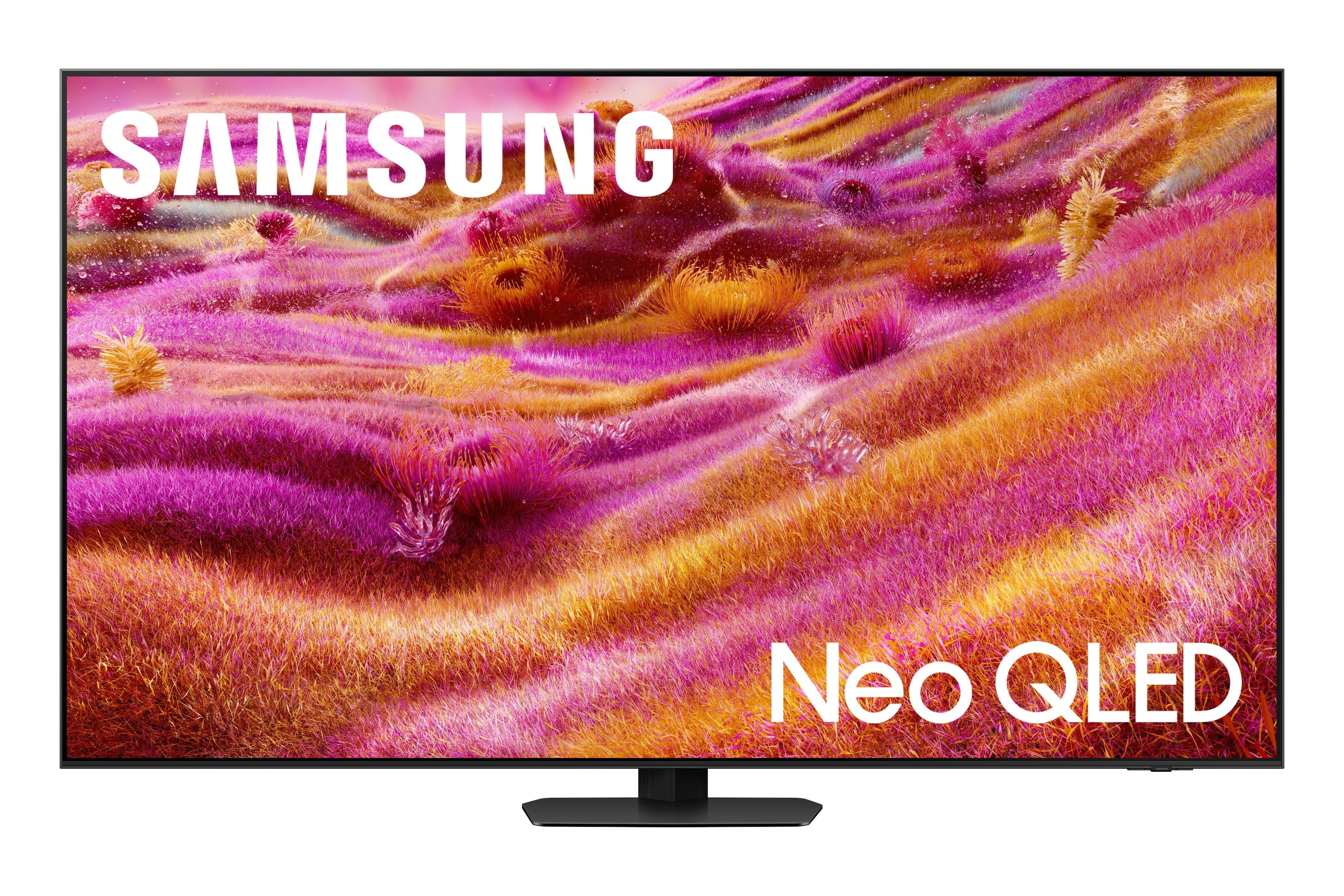
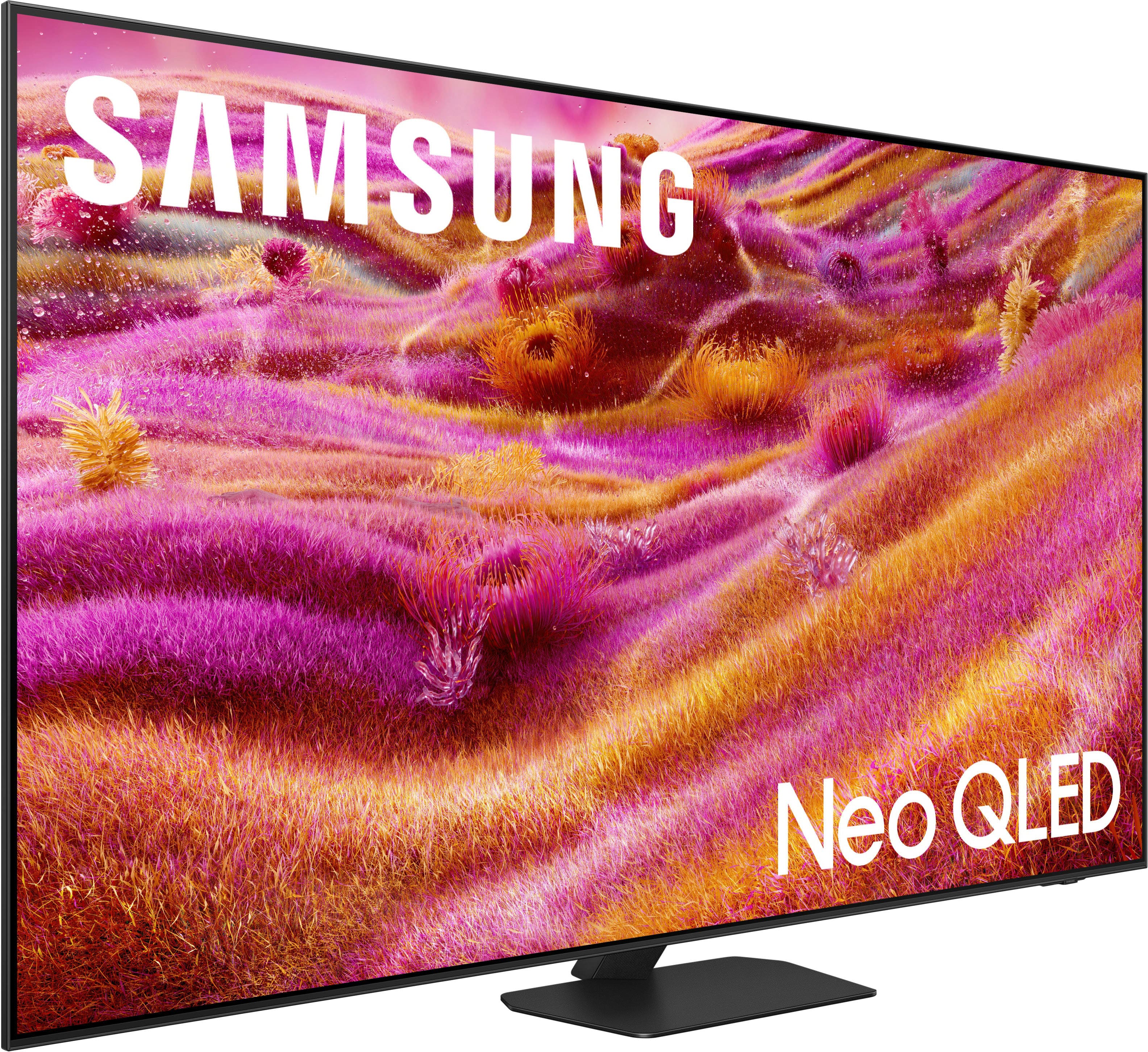
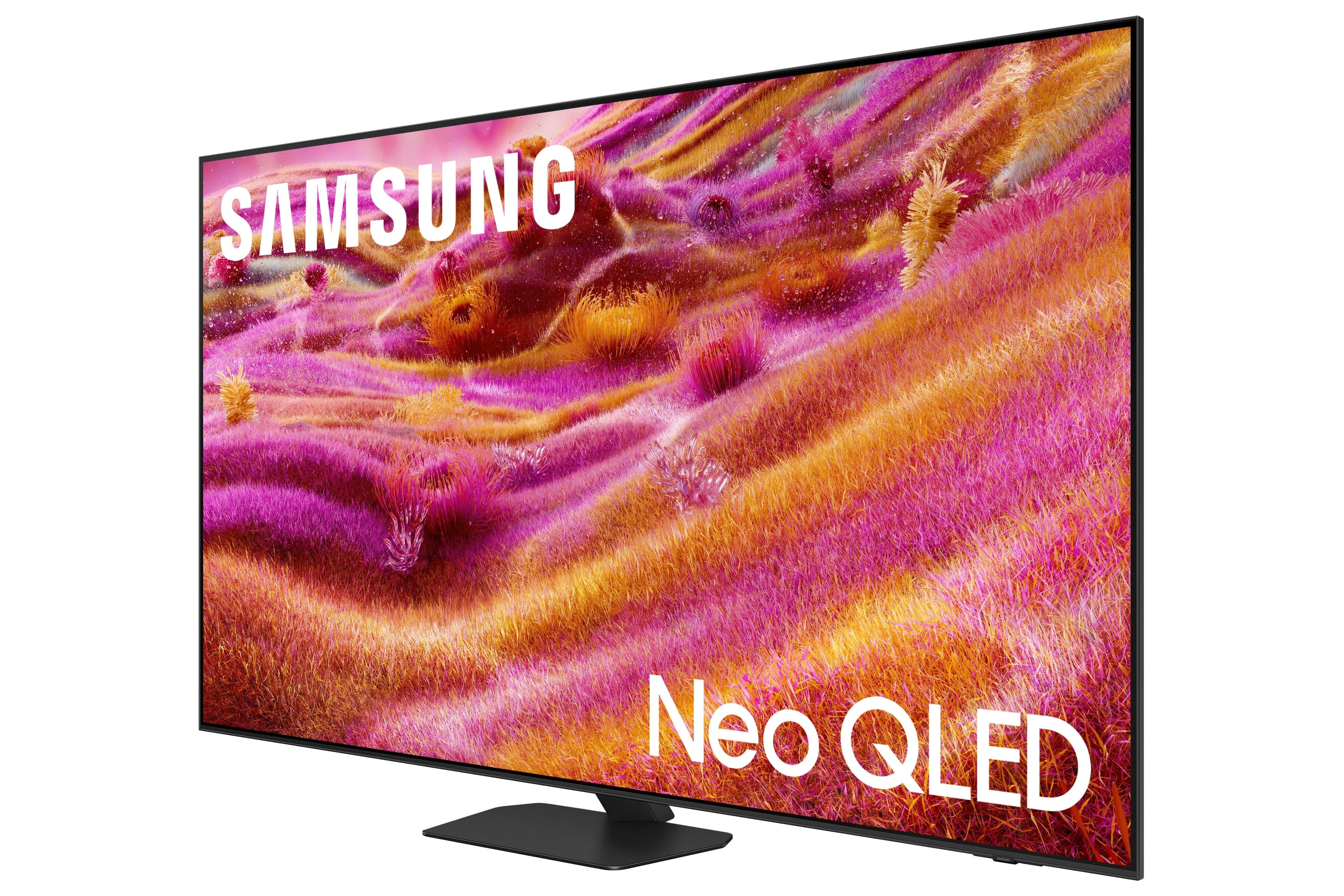






- Model:
- QN65QN90FAFXZA
- SKU:
- 12161655
Rating by feature
- Picture Quality
Rating 4.8 out of 5 stars
- Sound Quality
Rating 4.5 out of 5 stars
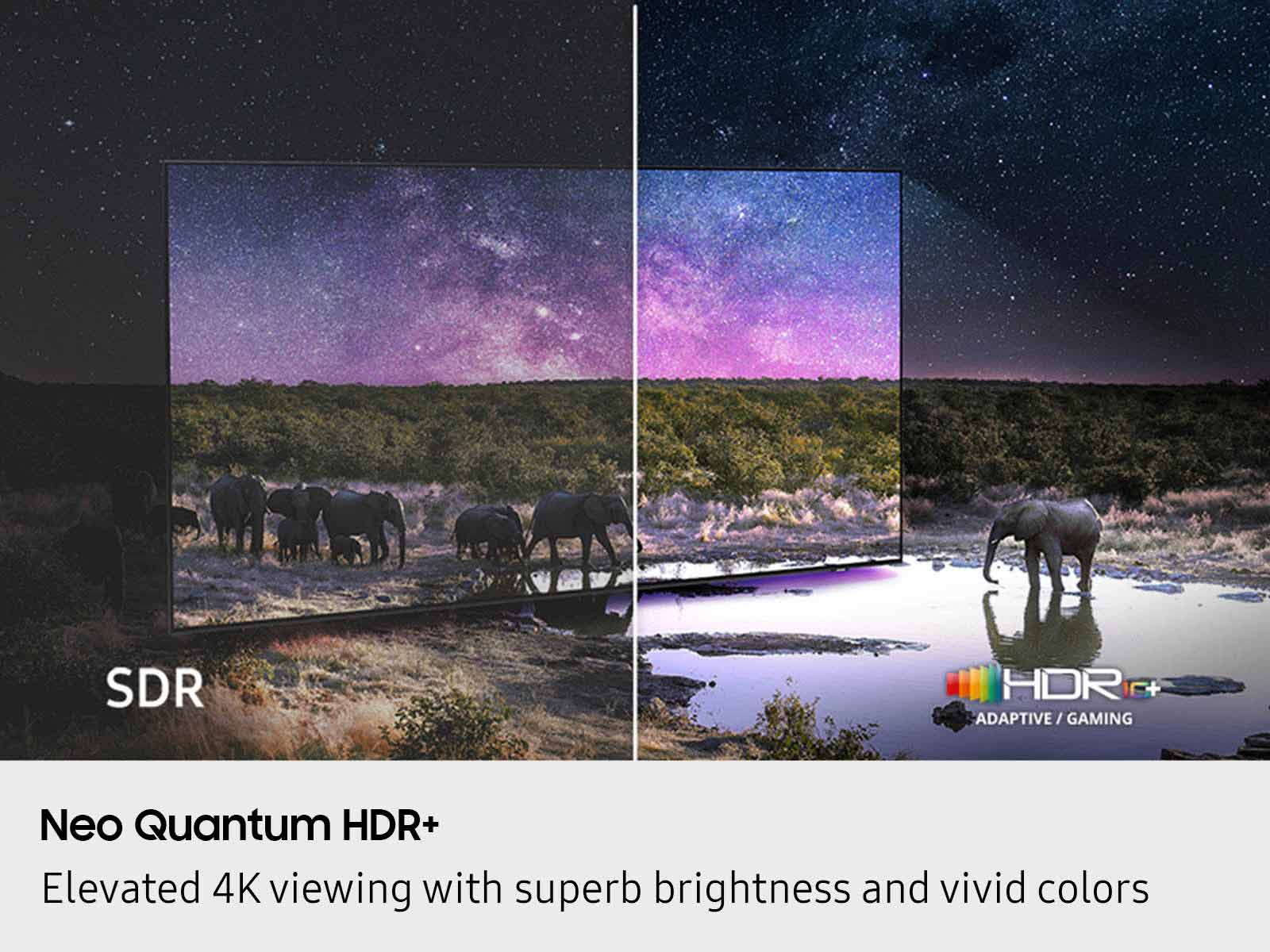
- Brightness
Rating 4.8 out of 5 stars
Love my TV
||Posted . Owned for 3 weeks when reviewed.This reviewer received promo considerations or sweepstakes entry for writing a review.Great tv, clear vision no blare love it. The only down side is I want ch too much TV
I would recommend this to a friendFive stars
||Posted . Owned for 2 weeks when reviewed.This reviewer received promo considerations or sweepstakes entry for writing a review.Good quality good sound great picture highly recommend
I would recommend this to a friendAnti glare TV
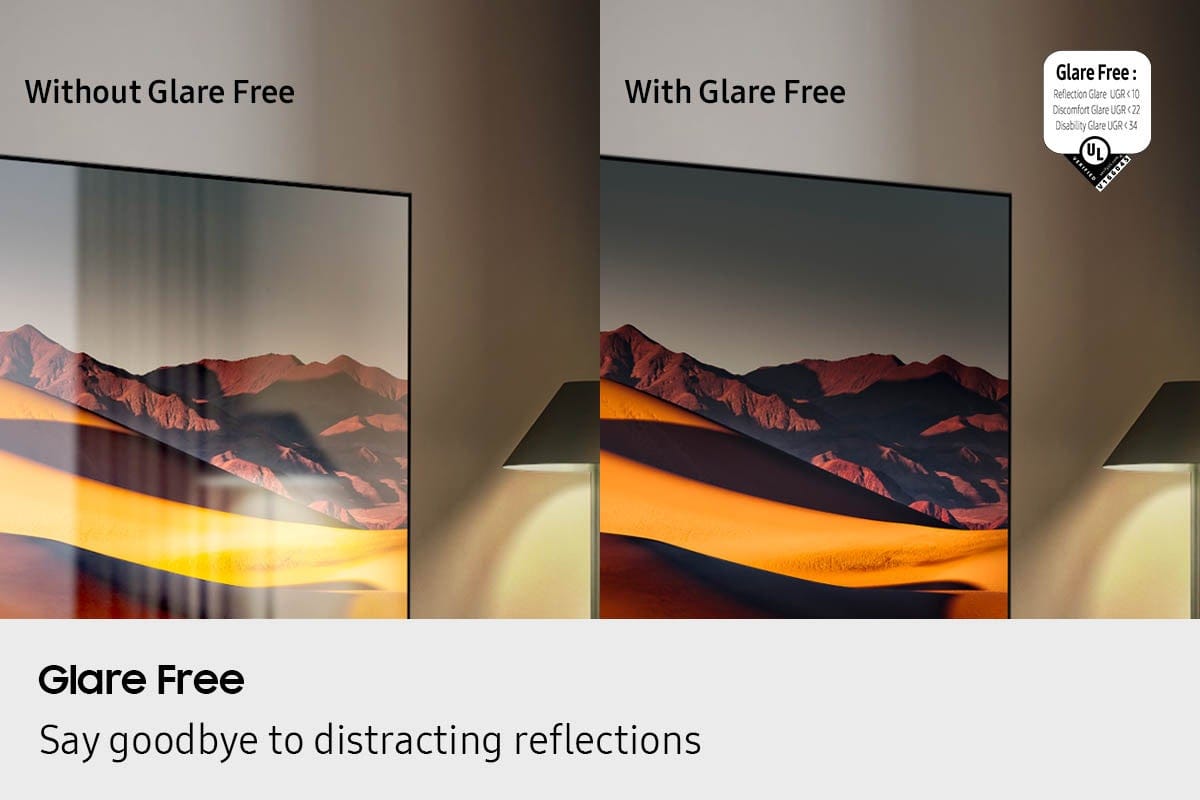
||Posted . Owned for 1 month when reviewed.This reviewer received promo considerations or sweepstakes entry for writing a review.The anti glare technology works great. Installed in room with wall of windows. The picture is very clear. Good color too. My previous TV without the anti glare picture was not visible on a sunny day.
I would recommend this to a friendAmazing TV
||Posted . Owned for 1 month when reviewed.This reviewer received promo considerations or sweepstakes entry for writing a review.The quality is just amazing, and everything is easy to set up as well and self explanatory.
I would recommend this to a friendSamsung
||Posted . Owned for 2 weeks when reviewed.This reviewer received promo considerations or sweepstakes entry for writing a review.Probably the best TV I have ever owned. Picture is top quality.
I would recommend this to a friendAwesome TV
||Posted . Owned for 1 month when reviewed.This reviewer received promo considerations or sweepstakes entry for writing a review.Incredible quality, amazing picture, worth the money
I would recommend this to a friendgreat picture
||Posted . Owned for 1 month when reviewed.This reviewer received promo considerations or sweepstakes entry for writing a review.extremely sharp picture even in a highly lit room.
I would recommend this to a friendGreat Tv
||Posted . Owned for 2 weeks when reviewed.This reviewer received promo considerations or sweepstakes entry for writing a review.Great Tv. The best picture. Well worth the price. Even my Bose surround system sounds better.
I would recommend this to a friendGreat tv
||Posted . Owned for 1 month when reviewed.This reviewer received promo considerations or sweepstakes entry for writing a review.Great tv! Love it for the new place. Great to game on as well!
I would recommend this to a friendSam 90F
||Posted . Owned for 2 weeks when reviewed.This reviewer received promo considerations or sweepstakes entry for writing a review.Great information and knowledge given prior to purchase. TV has been as advertised.
I would recommend this to a friendLove it
||Posted . Owned for 1 month when reviewed.This reviewer received promo considerations or sweepstakes entry for writing a review.Tv is great love so far and the picture quality is great
I would recommend this to a friendamazing tv
||Posted . Owned for 1 month when reviewed.This reviewer received promo considerations or sweepstakes entry for writing a review.love it very much. very clear and simple to use and designed well
I would recommend this to a friendSamsung 65"
||Posted . Owned for 1 month when reviewed.This reviewer received promo considerations or sweepstakes entry for writing a review.Works as expected, great picture and sound. Would recomend
I would recommend this to a friendSamsung television
||Posted . Owned for 3 weeks when reviewed.This reviewer received promo considerations or sweepstakes entry for writing a review.Great viewing in a dark room. Picture quality is great, ease of use is also excellent!
I would recommend this to a friendSamsung QN90f
||Posted .This reviewer received promo considerations or sweepstakes entry for writing a review.Nice TV, love the anti reflective screen. Use this downstairs in a bright living room and have a Sony OLED in the TV Room upstairs. Picture quality is great, it’s nice and bright with accurate colors.
I would recommend this to a friendSamsung 65" TV
||Posted . Owned for 2 weeks when reviewed.This reviewer received promo considerations or sweepstakes entry for writing a review.Best TV I ever bought. Lots of great features. Great pictur and sound.
I would recommend this to a friendGreat picture for high light rooms
||Posted .This reviewer received promo considerations or sweepstakes entry for writing a review.Super easy set up and a great picture! It’s in a room with a lot of natural light and the picture still looks great.
I would recommend this to a friendAwesome picture
||Posted . Owned for 2 weeks when reviewed.This reviewer received promo considerations or sweepstakes entry for writing a review.Great so far. Clear picture and quick navigation.
I would recommend this to a friendUnimpressed with motion
||Posted .This reviewer received promo considerations or sweepstakes entry for writing a review.I wanted to like this TV due to the matte screen in my bright living room. Unfortunately the poor upscaling and poor motion handling was a deal breaker. I ended up returning the TV. The motion was very choppy. Matte screen was very nice.
No, I would not recommend this to a friendBrand response from Samsung
Posted .BrandonD,
Thank you for sharing your experience with Samsung’s QN90F TV. We’re committed to delivering the best possible product quality and performance, and your feedback will be shared with our product teams for review.
Should you decide to give Samsung TVs another try in the future, we’re always here to assist with setup, settings, or any questions you may have. You can always reach us at 1-800-SAMSUNG, 8AM – 12AM EST daily, or LiveChat with a representative at the ‘Support’ link on our website.
~ Samsung Specialist
Great Samsung products
||Posted . Owned for 1 week when reviewed.This reviewer received promo considerations or sweepstakes entry for writing a review.Great tv. We also bought a Samsung sound bar. The only issue is the syncing of voice/lips has been a problem.
I would recommend this to a friendBrand response from Samsung
Posted .Hi TeresaW,
Thank you for your feedback on the lip sync issues you're experiencing with your QN90F TV. This may be related to the content source, but if you're noticing the audio delay across all sources or channels, especially when using your Samsung soundbar, there are a few settings that may help:
1. Adjust Digital Audio Delay. You can manually increase the audio delay to better match the video: Settings > All Settings > Sound > Expert Settings > Digital Output Audio Delay
2. Enable Audio Pass-Through. Samsung TVs include an audio pass-through option, which sends the audio signal directly to your connected soundbar without additional processing by the TV. This can reduce delay when using external audio devices: Settings > All Settings > Sound > Expert Settings > Digital Audio Output Format > Pass-Through
3. Check for Firmware Updates. Ensure your TV is running the latest software, which may include performance improvements related to sound or sync: Home > left directional key > Settings > Support > Software Update > Update Now
If the issue continues after these steps, please contact Samsung Support for additional troubleshooting or assistance. We’re here to help at 1-800-SAMSUNG, 8AM – 12AM EST, 7 days a week. LiveChat and additional support resources are also available through the Support link on our website.
~ Samsung Specialist