Customer Ratings & Reviews
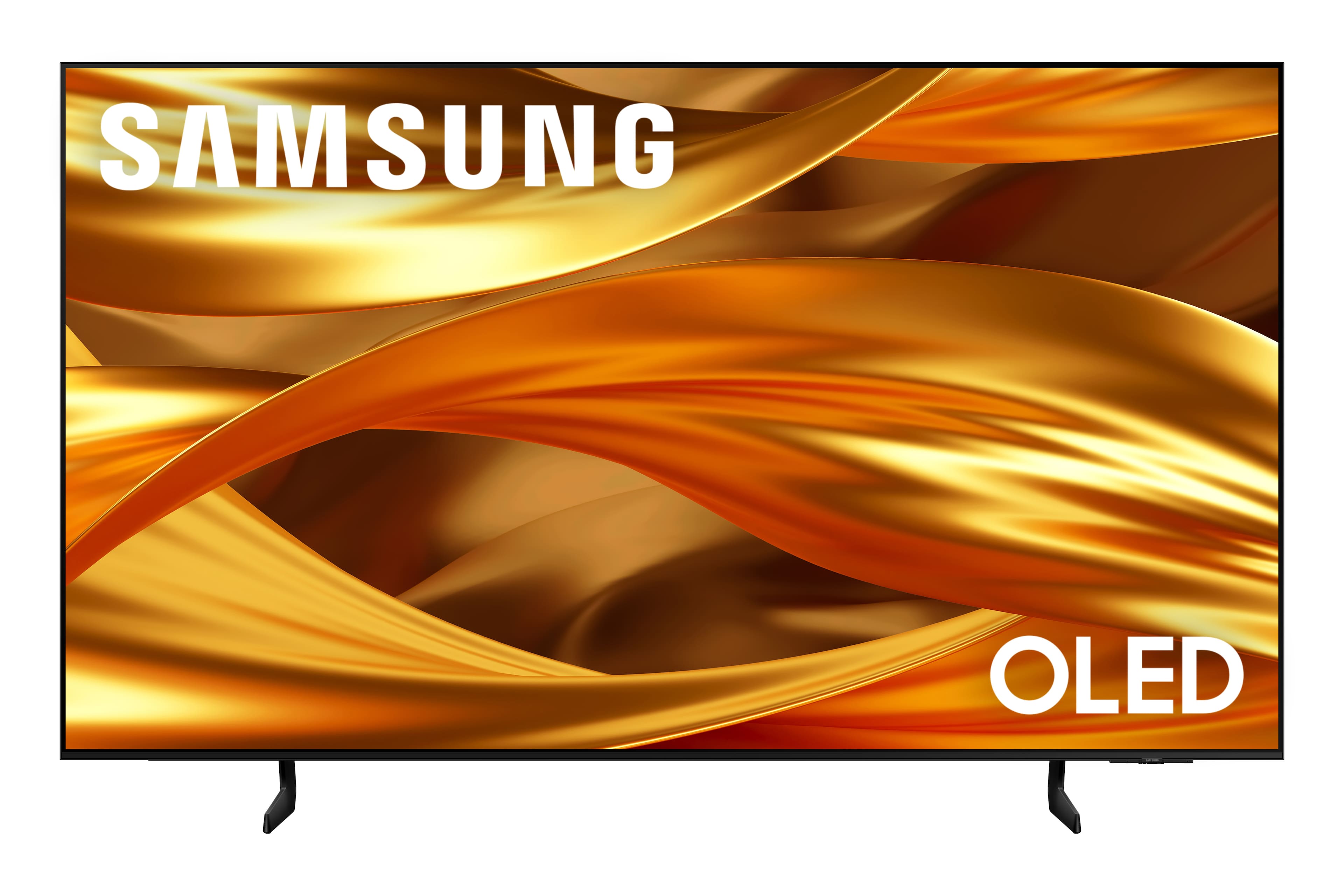
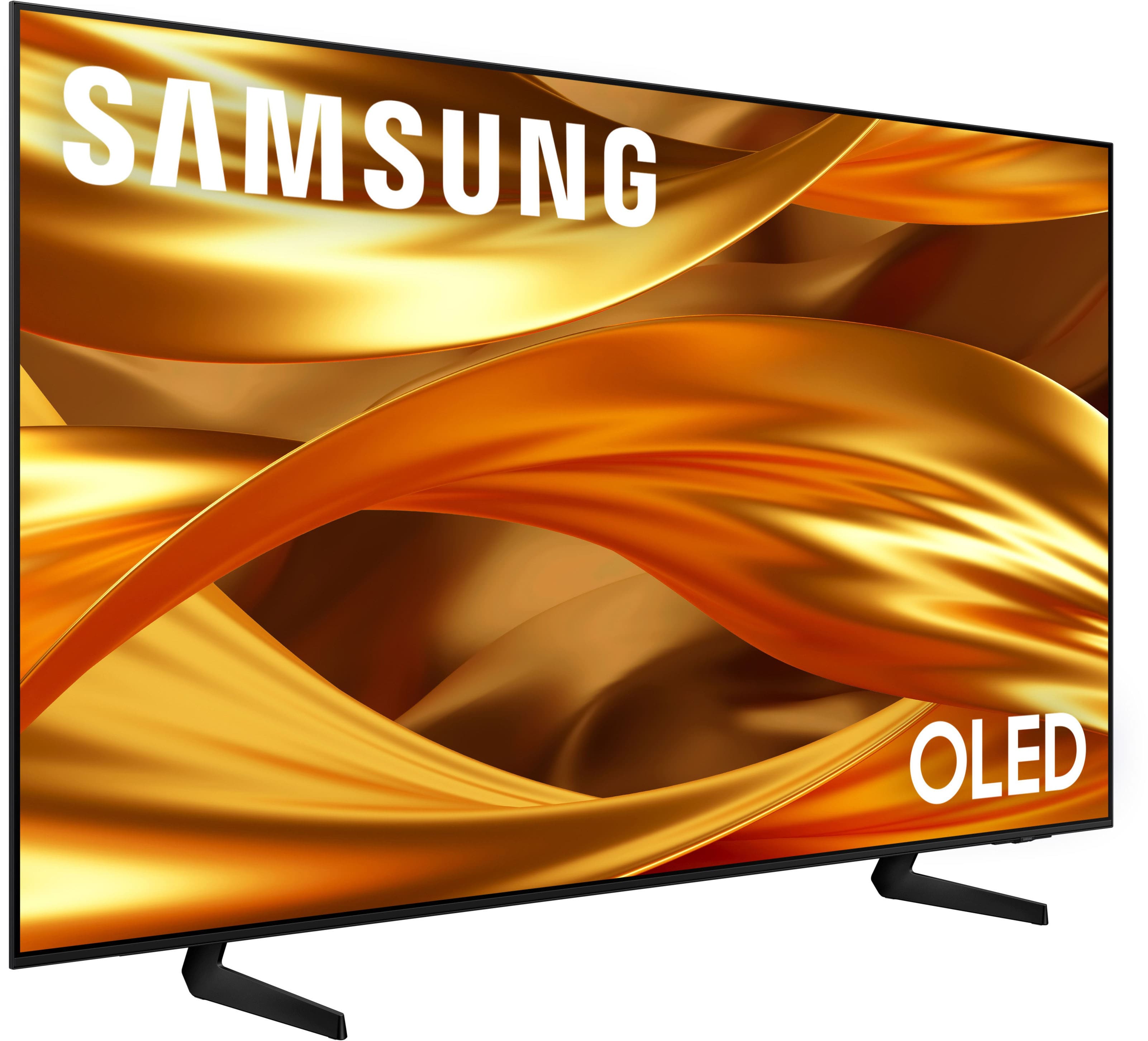
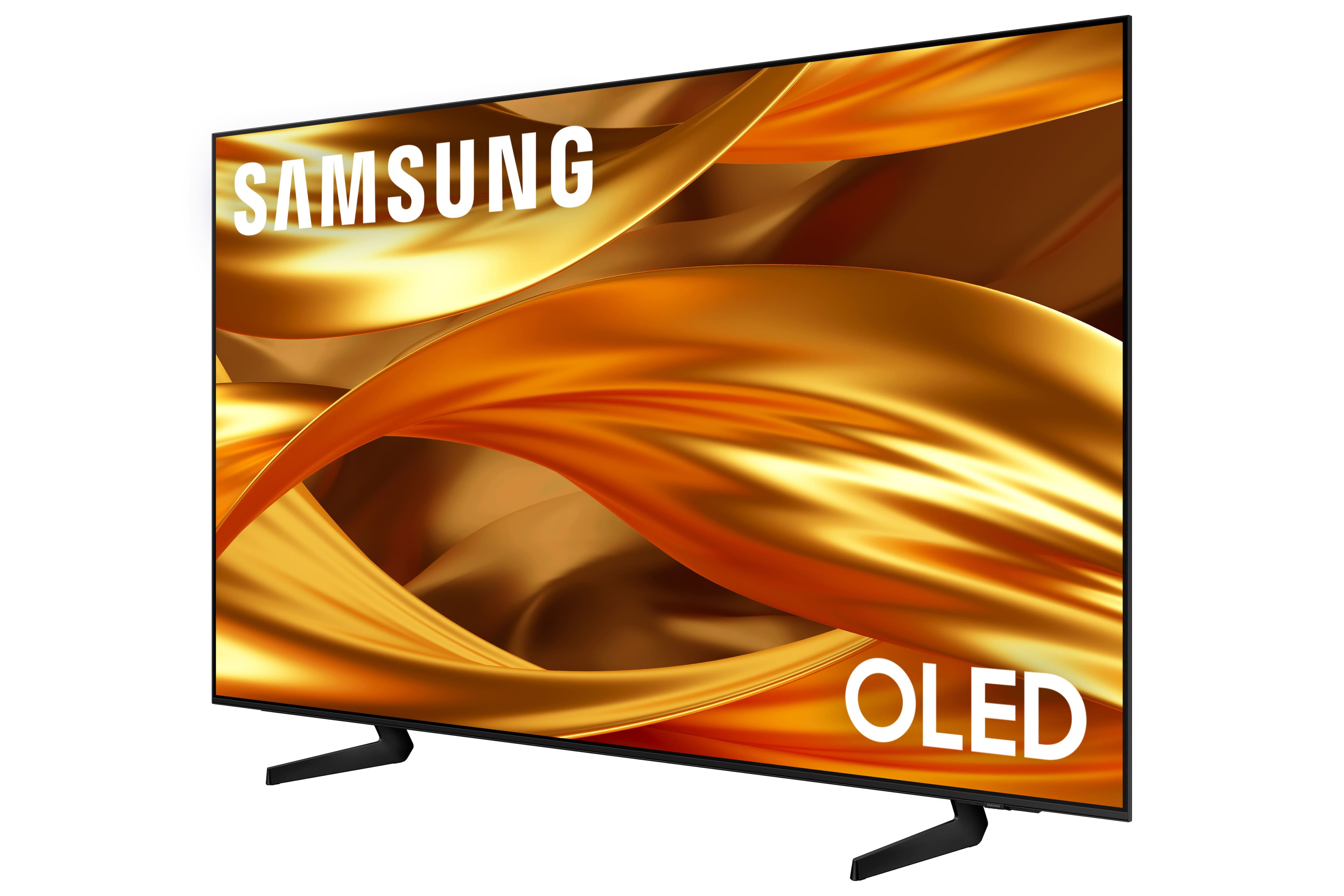




- Model:
- QN65S84FAEXZA
- SKU:
- 6643538
Rating by feature
- Picture Quality
Rating 4.9 out of 5 stars
- Sound Quality
Rating 4.6 out of 5 stars
- Brightness
Rating 4.8 out of 5 stars
Customers are saying
Customers recognize the 65" Class S84F OLED 4K UHD Vision AI Smart Tizen TV (2025) for its phenomenal picture and OLED quality, with users noting the deep blacks and great brightness. The TV's design is considered elegant, and the refresh rate is appreciated, especially for gaming. However, some customers have experienced issues with the speed and smoothness of the operating system and have expressed concerns about the remote control.
This summary was generated by AI based on customer reviews.
Kim A
||Posted . Owned for 3 weeks when reviewed.This reviewer received promo considerations or sweepstakes entry for writing a review.Very happy with our purchase and the staff was so hepful.
I would recommend this to a friendVery bright
||Posted . Owned for 1 week when reviewed.This reviewer received promo considerations or sweepstakes entry for writing a review.Very good sreen. Very brilliant for day light and to open spaces.
I would recommend this to a friendGreat TV
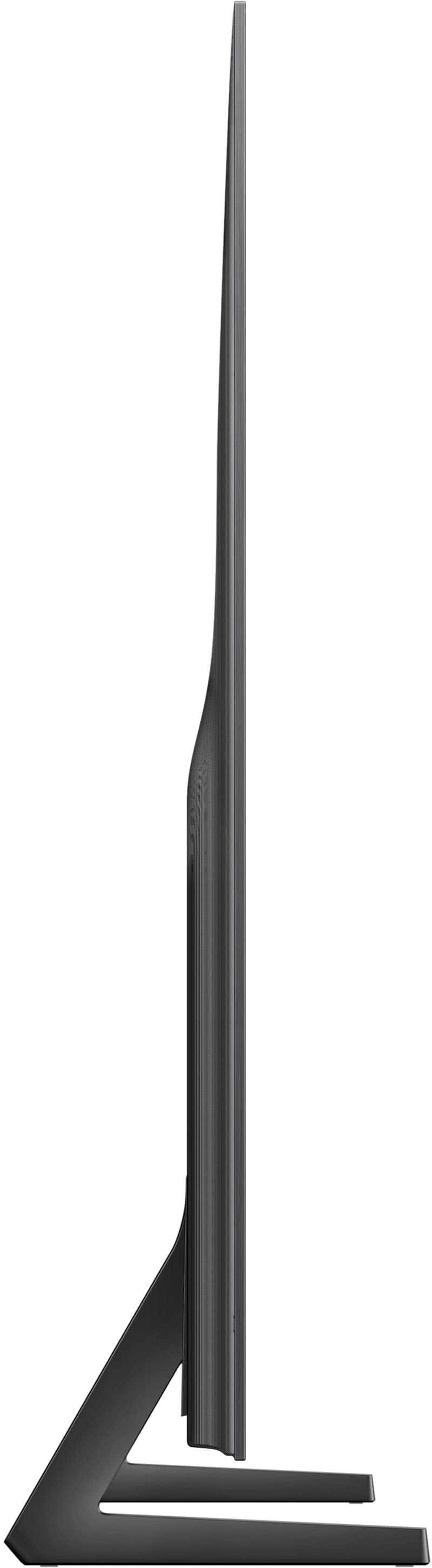
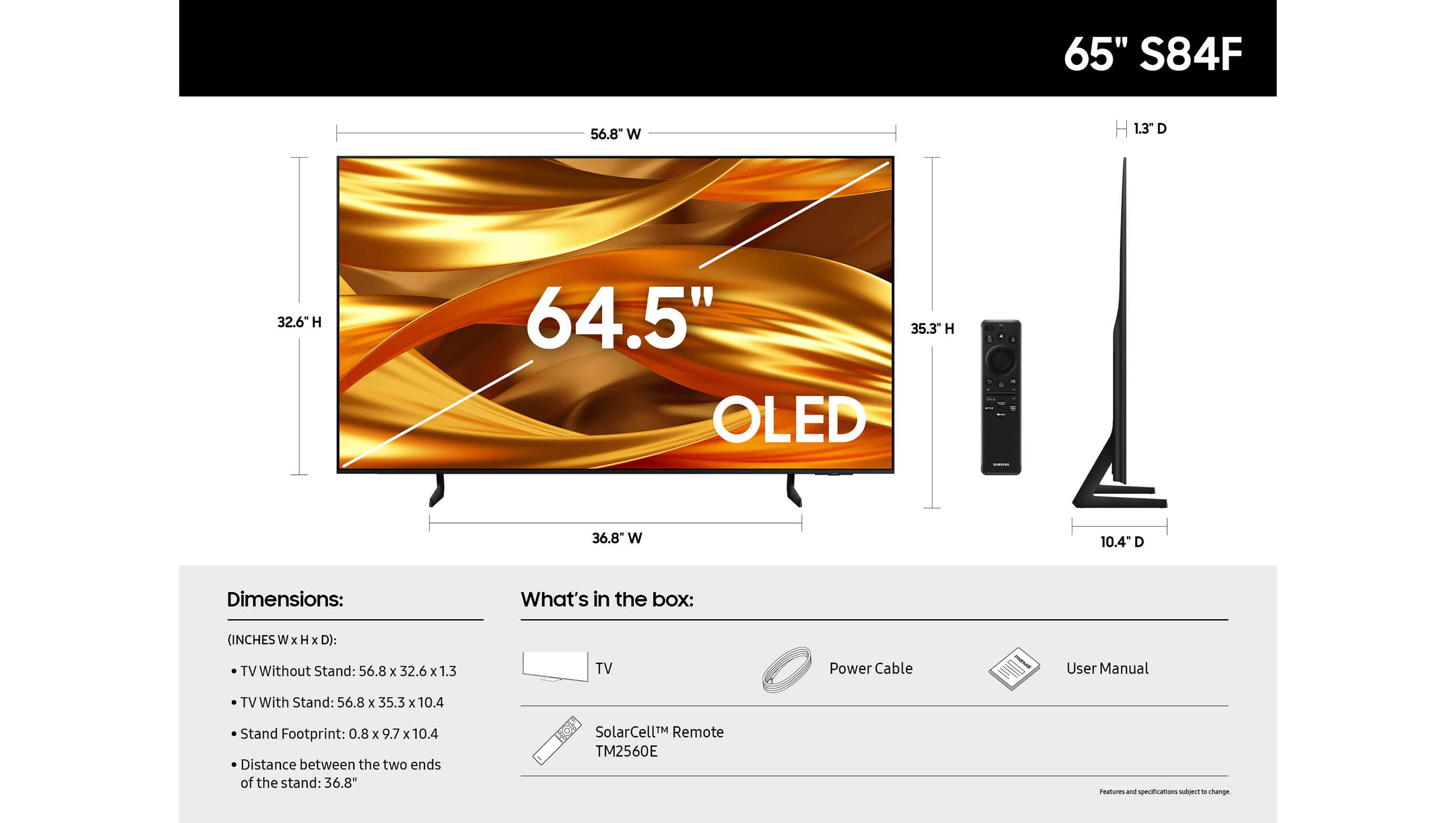
||Posted .This reviewer received promo considerations or sweepstakes entry for writing a review.Great picture and color. Really lite and thin. I would recommend to every one.
I would recommend this to a friendOLED Delight
||Posted . Owned for 2 weeks when reviewed.This reviewer received promo considerations or sweepstakes entry for writing a review.Excellent service & install - overall favorable buying experience!
I would recommend this to a friendNot Happy
Posted .This reviewer received promo considerations or sweepstakes entry for writing a review.problem I have two lines of red and green dots showing constantly on 2 week old tv ...spent over one hour on phone with samsung customer service only to be told that a service appointment was necessary which will take 10 days to schedule.
No, I would not recommend this to a friendBrand response from Samsung
Posted .unhappy,
Thank you for sharing your experience, and we truly appreciate your patience as you await your service appointment. If you need any additional help after the service is completed, Samsung Support is here for you. You can always reach us at 1-800-SAMSUNG, 8AM – 12AM EST, 7 days a week. LiveChat is also available through the ‘Support’ link on our website.
~ Samsung Specialist
TV would have been great...except!
||Posted . Owned for 3 weeks when reviewed.This reviewer received promo considerations or sweepstakes entry for writing a review.Actual TV purchased was the Samsung S90F OLED TV. I had to cancel the purchase of this the S84F TV. The S84F OLED did not come with a pedestal mount, which I needed to mount the TV. Otherwise would have purchased this TV. It's a shame you can't have alternate options for these TVs. Therefore I can't really rate this TV.
I would recommend this to a friendBrand response from Samsung
Posted .FredF,
Thanks for sharing your thoughts on the S84F. If we can help with anything, please contact Samsung Customer Support at 1-800-SAMSUNG, available 8AM – 12AM EST, 7 days a week. You can also LiveChat with an agent or find helpful guides by visiting the ‘Support’ section of our website.
~ Samsung Specialist
Should have bought a Sony
||Posted . Owned for 1 month when reviewed.This reviewer received promo considerations or sweepstakes entry for writing a review.I have had this TV for about six weeks. The TV has a great picture and nice quality sound. But the operating system seems to be sketchy. The TV frequently looses its connection to my Sonos sound bar and and we have had several experiences where there is no picture with YouTube TV - out primary content provider. We have several other TVs in the home and they work fine even when this Samsung cannot display a picture so I know the issue is unique to the Samsung TV. I have called Best Buy for support and they were useless. I had a great conversation with Samsung tech support but at the end of the day they said the TV has the latest S/W and everything is working as it is supposed to. I'll be calling them again as the issues are still occurring.
No, I would not recommend this to a friendBrand response from Samsung
Posted .WilliamR,
We’re sorry to hear that your troubleshooting efforts haven’t resolved the issue. Please contact Samsung Customer Support so we can better understand your situation and offer assistance tailored to your specific use case.
You can reach us at 1-800-SAMSUNG, available daily from 8AM - 12AM EST. You can also chat with a LiveChat agent by clicking the ‘Support’ link on our website for:
• Live Chat
• Manuals, Software, & Warranty Info
• Creating a Service ticket
~ Samsung Specialist
Best deal in town
||Posted .This reviewer received promo considerations or sweepstakes entry for writing a review.Anti glare works amazing truly happy with my investment
I would recommend this to a friendTv Samsung
||Posted . Owned for 1 week when reviewed.This reviewer received promo considerations or sweepstakes entry for writing a review.Great tv I love the quality very good and I reccommend
I would recommend this to a friendSatisfied with purchase
||Posted . Owned for 2 weeks when reviewed.This reviewer received promo considerations or sweepstakes entry for writing a review.Picture looks great! Happy with the purchase so far
I would recommend this to a friendGreat picture, apps run slow
||Posted .This reviewer received promo considerations or sweepstakes entry for writing a review.The black are dark great refresh rate the Samsung apps run a slow
I would recommend this to a friendNeeds different remote.
||Posted . Owned for 2 weeks when reviewed.This reviewer received promo considerations or sweepstakes entry for writing a review.Difficult remote.Too smsll to operate.Some streaming apps don't work easily.
I would recommend this to a friendNot sure about it yet
||Posted .This reviewer received promo considerations or sweepstakes entry for writing a review.There are some issues with the TV. We had to get a better Verizon box to watch TV normally. The colors were too dark and off. We couldn’t adjust well still testing….
I would recommend this to a friendBrand response from Samsung
Posted .DanielleD,
We appreciate your input on the picture quality of Samsung’s S84F TV. If the image isn’t meeting your expectations, there are several adjustments you can make to improve your viewing experience.
First, please ensure your TV is running the latest firmware, as updates may include important picture quality enhancements. Go to: Home > Left directional button > Settings > Support > Software Update > Update Now
Then, select a Picture Mode that best fits your environment: Home > Home > left directional key > Settings > All Settings > Picture > Picture Mode
1. Standard – Default mode for general viewing
2. Dynamic – Brighter and clearer in well-lit rooms
3. Eco – Optimized for energy saving
4. Movie – Best for watching in dark environments
5. Filmmaker Mode – Preserves content exactly as intended by creators
You can also enhance your experience by enabling AI Mode, which automatically adjusts picture and sound based on your surroundings and usage patterns: Settings > All Settings > Advanced Features > AI Mode Settings > AI Mode
If these adjustments don’t improve your picture quality, feel free to contact Samsung Customer Support at 1-800-SAMSUNG, available 8AM – 12AM EST, 7 days a week. You can also LiveChat with an agent or find helpful guides by visiting the ‘Support’ section of our website.
~ Samsung Specialist
Haziness
||Posted .This reviewer received promo considerations or sweepstakes entry for writing a review.I replaced an older model Samsung. The picture is not as clear as I was expecting. All in all it is ok. If I knew it was not going to be great I would not have made the investment.
No, I would not recommend this to a friendBrand response from Samsung
Posted .AndreaS,
We appreciate your input on the picture quality of Samsung’s S84F TV. If the image isn’t meeting your expectations, there are several adjustments you can make to improve your viewing experience.
First, please ensure your TV is running the latest firmware, as updates may include important picture quality enhancements. Go to: Home > Left directional button > Settings > Support > Software Update > Update Now
Then, select a Picture Mode that best fits your environment: Home > Home > left directional key > Settings > All Settings > Picture > Picture Mode
1. Standard – Default mode for general viewing
2. Dynamic – Brighter and clearer in well-lit rooms
3. Eco – Optimized for energy saving
4. Movie – Best for watching in dark environments
5. Filmmaker Mode – Preserves content exactly as intended by creators
You can also enhance your experience by enabling AI Mode, which automatically adjusts picture and sound based on your surroundings and usage patterns: Settings > All Settings > Advanced Features > AI Mode Settings > AI Mode
If these adjustments don’t improve your picture quality, feel free to contact Samsung Customer Support at 1-800-SAMSUNG, available 8AM – 12AM EST, 7 days a week. You can also LiveChat with an agent or find helpful guides by visiting the ‘Support’ section of our website.
~ Samsung Specialist
Prefer Sony
||Posted . Owned for 1 month when reviewed.This reviewer received promo considerations or sweepstakes entry for writing a review.Not a big fan I never could get the contrast or color set correctly to my taste. I did return it and bought Sony mini LED absolutely love it.
No, I would not recommend this to a friendBrand response from Samsung
Posted .Neptune,
We regret that the picture quality of Samsung’s S84F TV didn’t meet your expectations. In many cases, picture performance can be improved through settings adjustments or firmware updates. That said, we appreciate your feedback and will pass it along to the appropriate teams.
If you decide to explore Samsung TVs again in the future, we’re always here to support you - whether it’s setup, features, or troubleshooting. Reach us anytime at 1-800-SAMSUNG (8AM – 12AM EST, 7 days a week), or visit the ‘Support’ section of our website for LiveChat, manuals, and more.
~ Samsung Specialist
Samsung Qled tv
||Posted . Owned for less than 1 week when reviewed.This reviewer received promo considerations or sweepstakes entry for writing a review.Had great reviews, salesman spoke great for Qled tv, but I didn’t think it was great at all. Returned for TCL, hopefully better quality.
No, I would not recommend this to a friendBrand response from Samsung
Posted .Ellie,
We're sorry to hear that your experience with the S84F TV led to a return. Your feedback matters to us and will be shared with our product team.
If you decide to explore Samsung TVs again in the future, we’re always here to support you - whether it’s setup, features, or troubleshooting. Reach us anytime at 1-800-SAMSUNG (8AM – 12AM EST, 7 days a week), or visit the ‘Support’ section of our website for LiveChat, manuals, and more.
~ Samsung Specialist
Color and sound is not as good as in store
||Posted . Owned for 3 weeks when reviewed.This reviewer received promo considerations or sweepstakes entry for writing a review.The TV color is not as it's being advertised in the store and not I do not like it. Also the sound still is not as good it is 100 I still cannot hear it properly.
No, I would not recommend this to a friendBrand response from Samsung
Posted .AkalneshM,
We appreciate your input on the picture quality of Samsung’s S84F TV. If the image isn’t meeting your expectations, there are several adjustments you can make to improve your viewing experience.
First, please ensure your TV is running the latest firmware, as updates may include important picture quality enhancements. Go to: Home > Left directional button > Settings > Support > Software Update > Update Now
Then, select a Picture Mode that best fits your environment: Home > Home > left directional key > Settings > All Settings > Picture > Picture Mode
1. Standard – Default mode for general viewing
2. Dynamic – Brighter and clearer in well-lit rooms
3. Eco – Optimized for energy saving
4. Movie – Best for watching in dark environments
5. Filmmaker Mode – Preserves content exactly as intended by creators
You can also enhance your experience by enabling AI Mode, which automatically adjusts picture and sound based on your surroundings and usage patterns: Settings > All Settings > Advanced Features > AI Mode Settings > AI Mode
If these adjustments don’t improve your picture quality, feel free to contact Samsung Customer Support at 1-800-SAMSUNG, available 8AM – 12AM EST, 7 days a week. You can also LiveChat with an agent or find helpful guides by visiting the ‘Support’ section of our website.
~ Samsung Specialist
It’s ok
||Posted . Owned for 1 week when reviewed.This reviewer received promo considerations or sweepstakes entry for writing a review.Only thing I’m really noticing is the tv seems too square for my needs. Also the screen stays on when playing music. Wish it could turn off when only music is playing.
No, I would not recommend this to a friendBrand response from Samsung
Posted .Hi PatrickL,
Thank you for your feedback. If you’d like to listen to audio without the screen on, Auto Picture Off allows you to do just that. This feature keeps the sound playing while turning off the screen to help save energy. Pressing Volume or Power will not wake the screen, but any other button on the remote will. To activate Auto Picture Off: Home > left directional key > Settings > All Settings > General & Privacy > Accessibility > Auto Picture Off.
I hope this tip is helpful. If you have any questions, please call us at 1-800-SAMSUNG between 8AM - 12AM EST, seven days a week. You can also access LiveChat, manuals, software, and warranty info by clicking the ‘Support’ link on our website.
~ Samsung Advisor
If bright whites are your thing don’t buy this tv.
||Posted .This reviewer received promo considerations or sweepstakes entry for writing a review.I am a fan of bright whites. This tv doesn’t have that. The whitest whites are dim and gray. I have brightness turned all the way up and it’s still very dim.
No, I would not recommend this to a friendBrand response from Samsung
Posted .ClaudeJ,
We appreciate your input on the picture quality of Samsung’s S84F TV. If the image isn’t meeting your expectations, there are several adjustments you can make to improve your viewing experience.
First, please ensure your TV is running the latest firmware, as updates may include important picture quality enhancements. Go to: Home > Left directional button > Settings > Support > Software Update > Update Now
Then, select a Picture Mode that best fits your environment: Home > Home > left directional key > Settings > All Settings > Picture > Picture Mode
1. Standard – Default mode for general viewing
2. Dynamic – Brighter and clearer in well-lit rooms
3. Eco – Optimized for energy saving
4. Movie – Best for watching in dark environments
5. Filmmaker Mode – Preserves content exactly as intended by creators
You can also enhance your experience by enabling AI Mode, which automatically adjusts picture and sound based on your surroundings and usage patterns: Settings > All Settings > Advanced Features > AI Mode Settings > AI Mode
If these adjustments don’t improve your picture quality, feel free to contact Samsung Customer Support at 1-800-SAMSUNG, available 8AM – 12AM EST, 7 days a week. You can also LiveChat with an agent or find helpful guides by visiting the ‘Support’ section of our website.
~ Samsung Specialist
- Pros mentioned:Picture quality
Samsung tv
||Posted . Owned for 2 months when reviewed.This reviewer received promo considerations or sweepstakes entry for writing a review.Black Lines across the tv within 2 months of using it.image good.
No, I would not recommend this to a friendBrand response from Samsung
Posted .DennisM,
Thank you for sharing your experience with Samsung’s S84F. If your TV is displaying lines on the screen, we recommend the following steps to help isolate the issue:
1. Check all input cable connections for any external devices (e.g., HDMI, streaming boxes, Blu-ray players)
2. Switch channels or inputs to see if the issue appears across all sources
3. Run a Picture Test to check for panel-related issues: Settings > Support > Device Care > Self Diagnosis > Picture Test
4. Perform a cold boot by holding the power button on your remote for about 10 seconds
5. Ensure your TV has the latest software installed: Settings > Support > Software Update
If the issue continues after these steps, the TV may require service. For further assistance, please contact Samsung Support at 1-800-SAMSUNG, 8AM – 12AM EST, 7 days a week. LiveChat and additional support resources are also available through the Support link on our website.
~ Samsung Specialist