Customer Ratings & Reviews
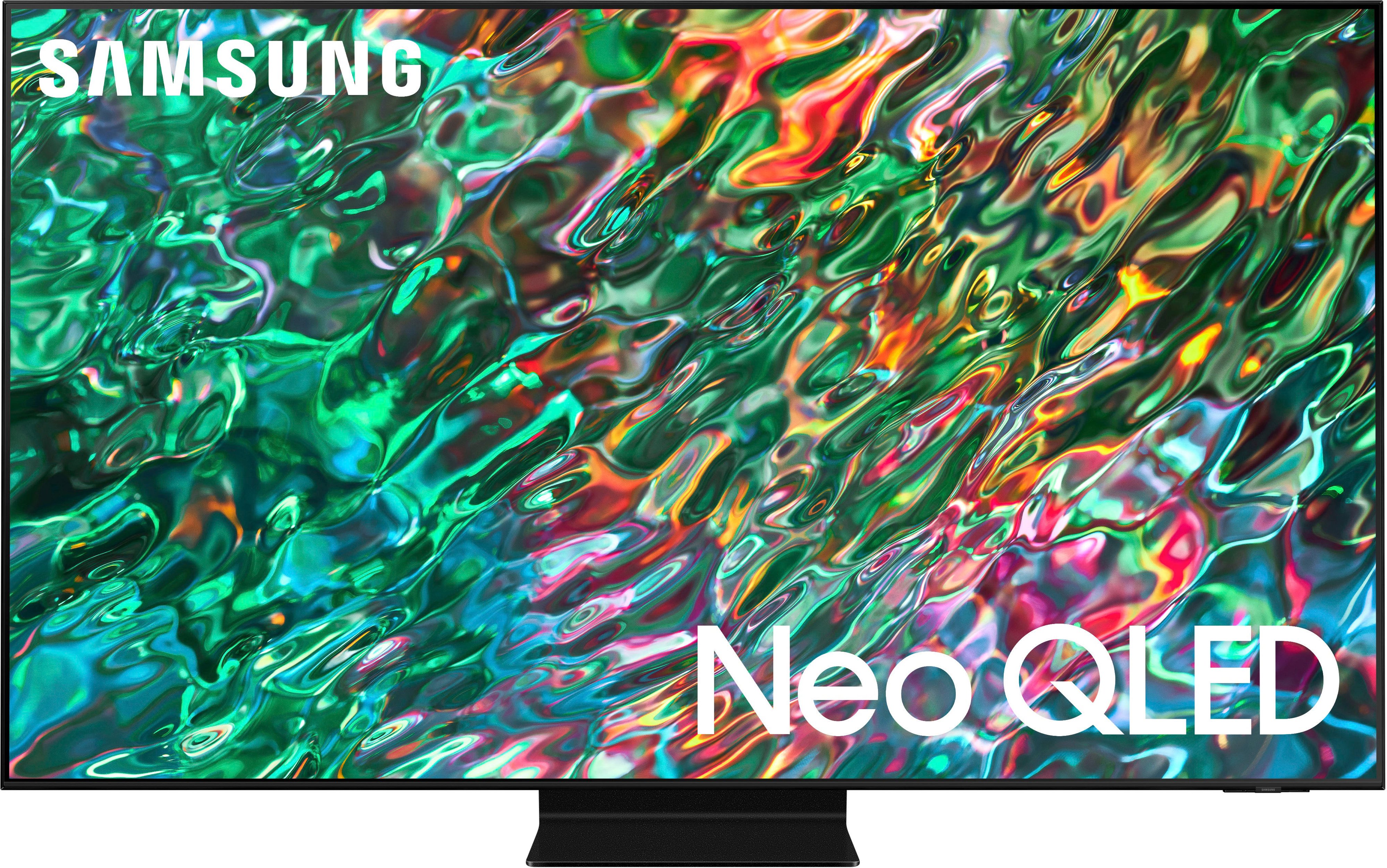
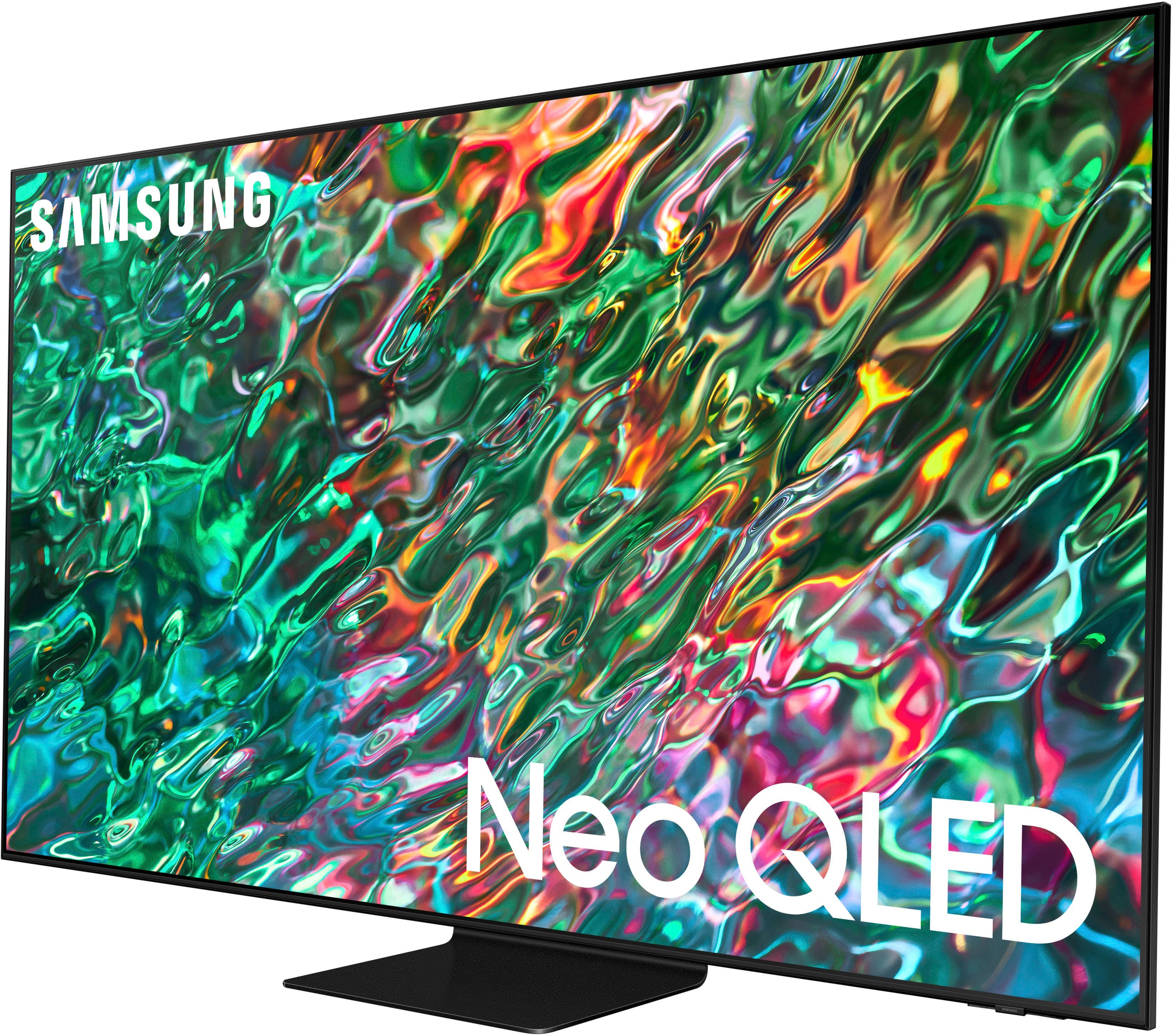
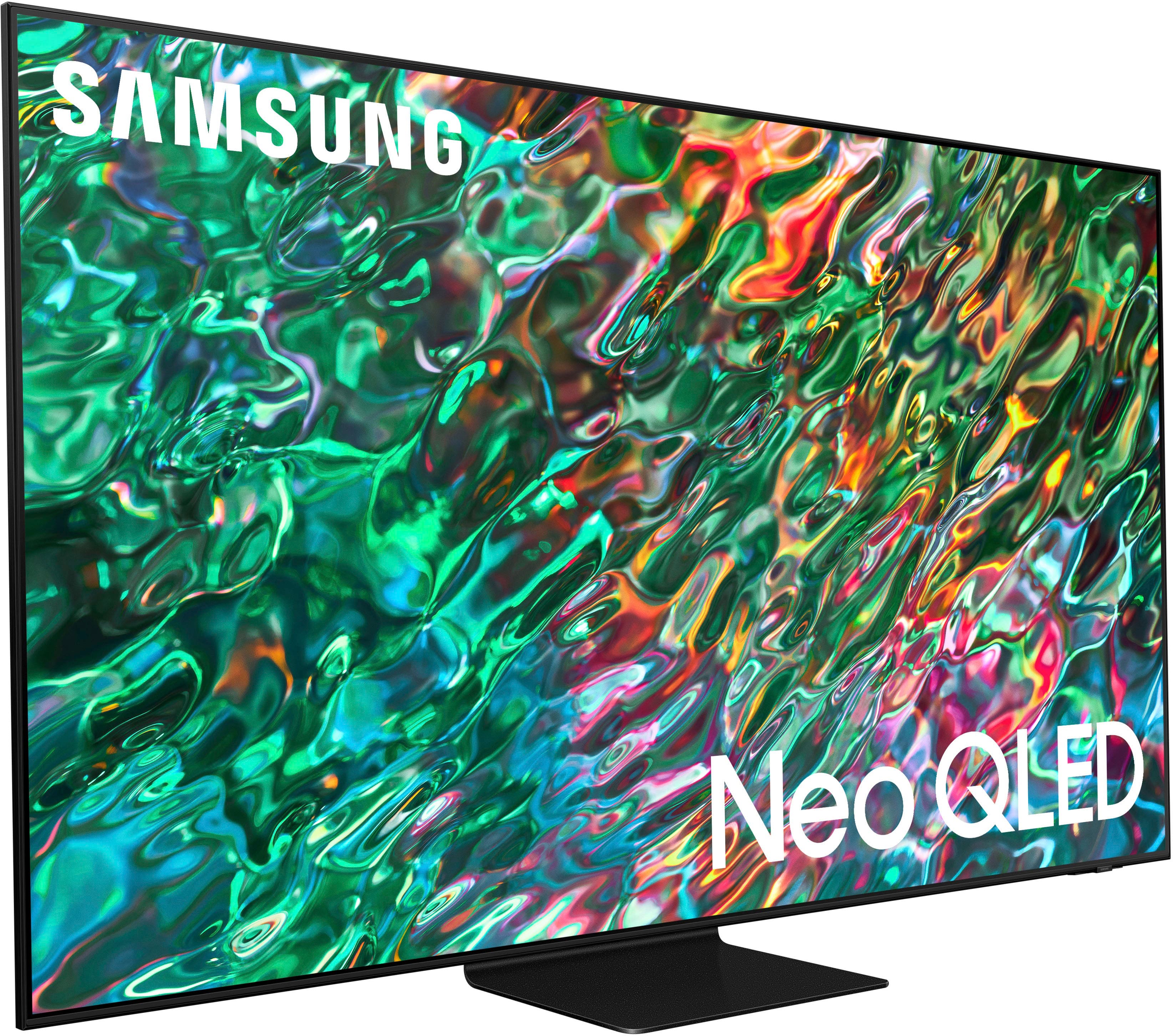
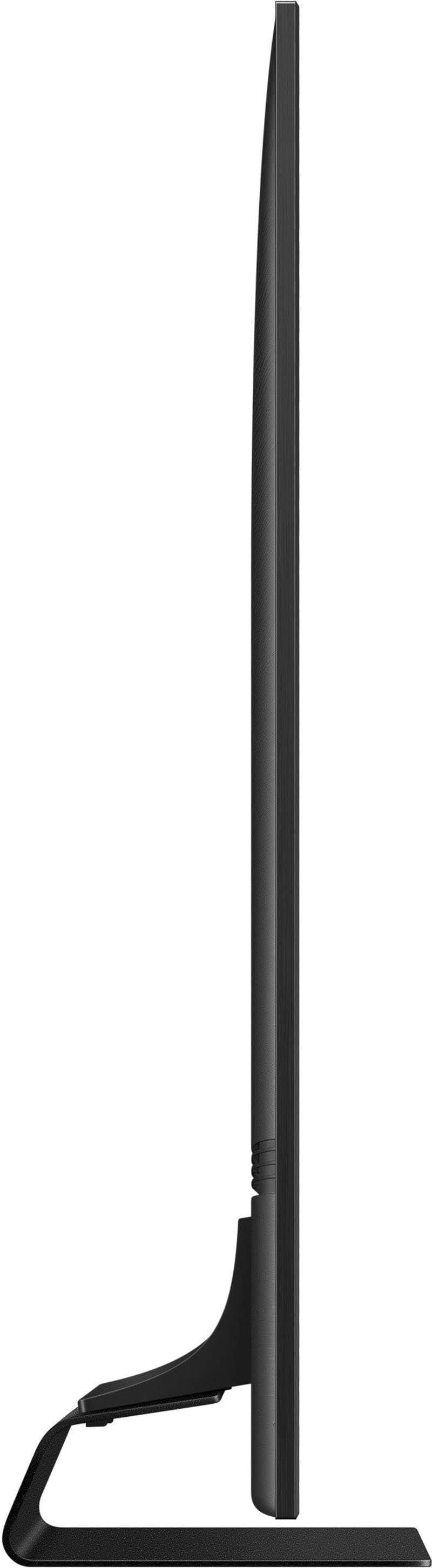
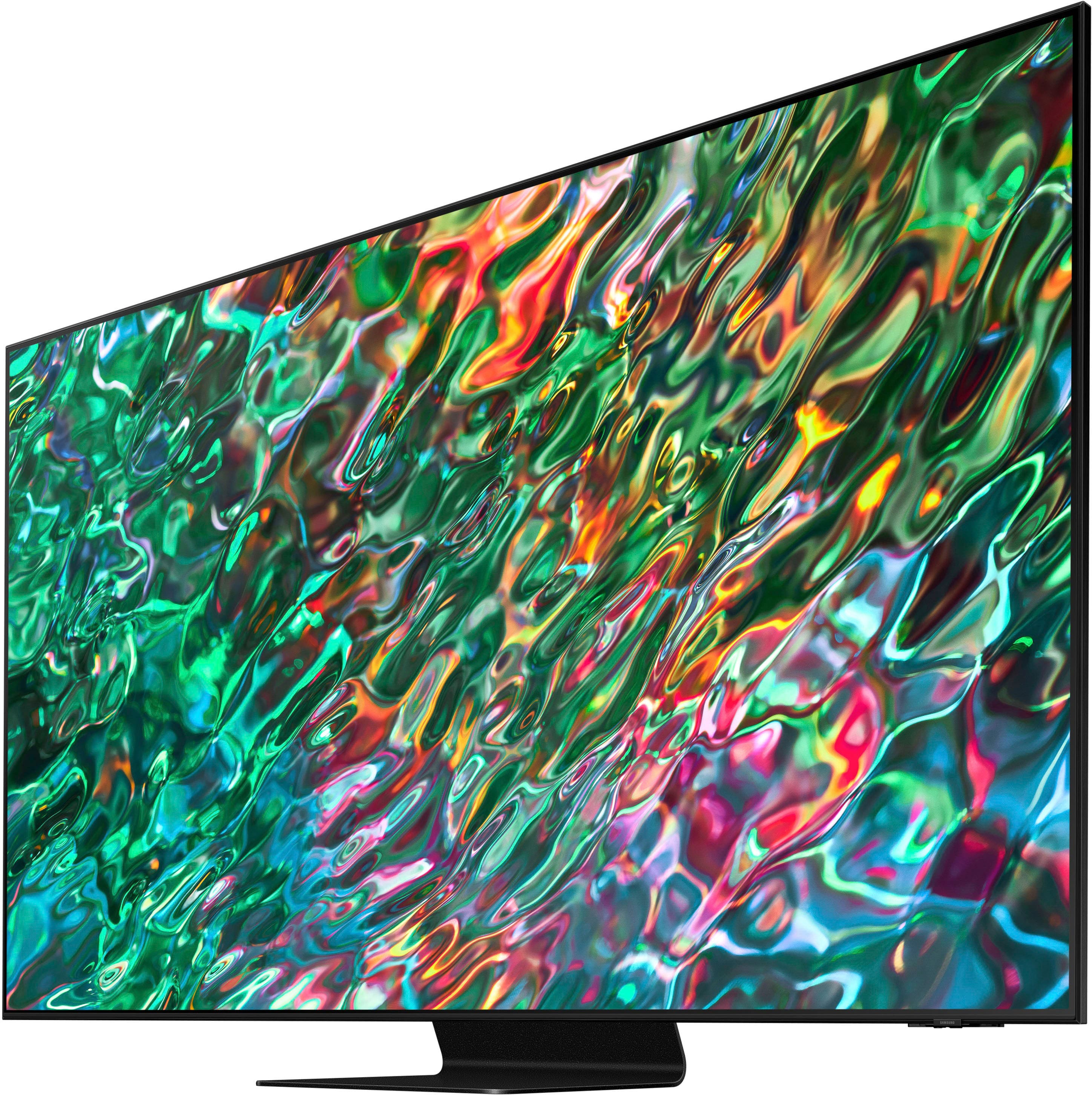

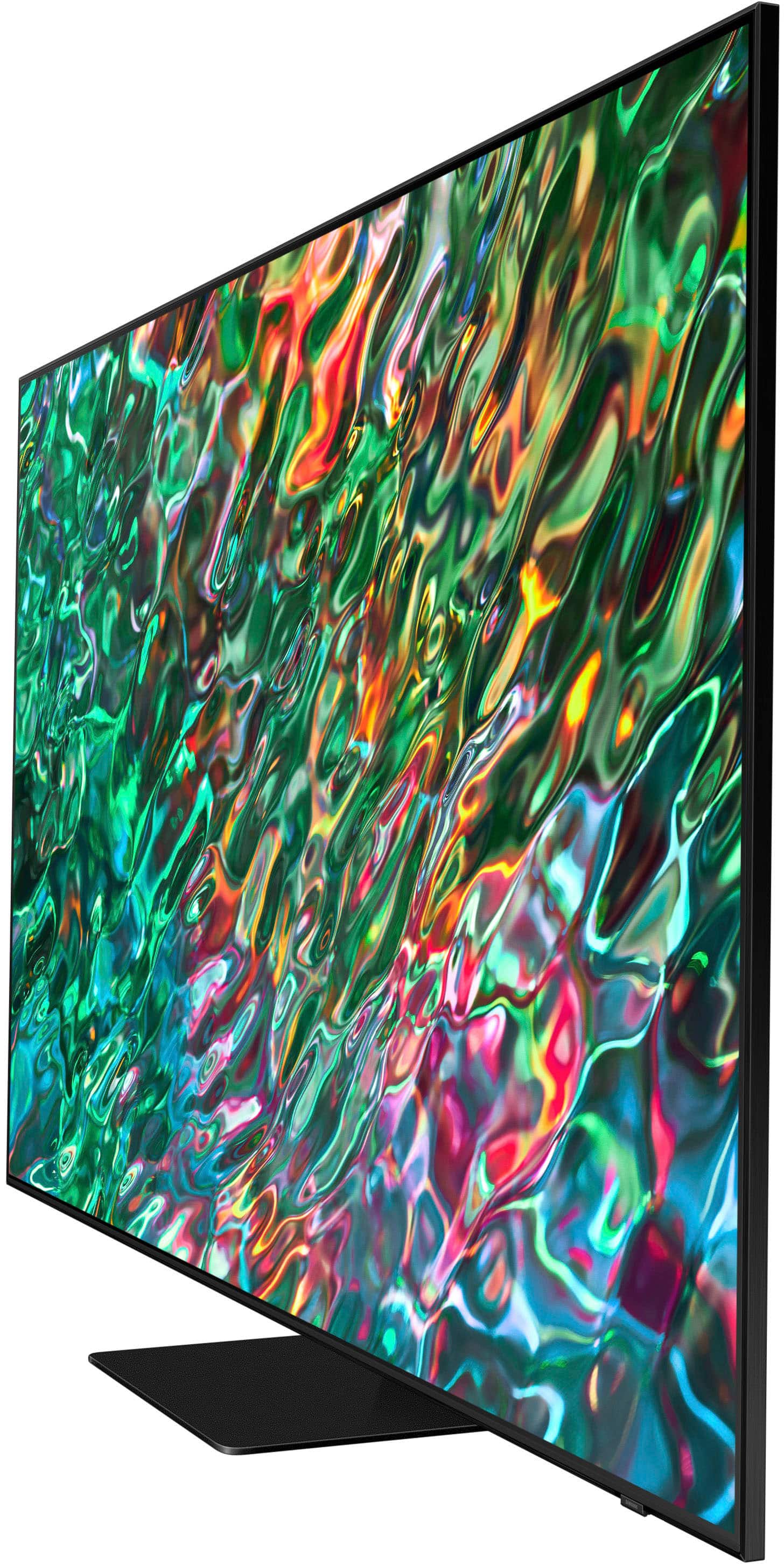
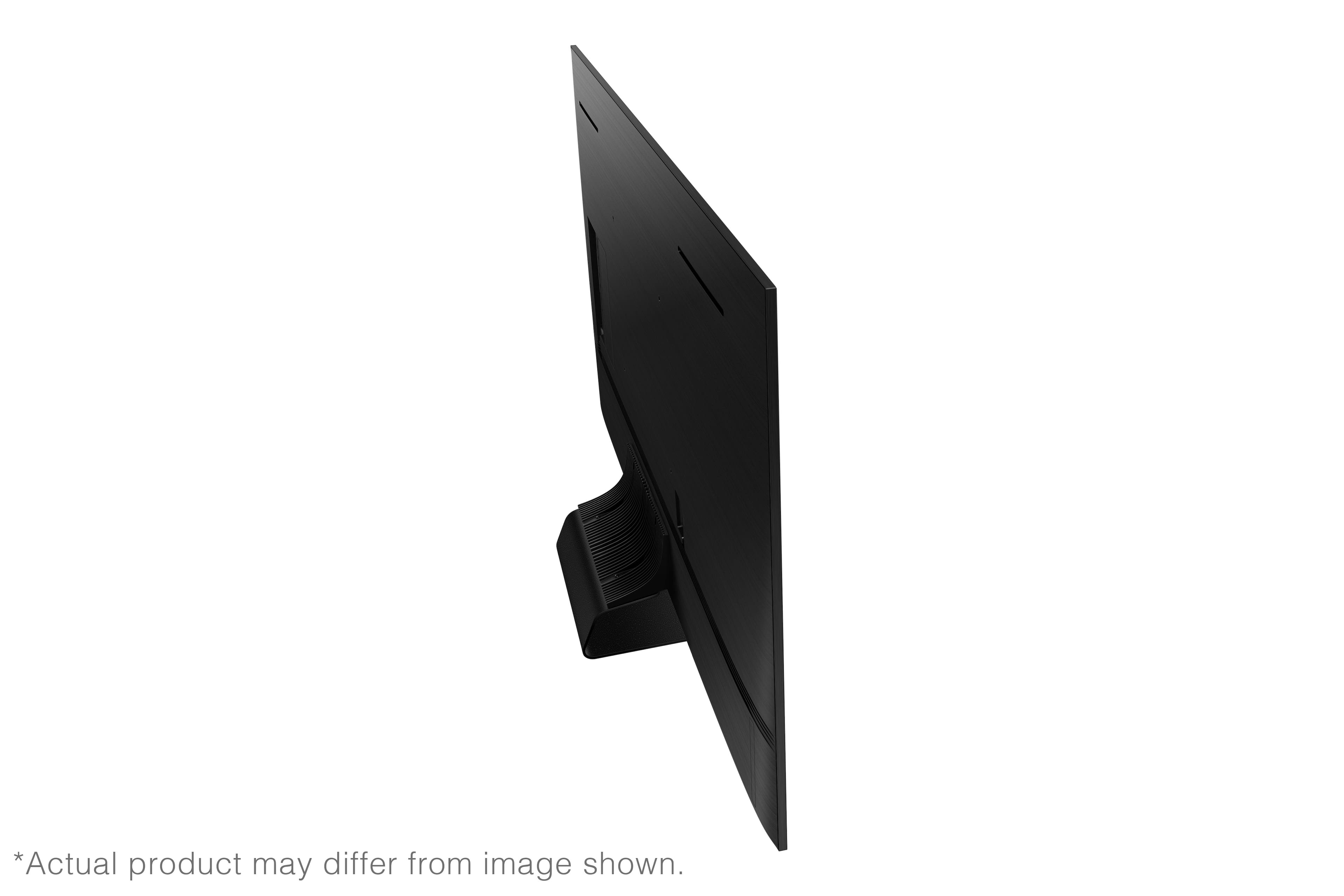
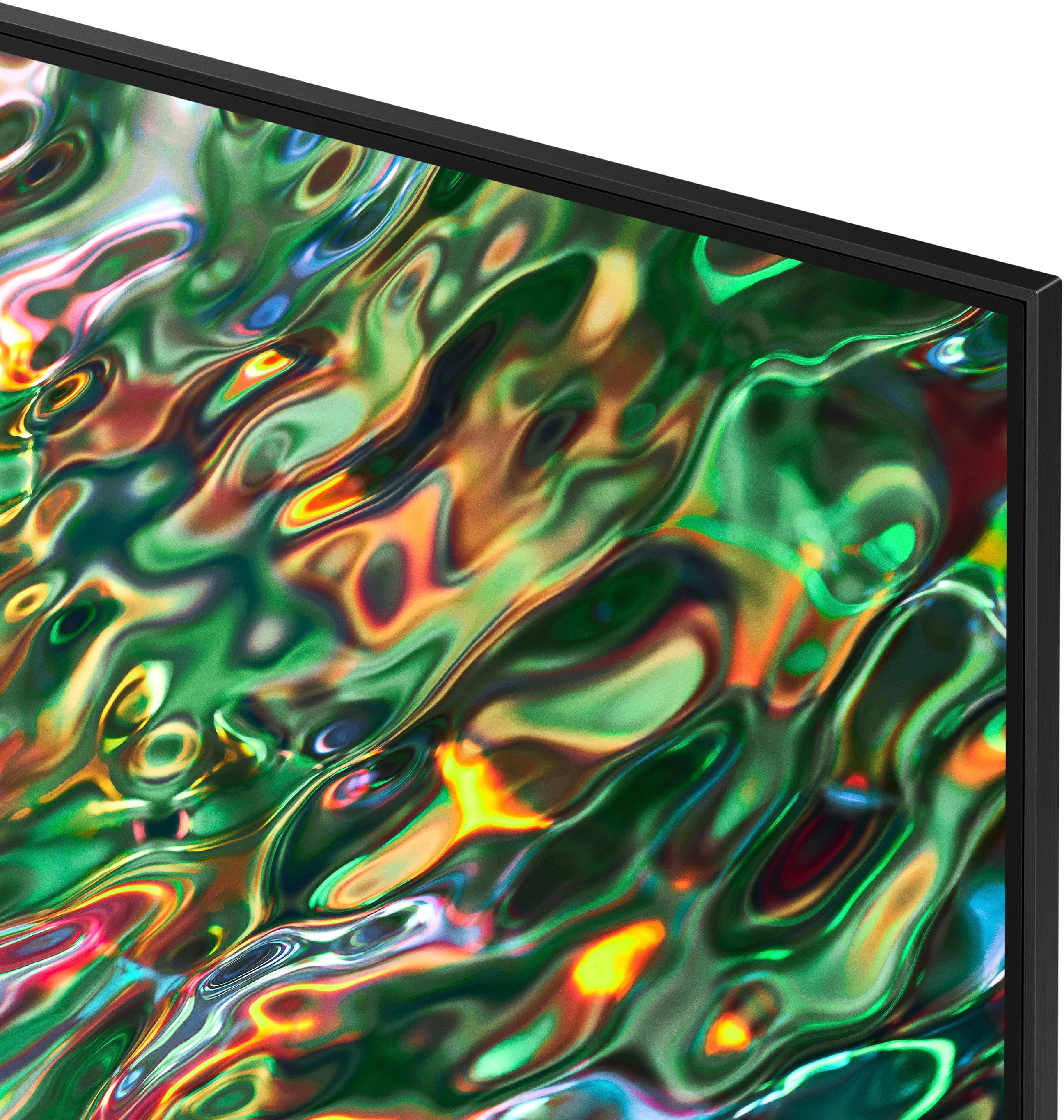
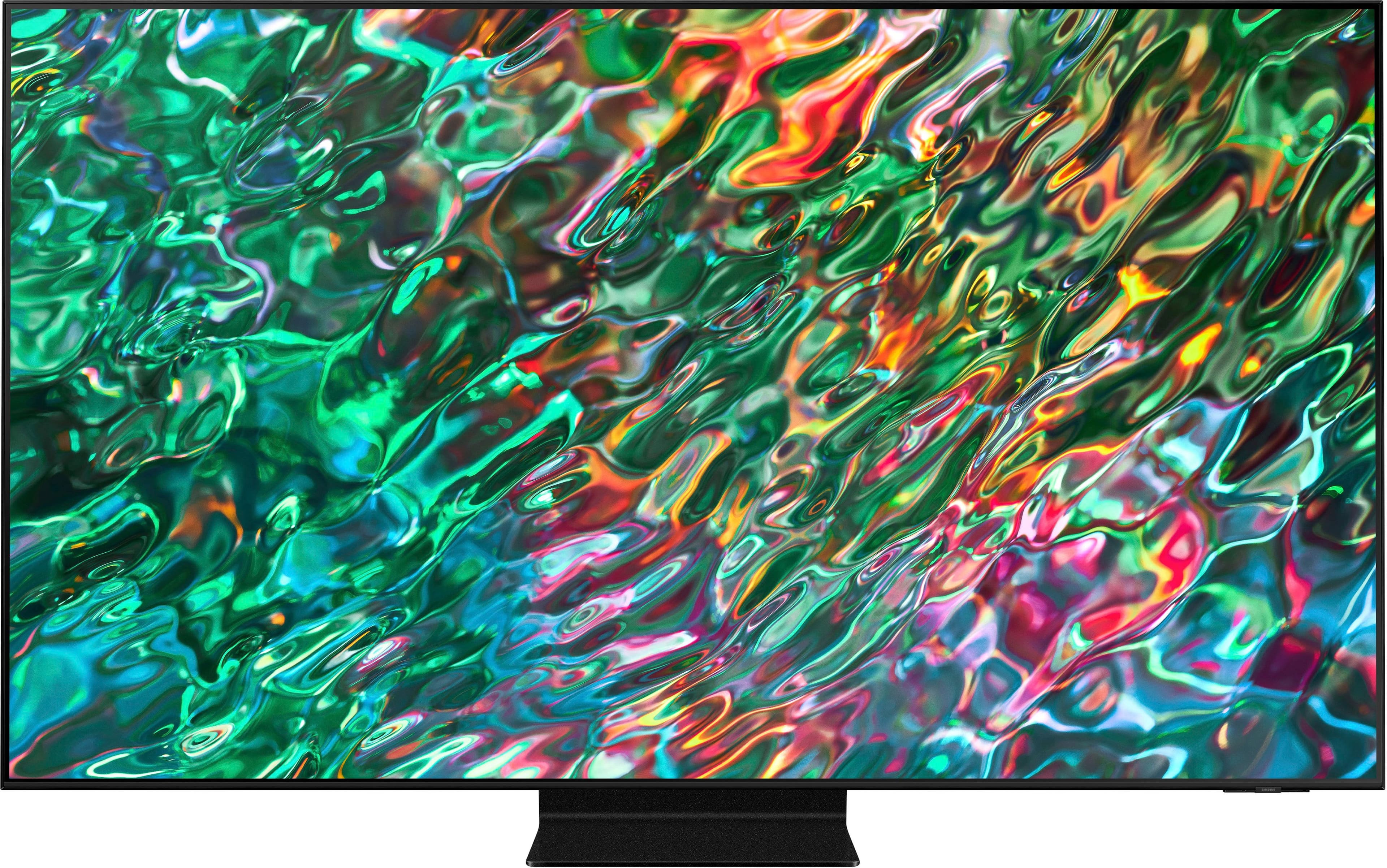
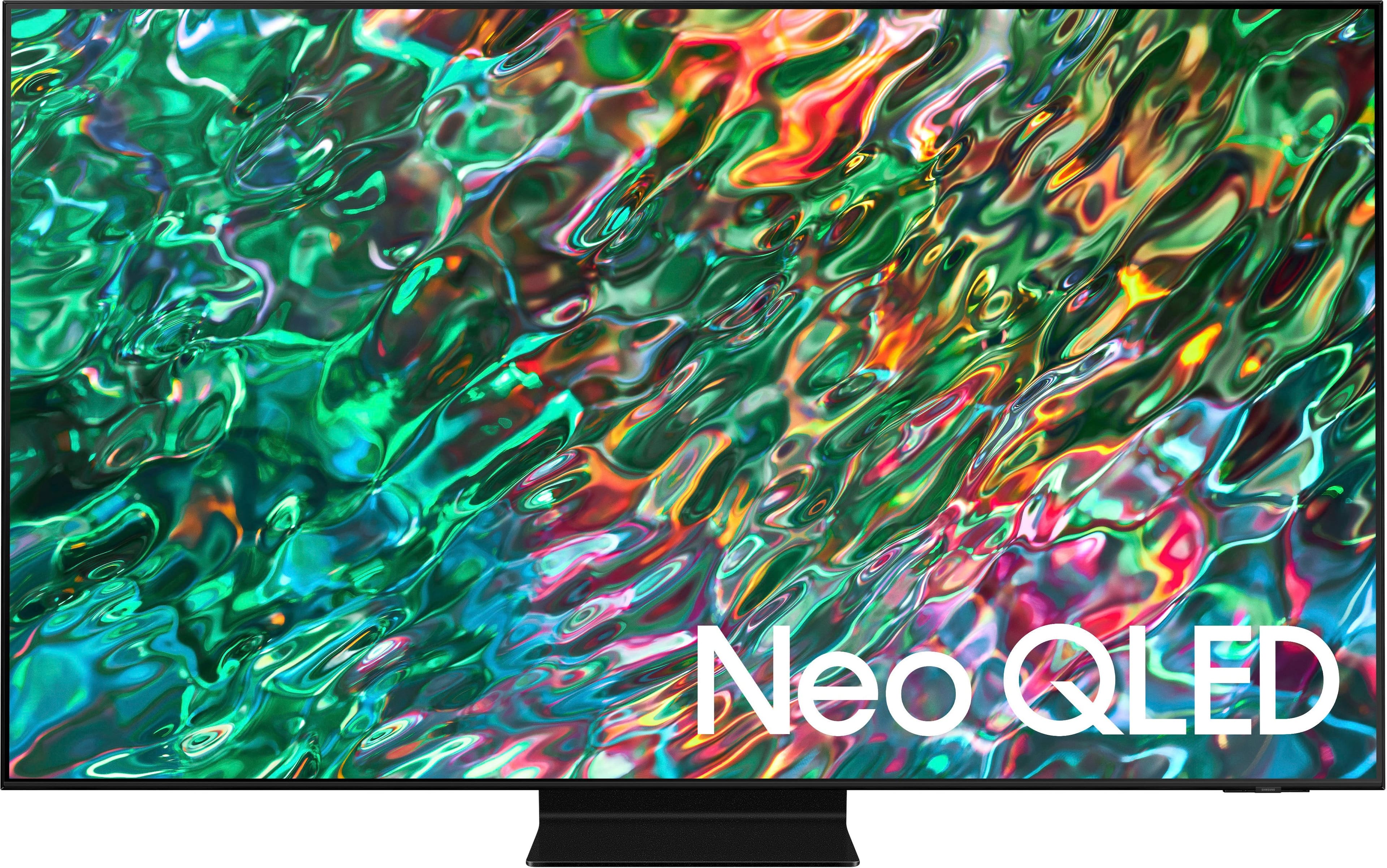


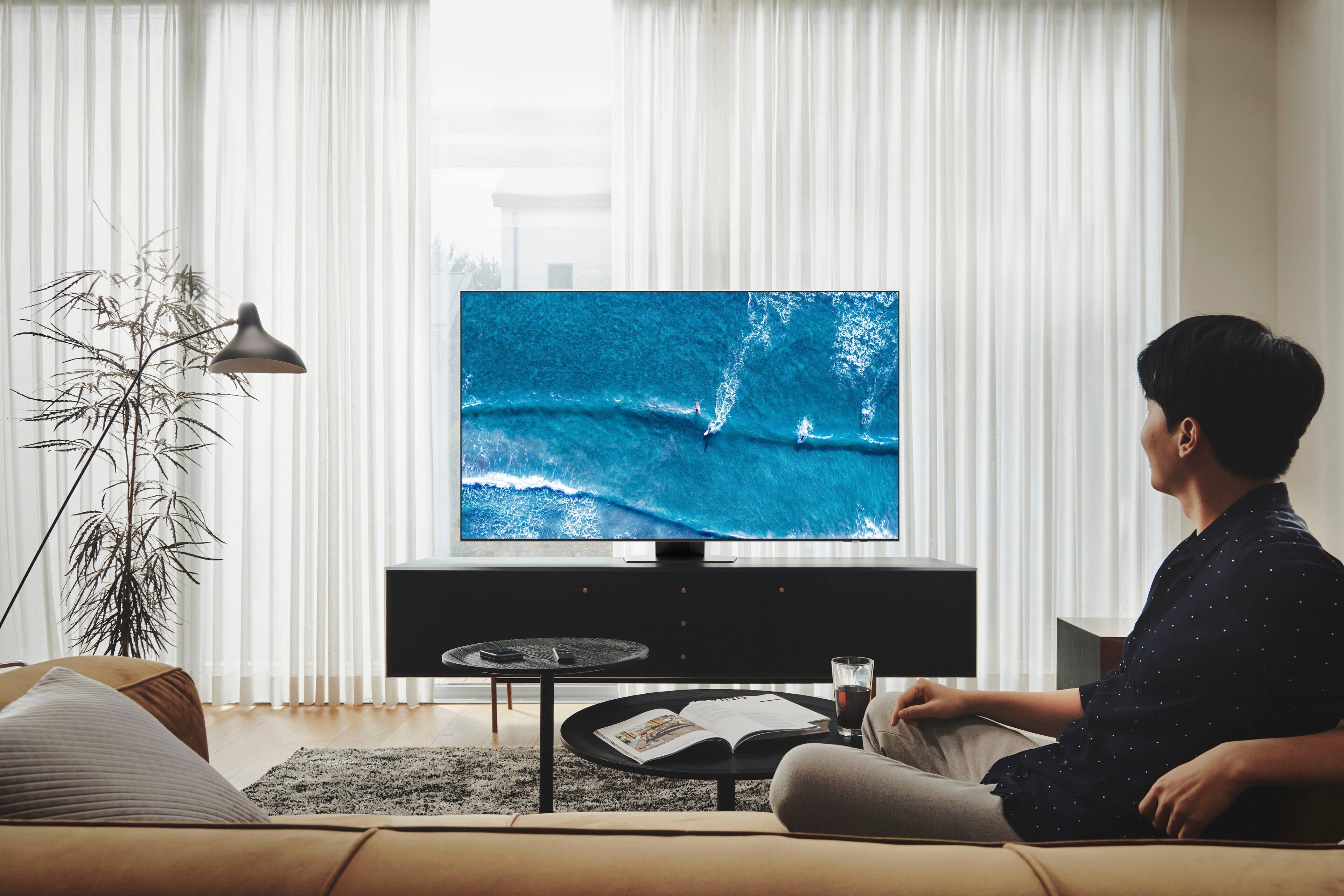
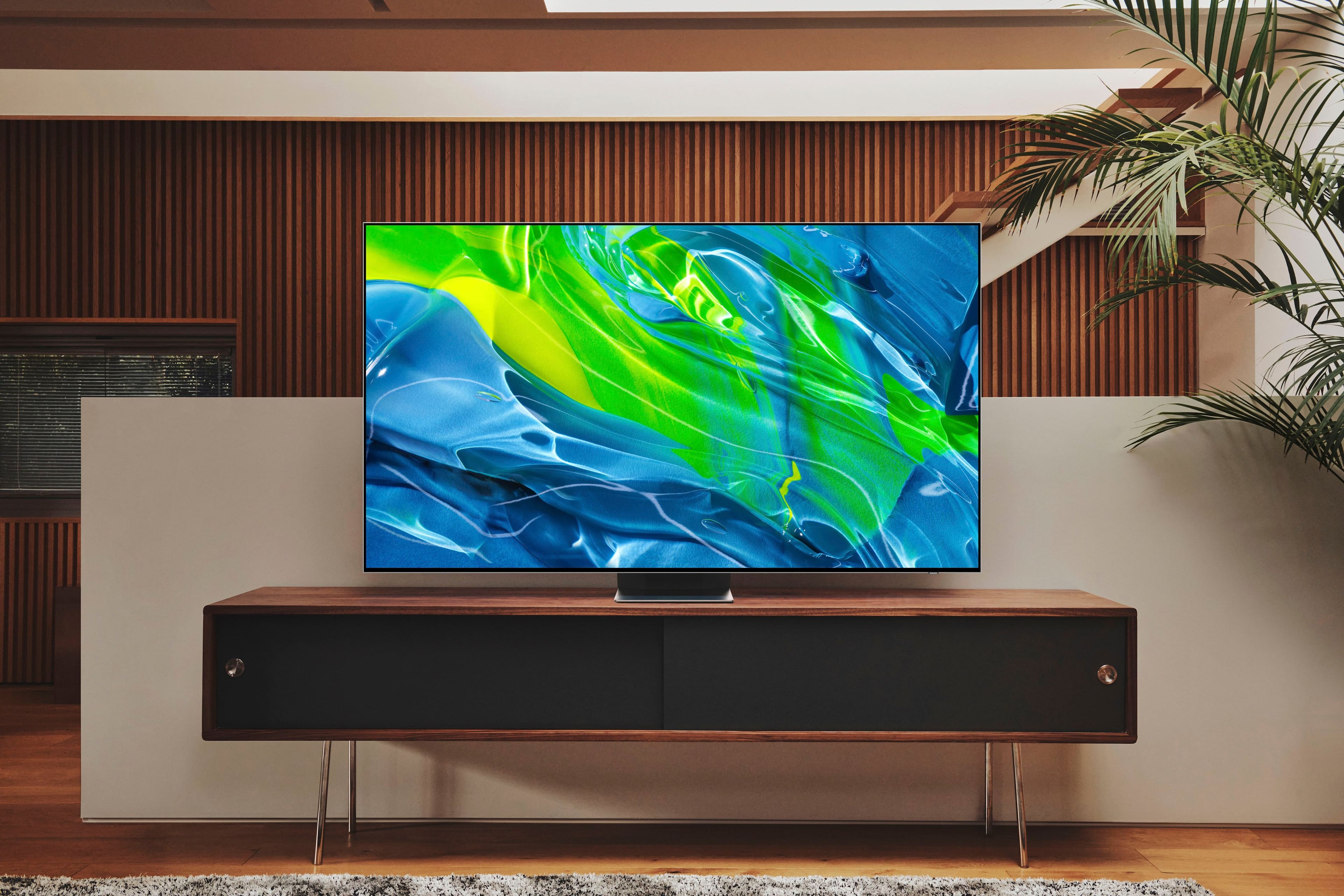
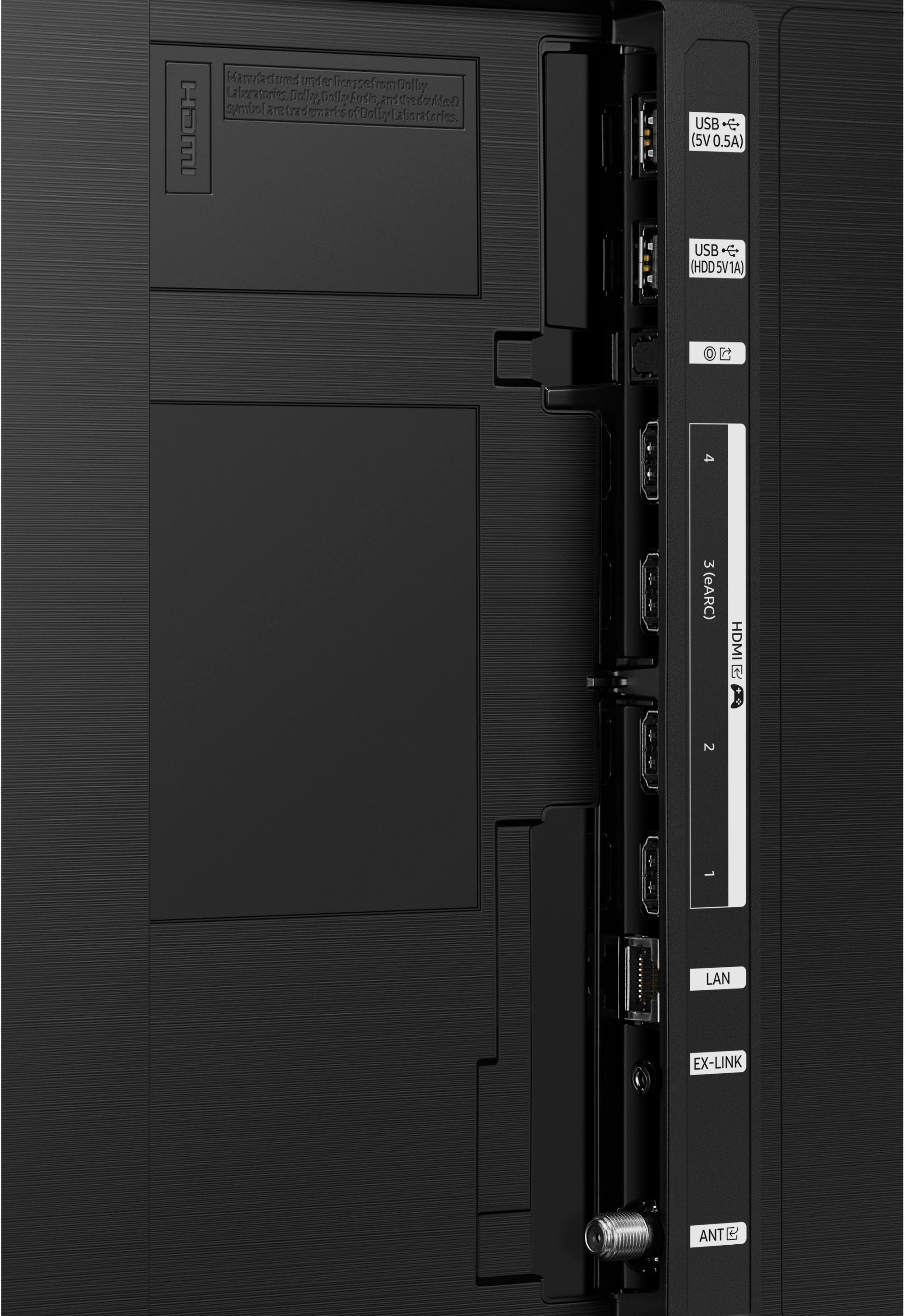









- Model:
- QN75QN90BAFXZA
- SKU:
- 6500633
Rating by feature
- Picture Quality
Rating 4.8 out of 5 stars
- Sound Quality
Rating 4.6 out of 5 stars
- Brightness
Rating 4.9 out of 5 stars
Customers are saying
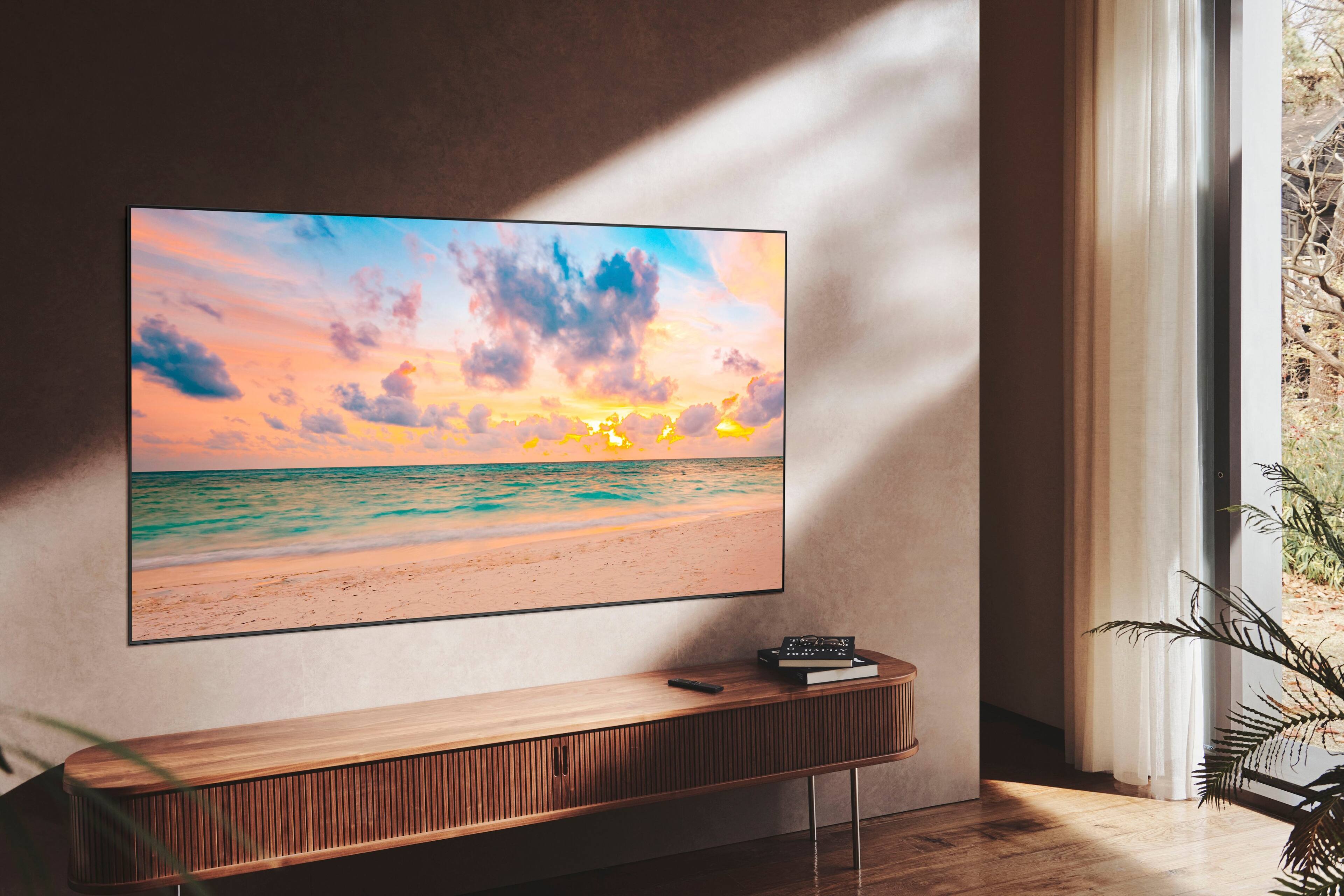
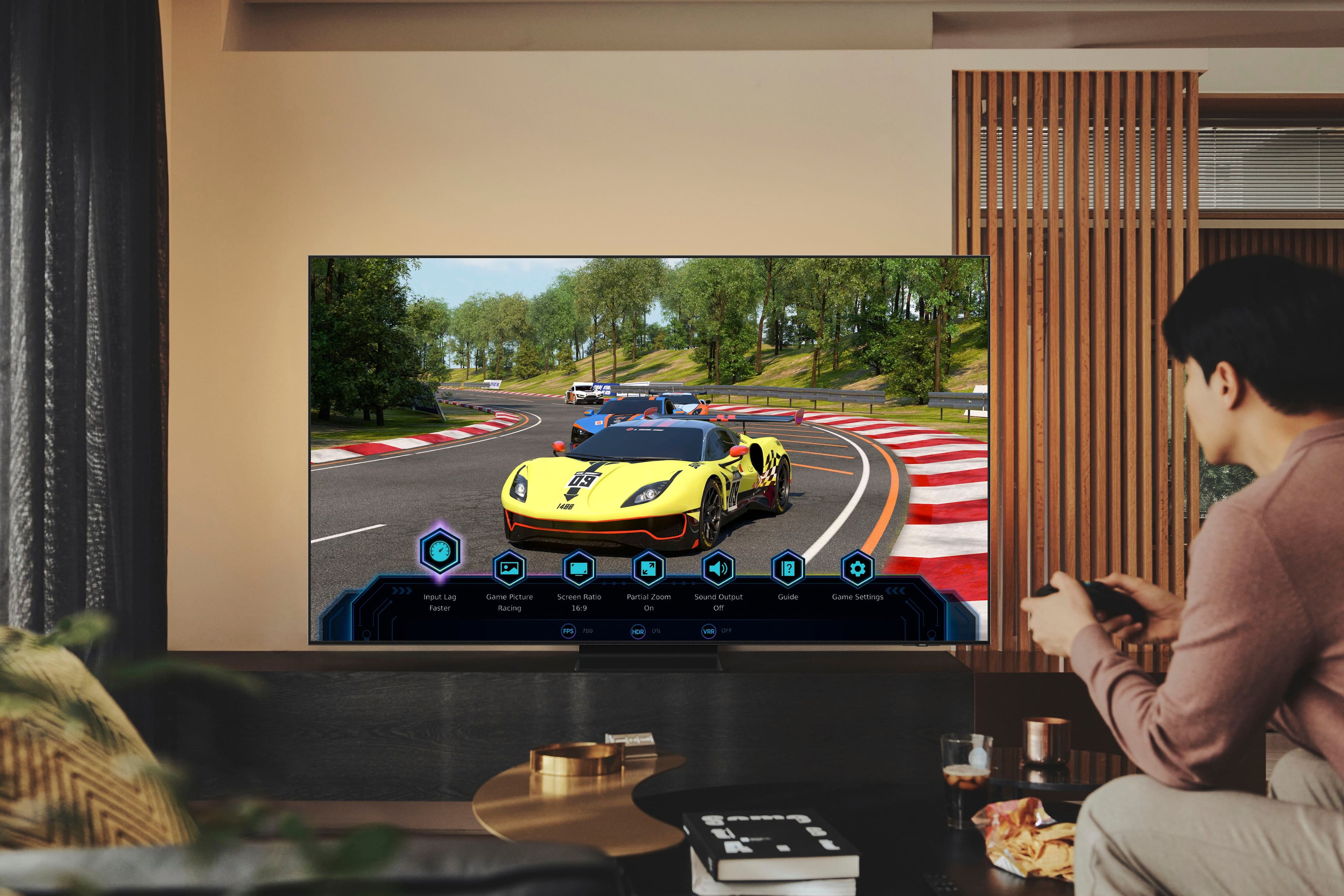
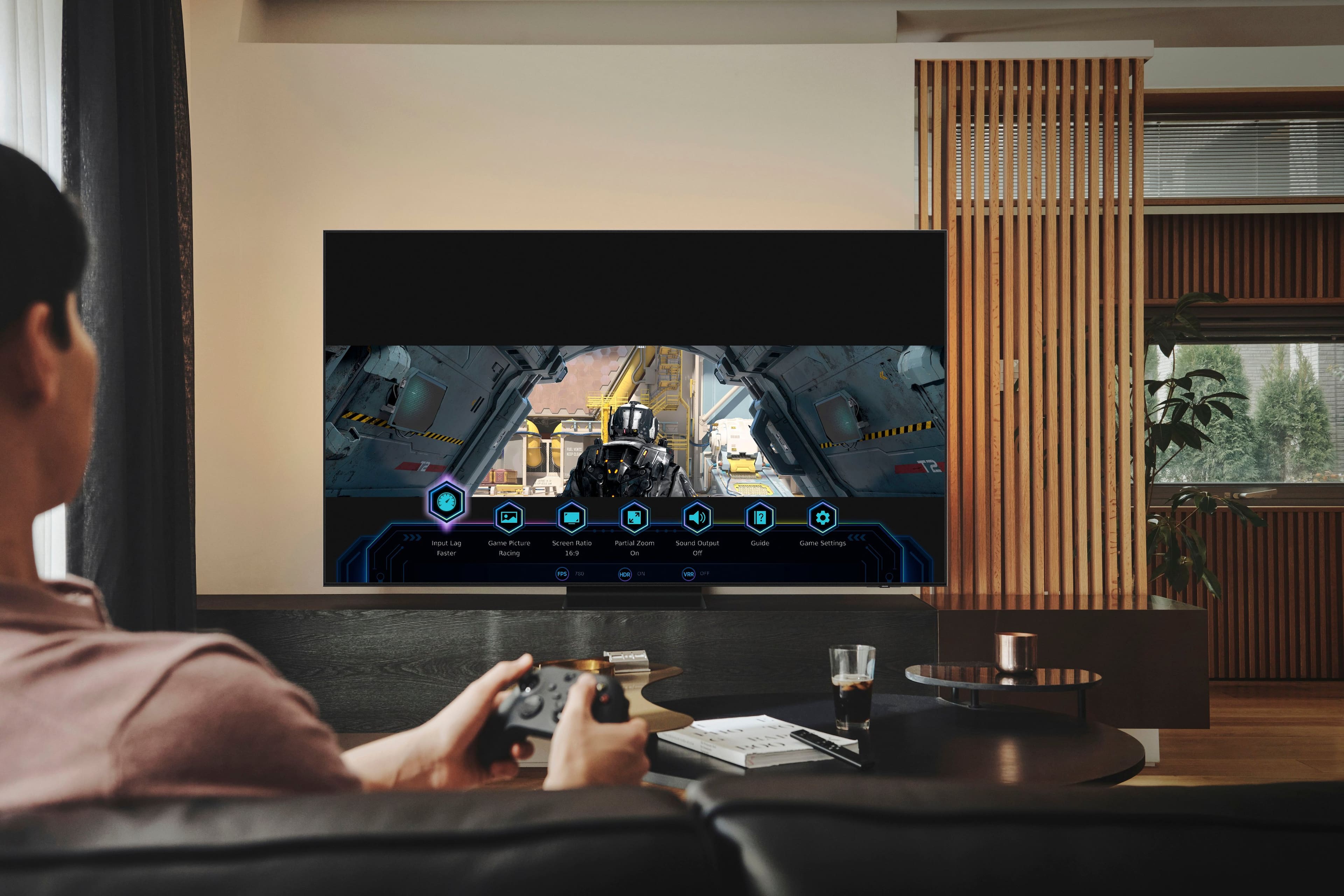
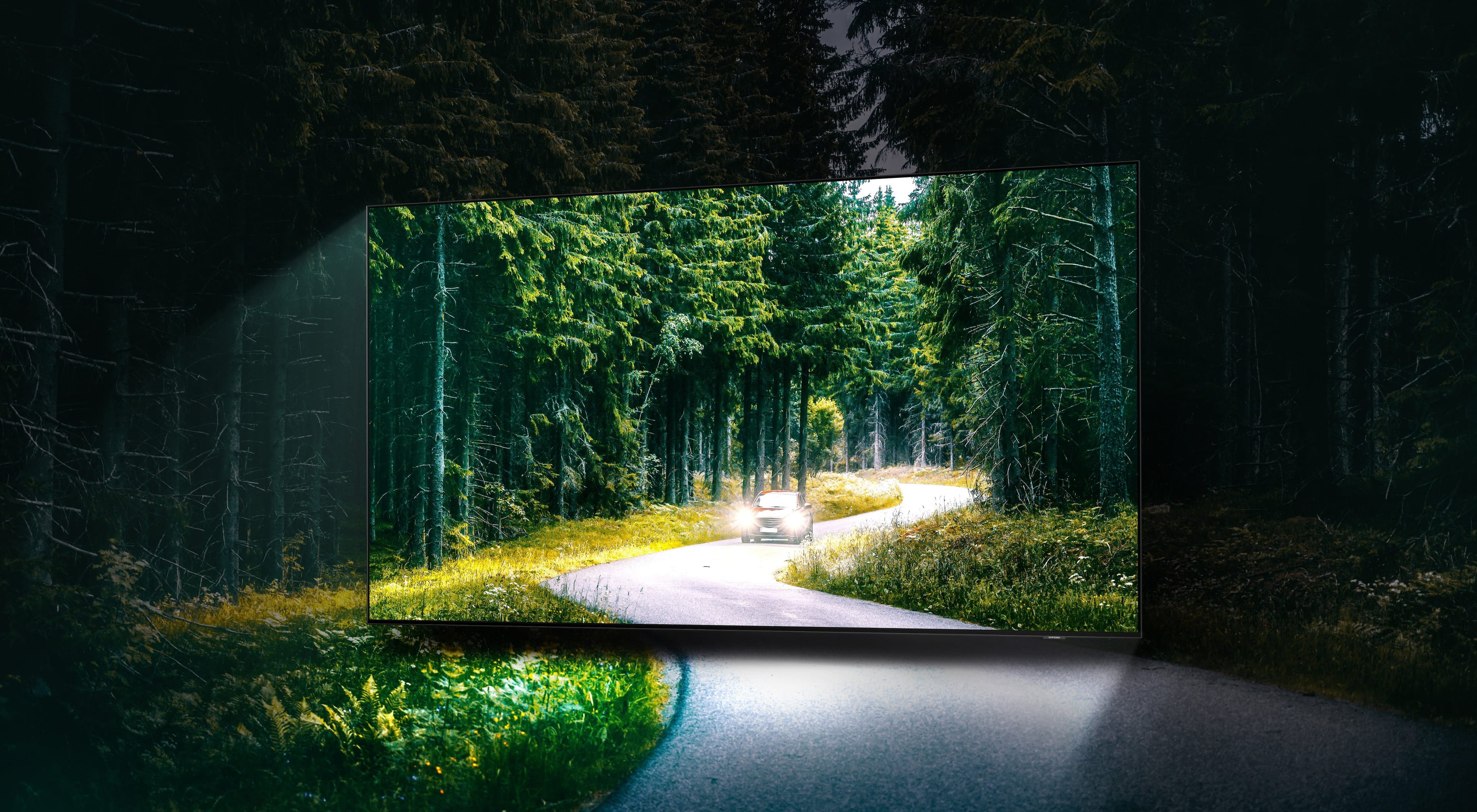
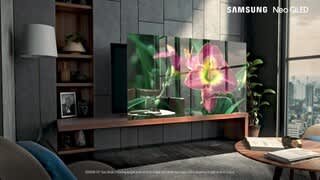
Customers are satisfied with the picture quality, brightness, and ease of use of the 75” Class QN90B Neo QLED 4K Smart Tizen TV. Many also appreciate the deep black levels and good sound quality, although some found the remote control difficult to use and the TV quite heavy. A few users noted issues with the interface speed and occasional screen problems. Overall, the positive feedback on picture quality outweighs the negative comments on other features.
This summary was generated by AI based on customer reviews.
TV
||Posted . Owned for 1 month when reviewed.This reviewer received promo considerations or sweepstakes entry for writing a review.Left on extended trip right after installation. Cannot make an honest review at this point.
I would recommend this to a friendBest service!!!!
||Posted .This reviewer received promo considerations or sweepstakes entry for writing a review.Paramus store always the best , Andre and kian The best and installation great !!!
I would recommend this to a friendAmazing TV!
||Posted . Owned for 1 month when reviewed.This reviewer received promo considerations or sweepstakes entry for writing a review.We love our new TV! It feels like we are in a theater
I would recommend this to a friendPerfect TV for plex
||Posted . Owned for 2 weeks when reviewed.This reviewer received promo considerations or sweepstakes entry for writing a review.Everything I looking for on a TV, ATMOS, HDR 10, I run this TV with HTPC
I would recommend this to a friendExcellent Smart TV 2022
||Posted . Owned for 1 month when reviewed.This reviewer received promo considerations or sweepstakes entry for writing a review.Excellent, I'm very happy with my new Smart TV 2022.
I would recommend this to a friend- Pros mentioned:Picture quality
Nice tv.
||Posted . Owned for 1 month when reviewed.This reviewer received promo considerations or sweepstakes entry for writing a review.Great picture. Very vivid colors. No instruction manual so it takes a while figuring out how to access features
I would recommend this to a friendBrand response from Samsung
Posted .EdwardM,
We appreciate you sharing your experience. Please know you can find your QN90B TV's TV's User Manual, e-Manual, Remote Control Leaflet, and Quick Setup Guide on Samsung's website under Support (top right corner) > Manuals & Software > TVs & Home Theater. From there, you can select the QN90B TV under Samsung Neo QLED 4K > B Model Lineup to view, download, or print the guides you would like.
The e-Manual and Remote Guide are also both embedded into the TV itself under Menu > Settings > Support.
If you need more help, Samsung is here for you. Please call us at 1-800-SAMSUNG, 8AM - 12AM EST, 7 days a week. Our LiveChat agents are also available by clicking on the ‘Support’ link on our website.
~ Samsung Specialist
Samsung TV
||Posted . Owned for 1 week when reviewed.This reviewer received promo considerations or sweepstakes entry for writing a review.So far we love this TV - it fit the space perfectly and looks great.
I would recommend this to a friendBest price for laterSt tech product
||Posted . Owned for 1 week when reviewed.This reviewer received promo considerations or sweepstakes entry for writing a review.Great technology. Great quality for QLED with Dolby is a plus.
I would recommend this to a friendSamsung
||Posted . Owned for 1 week when reviewed.This reviewer received promo considerations or sweepstakes entry for writing a review.Product delivered on time and well placed in my apartment
I would recommend this to a friendBest TV ever
||Posted .This reviewer received promo considerations or sweepstakes entry for writing a review.Samsung TV are always world class and of best quality.
I would recommend this to a friendTV
||Posted . Owned for 2 months when reviewed.This reviewer received promo considerations or sweepstakes entry for writing a review.Beautiful television. Everything you could ask for.
I would recommend this to a friendOwner
||Posted . Owned for 3 weeks when reviewed.This reviewer received promo considerations or sweepstakes entry for writing a review.Very knowledgeable and courteous and very respectful
I would recommend this to a friendBest Buy open box disaster
||Posted . Owned for 1 month when reviewed.This reviewer received promo considerations or sweepstakes entry for writing a review.While TV is fine it will not stay turned off and repeatedly turns back on (wake up in middle of night and it is on!). Spent 2 hours with Samsung support and could not fix it over phone. Open Box from Best Buy in “excellent” condition, but 29 days old and only accept returns 14 days. Beware Best Buy policy on very expensive TV.
No, I would not recommend this to a friendSmart not better
||Posted . Owned for 1 month when reviewed.This reviewer received promo considerations or sweepstakes entry for writing a review.My 20 year old Samsung tv ( not smart ) had a picture that looks the same as this new fancy model. Just saying!
No, I would not recommend this to a friendBrand response from Samsung
Posted .Hi Fridge,
Thank you for sharing your thoughts on the picture quality of your QN90B TV. To ensure you’ve got the latest image quality updates, please confirm that your TV is up to date with the latest firmware version. You can check by going to: Home > Menu > Settings > Support > Software Update.
If the picture you’re seeing is still not to your liking after updating firmware, there are several picture settings you may want to try adjusting.
Go to Home > Menu > Settings > All Settings > Picture > Picture Mode
...and select the mode that best fits your usage:
1) Standard: Is the default mode suitable for general viewing environments.
2) Movie: Is suitable for watching TV or movies in a dark room.
3) Dynamic: Makes the picture brighter and clearer in bright viewing environments.
4) Filmmaker Mode: You can watch the source content (e.g., movie) as it is. If the image is defined as Filmmaker Mode, it will automatically switch to Filmmaker Mode while watching.
You can also go to: Home > Menu > Settings > All Settings > Picture > Expert Settings to manually fine tune your image.
For further assistance with settings adjustments, please contact Samsung Customer Support at 1-800-SAMSUNG, 8AM - 12AM EST, 7 days a week. Our LiveChat agents are also available by clicking on the ‘Support’ link on our website.
~ Samsung Specialist
Connection issues.
||Posted . Owned for 3 weeks when reviewed.This reviewer received promo considerations or sweepstakes entry for writing a review.Keeps losing internet connection every time I turn it on.
No, I would not recommend this to a friend- Cons mentioned:Remote control
Tv
||Posted . Owned for 3 weeks when reviewed.This reviewer received promo considerations or sweepstakes entry for writing a review.Remote control too small, speakers not I’m spending
No, I would not recommend this to a friendBrand response from Samsung
Posted .AbrahamF,
We appreciate your feedback on the remote and sound quality of your new TV. The QN90B features Intelligent Mode to optimize sound tailored to your environment, which includes features like Active Voice Amplifier (AVA) which further detects disturbances and enhances the on-screen voices for clear dialogue.
Go to Home > Menu > Settings > All Settings > General & Privacy > Intelligent Mode Settings. Turn the options on or off to meet your needs:
- Active Voice Amplifier is available only when the sound sensor of the TV is active and the sound output is set to TV Speaker, or a Samsung Soundbar interlinked with Adaptive Picture is connected.
- Adaptive Sound+ provides optimized sound quality by analyzing the viewing space and the acoustic components of the content.
- Adaptive Volume Automatically adjusts to a specific volume level while you are watching TV.
Several Sound Modes are likewise available to meet your personal preferences: Settings > All Settings > Sound > Sound Mode
You can also customize sound by going to: Settings > All Settings > Sound > Expert Settings
To assist you with possible sound settings adjustments for a better audio experience, or choosing a Samsung Soundbar to complement your viewing enjoyment, please reach out to us at 1-800-SAMSUNG, 8AM - 12AM EST, 7 days a week. Our LiveChat agents are also available by clicking on the ‘Support’ link on our website.
~ Samsung Specialist
Not what I was shopping for
||Posted . Owned for 1 month when reviewed.This reviewer received promo considerations or sweepstakes entry for writing a review.Picture blurs in fast action, if it is not a 4k show. The sales person lead me away from the tv I told him I wanted. He said this tv was a better buy. Now I believe he was simply unloading these televisions.
No, I would not recommend this to a friendBrand response from Samsung
Posted .Jdshopper,
We appreciate your feedback on your QN90B TV’s picture when watching fast motion. For optimal motion image performance, you may want to adjust the picture clarity setting by going to: Menu > Settings > All Settings > Picture > Expert Settings > Picture Clarity Settings
- Off: Picture Clarity Settings will always be off
- Auto: Picture Clarity Settings will automatically activate and deactivate based on the type of program being watched
- Custom: Allows custom adjustments and settings to be used. By selecting the Custom option, you can access these advanced settings for Judder Reduction, LED Clear Motion, and Noise Reduction.
Should you need further assistance with features or other product usage, please reach out to Samsung Support at 1-800-SAMSUNG, 8AM - 12AM EST, 7 days a week. Or visit us on the Samsung website and click on the ‘Support’ link for:
• LiveChat
• Manuals, Software, & Warranty Info
~ Samsung Specialist
Lack of connectivity
||Posted . Owned for 1 month when reviewed.This reviewer received promo considerations or sweepstakes entry for writing a review.I have hearing loss. This unit does not allow you to simultaneously use a sound bar for my wife and othered and Bluetooth headphones for myself
No, I would not recommend this to a friendBrand response from Samsung
Posted .Hi Paul,
I'm sorry to hear of the confusion regarding connectivity on Samsung's QN90B TV. If you're using a Bluetooth enabled soundbar, please know you can take advantage of your TV's Dual Bluetooth Audio function, as this allows you to pair two Bluetooth devices to one TV.
To set up Dual Bluetooth Audio, go to: Home > Menu > Settings > All Settings > Sound > Sound Output > Bluetooth Speaker List, then connect the devices you’d like to pair (one at a time). When selecting the second device, select Multi Connect.
I hope this tip helps improve your enjoyment. For more help, please call us at 1-800-SAMSUNG, 8AM - 12AM EST, 7 days a week. LiveChat with an agent as well as manuals, software, and warranty info can be found at the ‘Support’ link on our Samsung website.
~ Samsung Specialist
Remote doesn’t work
||Posted . Owned for 1 month when reviewed.This reviewer received promo considerations or sweepstakes entry for writing a review.Sold me a broken tv. I’ve tried 3 different remotes. No remotes work
I would recommend this to a friendSast
||Posted . Owned for 1 week when reviewed.This reviewer received promo considerations or sweepstakes entry for writing a review.Haven’t had good luck with the tv. Best Buy is replacing it next week audio doesn’t sync video.
No, I would not recommend this to a friendBrand response from Samsung
Posted .SeanMichael112,
We appreciate your feedback on the lip sync issues you’re experiencing with your QN90B TV. This could possibly be a source issue, but if you’re hearing an audio delay across all sources/channels and you have a receiver, soundbar, or other speakers connected to your TV, you can access the Audio Delay settings to increase the audio delay. Go to: Menu > Settings > All Settings > Sound > Expert Settings > Digital Output Audio Delay
Our 2022 TVs have an audio Pass-Through feature, which allows the audio signal to be sent out unprocessed to an external soundbar or receiver connected to the TV. The external device then processes the audio, thereby eliminating the added step of processing by the TV, which adds delay.
On your TV, go to: Menu > Settings > All Settings > Sound > Expert Settings > Digital Audio Output Format > Pass-Through
Please also be sure you’re running the latest firmware. You can check to see what software version your TV is using and if there is an available update through the settings on your TV. Go to: Menu > Settings > Support > Software Update.
If you’ve tried these steps and your issue persists, please contact us for troubleshooting and a Support agent will gladly assist. You can reach us at 1-800-SAMSUNG, 8AM - 12AM EST, 7 days a week. Our LiveChat agents are also available by clicking on the ‘Support’ link on our website.
~ Samsung Specialist