Customer Ratings & Reviews
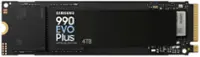
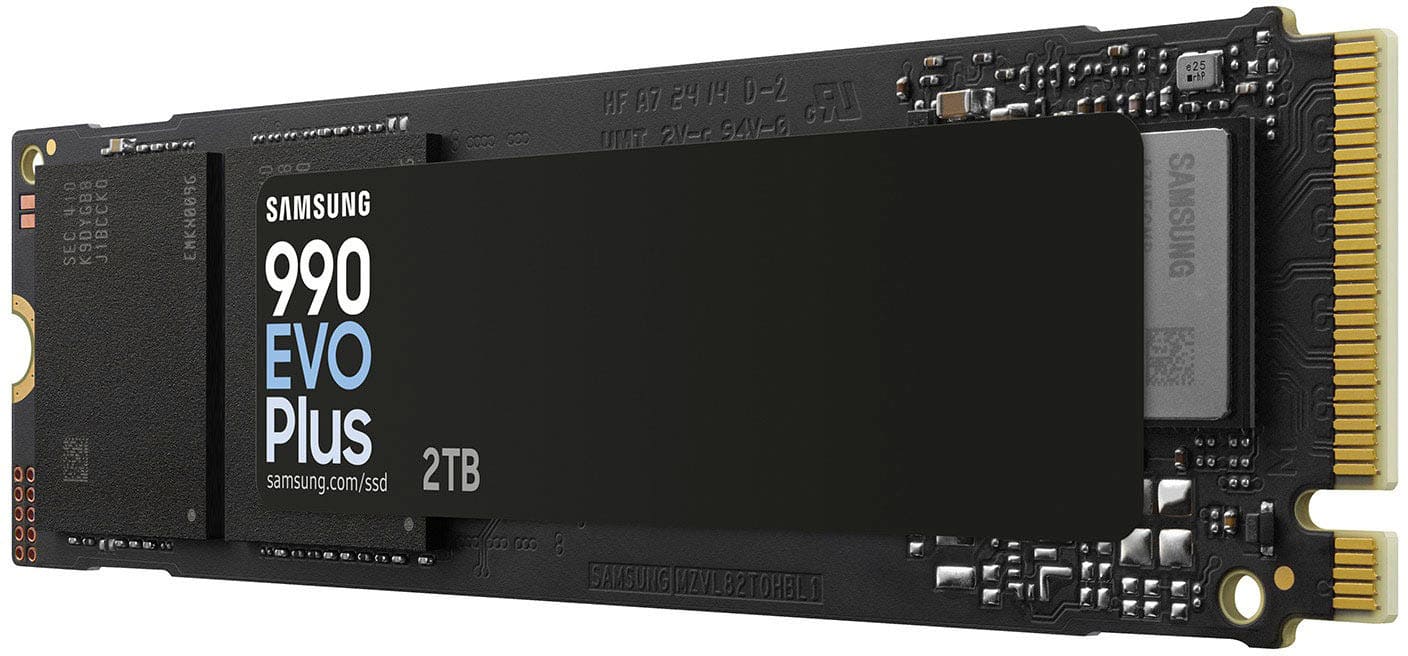
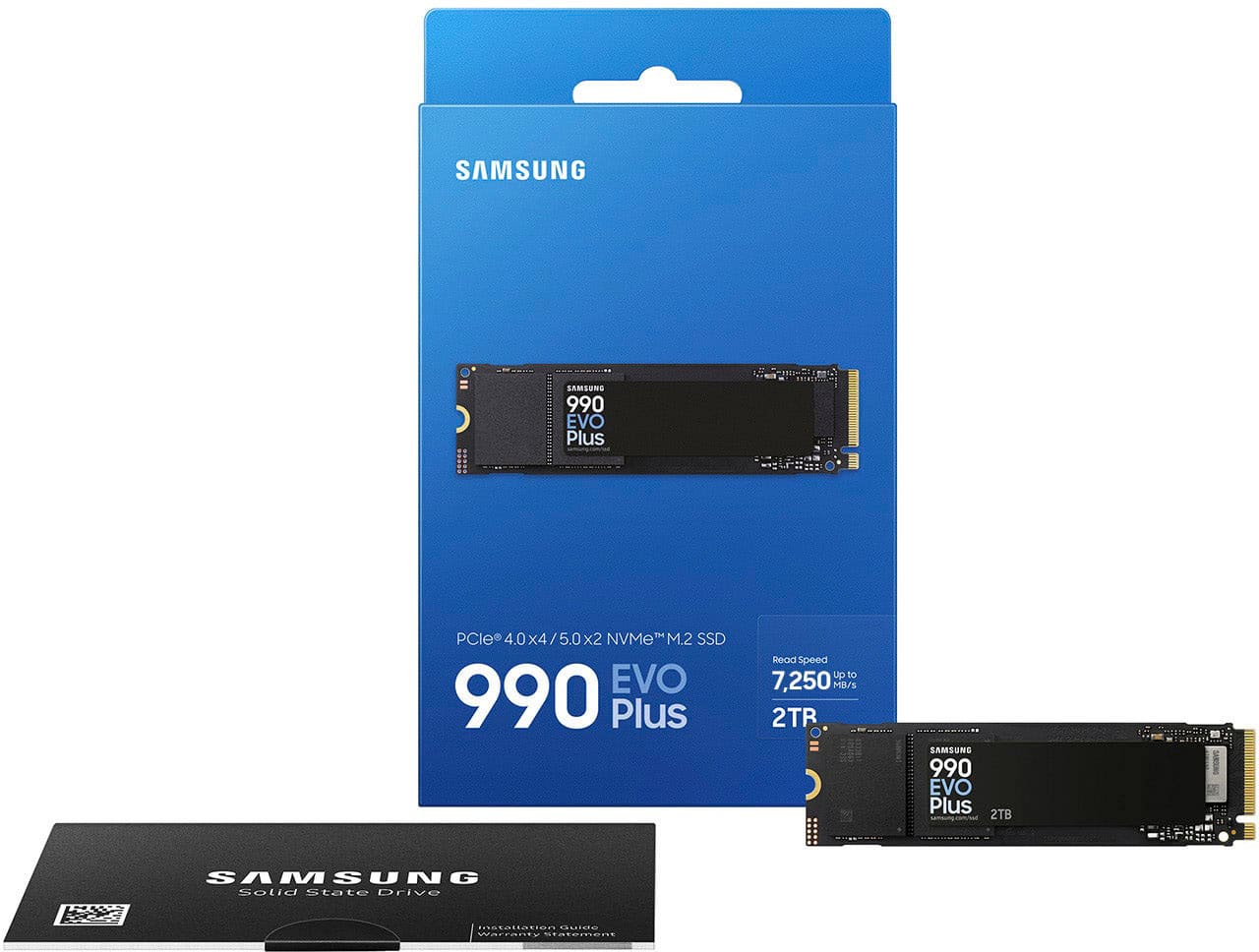
![The text on the image reads:
"SAMSUNG 990 EVO Plus 2TB HF 87 29 34] D2 UIT 21-c 341-0 CrUNE AZMECHB 25 SAMSUNG OCS 200 SSo 8 SAVSUNG KIVL OHEL"
Corrected text:
"SAMSUNG 990 EVO Plus 2TB HF 87 29 34] D2 UIT 21-c 341-0 CrUNE AZMECHB 25 SAMSUNG OCS 200 SSo 8 SAVSUNG KIVL OHEL"
The text is a description of a Samsung product, which is a 2TB hard drive.](https://pisces.bbystatic.com/image2/BestBuy_US/images/products/ee3c5861-78da-4d93-97ad-825a9eff529a.jpg)
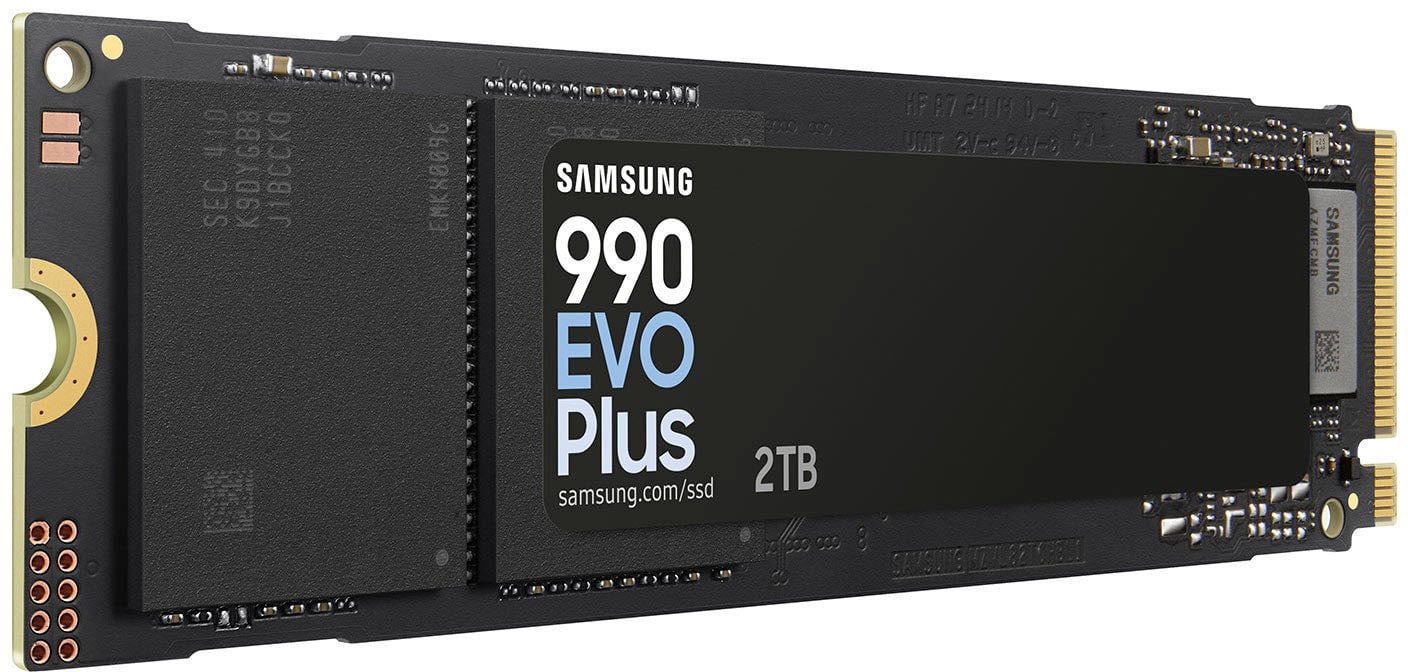
 02:5004380 D33475 RoHS WARNING Product can be damaged by Electrostatic Discharge (ESD). 1,000,000,000 bytes. Actual usable capacity may be less. Warranty void if label removed. [www.samsung.com/ssd](http://www.samsung.com/ssd) SAMSUNG ELECTRONICS CO., LTD. SAMSUNG PO BOX 12987, DUBLIN. IE OR YATELEY, GU46 6GG. UK](https://pisces.bbystatic.com/image2/BestBuy_US/images/products/09a9b1b2-6088-4c72-931d-828818a63224.jpg)
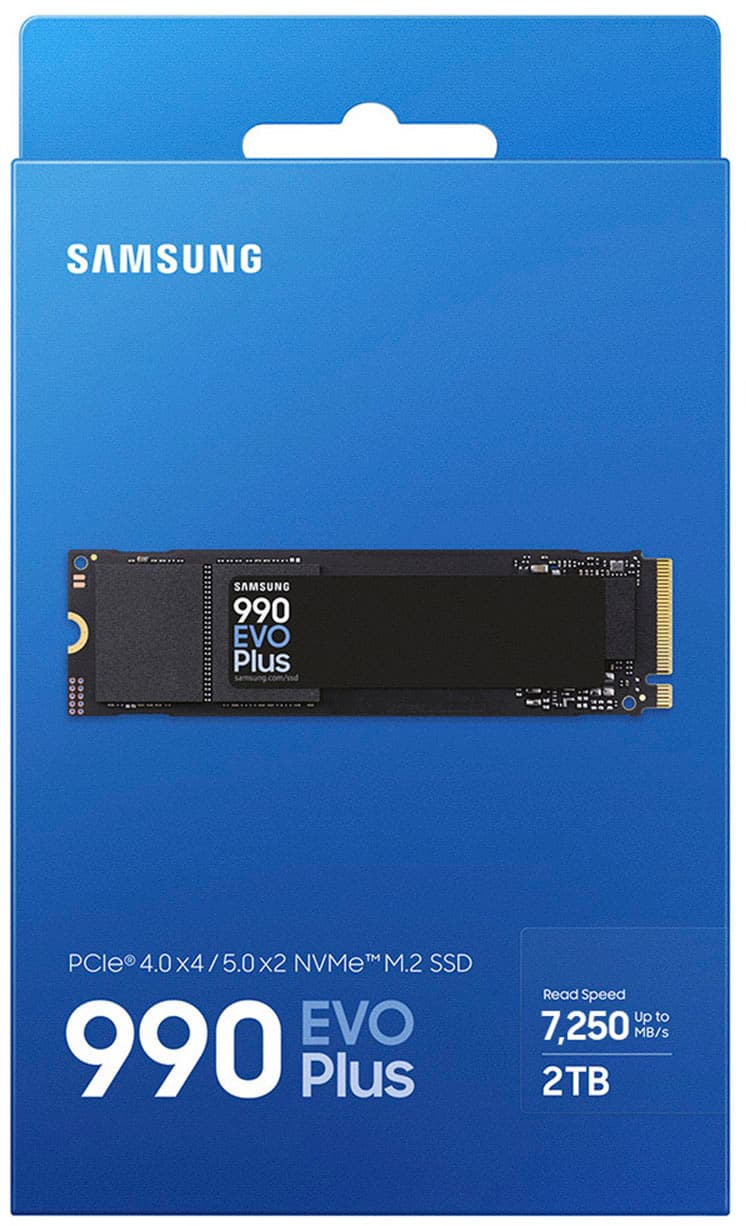
 FR Pour plus de détails sur la garantie et les produits, veuillez consulter [www.samsung.com/ssd](http://www.samsung.com/ssd) DE Fr detailliertere Informationen zu Garantie und Produkt sehen [www.samsung.com/ssd](http://www.samsung.com/ssd) IT Per maggiori informazioni sulle politiche della garanzia sul prodotto, visitate [www.samsung.com/ssd](http://www.samsung.com/ssd) PT Para informação mais detalhada sobre a política de garantia de produto, visite [www.samsung.com/ssd](http://www.samsung.com/ssd) PL Szczegółowe informacje na temat produktu gwarancji znajdziesz na stronie [www.samsung.com/ssd](http://www.samsung.com/ssd) TR Daha detayli garanti ve r bilgileri icin, [www.samsung.com/ssd](http://www.samsung.com/ssd) web sitesini ziyaret edebilirsiniz JP [www.samsung.com/ssd](http://www.samsung.com/ssd) KR [www.samsung.com/ssd](http://www.samsung.com/ssd) CN <http://www.samsung.com/ssd> RU [www.samsung.com/ssd](http://www.samsung.com/ssd) SAMSUNG ELECTRONICS CO., LTD. 2024 Samsung Electronics Co., Ltd. All rights reserved.](https://pisces.bbystatic.com/image2/BestBuy_US/images/products/8c97f9b7-4af2-465a-9fdf-89f69e0f4451.jpg)
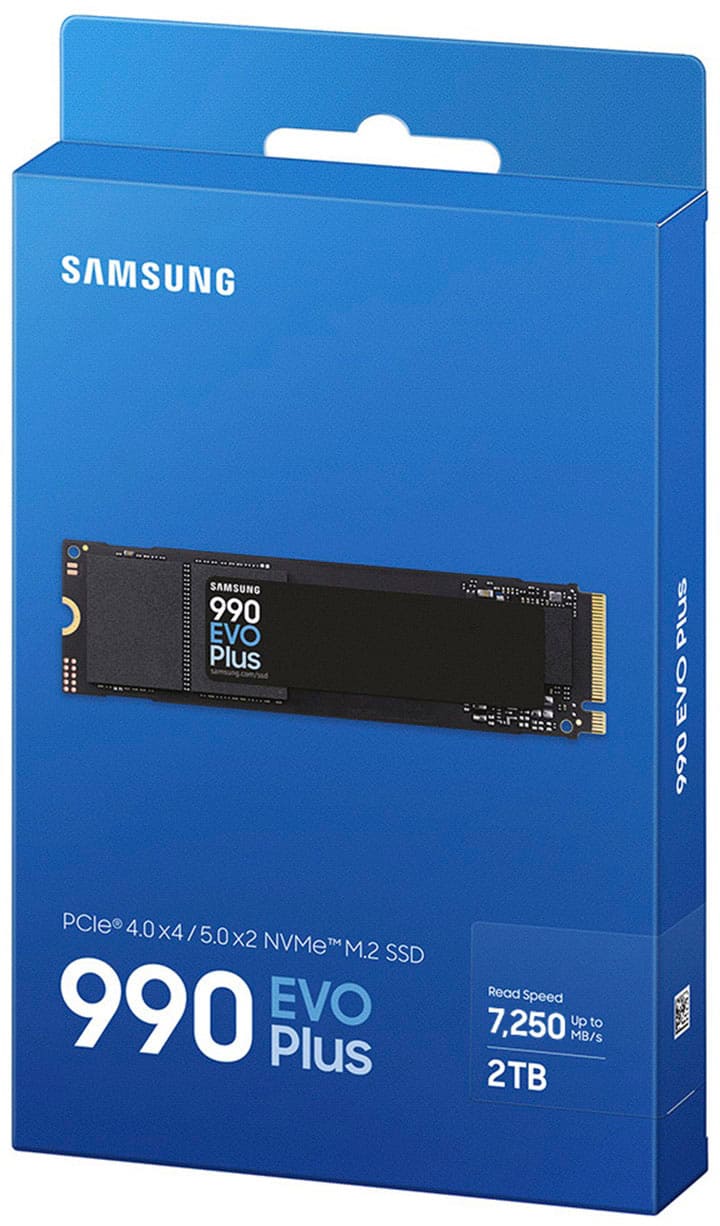
- Model:
- MZ-V9S2T0B/AM
- SKU:
- 12068259
Rating by feature
- Value
Rating 4.7 out of 5 stars
- Quality
Rating 4.9 out of 5 stars
- Ease of Use
Rating 4.9 out of 5 stars
- Pros mentioned:Installation, Overall performance, Speed
Great Price for 2 terabytes of storage.
||Posted . Owned for 2 weeks when reviewed.This reviewer received promo considerations or sweepstakes entry for writing a review.Great price gor the product. Install was easy and the ssd worked immediately with no issues. It has plenty of storage and very fast for the price.
I would recommend this to a friend - Pros mentioned:Speed

Double Or Triple Your Memory In No Time
|Posted .This reviewer received promo considerations or sweepstakes entry for writing a review.I really thought that this would a difficult install.( I don't know why I thought that.) But as simple as taking it oout of the box and screwing in a high-tech lightbulb. The SSD card is the only thing in the box. I installed in my desk-top PC, that aleady has 1 terabytes of storage in it. Fortunately, my PC had an extra SSD slot, so the whole process was painless, and almost instantaneous. It is pretty self explanatory and I would think that if you're looking at this particular piece of tech, that isn't your first foray into the world of PC builds. But if it is, i would like to share with you , just how easy it was for my to install this. First: I unplugged my PC and then pressed the power button for 15 seconds( to make sure that all of the power out of the system.) That is a very important step. I then, loosen the screw in the back of my PC. Then pulled the tab and released the side paneling. I then. located the extra SSD slot right next my original SSD. Removed the screw in the new slot, and carefully placed the new one in to the slot and gently place the screw back in place. Be sure tonot make it too tight. Don't use power tools. Once you've replaced the side paneling and plugged your PC back in, go to disk management and configure your new SSD. If you are replacing the old one.make sure that you back your memory unto an external drive to re-install. I definitely think it'dworth it. It can also be used to to replacce that meagar PS5 memory. But the toturial is on Youtube.
I would recommend this to a friend - Pros mentioned:Speed
Super Speedy memory
|Posted .This reviewer received promo considerations or sweepstakes entry for writing a review.The Samsung 990 Evo Plus features up to 7,250 MB/s read speeds and 6,300 MB/s write speeds across a PCIe 4.0x4 or PCIe 5.0x2 system. I used the 2TB model and found that while these may be “peak” read/write speeds, in reality you will likely get less on average, but that really isn’t saying much since it is still blazingly fast. I initially tested the SSD in my PC before ultimately moving it to my PS5. I had to get a separate heatsink for the SSD before it could go in the PS5, which was easily attached and was installed in the system in just minutes. On the PS5, I started by transferring just over 1.5 TB worth of games to the Samsung Evo 990 Plus from the internal PS5 SSD. I was getting read/write speeds in the mid 6000/5000+ MB/s range consistently, with a very quick transfer process end-to-end. I then went and loaded several PS5 first-party games like Ratchet & Clank & Demon Souls to test the SSD speed in-game with games that require fast speeds, and had no issues whatsoever in loading times, or hitches in games. Despite games like Ratchet & Clank doing high levels of read/writes from the SSD to memory in real-time, I didn’t notice any difference vs. the internal SSD in the PS5. When it came to game loading times, they were likewise extremely fast and did seem to be slightly faster than the internal PS5 SSD, particularly with older games. In terms of heat, although for much of my time using the SSD I used an external heatsink, I personally noticed no issues when in my PC, or now in the PS5. Despite putting under it a pretty heavy upfront load, I did not see any throttling or signs of tension on the SSD. It has been absolutely blazing end-to-end, and shows no signs of slowing down. Samsung has killed it.
I would recommend this to a friendBrand response from Samsung
Posted .Jacbo14:
Thank you choosing the 990 EVO Plus for your memory storage needs. Optimized to support the latest technology for SSD, the 990 EVO Plus is designed to give more bandwidth and higher data processing and performance.
Please know we’re always here to help should you ever have questions or need assistance.
1) Call: 1-800-SAMSUNG (ask for Memory). Available 9AM - 12AM EST (Mon-Fri)
2) Email: [email protected]
3) LiveChat 9AM-9PM EST (Mon-Fri) -- https://www.livehelpnow.net/lhn/lcv.aspx?d=34834&ms=&zzwindow=0&lhnid=29783
The Samsung Members Community is also a great resource for getting help from Samsung moderators and customers: https://us.community.samsung.com/
- Samsung Memory
- Pros mentioned:Speed
An Gen 4 SSD Powerhouse
|Posted .This reviewer received promo considerations or sweepstakes entry for writing a review.If you’re looking for a top tier PCIe 4.0 M.2 SSD, you know Samsung is the way to go. Year after year the Samsung Evo line has continued to impress. This powerhouse of an SSD aims to delivers incredible performance in all walks of computing. The 990 Pro uses a PCIe 4.0 interface and can produce a claimed sequential read and write speeds of 7,450 MB/s and up to 6,900 MB/s, respectively. In my testing I was able to get sequential read and write speeds of 6328 MB/s and 5493 MB/s respectively. This puts it above the previous king of PCIe 4, the 980 Pro. As one of the fastest gen 4 SSDs available, it is ideal for all types of typical home workloads- gaming, file transfers, whatever you can throw at it! In terms of value, the 2TB 990 Pro is one of the more expensive 4.0 options, but you get what you pay for. It delivers top-notch performance, is built to last, and has a high endurance rating of up to 1200 TBW. In addition, it comes with great software support from Samsung, including the excellent Magician application, which makes management and firmware updates easy. The Samsung 990 Pro M.2 SSD is highly recommended for anyone looking for a high performance PCIe 4 SSD. With excellent build quality and a useful software suite, this is the enthusiast’s SSD.
I would recommend this to a friend - Pros mentioned:Speed, Storage capacity
Fast enough for gaming
Posted .This reviewer received promo considerations or sweepstakes entry for writing a review.Great boot drive with extra space for all your games (or 2 call of duty’s aha) fast enough for PS5 if you aren’t a PC gamer.
I would recommend this to a friend - Pros mentioned:Speed
Why doesn't it come with a heatsink?
|Posted .This reviewer received promo considerations or sweepstakes entry for writing a review.Introduction I have used many Samsung products as a whole and for the most part have been very happy. Going in I already have a Samsung 990 PRO 2 TB in the past, so I was excited to see how much faster the 990 EVO plus would be. What comes in the box? Out of the box you get the SSD and an insert… nothing else. Usage The SSD is easy to install, but super fragile. This is the first SSD I got without a heatsink, so it looked like a stick of gum without the extra hardware. Installing a SSD is super easy. The hardest part is opening the desktop or laptop to install it into. To test the speed, I transferred 20 gigs of photos from an external HDD to the 990 Plus, and the write speed was averaging 112 MB/Second. The whole process took 3 minutes. I would say that’s pretty fast. 80 GB games from my game launcher downloaded onto the drive in about 13 minutes. Now I’m pretty sure it’s more dependent on the internet speed as well, but that’s the time that I got. Games ran nice and smooth on the SSD. Games launched immediately on the SSD, and very little to no loading times in game. That’s a definite win. I’m imaging that with a lot of use the SSD would heat up without a heatsink. This is still a head scratcher for me as to why they didn’t include in. It probably would have cost another $10-15 dollars to the MSRP for it to be included. Minor issues I wish this came with a heatsink. I’ve never used a SSD NVME that didn’t have one, so I ended up getting a thin one just in case. Major issues It really bugs me when I get a new SSD and my computer doesn’t recognize it automatically. I have to go into disk management and create a new volume every time. I had to do it with the 990 Pro, and now with the Plus. I wish manufacturers would create something that would allow for drives to be recognized without the extra work… or I’ve been doing it wrong all along. Primarily for This is a great SSD for anyone in the market looking for a nice 2TB primary or secondary drive. This would also be great for content creators who are constantly editing and transferring high volumes of files, photos, and videos. Probably not for People who don’t need the extra space or the speed. All in all I’ve always liked Samsung SSD’s. The EVO Plus is a great addition to an already great lineup of existing SSD’s. Do I think they’re a little overpriced? Yes, a little. If you want to best, you’ll have to pay the luxury price I guess.
I would recommend this to a friend - Pros mentioned:Installation, Overall performance, Speed
Blazing Fast and Ultra Reliable!
||Posted . Owned for 1 month when reviewed.This reviewer received promo considerations or sweepstakes entry for writing a review.The Samsung 990 EVO PLUS 2TB is an absolute beast. Speeds are insane — I’m getting close to the advertised 7,250 MB/s on my PCIe Gen 4 setup. Boot times are nearly instant, and large file transfers feel effortless. It's perfect for gaming, video editing, and anything that demands serious speed. Installation was super easy with the M.2 2280 form factor. You also get Samsung’s top-notch reliability and thermal control, so performance stays consistent even under heavy load. This SSD is a must-have upgrade for power users!
I would recommend this to a friend - Pros mentioned:Installation, Overall performance, Speed
Easy, fast, FTW.
||Posted .This reviewer received promo considerations or sweepstakes entry for writing a review.Upgrading to the Samsung 990 EVO Plus from my 970 EVO Plus was a noticeably impactful decision. Installation was a breeze, with the system booting right up without a hitch. The speed increase is immediately apparent; not only are boot times snappier, but the subtle in-game stutters and skips I sometimes experienced before are now gone. Games load faster and run smoother. For anyone looking for a tangible performance boost, especially for gaming and demanding applications, I recommend the 990 Evo Plus.
I would recommend this to a friend - Pros mentioned:SpeedCons mentioned:Heat dissipation
Good price point
||Posted .This reviewer received promo considerations or sweepstakes entry for writing a review.Says it is a PCIe 5x2 | PCIe 4x4. CrystalDiskInfo reports it is a PCIe 5.0x2 | PCIe 5.0x4. I think that App needs an update. I does get hot under load, should have got one with the heat sink. Installed in 5x4 slot running Linux Mint cinnamon. Very fast.
I would recommend this to a friend - Pros mentioned:Overall performance, Speed, Storage capacity
Satisfied per
||Posted . Owned for 1 month when reviewed.This reviewer received promo considerations or sweepstakes entry for writing a review.It is speedy fast, reliable, and super high capacity just as advertised!
I would recommend this to a friend - Pros mentioned:Installation, Overall performance, Speed
Works like a dream
||Posted . Owned for 3 weeks when reviewed.This reviewer received promo considerations or sweepstakes entry for writing a review.Super easy installation, took all of about 5 minutes and half of that was spent looking up a youtube video just to be safe. My read speed is off the charts and overall this literally saved my pc. 9.5/10 wish i got the bigger one.
I would recommend this to a friend - Pros mentioned:Speed
10MB/s SCSI used to be considered fast, lol!
|Posted .This reviewer received promo considerations or sweepstakes entry for writing a review.I had just finished upgrading my gaming PC and grabbed the 970 plus to use as a game drive. I usually use slower drives for the OS since boot time is negligible and any increase in transfer times would benefit games more. Installation was typical, so no issues there. Installed Samsung Magician and firmware is up-to-date. and proceeded to fill it up with some programs and software. Using Crystal DiskMark with NVME settings I got some impressive results that gave pretty closely to what the box claims it could do. However, it was only sequential reads that could hit near 7000MB/s. Writes, while still nice, never reached the 7000 or 6000 mark. These benches reflect into real world as fast load times. But that should be expected from any NVME or SSD. Even though you get huge numbers benches, the difference in driver performance flattens out once you step away from benches and put it to real use. So, while the drive wasn't significantly faster than my "budget" NVME it still shaved some precious seconds, lol. Next was as 55GB large file transfer. My other NVME can sustain around 5000MB/s so its able almost keep up with the bench score on the 970 for writes. The copy was only able to achieve 3GB/s. I'm not sure if I was limited by the drives or my motherboard. Either way, copying a 55GB file from one drive to another was still blazing fast. Copying the file from my server to the NVME gave me enough time to go downstairs, fix a drink, go to the bathroom, start this review and finally done after writing 1/2 of this review, lol. So yeah, I'm not crying over not hitting 5GB/s. Along with the 2 NVME I have 2 SSD's because they were cheaper at the time of buying for the capacity I wanted and I only had 1 NVME slot. Since my new motherboard supports 4 NVME drives I'm seriously considering replacing those two SSD with a couple more 970 pluses.
I would recommend this to a friend - Pros mentioned:Installation, Speed, Storage capacity
Game changer SSD
||Posted . Owned for 3 months when reviewed.This reviewer received promo considerations or sweepstakes entry for writing a review.Just got my hands on the Samsung 990 EVO PLUS 2TB SSD, and wow, it’s a game-changer! The speeds are insane—up to 7,250 MB/s—and I can definitely tell the difference when loading games, transferring files, or booting up my PC. Installation was a breeze, and the 2TB capacity is perfect for storing all my games and media without worrying about running out of space.
I would recommend this to a friend - Pros mentioned:Overall performance, Speed, Storage capacity
One of the best NVME drives
||Posted .This reviewer received promo considerations or sweepstakes entry for writing a review.Best bang for your buck. Quick, higher capacity and Samsung drivers and support are great.
I would recommend this to a friend - Pros mentioned:Installation, Overall performance
Easy to install, Hard to get comp to recognize
||Posted .This reviewer received promo considerations or sweepstakes entry for writing a review.Installation into my ROG computer was easy-peasy even for a non-tech person. However, it took me days of surfing the net and looking at you-tube vids to figure out why Windows 11 refused to recognize the drive was there despite it showing on BiOS and in the devices. Using it as my main game storage drive and no issues since. That is the only reason I am deducting a star. Samsung needs to make sure it is an easy plug and play unit.
I would recommend this to a friend - Pros mentioned:Overall performance, Speed
Solid SSD
||Posted . Owned for 4 months when reviewed.This reviewer received promo considerations or sweepstakes entry for writing a review.It's a Samsung SSD. As long as you have Samsung Magician installed, you're good. Compared of a Samsung 980 Pro or 990 Pro, this won't be quite as fast, but it will run a lot cooler which means you won't necessarily need a heat sink like you do with those faster drives. It doesn't hurt to have one though. Performance is solid. In a Gigabyte X870 Eagle, it's running 6800MBps reads and 4700MBps writes in a PCI-e 4.0 NVMe slot. This should be fast enough for the PS5 people who need a NVMe drive. Just make sure your firmware is up to date and you're good.
I would recommend this to a friend - Pros mentioned:Installation, Overall performance, Speed
Great drive!
||Posted .This reviewer received promo considerations or sweepstakes entry for writing a review.Works as expected, Fast speed, appears to be solid. Easy to install. Would buy again. Next time go with 4TB as never have enough space.
I would recommend this to a friend - Pros mentioned:Installation, Speed
Game Changer - A Fantastic SSD
||Posted .This reviewer received promo considerations or sweepstakes entry for writing a review.This SSD was a major upgrade for my PC, originally built in 2019, in which I've been using a standard 2.5" SSD to boot for since I built it. With an upgrade to Windows 11 Pro a few years ago, my older 256GB drive wasn't cutting it anymore. In addition, I had an HDD to boot games off of, and with the size of shaders nowadays, there was a lot of wasted time waiting for things to compile or just load in general. Now, my PC is on in less than 6 seconds, games load in < 60 seconds, and it was very simple to install. Only thing I would say is it should have come with a screw, I know typically motherboards are responsible for this, but it wouldn't hurt to include one just in case users, like myself, didn't hold onto all the extra parts from the original installation.
I would recommend this to a friend - Pros mentioned:Speed, Storage capacity
The Samsung 990 EVO Plus 2TB
||Posted .This reviewer received promo considerations or sweepstakes entry for writing a review.The Samsung 990 EVO Plus 2TB is an impressive SSD that delivers outstanding performance. With PCIe Gen 4x4 support and read speeds up to 7,250 MB/s, it’s incredibly fast for gaming, heavy workloads, and large file transfers. The M.2 2280 form factor makes it easy to install, and the 2TB capacity provides plenty of space for both operating systems and applications. It’s a reliable and efficient choice if you want high speed, stability, and storage in one drive.
I would recommend this to a friend - Pros mentioned:Installation, Overall performance
Fast, Reliable Gen 4 SSD
||Posted .This reviewer received promo considerations or sweepstakes entry for writing a review.The Samsung 990 EVO Plus 2TB delivers excellent PCIe Gen 4 performance with fast load times and smooth overall system responsiveness. Installation was easy, speeds are consistently strong, and it handles gaming, multitasking, and large file transfers without issue. It’s reliable, efficient, and a great upgrade for anyone looking for fast, dependable storage.
I would recommend this to a friend