Customer Ratings & Reviews
- Model:
- MZ-V9E1T0B/AM
- SKU:
- 10362508
Rating by feature
- Value
Rating 4.8 out of 5 stars
- Quality
Rating 4.8 out of 5 stars
- Ease of Use
Rating 4.8 out of 5 stars
Excellent SSD drive for use on old & new hardware.
||Posted . Owned for 7 months when reviewed.This reviewer received promo considerations or sweepstakes entry for writing a review.Excellent Exterior Solid State Drive operates at maximum speed allowed with SATA anything faster would require being installed internally, and since my reason for purchasing the drive is for a recovery image and additional digital photos, video, document storage, internal installation isn't required, plus the hardware motherboard on my device is obsolete doesn't have the updates motherboard that would be able to fully utilize this drives potential
I would recommend this to a friendExtremely Excited for Quicker Speeds
||Posted . Owned for 1 month when reviewed.This reviewer received promo considerations or sweepstakes entry for writing a review.This is so much quicker than what I was originally running. Easy to install.
I would recommend this to a friendExcellent for primary drive
||Posted . Owned for 1 month when reviewed.This reviewer received promo considerations or sweepstakes entry for writing a review.My primary pcie 4.0 ssd running windows 11 and system files. Excellent read and write speeds for the generation that it is. Does everything i need and ask it to do without fail.
I would recommend this to a friendSSS review
||Posted . Owned for 3 weeks when reviewed.This reviewer received promo considerations or sweepstakes entry for writing a review.I have been using this ssd for a little bit and it works great. I bought it to put in an ssd enclosure and it works in there.
I would recommend this to a friendMust buy
||Posted . Owned for 1 week when reviewed.This reviewer received promo considerations or sweepstakes entry for writing a review.First time buying storage and was easy to install. Great value when on sale
I would recommend this to a friendFast little SSD
||Posted . Owned for 1 month when reviewed.This reviewer received promo considerations or sweepstakes entry for writing a review.Crazy fast hard drive! The speed difference is insane and the cost doesn’t completely blow the bank! Great ssd and it runs really cool temps
I would recommend this to a friendEfficient
||Posted . Owned for 2 weeks when reviewed.This reviewer received promo considerations or sweepstakes entry for writing a review.Good price and quality part. So much faster than cabled drives.
I would recommend this to a friend1TB Internal drive
||Posted . Owned for 1 week when reviewed.This reviewer received promo considerations or sweepstakes entry for writing a review.Easy attachment for my Mac mini stand. Just put it in, clear it and name it. Super simple.
I would recommend this to a friendSamsung 1 TB hard drive
||Posted . Owned for 3 weeks when reviewed.This reviewer received promo considerations or sweepstakes entry for writing a review.Worked seamlessly in my laptop. Originally tried another brand, but wasn't compatible with my laptop.
I would recommend this to a friend
M.2 drive
|Posted . Owned for 9 months when reviewed.This reviewer received promo considerations or sweepstakes entry for writing a review.Very easy installation. Expands storage space without sacrificing transferring rates.
I would recommend this to a friendFast and Reliable – Great Upgrade!
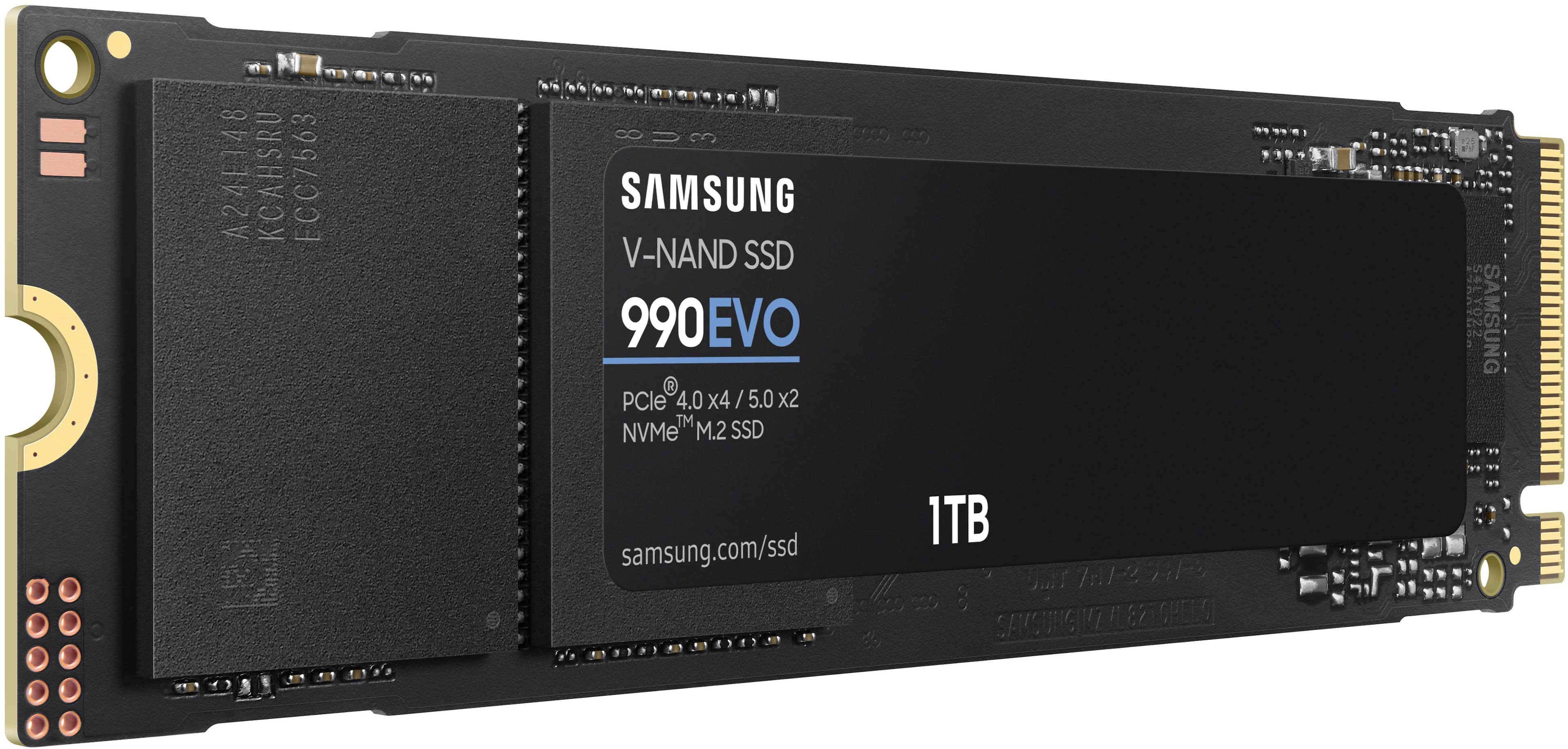
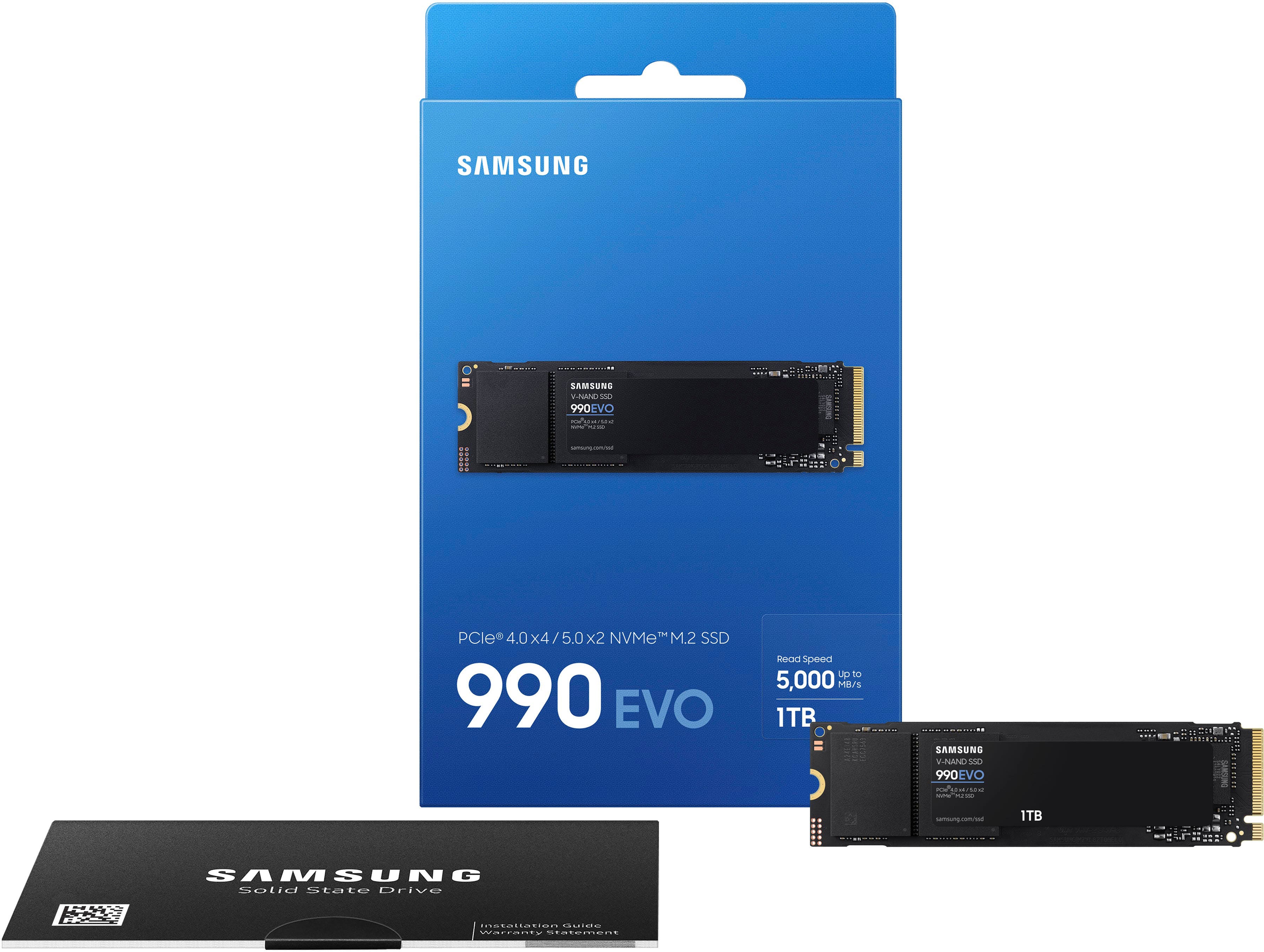
||Posted . Owned for 4 months when reviewed.This reviewer received promo considerations or sweepstakes entry for writing a review.I recently installed the Samsung 990 EVO 1TB SSD in my system, and I’m really impressed with the performance. The speeds are super fast—up to 5,000MB/s—and everything from booting up to loading apps feels a lot quicker now. Installation was easy, and it works perfectly with my Gen 4 setup. It's also Gen 5 ready, which makes it a future-proof choice. Overall, very happy with this upgrade!
I would recommend this to a friendElite upgrade
||Posted . Owned for 1 month when reviewed.This reviewer received promo considerations or sweepstakes entry for writing a review.This drive exceeded my expectations. Extremely fast read/write speeds, stays cool under load, and installation was straightforward. Perfect for gaming and heavy workloads. Definitely worth the upgrade performance is smooth and consistent. Highly recommend for anyone looking to boost their system
I would recommend this to a friendGreat ssd(for laptops)
||Posted . Owned for 2 weeks when reviewed.This reviewer received promo considerations or sweepstakes entry for writing a review.Great ssd and easy to install with app easy to use. Love samsung ssds all aroundwith great reliability and speed.
I would recommend this to a friendSSD that works
||Posted . Owned for 3 months when reviewed.This reviewer received promo considerations or sweepstakes entry for writing a review.Great price and sureshot product that lasts. I have used various brands of NVMe SSDs for 50+ PCs I manage, and Samsung has not failed so far, and their price for EVO line has become very compatitive. I have used some of these for an external enclosure to transfer large files and using USB type C made it really fast.
I would recommend this to a friendNeed a quick/easy upgrade for your computer?!
||Posted .This reviewer received promo considerations or sweepstakes entry for writing a review.Extended my memory with super fast read/write speeds! This thing is easy to install and easy to use!
I would recommend this to a friendFast, Reliable, and Worth Every Penny
||Posted . Owned for 3 weeks when reviewed.This reviewer received promo considerations or sweepstakes entry for writing a review.### Review: Samsung 990 EVO SSD 1TB The Samsung 990 EVO SSD 1TB is a fantastic upgrade. With PCIe Gen 4x4 | Gen 5x2 support and speeds up to 5,000MB/s, it significantly boosts system performance. Installation was easy, and the SSD fits perfectly in the M.2 slot. It's reliable, fast, and worth every penny for the performance it delivers. Highly recommended!
I would recommend this to a friendPerfect for my Dell
||Posted . Owned for 3 weeks when reviewed.This reviewer received promo considerations or sweepstakes entry for writing a review.Perfect replacement SSD for my 3 year old Dell laptop that only had a 256 gb at purchase. Easy install. Seems to be fast for everyday use (cannot say one way or another about gaming). Other reviews suggest it is reliable, and about one month in and no problems. Good value as well
I would recommend this to a friend10/10 would recommend
||Posted .This reviewer received promo considerations or sweepstakes entry for writing a review.Runs great! Fast speeds! Easy to install and instructions made sense!
I would recommend this to a friendA few speed bumps, but everything turned out well
||Posted . Owned for 1 month when reviewed.This reviewer received promo considerations or sweepstakes entry for writing a review.I bought this on sale for about $69. I needed a back up hard drive that was cloned from my primary drive for my new Windows 11 desktop. It is not the PRO version and thus does not have a heat sink. It also does not come with the M2 screw needed to secure it into the NVME slot. Happily, the manufacturer of my desktop (Dell) included the screw in the empty NVME slot. When I initially tried to clone the primary drive to this Samsung drive, the software told me it couldn’t clone an encrypted drive. As it turns out, many current computer makers encrypt their primary drives. Using the Windows 11 software, one is able to un-encrpyt the primary drive, allowing the cloning process to proceed. Once the primary drive was cloned to my new Samsung SSD, I encrypted the primary drive. I tried using the Samsung drive as my primary drive and it worked flawlessly. After that I removed the Samsung drive and stored it in a secure location. From time to time I’ll have to re-clone my primary drive to this Samsung drive. I realize this is not an elegant solution for back up, but I’m happy with this process. Oh, I did verify the read and write speeds and yes, they were equal to or slightly higher than 5000 MBPS as measured by the Samsung Magician software.
I would recommend this to a friendGreat!
||Posted .This reviewer received promo considerations or sweepstakes entry for writing a review.Needed more space as I was still using a 1TB from my previous computer. Transferring data was a breeze and it has worked great for everyday use
I would recommend this to a friend