Customer Ratings & Reviews

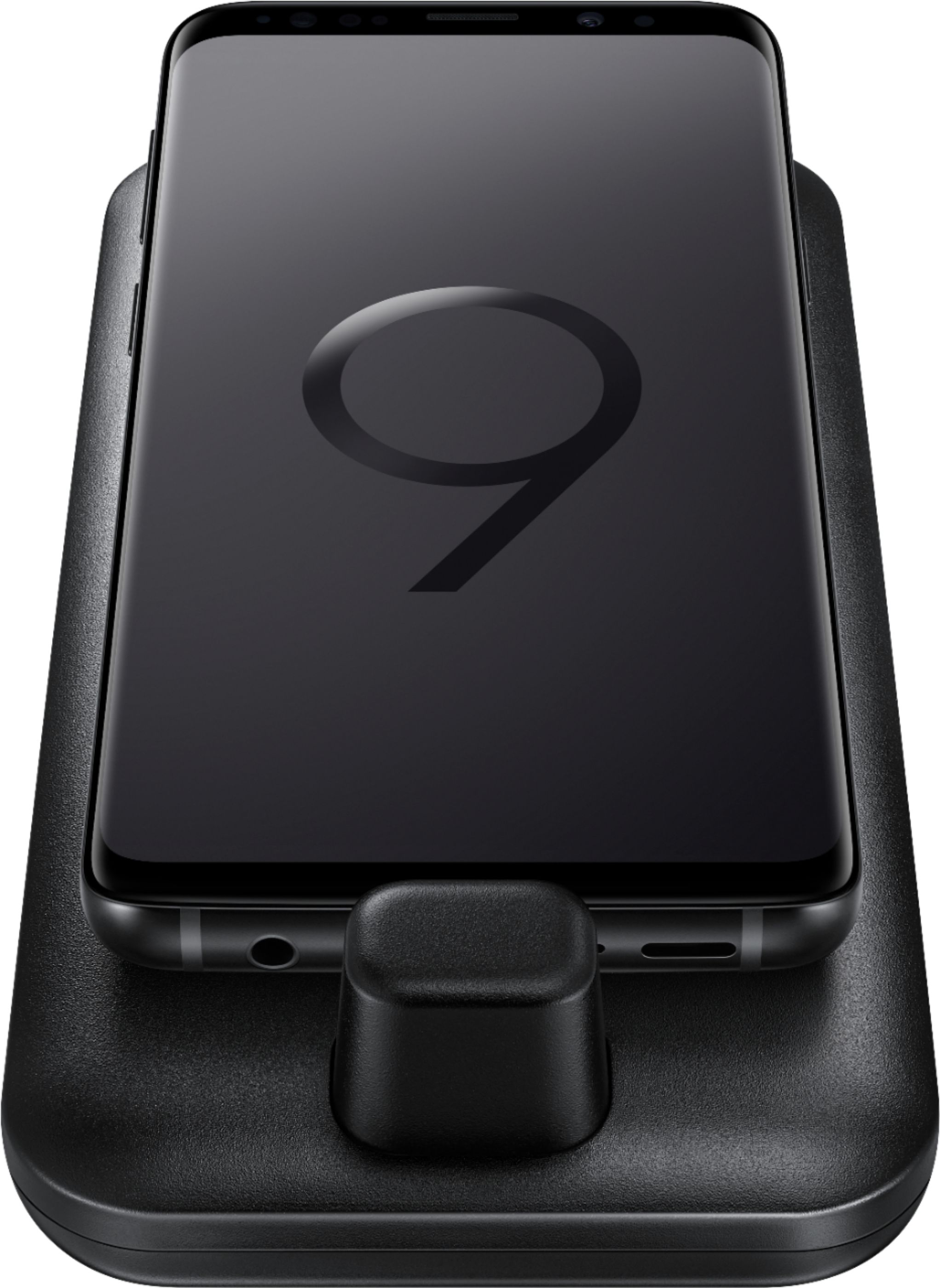
- Model:
- EE-M5100TBEGUS
- SKU:
- 6186006
Rating by feature
- Value
Rating 4.2 out of 5 stars
- Quality
Rating 4.3 out of 5 stars
- Ease of Use
Rating 4.2 out of 5 stars
Customers are saying
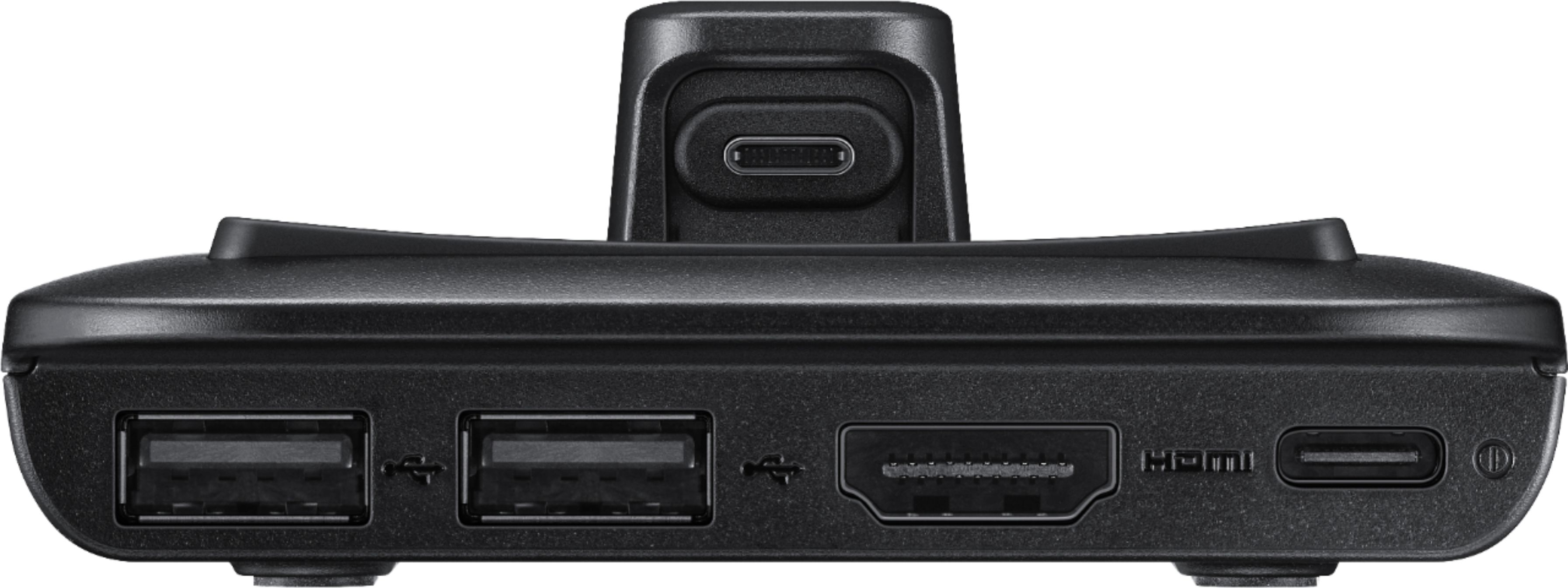
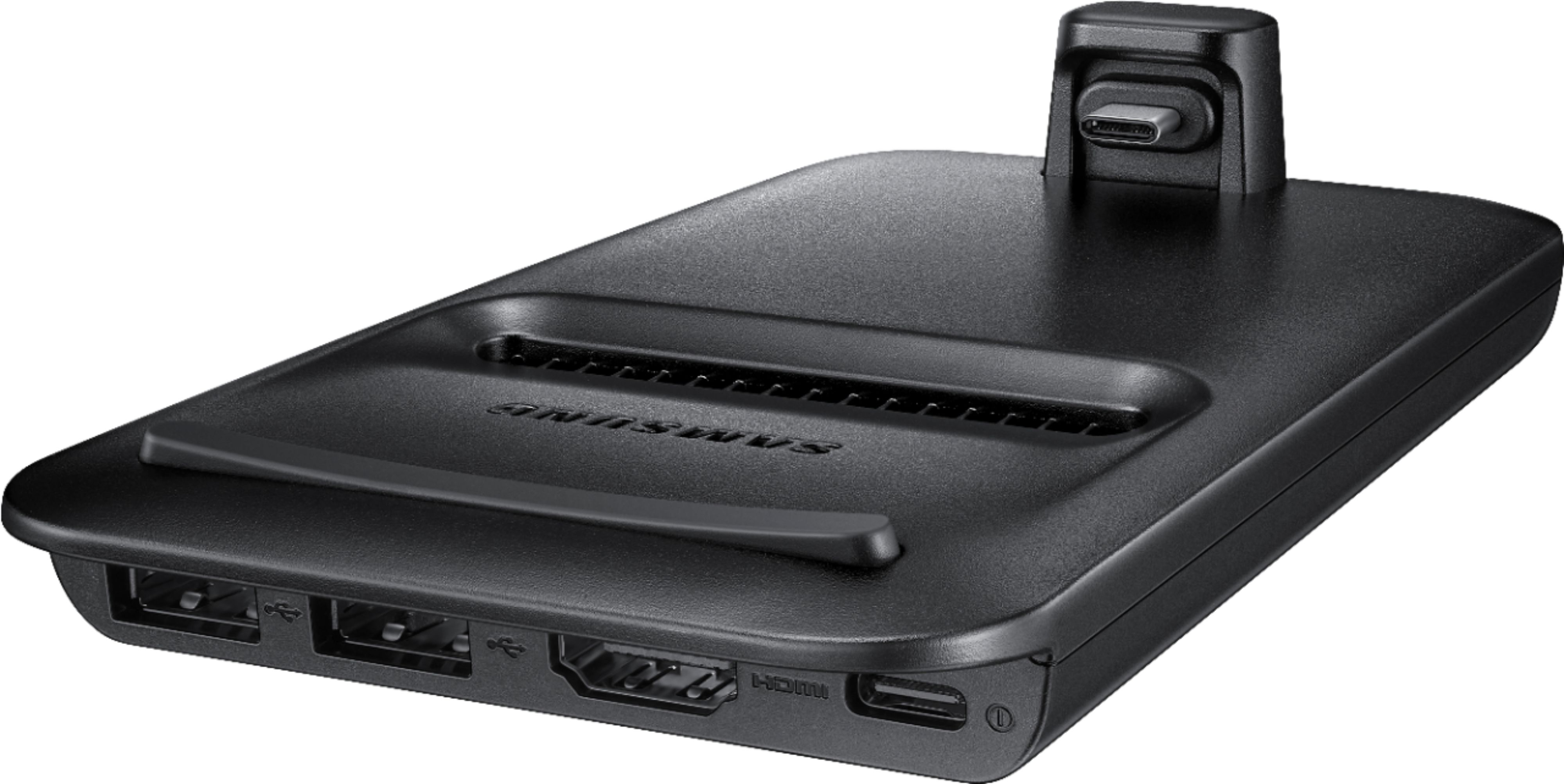
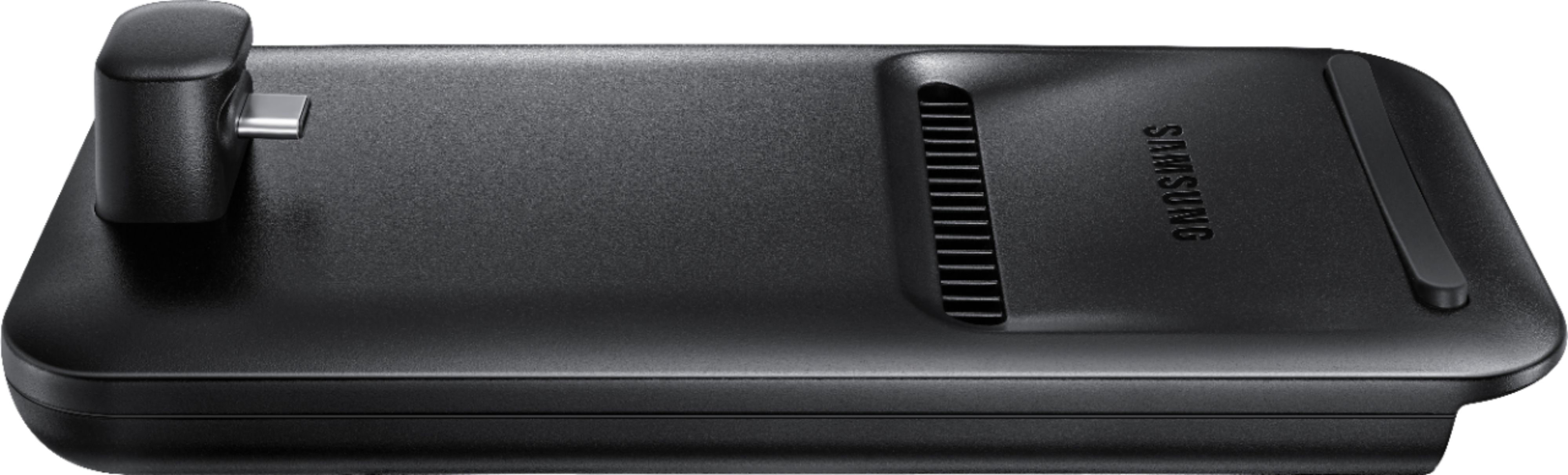
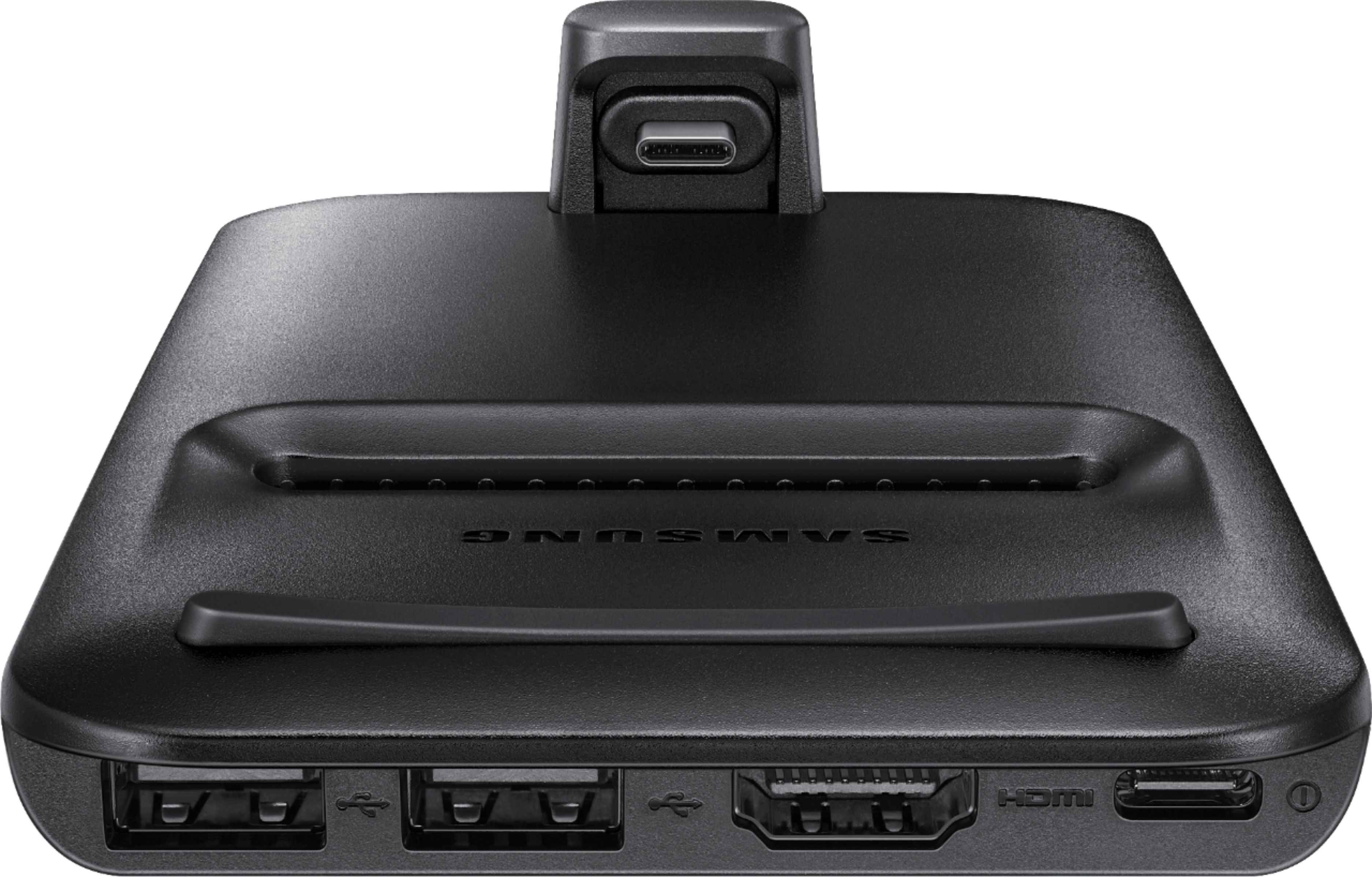
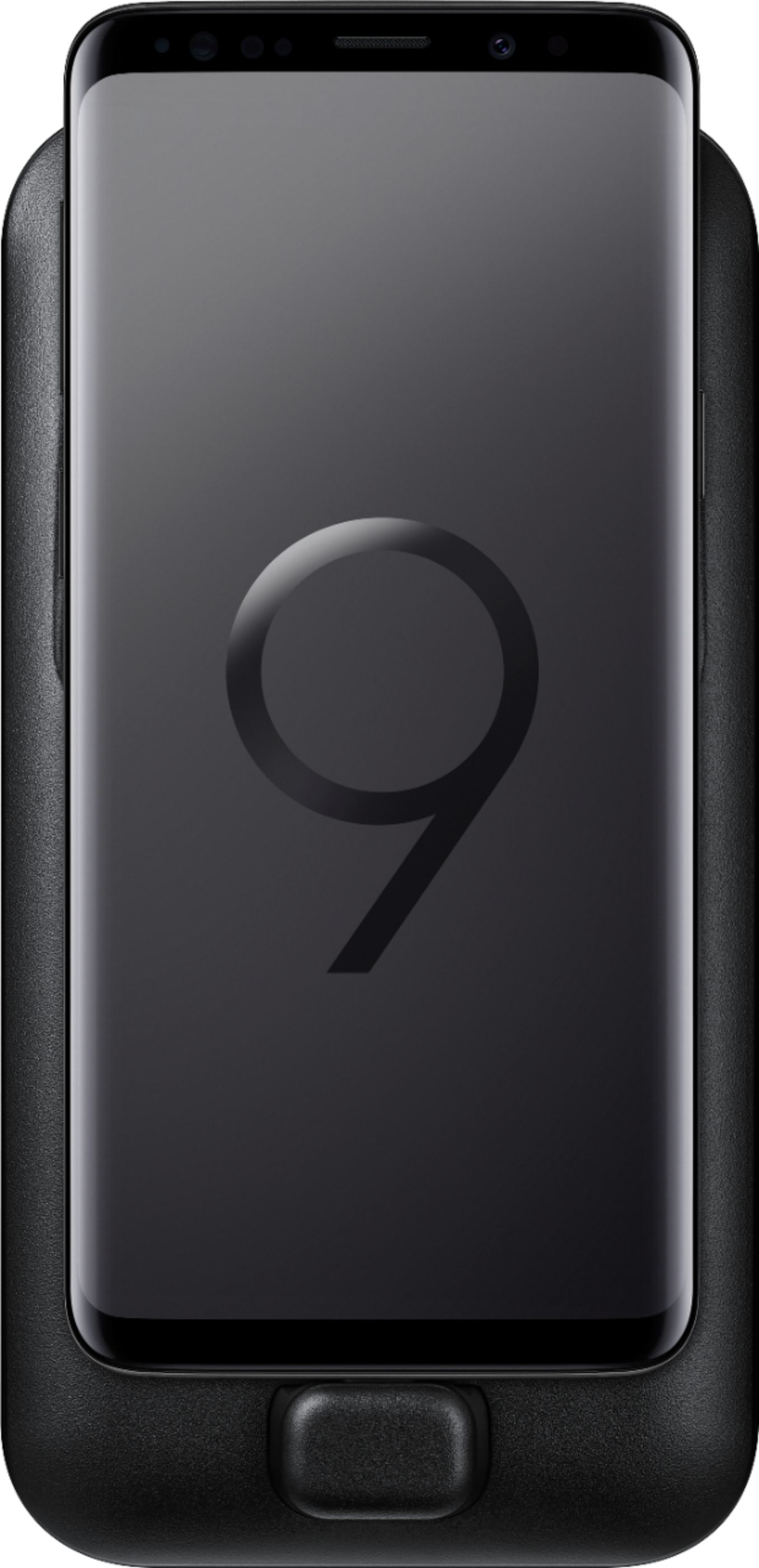
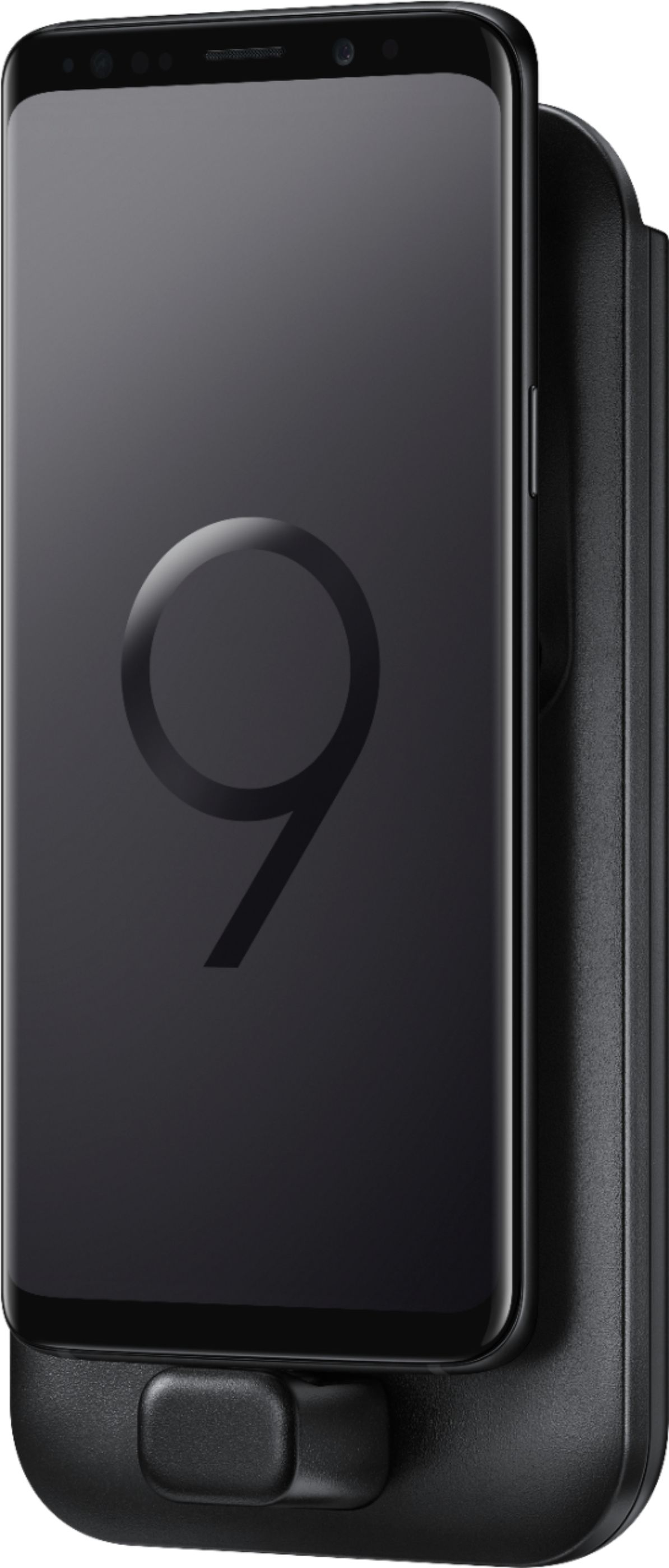
Customers are positive about the DeX Pad Dock's portability, easy setup, desktop mode, compatibility, cooling, productivity, charging, and gaming capabilities. They appreciate the convenience of taking it with them when they travel and the ability to use their phone as a computer. The desktop mode allows them to watch streaming services in full screen and the cooling feature helps to keep their phone from overheating. Customers are also positive about the connectivity options, saying it gives them all the essentials to stay connected.However, some customers are negative about the HDMI and USB-C connector. They mention that they already have an HDMI adapter and hub, and that the USB-C connector is too tall for the phone without a case.
This summary was generated by AI based on customer reviews.
I like were Samsung is going!!!
||Posted .This reviewer received promo considerations or sweepstakes entry for writing a review.1st just let me say this is very cool. It is taking you in the way of a Desktop/Laptop. My opinion is you do need a cord less key board and or maybe a cord less mouse for easy and also for typing out anything. Next you have to take the phone cover off but you could buy an extension cord to by pass this problem. Next 2 points are my downers. You can not play movies in full sreen mode. And next it doesn't let you play your music on your TV it plays out of your phone while dock on the dex platform. So it looks like there is still room for improvement... But I do like it!
I would recommend this to a friend- Pros mentioned:Ease of use, Performance
Nearly replaces my PC
||Posted .This reviewer received promo considerations or sweepstakes entry for writing a review.Let's be honest, 99% of the things most people do on their PC involve surfing the web or watching videos, and the DEX is amazing for that. It's so small we take it with us when we travel, and instantly have all the video apps we use with us on the go. Setup is insanely easy, connecting mouse and keyboard is as simple us USB. Really a great product for those on the go.
I would recommend this to a friend - Pros mentioned:Cooling, Ease of use
Transform Your Galaxy
||Posted .This reviewer received promo considerations or sweepstakes entry for writing a review.The Dex Pad phone dock along with the software built into the Galaxy S9 transforms the phone into a full fledged laptop. The fan keeps the phone cool while playing AAA titles like Fortnite or Pub G. The dock's form factor is also much more portable than the 1st generation. It also allows you to use an on screen keyboard and mouse, that way all you need to get setup is a charger, the dock, and an HDMI cable.
I would recommend this to a friend - Pros mentioned:Compatibility, Ease of use, Performance
Good for on the go laptop
||Posted . Owned for 5 months when reviewed.This reviewer received promo considerations or sweepstakes entry for writing a review.Great for on the go PC, also i hook it up to HDMI port for Alpine Halo9 stereo! Works flawless
I would recommend this to a friend It does what they say
||Posted .This reviewer received promo considerations or sweepstakes entry for writing a review.Not sure how great this thing works. I use to monitors for everyday use. One in for the main computer, an Acer XB280HK 4k with DP connection only. The other is a computer that runs my security software and cams, it's an LG 273A33 1080P with HDMI. And that's the I tried the DEX out with. Also the phone I’m using is a Note 9. I know I did not need the DeX Pad to connect to a computer, as I could just use Samsung’s usb c to hdmi cable, but I did need this if I wanted to hookup my Logitech wireless keyboard and mouse. At first, I could not get it to work and was puzzled to why it was not. The instructions are OK but lacking. I thought for a while and read the instructions again. It notes to only use the HDMI cable supplied in the package. I did not know it was included, so good surprise there. Anyway, I could not think of anything else I could do, except try another HDMI cable. So I put my computer to sleep and pulled the cable and put it on the DeX. And boom, we had life off. It does what it supposed to, putting your phone on a larger screen. I did not play with it long as it was in an odd spot to work with. I never like using the internet browsers the phone comes with. Just not a fan at all browsing using the phone. I’m picky when it comes to browsers, so I download the Microsoft Edge browser from the lGoogle Play Store along with Chrome. It's works like intended but I’m still being picky, I'm old, and I find it hard to do everything on a cell phone like the younger generation. I can do it, just don't want to. I'm trying to save some coin and if I can get use to using the DeX Pad, meaning using the cell phone for everything, I can stop paying for a landline, internet, and possibly my Directv. Can't say I would do it again even what I had spent but could change if I get use to using it. I used my Bestbuy certificates I had earned, instead of letting them expire. Between the price match off Amazon and the my certificates, I paid very little. But to be fair, I need to use daily for a week or so. And to be completely honest, I don't really need a computer do what I do on the internet which brings me to the end of the review. I tried Netflix app and it stayed small on the screen and no way to maximize it. So then I went to Netflix using Microsoft Edge and I got it to do full screen. So that’s as a go for me. Also Youtube worked, but not like on the computer, but as full screen goes, that will work for me. All web browsers that I tried, three in total, ( Chrome, MS and Samsungs I believe) and they all acted like using the cell phone format and not like computer format web wise. That is not surprising, just stating encase someone else did not think of that. For example, my homepage is MSN and have used that format on a computer since MSN was a thing. So using it on a phone feels wrong. Everything is in a list form. Again, cell users thinking I bumped my head, but you have to remember I’m old school trying to adapt. Only other thing, I had to take off my Otterbox Denfender to get this to work. I knew this going in and I've ordered a Type-C Extender Adapter (10Gbps) USB-C Female to Male so I can leave my Otterbox on the phone. Only thing is, what little time I used the Dex, it was fairly warm / hot to the touch and I'm not sure leaving in the Otterbox would be a wise move. And from looking at it, any case might get in the way of connecting it to the DeX. You’ll have to read up on reviews to find that one out.
I would recommend this to a friend- Cons mentioned:Resolution
Turn your Note 8 to a desktop...kinda...
||Posted .This reviewer received promo considerations or sweepstakes entry for writing a review.Not much information is out online about how the new dexpad works with the Note 8. Well here is one... The connection is easy enough but the only issue as of right now on Android 8.0.0 and Samsung experience 9.0 is the there is no 4K support the highest resolution is 1080p. Not a deal breaker but it would be nice since using the Dex pad for screen mirroring allows 4K. Not all apps are optimized for the Dex but then again it really shouldn't be...productivity apps work in fullscreen but most games and 3rd party video apps will not go fullscreen. Audio does not transfer via hdmi so you will have it go through headphones, the Note 8 itself or through a bluetooth speaker. I would recommend for workstation close up use but not for use on a TV 40in or larger in your living room.
I would recommend this to a friend - Pros mentioned:Compatibility, Ease of use
Adds another dimension to note 9 experience
||Posted .This reviewer received promo considerations or sweepstakes entry for writing a review.This is a great product that adds even more functionality to my note 9. I recently took a trip and was able to bring this instead of my laptop and get everything done I needed to with no bulky computer. Used outlook, word and excel with no problems and I was able to watch movies also.
I would recommend this to a friend - Pros mentioned:Compatibility, Ease of use
A great accessory for your Samsung Phone
||Posted .This reviewer received promo considerations or sweepstakes entry for writing a review.I purchased this to use Dex with my Galaxy Note 9. I works great and it is nice to be able to use my phone as a computer. It was easy to setup and there have been no issues with using it.
I would recommend this to a friend - Pros mentioned:Hdmi
Great device, turned my Note 9 into a CPU
||Posted . Owned for 1 month when reviewed.This reviewer received promo considerations or sweepstakes entry for writing a review.This item works great. Simply connect an HDMI monitor, Keyboard , mouse and you will have a full computer. Apps can be sized to fix the screen. I also hooked up a bluetooth controller for gaming. It worked perfect.
I would recommend this to a friend - Pros mentioned:Cooling
Worth every cent
||Posted . Owned for less than 1 week when reviewed.This reviewer received promo considerations or sweepstakes entry for writing a review.First off, you can use your monitor for sound, however you need to change it in the dex setting. For some reason it is set default to the phone. It is 10x better than a normal type-c to hdmi adapter.it keeps your phone cool and charges your phone. Also the ability to use a mouse and keyboard are a huge plus. I dont have internet so i need to use mobile hotspot to use my laptop and game consoles; this makes it to where i can use my phone instead on a bigger screen. It is definitely worth getting if you are looking for a type-c to hdmi adapter. Its not cheap, comes with a fast charger, and with the clearance sale, nows the time to buy!
I would recommend this to a friend A nice productive tool with promise.
||Posted .This reviewer received promo considerations or sweepstakes entry for writing a review.Samsung has created a nice functional system for productivity on the go. You really do get a Windows-like experience from your phone. Physical keyboard works, mouse works, computer monitors/TVs connect to it with no problem. I so want to use this thing every day, except they don't want me to! I at least envisioned myself editing spreadsheets, word docs, and Power Point presentations on the thing, but I didn't know you have to have a subscription to Office 360 to do that on a big screen. Without it you're stuck in read-only mode. Who needs yet another subscription to waste money on... You can watch YouTube on it, but it's stuck in a window. Same with Netflix. I tried to stream the cable company's app, but they deny the Dex from "casting" and mirroring. Same if you try to stream NFL Network from the NFL app. But hey, if all you want to do is text, browse the web, and check and compose e-mail while watching a YouTube or Netflix window off to the side — well, you're golden. I'd recommend to a friend only if they have access to the Office apps because the whole setup really does work if app devs would just allow it to.
I would recommend this to a friend- Pros mentioned:Compatibility, Ease of use
A must have!
||Posted .This reviewer received promo considerations or sweepstakes entry for writing a review.Plug in your phone to a monitor and your phone becomes your laptop, add a mouse and keyboard and now you have a workstation!
I would recommend this to a friend - Pros mentioned:Hdmi
Great for an otg computer experience
||Posted .This reviewer received promo considerations or sweepstakes entry for writing a review.I like that it acts as a touchpad for a true on the go computer. Works really well to use with a bluetooth keyboard so you have them separately to quickly put away.
I would recommend this to a friend - Pros mentioned:Hdmi
Charges and connects to HDMI TV
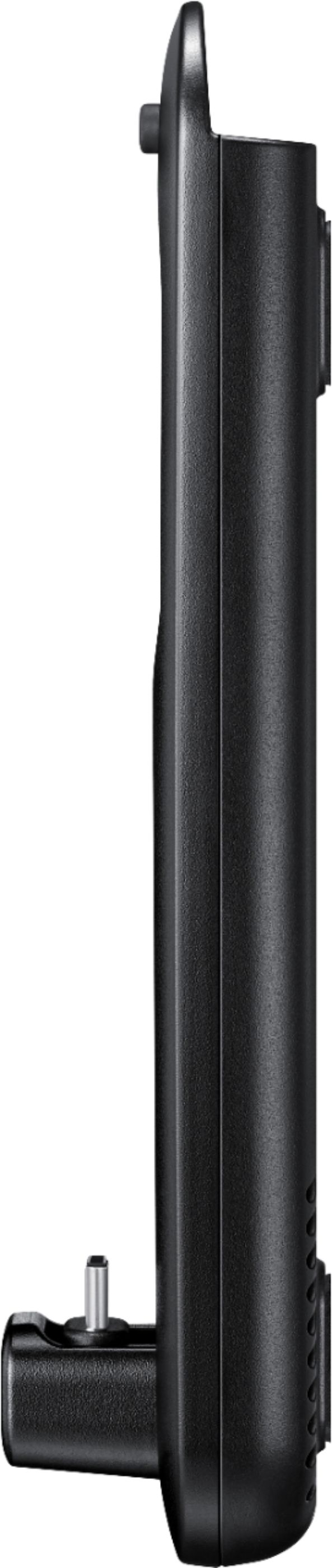
||Posted .This reviewer received promo considerations or sweepstakes entry for writing a review.This DeX Pad Dock was good for displaying what was on the phone on a TV, sound and all, via the included HDMI cable. The also-included USB-C charger connected to the dock and charged the phone, which is good because the display was always on. I also used the USB-A port on the dock to connect a mouse. Unfortunately, the USB-C connector on the dock that plugs into the phone is just long enough for the phone *without* a case, so the case has to be removed from the phone each time to use the dock.
I would recommend this to a friend - Pros mentioned:Hdmi
Turns your phone into a full out PC!
||Posted . Owned for 3 weeks when reviewed.This reviewer received promo considerations or sweepstakes entry for writing a review.Make sure you have a Bluetooth mousse and keyboard before you buy. It's an amazing tool, can't wait to see where it goes next!
I would recommend this to a friend - Cons mentioned:Resolution
handy
||Posted .This reviewer received promo considerations or sweepstakes entry for writing a review.This thing does come in handy I will say. It does exactly what its promoted to do. I do have some gripes however. Its marketed as supporting 4k. Unless I'm doing it wrong, it does not. I connect into my 4k Samsung TV and it will only output in max res of FHD. Wont even let me select QHD. Also, apps like VUDU/NETFLIX/ETC.. do not support full screen. So you're forced to view in a tiny window. Annoying to do on a 50" Samsung TV. Those things aside, I do like it and reccomend.
I would recommend this to a friendBrand response from Samsung
Posted .Hey there, we're happy to hear this product is working as expected. Thank you for choosing Samsung. ^Ash

- Pros mentioned:Cooling
Great Dock For Note 9
||Posted .This reviewer received promo considerations or sweepstakes entry for writing a review.I recently bought a note 9 and was looking for a dock to use DeX linux as my desktop. This was a good choice as it has an hdmi port, two USB ports and a cooling fan. I have the Samsung led case on the phone and it fits into the dock without needing to take the case off. The cooling fan helps keep the phone cool which most other docks do not offer. Works well, overall really happy with this dock.
I would recommend this to a friend - Pros mentioned:Ease of use
Mini desktop
||Posted .This reviewer received promo considerations or sweepstakes entry for writing a review.What a great little product from Samsung, I bought this item on a chance that it would do what I wanted which was to tranform my phone into a desktop that I could use side by side with my laptop for work purposes and it is awesome...just bought a mini keyboard and wireless mouse and I am good to go...
I would recommend this to a friend - Pros mentioned:Hdmi
Maximize phone capability
||Posted .This reviewer received promo considerations or sweepstakes entry for writing a review.The dexpad is a great way to utilize your phone as a desk top computer. Hooked up easily with HDMI to my monitor and even charged my phone up while using. With a case on your phone you need a USB-C male to USB-C female adapter/extender so you don't have to remove your case each time.
I would recommend this to a friend - Pros mentioned:Ease of use
Expands the phones capabilities
||Posted .This reviewer received promo considerations or sweepstakes entry for writing a review.If you are using your phone for a main replacement for a laptop or other mobile computing device, this is a must-have accessory. Once you plug your phone in, it provides you with a Windows-like layout as far as taskbar and menus go. Applications then use a window type system and the Samsung DeX UI is also very easy to navigate through.
I would recommend this to a friend