Customer Ratings & Reviews




- Model:
- SM-W720NTKBXAR
- SKU:
- 5843602
to a friend
Customers are saying
Customers express satisfaction with the Galaxy Book's compact size, stunning display, and responsive keyboard. The true touch typing experience of the keyboard is particularly praised. However, some users have concerns about the battery life and the price of the product.
This summary was generated by AI based on customer reviews.
Powerful little laptop
||Posted .This reviewer received promo considerations or sweepstakes entry for writing a review.Great resolution and perfect size to use on the couch
I would recommend this to a friend- Cons mentioned:Connectivity, Price

Better than Surface Pro 4
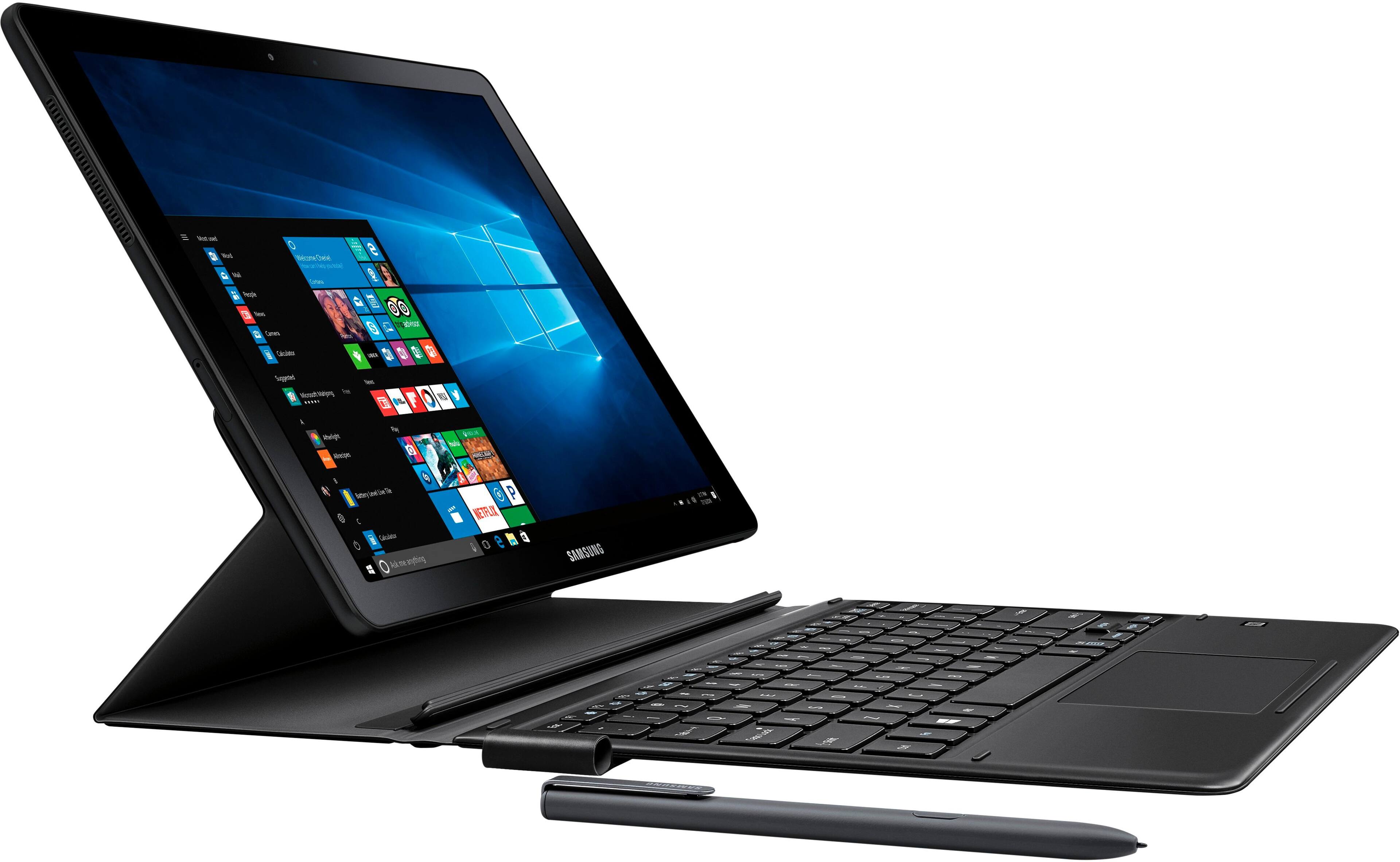
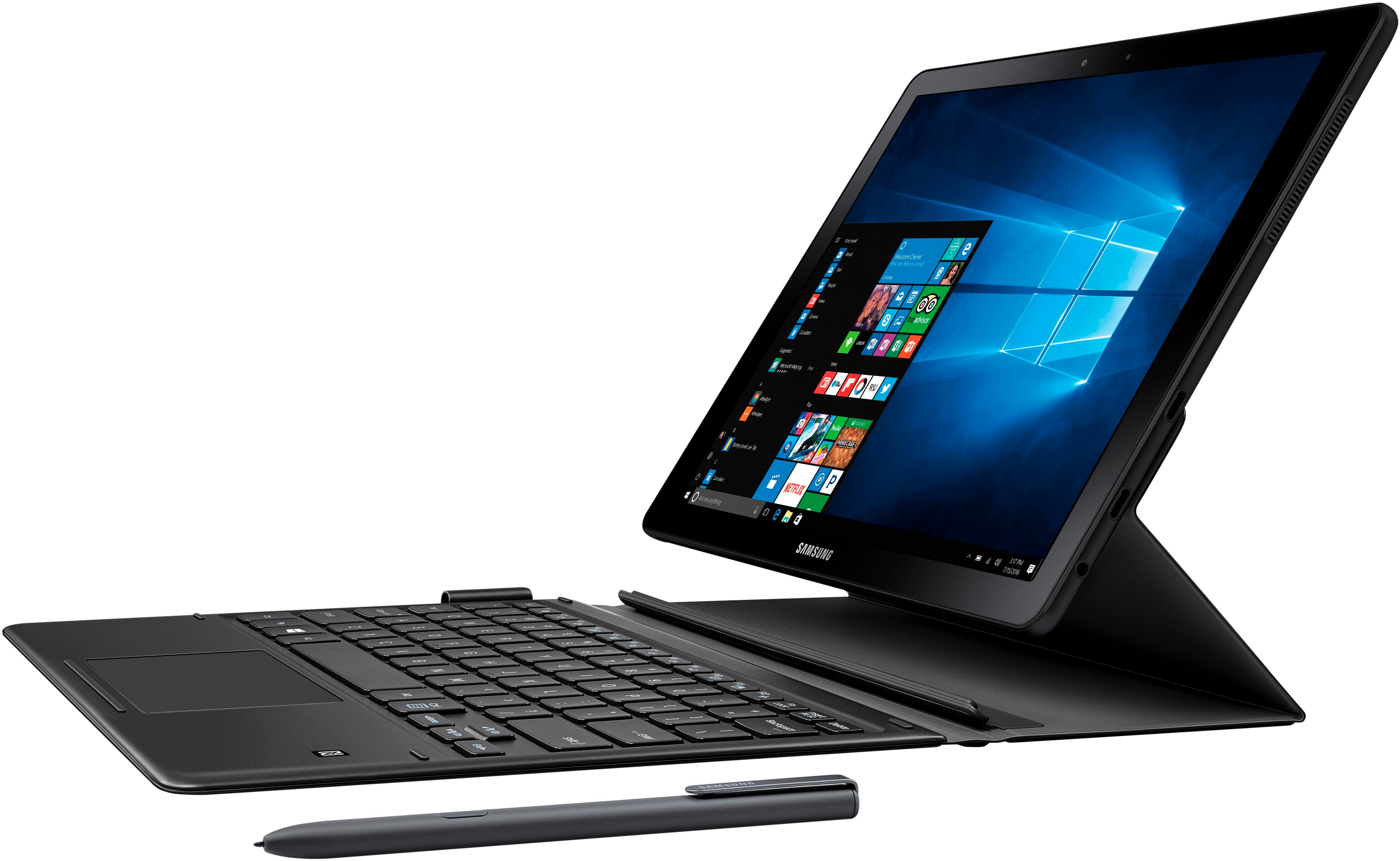
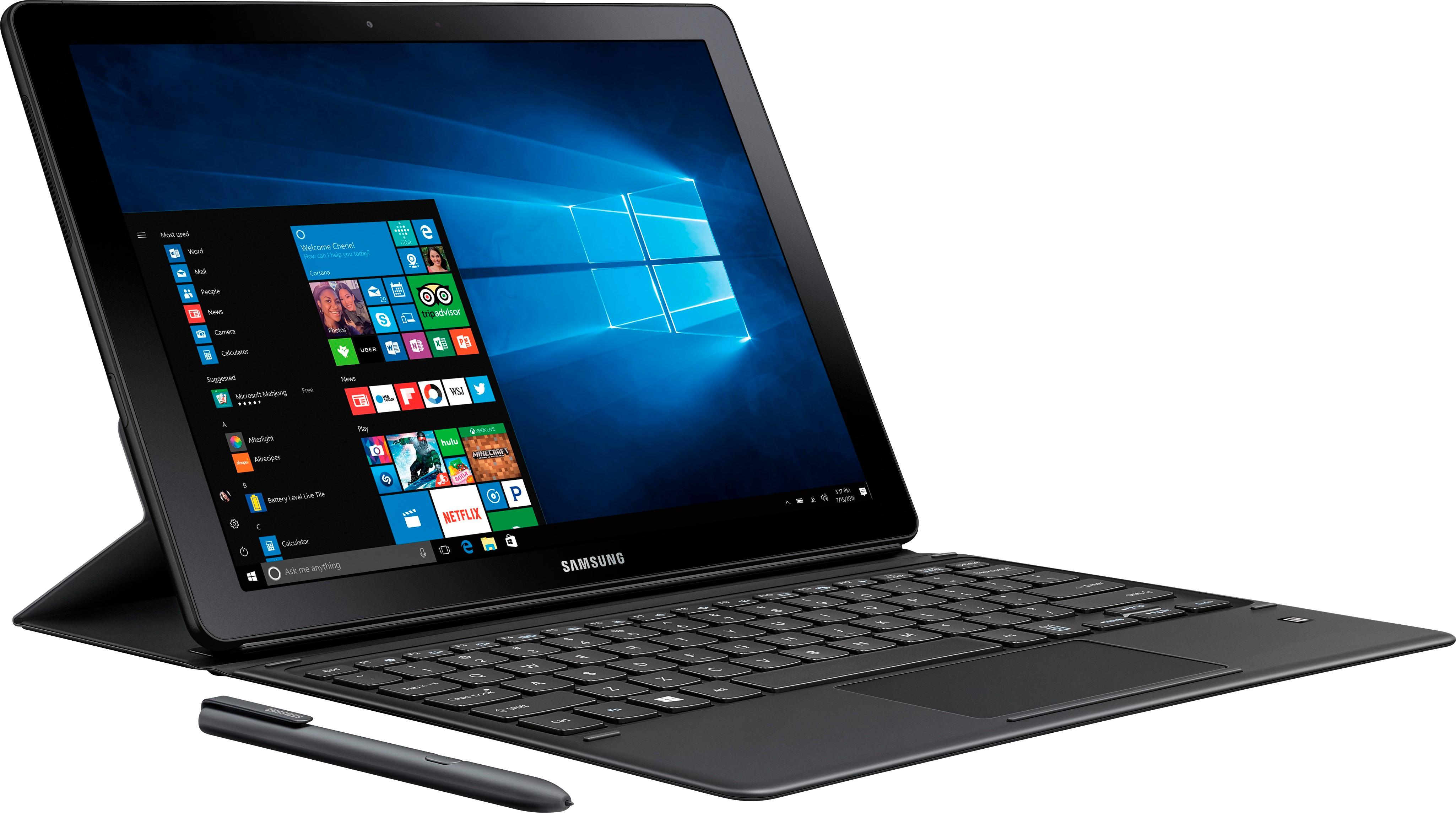
|Posted .This reviewer received promo considerations or sweepstakes entry for writing a review.Setting up this tablet/laptop hybrid was super easy. But I have to admit once everything was put together, at first I had a hard time figuring out how to open and set it up so it would sit up like a laptop. Once I can get it to stand the way I want to, everything else was a breeze. Pros: - The pen is amazing, responsive and comfortable. It's a little bit on the too sensitive side but it works really well. - The backlight keyboard auto timed, it would turn off when not in use, and would turn on once you start typing. - The design is much more elegant than Surface Pro who is the obvious competitor. - AMOLED screen is nice and color is accurate. - Initially I was worried about 4GB RAM, but I haven't noticed any lags when switching and opening up multiple programs such as Chrome, Excel, One Note, while listening to Groove. - Battery life (rated at 11 hours) is very good comparing to laptop of the same class. Cons: - Keyboard feels a little flimsy. I use my laptop to type on my lap a lot and if I put a little more pressure on my palm, I can feel the keyboard bends a little bit. - Price Point. Surface Pro is the gold standard for this class. The one with similar specs has much higher resolution for the same price. I feel like Samsung can lower down the price more to compete with Surface Pro. - The only available connections are USB C. Although this is the direction where major electronics is heading, it's always nice to have different options without worrying about forgetting certain adapters. - The last one is a little bit nitpicking, but I wish they would include black colored USB C cable and power adapter for the black Samsung Galaxy Book instead of white color. I am quite happy with the product thus far. If you're comparing this and Surface Pro 4, I recommend the Samsung Galaxy Book over the Surface Pro 4. Design, battery life (11 hours on SGB and 9 hours on SP4), and weights are my top 3 comparison points.
I would recommend this to a friend - Pros mentioned:Keyboard
How is this for a gamer?
|Posted .This reviewer received promo considerations or sweepstakes entry for writing a review.Ok, I am not gonna do what alot others have done and give benchmarks, Specs etc. What I want to do is provide assistance to those of you that are not just looking for a nice tablet but also a tablet that can play some non app style games. What I mean is, I like a lot of you have soooo many computer games on STEAM, and was curious how will this generic graphics card would do. First off, yes Windows 10 is awesome, and I had zero issues downloading Steam. Then I downloaded two of my favorite games on Steam, Football Manager 2017 Touch, and Stellaris. The games look amazing on this beautiful display, and I have had no problem playing them. Now dont expect to play them in Ultra settings since Intel HD Graphics 620 is the gfx card you will be limited with. Nevertheless I LOVE IT! Im here able to multi task, and have another screen minimized with a nice game of Stellaris going. So yes gamers, you CAN play Steam games on this awesome tablet but please realize you will have some limitations, such as how many games you can load due to limited Gigabyte space, and also limitations of a gfx card that is tiny in a thin comfortable to carry tablet. Speaking about the tablet, you will hear the fan (which is a good thing imo) if you are multitasking or playing some serious games, and they will drain your battery fast (I like to keep it plugged in when gaming). My wife has a tablet made from another company and operating system and I would not even consider trying to play any steam games on it so to me this is a HUGE + Screen is beautiful love the keyboard, and the protection it provides love the weight of the tablet/keyboard the pen works amazing, I usually would not even think of using a stylus but this one is great. Watching movies on this thing is a dream btw (I use Netflix). Overall VERY VERY happy!
I would recommend this to a friend - Pros mentioned:Keyboard
Good 2-in-1 tablet/laptop competitor

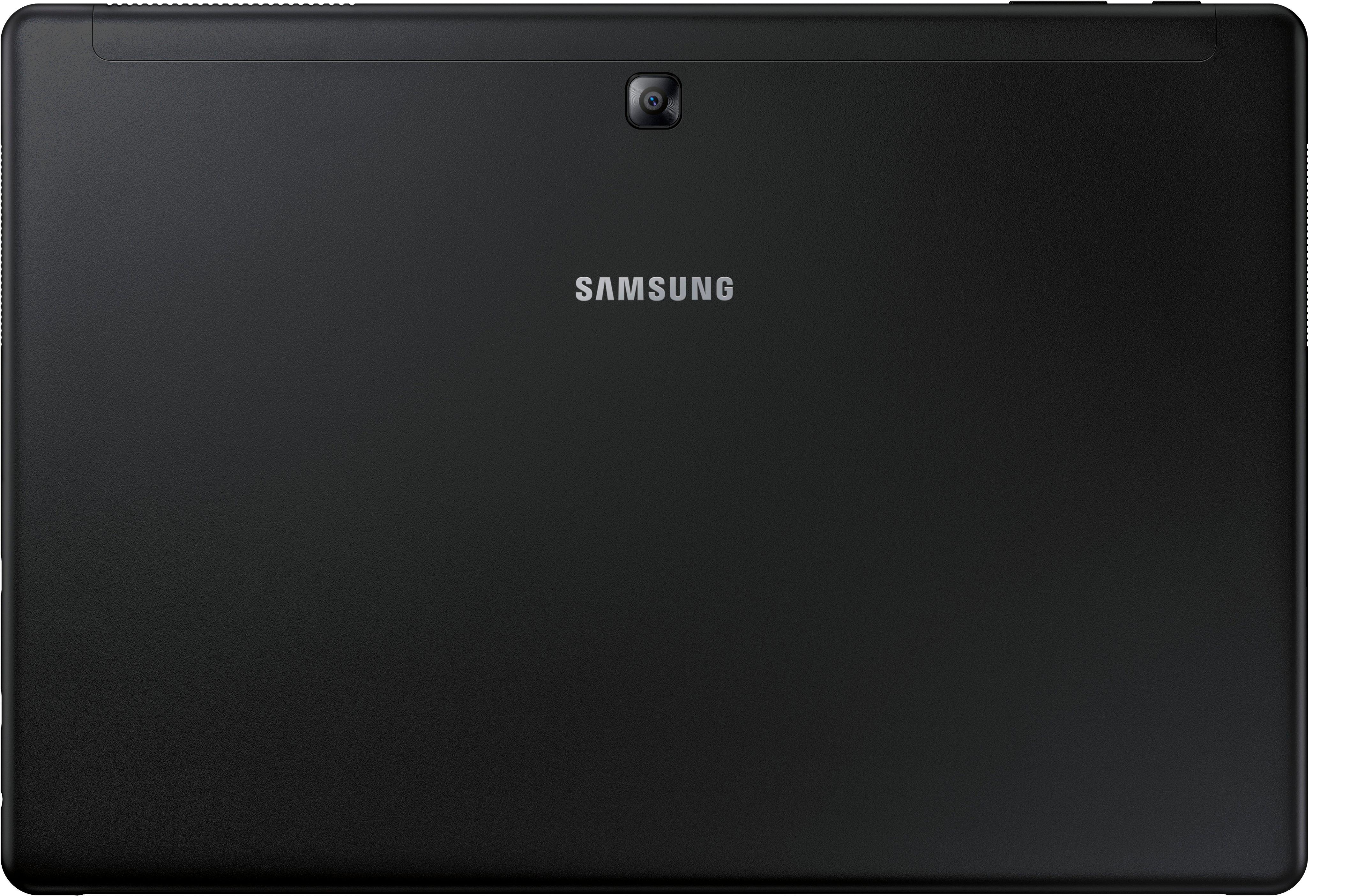
|Posted .This reviewer received promo considerations or sweepstakes entry for writing a review.Samsung’s latest attempt with the Galaxy Book as a direct competitor in the “pro style” 2-in-1 tablet/laptop competition does a few things right but hasn’t gone without some noticeable technical issues. First of all, the hardware itself is everything you would expect from Samsung including a beautiful screen, light weight tablet, decent mid-range specs including the latest Intel 7th generation i5 processor, 4 GB RAM, 128 GB of internal SSD memory paired with a micro SD slot for expansion, two USB C ports, full Windows 10 and the ability to link easily with other Samsung devices keeps it in line with what’s currently in the market. Given those specs, the tablet is reasonably fast and responsive and is great for multitasking. However, it doesn’t do much to set itself aside from the competition or make a name for itself in this field. One thing did right, which others should take note of, is offering the keyboard and pen with the device. I also wanted to note that the pen does not need to be charged and works great with drawing apps or general use of the tablet and Windows OS. However, for those that don’t have use for either the keyboard or pen make want to consider other options as this also brings the price up over some of the competition; I feel both options are almost necessary at this point with using a tablet style device with Windows 10 since the screen and font size can be hard to view and select certain options with your fingers. After playing with the device and performing the numerous updates you’ll need to do after set up to ensure you’re up to date and protected, which also require quite a bit of time to set aside and resetting the device, I did experience several issues within the first couple days of use; the main one being its ability to wake itself back up out of sleep mode or letting the device sit idle. At one point, I thought the tablet was a lemon because it wouldn’t respond to anything I did, any buttons I pushed, wouldn’t show that it was charging when plugged in (no charge light) and had a black screen. I eventually noticed the internal fan was still running, which is very quiet I might add, and decided to try to hold the power button down for about 10 seconds. The fan eventually turned off and I was able to reboot which fixed the issue. I don’t necessarily want to knock Samsung for this is as it may have been a compatibility or OS issue. The other issue I had, which may also have been an OS issue, was it stopped being able to connect to my wifi when my other devices worked just fine. I eventually had to forget the networks, reset the wifi and that fixed the issue. Those were the main issues in just the few days that I’ve had the device. The battery life is decent as long as you don’t let it sit idle and ensure you put it in sleep mode or shut it down when not in use and it charges fairly quick using the USB type C charger included. The front and rear cameras are functional but I wouldn’t rely on them to use as your main camera(s) and work well for video chat or conferencing. The included removable keyboard and case function well in different positions and as a protector for the device and even includes a sling for the included pen. All my other Bluetooth devices paired easily as well. I’ve rated the device based mostly on the hardware, the beautiful screen, keyboard and pen and functionality and not because of the issues I had because I’ve experienced similar issues using Windows on other devices. What I would suggest is that if you’re in the market for a 2-in-1 make sure you’re familiar with the OS and how to troubleshoot some issues otherwise you may find yourself frustrated. Samsung has done a decent job with its first attempt at a pro style 2-in-1 but didn’t give consumers many options to choose from like more RAM, more hard drive space or a better processor but it’s a good starting point for them with room for improvement and perhaps an edgeless display?? The Galaxy Book may be a great starter option for some in the market since Samsung has made most of the spec decisions for you, especially for those that aren’t too tech savvy or are Samsung loyalists. I also want to add that when comparing prices make sure you keep in mind that the keyboard and pen are included which would easily set you aside an additional $200+ if purchased separately.
I would recommend this to a friend - Pros mentioned:Keyboard
Great performance and design
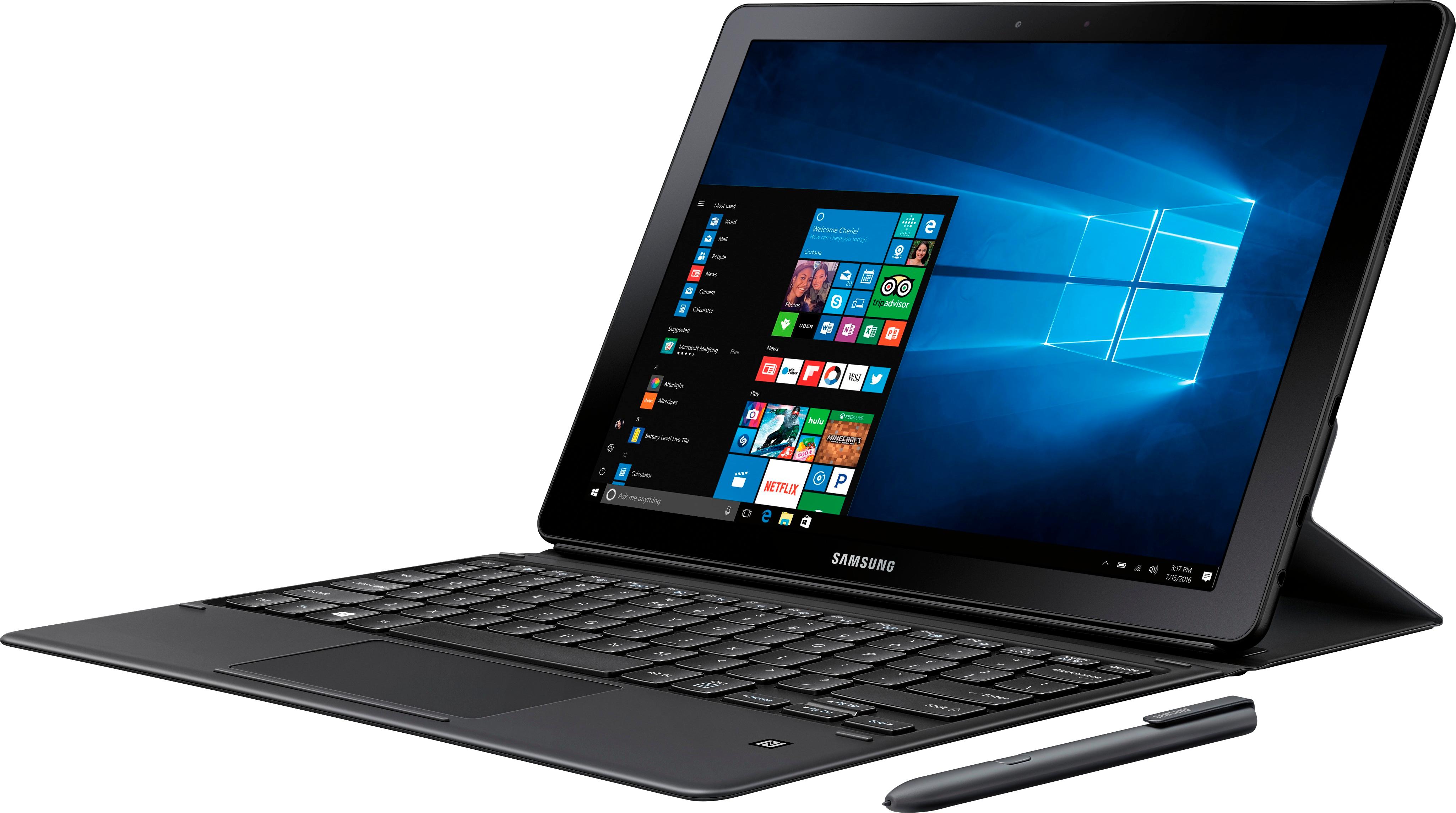
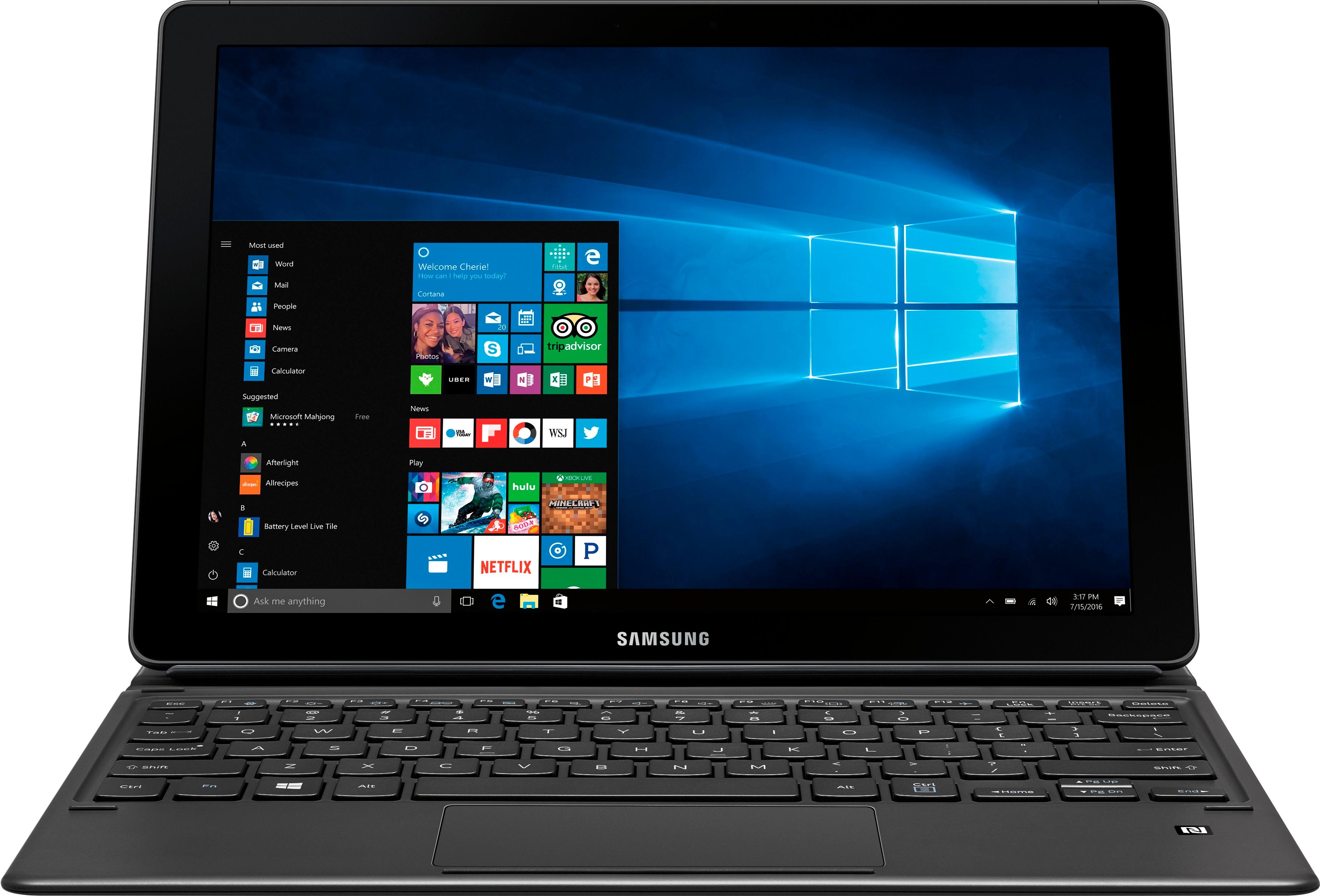
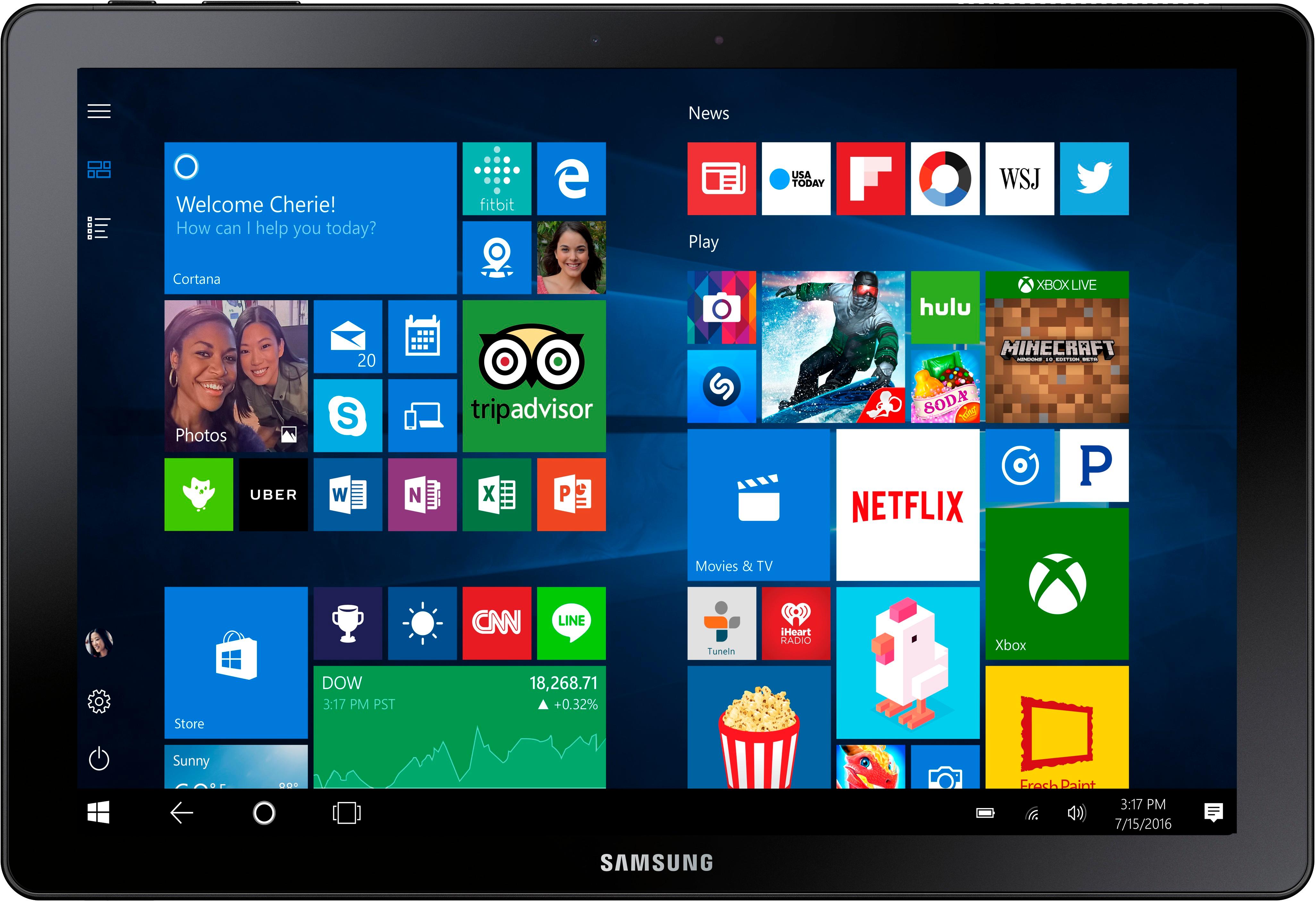
|Posted .This reviewer received promo considerations or sweepstakes entry for writing a review.If you're in the market for a Windows Tablet / Ultrabook, the Samsung Galaxy Book 12" packs a lot of power into a thin tablet design. PERFORMANCE Despite the tablet design, the Samsung Galaxy Book 12" packs enough power to give some desktop computers a run for their money. An speedy Intel Core i5 processor paired with 4GB of RAM and 128GB solid state drive (also available in a larer 8GB, 256GB size) is more than suitable for ever day tasks such as email, web browsing and documents. The 4GB of RAM is a little on the low end, so you won't be able to do high-end video editing on it, but some light gaming would be fine. Oddly, the fan on the tablet seems to always be running, even if I'm not really doing anything with it. DISPLAY A 4K display with HDR on a tablet?! I think the display on this thing is better than the 4K TV I just purchased a few months ago. Being this close to the display really allows you to appreciate the incredible amount of detail and vividness found in a 4K display and is something you may not notice sitting 10 feet away from a 4K TV. The picture display on the Samsung Galaxy Book 12" is breathtaking, especially when you find some 4K YouTube videos to watch. However, screen brightness seems to auto-adjust in an odd fashion. It seems like it's either very dim and hard to read, or very bright and I'm reaching for sunglasses. There doesn't seem to be a happy middle ground, which leads to me setting the brightness level manually. PORTABILITY The Samsung Galaxy Book 12" is very portable with the included keyboard case. However, propping up the display's stand with your lap and is not as comfortable as a traditional laptop (with a self-supporting display) would be. Either of the two USB-C ports can be used for charging which is a plus as there is no proprietary charger needed (I found it charged with my Anker USB-C Power Delivery charger). The Galaxy Book gives you the easy-to-hold benefits of a tablet (when undocked from the keyboard case) and the power of a laptop when you need it, making it ideal for business travel or carrying around a college campus. The tablet does have some weight to it, so you may not be comfortable holding it for long Netflix binge sessions. FEATURES The Samsung Galaxy Book has a robust feature set. As is typical with most tablets, the Galaxy Book includes Bluetooth connectivity to speakers, keyboards and mice. If you're in the Samsung ecosphere and have a compatible Samsung smartphone, the Samsung Flow allows you to sync notifications and texts - as well as send and receive files - with this tablet thanks to "Samsung Flow". If you're feeling artistic, the S Pen allows you to "draw" on the screen as well as sign PDFs or jot down a quick memo. The pen doesn't need to be charged. If you hover it over the display and tap the button on the pen, a quick menu pops up that allows you to take a screenshot and annotate it with the pen or jot down a virtual sticky note to save for later. There is a holder included in the box that attaches to the keyboard case via adhesive, which makes me wonder while they didn't just sew a loop into the case to begin with. The keyboard is back lit and has a nice laptop feel to it. The keys provide a satisfying "click" as you type. The keyboard case attaches via magnetic pins and is powered by the tablet. The back of the case magnetically props up the tablet in 3 different viewing angles. It works well on a desk, but is not very stable when trying to prop it up on your lap. VALUE The Galaxy Book 12 appears to be Samsung's answer to Microsoft's Surface Pro 4. And if you upgrade the processor in the Surface Pro 4 to match the Galaxy Book's i5 and figure in the cost of the Surface's keyboard that is not included, you'll find that the Galaxy Book is competitively priced. SUMMARY Overall, the Samsung Galaxy Book 12" is a powerful tablet that gives you many of the features that a laptop or ultrabook would. The powerful i5 processor provides desktop computer performance while the 4K HDR display shows photos and movies in stunning detail.
I would recommend this to a friend Samsung Quality
|Posted .This reviewer received promo considerations or sweepstakes entry for writing a review.All is good, but I have some preferences. Fairly fast I5 processor. (prefer I7) I have both in other products. Great packaging included the book, keyboard, stylus and 128GB SD card. Quick set up and needed MS OS updates right off the bat. The first thing you want to do is change the save location for Docs, Pics, Music to the SD card. I have installed 2 small Apps and noticed only 38GB left. (128GB Internal ssd) 256GB would have been more appropriate. Great 4K visual. Watched a few movies with stunning detail. I utilized this as a book and as a tablet and I have been gravitating to the tablet version more. The keyboard feels good and responsive and love that it is backlit and is also the cover for the book. I found the back support is somewhat flimsy. The over all feeling of the book itself has a real solid feeling. Includes 2 USB-C ports. The pen works great and I think it has got to be the best on the market. I was surprised to see Windows Media Player as one of the included Apps which I still use to this day. Samsung has made another great product!
I would recommend this to a friend- Cons mentioned:Battery life
Great for College Student
||Posted .This reviewer received promo considerations or sweepstakes entry for writing a review.This tablet does it all, computer, sketch pad, notebook, way to do class work and still use your phone. It;s a great step in the right direction but the battery is so-so and the processor should be better for the price.
I would recommend this to a friend - Pros mentioned:PerformanceCons mentioned:Price
Awsome laptop
||Posted .This reviewer received promo considerations or sweepstakes entry for writing a review.Awsome product a little pricey but overall love the performance.
I would recommend this to a friend - Cons mentioned:Battery life
Happy with it
||Posted .This reviewer received promo considerations or sweepstakes entry for writing a review.I've had this for about a month and use it only for school. So far, so good. The only problem I've had has been with the battery life. Sometimes it lasts forever, sometimes it seems like an hour.
I would recommend this to a friend Excellent Tablet/Computer
||Posted .This reviewer received promo considerations or sweepstakes entry for writing a review.So first things first. This is more of an overpowered tablet rather than a computer. Yes it has Windows OS, and able to do a multitude of functions, but in the end it is like a very good weak laptop. Amazing display, great audio and camera, but lacks components for what I am needing for college, specifically a dedicated/integrated graphics card. This is a great 2-in-1 for most college students who are looking to just use it for word, sketching, and other stuff and the battery will last you just short of the whole day on continuous max use including sound and video. But for the price tag, I'd rather buy a normal sized laptop, maybe a budget gaming laptop.
I would recommend this to a friend- Cons mentioned:Battery life
Very Cool, just not quite amazing.
||Posted .This reviewer received promo considerations or sweepstakes entry for writing a review.It's a good piece of tech, very fun to use, absolutely gorgeous. My husband loves to draw and has wanted a drawing tablet. We bought this open-box for about $850. It functions great as a laptop and drawing tablet. It does what it needs to do. Now, for the bad news; the battery life is terrible! 3-4 hours max. That's while drawing or using word/excel or whatever. So definitely not for long uses away from a power source. Samsung flow, if you have a Samsung phone, is all right, but essentially worthless in comparison to the older Samsung SideSync (remarkable!). The keyboard works well, and while I disagree with others remarks about it being flimsy, it is terrible for anything other than setting it on a flat surface. Lap use and tummy use while laying in bed are a no go. Additionally, as with many Samsung case designs, the angles are limited and lacking. So long as you have a power source near by, a flat surface to use the keyboard on, or just want to use it as a tablet, it is a really great piece of equipment, and a step in the right direct. The S-Pen is incredible no matter what, but it would be better if it had a hidden slot in the tablet.
I would recommend this to a friend Galaxy 12" Book
||Posted .This reviewer received promo considerations or sweepstakes entry for writing a review.So I'm a Samsung fan, & so far this is ok... a few bugs here and there, biggest issue is me going from Andriod Google to MS 10
I would recommend this to a friend- Cons mentioned:Price
Miniature Power House
||Posted .This reviewer received promo considerations or sweepstakes entry for writing a review.The Galaxy Book is great a definitely a contender with the Surface Pro. It's price is ALMOST worth it. The 2 in 1 runs great but the keyboard and stand are flimsy. The device pairs well with any Samsung product but at times has performance issues. An i7 processor would have been the way to go but great for games,movies, and work.
I would recommend this to a friend - Pros mentioned:KeyboardCons mentioned:Battery life
Good mini laptop
||Posted .This reviewer received promo considerations or sweepstakes entry for writing a review.Great speed, good keyboard, graphically good screen and overall a nice, light machine that works like a more robust laptop. Battery life is ok - need to do update to get it to stay above 3 -4 hours battery capacity.
I would recommend this to a friend - Cons mentioned:Ram
Great Surface Tablet alternative
||Posted .This reviewer received promo considerations or sweepstakes entry for writing a review.This is a great tablet. I just wished the black comes with a 8GB ram version as well. But nevertheless, Core i5 4GB is enough for my use.
I would recommend this to a friend - Cons mentioned:Battery life
Almost Good Product -
||Posted .This reviewer received promo considerations or sweepstakes entry for writing a review.My first product was defective. The video graphics card was shocked (screen would come one gray with no pictures. However, the working unit has all the bells and whistles on paper but lacks them in substance. One of the reasons for me to buy this computer was to have a reliable device with a good battery life. However, I cannot get more than 4 hours on this device doing bare basic processes. Even if I have the device on minimal settings and left on doing nothing, the computer averages out to 4 hours of usage. The screen quality is compromisable, but gets poor viewing angles due to the AMOLED technology. The processor is adequate. I love it comes with a pen and case!
I would recommend this to a friend - Pros mentioned:Compact
great product
||Posted .This reviewer received promo considerations or sweepstakes entry for writing a review.it is so handful computer. it is very light weight and very easy to carefully.... I recommend this product.
I would recommend this to a friend - Pros mentioned:Keyboard
Excellent 2 in 1
||Posted .This reviewer received promo considerations or sweepstakes entry for writing a review.Great 2 in 1. Big screen looks great with movies and it's very lightweight. Battery last a long time a 2 usb-c ports
I would recommend this to a friend - Pros mentioned:Display, Keyboard
Amazing quality
||Posted .This reviewer received promo considerations or sweepstakes entry for writing a review.For the price you can't beat it. Stunning display, fast, and durable. The tablet itself is amazing by itself but the keyboard is a huge plus, as well as the S-pen.
I would recommend this to a friend - Pros mentioned:Keyboard
Good Piece if you can deal with certain limitation
||Posted .This reviewer received promo considerations or sweepstakes entry for writing a review.Really good piece I can recommend if you can deal with only 4GB of ram and adjust to keyboard cover and how it functions ..Screen is extremely good ( being Samsung traditional Omled screens with good contrast and deep blacks ) ..it seems to be at it’s end of like for Bestbuy so getting it at a magical price is key as well.
I would recommend this to a friend