Customer Ratings & Reviews

- Model:
- SM-X230NZAIXAR
- SKU:
- 12100110
Rating by feature
- Battery Life
Rating 4.8 out of 5 stars
- Durability
Rating 4.8 out of 5 stars
- Display
Rating 4.8 out of 5 stars
Great
||Posted . Owned for 1 week when reviewed.This reviewer received promo considerations or sweepstakes entry for writing a review.This is a really great tablet. Would absolutely recommend.
I would recommend this to a friendGalaxy Tab 11+ The Best!
||Posted . Owned for 1 week when reviewed.This reviewer received promo considerations or sweepstakes entry for writing a review.Mother Loves it!! Got Stylus ordered for it. Great Quality Tablet
I would recommend this to a friendSamsung Tablet
||Posted . Owned for 2 weeks when reviewed.This reviewer received promo considerations or sweepstakes entry for writing a review.My tablet has been everything i had hoped it would be.
I would recommend this to a friendSamsung A11+
||Posted . Owned for less than 1 week when reviewed.This reviewer received promo considerations or sweepstakes entry for writing a review.Superior quality tablet. Gives me hours of entertainment
I would recommend this to a friendSamsung Galaxy Tab
||Posted . Owned for 1 week when reviewed.This reviewer received promo considerations or sweepstakes entry for writing a review.For the price, plus it was on sale satisfied with the purchase
I would recommend this to a friendWonderful
||Posted . Owned for 1 month when reviewed.This reviewer received promo considerations or sweepstakes entry for writing a review.My Wife loves it she's enjoying her new toy.......
I would recommend this to a friendGood Purchase
||Posted . Owned for 1 week when reviewed.This reviewer received promo considerations or sweepstakes entry for writing a review.Easy set up. It's everything I was looking for.I would buy again.
I would recommend this to a friendNeed New Skills
||Posted . Owned for 1 week when reviewed.This reviewer received promo considerations or sweepstakes entry for writing a review.I like Windows; it has been hard for me to get used to. I have been to Best Buy Geek Squad, and they have helped me.
I would recommend this to a friendI needed upgrade
||Posted . Owned for 1 week when reviewed.This reviewer received promo considerations or sweepstakes entry for writing a review.It’s the right size enough power to do the work we need. And for the price, I think it will last us at least 5 years.
I would recommend this to a friendSamsung
||Posted . Owned for 1 week when reviewed.This reviewer received promo considerations or sweepstakes entry for writing a review.Easy and simple to use. Within my budget, good qualities
I would recommend this to a friendtoo Big
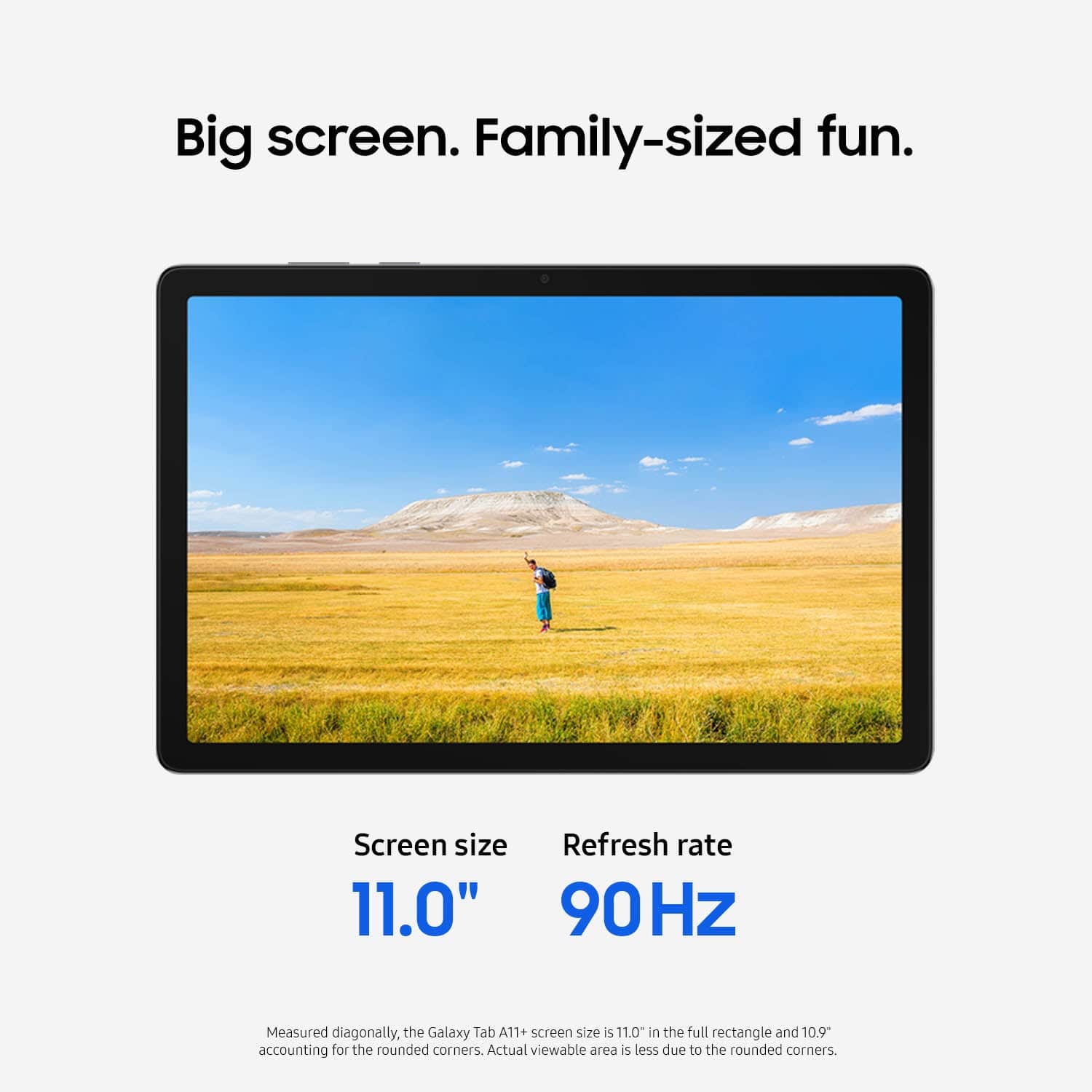
||Posted . Owned for 3 weeks when reviewed.This reviewer received promo considerations or sweepstakes entry for writing a review.Tablet is good Samsung needs to have a tablet a little smaller. Now the only choice is 11inch or 8inch with nothing inbetween
No, I would not recommend this to a friendNeeds Help
||Posted . Owned for 2 weeks when reviewed.This reviewer received promo considerations or sweepstakes entry for writing a review.Better than average but difficult to setup. Would buy again but with setup assistance.
I would recommend this to a friendBetter experience expected
||Posted . Owned for 1 week when reviewed.This reviewer received promo considerations or sweepstakes entry for writing a review.Too many software changes that needed to be fixed. It took alot of time. It is clear new junk is being pushed. Case and screen protector cost is just being taken advantage of.
No, I would not recommend this to a friendBrand response from Samsung
Posted .Good day WilliamP, thank you for finding the time to share your feedback with us about your experience using the Samsung Galaxy Tab A11+. We value your honesty as we improve the design and functionality of our product line. Samsung provides a 12-month warranty on our products for manufacturing defects in materials and workmanship. We would be more than happy to assist you with whatever you may be experiencing with your new Galaxy Tab A11+ but without having any details available regarding what may be occurring and without being able to ask you any follow up questions to probe further, I suggest contacting Support for further assistance. Thank you for being an unwavering Samsung customer. - Debra

CONFUSED TABLET
||Posted . Owned for 2 weeks when reviewed.This reviewer received promo considerations or sweepstakes entry for writing a review.I had previously owned a Samsung Tablet and tried to transfer my info to the new tablet. I guess because of the age of my old tablet (6 years) somethings didn't transfer. And now this new tablet is stuck in "Safe Mode" and after several restarts, resets, factory resets, I can't turn it off which makes the tablet useless. I guess Ibwill have to pay someone to fix. I am about to return it and say forget it.
No, I would not recommend this to a friendBrand response from Samsung
Posted .Aloha LizJ, thank you for taking the opportunity to share your sentiments with us about your experience using the Samsung Galaxy Tab A11+. We appreciate your constructive input as we improve our product line. If your phone or tablet is misbehaving, it's possible that a third-party app is causing the issue. To figure out what app is acting funny, you can use the Safe mode feature. In Safe mode, your device won't run any third-party apps. This allows you to easily identify and remove the app that may be causing the problem. Please take a moment to check out, "Power on your Galaxy phone or tablet in Safe mode" and "Use Safe Mode to identify problematic apps on your Galaxy phone or tab" to help resolve what you've described to be experiencing with your device. Please feel free to contact Support afterward if you would like any further assistance. Thank you for being a dedicated Samsung customer. - Debra
Great upgrade
Posted .This reviewer received promo considerations or sweepstakes entry for writing a review.We upgraded to this tablet for our kids. It’s great in size and they are able to navigate on their own. I love the parental controls I can set using my phone and even lock their screens when needed. Great purchase.
I would recommend this to a friendGreat Android Tablet
Posted .This reviewer received promo considerations or sweepstakes entry for writing a review.Tablet works for my needs and wants. I prefer Android. I have Android smart phone and now, new tablet. Ease of use is great!
I would recommend this to a friendReview
Posted .This reviewer received promo considerations or sweepstakes entry for writing a review.Nice tablet for a very reasonable price it’s one the best tablets I ever bought
I would recommend this to a friendTablet
Posted .This reviewer received promo considerations or sweepstakes entry for writing a review.Great tablet easy for me mom to use. Great help at the store
I would recommend this to a friendGreat budget valued machine
Posted .This reviewer received promo considerations or sweepstakes entry for writing a review.First android tablet and for what I need - some basic functions and some games this works great. Don’t need a super powered device and for the money this is great
I would recommend this to a friendHighly recommend
Posted .This reviewer received promo considerations or sweepstakes entry for writing a review.Its awesome piece and work very good i highly recommend to use this in once better than apple samsung is best android is android love it
I would recommend this to a friend