Customer Ratings & Reviews


- Model:
- MU-PC1T0T/AM
- SKU:
- 6408299
Rating by feature
- Value
Rating 4.7 out of 5 stars
- Quality
Rating 4.9 out of 5 stars
- Ease of Use
Rating 4.9 out of 5 stars
Customers are saying
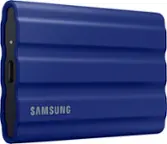
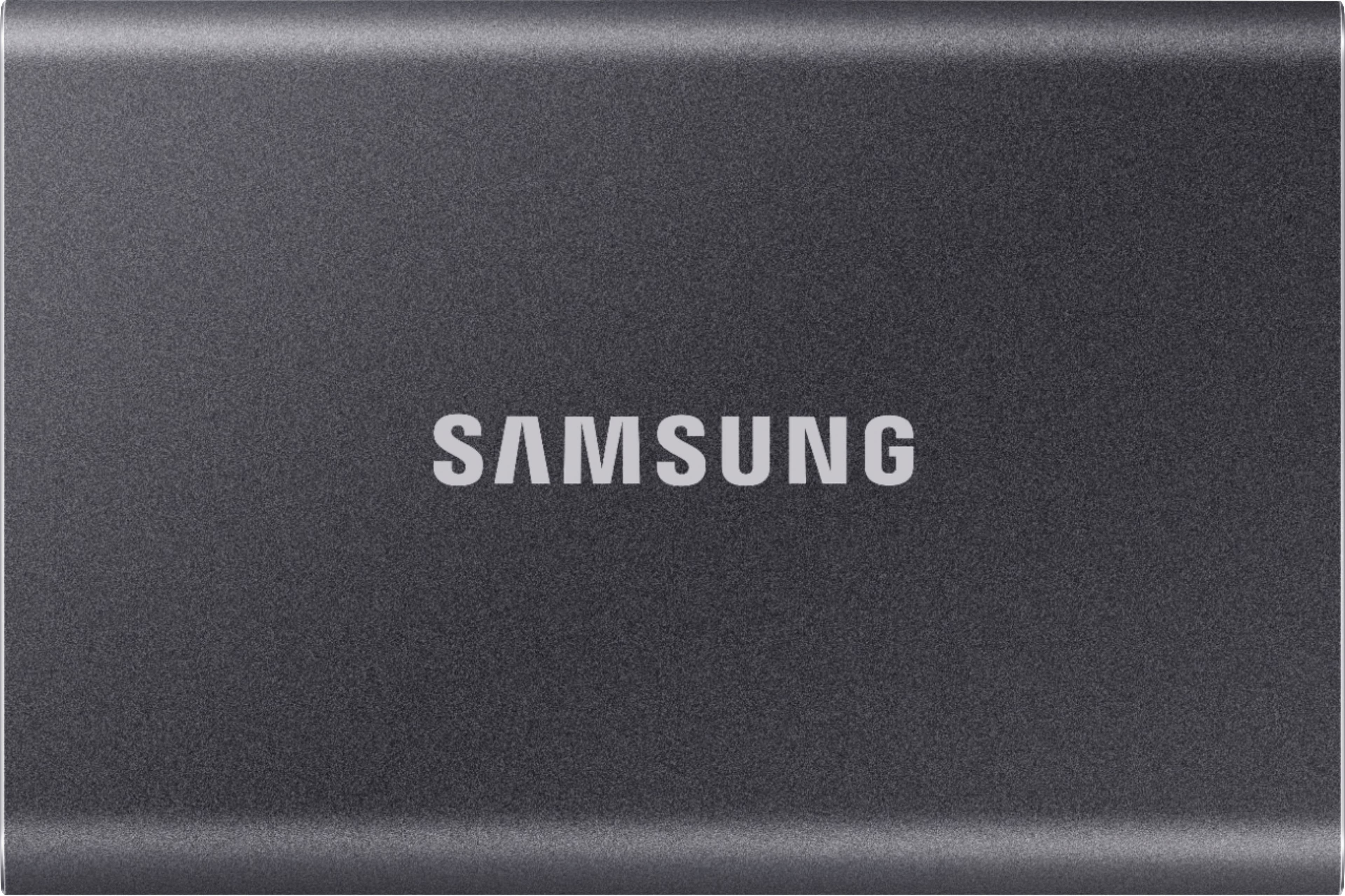
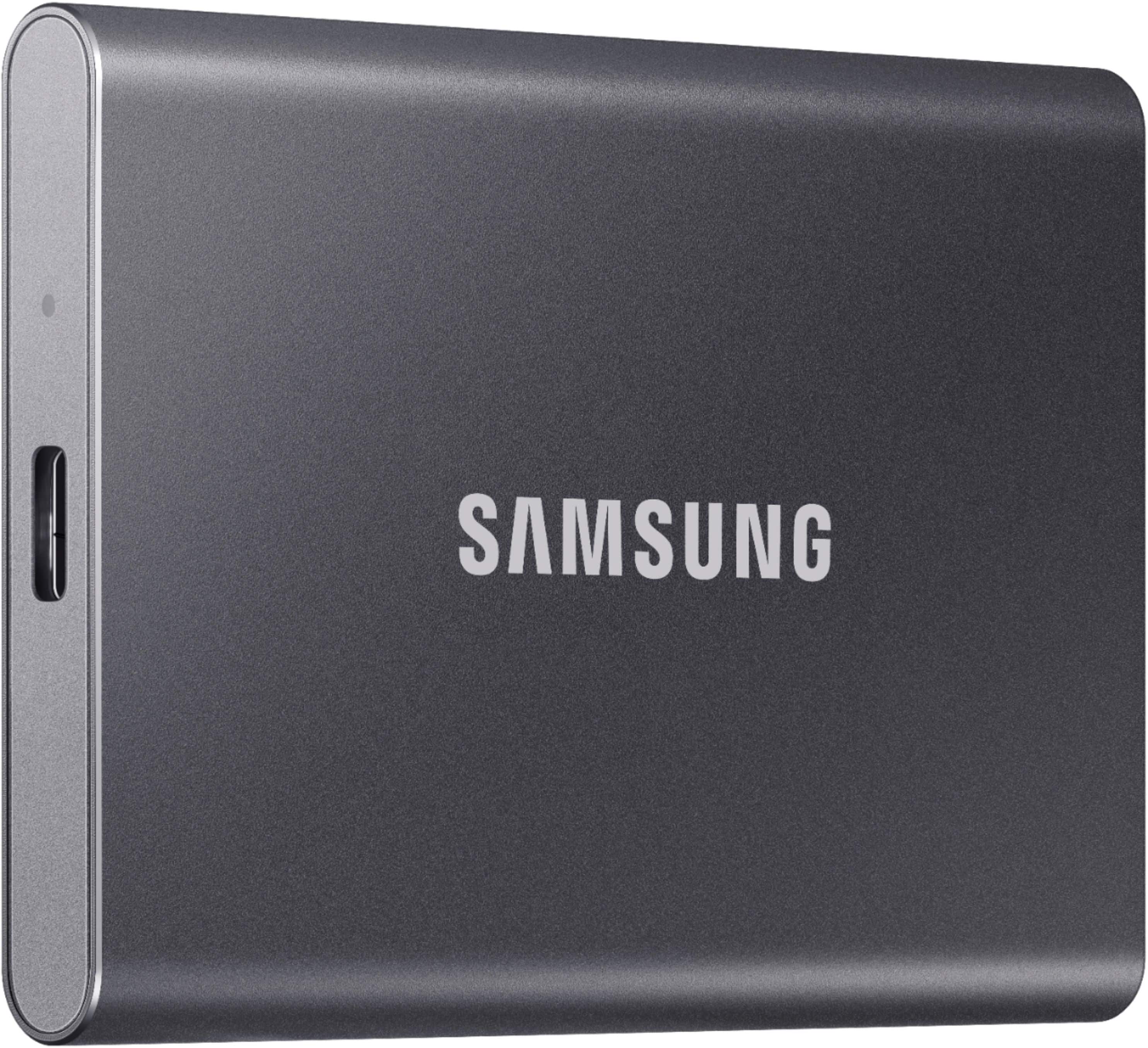
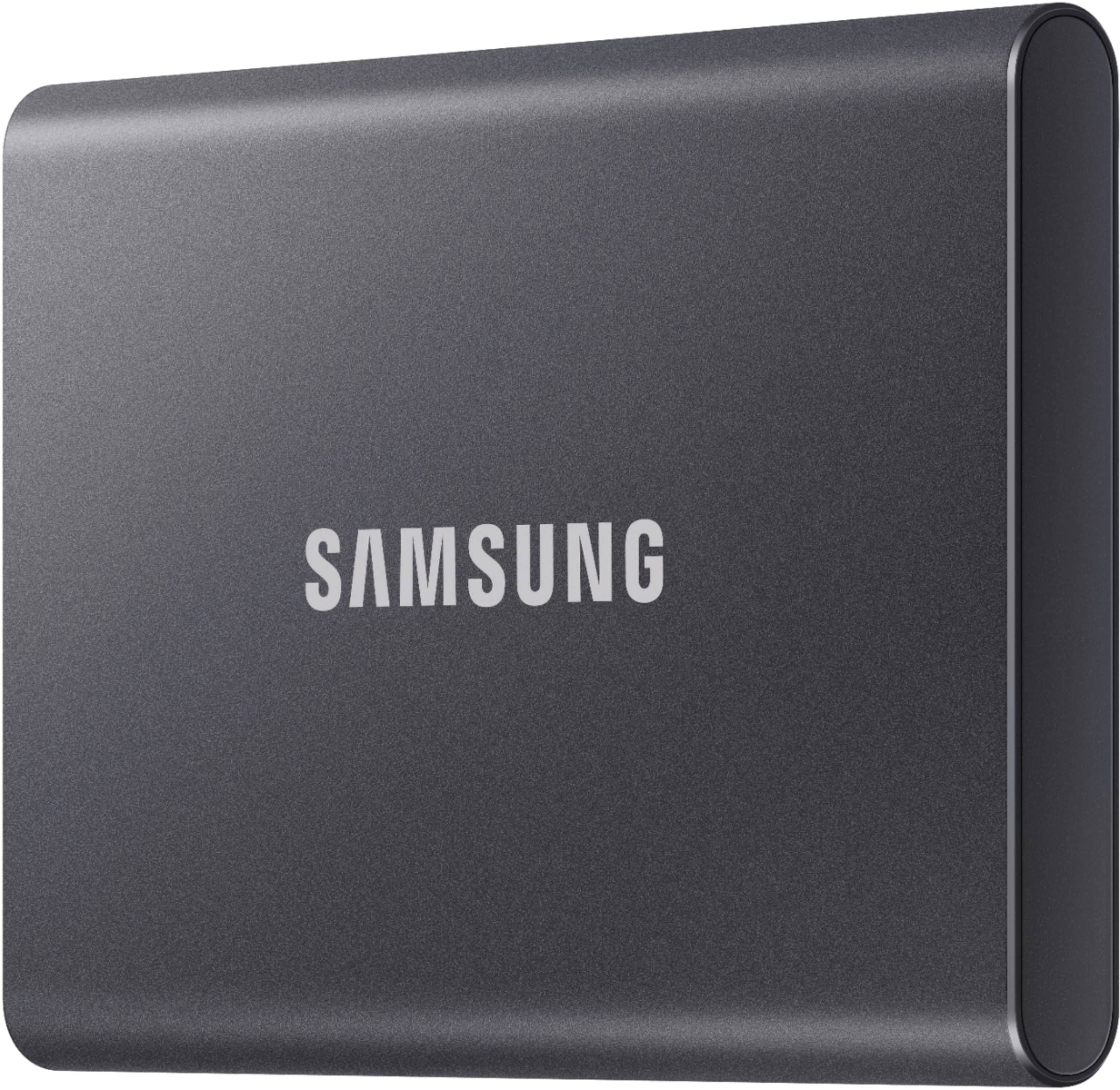
Customers are positive about the T7 1TB External SSD's overall performance, speed, portability, and size. Many appreciate the storage capacity and connectivity. However, some customers have expressed concerns regarding heat dissipation and compatibility, while others feel the product is somewhat pricey.
This summary was generated by AI based on customer reviews.
About What I Expected
||Posted .This reviewer received promo considerations or sweepstakes entry for writing a review.Had to purchase this for work. Decent price. Wish it could be more quick with backups.
I would recommend this to a friendSamsung Solid State Drive
||Posted . Owned for 10 months when reviewed.This reviewer received promo considerations or sweepstakes entry for writing a review.Would not work as a usb hard drive connected to my router so am using it as an offsite backup of my home server.
I would recommend this to a friendGreat deal!
||Posted . Owned for 3 weeks when reviewed.This reviewer received promo considerations or sweepstakes entry for writing a review.Great slim design. Works with Samsung's Magic tool, which allows easy monitoring of storage across your system.
I would recommend this to a friend- Pros mentioned:Speed
Get this, you won’t go back to your basic hdd
||Posted . Owned for 2 months when reviewed.This reviewer received promo considerations or sweepstakes entry for writing a review.This SSD is pretty fast. I was able to heavy data fairly quick. I honest will not go back to HDD.
I would recommend this to a friend does the job
||Posted . Owned for 4 months when reviewed.This reviewer received promo considerations or sweepstakes entry for writing a review.I like it, I just wish I could back up separate devices without having to clear everything out.. so now I have to buy another
I would recommend this to a friendQuiet Drive
||Posted . Owned for 1 month when reviewed.This reviewer received promo considerations or sweepstakes entry for writing a review.Works like it's supposed to. Easy setup and very quiet. Hoping for long lasting drive since I had another Seagate failure.
I would recommend this to a friendSsd
||Posted . Owned for 1.5 years when reviewed.This reviewer received promo considerations or sweepstakes entry for writing a review.Writes a little too slow for what my needs require.
I would recommend this to a friend- Pros mentioned:Overall performance
Samsung is the way
||Posted . Owned for 6 months when reviewed.This reviewer received promo considerations or sweepstakes entry for writing a review.Samsung drives are always far better and durable than garbage western digital or sea gate
I would recommend this to a friend - Pros mentioned:Portability
Good Storage Device
||Posted . Owned for less than 1 week when reviewed.This reviewer received promo considerations or sweepstakes entry for writing a review.very portable and sleepy device for storing huge data and can carry anywhere comfortably
I would recommend this to a friend Does not actually transfer data at SSD speeds.
||Posted . Owned for less than 1 week when reviewed.This reviewer received promo considerations or sweepstakes entry for writing a review.Whenever you buy an expensive external storage device that boasts high transfer speeds, always do a quick test by copying a large (say, at least a gigabyte) file to it and checking the transfer speed (also ensure you are connected to a high speed USB port). Very often, you will find that the drives are not actually transferring data anywhere near what they advertise. This has been the case with several external flash drives and SSDs I have tried, and sadly it was the case with this Samsung T7 as well. Transfer speeds were no faster than my external HDDs and even dipped to speeds slower than what my external HDDs can do. I suspect this is common because they know most people never actually check the data transfer speeds. Anyway, would not recommend.
No, I would not recommend this to a friendBrand response from Samsung
Posted .DJH85:
Thank you for purchasing the Samsung T7 SSD and for your review. We value your feedback regarding the speed of your SSD.
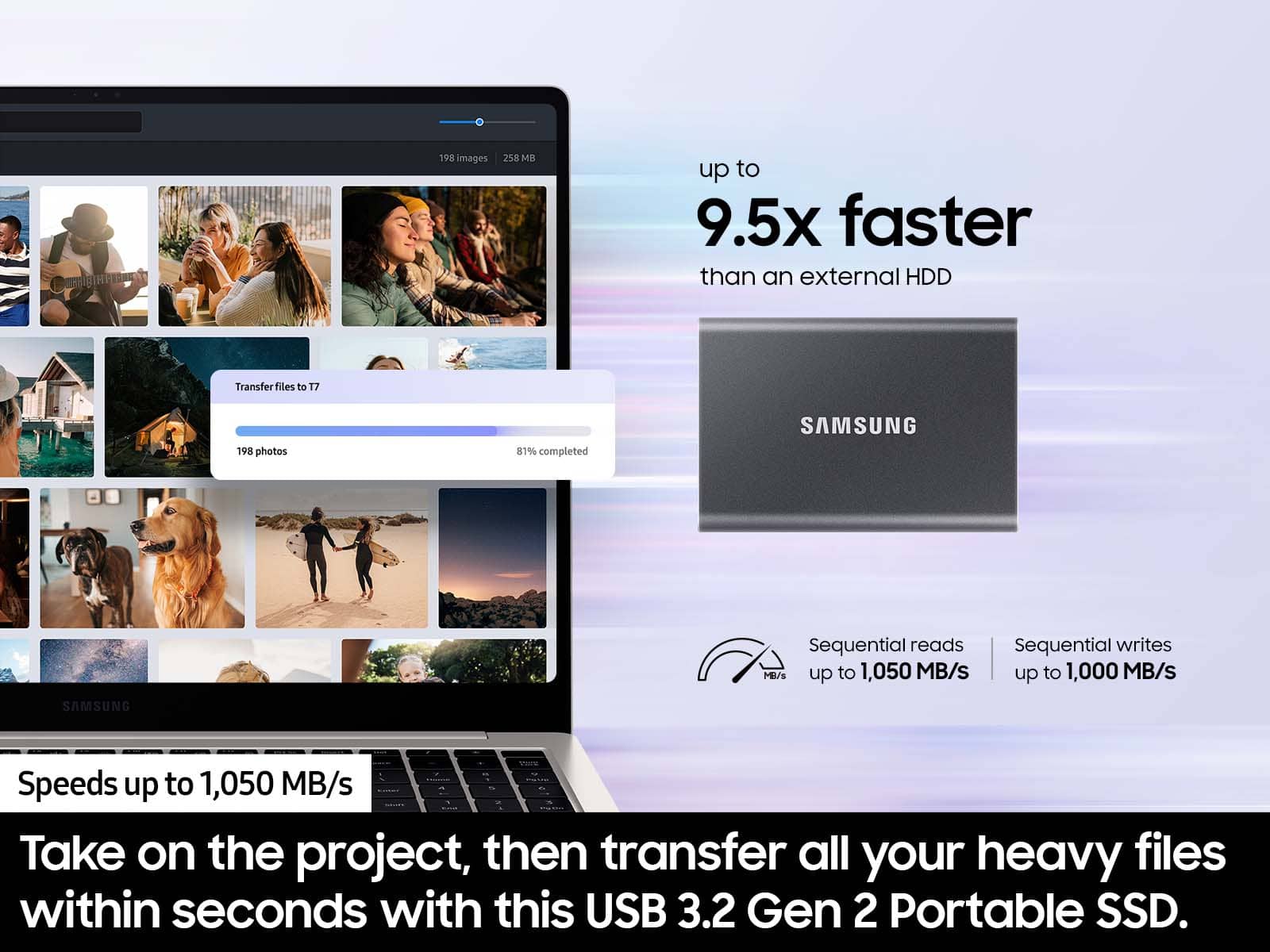
The maximum transfer speed that can be achieved by the T7 is 1,050MB/s on a PC that supports USB 3.2 Gen2, UASP mode, but the speed may vary depending on your PC environment and the types of data being transferred. Please look to the details below for possible causes (and solutions) if you think your T7 is under performing.
Scenario 1 (PC Environment)
Your PC's USB Type C Port must support USB 3.2 Gen 2 (10Gbps) in order to fully utilize the speed of the T7. USB 3.0 Gen.1, USB 3.1 Gen 1. USB 3.2 Gen.1 are restricted to 5Gbs speeds and may be the bottleneck to the performance of your T7.
Scenario 2 (Cable)
Using other cables besides the enclosed cable that comes with the T7 may cause performance degradation due to the varying internal resistance and maximum allowable current of other cable types that does not come officially with the T7.
Scenario 3 (Dynamic Thermal Guard, DTG)
The T7 is designed to activate the DTG (Dynamic Thermal Guard) when the product reaches a its threshold temperature due to prolonged data transfers and usage. The smartly activated DTG function prevents the product from overheating and automatically slows down providing it a cool off period. The DTG technology enhances safety and reliability by preventing the product from reaching an excessively high temperature.
Should you need further assistance, please contact Samsung Customer Support directly so that we can better investigate your speed issue and assist you towards a resolution.
1) Call: 1-800-SAMSUNG (ask for Memory). Available 9AM - 12AM EST (Mon-Fri)
2) Email: [email protected]
3) LiveChat 9AM-6PM EST (Mon-Fri) - https://www.livehelpnow.net/lhn/lcv.aspx?d=34834&ms=&zzwindow=0&lhnid=29783
Samsung is committed to providing the best possible product experience, quality, and value, and we are always here to help with any of your questions or concerns.
- Samsung Memory
As there are various factors that could affect speed, I would encourage you to call Samsung Customer Support to troubleshoot your issue. 1) Call: 1-800-SAMSUNG (ask for Memory). Available 9AM - 12AM EST (Mon-Fri) 2) Email: [email protected] 3) LiveChat 9AM-6PM EST (Mon-Fri) - https://www.livehelpnow.net/lhn/lcv.aspx?d=34834&ms=&zzwindow=0&lhnid=29783 Thanks for choosing Samsung for your memory storage needs! - Samsung Memory
- Pros mentioned:Overall performance
SAMSUNG
||Posted . Owned for 8 months when reviewed.This reviewer received promo considerations or sweepstakes entry for writing a review.DEVICE WORKED OK WISH IT WAS NOT THAT EXPENSIVE HAD OME ISSUES INSTALLING IT
I would recommend this to a friendBrand response from Samsung
Posted .PapaBoriqua:
Thanks for choosing the Samsung T7 SSD. I hope that your SSD is meeting your expectations, however, we are always here to help should you have any questions or concerns about this product.
You can contact us at:
1) Call: 1-800-SAMSUNG (ask for Memory or press #, then 6 for Memory products)
Available 9AM – 12AM EST (Mon-Fri)
2) Email: [email protected]
3) LiveChat: https://www.samsung.com/us/support/contact/ Available 9AM-6PM EST (Mon-Fri)
The Samsung Members Community is also a great resource for getting help from Samsung moderators and customers: https://us.community.samsung.com/
Samsung is committed to providing the best possible product experience, quality, and value, and we are always here to help with any of your questions or concerns.
~ Samsung Memory
Great Compact Size & Speed
||Posted . Owned for 2 weeks when reviewed.This reviewer received promo considerations or sweepstakes entry for writing a review.It's decent for it's purpose just wish it had higher bandwidth speeds
I would recommend this to a friendNot bad overall
||Posted .This reviewer received promo considerations or sweepstakes entry for writing a review.The overall quality is not bad. however I do not recommend this product.
I would recommend this to a friendNot bad overall
||Posted .This reviewer received promo considerations or sweepstakes entry for writing a review.The overall quality is not bad. however I do not recommend this product.
I would recommend this to a friendGood product
||Posted .This reviewer received promo considerations or sweepstakes entry for writing a review.Good portable SSD. Only downside is that I wish the were available in a size over 2tb.
I would recommend this to a friendWorks of ps5
||Posted . Owned for 1 month when reviewed.This reviewer received promo considerations or sweepstakes entry for writing a review.Great way to extend your storage! I use it on ps5 since it has a small storage. I haven't had any problems with it.
I would recommend this to a friendgood quality ssd drive
||Posted . Owned for 3 weeks when reviewed.This reviewer received promo considerations or sweepstakes entry for writing a review.this is a good storage device the installation was quick
I would recommend this to a friendPerfect
||Posted . Owned for less than 1 week when reviewed.This reviewer received promo considerations or sweepstakes entry for writing a review.This is better than I expected it would be. I wish they had more TB than just two.
I would recommend this to a friendNice product but the app is not good
||Posted . Owned for 2 weeks when reviewed.This reviewer received promo considerations or sweepstakes entry for writing a review.The product looks beautiful, and it's easy to use until you accidentally messed the app's permission on MacOS.
I would recommend this to a friend- Cons mentioned:Compatibility
Not suitable for large file transfers
||Posted . Owned for less than 1 week when reviewed.This reviewer received promo considerations or sweepstakes entry for writing a review.I attemped to make one transfer of 500GB of data and literally bricked the device in the first hour of use.
No, I would not recommend this to a friendBrand response from Samsung
Posted .seungri:
I’m very sorry for the difficulties you’ve experienced with your T7 Shield SSD. We completely understand your frustrations, and we are here to help.
Please contact Samsung Customer Support directly so that we can better investigate your issue and assist you towards a resolution or replacement.
1) Call: 1-800-SAMSUNG (ask for Memory). Available 9AM - 12AM EST (Mon-Fri)
2) Email: [email protected]
3) LiveChat 9AM-9PM EST (Mon-Fri) - https://www.livehelpnow.net/lhn/lcv.aspx?d=34834&ms=&zzwindow=0&lhnid=29783
We hope to hear from you soon.
- Samsung Memory