Customer Ratings & Reviews



- Model:
- MU-PG1T0B/AM
- SKU:
- 12077235
Rating by feature
- Value
Rating 4.8 out of 5 stars
- Quality
Rating 4.9 out of 5 stars
- Ease of Use
Rating 4.9 out of 5 stars
Good value buy for photo backups
||Posted .This reviewer received promo considerations or sweepstakes entry for writing a review.Fast speeds and good value for 1TB photo/video storage.
I would recommend this to a friendSamsung T-9
||Posted . Owned for 3 weeks when reviewed.This reviewer received promo considerations or sweepstakes entry for writing a review.Fantastic product, easy hookup and outstanding performance
I would recommend this to a friendHappy with the Samsung T9 Portable SSD 1TB
||Posted . Owned for 4 months when reviewed.This reviewer received promo considerations or sweepstakes entry for writing a review.I ordered the Samsung T9 Portable SSD 1TB earlier this year. It is perfect to store and transfer my important documents from one computer to another. I'm ordering another one just for my pictures.
I would recommend this to a friendYoutuber who needed a new External Hard Drive
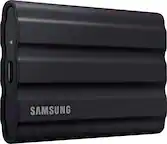
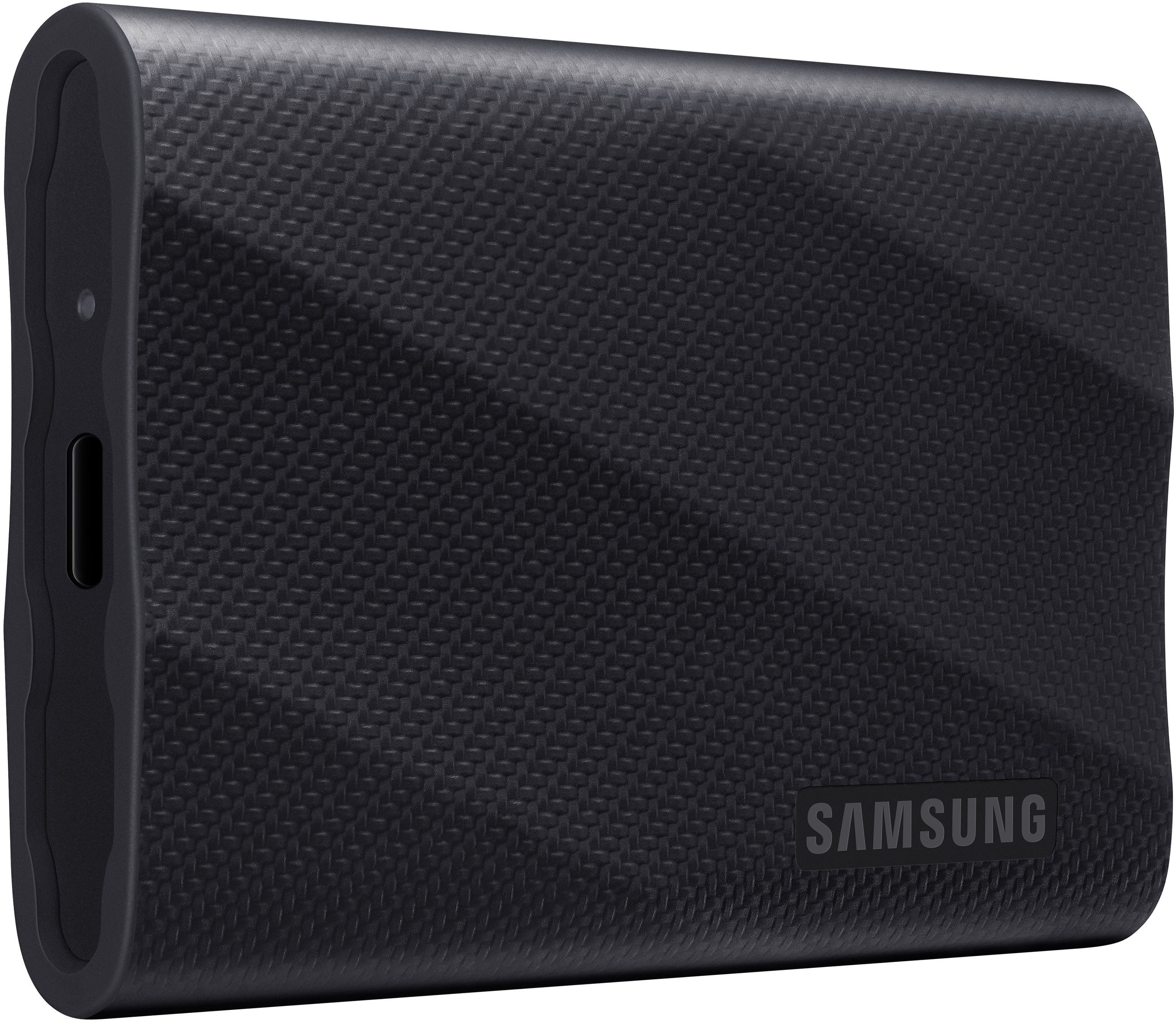
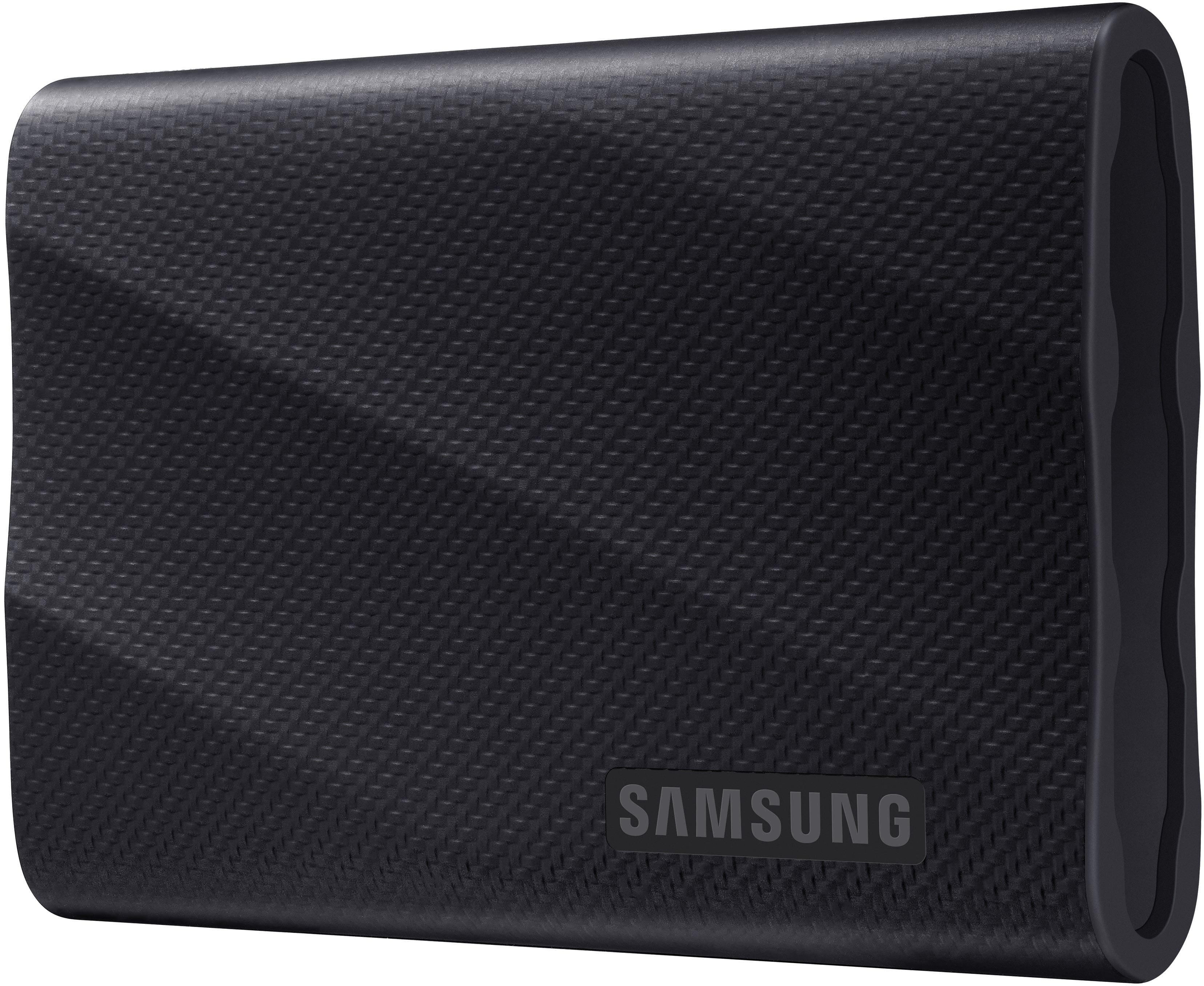
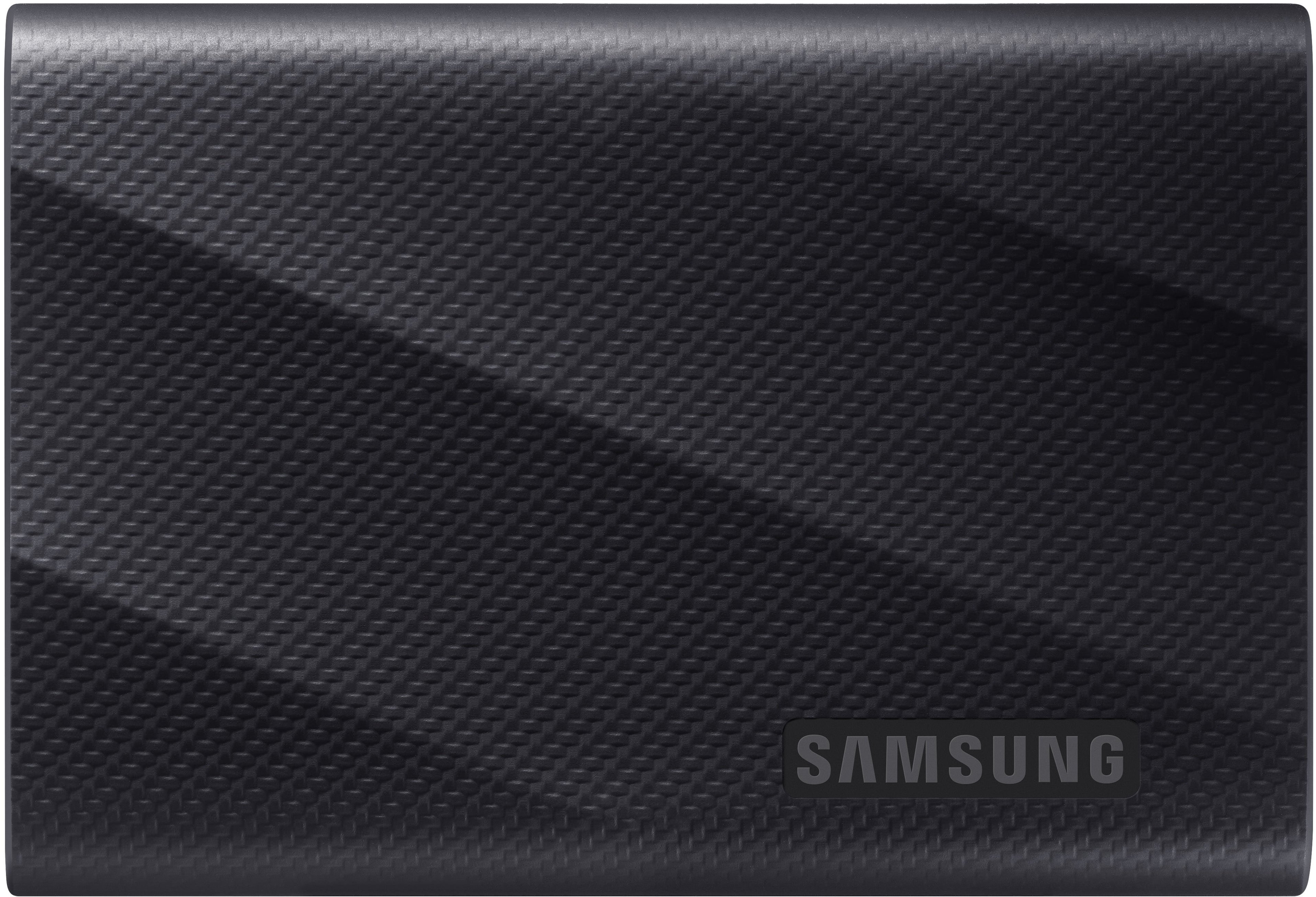
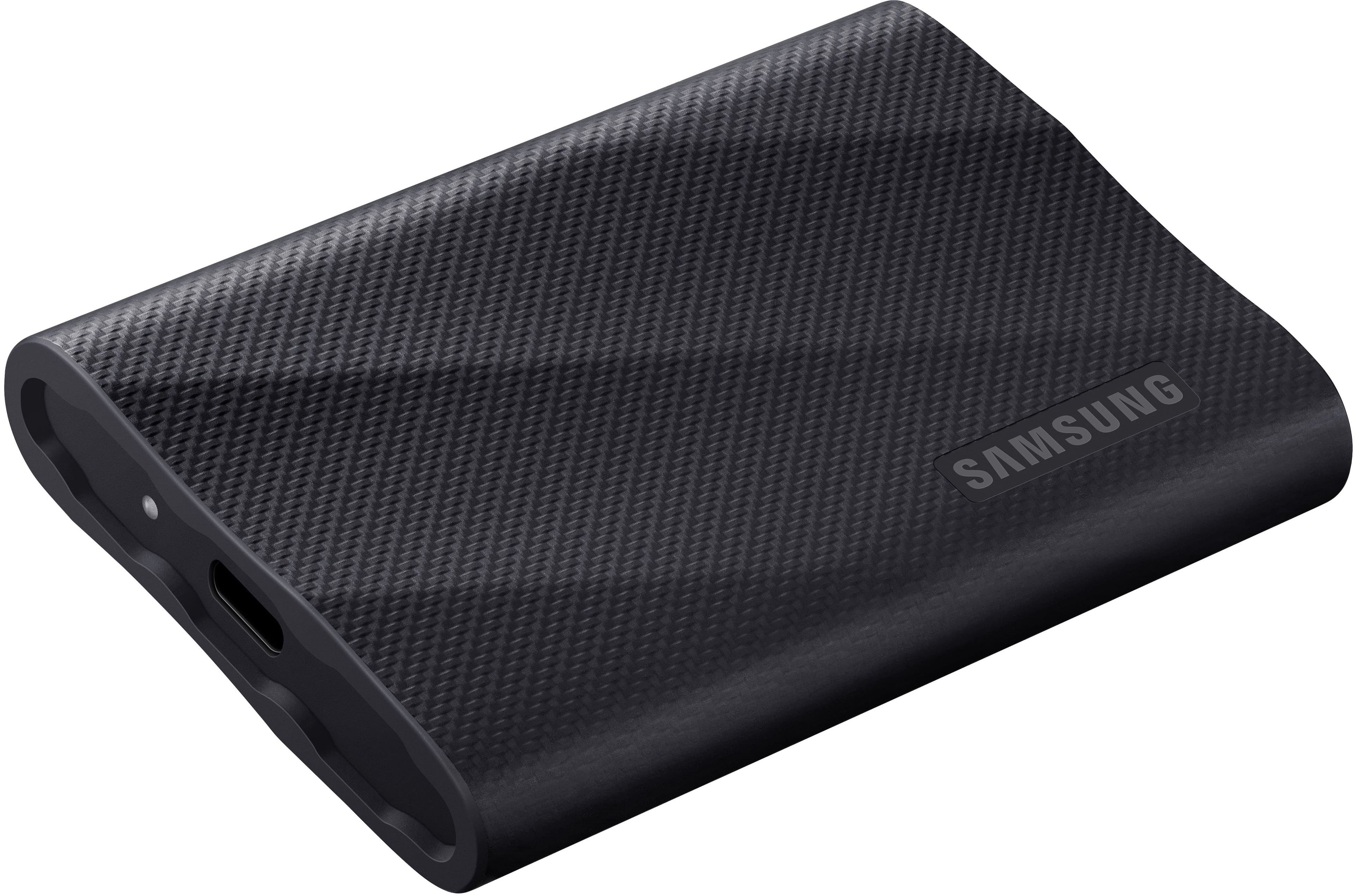
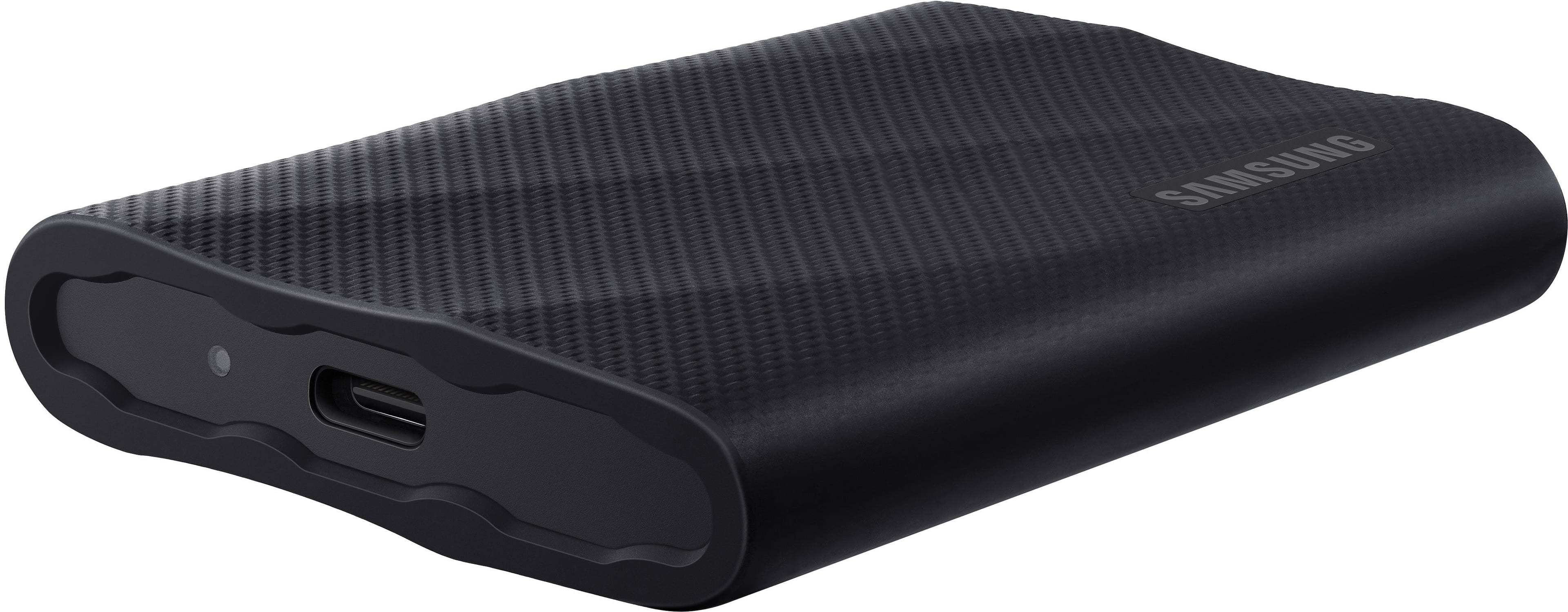
||Posted . Owned for 1 month when reviewed.This reviewer received promo considerations or sweepstakes entry for writing a review.Great product! It is compact so very easy to pack, and the texture allows for a non-slip grip on table top surfaces which is ideal for an item as such! Transfer rather quickly! Would recommend!
I would recommend this to a friendStable and Fast!
||Posted . Owned for 2 months when reviewed.This reviewer received promo considerations or sweepstakes entry for writing a review.This is my third of these units. They're fast, reliable and durable for travel.
I would recommend this to a friendExcellent hard drive!
||Posted .This reviewer received promo considerations or sweepstakes entry for writing a review.Highly recommend this hard drive! It’s great quick and efficient.
I would recommend this to a friendSamsung T9
||Posted .This reviewer received promo considerations or sweepstakes entry for writing a review.Another great external drive from Samsung. I never fail to impress. It achieves the rated speeds, highly recommended.
I would recommend this to a friendMemory card
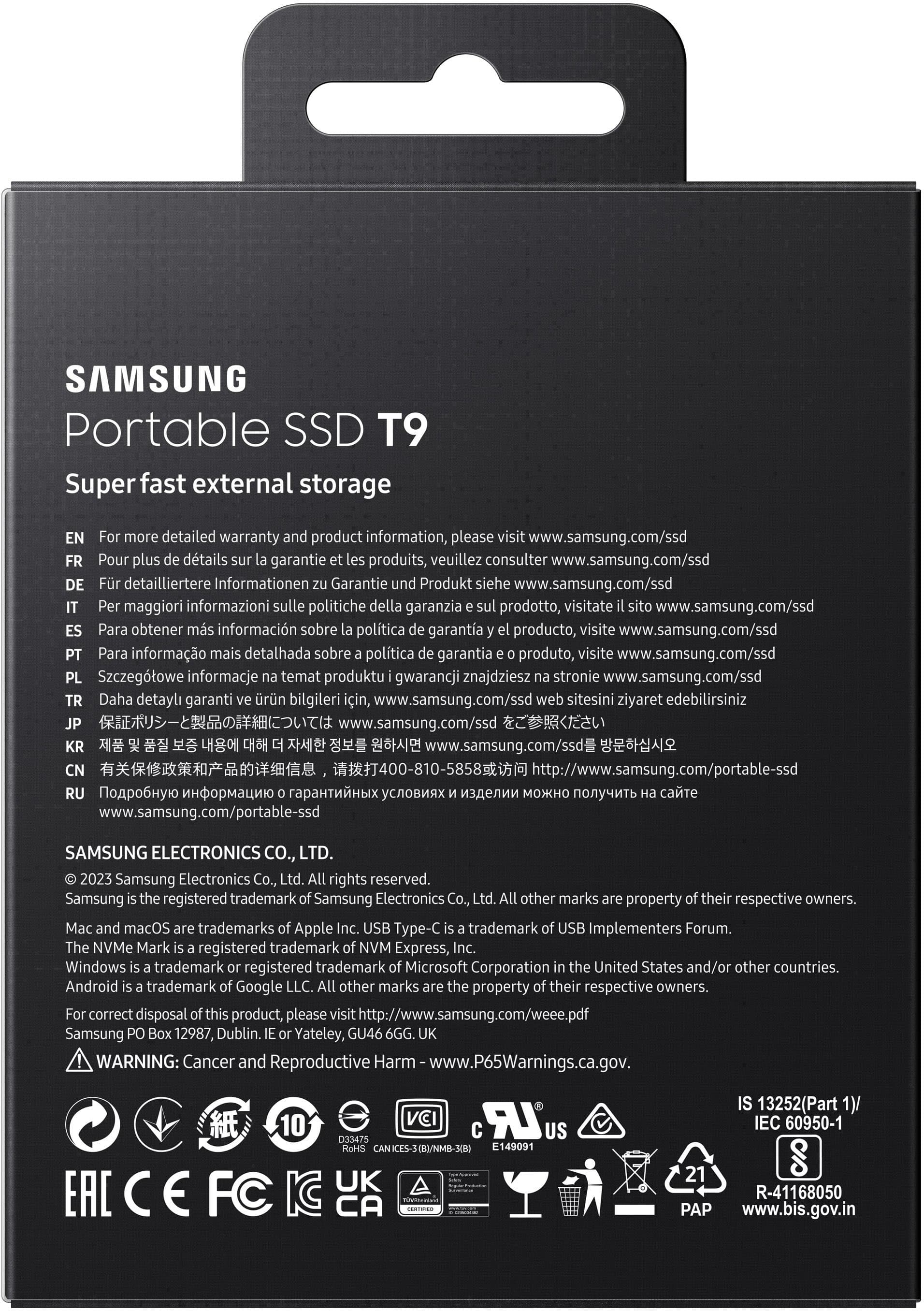
||Posted . Owned for 1 month when reviewed.This reviewer received promo considerations or sweepstakes entry for writing a review.Plug and play easy to use. If you need instructions good luck because the print on manual is microscopic. Super fast saving large files
I would recommend this to a friendBrand response from Samsung
Posted .GaryT:
Thank you for sharing your experience! We greatly value your feedback regarding the manual and will be shared with our product team.
Should you ever have any questions or need help, please know our team is at your fingertips and always ready to help!
1) Call: 1-800-SAMSUNG (ask for Memory or press #, then 6 for Memory products)
Available 9AM – 9PM EST (Mon-Fri)
2) Email: [email protected]
3) Or visit us on the Samsung website and click on the SUPPORT link in the upper right corner of the homepage for:
a) Chat with Us/Product Help: To begin a chat or find solutions, choose ‘Computing – Memory & Storage’ and select your model & topic.
b) Manuals & Software
c) Warranty Info
d) Register a Product: For access to easy warranty support, convenient opt-in to special promos and offers, faster troubleshooting and service, and quick notification of system updates
e) Contact Us
The Samsung Members Community is also a great resource for getting help from Samsung moderators and customers: https://us.community.samsung.com/
Thank you for choosing Samsung!
- Samsung Memory
Samsung Power
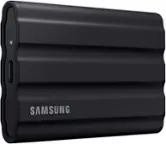
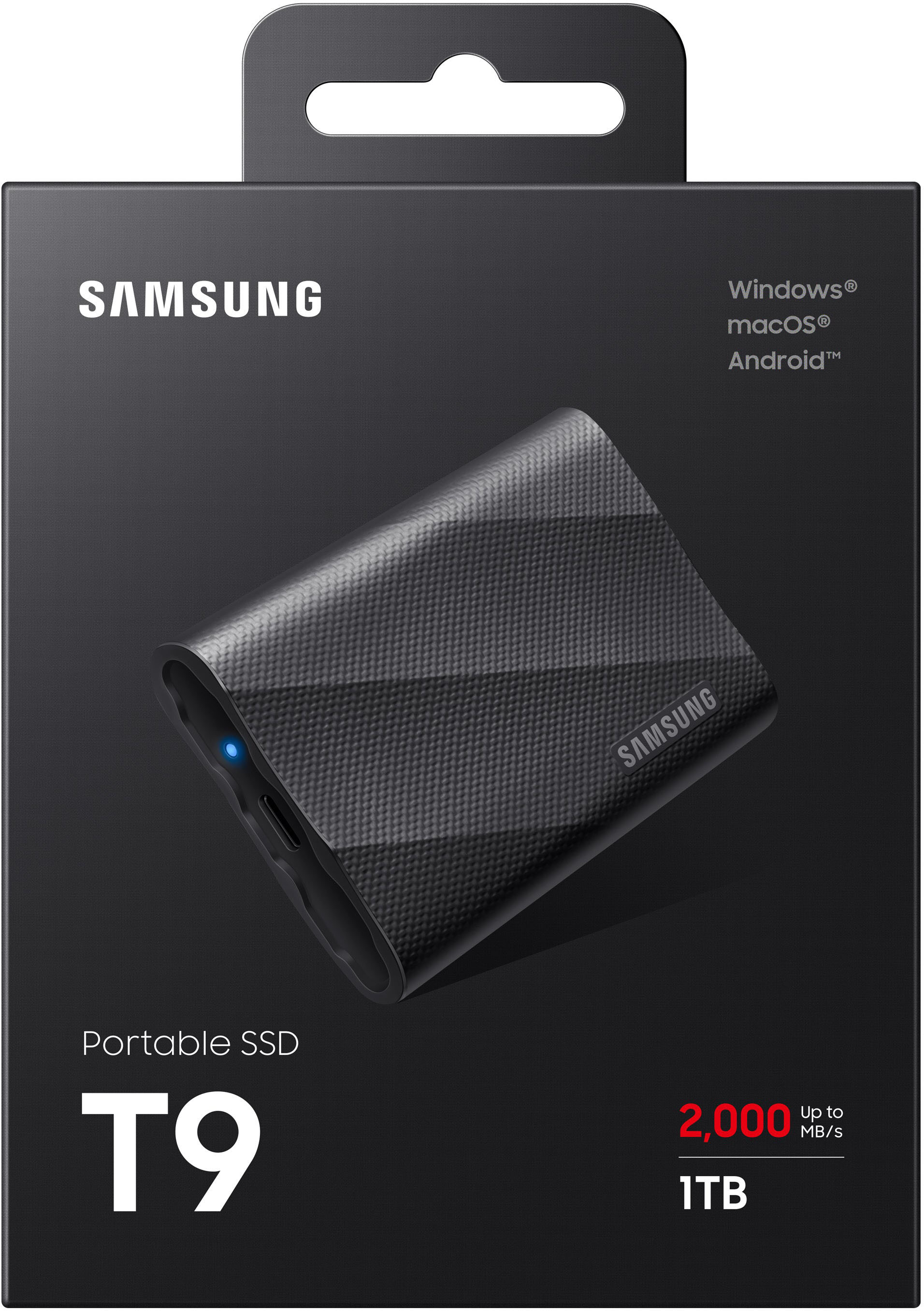
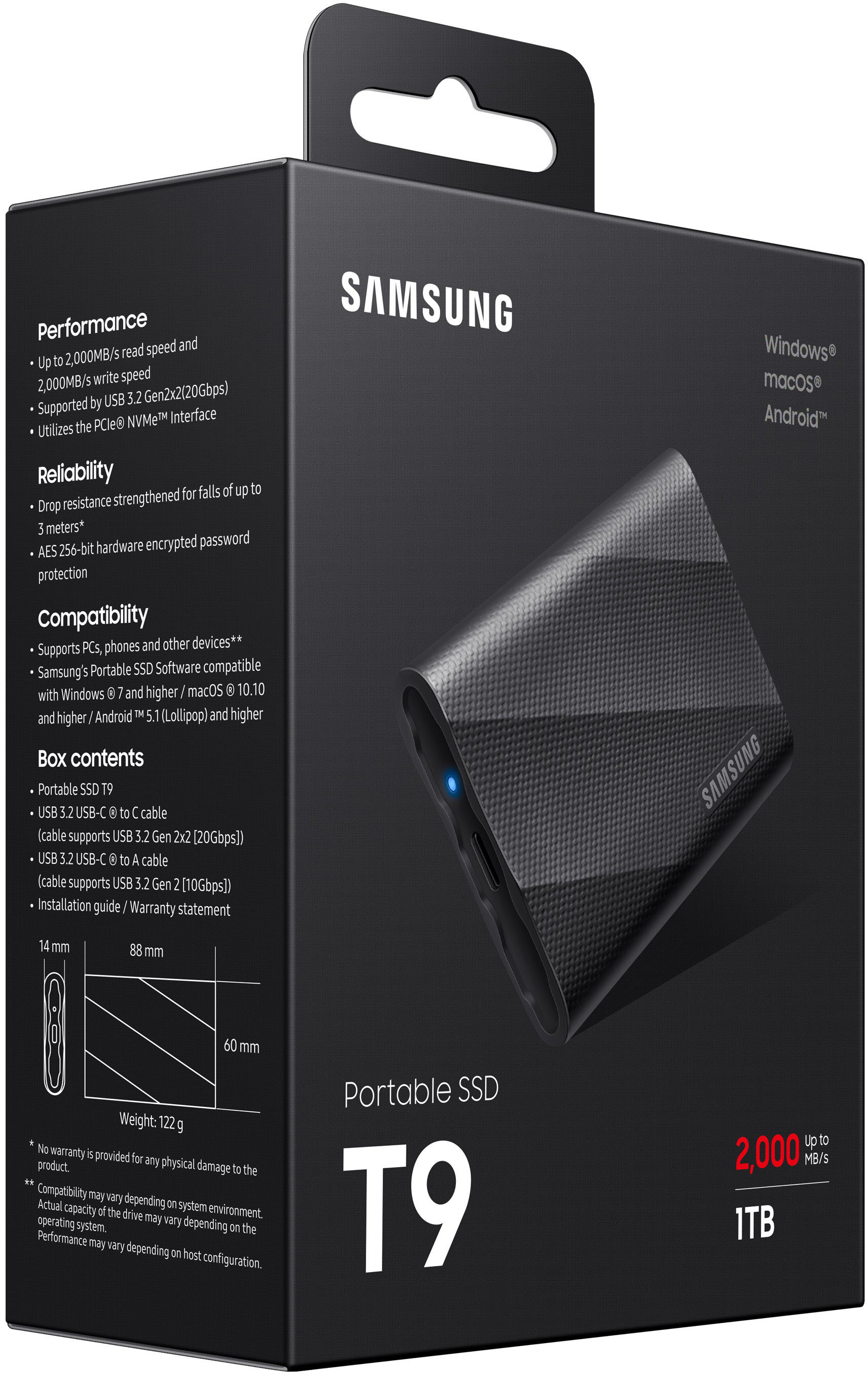
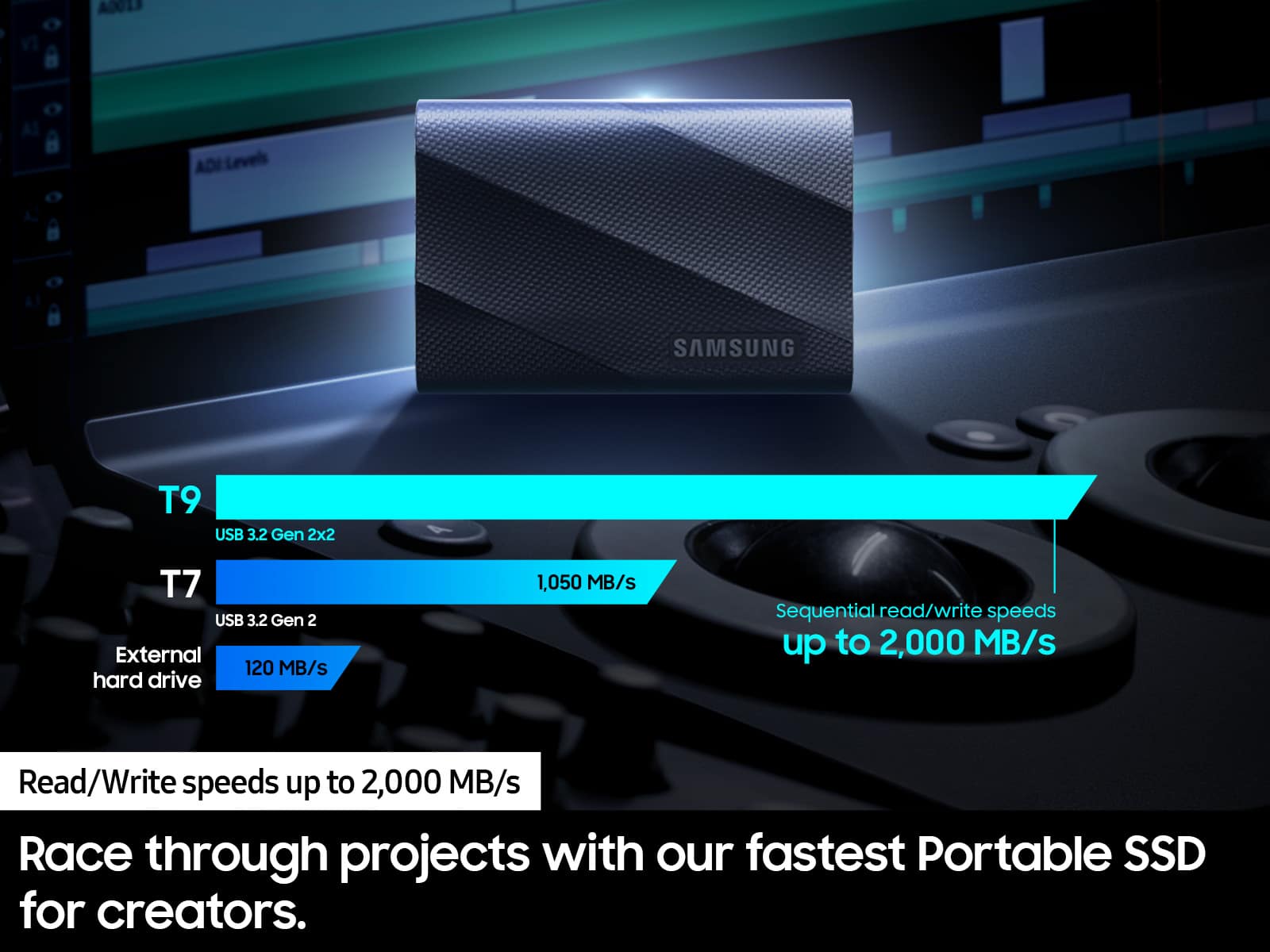
||Posted . Owned for 1 year when reviewed.This reviewer received promo considerations or sweepstakes entry for writing a review.The Samsung T9 is an industry stand for external hard drives. It cranks out sizzling speeds of up to 2000MB/s and utilizes USB 3.2 Gen2 for its protocol. It is dependable. It is rugged and it is fast. Don't work without it.
I would recommend this to a friendSuper fast
||Posted .This reviewer received promo considerations or sweepstakes entry for writing a review.Superfast hard drive one of the fastest hard drives on the market that you can use. The only thing faster is if you make your own sand drive.
I would recommend this to a friendSmall, But Mighty
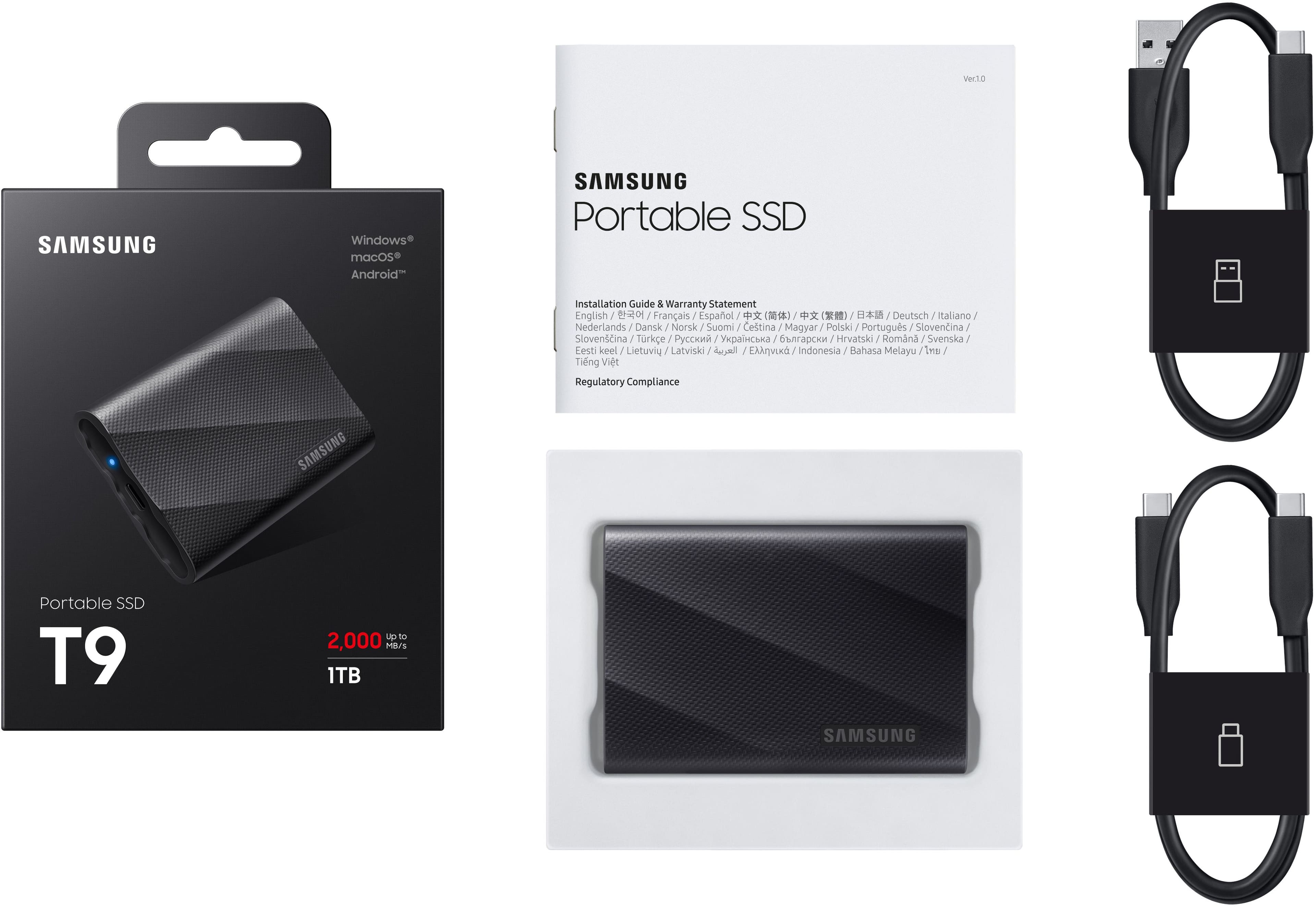
||Posted .This reviewer received promo considerations or sweepstakes entry for writing a review.It is very compact and easy to carry around. It comes with the two different types of interface cables and that is handy. So far, so good.
I would recommend this to a friendBest SSD drive
||Posted . Owned for 3 weeks when reviewed.This reviewer received promo considerations or sweepstakes entry for writing a review.Couldn’t get this product anywhere else. Looked everywhere but of course Best Buy came in clutch! Grateful. I’m editing at a top notch pace & work has become smoother. As a creator you can’t ask for anything better.
I would recommend this to a friendMacBook Air hard drive use yes
||Posted .This reviewer received promo considerations or sweepstakes entry for writing a review.Decent speed, great protection, coating plug it up and forget about it
I would recommend this to a friendHard drive
||Posted . Owned for 2 months when reviewed.This reviewer received promo considerations or sweepstakes entry for writing a review.Excellent hatd drive to transfer files and pictures.
I would recommend this to a friendSolid purchase
||Posted . Owned for 1 month when reviewed.This reviewer received promo considerations or sweepstakes entry for writing a review.Ssd is fast and does exactly what it is supposed to do. Ran Forza motorsport 4k maxed graphics. Had zero issues running from the external drive. It is Samasung quality.
I would recommend this to a friendGood HD
||Posted . Owned for less than 1 week when reviewed.This reviewer received promo considerations or sweepstakes entry for writing a review.Works exactly as avertised. Havent had any problems with it so far
I would recommend this to a friendexternal drive
||Posted . Owned for 1 month when reviewed.This reviewer received promo considerations or sweepstakes entry for writing a review.ease of use one step connections compact out of way
I would recommend this to a friendPhotos
||Posted . Owned for 2 weeks when reviewed.This reviewer received promo considerations or sweepstakes entry for writing a review.its great to store pictures. That is what I use it for./
I would recommend this to a friendGreat storage
||Posted .This reviewer received promo considerations or sweepstakes entry for writing a review.Very fast and easy to use, will definitely buy another
I would recommend this to a friendHard drive reliability
||Posted . Owned for 4 months when reviewed.This reviewer received promo considerations or sweepstakes entry for writing a review.Work very well with my MacBook Pro M4 and have no lag or delay with uploads or readings! Highly recommend!
I would recommend this to a friend