Customer Ratings & Reviews
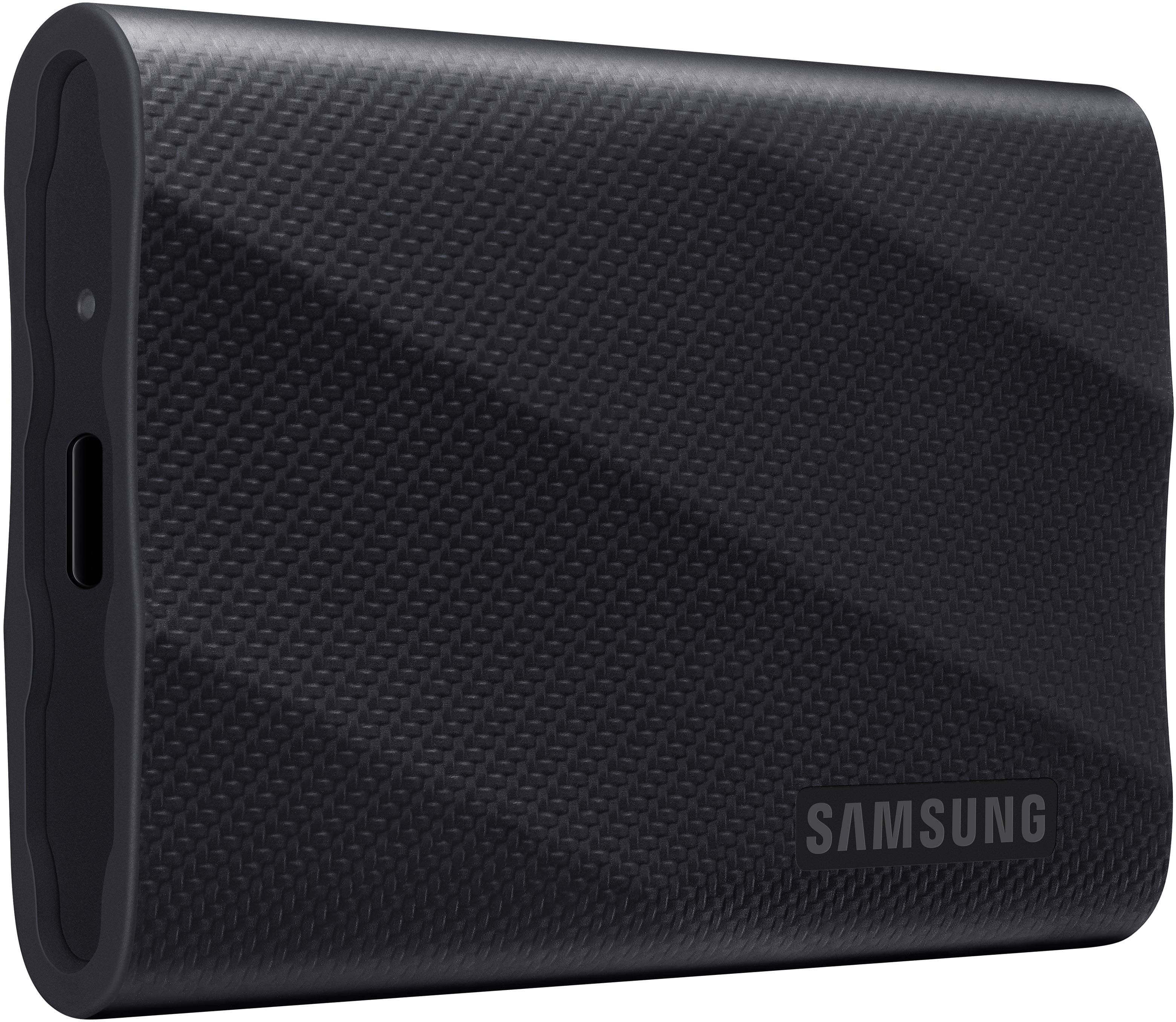
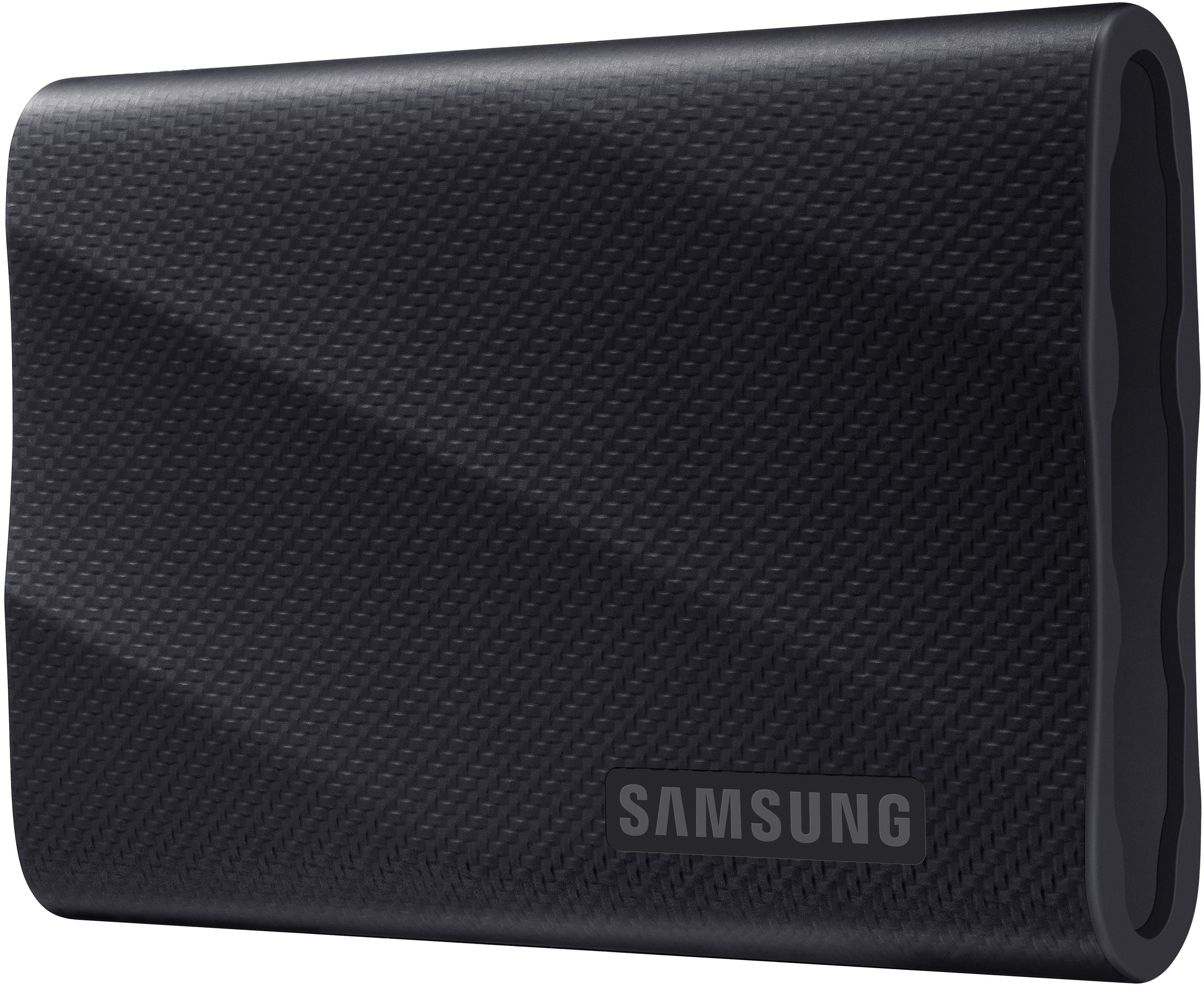
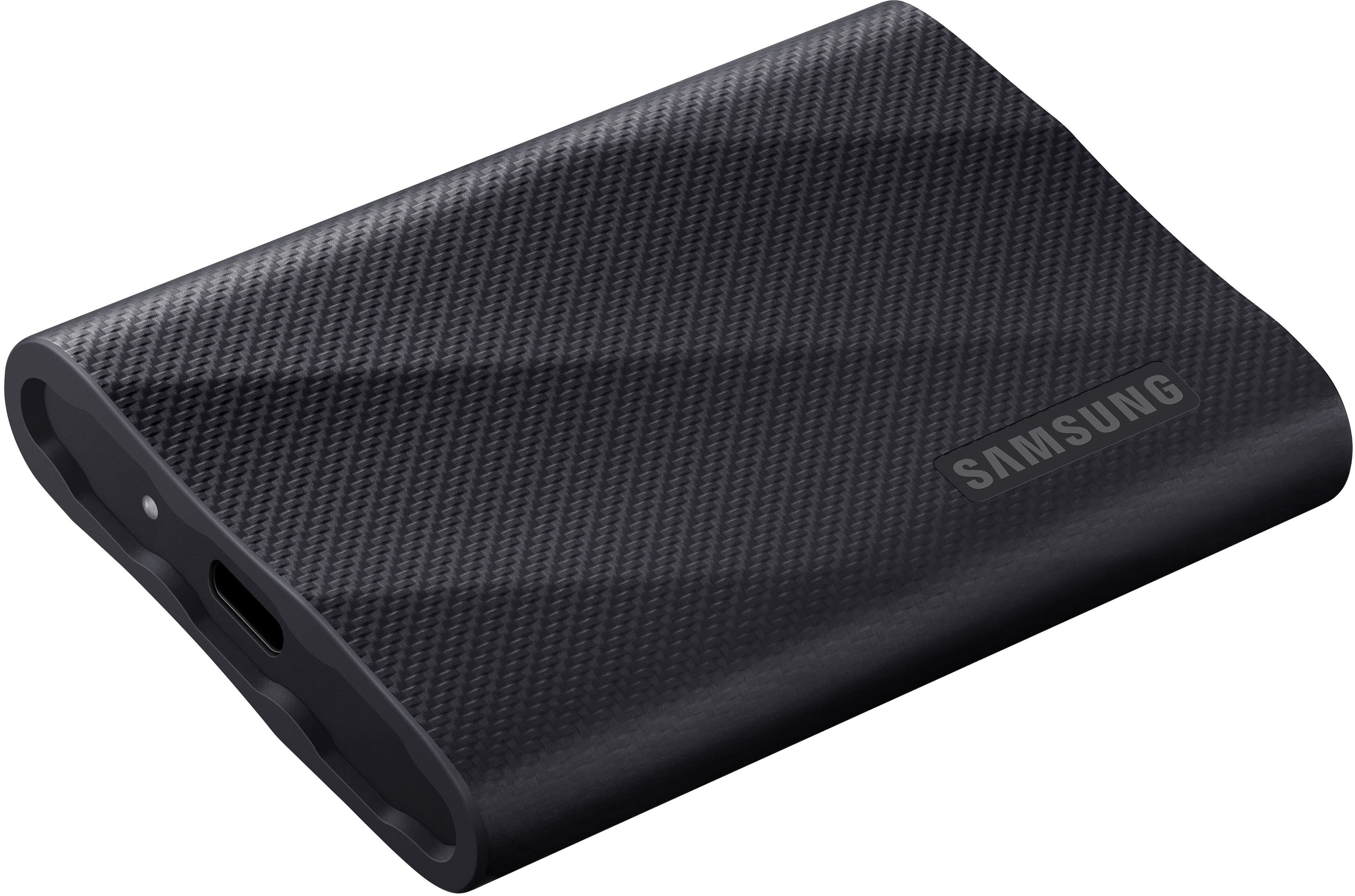
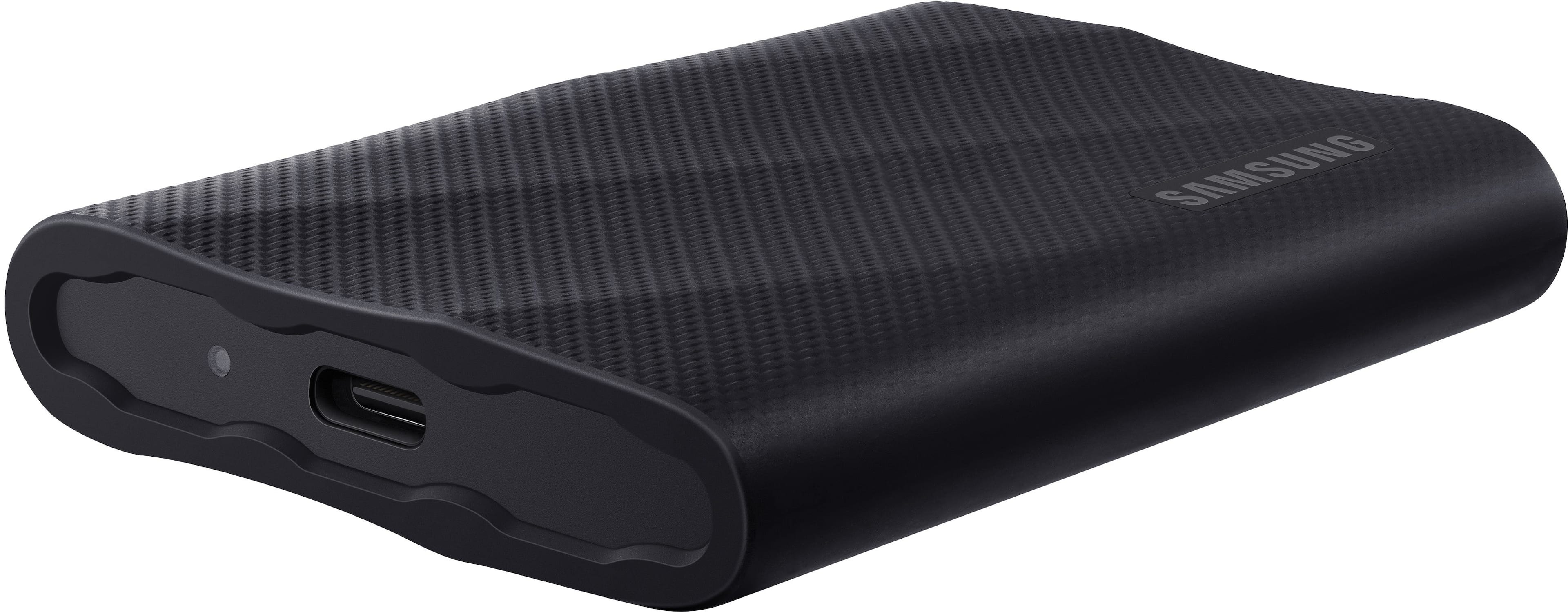
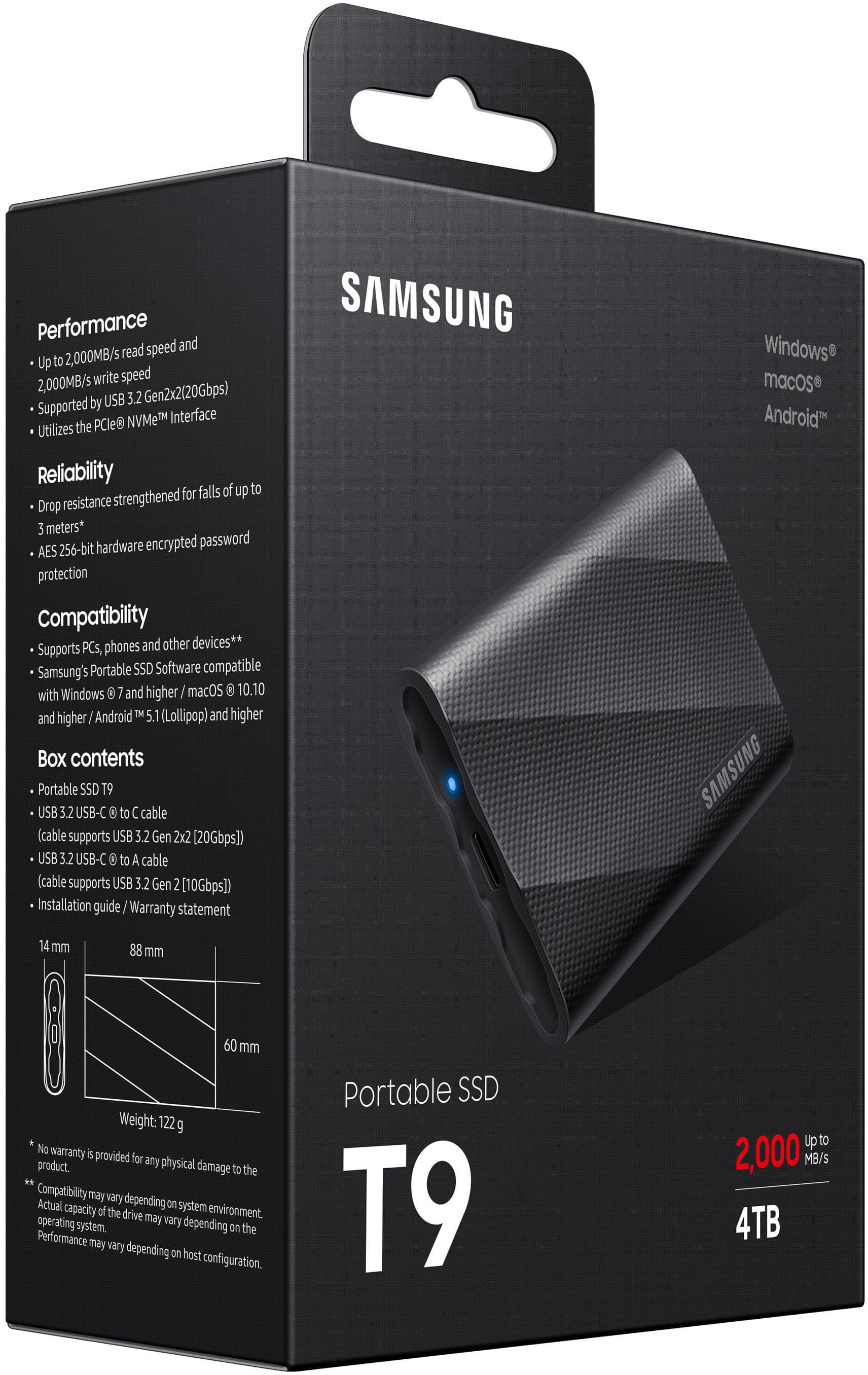
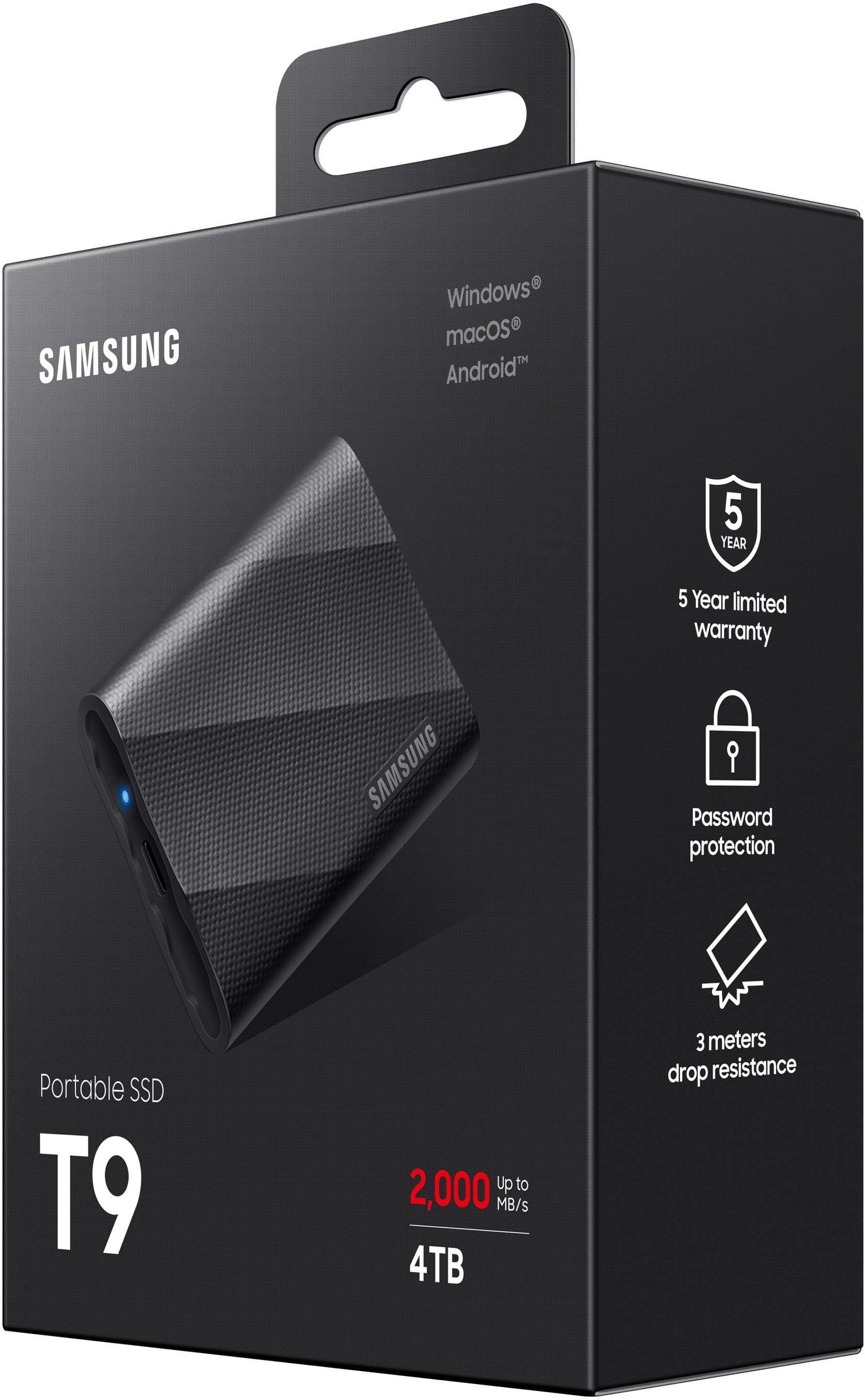
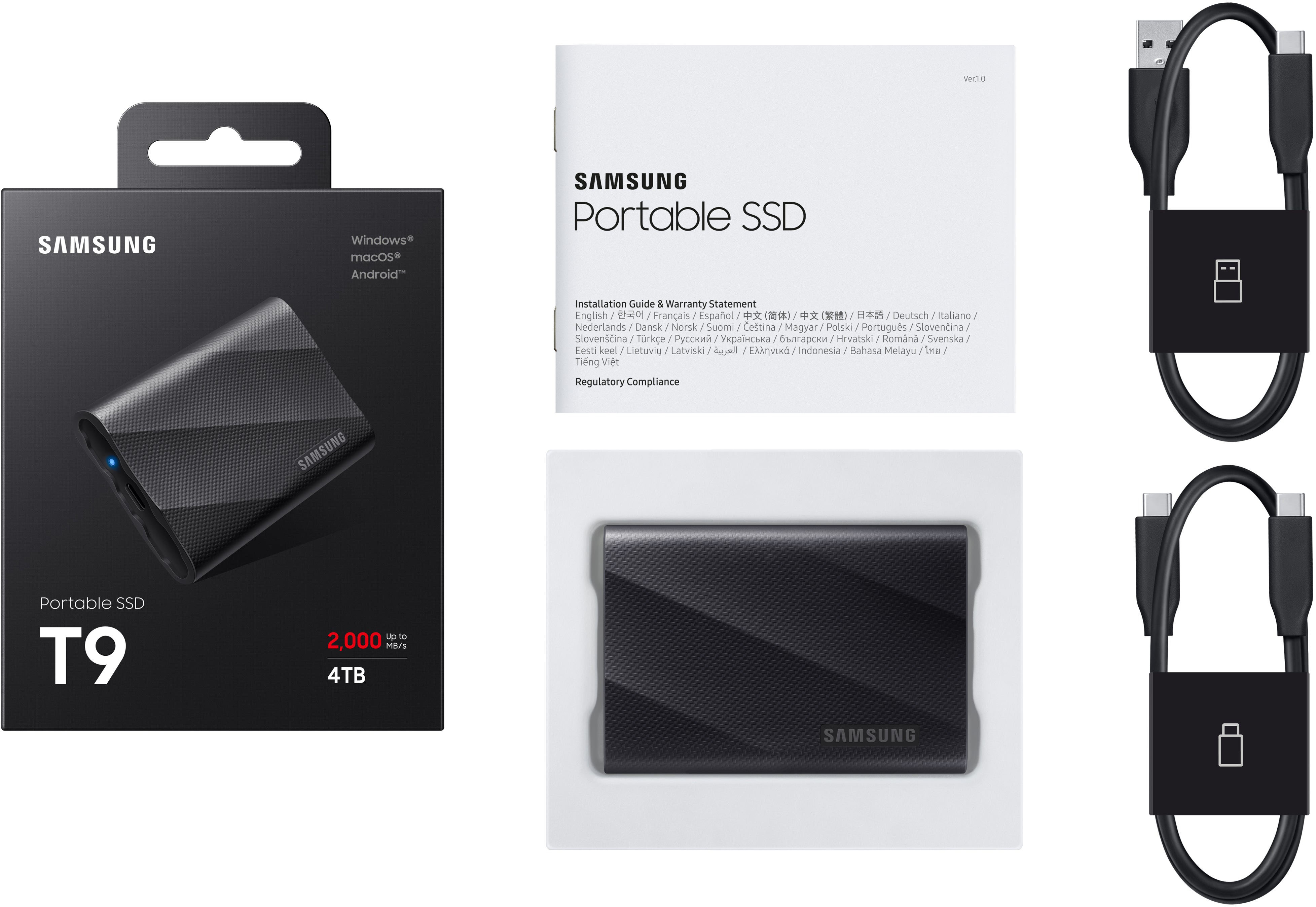


- Model:
- MU-PG4T0B/AM
- SKU:
- 11525386
Rating by feature
- Value
Rating 4.7 out of 5 stars
- Quality
Rating 4.8 out of 5 stars
- Ease of Use
Rating 4.9 out of 5 stars
- Pros mentioned:Overall performance
External drive
||Posted . Owned for 3 weeks when reviewed.This reviewer received promo considerations or sweepstakes entry for writing a review.Works as stated. The Geek Squad set it up. Great job.
I would recommend this to a friend Extremely Fast and Reliable
||Posted . Owned for 2 months when reviewed.This reviewer received promo considerations or sweepstakes entry for writing a review.These are our go-to for editing and backing up video footage, usually filmed at 4K and up. The T9 series is extremely fast and reliable.
I would recommend this to a friend- Pros mentioned:Speed
Excellent solid state drive
||Posted . Owned for 3 weeks when reviewed.This reviewer received promo considerations or sweepstakes entry for writing a review.Excellent solid state drive - compact & fast enough
I would recommend this to a friend - Pros mentioned:Speed
Bad Experience
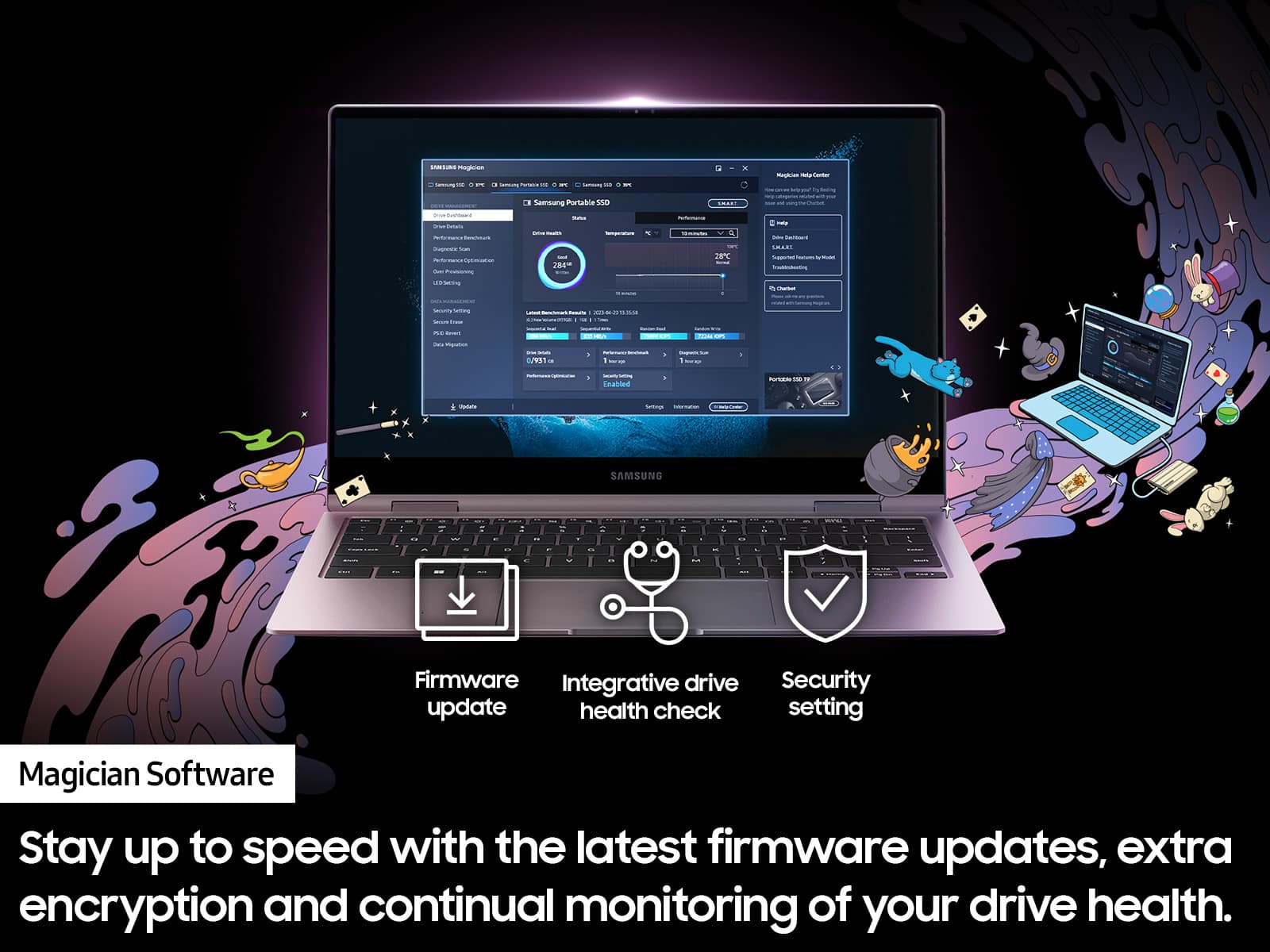
||Posted . Owned for less than 1 week when reviewed.This reviewer received promo considerations or sweepstakes entry for writing a review.I bought it because of the great reviews. I got the problems on the first usage. 1. While transferring all my items (around 1TB) from my desktop, I couldn't transfer more than 30 percent. I tried to do it four times. At 30 percent, the process simply stops. The computer does not freeze, and the file transfer window shows no errors. 2. During all four attempts, my PC worked very slowly; it was almost impossible to use the mouse. 3. In Samsung's response to the one-star comment, I found the following information: "You can verify whether the Samsung SSD product you have purchased is genuine by using the Magician software included on the CD." There is no CD included and no Magician software on the SSD itself. I bought a SanDisk Extreme Pro Portable 4TB External USB-C NVMe SSD to compare. I did not have any problems even though SanDisk has worse reviews. Thus, this Samsung SSD is going back to Samsung.
No, I would not recommend this to a friendBrand response from Samsung
Posted .GEVSea:
I’m sorry to hear that your experience with Samsung’s T9 SSD has fallen short of your expectations. Your feedback is very important to us and will be shared with our internal product team.
Samsung stands behind the quality and performance of our SSDs with a limited 1-year manufacturer’s warranty when purchased brand-new from an authorized dealer.
Should you want to troubleshoot your issue first, please contact Samsung Customer Support.
1) Call: 1-800-SAMSUNG (ask for Memory). Available 9AM - 12AM EST (Mon-Fri)
2) Email: [email protected]
3) LiveChat 9AM-9PM EST (Mon-Fri) - https://www.livehelpnow.net/lhn/lcv.aspx?d=34834&ms=&zzwindow=0&lhnid=29783
We look forward to hearing from you soon.
- Samsung Memory
- Pros mentioned:Overall performance
Cinema Camera
||Posted . Owned for 1 month when reviewed.This reviewer received promo considerations or sweepstakes entry for writing a review.Perfect SSD for my cinema camera, I film on a BMPCC 6K
I would recommend this to a friend - Pros mentioned:Speed
Great Product
||Posted . Owned for 3 weeks when reviewed.This reviewer received promo considerations or sweepstakes entry for writing a review.Great Product n transfer speed works seamlessly on mac
I would recommend this to a friend - Pros mentioned:Speed
Good SSd
||Posted . Owned for 9 months when reviewed.This reviewer received promo considerations or sweepstakes entry for writing a review.Solid drive. MAKE SURE TO USE PROPER TRANSFER CABLE TOBGET MAXIMUM SPEED.
I would recommend this to a friend Super
||Posted . Owned for 1 month when reviewed.This reviewer received promo considerations or sweepstakes entry for writing a review.Great ssd super fast reading and writing very happy with product
I would recommend this to a friendBeware, you will not get full 2000mb/s
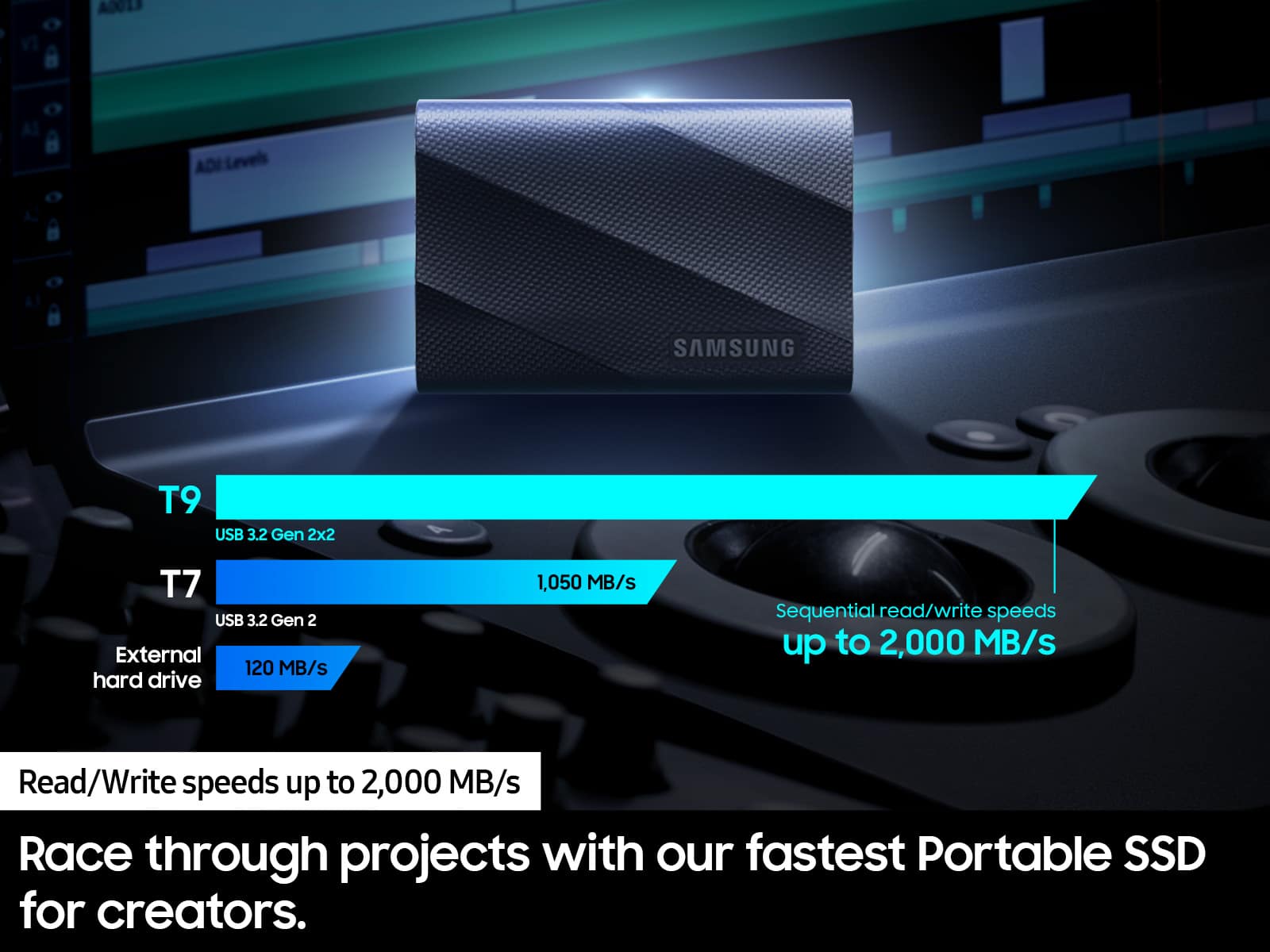
||Posted . Owned for 1 week when reviewed.This reviewer received promo considerations or sweepstakes entry for writing a review.Beware, you will not get full 2000mb/s as advertised. It says upto that speed. When you plug into the Mac Mini M2 Pro, you will get about 1000mbps. Still faster than T7 Shield but if you don't need rugged and protection, better go get Samsung 990 pro and get 40gb/s enclosure. But overall still nice product
I would recommend this to a friendBrand response from Samsung
Posted .Soundjunky804:
Thank you for sharing your experience! We greatly value your feedback and will be shared with our product team.
Should you ever have questions or need assistance using this product, please know we’re always here to help.
1) Call: 1-800-SAMSUNG (ask for Memory or press #, then 6 for Memory products) Available 9AM – 9PM EST (Mon-Fri)
2) Email: [email protected]
3) Or visit us on the Samsung website and click on the SUPPORT link in the upper right corner of the homepage for:
a) Chat with Us/Product Help: To begin a chat or find solutions, choose ‘Computing – Memory & Storage’ and select your model & topic.
b) Manuals & Software
c) Warranty Info
d) Register a Product: For access to easy warranty support, convenient opt-in to special promos and offers, faster troubleshooting and service, and quick notification of system updates
e) Contact Us
The Samsung Members Community is also a great resource for getting help from Samsung moderators and customers: https://us.community.samsung.com/
Again, thank you for taking the time to review our T9 SSD!
- Samsung Memory
Great product
||Posted . Owned for 3 weeks when reviewed.This reviewer received promo considerations or sweepstakes entry for writing a review.Quality product at a reasonable price; I would recommend
I would recommend this to a friendWow T9 data rate is incredible
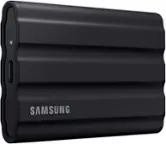
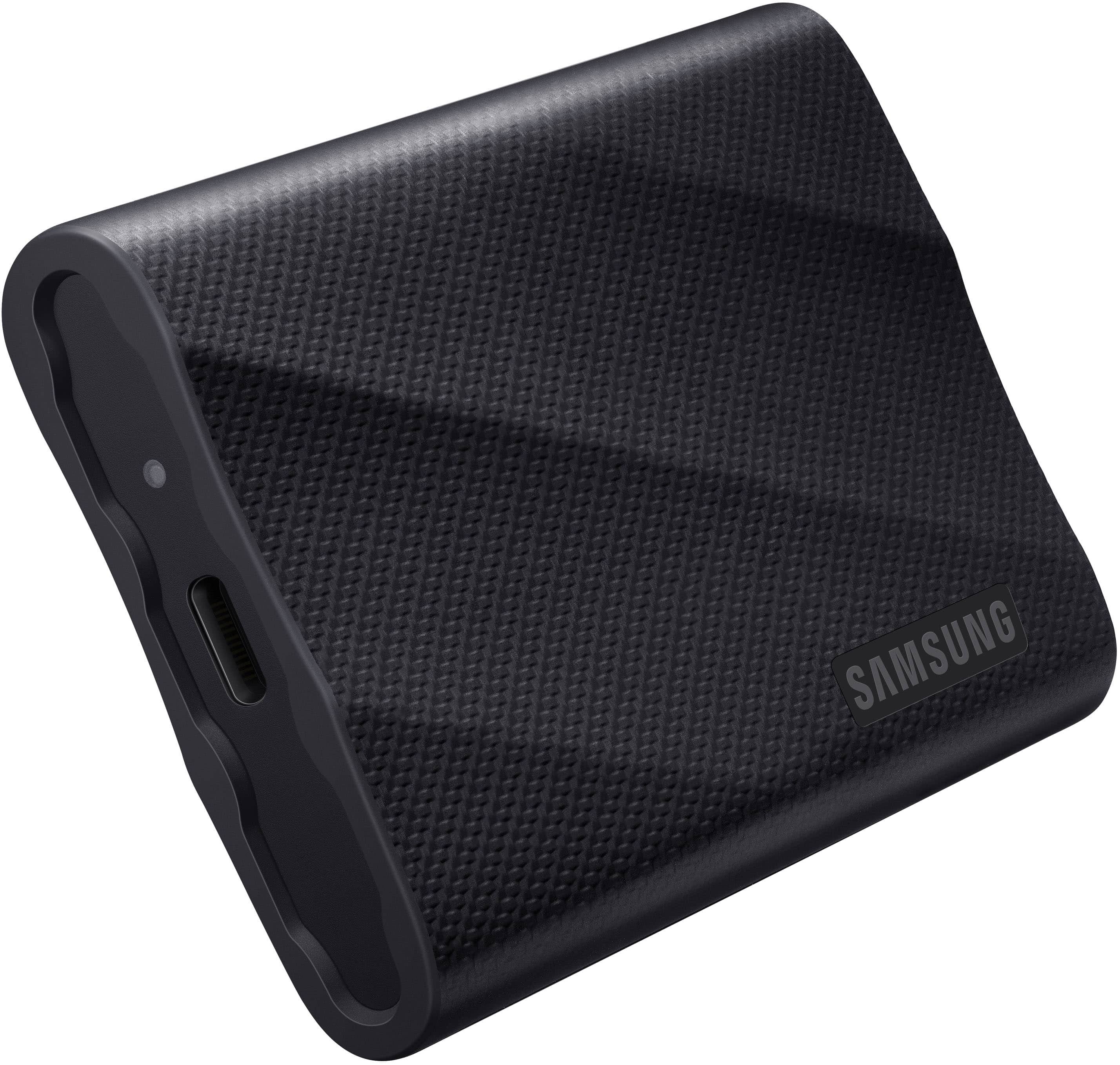
||Posted . Owned for 1 week when reviewed.This reviewer received promo considerations or sweepstakes entry for writing a review.Wow T9 data rate is incredible. Small, low power, and nice protective rubber cover with 2 high quality cables
I would recommend this to a friendTop notch storage
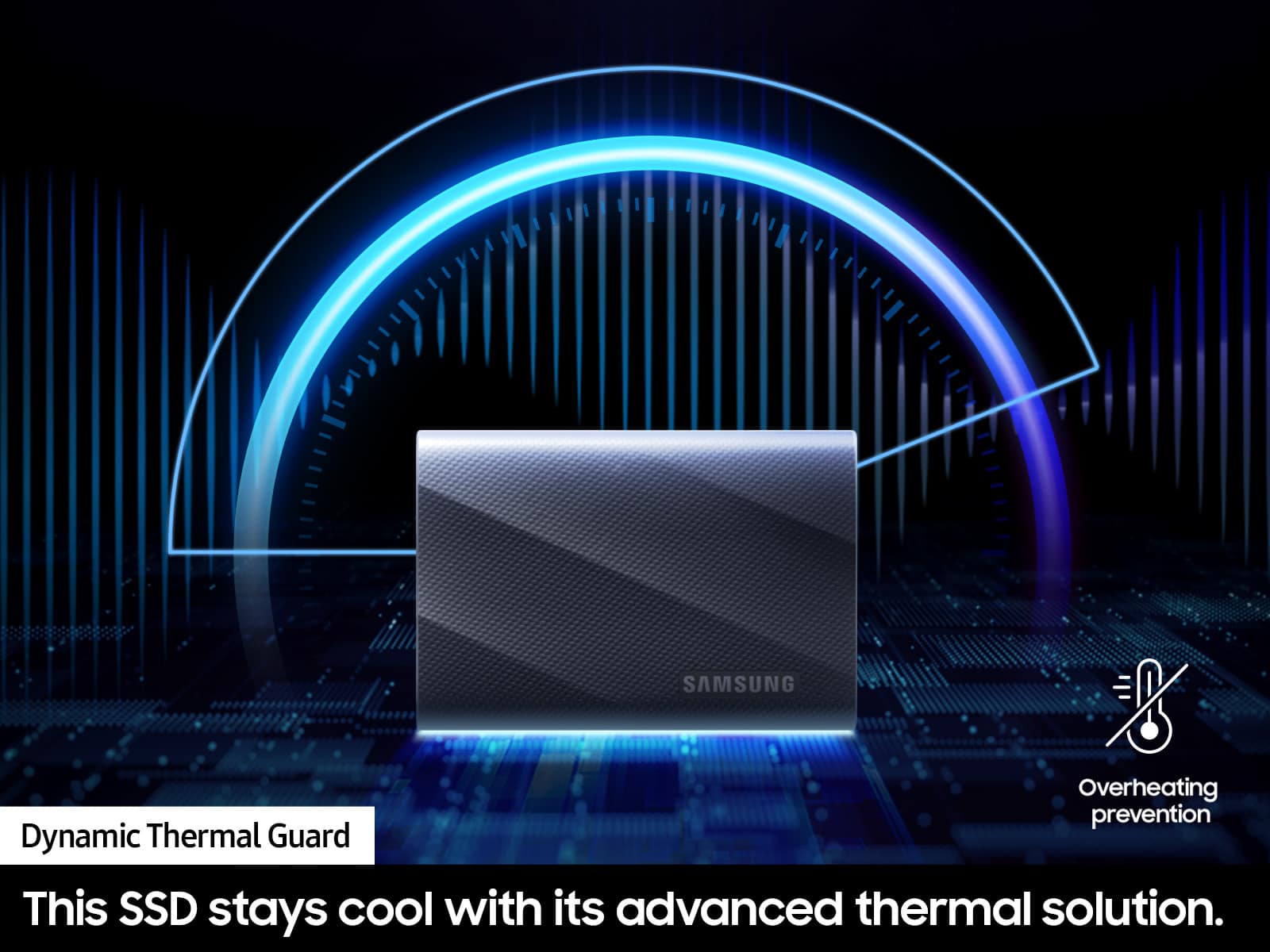
||Posted . Owned for 3 weeks when reviewed.This reviewer received promo considerations or sweepstakes entry for writing a review.Super amazing ssd drive. Handles heat great and super fast transfer rates. Amazing as portable as it is.
I would recommend this to a friendSamsung T9 4TB ssd
||Posted . Owned for 1 month when reviewed.This reviewer received promo considerations or sweepstakes entry for writing a review.very easy to connect to the computer and install the app, recognized right away and very easy to use. I'm just surprised that the free space is only 3.63 TB !!, so, it takes about 400 GB used by the drive for system info and alike, really huge amount used by the drive.
I would recommend this to a friendIt is good product
||Posted . Owned for 1 month when reviewed.This reviewer received promo considerations or sweepstakes entry for writing a review.It is good product however little confusion while using on iphone.
I would recommend this to a friend4TB T9 SSD
||Posted . Owned for 1 month when reviewed.This reviewer received promo considerations or sweepstakes entry for writing a review.Love this drive. Its perfect for editing my 4k video. The transfer rate awesome.
I would recommend this to a friend- Pros mentioned:Overall performance, Portability, Speed
Blazing-Fast, Reliable, and Perfect for Profession
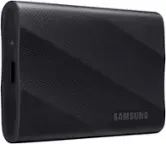
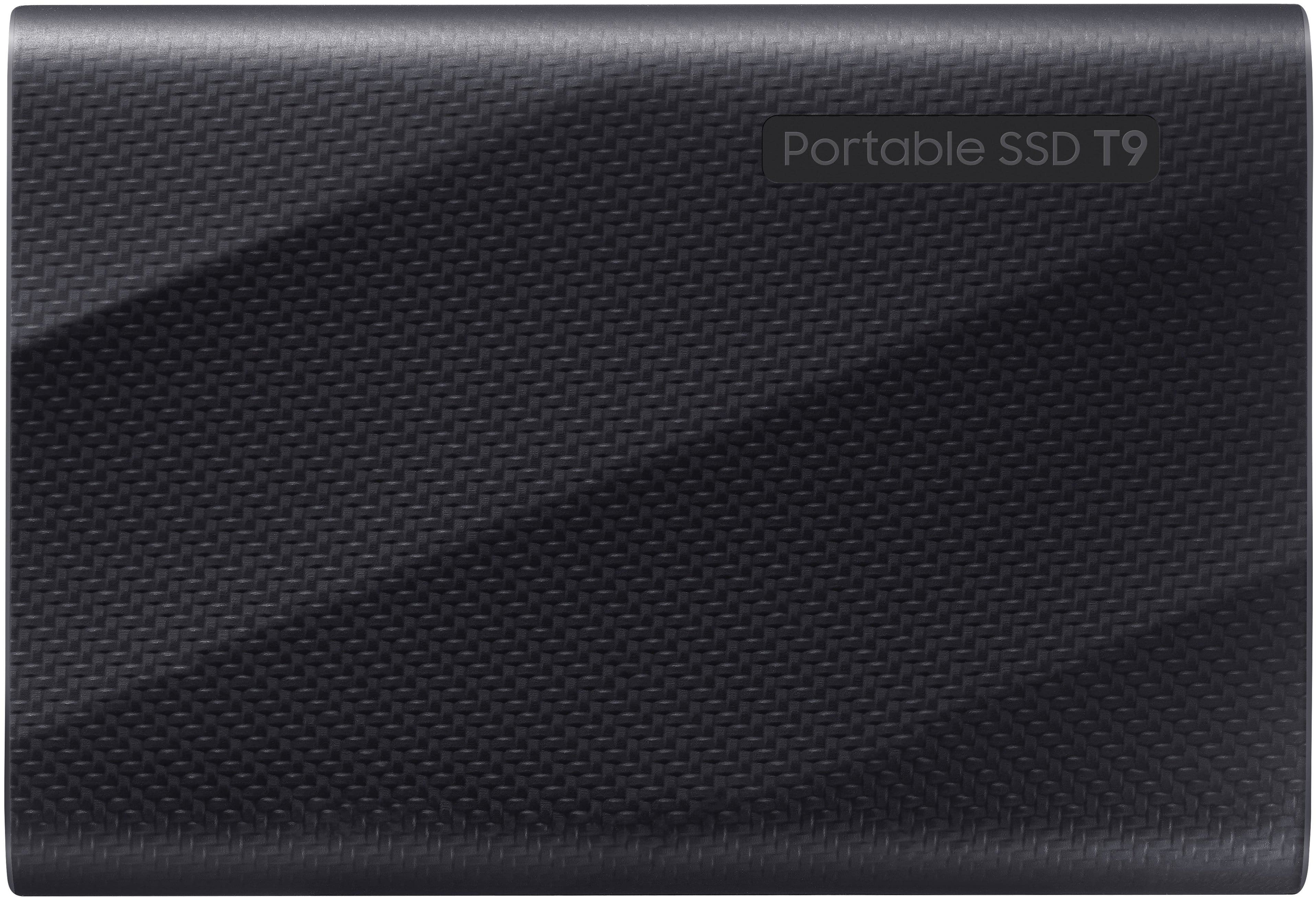
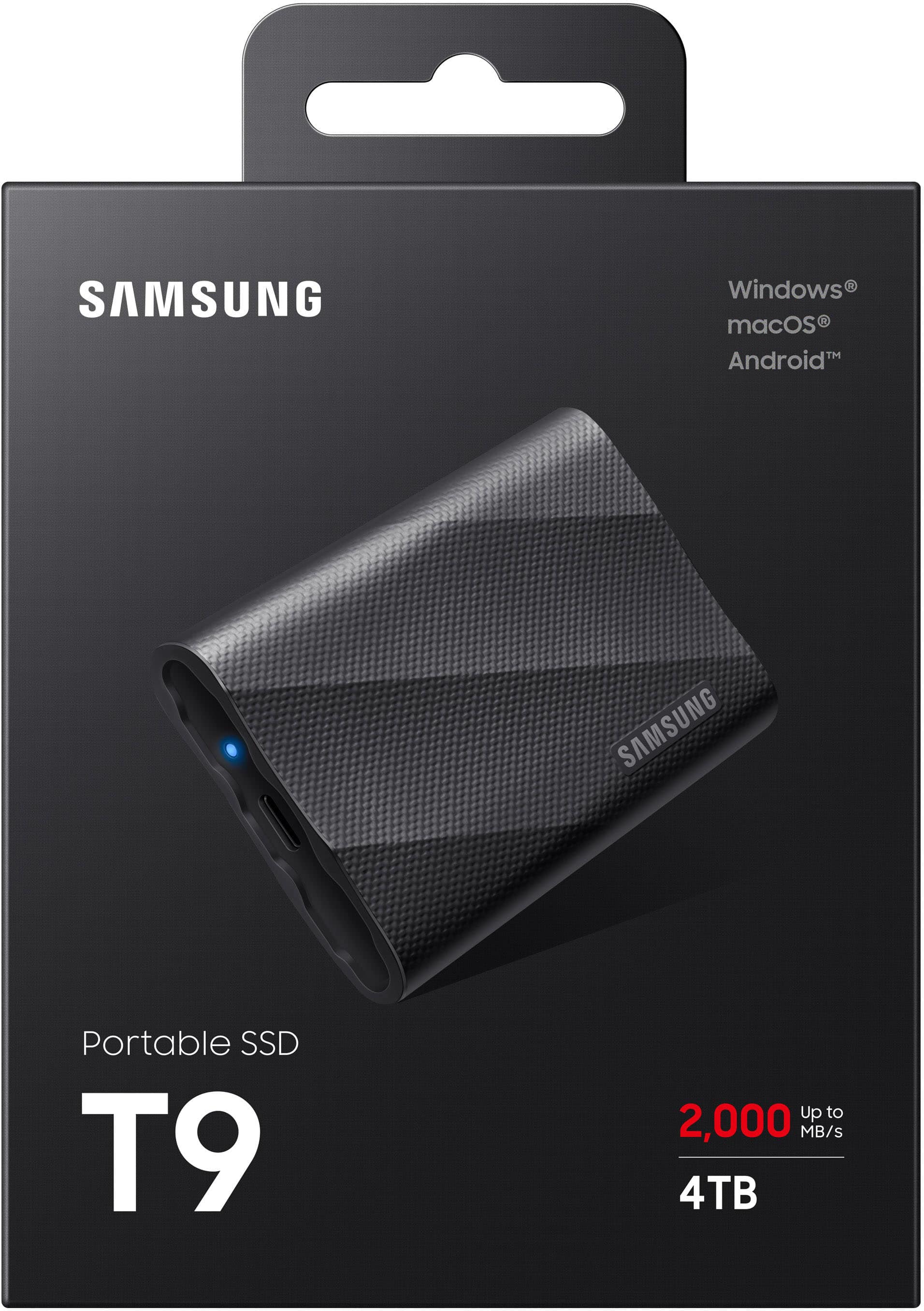
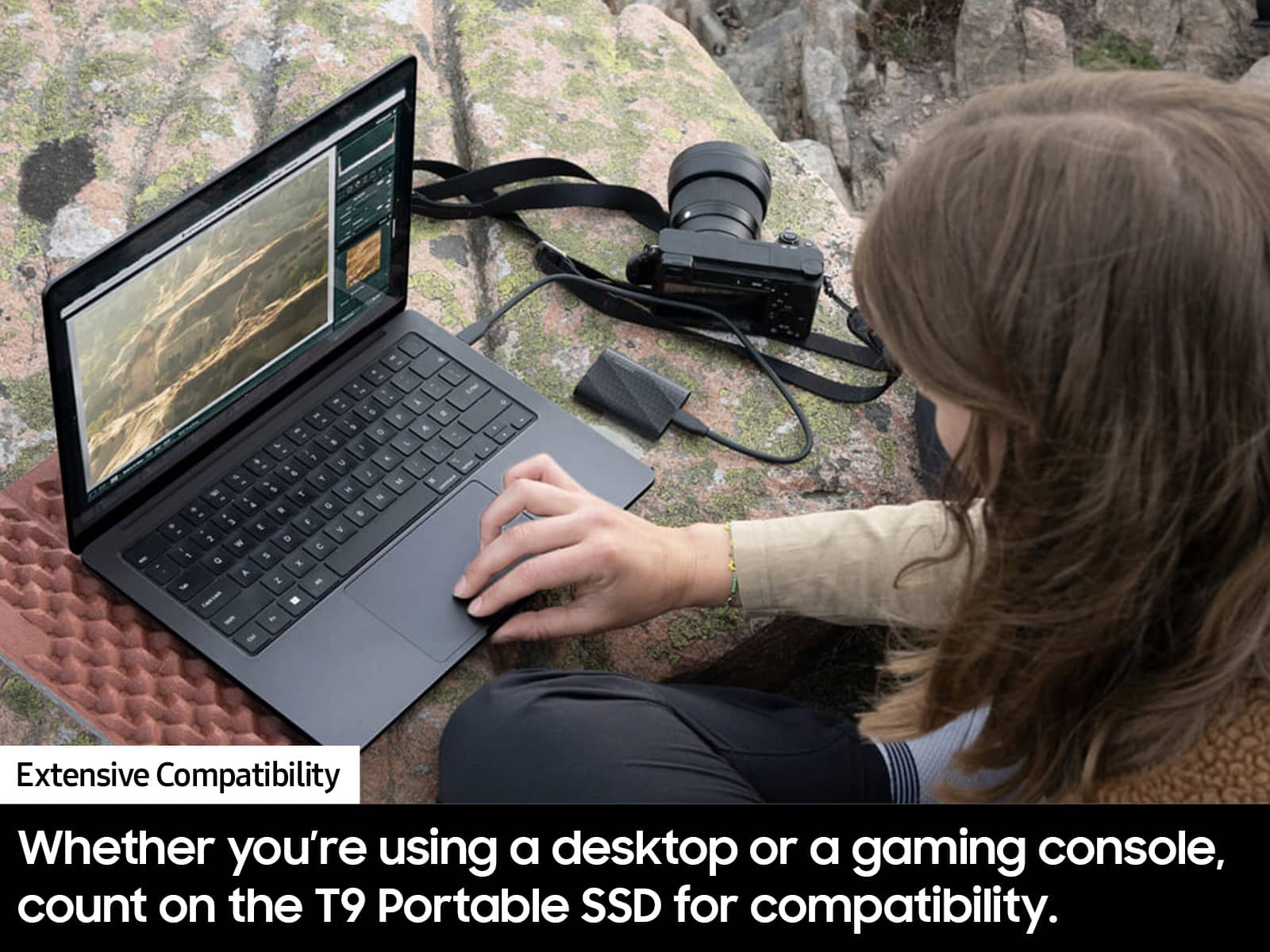
Posted .This reviewer received promo considerations or sweepstakes entry for writing a review.I’ve been using the Samsung T9 Portable SSD (4TB) for my production and media workflow, and it has been an absolute game-changer when it comes to speed, reliability, and storage capacity. Performance & Speed The advertised 2,000MB/s read and write speeds are not just a marketing claim—it genuinely delivers exceptional performance. Large 4K/8K video files transfer seamlessly, and working directly from the SSD in video editing software (like Premiere Pro or DaVinci Resolve) feels incredibly smooth with zero lag. Storage & Reliability With 4TB of storage, I no longer have to worry about juggling multiple smaller drives. It’s perfect for backing up footage on the go, and the NVMe architecture ensures long-term reliability without performance degradation. Build Quality & Portability The T9 has a rugged yet sleek design, with a textured surface for grip. It feels solid yet lightweight, making it super portable for travel and on-location shoots. Shock-resistant build provides peace of mind when carrying it around in tough environments. Compatibility & Connectivity It works flawlessly across Mac, Windows, and even iPadOS (when using USB-C to USB-C). The USB 3.2 Gen2 interface ensures fast speeds on most modern devices, though you’ll need a high-end port to fully utilize its potential. Drawbacks Slightly pricier than some competitors, but the performance and reliability justify the cost. Needs a high-speed USB port to achieve full 2,000MB/s speeds. Otherwise, performance is limited by the connection. Final Verdict The Samsung T9 4TB SSD is an essential tool for professionals dealing with high-resolution media, large files, and fast-paced workflows. The speed, durability, and massive capacity make it worth every penny. If you’re in video production, photography, or any creative field, this SSD is a must-have.
I would recommend this to a friend Fast, durable SSD
||Posted . Owned for 1 month when reviewed.This reviewer received promo considerations or sweepstakes entry for writing a review.Fantastic SSD. Easy to use right out of the box. Will buy again
I would recommend this to a friendSamsung s9
||Posted . Owned for 1 month when reviewed.This reviewer received promo considerations or sweepstakes entry for writing a review.the best purchase I made Thank you guys!!!……………..
I would recommend this to a friendSlow controller overwhelmed by NTFS, bitlocker
||Posted .This reviewer received promo considerations or sweepstakes entry for writing a review.Honestly a bit disappointed for my first Samsung external SSD and wont be buying again. A good drive if you do not need to use bitlocker or other file systems like NTFS. But if either of these is used, or heavens forbid both in combination, the overhead is apparently too much for the controller and the drive's performance drops to a crawl. Like 2 minutes to open a browser running on the drive, or almost a minute to transfer a picture. 200kb to 3mb read and write speeds. Issue resolves if I disable both NTFS via reformat as well as bitlocker, or is greatly resolved if I disable either of them. issue is replicated on my older laptop and on my latest gen high end workstation. A very disappointing result for what is supposed to be a premium external SSD. I will be returning and will not recommend Samsung for professional applications since this issue has never been encountered before on other drives. We will be sticking to WD, which have given good reliability and who actually pairs their externals with decent controllers.
No, I would not recommend this to a friendBrand response from Samsung
Posted .bidu:
I’m sorry to hear that your experience with Samsung’s T9 SSD has fallen short of your expectations. Your feedback is very important to us and will be shared with our internal product team.
Should you want to troubleshoot your issue first, please try the following steps which may improve the issues you are experiencing with speed:
To reach maximum sequential read/write speeds of up to 2,000 MB/s, respectively, the host device and connection cables must support USB 3.2 Gen 2x2 and the UASP mode must be enabled.
I hope this helps. If there is anything we can do to further improve your experience such as helping to optimize settings, please let us know. You can reach Samsung Customer Support at:
1) Call: 1-800-SAMSUNG (ask for Memory). Available 9AM - 12AM EST (Mon-Fri)
2) Email: [email protected]
3) LiveChat 9AM-9PM EST (Mon-Fri) - https://www.livehelpnow.net/lhn/lcv.aspx?d=34834&ms=&zzwindow=0&lhnid=29783
Samsung is committed to providing the best possible product experience, quality, and value, and we are always here to help with any of your questions or concerns.
- Samsung Memory
Failed too fast
||Posted . Owned for 11 months when reviewed.This reviewer received promo considerations or sweepstakes entry for writing a review.Failed in less than a year.. I was using this as a storage device for my dj music. Randomly my dj software would lose connection to my library and it would at times cause audio drop out. This got worse and worse over time. I am using an older Macbook Pro and I figured it was time to upgrade, but when I used a newer device, this would still happen. Turns out it is this SSD. I am not sure if it overheats, or if its just a bad unit. But Samsung Magician does not show any thing wrong with it, but I cannot use this drive for extended periods of time without it dropping off whatever device it is connected to.. for the amount of money I spent, this was very disappointing.
No, I would not recommend this to a friendBrand response from Samsung
Posted .Arik:
I’m very sorry for the difficulties you’ve experienced with your T9 SSD. We completely understand your frustrations, and we are here to help.
Samsung stands behind the quality and performance of every T9 SSD we manufacture with a limited 5-year manufacturer’s warranty when purchased brand-new, directly from any authorized dealer, like Best Buy.
Please contact Samsung Customer Support directly so that we can better investigate your issue and assist you towards a resolution or replacement.
1) Call: 1-800-SAMSUNG (ask for Memory). Available 9AM - 12AM EST (Mon-Fri)
2) Email: [email protected]
3) LiveChat 9AM-9PM EST (Mon-Fri) - https://www.livehelpnow.net/lhn/lcv.aspx?d=34834&ms=&zzwindow=0&lhnid=29783
We look forward to hearing from you soon.
- Samsung Memory