Customer Ratings & Reviews
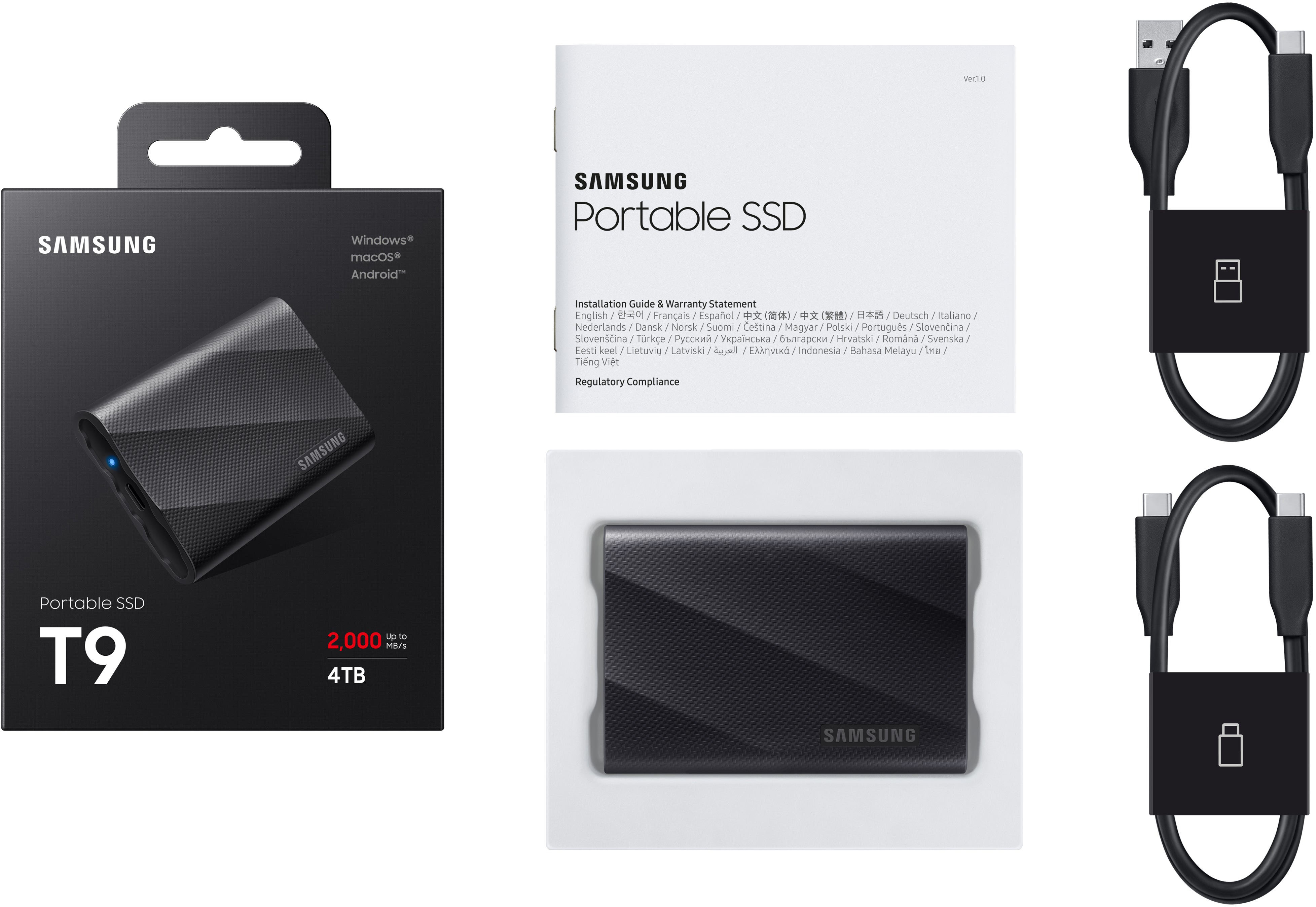


- Model:
- MU-PG4T0B/AM
- SKU:
- 11525386
Rating by feature
- Value
Rating 4.7 out of 5 stars
- Quality
Rating 4.8 out of 5 stars
- Ease of Use
Rating 4.9 out of 5 stars
Mighty Drive
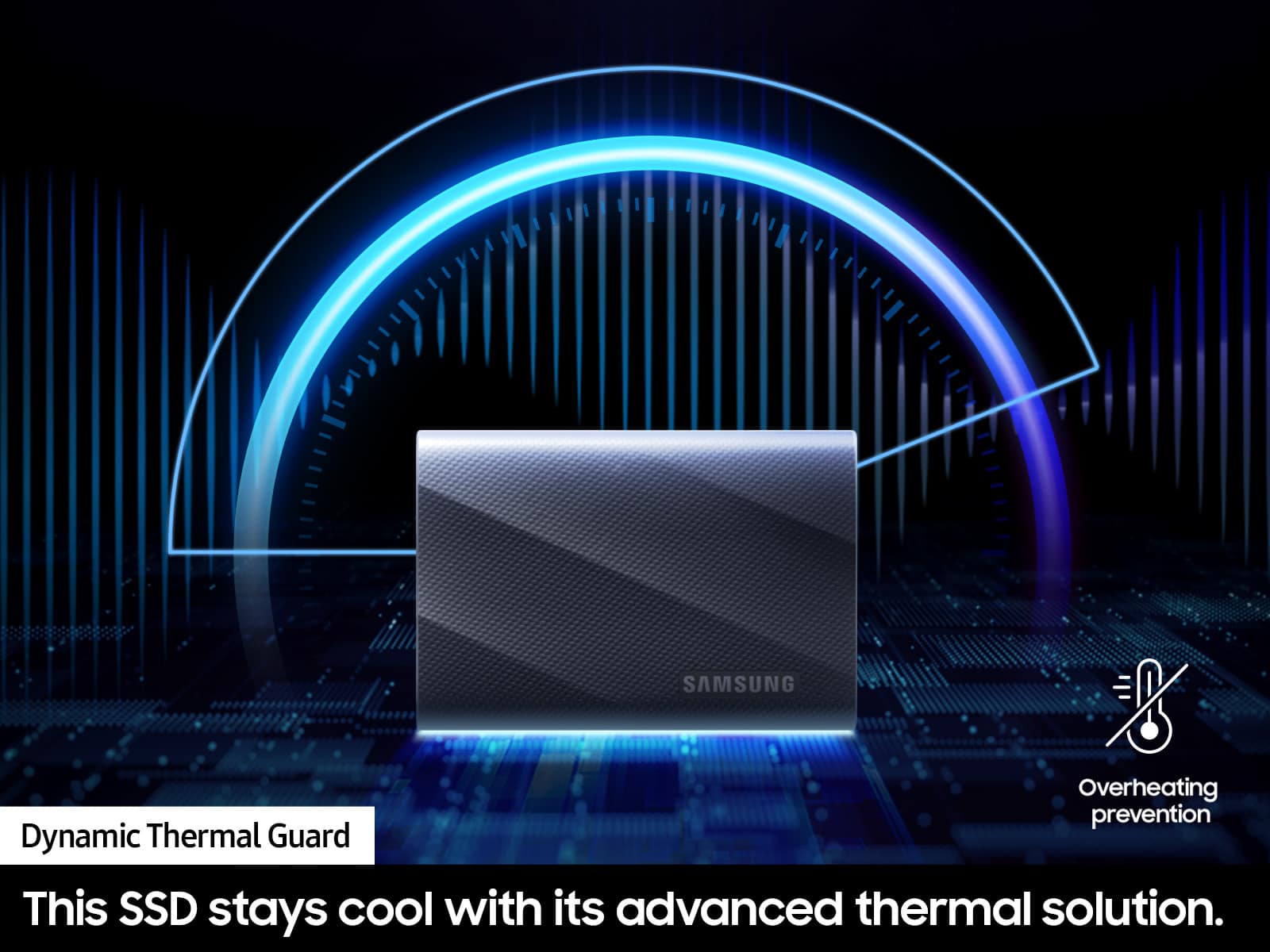
||Posted . Owned for 1 month when reviewed.This reviewer received promo considerations or sweepstakes entry for writing a review.Excellent!!! This is the first time using one of these small portable SSD for my line of work in Audio Post Production and I cant be more happy with the results. I use this drive with Pro Tools on sessions with tons of audio files not only that but I also need to have this drive connected to an on-line syncing application so that this drive and my co-workers hard drives are always matching one another and I have yet to have any problems. I am totally impressed that this little guy can handle everything and still keeps its temp regulated. 5 Stars all the way!
I would recommend this to a friendExcellent Drive
||Posted . Owned for 3 weeks when reviewed.This reviewer received promo considerations or sweepstakes entry for writing a review.I purchased this Samsung drive for my event photography catalogs. I find it to be very reliable and fast when editing. Highly recommend this drive for those in need of a fast transfer speed.
I would recommend this to a friendGreat for MacBook Time Machine backups
||Posted . Owned for 1 month when reviewed.This reviewer received promo considerations or sweepstakes entry for writing a review.Wonderful solution for my MacBook Pro timeachine backups. Must faster than using a hard drive. Great portability. Small and portable.
I would recommend this to a friendGreat, spacious, easy to use memory
||Posted .This reviewer received promo considerations or sweepstakes entry for writing a review.A copious amount of memory for the price. I DJ weddings and am trying to compile an offline database of music, so this is perfect. Great app to help manage it, though I’d recommend this more for PC than Mac users, as it interfaces with the software better. However, I use a Mac and I’m a fan
I would recommend this to a friendDoes what it says it does
||Posted . Owned for 3 weeks when reviewed.This reviewer received promo considerations or sweepstakes entry for writing a review.After a few years of storing files on an older iteration of SSD, this drive is a great upgrade.
I would recommend this to a friendVery good, would buy again
||Posted .This reviewer received promo considerations or sweepstakes entry for writing a review.Works as expected. It's really fast and a good data volume!
I would recommend this to a friendSuperb external storage
||Posted . Owned for 4 months when reviewed.This reviewer received promo considerations or sweepstakes entry for writing a review.I've been using this SSD drive for backing up photos while traveling, and it works perfectly! Fast transfer speed, rugged so I feel comfortable putting it in my backpack while traveling. Only minor annoyance is that dust/dog hairs tend to stick to the outer material.
I would recommend this to a friendSpeed and portability
||Posted . Owned for 1 month when reviewed.This reviewer received promo considerations or sweepstakes entry for writing a review.This drive is really helpful for migrating to a new computer and in helping with video editing
I would recommend this to a friendSamsung T9 Drive Recommend
||Posted . Owned for 3 weeks when reviewed.This reviewer received promo considerations or sweepstakes entry for writing a review.Fast drive, reliable, easy to setup as a network drive, works as advertised, fantastic size.
I would recommend this to a friendGreat little SSD
||Posted . Owned for less than 1 week when reviewed.This reviewer received promo considerations or sweepstakes entry for writing a review.Excellent little SSD, no more worrying about hard drive crashing.
I would recommend this to a friendTrue speed and durability.
||Posted . Owned for 3 weeks when reviewed.This reviewer received promo considerations or sweepstakes entry for writing a review.True speed and durability. - fast and compact drive that I can store big files on the go.
I would recommend this to a friendGreat Little Portable SSD
||Posted . Owned for 1 week when reviewed.This reviewer received promo considerations or sweepstakes entry for writing a review.Lots of data in a small package. Frast transfer speeds.
I would recommend this to a friendGreat, highly recommend.
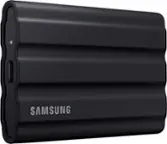
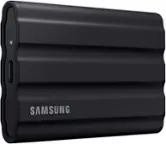
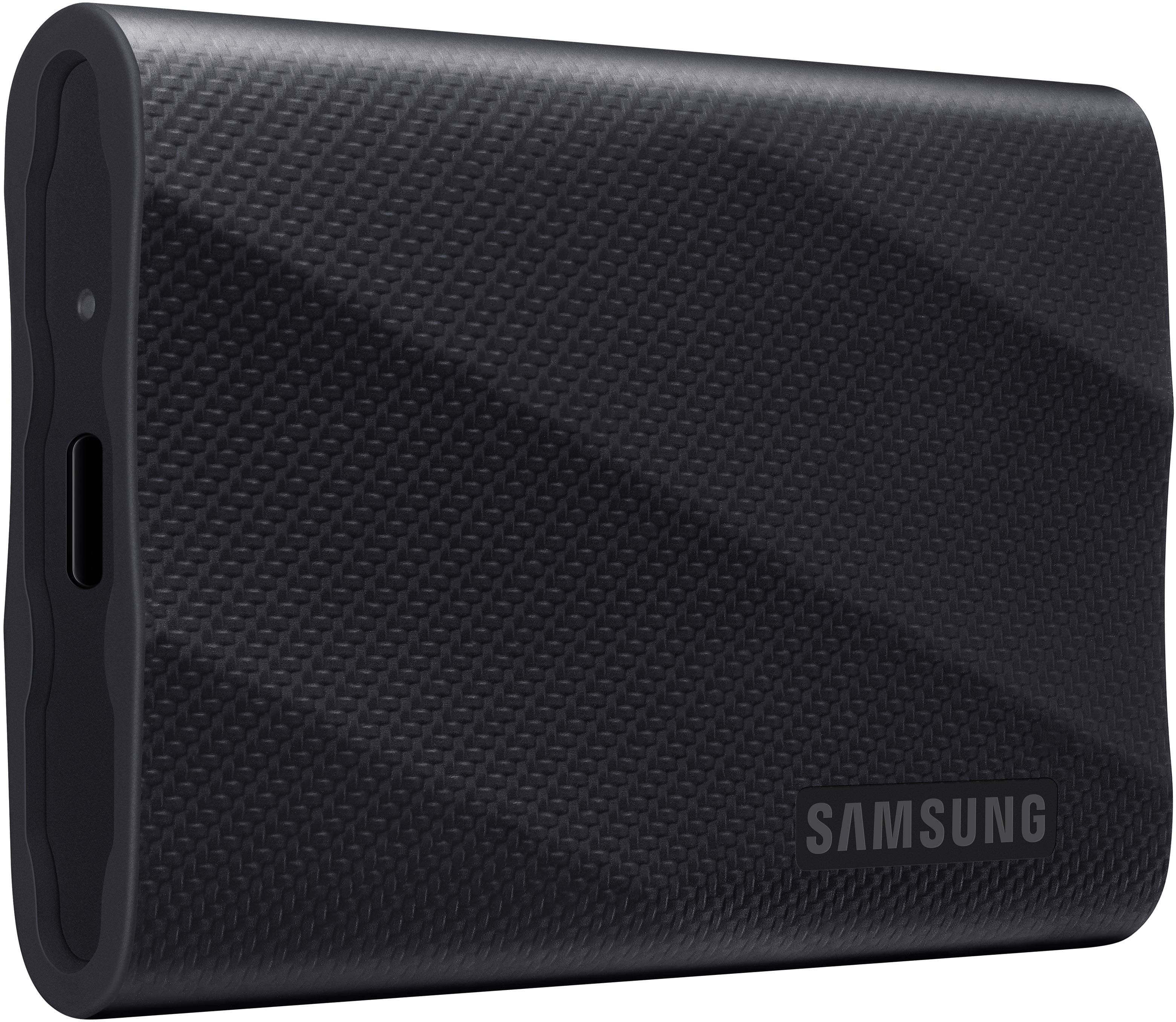
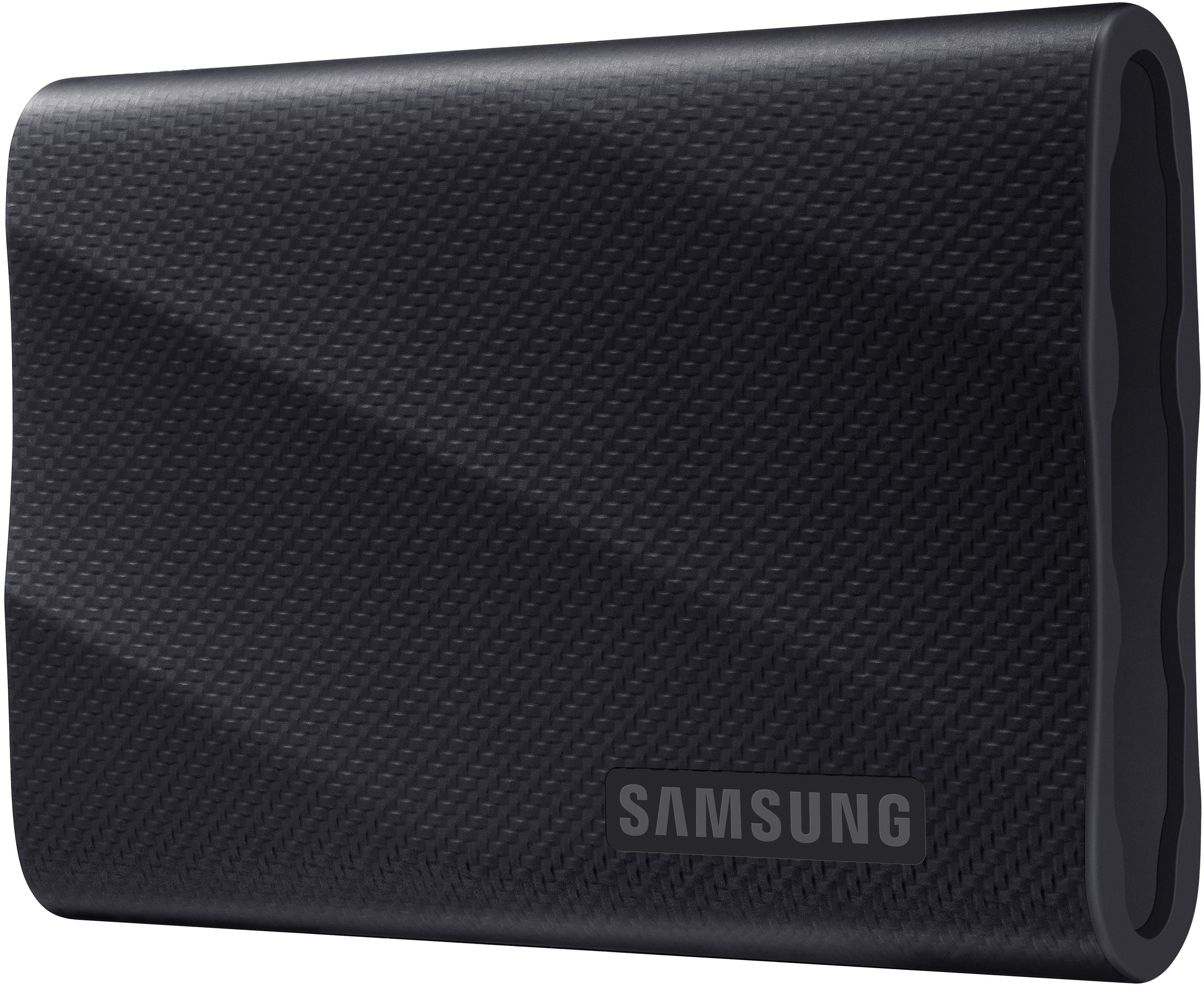
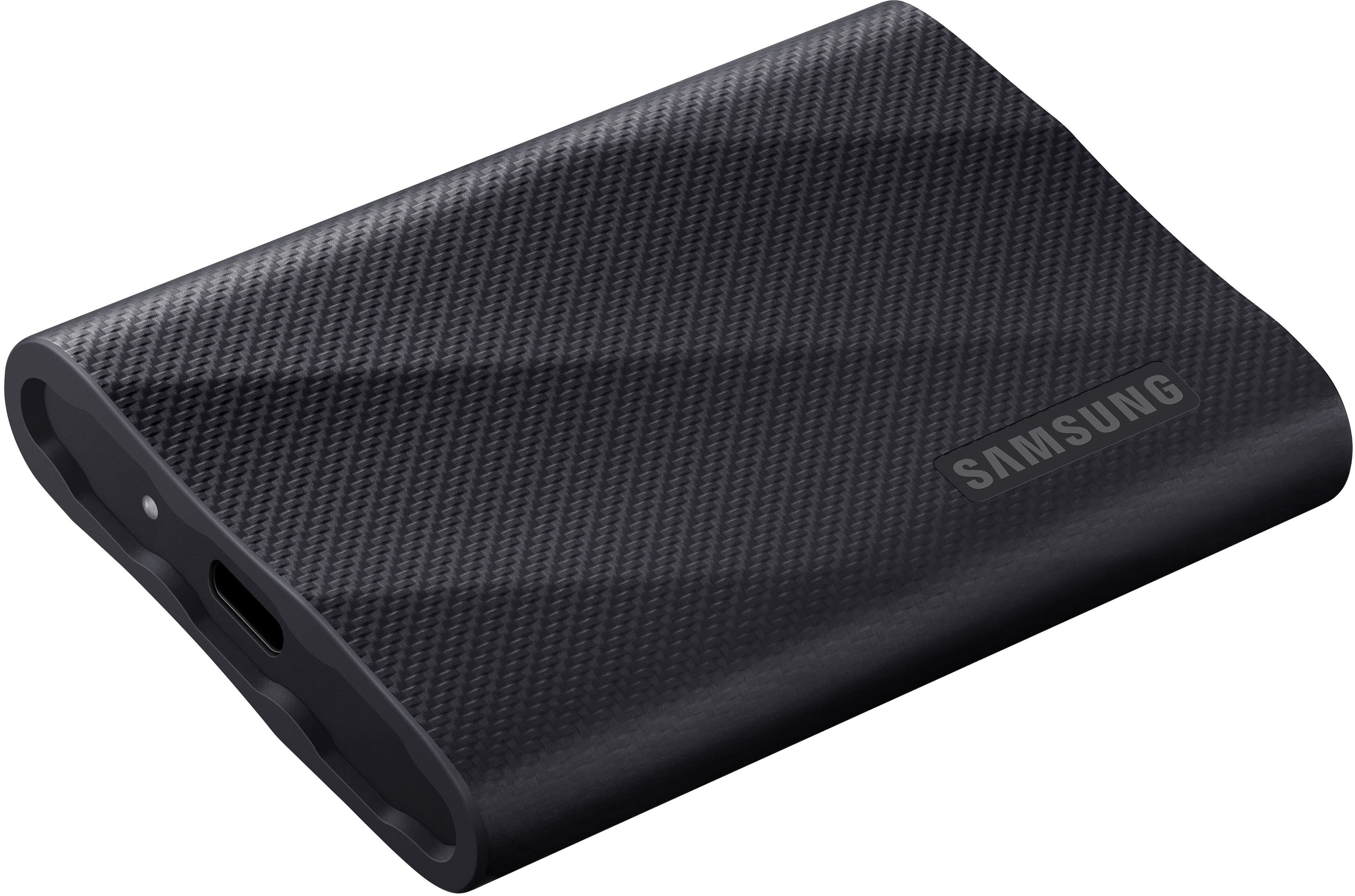
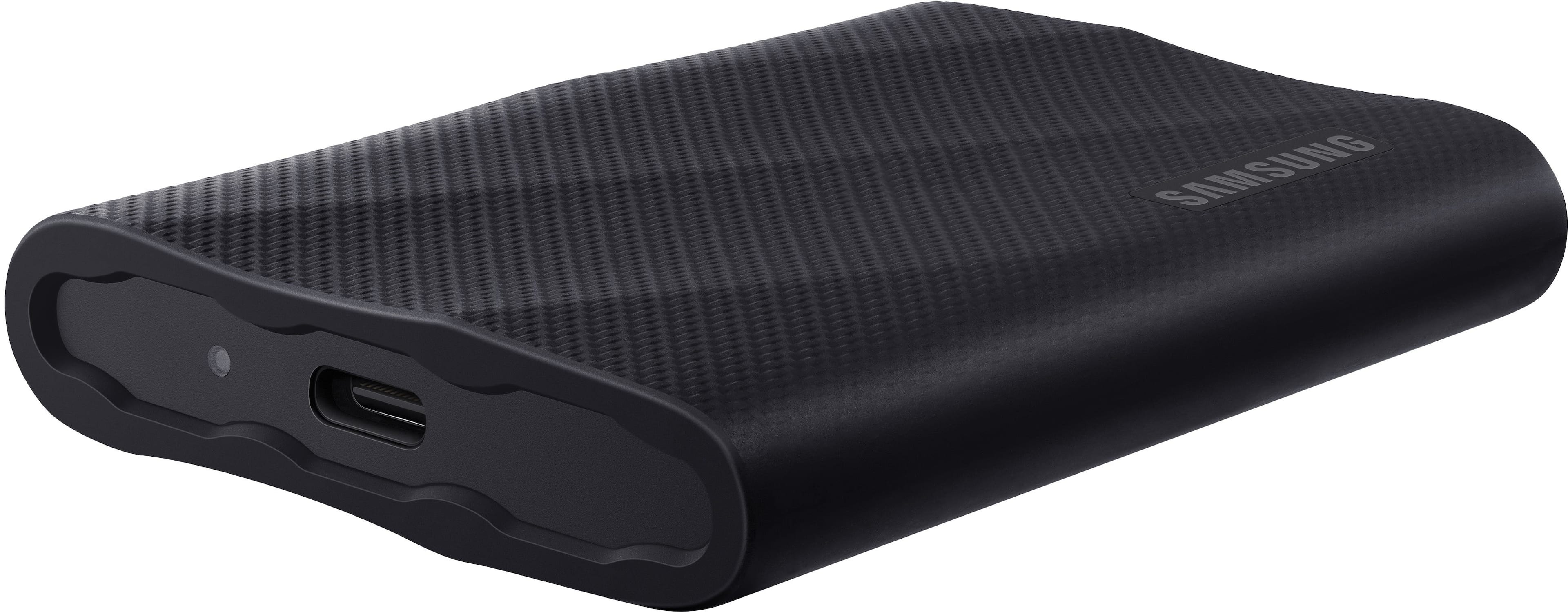
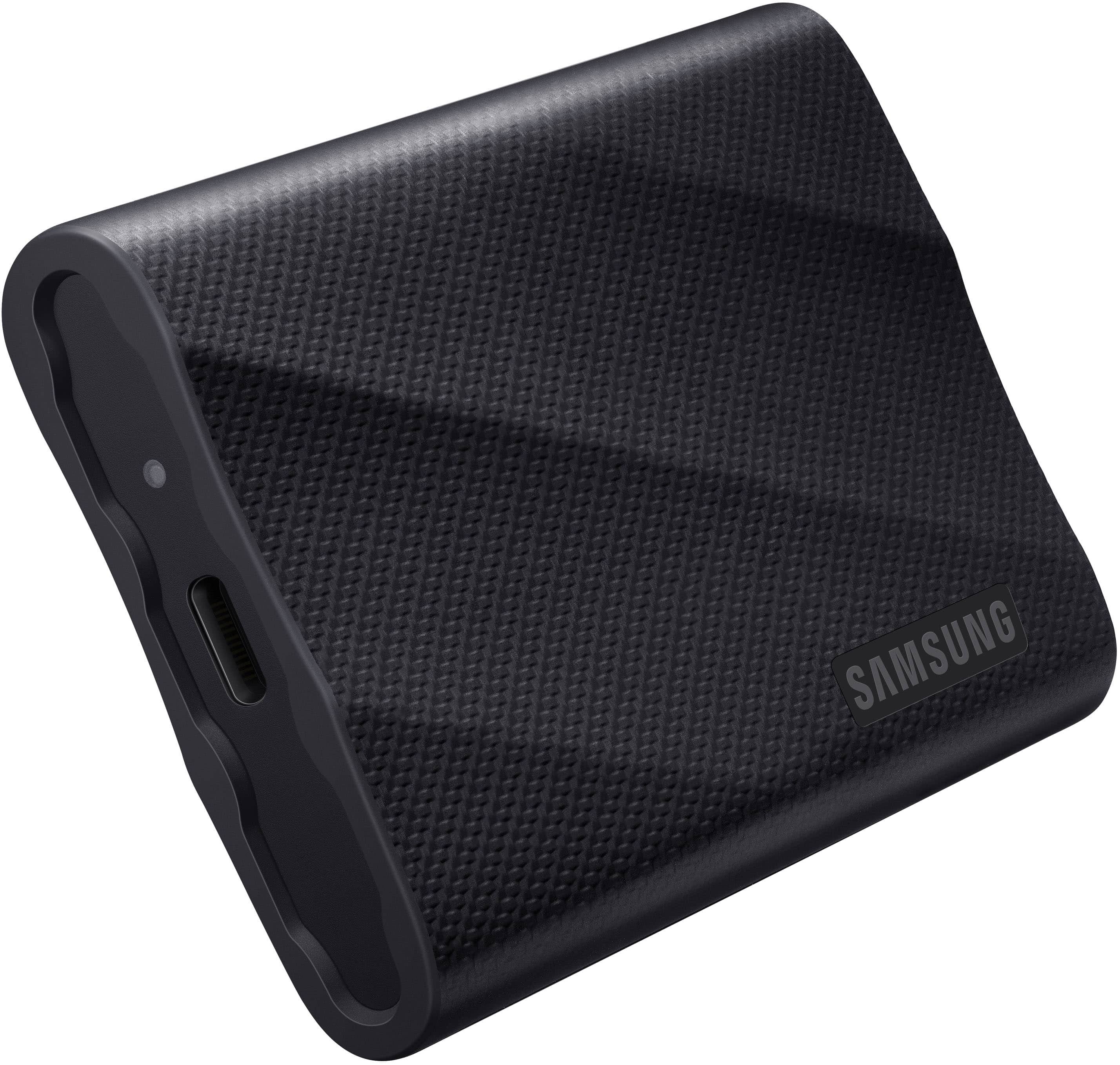
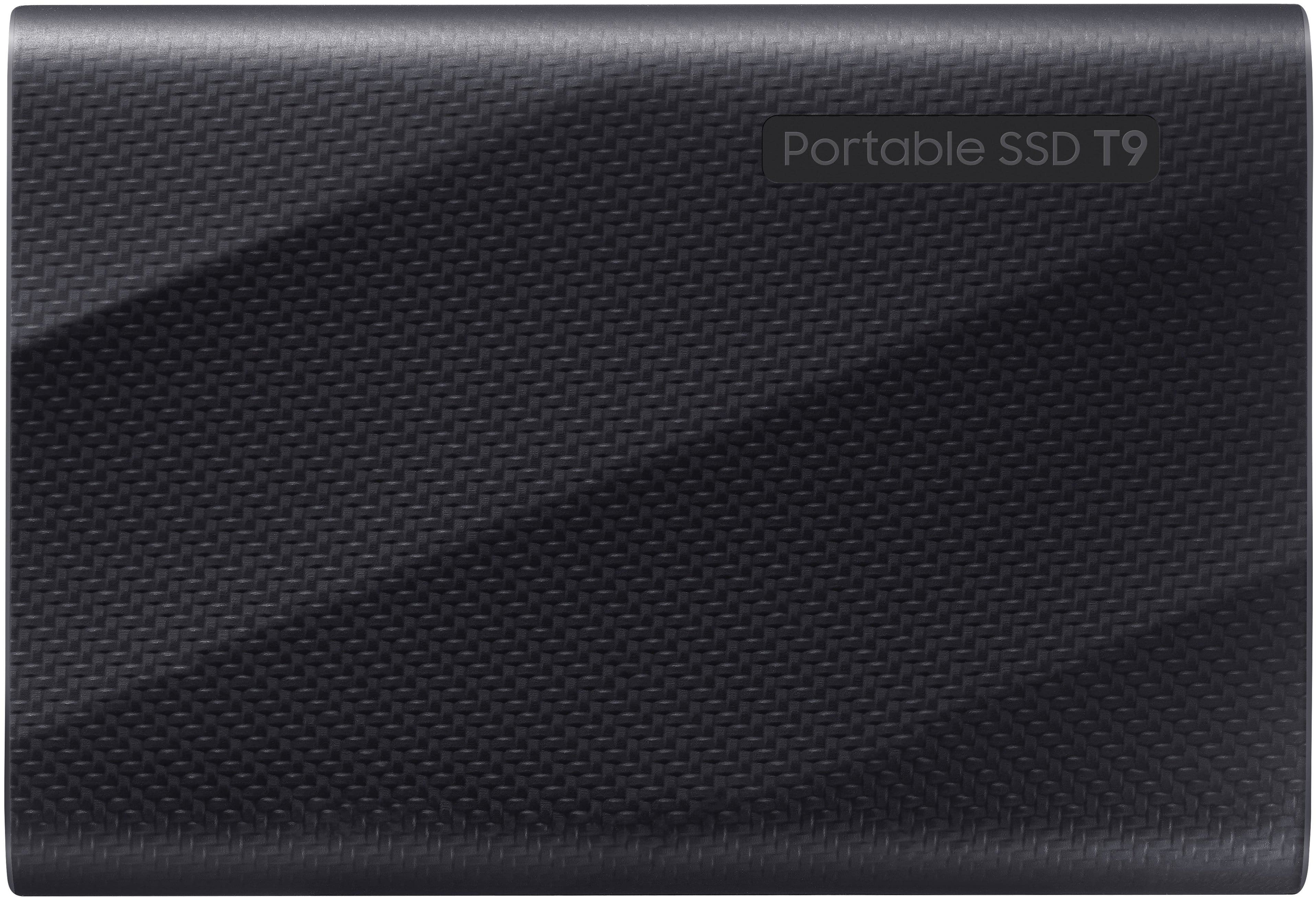
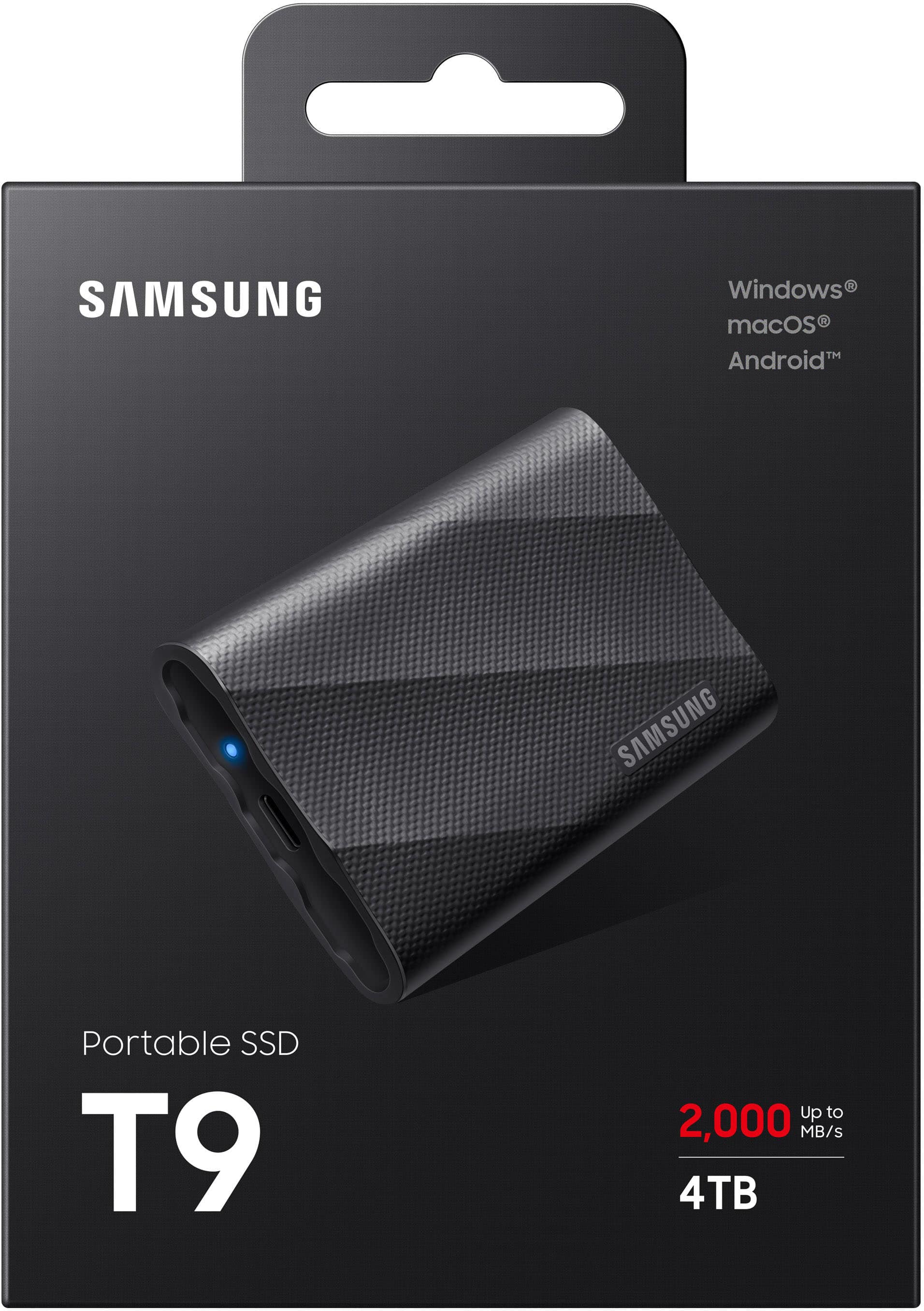
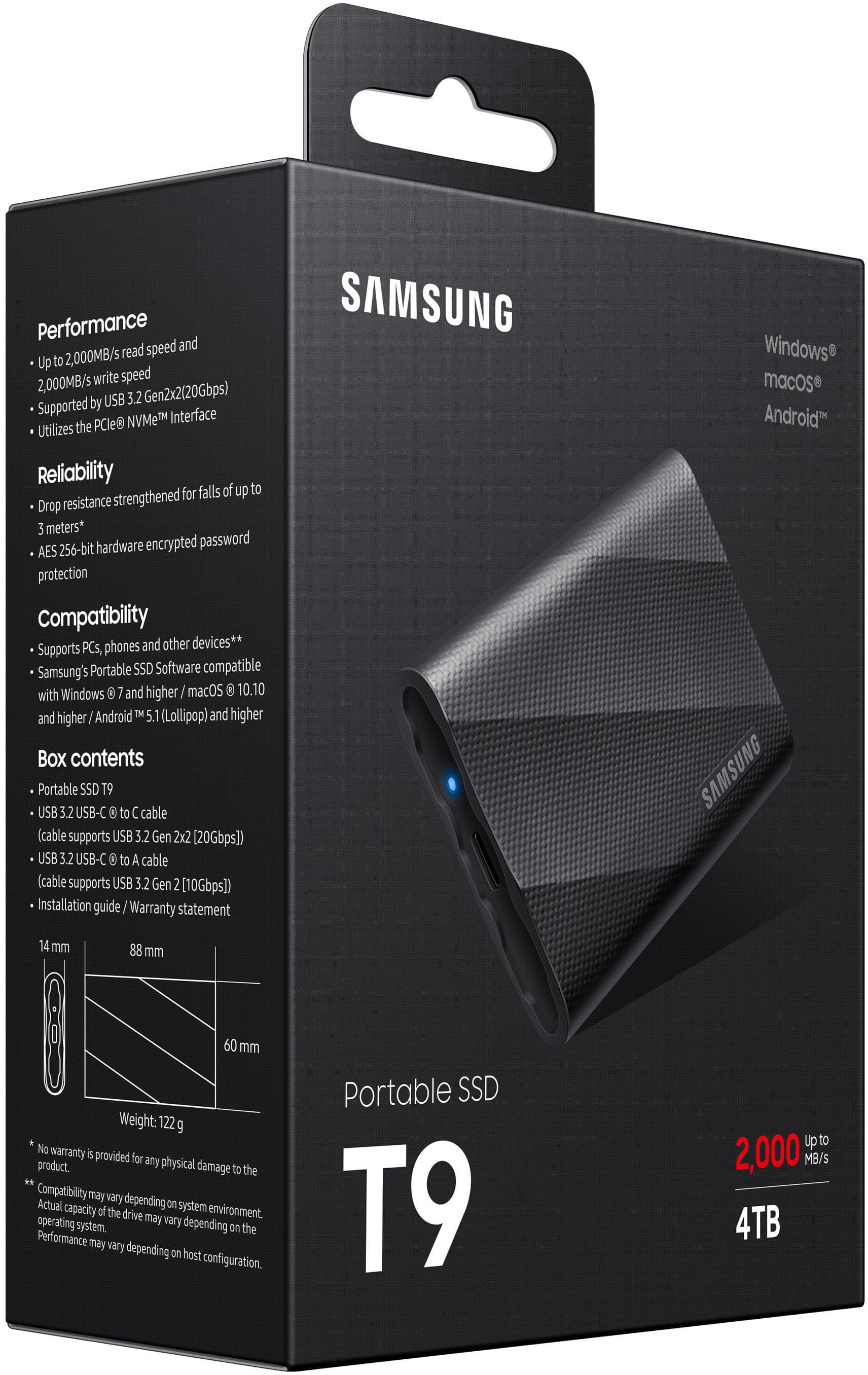
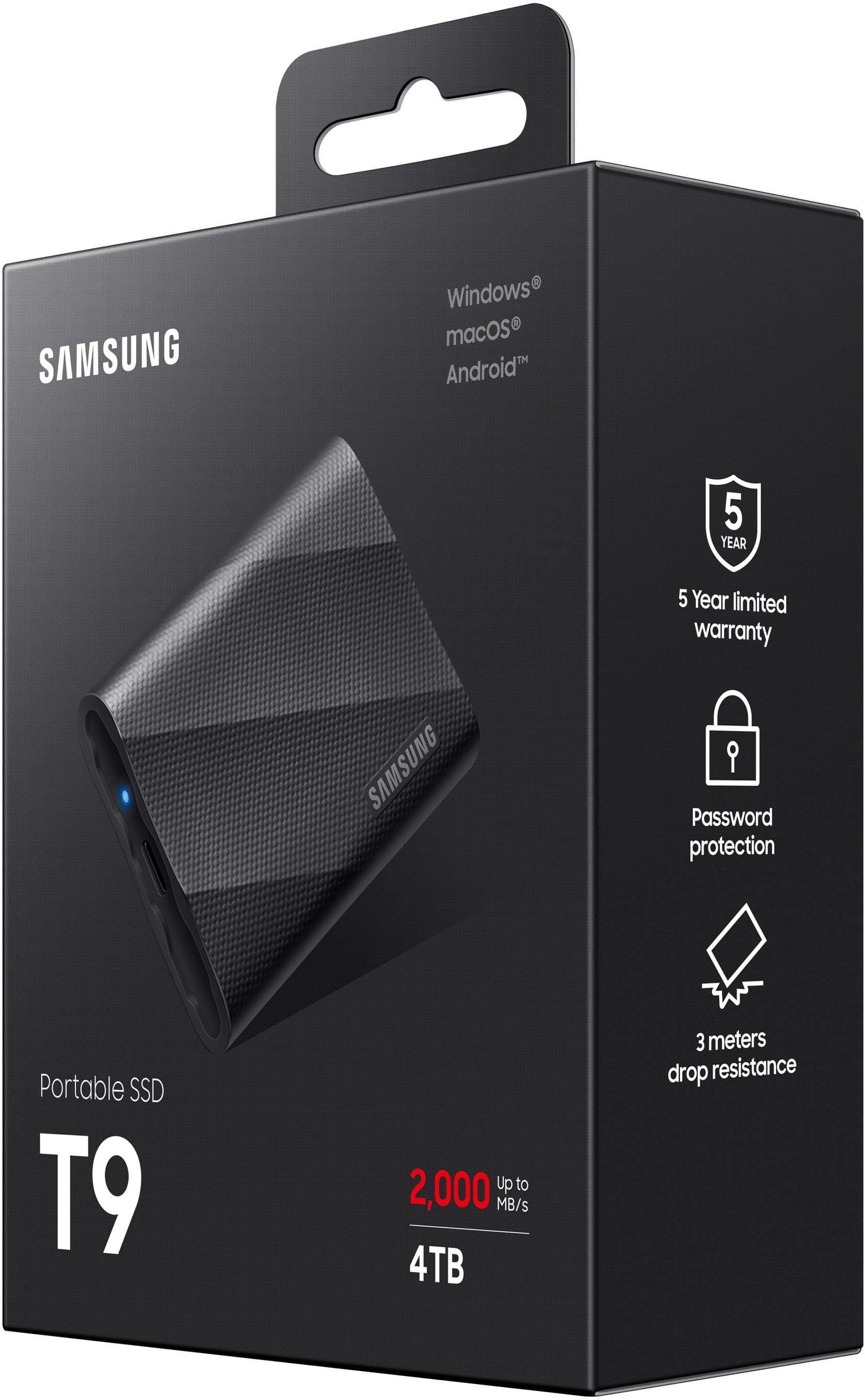
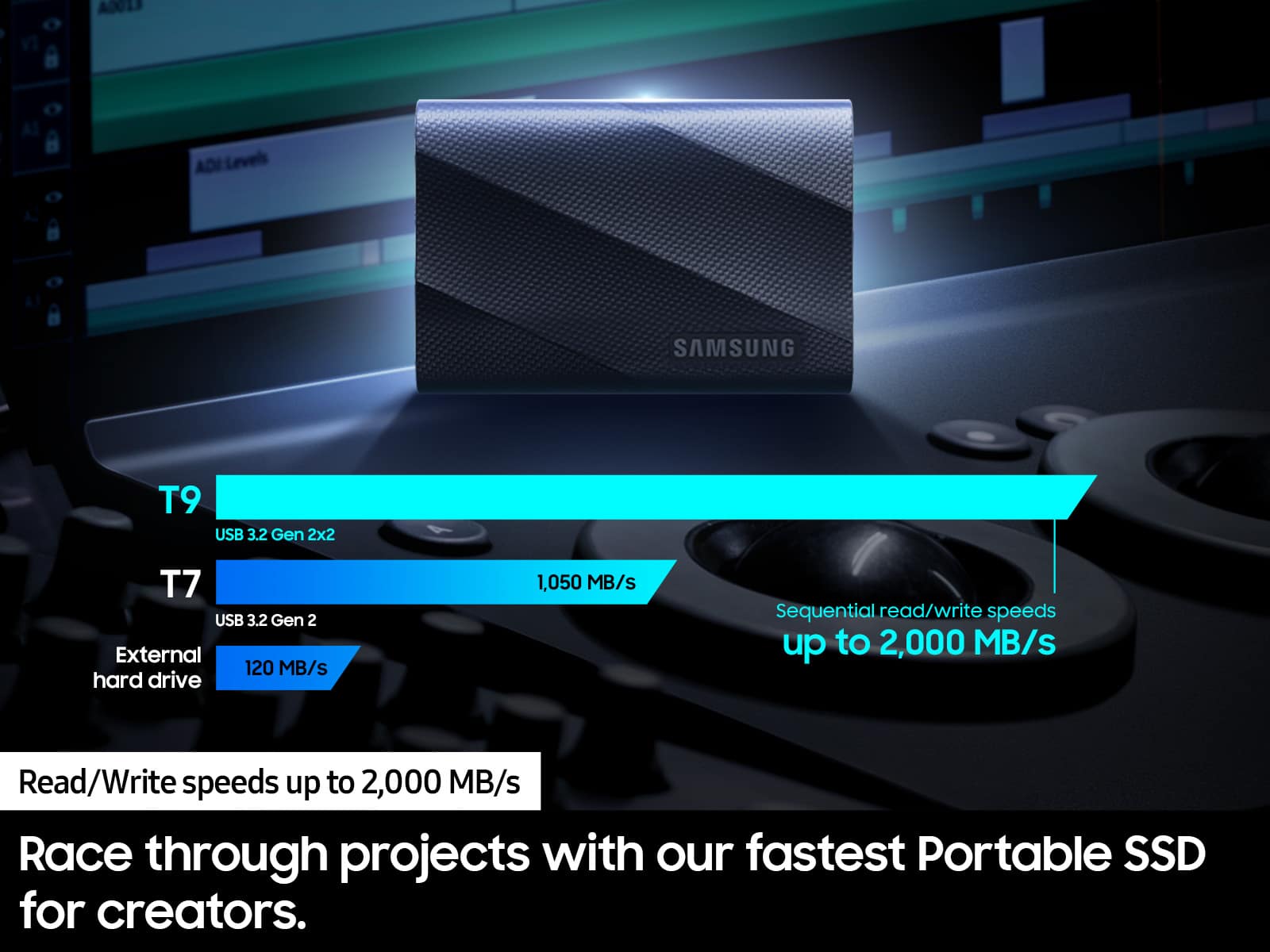
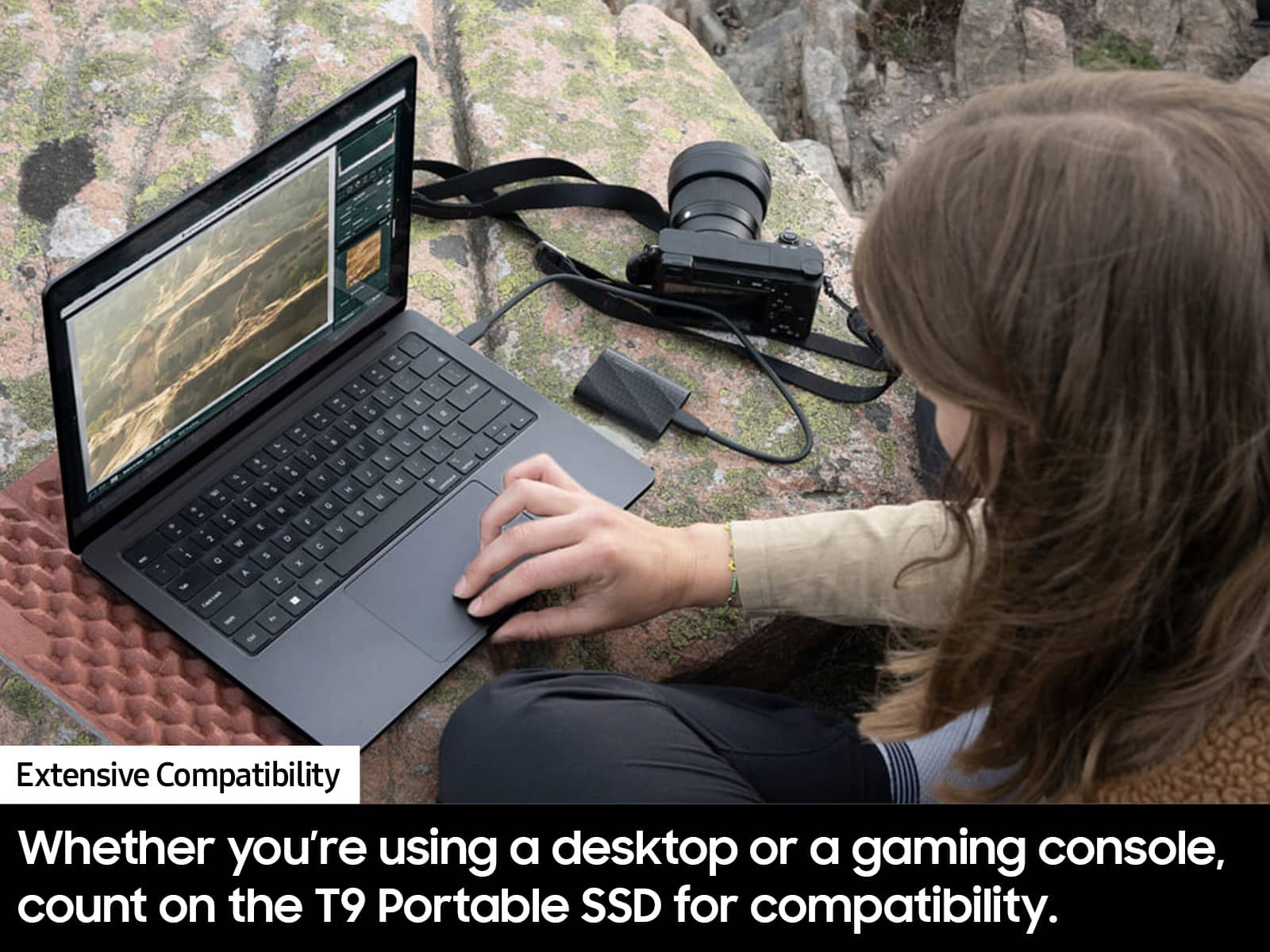
||Posted .This reviewer received promo considerations or sweepstakes entry for writing a review.Just picked up the Samsung T9 4TB SSD and it’s seriously impressive. Speeds are blazing fast—I’m getting close to 2,000MB/s for large file transfers, which has been a game changer for video editing. Super compact, feels durable with the rubberized texture, and works perfectly across my Mac and PC. Only downside? You need a USB 3.2 Gen 2x2 port to hit those top speeds, and not all machines have that. But overall, if you’re handling big files and need reliable, high-speed storage, this thing delivers.
I would recommend this to a friendNice drive
||Posted . Owned for 3 weeks when reviewed.This reviewer received promo considerations or sweepstakes entry for writing a review.Huge amount of storage and fast. Zero problems. Using with a Mac.
I would recommend this to a friendExternal Drive for Back-ups and expanded storage
||Posted . Owned for 3 weeks when reviewed.This reviewer received promo considerations or sweepstakes entry for writing a review.Small, portable, solid state giving us reliability
I would recommend this to a friendPowerful storage in a tiny package
||Posted . Owned for 1 month when reviewed.This reviewer received promo considerations or sweepstakes entry for writing a review.Works great! Relatively easy to set up. Love the Compact size.
I would recommend this to a friendExcellent product
||Posted .This reviewer received promo considerations or sweepstakes entry for writing a review.Very fast, portable and I like the grippy feel to the exterior so it doesn’t slide around on your desk.
I would recommend this to a friendGreat product
||Posted . Owned for 2 weeks when reviewed.This reviewer received promo considerations or sweepstakes entry for writing a review.great product, works very well and delivery was quick.
I would recommend this to a friendGreat so far
||Posted . Owned for 3 weeks when reviewed.This reviewer received promo considerations or sweepstakes entry for writing a review.Havent had any issues so far. Got it for gaming storage. Been able to put games on there and launch them without issue. Nice and compact.
I would recommend this to a friendBad Experience
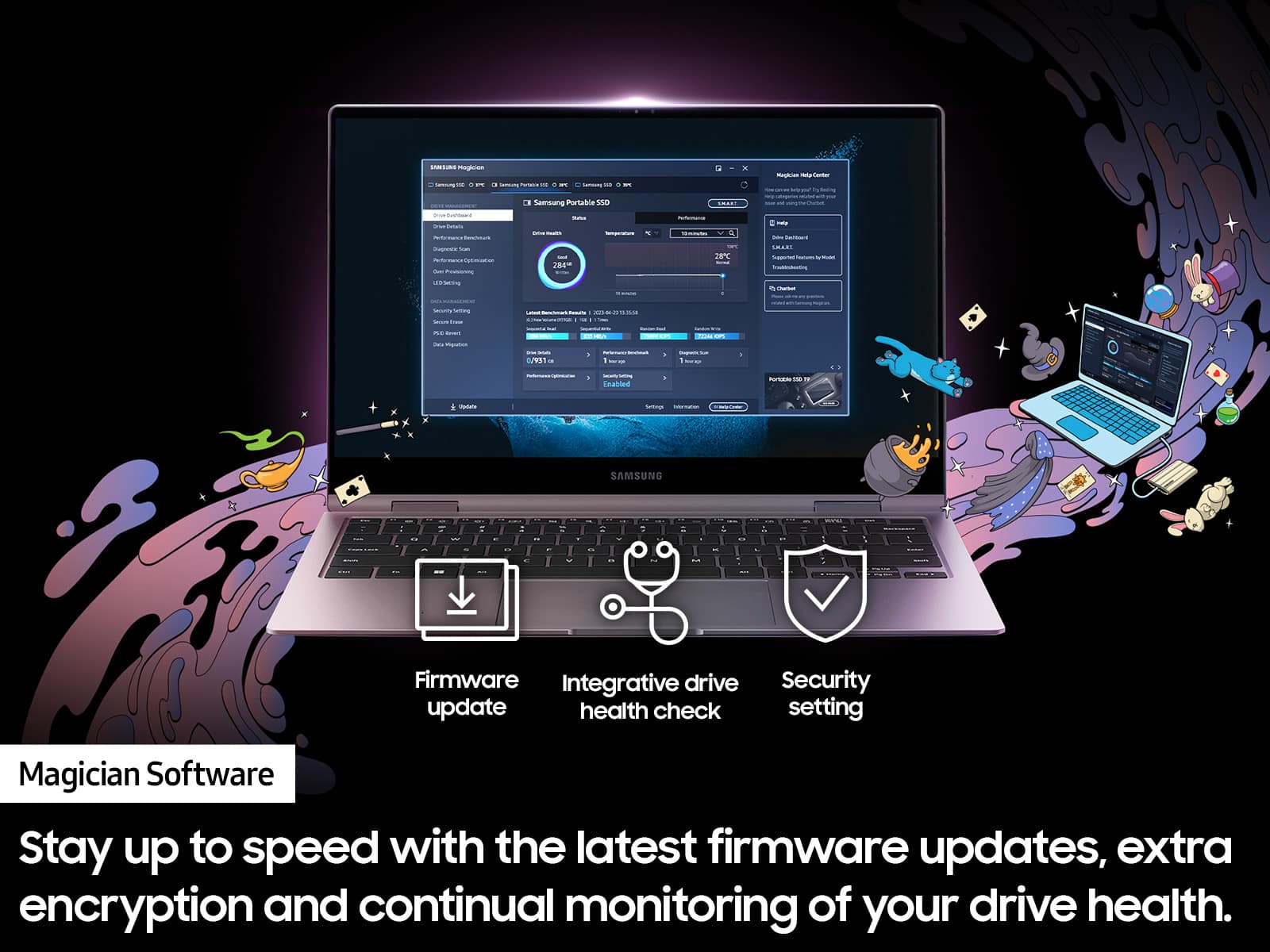
||Posted . Owned for less than 1 week when reviewed.This reviewer received promo considerations or sweepstakes entry for writing a review.I bought it because of the great reviews. I got the problems on the first usage. 1. While transferring all my items (around 1TB) from my desktop, I couldn't transfer more than 30 percent. I tried to do it four times. At 30 percent, the process simply stops. The computer does not freeze, and the file transfer window shows no errors. 2. During all four attempts, my PC worked very slowly; it was almost impossible to use the mouse. 3. In Samsung's response to the one-star comment, I found the following information: "You can verify whether the Samsung SSD product you have purchased is genuine by using the Magician software included on the CD." There is no CD included and no Magician software on the SSD itself. I bought a SanDisk Extreme Pro Portable 4TB External USB-C NVMe SSD to compare. I did not have any problems even though SanDisk has worse reviews. Thus, this Samsung SSD is going back to Samsung.
No, I would not recommend this to a friendBrand response from Samsung
Posted .GEVSea:
I’m sorry to hear that your experience with Samsung’s T9 SSD has fallen short of your expectations. Your feedback is very important to us and will be shared with our internal product team.
Samsung stands behind the quality and performance of our SSDs with a limited 1-year manufacturer’s warranty when purchased brand-new from an authorized dealer.
Should you want to troubleshoot your issue first, please contact Samsung Customer Support.
1) Call: 1-800-SAMSUNG (ask for Memory). Available 9AM - 12AM EST (Mon-Fri)
2) Email: [email protected]
3) LiveChat 9AM-9PM EST (Mon-Fri) - https://www.livehelpnow.net/lhn/lcv.aspx?d=34834&ms=&zzwindow=0&lhnid=29783
We look forward to hearing from you soon.
- Samsung Memory