Customer Ratings & Reviews
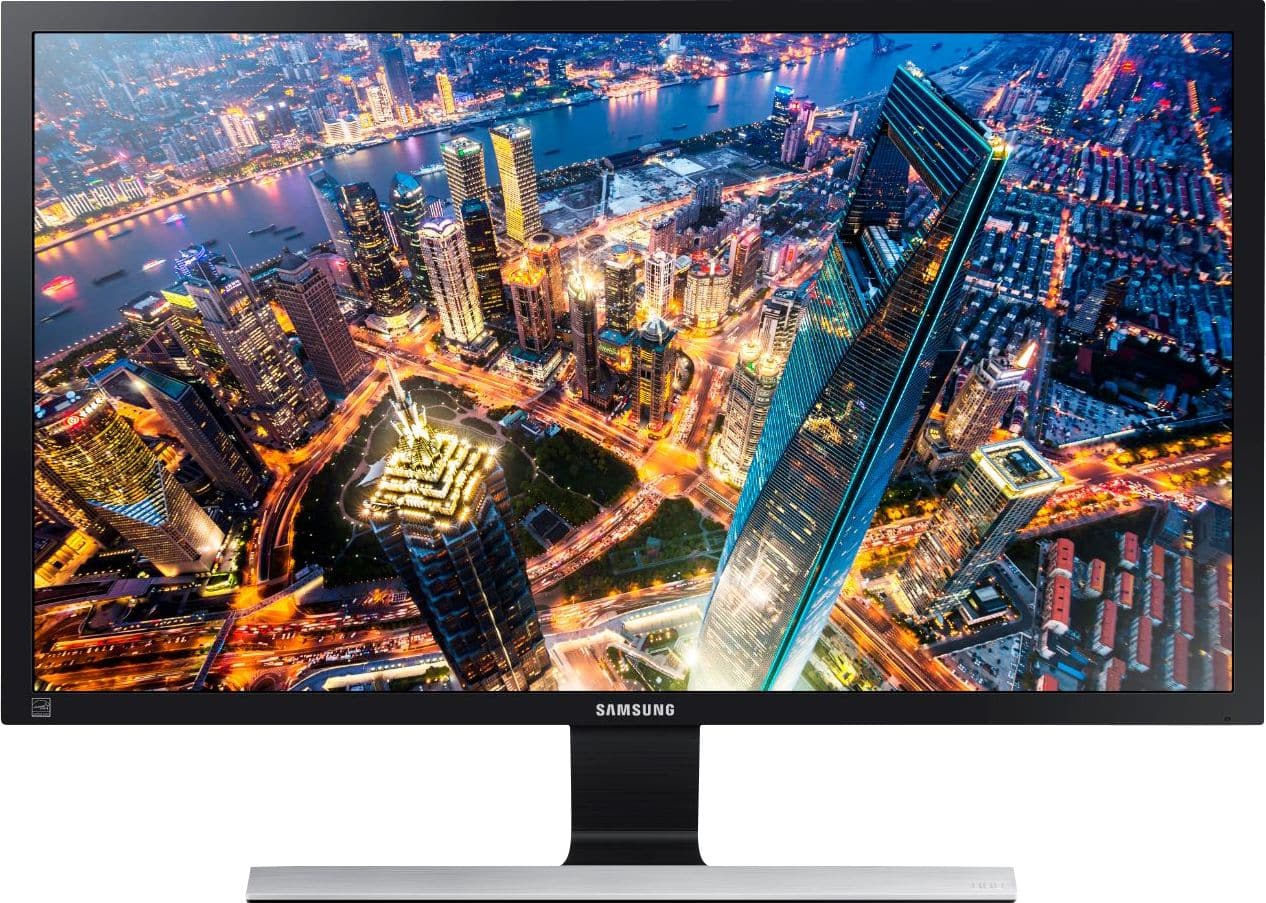
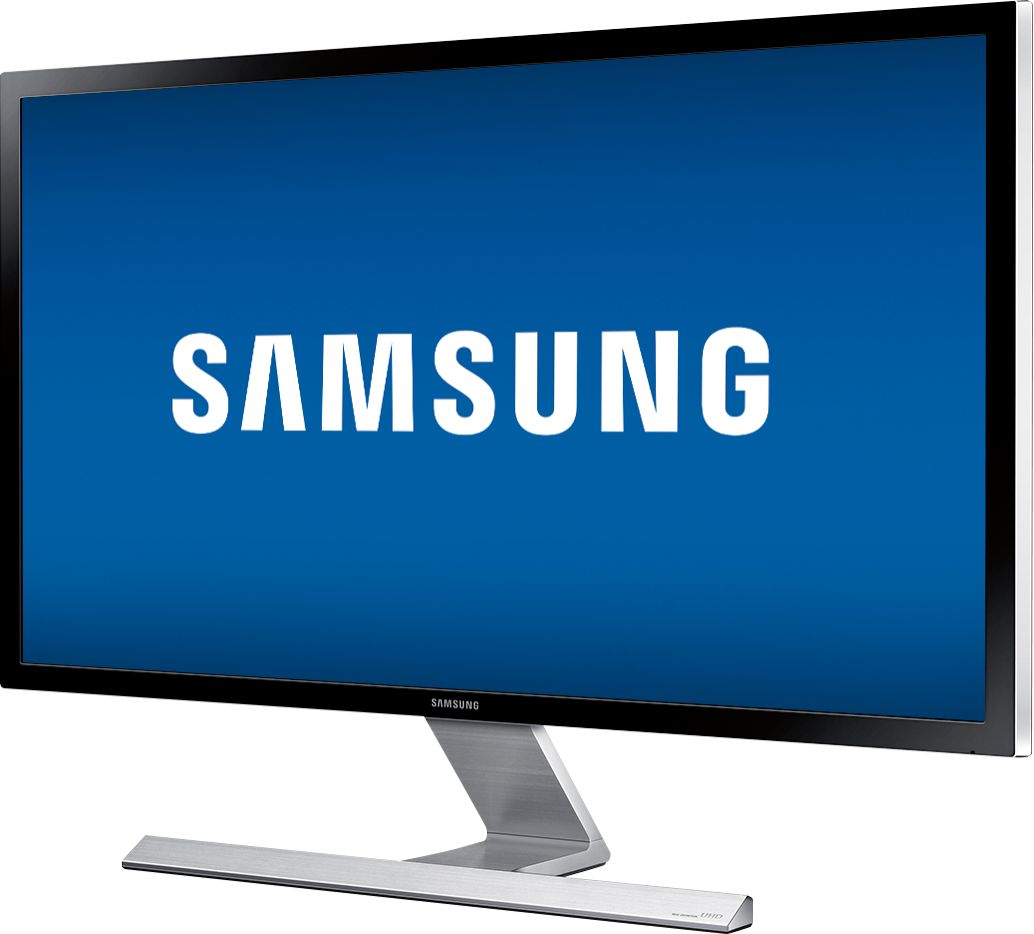
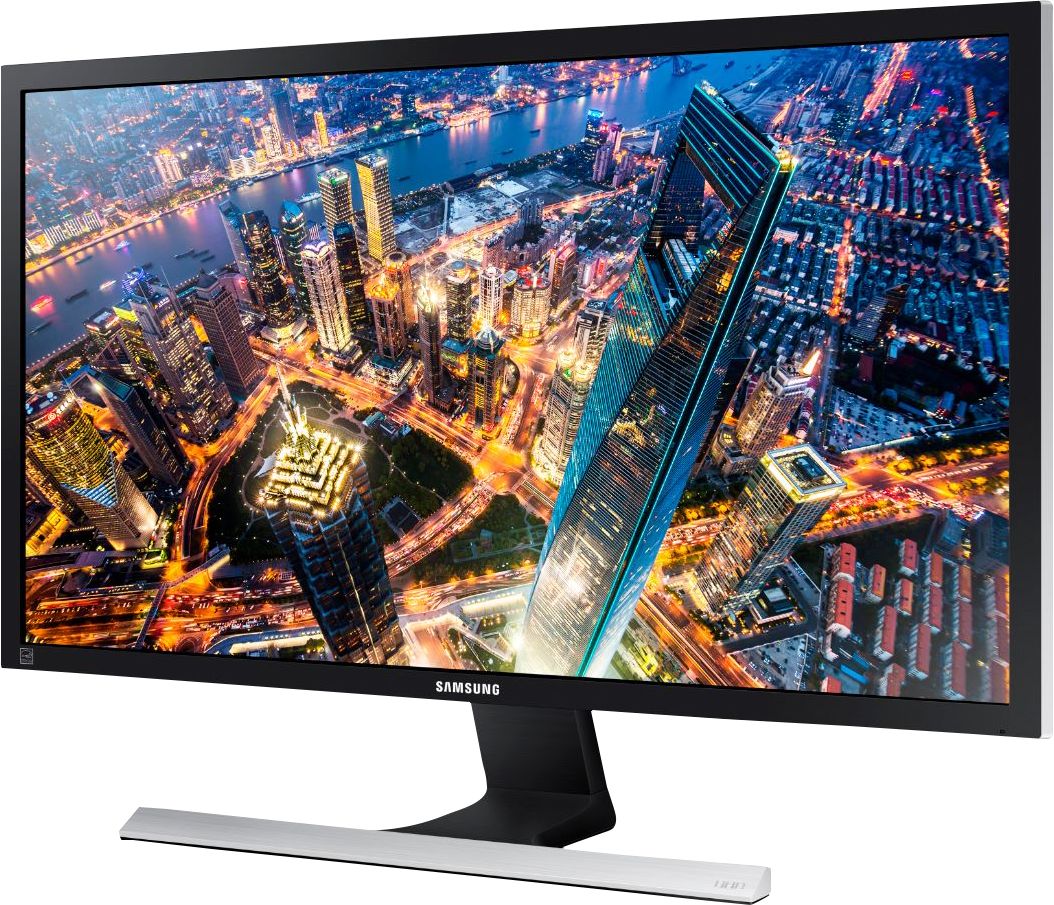



- Model:
- U28E590D
- SKU:
- 5484022
Rating by feature
- Ease of Use
Rating 4.6 out of 5 stars
- Value
Rating 4.5 out of 5 stars
- Quality
Rating 4.5 out of 5 stars
Customers are saying
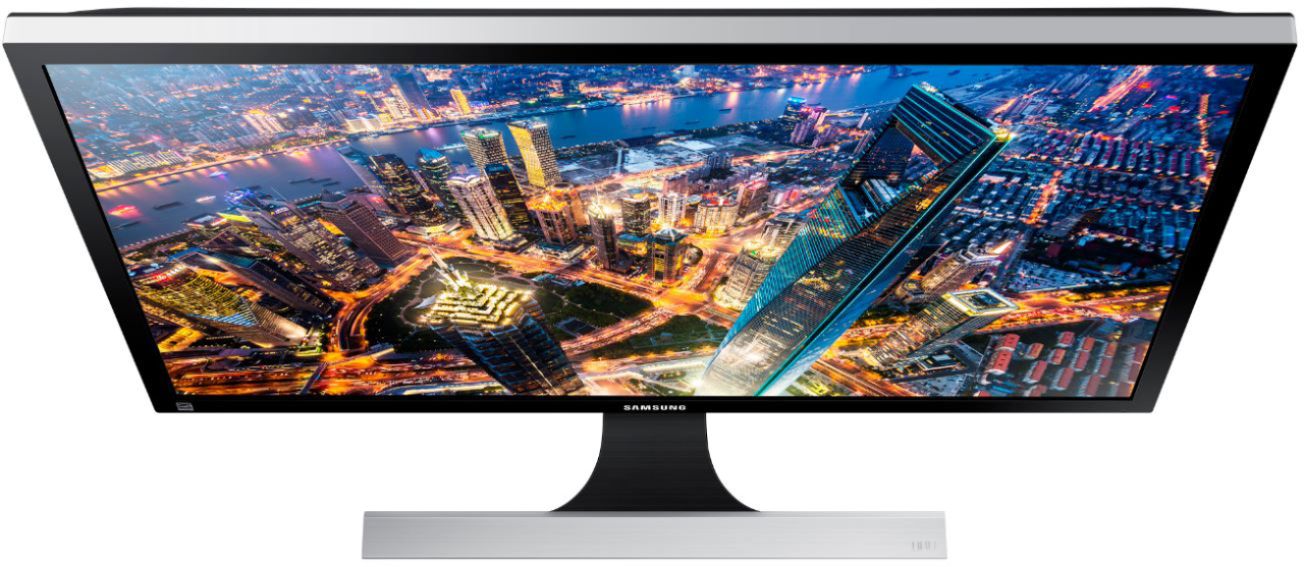
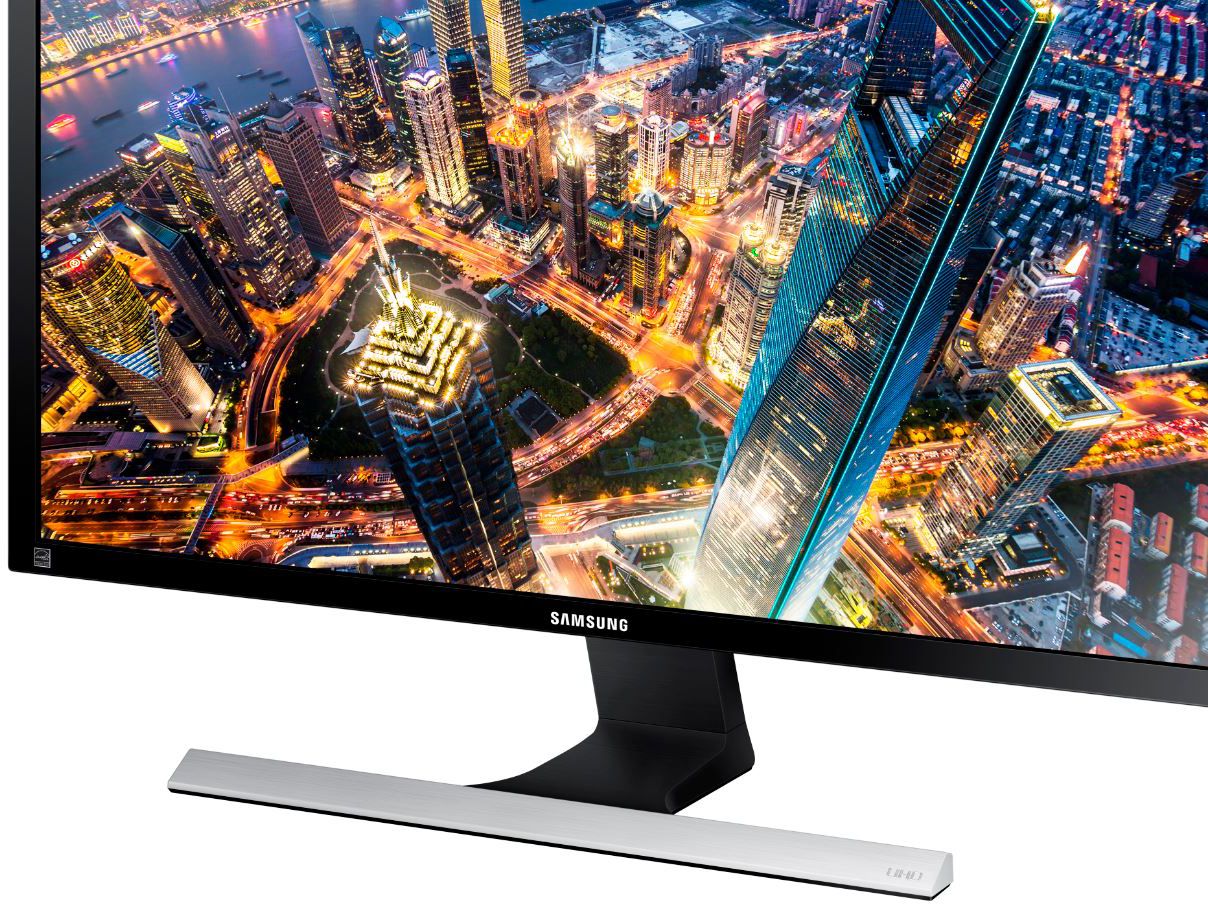
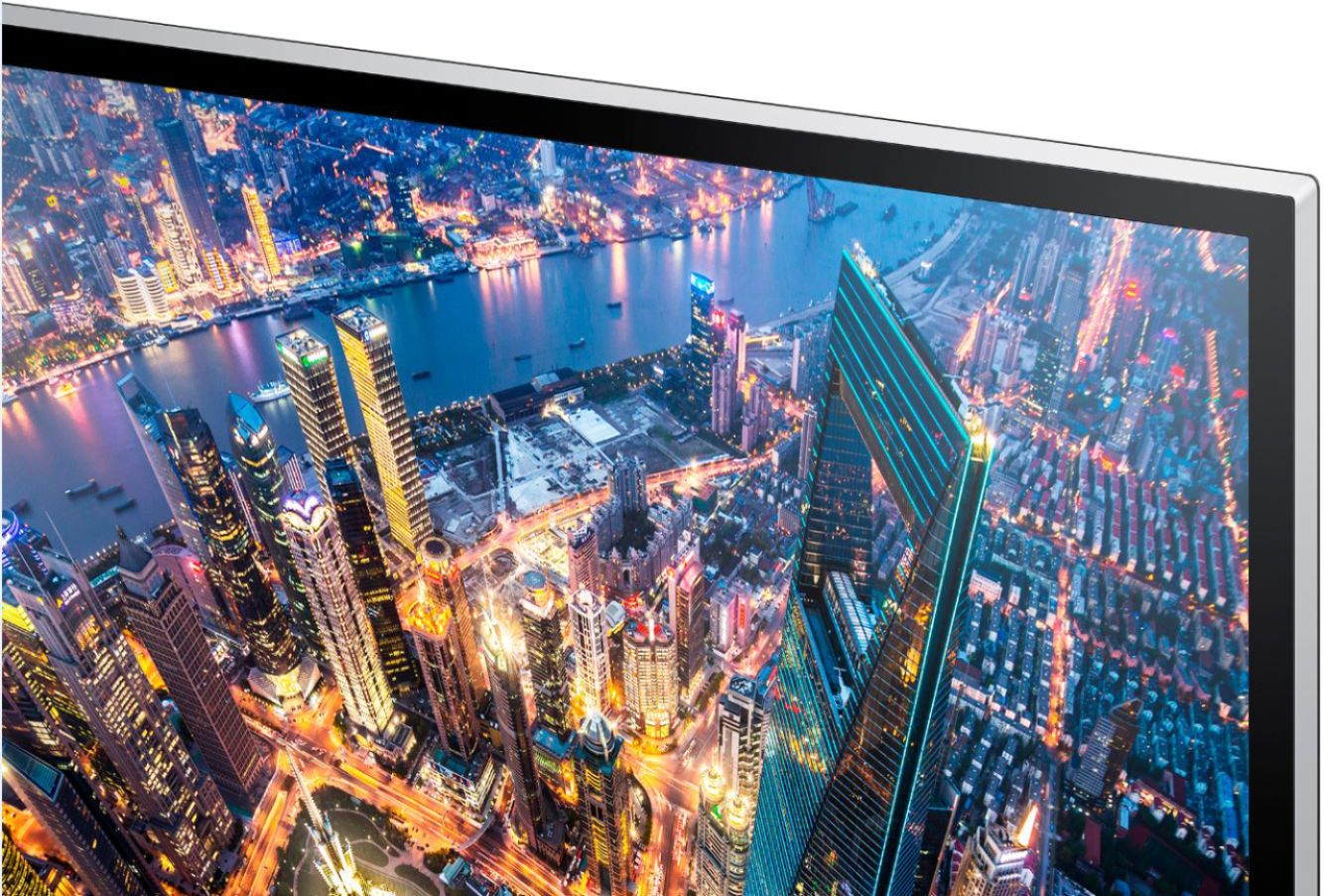
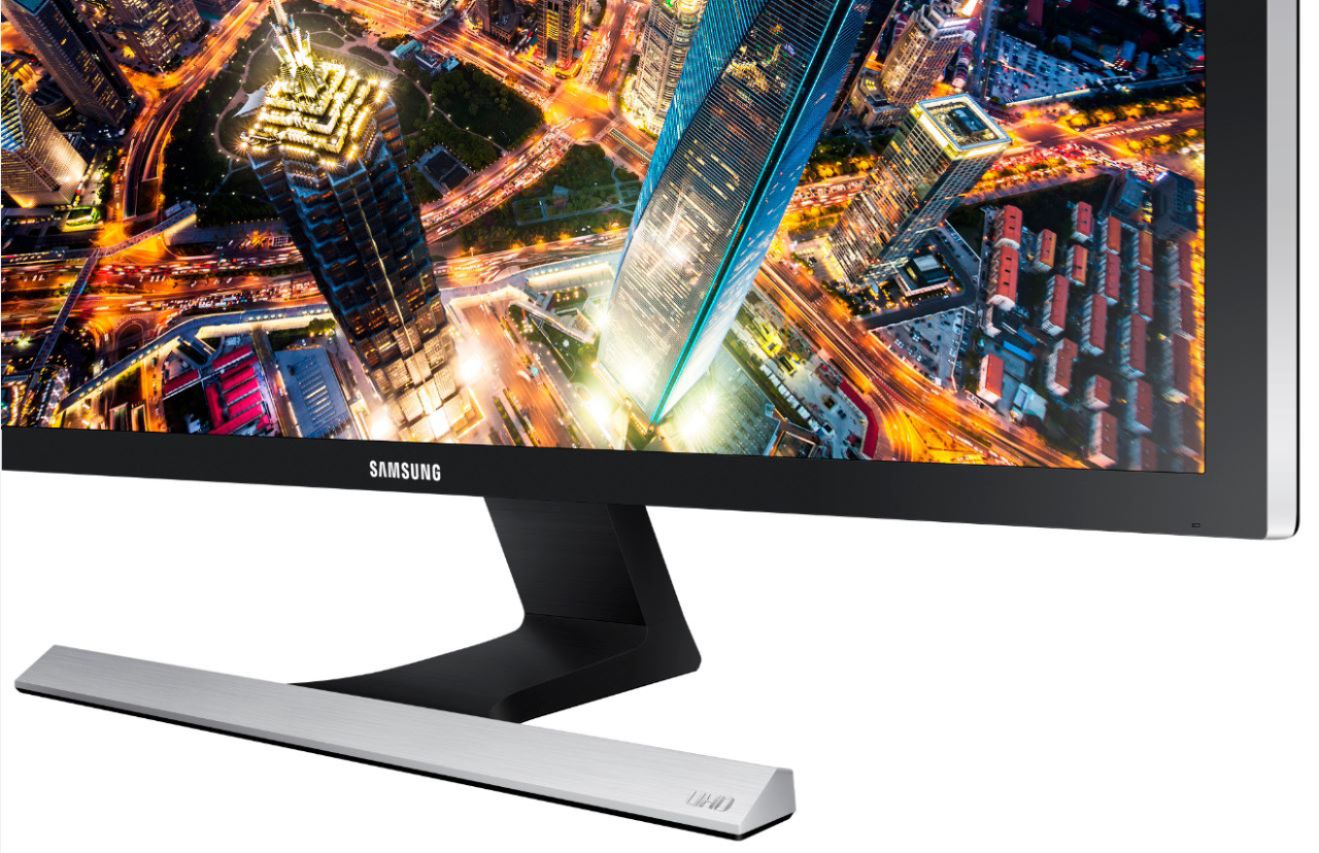
Customers admire the UE590 Series 28" LED 4K UHD Monitor's picture quality, 4K resolution, and vibrant colors. Many also praise its affordability and ease of setup, along with its fast response time, making it ideal for various uses. However, some find the stand somewhat lacking in sturdiness and adjustability. The absence of built-in speakers and less-than-ideal viewing angles are also frequently cited as drawbacks.
This summary was generated by AI based on customer reviews.
- Pros mentioned:Picture quality
WOW!!! Samsung got this right!!!
||Posted .This reviewer received promo considerations or sweepstakes entry for writing a review.Beautiful crisp picture, huge screen, great right out of the box. It is a very large screen so if you need something you will sit close to I'd purchase a smaller screen but for our needs it's perfect!!! I'd rate it much higher than a 5 if that were possible. Love this screen!!
I would recommend this to a friend - Pros mentioned:Picture quality
Great Monitor with huge flaws
||Posted .This reviewer received promo considerations or sweepstakes entry for writing a review.I was very excited to find this monitor at a great price on Black Friday. This monitor looks great on the eyes. I do like the fact that they've upgraded it with a vesa mount. Now for the bad. The vesa mount is so high to the top of the monitor that it's hard to find a wall mount that won't stick out above the monitor. The complete and only reason, however, that I RETURNED this monitor is that is NOT equipped with HDCP 2.2. What is this you might ask? It is the encryption standard that allows the monitor to decrypt 4K signals... if you would like to watch 4K Netflix, Roku, or UHD Blu Ray...you won't be able to use this monitor at 4K. A huge letdown.
No, I would not recommend this to a friend - Pros mentioned:Picture quality
Great monitor, check for dead pixels
||Posted .This reviewer received promo considerations or sweepstakes entry for writing a review.These are excellent 4K monitors, especially for the size and price. Just be sure to check it for screwy pixels, both on black background (pixel stuck on) and white (dead pixel). I ended up with a few on one of mine (using 6) and didn’t notice at first. I could have returned it but since I will pretty much only use that monitor with dark background, it’s more hassle than it’s worth.
I would recommend this to a friend - Pros mentioned:Picture quality
Very nice
||Posted .This reviewer received promo considerations or sweepstakes entry for writing a review.I purchased this 4K 28” monitor after my old Samsung got damage while moving. So far it’s pretty awesome. My games look great on it, installation was as simple as plugging in power, then to my PCs video card. I thought I had a dead pixel for a little while but it seems to have gone away now. Overall, definitely recommend if you want a nice affordable 4K monitor.
I would recommend this to a friend Great 4k, much less to pay...
||Posted .This reviewer received promo considerations or sweepstakes entry for writing a review.Great way to get into a 4k display without having to pay an arm and leg. I was interested in replacing my 24" 1080p monitor with something that could do 4k @ 60fps. In my search I discovered that most displays that met my requirements were going to cost $500 and up. This Samsung display looks great connected to my early 2016 MacBook Pro w/ retina. I use the display port connection to achieve the maximum 4k resolution @ 60fpd (HDMI maxes out at 4k @ 30fps). The monitor comes with a Display port cable and HDMI cable in the box but keep in mind Mac users that you will need a Thunderbolt to Display port cable (aka Mini Display port to display port cable). Overall the picture looks great and has good brightness. For a 27" 4k monitor at $249 you cannot do better! My only 2 minor complaints with this display are that I would of preferred IPS technology and a better quality stand, with more viewing angles.
I would recommend this to a friend- Pros mentioned:Color
As Advertised, Great Monitor
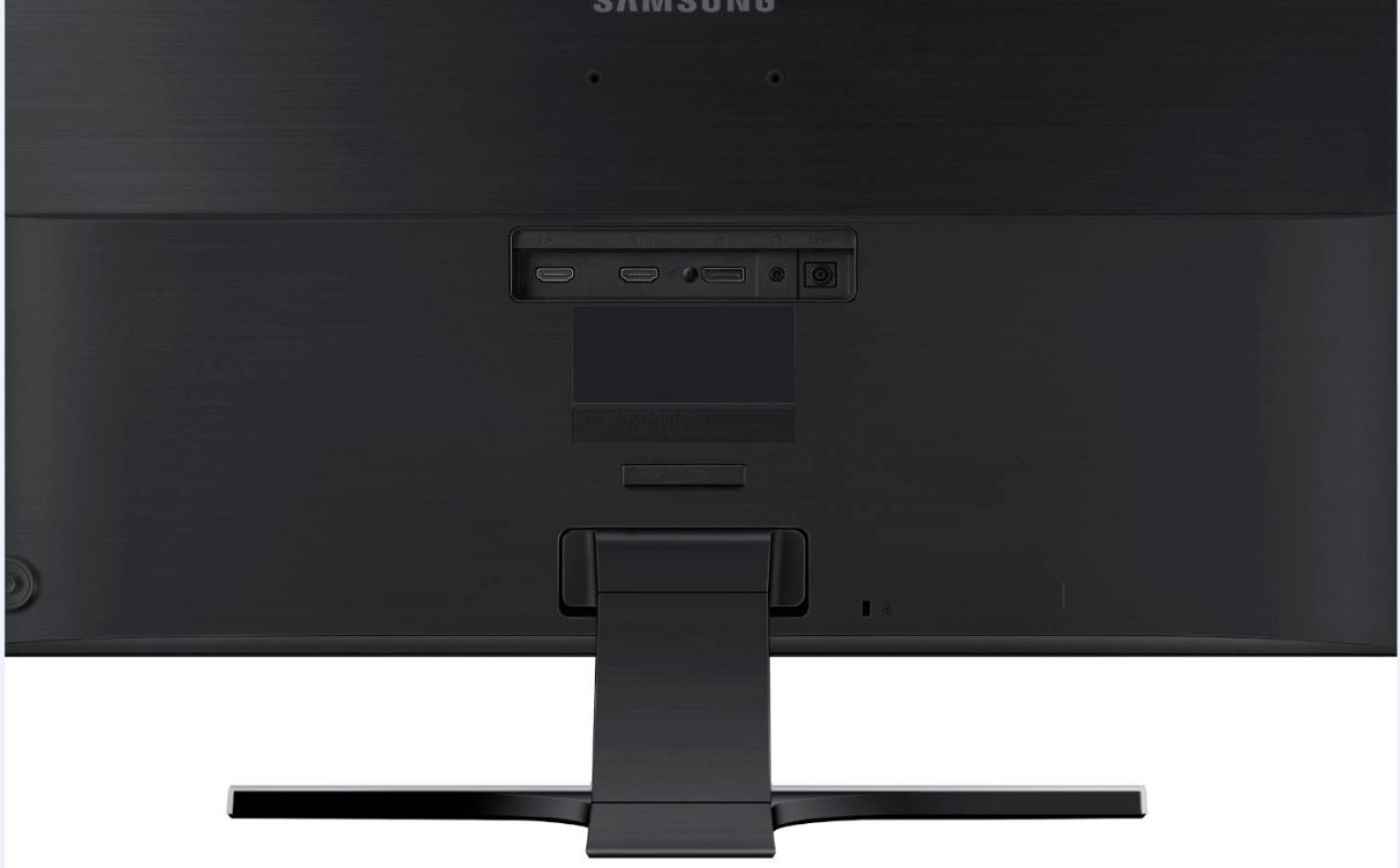
||Posted .This reviewer received promo considerations or sweepstakes entry for writing a review.I decided to splurge a but and upgrade my viewing devices to 4K. This monitor was a black Friday weekend purchase and it does not disappoint. It supports multiple displays and has display port capabilities for my HD gaming. Large, vivid colors, and you can plug a speaker into the headphone jack on the back for great sound.
I would recommend this to a friend Samsung 4k
||Posted .This reviewer received promo considerations or sweepstakes entry for writing a review.Great monitor. No dead pixels. Has AMD Freesync. Make sure you have the proper amd radeon r9 card to work with the Freesync. Doesn't work with Nvidia GTX cards.
I would recommend this to a friend- Pros mentioned:Picture quality
Extremely nice.
||Posted .This reviewer received promo considerations or sweepstakes entry for writing a review.i have bought 3 of these monitors, with AMD R9 Nano x 2, in CrossFire, I can run GTA 5 at full 11520x2160 resolution using AMD Eyefinity. Display is crisp and clear, very bright and very colorful, with Freesync I see no tearing at all in my games. Definitely would recommend this monitor for those looking for a 4k monitor.
I would recommend this to a friend - Pros mentioned:Picture quality
Good monitor for the price
||Posted .This reviewer received promo considerations or sweepstakes entry for writing a review.This Samsung 4K monitor came at a better price than the other 4Ks available. I am using it connected to the video recorder that has my 4 security cameras attached. Good picture, color, clarity. I get a little blurring with moving objects, but I think that is the cameras than the monitor.
I would recommend this to a friend Average 4K monitor
||Posted .This reviewer received promo considerations or sweepstakes entry for writing a review.I bought this along with the LG 27UD68-P for comparisons and this was truly the inferior monitor between the two. No matter what changes I did to this monitor, I could not get the quality color output of the LG. Because this is a TN panel (typical for low budget monitors), the viewing angles are also very poor. Yes, you normally sit directly in front of the monitor, but the horrible viewing angles are apparent even from this seating position, and especially in a dark environment. In my attached pictures, the Samsung in on the right. Notice how the flat orange color looks more like a gradient, and on the second picture, how a slight shift causes an even worse effect. At best, I see this as an average monitor, with the LG besting it in nearly all aspects.
No, I would not recommend this to a friendBrand response from MrSamsung
Posted .ed57,
Thank you for purchasing the Samsung U28E590D Monitor. I am sorry to hear that you are not happy with the image quality of this model.
Samsung products are engineered to the highest standards of performance and quality and we back your Samsung with a 1-year limited manufacturer's warranty, if purchased brand-new from an authorized dealer. Please allow us the opportunity to diagnose and treat your product issue.
To better assist you with adjusting image quality or warranty service, please contact Samsung Customer Support toll-free at 1-800-SAMSUNG and a representative will gladly help you.
You can also contact Samsung via LiveChat or email. Please copy-paste this link into your browser: http://www.samsung.com/us/support/contact
Samsung is committed to providing the best possible product experience, quality, and value, and we are always here to help with any of your questions or concerns.
~Samsung Solutions
- Pros mentioned:Picture quality
Excellent TV
||Posted .This reviewer received promo considerations or sweepstakes entry for writing a review.I always buy Samsung when I'm getting a new TV or computer monitor - and have for years. Never had any issues, always the highest quality for a reasonable price. I think that says everything :-)
I would recommend this to a friend - Pros mentioned:Picture quality
I bought 3 of these, they are awesome
||Posted .This reviewer received promo considerations or sweepstakes entry for writing a review.No dead pixels. Crystal clear picture. Very nice. These monitors exceeded my expectations. I was wary about buying new ones, but glad i did.
I would recommend this to a friend - Pros mentioned:Color
Great Monitor
||Posted .This reviewer received promo considerations or sweepstakes entry for writing a review.Overall great monitor. Accurate colors, beautiful 4K resolution, overclockable to approx 72 hz. I own 2 for my gaming setup and love them!
I would recommend this to a friend - Pros mentioned:4k
best bang for the buck
||Posted . Owned for 2 months when reviewed.This reviewer received promo considerations or sweepstakes entry for writing a review.Got this 4K on sale, and it was worth it seeing my games on 4K all this price.
I would recommend this to a friend - Pros mentioned:Picture quality
Really good monitor
||Posted .This reviewer received promo considerations or sweepstakes entry for writing a review.Is excelent you can see really clear I use for my security cámaras I loved
I would recommend this to a friend - Pros mentioned:Color
Great gaming moniter!
||Posted . Owned for 3 weeks when reviewed.This reviewer received promo considerations or sweepstakes entry for writing a review.monitor! Overly large, very responsive and great color!
I would recommend this to a friend - Pros mentioned:4kCons mentioned:Stand
Excellent entry level 4k monitor for early adopter
Posted .This reviewer received promo considerations or sweepstakes entry for writing a review.I've been using a Samsung 1920x1200 monitor for the past 6 years so when I decided to add a second monitor to my desk I was buying with the idea that I will also use this new monitor for just as long. This is the reason why I chose to spend extra and get a 4K monitor at a time when 4K support is pretty limited. It also has the inputs I was looking for although I wish it included dual DisplayPort connectors. Just so you know DisplayPort is the only way to get 4K content at 60Hz. With HDMI, you can do 4K at 30Hz or lesser resolutions at 60Hz. Connectivity: DisplayPort is hooked up to my Macbook Pro which is about 3 years old so the best it can do is 2560x1440 resolution. Even though the monitor is not displaying in its native 4K resolution it still looks fantastic. HDMI Port 1 is connected to my Linux desktop which can display 4K. I use this if I actually want to view content in 4K. Some of the 4K content that you can find is breathtaking when viewed on this monitor. It's much more appreciable when you are sitting 2-3 feet from a 4k monitor versus trying to watch it on a 4K TV where you really won't see the detail from the distance that most people watch their TVs. HDMI port 2 is used for gaming with my PS4 and it has quickly become one of my favorite display devices to game on. PIP: The PIP (Picture-in-Picture) is a nice feature but it's usefulness is limited. It's nice to be able to put my PS4 for example into a smaller window of my desktop but things on your computer screen can get hidden behind this inset. The side-by-side feature is much more useful if you need to use more than one ipnut at a time as long as you are ok with each view being vertical. This feature doesn't work well at all with input from my Linux machine. Sound: I love how I can route the sound through my monitor and out to my external THX speaker system. Whichever source is displayed on the monitor is output to my speaker system, whether is is the sounds of my Mac through DisplayPort or the sounds of my games through HDMI. There is a volume control on the monitor that's easilly accessible through the jog wheel if you are using headphones. I keep it at 100% and control the sound with my external speakers. Menu: The menu and configuration buttons are on the back of the monitor on the right hand side in the form of a "jog wheel" so it can be a little awkward to change inputs or any other settings but unless you are trying to configure PIP you won't be using the menu often, so it works fine. Stand and Mounting: The stand is not adjustable and there are no mounting holes to do a wall mount with this monitor. For me, this is not a problem.
I would recommend this to a friend GREAT MONITOR
||Posted .This reviewer received promo considerations or sweepstakes entry for writing a review.This is my first 4K monitor and I'm very pleased with it. The colors and clarity are beyond anything I've ever used before. I'm extremely happy with it.
I would recommend this to a friendGood price/performance for 28" 4k
||Posted .This reviewer received promo considerations or sweepstakes entry for writing a review.My laptop does 4k native, and the external UE590 works for both win10 and opensuse without any problems or special config. I use 'low black' setting, and colors seem better. I use a lot of Samsung gear, and I like this monitor too.
I would recommend this to a friendMounting on a dual monitor stand is a nightmare.
||Posted . Owned for 3 weeks when reviewed.This reviewer received promo considerations or sweepstakes entry for writing a review.The vast majority of monitors mount with a bracket in the middle when mounting on a wall or desktop stand. This monitor has the mounting holes at the top of the monitor. Using a 27"-32" monitor stand and mounting to these holes at the top, the monitor, we were literally only 1/2" off the desktop adjusting to the top of the stand. We ended up putting rolls of tape under the stand to lift the monitors off the desktop. If you are planning on using a dual monitor stand make sure to consider the mounting point on the back of the monitors.
No, I would not recommend this to a friendBrand response from Samsung
Posted .Jack:
Thank you for purchasing the U28E590D Monitor and for sharing your thoughts about the VESA mount design. Samsung greatly values our customers’ feedback and we utilize your concerns and opinions in our relentless efforts towards delivering world-class products. Your review will be shared with our Monitor team.
Should you ever need assistance or have questions about features or usage of your monitor, please reach out to us at:
1) Phone: 1-800-SAMSUNG (ask for Monitors) Available 8AM - 12AM EST (Mon-Fri) / 9AM - 11PM EST (Sat-Sun)
2) LiveChat: https://www.samsung.com/us/support/#contact_us_for_support
3) Facebook Messenger: http://m.me/samsungsupport
4) Twitter: https://twitter.com/messages/compose?recipient_id=18768513
The Samsung Members Community is also a great resource for getting help from Samsung moderators and customers: https://us.community.samsung.com/t5/Get-Help/ct-p/get-help
If you have not already done so, we invite you to register your new Samsung Monitor at: https://www.samsung.com/us/support/register/
Registering your product gives you access to easy warranty support, convenient opt-in to special promos & offers, faster troubleshooting & service, and quick notification of system updates.
Samsung is committed to providing the best possible product experience, quality, and value, and we are always here to help with any of your questions or concerns.
-Samsung Solutions