Customer Ratings & Reviews
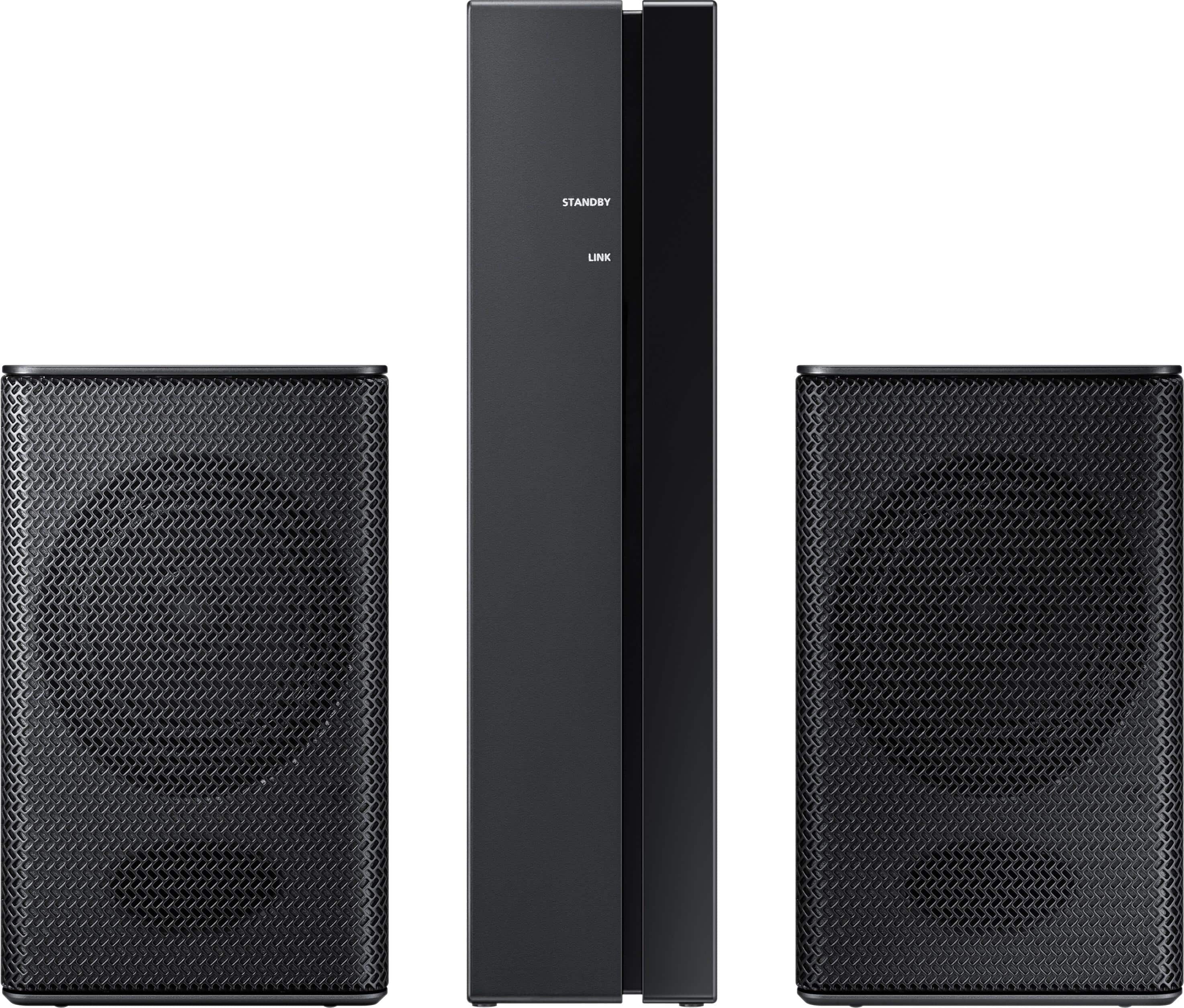
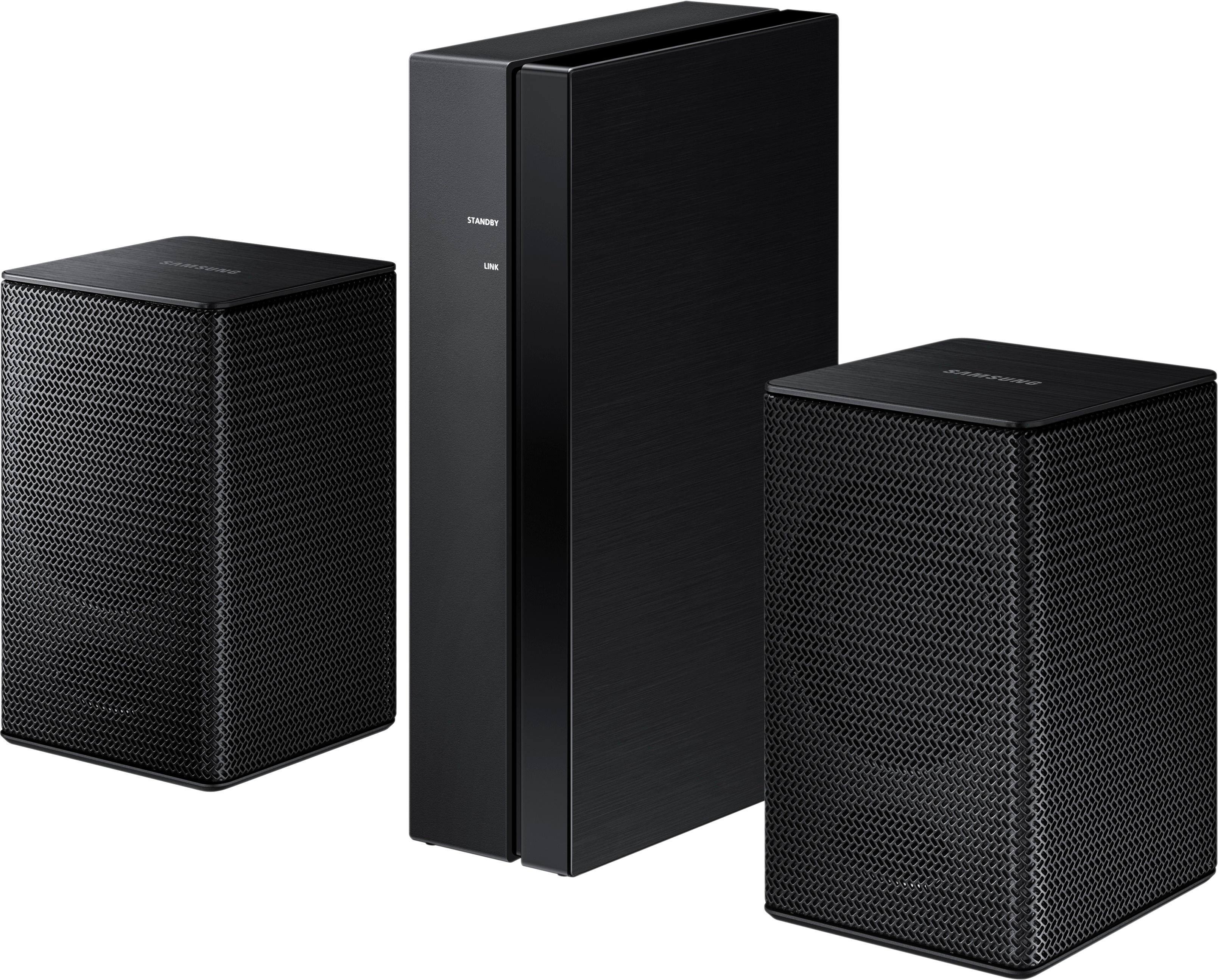
- Model:
- SWA-8500S/ZA
- SKU:
- 5754510
Rating by feature
- Value
Rating 4.2 out of 5 stars
- Quality
Rating 4.2 out of 5 stars
- Ease of Use
Rating 4.3 out of 5 stars
Customers are saying
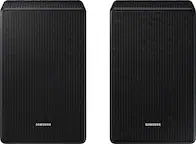
Customers consistently note the exceptional sound quality and easy setup process of the Wireless Rear Speakers. Many users appreciate the convenience of the wireless feature and the reasonable price point compared to similar products. However, some users have expressed concerns about the lack of volume control and compatibility issues with certain TVs.
This summary was generated by AI based on customer reviews.
Cool
||Posted .This reviewer received promo considerations or sweepstakes entry for writing a review.Amplifys sound in room great. Adds more life to the room.
I would recommend this to a friendGreat speakers
||Posted .This reviewer received promo considerations or sweepstakes entry for writing a review.Nice speakers, with good volume for surround sound
I would recommend this to a friendWorks great
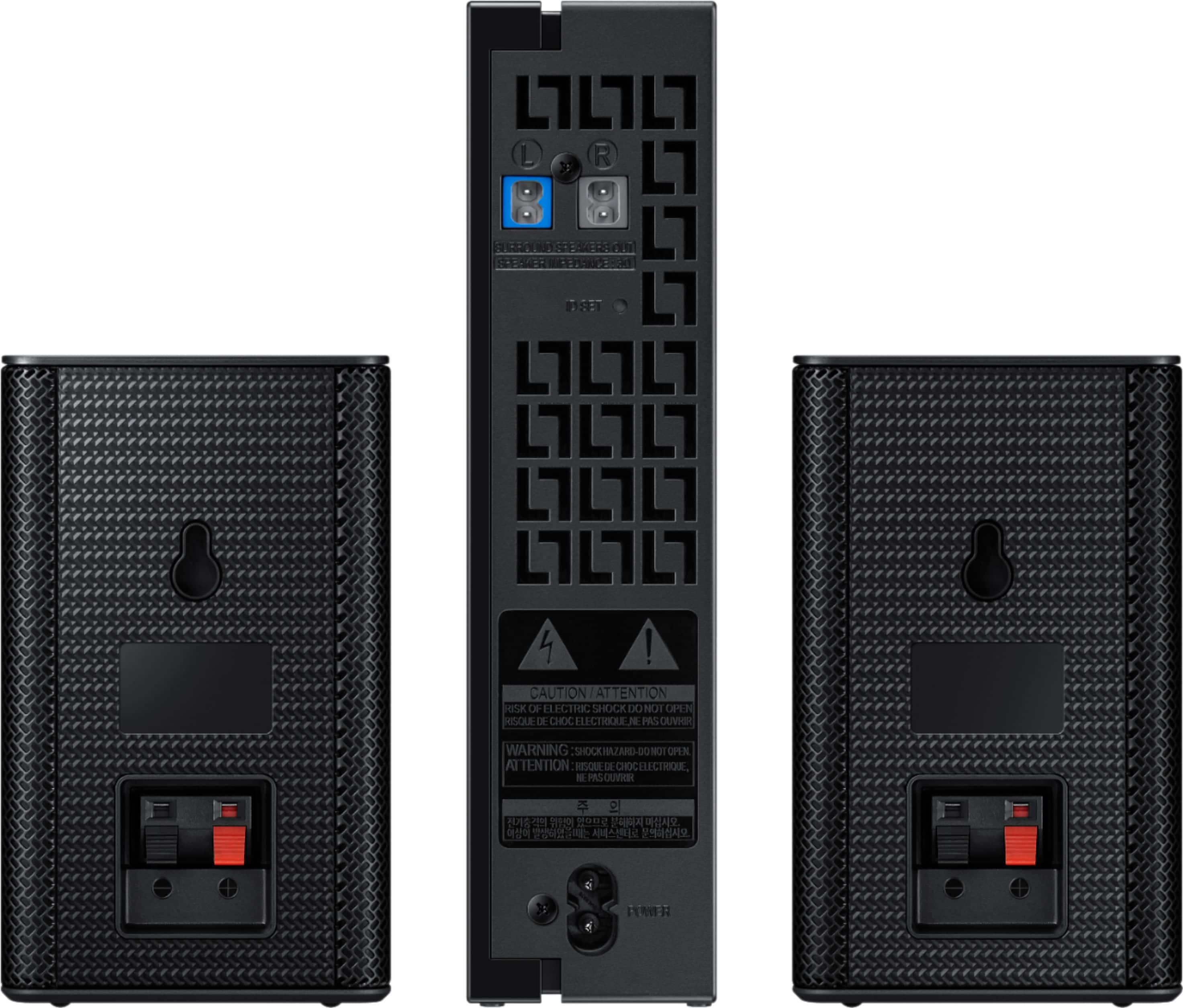
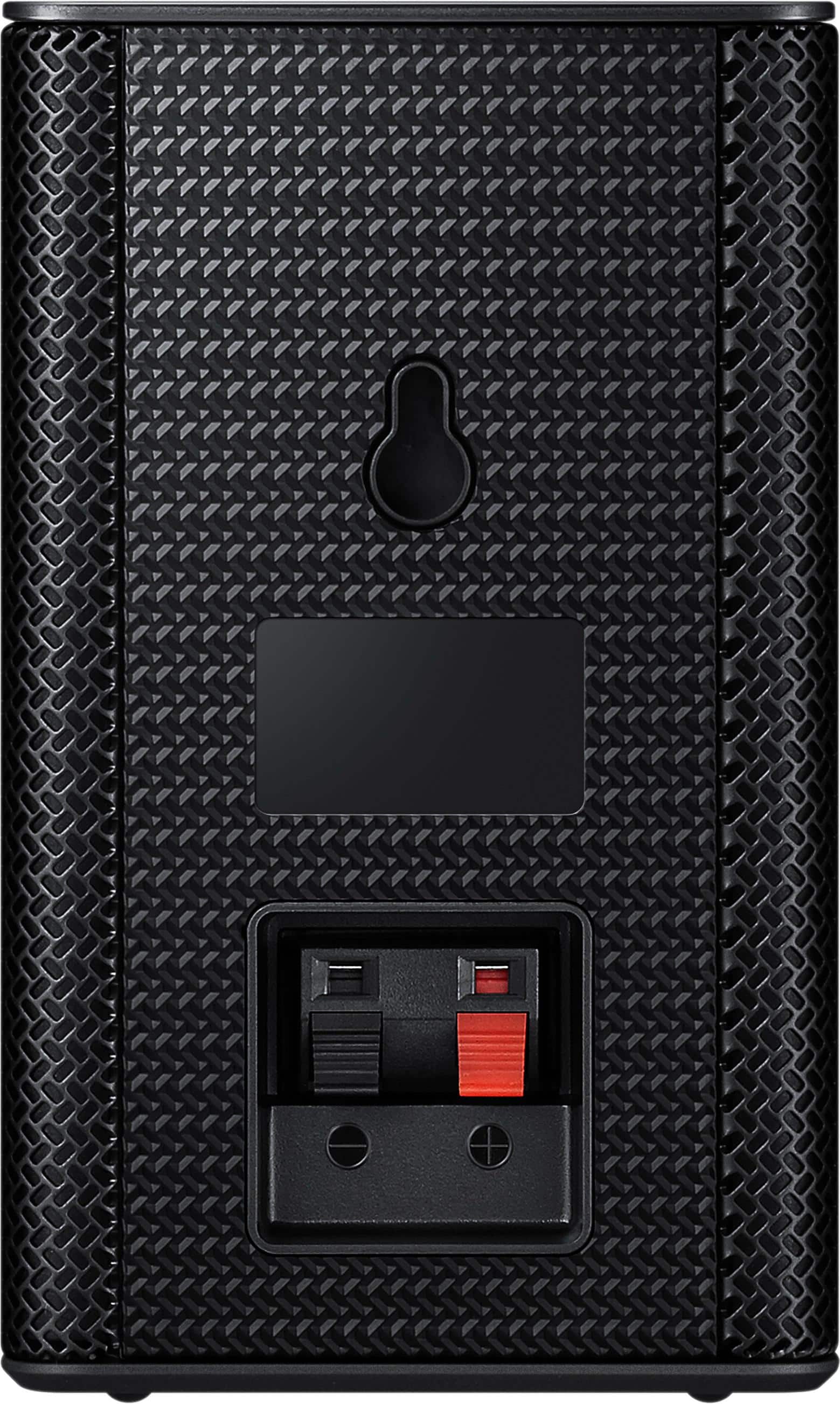
||Posted .This reviewer received promo considerations or sweepstakes entry for writing a review.Easy to use. Plug and play. Does no come with wall mounts.
I would recommend this to a friendWish it had more features
||Posted . Owned for 6 months when reviewed.This reviewer received promo considerations or sweepstakes entry for writing a review.Sound quality is fair but the worst part is the volume setting option which is none
No, I would not recommend this to a friendGreat product
||Posted .This reviewer received promo considerations or sweepstakes entry for writing a review.Great product! Sleek design! Highly recommend this to anyone!
I would recommend this to a friendGreat speakers
||Posted .This reviewer received promo considerations or sweepstakes entry for writing a review.Excellent speakers ..……………………......................
I would recommend this to a friendSOUNDS AWESOME
||Posted .This reviewer received promo considerations or sweepstakes entry for writing a review.THESE LOUD SPEAKERS ARE GREAT! DEFINITELY RECOMMEND!
I would recommend this to a friendAmazing sound
||Posted .This reviewer received promo considerations or sweepstakes entry for writing a review.This is the best surround sound I’ve ever owned!!!
I would recommend this to a friendthey're just ok
||Posted . Owned for 3 weeks when reviewed.This reviewer received promo considerations or sweepstakes entry for writing a review.maybe it's me but I'm disappointed in this purchase.. probably was expecting too much out of it
No, I would not recommend this to a friendCould be better
||Posted . Owned for 1 month when reviewed.This reviewer received promo considerations or sweepstakes entry for writing a review.Not quite the sound and functions I was expecting but overall not bad considering the price.
I would recommend this to a friendOk
||Posted . Owned for 3 weeks when reviewed.This reviewer received promo considerations or sweepstakes entry for writing a review.I didn’t really notice much of a surround sound effect added by adding the speakers to my sound bar and sub
No, I would not recommend this to a friendBrand response from Samsung
Posted .Jake:
Thank you for purchasing the Samsung Wireless Rear Loud Speakers. I am sorry to hear that you did not experience the full potential of the surround sound system.
By design, the surround speakers are supposed to simulate sounds happening behind the viewer. Therefore, most of the time the surround channels are only used for ambient sounds, which are naturally lower in volume.
However, there are a few settings you can change to adjust the surround effect to your preference:
1) Make sure that the source (e.g. TV output) is sending surround channels to the Soundbar. If the source is not capable of surround, then set the Surround mode to OFF on the Soundbar by pressing the Surround button on the remote.
2) If the source has surround channels, select the desired Sound Mode from the Soundbar remote.
3) Turn off Dynamic Range Control. This is done by pressing and holing the Sound Mode button while the Soundbar is in standby mode. Depending on your soundbar model, you may or may not have DRC.
4) Increase the volume level of the surround speakers using the Sound Control button on the Soundbar remote control.
a. For example, if you are connected to the Samsung Harman Kardon HW-Q70R, you would press the Sound Control button on the Q70R remote (looks like a gear), then select REAR LEVEL and use the Up/Down buttons to adjust the volume within a -6 to +6 range.
I hope these tips help to enhance your audio enjoyment.
Should you need further help with settings or adjustments, please contact Samsung Customer Support via any of the below options:
1) Phone: 1-800-SAMSUNG (ask for Soundbars)
Available 8AM - 12AM EST (Mon-Fri) / 9AM - 11PM EST (Sat-Sun)
2) LiveChat: https://www.samsung.com/us/support/#contact_us_for_support
3) Facebook Messenger: https://www.facebook.com/samsungsupport
4) Twitter: https://twitter.com/SamsungSupport
The Samsung Members Community is also a great resource for getting help from Samsung moderators and customers: https://us.community.samsung.com/t5/Get-Help/ct-p/get-help
~ Samsung Solutions
Great sound!
||Posted .This reviewer received promo considerations or sweepstakes entry for writing a review.Bought this for our system in the bedroom and it is perfect!
I would recommend this to a friendSound is excellent but...
||Posted .This reviewer received promo considerations or sweepstakes entry for writing a review.We thought they would be 100% wireless....but happy
I would recommend this to a friendGreat product
||Posted .This reviewer received promo considerations or sweepstakes entry for writing a review.Great product. Goes well with my Samsung sound bar and tv
I would recommend this to a friendHusbands 50th Birthday Gift
||Posted .This reviewer received promo considerations or sweepstakes entry for writing a review.This was purchased as my husbands 50th birthday surprise gft
I would recommend this to a friendGreat surround sound
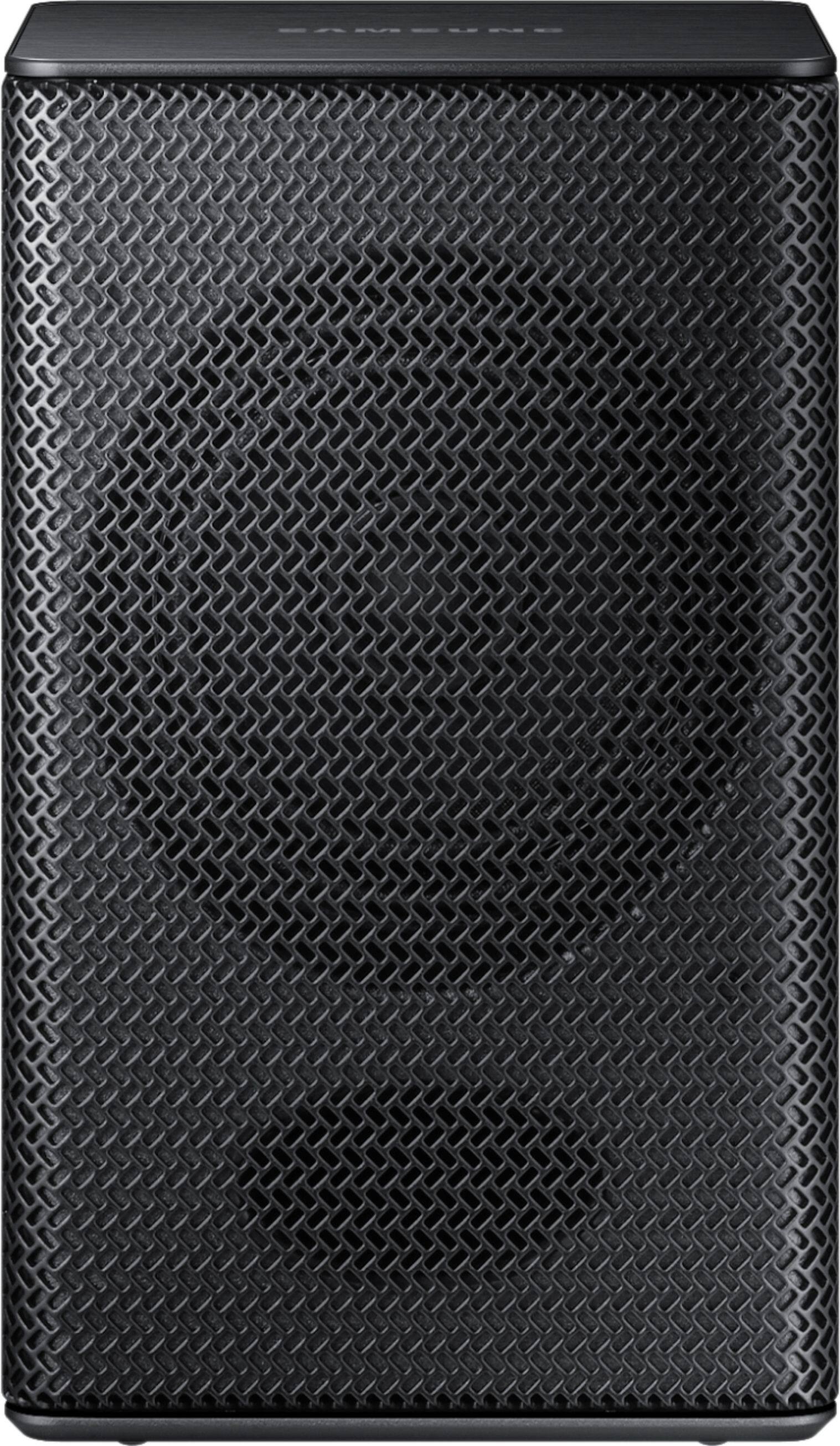
||Posted .This reviewer received promo considerations or sweepstakes entry for writing a review.Really small, wireless rear speakers, good buy. A+
I would recommend this to a friend- Cons mentioned:Volume
Not loud enough
||Posted .This reviewer received promo considerations or sweepstakes entry for writing a review.These speakers even at maximum volume aren't that loud.
No, I would not recommend this to a friendBrand response from MrSamsung
Posted .ALBERTTaylor,
Thank you for purchasing the Samsung Wireless Rear Loud Speakers. I am sorry to hear that you were not satisfied with its low volume.
Please know that by design, the surround speakers are supposed to simulate sounds happening behind the viewer. Therefore, most of the time the surround channels are only used for ambient sounds, which are naturally lower in volume.
However, there are a few settings you can change to adjust the surround effect to your preference:
1. Make sure that the source (e.g. TV output) is sending surround channels to the Soundbar. If the source is not surround, then set the Surround mode to OFF on the Soundbar by pressing the Surround button on the remote.
2. If the source has surround channels, select the desired Sound Mode from the Soundbar remote. Choices are STANDARD, MUSIC, CLEAR VOICE, SPORTS, or MOVIE.
3. Turn off Dynamic Range Control. This is done by pressing and holing the Sound Mode button while the Soundbar is in standby mode.
4. Increase the volume level of the surround speakers using the Sound Control button on the Soundbar remote control.
I hope these tips help to enhance your audio enjoyment.
Should you need further assistance with this issue or other features, please contact Samsung Customer Support via one of the following options:
1) Toll-free calling: 1-800-SAMSUNG
2) LiveChat or Email: https://www.samsung.com/us/support/#contact_us_for_support
3) Facebook Messenger: http://m.me/samsungsupport
4) Twitter: https://twitter.com/messages/compose?recipient_id=18768513
-Samsung Ambassador
Price was right but one speaker didn’t work.
||Posted .This reviewer received promo considerations or sweepstakes entry for writing a review.Not sure why but one speaker had lower volume than the other. I checked wiring connections but they weee good. Need to return.
No, I would not recommend this to a friendThe best wireless speakers
||Posted .This reviewer received promo considerations or sweepstakes entry for writing a review.One of the best one yet nothing works better than Samsung
I would recommend this to a friendGreat for our home
||Posted .This reviewer received promo considerations or sweepstakes entry for writing a review.It was recommended my our salesman, just want we needed
I would recommend this to a friend