Customer Ratings & Reviews
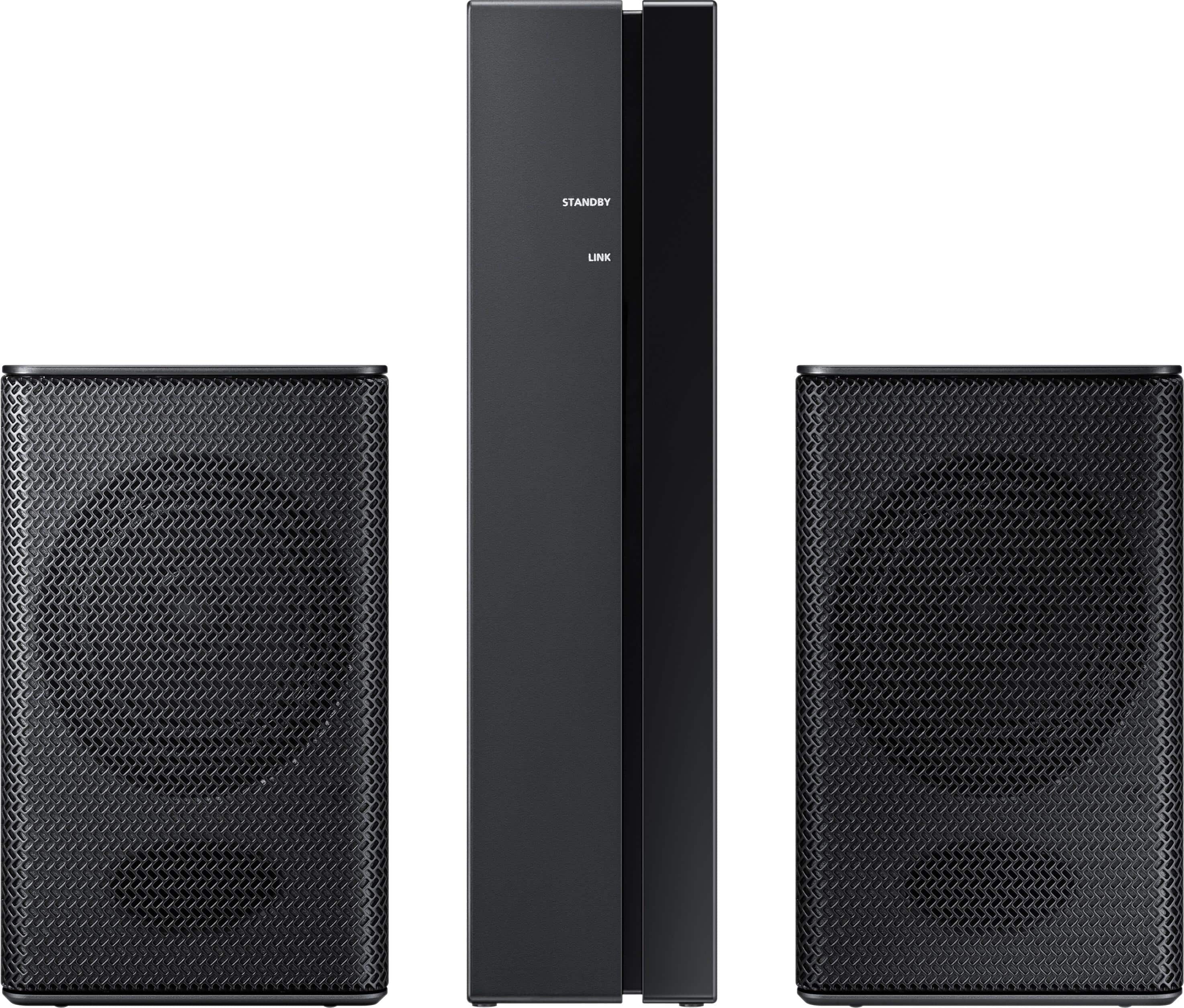
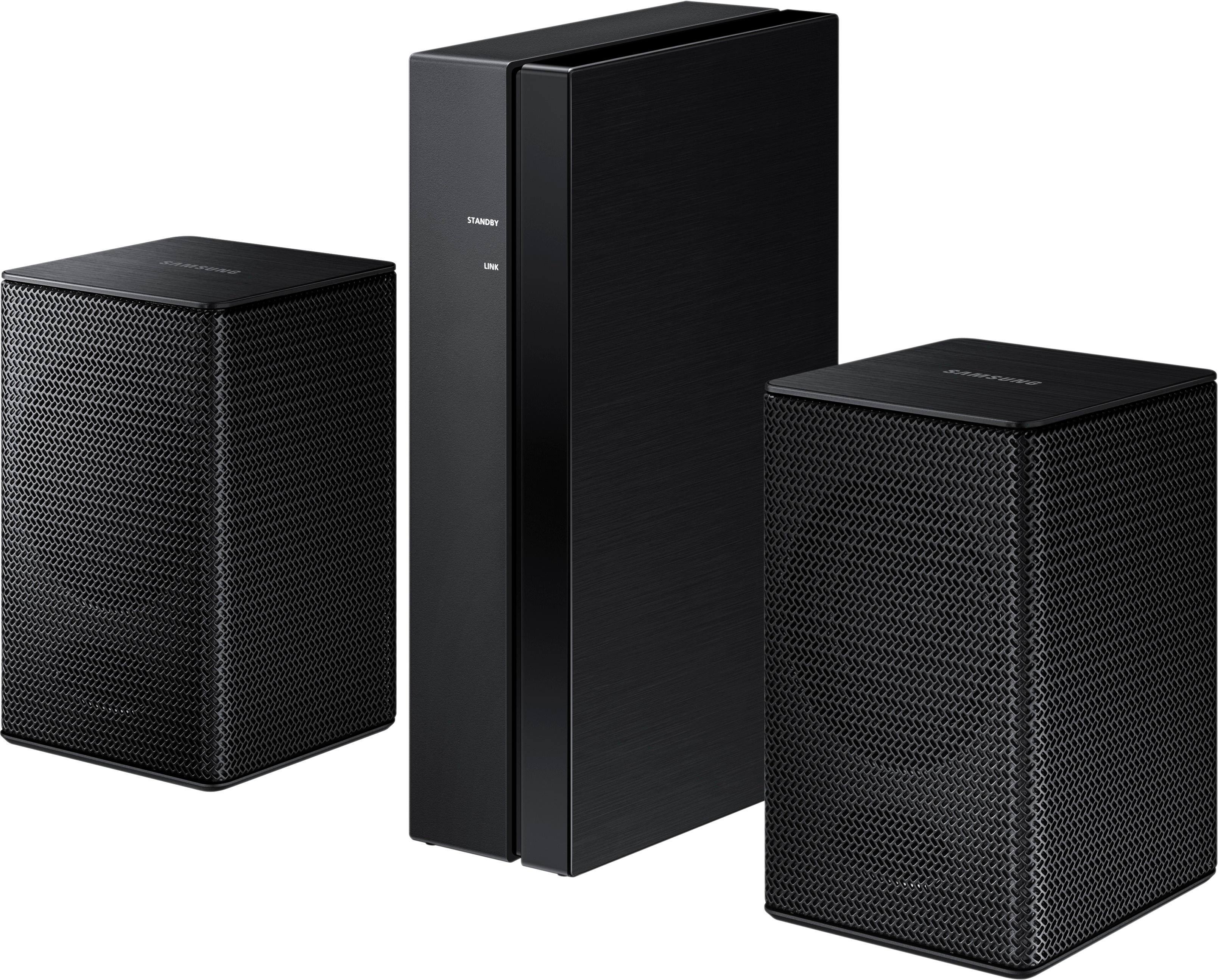
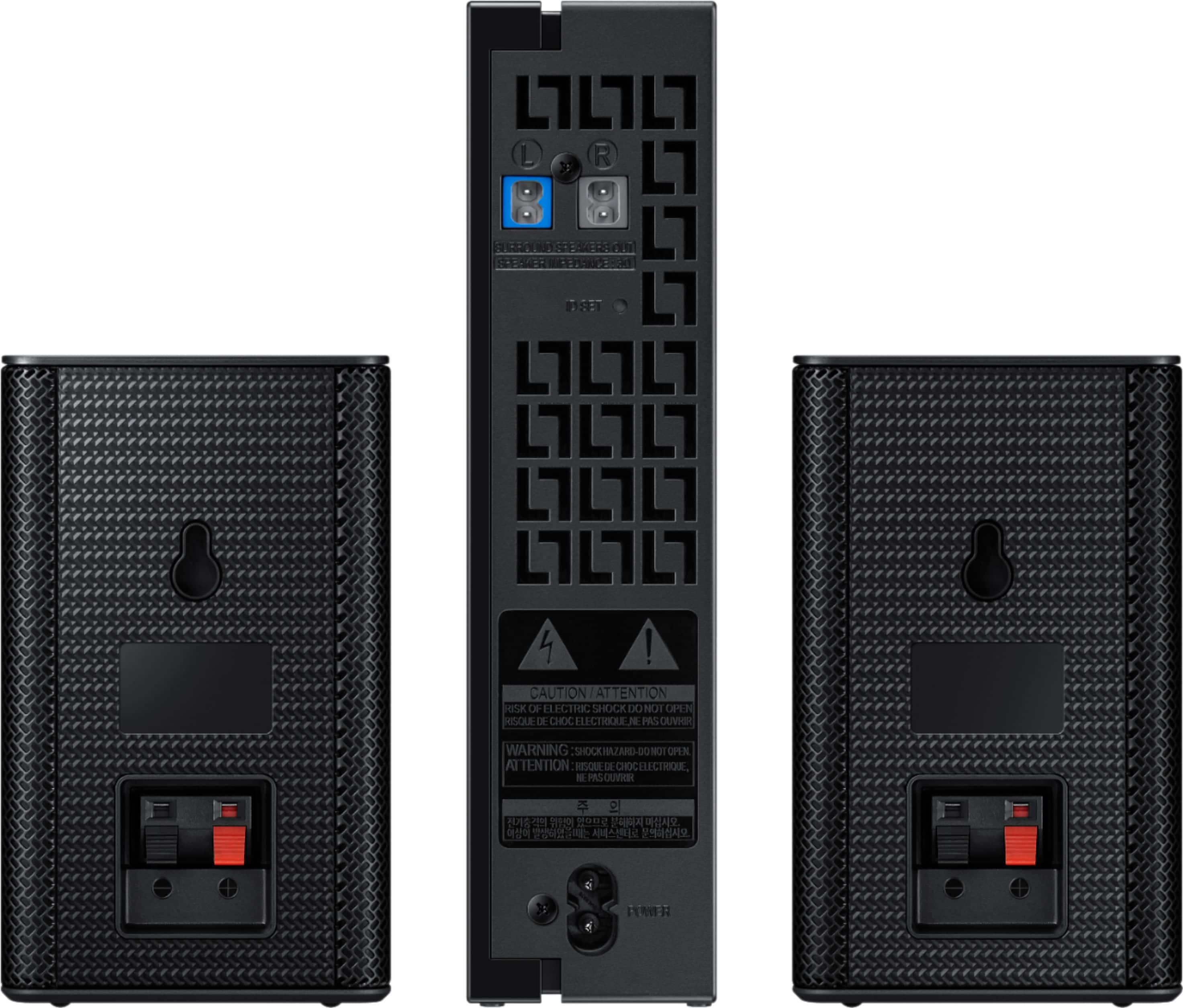
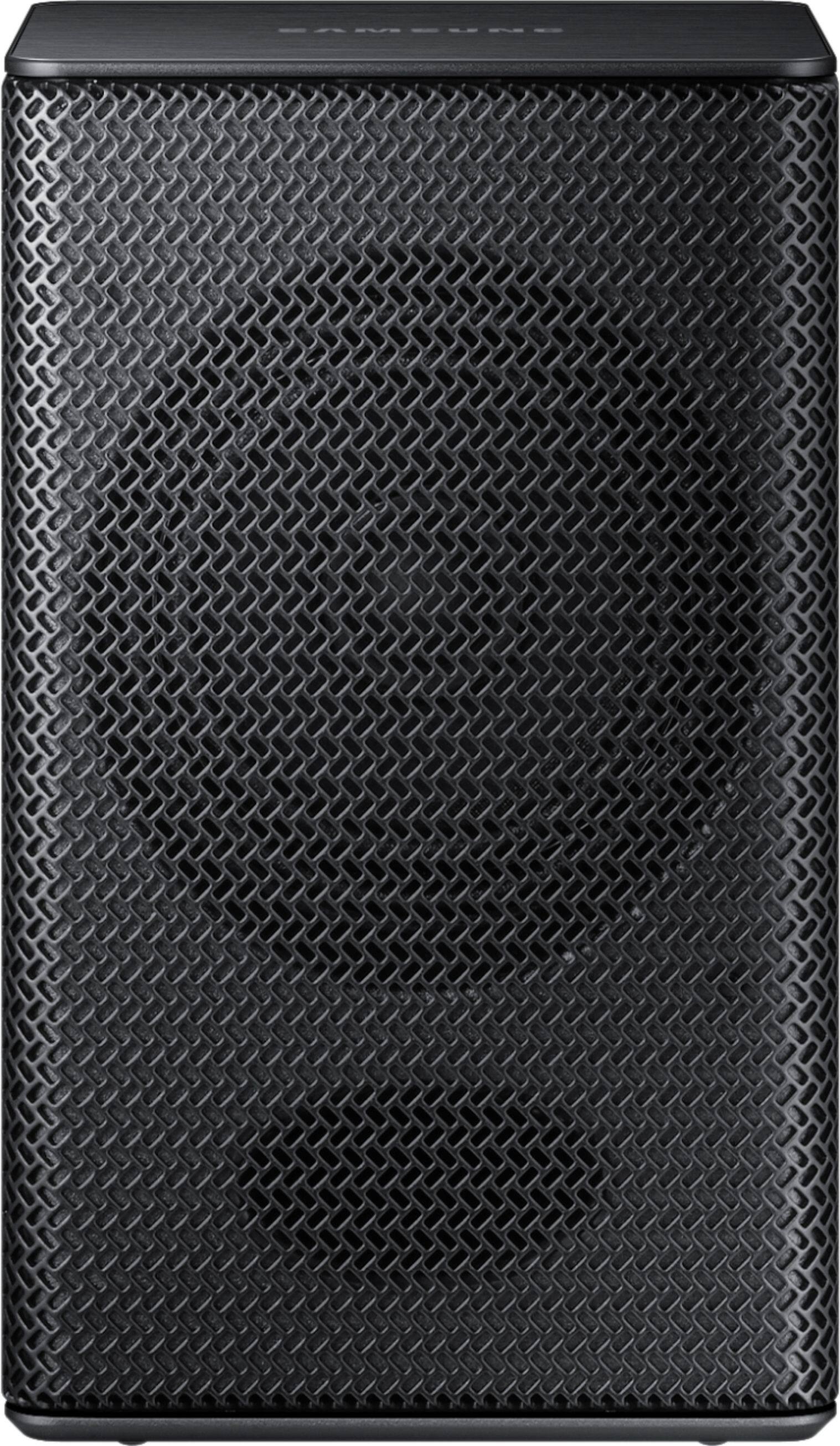
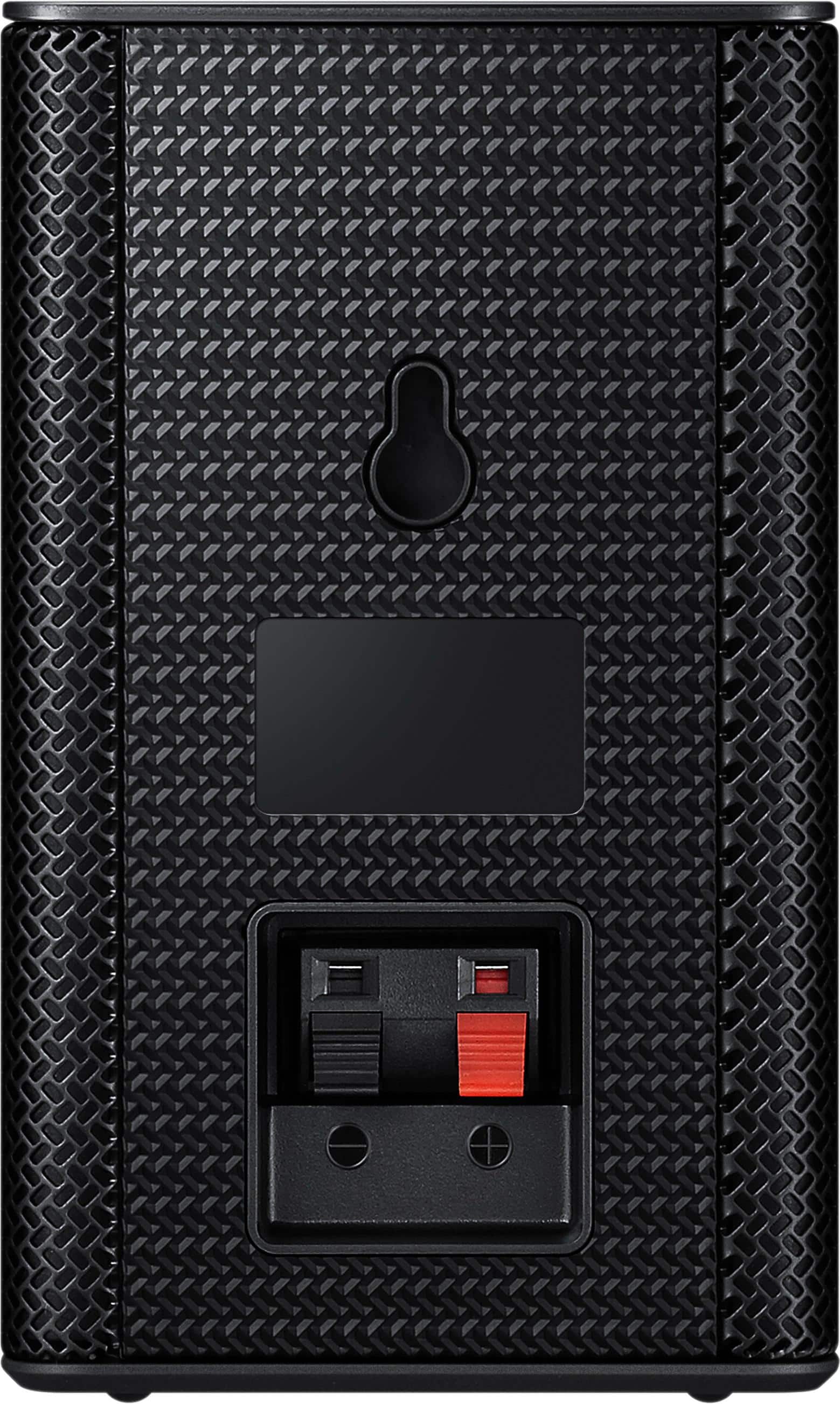
- Model:
- SWA-8500S/ZA
- SKU:
- 5754510
Rating by feature
- Value
Rating 4.2 out of 5 stars
- Quality
Rating 4.2 out of 5 stars
- Ease of Use
Rating 4.3 out of 5 stars
Customers are saying
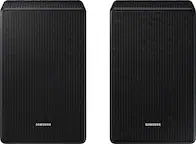
Customers consistently note the exceptional sound quality and easy setup process of the Wireless Rear Speakers. Many users appreciate the convenience of the wireless feature and the reasonable price point compared to similar products. However, some users have expressed concerns about the lack of volume control and compatibility issues with certain TVs.
This summary was generated by AI based on customer reviews.
Great rear speaker
||Posted .This reviewer received promo considerations or sweepstakes entry for writing a review.These work great with my other samsung speakers...
I would recommend this to a friendWorks great
||Posted .This reviewer received promo considerations or sweepstakes entry for writing a review.Perfect for living room, good pricing, high quality
I would recommend this to a friend- Cons mentioned:Volume
Speakers volume too low!
||Posted .This reviewer received promo considerations or sweepstakes entry for writing a review.These speakers, in my opinion, are a waste of money. They aren't really true surround sound and they definitely are not loud speakers because you can barely hear them. SURE they connected wirelessly without a hitch, but don't bother. Not at all what I expected from a product described as 'Loud Speaker'. I was so disappointed.
No, I would not recommend this to a friendBrand response from Samsung
Posted .LilBiggie:
Thank you for purchasing the Samsung Wireless Rear Loud Speakers. I am sorry to hear that you did not experience the full potential of the surround sound system.
Please know that by design, the surround speakers are supposed to simulate sounds happening behind the viewer. Therefore, most of the time the surround channels are only used for ambient sounds, which are naturally lower in volume.
However, there are a few settings you can change to adjust the surround effect to your preference:
1. Make sure that the source (e.g. TV output) is sending surround channels to the Soundbar. If the source is not surround, then set the Surround mode to OFF on the Soundbar by pressing the Surround button on the remote.
2. If the source has surround channels, select the desired Sound Mode from the Soundbar remote. Choices are STANDARD, MUSIC, CLEAR VOICE, SPORTS, or MOVIE.
3. Turn off Dynamic Range Control. This is done by pressing and holing the Sound Mode button while the Soundbar is in standby mode.
4. Increase the volume level of the surround speakers using the Sound Control button on the Soundbar remote control.
I hope these tips help to enhance your audio enjoyment.
Should you need further assistance with this issue or other features, please contact Samsung Customer Support via any of the below options:
1) Phone: 1-800-SAMSUNG
2) LiveChat or Email: https://www.samsung.com/us/support/#contact_us_for_support
3) Facebook Messenger: http://m.me/samsungsupport
4) Twitter: https://twitter.com/messages/compose?recipient_id=18768513
- Samsung Solutions
Great speakers
||Posted .This reviewer received promo considerations or sweepstakes entry for writing a review.Paired with my new Samsung soundbar and they work great.
I would recommend this to a friendNice little speakers
||Posted .This reviewer received promo considerations or sweepstakes entry for writing a review.These spreakers really add to the surround experience.
I would recommend this to a friendGreat Speaker
||Posted .This reviewer received promo considerations or sweepstakes entry for writing a review.Great addition to any current speaker system you have.
I would recommend this to a friendGreat Sound Quality
||Posted .This reviewer received promo considerations or sweepstakes entry for writing a review.Great fit in the Family room. Everyone enjoys watching tv.
I would recommend this to a friendGood rear speakers
||Posted .This reviewer received promo considerations or sweepstakes entry for writing a review.Good rear speakers. Makes the sound bar complete!!!!
I would recommend this to a friendGreat product
||Posted .This reviewer received promo considerations or sweepstakes entry for writing a review.Works great in my bedroom. Works just like it is suppose to.
I would recommend this to a friendSmall but does the job
||Posted .This reviewer received promo considerations or sweepstakes entry for writing a review.Perfect cubes and receiver. Simple and fast to set up.
I would recommend this to a friendGreat speakers
||Posted .This reviewer received promo considerations or sweepstakes entry for writing a review.Paired up with the soundbar sounds like you're in a theater
I would recommend this to a friendGreat for bedroom
||Posted .This reviewer received promo considerations or sweepstakes entry for writing a review.Recommend for bedroom, or a garage or a small space
I would recommend this to a friendThese speakers are awesome!
||Posted .This reviewer received promo considerations or sweepstakes entry for writing a review.These speakers are the perfect addition to my soundbar.
I would recommend this to a friendSurprisingly disappointed
||Posted . Owned for 1 year when reviewed.This reviewer received promo considerations or sweepstakes entry for writing a review.Bought this back in November of 18’, worked great with our Samsung sound bar and 65” Samsung tv but December of 19’, one of the speakers failed to put out sound, we trouble shot, possible wire issue but we think it’s the receiver itself, did not buy the extended warranty, of course, so we’re out some money, I wouldn’t buy this unless you get an extended warranty.
No, I would not recommend this to a friendBrand response from Samsung
Posted .MoKenyon:
I am very sorry to see that you are having issues with the one of the speakers of your Samsung SWA-8500S Rear Speaker Kit.
I would recommend reaching out to our Customer Support Team for troubleshooting.
You can reach Samsung Support via:
1) Phone: 1-800-SAMSUNG
- Available 8AM - 12AM EST (Mon-Fri) / 9AM - 11PM EST (Sat-Sun)
2) LiveChat: https://www.samsung.com/us/support/#contact_us_for_support
3) Facebook Messenger: https://www.facebook.com/samsungsupport
4) Twitter: https://twitter.com/SamsungSupport
5) The Samsung Members Community is also a great resource for getting help from Samsung moderators and customers: https://us.community.samsung.com
If purchased by an authorized dealer like Best Buy, your purchase is backed by a 1-year limited manufacturer's warranty.
~ Samsung Solutions
Loud speakers
||Posted .This reviewer received promo considerations or sweepstakes entry for writing a review.Great for my powerpoints and showing videos at my school!
I would recommend this to a friend- Cons mentioned:Volume
poor sound
||Posted .This reviewer received promo considerations or sweepstakes entry for writing a review.I could not hear any sound on the rear speakers unless I held them close to my ears.
No, I would not recommend this to a friendBrand response from Samsung
Posted .Gary:
Thank you for purchasing the Samsung Wireless Rear Loud Speakers. I am sorry to hear that you did not experience the full potential of the surround sound system.
Please know that by design, the surround speakers are supposed to simulate sounds happening behind the viewer. Therefore, most of the time the surround channels are only used for ambient sounds, which are naturally lower in volume.
However, there are a few settings you can change to adjust the surround effect to your preference:
1. Make sure that the source (e.g. TV output) is sending surround channels to the Soundbar. If the source is not surround, then set the Surround mode to OFF on the Soundbar by pressing the Surround button on the remote.
2. If the source has surround channels, select the desired Sound Mode from the Soundbar remote. Choices are STANDARD, MUSIC, CLEAR VOICE, SPORTS, or MOVIE.
3. Turn off Dynamic Range Control. This is done by pressing and holing the Sound Mode button while the Soundbar is in standby mode.
4. Increase the volume level of the surround speakers using the Sound Control button on the Soundbar remote control.
I hope these tips help to enhance your audio enjoyment.
Should you need further assistance with this issue or other features, please contact Samsung Customer Support via any of the below options:
1) Phone: 1-800-SAMSUNG
2) LiveChat or Email: https://www.samsung.com/us/support/#contact_us_for_support
3) Facebook Messenger: http://m.me/samsungsupport
4) Twitter: https://twitter.com/messages/compose?recipient_id=18768513
- Samsung Solutions
Good sound
||Posted .This reviewer received promo considerations or sweepstakes entry for writing a review.Very happy with the sound for the size of the speakers
I would recommend this to a friendAwesome product
||Posted .This reviewer received promo considerations or sweepstakes entry for writing a review.This speaker setup is a great addition to soundbar.
I would recommend this to a friendSmall speakers and fare sound
||Posted .This reviewer received promo considerations or sweepstakes entry for writing a review.This is a nice unit but not great, the little speakers do help to fill the room but nothing like a good home stereo.
No, I would not recommend this to a friendBrand response from Samsung
Posted .Hudson:
Thank you for purchasing the Samsung Wireless Rear Loud Speakers. I am sorry to hear that you did not experience the full potential of the surround sound system.
Please know that by design, the surround speakers are supposed to simulate sounds happening behind the viewer. Therefore, most of the time the surround channels are only used for ambient sounds, which are naturally lower in volume.
However, there are a few settings you can change to adjust the surround effect to your preference: 1. Make sure that the source (e.g. TV output) is sending surround channels to the Soundbar. If the source is not surround, then set the Surround mode to OFF on the Soundbar by pressing the Surround button on the remote.
2. If the source has surround channels, select the desired Sound Mode from the Soundbar remote. Choices are STANDARD, MUSIC, CLEAR VOICE, SPORTS, or MOVIE.
3. Turn off Dynamic Range Control. This is done by pressing and holing the Sound Mode button while the Soundbar is in standby mode.
4. Increase the volume level of the surround speakers using the Sound Control button on the Soundbar remote control.
I hope these tips help to enhance your audio enjoyment.
Should you need further assistance with this issue or other features, please contact Samsung Customer Support via any of the below options:
1) Phone: 1-800-SAMSUNG (ask for Soundbars) Available 8AM - 12AM EST (Mon-Fri) / 9AM - 11PM EST (Sat-Sun)
2) LiveChat or Email: https://www.samsung.com/us/support/#contact_us_for_support
3) Facebook Messenger: https://www.facebook.com/samsungsupport
4) Twitter: https://twitter.com/SamsungSupport
5) The Samsung Home Theater & Home Audio Community is also a great resource for getting help from Samsung moderators and customers: https://us.community.samsung.com/t5/Home-Theater-Home-Audio/bd-p/hometheaterhomeaudio
- Samsung Solutions
Great speakers
||Posted .This reviewer received promo considerations or sweepstakes entry for writing a review.Sound good. Cheap speakers but work just right!!!!
I would recommend this to a friend