Customer Ratings & Reviews

- Model:
- ST-UCM1HM
- SKU:
- 6481383
Rating by feature
- Value
Rating 3.6 out of 5 stars
- Quality
Rating 4.0 out of 5 stars
- Ease of Use
Rating 4.0 out of 5 stars
Customers are saying
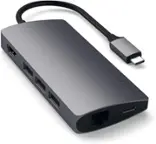
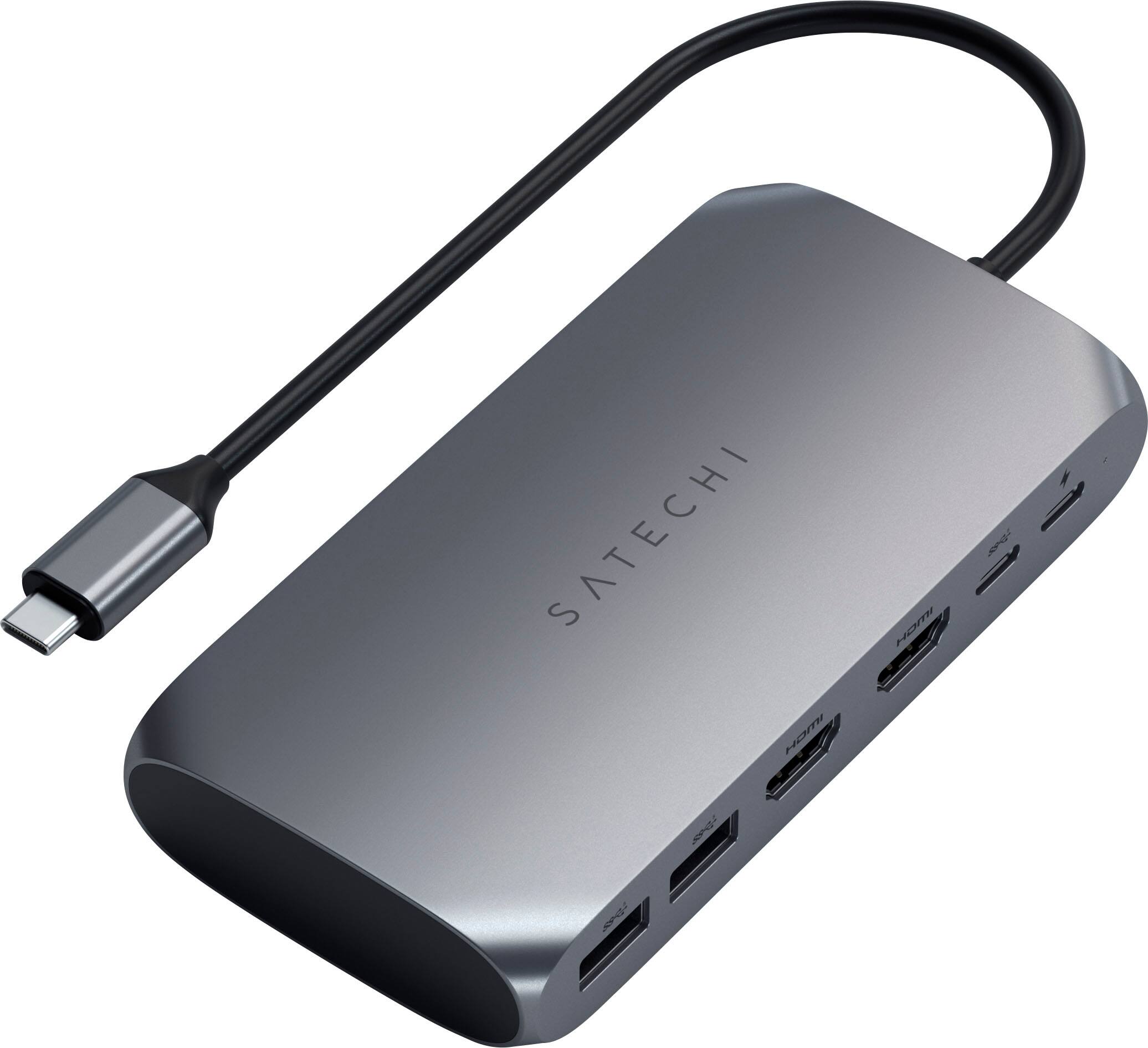
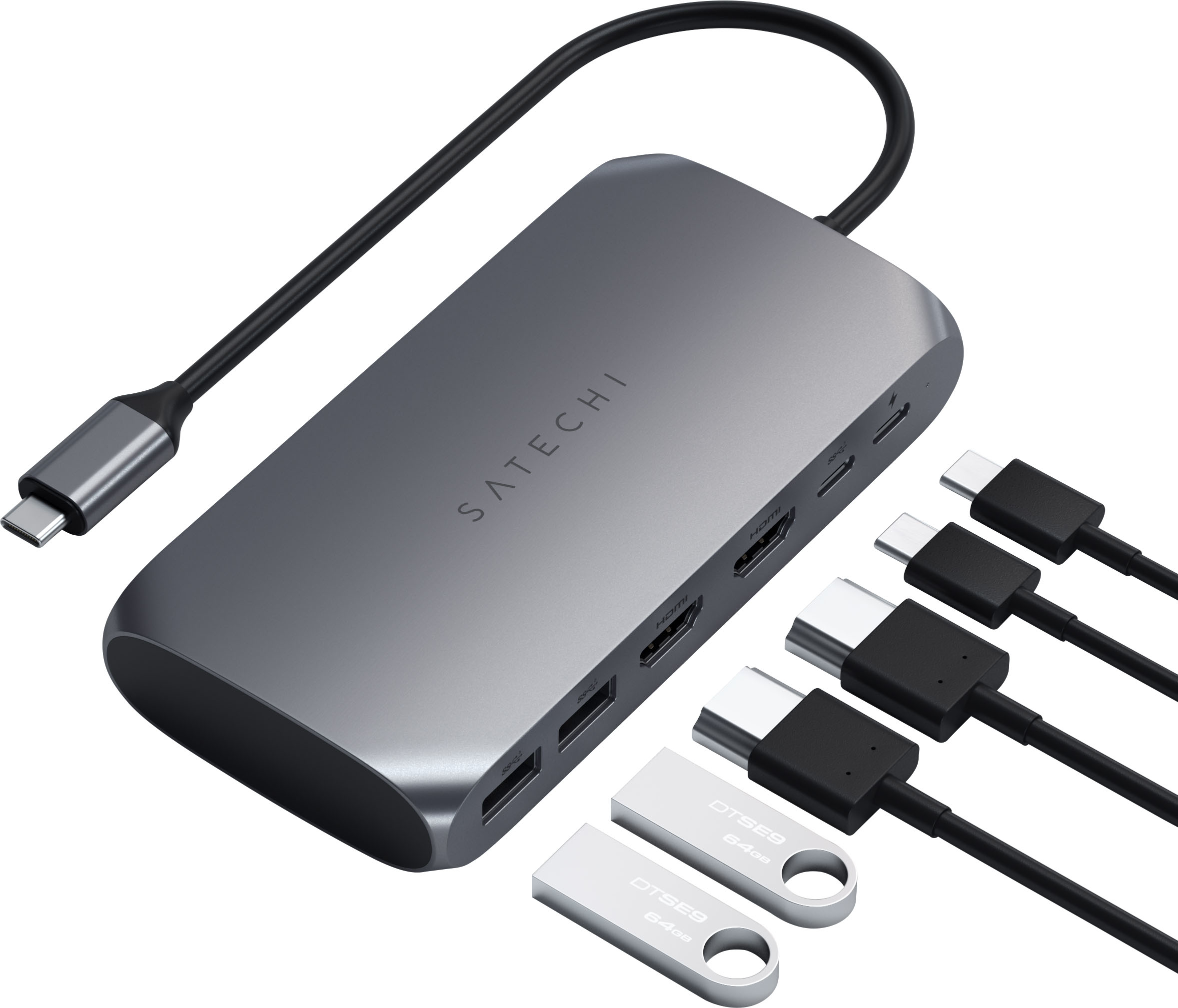
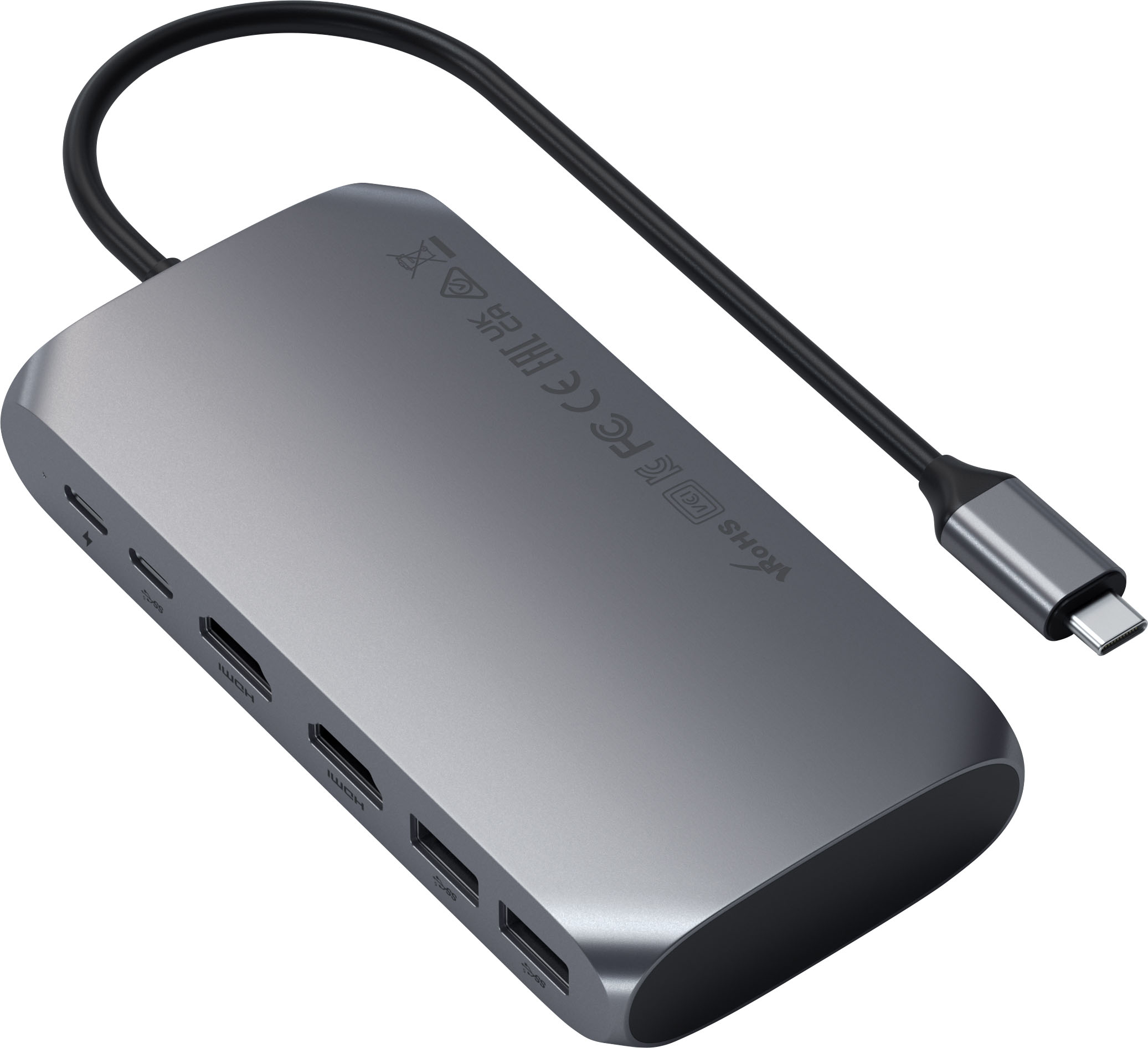
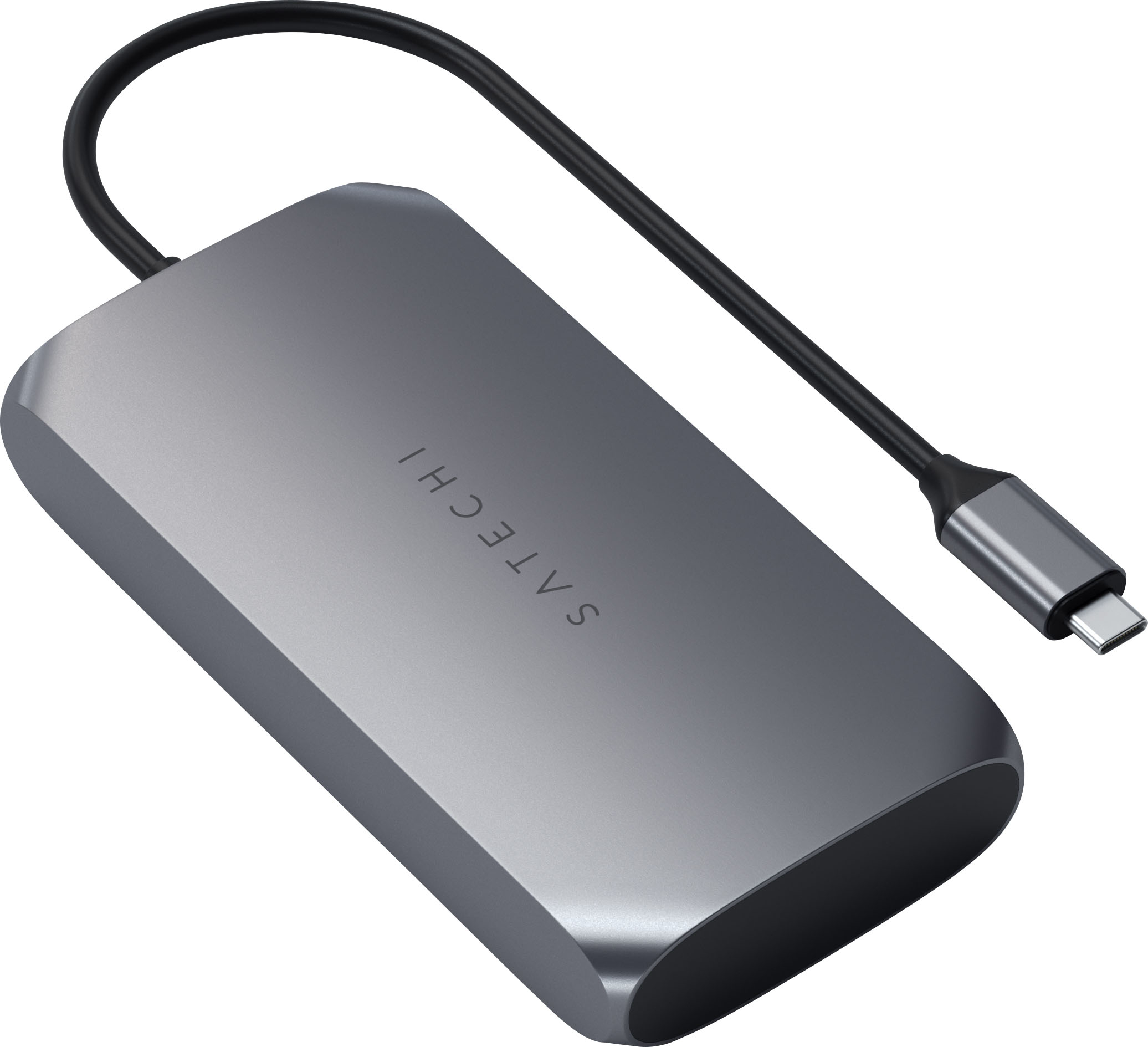
Customers recognize the USB-C Multimedia Adapter's dual 4K HDMI ports as a significant advantage, praising its compatibility with various devices and ease of use. However, some users experienced the adapter running warm, and others found the price to be a drawback. Concerns were also raised regarding the refresh rate limitations on one of the HDMI ports.
This summary was generated by AI based on customer reviews.
Great investment and addition to my work flow
||Posted . Owned for 3 weeks when reviewed.This reviewer received promo considerations or sweepstakes entry for writing a review.As a professional photographer, I needed and had just purchased a 2023 16” 96gb ram MacBook Pro and needed this for my external drives for storage of photos and videos. It is serving its purpose without fail.
I would recommend this to a friend- Pros mentioned:Hdmi
Garbage
||Posted .This reviewer received promo considerations or sweepstakes entry for writing a review.This would achieve 60HZ at 4K on a basic Samsung 4K HDR TV. 30Hz worked great... But thats terrible on the eyes. Went back to my single J5 Create USBC to HDMI and it connects at 60HZ no problems at all. I tried multiple cables for this thing. And why does this company need to install software on my computer to make monitors work? Ummm... Thats been pretty plug and play for like 5 decades now. So yeah, the need for un-trustworthy software combined with the inability to meet the established specifications earns this a 0 star award. But I will give one star, because... I have to. And the USB A hub worked! Wooohooo!
No, I would not recommend this to a friend - Cons mentioned:Price
Dont bother
||Posted . Owned for 3 weeks when reviewed.This reviewer received promo considerations or sweepstakes entry for writing a review.Expensive for no reason..the label on it said 1 price and it was the last one on the shelf and then when i went to the register, it ended up being triple the price than what was on the price tag on the shelf. I ended up finding a better quality and cheaper 1 on Amazon
No, I would not recommend this to a friend Great expansion unit!
||Posted . Owned for 2 weeks when reviewed.This reviewer received promo considerations or sweepstakes entry for writing a review.Great expansion unit! I am now able to plug more devices to my computer such as my flash drive and an extra external storage drive.
I would recommend this to a friend- Pros mentioned:Compatibility
One of good choices
||Posted .This reviewer received promo considerations or sweepstakes entry for writing a review.This product functions as described and setting was not hard.
I would recommend this to a friend - Pros mentioned:Hdmi
Average, over priced adaptor.
||Posted . Owned for less than 1 week when reviewed.This reviewer received promo considerations or sweepstakes entry for writing a review.It is a handy adapter but it is over priced compared to heavy duty docks for not that much more. HDMI ports did work as advertised using a 3 display setup but the second hdmi was running 4k@30z and didn’t look great.
No, I would not recommend this to a friend - Pros mentioned:Hdmi, Power deliveryCons mentioned:Heat, Refresh rate

Good Solution for Multiple Monitors + USB-C
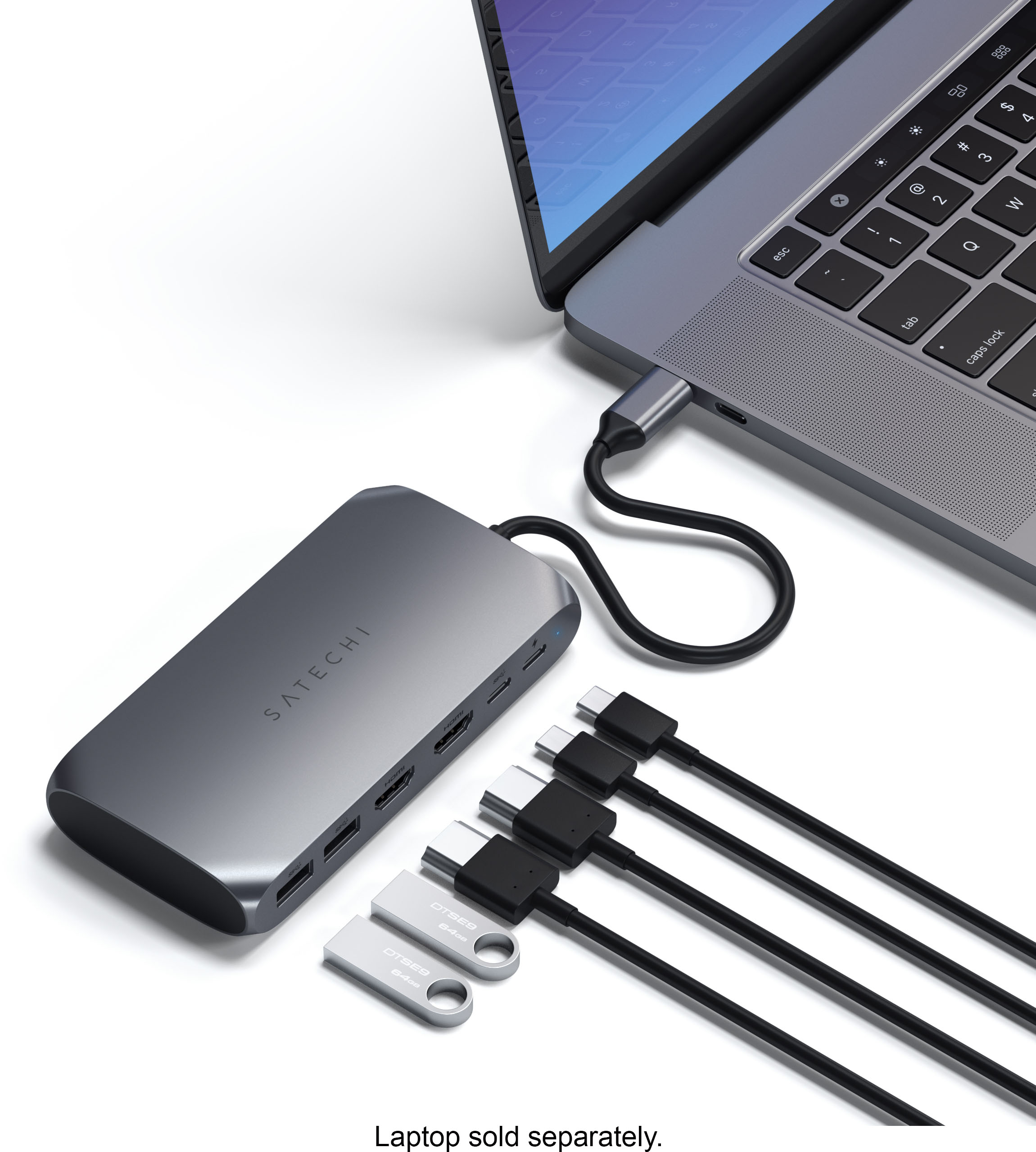
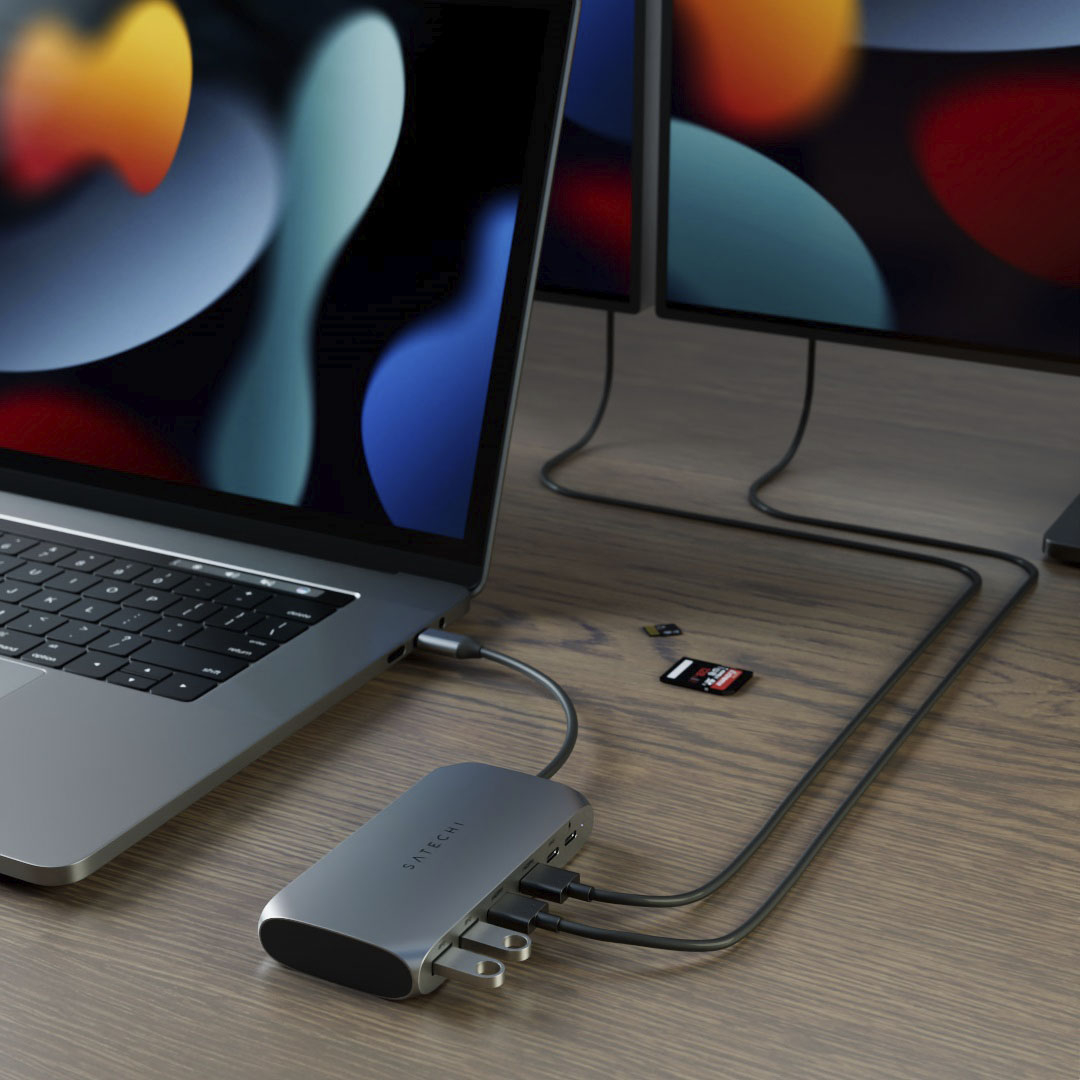
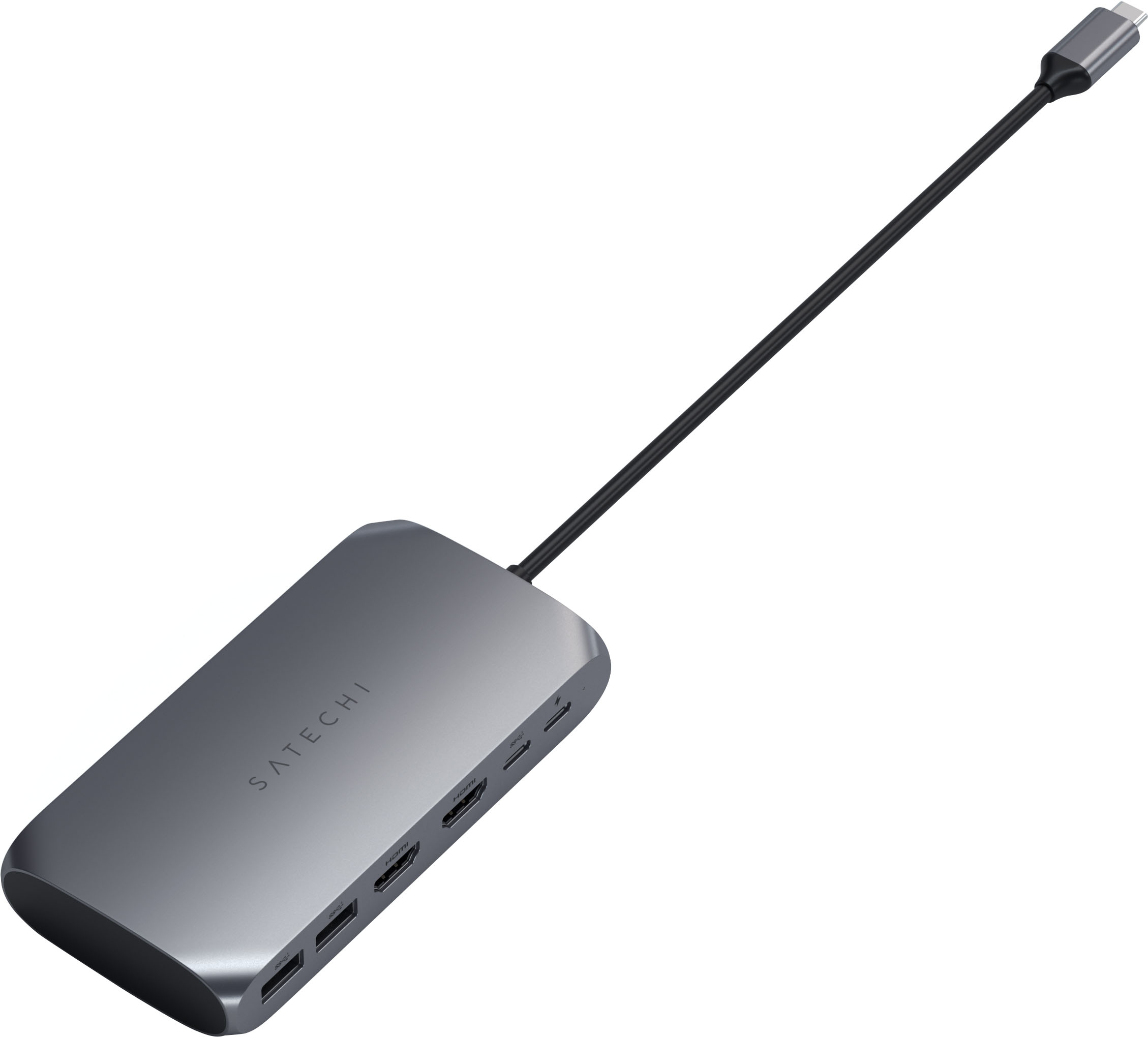
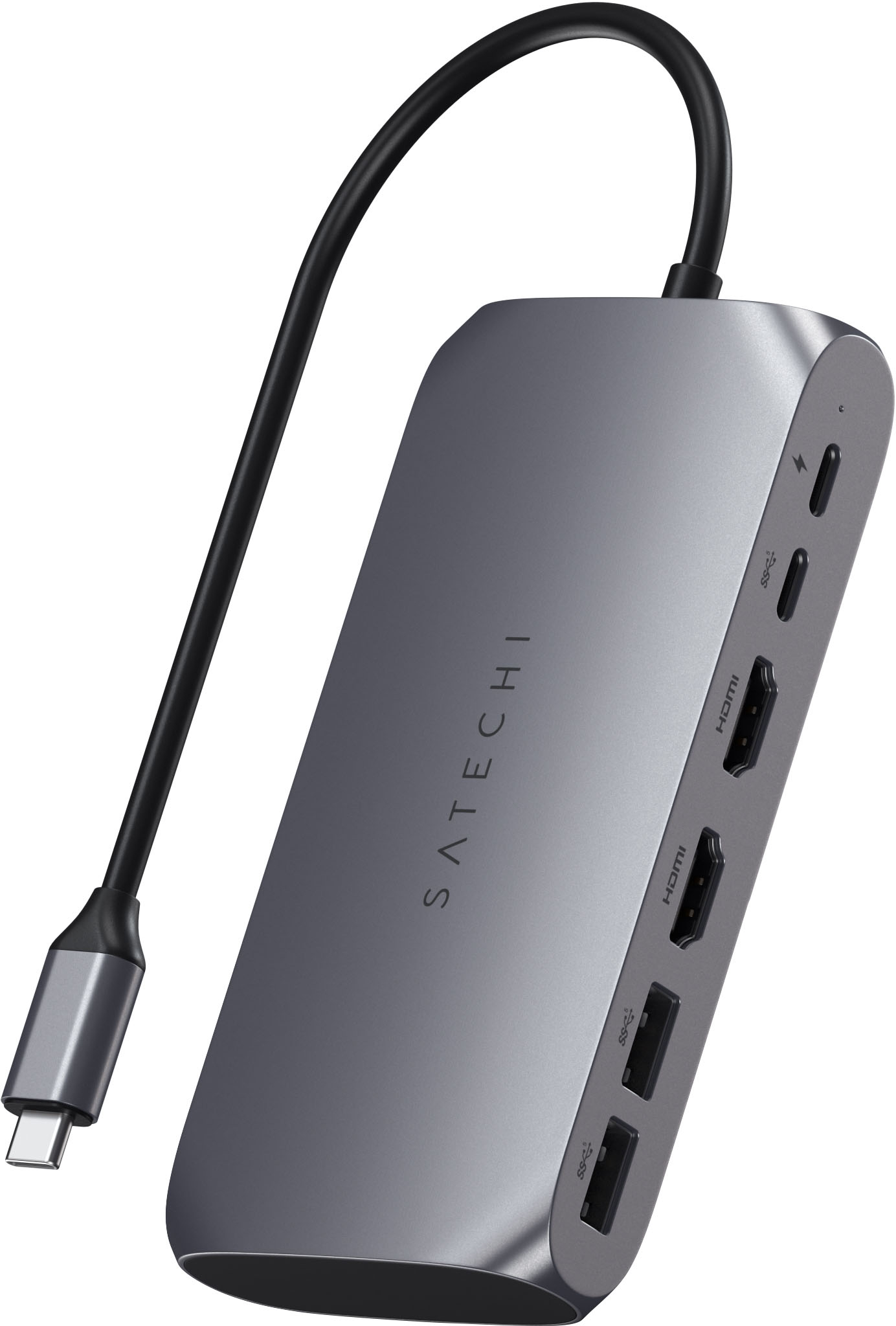
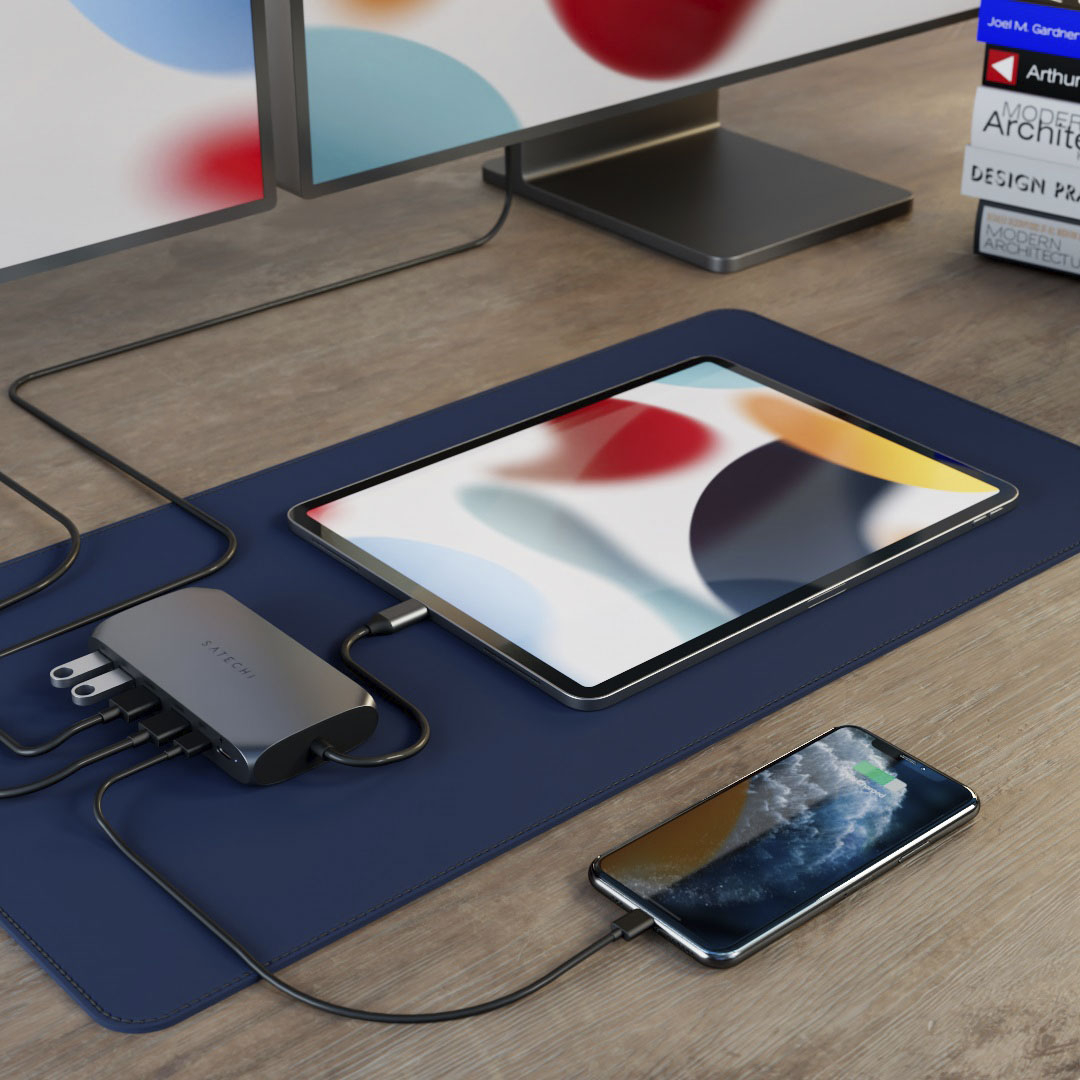
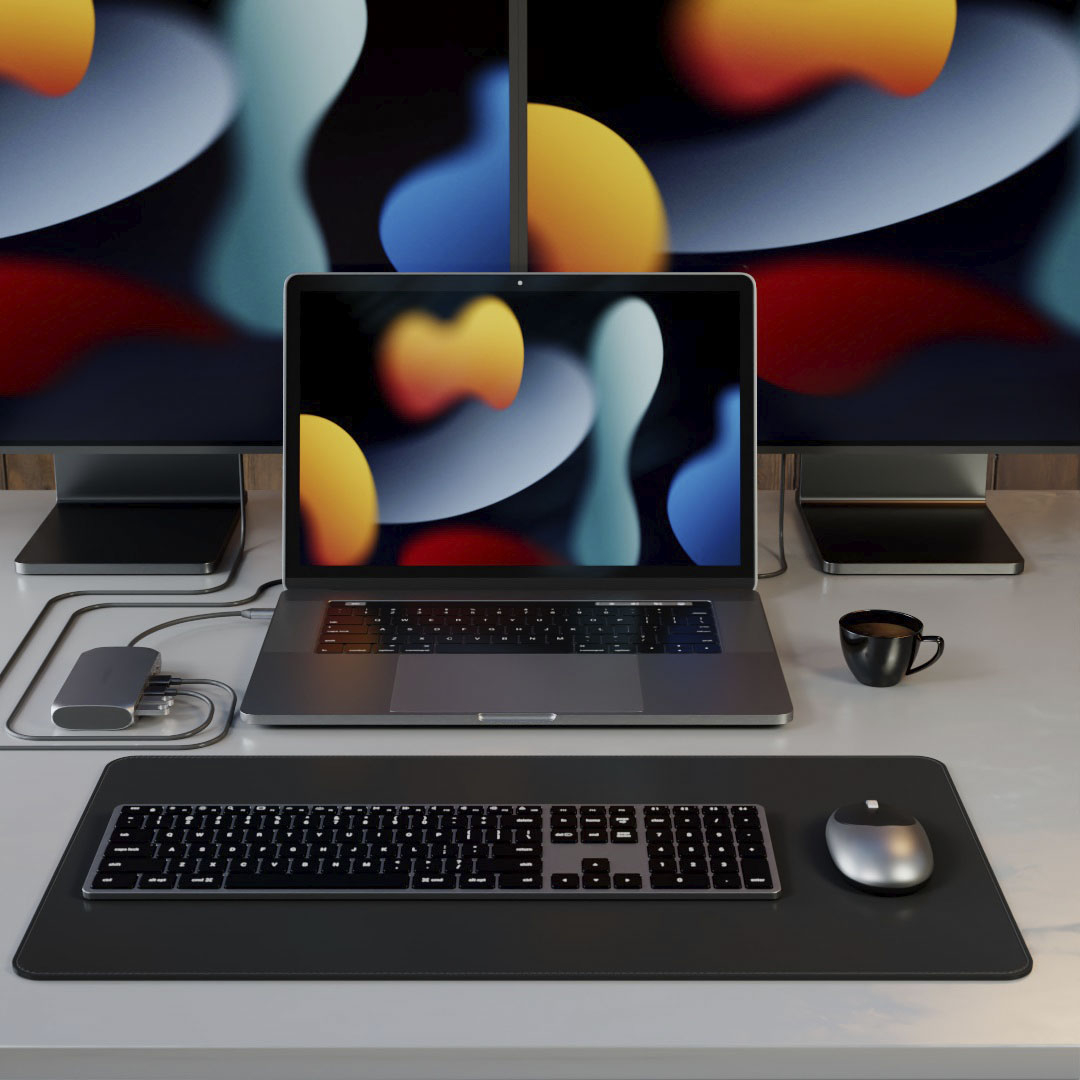
|Posted .This reviewer received promo considerations or sweepstakes entry for writing a review.Finding a USB-C dock that supports both 5 Gbps (USB 3) downstream port speeds and a 4K 60 Hz monitor output is somewhat challenging. However, this medium-sized dock from Satechi not only supports those features, it also includes an additional HDMI port for connecting a second monitor. The second monitor port is implemented as a USB display device, which is not without its drawbacks - but it is also a flexible approach that may work around the limitations on the number of connected displays that some computers (notably Apple's M1-based Macs) have. Satechi provided me with one of these docks in exchange for a fair and honest review of it. After using it with a few different computers in the past few days, running both Mac OS and Windows, I have found that it works well, and has plug-and-play simplicity if you only want to use a single monitor. To use the second HDMI port for an additional monitor, you will need to install a driver (on Windows) or a utility application (on Mac). This was a pretty trivial process, and once that's done the second port is functional just as expected. Notably, however, the second port maxes out at 30 Hz for a 4K resolution. This is mentioned in the included quick start guide, but not as clear from the product description. (At lower resolutions, however, it does support faster refresh rates.) While the lack of 4K/60Hz support on both HDMI ports may be a deal-breaker for some people, there are probably a lot of people that want to drive an extra external monitor at less than 4K who could benefit from this Satechi dock. Compared to other USB-C docks, the Satechi is still one of the few I've seen that supports even a single 4K/60Hz display alongside USB 3 ports. (Many existing USB-C docks must either limit their monitor connection to 4K/30Hz to offer 5 Gbps USB speeds, or else allow 4k/60Hz with only 480 Mbps USB speeds.) The Satechi does not offer ports other than USB and HDMI, whereas some competing products do include an Ethernet adapter or SD card reader. Satechi also supports USB Power Delivery pass through (there are two USB-C ports on the dock - one for power input and one for data output) at nearly the maximum power allowed. When connected to its 96W power adapter through this Satechi dock, my 16" MacBook Pro only reported the power supply as capable of 71W - but this is the same as when connected through a competing dock, so it's not a limitation of the Satechi. Like other 4K-capable docks, I've noticed that this one gets somewhat hot to the touch. Satechi almost surely is using DisplayPort 1.4 to achieve the simultaneous 4K/60Hz primary display alongside full speed USB 3 ports. If so, achieving the full 4K/60Hz will also be dependent on your computer supporting DisplayPort 1.4 too. While all of the computers I tested it with did support this, if your computer only supports an older DisplayPort version, you may find that the dock's primary HDMI port will only do 4K/30Hz. The second HDMI port - which, as mentioned, requires software installation to be functional - is always limited to 4K/30Hz. The second HDMI port is still better than not having one, but I think Satechi could be a bit more forthright on the product packaging that the secondary HDMI port is slighly more limited than the primary in terms of supported resolution + refresh rate. (The quick start guide does clearly mention the limitation, however.) In the end, this is a fine dock if you just want USB-C ports plus a 4K/60Hz display, but it becomes a potentially indispensable product for someone that wants to drive more external displays than their computer normally supports, and does not mind the 4K/30Hz limit for the second monitor.
I would recommend this to a friend Subpar…
||Posted . Owned for 1 year when reviewed.This reviewer received promo considerations or sweepstakes entry for writing a review.New Mac m1 and needed an adapter per another dual monitor. Worked for awhile and then starts to flicker on and off my extra montior. Sometimes doesn’t even recognize the hdmi/monitor. Have to unplug the adapter to recognize it. All other ports where fine. Im now outside my warranty window; now figuring out why this all happened. Should’ve returned it.
No, I would not recommend this to a friend- Pros mentioned:Compatibility, Design, Hdmi
Great Option for Dual 4K HDMI
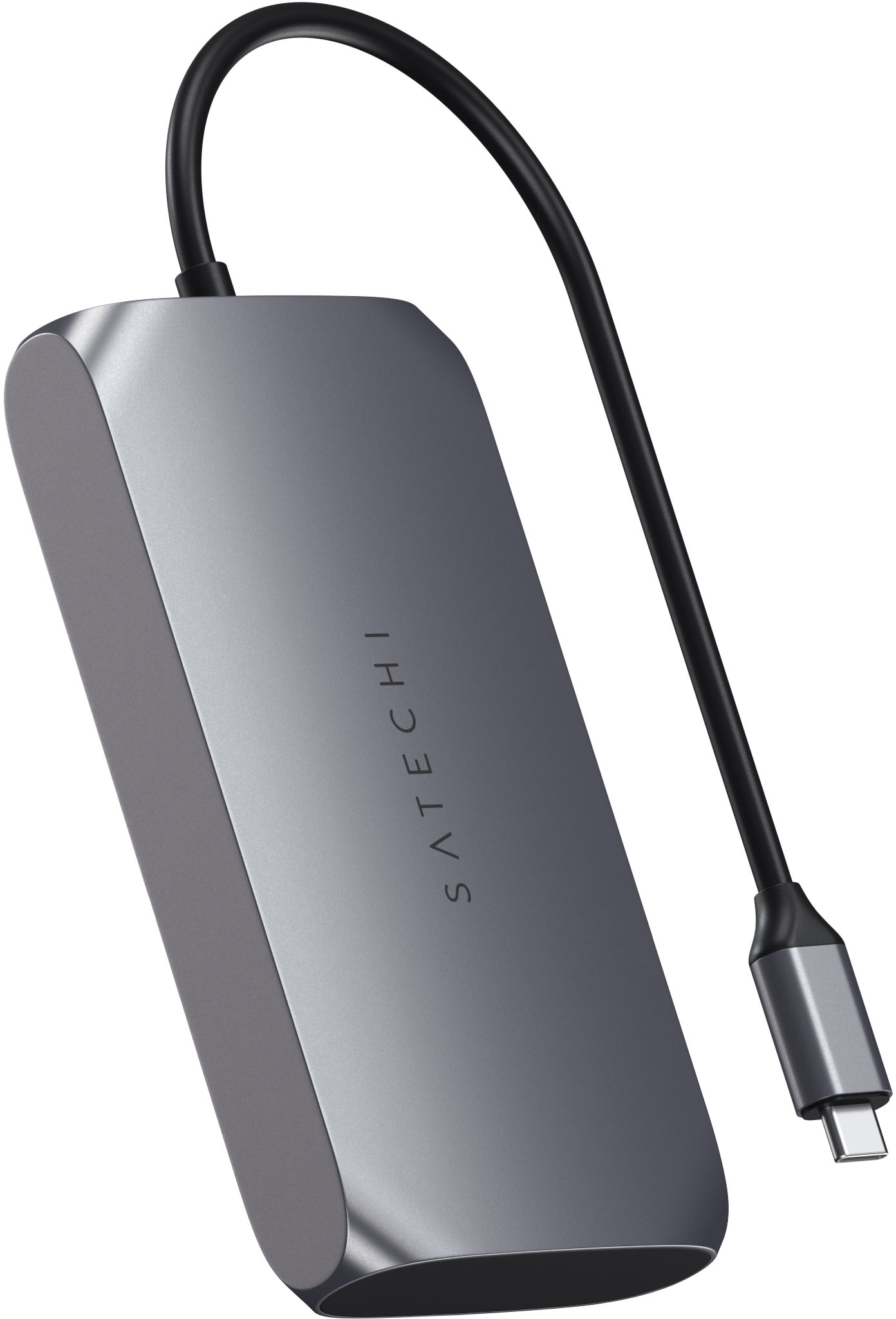
|Posted .This reviewer received promo considerations or sweepstakes entry for writing a review.This is a great hub for dual 4K HDMI. I was able to easily run two 4k monitors from the hub connected to my M1 Macbook Pro. This does require installing a separate app, which is a little concerning. That is weird, but required for the HDMI2 support, and it does work. If you don't need the dual 4k setup, it also works well. There are a couple of things i like about this compered to others that I've used: - Premium look and feel (tapered corners look very nice) - It is a bit heavy and stays in place - The edges are flat so it can stand on the side or bottom - The usb type c power in is on the same side as the ports allowing for better placement of the hub - You get an additional type c port - 100W power pass-through (this worked will to slowly power a Dell laptop that I have, which was a surprise to me!) - Worked will with Mac, Windows, and Linux computers Overall, this is a great option if you need dual 4K. If you don't, it is still a very nice and capable hub.
I would recommend this to a friend - Pros mentioned:Hdmi
does what it says
||Posted . Owned for 3 weeks when reviewed.This reviewer received promo considerations or sweepstakes entry for writing a review.This does what it says, and it gives you the ability you add another screen with usb-c. I feel that the product could be priced differently but it work the experience if you have a M1 mac
I would recommend this to a friend - Pros mentioned:Hdmi
Works perfectly
||Posted . Owned for 1 week when reviewed.This reviewer received promo considerations or sweepstakes entry for writing a review.I needed a usb-c connection for traditional USB’s but also for connecting laptop to monitor with hdmi. This one is perfect and works well. It was available in the store.
I would recommend this to a friend - Pros mentioned:Hdmi
Good while it lasted
||Posted . Owned for 2 months when reviewed.This reviewer received promo considerations or sweepstakes entry for writing a review.I used this product for just under two months with my 2022 MacBook Pro. I used the dock with one HDMI monitor, one USB-C cable (for a phone), and one USB-A cable (webcam). It worked relatively well until last week - I noticed that the webcam I had connected to it started to disconnect in the middle of meetings. A day or two later, the one screen I had connected to the dock would cut off, then back on. At first, it would happen once every hour or so, but the frequency increased until it was cutting off every 5 - 10 minutes. I believe the dock was overheating - the case was very hot to the touch when it was malfunctioning. Unfortunately, I'm outside my return window and I'm not sure I would want to try and replace it and have another one overheat and damage something.
No, I would not recommend this to a friend - Pros mentioned:Hdmi
Adapter worth getting.
||Posted . Owned for 9 months when reviewed.This reviewer received promo considerations or sweepstakes entry for writing a review.I love my Satechi adapter. I used it to connect my iRig Pro to it so I can record my guitar in Garageband. It's great.
I would recommend this to a friend Great with HP Elitebook!
||Posted . Owned for 1 month when reviewed.This reviewer received promo considerations or sweepstakes entry for writing a review.I’m using this with my work laptop to drive a 28” 4k monitor when I work from home. When I upgrade my 2014 Mac Mini to a new M1/M2 Mac Mini/Studio/Laptop that will be the REAL test.
I would recommend this to a friend- Pros mentioned:Hdmi
Great device.
||Posted . Owned for 3 weeks when reviewed.This reviewer received promo considerations or sweepstakes entry for writing a review.Great little device. I have it connected to a 5-port USBa device and now have enough ports for HDMI and both types of USBs.
I would recommend this to a friend - Pros mentioned:Ease of use
Very good buy
||Posted . Owned for 2 months when reviewed.This reviewer received promo considerations or sweepstakes entry for writing a review.Amazing and super simple to use with macs or computers that don’t have enough outlets for external hard drives
I would recommend this to a friend - Pros mentioned:Hdmi
Great Adapter
||Posted . Owned for 4 months when reviewed.This reviewer received promo considerations or sweepstakes entry for writing a review.Works as expected. This has 2 HDMI ports, so this was important to me as my two monitors have HDMI commections.
I would recommend this to a friend - Pros mentioned:Compatibility
Mac M2 (ventura) STAY AWAY!!!
||Posted . Owned for 2 months when reviewed.This reviewer received promo considerations or sweepstakes entry for writing a review.I'm only writing this now...it was a 5 star product and continues to be a 5 star product. However, if you are on an M2 with macOS Ventura (13.x) forget about your laptop recognizing the external monitor. Hence the 1 star rating. Prior to macOS Ventura the external monitor was working just fine. Now the monitor is not recognized. Everything else connected to the docking station works just fine. Apple made some change or something that is preventing the display from working. Note- it does work just fine (5 stars) if you are on a PC or anything that is not M2 on Ventura.
I would recommend this to a friend - Pros mentioned:Hdmi
USB-C Max.
||Posted . Owned for 1 month when reviewed.This reviewer received promo considerations or sweepstakes entry for writing a review.It works well. All ports work fine. This is my first USB-C experience, and it works fine.
I would recommend this to a friend - Pros mentioned:Hdmi
hub
||Posted . Owned for 2 weeks when reviewed.This reviewer received promo considerations or sweepstakes entry for writing a review.amazing producf great deal and reliable would recommend if not wanting to spend 300+ on higher end hub
I would recommend this to a friend