Customer Ratings & Reviews

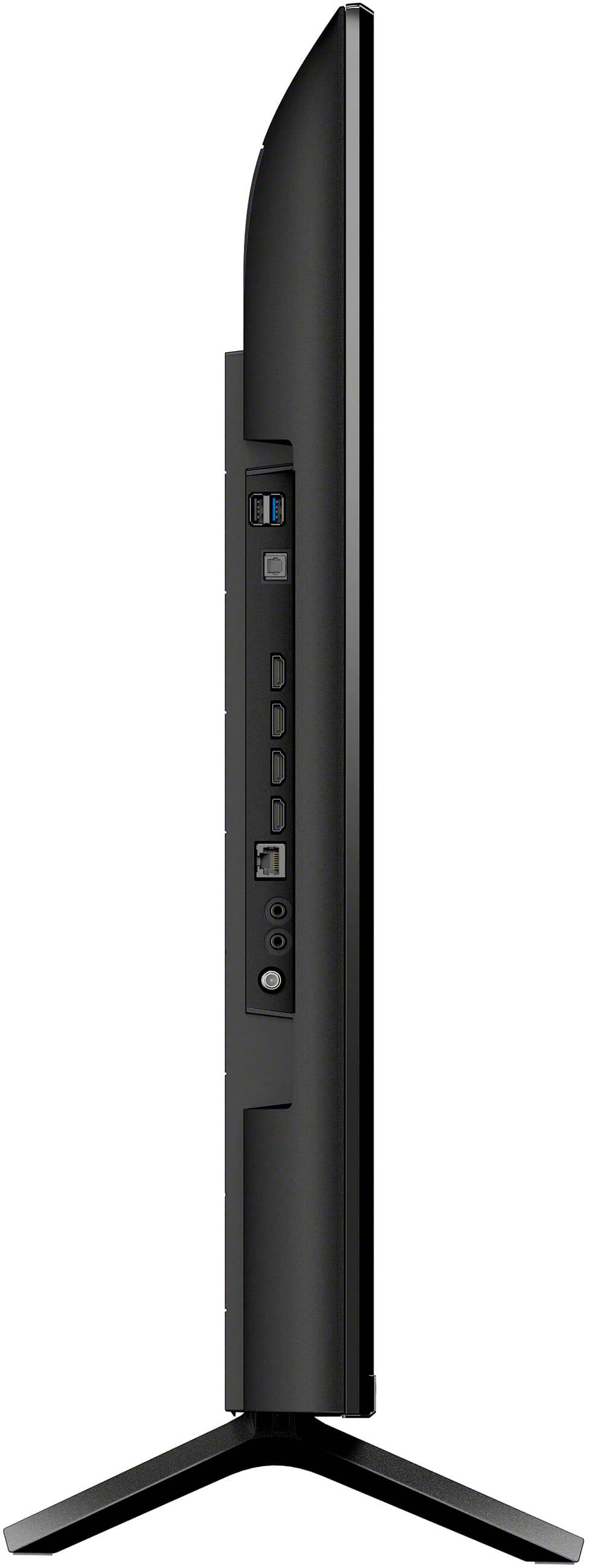
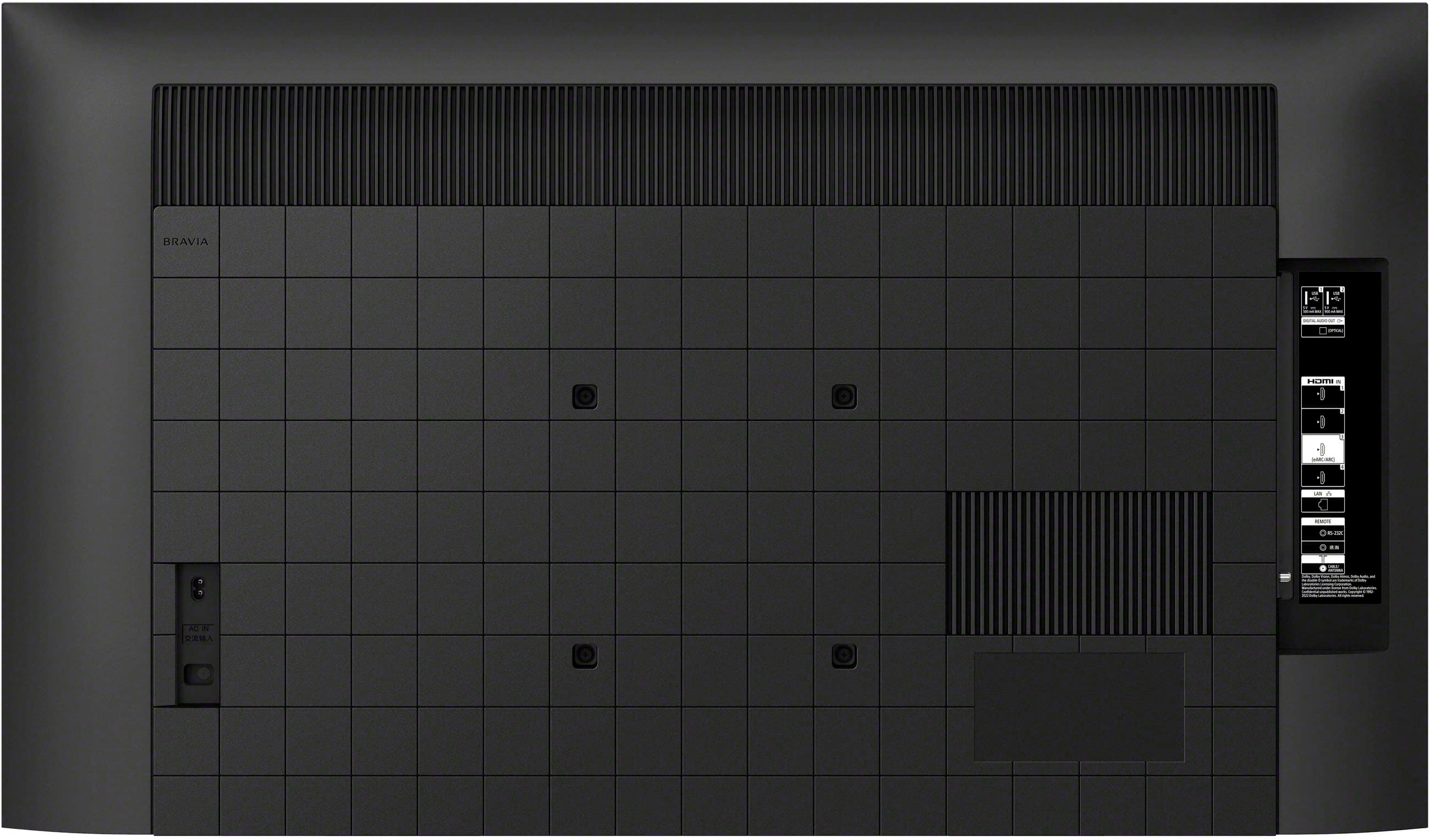
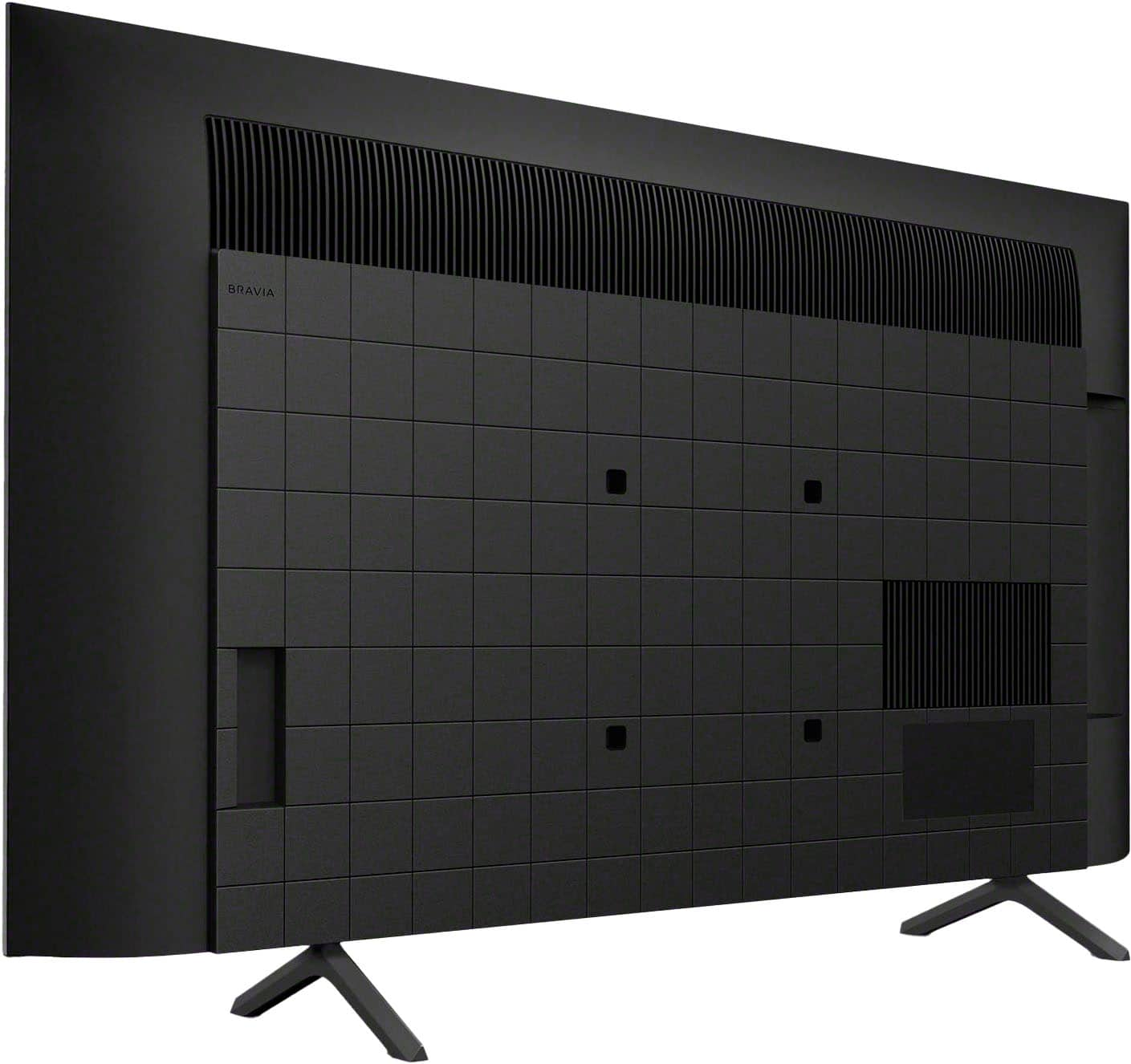









- Model:
- K43S30
- SKU:
- 10187722
Rating by feature
- Picture Quality
Rating 4.8 out of 5 stars
- Sound Quality
Rating 4.6 out of 5 stars
- Brightness
Rating 4.8 out of 5 stars
Nothing Google ever again
||Posted . Owned for 1 month when reviewed.This reviewer received promo considerations or sweepstakes entry for writing a review.I wanted a Sony TV, that is all we have bought for years and they have always made us happy, till this one. Don't buy a TV with Google, it is to invasive to your life. Can't set the TV up with a Google account. Why does Google have to update all the time? So many things plasted to the screen when you turn it on you can find what you want. When you do fond it the next time it has moved. The great Sony TV is now something I wish I had never bought because of the Google, there should be a law on how Google invades everything like your cell phone and e-mail when you don't give that info.
No, I would not recommend this to a friendBrand response from SonyListens
Posted .Hi madeamistake, thanks for choosing and purchasing our product. We're sorry to hear that you have an issue with setting up your Sony unit without a Google account. You have the option to skip the Google sign-in on the initial setup of the TV. You can enjoy some functions on your Android TV™ device without a Google™ account. You can watch TV programs and enjoy all Sony® apps, home network functions for the Album, Music, and Video apps. Certain functions, such as the Google voice search function, Chromecast™ built-in (Google Cast), internet browsing, and the YouTube™ app, are available without logging in to a Google account. However, you will not be able to rent or buy movies, TV shows, and apps from the Google Play™ Store.
Regarding the frequent updates, Google updates its services regularly to improve security, add new features, and enhance performance. While these updates can sometimes be inconvenient, they are essential for maintaining the functionality and security of your device.
If you find the screen cluttered with too many options, you can customize the home screen to better suit your preferences. This can usually be done through the settings menu by organizing or hiding certain apps and features. Please check these links for more details:
https://helpguide.sony.net/tv/lusltn2/v1/en-003/07_11.html?hl=app
https://helpguide.sony.net/tv/lusltn2/v1/en-003/01-03_10.html?hl=home+screen
May we contact you to help? If so, please email the below information to [email protected] .
Apologies if you disclosed some of this information in your review and to customer service, we just want to ensure that we have your accurate details at the time of communication.
Full Name:
Best Buy Username:
Telephone Number:
Sony TV Model Number:
Additional Information regarding your experience with the K43S30
Sincerely,
~Earl
My Super Buy at Best Buy!
||Posted . Owned for 3 weeks when reviewed.This reviewer received promo considerations or sweepstakes entry for writing a review.I love my new TV. I bought another Sony Bravia as my other older TV was the same brand and I figured that Sony is tops in my opinion, I hope to get the same service out of this new one as the older TV.
I would recommend this to a friendBrand response from SonyListens
Posted .Hi LouLou, Fabulous! We're thrilled that you're enjoying your BRAVIA 3 and are pleased with its outstanding performance. Thank you for choosing Sony! - Romeo
A good replacement for a Plasma Television
||Posted . Owned for 1 week when reviewed.This reviewer received promo considerations or sweepstakes entry for writing a review.My Panasonic Plasma Television recently failed and I need a replacement. The screen quality and energy savings is better then the Plasma, given it is newer technology. The weight of this LED Television, one man can carry it, for safety use two people to lift bulky items.
I would recommend this to a friendBrand response from SonyListens
Posted .Hi DeskJockeyCalifornia, Fabulous! You've certainly made a great choice! We're truly delighted to hear about your satisfaction with the amazing performance & features of your BRAVIA 3. Thank you so much for the perfect star review and for choosing Sony! - Romeo
Quality TV!
||Posted . Owned for 3 weeks when reviewed.This reviewer received promo considerations or sweepstakes entry for writing a review.- Quality is great - Size is perfect for a small wall - Not too heavy
I would recommend this to a friendBrand response from SonyListens
Posted .Thank you so much for your wonderful feedback, JRGON! We're delighted to hear that you're happy with the quality of your product and that the size works perfectly for your small wall. It's also great to know that you find it lightweight and easy to handle. If you have any other thoughts or need support with your k43s30, please don't hesitate to reach out—your satisfaction means a lot to us!
Thank you for choosing Sony!
Best regards,
Gus
Sony Social Media Team
Bravia 4K review
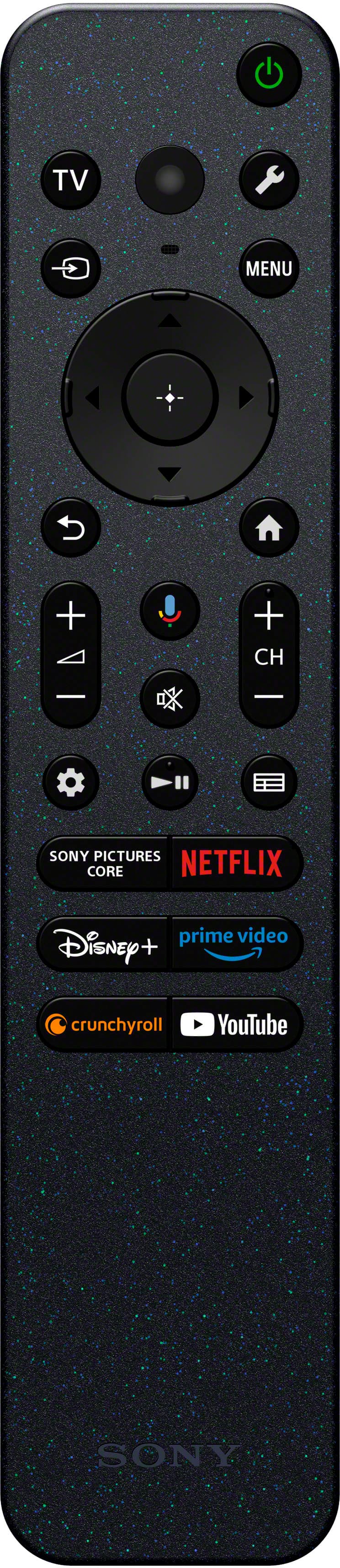
||Posted . Owned for 1 week when reviewed.This reviewer received promo considerations or sweepstakes entry for writing a review.Controls lack a number pad to select your TV station. It does have voice commands that work good. TV is hard to turn off. Not sure what it wants. Some times I have to use voice commands to get results. Manual is very poor.
I would recommend this to a friendBrand response from SonyListens
Posted .Hi ChrisDH, We are sorry to hear that you are experiencing difficulties with your new Bravia 3 TV. We appreciate your feedback regarding the TV remote and manuals as this can help improving our products. Thank you so much for the 4-star rating! -Carl
Sony TV
||Posted . Owned for 3 weeks when reviewed.This reviewer received promo considerations or sweepstakes entry for writing a review.We bought this tv because it was a smart tv and had an alarm time. The other cheaper tvs did not. This one can be programmed to come on in the morning.
I would recommend this to a friendBrand response from SonyListens
Posted .Hi LyleW, we're glad you like our product. Thanks for choosing Sony. ~Earl
Tv!
||Posted . Owned for 3 weeks when reviewed.This reviewer received promo considerations or sweepstakes entry for writing a review.Tv is great. Love the visuals and the menu home screen works well with the ps5 only thing i wished it had smart hd connections so i stop pressing the input buttons. Overall i sm satisfied.
I would recommend this to a friendBrand response from SonyListens
Posted .Hi JonathonG,
Thanks for sharing your review and experience with the BRAVIA 3. We're glad that you are enjoying the picture quality of the TV and how it works well with your PS5.
We understand your need to switch input effortlessly. The TV remote control supports voice control using the Google Assistant or MIC button. Ask Google to find movies, stream apps, play music, and control the TV - all with your voice. Press the Google Assistant (or MIC) button on the remote to get started. For more information, please refer to this link:
https://helpguide.sony.net/tv/lusltn2/v1/en-003/01-08_01.html
Hope this helps. Thank you for choosing Sony!
-Ralph
Amazing
||Posted .This reviewer received promo considerations or sweepstakes entry for writing a review.I bought this for my husband for his birthday and he loves it. The graphics and display are amazing.
I would recommend this to a friendBrand response from SonyListens
Posted .Hello GinaB, thank you for your wonderful review. We are truly heartened to learn that your husband is enjoying the incredible gift of a BRAVIA 3 and its outstanding picture quality. It's a joy for us to be a part of this celebration, happy birthday! Thank you for choosing Sony. Sincerely, -Jenn.
Great quality picture in a moderate size.
||Posted . Owned for less than 1 week when reviewed.This reviewer received promo considerations or sweepstakes entry for writing a review.We preferred a smaller screen in our living room & did not realize how much better this Sony was until swapping out our 55" screen for this one
I would recommend this to a friendBrand response from SonyListens
Posted .Hi Zman, Thank you for the fantastic 5-star review! We're thrilled to hear that you're enjoying your Sony BRAVIA 3 TV and that it complements your living room perfectly. Thank you for choosing Sony! Enjoy! -Maria
Like Sony and Google operating system
||Posted . Owned for 3 weeks when reviewed.This reviewer received promo considerations or sweepstakes entry for writing a review.I really like Sony TV’s and their Google operating system and after converting from Roku TV’s, I am hooked and will buy Sony again.
I would recommend this to a friendBrand response from SonyListens
Posted .Hi KeithW, we're glad you are enjoying your new TV! Thanks for choosing Sony. ~Earl
Great TV
||Posted . Owned for 3 weeks when reviewed.This reviewer received promo considerations or sweepstakes entry for writing a review.Sony makes a great TV. Still have one over 18 years old and one over 20 years old.
I would recommend this to a friendBrand response from SonyListens
Posted .Hi GaryjM, thank you so much for your loyalty! We're truly heartened to hear you're enjoying your new Sony - Bravia 3 and that our TVs have earned a lasting place in your home for over two decades. It means the world to us to be part of your entertainment journey. Thank you for trusting Sony! Best regards, -Dominick
Sony screen freeze problem
||Posted . Owned for less than 1 week when reviewed.This reviewer received promo considerations or sweepstakes entry for writing a review.Bought the Sony - 43" Class BRAVIA 3 LED 4K UHD Smart Google TV (2024) Model:K43S30 SKU:6578580. Within 2 days had the channel screen freeze as noted by other reviews. Sony response is to factory reset and restart. Best Buy store rep said to change antenna source. Did not work. Returned and received a replacement. Two days later same screen freeze. I was going to by another like model, now I'm not. Sony needs to have a software update to solve this problem.
No, I would not recommend this to a friendBrand response from SonyListens
Posted .Hi DavidB, Thank you for your feedback. We apologize for the inconvenience you have experienced. We understand your frustration with the screen freezing issue. Our team is aware of the problem and are actively working on a solution. In the meantime, we recommend trying the following steps:
Set the Bravia Sync to OFF On the remote control, press the (Quick Settings) button and select Settings → Channels & Inputs → External inputs → BRAVIA Sync settings→ turn OFF BRAVIA Sync control
Use a CEC-less HDMI cable or adapter to prevent the TV from rebooting or restarting.
Set The SAMBA Interactive TV to OFF On the remote control, press the (Quick Settings) button and select Settings→ System → Samba Interactive TV → turn OFF Samba Interactive TV.
We encourage you to periodically check our support site for updates regarding any improvement measures. We are investigating the issue and working on a future software update to address it. Should you need further assistance, please email us at [email protected] with the following details:
Name:
Username:
Model Number:
Issue:
Telephone Number:
Regards,
Sam
Sony Bravia 43"
||Posted . Owned for 1 month when reviewed.This reviewer received promo considerations or sweepstakes entry for writing a review.Very good product at good on-sale price. I purchased this Sony Bravia to replace an older Sony Bravia purchased 19 years ago. The technology is excellant, and the Geek Squad install was very professional.
I would recommend this to a friendBrand response from SonyListens
Posted .Hi naturewatcher, Thank you for upgrading to your new Sony Bravia 3! It's great to know that you find the technology excellent and that the Geek Squad installation was very professional. We appreciate your continued trust in Sony products and hope you enjoy your new TV for many years to come! -Sam
10/10
||Posted . Owned for 3 weeks when reviewed.This reviewer received promo considerations or sweepstakes entry for writing a review.Best quality on every Sony purchase, worth the price
I would recommend this to a friendBrand response from SonyListens
Posted .Hi MLGS, thanks for the fantastic 5-star review! We're very glad to hear that the Sony - 43" Class BRAVIA 3 is consistently delivering a premium viewing experience, and that the quality really stands out for you. The 4K HDR Processor X1 intelligently enhances every scene in real-time boosting color, contrast, and clarity. Thank you so much for your support and for choosing Sony! Regards, -Dominick
My Bravia Smart TV
||Posted . Owned for 3 weeks when reviewed.This reviewer received promo considerations or sweepstakes entry for writing a review.I am pleased with this smart TV. It is more than I expected. It is like watching on a lap top with all the apps you can download.
I would recommend this to a friendEasy hookup and now learning to add apps.
||Posted . Owned for 3 weeks when reviewed.This reviewer received promo considerations or sweepstakes entry for writing a review.We went with the Sony as it has always been a reliable brand. Now trying to add apps for our interests. Wish it came with a manual.
I would recommend this to a friendBrand response from SonyListens
Posted .Hi DeborahH, we're glad you like our product. We understand that you want install more apps on your new TV. You can follow this link for more details:
https://www.sony.com/electronics/support/articles/00147386?utm_source
Also, you can find this link helpful as it serve as an online manual for you TV:
https://helpguide.sony.net/tv/lusltn2/v1/en-003/index.html
If you require any additional support with regard to this product, please email us at [email protected] with the following details: Name: Username: Model Number: Issue: Telephone Number:
Thanks for choosing Sony. ~Earl
TV Product Service Review
||Posted . Owned for 3 weeks when reviewed.This reviewer received promo considerations or sweepstakes entry for writing a review.I did not receive the remote control with the product. I sent the request to a service department to get one. However, Best Buy has not responded to me.
I would recommend this to a friendBrand response from SonyListens
Posted .Hi QQ007, thank you for your review!
We sincerely apologize for the inconvenience you've experienced with your recent purchase. We understand how frustrating it must be to receive a new product without an essential component like the remote control. This is certainly not the quality or experience we aim to deliver, and we are very sorry for the trouble this has caused.
If Best Buy has not yet responded to your request, we would be happy to help. Please email us at [email protected] with the following information so we can further investigate and assist you:
Name
Username
Model Number
Telephone Number
Additionally, please include a detailed description of the issue.
Again, we apologize for this oversight and appreciate the opportunity to make this right.
Thank you for considering Sony!
Best regards, Gus, Sony Social Media Team
Awesome tv and value. Take note: m5 30mm screws
||Posted .This reviewer received promo considerations or sweepstakes entry for writing a review.Great tv. Great price. Please note. You will need M5 35mm screws to mount this.
I would recommend this to a friendBrand response from SonyListens
Posted .Hi WindyCityWookie,
Thanks for the 5-star rating!
We are beyond pleased to hear how much you're enjoying the Bravia 3 TV! Thanks for taking the time to share your experience mounting it. Have amazing movie nights ahead.
Thanks for choosing Sony.
-Eliab
Mrs
||Posted . Owned for 1 month when reviewed.This reviewer received promo considerations or sweepstakes entry for writing a review.Picture quality (color) not quite as good as Samsung. I overall satisfied.
I would recommend this to a friendBrand response from SonyListens
Posted .Hi MaxineM, thank you for sharing your review of the Sony K65S30 TV.
We appreciate your feedback and are glad to hear that you are overall satisfied with your purchase. To address your concerns regarding picture quality and color comparison to Samsung, we would like to provide some optimization tips and highlight unique features of your Sony TV.
Optimization Tips for Picture Quality
Picture Mode: Choose the appropriate Picture mode based on your viewing environment and content. Options such as 'Vivid' for enhanced colors and brightness, 'Cinema' for balanced brightness and color depth, and 'Standard' for everyday use can significantly impact your viewing experience.
Color Adjustments: You can adjust color saturation, hue, and color temperature through advanced settings. The 'Live Color' function enhances the vividness of colors, and options such as 'Warm,' 'Natural,' 'Cool,' and 'Expert' modes allow you to fine-tune the color temperature.
Brightness and Contrast: Adjust the brightness and contrast settings to display the brightest whites and deepest blacks, creating a more dynamic and visually pleasing picture. Utilizing features like 'Auto Local Dimming' and 'X-tended Dynamic Range' can further boost these aspects.
Motion Settings: Enable 'Motionflow' to adjust the smoothness and clearness of moving images. This can enhance clarity and reduce motion blur, providing a sharper and more immersive viewing experience.
Unique Features and Strengths
4K HDR Processor X1™: This processor intelligently enhances every scene in real-time, boosting color, contrast, and clarity to produce lifelike picture quality.
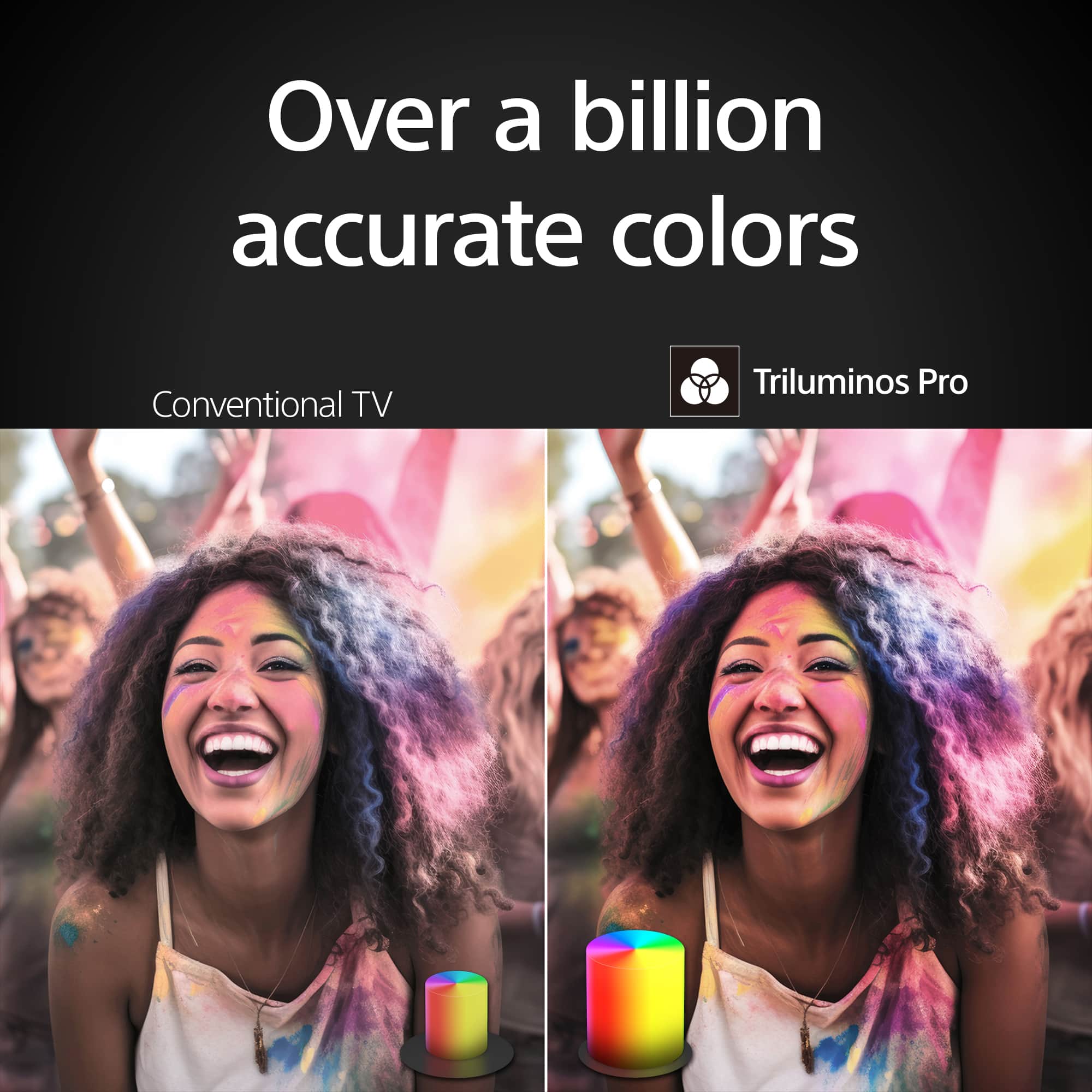
Triluminos Pro™ Technology: With Triluminos Pro™, your TV can display over a billion accurate colors, achieving vivid and bright picture quality.
Studio Calibrated Mode: This mode allows your TV to faithfully reproduce content as creators intended, offering a higher level of picture accuracy for streaming and entertainment apps.
If you have any further feedback or need any assistance, please don't hesitate to reach out.
Thank you for choosing Sony!
Gus
TV Owner
||Posted . Owned for 1 month when reviewed.This reviewer received promo considerations or sweepstakes entry for writing a review.Remote set up a bit difficult with both WiFi and Verizon box installed
I would recommend this to a friendBrand response from SonyListens
Posted .Hi PatriciaM,
Thanks for sharing your experience. We understand that setting up the remote alongside both Wi-Fi and a Verizon Box can be a little confusing at first. Once everything is properly synced, though, the control should be much smoother. Your input helps us continue improving setup guidance for future users.
Thanks for choosing Sony.
-Eliab