Customer Ratings & Reviews

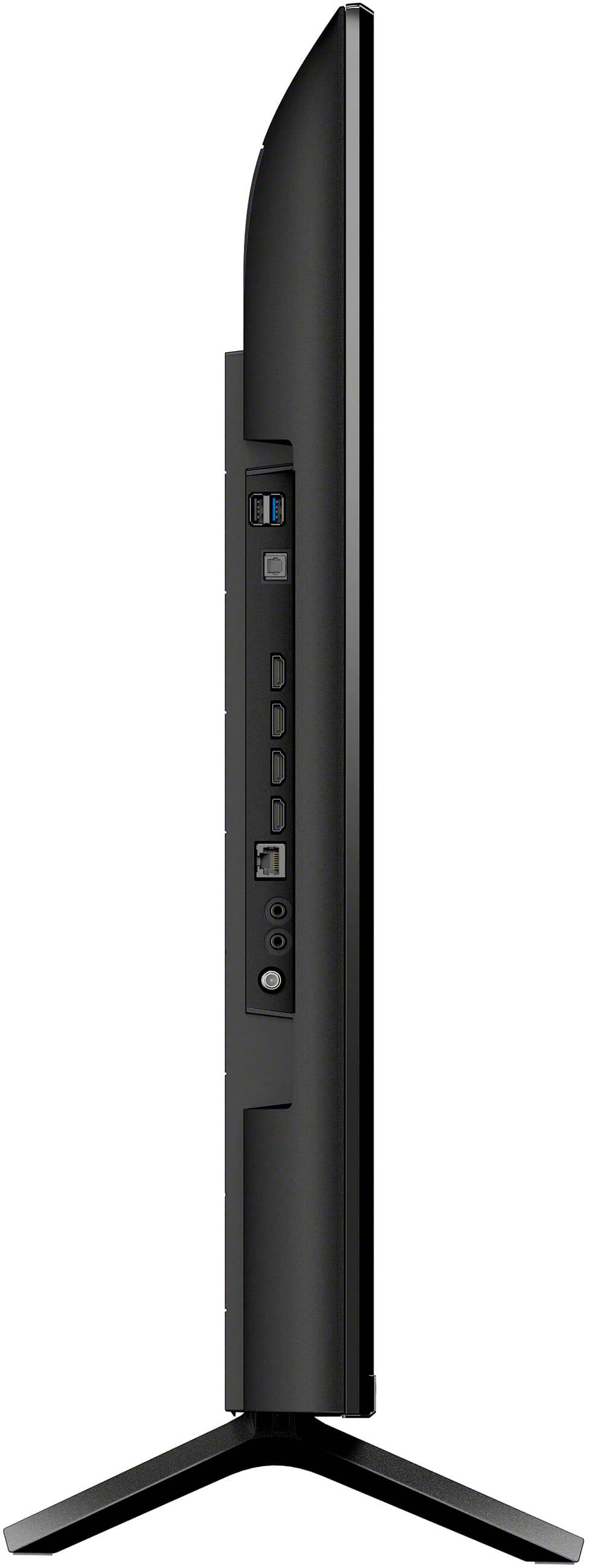
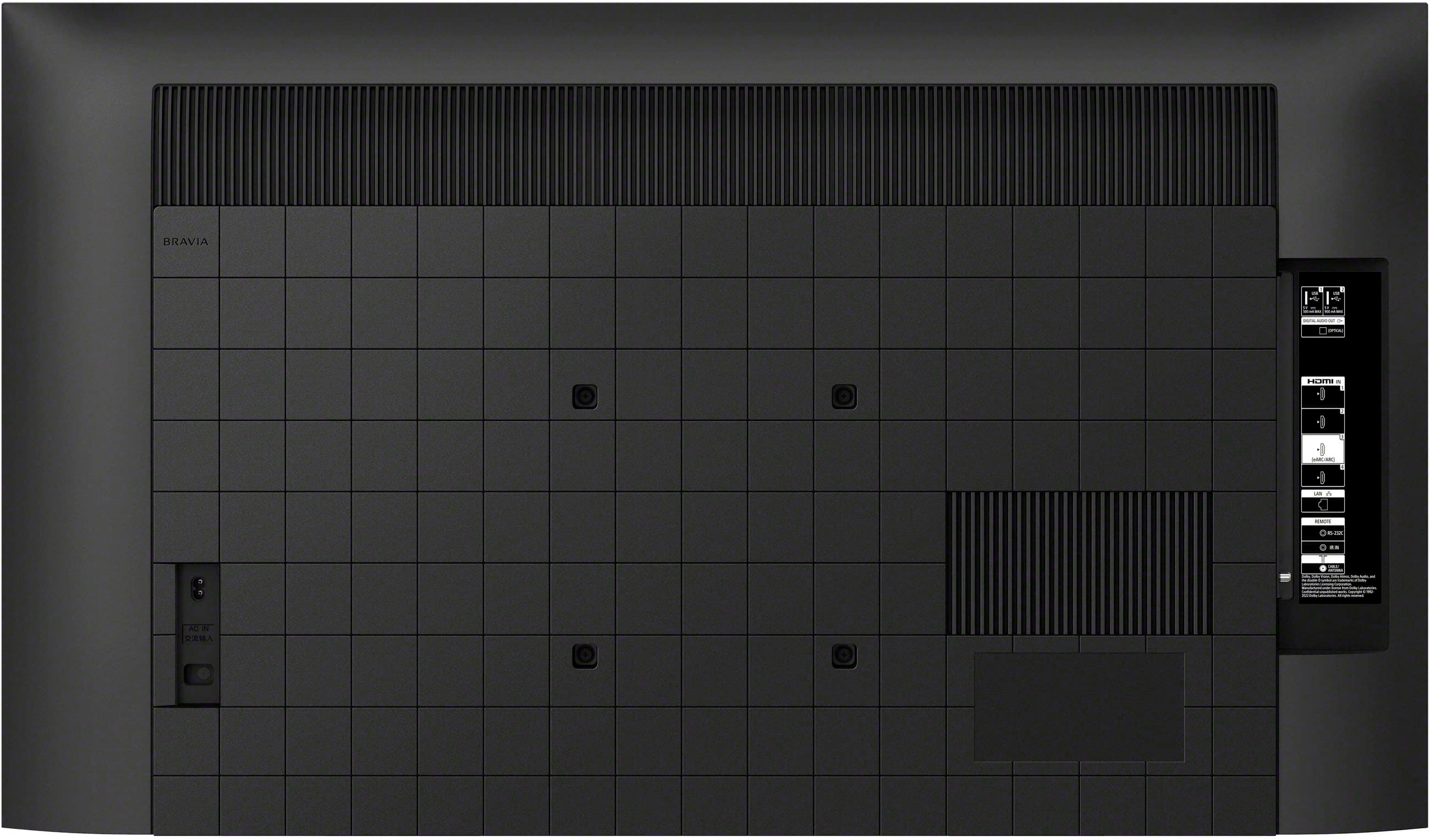
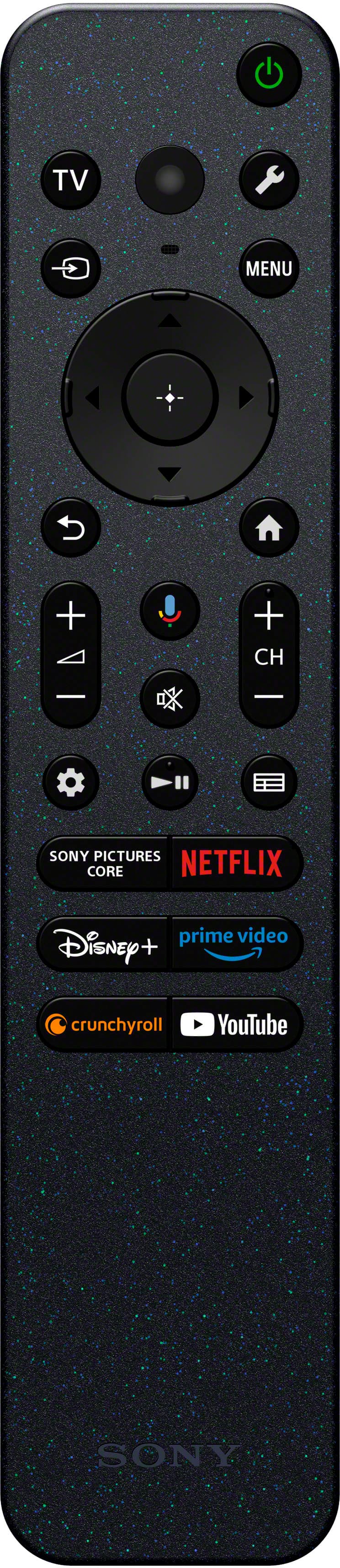
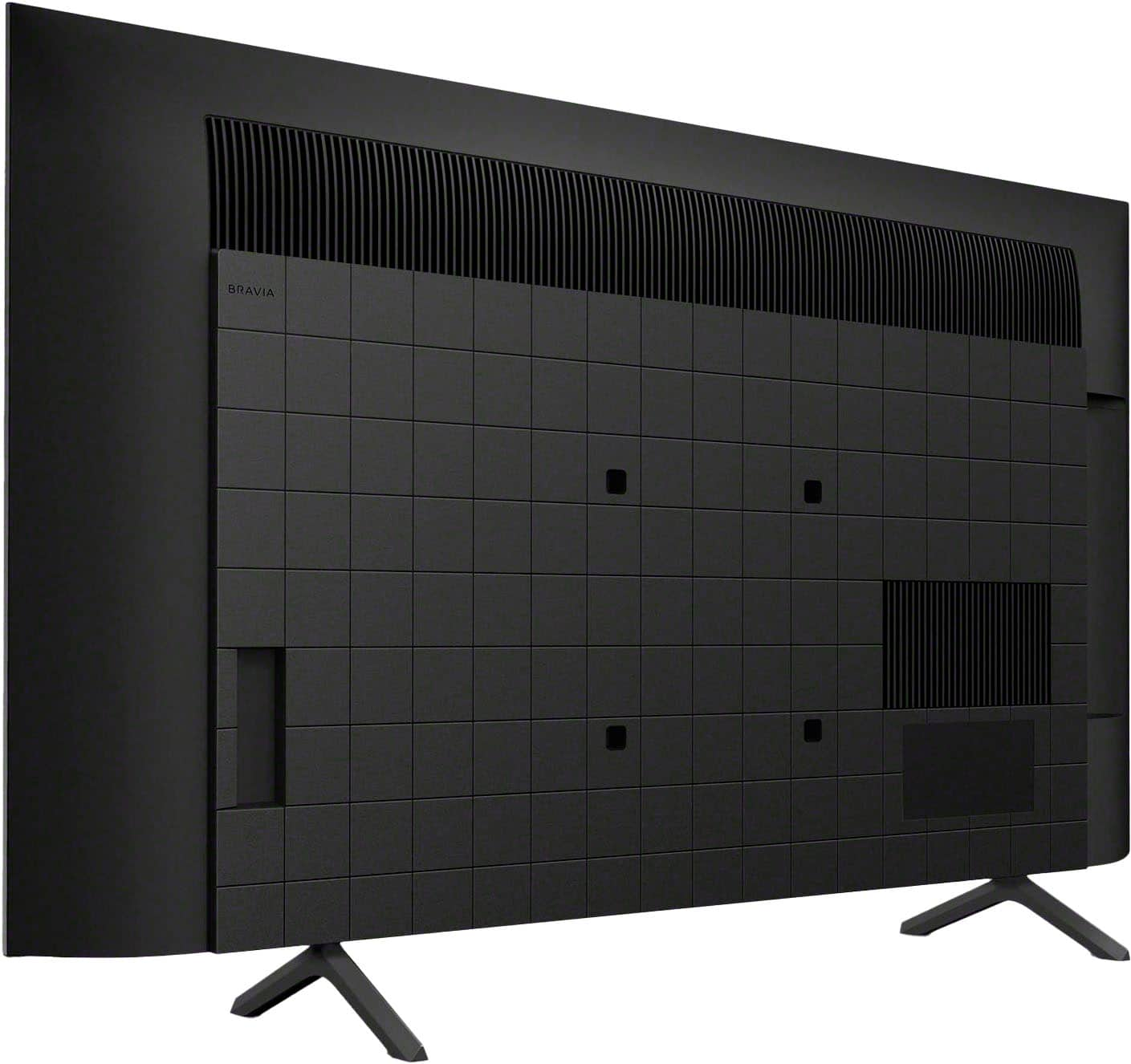










- Model:
- K43S30
- SKU:
- 10187722
Rating by feature
- Picture Quality
Rating 4.8 out of 5 stars
- Sound Quality
Rating 4.6 out of 5 stars
- Brightness
Rating 4.8 out of 5 stars
Brute
||Posted . Owned for 3 weeks when reviewed.This reviewer received promo considerations or sweepstakes entry for writing a review.I had this TV for about a month and changing the channels, sometimes a picture will freeze and a channel. Don't know what that is about. I have to turn on and off to reset it
I would recommend this to a friendBrand response from SonyListens
Posted .Hi there,
Thank you for taking the time to review the K-43S30 BRAVIA TV. We truly appreciate your feedback and are sorry to hear about the picture freezing issue you're encountering when changing channels. To help resolve this problem, we recommend following the troubleshooting steps outlined in the article linked below:
https://www.sony.com/electronics/support/articles/00347482
If these steps do not resolve the issue, performing a factory data reset might help. Please note that this will remove all your custom settings, including apps, channels, and network settings.
ref: https://www.sony.com/electronics/support/articles/00159487
Should you need more information/technical assistance with our product, please email us at [email protected] with the following details so we can best assist you.
Name:
BestBuy Username:
Model Number:
Issue:
Telephone Number:
We value you, and we appreciate your feedback. Thanks for choosing Sony!
Best regards,
Romeo
Sony Social Support
Sony Bravia 43 inch tv NOT DELIVERED!
||Posted .This reviewer received promo considerations or sweepstakes entry for writing a review.I ordered for shipping - roadie delivery driver came to deliver tv and did not leave. Called Best Buy 3 times and was hung up on after long wait times one man named Mike in Louisiana was very nice, but could not help. Chat online was suppose to help and then I had to call 2 more times for refund- ABSOLUTE NIGHTMARE!!! This item was purchased for shipping- would not have been a bad idea if Best Buy sent a delivery BUT LEAVE THE DELIVERY!!! I am not happy with Best Buy!
No, I would not recommend this to a friendWifi is bad everything else works great.
||Posted . Owned for 3 weeks when reviewed.This reviewer received promo considerations or sweepstakes entry for writing a review.The wifi doesn't work well. It kept turning on and off randomly.
No, I would not recommend this to a friendBrand response from SonyListens
Posted .Hi ShaneT, thank you for taking the time to share your feedback regarding your Bravia 3. We sincerely apologize for the inconvenience you’ve experienced with the Wi-Fi connectivity issues.
We're here to assist you and would be glad to provide you with some troubleshooting steps to address this problem:
-Update your TV's software to the latest version. https://www.sony.com/electronics/support/lcd-tvs-android-bravia-3-s30-/k-43s30/software/00340195
-Consider temporarily turning off the Wi-Fi function, then turning it back on to reset the network module. Additionally, reset your modem/router.
Please visit the link below for important information and additional troubleshooting steps: https://www.sony.com/electronics/support/articles/00184183?utm_source=glean
Should the issue persist after following the steps, we recommend reaching out to our technical support team for additional assistance. You can locate their contact information here: https://us.esupport.sony.com/support/s/support-contact?language=en_US&category=tv
Thanks for considering Sony products and for letting us know about this issue.
Best regards,
Estefany
Disappointed
||Posted . Owned for 3 weeks when reviewed.This reviewer received promo considerations or sweepstakes entry for writing a review.There’s something off about the picture quality on this Sony. The colors are very unnatural. People are either super pale or way too overexposed. I shouldn’t have to manually adjust the colors so much. Plus I did a side by side comparison with my older model Sony and the older model displays are much more eye pleasing. Sadly I might have to return this one.
No, I would not recommend this to a friendBrand response from SonyListens
Posted .Hi Robert,
Thank you for sharing your feedback on the Sony BRAVIA 3. We're sorry to hear the picture quality, especially the color accuracy, hasn't met your expectations, particularly when compared to your older Sony model. We understand how frustrating it can be to manually adjust settings to get the desired results. We want to make sure that you’re taken care of and go through some troubleshooting with you to make sure your TV is great. If you're experiencing an issue with brightness or contrast with your TV screen when watching videos, please try following the steps on the link below to resolve the issue:
https://www.sony.com/electronics/support/articles/00032635
The quality of the source is also a big factor in getting an excellent picture quality. Having said that, picture mode settings provide preset adjustments for the type of picture you are viewing. Picture settings also allow a wide array of changes to color, contrast, clarity, motion settings, and brightness that can improve the viewed content on your Google TV. Your experience matters to us, and we'd recommend reaching out to our support team for assistance with troubleshooting, as they may be able to help optimize the display.
If you need further assistance regarding your concern, please let us know so we can turn your experience around. You may send us an email at [email protected] with the following details:
Apologies if you disclosed some of this information in your review and to customer service, we just want to ensure that we have your accurate details at the time of communication.
Full Name:
Best Buy Username:
Telephone Number:
Sony TV Model Number:
Additional Information regarding your experience with the BRAVIA 3.
If you decide to return it, we appreciate you giving Sony a try and hope we can win you back with future models that better suit your preferences.
Sincerely,
Jess
Not what I expected
||Posted . Owned for 1 month when reviewed.This reviewer received promo considerations or sweepstakes entry for writing a review.TV is not what I expected. Do not enjoy having to find the cable every time I turn it on, should just go to cable automatically.
I would recommend this to a friendBrand response from SonyListens
Posted .Hi LeannB,
Thank you for your review of the K43S30 (BRAVIA 3). We appreciate your feedback and are sorry to hear that the TV did not meet your expectations regarding the cable input selection. The BRAVIA 3 is designed to offer a customizable viewing experience, and we understand that having to manually select the cable input each time can be inconvenient. To address this, you can set the TV to automatically switch to the last input used when it is turned on. Here’s how you can do it:
Set the Power on behavior to the Google TV Home screen or last input (last selected external input or TV channel):
- On the remote control, press the (wrench or gear button) Quick Settings button.
- Navigate to and select Power on behavior.
- Select Google TV home screen (Home screen) or Last used input (Last input).
Set the TV button to power on the TV and display the TV channels or selected input:
- On the remote control, press the Quick Settings button.
- Select Settings → Channels & Inputs → TV button shortcut → select the input of your choice or TV channels.
This should help the TV remember your last input and switch to it automatically when you turn it on.
ref: https://www.sony.com/electronics/support/articles/00257833
If the problem persists or you may need more information, please email the below information to [email protected] so we can better assist you.
Apologies if you disclosed some of this information in your review and to customer service, we just want to ensure that we have your accurate details at the time of communication.
Full Name:
Username:
Telephone Number:
Model Number:
Issue/Concern:
We hope this improves your experience with the BRAVIA 3. Thank you for choosing Sony.
Sincerely,
Romeo
Sony Social Support
Disappointed
||Posted .This reviewer received promo considerations or sweepstakes entry for writing a review.Not at all happy with this TV. Every 3-4 months, I have to do a factory reset as the TV stops picking up OTA signals. When it does pick up channels, the picture freezes when scrolling to other channels. I have to turn the power off and back on to view my channel selection. As well, the TV sometimes picks up the sounds bar, sometimes it does not. I have a Roku TV in another room, and never any issues with OTA signals.
No, I would not recommend this to a friendBrand response from SonyListens
Posted .Hi MikeW,
We're sorry to hear about the ongoing issues with your BRAVIA 3 TV, including the OTA signal problems and soundbar connectivity. That's definitely not the experience we want you to have.
We recommend checking for and installing the latest software updates, as these often resolve such issues. You can find support and update information for your TV at https://www.sony.com/electronics/support/. If updating doesn't help, please reach out to our customer support for further assistance. You can start a chat though this link: https://us.esupport.sony.com/support/s/support-contact?language=en_US&category=tv
We hope the information helps. Thanks for considering Sony products.
-Eliab
Average
||Posted . Owned for 3 weeks when reviewed.This reviewer received promo considerations or sweepstakes entry for writing a review.Not quite what I expected. I thought I would get a clearer picture.
I would recommend this to a friendBrand response from SonyListens
Posted .Hi Mancave, Thanks for sharing your experience. There are several factors that can affect the quality of image shown on your TV. Poor picture quality is often experienced when lower-quality video content is upscaled and viewed on higher resolution TV models. To experience the highest quality picture on your TV, the video source should be the same quality (HD, 4K, etc.) as specified for your TV. For more details, kindly check the link below :
https://www.sony.com/electronics/support/articles/00026355
Regards.
-Craig
Okay product
||Posted . Owned for 1 month when reviewed.This reviewer received promo considerations or sweepstakes entry for writing a review.At first it was a nice television with a learning curve on how to use it. Unfortunately we had to return it due to no picture when we turned it on one day. I am glad I invested in Best Buy's "My Best Buy total. We had the television for about a month.
No, I would not recommend this to a friendNot the usual Sony Bravia Quality!
||Posted . Owned for 1 month when reviewed.This reviewer received promo considerations or sweepstakes entry for writing a review.Television keeps freezing and has to be unplugged to reset. Volume is often turned up to 40s to be heard.
No, I would not recommend this to a friendBrand response from SonyListens
Posted .Hi TonyP, we're sorry to hear that you have an issue with your new TV. This is not the experience we want your to have. Please make sure your TV has the latest firmware installed:
https://www.sony.com/electronics/support/televisions-projectors-lcd-tvs-android-/k-43s30/downloads
For low TV volume, please check this link:
https://www.sony.com/electronics/support/articles/00023579?utm_source
Please reset your TV to factory default by following this link:
https://www.sony.com/electronics/support/articles/00159487?utm_source
May we contact you to help? If so, please email the below information to [email protected] .
Apologies if you disclosed some of this information in your review and to customer service, we just want to ensure that we have your accurate details at the time of communication.
Full Name:
Best Buy Username:
Telephone Number:
Sony TV Model Number:
Additional Information regarding your experience with the K43S30
Sincerely,
~Earl
Less than 3 mos and no longer works
||Posted . Owned for 2 months when reviewed.This reviewer received promo considerations or sweepstakes entry for writing a review.I purchased my Bravia on 22 June 2024 after moving. I had a Bravia at my previous home and loved it. It was wall mounted so I sold it with the home. The new model has not lived up. It required rebooting frequently and I've had to factory reset it 2x. Now it won't turn on at all and the red light blinks 6 times, likely a motherboard failure. So after less than 3 months Im without a TV for an unknown period of time. Because the worst part is that getting service is a nightmare. Unless you buy the Geek Squad protection, Best Buy will not help you, you must go thru Sony. Not sure how long I'll be without a TV, they are going to contact me which strikes fear of waiting and redtape in my heart.
No, I would not recommend this to a friendBrand response from SonyListens
Posted .Hi KHall, We are sorry to hear that you are experiencing issues with your Bravia 3 TV. We understand the frustration with the service process, however contacting Sony support is the best course of action to get your TV serviced. If you encounter any issues with the service process, please let us know, and we can try to assist further. May we contact you to help and get more information? If so, please email the below information to [email protected].
Apologies if you disclosed some of this information in your review and to customer service, we just want to ensure that we have your accurate details at the time of communication.
Case ID:
Full Name:
Best Buy Username:
Telephone Number:
Sony Model Number:
We are sorry for the inconvenience and hope to speak to you to resolve this matter.
Regards,
Carl
Still have not received free YouTube TV that said
||Posted . Owned for 1 month when reviewed.This reviewer received promo considerations or sweepstakes entry for writing a review.The TV I purchased is fine. It's Best Buy. It was supposed to come with. I believe 45 days of free YouTube TV, and I have yet to receive the email from them on that. And I have emailed them twice, trying to get them to send the email. So I could get the free thing and check out YouTube TV. Still waiting
No, I would not recommend this to a friendWard
||Posted . Owned for 1 week when reviewed.This reviewer received promo considerations or sweepstakes entry for writing a review.Dry pleased with the product and the after purchase, delivery and installation
I would recommend this to a friendBrand response from SonyListens
Posted .Hi WardW,
Thanks for commenting. If there's anything we can do to help or you may need information/technical assistance with our product, you can always contact us and we'll be more than happy to assist you. Please send us an email at [email protected] with the following:
Name:
BestBuy Username:
Model Number:
Issue/Concern:
Telephone Number:
Thank you for your purchase and for choosing Sony.
Best regards,
Romeo
Sony Social Support
Mr.
||Posted . Owned for 1 month when reviewed.This reviewer received promo considerations or sweepstakes entry for writing a review.Not particularly helpful or knowledgeable with regard to alternatives.
I would recommend this to a friendBrand response from SonyListens
Posted .Hi Best,
Thank you for bringing this to our attention, and we sincerely apologize for the inconvenience. If there's something we can do to help, please feel free to contact us and we'll be more than happy to assist you. You may send us an email at [email protected] with the following:
Name:
BestBuy Username:
Model Number:
Issue/Concern:
Telephone Number:
Thank you for choosing Sony.
Best regards,
Romeo
Sony Social Support
Don’t trust open box
||Posted .This reviewer received promo considerations or sweepstakes entry for writing a review.I received a broken and incomplete item and was charged full price for it. Other stores supposedly had this tv open box in good condition, but they were all broken or missing parts. Used to love open box, but never trying it again after this experience.
No, I would not recommend this to a friendWouldnt turn on
||Posted . Owned for 3 weeks when reviewed.This reviewer received promo considerations or sweepstakes entry for writing a review.didnt work. 5 blinking red lights. did all the recommended fixes, no good wouldn't turn on. returned it for Samsung, working great!
No, I would not recommend this to a friendBrand response from SonyListens
Posted .Hello GaryV,
Thank you for considering Sony products.
We're sorry to hear about the issue you experienced with your K43S30 TV and the frustration it caused, especially after trying all the recommended fixes. This is certainly not the quality we aim to deliver, and we understand how disappointing this must have been. We truly appreciate you sharing your experience and will forward your feedback to our dedicated Sony team for a thorough review as we continue to enhance our products and service. Thank you for your understanding and for giving us the opportunity to learn from your valuable input.
Best regards,
-Fred
Disappointed.
||Posted . Owned for 3 weeks when reviewed.This reviewer received promo considerations or sweepstakes entry for writing a review.Doesn't have a light to let you know when the sleep timer is on.
No, I would not recommend this to a friendBrand response from SonyListens
Posted .Hi DanielW,
We're really sorry if the sleep timer function of our BRAVIA 3 didn't live up to your expectations. We greatly appreciate your input. If there's something we can do to help, please feel free to contact us and we'll be more than happy to assist you. You may send us an email at [email protected] with the following:
Name:
BestBuy Username:
Model Number:
Issue:
Telephone Number:
We value you, and thank you for choosing Sony.
Sincerely,
Romeo
Sony Social Support
Terrible Return Policy
||Posted . Owned for 3 weeks when reviewed.This reviewer received promo considerations or sweepstakes entry for writing a review.We bought $4,000 worth of TV's and accessories on one day. We had to return one TV to get a smaller one, still in the box! and it was after some 30 window and they wouldn't give us our money back for the difference only a store credit!
I would recommend this to a friendpreviously owned?
||Posted . Owned for 1 month when reviewed.This reviewer received promo considerations or sweepstakes entry for writing a review.I have reason to believe this was a pre-owned or refurbished TV. Several problems. The CHAT line with Best Buy was no help at all. No warranty card with given with delivery of this item
No, I would not recommend this to a friendHorrible product
||Posted . Owned for 2 months when reviewed.This reviewer received promo considerations or sweepstakes entry for writing a review.Sony has the worst Technical Support, their TV legs are terrible they don't lock into place and then you have to worry about it falling off, I do not like anything about Sony and this TV weighs a ton, absolutely ridiculous I would never recommend this product ever!
No, I would not recommend this to a friendBrand response from SonyListens
Posted .Hi MicheleG,
Thank you for reaching us with your concern.
We sincerely apologize for the loose stands on your Sony BRAVIA 3 TV. This is certainly not the experience we aim to provide our customers. At Sony, our commitment to customer satisfaction is our highest priority.
To address the issue with your loose stand, please refer to the Setup Guide for instructions on attaching your Table Top Stand: https://www.sony.com/electronics/support/res/manuals/5057/cac76fca18b4752638e9f4fa63778daf/50579341M.pdf
Additionally, you can find recommended measures to secure your Sony TV at the following link:
https://www.sony.com/electronics/support/res/manuals/5057/6f886eab7672aa25d76333080e2acd6f/50579301M.pdf
We'd also like to review your file to know more details as to what have been discussed when you called.
Maybe there is something that we can do to help you. For us to better assist you, please email us at [email protected] with the following details:
Apologies if you disclosed some of this information in your review and to customer service, we just want to ensure that we have your accurate details at the time of communication.
Full Name:
Case ID (if any):
Username:
Telephone Number:
Sony Model Number:
Additional Information regarding your experience with the BRAVIA 3
We are sorry for the inconvenience and hope to speak to you to resolve this matter.
Sincerely,
Maria
Doesn’t power on…Brand new out of box
||Posted . Owned for less than 1 week when reviewed.This reviewer received promo considerations or sweepstakes entry for writing a review.Bought it yesterday…Doesn’t even turn on. Did all the troubleshoot procedures…Can I return it and get another?
No, I would not recommend this to a friend