Customer Ratings & Reviews

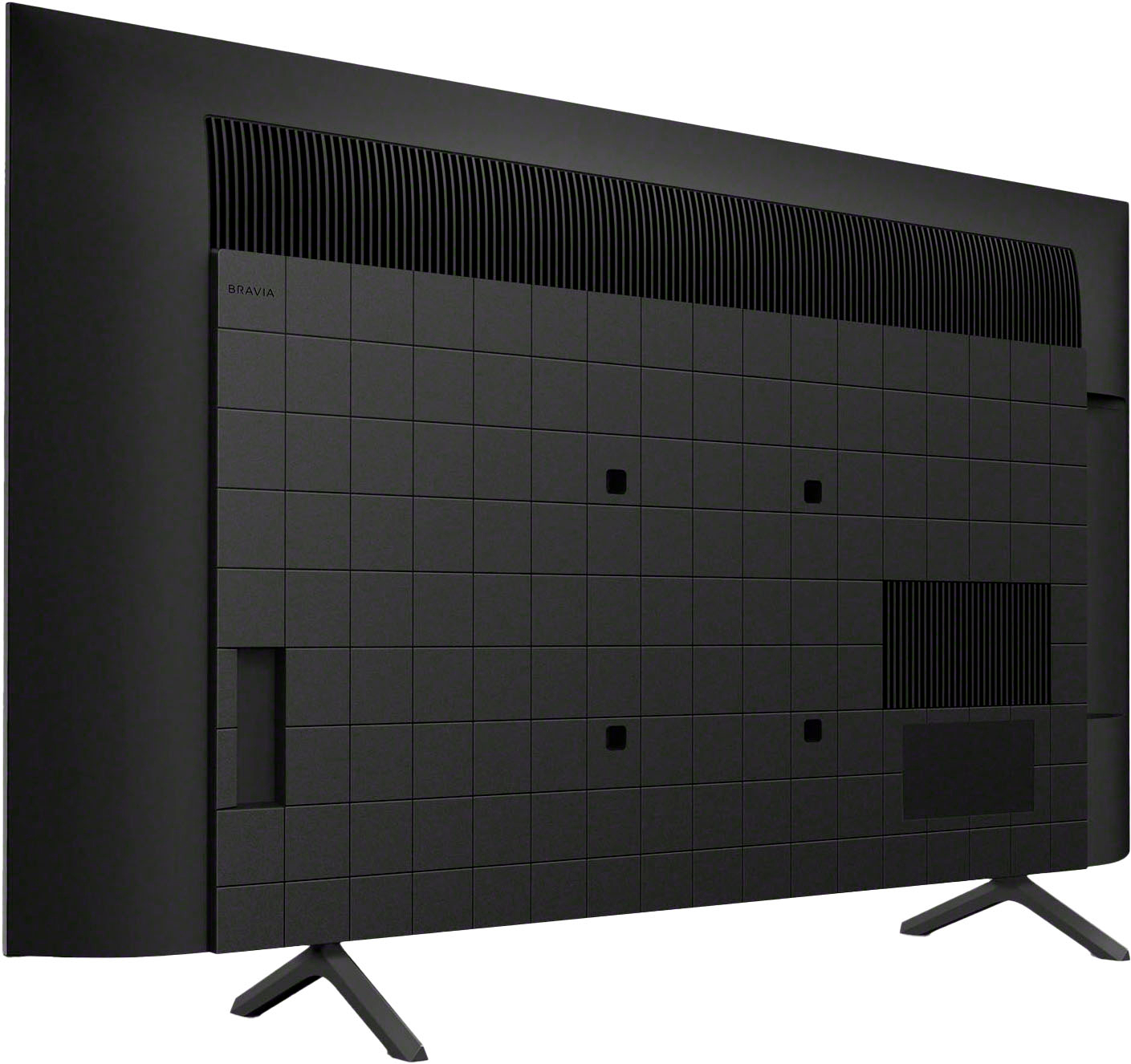
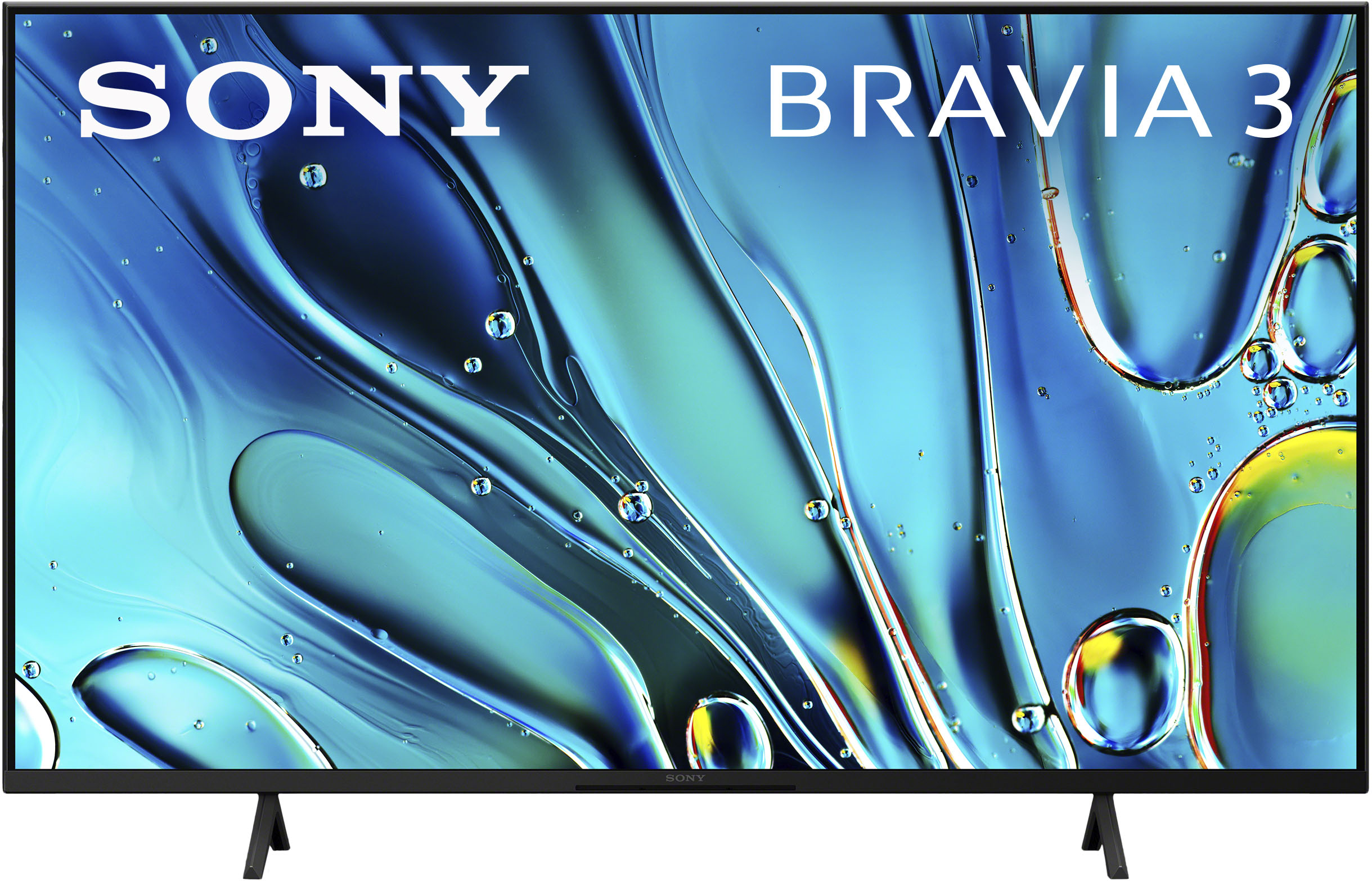

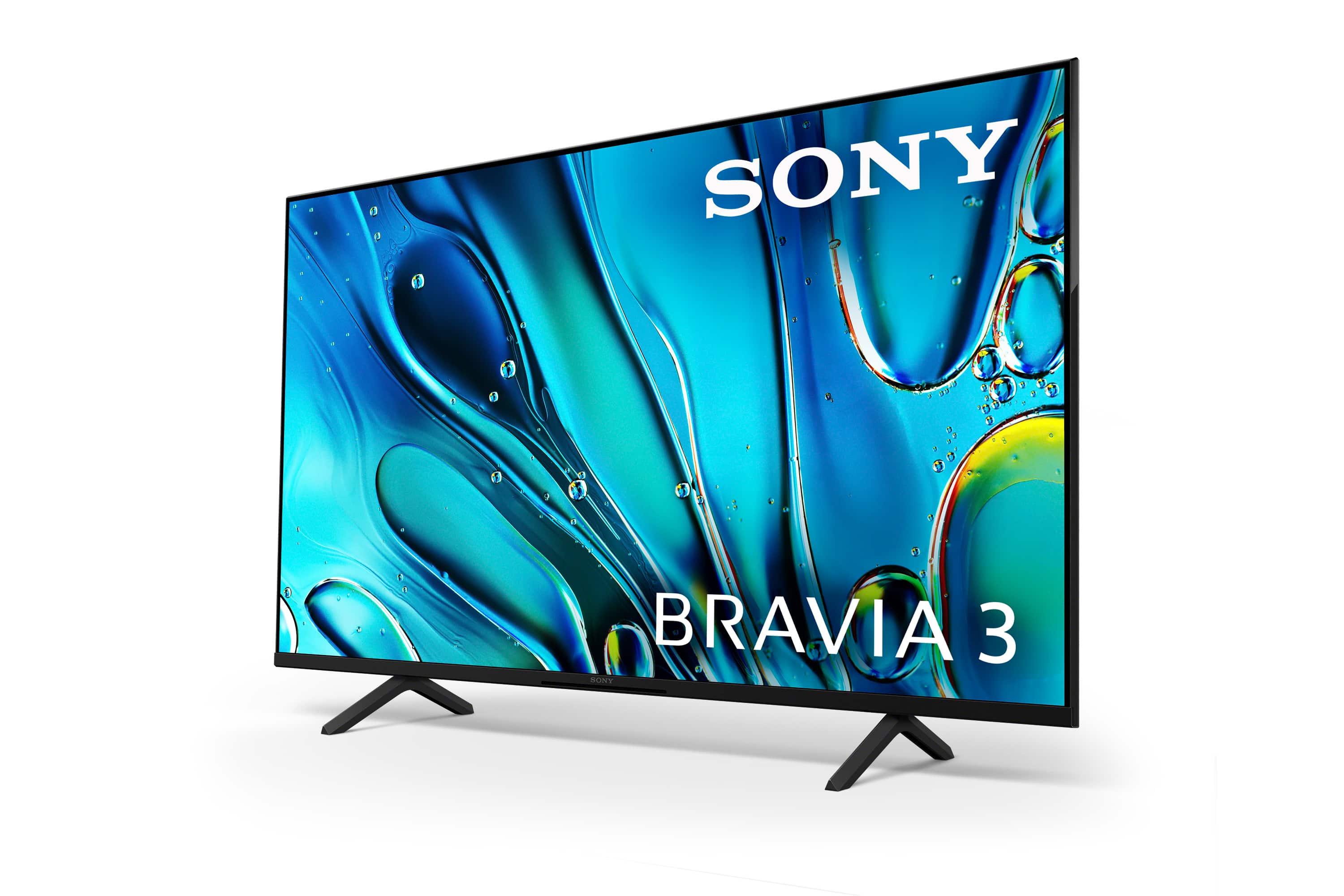
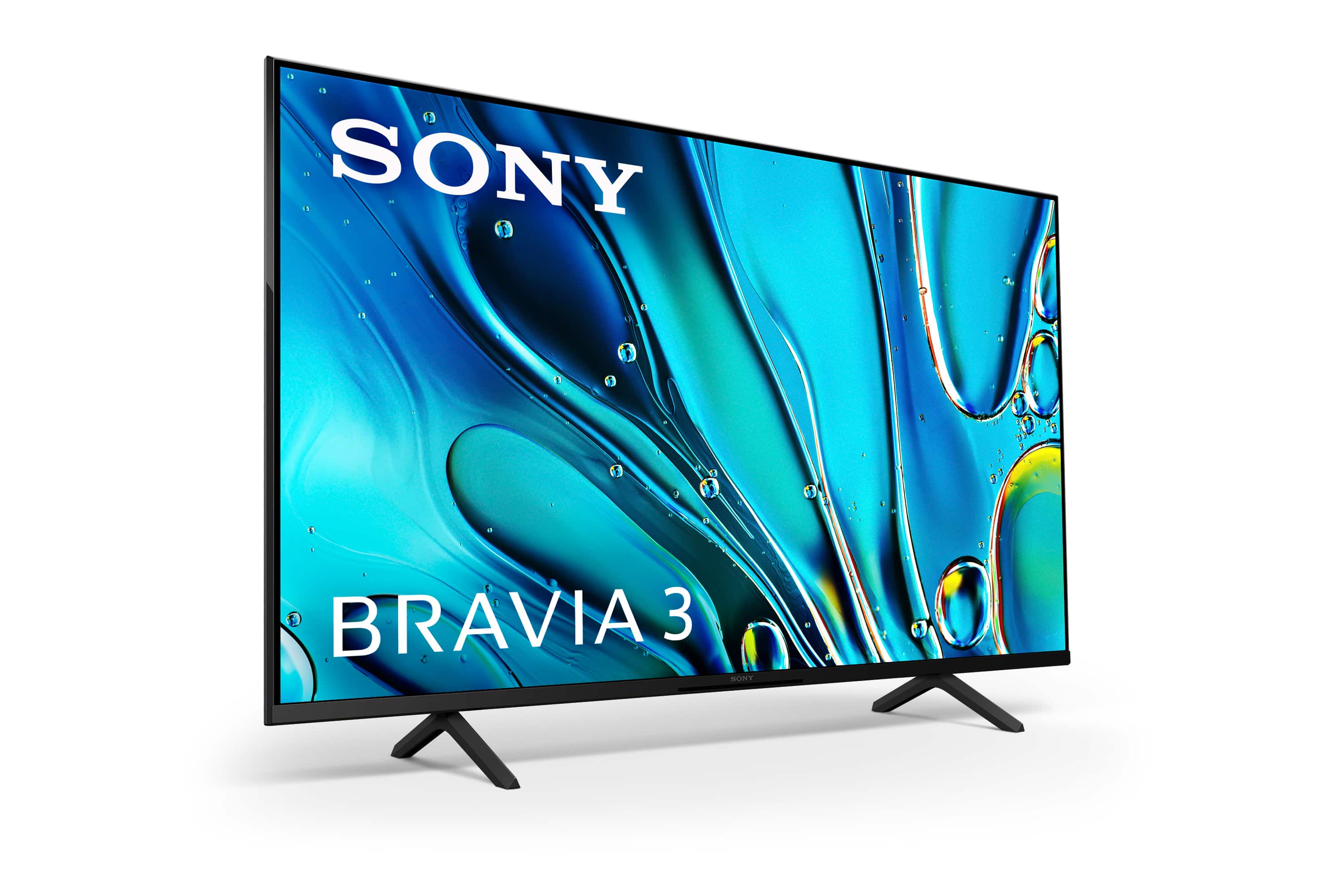







- Model:
- K50S30
- SKU:
- 12316856
Rating by feature
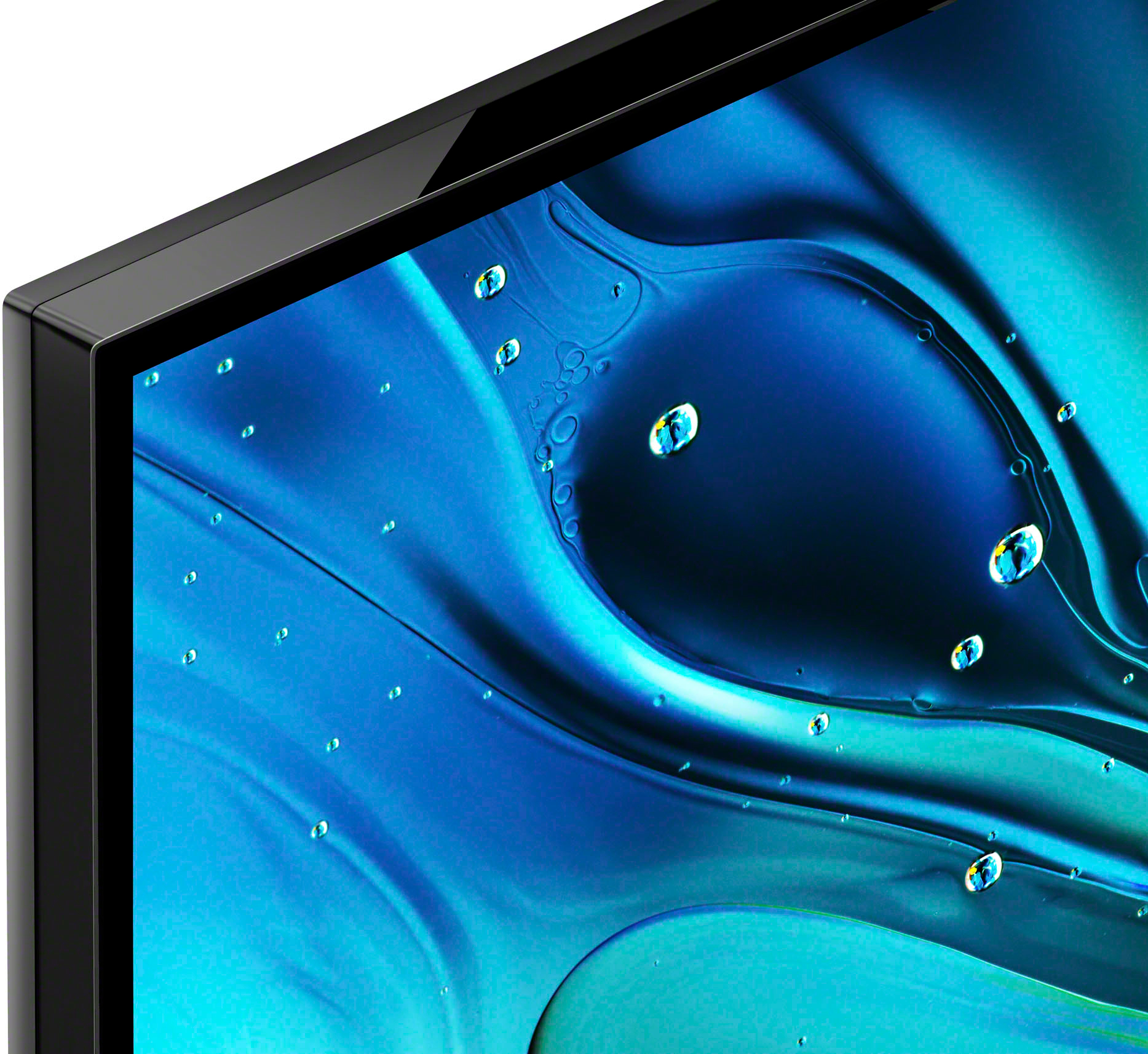
- Picture Quality
Rating 4.8 out of 5 stars
- Sound Quality
Rating 4.5 out of 5 stars
- Brightness
Rating 4.7 out of 5 stars
Good product
||Posted . Owned for 1 month when reviewed.This reviewer received promo considerations or sweepstakes entry for writing a review.Its a pretty good TV with LED bright screen but sometimes takes time for loading.
I would recommend this to a friendBrand response from SonyListens
Posted .Hi Siddharthp, Awesome! We are so glad to hear that you are happy with your new TV! Thank you for choosing Sony! -Carl

Television
||Posted . Owned for 1 month when reviewed.This reviewer received promo considerations or sweepstakes entry for writing a review.I like the TV. I purchased one in 2016. Geek squad was great
I would recommend this to a friendBrand response from SonyListens
Posted .Hi KathyL, Congratulations on your new purchase! We're thrilled to hear that your Sony BRAVIA 3 TV is to your liking and that you had a great experience purchasing it. Thank you for taking the time to share your wonderful feedback. We truly appreciate your trust in Sony, and we hope you continue to enjoy many more years of exceptional experiences with your Sony TV! -Maria
TV
||Posted . Owned for 1 week when reviewed.This reviewer received promo considerations or sweepstakes entry for writing a review.The TV was delivered and set up by the Geek squad. Thank you all so much.
I would recommend this to a friendBrand response from SonyListens
Posted .Hi Karen, Thanak you so much for your review! We are glad to hear that you are happy with your new TV! Thank you so much for choosing Sony and for the 5-star rating! -Carl
Great Picture
||Posted . Owned for 1 week when reviewed.This reviewer received promo considerations or sweepstakes entry for writing a review.I always have good luck with Sony TV’s, and I can get the MLB app to work.
I would recommend this to a friendBrand response from SonyListens
Posted .Hi Dans,
Thank you for the 5-star rating! We're glad to hear that you like the picture quality of the TV. Thank you for choosing Sony and have a great day!
-David
Sony
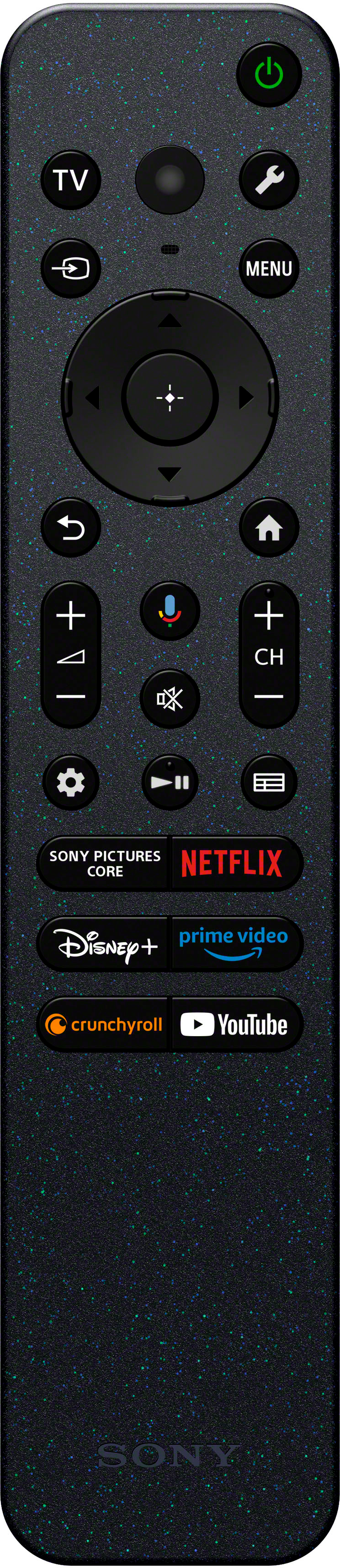
||Posted . Owned for 3 weeks when reviewed.This reviewer received promo considerations or sweepstakes entry for writing a review.I always enjoy shopping at Best Buy. The TV I recently purchased has a few issues. The screen sometimes goes to start up mode in the middle of a program. The remote does not have a number display.
I would recommend this to a friendBrand response from SonyListens
Posted .Hi Printersupplies, We apologize for the issues you're experiencing with your Sony BRAVIA 3. For the screen going to start-up mode in the middle of a program, we recommend performing a soft reset.
Regarding the remote not having a number display, we understand this can be inconvenient. We appreciate your feedback and will consider it for future improvements. If you continue to experience issues, please email us at [email protected] with the following details:
Name:
Username:
Model Number:
Issue:
Telephone Number:
Regards,
Sam
Sony Smart TV
||Posted . Owned for 3 weeks when reviewed.This reviewer received promo considerations or sweepstakes entry for writing a review.Great TV overall, though audio could be improved..
I would recommend this to a friendBrand response from SonyListens
Posted .Hi JnLL, Awesome! We are so glad to hear that you are happy with your new TV! Thank you for choosing Sony! -Carl
Sony hits a home run
||Posted . Owned for 1 week when reviewed.This reviewer received promo considerations or sweepstakes entry for writing a review.Great TV very happy with this television set. Would recomment this to everyone
I would recommend this to a friendBrand response from SonyListens
Posted .Hi CourtlandW, Thank you so much for your awesome review! We are glad to hear that you are enjoying your new TV! Thank you for choosing Sony! -Carl
Great choice — Sony all the way!
||Posted . Owned for 3 weeks when reviewed.This reviewer received promo considerations or sweepstakes entry for writing a review.Good brand and great display. Trusted brand. Have been a Sony consumer.
I would recommend this to a friendBrand response from SonyListens
Posted .Hi MonIs, That you so much for the 5-stars review and for being one of our long time customers! We're really glad to hear you're happy and satisfied with the amazing picture quality of your new BRAVIA 3. At Sony we strive to put forward the best possible products for our customers. Thank you offering a fantastic rating on the product and for trusting Sony! Your loyalty means everything to us. -Jess
Tv turns itself on every night.
||Posted . Owned for 2 months when reviewed.This reviewer received promo considerations or sweepstakes entry for writing a review.I have owned this TV about 2 months, and this Sony Bravia 3 turns itself on every night all by itself. I have exhausted all resources I can find, and done everything all of them listed as possible solutions, and it still does it. Apparently, Sony knows this problem exists, and doesn’t know why. I have disabled all settings that supposedly would allow the TV to self start, but it seems to have a mind of it’s own. I have resorted to turning volume down to 0 so it doesn’t make noise when it does this. This is my last Sony product. There should be a recall of all Sony Tv’s, and complete refunds to people who bought them.
No, I would not recommend this to a friendBrand response from SonyListens
Posted .Hi JamesM,
Since you've already attempted troubleshooting steps and the issue persists, let's ensure everything has been addressed properly. If any steps were overlooked, please give them a try.
First, perform a power reset by unplugging the TV from the electrical outlet for at least 60 seconds. After that, check for any software updates. If you're unsure how to do this, you can find instructions here: https://www.sony.com/electronics/support/lcd-tvs-android-bravia-3-s30-/k-43s30/software/00340195.
Next, adjust your Energy Settings. Navigate to Settings > System > Power and Energy, and disable any energy-saving features such as "Idle TV standby" or "Auto shut-off."
Additionally, disconnect any external devices (like HDMI or USB) to determine if they might be causing the shutdown issue.
If the problem persists after these steps, consider resetting the TV to its factory settings. For detailed instructions, please visit: https://www.sony.com/electronics/support/articles/00159487?utm_source=glean.
We hope you find this information helpful. Thank you for choosing Sony.
Best regards,
Aldair
Customer
||Posted . Owned for 1 week when reviewed.This reviewer received promo considerations or sweepstakes entry for writing a review.I have always been a Sony person and I love there products
I would recommend this to a friendBrand response from SonyListens
Posted .Hi there Brice! Thank you so much for your review! We are so glad to hear that you are happy with your new TV! Thank you for choosing Sony! -Carl
Help
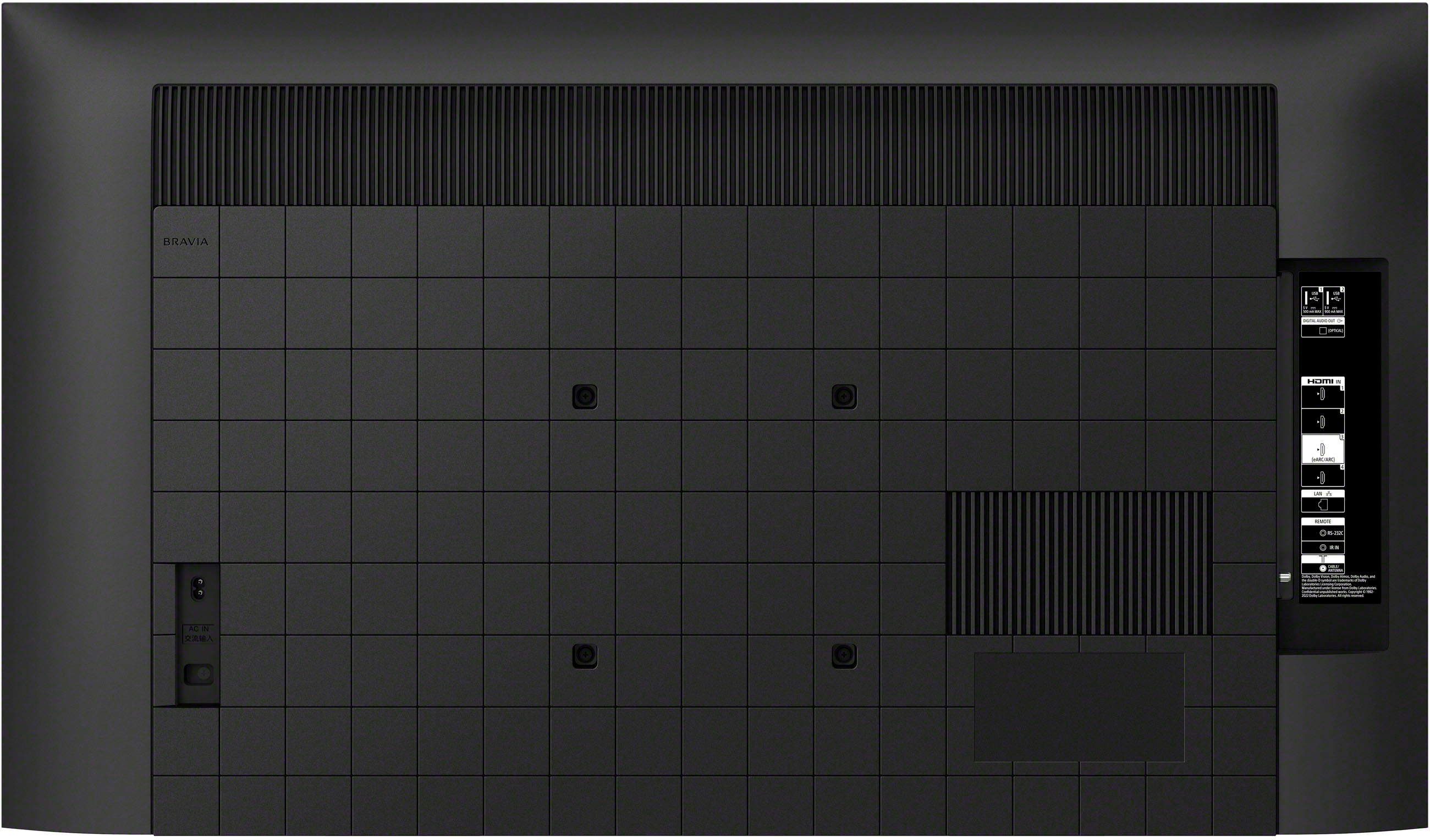
||Posted .This reviewer received promo considerations or sweepstakes entry for writing a review.I set up the new Sony TV Model:K50S30 I also installed a brand new Amazon Firestick on HDMI2. For some reason I cannot use the Firestick to turn the TV on or off and the volume / mute button won't work either.
No, I would not recommend this to a friendBrand response from SonyListens
Posted .Hi DanC, We are sorry to hear that you are experiencing issues with your K50S30 TV.
Here are some steps you can try to resolve the issue:
Ensure HDMI-CEC is Enabled: Make sure that the HDMI-CEC (Consumer Electronics Control) feature is enabled on your TV. This feature allows devices connected via HDMI to control each other. On Sony TVs, this feature is often referred to as "BRAVIA Sync". You can enable it by going to:
Settings > External Inputs > BRAVIA Sync settings > BRAVIA Sync control > On
Also, please check if this control is also available on your FireStick device. For this, please refer to the manual of the external device or you may also refer to the manufacturer of the external device.
May we contact you to help? If so, please email the below information to [email protected]
Apologies if you disclosed some of this information in your review and to customer service, we just want to ensure that we have your accurate details at the time of communication.
Full Name:
Username:
Telephone Number:
Model Number:
Issue:
Regards,
Carl
Peg
||Posted . Owned for 1 week when reviewed.This reviewer received promo considerations or sweepstakes entry for writing a review.nice television, wish the sound was a little better
I would recommend this to a friendBrand response from SonyListens
Posted .Hi Seniorgal, Thank you for your honest review. We are glad to hear that you are now enjoying your new TV. Thank you for choosing Sony! -Carl
I want to swap out this brav 3 for a different one
||Posted . Owned for 1 month when reviewed.This reviewer received promo considerations or sweepstakes entry for writing a review.This brav 3 can't set up favorites folders 1, 2, 3, 4, like the other Sony models. You also can't HEY GOOGLE without the remote control mic. Every thing else is ok. Cst serv lost connection with me 5 times in a row. I would not recommend this 50 inche tv .
No, I would not recommend this to a friendBrand response from SonyListens
Posted .Hi Screwed, We are sorry to hear that you are experiencing issues with your Sony TV. We'd would like to ensure that you get the best experience out of your Sony TV. May we contact you to help? If so, please email the below information to [email protected]
Apologies if you disclosed some of this information in your review and to customer service, we just want to ensure that we have your accurate details at the time of communication.
Full Name:
Username:
Telephone Number:
Model Number:
Issue:
Regards,
Carl
Review Coming - hang on!
||Posted . Owned for 1 week when reviewed.This reviewer received promo considerations or sweepstakes entry for writing a review.I cannot comment yet because, yes, we purchased the TV but it hasn’t been delivered yet! May I have a few extra days to try out the TV and then give a review in order to obtain the $5 reward? Delivery set for July 9th.
I would recommend this to a friendBrand response from SonyListens
Posted .Hi MovieManTom, Thank you for your review. We hope to hear from your TV soon! Thank you for choosing Sony! -Carl
- Cons mentioned:Connectivity
Wifi issues
||Posted . Owned for 10 months when reviewed.This reviewer received promo considerations or sweepstakes entry for writing a review.Constantly disconnecting from internet do not buy.
No, I would not recommend this to a friendBrand response from SonyListens
Posted .Hello Andy,
Thank you for your feedback.
We apologize for the connectivity issues you're experiencing with your BRAVIA 3. This is not the level of experience we strive to provide. We recommend following these steps to ensure everything is functioning properly:
1. (https://www.sony.com/electronics/support/articles/00151038)
2. (https://www.sony.com/electronics/support/articles/00184280)
3. (https://www.sony.com/electronics/support/articles/00184183)
Some quick recommendations: the TV must be within 25 feet of the router, try to use a 2.4 GHz connection, and check the date and time on your TV.
We hope this helps resolve your issue.
If the problem persists, please contact us at [email protected], providing your name, username, model number, a description of the issue, and your telephone number. We are here to assist you further.
Once again, we apologize for the issue; we'll do our best to assist you. Thank you for choosing Sony.
Gus
No volume
||Posted . Owned for 3 weeks when reviewed.This reviewer received promo considerations or sweepstakes entry for writing a review.Has no volume you have to use a sound bar to have any volume
No, I would not recommend this to a friendBrand response from SonyListens
Posted .Hi Shirley, thank you for bringing this to our attention!
We’re sorry to hear that you're experiencing issues with the volume on your BRAVIA 3 TV speakers. It’s possible that the audio output is still set to the external sound system, especially since you usually use a soundbar. Please remember to switch the audio output back to the TV speakers when you're not using external audio devices. For further assistance, you can also check out this article for more information:https://www.sony.com/electronics/support/articles/00023579?utm_source=glean
Thank you for choosing Sony! Best regards, –Jenn.
DO NOT BUY Open Box!!
||Posted . Owned for less than 1 week when reviewed.This reviewer received promo considerations or sweepstakes entry for writing a review.I purchased an “Excellent condition” Open Box Sony Bravia. The box was damaged, the TV was loosly packed, filthy with fingerprints and trash from whomever returned it, missing the stand/feet, no manual and protective packaging. Complained to customer service and all they could do is send a return label and refund whenever they recieve it. WHAT A SCAM!!!
No, I would not recommend this to a friendOpen Box product came damaged
||Posted .This reviewer received promo considerations or sweepstakes entry for writing a review.The product came damaged. When placing the return online it gave me a choice to return to store or via FEDEX. I returned to the store and the store manager refused to take it. I returned via FEDEX, but I am not sure why the store manager gave me the run around.
No, I would not recommend this to a friendSony tv open box
||Posted .This reviewer received promo considerations or sweepstakes entry for writing a review.I know it was open box but it had no remote or stand , which it did not state it wasnt included
No, I would not recommend this to a friend- Pros mentioned:Picture quality
Miss
||Posted . Owned for 1 month when reviewed.This reviewer received promo considerations or sweepstakes entry for writing a review.Great picture and lots of free streaming. Could be a little better on sound but overall an excellent choice
I would recommend this to a friendBrand response from SonyListens
Posted .Hi LauraU, Thank you for your feedback on the Sony BRAVIA 3. We're glad to hear that you like the picture quality and the variety of free streaming apps available on this TV. We appreciate your suggestion regarding the sound quality and will take it into consideration for future improvements. You can also configure various settings related to the TV’s sound such as sound quality, volume level, sound mode, etc. according to your preferences to improve and boost the overall listening experience on your TV. For more details, please refer to this link:
https://helpguide.sony.net/tv/iusltn1/v1/en-003/01-03-09_02.html
Thank you for choosing Sony. -Sam