Customer Ratings & Reviews
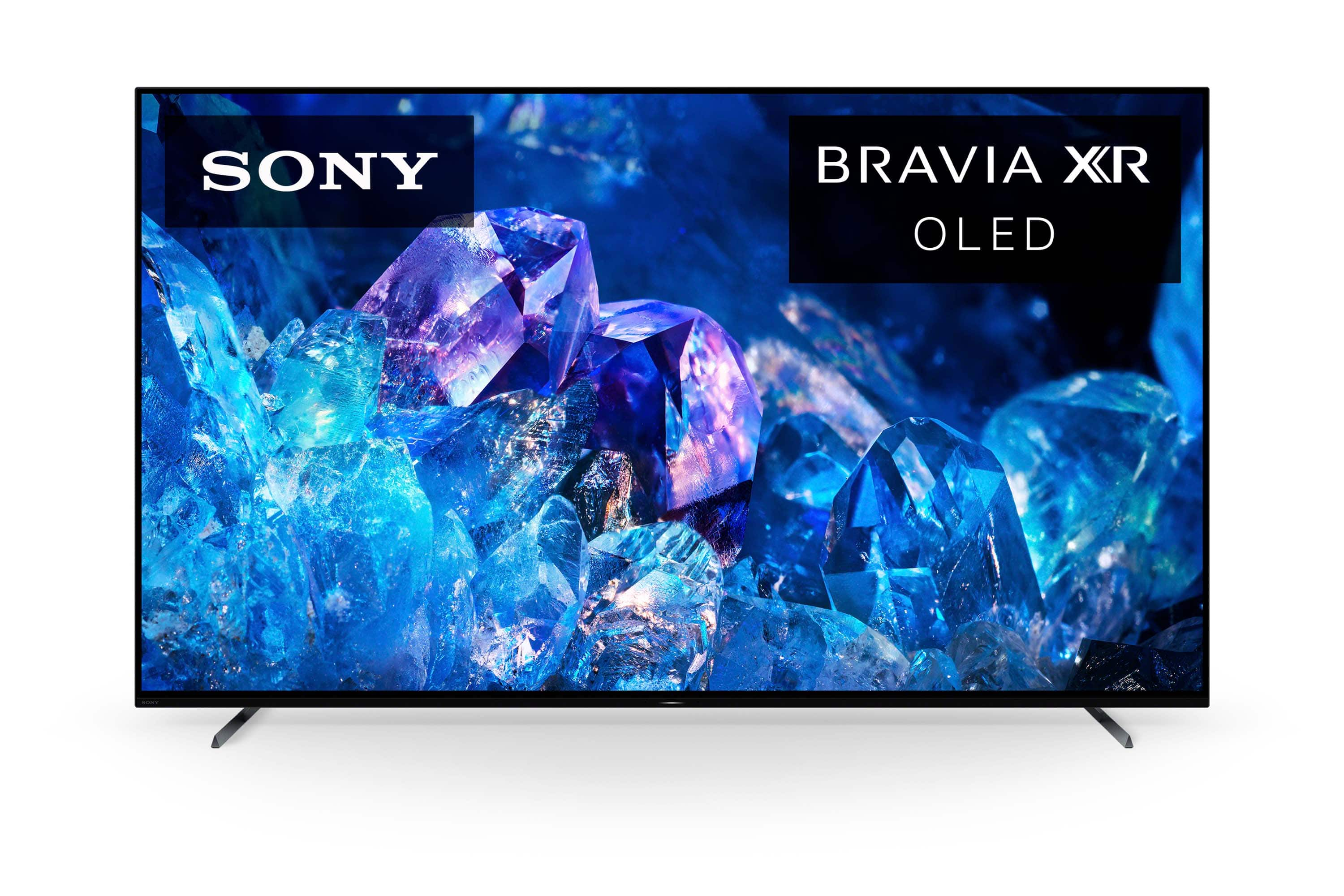
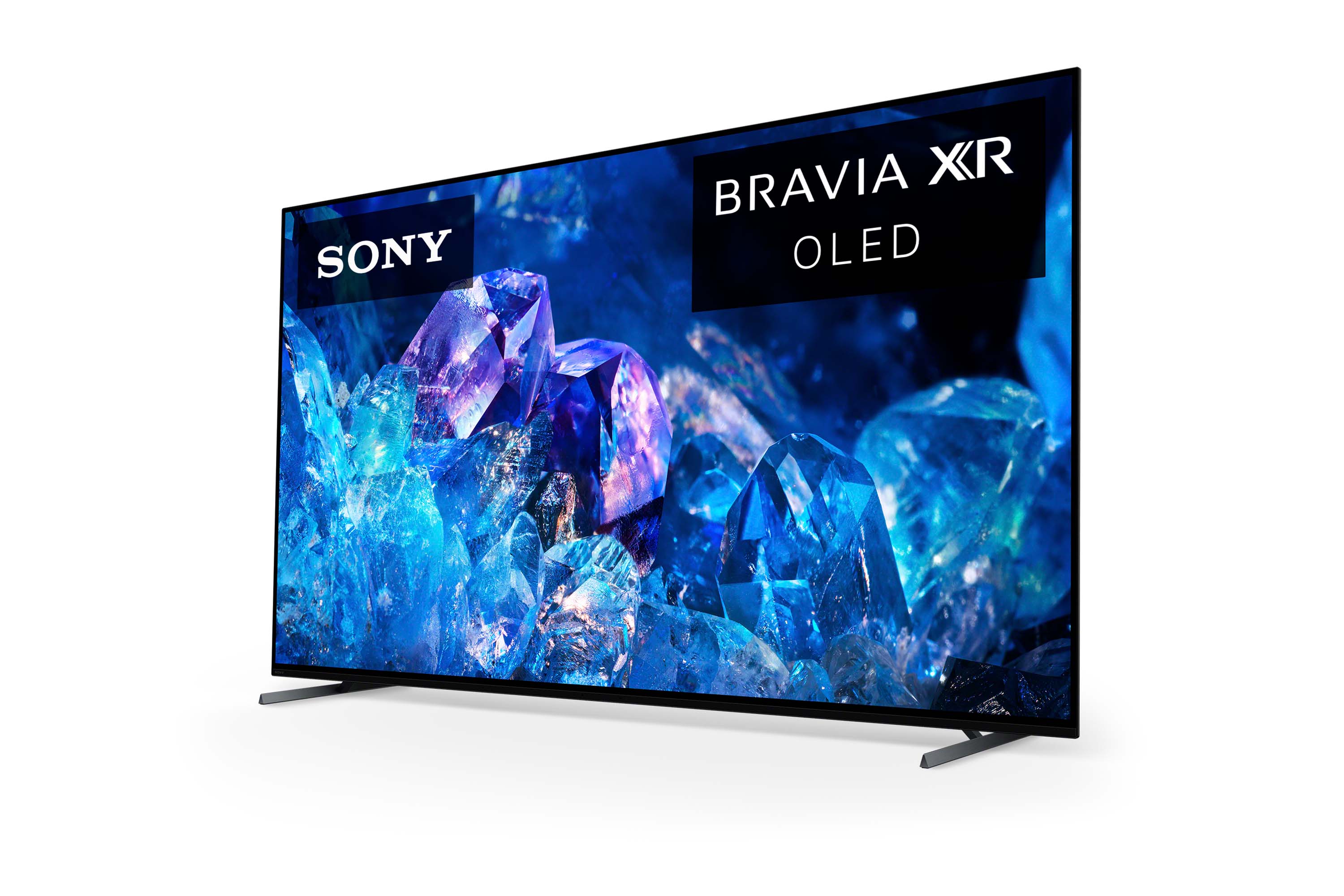
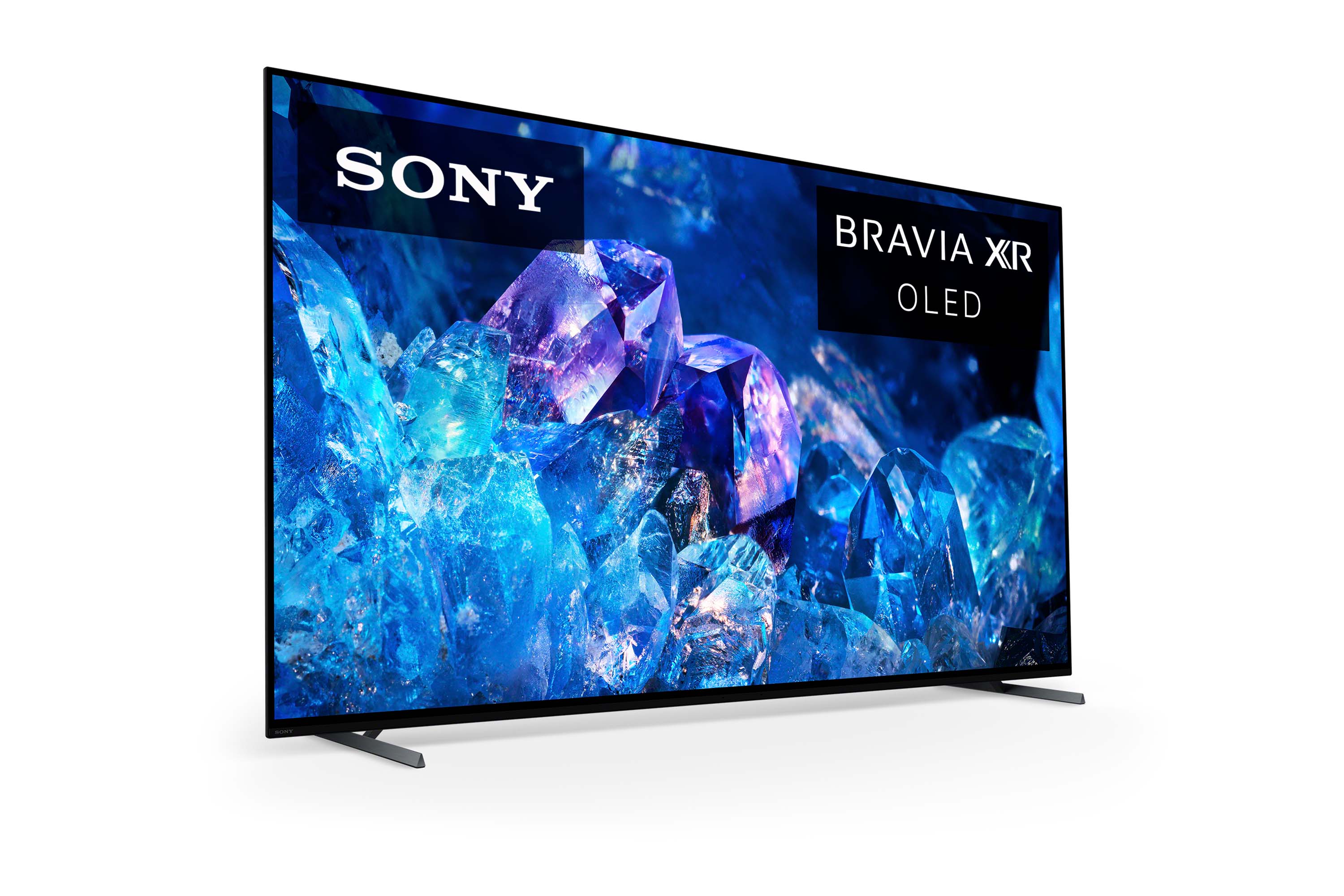
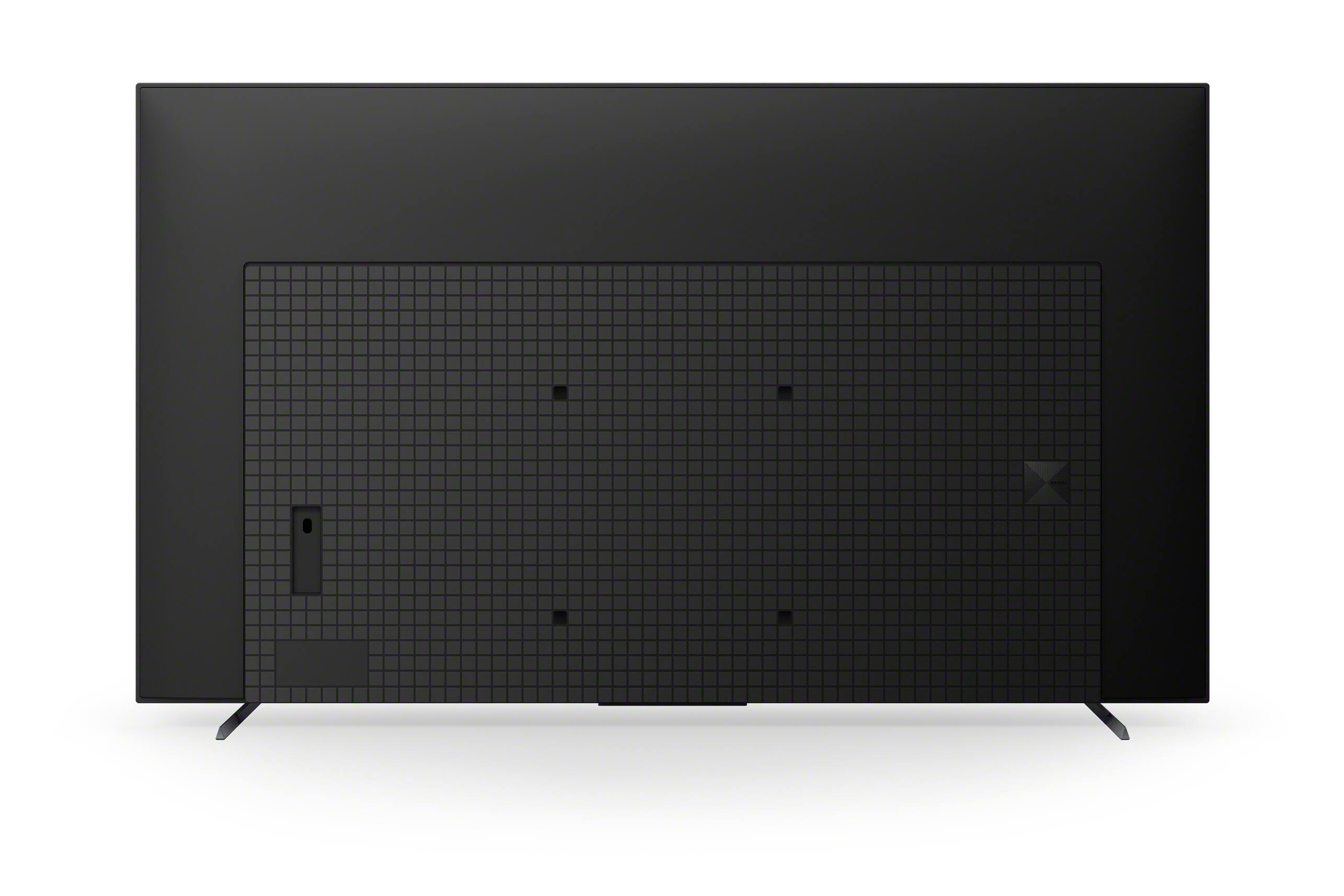
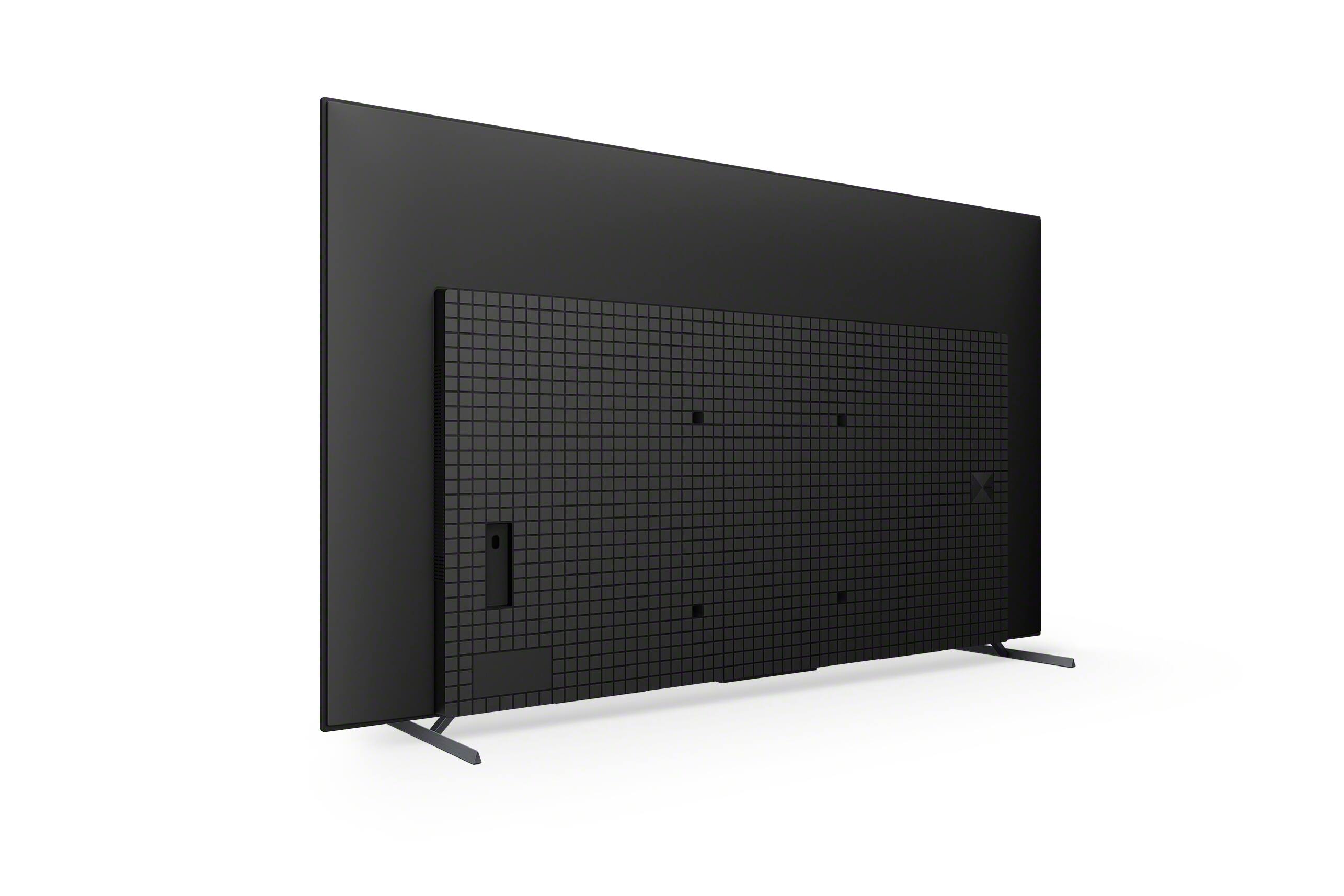
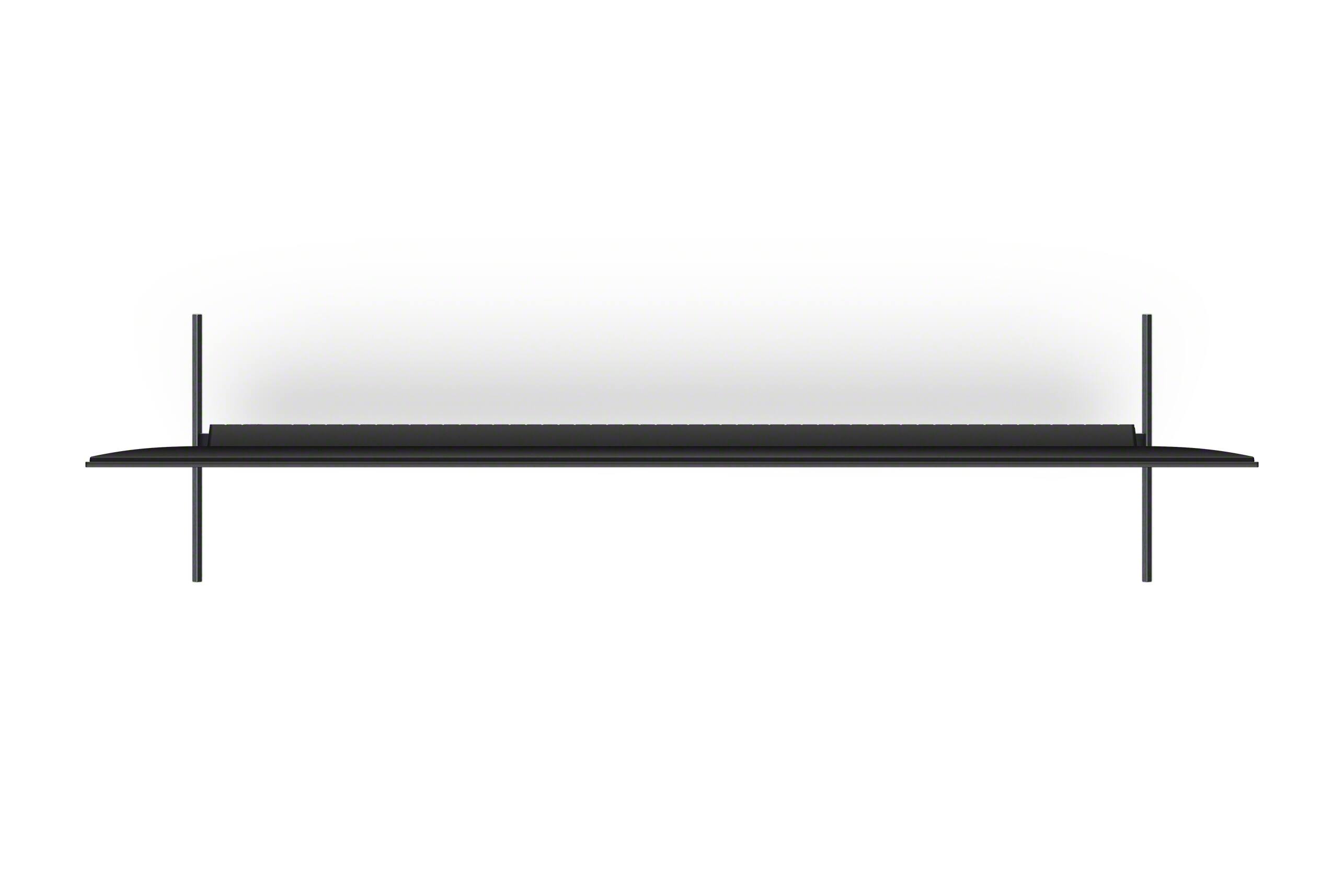
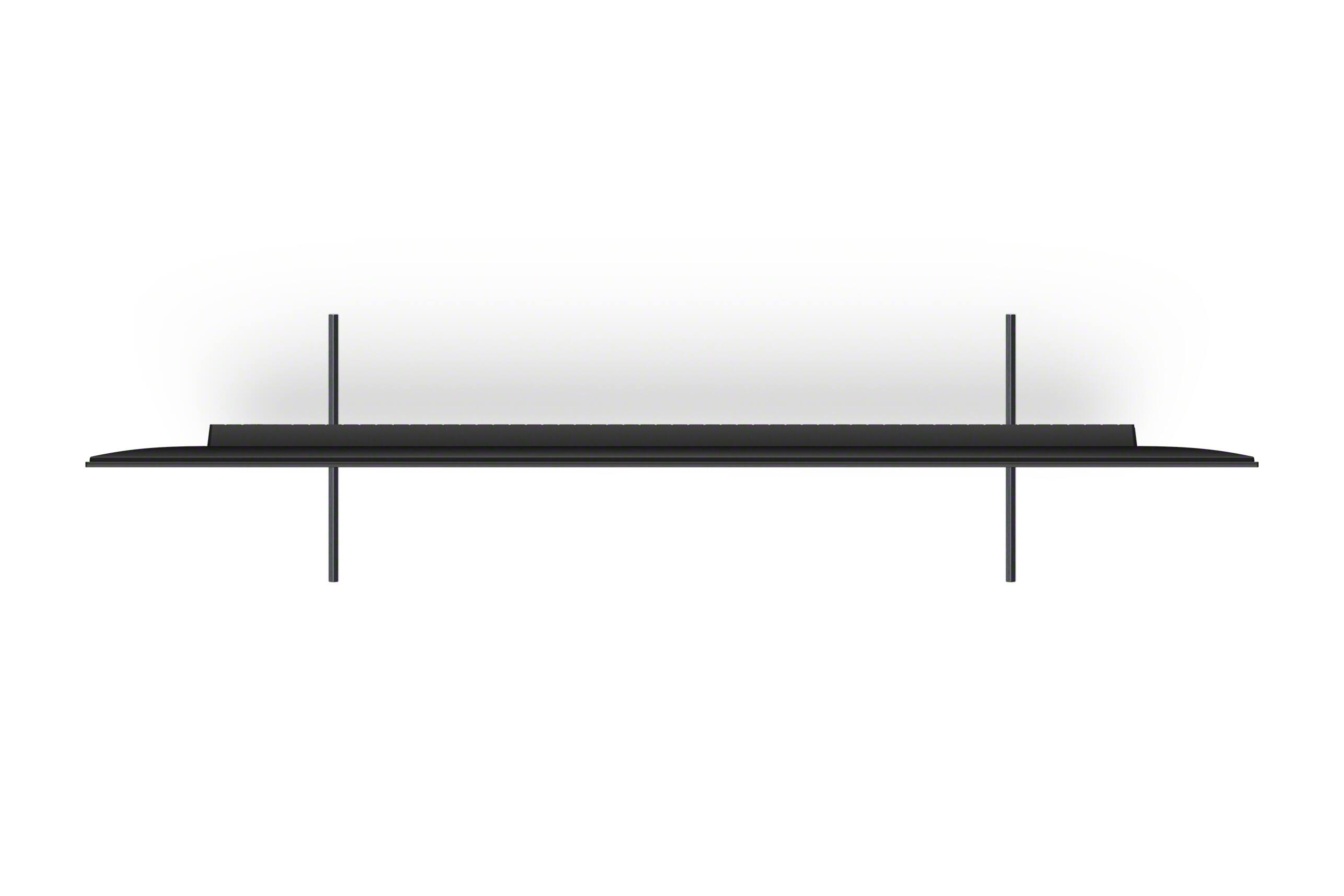
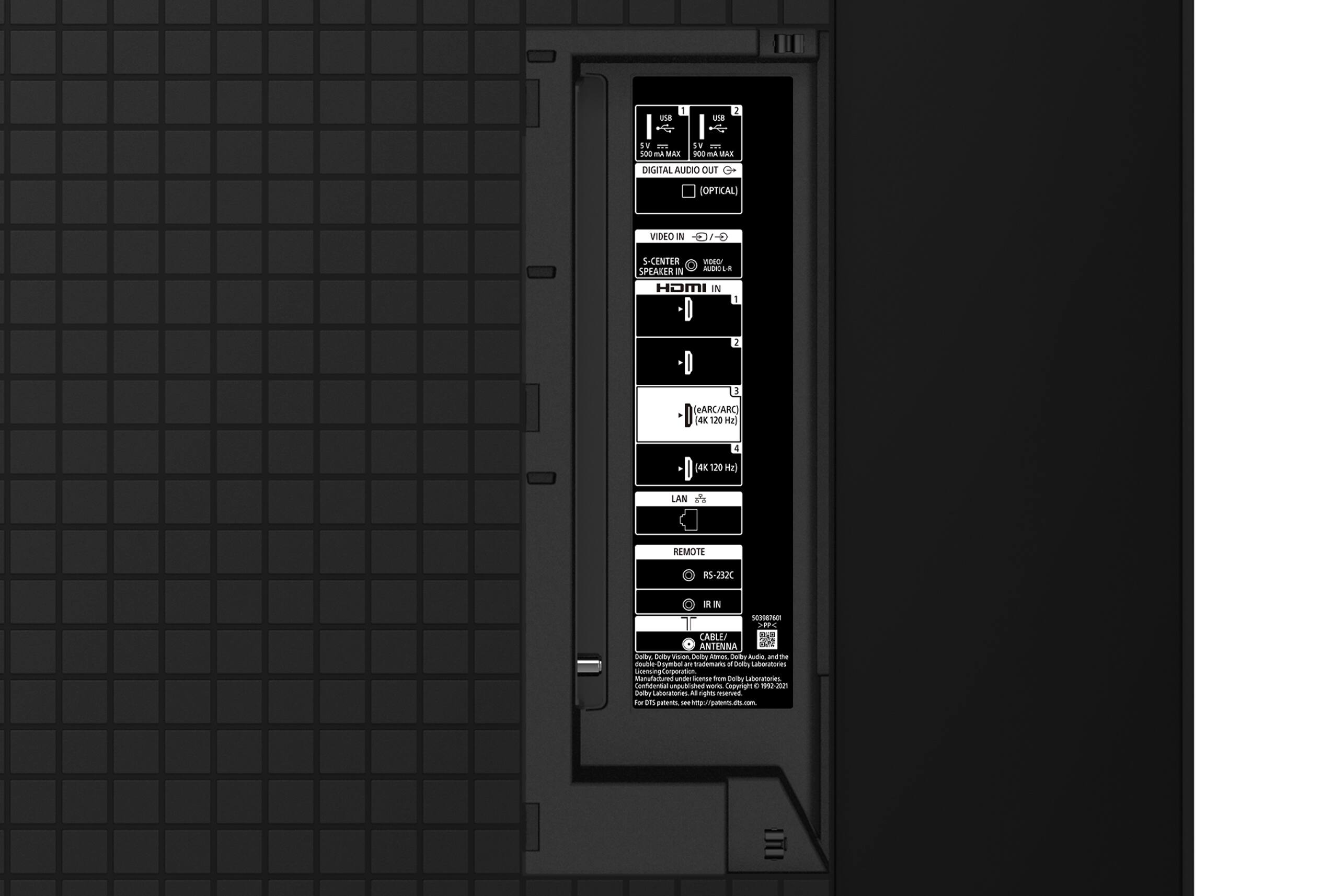
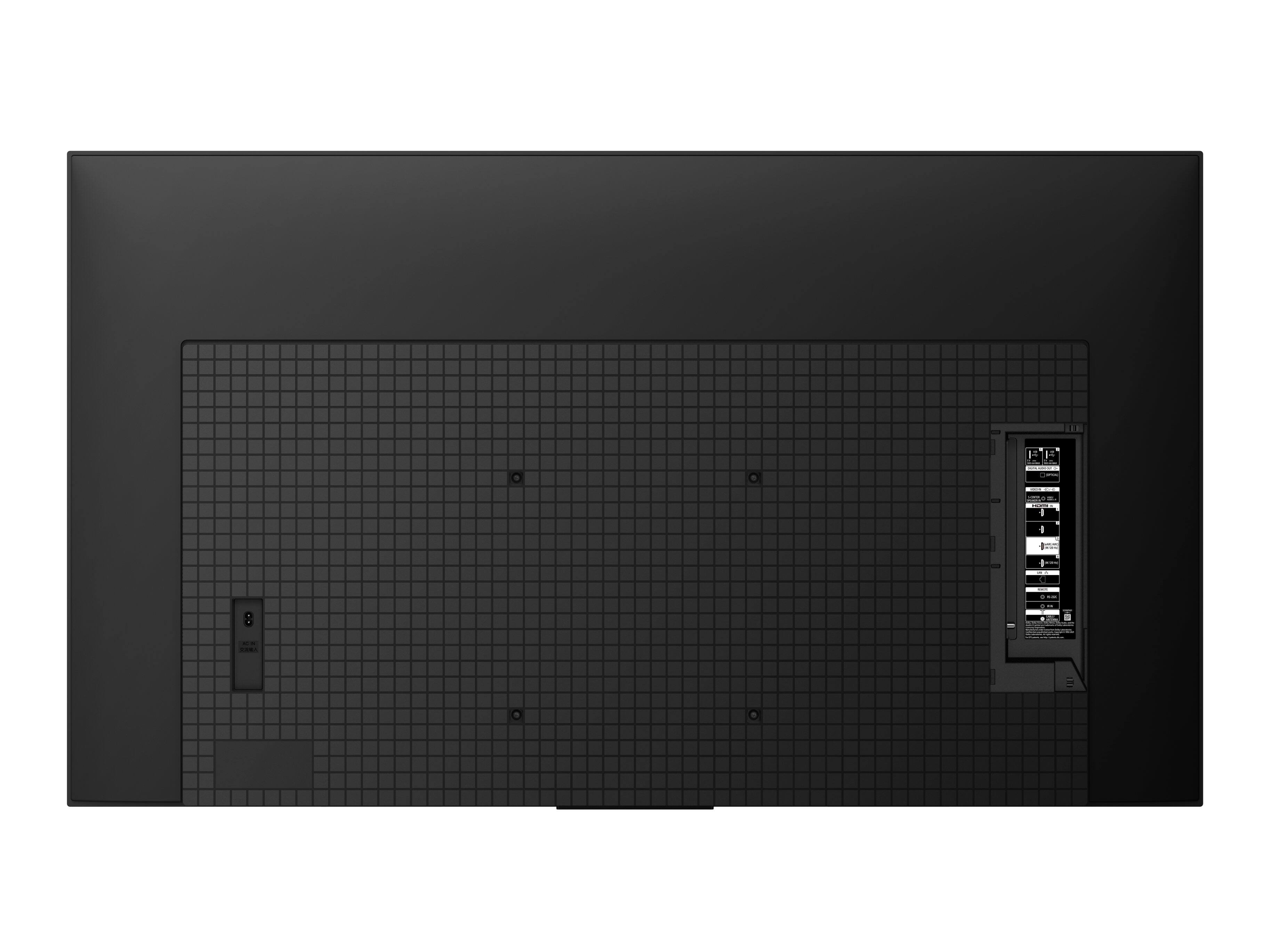
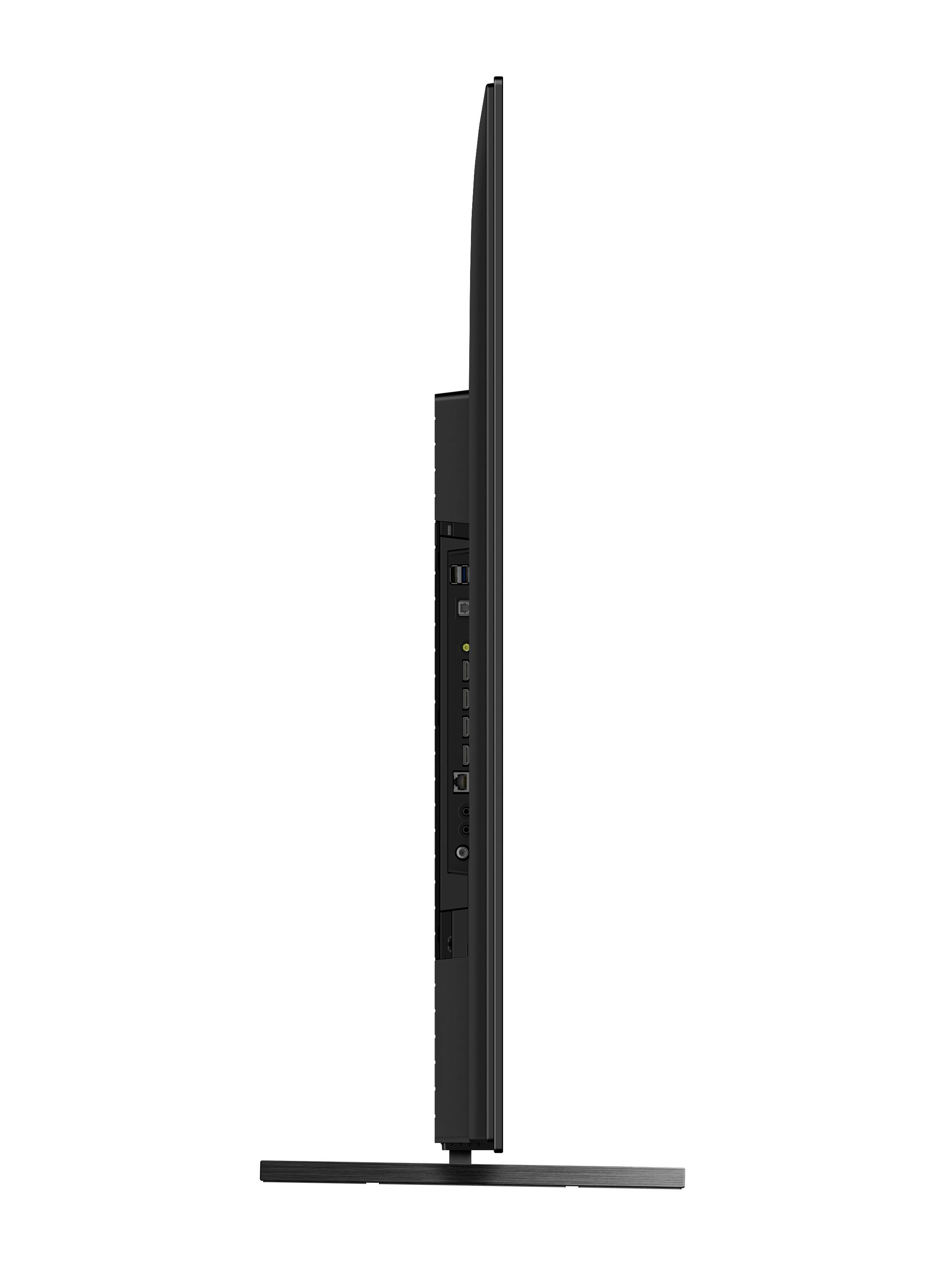
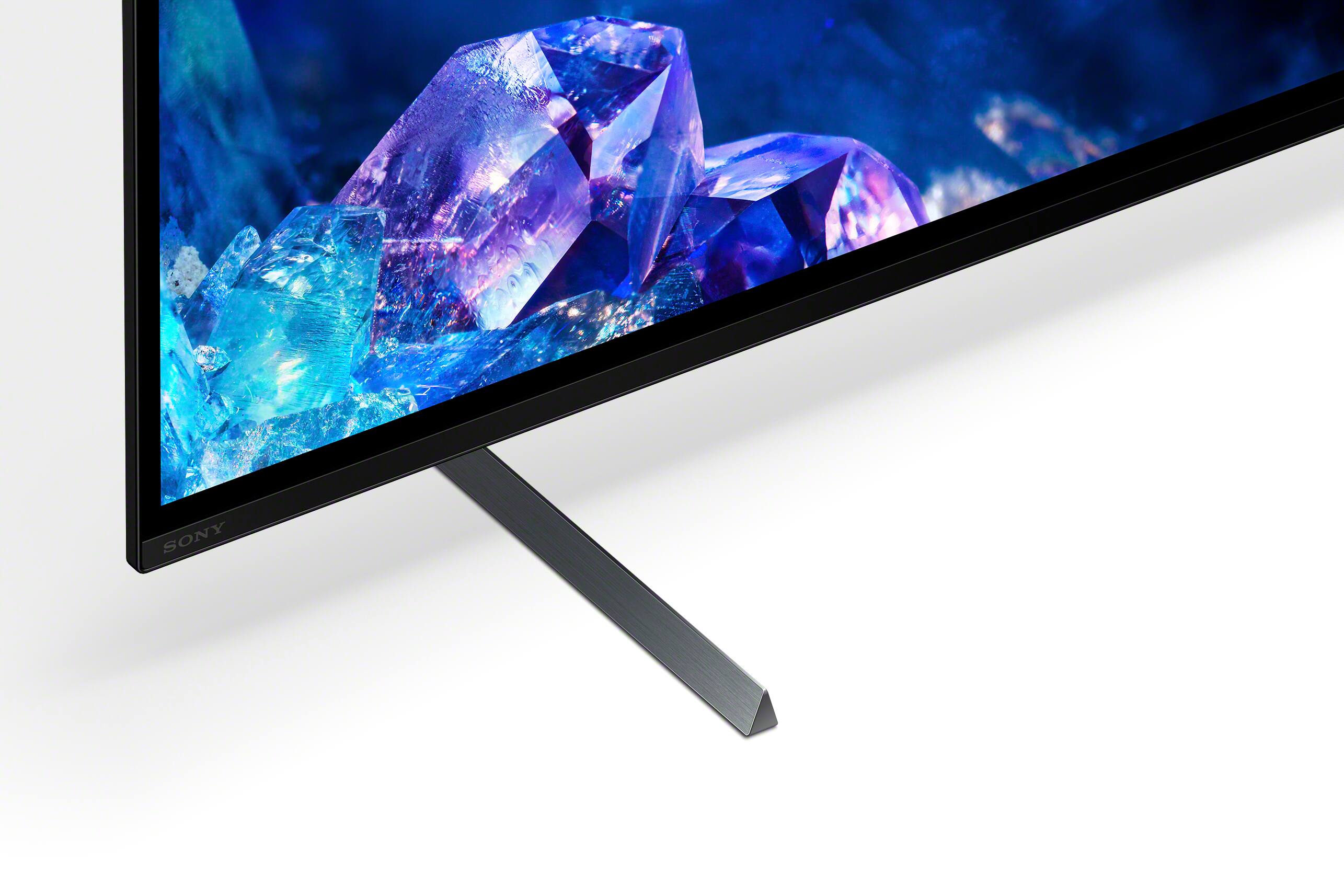


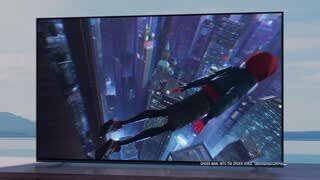



- Model:
- XR65A80K
- SKU:
- 6502609
Rating by feature
- Picture Quality
Rating 4.8 out of 5 stars
- Sound Quality
Rating 4.6 out of 5 stars
- Brightness
Rating 4.7 out of 5 stars
Customers are saying
Customers commend the 65" Class BRAVIA XR A80K OLED 4K UHD Smart Google TV for its exceptional picture quality, vibrant colors, and user-friendly interface. Positive feedback also highlights the ease of setup and the intuitive Google TV operating system. However, some users express concerns regarding the remote control's design and functionality, as well as limitations with HDMI 2.1 ports. A few customers also reported issues with the TV's reliability and higher price point compared to competitors.
This summary was generated by AI based on customer reviews.
- Pros mentioned:Color, Oled, Picture quality
Good purchase..
Posted .This reviewer received promo considerations or sweepstakes entry for writing a review.Was able to snag this bad boy at my local BB for only 1362$ for a new project in my home. It was a open item but I had no problem with that as I saved a ton of money. Just had to purchase a remote an I was all set. I love the TV oled 4k as well as the google software installed. I am able to run all my apps and watch a ton of live free TV as well. Being an Oled with 120hz and HDR10 the picture and colors are amazing.
I would recommend this to a friendBrand response from SonyListens
Posted .Hi SeanS, Thank you for sharing such an excellent shopping experience. We are glad to hear your purchase went well and you are enjoying the features and capabilities of your BRAVIA XR A80K. It's good to know you like the smart Google TV features and huge range of apps from Google Play Store that make your life more fun and entertaining. At Sony we strive to put forward the best possible products for our customers. With the BRAVIA XR A80K you will enjoy a premium OLED picture with contrast and color that feels deep, natural, and real. The revolutionary Cognitive Processor XR™ reproduces content the way humans see and hear for an incredibly lifelike experience. Feel the action all around you with Acoustic Surface Audio+ and experience truly immersive sound that perfectly matches the picture on screen. Thank you for leaving us such a wonderful review of your 65" A80K and for choosing Sony! -Jess

Sorry Sony
||Posted . Owned for 1.5 years when reviewed.This reviewer received promo considerations or sweepstakes entry for writing a review.Worst purchase ever... will never own another. What else is there to say.
No, I would not recommend this to a friendReview
||Posted .This reviewer received promo considerations or sweepstakes entry for writing a review.No manual. Sound quality of sound bar not as good as expected. Picture is okay, but without a manual I don’t know how to adjust anything.
No, I would not recommend this to a friendBrand response from SonyListens
Posted .Hi RW001,
We're sorry to hear about your issue. We apologize for the inconvenience. You can configure various settings related to the TV display such as color and brightness for picture quality, or screen size, and configure various settings related to the TV’s sound such as sound quality and sound mode. The actual display may vary or some settings may not be available depending on your model/country/region and the content you are watching, and TV settings, and the connected device.
Press the (Quick Settings) button on the remote control, then select [Settings] — [Display & Sound] — the desired option.
If you are unable to resolve your concern, may we contact you to help? If so, please email the below information to [email protected] or chat with us from Sony’s e-support webpage. Apologies if you disclosed some of this information in your review and to customer service, we just want to ensure that we have your accurate details at the time of communication.
Full Name:
Best Buy Username:
Telephone Number:
Sony Model Number:
Additional Information regarding your experience with the XR65A80K:
We are sorry for the inconvenience and hope to speak to you to resolve this matter. We appreciate you and thanks again for shopping Sony!
Sincerely,
Jay
Defective but not common for a SONY.
||Posted . Owned for less than 1 week when reviewed.This reviewer received promo considerations or sweepstakes entry for writing a review.This TV is defective and is being replaced. It has a bad board. I have never had a problem with a SONY before this time.
I would recommend this to a friendBrand response from SonyListens
Posted .Hi JaniceP,
Thanks for reaching out to us with your concern. We are so sorry to hear about what happened to your Sony TV. This is definitely not the buying experience we want our customers to have. Many issues can be fixed without a repair, please check these common solutions first on the link below.
https://www.sony.com/electronics/support/articles/S1F1507
Please note we have a customer hotline that is happy to assist you and help troubleshoot any concerns you have, and your TV has a 1-year warranty from the date of purchase.
We want to make sure you’re taken care of. If you require further assistance, please email the below information to [email protected].
Apologies if you disclosed some of this information in your review and to customer service, we just want to ensure that we have your accurate details at the time of communication.
Full Name:
Best Buy Username:
Telephone Number:
Sony TV Model Number:
Additional Information regarding your experience with the A80K:
We are sorry for the inconvenience and hope to speak to you to resolve this matter.
Sincerely,
Jess
Too Dark
||Posted . Owned for 3 weeks when reviewed.This reviewer received promo considerations or sweepstakes entry for writing a review.Too dark. Especially black backgrounds. I’m going to have an adjustment. Hopefully that will be more pleasing to my eyes.
No, I would not recommend this to a friendBrand response from SonyListens
Posted .Hi ElaineF,
We're sorry to hear about this issue. We apologize for the inconvenience. The actual display may vary or some settings may not be available depending on your model/country/region and the content you are watching. Press the (Quick Settings) button on the remote control, then select [Settings] — [Display & Sound] — the desired option.
If you are unable to resolve your concern, may we contact you to help? If so, please email the below information to [email protected] or chat with us from Sony’s e-support webpage. Apologies if you disclosed some of this information in your review and to customer service, we just want to ensure that we have your accurate details at the time of communication.
Full Name:
Best Buy Username:
Telephone Number:
Sony Model Number:
Additional Information regarding your experience with the A80K:
We are sorry for the inconvenience and hope to speak to you to resolve this matter. We appreciate you and thanks again for shopping Sony!
Sincerely,
Jay
Not so good
||Posted . Owned for 2 weeks when reviewed.This reviewer received promo considerations or sweepstakes entry for writing a review.It’s not that clear like they say back ground don’t look clear my LED is more clear
No, I would not recommend this to a friendWeb site is horrible
||Posted . Owned for 2 months when reviewed.This reviewer received promo considerations or sweepstakes entry for writing a review.Cannot schedule assistance on our new TV. All that comes up is installation
No, I would not recommend this to a friendBuyer
||Posted . Owned for 1 month when reviewed.This reviewer received promo considerations or sweepstakes entry for writing a review.Overall good tv but Wi-Fi is unacceptable. I have 3 other tv’s located farther from router that I have no issues with
No, I would not recommend this to a friendBrand response from SonyListens
Posted .Hi Buyer,
We're sorry to hear about the issue with this TV. We apologize for any inconvenience. You can isolate this issue by following the troubleshooting steps from this link: https://www.sony.com/electronics/support/televisions-projectors-oled-tvs-android-/xr-65a80k/articles/00127011.
In any case that you need our assistance, please email the below information to [email protected] or chat with us from Sony’s e-support webpage. Apologies if you disclosed some of this information in your review and to customer service, we just want to ensure that we have your accurate details at the time of communication.
Full Name:
Best Buy Username:
Telephone Number:
Sony Model Number:
Additional Information regarding your experience with the A80K:
We are sorry for the inconvenience and hope to speak to you to resolve this matter. We appreciate you and thanks again for shopping Sony!
Sincerely,
Jay
Too dark
||Posted . Owned for 1 week when reviewed.This reviewer received promo considerations or sweepstakes entry for writing a review.Screen just not bright enough. Also, the sharpness of the screen did not match what the store display showed.
No, I would not recommend this to a friendBrand response from SonyListens
Posted .Hi Dtjj, We're sorry to hear about this issue. We apologize for any inconvenience. You can configure various settings related to the TV display such as color and brightness for picture quality, or screen size. The actual display may vary or some settings may not be available depending on your model/country/region and the content you are watching. Press the (Quick Settings) button on the remote control, then select [Settings] — [Display & Sound] — the desired option.
If you are unable to resolve your concern, may we contact you to help? If so, please email the below information to [email protected] or chat with us from Sony’s e-support webpage. Apologies if you disclosed some of this information in your review and to customer service, we just want to ensure that we have your accurate details at the time of communication.
Full Name:
Best Buy Username:
Telephone Number:
Sony Model Number:
Additional Information regarding your experience with the A80K:
We are sorry for the inconvenience and hope to speak to you to resolve this matter. We appreciate you and thanks again for shopping Sony!
Sincerely,
Jay
Geeksquad ruined it
||Posted .This reviewer received promo considerations or sweepstakes entry for writing a review.Good but do not get Geeksquad to mount it since it takes forever for them to come and they waste your time
I would recommend this to a friendHOPELESSLY dark
||Posted . Owned for 3 weeks when reviewed.This reviewer received promo considerations or sweepstakes entry for writing a review.No matter how sharp the picture and realistic the colors, this model [and apparently all OLEDs] is HOPELESSLY dark.
No, I would not recommend this to a friendBrand response from SonyListens
Posted .Hi Rick,
We're sorry to hear about your issue with this BRAVIA XR A80K TV. We apologize for the inconvenience. In this case, you can configure various settings related to the TV display such as color and brightness for picture quality, or screen size. The actual display may vary or some settings may not be available depending on your model/country/region and the content you are watching. Press the (Quick Settings) button on the remote control, then select [Settings] — [Display & Sound] — the desired option.
If you are unable to resolve your concern, may we contact you to help? If so, please email the below information to [email protected] or chat with us from Sony’s e-support webpage. Apologies if you disclosed some of this information in your review and to customer service, we just want to ensure that we have your accurate details at the time of communication.
Full Name:
Best Buy Username:
Telephone Number:
Sony Model Number:
Additional Information regarding your experience with the A80K:
We are sorry for the inconvenience and hope to speak to you to resolve this matter. We appreciate you and thanks again for shopping Sony!
Sincerely,
Jay
65" Sony Bravia
||Posted . Owned for 3 weeks when reviewed.This reviewer received promo considerations or sweepstakes entry for writing a review.Picture is not s good as seen in the showroom, very disappointed. Perhaps a bit and switch???
No, I would not recommend this to a friendBrand response from SonyListens
Posted .Hi AcerMonitor, thanks for choosing and purchasing our product. We're sorry to hear that you have an issue with the picture quality of your SONY unit. You can configure various settings related to the TV display such as color and brightness for picture quality, or screen size. Please follow this link for more details:
https://helpguide.sony.net/tv/jusltn1/v1/en-003/01-03-09_01.html
May we contact you to help? If so, please email the below information to [email protected].
Apologies if you disclosed some of this information in your review and to customer service, we just want to ensure that we have your accurate details at the time of communication.
Full Name:
Best Buy Username:
Telephone Number:
Sony TV Model Number:
Additional Information regarding your experience with the A80K
We are sorry for the inconvenience and hope to speak to you to resolve this matter.
We appreciate you and thanks again for shopping Sony!
Sincerely,
Earl
- Cons mentioned:Reliability
Keeps shutting off
||Posted . Owned for 1 week when reviewed.This reviewer received promo considerations or sweepstakes entry for writing a review.Tv looks ok LG is better Tv keeps shutting off Would not buy it again
No, I would not recommend this to a friendBrand response from SonyListens
Posted .Hi 5willards,
We're sorry to hear about the issue with this TV. This is definitely not the experience we wanted you to have on our products. We apologize for the inconvenience. In this case, you can isolate and resolve the issue by following the troubleshooting steps from this link: https://www.sony.com/electronics/support/televisions-projectors-oled-tvs-android-/xr-65a80k/articles/00200862
If you are unable to resolve your concern, may we contact you to help? If so, please email the below information to [email protected] or chat with us from Sony’s e-support webpage. Apologies if you disclosed some of this information in your review and to customer service, we just want to ensure that we have your accurate details at the time of communication.
Full Name:
Best Buy Username:
Telephone Number:
Sony Model Number:
Additional Information regarding your experience with the A80K:
We are sorry for the inconvenience and hope to speak to you to resolve this matter. We appreciate you and thanks again for shopping Sony!
Sincerely,
Jay
Not working in our system
||Posted . Owned for 3 weeks when reviewed.This reviewer received promo considerations or sweepstakes entry for writing a review.The sound bar has not blended with our 65” Sony and we are returning it for a Sony sound bar.
No, I would not recommend this to a friendBrand response from SonyListens
Posted .Hi Gprhousehold,
We're sorry to hear that you're having issue with the soundbar connecting to the TV. We apologize for the inconvenience. You can isolate the issue by following the troubleshooting steps from this link: https://www.sony.com/electronics/support/televisions-projectors-oled-tvs-android-/xr-65a80k/articles/00137387.
If you are unable to resolve your concern, may we contact you to help? If so, please email the below information to [email protected] or chat with us from Sony’s e-support webpage. Apologies if you disclosed some of this information in your review and to customer service, we just want to ensure that we have your accurate details at the time of communication.
Full Name:
Best Buy Username:
Telephone Number:
Sony Model Number:
Additional Information regarding your experience with the A80K:
We are sorry for the inconvenience and hope to speak to you to resolve this matter. We appreciate you and thanks again for shopping Sony!
Sincerely,
Jay
Dark scenes don’t display well
||Posted . Owned for 1 month when reviewed.This reviewer received promo considerations or sweepstakes entry for writing a review.Wouldn’t recommend. Dark scenes have banding issues. Wish I had returned it.
No, I would not recommend this to a friendBrand response from SonyListens
Posted .Hi Jame, thanks for choosing and purchasing our product. We're sorry to hear that you have an issue with your new SONY TV. The LCD screen is made with high-precision technology to achieve a high level of performance and picture quality. To achieve this level of performance, the backlight setting of the TV is set to maximize the screen brightness. However, you may notice uneven brightness on the TV when watching in a dark environment or when the screen is blank. This condition is normal and not a malfunction of the TV. Please follow this link for more information:
https://www.sony.com/electronics/support/televisions-projectors-oled-tvs-android-/xr-65a80k/articles/00030311
May we contact you to help? If so, please email the below information to [email protected].
Apologies if you disclosed some of this information in your review and to customer service, we just want to ensure that we have your accurate details at the time of communication.
Full Name:
Best Buy Username:
Telephone Number:
Sony TV Model Number:
Additional Information regarding your experience with the A80K
We are sorry for the inconvenience and hope to speak to you to resolve this matter.
We appreciate you and thanks again for shopping Sony!
Sincerely,
~Earl
Bad, bad TV
||Posted . Owned for 3 weeks when reviewed.This reviewer received promo considerations or sweepstakes entry for writing a review.Poor. Split screen. Unwatchable! Know problem, not addressed by Sony.
No, I would not recommend this to a friendBrand response from SonyListens
Posted .Hi IPad,
We're sorry to hear about your issue with this TV. We apologize for the inconvenience. Please restart the TV with the supplied remote control (easiest): Press and hold the POWER button until a menu appears → select Restart Press and hold the POWER button until Power off appears on the screen.
If you are unable to resolve your concern, please follow the troubleshooting steps from this link: https://www.sony.com/electronics/support/televisions-projectors-oled-tvs-android-/xr-65a80k/articles/00200862
In any case that you need our assistance, please email the below information to [email protected] or chat with us from Sony’s e-support webpage. Apologies if you disclosed some of this information in your review and to customer service, we just want to ensure that we have your accurate details at the time of communication.
Full Name:
Best Buy Username:
Telephone Number:
Sony Model Number:
Additional Information regarding your experience with the XR65A80K:
We are sorry for the inconvenience and hope to speak to you to resolve this matter. We appreciate you and thanks again for shopping Sony!
Sincerely,
Jay
This Sony 4K Smart TV only works as a "dumb" TV.
||Posted . Owned for 3 weeks when reviewed.This reviewer received promo considerations or sweepstakes entry for writing a review.This BRAVIA 4K TV replaced my 65" old HD Sony TV. The picture and sound are essentially the same. The "SMART TV" features are useless because of the difficulty in setting them up. No instructions were provided, and I lost network connections trying to establish the required Google account and cannot get them back on the TV.
No, I would not recommend this to a friendBrand response from SonyListens
Posted .Hi PoorTVdelivery,
We're sorry to hear about your issue with this TV. We apologize for any inconvenience. You can configure various settings related to the TV display such as color and brightness for picture quality, or screen size and can configure various settings related to the TV’s sound such as sound quality and sound mode. The actual display may vary or some settings may not be available depending on your model/country/region and the content you are watching and the connected device.
Press the (Quick Settings) button on the remote control, then select [Settings] — [Display & Sound] — the desired option.
During the initial set-up, you can Skip Sign-in to Google. You can enjoy some functions on your Android TV device without a Google account. You can watch TV programs and enjoy all Sony apps, home network functions for the Album, Music, and Video apps and use the Network Electronic Program Guide (EPG). In addition, certain functions, such as the Google voice search function, Chromecast built-in (Google Cast), internet browsing, and the YouTube™ app, are available without logging in to a Google account. However, you will not be able to rent or buy movies, TV shows, and apps from the Google Play™ Store. Check the Google Privacy Policy and Terms of Service for additional information.
If you are unable to resolve your concern, may we contact you to help? If so, please email the below information to [email protected] or chat with us from Sony’s e-support webpage. Apologies if you disclosed some of this information in your review and to customer service, we just want to ensure that we have your accurate details at the time of communication.
Full Name:
Best Buy Username:
Telephone Number:
Sony Model Number:
Additional Information regarding your experience with the A80K:
We are sorry for the inconvenience and hope to speak to you to resolve this matter. We appreciate you and thanks again for shopping Sony!
Sincerely,
Jay
Sony TV no good
||Posted . Owned for 3 weeks when reviewed.This reviewer received promo considerations or sweepstakes entry for writing a review.Sony TV kept freezing. Traded TV for a LG. It's all good now.
No, I would not recommend this to a friendBrand response from SonyListens
Posted .Hi RandyG,
We're sorry to hear that your TV keeps freezing. We apologize for the inconvenience. The issue might resolve by following the troubleshooting steps from this link: https://www.sony.com/electronics/support/televisions-projectors-oled-tvs-android-/xr-65a80k/articles/00200862
If you are unable to resolve your concern, may we contact you to help? If so, please email the below information to [email protected] or chat with us from Sony’s e-support webpage. Apologies if you disclosed some of this information in your review and to customer service, we just want to ensure that we have your accurate details at the time of communication.
Full Name:
Best Buy Username:
Telephone Number:
Sony Model Number:
Additional Information regarding your experience with the XR65A80K:
We are sorry for the inconvenience and hope to speak to you to resolve this matter. We appreciate you and thanks again for shopping Sony!
Sincerely,
Jay
Decent picture
||Posted . Owned for 2 weeks when reviewed.This reviewer received promo considerations or sweepstakes entry for writing a review.Picture quality was decent, but the screen does not get very bright.
No, I would not recommend this to a friendBrand response from SonyListens
Posted .Hi jgray,
We regret to hear that you are not completely satisfied with the picture quality of the TV. You do have the option to adjust the picture settings of the TV to tailor-fit the picture quality to your needs. For more information, please refer to these links:
https://helpguide.sony.net/tv/jusltn1/v1/en-003/01-03-09_01.html
https://www.sony.com/electronics/support/televisions-projectors-oled-tvs-android-/xr-65a80k/articles/00190409
Hope this helps. In case you need further assistance, please email us at [email protected] with the following details:
Name:
Username:
Model Number:
Issue:
Telephone Number:
Or contact our product support team via phone call or chat through this link:
https://us.esupport.sony.com/support/s/support-contact?language=en_US
Sincerely,
-Ralph
Not worth it
||Posted . Owned for 2 weeks when reviewed.This reviewer received promo considerations or sweepstakes entry for writing a review.Samsung QN900B is WAY better. Really Dark, very disappointed
No, I would not recommend this to a friendBrand response from SonyListens
Posted .Hi Smalldesk, Thanks for sharing your thoughts on the new 65 inch XR A80K. We're sorry if the TV did not meet your expectations. This TV includes a light sensor that optimizes picture brightness to room conditions, boosting brightness in light rooms and reducing it in dark ones so you get the perfect view.
You can configure various settings related to the TV display such as color and brightness for picture quality, or screen size. The actual display may vary or some settings may not be available depending on your model/country/region and the content you are watching. Press the (Quick Settings) button on the remote control, then select [Settings] — [Display & Sound] — the desired option.
In any case that you need our assistance, please email the below information to [email protected] or chat with us from Sony’s e-support webpage.
Full Name:
Best Buy Username:
Telephone Number:
Sony Model Number:
Additional Information regarding your experience with the A80K:
We are sorry for the inconvenience and hope to speak to you to resolve this matter. We appreciate you and thanks again for shopping Sony!
Sincerely,
-Craig