Customer Ratings & Reviews










- Model:
- XR65X90L
- SKU:
- 10187866
Rating by feature
- Picture Quality
Rating 4.9 out of 5 stars
- Sound Quality
Rating 4.6 out of 5 stars
- Brightness
Rating 4.9 out of 5 stars
Horrible customer service
||Posted . Owned for 1 week when reviewed.This reviewer received promo considerations or sweepstakes entry for writing a review.Horrible customer service and nobody cares attitude by Kirk the manager and the 7 other employees that I spoke to. Told by 2 different people that a rep would come to help with tv settings at no cost and an appointment was made for a "rapid response" service call. Brandon Silva called us the day we were waiting for the tech and said that it would not be free. It would be $149. Said if we wern't happy, return the tv. This IS the second tv. We already retured the same model a few days before. We sought assistance and went back into the store twice for help with the settings. We called the store for guidance. I am 73 yrs old and not tech savvy. The tv is not broken. It is very high tech and needs the correct settings to be up to standards. Help
No, I would not recommend this to a friendBrand response from SonyListens
Posted .Hi BillByrnes,
We're truly sorry to hear about your frustrating experience with the attempt to setup your Sony - X90L television, especially since this is your second unit. We want want to assure you that we also provide extensive technical support for TV settings and setup. Our dedicated technical support team can help walk you through the settings over the phone or online to optimize your picture and sound to meet your standards.
Please use the link below to connect directly with our technical experts who are ready to assist with those complex settings:
https://us.esupport.sony.com/support/s/support-contact?language=en_US&category=tv
They can provide immediate guidance to help you get the most out of your television
Thank you again for taking the time to share your experience and for considering Sony products!
Regards,
Dominick
GOOD TV
||Posted . Owned for 1 month when reviewed.This reviewer received promo considerations or sweepstakes entry for writing a review.VERY NICE TV HAVE TO LEARN THE NEW MENU FEATURES MANUAL SUCKS FOR ANY KIND OF HELP.
I would recommend this to a friendBrand response from SonyListens
Posted .Hi DENNIS,
Thank you for the review! We're glad to hear that you like your new Sony TV. We do apologize for the inconvenience. The manual of the TV is available on our Sony support website. Check this link below. (scroll down to Manuals & Warranty)
https://www.sony.com/electronics/support/televisions-projectors-lcd-tvs-android-/xr-65x90l
Thank you for choosing Sony!
-David
Quality tv
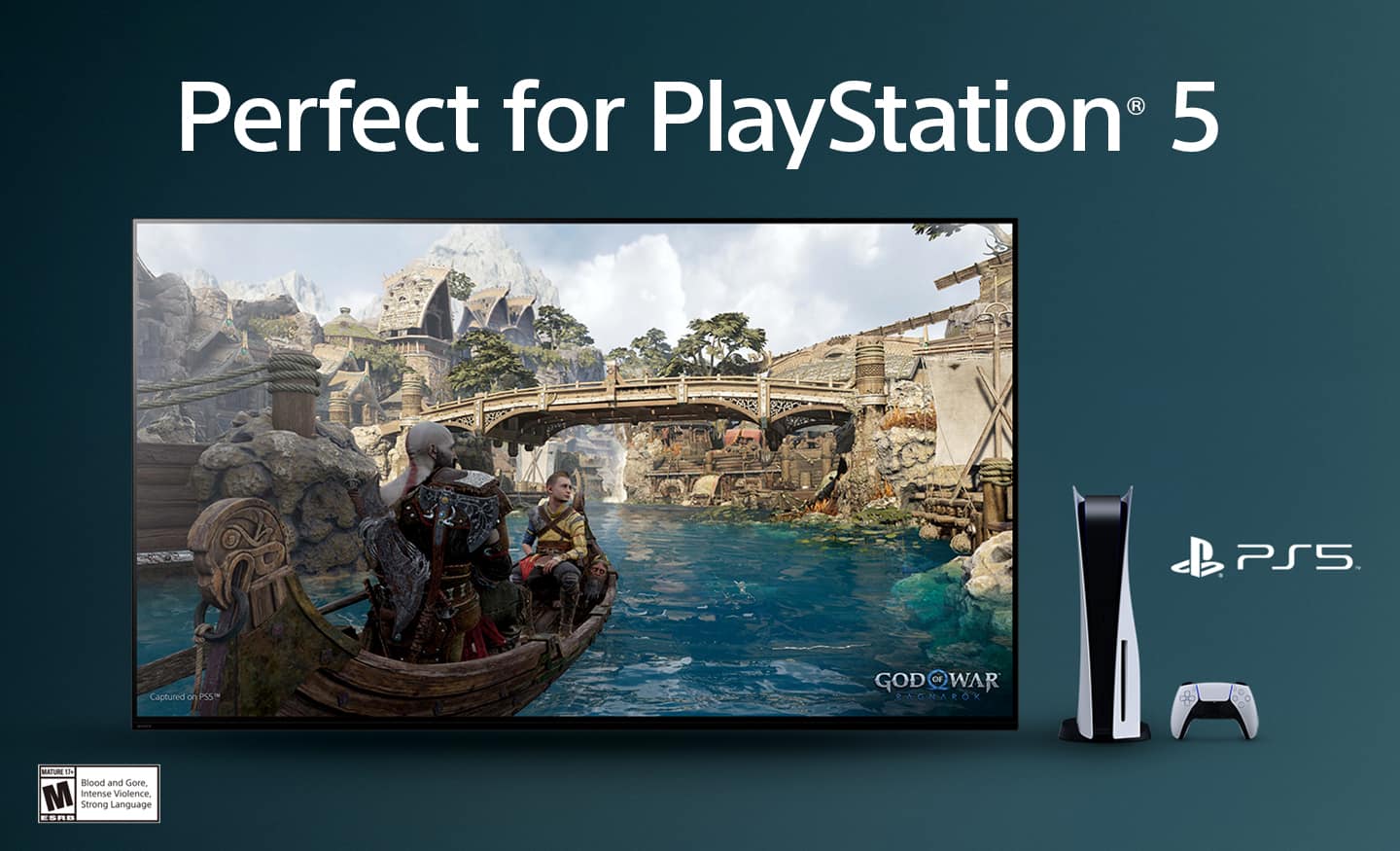
||Posted . Owned for 3 weeks when reviewed.This reviewer received promo considerations or sweepstakes entry for writing a review.Purchased to be used with a ps5. Features are great. Performance is good, set up was easy. Good all around tv
I would recommend this to a friendBrand response from SonyListens
Posted .Hi DavidW, We are glad that you like the quality of your new Sony BRAVIA 4K smart Google TV. You chose the best TV for your PS5. Thank you for your purchase. Enjoy! Vincent
average
||Posted . Owned for 1.5 years when reviewed.This reviewer received promo considerations or sweepstakes entry for writing a review.I think it's an average tv compared to other brands within the same price range. It was a somewhat impulse buying for me.
No, I would not recommend this to a friendBrand response from SonyListens
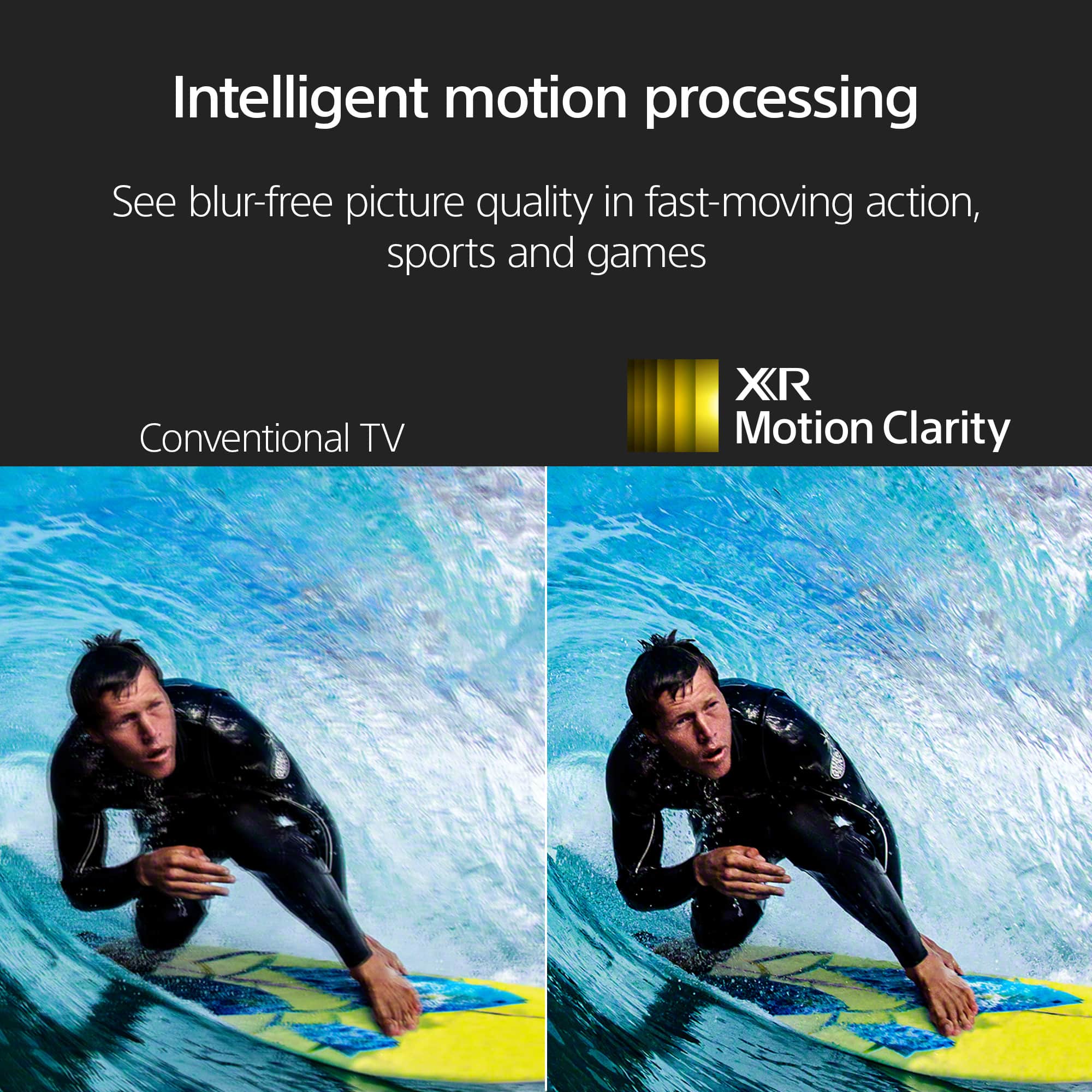
Posted .Hi LeonardP, thank you for sharing your honest feedback. We understand that making a big purchase, especially on impulse, can come with mixed feelings, and we truly appreciate you giving the Sony - XR65X90L a try. While we're sorry to hear it's not performing as you had expected, we hope you'll continue to explore its features, like the XR processor for vivid picture quality and smooth motion, especially great for movies, sports, and gaming. If there's anything we can do to help you get the most out of your TV, we're here for you! Thank you for considering Sony. Best regards, -Dominick
Sony TV
||Posted . Owned for 1 month when reviewed.This reviewer received promo considerations or sweepstakes entry for writing a review.The TV was installed at the standard settings. We had to fiddle with the settings to achieve an acceptable picture.
I would recommend this to a friendBrand response from SonyListens
Posted .Hi JackS,
Thanks for sharing your review and experience with the X90L. We're glad that you were able to set it up to your standards. Thank you for choosing Sony!
-Ralph
It's ok
||Posted . Owned for 1.5 years when reviewed.This reviewer received promo considerations or sweepstakes entry for writing a review.For the money I spent on this a little surprised at the stall outs and resets that take place.
No, I would not recommend this to a friendBrand response from SonyListens
Posted .Hi ShirelleC,
We sincerely apologize for the frustration and inconvenience you're experiencing with the stall outs and resets on your new XR X90L TV. We completely understand how disappointing it is to encounter these issues, especially after investing in a premium product. To help resolve this, we recommend a few troubleshooting steps: first, please try performing a simple power reset by unplugging the TV from the wall outlet for two minutes, then plugging it back in. Next, ensure your TV's software is fully up to date by navigating to Settings > System > About > System software update. If these steps don't resolve the problem, as a last resort, a factory data reset (Settings > System > About > Reset > Factory data reset) can often resolve persistent software glitches, though this will erase your customized settings.
Thanks for considering Sony products.
-Eliab
Google TV set up extremely cumbersom
||Posted . Owned for 3 months when reviewed.This reviewer received promo considerations or sweepstakes entry for writing a review.I was happy with my TV until I tried to explore Google TV and it was a horrible experience. Google TV is not intuitive and when I managed to set it up with difficulty I could not switch back to Xfinity. After one hour struggling with numerous options I turned off and on the TV and the set up box and then could get back to Xfinity but with no audio. Then I turned off and on TV and set up box again and the audio was restored. Google TV interface is horrible and I could not find any helpful instructions online.
No, I would not recommend this to a friendBrand response from SonyListens
Posted .Hi NESH,
We sincerely apologize for the frustrating experience you had with the Google TV interface and the difficulty returning to your Xfinity input with stable audio. The sudden loss of sound after switching inputs is unusual, and we want to help ensure seamless operation. For a quick fix, ensure your TV is updated to the latest firmware (Settings > System > About > System update). Moving forward, to reliably switch back to your Xfinity box (which should be connected via an HDMI port), you can always press the Input button on your Sony remote and directly select the corresponding HDMI port. If you continue to struggle with the interface or experience the audio dropping, please contact us: https://us.esupport.sony.com/support/s/support-contact?language=en_US so we can look into the specific connectivity settings.
Thanks for choosing Sony.
Best regards, Eliab
Sony Bravia 2023
||Posted . Owned for 1 month when reviewed.This reviewer received promo considerations or sweepstakes entry for writing a review.Wasnt what i expected from advertisement. Picture quality same level as my 2015 Sony Bravia model.
No, I would not recommend this to a friendBrand response from SonyListens
Posted .Hi GetaC,
We regret to hear that you are not satisfied with the picture quality of the TV. For optimum performance, make sure that the software version of the TV is up-to-date. Picture quality may vary depending on the source content. You do have the option to adjust the picture settings of the TV depending on your needs. For more information, please refer to these links:
https://www.sony.com/electronics/support/articles/00028577
https://www.sony.com/electronics/support/articles/00190409
You may also find this link helpful:
https://www.sony.com/electronics/support/articles/00245141
Hope this helps. In case you need further assistance, please email us at [email protected] with the following details:
Name:
Username:
Model Number:
Issue:
Telephone Number:
Or contact our product support team via phone call or chat through this link:
https://us.esupport.sony.com/support/s/support-contact?language=en_US&category=tv
Sincerely,
-Ralph
Disappointing Picture.
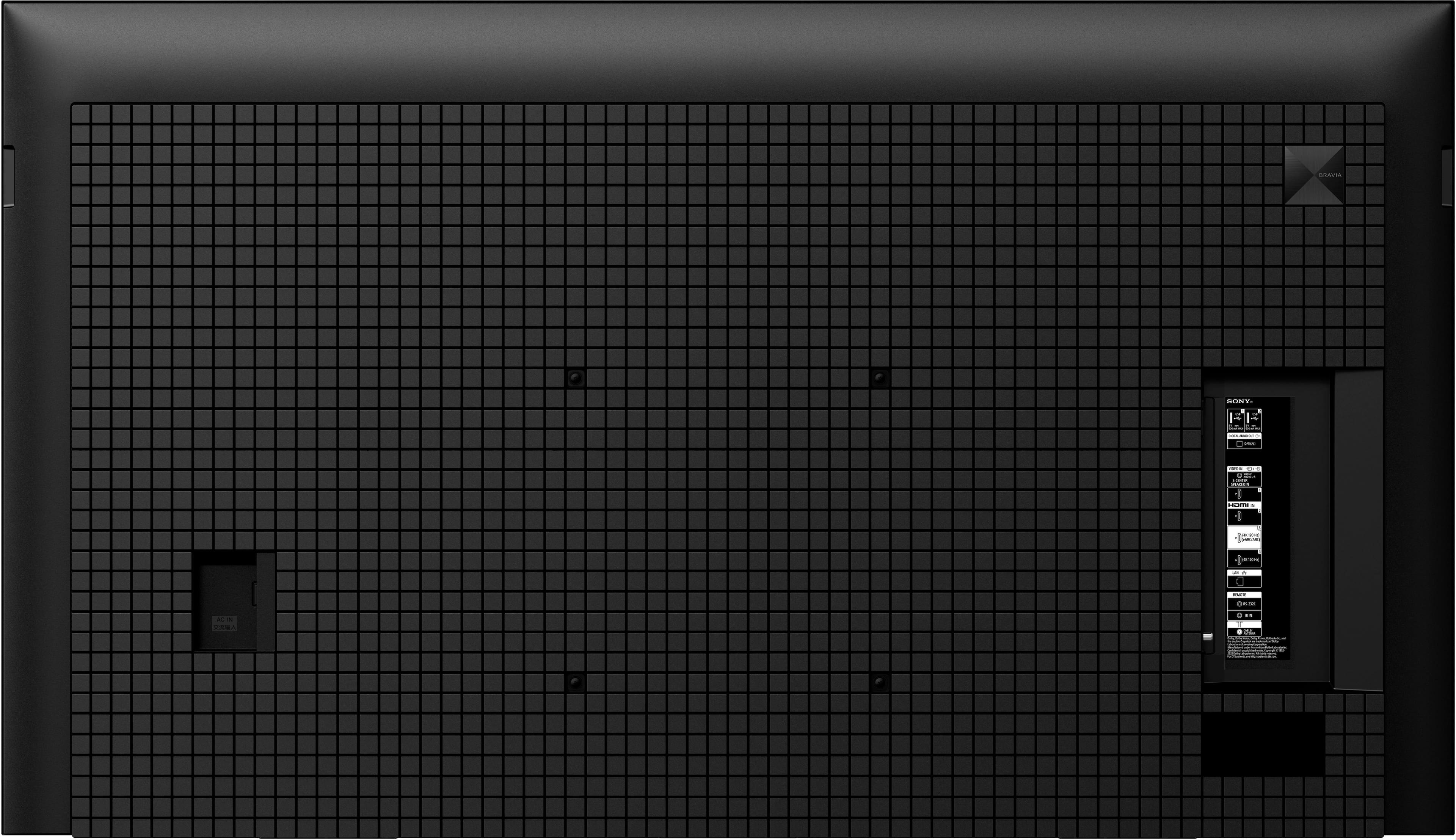
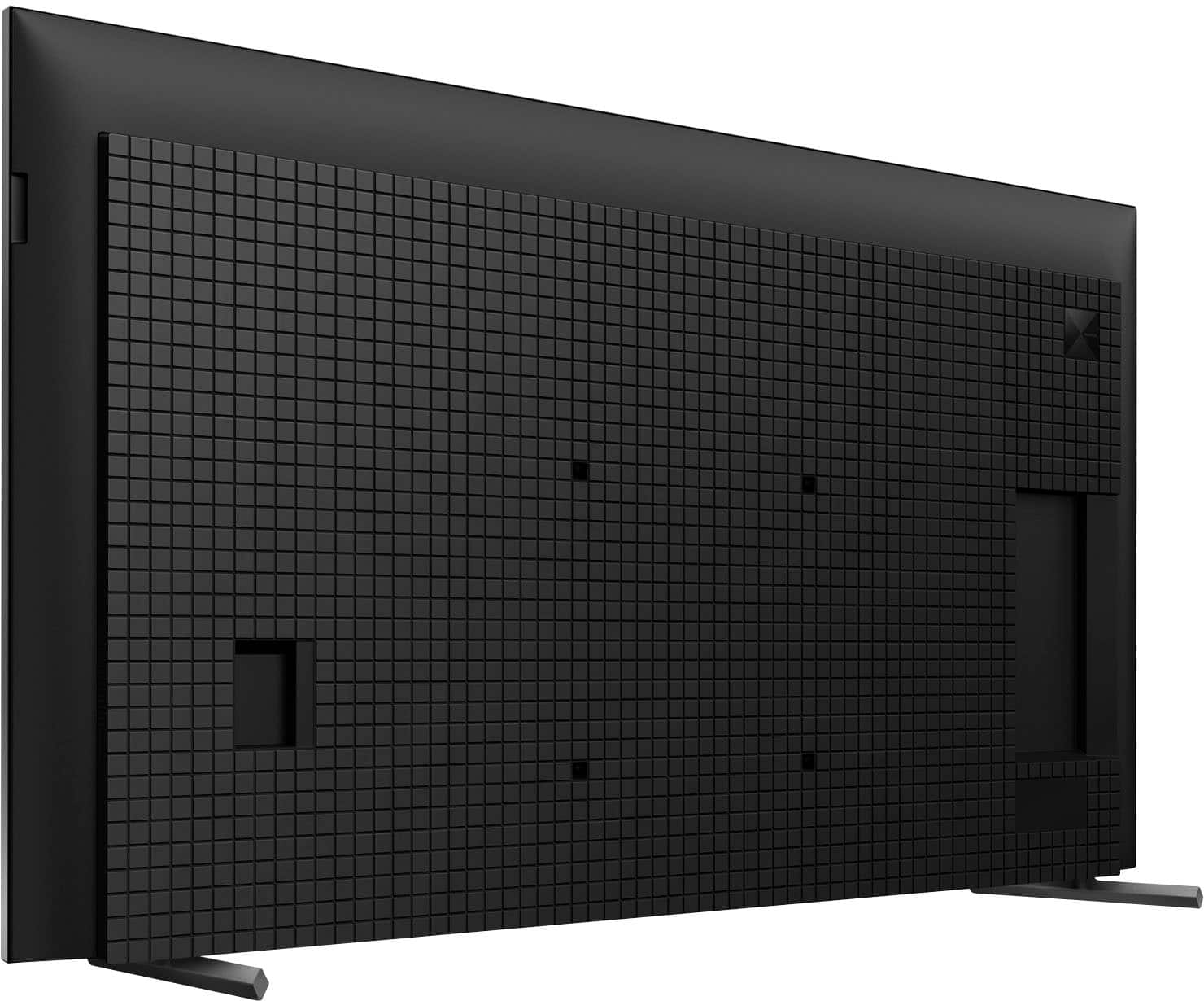
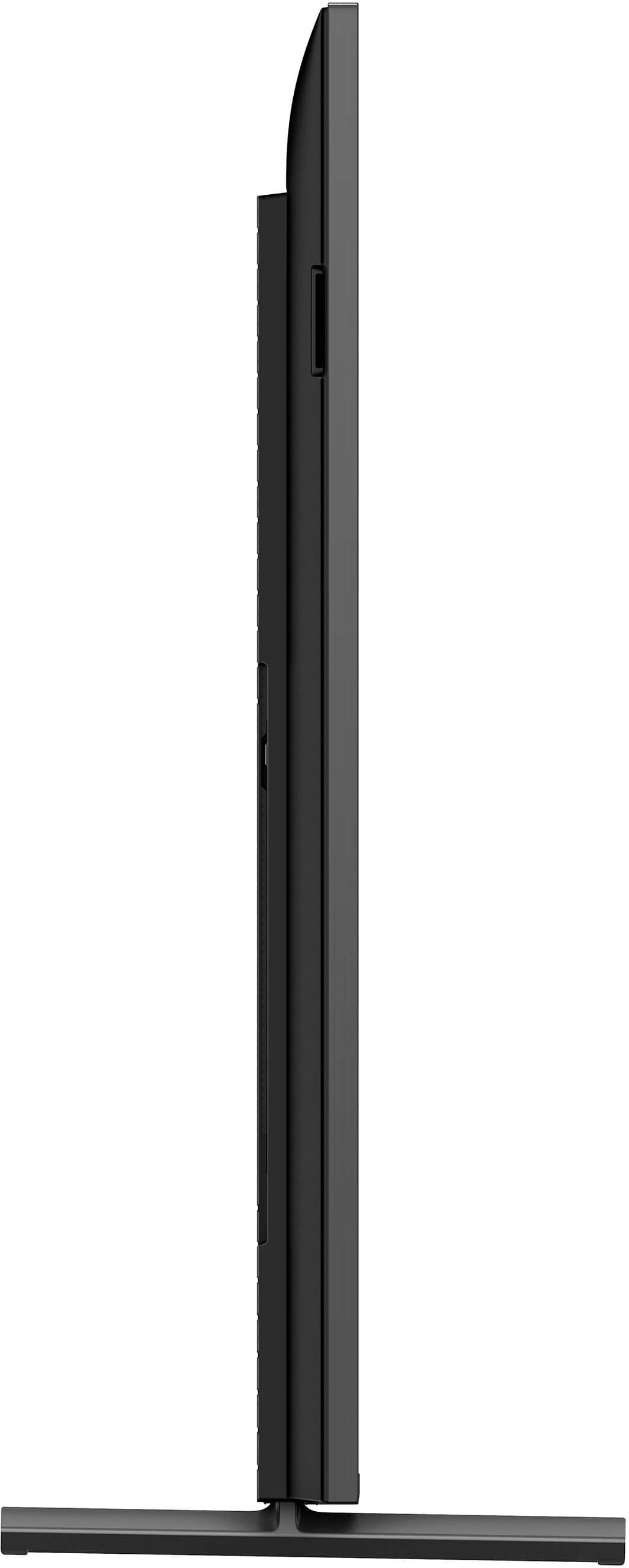
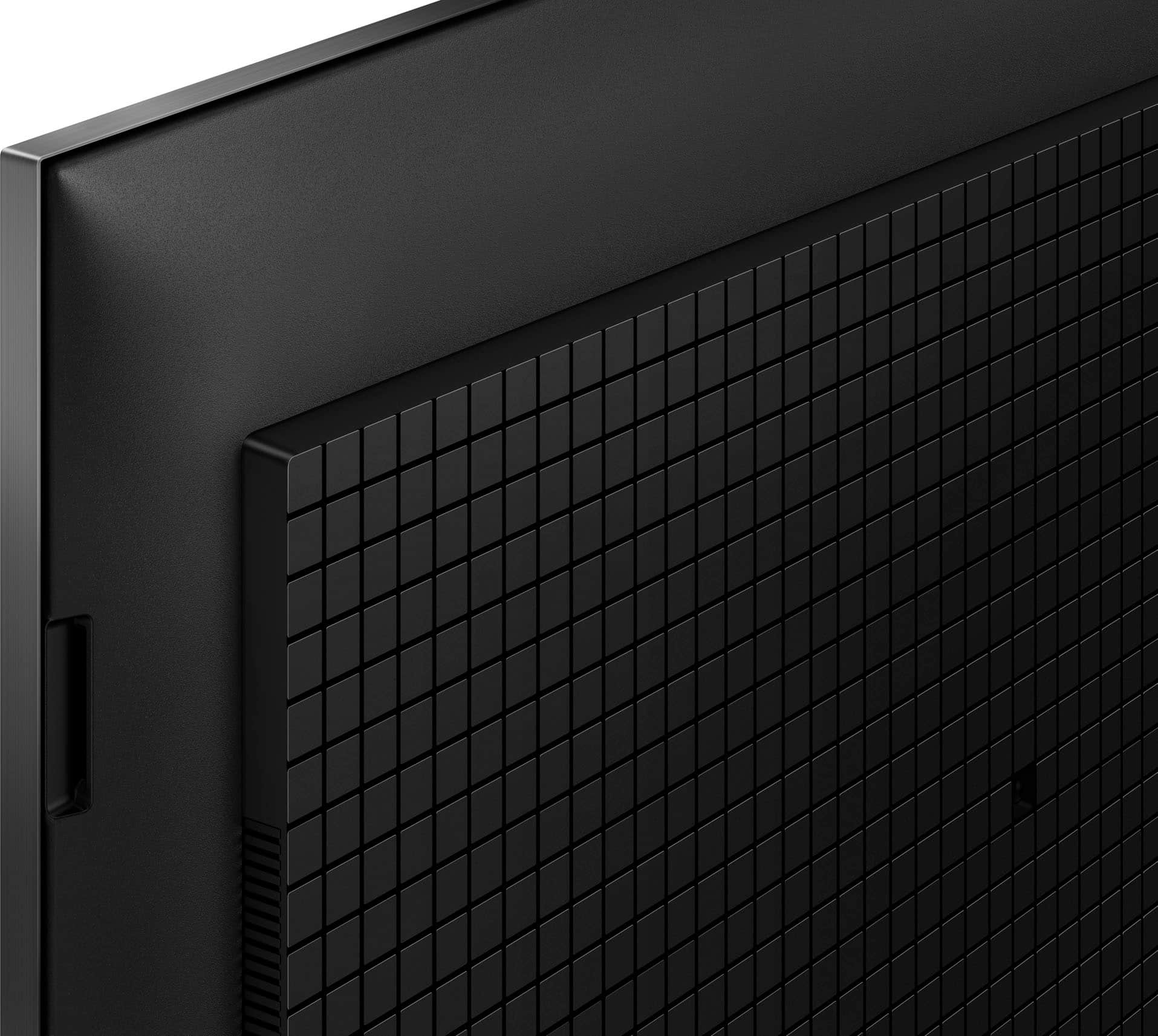
||Posted . Owned for less than 1 week when reviewed.This reviewer received promo considerations or sweepstakes entry for writing a review.The back of the tv has this weird cheap material. The screen is thicker than I thought it would be and worst of all the picture. It’s super dark even on the highest brightness. It seems like the only bright TVs from Sony are the high end ones starting at like 2k and above. You can do better Sony.
No, I would not recommend this to a friendBrand response from SonyListens
Posted .Hi SeanF,
Thank you for your time writing this review. We're sorry to hear that we were not able to meet your expectations with the materials, design, and picture quality of the X90L TV. Sony's values customers opinion and is always striving to provide the best experience possible.
TV display may also vary depending on the source, device, connection, and content you are watching. The X90L TV has picture settings which allow a wide array of changes to color, contrast, motion settings, and brightness that can improve the viewed content on your TV. For more information on how to adjust the picture settings and enhance your viewing experience, please check these links below:
Adjust the picture settings on your Google TV
https://www.sony.com/electronics/support/articles/00190409?utm_source=glean
Experience high quality picture with your 4K TV
https://www.sony.com/electronics/support/articles/00245141?utm_source=glean
May we contact you to help? If so, please email the below information to [email protected]:
Name:
Best Buy Username:
Telephone Number:
Model Number:
Issue:
We appreciate your feedback and hope to speak to you to resolve this matter. - Kris
Non compatible remote with sound bar
||Posted . Owned for 1 month when reviewed.This reviewer received promo considerations or sweepstakes entry for writing a review.have to turn the sound bar on manually the remote does run the volume, but does not turn it on and off
I would recommend this to a friendBrand response from SonyListens
Posted .Hi KellyP,
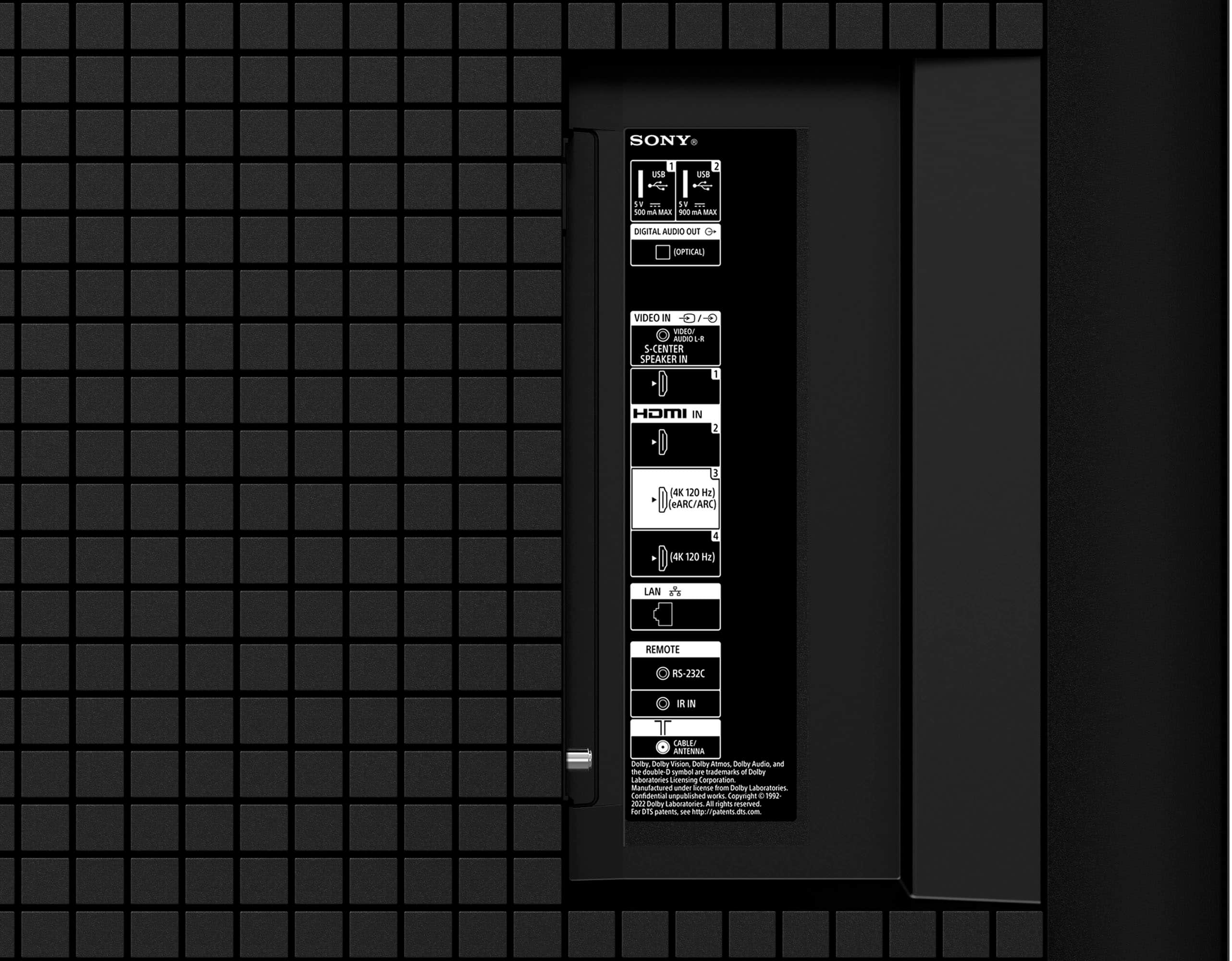
Thanks for sharing your review and experience with the X90L. We understand your need to control your soundbar with the TV remote. With the Control for HDMI (BRAVIA SYNC) function, you can control HDMI devices with the TV remote. Make sure that the soundbar is connected to the TV via HDMI and turn on the Control for HDMI (BRAVIA SYNC) function on both devices. Please note that full operation is not guaranteed when using third-party devices. You may find these links helpful:
https://www.sony.com/electronics/support/articles/00161073
https://helpguide.sony.net/tv/kusltn1/v1/en-003/04-07_01.html
Additional troubleshooting steps are also available on this link:
https://www.sony.com/electronics/support/articles/00030813
Hope this helps. If still not resolved or you need further assistance, please email us at [email protected] with the following details:
Name:
Username:
Model Number:
Issue:
Telephone Number:
Or contact our product support team via phone call or chat through this link:
https://us.esupport.sony.com/support/s/support-contact?language=en_US&category=tv
Sincerely,
-Ralph
RSRUS
||Posted .This reviewer received promo considerations or sweepstakes entry for writing a review.TV is defective, I usually buy protection but some how it slipped me, when you turn theTV off it doesn’t turn back on..have to plug and unplg several times to get it to work
No, I would not recommend this to a friendBrand response from SonyListens
Posted .Hi SusanL,
We apologize for the power issue you are experiencing with your new X90L TV. This sounds like a software glitch preventing the TV from exiting standby cleanly. Please try a forced restart by pressing and holding the power button on your remote for about five seconds until the TV turns off and then restarts automatically. If the problem continues, perform a power reset by unplugging the TV for a full two minutes before plugging it back in. If this does not resolve the defect, please contact our support team immediately: https://us.esupport.sony.com/support/s/support-contact?language=en_US
Thanks for choosing Sony.
Best regards,
Eliab
Still trying!
||Posted . Owned for 3 weeks when reviewed.This reviewer received promo considerations or sweepstakes entry for writing a review.Haven’t yet been able to fully sync tv remote with Spectrum remote
I would recommend this to a friendBrand response from SonyListens
Posted .Hi JamesB, We're sorry to hear about the inconvenience that you've experienced. Please reach out to your cable service provider to sync their remote control to this TV. Should you need further assistance, please email us at [email protected] with the following details:
Name:
Username:
Model Number:
Issue:
Telephone Number:
Thanks for sharing your feedback. -Sam
Good tv
||Posted . Owned for 1 week when reviewed.This reviewer received promo considerations or sweepstakes entry for writing a review.Good tv but I wish it had more local deaming zones
I would recommend this to a friendBrand response from SonyListens
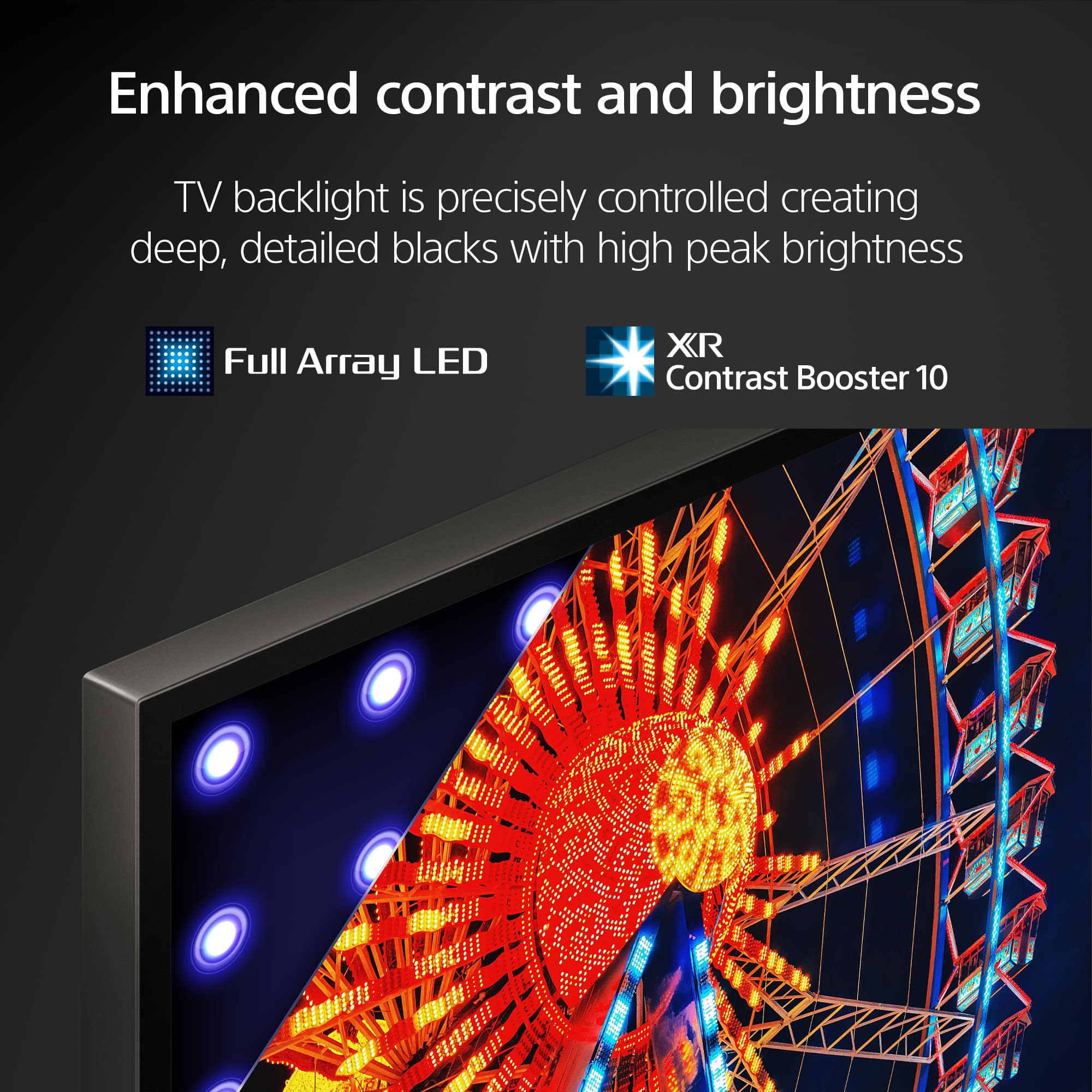
Posted .Hi Eddie24, Thank you for taking the time to provide us with your feedback about your new Sony X90L. We appreciate your remarks and understand your desire for more local dimming zones. Your feedback is valuable to us, and if you have any more specific suggestions or features you'd like to see, feel free to share them with us. Your insights are important to us as we work to meet and exceed your expectations. While the X90L delivers impressive brightness, we also recommend exploring our OLED or Mini LED TV options. These models offer more advanced features, including superior contrast, brightness, and precision lighting. Feel free to visit our website at https://electronics.sony.com/ or contact our support team through this link: https://us.esupport.sony.com/support/s/service?language=en_US for assistance.
With Sony X90L, see breathtakingly beautiful pictures full of realistic depth on our Full Array LED screen powered by Cognitive Processor XR. Hear sound straight from the screen, perfectly matching the action. Cognitive Processor XR™ turns any sound immersive with more precise sound position. And with 4K/120fps, a Variable Refresh Rate and Auto Low Latency Mode, our TVs give you smooth and clear movement for responsive gameplay. Thanks for choosing Sony! -Sam
LevS
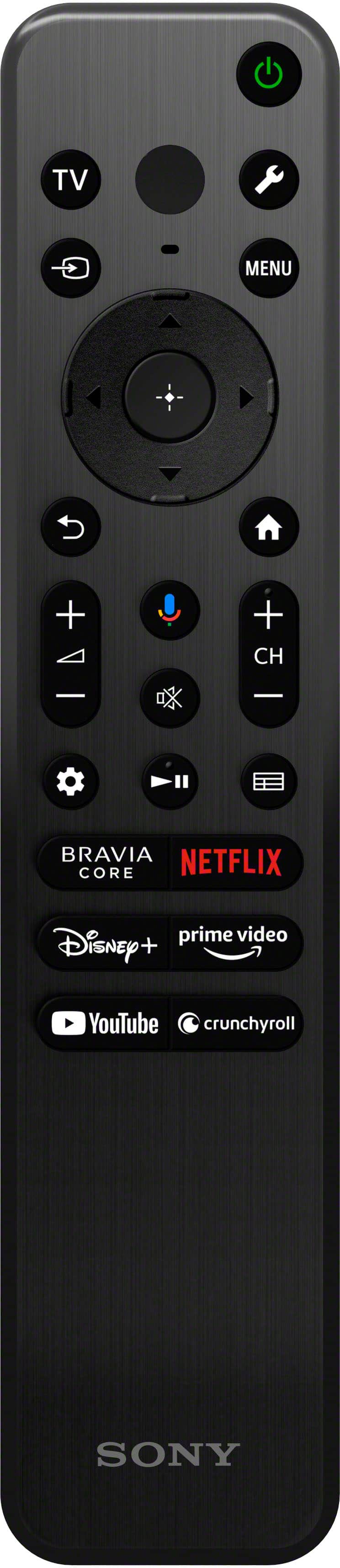
||Posted . Owned for 1 month when reviewed.This reviewer received promo considerations or sweepstakes entry for writing a review.Remote is inadequate for the television of such standing.
I would recommend this to a friendBrand response from SonyListens
Posted .Hi LevS,
Thanks for sharing your review and experience with the X90L. Your feedback is greatly appreciated. We would like to know more about your review and turn your experience around. Please email us at [email protected] with the following details:
Name:
Username:
Model Number:
Issue:
Telephone Number:
Sincerely,
-Ralph
My review
||Posted . Owned for 3 weeks when reviewed.This reviewer received promo considerations or sweepstakes entry for writing a review.Good value. The Installer, Vince, was excellent, very pleasant to work with.
I would recommend this to a friendBrand response from SonyListens
Posted .Hi Doug,
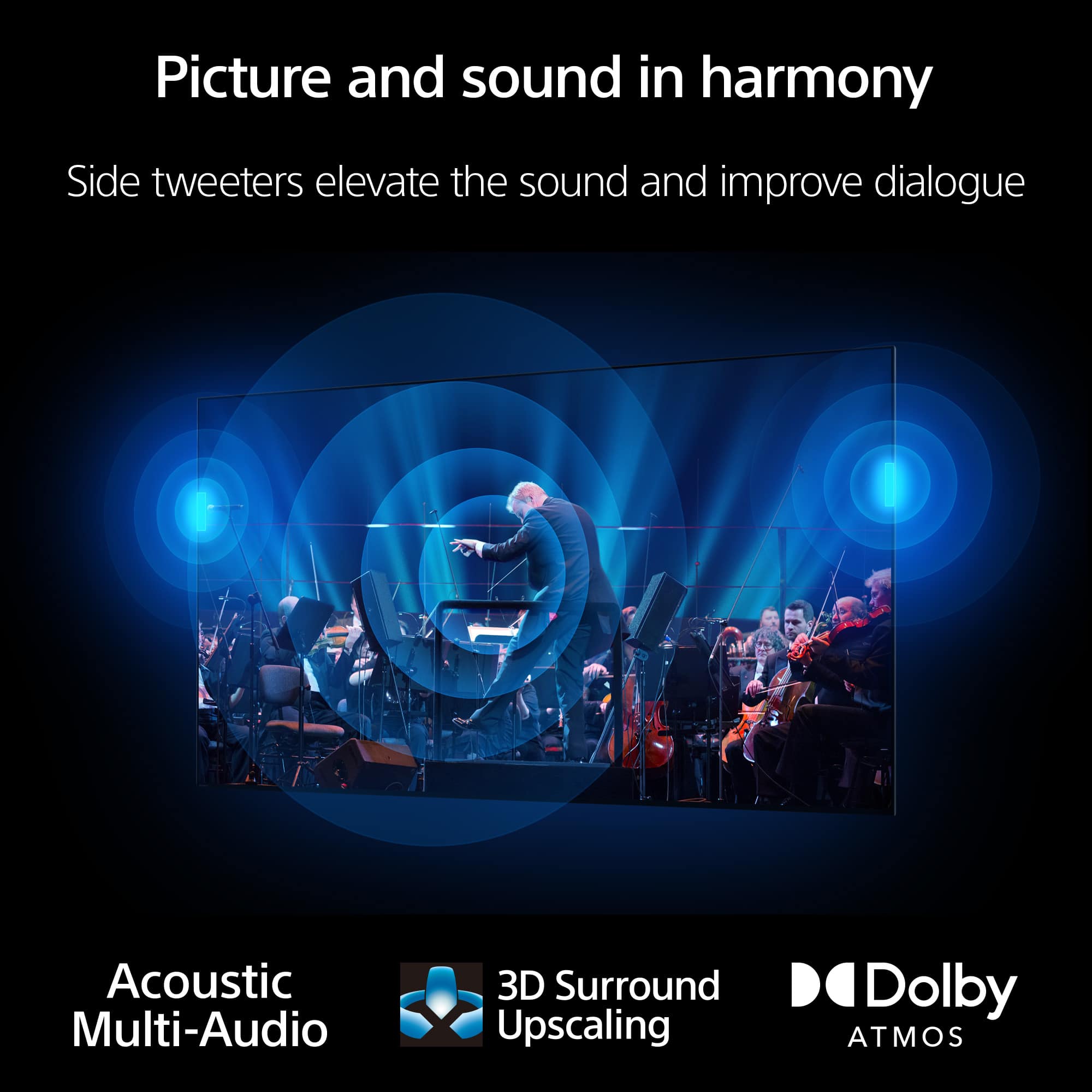
You made the right choice! We're glad that you were assisted professionally. We hope you also enjoy this amazing TV. See a vivid, crisp picture while you watch and game, all enhanced by Full Array LED and powered by the intelligent Cognitive Processor XR™️. Sound positioning tweeters, in additional to the TV speakers, elevates the sound so what you hear matches the picture you see. Take entertainment further by pairing your BRAVIA XR™️ TV with Sony audio equipment. You’ll discover an unmatched audio-visual experience with outstanding XR picture and sound quality. Thank you for choosing Sony!
-Ralph
Keeps Freezing.
||Posted . Owned for 1 month when reviewed.This reviewer received promo considerations or sweepstakes entry for writing a review.Do not buy. It started freezing 2 weeks after I bought it. I have to unplug it and plug it back in every day or sometimes twice a day. Sony knew about this problem 2 years ago and still has not come up with a fix. It looks like they don't have a fix for it. You can use amzn fire stick as a work around but the picture quality will not be the same so why pay so much for a Sony that has a fire tv picture quality. Ridiculous
No, I would not recommend this to a friendBrand response from SonyListens
Posted .Thank you for sharing your feedback, Unhappy.
We are truly sorry to hear about the freezing issues you are experiencing with your XR65X90L television so soon after purchase, and we sincerely apologize for the frustration this is causing. Having to unplug and replug your TV daily is certainly not the seamless experience we intend to deliver.
We understand your concern regarding known software behaviors. While occasional freezing can be related to a number of factors, including third-party app performance or temporary network issues, we are committed to providing reliable products and continually issue software updates to improve stability and performance.
We would like to help you resolve this so you can enjoy the premium picture quality you paid for. Please contact our support team directly at https://us.esupport.sony.com/support/s/support-contact?language=en_US&category=tv so our specialists can guide you through specific troubleshooting steps, such as performing a factory reset or checking for the latest firmware update, which often resolves persistent freezing issues.
We take your satisfaction seriously and regret that we have not met your expectations in this instance. Thank you for bringing this to our attention.
Best regards, Gus, Sony Social Media Team
Great TV
||Posted . Owned for 1 month when reviewed.This reviewer received promo considerations or sweepstakes entry for writing a review.Great TV - a tad bit slow and lags at places but great overall
I would recommend this to a friendBrand response from SonyListens
Posted .Hi DhanyaT,
Thanks for sharing your review and experience with the X90L. Your feedback is greatly appreciated. For optimum performance, make sure that the software version of the TV is up-to-date. Performing a power reset may also help resolve those issues. For more information, please refer to these links:
https://www.sony.com/electronics/support/articles/00028577
https://www.sony.com/electronics/support/articles/00159487
Hope this helps. In case you need further assistance, please email us at [email protected] with the following details:
Name:
Username:
Model Number:
Issue:
Telephone Number:
Or contact our product support team via phone call or chat through this link:
https://us.esupport.sony.com/support/s/support-contact?language=en_US&category=tv
Sincerely,
-Ralph
65 Sony
||Posted . Owned for 2 weeks when reviewed.This reviewer received promo considerations or sweepstakes entry for writing a review.Sound is okay , not as good as I thought it would be . So overall I’m giving it 4 stars
I would recommend this to a friendBrand response from SonyListens
Posted .Hi CarmenG, thanks for choosing and purchasing our newest product! We understand your feedback regarding the sound quality of the X90L. You can configure various settings related to the TV’s sound such as sound quality and sound mode. Please check this link for more details:
https://helpguide.sony.net/tv/kusltn1/v1/en-003/01-03-09_02.html?hl=sound+quality
If you require any additional support in regards to this product, please email us at [email protected] with the following details: Name: Username: Model Number: Issue: Telephone Number:
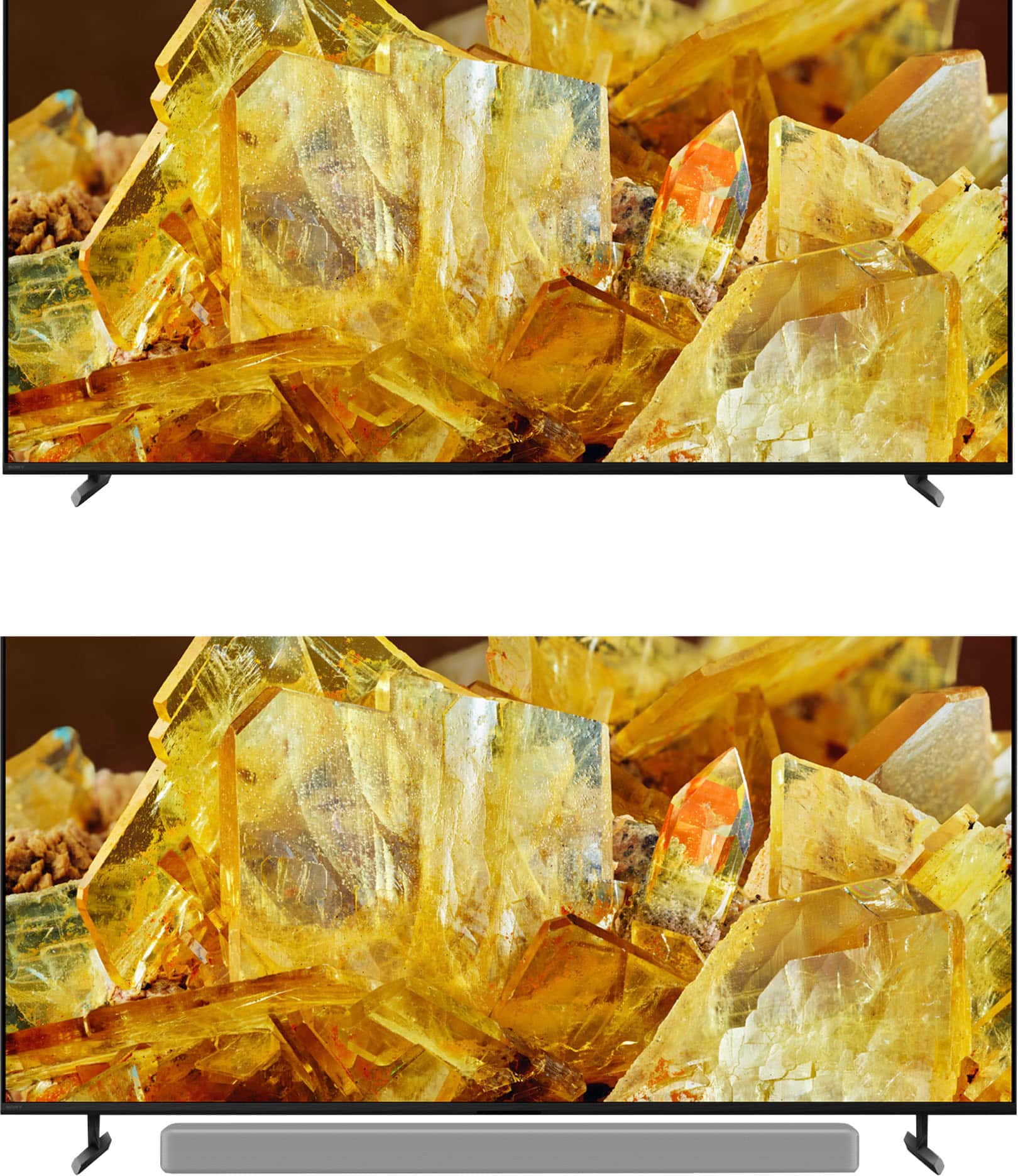
See a vivid, crisp picture while you watch and game, all enhanced by Full Array LED and powered by the intelligent Cognitive Processor XR. Hear sound straight from the screen, perfectly matching the action. Cognitive Processor XR™ turns any sound immersive with more precise sound position. Our minimalist One Slate design fuses screen and bezel into a single slate, minimizing noise and maximizing your viewing experience. Seamless Edge, available for the first time in this class of BRAVIA™, gives the TV an extremely slim, sophisticated look. Thanks for choosing SONY. ~Earl
TV and Cables
||Posted . Owned for 3 weeks when reviewed.This reviewer received promo considerations or sweepstakes entry for writing a review.Excellent Sercice,very puntual,clean work very professional technician
I would recommend this to a friendBrand response from SonyListens
Posted .Hi FreddyR,
Great! We're glad that you were assisted professionally. We hope you also enjoy this amazing TV. See a vivid, crisp picture while you watch and game, all enhanced by Full Array LED and powered by the intelligent Cognitive Processor XR™️. Sound positioning tweeters, in additional to the TV speakers, elevates the sound so what you hear matches the picture you see. Take entertainment further by pairing your BRAVIA XR™️ TV with Sony audio equipment. You’ll discover an unmatched audio-visual experience with outstanding XR picture and sound quality. Thank you for choosing Sony!
-Ralph
Sony 65" Bravia
||Posted . Owned for 3 weeks when reviewed.This reviewer received promo considerations or sweepstakes entry for writing a review.Nice screen. Bright and little reflections from light in the room.
I would recommend this to a friendBrand response from SonyListens
Posted .Hi MichaelW, Fantastic! We're delighted to hear you appreciate the excellent brightness level of your Sony X90L. See a vivid, crisp picture while you watch and game, all enhanced by Full Array LED and powered by the intelligent Cognitive Processor XR™️. Sound positioning tweeters, in additional to the TV speakers, elevates the sound so what you hear matches the picture you see. Take entertainment further by pairing your BRAVIA XR™️ TV with Sony audio equipment. You’ll discover an unmatched audio-visual experience with outstanding XR picture and sound quality. Thank you for choosing Sony! -Sam