Customer Ratings & Reviews





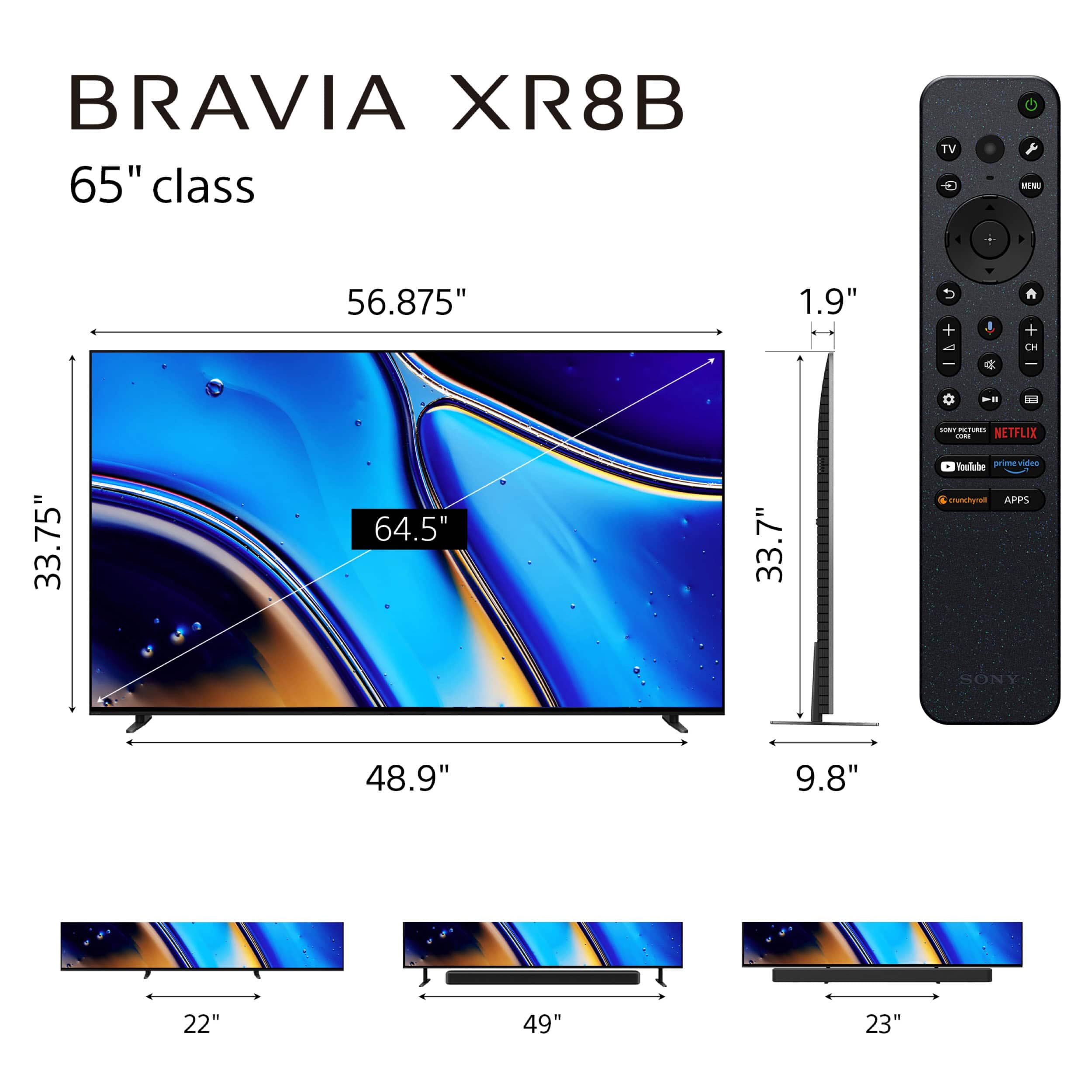


- Model:
- K65XR8B
- SKU:
- 6642165
Rating by feature
- Picture Quality
Rating 4.8 out of 5 stars
- Sound Quality
Rating 4.6 out of 5 stars
- Brightness
Rating 4.7 out of 5 stars
Customers are saying
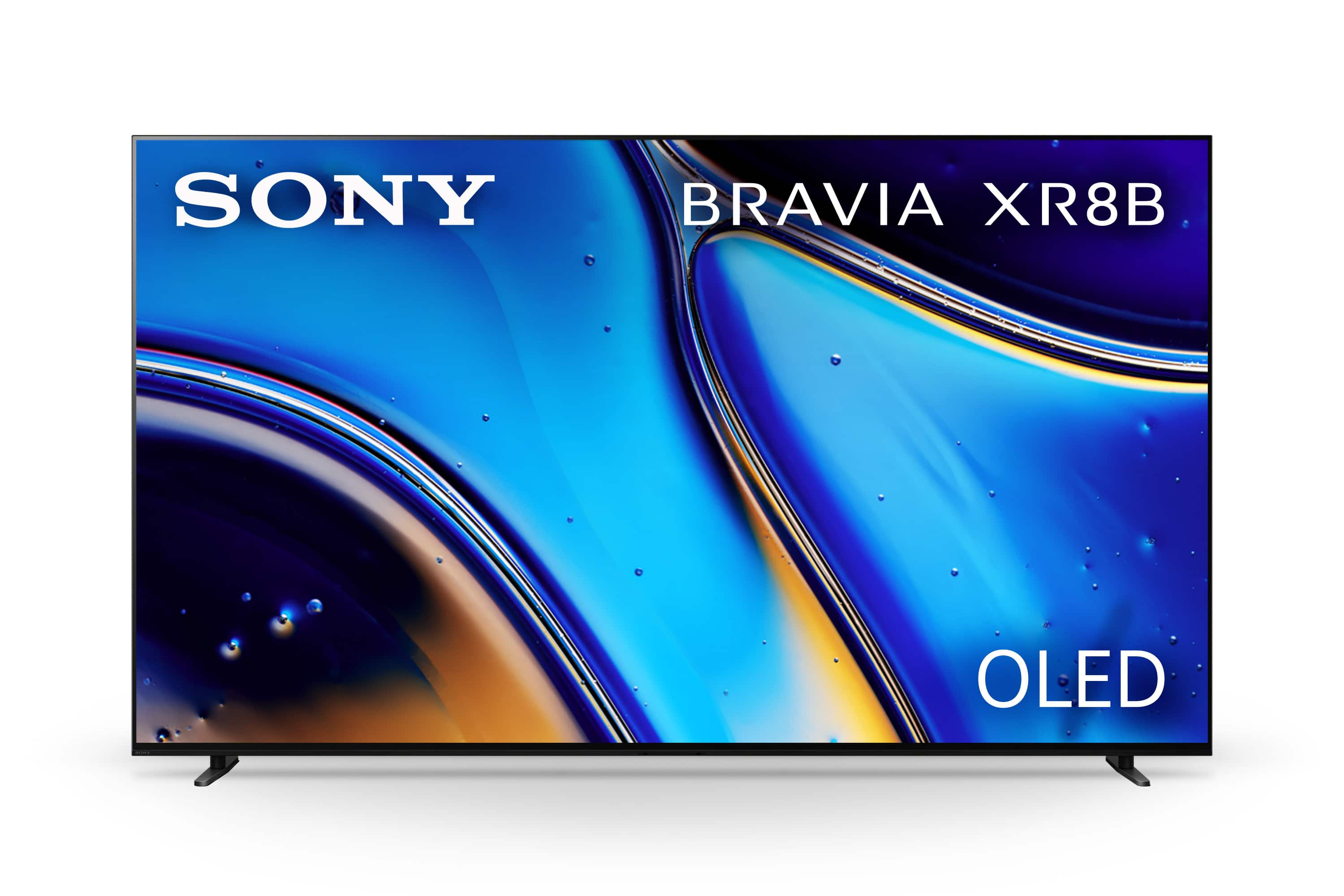
Customers are delighted by the excellent picture quality and impressive OLED quality of the 65" Class BRAVIA XR8B OLED 4K HDR Google TV. Reviewers find the television easy to set up and are impressed with the deep black levels. However, some customers have noted that the brightness may be too low for certain room environments.
This summary was generated by AI based on customer reviews.
- Pros mentioned:Picture quality
Very vivid
||Posted . Owned for 2 weeks when reviewed.This reviewer received promo considerations or sweepstakes entry for writing a review.This is a nice upgrade to the previous TV I had in my family room. The picture quality and brightness are amazing on the 4K programming. You will definitely need a decent sound bar to go with it.
I would recommend this to a friendBrand response from SonyListens
Posted .Hi TaroBaapKaun,
It is great to hear that the Sony BRAVIA XR8B is a wonderful upgrade for your family room! We are glad that you are experiencing the amazing picture quality and brightness when enjoying 4K content. We also appreciate your helpful advice regarding the soundbar—it’s a great tip for others looking to complete their viewing setup!
Thank you for choosing Sony!
Best regards,
Dominick
- Pros mentioned:Picture quality
Sony Bravia OLED TV
||Posted . Owned for 1 month when reviewed.This reviewer received promo considerations or sweepstakes entry for writing a review.Incredible picture, easy to setup. Was comparing this to two other top brands and this tv does have superior picture.
I would recommend this to a friendBrand response from SonyListens
Posted .Thank you for the review, JCobs!
We’re pleased to hear that you are enjoying the incredible picture quality of your K-65XR8B. It is great to know that the setup process was easy and that the visual performance stands out as superior.
Thank you for choosing Sony!
Best regards,
Gus, Sony Social Media Team
- Pros mentioned:Picture quality
New Sony
||Posted . Owned for 3 weeks when reviewed.This reviewer received promo considerations or sweepstakes entry for writing a review.time to upgrade to smart TV went from 55 to 65 samsung to Sony. Easy to install no longer need soundbar. Great Picture quality
I would recommend this to a friendBrand response from SonyListens
Posted .Hi Kv52,
It’s rewarding to hear that your upgrade to the 65-inch XR8B has been such a success and that the installation was so easy for you.
We are especially glad you're enjoying the elite picture quality and that the sound is so impressive you no longer need a soundbar. This is made possible by the Acoustic Surface Audio+ technology and the XR Triluminos Pro display, which together create a truly cinematic experience.
Thank you for trusting Sony.
Regards,
Dominick
- Pros mentioned:Picture quality
Awesome TV
||Posted . Owned for 2 weeks when reviewed.This reviewer received promo considerations or sweepstakes entry for writing a review.Awesome TV, very vibrant color and display. This TV has the best picture of any TV I've ever owned. Plus Dave was amazing with all the help he gave us.
I would recommend this to a friendBrand response from SonyListens
Posted .Thank you for the fantastic review, RichardC!
We are absolutely thrilled to hear that you think the K-65XR80 is an Awesome TV and has the best picture of any TV you’ve ever owned! It’s incredibly rewarding to know that the vibrant color and display are exceeding your expectations and delivering the premium quality we strive for.
We also appreciate you taking the time to highlight the excellent service you received from Dave! It’s wonderful to hear that our partners are providing knowledgeable and helpful assistance, ensuring a seamless experience.
Thank you again for choosing Sony!
Best regards, Gus, Sony Social Media Team
- Pros mentioned:Picture quality
Awesomeness
||Posted . Owned for 3 weeks when reviewed.This reviewer received promo considerations or sweepstakes entry for writing a review.Great colors, sound accuracy and Google tv interface.
I would recommend this to a friendBrand response from SonyListens
Posted .Hi EdwinG,
We are delighted to hear that the BRAVIA XR8B is delivering such a complete entertainment experience for you! It is wonderful to know that the combination of vibrant color, precise sound, and the intuitive Google TV interface is hitting all the right notes.
The great colors you’re seeing are a result of our Live Color™ Technology working alongside the XR Processor, which analyzes and enhances hues in real-time to keep them looking natural and vivid on the OLED panel. We are also thrilled you noticed the sound accuracy; thanks to Acoustic Surface Audio+, the entire screen vibrates to produce sound, so dialogue and effects feel like they are coming directly from the action. Finally, having Google TV ensures that all that premium performance is easy to access with a perfectly organized home screen.
Thank you for choosing Sony.
Regards,
Dominick
- Pros mentioned:Picture quality
Beautiful picture quality with minor calibration.
||Posted .This reviewer received promo considerations or sweepstakes entry for writing a review.Very beautiful picture once you calibrate it. Out of the box, it still looks good to the untrained eye. It is not recommended but I was able to setup 65” by myself with the feet and all. The sound is pretty good, but it obviously lacks bass for loud movies.
I would recommend this to a friendBrand response from SonyListens
Posted .Hi JulioW,
We are ecstatic to learn that you are enjoying the strikingly beautiful picture quality of your Sony XR8B! It's excellent that you noted the improved visuals after calibration, confirming the display's potential. We certainly recommend two people for setting up larger models for safety, but we are impressed that you were able to manage the assembly of the 65-inch model solo!
We appreciate your honest assessment of the integrated audio. While the internal speaker system is designed for clear dialogue and impressive acoustic detail, you are correct that adding an external soundbar or home theater system is recommended for the deep, room-shaking bass of loud cinematic content.
Thank you for choosing Sony for your premium viewing experience!
Best regards,
Dominick
- Pros mentioned:Picture quality
Outstanding picture and price
||Posted . Owned for 1 month when reviewed.This reviewer received promo considerations or sweepstakes entry for writing a review.Great picture and sound, typical Sony! And it was deeply discounted which makes it a great value as well.
I would recommend this to a friendBrand response from SonyListens
Posted .Thank you for the fantastic review, TomN!
We’re so glad to hear you’re enjoying that Sony excellence in picture and sound quality! It’s wonderful that you were able to snag such a great value on your new Bravia 8.
Thank you for choosing Sony!
Best regards,
Gus, Sony Social Media Team
- Pros mentioned:Picture quality
Bravo to Bravia
||Posted . Owned for 3 weeks when reviewed.This reviewer received promo considerations or sweepstakes entry for writing a review.Great sound and picture. The Geek Squad did a great job installing it and moving my other TV's.
I would recommend this to a friendBrand response from SonyListens
Posted .Hi nofrillstv,
We are pleased to hear that you are enjoying the premium picture and sound of your new BRAVIA XR8B! We’re also glad the Geek Squad provided such a smooth installation and relocation experience for you.
Thanks for choosing Sony.
Best regards,
Eliab
- Pros mentioned:Picture quality
Stunning Resolution & Great Picture
||Posted . Owned for 2 weeks when reviewed.This reviewer received promo considerations or sweepstakes entry for writing a review.This television has absolutely fabulous detailed resolution for a great picture with the best color ever. The added soundbar provides excellent quality sound.
I would recommend this to a friendBrand response from SonyListens
Posted .Hi JoanMcCarty,
That's outstanding feedback! We are thrilled to hear that your BRAVIA XR8B OLED TV delivers absolutely fabulous detailed resolution and the best color ever. We are also glad the added soundbar is complementing your viewing experience with excellent quality sound.
Thanks for choosing Sony.
Best regards,
Eliab
- Pros mentioned:Picture quality
Amazing Picture
||Posted . Owned for 1 month when reviewed.This reviewer received promo considerations or sweepstakes entry for writing a review.This tv is so fantastic. The picture is incredible and the internal processer is so fast. Worth every dollar,
I would recommend this to a friendBrand response from SonyListens
Posted .Hi CarterH,
Thanks for sharing your experience with us! It is great to hear that you’re so impressed with your new K-65XR8B TV. We’re glad the speed of the processor and the picture quality are making you feel like it was a worthwhile investment for your home.
We appreciate you choosing Sony!
Best regards,
Estefany
- Pros mentioned:Picture quality
Good buy
||Posted .This reviewer received promo considerations or sweepstakes entry for writing a review.Great purchase. Bought at a good price. Picture quality is great, easy to set up, would recommend.
I would recommend this to a friendBrand response from SonyListens
Posted .Hi Elliott,
We are beyond pleased to hear that you are so happy with your BRAVIA XR8B purchase. It is wonderful to know that the easy setup and great picture quality stood out to you, and we truly appreciate you recommending it to others.
Thank you for making Sony part of your daily viewing.
Regards,
Dominick
- Pros mentioned:Picture quality
Extremely happy so far
||Posted . Owned for 2 weeks when reviewed.This reviewer received promo considerations or sweepstakes entry for writing a review.Picture looks great also got the Bravia surround. We haven't turned off the surround so not sure how loud the tv speakers are.
I would recommend this to a friendBrand response from SonyListens
Posted .HI Bobby,
We are delighted to hear you are enjoying the fantastic picture quality of your 65" BRAVIA XR8B and the immersive experience of the connected sound system! Your TV uses our Acoustic Surface Audio+ technology, where actuators vibrate the screen itself to produce sound, plus dedicated tweeters and a subwoofer, resulting in an audio power output of 50W ($10 \text{W} \times 5$). This built-in speaker system is designed to be loud and clear, and it is widely considered to have some of the best internal sound among flat-screen TVs, so you can expect a very strong performance even without the external surround system turned on. Thanks for choosing Sony.
Best regards,
Eliab
- Pros mentioned:Oled quality, Picture quality
Excellent OLED
||Posted . Owned for 1 month when reviewed.This reviewer received promo considerations or sweepstakes entry for writing a review.Solid OLED, classic Sony, amazing picture, looks great in the bedroom,
I would recommend this to a friendBrand response from SonyListens
Posted .Hi Canefan,
Excellent! We are happy to hear your BRAVIA XR8B OLED is delivering that classic Sony quality and an amazing picture for your bedroom.
Thanks for choosing Sony. Best regards, Eliab.
- Pros mentioned:Picture quality
Best tv ever!!!
||Posted . Owned for 2 weeks when reviewed.This reviewer received promo considerations or sweepstakes entry for writing a review.Best tv ever, great picture and sound!!! Recommended! Little expensive but worth every penny.
I would recommend this to a friendBrand response from SonyListens
Posted .Hi Damian,
We are immensely pleased to hear that you consider this the best TV ever and that you find it worth every penny! It is fantastic to know that both the great picture quality and the sound are making such a strong impression. The BRAVIA XR8B delivers this premium experience by using Acoustic Surface Audio+™, where the screen itself acts as the speaker, ensuring the sound perfectly matches the sharp, vivid visuals provided by the OLED panel.
Thank you for choosing Sony.
Regards,
Dominick
- Pros mentioned:Picture quality
Sony Bravia XR8B OLED
||Posted . Owned for 2 weeks when reviewed.This reviewer received promo considerations or sweepstakes entry for writing a review.Excellent picture quality. The installers were very courteous and efficient at removing the old TV and mounting the Sony Bravia to the wall bracket.
I would recommend this to a friendBrand response from SonyListens
Posted .Hi MiguelM,
That's absolutely fantastic feedback! We are thrilled to hear that you are enjoying the excellent picture quality of your BRAVIA XR8B OLED TV. It is also wonderful to know that the installers were so courteous and efficient—we appreciate you highlighting their professional service in getting your new TV mounted and set up perfectly.
Thanks for choosing Sony.
Best regards, Eliab
- Pros mentioned:Picture quality
Awesome
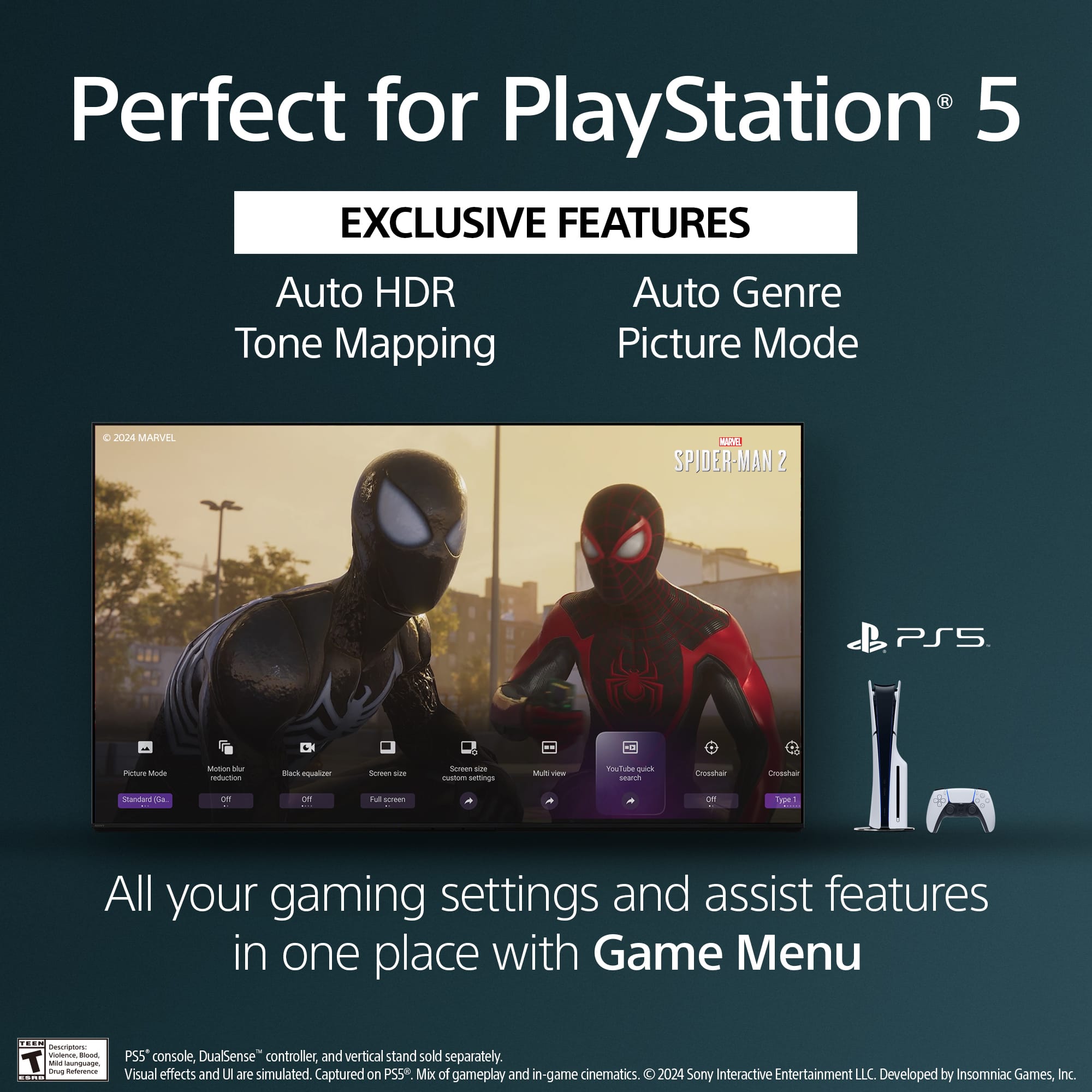
||Posted . Owned for 1 week when reviewed.This reviewer received promo considerations or sweepstakes entry for writing a review.I was skeptical of the purchase at first after seeing it on display, but after setting it up, & using it to my preferences, I love the TV. I feel immersed in the games I play on it with my PS5.
I would recommend this to a friendBrand response from SonyListens
Posted .Thank you for sharing your experience, AlexR!
We are absolutely thrilled to hear that the K-65XR8B exceeded your expectations once you got it home and customized the settings to your liking. It's rewarding to know that the picture quality truly shines in your own environment!
It's especially great to hear that you feel immersed in your games while playing on your PS5. We specifically design our BRAVIA XR TVs with features like Auto Genre Picture Mode and low input lag to deliver a spectacular, responsive, and truly engaging gaming experience.
Thanks again for choosing Sony to be your gaming and home entertainment display!
Best regards, Gus, Sony Social Media Team
- Pros mentioned:Picture quality
Excellent TV
||Posted . Owned for 1 month when reviewed.This reviewer received promo considerations or sweepstakes entry for writing a review.Outstanding TV! Great upgrade from what we had. Amazing picture and the sound is good.
I would recommend this to a friendBrand response from SonyListens
Posted .Hello IaPa,
Thanks for the feedback! It is fantastic to know that the K-65XR8B has been such a great upgrade for your home and that the picture and sound are working well for you.
We appreciate you choosing Sony!
Warm regards,
Estefany
- Pros mentioned:Picture quality
Sony Bravia xb great choice
||Posted .This reviewer received promo considerations or sweepstakes entry for writing a review.Great picture, makes me xbox series x games look incredible. The tv menu loads quickly and is easy to adjust settings.
I would recommend this to a friendBrand response from SonyListens
Posted .Hi Wally1981!
Thanks for sharing your thoughts on the K-65XR80 TV!
We are immensely pleased to hear that your games looks incredible and that the TV's menu is quick to load and easy to use.
We appreciate you choosing Sony!
Best regards,
Estefany
- Pros mentioned:Oled quality
Sony Bravia 8 OLED
||Posted .This reviewer received promo considerations or sweepstakes entry for writing a review.BestBuy delivered within 2 days. Stunning OLED picture without any adjustment. Same Google TV UI as my previous Samsung with Chromecast dongle. I was able to add to Google Home which is a plus.
I would recommend this to a friendBrand response from SonyListens
Posted .Hi Mabs!
We are excited to hear that your new BRAVIA XR8B OLED arrived so quickly and that you are already experiencing its stunning picture quality right out of the box! We’re also glad the Google TV setup and the easy integration into your Google Home ecosystem have been such a smooth experience for you.
The XR8B features our Cognitive Processor XR, which works in real-time to adjust picture elements like contrast and clarity, helping create that stunning life-like image you’re seeing.
Thank you for choosing Sony!
Best regards,
Estefany
- Pros mentioned:Oled quality
Nice OLED TV
||Posted . Owned for 1 week when reviewed.This reviewer received promo considerations or sweepstakes entry for writing a review.This TV is excellent! It is much better than the one I used to have. The OLED picture quality is very good.
I would recommend this to a friendBrand response from SonyListens
Posted .Hi YuanpengZ,
We are thrilled to hear that you are enjoying the excellent OLED picture quality of your new BRAVIA XR8B! It’s wonderful to know it has been such a great upgrade for your home viewing experience. Thanks for choosing Sony.
Best regards, Eliab