Customer Ratings & Reviews
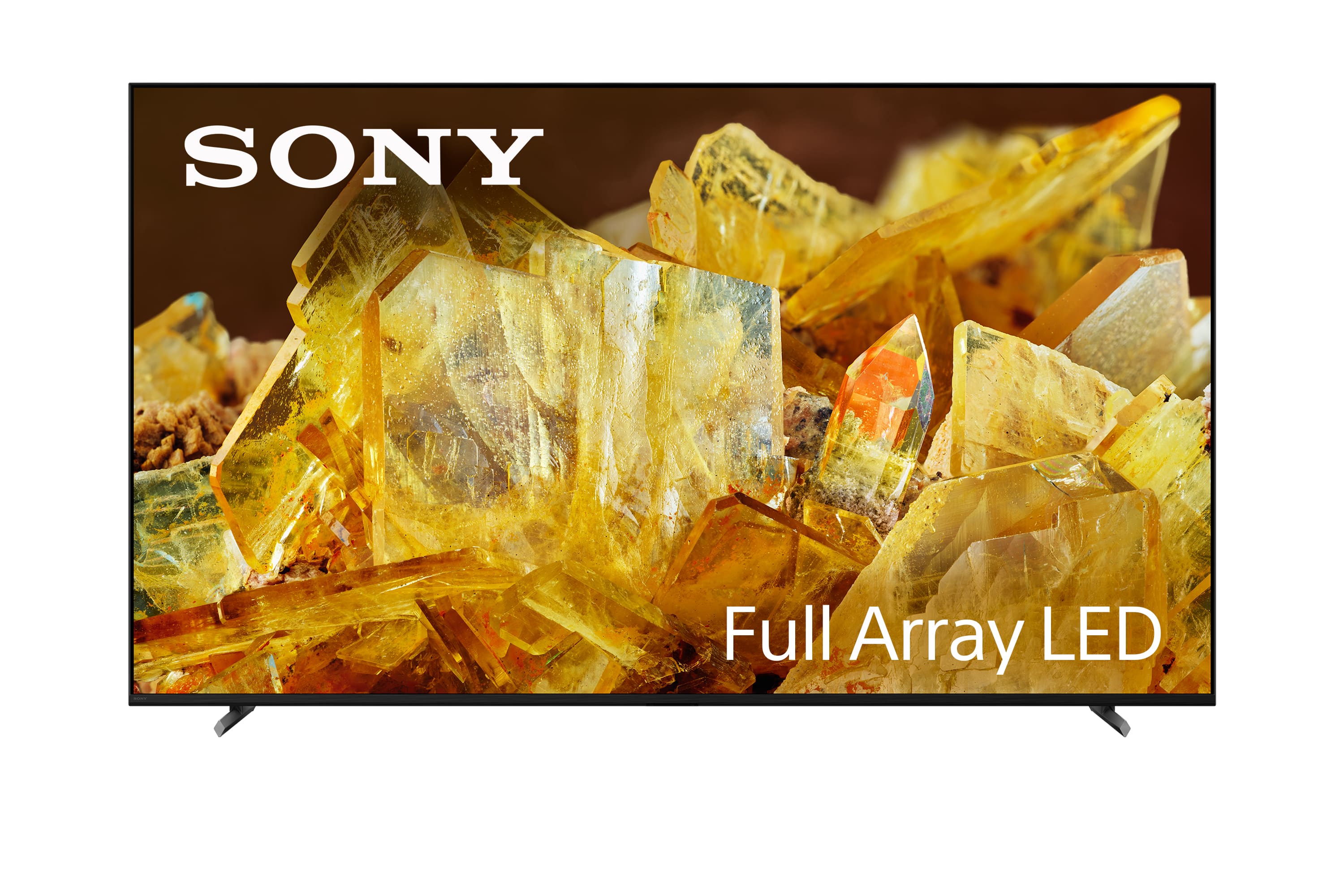
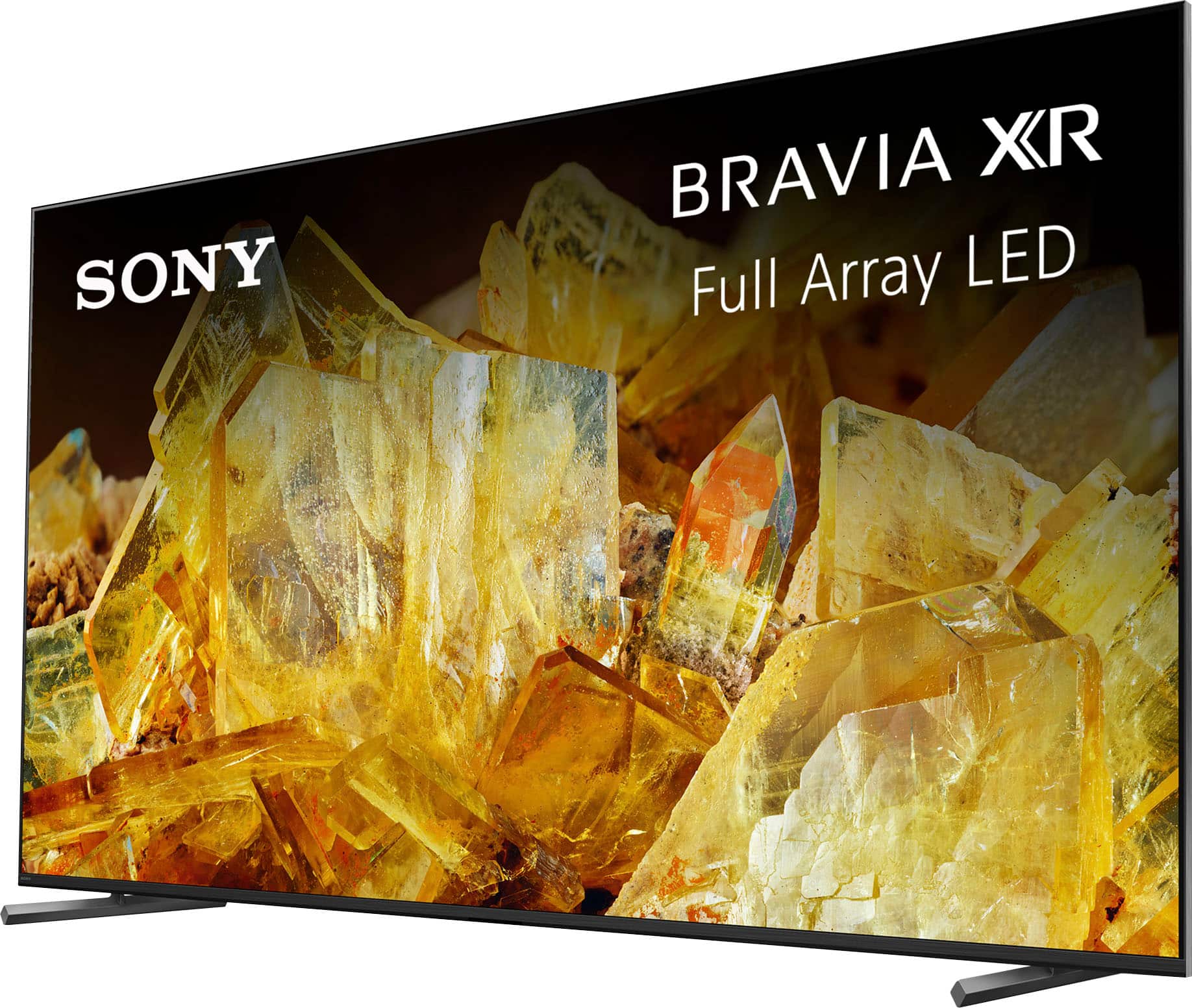
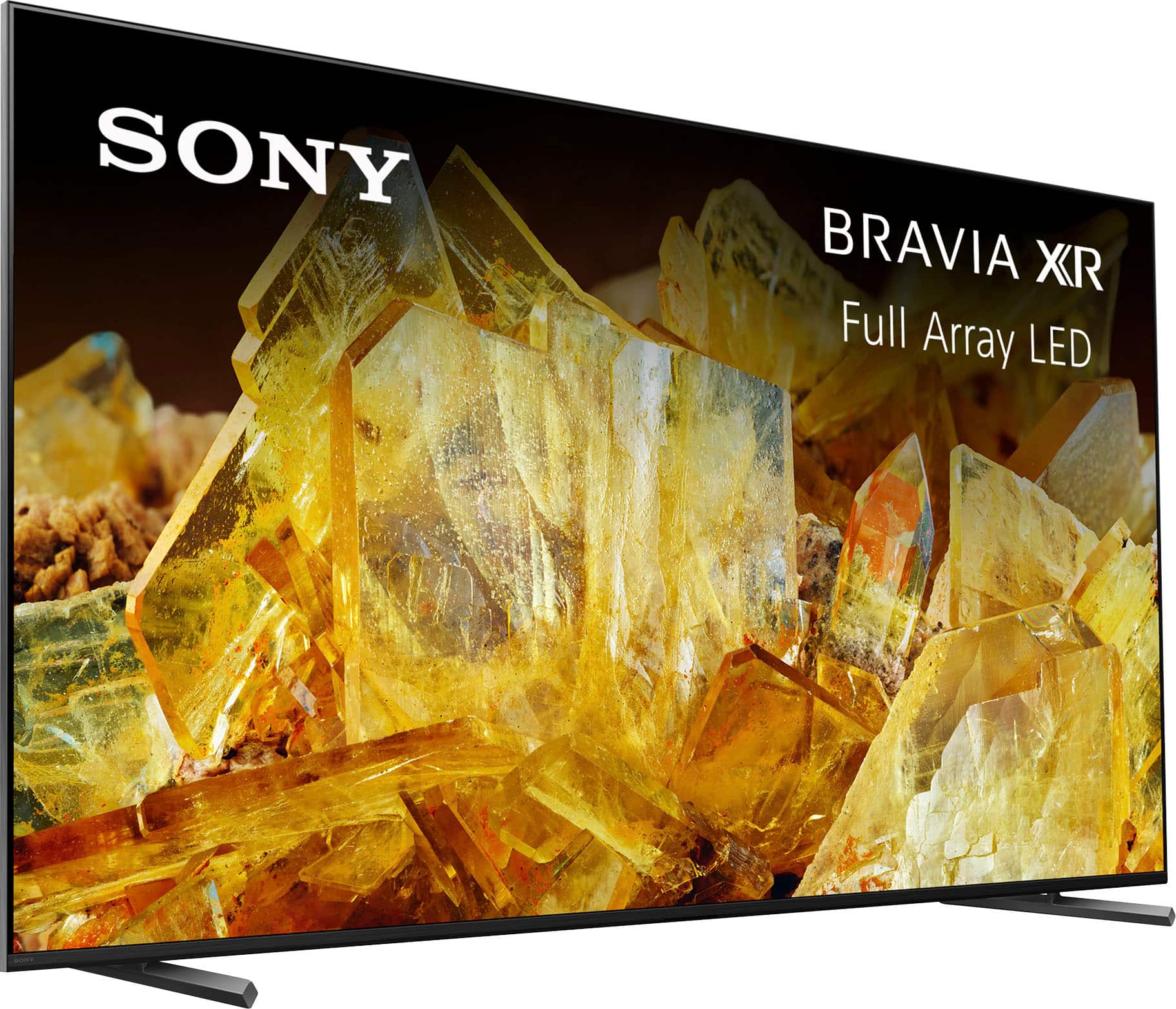













- Model:
- XR75X90L
- SKU:
- 10101555
Rating by feature
- Picture Quality
Rating 4.9 out of 5 stars
- Sound Quality
Rating 4.6 out of 5 stars
- Brightness
Rating 4.9 out of 5 stars
DO NOT BUY THIS TV OR ANY SONY TV
Posted .This reviewer received promo considerations or sweepstakes entry for writing a review.DO NOT BUY THIS TV OR ANY SONY TV’S .. this tv no longer works and I have only had it for a year and a half. The panel needs to be replaced and Sony does not sell the panel. Geek squad just left my house and said they’ve seen this issue often with the Sony TV’s and they don’t recommend buying them. If you purchased a Samsung or LG they do sell the panel but Sony does not.
No, I would not recommend this to a friendBrand response from SonyListens
Posted .Hi, AprilM,
Thanks for the review. We are truly sorry to hear you have had some issues with your BRAVIA TV, We'd be more than glad to explore any further options regarding this matter. Please, feel free to reach our Technical Support Department at: https://us.esupport.sony.com/support/s/support-contact?language=en_US&category=tv.
Thanks for considering Sony products, have a nice day,
-DiegoV
Skip this tv
Posted .This reviewer received promo considerations or sweepstakes entry for writing a review.Spend at least once a day pulling it off the wall and unplugging it because it locks up. Everything is updated but it runs slow and lags a lot. Have done all the updates and nothing g works.
No, I would not recommend this to a friendBrand response from SonyListens
Posted .Hi BrandonE,
Thank you for your time writing this review. We're sorry to hear if you are having some issues with your TV. This is definitely not the news we would like to hear. We also appreciate your time and effort in troubleshooting the problem. Allow us to help and turn this experience around.
We understand that your X90L TV is running slow and lagging, which can be quite frustrating. There could be several reasons for this, and here are some steps you can take to troubleshoot the issue:
Restart the TV.
Disconnect unnecessary devices.
Check for available TV software.
Install all pending updates from Google Play Store.
Clear the data and cache of the app.
Check your internet connection.
Perform factory data reset.
For reference, please refer to this link:
https://www.sony.com/electronics/support/articles/00200862?utm_source=glean
https://www.sony.com/electronics/support/articles/00141896?utm_source=glean
May we contact you to help? If so, please email the below information to [email protected]:
Name:
Best Buy Username:
Telephone Number:
Model Number:
Issue:
We are sorry for the inconvenience and hope to speak to you to resolve this matter. - Kris
Low quality tv.
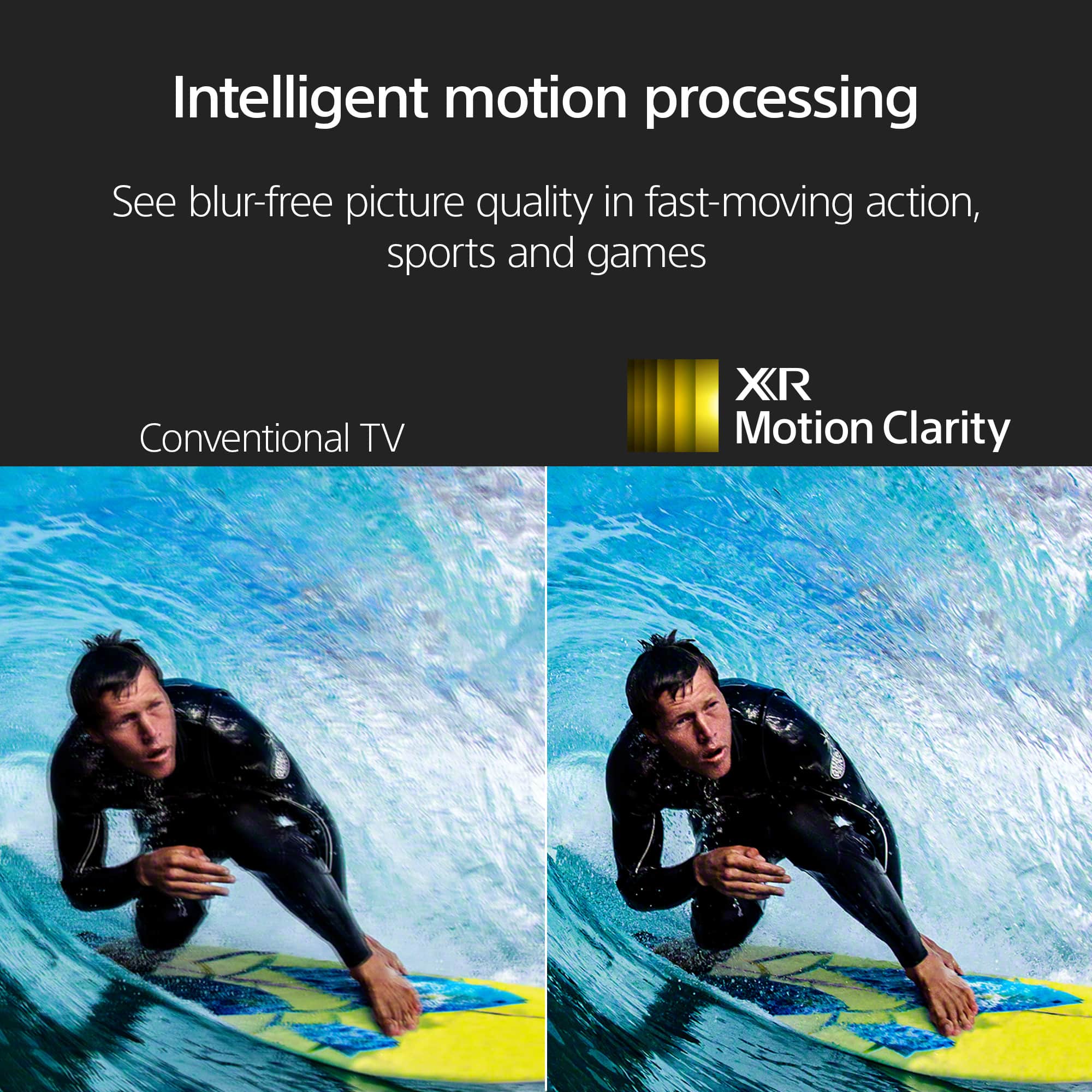
Posted .This reviewer received promo considerations or sweepstakes entry for writing a review.The quality of the tv is very low, lost the pixels on fast moving movies most of the time the screen is blurry I purchased only Samsung tv for the last 20 years and I want to try Sony tv but big mistake Sorry Sony but I prefer Samsung.
No, I would not recommend this to a friendBrand response from SonyListens
Posted .Hi BelizarioB,
Thank you for your time writing this review. We're sorry to hear some issues that you are experiencing with your X90L TV. This is definitely not the news we'd like to hear. Allow us to help make this a better experience.
If the picture isn't clear or displays artifacts when watching sporting events or fast-action programs, follow the troubleshooting steps below:
Press the (Quick Settings) button on the remote control, and select [Settings] — [Display & Sound] — [Picture] — [Motion] — [Motionflow] — [Off].
Change the current setting of [CineMotion] to [Off].
Press the (Quick Settings) button on the remote control, and select [Settings] — [Display & Sound] — [Picture] — [Motion] — [CineMotion].
If the issue still occurs, the video or program you're watching could be the issue.
For additional troubleshooting steps, please refer to this article links:
https://www.sony.com/electronics/support/articles/00190409?utm_source=glean
https://www.sony.com/electronics/support/articles/00032635?utm_source=glean
May we contact you to help? If so, please email the below information to [email protected]:
Name:
Best Buy Username:
Telephone Number:
Model Number:
Issue:
We are sorry for the inconvenience and hope to speak to you to resolve this matter. - Kris