Customer Ratings & Reviews
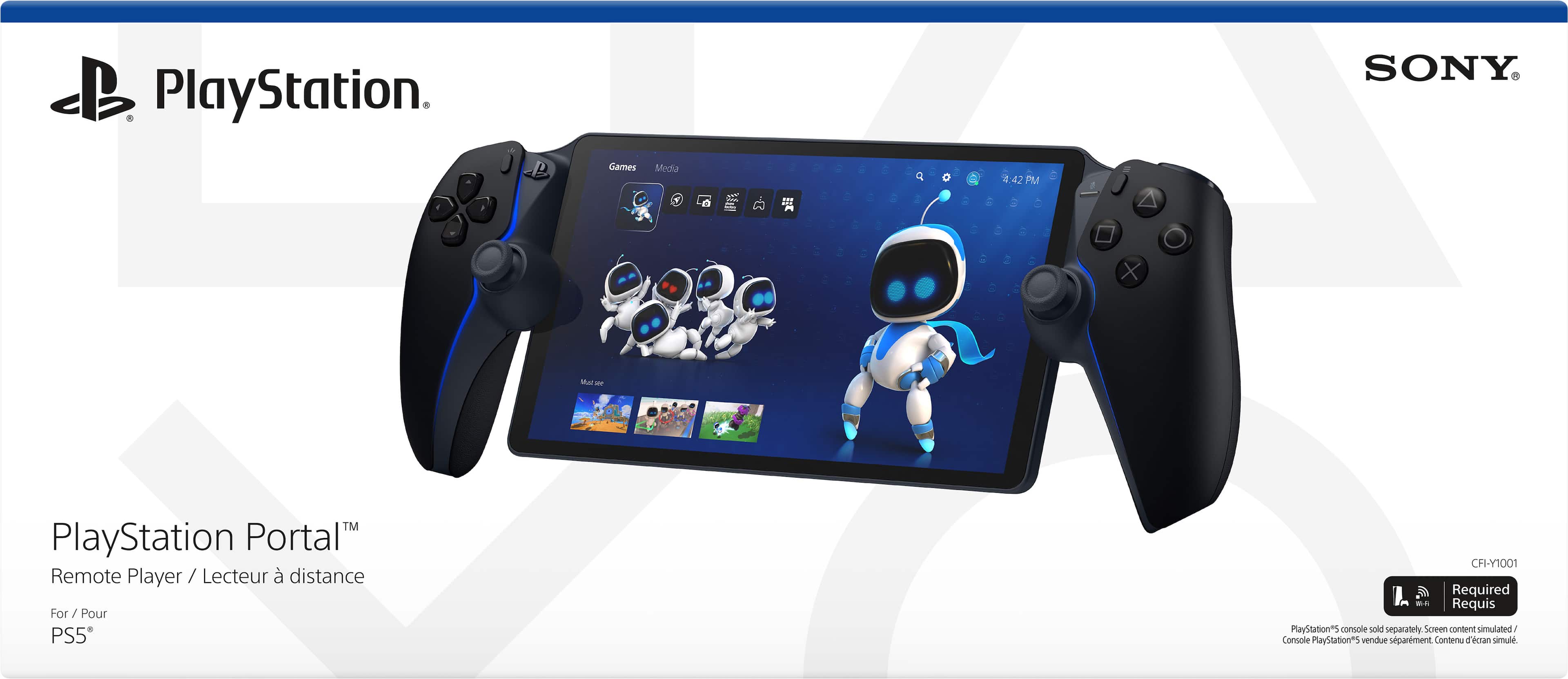
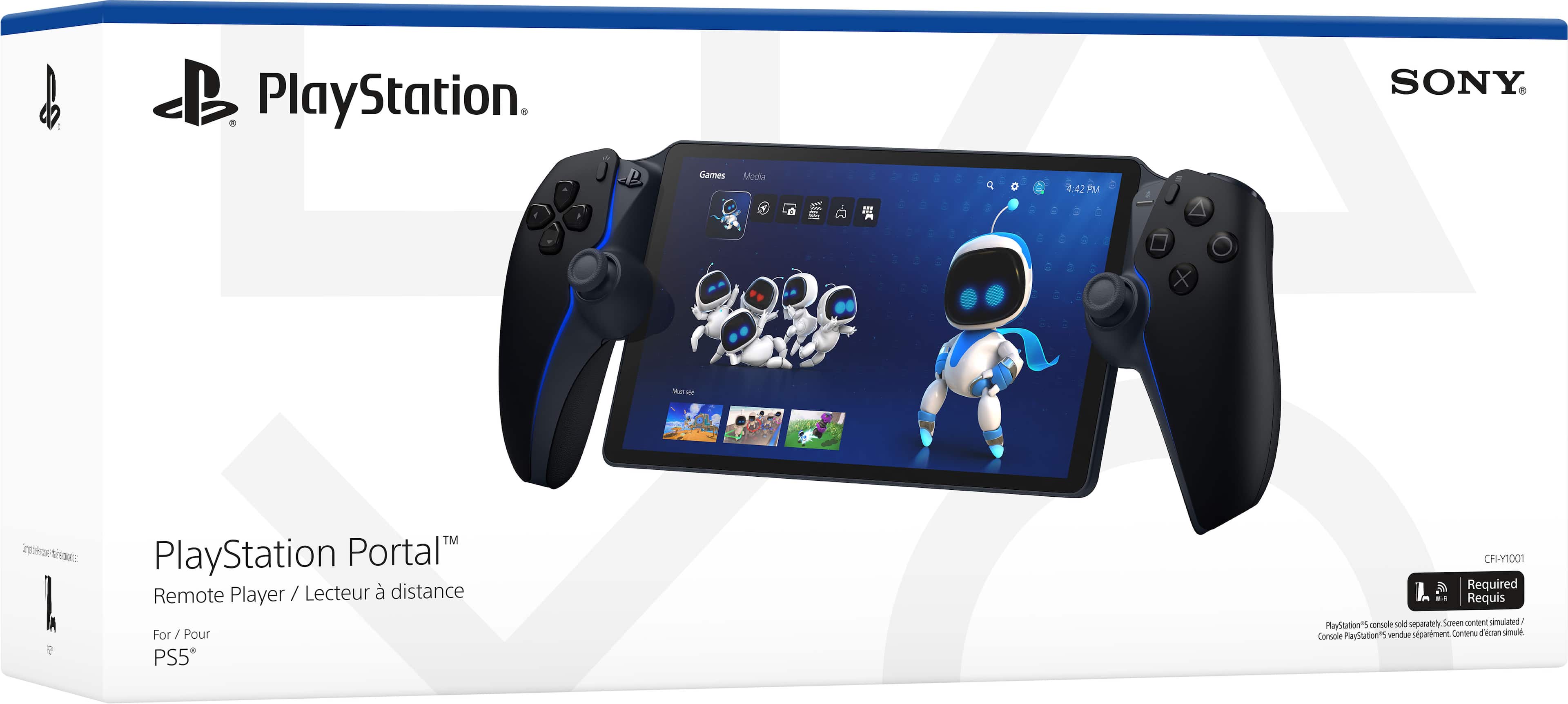
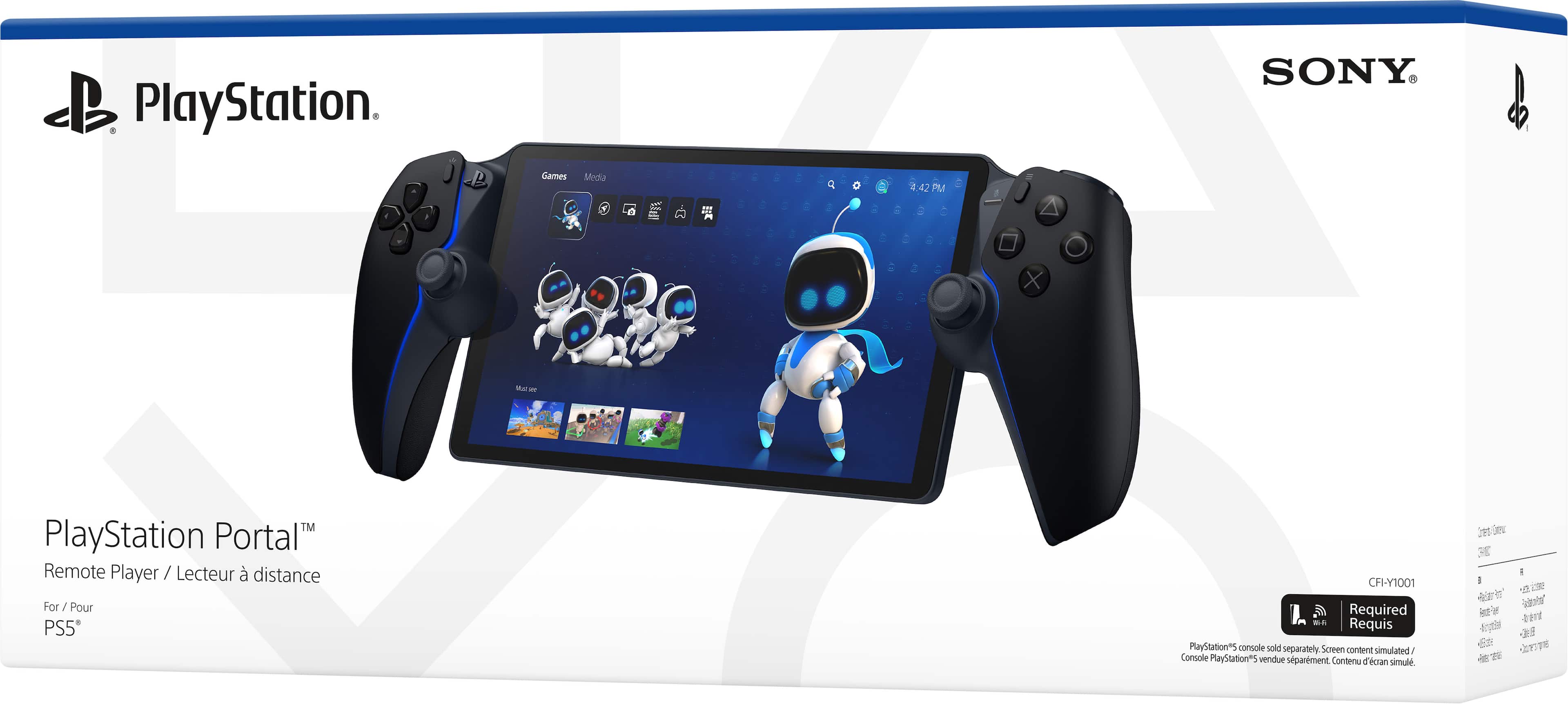
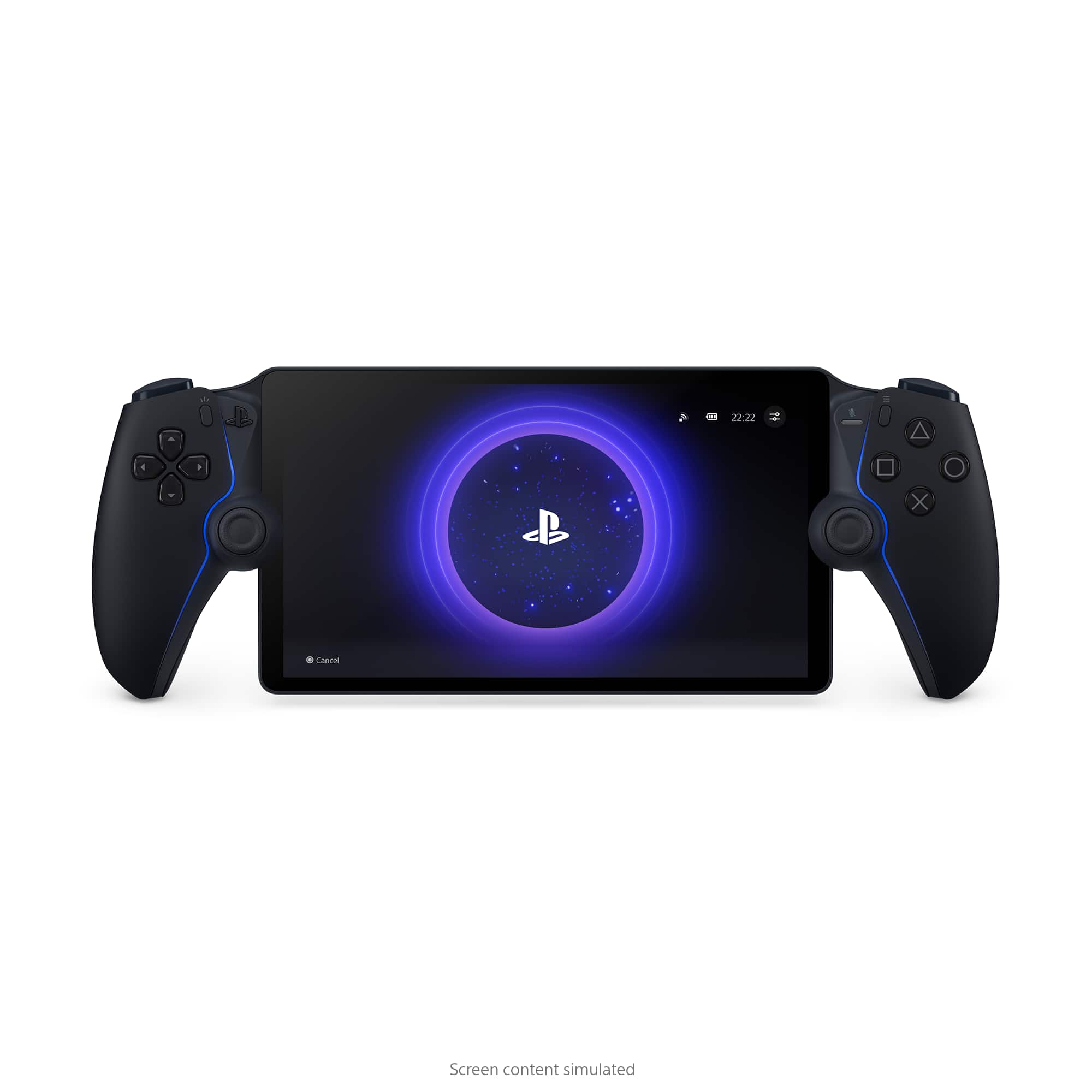

- Model:
- 1000044180
- |
- SKU:
- 10845041
Customer reviews
Rating 4.5 out of 5 stars with 7043 reviews
(7,043 customer reviews)Rating by feature
- Value4.5
Rating 4.5 out of 5 stars
- Quality4.7
Rating 4.7 out of 5 stars
- Ease of Use4.6
Rating 4.6 out of 5 stars
Customers are saying
Customers have good things to say about the product's overall performance, highlighting its top-notch picture quality and great screen performance. Its portability is also highly praised, along with its comfortable design and impressive battery life. However, some customers have noted concerns regarding connectivity and input lag.
This summary was generated by AI based on customer reviews.
- Pros mentioned:Overall performance, Portability
Rated 5 out of 5 stars
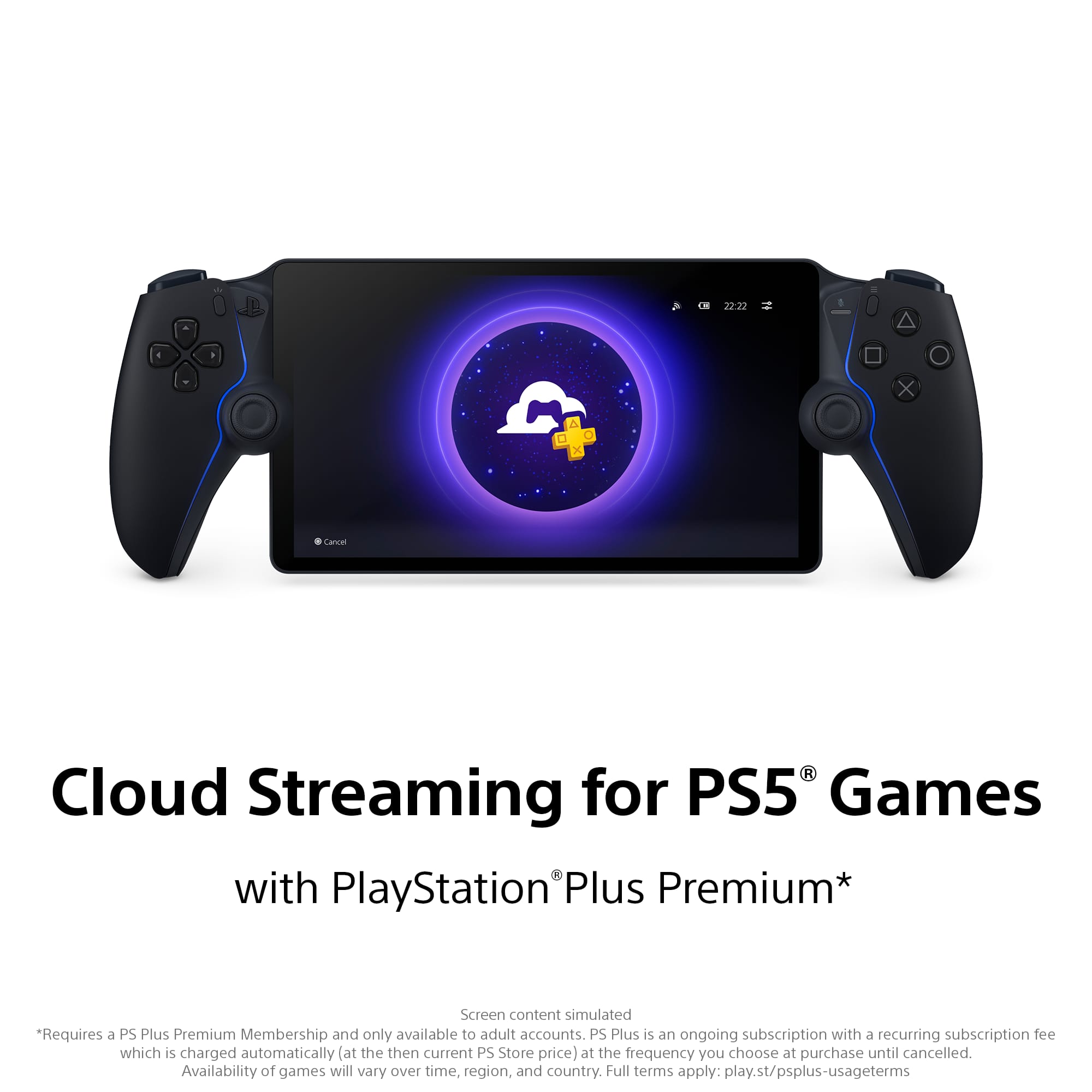
Playstaion Portal (Midnight Black Edition)
||Posted . Owned for 3 weeks when reviewed.This reviewer received promo considerations or sweepstakes entry for writing a review.The PlayStation portal is a great cloud streaming handheld. I really like the design and the overall gameplay on it is smooth.
This review is from Sony Interactive Entertainment - PlayStation Portal Remote Player - Midnight Black
I would recommend this to a friend - Pros mentioned:PortabilityCons mentioned:Connectivity
Rated 4 out of 5 stars
Works well but depends entirely on your Wi-Fi
||Posted .This reviewer received promo considerations or sweepstakes entry for writing a review.Overall, I really like the PlayStation Portal Remote Player; however, even with decent WiFi, I experience a lot of connection issues in specific rooms of my house. I have a brick house with brick interior walls, but my mesh WiFi system does a great job of giving good WiFi throughout; however, in the room where my modem and router are located, I'll constantly have connection issues just 20 feet from them. All major devices in that room are connected to my modem and/or router by ethernet, so it's really odd. In other rooms, I almost never deal with connection issues. When that's the case, this is exactly what I want in a portable: comfortable, fast, and good looking. You'll need to clean it regularly though: fingerprints and oils are quite noticeable!
This review is from Sony Interactive Entertainment - PlayStation Portal Remote Player - White
I would recommend this to a friend - Pros mentioned:Overall performance, Portability, Screen quality
Rated 5 out of 5 stars
A little pricey, but still a great purchase!
||Posted . Owned for 3 weeks when reviewed.This reviewer received promo considerations or sweepstakes entry for writing a review.This is for a very niche group, but it does it’s job perfectly (as long as you have good WiFi). I love how I can play in different rooms in my house easily and also when someone is occupying the tv the PS5 is hooked up to. Make sure you have a lan cable connected to your PS5 for best performance. Gives the PS5 basically Nintendo Switch capabilities, and it’s not even much bigger than a Switch nor heavier. The haptic feedback (and the bigger screen) is what helps separate it from devices like the Backbone.
This review is from Sony Interactive Entertainment - PlayStation Portal Remote Player - White
I would recommend this to a friend - Pros mentioned:Screen qualityCons mentioned:Connectivity
Rated 5 out of 5 stars
PS Portal 6 months review
||Posted . Owned for 7 months when reviewed.This reviewer received promo considerations or sweepstakes entry for writing a review.After a few month of using the ps portal, I can honestly recommend the device for anyone that wants to play games on a handheld but not use the primary TV for example if your partner wants to watch something while you want to game. This is the device for you. The latency is good depending on internet connection, I would recommend using wired connection to the PS5 to lower any lag/latency as the ps portal will be using your home WiFi network to connect and addition to all the other devices connected to the same network. There will be times when the connection to the PS5 does not look as clear depending on connection speed and the type of game you are playing. I would not recommend this device for fast pace multiplayer games as the latency can be too much. However for playing other single player games, this device it’s excellent. One cons against the portal will be that you cannot connect your Bluetooth earbuds or headphones since it’s not supported unless you buy Sony approve link earbuds or headphones which is not great given that most of us have Bluetooth headphones/ earbuds. At least it has a wired option for audio besides the ok speakers. The ps portal has an 8inch LCD screen (wish it was OLED but I know the price would have been higher) which is the perfect size while the feel of the controller is the same as a PS5 controller with all the vibration features.
This review is from Sony Interactive Entertainment - PlayStation Portal Remote Player - White
I would recommend this to a friend - Pros mentioned:Overall performance, Screen qualityCons mentioned:Connectivity
Rated 4 out of 5 stars
Dadstation 5
||Posted . Owned for 2 weeks when reviewed.This reviewer received promo considerations or sweepstakes entry for writing a review.The Playstation Portal is a curious item. It is a niche item that works brilliantly for those that want it but infuriates those that don't. This item is perfect for parents who want to play a game while the TV is occupied. The latency is minimal. The screen is phenomenal for an lcd display. The ergonomics are great. My only gripe is the lack of bluetooth support. It's ridiculous that playstation used proprietary hardware for wireless audio.
This review is from Sony Interactive Entertainment - PlayStation Portal Remote Player - White
I would recommend this to a friend - Pros mentioned:Battery life, Screen quality
Rated 5 out of 5 stars
Streamlining Remote Play
||Posted . Owned for 1 week when reviewed.This reviewer received promo considerations or sweepstakes entry for writing a review.Even though the PS Portal isn't a dedicated handheld portable gaming device, it is a great addition in the PlayStation lineup. As an extension of the PS5; a device that's considered as an accessory is a joy to use nonetheless. It seemlessly connects to the PS5 via WiFi or mobile hotspot so long as it meets the required network speed. The screen is bring and fluid with rich colors and the speakers aren't too bad either though lack bass but it's more than enough for gaming sessions. Battery is okay about 5 hrs of on-screen time. The ergonomic is as expected with any other DualSense controller with great vibration feedback and adaptive triggers. Those who wants a dedicated PS handheld, this is a great option for those who can't sit in one place or another means to play when the TV or monitor is occupied by family members. Also, it is a great device for parents. I call it DadStation
This review is from Sony Interactive Entertainment - PlayStation Portal Remote Player - White
I would recommend this to a friend - Pros mentioned:Overall performance, Portability
Rated 5 out of 5 stars
PlayStation Portal Review
||Posted . Owned for 7 months when reviewed.This reviewer received promo considerations or sweepstakes entry for writing a review.This Handheld Device has been the best gaming purchase I ever made! I can walk around my house freely and continue to game , or even when my neck gets sore from looking up at the tv this device allows me to play more comfortably. Very exceptional updates every month as well and it doesn’t lag and depends on the WiFi connection .
This review is from Sony Interactive Entertainment - PlayStation Portal Remote Player - Midnight Black
I would recommend this to a friend - Pros mentioned:Overall performance, Portability, Screen quality
Rated 4 out of 5 stars
Great and amazing with small rooms for improvement
||Posted . Owned for 1 week when reviewed.This reviewer received promo considerations or sweepstakes entry for writing a review.Honestly it works amazingly ! Perfect for my son and how he likes to play the game moving around from spot to spot ever 10-15min. Feels great in the hands and the screen is just beautiful. Only thing I could say to improve is the streaming be a little smoother maybe a 4k screen as well but otherwise perfect
This review is from Sony Interactive Entertainment - PlayStation Portal Remote Player - White
I would recommend this to a friend - Cons mentioned:Connectivity
Rated 4 out of 5 stars
Handy Accessory
||Posted .This reviewer received promo considerations or sweepstakes entry for writing a review.For what this is, it’s not bad. Just need a good internet connection. Connecting to home unit can be a hit or miss. I had to disable the setting that also automatically turns on my TV when PS5 is powered on. But cloud gaming offers a great choice of available titles. Found myself playing SH2 and FF7. In summary - connecting to home unit, can be a hit or miss. Cloud gaming, works well with good internet. I added as photo of how it looks compared to Gen 1 steam deck. I’m tired of Steam Deck battery dying quickly. I haven’t had a chance to explore battery life on this unit. One thing that is not convenient is there is carrying case like there is for a Steam Deck, which is fine, I get it. Just some to be cognizant of if you put it in a bookbag or something on the go.
This review is from Sony Interactive Entertainment - PlayStation Portal Remote Player - Midnight Black
I would recommend this to a friend - Pros mentioned:Overall performance, Portability, Screen quality
Rated 5 out of 5 stars
Awesome remote play handheld
||Posted . Owned for less than 1 week when reviewed.This reviewer received promo considerations or sweepstakes entry for writing a review.This is a great portable handheld accessory for the PS5. The game streaming from the console works great with very little lag and the 8 inch HD screen looks amazing. It's great being able to play PS5 games away from the TV in another part of the house like the basement, backyard or in bed. This is a must have accessory for remote play.
This review is from Sony Interactive Entertainment - PlayStation Portal Remote Player - White
I would recommend this to a friend - Pros mentioned:Overall performance, Portability
Rated 5 out of 5 stars
PlayStation Portal:)
||Posted . Owned for 3 months when reviewed.This reviewer received promo considerations or sweepstakes entry for writing a review.Works great and is super convenient. Love gaming away from home
This review is from Sony Interactive Entertainment - PlayStation Portal Remote Player - Midnight Black
I would recommend this to a friend - Pros mentioned:Overall performanceCons mentioned:Connectivity
Rated 4 out of 5 stars
A simple yet effective device
||Posted . Owned for 1 week when reviewed.This reviewer received promo considerations or sweepstakes entry for writing a review.It's a great product and serves a very specific purpose. It streams games from your Playstation 5 to this handheld. Best used if your PS5 is on ethernet and connected to the same network as this handheld, AKA you're at home where the PS5 is. However, i recently traveled to Florida and was able to play Final Fantasy XVI, streamed from my PS5 in California, with still very usable input lag. Quality is amazing, setup is quick and easy, and the controller is basically a Dualsense cut in half (which is a good thing). Drawbacks are lack of a web browser so you cannot connect to public wifi requiring a website agreement. No bluetooth so only audio options are built in speakers (they're okay), aux port, or PS Link headset/ear buds. Also i think this is a huge missed opportunity to allow support for game streaming classic PS1/2/3 titles via PS Plus. This could be a huge subscriber boost for Sony if they enabled PS Plus game streaming without the need of a PS5. Perhaps in the bext iteration.
This review is from Sony Interactive Entertainment - PlayStation Portal Remote Player - White
I would recommend this to a friend - Pros mentioned:Portability, Screen quality
Rated 5 out of 5 stars
PS Portal Review
||Posted .This reviewer received promo considerations or sweepstakes entry for writing a review.Upon opening packaging item felt very nice in hands, well put together and durable feel. Screen is bigger than I had first imagined. Being able to play remotely around the place give chance to play even if TV is being used or just want the comfort in a couch or before bed.
This review is from Sony Interactive Entertainment - PlayStation Portal Remote Player - Midnight Black
I would recommend this to a friend - Pros mentioned:Comfort, Overall performance
Rated 5 out of 5 stars
Happy Camper
||Posted .This reviewer received promo considerations or sweepstakes entry for writing a review.The controls are comfortable! Remember you need good internet to run the PSp Portal so dont be mad if it doesnt run well. It's highly recommended to have good speed internet. Also love the way the games look on this device.
This review is from Sony Interactive Entertainment - PlayStation Portal Remote Player - White
I would recommend this to a friend Rated 5 out of 5 stars
My new favorite gaming hardware
||Posted . Owned for less than 1 week when reviewed.This reviewer received promo considerations or sweepstakes entry for writing a review.Two weeks in, the PlayStation Portal has quietly become one of my most-used pieces of gaming hardware. As a dad with limited time and even more limited access to the TV, it’s solved exactly the problem I knew I had. It does what it promises. Stream your PS5 to a handheld screen, and over a wired Ethernet connection, it’s remarkably close to the real thing. Setup is painless, the interface is intuitive, and the experience is genuinely flawless. Late-night sessions in bed, a quick 20 minutes while the kids nap. The Portal makes these moments possible without any friction. Sony didn’t cut corners on the hardware either. The packaging feels premium, the build quality matches, and it’s comfortable in hand during longer sessions. The one real gripe is that Sony steers you toward their own overpriced wireless headphones. It’s a pretty cynical upsell on an otherwise great device. The workaround is simple though. A Bluetooth adapter like the Avantree Relay adds AirPod support and works a treat. Minor audio gripe aside, this gets five unqualified stars. It hasn’t just added convenience. It’s genuinely changed how gaming fits into my life.
This review is from Sony Interactive Entertainment - PlayStation Portal Remote Player - Midnight Black
I would recommend this to a friend- Pros mentioned:Overall performance, Portability
Rated 5 out of 5 stars
PS5 EVERYWHERE!!! AMAZIN OUT OF THIS WORLD!!!
||Posted . Owned for 3 weeks when reviewed.This reviewer received promo considerations or sweepstakes entry for writing a review.Playstation 5 everywhere sounds great many people sink and talk garbage about the portal and don't understand what it is or its use its a streaming device for the PlayStation 5 I've gone portable more than playing on my television the PlayStation portal is light and has all you expect from a dualsense controler just that its cut in half and a screen was placed down the middle i was on the fence over a wifi only device but not anymore ive gone out and used it in the home of family members and yes my PS5 is home just remember to keep it in sleep mode but so far my experience and expectations have been met and the portal does what i want and performs the way i want i love mines very much and im super greatful best buy had it back in stock if you ask if its worth it yes it is if your library is large and don't want to purchase the games again on a portable gaming PC... just wanted to use the device before my review
This review is from Sony Interactive Entertainment - PlayStation Portal Remote Player - White
I would recommend this to a friend - Pros mentioned:Portability
Rated 5 out of 5 stars
You Can’t Have One Without The Other.
||Posted . Owned for 2 weeks when reviewed.This reviewer received promo considerations or sweepstakes entry for writing a review.Rather you have a PlayStation 5 or not, you can’t go wrong with the Portable. If you have a PS5, you need a Portable, you almost can’t have One without the other. Yet you don’t need a PS5 to own one, cause you can swap between Remote Playing your PS5 or just using your Plus Account across the Portable Console. If you have a WiFi connection, you have access to a Game at your Fingertips at any Time and anywhere. Available in Midnight Black and White. You might as well get a Case for it too, it’s a Healthy Device, Worth every Penny though.
This review is from Sony Interactive Entertainment - PlayStation Portal Remote Player - Midnight Black
I would recommend this to a friend - Pros mentioned:Overall performance
Rated 5 out of 5 stars
I'm glad I bought this!
||Posted . Owned for 3 weeks when reviewed.This reviewer received promo considerations or sweepstakes entry for writing a review.A lot of people on various Reddits and over the internet in general said this thing was stupid and pointless but I was still interested in it. I watched a few YouTube reviews on it and a couple said they didn't enjoy it while quite a few others said it was awesome, and I gotta say, this thing IS awesome. As a married man that likes to play video games late while his partner is asleep but doesn't want to bother or keep her awake with the tv on this thing is incredible. The picture quality is amazing, the sound is crisp and more than loud enough even when playing on my patio. Holding the PS Portal for an extended period of time isn't uncomfortable and my hands don't cramp up and I have fairly large hands, and the controls are identical to the dual shock, even down to the haptics and vibrations. I will say that I almost give it 4 stars just because you need a pretty solid wifi connection to have full quality when playing from your PS5, but it's almost always in HD and plays incredibly smooth with rare lag or frame drops. That being said, when I go to connect to my PS5 for remote play it only takes about 15-20 seconds to wake up my PS5 and start remote playing, which might seem like a long wait until you realize that when you start your PS5 from rest mode it takes 10 seconds to wake up and be ready play, so really it's hardly a difference. And the cloud streaming with the PSN+ also works flawlessly. And whether you're playing from the cloud or your PS5 as long as you have a good internet connection you can play anywhere making it fantastic for those that travel a lot or want to bring something on vacation for when the whether is poor, or like me, you want to play games late at night and not wake up your partner. If you've got the extra $200 and you've been eyeballing one of these bad boys, GET ONE! P.S. (Not PlayStation) the case I'm using is Skull & Co and it was $25 on Amazon and it's a perfect fit.
This review is from Sony Interactive Entertainment - PlayStation Portal Remote Player - Midnight Black
I would recommend this to a friend - Pros mentioned:Portability
Rated 4 out of 5 stars
PlayStation protal
||Posted . Owned for 9 months when reviewed.This reviewer received promo considerations or sweepstakes entry for writing a review.Really convenient for playing less intensive games on the couch or hanging with the kids. Do wish it supported higher resolution on more demanding games, but overall it’s a quality product that lets you play your ps5 wherever you want!
This review is from Sony Interactive Entertainment - PlayStation Portal Remote Player - Midnight Black
I would recommend this to a friend - Pros mentioned:Overall performance, Portability
Rated 5 out of 5 stars
Great step forward
||Posted . Owned for less than 1 week when reviewed.This reviewer received promo considerations or sweepstakes entry for writing a review.This is a different approach to handheld gaming. I found having my ps5 etherenet in and using it creates a way sturdier connection with less lag, even with my system on wifi I dont really run into any problems. This is a great device if you want to play but not sit at your setup all the time. I did try it on my hotspot and it was pretty impressive that the system was able to keep up.
This review is from Sony Interactive Entertainment - PlayStation Portal Remote Player - White
I would recommend this to a friend