Customer Ratings & Reviews
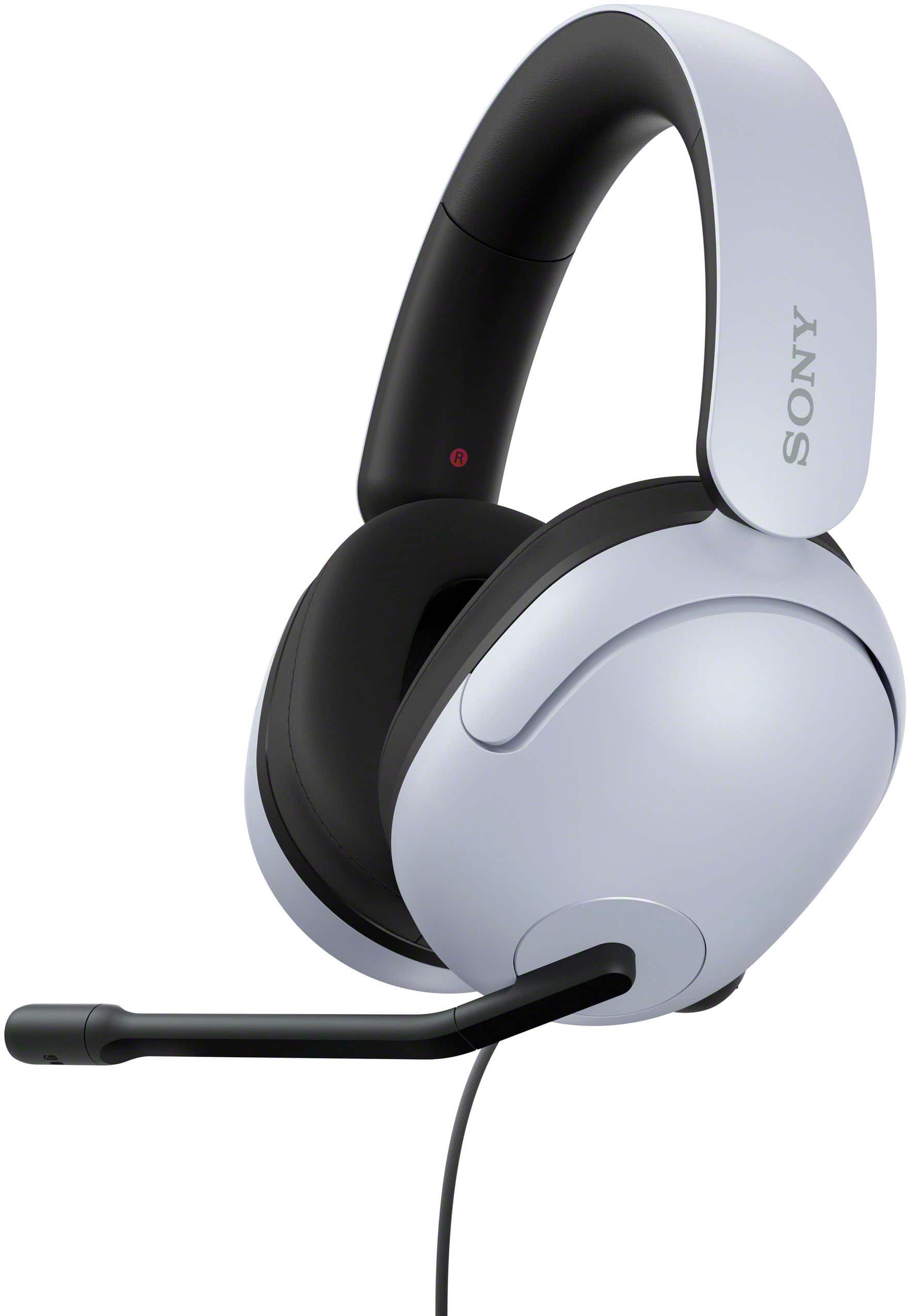
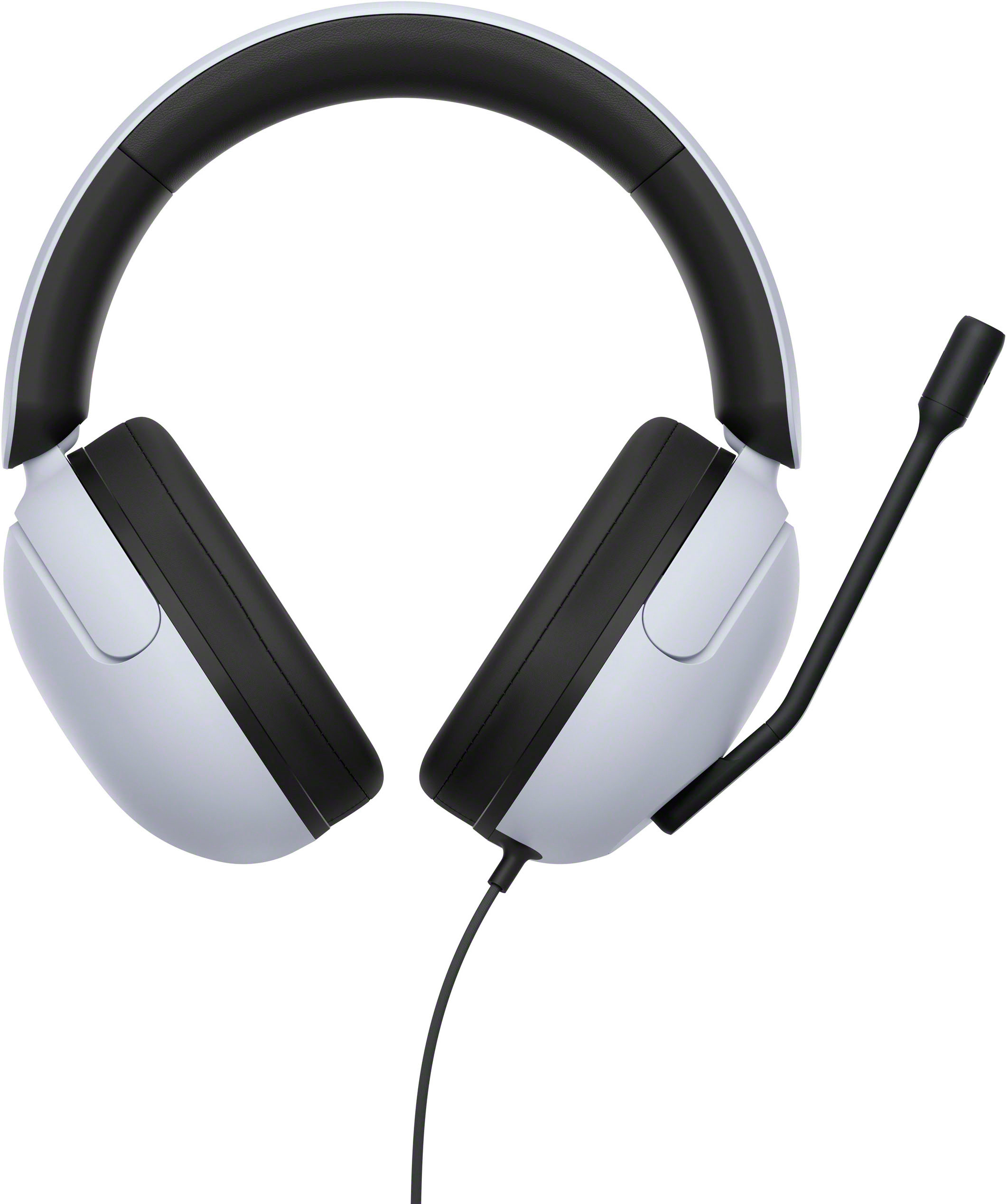
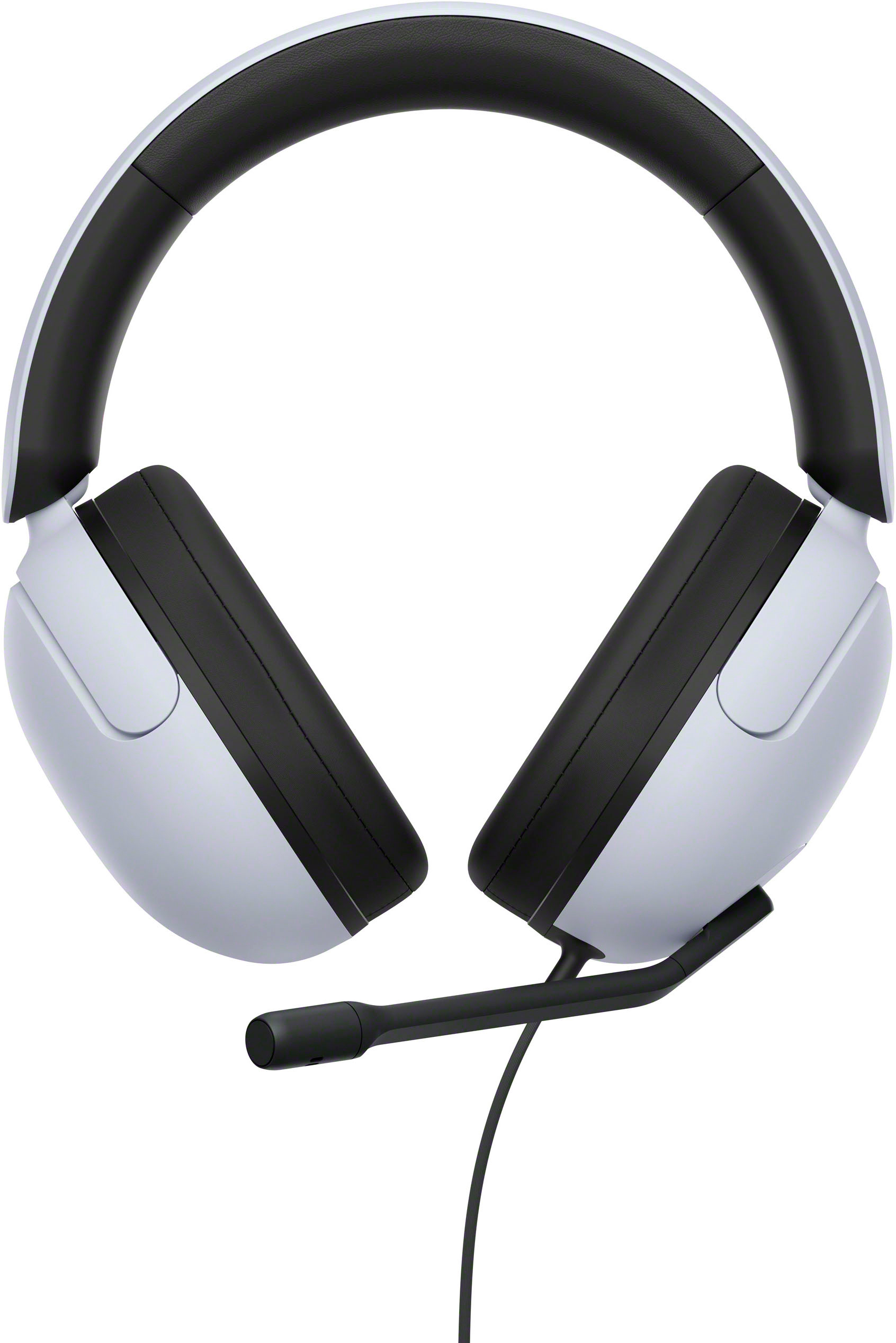
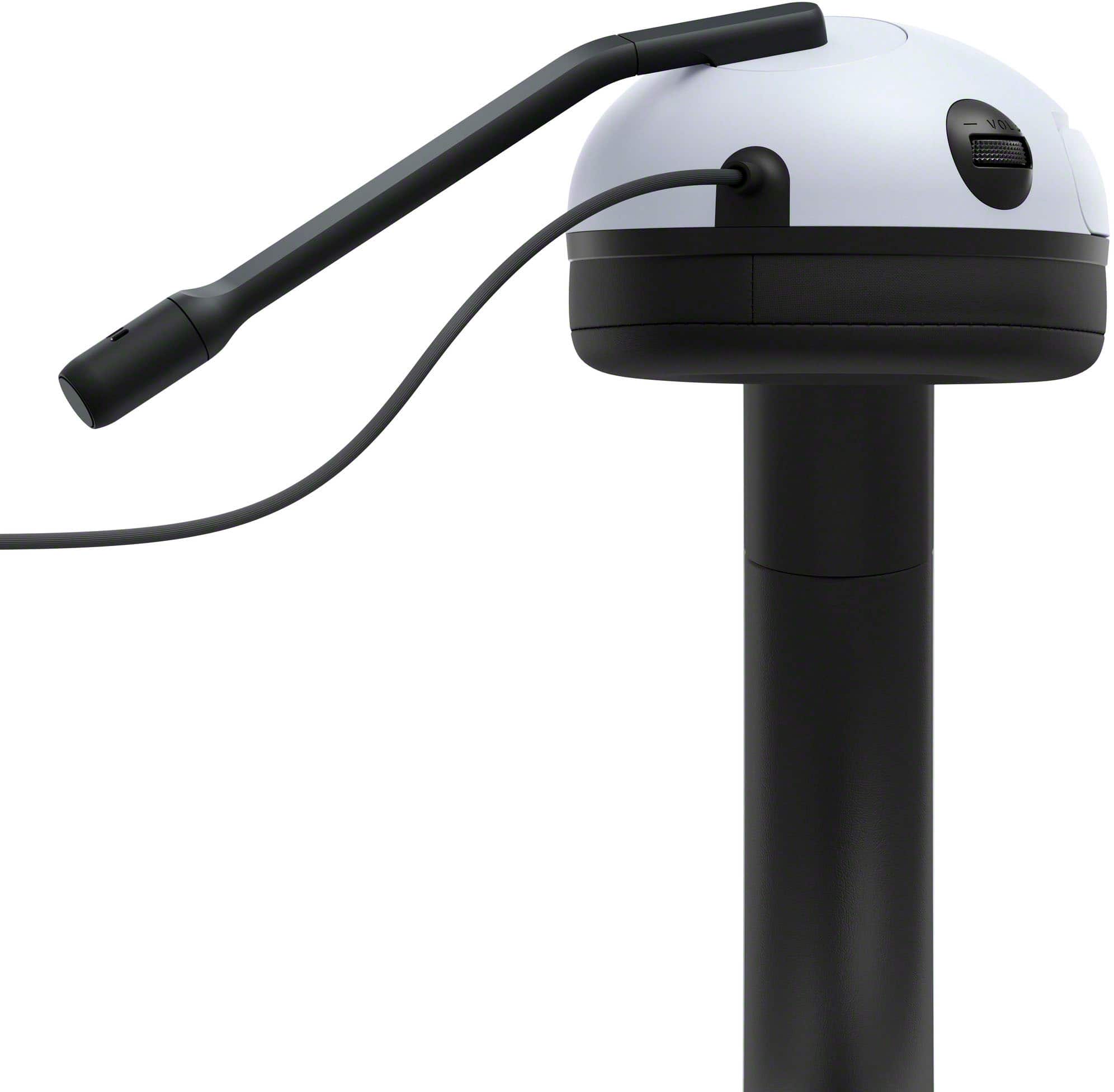
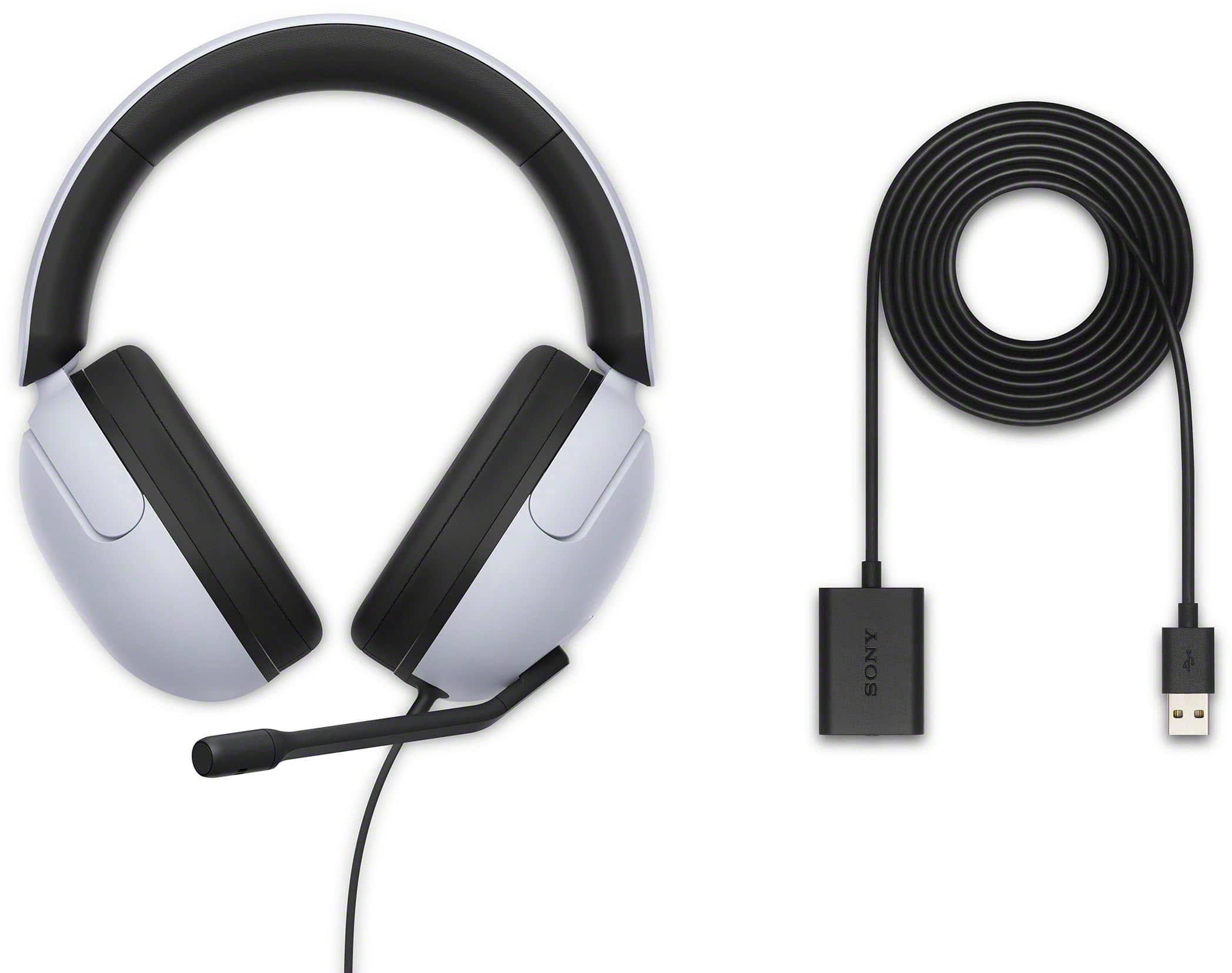
- Model:
- MDRG300/W
- SKU:
- 10095816
Rating by feature
- Value
Rating 4.7 out of 5 stars
- Quality
Rating 4.6 out of 5 stars
- Ease of Use
Rating 4.8 out of 5 stars
No complaints
Posted .This reviewer received promo considerations or sweepstakes entry for writing a review.Bought it for the family. My nephews seem to enjoy it no complaints
I would recommend this to a friendBrand response from SonyListens
Posted .Excellent choice, user890520! We are glad to hear that you are happy with your purchase! Thank you for choosing Sony! -Carl

Best Gift Ever
Posted .This reviewer received promo considerations or sweepstakes entry for writing a review.I purchased this for a gift and my Fiancé loves them
I would recommend this to a friendBrand response from SonyListens
Posted .Hi user312417,
You made the right choice! We're glad that your fiancé is enjoying the performance of the headphones. Thank you for choosing Sony!
-Ralph
Bad
Posted .This reviewer received promo considerations or sweepstakes entry for writing a review.Not good for ps5 who can be that a 20 dollar earbuds Sound better than this 100 headsets the good thing is this are one of the most comfortable gaming headsets
No, I would not recommend this to a friendBrand response from SonyListens
Posted .Hi StevenG,
We're glad that you like the comfort of the headphones. It's unfortunate that you are not satisfied with the sound quality. Sound quality may vary depending on the source content. Make sure to try multiple sources. You also have the option to adjust the equalizer function of the INZONE Hub software to tailor-fit the sound quality to your needs. Please refer to this link for more information:
https://helpguide.sony.net/mdr/2961/v1/en/contents/TP1000670423.html
Hope this helps. In case you need further assistance, please email us at [email protected] with the following details:
Name:
Username:
Model Number:
Issue:
Telephone Number:
Or contact our product support team via phone call or chat through this link:
https://us.esupport.sony.com/support/s/support-contact?language=en_US&category=headphones
Sincerely,
-Ralph
Volume is too low, doesn't cancel ambient noise
Posted .This reviewer received promo considerations or sweepstakes entry for writing a review.Volume is too low. It doesn't cancel ambient noise either. I'd like to return this item, but I discarded the packaging.
No, I would not recommend this to a friendBrand response from SonyListens
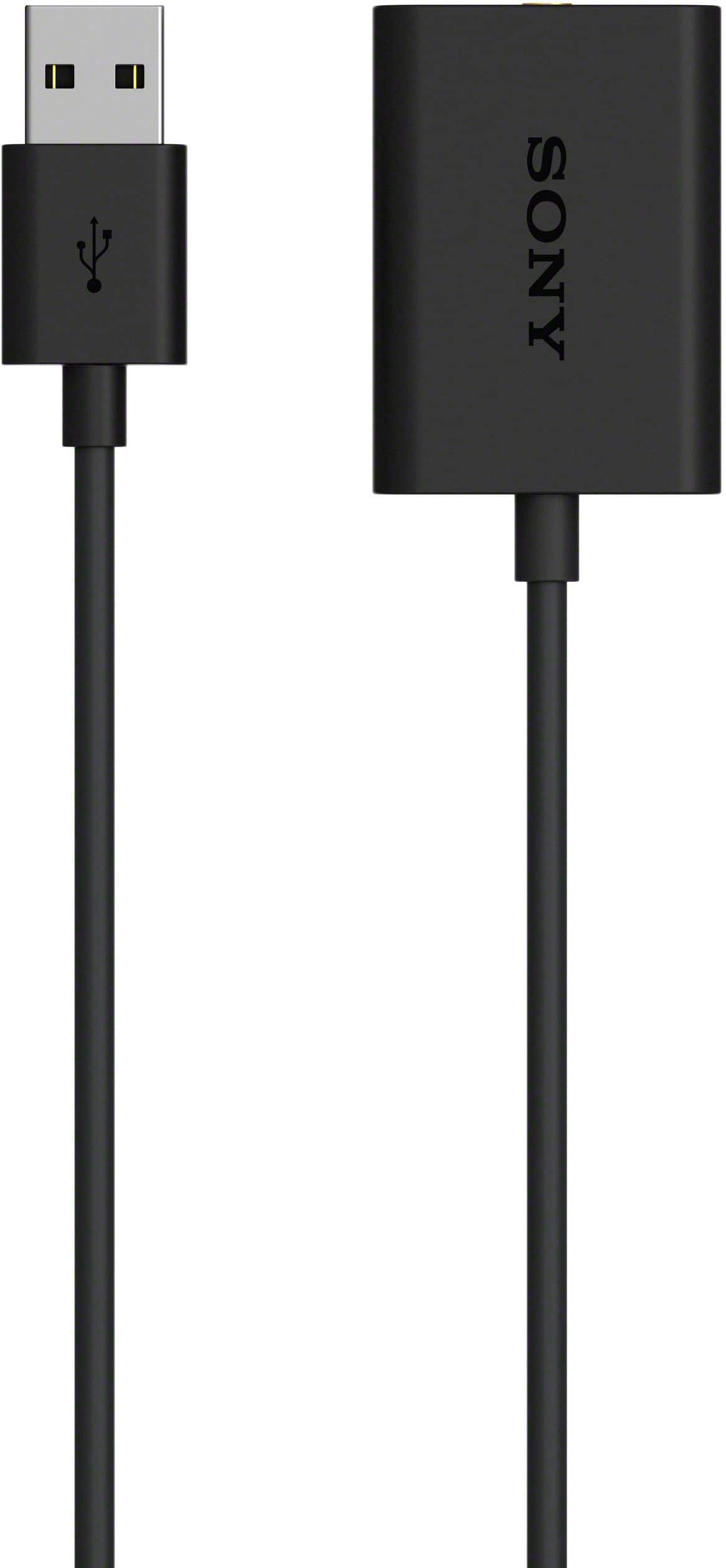
Posted .Hi user873225, Thanks for sharing your experience with the new Sony Inzone H3 Wired gaming headset. We're sorry to hear that you're not impressed with its performance. Try restarting the device where the headset is connected. Make sure to adjust the volume of the headset and the connected device. Turn up the volume if it is too low. If you are connecting a computer, make sure that the audio output setting of the computer is set for the USB audio box. Also, check that the 4-pole mini plug of the headset is securely inserted into the mini jack on the USB audio box. Please note that within the INZONE Hub, there are various controls for the Equalizer settings to meet your needs. You may visit https://www.sony.com.ph/electronics/support/others-software/inzone-hub for more details. Should you need further assistance, you may reach us at [email protected] with the following information : Full Name:
Best Buy Username:
Telephone Number:
Sony Headphones Model Number:
Issue:
Additional Information regarding your experience with the INZONE H3.
Sincerely,
-Craig
Sony Social Support