Customer Ratings & Reviews

- Model:
- 98X11L
- SKU:
- 6668233
to a friend
Best TV on the Planet. Period.
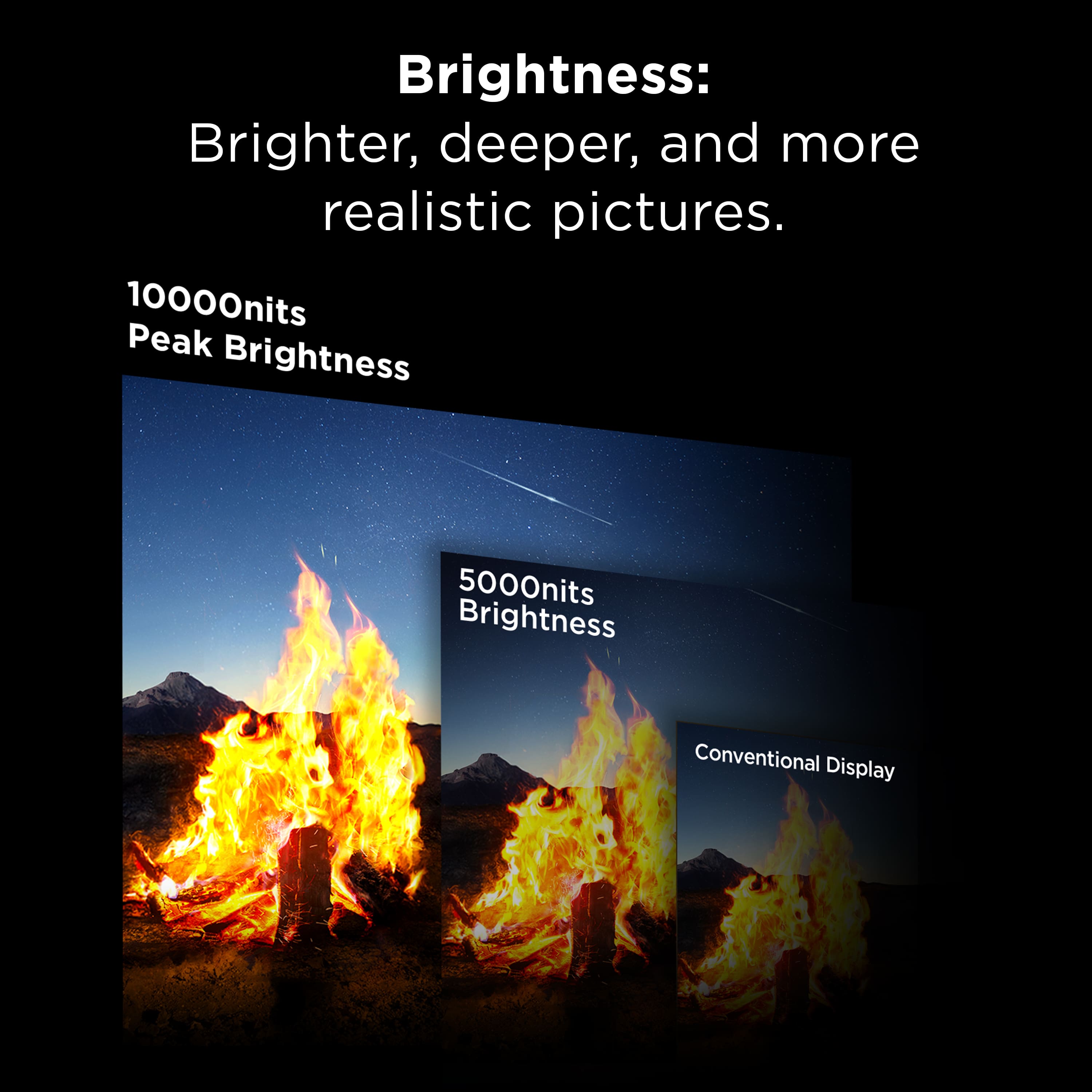
||Posted . Owned for 1 week when reviewed.This reviewer received promo considerations or sweepstakes entry for writing a review.I fell in love with this TV the first time I saw it at CES, and now that I have it at home, it has completely exceeded my expectations. The brightness is on another level. With up to 10,000 nits and 20,000 dimming zones in a massive 98” screen, the picture is absolutely stunning. Highlights pop, blacks stay deep, and the color volume is incredible. It’s one of those TVs you truly have to see in person to appreciate. Pictures and videos don’t do it justice. Yes, it’s expensive. But when you compare it to OLED options in this size, it’s nearly half the price and significantly brighter. In a bright room especially, this TV really shines. The size combined with this level of brightness and contrast makes it feel like a true home theater experience. If you’re looking for a flagship 98” TV and want jaw-dropping performance, this is it.
I would recommend this to a friendBrand response from TCLExpert
Posted .Hi JayJayJr,
Thank you for taking the time to provide your feedback. We're thrilled that you are enjoying your TV thus far! Our TVs are designed and engineered to have a quick and easy setup, be user-friendly, and provide a great viewing experience. We hope you continue to have a great experience and explore more of the great features our TVs have to offer. Enjoy!
Thank you,
Sara
TCL Customer Support
- Pros mentioned:Image quality

Incredible Brightness and Colors Great for Gaming
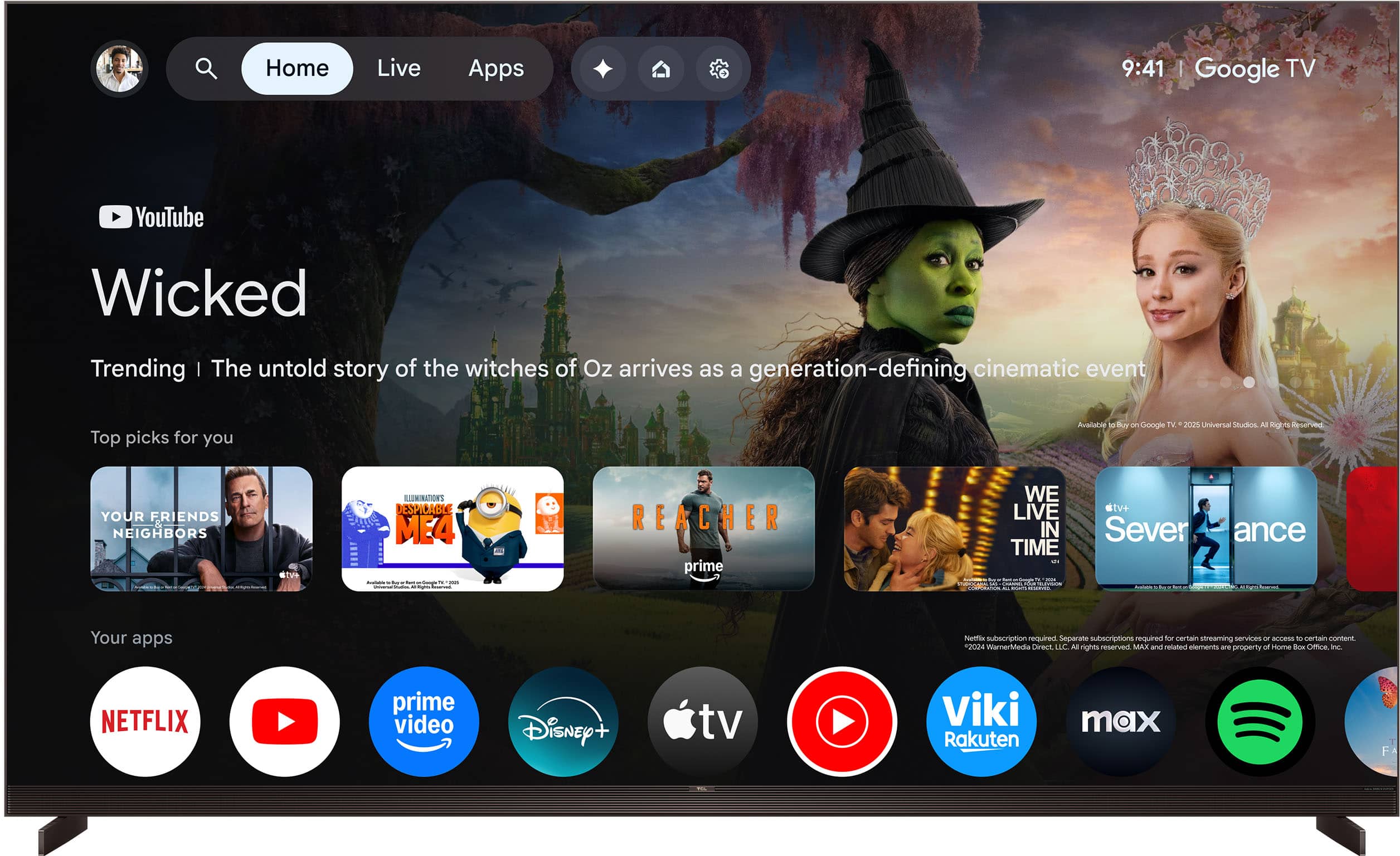
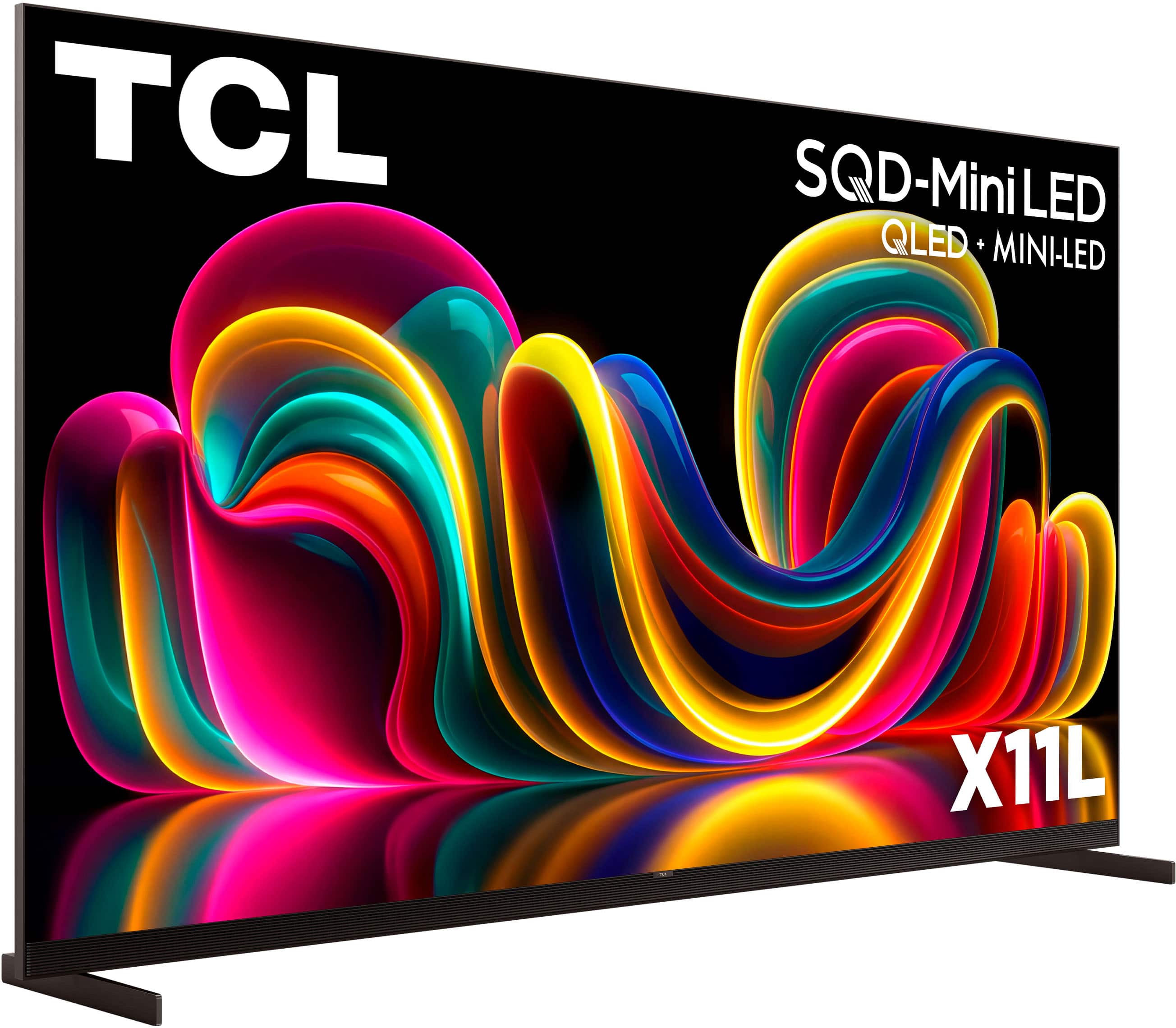
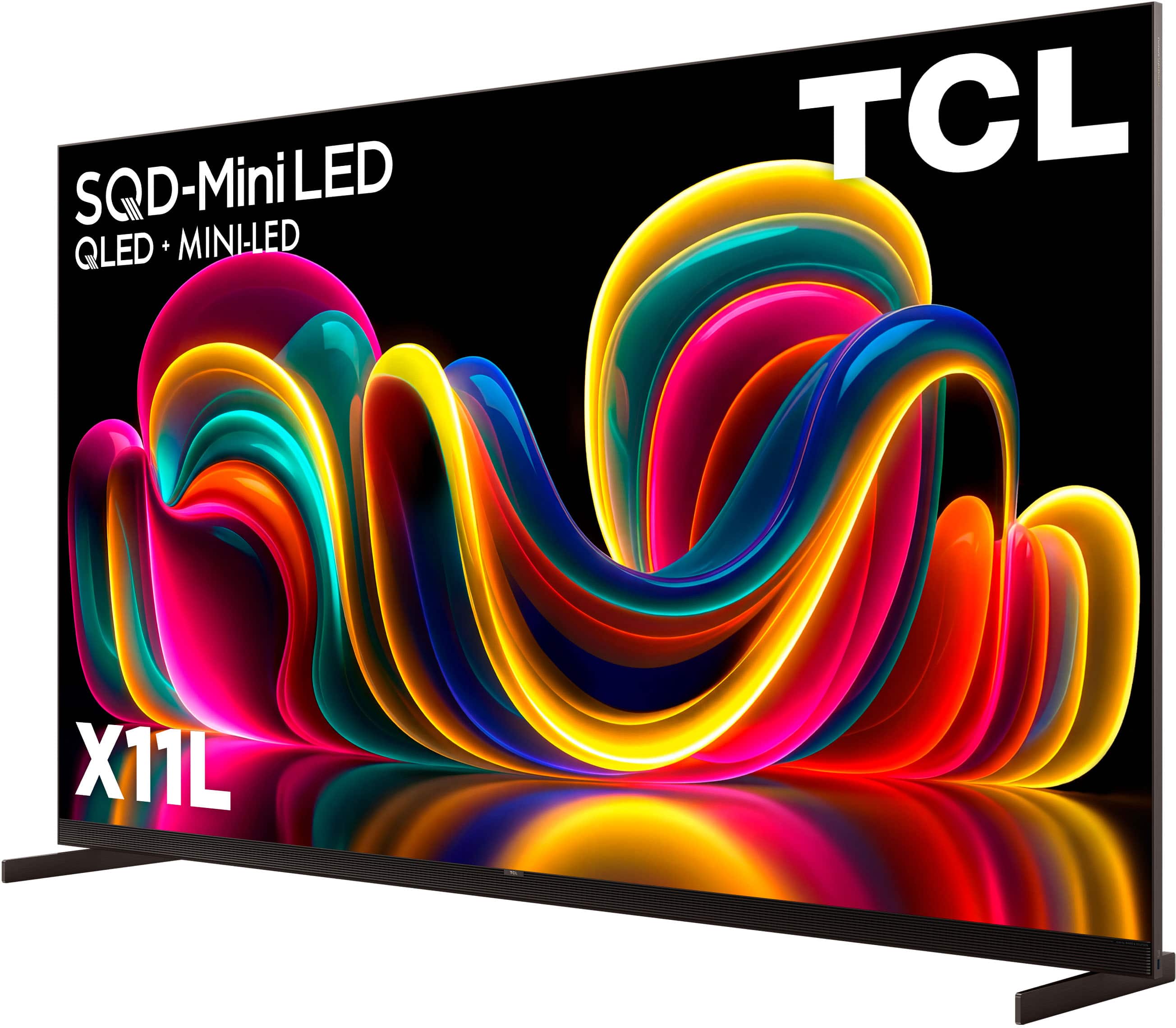
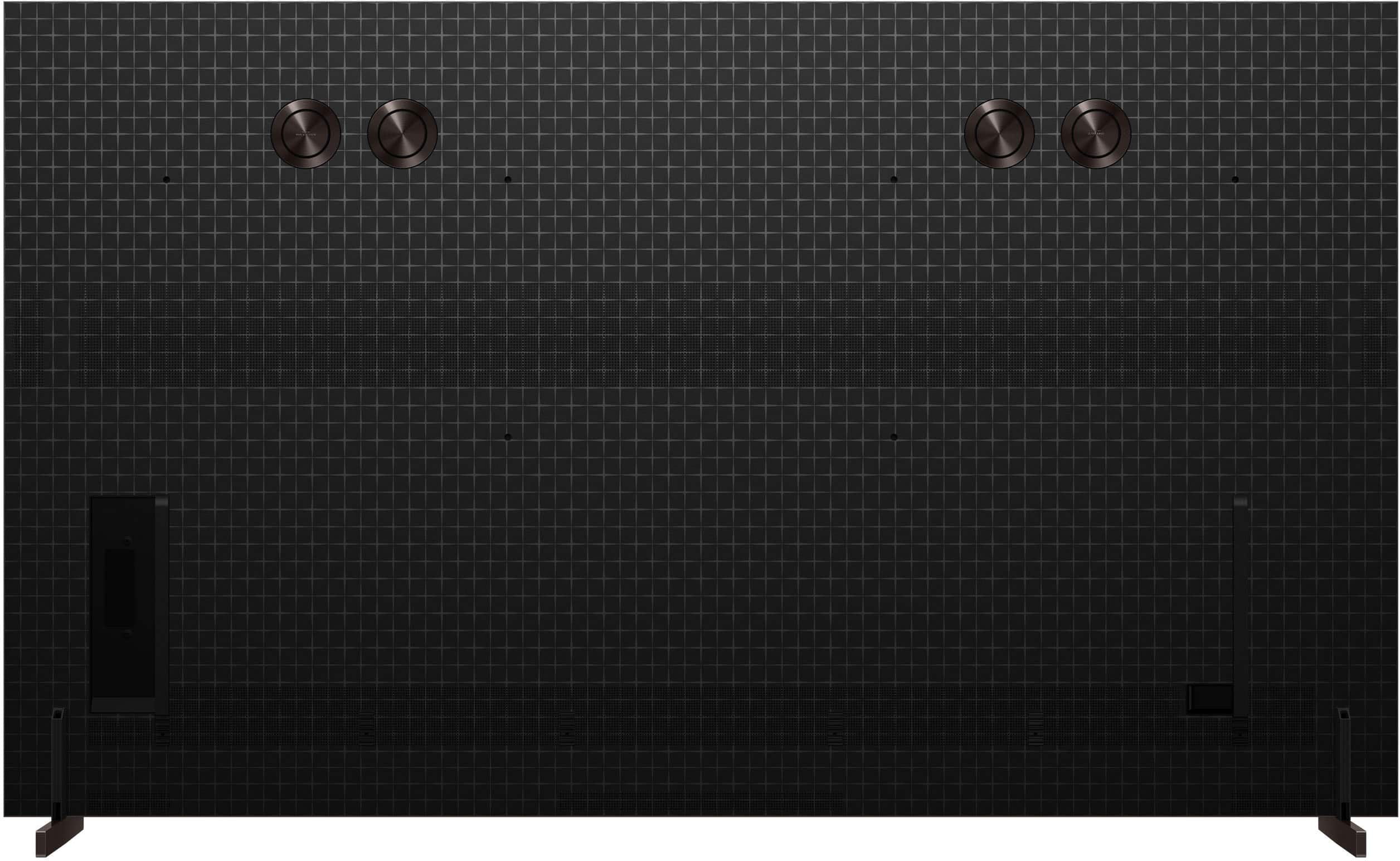
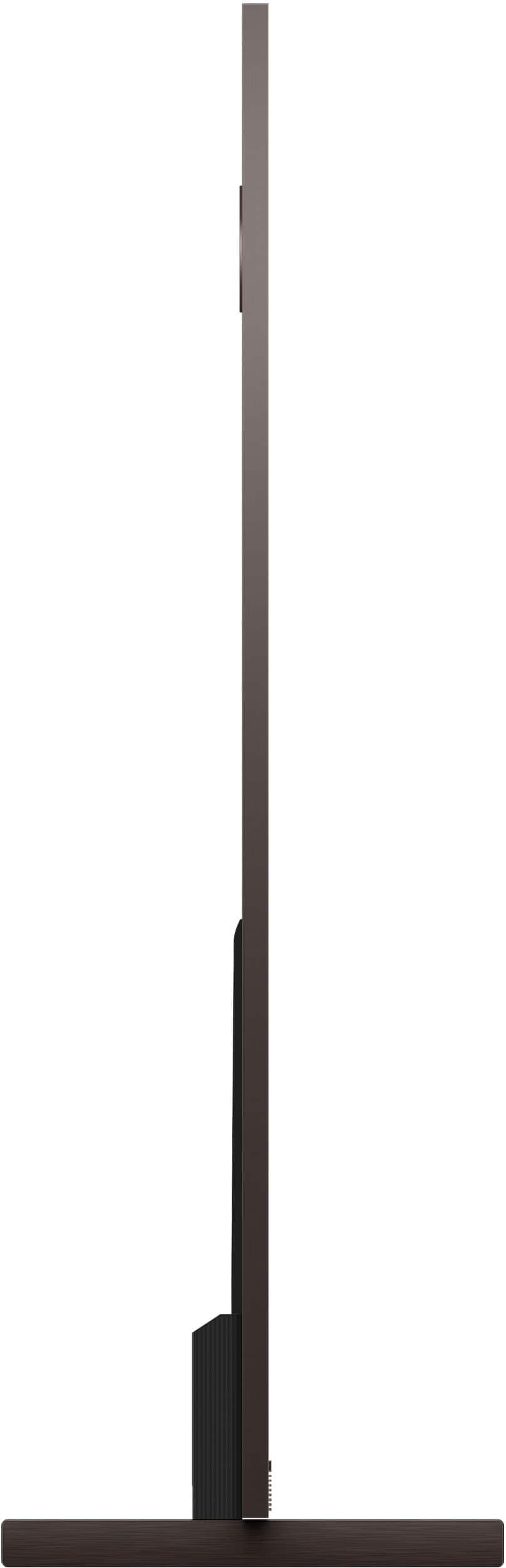
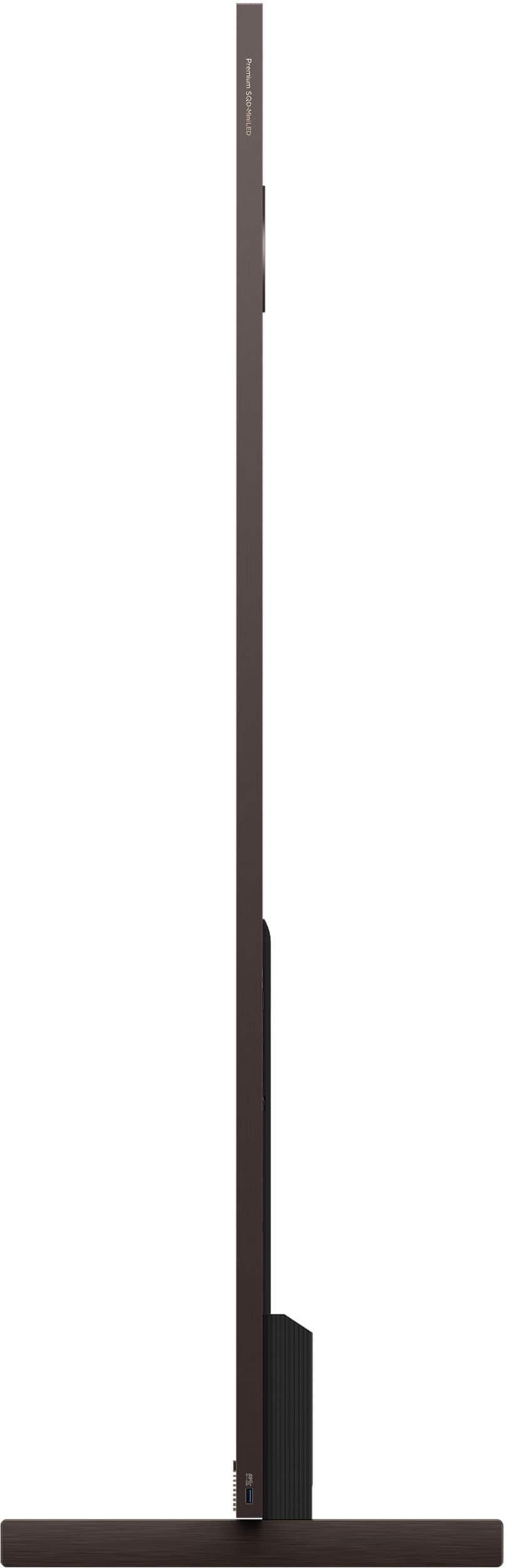
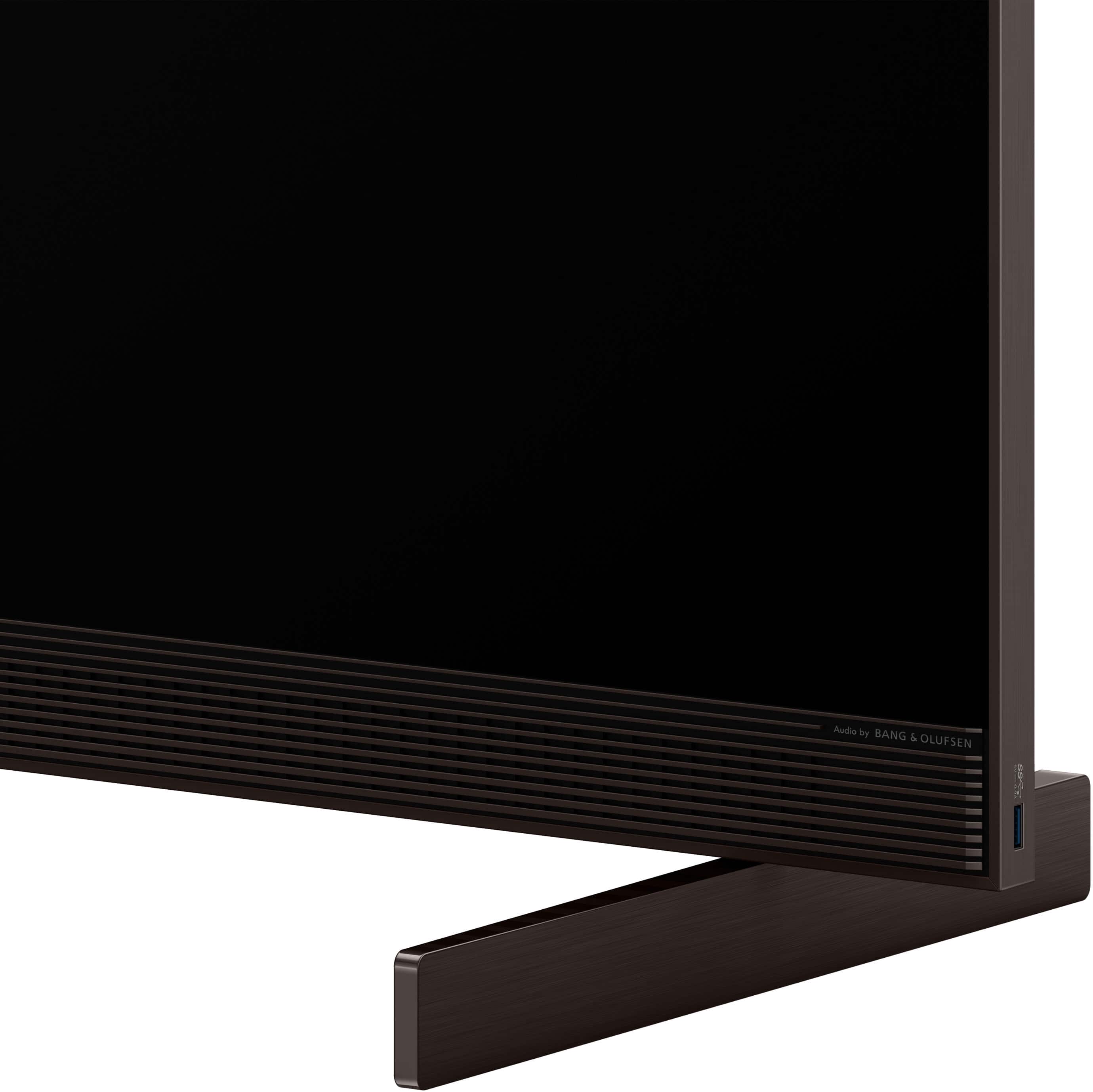
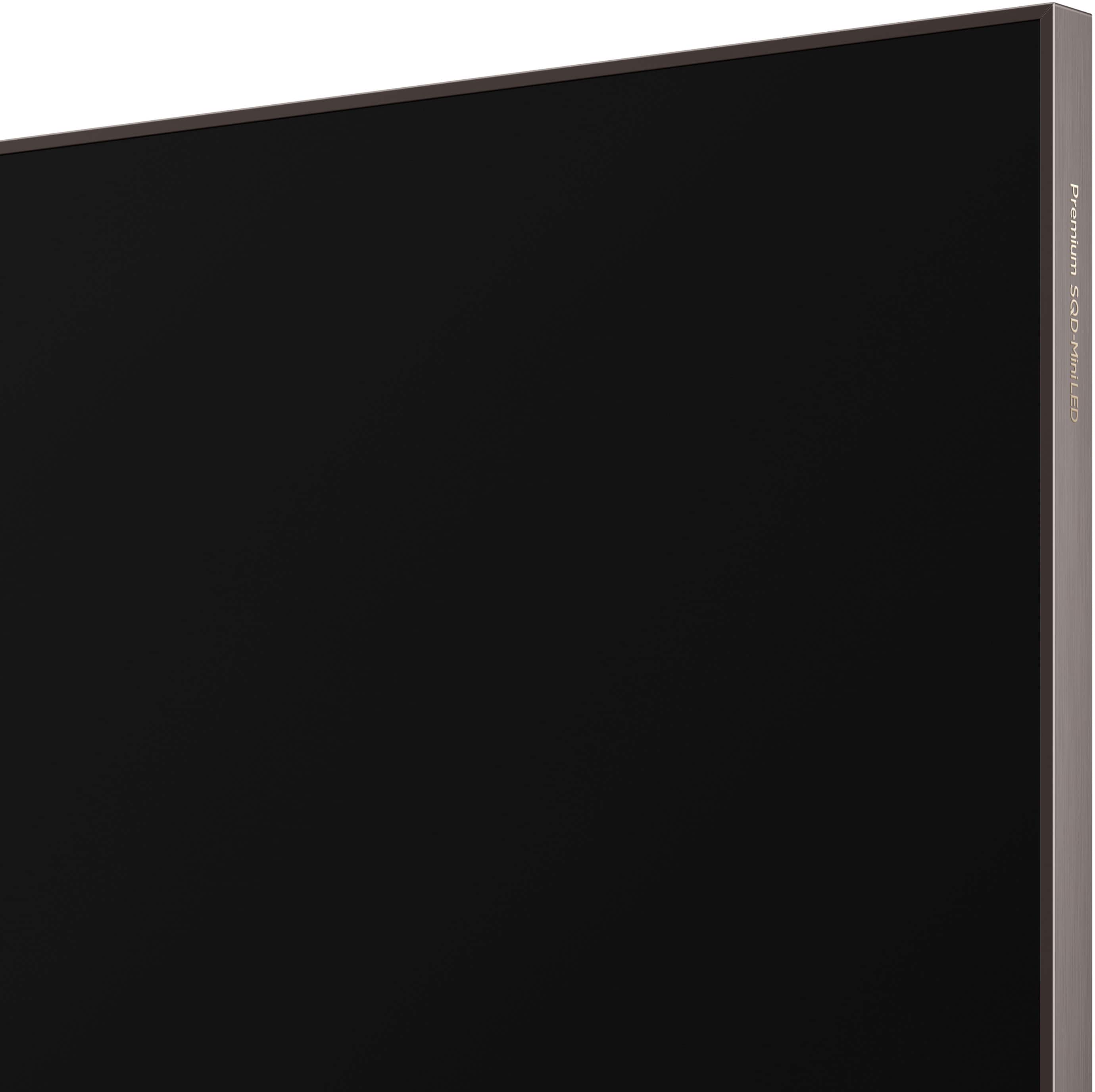
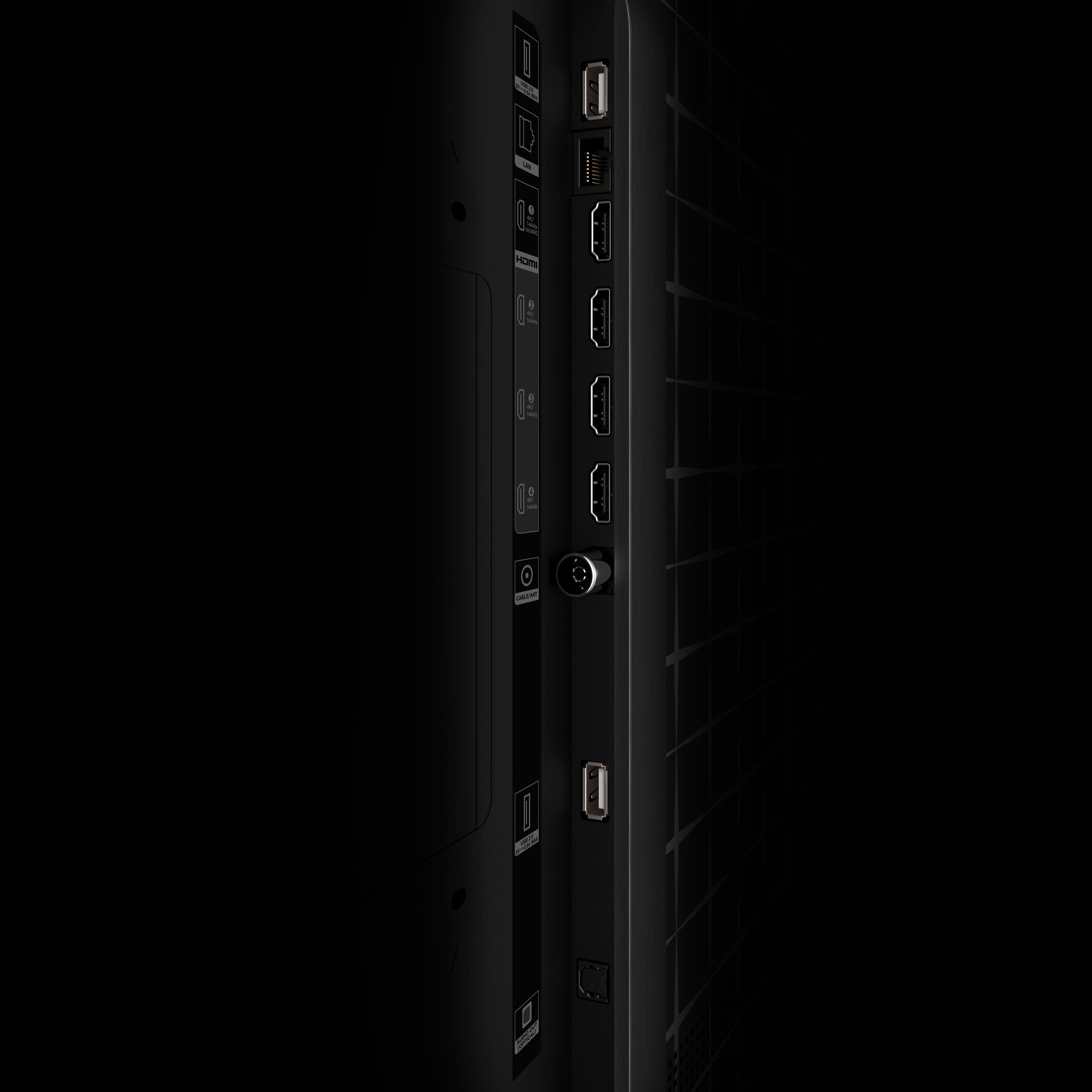
|Posted .This reviewer received promo considerations or sweepstakes entry for writing a review.This TCL 98 X11L is a beautiful and massive TV. It’s not only huge but also very heavy, despite being thin at approximately an inch thick. The TV is very well made with a premium look and feel. The frame has a bronze tone, and the screen appears almost bezel-less. The back is practically flat with a checker-style design. It comes with a Bang & Olufsen speaker system for premium sound. On the back, it houses four HDMI 2.1 ports capable of 4K at up to 144Hz, with one supporting eARC. It also includes one USB 3.0 port, two USB 2.0 ports, an optical output (SPDIF), and an Ethernet jack. The TV is powered by Google TV, which I really like because of its simplicity and compatibility. When it comes to technology, it’s packed. The main highlight is the SQD Mini-LED panel, which makes this TV one of the brightest available, reaching up to 10,000 nits. It also supports Dolby Vision, Dolby Atmos FlexConnect (DAFC), DTS:X, Chromecast, Apple AirPlay 2, Alexa, Google Assistant, Apple HomeKit, Wi-Fi 6, and Bluetooth 5.4. Before taking the TV out of the box, make sure you have a second person and plenty of space. It will definitely take at least two people to set it up, as it weighs almost 150 pounds. Be careful not to cut the tape on the top of the box, just cut the plastic straps. The box opens sideways once you remove the clips holding it together. After that, you simply pull the box from one side to remove it. If you plan to use the TV stand, leave the TV sitting in the bottom styrofoam and remove one side of the bottom foam at a time to install the stand. There is a center foam support that helps keep the TV stable, while the second person holds it to prevent it from rocking. This also makes lifting easier because the TV will already be a few inches off the ground. If you plan to wall mount, leaving the bottom styrofoam in place actually makes the process easier. Once the hard part is done, setup is very simple, especially if you already have an Android device or a Gmail account. All you need to do is scan a QR code, or login with Gmail and follow the prompts. Between the setup process and system updates, it took a little over 20 minutes to complete. The Google TV interface is simple to navigate, fluid, and includes most major streaming apps. Watching Blu-Ray and streaming content on this TV I was impressed. I didn't adjust any video settings aside from using the Film Maker Mode. The image quality is stunning and extremely bright. Colors are vivid and vibrant, with deep blacks that get very close to OLED performance, coming from a person that owns two OLEDs TV. Now I understand why there’s so much hype about SQD Mini-LED technology. I didn’t notice any image banding except briefly during the startup screen when the TCL logo appeared bright white against a black background. While the picture is incredibly sharp on such a massive screen, the panel itself is glossy, which makes it susceptible to light reflections. In my living room, there are about four windows and a door, and I could see some reflections from the window shades. However, when focusing on the content on the screen, the reflections become much less noticeable. They were more visible when viewing from an angle. That said, viewing angles are excellent. Even from the side, the colors remain vibrant and consistent, almost as good as viewing directly from the front. This TV is also excellent for gaming. It supports 4K at 144Hz, VRR, AMD FreeSync Premium Pro, HDR, and Dolby Vision for gaming. The panel is natively 120Hz, but to activate 144Hz, you need to access the gaming settings by holding down the settings button (hamburger button) on the remote. I connected my Xbox, gaming laptop and PS5 and they performed incredibly smoothly. One thing I noticed is that games supporting Dolby Vision tend to appear a bit dark by default. I had to manually switch to Bright mode, which in my opinion looked much better. Note that due to the large size of this TV, when playing video games, especially fast-paced shooters, it’s best to sit farther away to minimize head movement. I played my favorite shooter from about 10 feet away and didn’t have to move my head, I only needed to shift my eye focus a few times. When it comes to sound, it’s good but not great, despite having an integrated soundbar with base radiators on the back. While it gets loud and remains clear, it lacks bass for my taste. I tried various sound settings, but they didn’t make much difference. The integrated system is decent for a TV of this size, but I would still recommend pairing it with a dedicated soundbar or TCL DAFC-compatible speakers. I would have loved to test Dolby Atmos FlexConnect, but I don’t own the TCL Z100 speakers. Although I own DAFC speakers, they weren’t compatible since they are from a different brand. It appears DAFC may still be somewhat proprietary within certain ecosystems. Paying attention to details really matters, and a simple feature they added to the remote is something I really appreciated. On the side of the remote, they included a brightness rocker button and an image selector button. It’s a very clever design, there’s no need to dig through the TV settings just to adjust the brightness or change the picture mode. I love it. Overall, this TV lives up to the hype with superb brightness, impressive image quality, and premium build quality. It’s packed with modern technology and, being such a large screen, it’s also excellent for gaming. While it’s definitely not cheap, you do get near-OLED image quality, higher brightness, a massive screen size, and no risk of burn-in. Inside the box you get the TV, remote control, two AA batteries, the stand, warranty card, and manuals.
I would recommend this to a friendBrand response from TCLExpert
Posted .Hi Wishkid, We appreciate you taking the time to provide your thoughtful feedback. We are pleased to hear that you are enjoying your TV thus far. Hopefully you are able to take your viewing experience to the next level with your new TCL TV. Enjoy! Thank you, Alison TCL Customer Support
Immersive In-Home True Theatre Experience
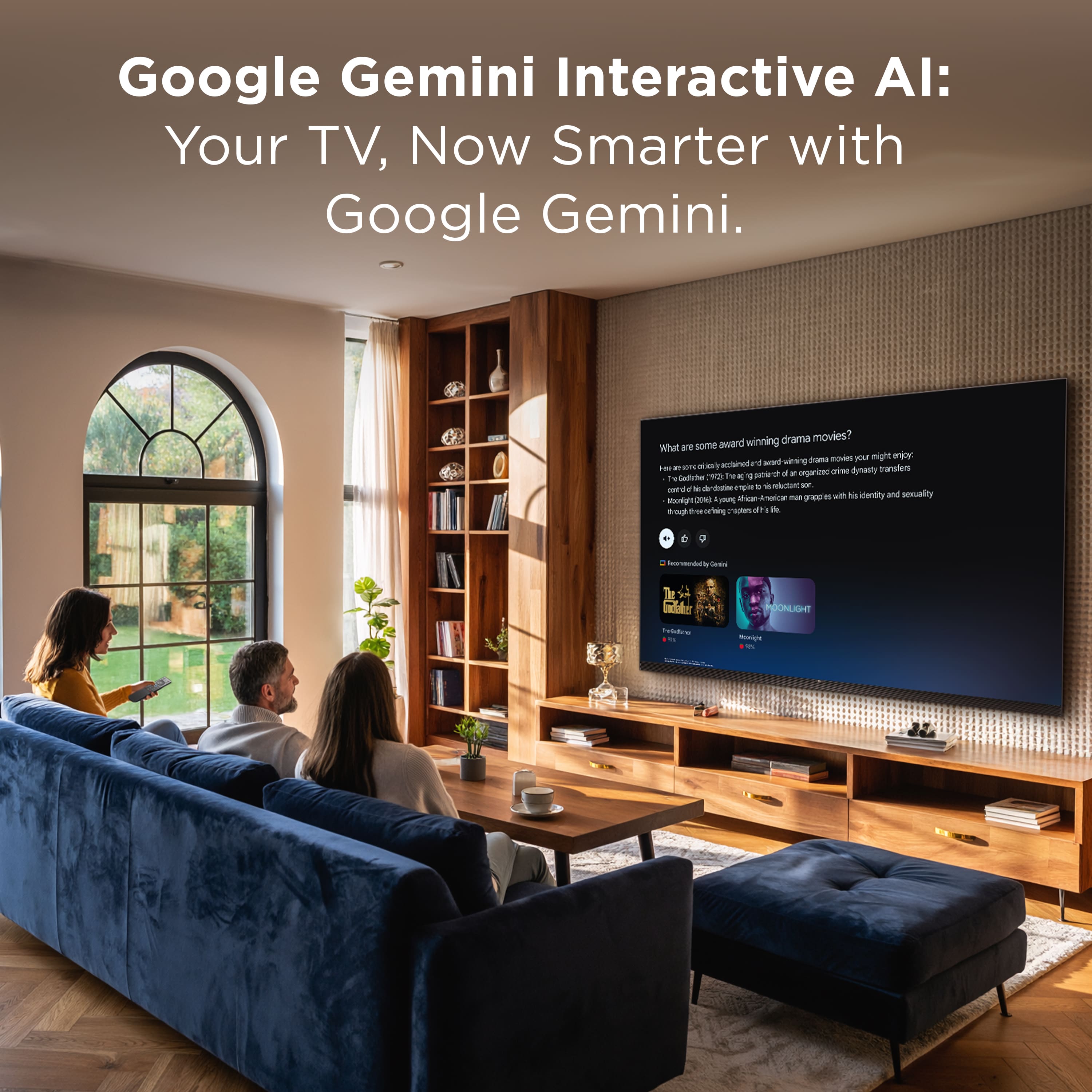
|Posted .This reviewer received promo considerations or sweepstakes entry for writing a review.I recently received the new TCL 98” X11L Series 4K UHD SQD-Mini LED television and after spending some time with it I can confidently say this is the most incredible TV I have ever owned. I have had a lot of very nice televisions over the years, but nothing even remotely close to this one. The size, brightness, color, and overall viewing experience really do make it feel like having a full movie theater inside my home. Once the TV is delivered, the first thing you do is cut the straps that are holding it to the pallet. The box itself is very well designed and has printed instructions explaining exactly how to open it. I highly recommend following those instructions because this is not a box you want to destroy. If you ever move or decide to sell the television you will absolutely want that box to safely transport it again. The box opens almost like a door and slides away from the TV. Once the protective cardboard panels and foam pieces are removed the television is standing in the lower protective base. Then you remove the Styrofoam supports on each side, leaving only the one in the middle to hold it up, while your friends balance it while you attach the legs. Once the legs are attached the television can be lifted out and placed on your TV stand. Another thing to mention is that the legs come with covers that allow you to run cables through them, to hide them and manage them better. There are also cable management areas that run along the back of the TV, where you can press your cable into them for a neat and clean set up without cable hanging everywhere. Something else to mention about the back of the TV is that mine came with lots of powdery white spots and sections on it. I think it’s just dust but I can’t be certain.. And most of it wiped away, though some spots didn’t. But that’s the back of the TV and nobody will see that but you, so not a big deal. Speaking of the stand, this is something people should plan ahead for. The legs on this television are 16½ inches deep, which means your TV stand should be at least 17 inches deep to give yourself some clearance. The distance between the outer edges of the legs is about 78½ inches, so your stand needs to be at least 79 to 80 inches wide. I actually had trouble finding a stand that fit these dimensions so I ended up purchasing two identical stands that were 20 inches deep and placing them side by side. Once the television was in place the setup process was easy. Because this is a Google TV, all I had to do was scan a QR code with my phone and sign into my Google account. Within about 12 minutes of updates the TV was ready. There is a lot of free content available right out of the box. TCL includes several of its own built-in apps. One of them is TCL TV+, basically a free live TV app that feels similar to old-school cable. Another built-in feature is the Quick Panel, which works like a source selector. It allows you to quickly switch between Google TV Home, AirPlay, Antenna TV, and any devices connected to the HDMI ports. Speaking of Antenna TV, I did a quick scan, just to see if the TV would pick any stations up w/o an antenna attached, but it did not. To be honest, I don’t understand why a TV this large doesn’t have an antenna built into it. That would be such a wonderful feature to have for people like me who don’t have cable. Another one of the pre-loaded TCL apps is TCL Home. This app lets you browse media from USB drives or devices on your network. A gallery option allows you to sync photos from Google Photos so they can be displayed on the television. And if you are using a flash drive for movie, or other content, good news, the X11L has an easily accessible USB port on the bottom right side of the frame of the TV. So even if the TV is mounted on the wall, you can easily plug a flash drive in there. Which makes it an excellent choice for any conference rooms or workspaces where it might be used for presentations. Both the Google screensaver and the T-Exhibition include an AI wallpaper generator. You can select an art style such as Monet, Van Gogh impressions, watercolor, pen and ink watercolor, photography, or abstract art. Then you choose descriptive words and the TV generates a custom AI image in about four seconds. It is a fun feature but it is somewhat limited. It will not generate images of people and some prompts are rejected entirely. For example, I tried asking it to create an alien and it would not do it. However, you can still create interesting scenes like surreal landscapes or fantasy environments such as waterfalls appearing in deserts or unusual nature scenes like a dog running through a mushroom forest. It will even generate text, like a visitor’s name on a brick wall. The TV comes with Google Gemini built into it and supports hands-free voice control. You can speak to it and ask Gemini to adjust the volume, brightness, and picture settings. One thing I noticed is that when I ask it to open apps it sometimes tells me it cannot do that, so the voice commands may still be expanding over time, and I hope they do. The remote control is another highlight. The remote connects via Bluetooth, which means you do not need to point it directly at the television for it to work. You can point it anywhere in the room and it still works fine. That is very helpful if you have a soundbar sitting in front of the television that might block the sensor. The remote is also backlit. When you pick it up the buttons illuminate automatically. And one of the coolest features is that it has a rocker switch on the side that lets you adjust the brightness of the backlight without needing to enter the picture settings menu. There is also a quick picture mode button on the side that lets you cycle through modes like Intelligent, Vivid, Standard, Sports, Filmmaker Mode, Movie, Game, PC, and iMax, while you're watching something. Overall the button layout is very good. There are dedicated buttons for settings, voice control, favorite apps, and a customizable star button. The only thing I do not love about the remote is the shape of the bottom. It isn’t totally flat so when the remote sits on a table it rocks a little when you press buttons on the sides, unless you hold it and stabilize it. A completely flat bottom would have been more practical and is the superior remote design. Now let’s talk about the most important thing, the viewing experience. Basically, this television is absolutely stunning! The contrast, brightness, and color range are incredible. It gets so bright that I usually keep the brightness around 60 to 75. This is the first TV I have ever owned where I did not feel the need to run it at maximum brightness. At 60 or below you even see a small green leaf icon which indicates the energy saving mode. I experimented with the brightness settings and even tried watching at zero brightness just to see what it looked like. Surprisingly it was still completely watchable in a dark room. That gives you an idea of just how bright this display can get. There were a couple times where I was on a new video source and the TV defaulted to 30 brightness and I never noticed or thought to myself, “this is too dim” until I pressed the side button and noticed what level it was set on. If you really want to see what this TV can do, I strongly recommend pairing it with a 4K Blu-ray player. Streaming 4K content looks great, but a true 4K HDR disc takes this television to another level. Watching movies at night with the lights down honestly feels like sitting inside a movie theater, so get your popcorn ready! The detail, motion, color richness, and contrast are all really incredible. I already went online and bought several more 4K Blu-ray movies because I want to experience them on this screen. Watching a movie you've already seen, in 4K, on a screen this large is like watching a new movie, because of all the new details and nuances that you never noticed before. I also have an Xbox connected to the TV and gaming on a display this large is incredibly immersive. I have never played games on a screen this big before and the experience is jaw dropping. Fast motion could possibly be a little sharper during very intense scenes, but honestly it is not bad at all. The average gamer is going to be extremely impressed and only a critic would find something to complain about. The built-in Bang & Olufsen sound system and audio is also exceptionally good. I do have a soundbar connected to the TV and that really adds to the theater experience, but even without it the TV speakers sound surprisingly good. I’d say it’s the best sounding TV I’ve ever owned, so if you don’t have a soundbar, don’t worry, because this TV has you covered. One thing I did notice after several hours of use is that the television produces a noticeable wall of warmth. After running it for five or six hours at higher brightness levels you can feel warmth radiating from the screen when you walk up and get close to it. It is not hot, just warm, which is expected for a display this large and bright. Below are some of my pros and cons for the TCL 98X11L. PROS: • Massive 98 inch screen • Extremely bright display with incredible color range • Four HDMI ports that support 4K 144Hz • Google TV operating system • Google Gemini • Built-in sound is very good and works well • Bluetooth remote with backlighting CONS: • The size makes delivery, unboxing, and setup challenging • Produces noticeable warmth during long viewing sessions at high brightness • Finding a TV stand large enough can be difficult Overall I absolutely love this television. This television delivers the most incredible viewing experience I have ever had in my home. It truly feels like having a movie theater in my living room. Thank you TCL for making such an amazing television. Anyone looking for a true in-home theater experience and the most immersive gaming, should absolutely consider the TCL 98X11L.
I would recommend this to a friendBrand response from TCLExpert
Posted .Hi Orion, We appreciate your thoughtful feedback. Please enjoy the great size and quality of this TV. Thank you for choosing TCL to be part of your family! Thank you, Alison TCL Customer Support
Are we sure this isn't OLED...?
|Posted .This reviewer received promo considerations or sweepstakes entry for writing a review.I have been team OLED for a while now. Once I realized the difference in colors and could clearly see the difference in a true OLED black and a LED greyish black, it was impossible for me to turn back. After the long process of unboxing the TCL X11L (which, makes sense, the packaging keeps the TV very secure) popping up the Netflix app to see it load up with the red with the all black background, I was blown away, and that was just the beginning. With so many things I loved about this TV, I'd like to start with the two small things I didn't. The TCL X11L is as high-end as it comes in regards to the tech that powers it, the features, etc. With that being said, I don't know why we're dealing with a remote that takes batteries. The remote is nice, the buttons are backlit...but we really shouldn't still be dealing with triple a batteries in 2026. Setup of the TV is super easy as it's a Android TV. QR code scan and in no time everything was setup. Now, the Google TV interface is nice...but it has tendency to make sponsored suggestions and attempt to recommend I watch content on it's free apps. Now, maybe, hopefully with abundance of paid subscriptions I have and use, the algorithm will pick up on what I truly like and watch...but man, being advertised to and pushed bloatware isn't a premium experience fitting of the rest of the device. The Gemini AI add-in featues are cool...but not if they're accompanied with ads. Now, the brightness. The sun on my Apple TV screensaver lit up my whole room. Brightness is a space where OLEDs (my previous go to) tend to lack and man was it apparent on the X11L. As blown away by the brightness as I was, when I pushed the brightness increase button on the side of the remote I realized the TV wasn't even at it's brightest. The brightness really helped the colors pop. Speaking of color, when gaming on my PS5 Pro (connected to one of the 4 HDMI 2.1 ports!) the colors were amazing! I'll be honest, I didn't do any calibrating...start the console, get right to gaming. I've watched a few videos regarding this TV that discussed issues with motion in gaming...it's not anything I had an issue with. The HDMI 2.1 allows for 4k/144 hz, using the PS5 Pro I was gaming at 4k 60 max (on console I tend to play quality mode, which is normally 4k 60 or 4k 30) and I didn't have any major issues. I've yet to connect my computer which would allow me to go 4k over 144+. I've played a lot of shooters (Apex Legends, Marvel Rivals, Marathon) and it's all looked beautiful and felt smooth. The real winner of this all however was my 4k Blu-ray player. Streaming movies looks great, no doubt...but watching Blade Runner 2049 (and the physical copy isn't Dolby Vision) was amazing! I truly see the value of physical media and having a true 4k Blu-Ray player as opposed to watching movies via my console. I've never seen anything like this. The combination of the colors, the brightness, but, also, the darkness...it's all the positives of LED, with maybe not the benefits of OLED, but good enough to the point you can't tell the difference. Before I got to anyting else I spent a massive amount of time bouncing around through all my movies testing each one out. This is at true home theater experience unlike any other. The Bang & Olufsen speakers (both on the back of the TV, and front facing at the bottom) are great TV speakers...some of the best TV speakers I've experienced...but as someone who has a sound bar, they don't replace a quality sound bar. I tested the audio watching content on the same app with my Apple TV conected to my sound bar, verses the app on the TV itself with the audio setting set to internal speakers and you could hear a clear difference. The TCL X11L is a statement piece. If someone walked in to a room and saw the TV sitting there, it's design alone makes a statement. Cut the TV on and you blow people away. Raising the bar on expectatiosn for (mini) LED TVs, while also minimizing some of the key advantages of OLED..for those who have this TV in consideration for purchase, It's a no-brainer. While it's not without (small) flaws, the X11L is 2026's TV to beat, and a leap forward for ((SQD) Mini LED TVs.
I would recommend this to a friendBrand response from TCLExpert
Posted .Hi Bruce, We appreciate your thoughtful feedback! We are pleased to hear that you are enjoying your TV thus far. We hope you continue to have a great experience and explore more of the great features our TVs have to offer. Enjoy! Thank you, Alison TCL Customer Support
1,000% Man cave ready
|Posted .This reviewer received promo considerations or sweepstakes entry for writing a review.Delivery and Installation: In the box, this TV will not fit through a residential doorway. The delivery people had to remove the display from the box in the front yard just to get the TV to fit through the doorway. Plan your delivery for a nice day if you can. For the install, you will need at least 3 people to lift the TV either onto a stand or wall mount. After adding the mount brackets, one person lifted the TV in the middle so that the other two of us could get our hands underneath to hoist the TV onto the wall mount. My Gear setup: Directly connect to the TV: -Xbox series X -Panasonic DP-UB820-K -Roku 4k streaming stick -a DTV leaf-style antenna -Pioneer VSX-90 receiver (currently the bottleneck since it doesn’t support HDR) on HDMI 1 so I could activate eARC, with a Nintendo Switch and a PS3 still connected through the receiver, since those don’t produce HDR playback. Before talking about the Pros, I wanted to list some cons before I lose any readers…I think TCL could fix some of these or respond to this review to provide instructions on how to fix/resolve some of these issues: 1) Not really anti-reflective. Sunlight, lamps, door lites, windows, etc. ALL reflect off of the display. One review that I have read mentioned that if you turn up the brightness, it ‘would’ eliminate the reflections, which I have tried, but it doesn’t... With the brightest picture setting and the brightness maxed out I still had glare on the display. TCL, please look at putting more anti-glare, light diffusion, anti-reflective coatings on your displays. 2) Apps installed/run directly on the TV do not have a way to activate Dolby Vision. However, these same apps (Fandango, Disney +, youtube…) ARE able to run on Dolby Vision just fine from a Roku stick. 3) App shutter and lip sync issues. I have occasional video shutter/jittering and lip sync issues on various streaming playback on the TV apps. If running dolby vision, I could change some of the motion smoothing settings to reduce shuttering, but otherwise I am not entirely sure how to fix these issues. However, I can confirm I have not had any issues playing anything back from my Panasonic 4k player (DP-UB820-K) 4) Bi-colored captions: when using captions during movies that have letterboxing (black bars on the top & bottom of the display), the part of the caption that would show up in the black area of the screen appears faded white, while the captions in the normal screen appear nice and bright white. It’s a little annoying. See a photo in my review for an example. 5) Could not game with a 144Hz refresh rate. To test gaming in 144Hz refresh rate, I connected my Gigabyte laptop with a GeForce RTX 4050 GPU and attempted to play Rainbow Six Siege from Steam. With the laptop screen open, I had UHD resolution with only a 60Hz refresh rate. With the laptop screen closed, resolution dropped to 1080p but stayed at 60Hz refresh rate. 6) Xbox gaming, while the xbox could run games at 120Hz refresh rate, I still had some tearing and shuttering when playing more graphics intensive games (i.e. Call of Duty & Tomb Raider) but I did not have any issues with Rocket League. While the Bang and Olufsen speakers were plenty loud on the display, when I was running through the initial setup I connected my phone over Bluetooth to play some music. With the volume at 20, it startled me when the music first started playing. However, the stock EQs (Sports, Movie, Speech, Music, Game, & Night) didn’t really help the music sound good, UNTIL I found a setting called Beosonic that when active, gives you a circle slider type of tool to set the EQ to fit your sound needs. Deftones sounded best with a mostly Bright and somewhat Energetic setting mix. I was hoping to leverage both the TV speakers with my 7.1.2 receiver system, but activating the eARC feature disables the TV speakers, EQs and the Beosonic feature on the TV. If I do not activate eARC, then my receiver doesn’t get any sound output from the display. -TCL, any option to fix this in a future firmware release? Onto the Pros: Brightness: This is currently the brightest display on the market! It is so bright that my wife has me turn the brightness down to between 0-5 when we are watching most shows at nighttime. Thankfully there is a brightness slider and picture mode button on the side of the remote for easy access to change both of these settings. When playing the first (remastered) Borderlands game, any elemental effect really pops on the screen. Remote: The remote has backlit buttons. Very helpful for choosing the correct button(s) in a dim room. Sound: If you do not already have a receiver or soundbar to connect to, you will get very decent movie audio out of the box, which is a rarity with TVs on the market. While the front speaker takes up the bottom 1.5” of the display, you don’t really notice this bezel once you start watching a show or movie. HDMI Inputs: All HDMI ports are 2.1 capable. Only HDMI 1 has eARC support but you only need 1 port for this feature anyway. CES control: I configured my Roku remote to turn the TV on/off in about 3 seconds after activating CES on both the TV and Roku remote. Antenna connection & reception: Yes, I still use a digital antenna to get some local stations I had no issues connecting the antenna, and I am able to get even more channels on this TV than I was able to on my prior TV. Multiple HDR formats: unlike Samsung displays, this TV supports Dolby Vision, HDR 10/10+, and HGL. Per a review at CES, TCL will push out a firmware update to support Dolby Vision 2. I fully plan on trying this out when it is available. Blooming: What blooming? I have not run into any blooming or halo effects in all of my various playback testing. Consistent/Wide viewing angles: no matter where you sit in my living room (or even when walking to the kitchen) there was no loss of picture quality with off-axis viewing. After 3 days of use and testing, I still cannot help but smile as we watch content on this display. I will keep testing out different gaming settings to see what can be done to eliminate choppiness and controller/input delays. If you can afford it, you will not be disappointed by the display, but the best place to install would be in a home theater area/windowless environment.
I would recommend this to a friendBrand response from TCLExpert
Posted .Hi Vibranium, Thank you for taking the time to provide your feedback. We're thrilled that you are enjoying your TV thus far! At TCL, we are committed to delivering premium products with world-class customer experience. We hope you continue to have a great experience and explore more of the great features our TVs have to offer. Enjoy! Thank you, Alison TCL Customer Support
This TV sets a new standard for viewing experience
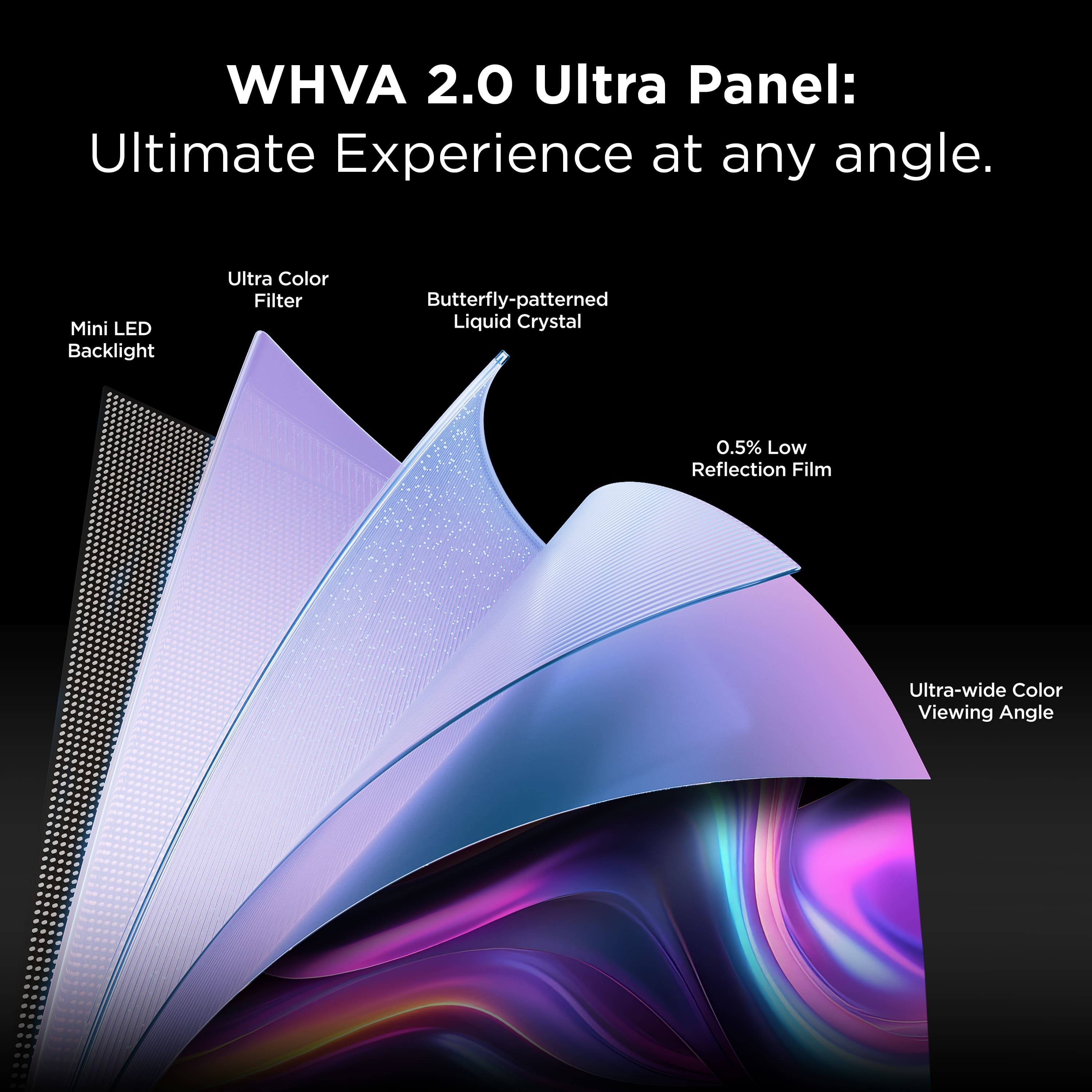
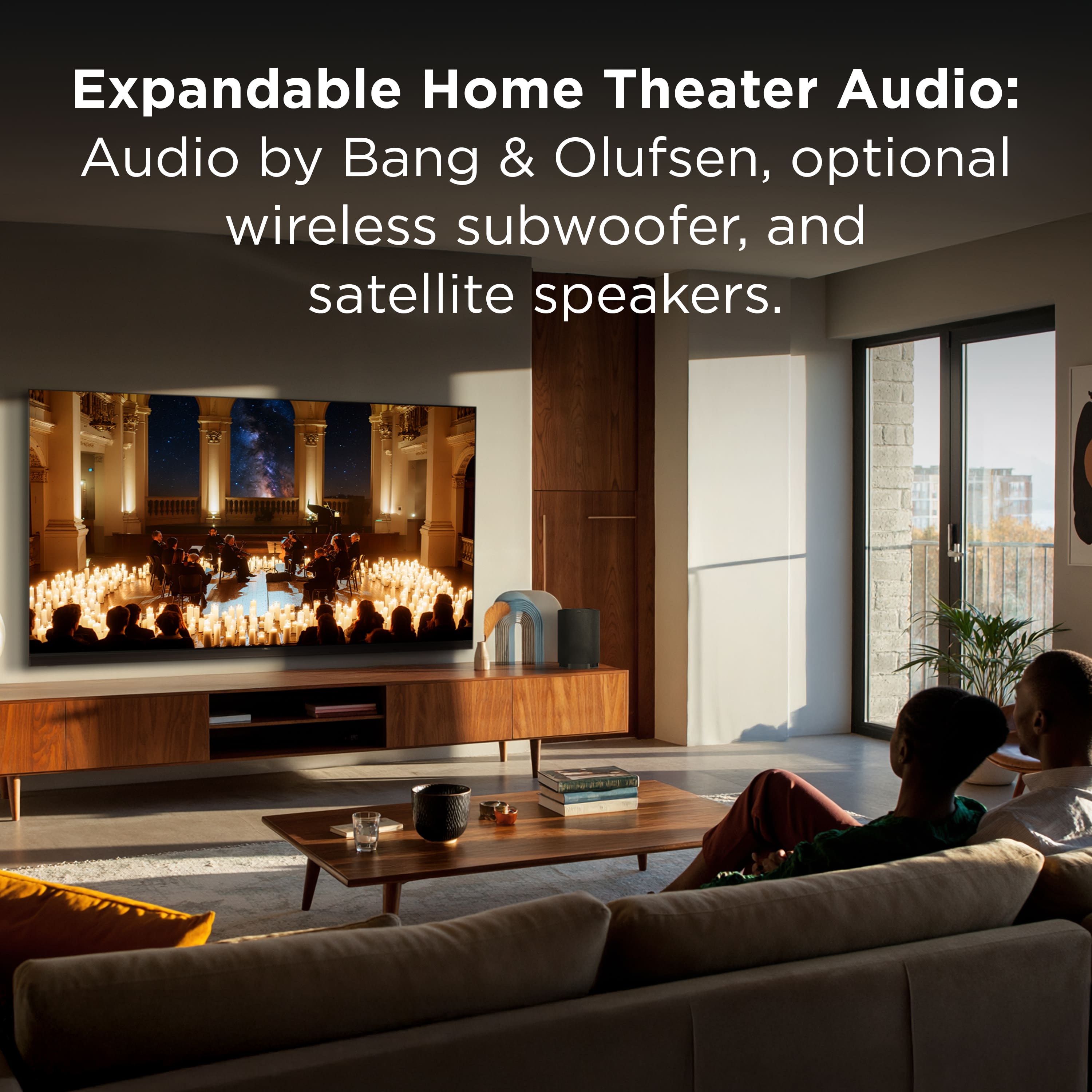
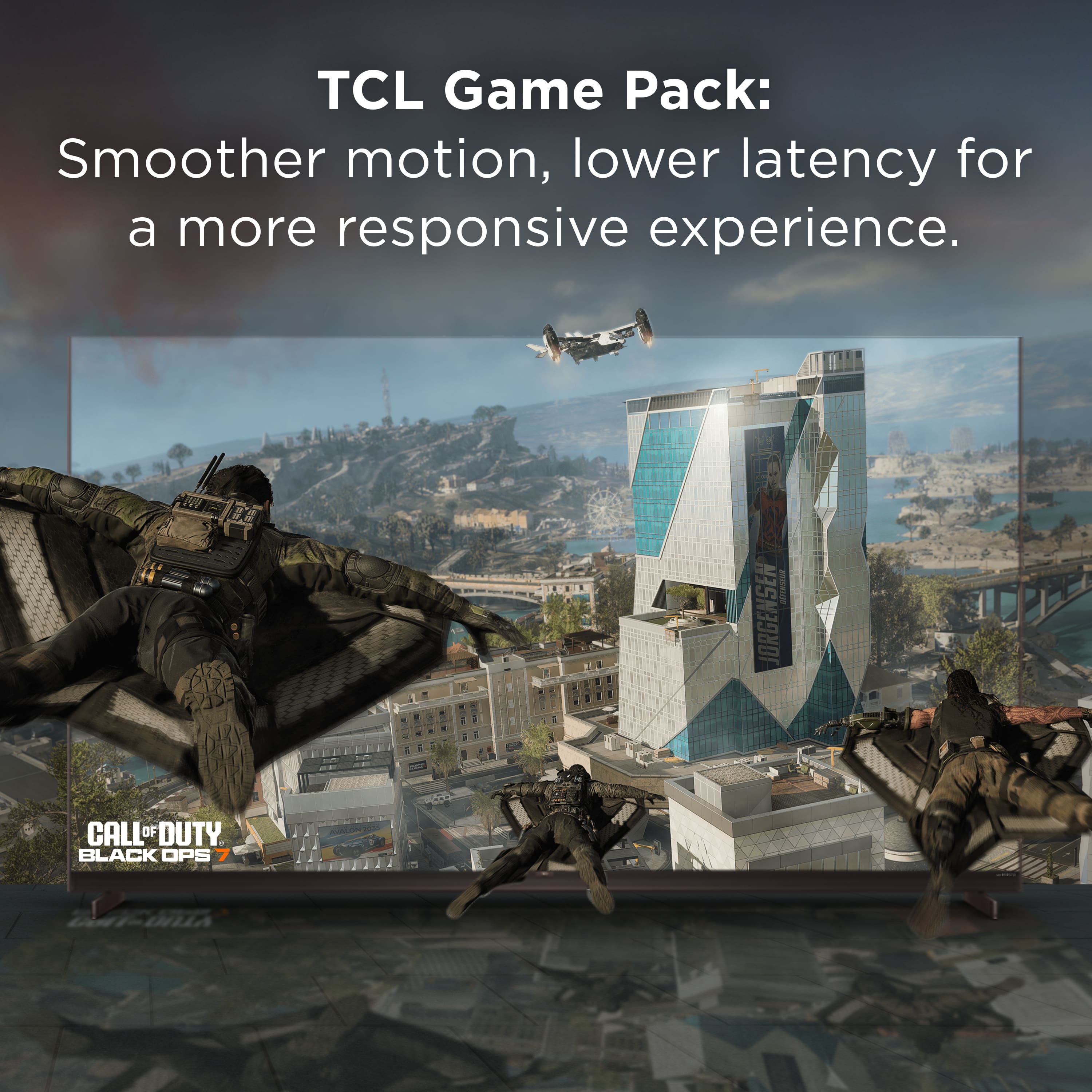
|Posted .This reviewer received promo considerations or sweepstakes entry for writing a review.The TCL X11L 98" SQD-Mini LED Smart TV is a phenomenal choice for those who are aspiring to upgrade their home theater experience. This review is based on a week of use in a wall mounted configuration. TL:DR - This TV was featured at CES this year and for a good reason. The Super Quantum Crystals (SQD) Mini-LED platform yields amazingly vibrant colors with up to 10k peak nit brightness. This, combined with the TCL LD20000 Precise Dimming Series, offers both true black and high contrast performance you have never seen from a LED TV. Pros: Super bright, works for dark home theaters as well as brightly lit rooms, to include those with direct overhead lighting. Love the Google Gemini user interface, one of the best platforms out there for responsiveness, ease of use, and customization. The TCL hardware / software combination allows for exceptional color accuracy. Easy to set up the wall mount based on how it's packed for shipping. Easy to access the input ports and power, no need to run electrical outlet behind the tv. There is zero halo effect like you get with many bright LED TVs Cons: Out of the box software updates take over an hour on 1GB service, and require a bit of patience To get started, make sure you have help or hire an installation service, the TV is packaged in a sturdy cardboard box strapped to a pallet, and weighs in just under 300 lbs. It arrived on a box truck with a lift gate, and they wheeled it into the garage, from there it took three adults to get it into the house and up a flight of stairs into the media room. There are built-in, reinforced, handles in the box on the ends, we managed to get up half the flight of stairs before the handles started ripping out, so you will need to plan accordingly if you need to move it a significant distance or up stairs. From there we moved to lifting straps and got the box into the media room. Once you cut away the shipping bands, the box top will lift off and unless you have 12'+ ceilings, you'll need to lean the TV to get the box clear to remove it. Once the top is off and packaging is cleared away from front, back, and sides, it leaves the TV supported upright by the base packaging, see photo. This made it easy to attach the wall mount brackets to the back of the TV, then we lifted the TV out of the box and attached it directly to the wall mount. The TV, sans packaging and stand, weighs in at 145 lbs, so it was not a challenge to hang it on the wall with two people. The TV comes with a stand, if you choose, and has VESA standard mounting holes if you want to wall mount. There are 4 Bang & Olufsen woofers built into the back of the TV, which offers compatibility to expand with their wireless sub and satellite speakers. For this review, I went with my existing sound system, so can't comment much on the built in sound or sound system expansion feature. Other considerations for setup is that the power plugs in at the bottom left of the TV and the input panel is at the lower right edge when facing the TV. There are routing channels to help with cable management, and the power / input placement allows you to direct mount to the wall without having to wire your electrical outlets behind the TV. Ports include USB, LAN (but also supports wireless connectivity), a single HDMI eARC/ARC port, 3 x HDMI 2.1 ports, antenna/cable port, and an optical port. All are easy to reach, even if wall mounting, assuming there is a small standoff. There is also a power button and a mic control switch for voice control along the bottom of the TV. As for performance, it's hard to articulate how immersive and crisp the viewing experience is. The SQD-Mini LED platform really performs well, both in traditional home theater lighting as well as bright overhead lighting. Typically I prefer OLED for the true black and the visual impact in a home theater setting, but this TV performs just as well, if not better, and if you didn't know, you'd think this was a super bright OLED. If you care about the science behind this, it's due to the LD20000 precise dimming, which is a significant advancement in the mini-LED technology, and allows for 20k discrete local dimming zones. This is a function of the WHVA (wide high-vertical-alignment) 2.0 Ultra Panel build, which leverages LCD panel technology on top of the LED Mini array. In addition to high contrast and true blacks, the panel design results in improved viewing angles, so much that unless I'm directly beside the TV, I can see what's on the screen. As expected, the TV is the absolute best visual experience out of any TV I've tried in a bright environment due to the 10k peak nit rating. My media room has overhead lights that I'll leave on when watching sports or when entertaining. The TV can still be seen across the room, and gets so many comments about how crisp the visuals are, in bright lights, and sitting 25' away. Thankfully there is a screen brightness setting, as 100% brightness in a dark room, can be overwhelming. I've found that for most movies and day to day use, I can keep it in the power saving range around 50 - 60% brightness. Other things to note, the included remote is set up with all the right features and shortcuts, to include a voice command button. There is a TCL game pack which is a feature / setting package touted to improve latency, boasts a 144Hz refresh rate, and leverages the AMD FreeSync Premium technology, in addition to on screen game menu / quick settings. I've barely scratched the surface with gaming settings, and I haven't benchmarked, but so far no issues with smoothness and responsiveness. Bottom line, if you are looking for an upgrade from pretty much anything, the tech behind this build, and the quality of build make the TCL X11L a top choice for home theaters.
I would recommend this to a friendBrand response from TCLExpert
Posted .Hi EngineerMom, Thank you for taking the time to provide your feedback. We're thrilled that you are enjoying your TV thus far! At TCL, we are committed to delivering premium products with world-class customer experience. We hope you continue to have a great experience and explore more of the great features our TVs have to offer. Enjoy! Thank you, Alison TCL Customer Support
Like having a cinema screen in your home!
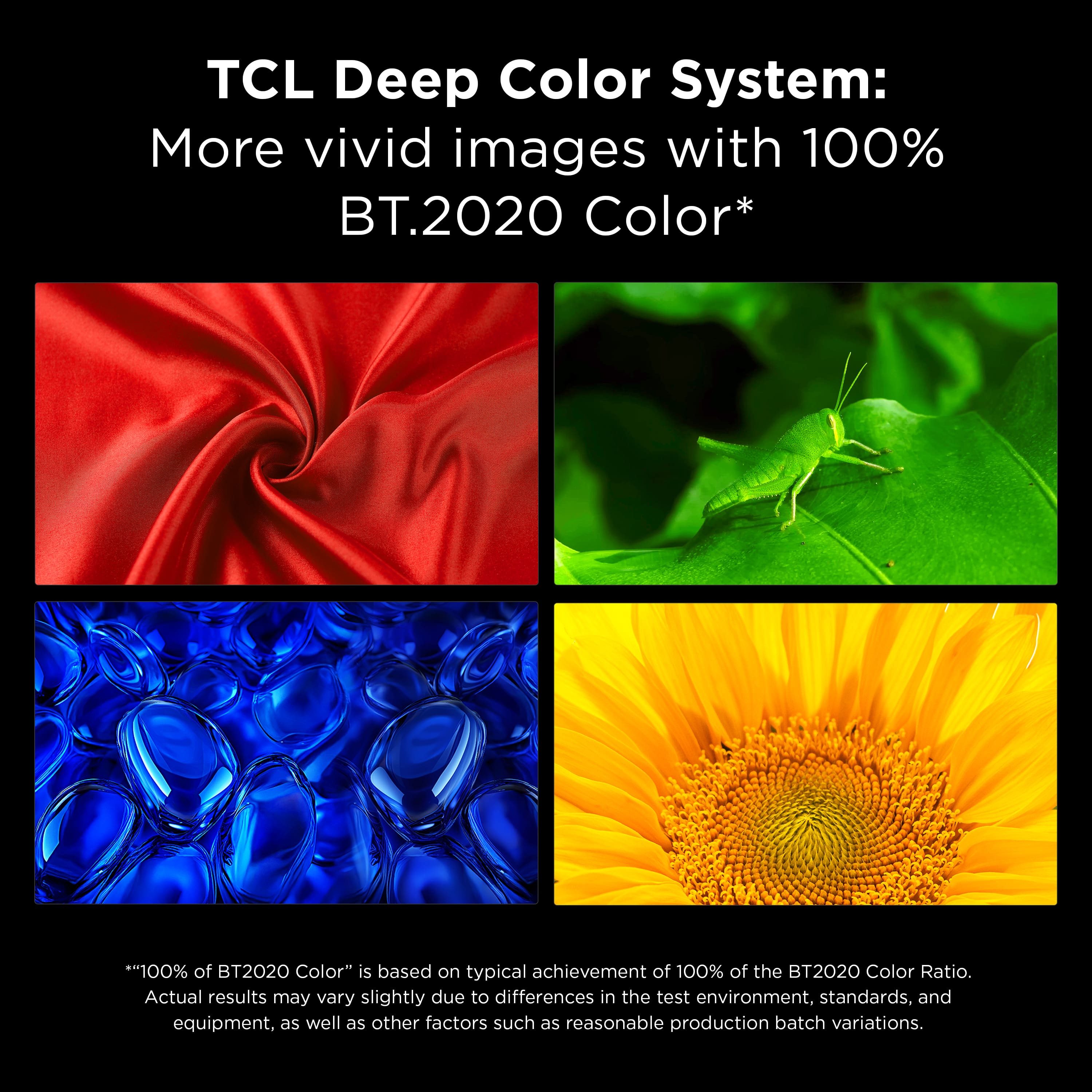
|Posted .This reviewer received promo considerations or sweepstakes entry for writing a review.This thing is a game-changer. I’ve been geeking out over TVs for years, I have a house full of OLED’s and this is hands-down one of the best I’ve used. The display? Absolutely insane. We’re talking SQD-Mini LED tech with over 20,000 local dimming zones on this 98-inch monster—that means super precise control over brightness and contrast, so you get deep, inky blacks that rival OLED without the burn-in worries, and highlights that punch you in the face. Peak brightness hits up to 10,000 nits, which makes HDR content explode—bright scenes in movies or games look blindingly vivid even in a lit room, while dark areas stay pitch black with almost zero blooming or haloing. Colors are vibrant and accurate thanks to the Quantum Dot layer covering nearly 100% of the BT.2020 gamut, so everything from skin tones to explosions looks natural and lifelike. And at 4K with 144Hz refresh rate, motion is buttery smooth—no blur in fast action or sports. It’s like having a theater in my living room; I love just staring at it. Games, Netflix, whatever—it all looks stunning on this scale. And the sound from the built-in speakers? Always a weak point on TVs, but this blew me away—way better than I ever expected from a TV. It’s tuned by Bang & Olufsen with a full-width integrated sound system right under the screen: dedicated left, center, and right channels up front for crystal-clear dialogue that stays locked to the action (no more muffled voices!), side-firing speakers for wider soundstage, and those beefy rear-mounted woofers pumping out real, room-filling bass without needing a separate sub right away. Total output is around 120W, and it supports Dolby Atmos for that immersive, overhead spatial effect—explosions rumble, rain feels like it’s coming from above, music has serious depth and separation. It’s got punch, clarity, and presence that actually makes me forget about adding a soundbar for everyday watching. Sure, if you’re a total audiophile chasing ultimate Atmos height channels, you could pair it with extras, but honestly? This holds its own big time and fills my living room without sounding tinny, harsh, or weak like most TV speakers do. I crank it up for movies and games, and it just delivers—solid lows, detailed mids, no distortion even at high volumes. Love it. Setup was straightforward once the heavy lifting was done—no major headaches at all. First off, this 98-incher is a beast (we’re talking well over 100 lbs with the stand), so definitely grab a buddy or two for unboxing and placement—don’t try solo unless you want a hernia story. The packaging is solid, stands attach easily with just a few screws (Phillips head, nothing fancy), and cable management clips are included to keep things tidy. If you’re wall-mounting (VESA 600x400 or whatever the spec is), make sure you’ve got a heavy-duty mount rated for it—it’s no joke. Once it’s in position and plugged in, power it on and boom—the Google TV welcome wizard kicks in right away. Super intuitive: pick language, region, then choose full Google TV setup (highly recommend for all the apps and features). The best part? Scan the QR code with your phone, sign into your Google account that way, and it skips typing everything on the remote—took like 2 minutes. Connect to Wi-Fi, pair the remote if it doesn’t auto-pair (it usually does), let it grab a quick software update (maybe 10-15 minutes tops), and you’re in. No weird glitches, no endless reboots—everything just worked. Within half an hour of it being upright, I was streaming 4K HDR content and tweaking picture modes. Handled inputs, apps, and casting like a champ from day one. Yeah, it’s a premium price, but for what you get? Worth every penny if you’re going big. If you’re on the fence about a giant TCL flagship, just do it. I love this TV. 10/10. Highly recommend!
I would recommend this to a friendBrand response from TCLExpert
Posted .Hi EnglishD, We appreciate you posting your thoughtful review. We hope that your new TCL TV helps you immerse yourself in whatever content you choose to watch or play! Please enjoy your TV! Thank you, Alison TCL Customer Support
THEATER QUALITY
|Posted .This reviewer received promo considerations or sweepstakes entry for writing a review.INSTALL / SETUP This is not an easy setup—this thing is BIG and heavy. Wall mounting was honestly a pain due to the size and shape. If I had to do it again, I’d go professional install without hesitation. Cable management is a weak spot. There are small channels, but nothing substantial—when wall mounted, the TV can actually rest on the cables and sit slightly uneven. That’s something TCL should have solved on a premium set like this. BUILD / FEEL This feels like a premium TV—no question. Solid materials, very little flex, and the screen feels sturdy despite the size. The near bezel-less design gives it that floating picture look, and at 98 inches, it literally feels like a theater in your living room. I used a 3-stud wall mount for stability, and I’d recommend the same—don’t cut corners here. FEATURES / PERFORMANCE Google TV runs fast and smooth overall. Apps load quickly, live TV integration is clean, and it works well as a central media hub. There are some minor bugs—Netflix froze a couple of times—but nothing deal-breaking. Likely something that gets patched over time. The ambient screen saver with rotating artwork is actually a standout feature at this size—it turns the TV into a legit art display when idle. PICTURE QUALITY This is where the TV delivers. Black levels are deep—true black, not gray—and I didn’t notice any blooming around bright objects or subtitles, which is impressive for a Mini LED at this size. Colors are vibrant and controlled, and the brightness is borderline overwhelming—in a good way. HDR content pops hard. Honestly, depending on your room size, you may find yourself turning brightness down. BRIGHT ROOM PERFORMANCE The anti-glare coating does its job. There is some reflection, but it’s minimal considering the size of the screen. Brightness easily overpowers the room, and the Mini LED backlighting keeps colors consistent across the entire panel. Every inch of the screen feels evenly lit. UPSCALING (REALITY CHECK) Here’s the honest part—upscaling isn’t perfect. Non-4K content (especially YouTube) can look a bit soft and grainy. At 98 inches, flaws get exposed. If you mostly watch high-resolution content, it won’t bother you. But if you’re heavy into cable or lower-quality streams, you’ll notice it. MOTION / SPORTS Motion handling is excellent. With motion settings adjusted, I didn’t notice any blur, stutter, or that artificial “soap opera” effect. Fast action and sports stay smooth without looking fake. GAMING This thing is a monster for gaming. Tested on both PS5 and Xbox—144Hz feels incredibly smooth, input lag is minimal, and Game Mode is dialed in. Honestly, it should be called “Beast Mode.” The combination of refresh rate, deep blacks, and bright, saturated colors at 98 inches makes gaming feel next-level immersive. SOUND I run a 5.1 system, so I didn’t rely much on the built-in speakers. I listened to them briefly, they’re decent—but on a TV this size, “decent” isn’t enough. You’re going to want external audio to match the experience. DOWNSIDE One real drawback: design practicality doesn’t fully match the premium feel. • Cable management is lacking • Inputs are placed too far from the edges—hard to access once mounted • No included manual for a TV with this many settings • Remote is solid but not universal (missed opportunity) These aren’t deal-breakers—but they stand out at this price point. OVERALL A massive, theater-level TV with elite brightness, strong Mini LED performance, and top-tier gaming—just be ready to work around a few practical design misses. GREAT THEATER TV.
I would recommend this to a friendBrand response from TCLExpert
Posted .Hi veritech13, Thank you for taking the time to provide your feedback. We hope that you are enjoying your TV thus far! We are always looking for ways to improve, and your feedback is greatly appreciated! If you need any assistance, please contact us at [email protected] with your contact information and a description of what you need help with. Someone will get back to you as soon as they can. Enjoy! Thank you, Alison TCL Customer Support
- Pros mentioned:Image quality
One TV to Rule Them All
|Posted .This reviewer received promo considerations or sweepstakes entry for writing a review.This is the TV to rule all others!! 98” of pure visual ecstasy. I have to let the world know this is truly a 5 star review, 6 if iI could! The tv is pretty huge and heavy, but surprisingly thin, so make sure you prep with a good quality mount. First let me say I have been using the TV for about a week, and am shockingly impressed with the quality. At first, I wasn’t quite sure, never had a TCL and not familiar with their menus but did some youtube research for settings advice which completely changed the game. I was hesitant, however I have gone full filmmaker mode. If you are familiar to the display mode like myself, you probably get a little disappointed when filmmaker mode kicks in due to a huge brightness dip, so extremely suprised to say I can’t believe it, but I prefer it now! Other TV’s don’t get bright enough to make this a full time option, however this beast is the perfect TV for it even in the middle of the day. I love the settings feature when viewing content from different streaming services that each have their preferred format, the TV allows you to adjust the settings and saves for each format as you add to your watched list. Disney is a lot of Dolby, YouTube is a lot of HDR10, and others vary. I cannot stress this enough…once I got the settings dialed in to my liking, the picture, motion, and clarity, makes it feel like I am watching movies for the first time again. I did a bit of in depth fine tuning with the Hulk/Thor fight scene in Ragnarock, as there is so much detail and tons of bright colors and action which has been almost unbelievable on this TV. Highly recommend to fine tune the red and green color settings. I never noticed before, but Hulk’s metal shoulder armor has subtle blue detail which I never saw before and had to rewind and double take what my eyes were seeing. I have been rewatching some movies I started but didn’t finish because they were too dark for my taste, however this TV makes everything look exceptional. I am truly impressed with the picture, colors are extremely vivid, and the motion blur is almost gone as I continue to touch up the settings. I was skeptical because everyone says OLED is the way to go for the deepest blacks, but I disagree. I have a nice OLED tv, and this blows it out of the water. I even found an awesome side feature of the remote by accidentally hitting a button on the side. There is a picture brightness up/down, and a display mode toggle which is super nice to have without needing to go to settings and disrupt the show with pesky menus that take up most of the screen.. With all the different format types around, it is nice to be able to quickly adjust the brightness on the fly with that button. Finally, I am shocked at how bright this TV gets. Every other TV, I get close to maxing out the setting, but on this TCL, I am unbelievably in the 30 – 60% brightness which is much more than sufficient. It can be hard to justify going for the premium price tag, and even initially had buyer’s remorse, however, every day I watch and fine tune, I continue to be wow’ed!! I would upgrade every TV in the house if money was no object. If you are looking for that stunner, have the budget, and don’t like to sacrifice…What are you doing, go order this TV now
I would recommend this to a friendBrand response from TCLExpert
Posted .Hi dbickpg, We appreciate you posting your thoughtful review. We hope that your new TCL TV helps you immerse yourself in whatever content you choose to watch or play! Please enjoy your TV! Thank you, Alison TCL Customer Support
Unbelievable.
|Posted .This reviewer received promo considerations or sweepstakes entry for writing a review.There is really only one word to explain the TCL X11L SQD-Mini LED TV: Unbelievable. I have had many TV's in my life and this one is by far the cream of the crop, and it isn't even close! It is hard to decide where to start, because everything about this TV blows away any expectation that I had. The screen is stunning, it makes everything come to life! From movies to gaming there is nothing that this TV doesn't make better. The build quality of this unit is unparalleled as well! It is beautifully crafted and you can tell that contains only the most premium materials. The sound was also something that has far exceeded what I thought a TV could even do! I mean it has drivers built into the back of the screen! How amazing is that!? I have been using this TV without my surround sound system as the built in sound is so much better. The one thing I will say about this TV is that it is very heavy, which is to be expected with a device this large. You will definitely want some help with the unboxing, but know that this device is packaged extremely well. For wall mounting you will want to be sure to have a very sturdy wall and wall mount, I have chosen to use the included legs and place this TV on a stand instead. Overall I can say that this TV will completely evolve your home entertainment experience, from movies to gaming to that favorite series on Netflix! You will never look at another TV the same after using this one, that is for sure!
I would recommend this to a friendBrand response from TCLExpert
Posted .Hi Saitzev, We appreciate your thoughtful feedback. Please enjoy the great size and quality of this TV. Thank you for choosing TCL to be part of your family! Thank you, Alison TCL Customer Support