Customer Ratings & Reviews

- Model:
- CA-1P5-00M6WN-00
- |
- SKU:
- 6459488
Customer reviews
Rating 4 out of 5 stars with 5 reviews
(5 customer reviews)to a friend
Rated 4 out of 5 stars
Great case!
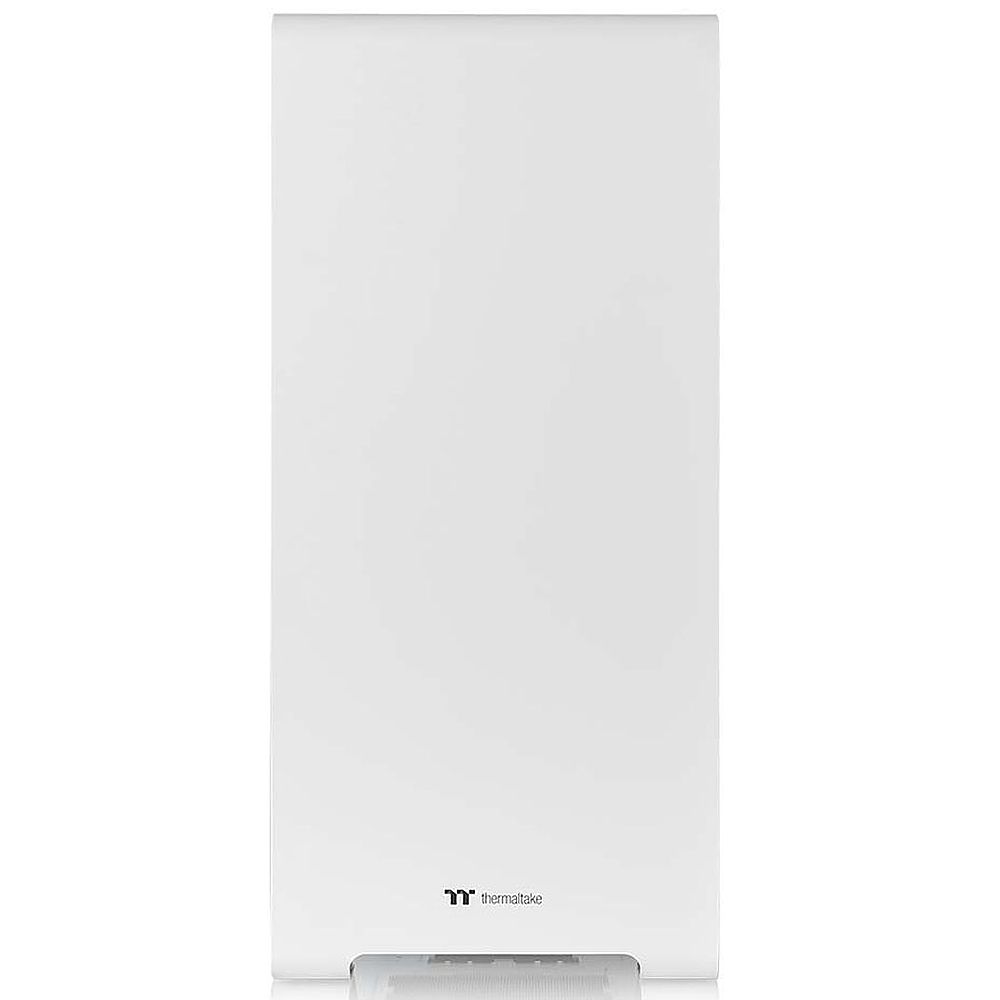
||Posted . Owned for 1 month when reviewed.This reviewer received promo considerations or sweepstakes entry for writing a review.Beautiful case, and plenty of air circulation. Just wished the front was opened or meshed with some sort of antidust screen instead of been closed off
I would recommend this to a friendRated 4 out of 5 stars
Good case at a good price
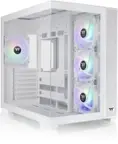
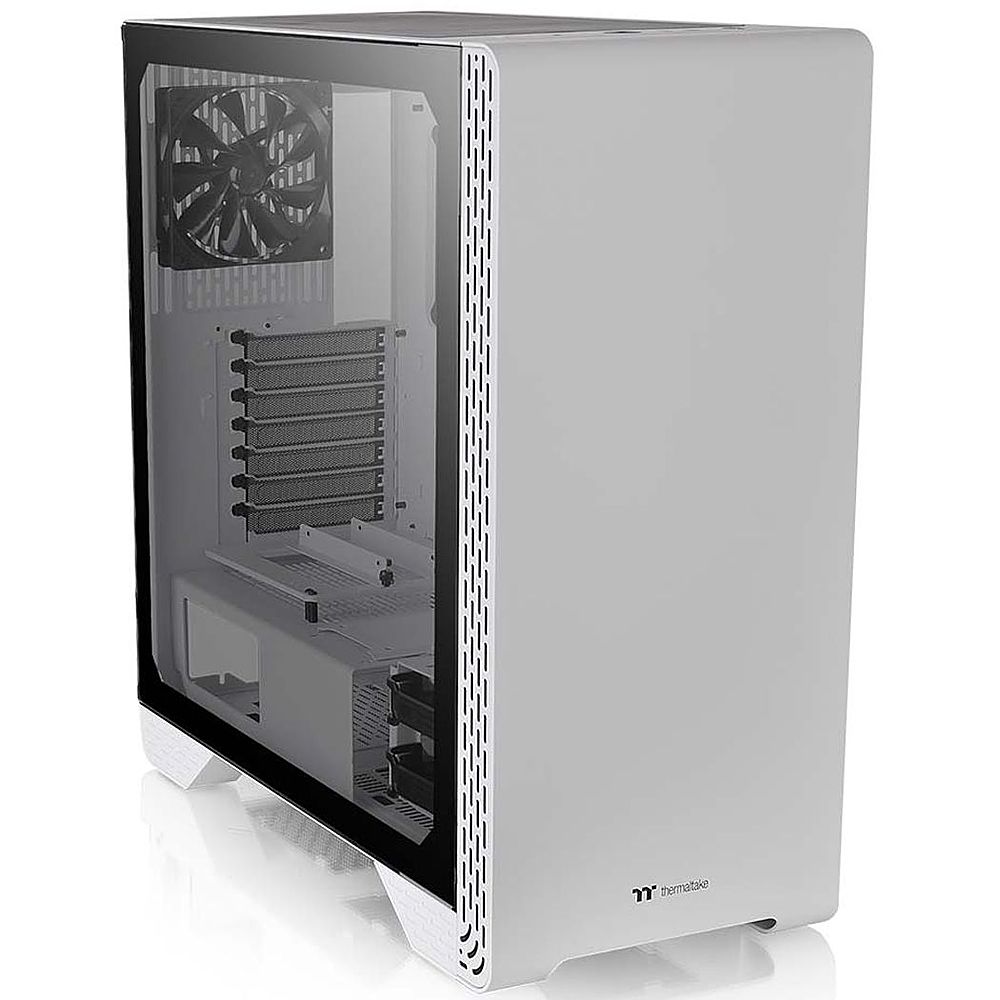
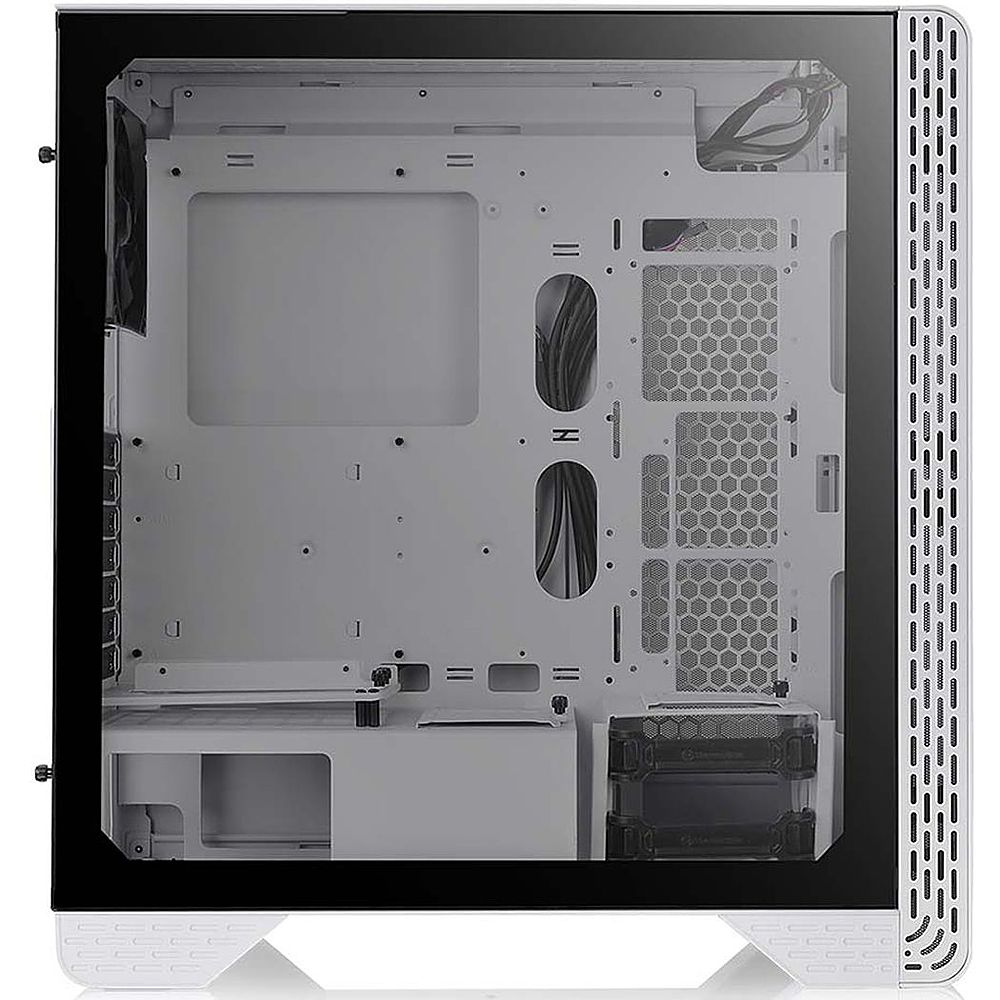
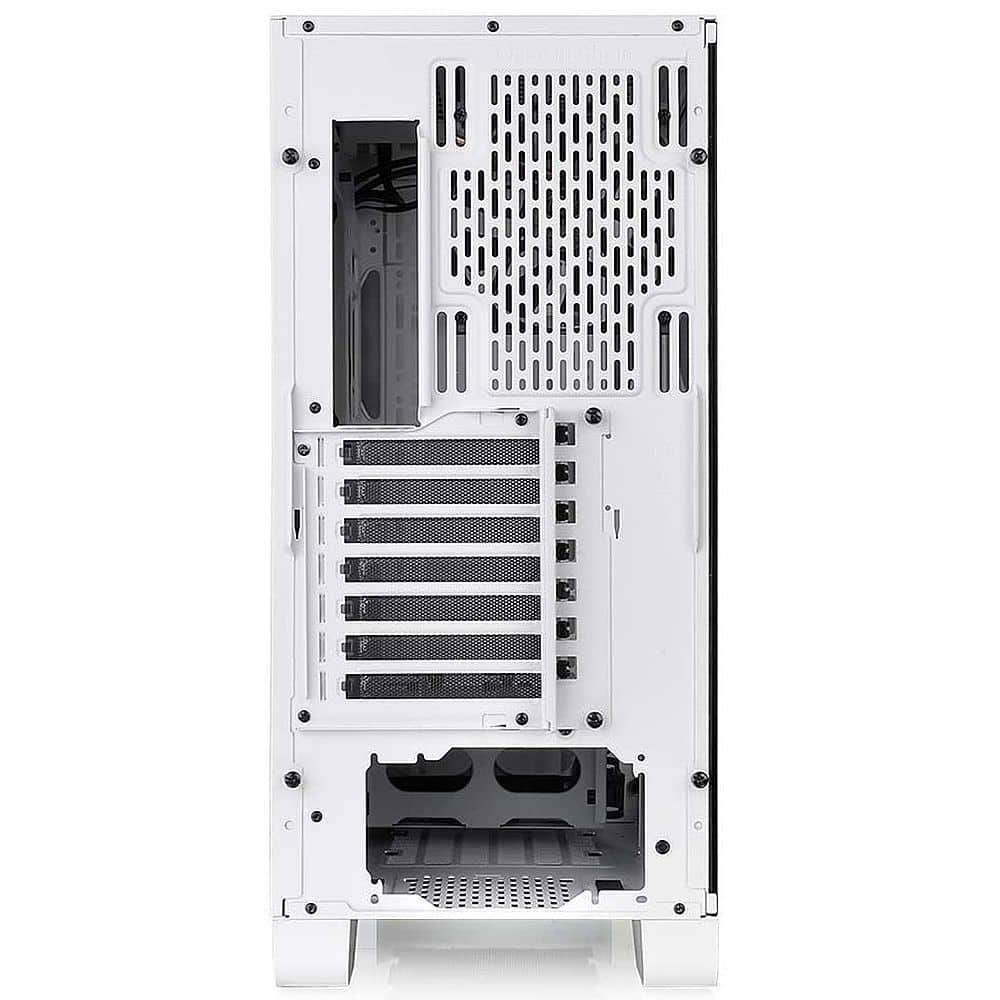
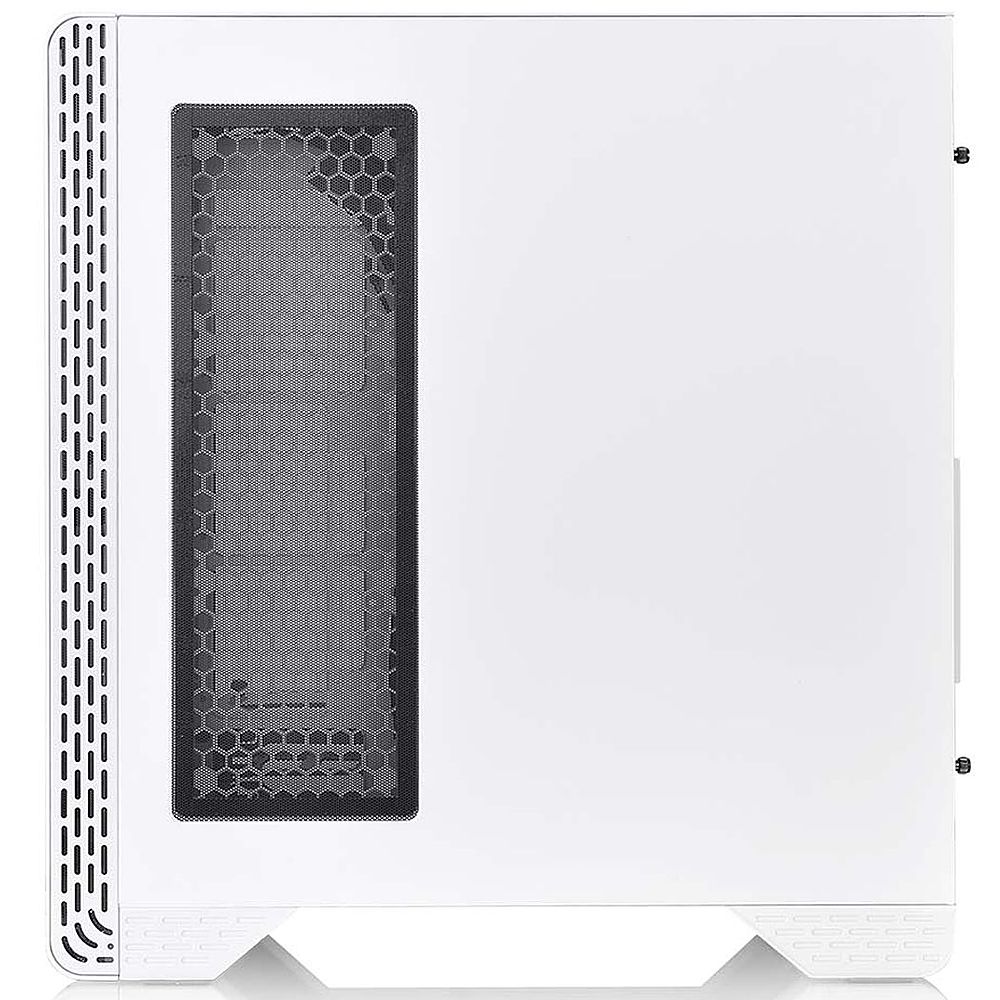
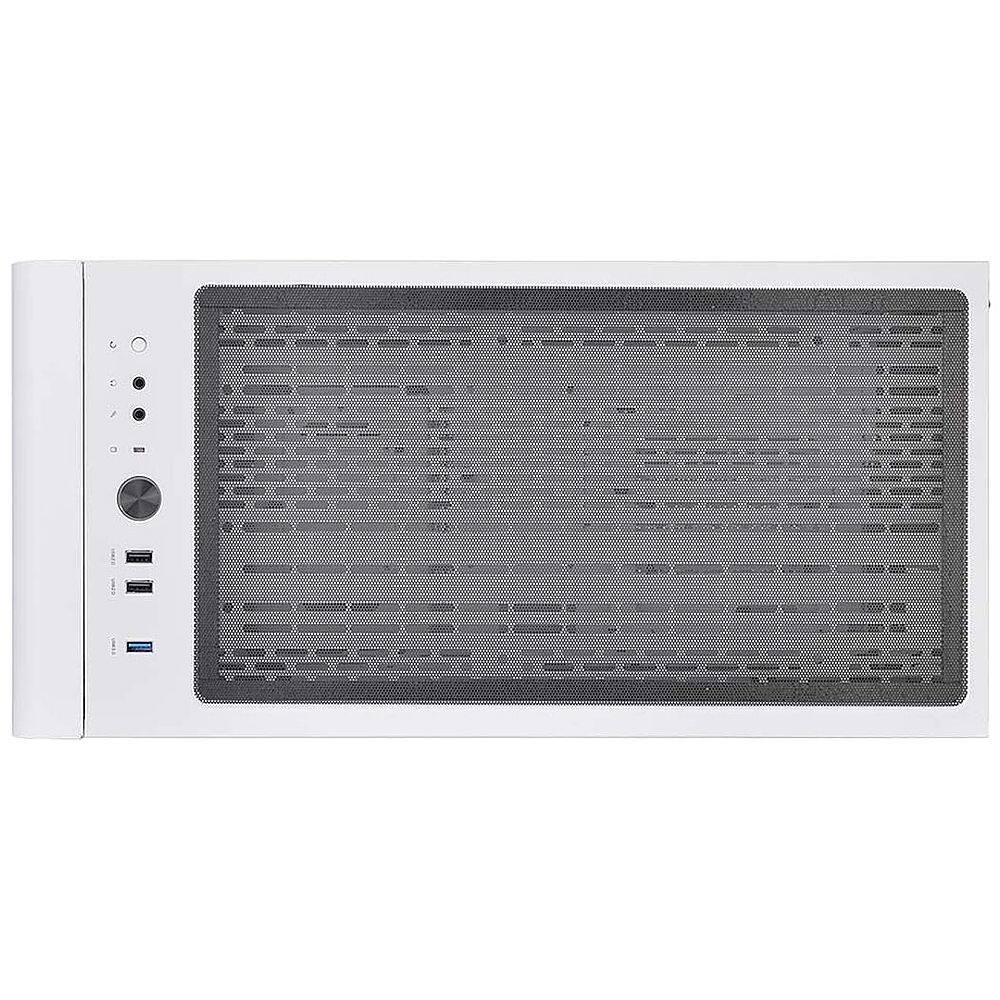
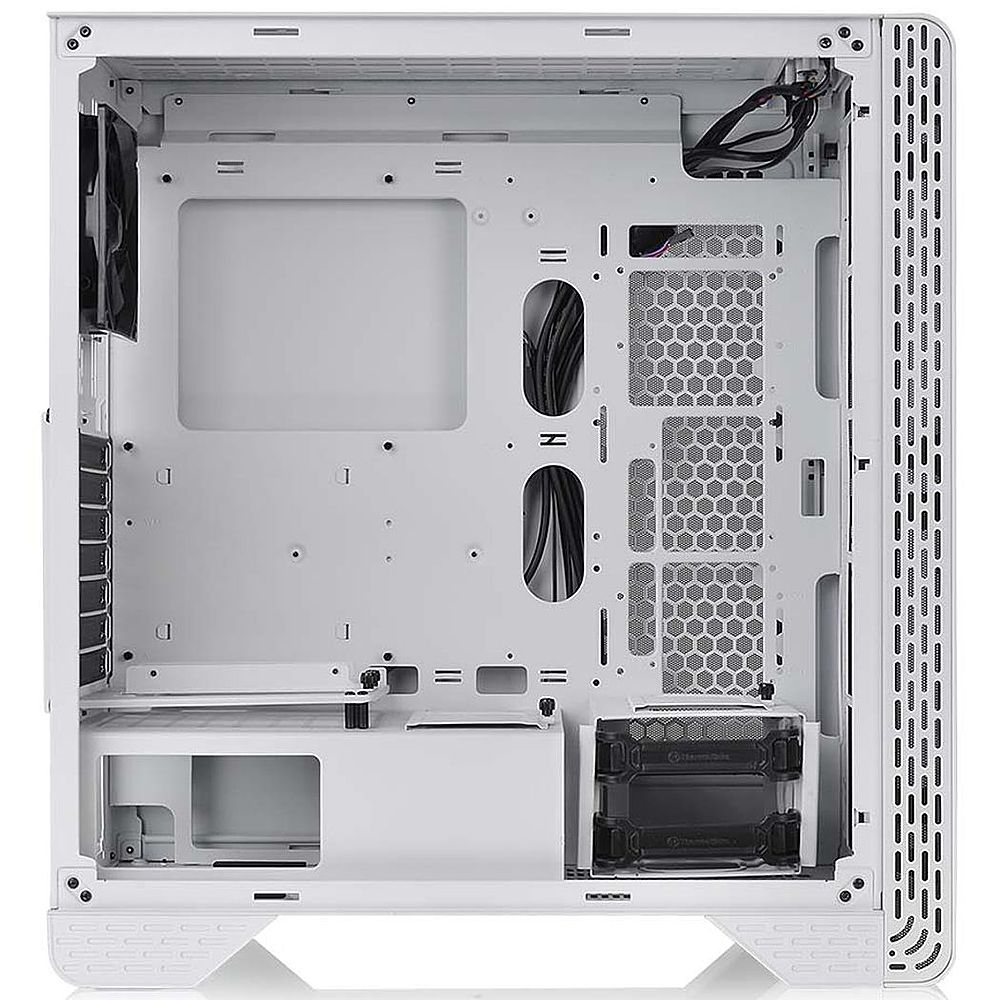
||Posted . Owned for 3 weeks when reviewed.This reviewer received promo considerations or sweepstakes entry for writing a review.I searched for a case at this price point (~$100 at time of purchase) that could fit two 360mm radiators, one in top of the case and another in a side or bottom position. I know a lot of cases allow for front mounted 360mm radiators but I wanted to avoid feeding the second rad hot air from the first. The S300 fit the bill almost perfectly. I am doing this build slowly and this case has been fun to work in. The steel frame feels sturdy on most sides of the frame. When I move it the case does not flex. The front panel comes off easily with a tug but is surprisingly thick and stiff in construction. The PSU can be mounted with fan facing up or down. The dust filters on the bottom are held by tabs and easy to remove from the outside. The top dust filter is held with magnets. The PSU shroud, 2.5” SSD/HDD mounting plates, and 3.5” HDD enclosure are all easily removable. Space for cable management is OK and there are no covers for the cable routing holes. The back side of the motherboard tray does feature many small metal loops for cable ties and there are some ties included in the parts box. The case comes with one 120mm fan (3pin connector) mounted in the rear fan location. I have not used it and cannot speak for its speed, sound level/quality. I have my own fans and controller. Front mounted fans 1”/25mm thick) can be installed on either side of the front frame and fit under the front panel. I will be mounting my front fans on the outside due to my side radiator’s width. The parts box contains a fair number of screws and ties as one would need for a first build. They are all black which is nice. Eight 6-32 screws a little over 1” long are provided for mounting a radiator with fans to the case. I have had a few issues with the case. Two issues with the top mounted 360mm radiator caused by the rearward position of the vented section and the USB ports/buttons near the front. 1) my Swiftech 360mm radiator could only fit with ports facing forward and… 2) to provide clearance around the port/button assembly my fans had to be sandwiched between the case top and radiator. My fans are standard 25mm thickness, thin fans would not have worked. This was not the end of the world but I had hoped to have my radiator ports rearward to help keep my tube lengths short. It did make for one advantageous positioning with the side mounted 360 rad’s ports lining up well with the top rad for a short connection. A 90 degree fitting on the top rad was needed. There is a reason the ThermalTake documentation does not explicitly mention support for a top mounted triple rad. And if you put a 360mm radiator on top it blocks the rear 140/120 fan spot. I had wanted to put a radiator there too. A note about the provided thumbscrews, the paint seems to interfere with the tapped ports making a screwdriver a requirement, so much for the tool free access. It may get better with time but for now it is a bit of a pain. Another thing about the paint, it is very pretty and even on the surfaces. I somehow nicked a spot on a rounded corner on the front panel after it fell on the corner from a height of 1 ft onto thick carpet, so be careful. The metal on the back panel where the modular bay starts is very thin and prone to bending when the modular bay’s retention bracket is not screwed in tight. To get the vertical GPU setup a PCIe extension cable has to be purchased separately. I bought a ThermalTake branded cable and had no issues with the installation. Not really an issue at this price point but something to remember. The modular bay is easy to change, there are a couple plastic spacers in the parts box to choose from to support the GPU on the right corner of the mounting plate closest to the window. These issues are the sole reason I am giving this review 4 stars instead of 5.
I would recommend this to a friendRated 5 out of 5 stars
Great Thermaltake case!
||Posted . Owned for 7 months when reviewed.This reviewer received promo considerations or sweepstakes entry for writing a review.Thermaltake hits it out of the park again with this case, it's great for cable management, fits all GPUs, and is easy on the eyes.
I would recommend this to a friendRated 2 out of 5 stars
PC Build Potential/ Beware
||Posted . Owned for 1 week when reviewed.This reviewer received promo considerations or sweepstakes entry for writing a review.PC Case has lots of real-estate for an Epic PC build. Has one big flaw. The drilled holes where the Standoffs are and where the motherboard would need to be screwed on to, were loose and made of cheap material, PC Case has potential, but buyer beware.
No, I would not recommend this to a friendRated 5 out of 5 stars
a title
Posted .This reviewer received promo considerations or sweepstakes entry for writing a review.Great case and price..............................
I would recommend this to a friendBrand response from Thermaltake
Posted .Hello,
We are glad you are enjoying your case. If you have any questions please feel free to reach out any time!
Best Regards,
Thermaltake Support