Customer Ratings & Reviews
- Model:
- CA-1Z2-00M1WN-00
- |
- SKU:
- 10116486
Customer reviews
Rating 4.6 out of 5 stars with 25 reviews
(25 customer reviews)Rating by feature
- Value4.7
Rating 4.7 out of 5 stars
- Quality4.7
Rating 4.7 out of 5 stars
- Ease of Use4.6
Rating 4.6 out of 5 stars
- Pros mentioned:Color
Rated 5 out of 5 stars
Best color and easy for a starter
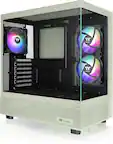
||Posted .This reviewer received promo considerations or sweepstakes entry for writing a review.price was expected compared to other company’s love the color for a start this is a good case to run with am4 motherboard or am5 your preference
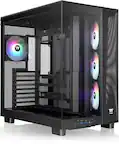
This review is from Thermaltake - View 380 TG ARGB Mid Tower ATX PC Case - Hydrangea Blue
I would recommend this to a friendBrand response from Thermaltake
Posted .Hello, we are happy to see that you are satisfied with your case. If you need any assistance, feel free to reach out anytime. Best regards, Thermaltake Support
Rated 5 out of 5 stars
Beautiful Case
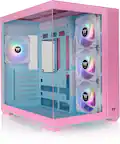
||Posted . Owned for less than 1 week when reviewed.This reviewer received promo considerations or sweepstakes entry for writing a review.Just changed my pc case to this one & it’s even more beautiful in person. I love it.
This review is from Thermaltake - View 380 TG ARGB ATX Mid-Tower PC Case - Bubble Pink
I would recommend this to a friendRated 5 out of 5 stars
Pc build
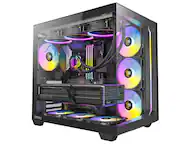
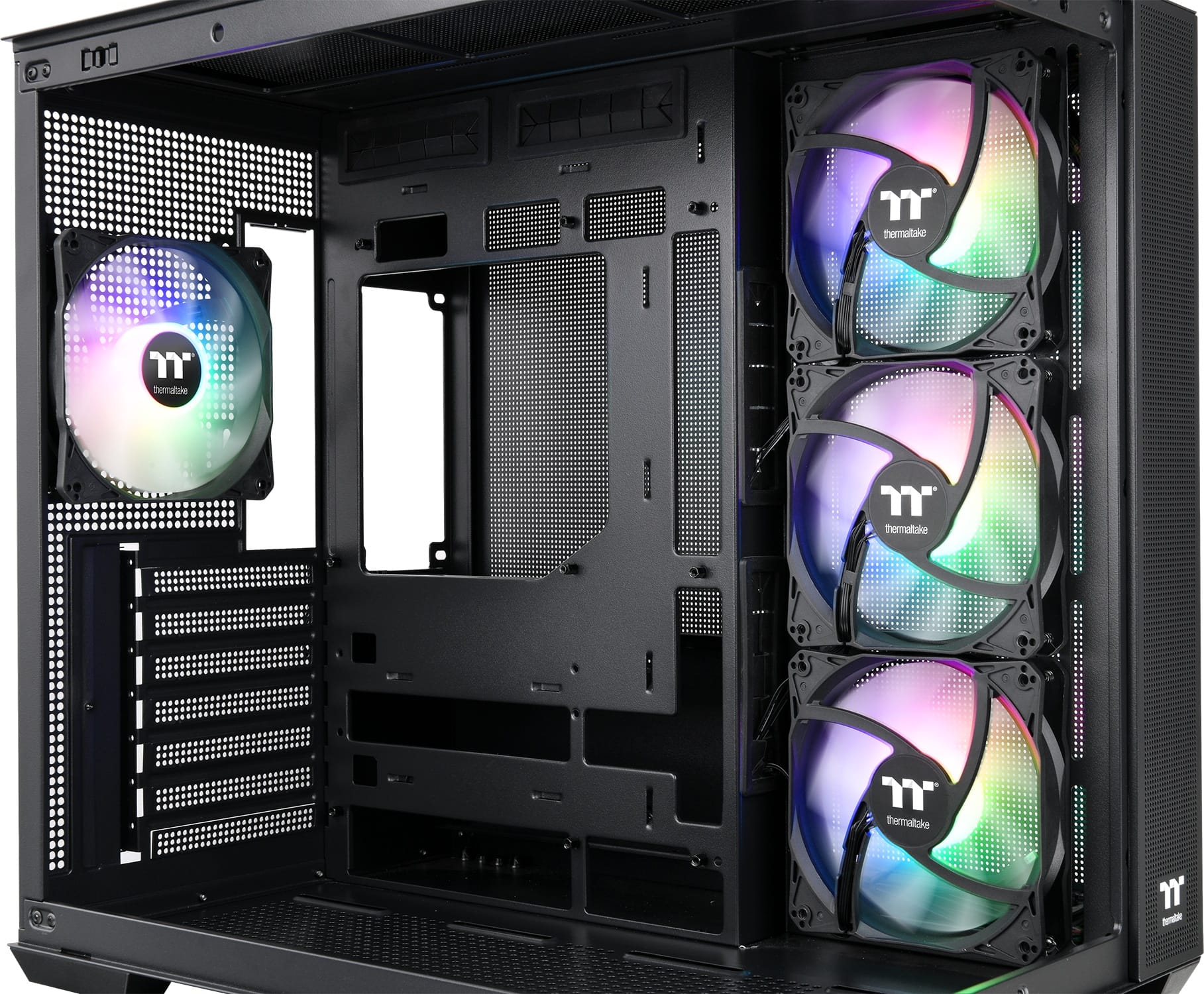
||Posted . Owned for less than 1 week when reviewed.This reviewer received promo considerations or sweepstakes entry for writing a review.Still buying all the parts to build my pc, however great looking case for the price point and I love the fact it’s dual chambered
This review is from Thermaltake - View 380 TG ARGB Mid Tower ATX PC Case - Black
I would recommend this to a friend- Pros mentioned:Airflow
Rated 5 out of 5 stars
Great budget case
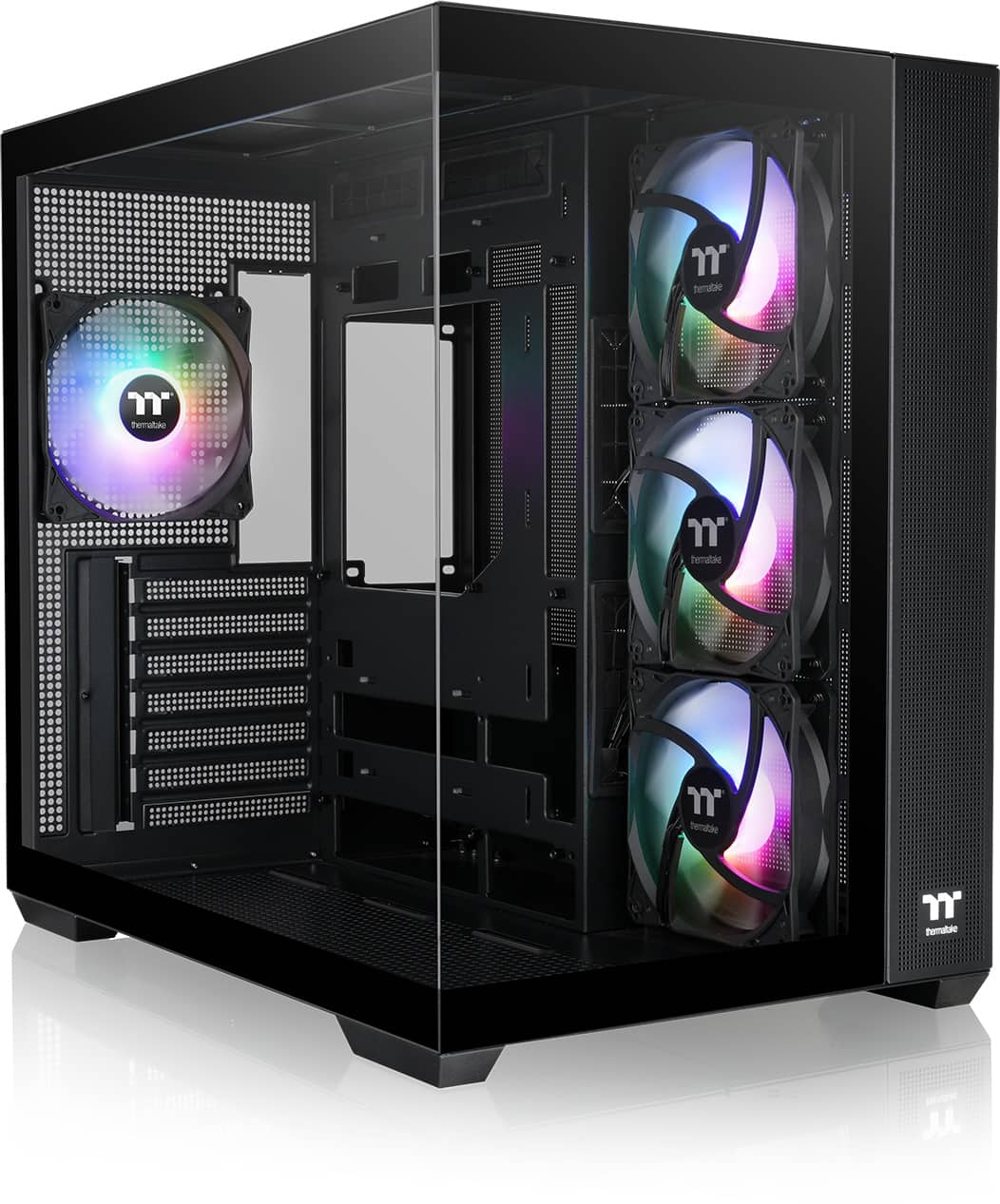
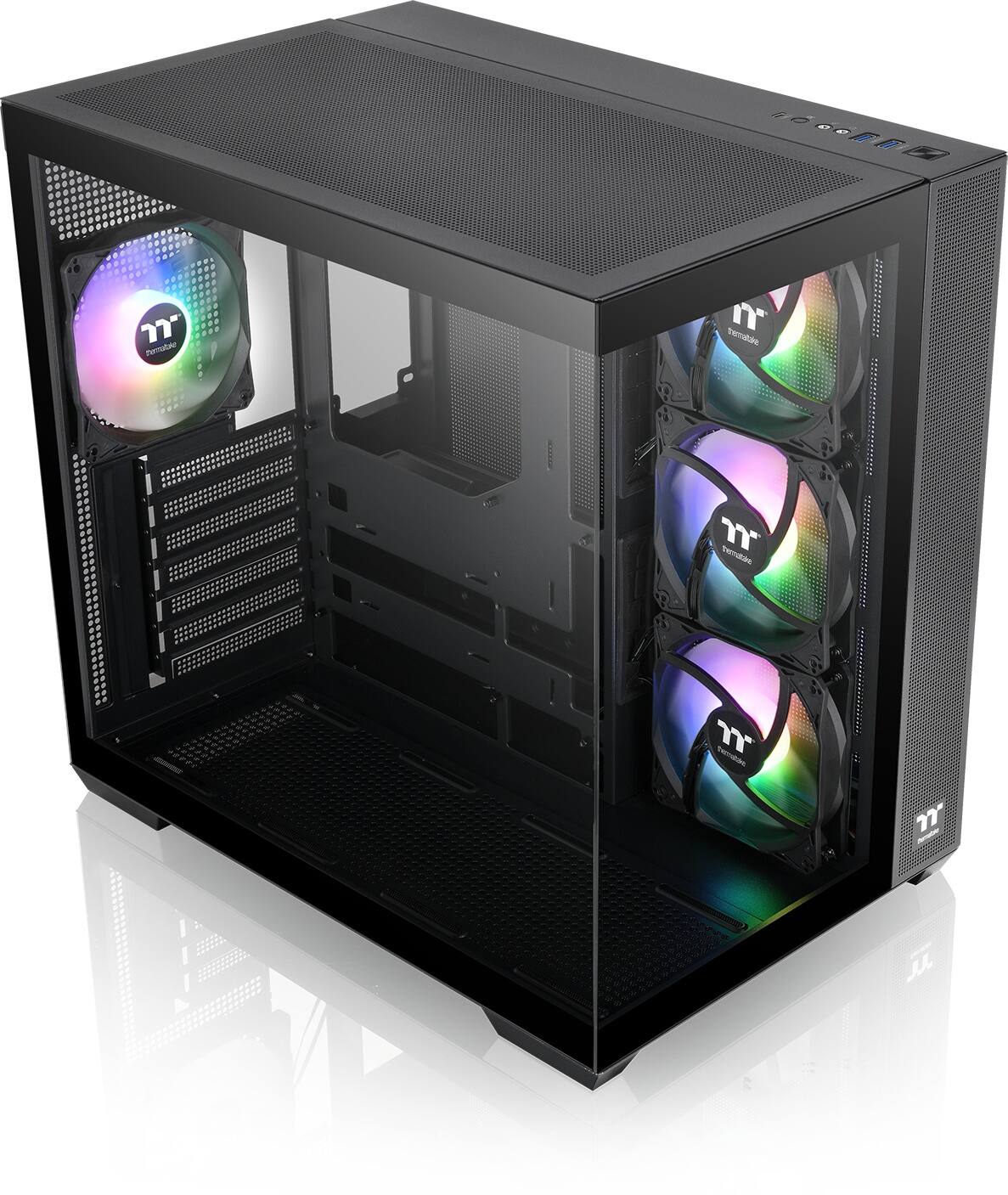
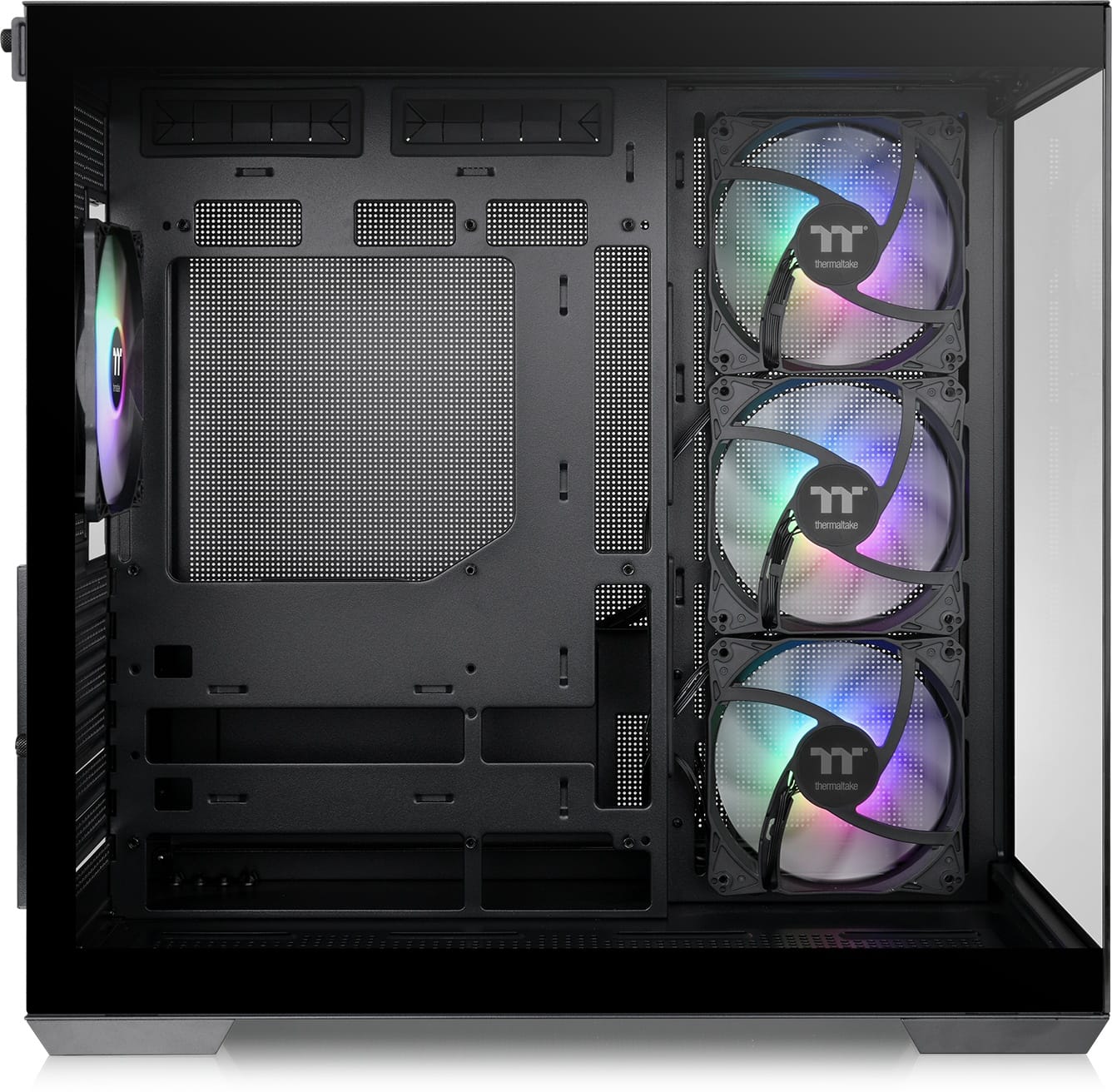
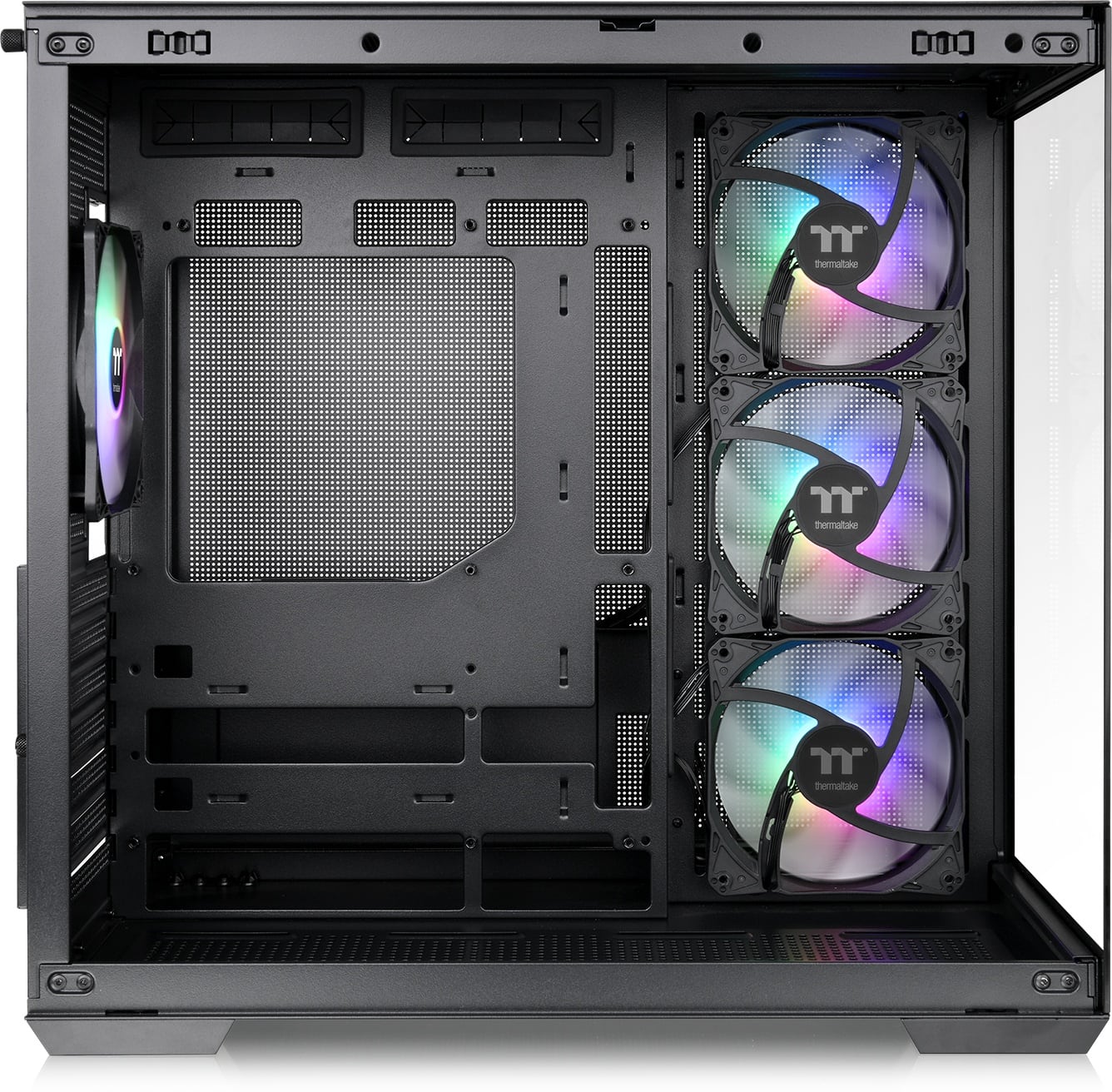
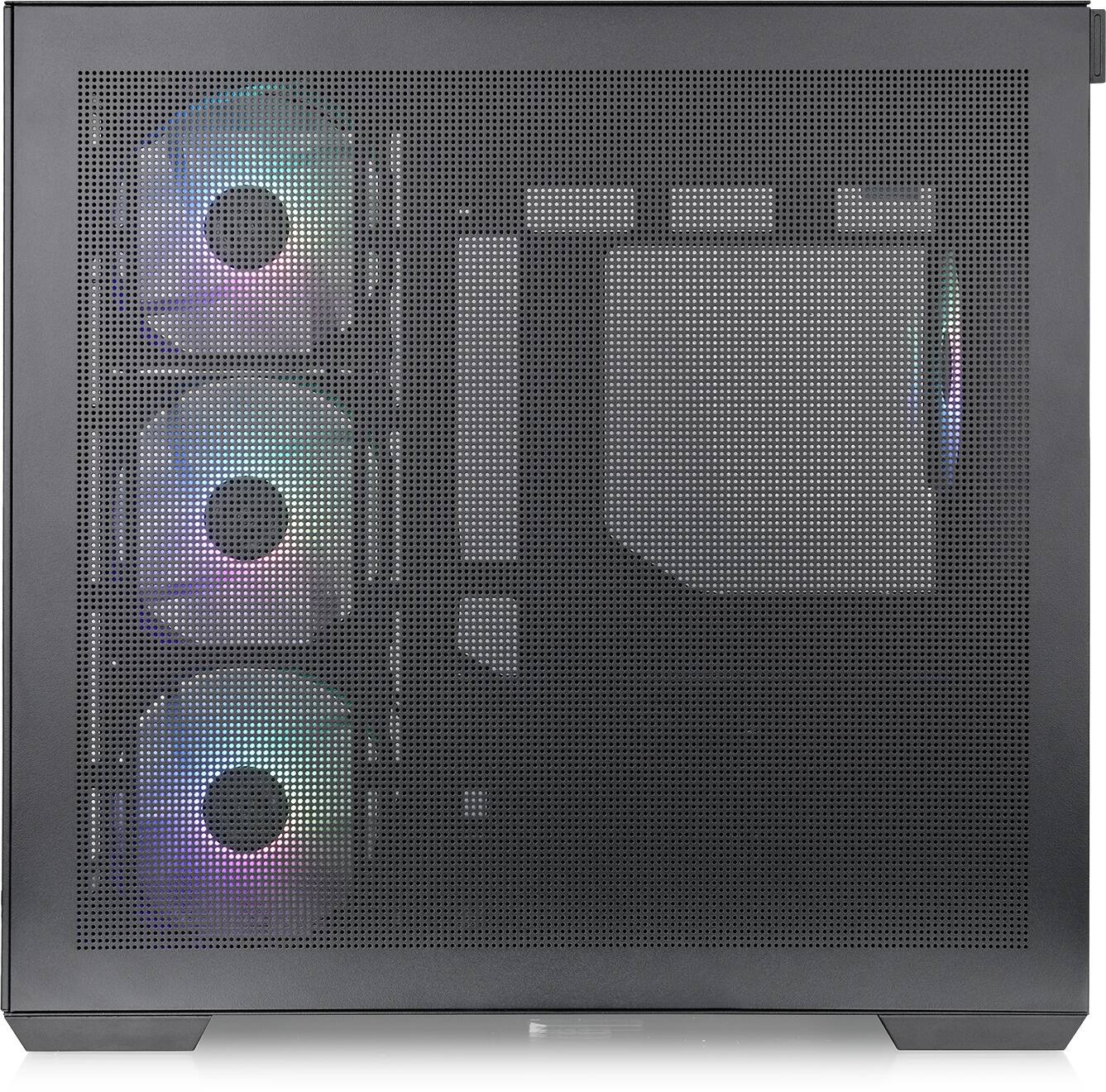
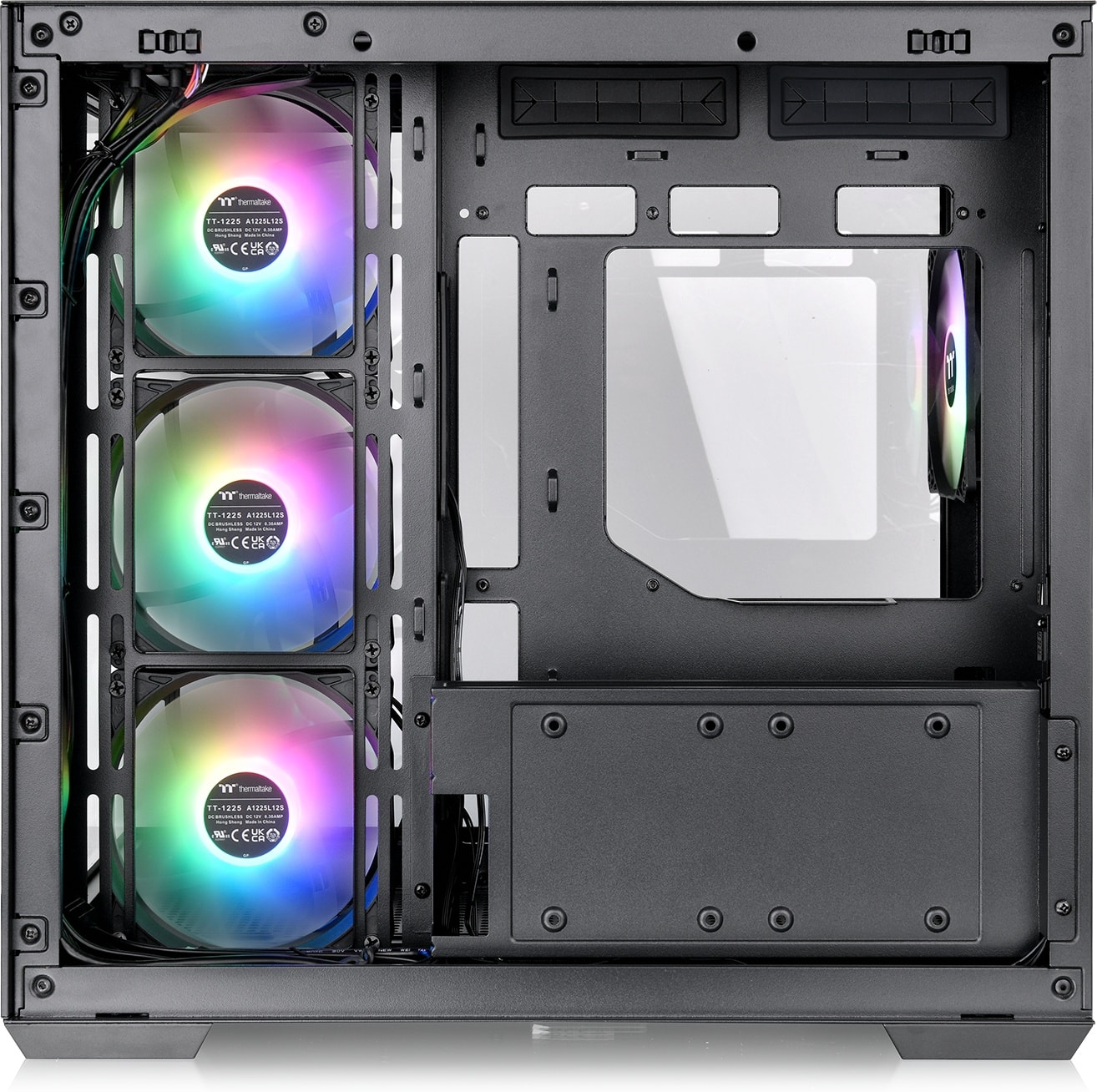
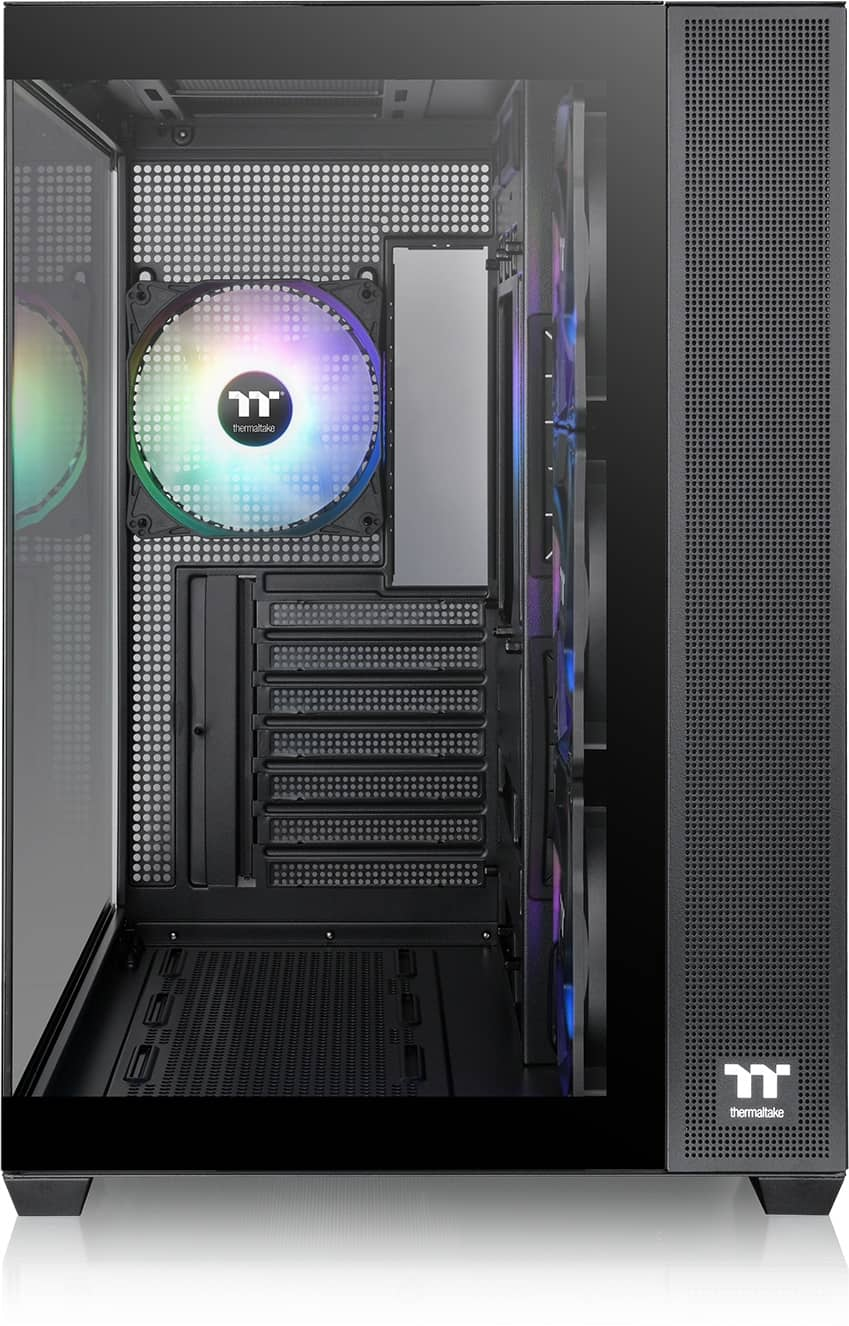
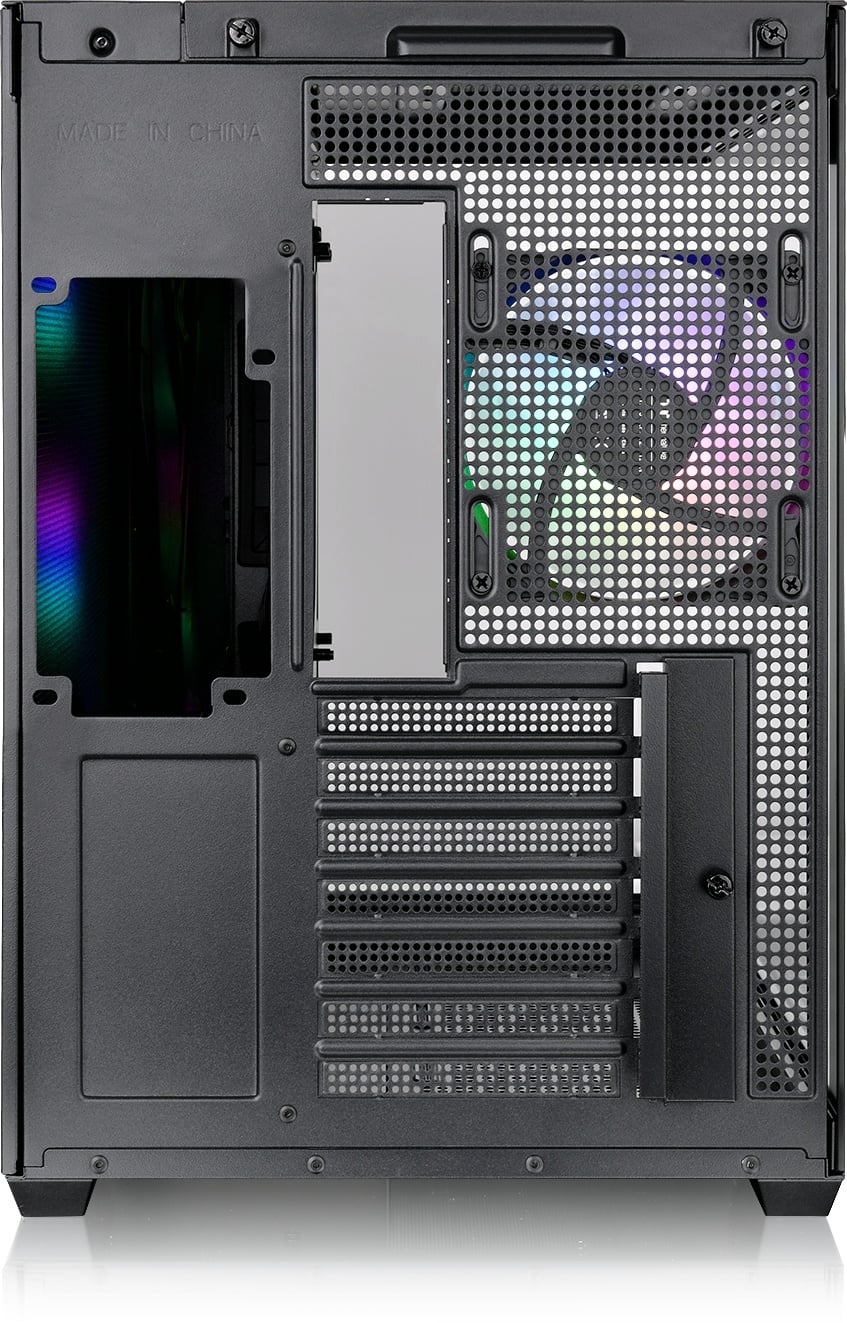
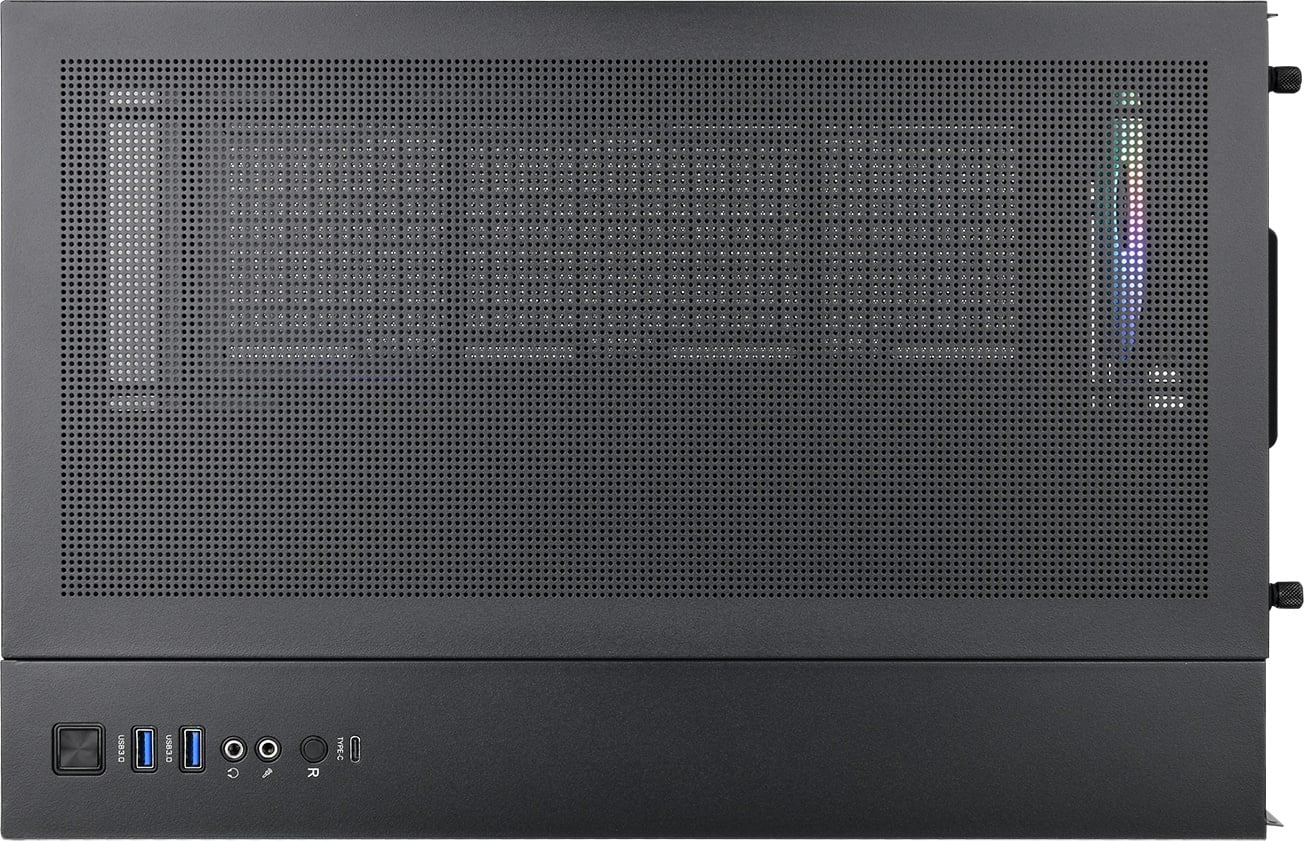
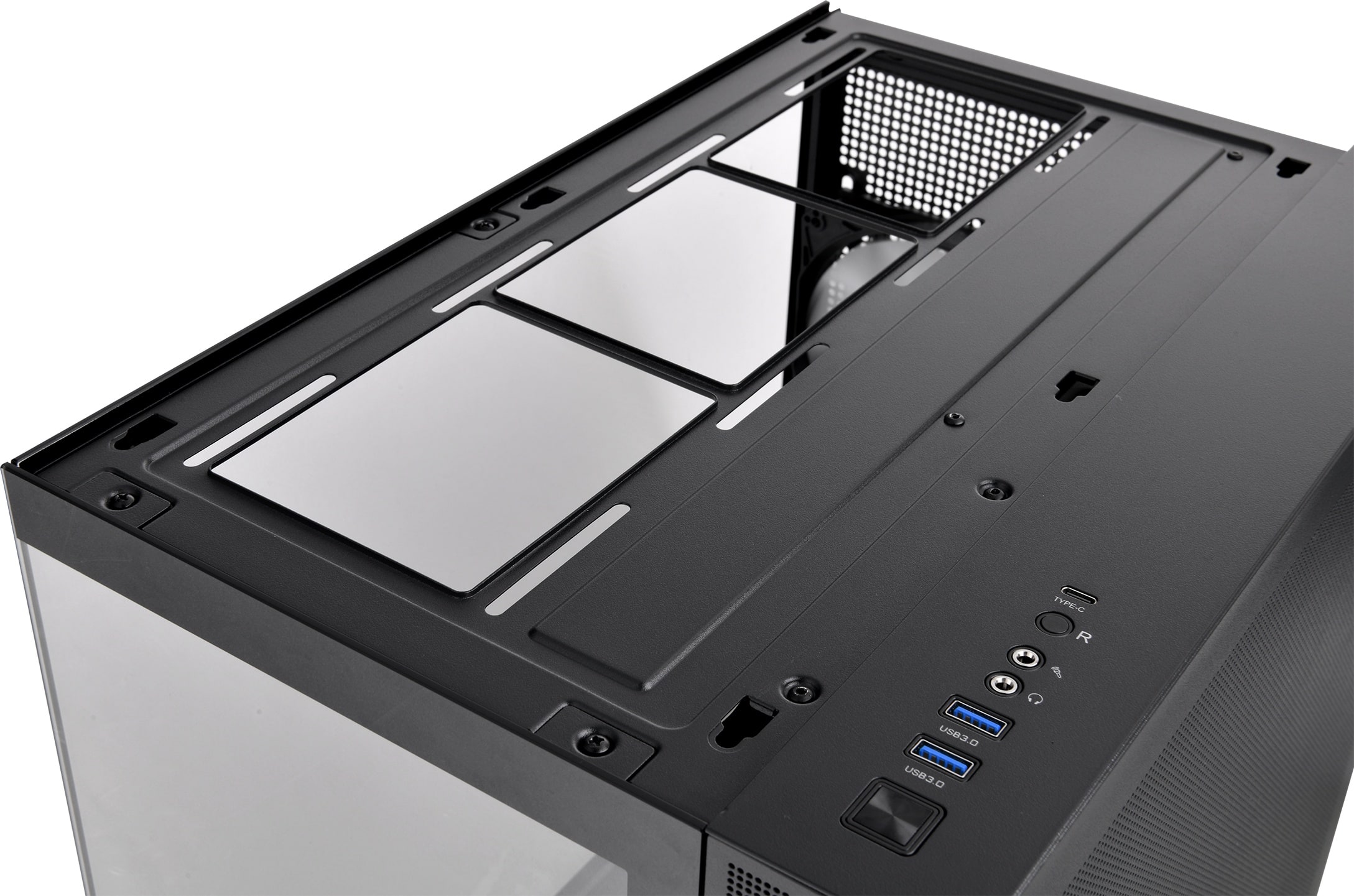
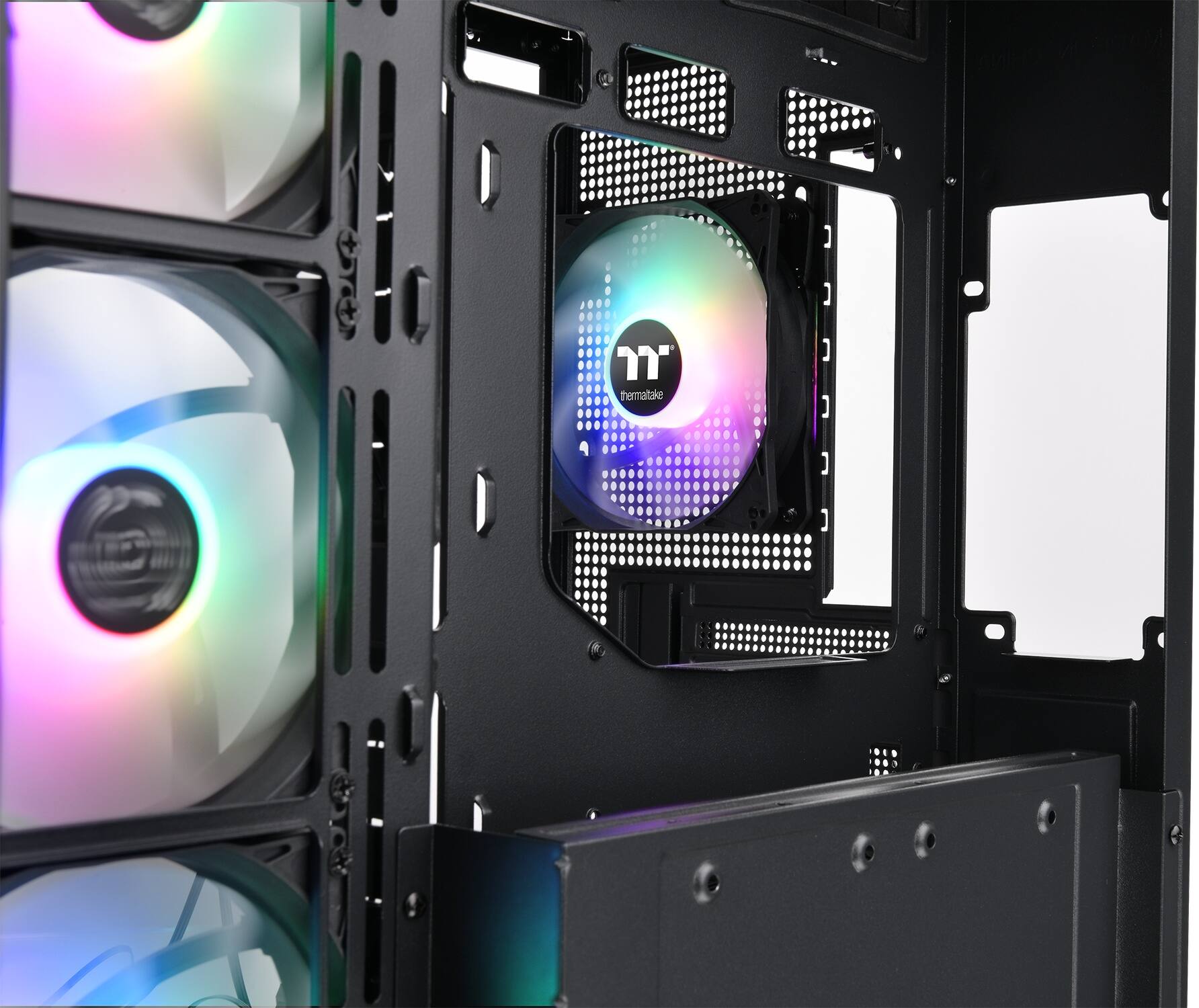
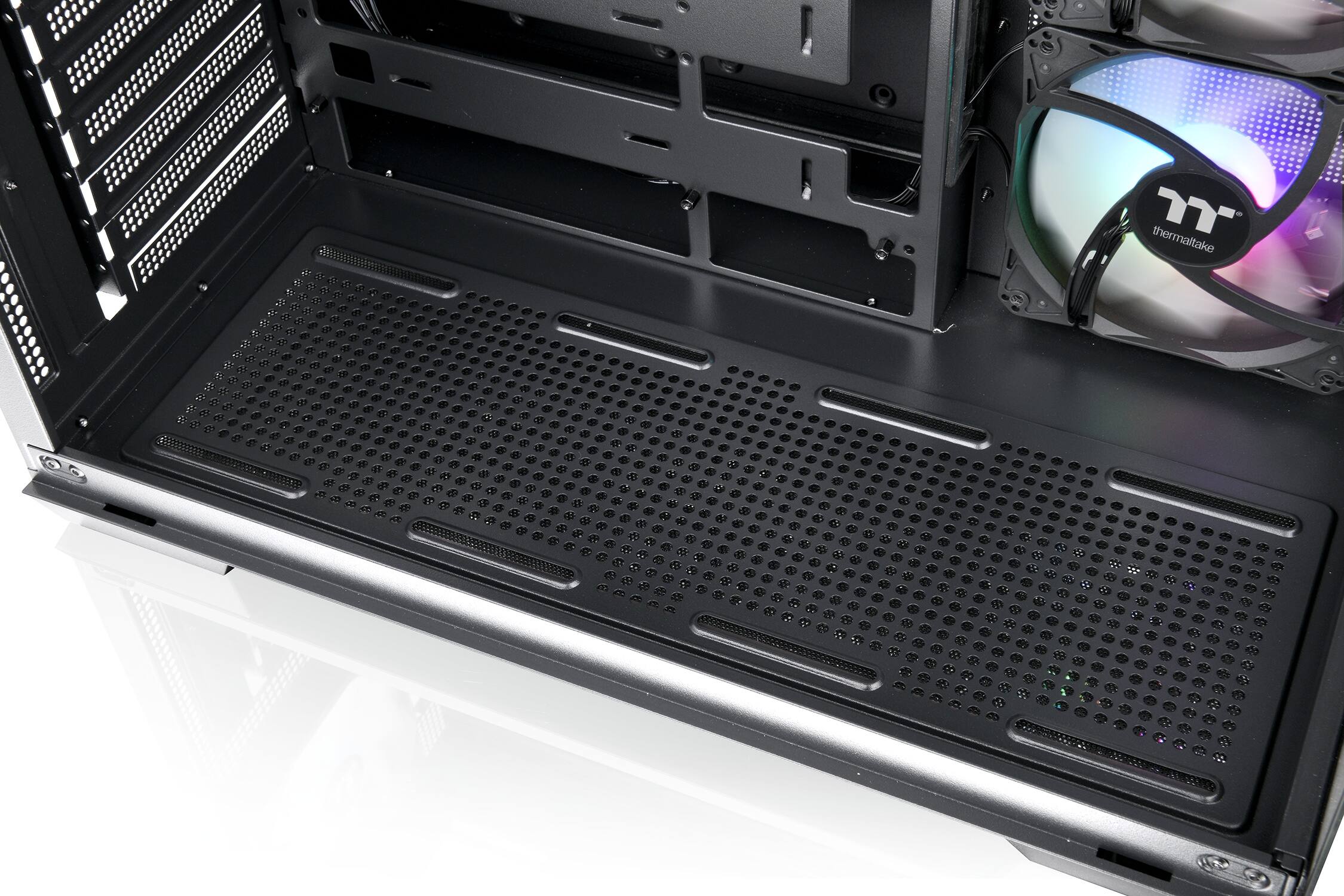
Posted .This reviewer received promo considerations or sweepstakes entry for writing a review.This is a great budget case. Pros for this case The biggest graphics cards fit in it easily Room for a 360mm aio up top as exhaust Comes with 4 120mm rgb fans that aren't annoyingly loud Looks like a fish tank, you can see everything clearly I have no cons for this case but there are 2 quirks The pci expansion brackets need to be broken off, they don't screw off like most cases do. It doesn't bother me but it might for some people. Leave the top one in tact as your gpu wont fill that slot. Remove the 2nd and 3rd bracket for your gpu. Run your cables thru the slots before installing your motherboard. If you don't you'll be mad and have to take the board back out to properly route your cables. This may seem like a pita but in the end it provides a cleaner look for your cable routing
This review is from Thermaltake - View 380 TG ARGB Mid Tower ATX PC Case - Black
I would recommend this to a friendBrand response from Thermaltake
Posted .Hello
We are happy to see you are satisfied with your case. If you need any assistance feel free to reach out any time.
Best Regard,
Thermaltake Support
Rated 4 out of 5 stars
Nice for the price
Posted .This reviewer received promo considerations or sweepstakes entry for writing a review.Nice duel chamber case considering the cost. I wish it came with the filler tabs for the GPU bracket slots
This review is from Thermaltake - View 380 TG ARGB Mid Tower ATX PC Case - Black
I would recommend this to a friendBrand response from Thermaltake
Posted .Hello
We are happy to see you are satisfied with your case. If you need any assistance feel free to reach out any time.
Best Regard,
Thermaltake Support