Customer Ratings & Reviews
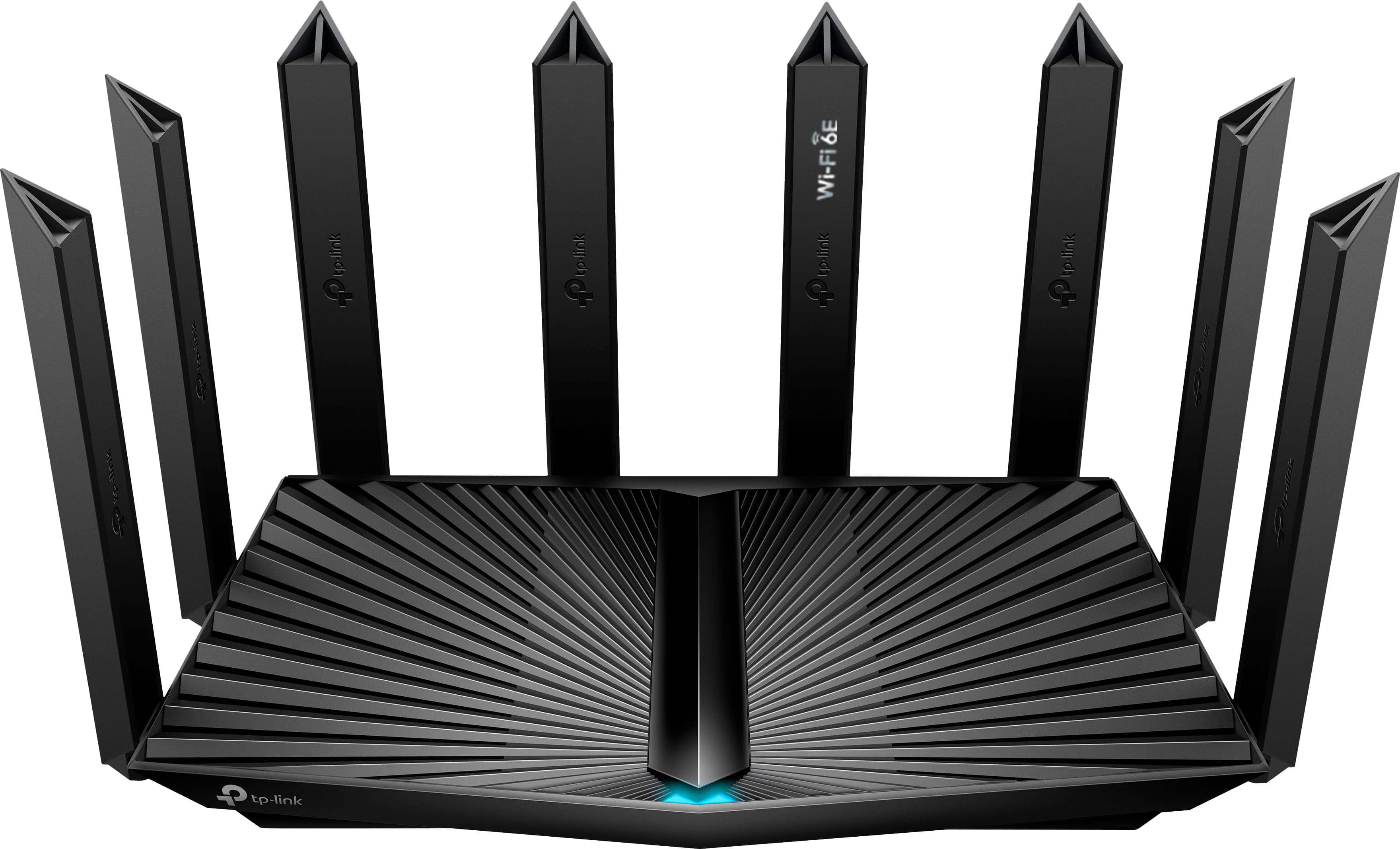

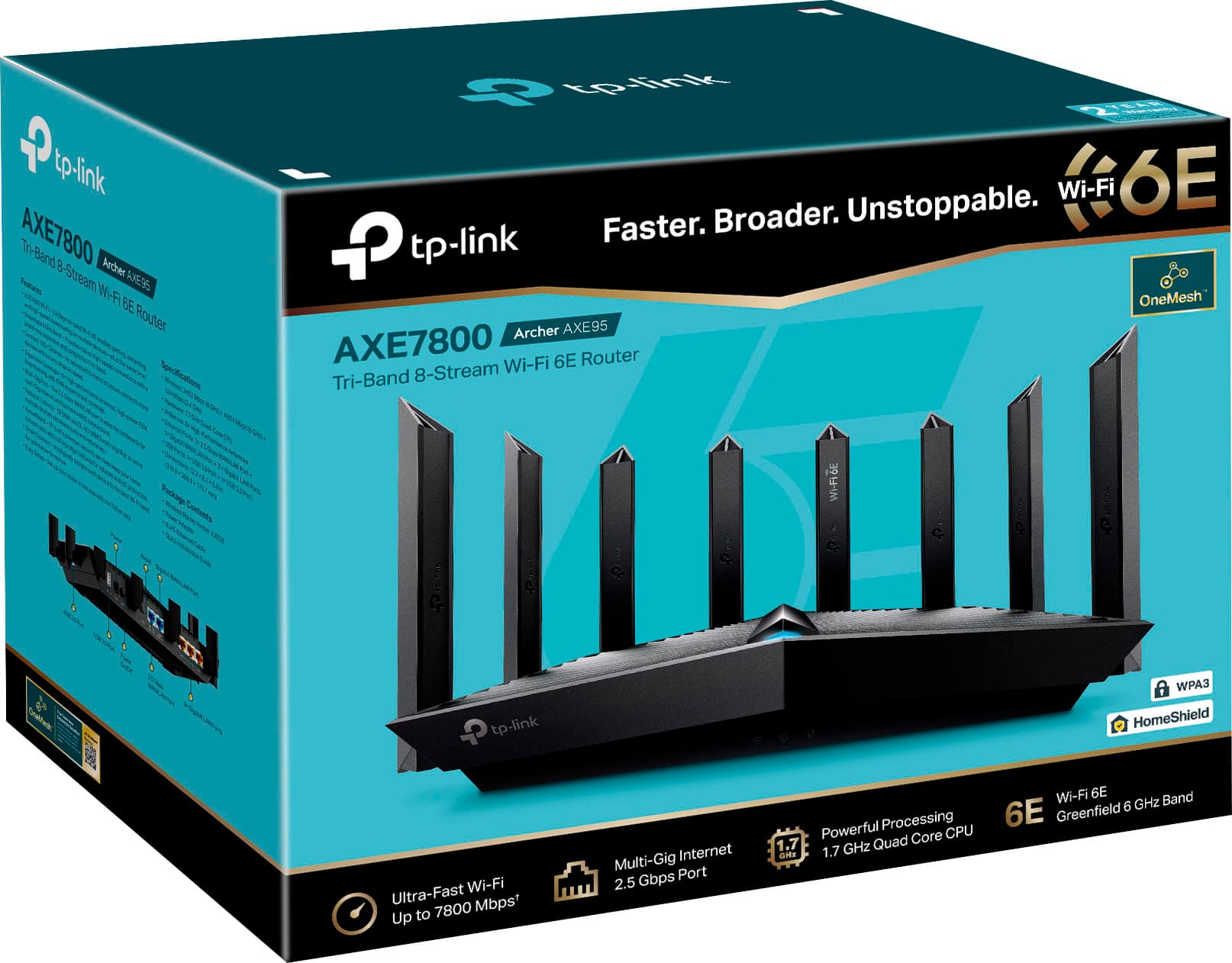
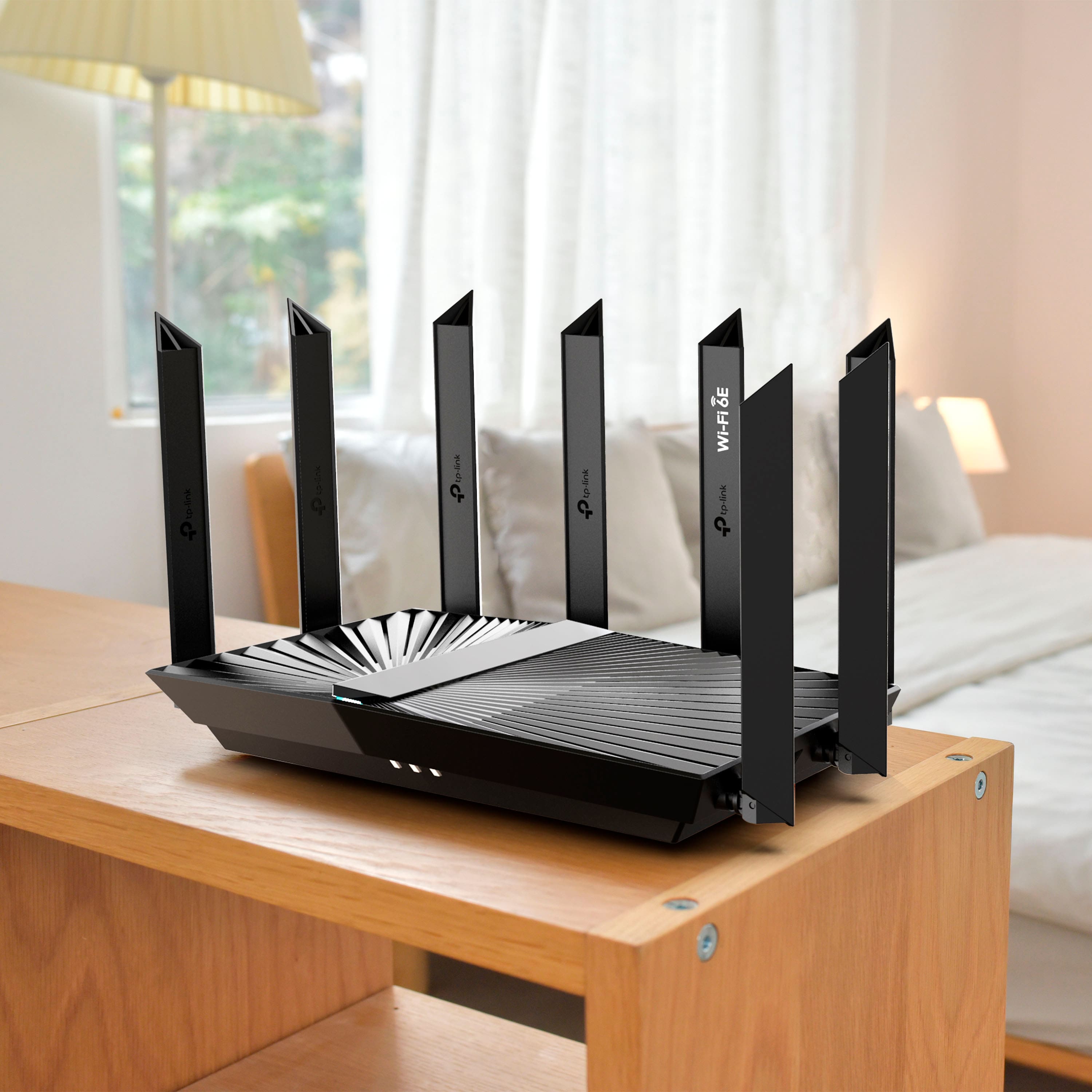
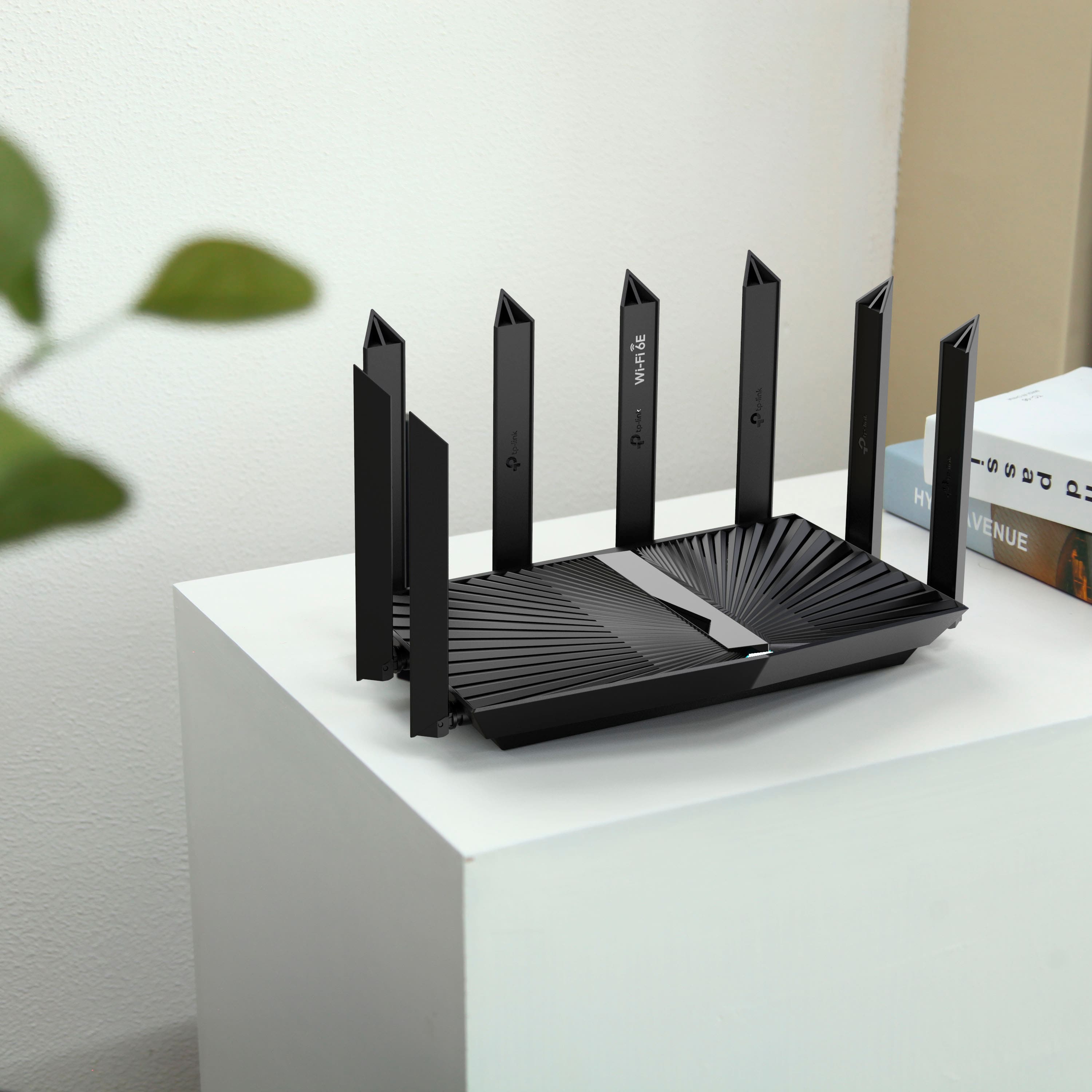
- Model:
- Archer AXE7800
- SKU:
- 6522470
Rating by feature
- Setup
Rating 4.7 out of 5 stars
- Range
Rating 4.7 out of 5 stars
- Signal Strength
Rating 4.7 out of 5 stars
Customers are saying
Customers frequently mention the Archer AXE7800 Tri-Band Wi-Fi 6E Router's speed, performance, and range as significant benefits, with many noting improved connectivity and strong signal strength. The ease of setup and use are also appreciated, making it a user-friendly option. While some find the size a bit bulky and note the limited availability of Wi-Fi 6E devices, the overall sentiment is positive.
This summary was generated by AI based on customer reviews.
Router is amazing and works perfectly
||Posted . Owned for 3 weeks when reviewed.This reviewer received promo considerations or sweepstakes entry for writing a review.Excellent router for VR gaming and all around Internet access. Simple to setup.
I would recommend this to a friendGreat powerful router!!!
||Posted . Owned for 1 month when reviewed.This reviewer received promo considerations or sweepstakes entry for writing a review.Very powerful strong router that has an amazing simple app to use I love this router and feel like I don’t have to upgrade anytime soon!!!
I would recommend this to a friendeasy to install
||Posted . Owned for 1 month when reviewed.This reviewer received promo considerations or sweepstakes entry for writing a review.the router was just what we needed to get internet all over the house
I would recommend this to a friendWorks well
||Posted . Owned for 3 weeks when reviewed.This reviewer received promo considerations or sweepstakes entry for writing a review.We uograded due to it was time. Did improve our service
I would recommend this to a friendOutstanding
||Posted . Owned for 1 month when reviewed.This reviewer received promo considerations or sweepstakes entry for writing a review.Expensive but an Outstanding Router - great for streaming multiple devices
I would recommend this to a friendStrong
||Posted . Owned for 3 weeks when reviewed.This reviewer received promo considerations or sweepstakes entry for writing a review.Works great powerful I have a 3 story house 8 tvs 3 game systems 9 cameras and few other electronics running strong
I would recommend this to a friendExcellent I like this
||Posted . Owned for 2 months when reviewed.This reviewer received promo considerations or sweepstakes entry for writing a review.Excellent I like this. Tell others what you think - and you could win a $400 gift card!1See Disclaimer 1 One winner every month.
I would recommend this to a friend- Pros mentioned:Range
6 GHz Fail
||Posted . Owned for 1 week when reviewed.This reviewer received promo considerations or sweepstakes entry for writing a review.I have 3 modern smartphones and a laptop that can use the 6 GHZ band but it only worked on initial setup. I'm already pretty tech savvy but I scoured the internet for solutions on reenabling the 6 GHz band with no avail. I returned this once and received a new unit just to have the same issue. The 2.4 and 5 GHz bands work great and there's excellent range but if you're getting this for the 6E, you might be out of luck like me.
No, I would not recommend this to a friendBrand response from TPLinkSupport
Posted .Hi,
Thank you for your review. In your case, we first recommend ensuring your Archer AXE95 Wi-Fi 6E Router has the latest firmware update installed to ensure optimal compatibility with Wi-Fi 6E devices. Please follow the steps in our FAQ here for instructions on how to update the router's firmware: https://www.tp-link.com/us/support/faq/2139/
Our support team is always happy to help answer any questions you may have about our products. Please feel free to reach out using any of the resources included with the product, or from our official website, and we'll gladly have a Support Agent follow up with you directly.
Thank you,
TP-Link Support
Ron
||Posted . Owned for 3 weeks when reviewed.This reviewer received promo considerations or sweepstakes entry for writing a review.Works as advertised. Needed Best Buy to set it up. Had trouble getting printer to connect.
I would recommend this to a friendGood but FAR from Great
||Posted . Owned for 1 month when reviewed.This reviewer received promo considerations or sweepstakes entry for writing a review.The item works as advertised but it tends to force devices onto the 2.4 ghz band even when they are sitting next to devices that pickup the 5g band. Also Moving from an older model AX11000 all of the devices on my network were able to get double the bandwidth that they get now. Its great for the price but its worth it to spend the extra on a nicer router.
No, I would not recommend this to a friendBrand response from TPLinkSupport
Posted .Hi Chris,
Thank you for your review. In your case, we first recommend ensuring your router's firmware is fully up to date for the latest optimizations and features.
You may also consider adjusting settings such as Smart Connect on the router, or roaming aggressiveness on your Wi-Fi client devices (e.g., smartphones, computers) so they do not switch bands frequently.
If you would like assistance with any of these steps, please get in touch with our support team using any of the resources included with the product, or from our official website, and we'll gladly have a Support Agent follow up with you directly.
Thank you,
TP-Link Systems Support
- Cons mentioned:Wi-fi 6e
2 Days of Operation
||Posted . Owned for less than 1 week when reviewed.This reviewer received promo considerations or sweepstakes entry for writing a review.The router was easy to setup, I didn’t try to configure just wanted a 6e router that works and speedy. I should have wanted reliability as well as this router performed great for 2 days only. Having an old working router and getting this new working router, I could see improvements in every room, but it was a smaller condo, Then suddenly day 3 , the network was not able to stream and barely usable, something was failing in the hardware as the configuration has not changed. I work in IT and it was easy to diagnose as failing hardware. One thing I did learn is Microsoft has made 6e Un-available on windows 10, so I had to use Windows 11 to get 6e. Sadly out of the box 6e did not work, after the firmware update 6e did work, but 6e is very limited by distance and 1 room had ~700 Mbit about 15 feet away but second room was 45 feet away and 6e was less than 200MBit BUT using 5G same pc was getting over 500MBit, I really was hoping TPLink was a reliable company but I’m afraid to re-purchase this as a RED flag to me is this router did not work without a firmware update, seems to me TPLink does not care about users as upper management cares more about hitting deadlines than providing a good working solution for its customers.
No, I would not recommend this to a friendBrand response from TPLinkSupport
Posted .Hi Ryan,
I regret you are having concerns with your AXE7800. There is a lot to unpack here so it would be more appropriate to address all your concerns through our support division [email protected]. The can help address each of your concerns. I will say when it comes to range there are more factors that have to be considered then just the router. Everything from where it is placed to where your client device is in relation to it can and do affect the service speed. Please consider reaching out to support so we can help ensure your router is working properly and there are no issues we need to address.
Great router
||Posted . Owned for 1 month when reviewed.This reviewer received promo considerations or sweepstakes entry for writing a review.Works great. The protection from the added security is amazing
I would recommend this to a friendTP link
||Posted . Owned for 1 month when reviewed.This reviewer received promo considerations or sweepstakes entry for writing a review.excellent product highly recommended specially, if it has a special discount
I would recommend this to a friendGreat router
||Posted . Owned for 1 month when reviewed.This reviewer received promo considerations or sweepstakes entry for writing a review.Replacement router for another TP-Link that was fried in a lightning strike. Works well, good Wi-Fi strength.
I would recommend this to a friendQuality wifi
||Posted . Owned for 2 weeks when reviewed.This reviewer received promo considerations or sweepstakes entry for writing a review.Easy to setup router via the Tp-Link app, decent feature set for a home router.
I would recommend this to a friendBest wifi router
||Posted . Owned for 3 weeks when reviewed.This reviewer received promo considerations or sweepstakes entry for writing a review.Ifs great very its a very vreat device couldnt go wrong of it best for streaming and playing games
I would recommend this to a friendGood router.
||Posted . Owned for 1 month when reviewed.This reviewer received promo considerations or sweepstakes entry for writing a review.Great product with 6Ghz support. I'm sure it would have range if I tested it.
I would recommend this to a friendExcellent router
||Posted . Owned for 3 weeks when reviewed.This reviewer received promo considerations or sweepstakes entry for writing a review.It is very easy to setup, very good connection and speed.
I would recommend this to a friendAverage performance
||Posted . Owned for 1 month when reviewed.This reviewer received promo considerations or sweepstakes entry for writing a review.Not worth the money I paid. It was reviewed professionally on a few sites and they claimed signal strength was great within 50 ft. Wrong. It’s barely strong enough to game or video chat in my bedroom, which is not quite 20 ft away. It’s placed on a pedestal in the center of the apartment with no electronics near it.
No, I would not recommend this to a friendBrand response from TPLinkSupport
Posted .Hi,
Your wireless signal and connection can be optimized in multiple ways to ensure you get the most out of your router. In modern network environments, especially those in congested areas such as Apartment Complexes, it is common for neighboring wireless networks to overlap, causing Wi-Fi congestion and interference. You can potentially improve wireless signal strength, bandwidth, and range by changing wireless channel settings.
To ensure optimal performance of your wireless router, please check, and if needed, update its firmware using the steps outlined in FAQ 2139 on our official website: https://www.tp-link.com/us/support/faq/2139/
If you need assistance with any of these steps, please don't hesitate to contact our support team using any of the resources included with the product or from our official website. We're here to help and will have a Support Agent follow up with you directly.
Thank you,
TP-Link Support
Great Router
||Posted . Owned for 3 weeks when reviewed.This reviewer received promo considerations or sweepstakes entry for writing a review.This router is just what we needed. It’s great in my apartment. Thanks
I would recommend this to a friend